Zilog Z80 SBC on a Cyclone IV FPGA
by mit41301 in Circuits > Microcontrollers
123 Views, 0 Favorites, 0 Comments
Zilog Z80 SBC on a Cyclone IV FPGA
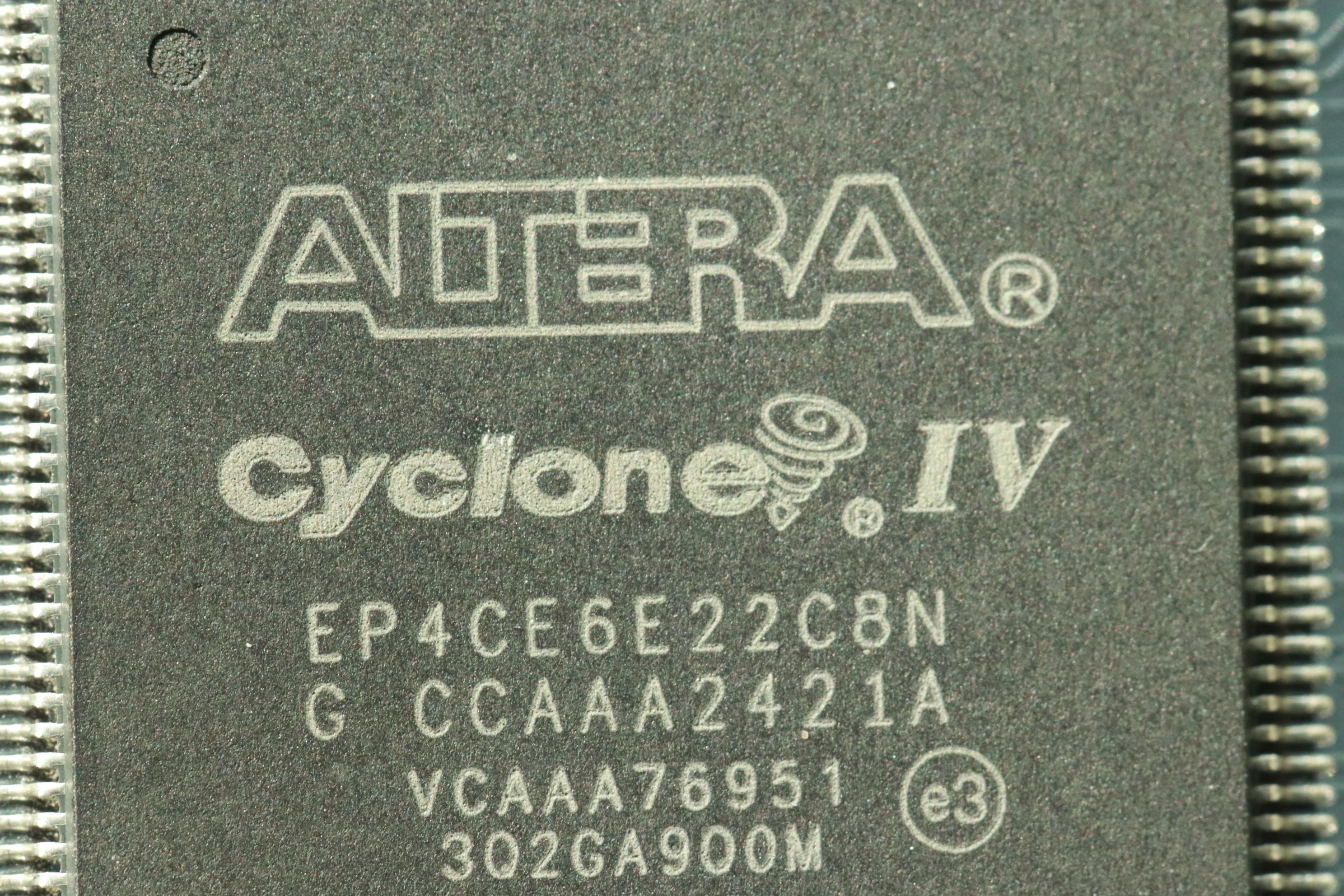
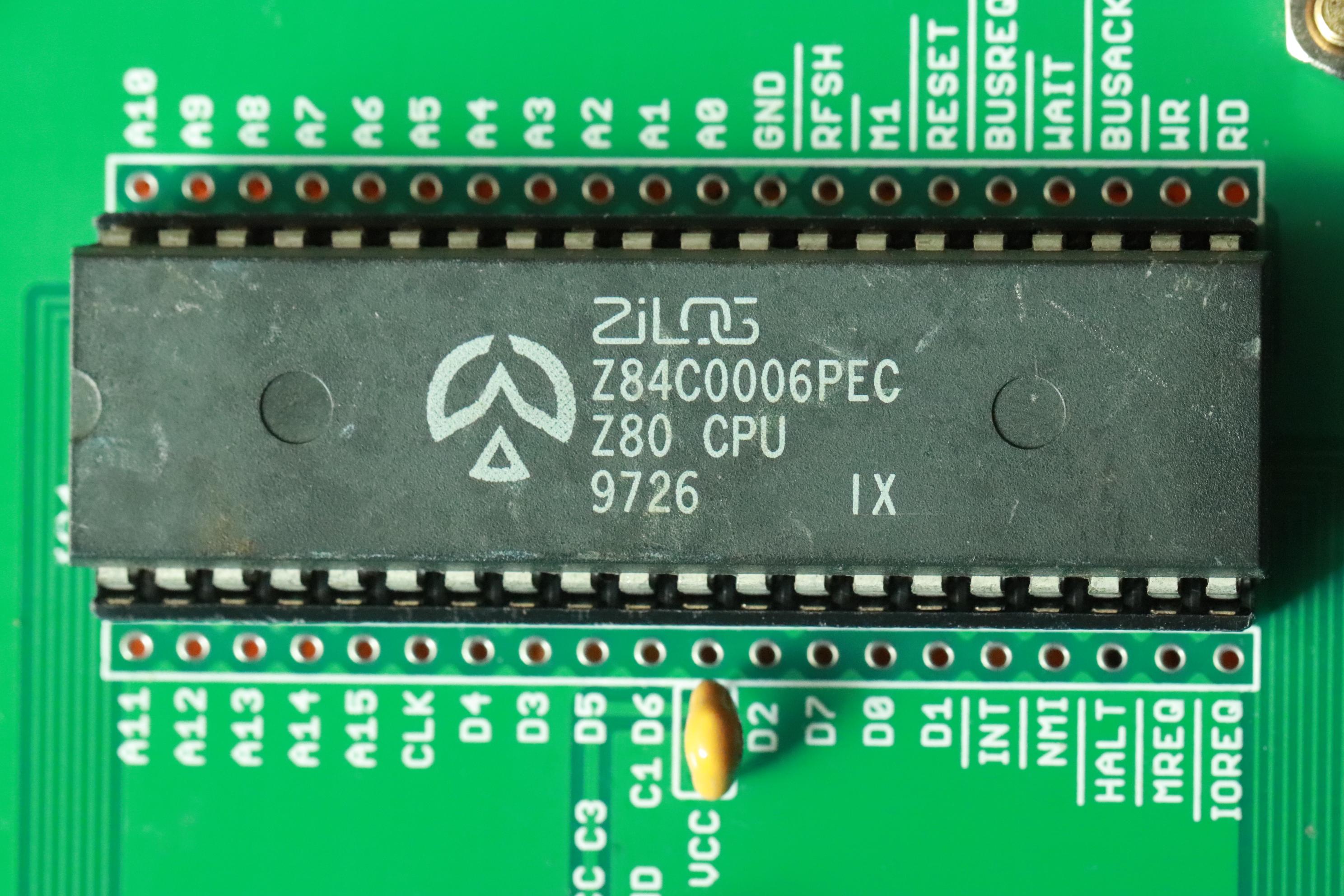
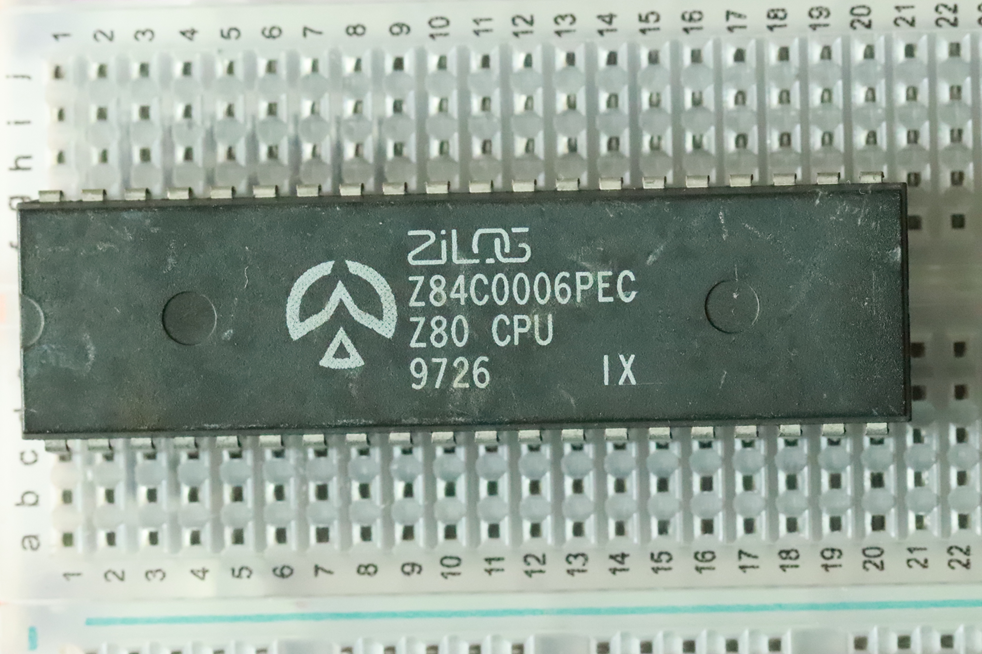
Zilog has announced it is halting production of its standalone DIP-packaged Z80 CPU models on June 14, 2024 after 48 years of production.
There are many open cores available both in VHDL and Verilog. One of the Z80 CPU core available since Apr 21, 2002 as a open source.
We can create a simple design of Zilog Z80 Single Board Computer with 8kB ROM and 8kB RAM running BASIC. This computer also has inbuilt UART controller. All the hardware components including the Z80 CPU, ROM, RAM, UART and I/O part are created and implemented inside the FPGA using VHDL.
Supplies
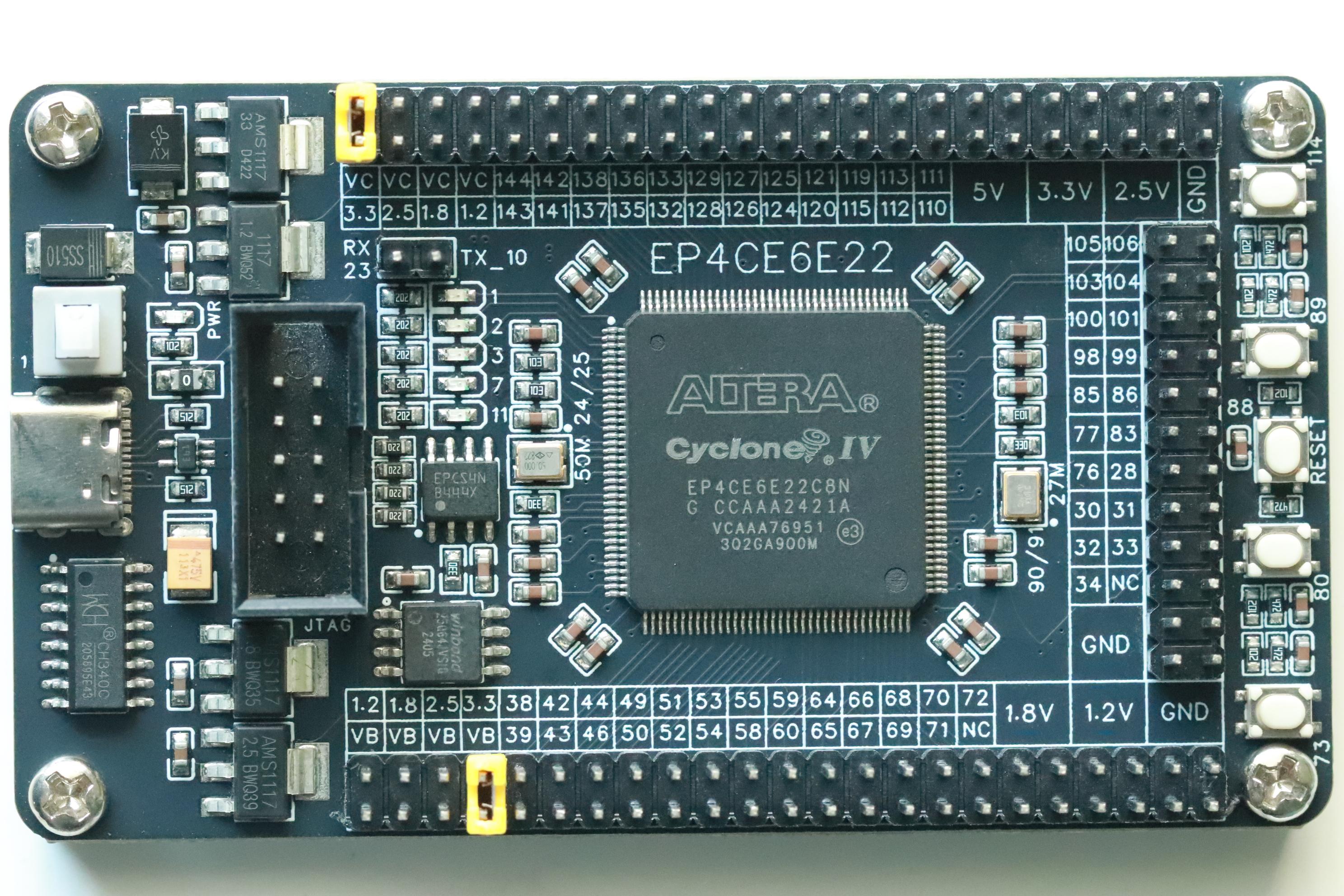
Cyclone IV FPGA board with 6k LE or higher with FPGA configuration tool like USB Blaster
Quartus II 9 or above
DOWNLOAD Source Files and QUARTUS II
Download the Quartus II software from INTEL FPGA site. We can download any version which is above 9. Only creteria is the version should support Altera Cyclone IV E family of devices.
Download the original project files
Download serial communication termnial PuTTY or TeraTerm for communication with PC.
Install the Software and Driver
Install the Quartus II and USB Blaster driver if required. Install the PuTTY or TeraTerm if not installed.
We may also need to install the CH340C driver if required from WCH website.
Open the Project
Open the project and just try to compile as a test run. If the project compiled without any errors, then everything seems ok and we can proceed to next step
Assignment of Pins
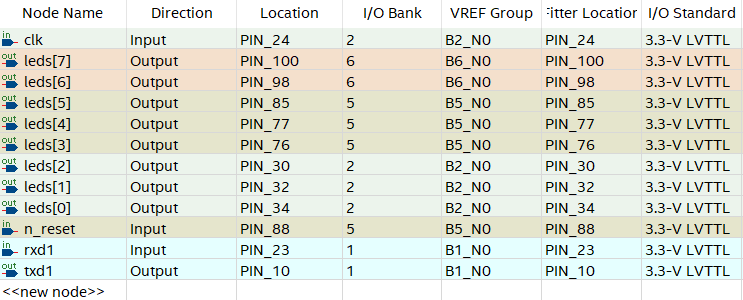
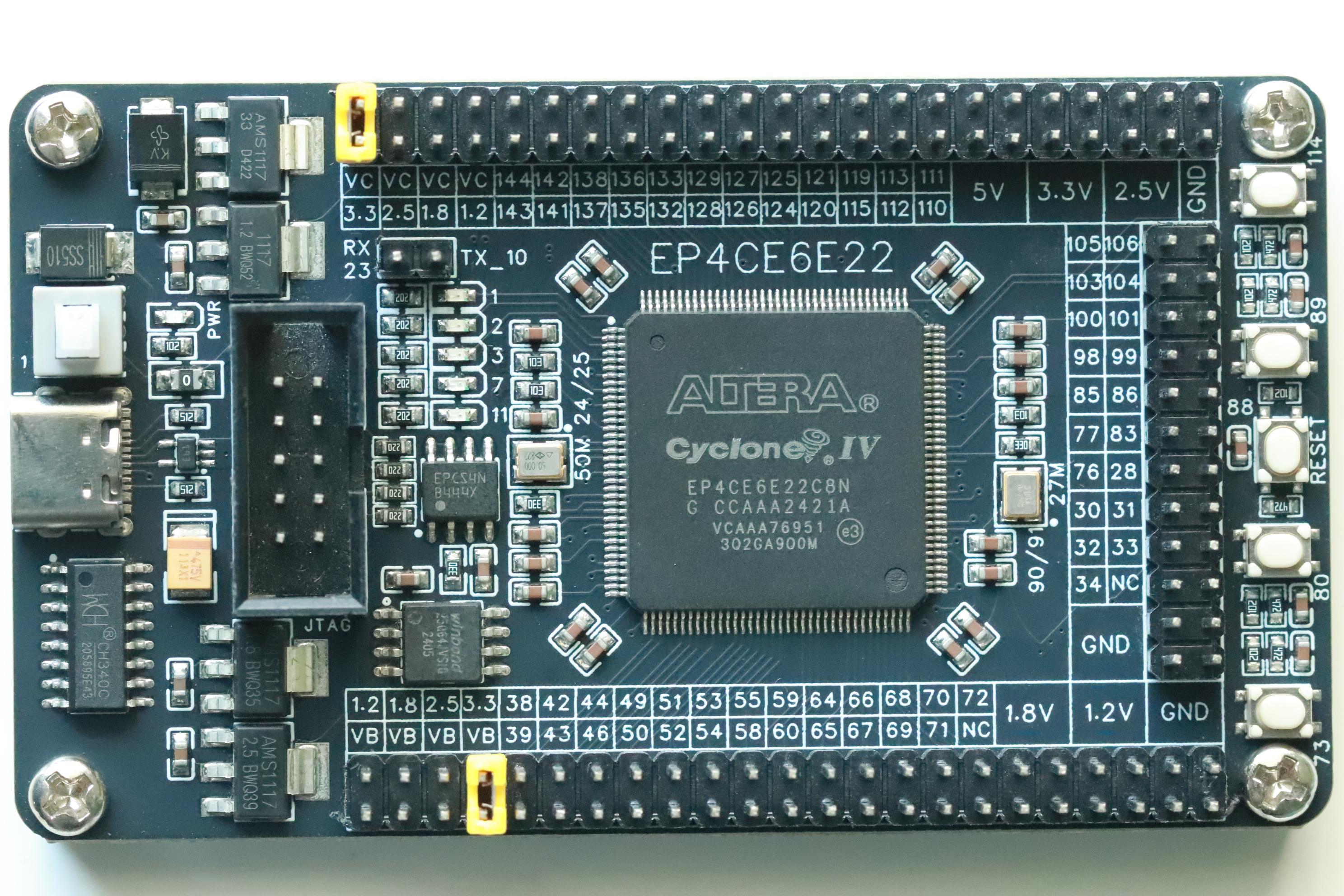
the board we use must be different from the one shown. So almost all the pins which includes the clock input, LED pins, Tx, Rx are different.
Just open the assignment editor and assign as per our target board. We also make sure the voltage level and I/O standard as 3.3-V LVTTL for all the pins.
The LED pins are mapped to external connector pins and not to the internal 5 LEDs. If we do not want external LED, then we can assign the on board 5 LEDs for testing.
Compilation
Compile the design. After successful compilation, the Quartus II generates the output file SOF and POF for configuration of the FPGA.
Download SOF
From the programming menu, select the SOF to configure the FPGA. After successful configuration, the Quartus II returns the programming the target FPGA status.
Putty or TeraTerm
Since the board is having a onboard USB-TTL, we do not need a external one. Just connect a Type-C cable to the PC and run Putty or TeraTerm
Set the Baud as 115200 and connect the COM port.
BASIC Ver 4.7b
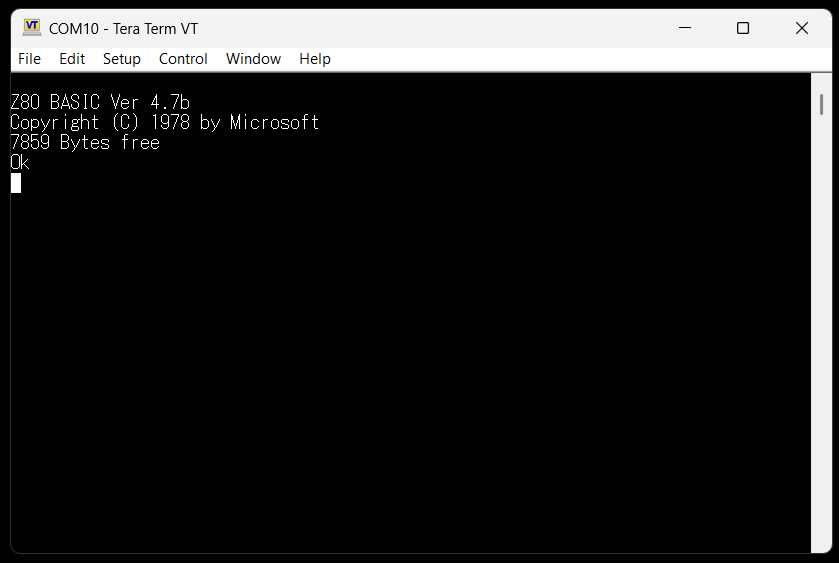
Press ENTER to establish the connection with the Z80 computer
We can see the welcome message with BASIC version and free available memory. 7859 bytes available for 8kB RAM.
Run Test Program
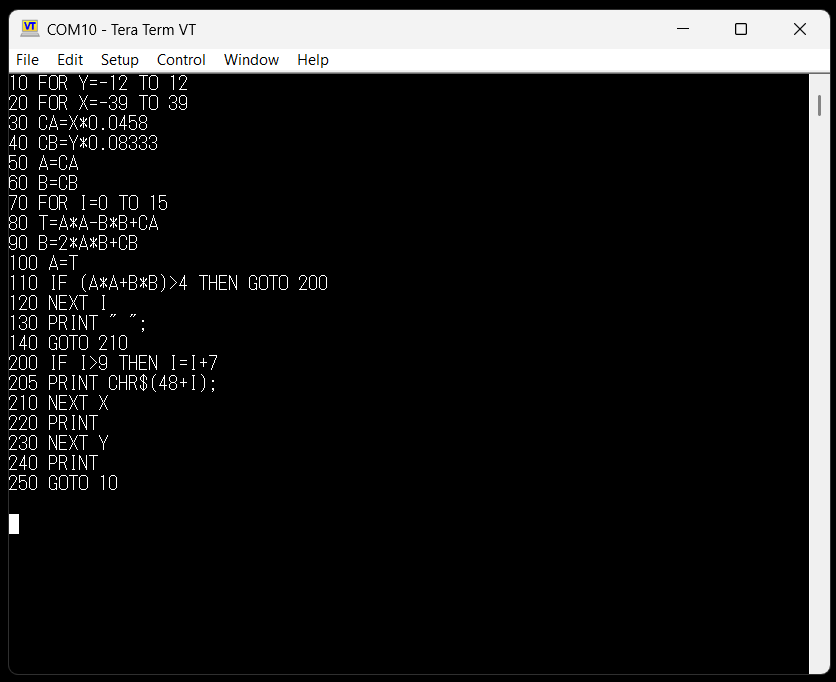
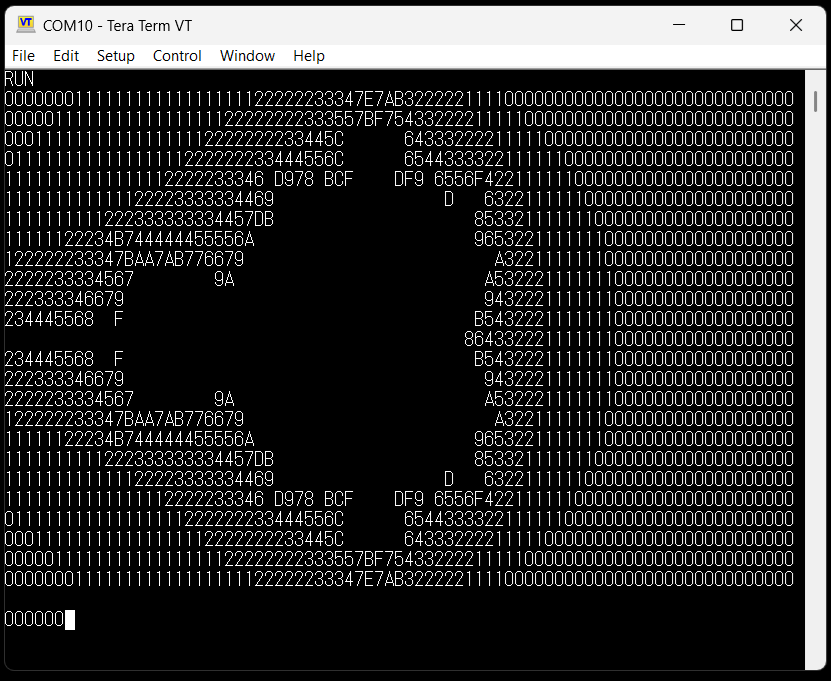
Load the ASCIIART.BAS and RUN
Keep the inter character delay and delay between the Lines while downloading.
Convert Programming Files
Once you turn OFF the board, the configuration is lost. To make it persistent, we have to write the configuration file into the onboard configuration FLASH. In this case the configuration FLASH is EPCS4.
Using the Quartus II FILE>Convert Programming Files... menu, load the SOF file and convert it into JIC file for EP4CE6 family.
Then from the programming menu, just select the JIC file and program it into the EPCS4 FLASH.