YouTube Music Premium Without Pirating or Paying
by Redtoneh in Living > Life Hacks
17 Views, 0 Favorites, 0 Comments
YouTube Music Premium Without Pirating or Paying

Today we will get YouTube and YouTube music premium for free
Only benefit is listen when phone is off
Only benefit is listen when phone is off
Supplies
Android phone
Internet
Aptoide (optional) http://en.aptoide.com/installer
Internet
Aptoide (optional) http://en.aptoide.com/installer
Download Vmos

If you have aptodie simply download vmos however if you don't you want to get vmos not vmos lite, it doesn't work with the light one!
Install Vmos
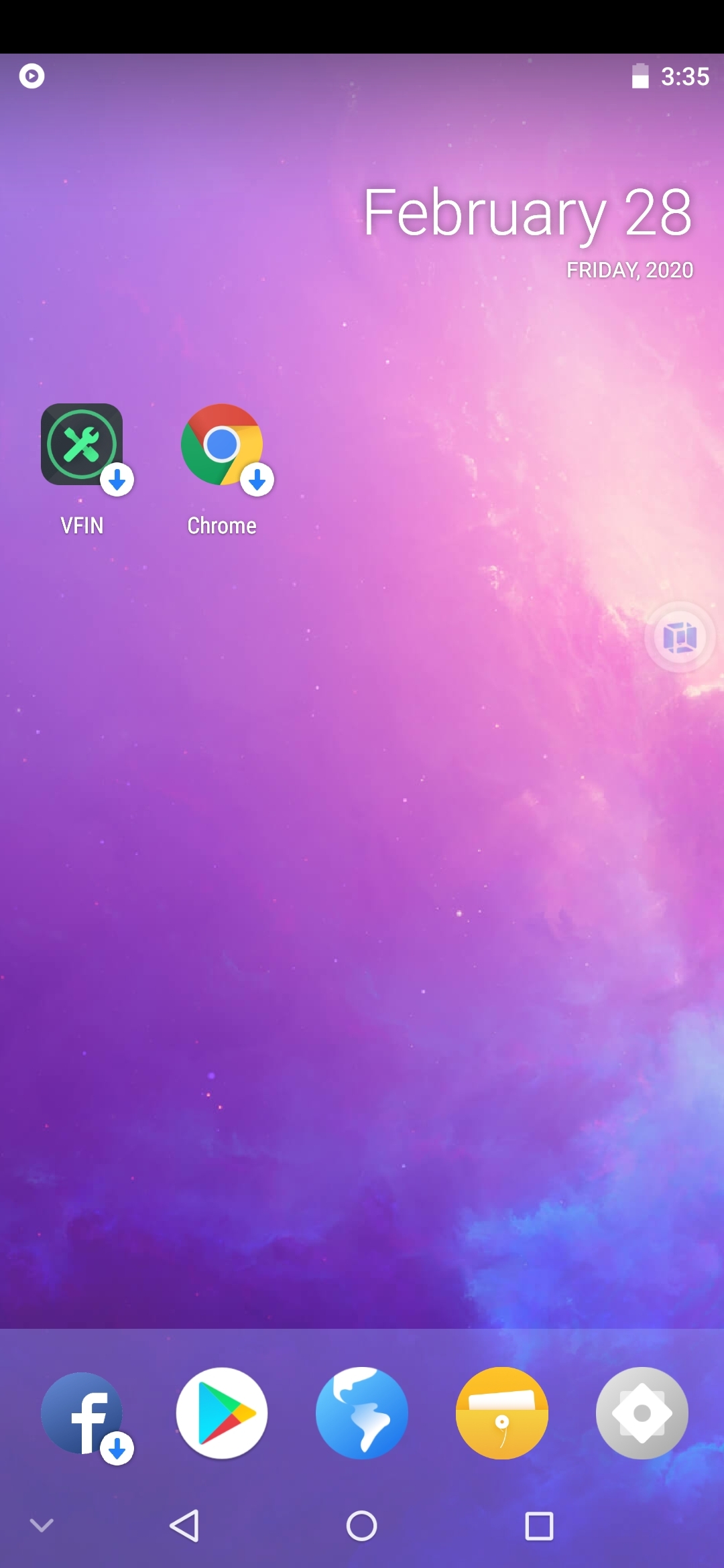
Open vmos it will say there is a new version ignore that if you see it, you just what to download the room witch is either all ready downloaded or vmos will grab it for you it will also install it for you, once done vmos will start a loading open opening and then bring you to a Android looking screen that's what you want!
Log In

While inside this Android screen, witch is an actual Android running on your, and it will not harm anything yours, Login to the play store
Download and Install YouTube Music
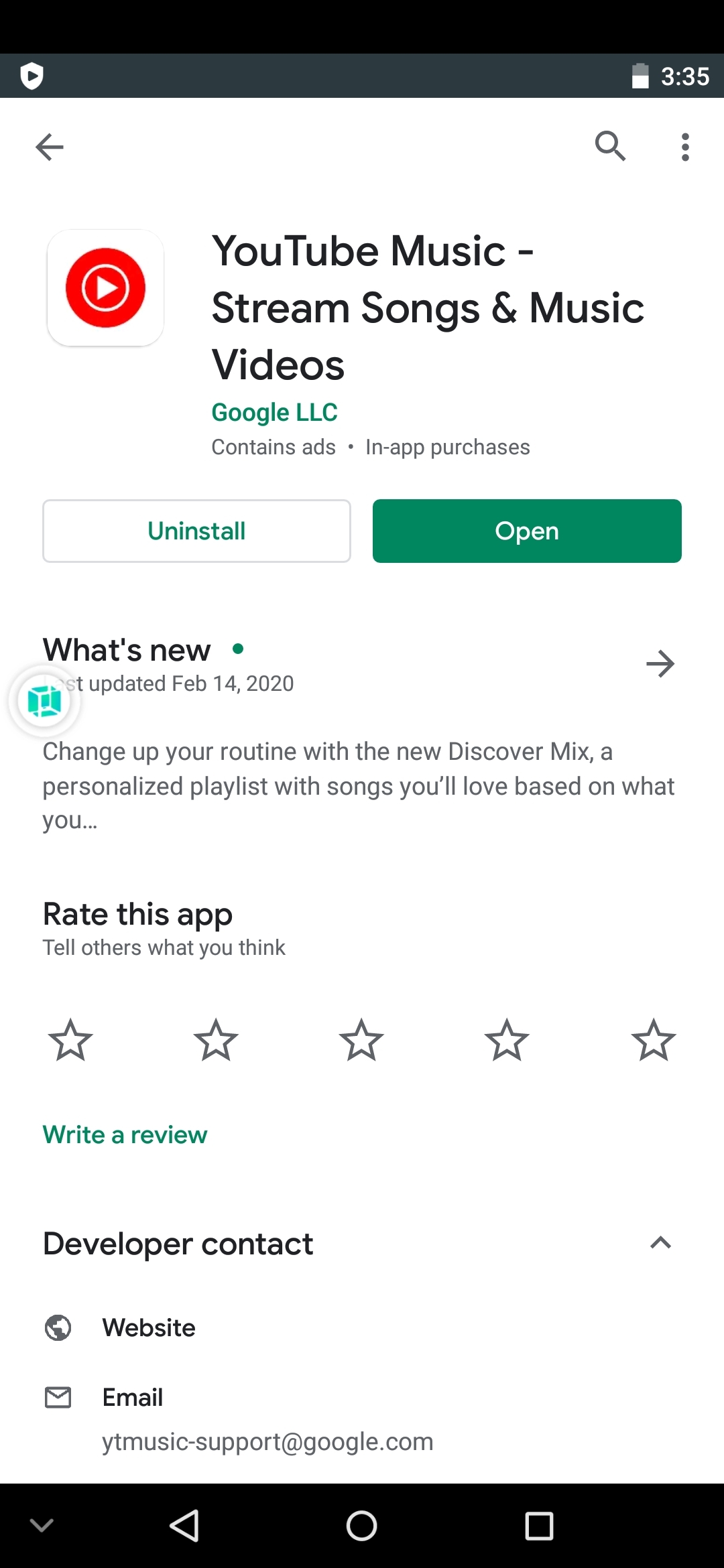
With the play store up and running you can download YouTube music
Login to YouTube Music
After installing YouTube music you might have to restart vmos by clicking a floating window and pressing OFF or by closing the app and then running it again until YouTube will see your account and automatically log you in
Last, Enjoy

You can now play your favorite songs and music and even when you turn off your phone your tiny Android emulator will still be on and play you songs and music, the rest is controlled by the floating icon(it looks like the apps icon) Enjoy!!