This Game Boy Couldn’t Charge… Until I Added a Sensor
by NewsonsElectronics in Circuits > Sensors
59 Views, 0 Favorites, 0 Comments
This Game Boy Couldn’t Charge… Until I Added a Sensor


Sensors are everywhere in our homes—monitoring temperature, heat, and time. But when I opened up this knockoff Game Boy, I was shocked to find that it didn’t have a proper charging circuit. Instead, it used a direct 5V connection straight to the battery, which is not safe.
To improve the design, I added a charging sensor called the TP4056. It’s a 1A lithium battery charger board with built-in feedback op-amps that monitors voltage and current to ensure the battery charges safely and correctly which will monitor the voltage until it reaches 4.2Volts.
This module is great for DIY projects that require charging Li-ion or LiPo batteries.
Watch the full build video for more details.
Supplies


Items Used / Where to Buy:
- Red Game Boy Console – Amazon.ca, Amazon.com, Taobao
- TP4056 Charger Module – Amazon.ca , Amazon.com
- Solder & Soldering Iron - Amazon.ca, Amazon.com
Open the Gameboy


Carefully open the Game Boy to access the main PCB (printed circuit board).
Solder Power Wires on PCB

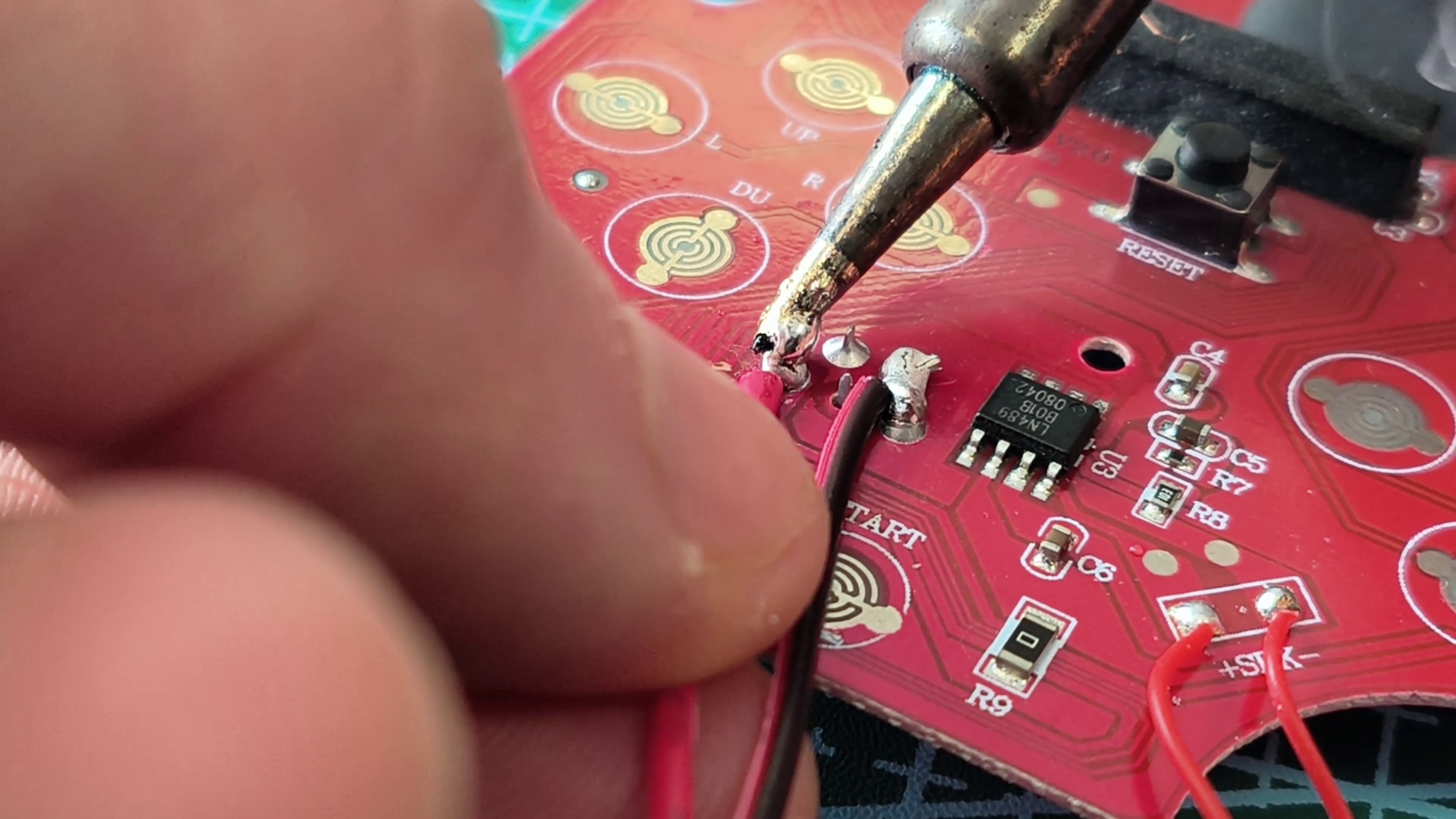

Solder two wires to the PCB as shown in the image. These wires will connect to the TP4056 charging module, which will manage the battery charging process. The TP4056 monitors the voltage and current, automatically stopping the charge at 4.2V to prevent overcharging and help extend the life of the battery.
Solder Wires to Sensor Board

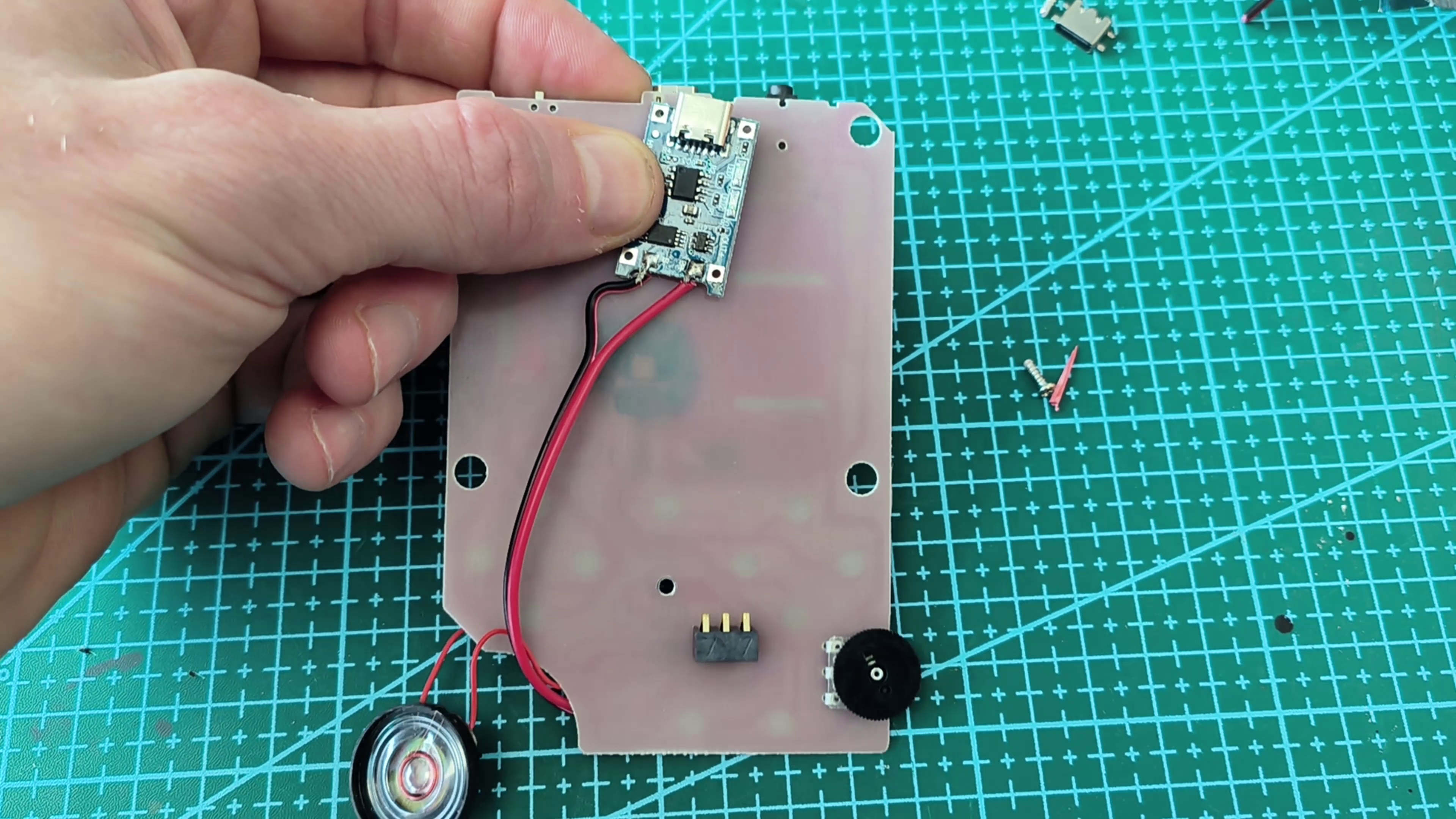
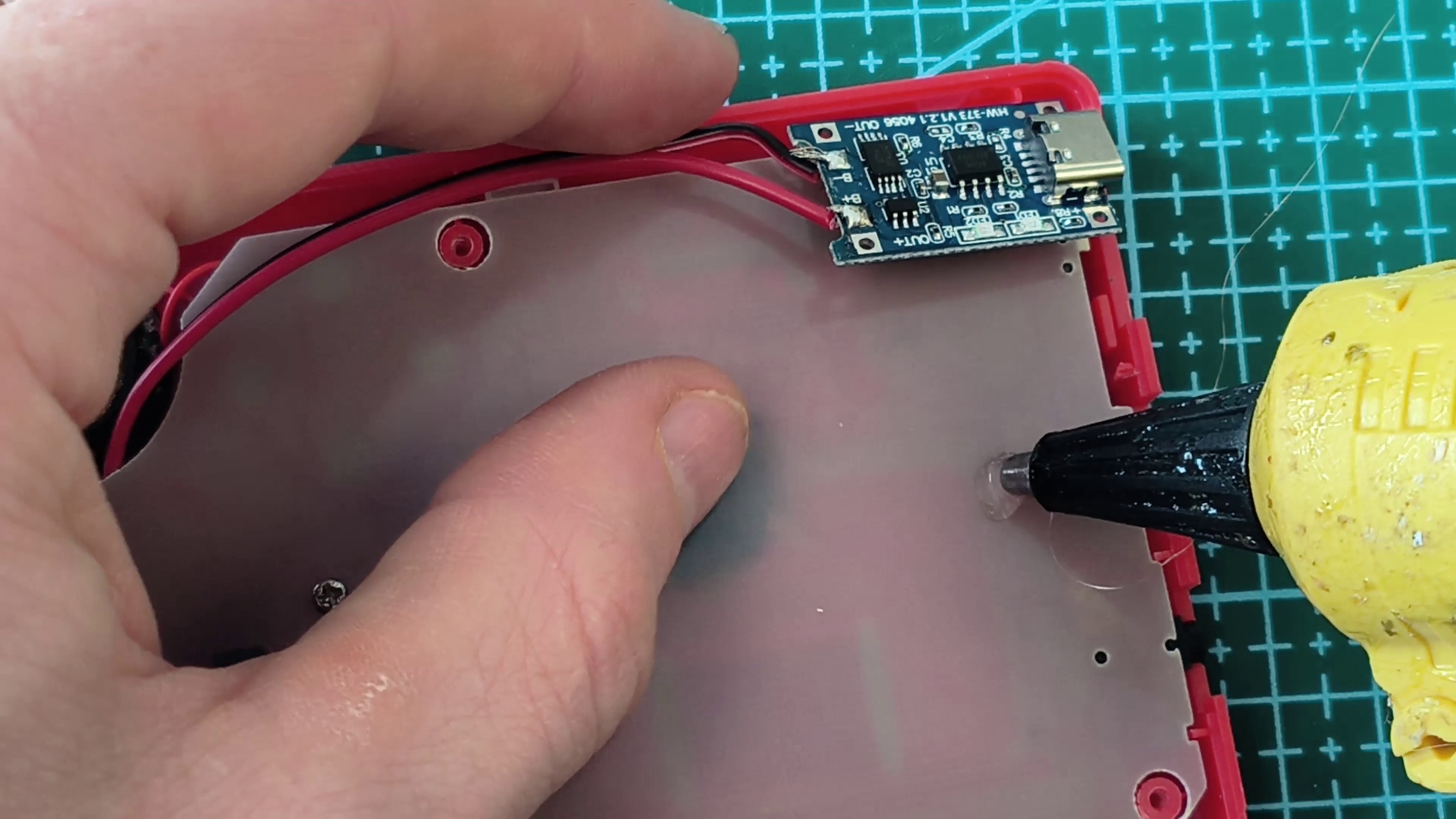
Solder the red wire to B+ and the black wire to B- on the TP4056 charger board. Then secure the board just above the original micro USB port. For a strong and permanent bond, use epoxy glue.
Cut an Opening for the Port


Using a cutter, carefully make a small opening in the outer console case so the USB-C port can protrude. Once you connect the USB-C cable, you should see the charging indicator light illuminate, confirming the battery is charging properly.
Charge and Enjoy Playing


With a proper charging sensor circuit installed, this Game Boy is now safe to charge and play. Sensors like this are extremely important in electronics—they monitor voltage and current to prevent overcharging, overheating, and battery damage, making devices much safer and more reliable.
I hope you enjoyed this tutorial and I will see you again!.