The ESP32 Annoying Coaster
I forget to drink water.
Not in a dramatic way. I don’t pass out or shrivel up like a raisin.
I just get halfway through the day, look at my desk, and discover the glass of water I poured at 9am is now warm and untouched.
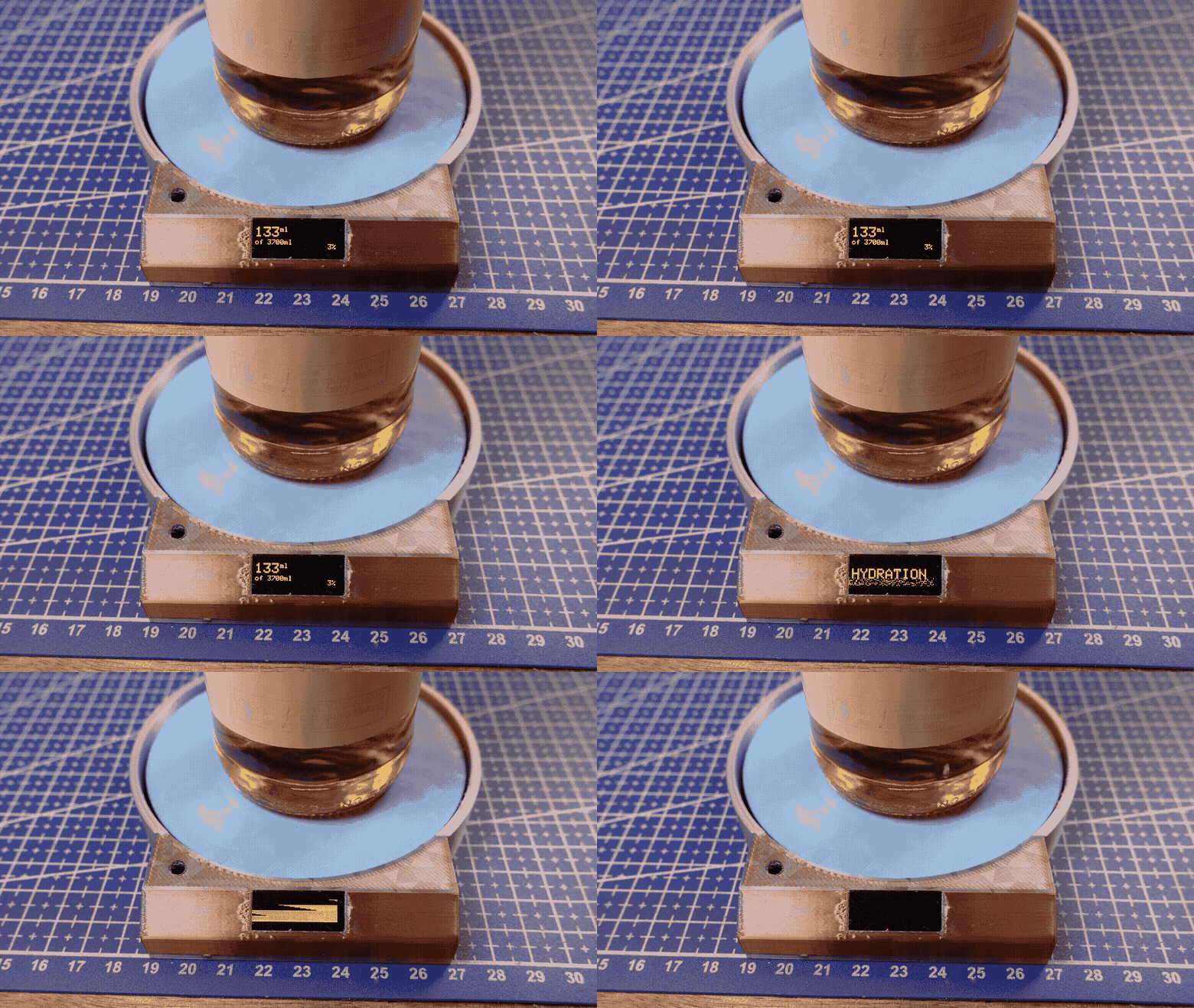
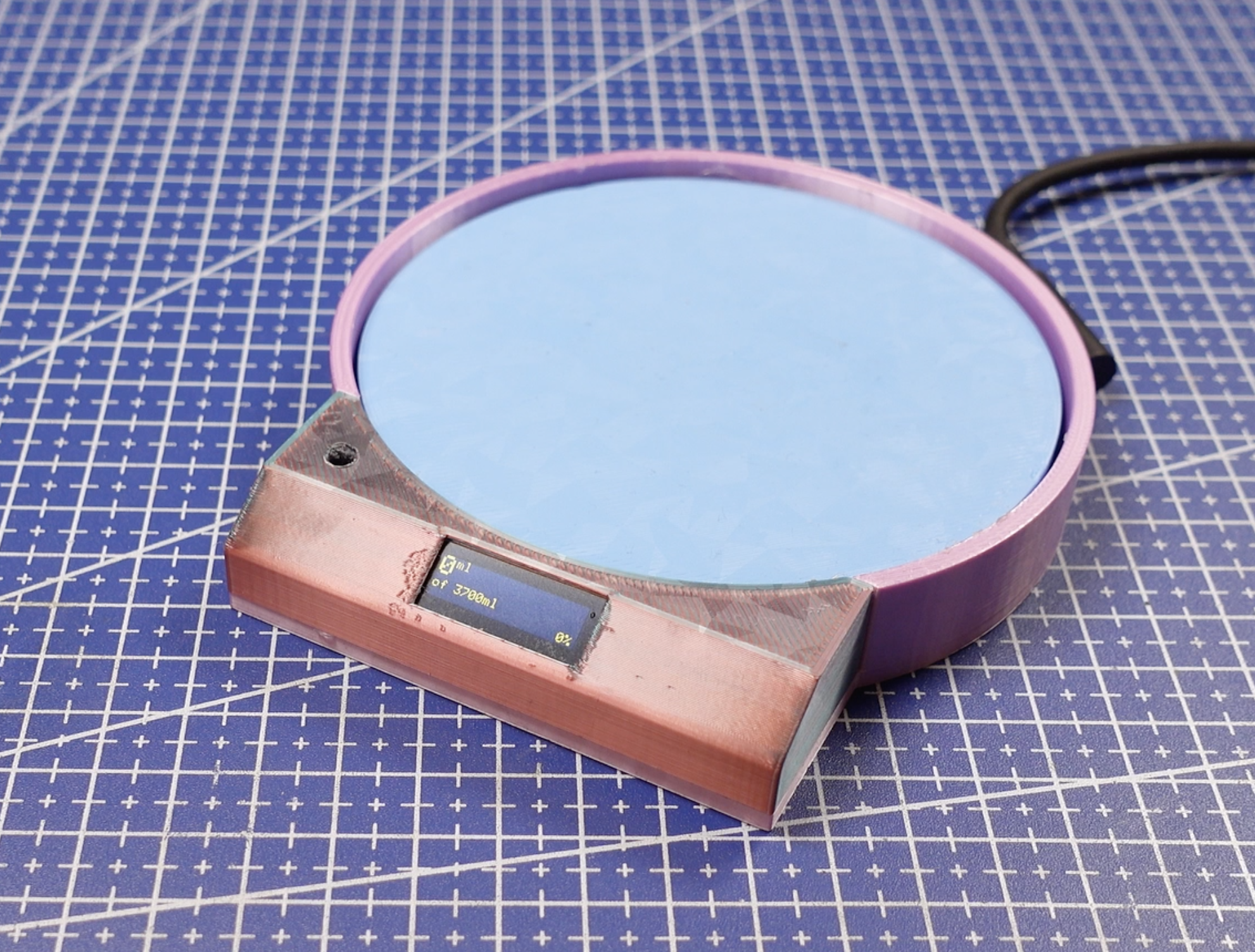
So instead of fixing this like a normal person, I built a coaster that tracks how much I drink and yells at me when I don’t.
This project is a smart coaster that:
- Weighs your cup
- Tracks how much liquid you drink
- Knows when you refill
- Gets mad if you ignore it
- Flashes lights to emotionally manipulate you
- Beeps at you like an angry smoke alarm if you’re dehydrated
At its core, this is just a glorified digital scale.
But it’s a very judgmental one.
Video tutorial found HERE
GitHub found HERE
Supplies


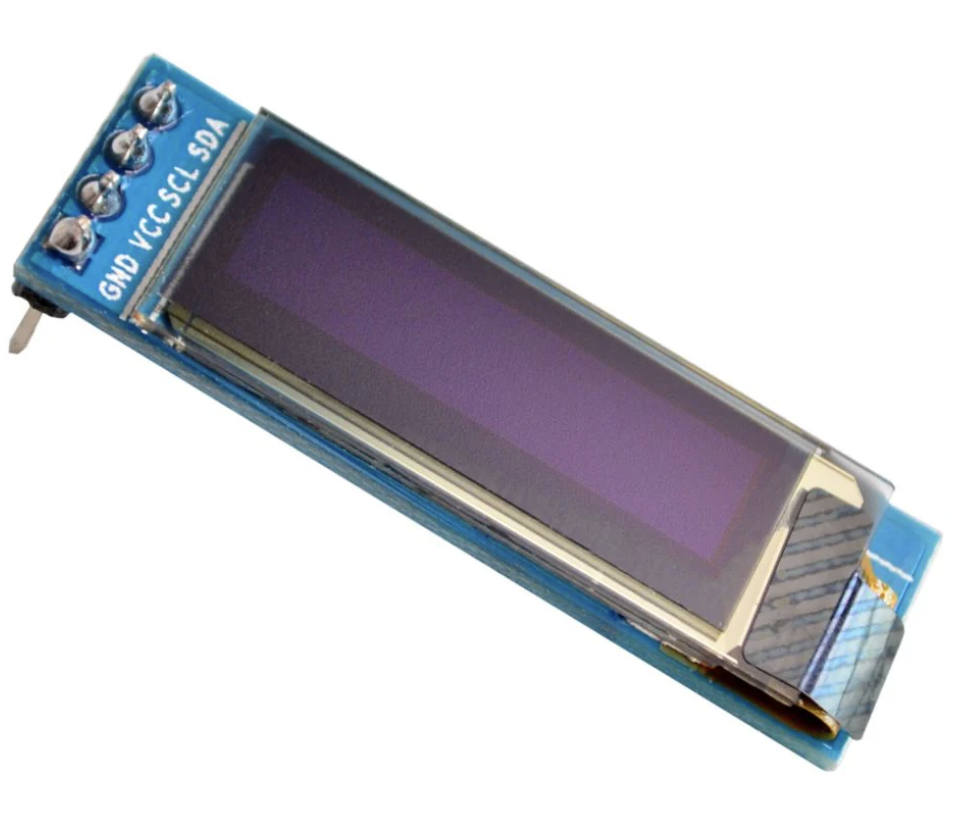
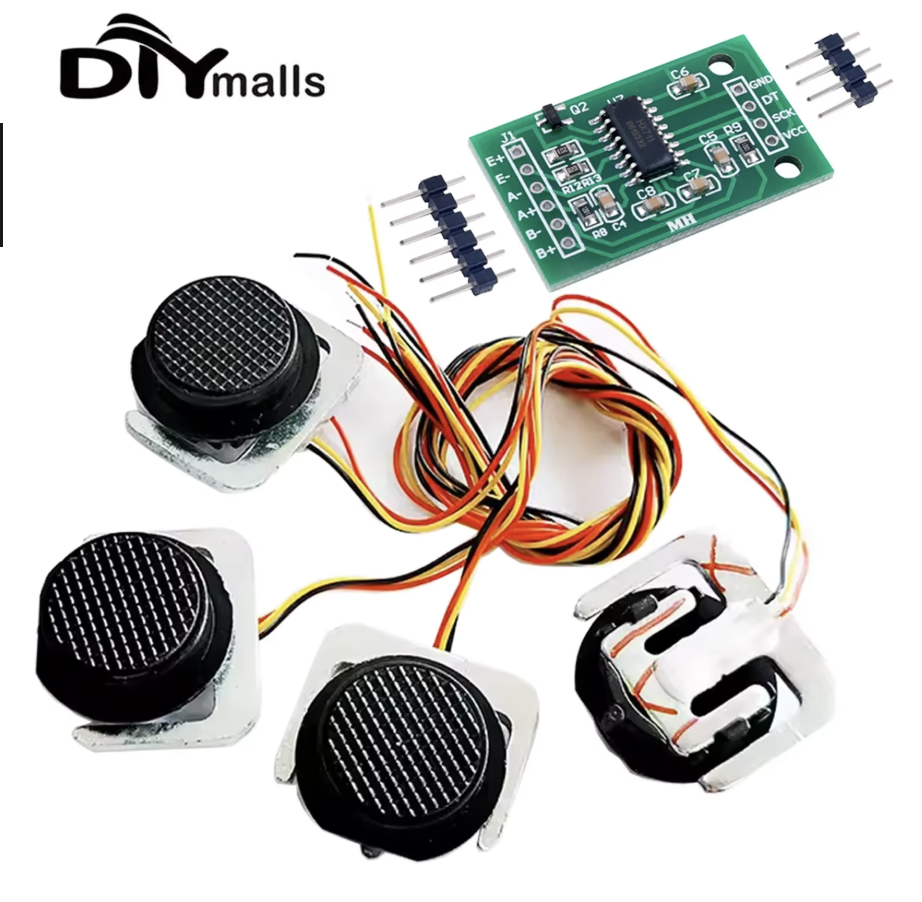
Equipment you’ll need:
- ESP32 microcontroller
- 4x half-bridge load sensors (sold as "50kg strain gauge" online)
- HX711 load cell amplifier (sold as "50kg strain gauge" online)
- SSD1306 0.91" OLED display
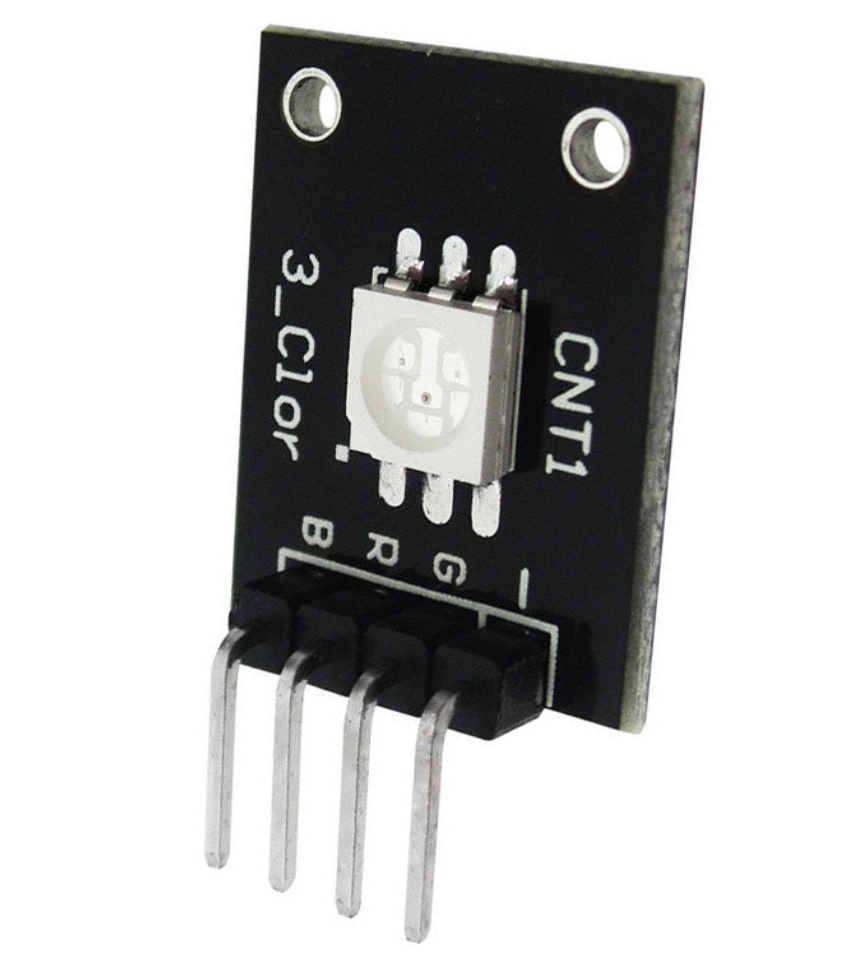
- KY-009 RGB LED module
- Active buzzer module
- Wires, solder, patience
Tools you’ll need:
- A soldering iron
- A multimeter
- The ability to remain calm while debugging nonsense
- HOT GLUE
You can build this with your own enclosure or on a breadboard - but if you have access to a 3d printer, I have supplied my 3d files below in the Enclosure section
How It Works
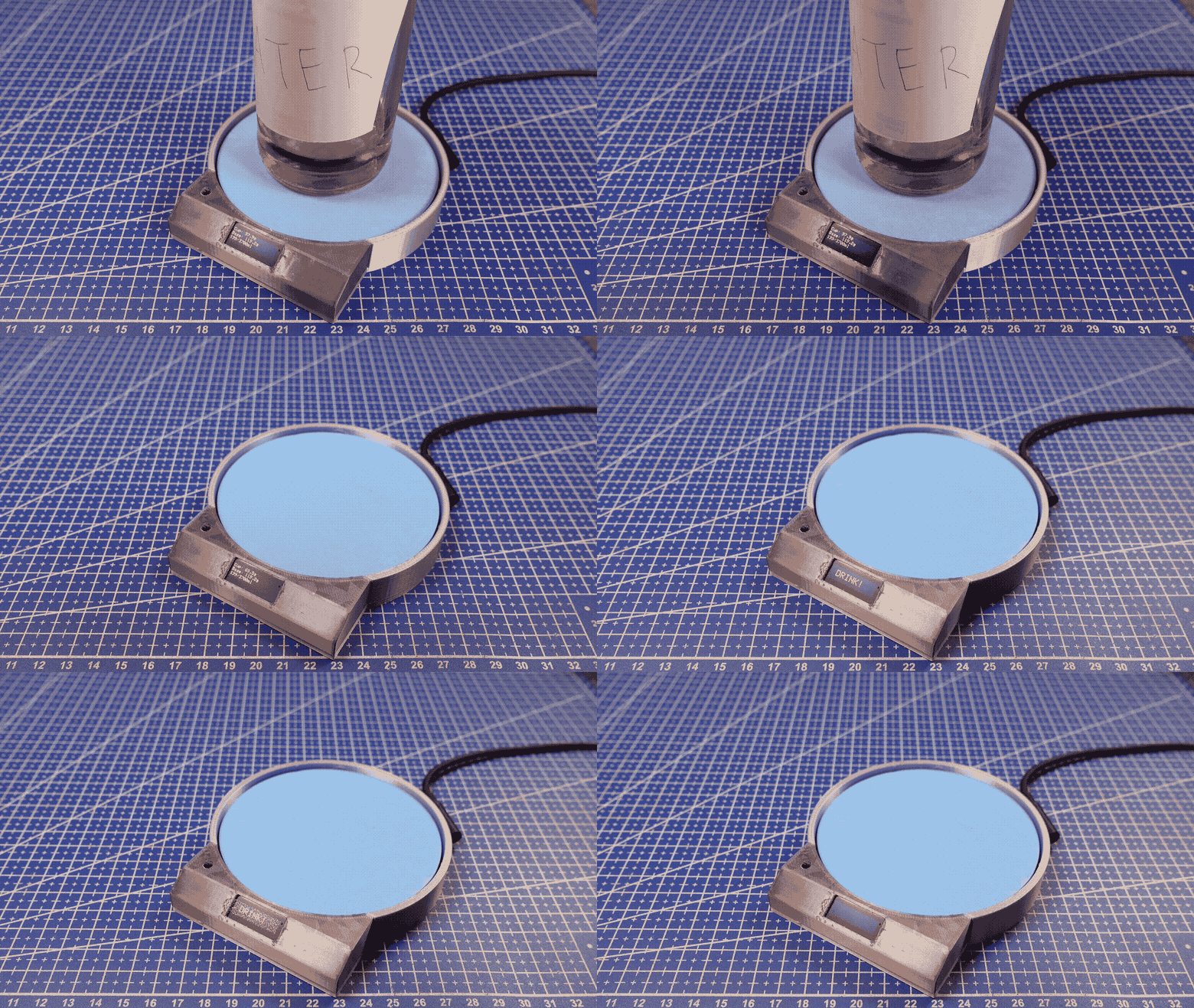
Inside this coaster are load sensors, which are bits of metal that bend slightly when you put weight on them.
When metal bends, tiny resistors glued to it stretch or compress a ridiculously small amount.
The sensors are wired together in something called a Wheatstone bridge, which is a fancy way of turning “almost nothing” into “barely something”.
Those signals then go into an HX711, which amplifies them a lot and turns them into numbers the ESP32 can understand.
That measured weight let's the ESP32 know that either the weight has increased (refilled cup) or decreased (water drank).
If weight has been added, the led flashes blue and thats the new baseline weight.
if decreased, the led flashes green and the amount drank has been added to your daily total.
But if you ignore it... it flashes red and lets out a high pitched BUZZZZZ
Wire the Load Cells to the Amplifier

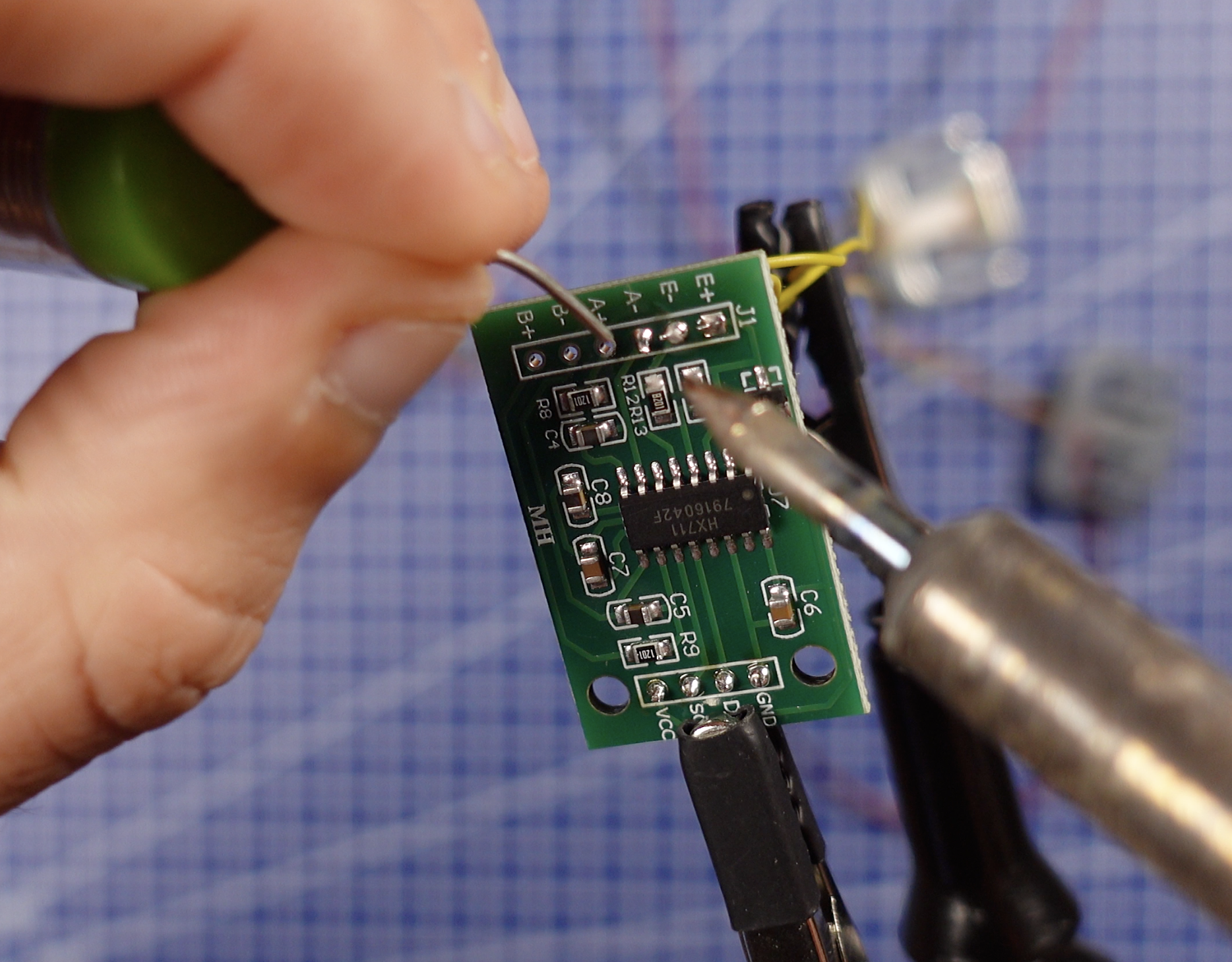
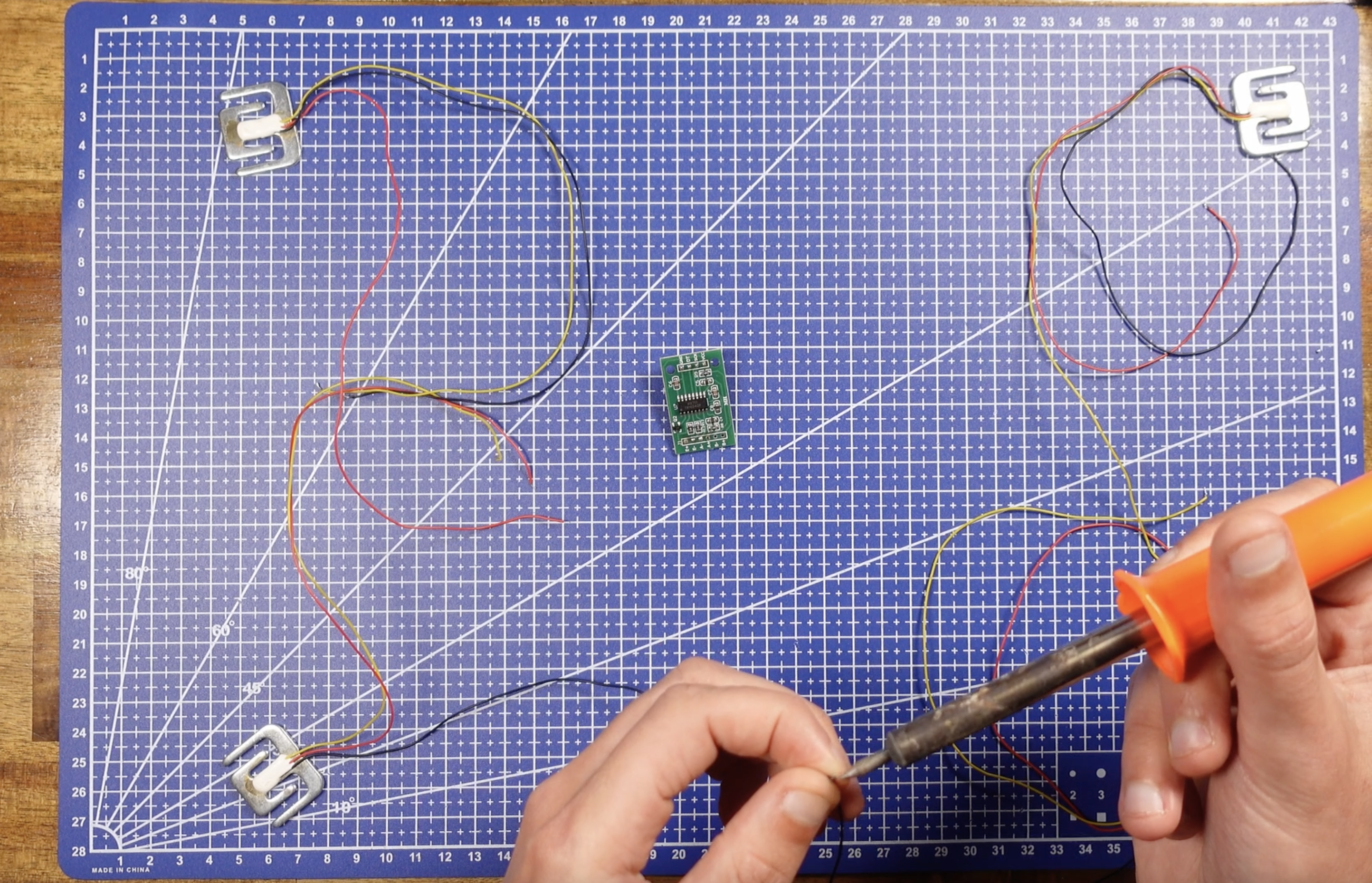
This is the part where most people get stuck.
Each sensor has three wires:
- Red
- Black
- Yellow
These are half bridges, not full load cells. That means you must use four of them and wire them correctly to form a full Wheatstone bridge.
The basic idea:
- The red and black wires get paired between sensors
- The yellow wires go to the HX711 inputs (E+, E-, A+, A-)
If you wire this wrong, you’ll get:
- Completely random readings
- Maxed-out values like 0x7FFFFF
- Or nothing at all
Don't ask me how I know...
Take your time here and measure resistance to be certain of your signal wire.
Wires next to each other show 1k so your outer wires will show 2k resistance.
When wired correctly, you should see stable values that change smoothly when you apply pressure.
The Enclosure
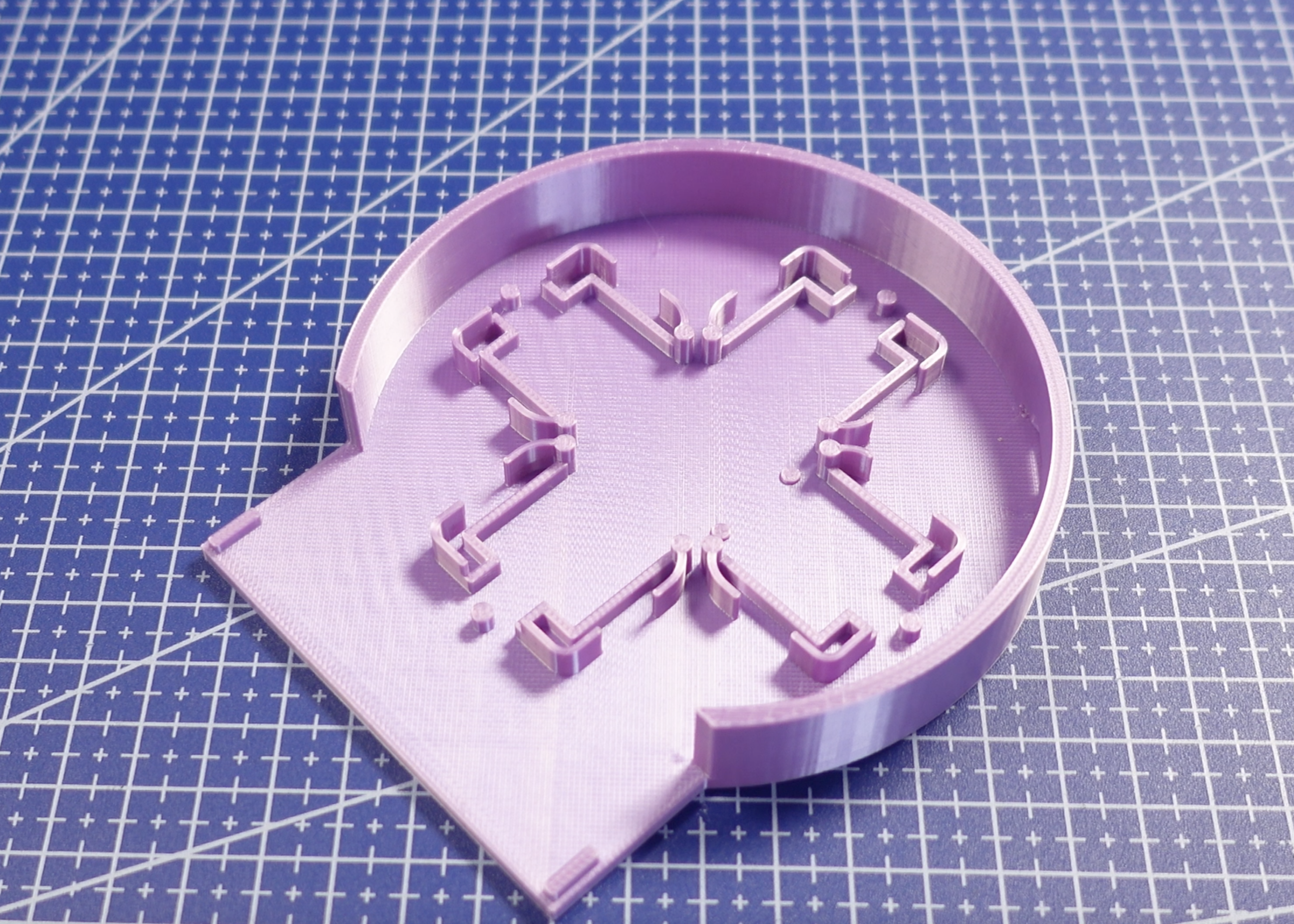

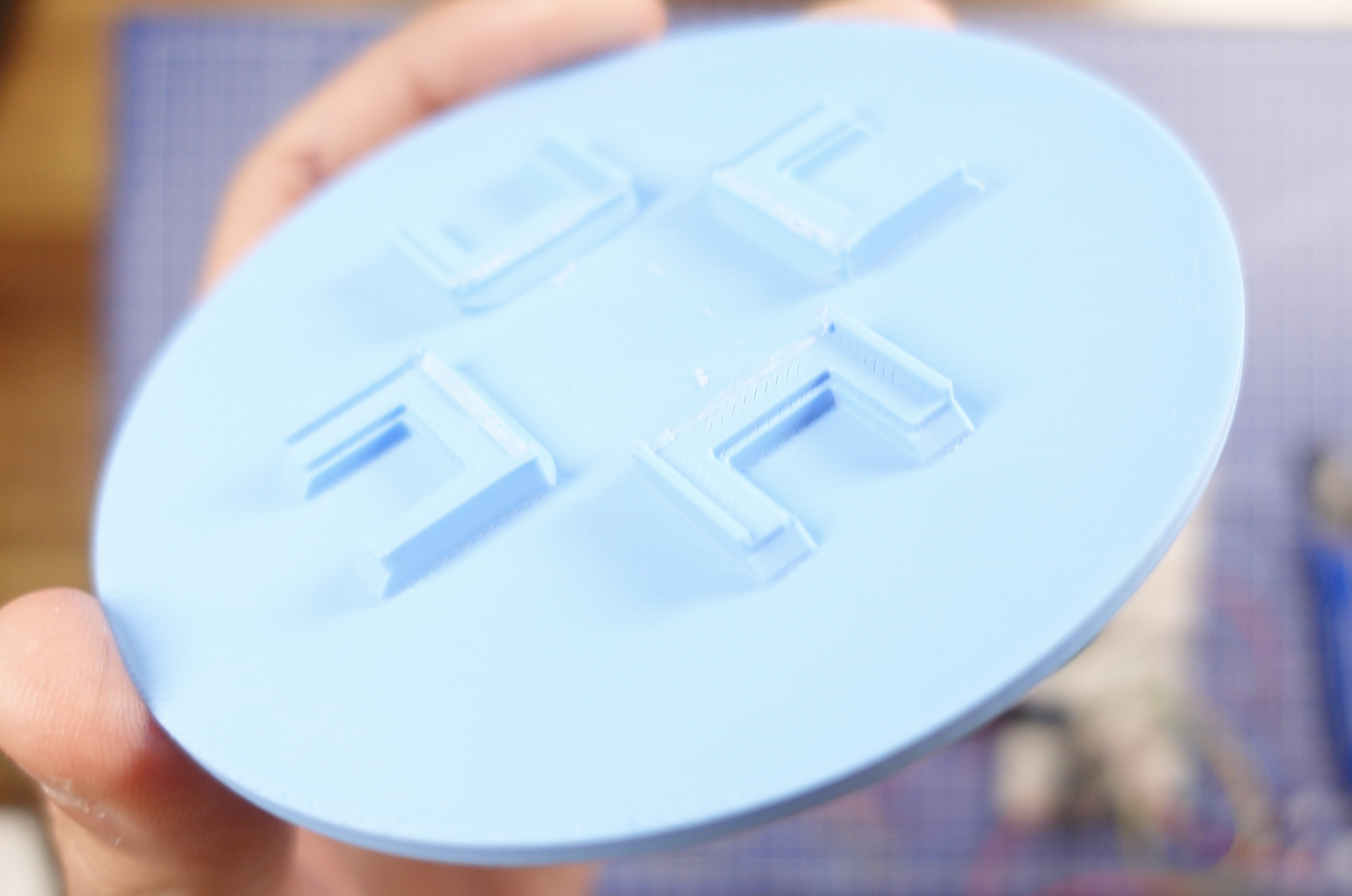
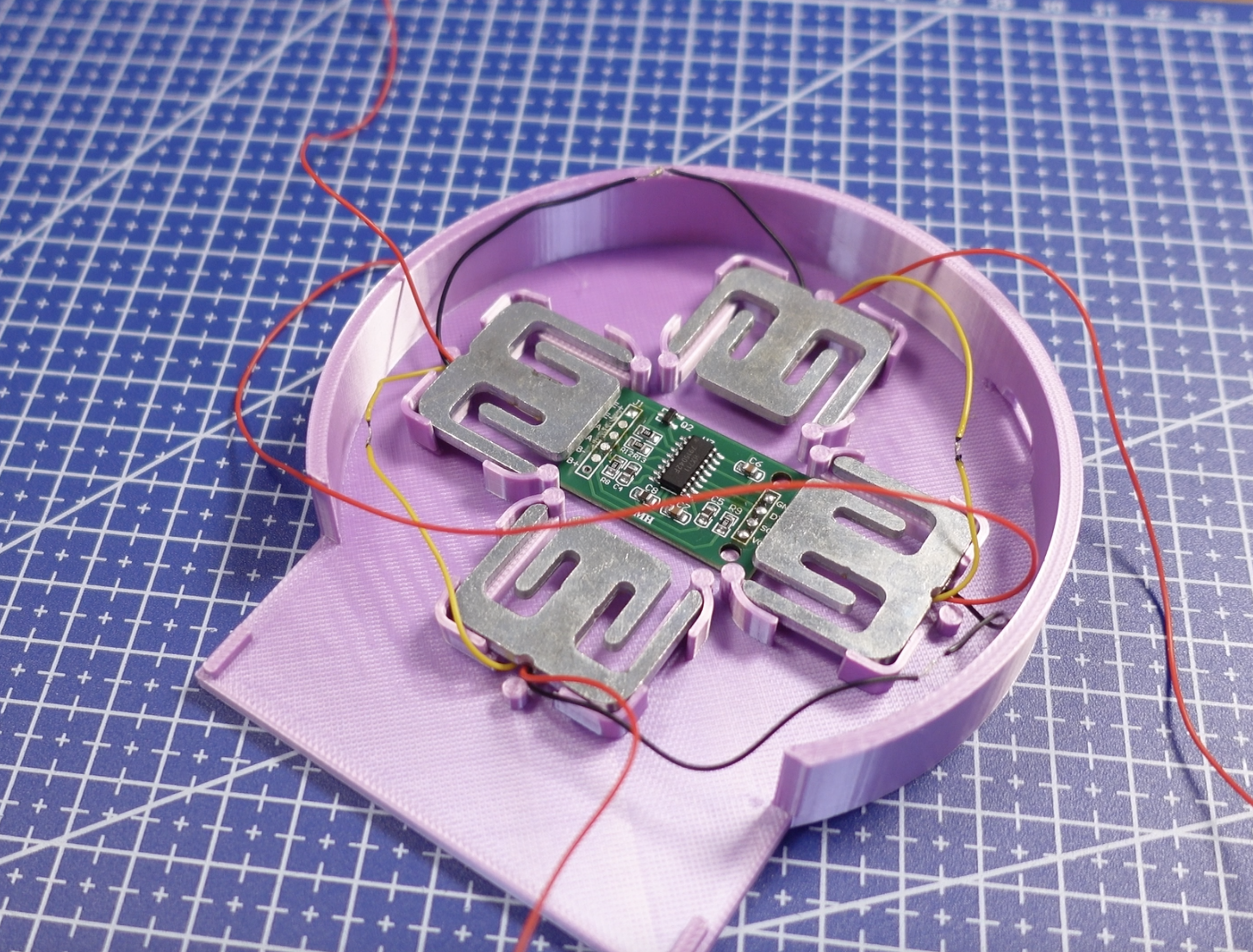
To give the hydration coaster its physical form, I designed a custom 3-part enclosure.
You don’t have to use my exact design - feel free to make your own minimalist slab if you choose
If You Design Your Own:
Make space inside the body for:
- Your microcontroller
- HX711 amplifier board
- Load cell
- RGB LED
- Buzzer
- Wiring (more space than you think)
Design considerations:
- The top plate must transfer weight cleanly to the load cell
- The load cell needs to flex slightly — don’t sandwich it too tightly
- Add a clean cutout for the OLED display
- Make sure you leave clearance for USB access
- Keep the center of force aligned with the load cell
This is a measurement device pretending to be a coaster, so mechanical alignment matters.
Using My STL Files
I provide three parts:
- coaster-body.stl → Main housing for all electronics
- coaster-lid.stl → The top plate your cup sits on
- coaster-front.stl → Friction fit display bezel
Assembly With Mine:
The coaster body holds the load cell at the base.
The HX711 and microcontroller sit above it.
The lid rests on the load cell’s active side, allowing it to flex slightly under weight.
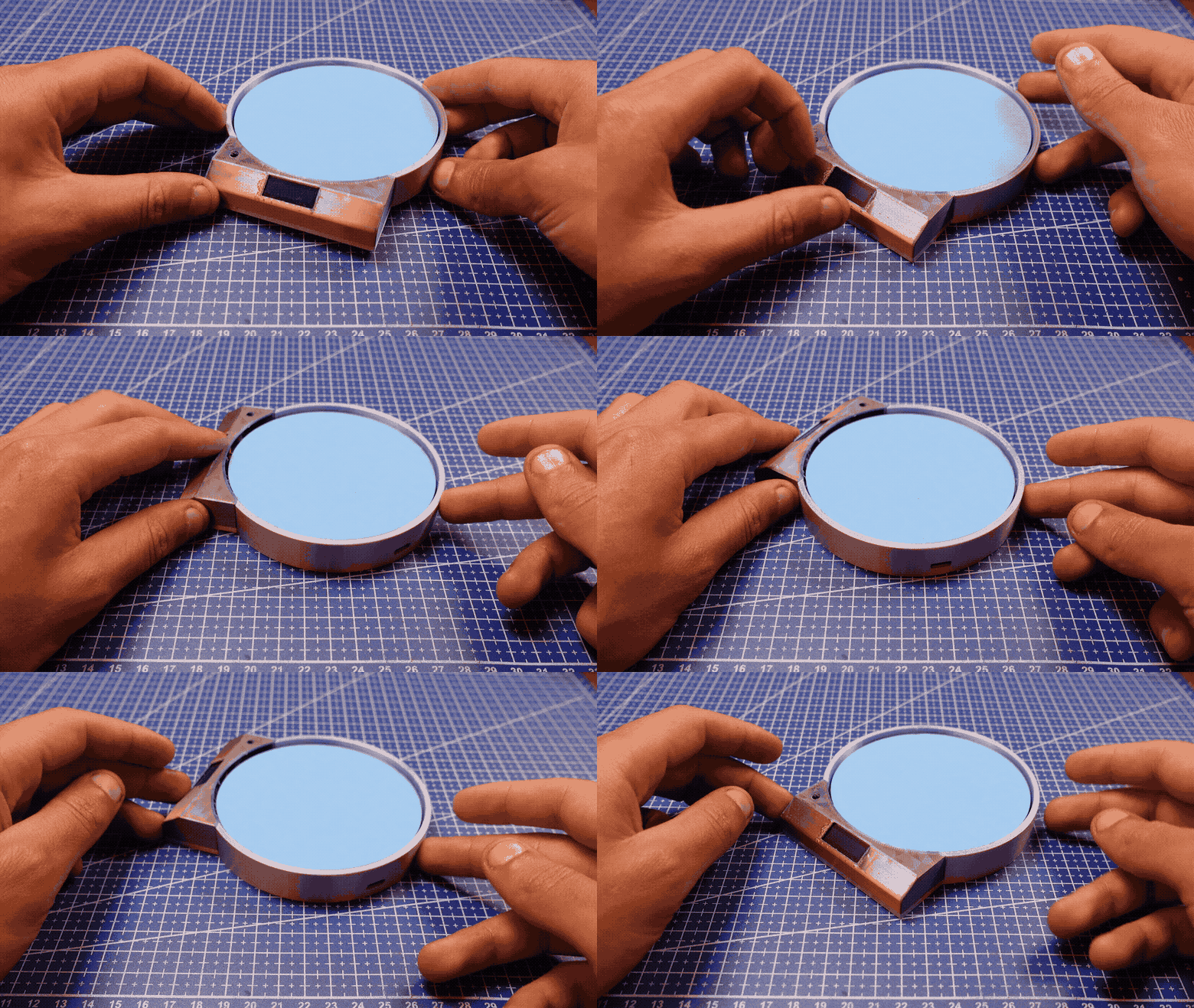
Not all load cells are made the same and while making my second coaster for this instructable I had to shave down one of the bezels to allow it to sit smoothly (See Picture)
Do not glue the lid directly to the load cell, please.
It needs to move microscopically to measure weight changes.
The front display piece clips in, it also houses the OLED, buzzer and RGB led.
Securing the Electronics
Use plenty of hot glue.
It:
- Insulates
- Adds vibration damping
- Prevents wires from flexing the load cell
- Makes you feel like spiderman
Just avoid getting glue on the strain gauge section of the load cell.
Sealing the Coaster
You can close the enclosure by:
- Screws (if you designed for them)
- Super glue
- Friction fit
I recommend keeping it serviceable in case you ever want to recalibrate or upgrade it.
Because let’s be honest…. you will.
Wiring
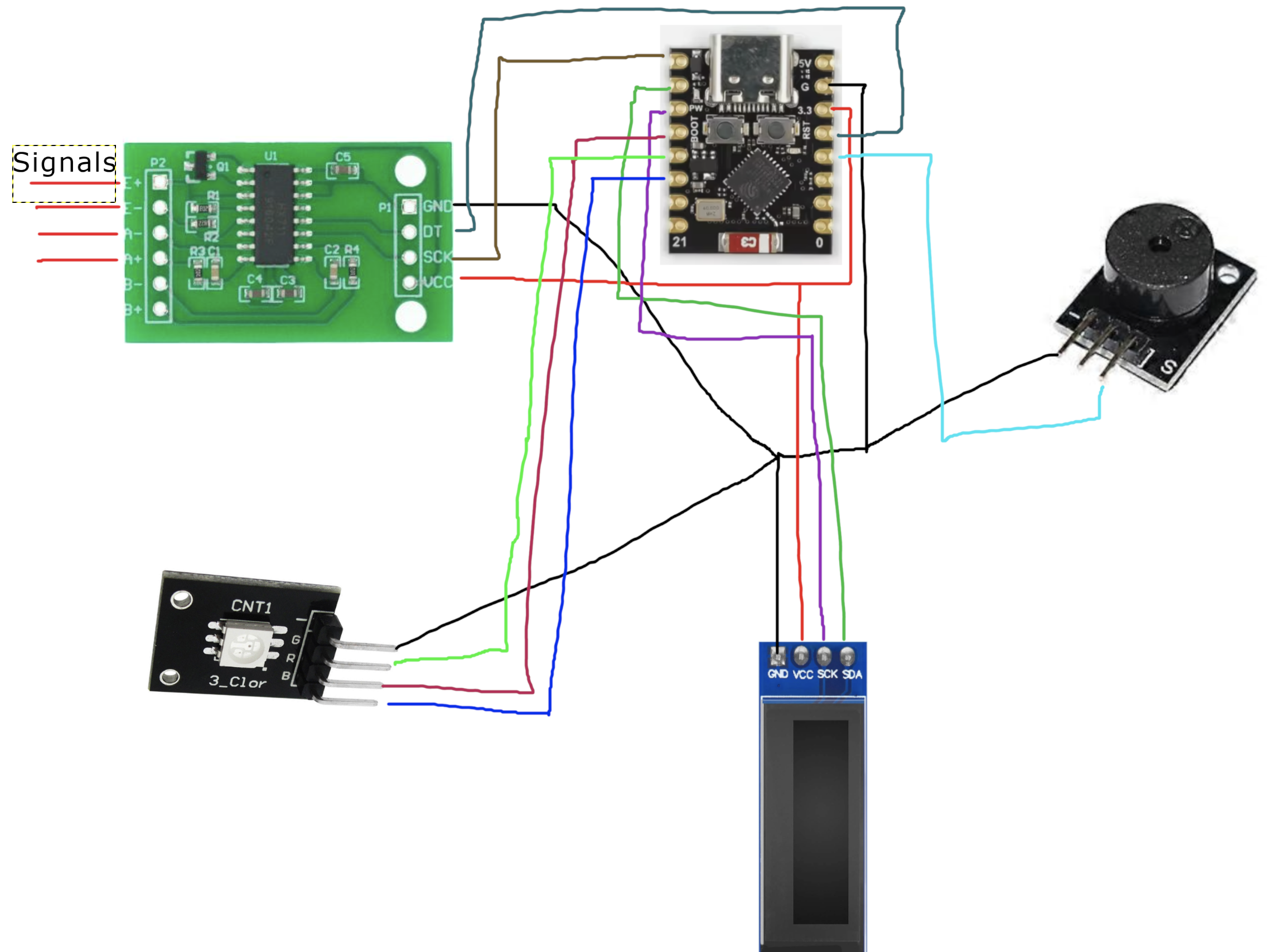
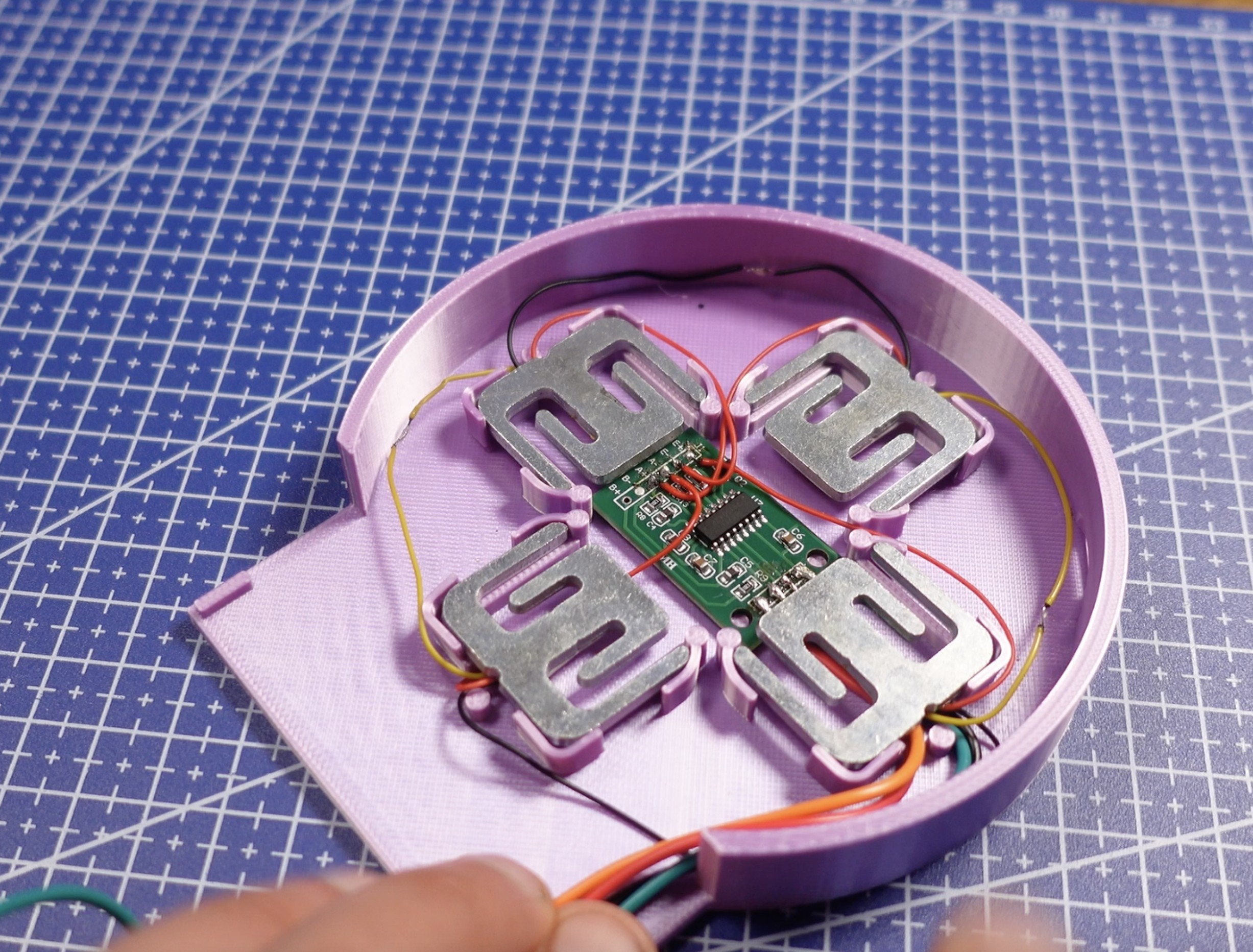
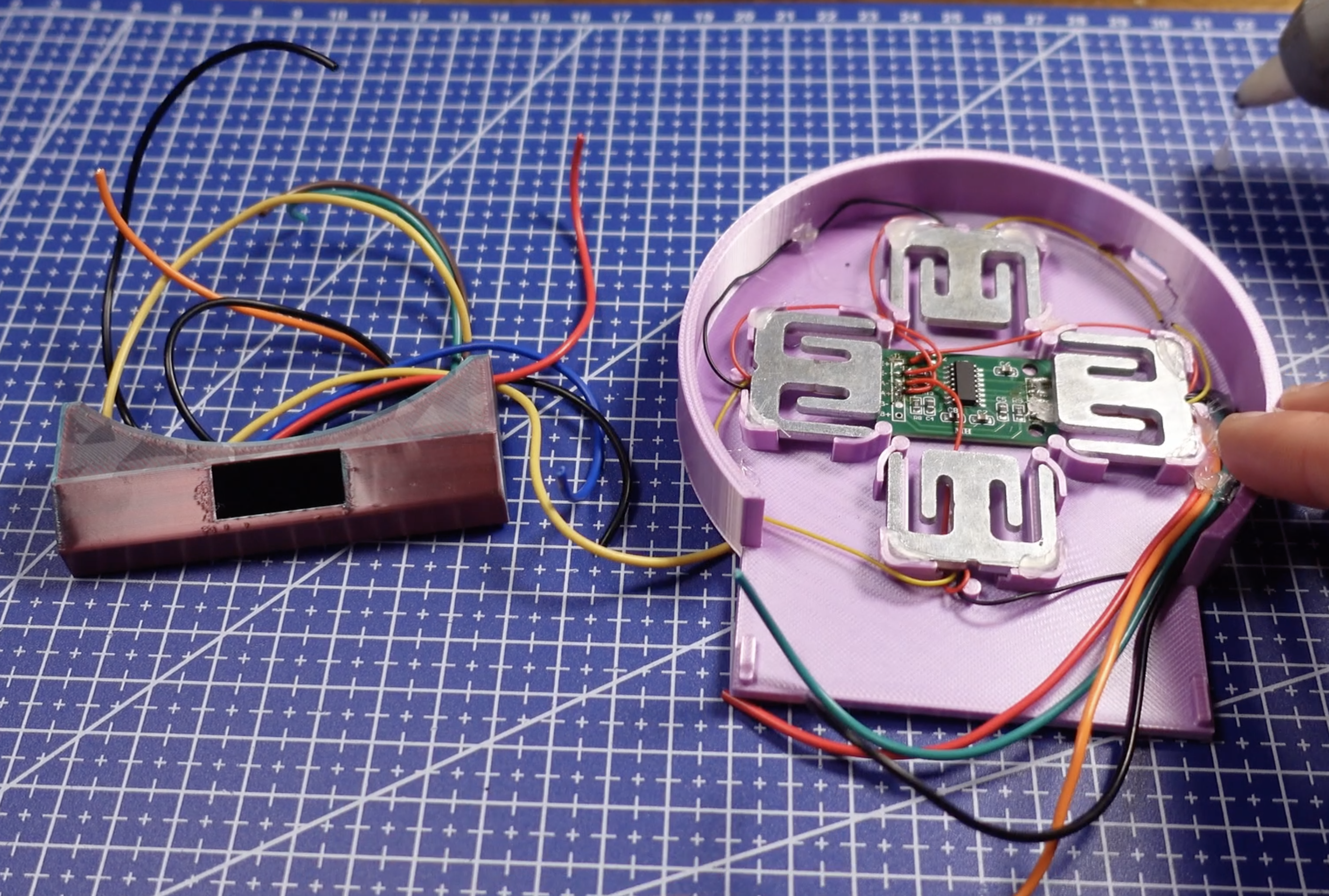
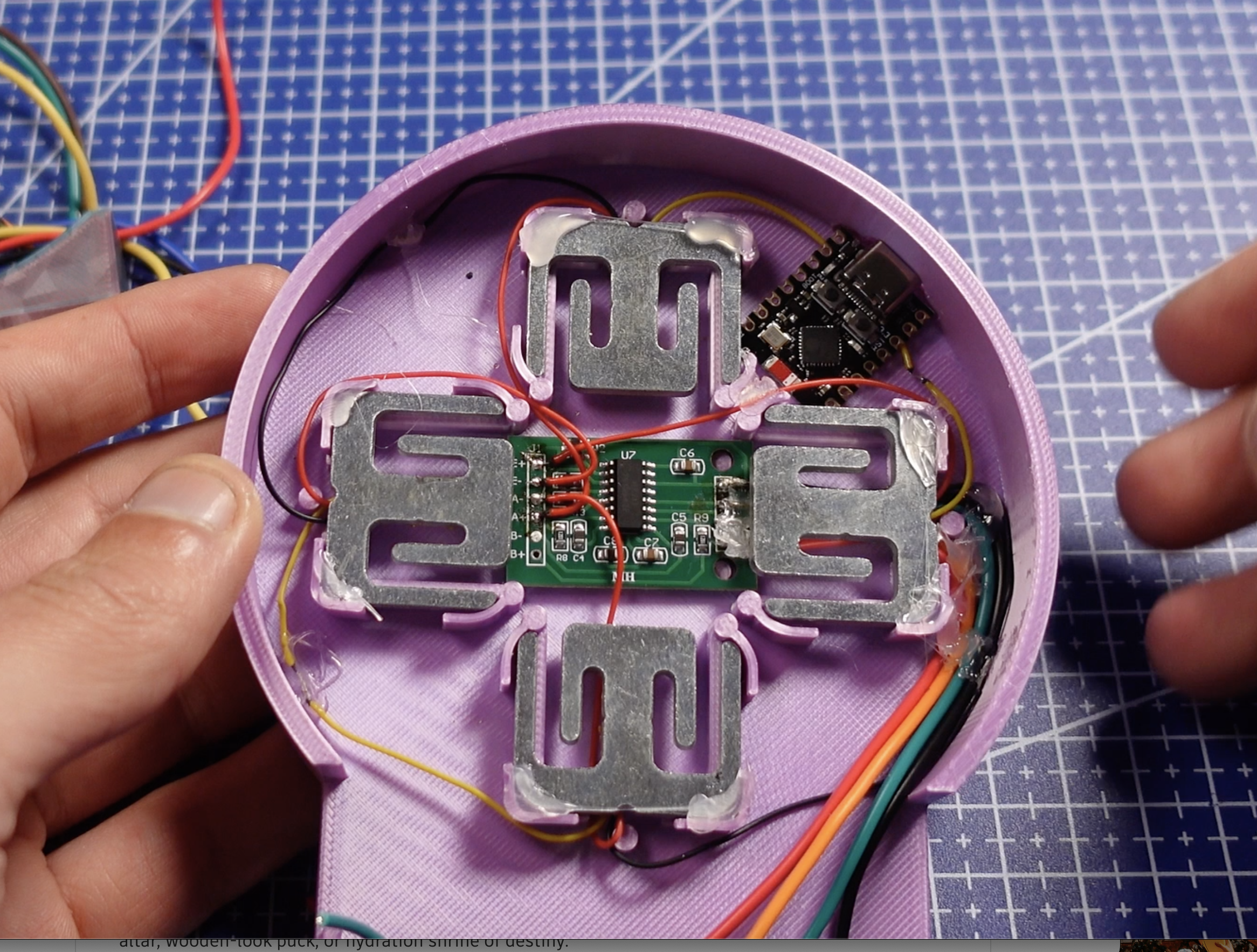
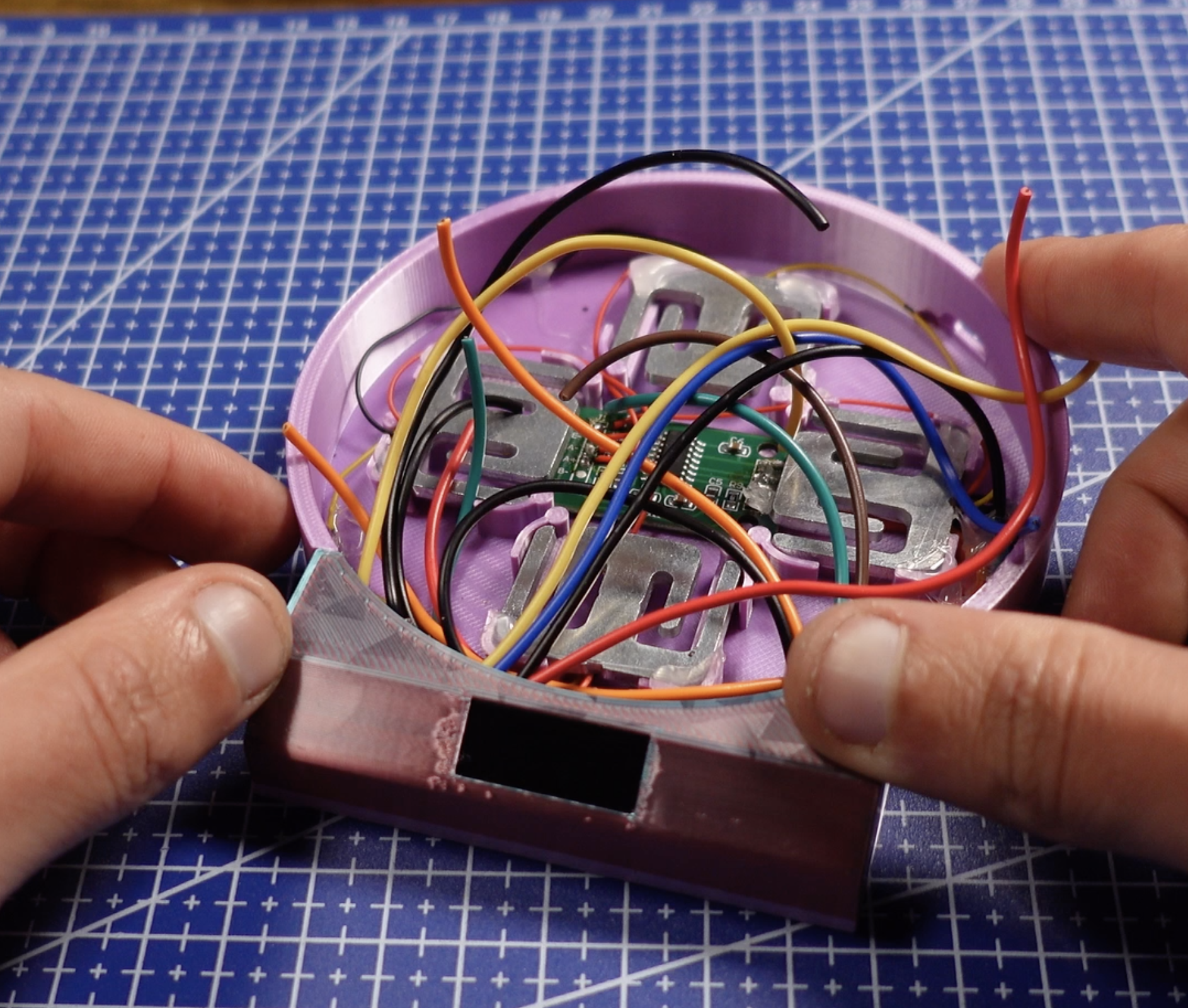
Now let’s wire up the electronic guts of the hydration coaster. This project has a few more parts than it looks like at first, so take your time and keep things tidy(ish).
Basic Connections:
Load Cell + HX711 (Weight Sensor)
This is what actually measures how much water is in your cup.
- Load cell → HX711 (typically Red, Black, White, Green)
- HX711 DT → GPIO 4
- HX711 SCK → GPIO 5
- HX711 VCC → 3.3V
- HX711 GND → GND
Make sure the load cell wires are secure—loose connections will cause jumpy readings.
OLED Display (SSD1306 0.91")
This shows your hydration progress, animations, and reminders.
- SDA → GPIO 6
- SCL → GPIO 7
- VCC → 3.3V
- GND → GND
Double-check the OLED address (usually 0x3C) if the screen stays blank.
RGB LED (Status + Feedback)
Used for visual feedback when you drink, refill, or get reminded.
- Red → GPIO 8
- Green → GPIO 9
- Blue → GPIO 10
- Common GND → GND
(Resistors are recommended if your LED doesn’t have them built in.)
Buzzer (Hydration Reminder )
This is what nags you when you forget to drink.
- Positive → GPIO 3
- Negative → GND
Power:
- Power the board via USB while testing
- Once everything works, you can move to a permanent power solution (USB, battery, or both)
- Make sure all components share a common ground
Tips:
- The load cell is sensitive — don’t strain the wires once mounted
- Keep wires short
- If readings jump around, check grounding first
- Hot glue is your friend for strain relief and vibration damping
- Test everything on the bench before sealing it into the coaster
I also included a highly professional wiring diagram in this step for reference.
The Code
The Arduino sketch handles all of the logic.
Once uploaded to the microcontroller, it will:
- Initialize the OLED display (SSD1306 128×32 using the Adafruit libraries)
- Initialize the HX711 load cell amplifier and tare the scale
- Continuously read the cup’s weight and smooth it using a moving average filter
- Detect when a cup is placed on or removed from the coaster
- Track changes in weight to determine when you drink water or refill the cup
- Convert weight changes directly into milliliters consumed
- Keep a running total toward a daily hydration goal
- Display live progress and totals on the OLED screen
- Trigger animations, RGB LED flashes, and buzzer sounds for:
- Cup placement
- Drinking water
- Refilling the cup
- Daily goal completion
- Monitor idle time and sound a buzzer reminder if the cup sits untouched for too long
All of this happens automatically—no buttons, no calibration during use. Just place your cup down and drink normally.
How It Detects Drinking
The coaster stores a base weight when the cup is placed down.
If the weight later decreases beyond a small threshold, the code assumes you’ve taken a sip and adds that amount to your daily total.
Because water weighs roughly 1 gram per milliliter, the system can directly convert weight loss into volume consumed.
Small vibrations and bumps are ignored so false readings don’t count.
Idle Reminder Logic
If the cup stays on the coaster without any meaningful weight change for a set amount of time:
- The RGB LED flashes red
- The buzzer sounds as a reminder to drink
Once you take another sip or remove the cup, the reminder timer resets.
How to Upload
- Open the Arduino IDE
- Install the required libraries:
- Adafruit SSD1306
- Adafruit GFX
- HX711
- Select the correct board for your microcontroller
- Select the correct USB port
- Plug in your board via USB
- Hit Upload
Done!
If you’re having trouble, open the Serial Monitor—it prints live weight readings, base values, and total consumption, making debugging much easier.
Downloads
You're Done!

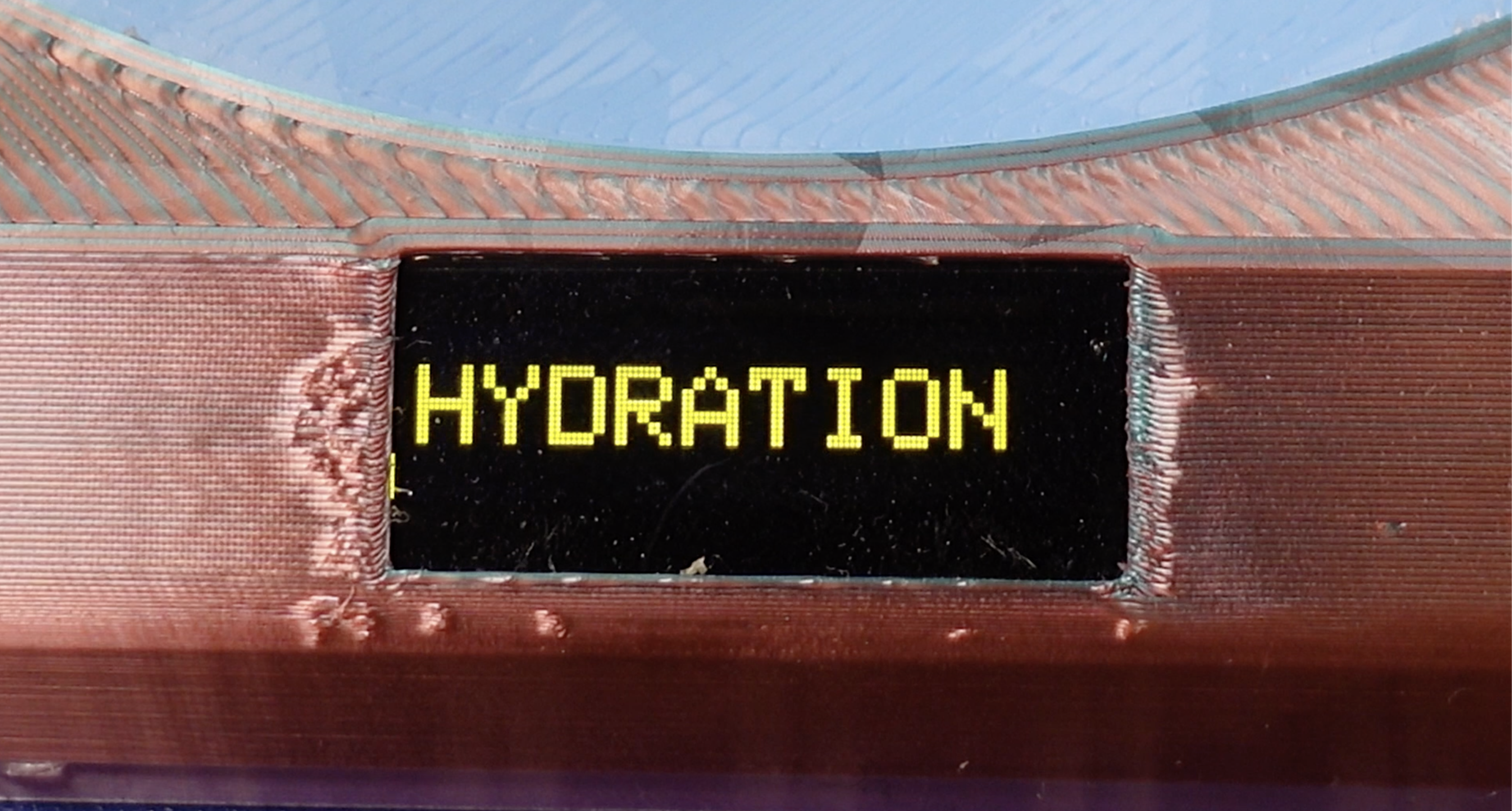
You have now built yourself an annoying weight based drinking alarm clock!
Stay Hydrated!