Step by Step Computer Building
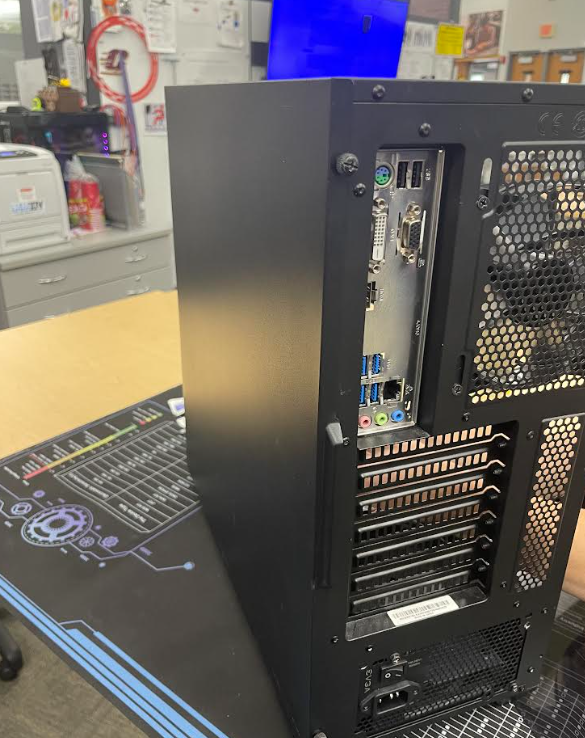
HOW TO BUILD A PC STEP BY STEP
Put the CPU in CPU Socket.
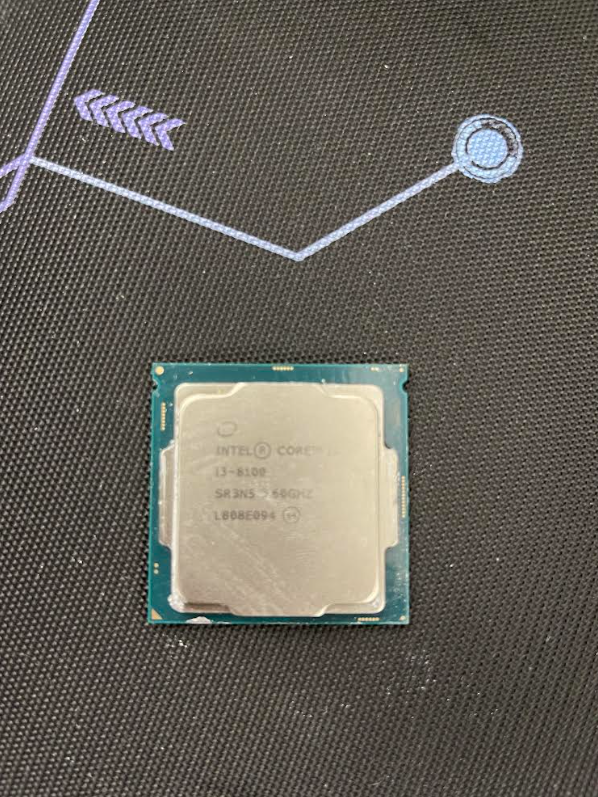

Step 1
1.Open The lever on the motherboard.
2.Line up the triangle on the CPU with the triangle on the socket.
3.Gently place the CPU in don't force because if you do the pins will break and it wont work anymore.
4.Close the lever to lock it in place so this will leave it locked in securely and safe.
Applying Thermal Paste

- Apply thermal paste to the CPU make sure you used a pea sized amount.
- When doing this you can make a circle like I did in the image or make an X either one works.
CPU Cooler
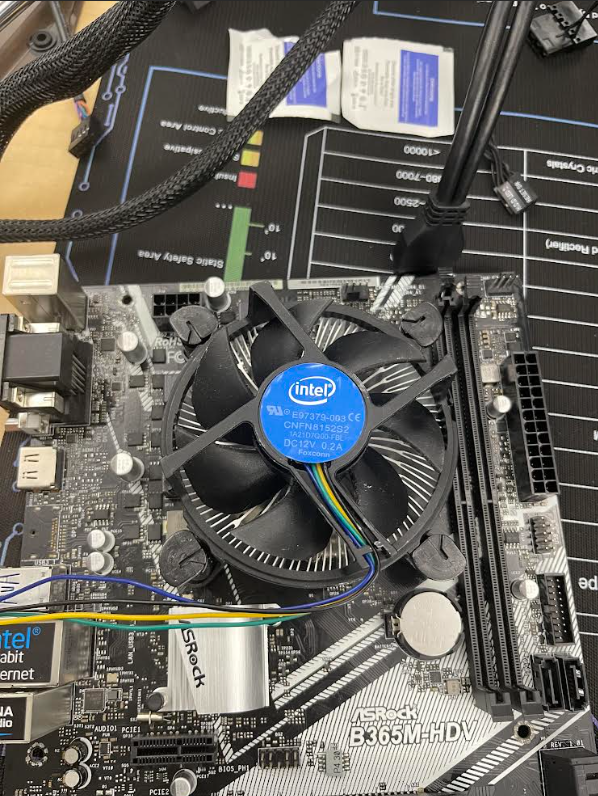
- Put the CPU cooler on top of the CPU make sure the screws are aligned correctly.
- After you did this make sure the arrows are facing left then push down on them so they lock the cooler in place.
Applying RAM
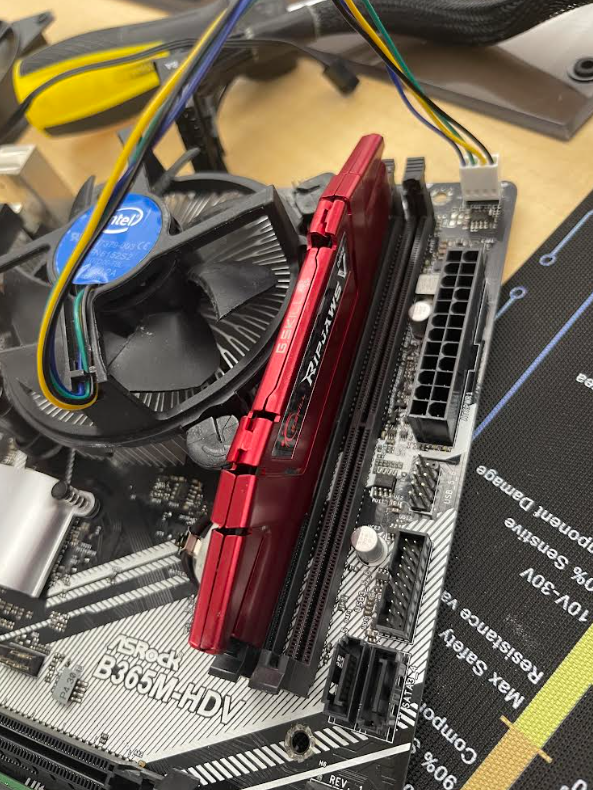
- Find the RAM slots by the CPU then open the clips at each end of the slot.
- Check the notch on the RAM stick lines up with the slot It can only be put in one way.
- Insert RAM straight down into the slot and press firmly and carefully until both clips snap into place.
- Do these steps so you do not break your RAM
Power Supply
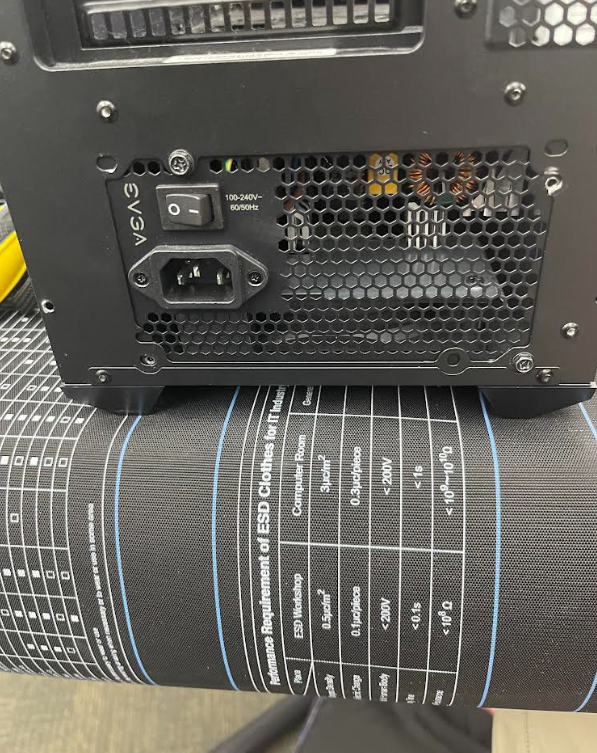
- Open the case/remove side panel
- Slide Power Supply into place at the back of the case so the screw holes line up.
- Next screw it in evenly.
Screw Motherboard
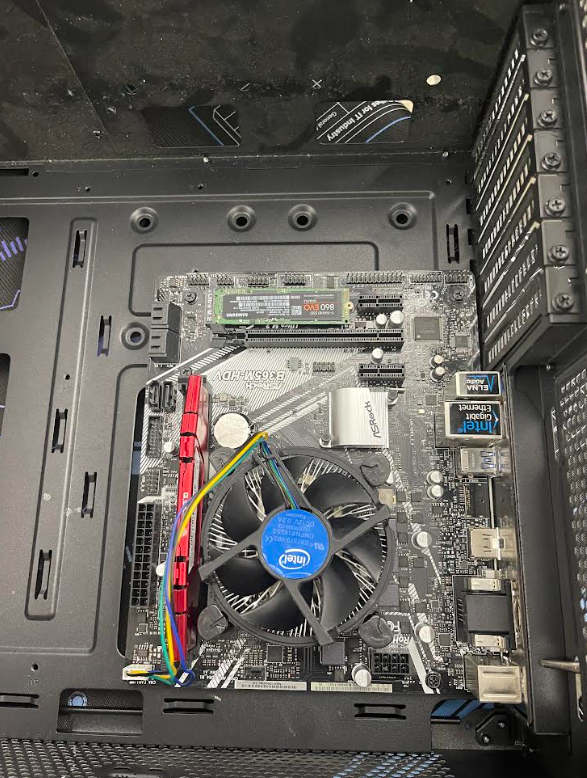
- You insert the motherboard by aligning the ports to the motherboard and then aligning the standoff holes too.
- Next screw it in evenly
Insert Fan
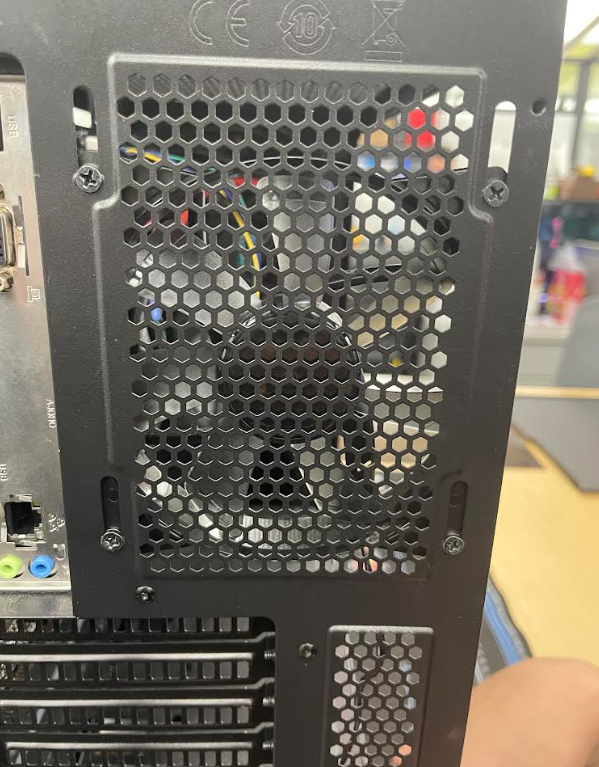
- Position the fan where you want it and then lineup the screws.
- plug fan into motherboard.
Connect Cords to Pins.
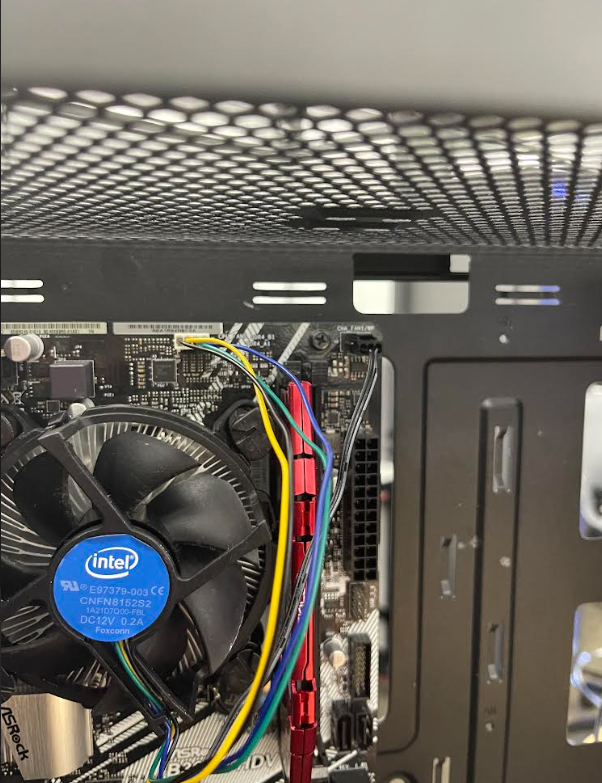
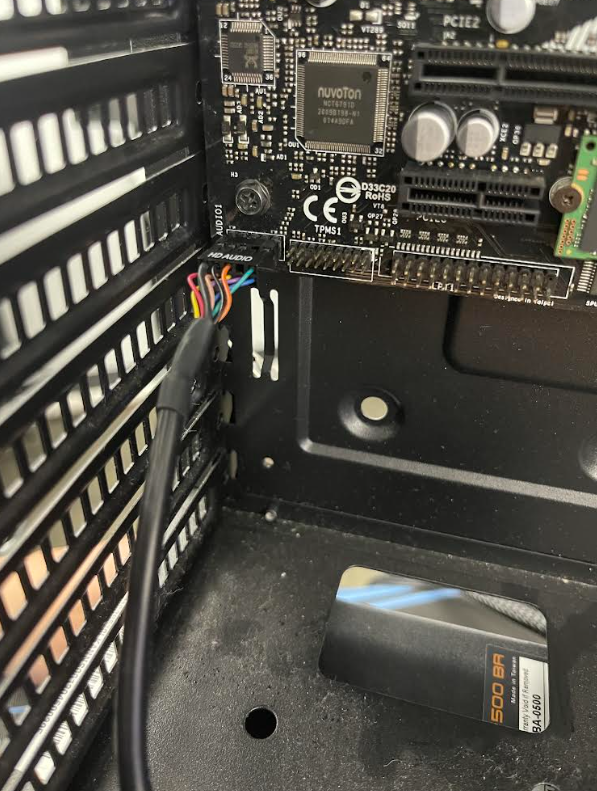
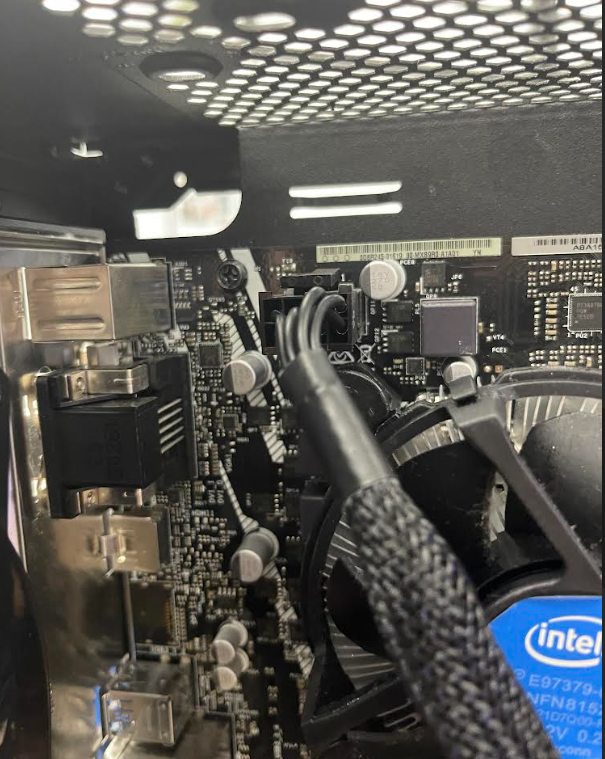


- Connect the 24pin into the 24pin make sure they are faced correctly.
- Find the 4 pin or 8 pin from the PSU then plug it into the small socket near the CPU also it can only fit one way.
- Connect the HD Audio to the bottom left of the motherboard.
- Also connect CPU cooler cords to the top right.
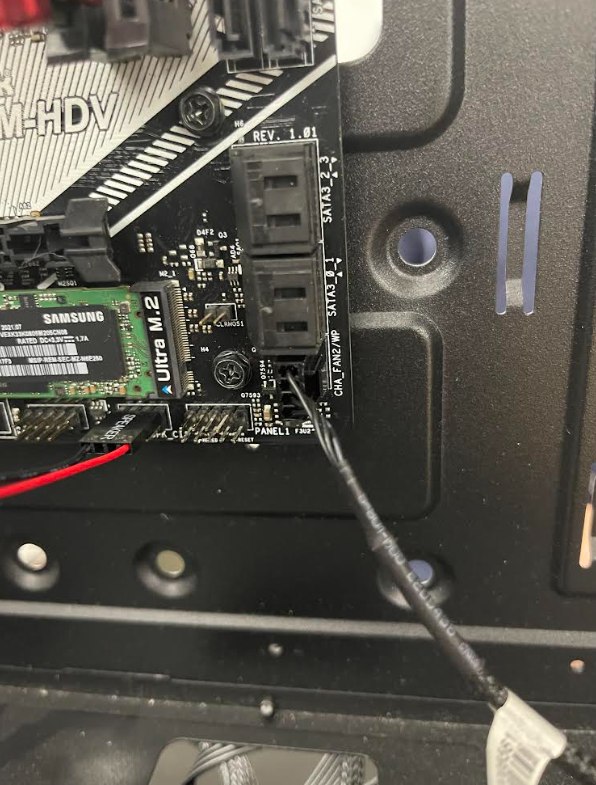
- Connect The speaker cord like in the image so for the power LED and extra cords use your resources like google to help you connect them by using an image. When your done with this there could be extra cords but don't worry about that.
Apply Front and Back Case
.jpeg)
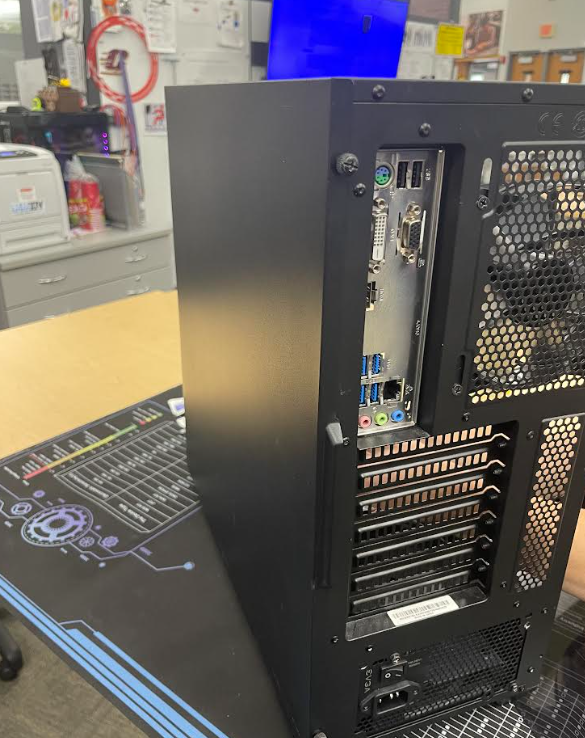
- Last step insert the front and back of the case. Use the thumb screws to make sure the case is sealed evenly and now you are done.