Spectre 10/22 Chassis Arca Rail Install
by SBI_INC in Outside > Sports
224 Views, 0 Favorites, 0 Comments
Spectre 10/22 Chassis Arca Rail Install
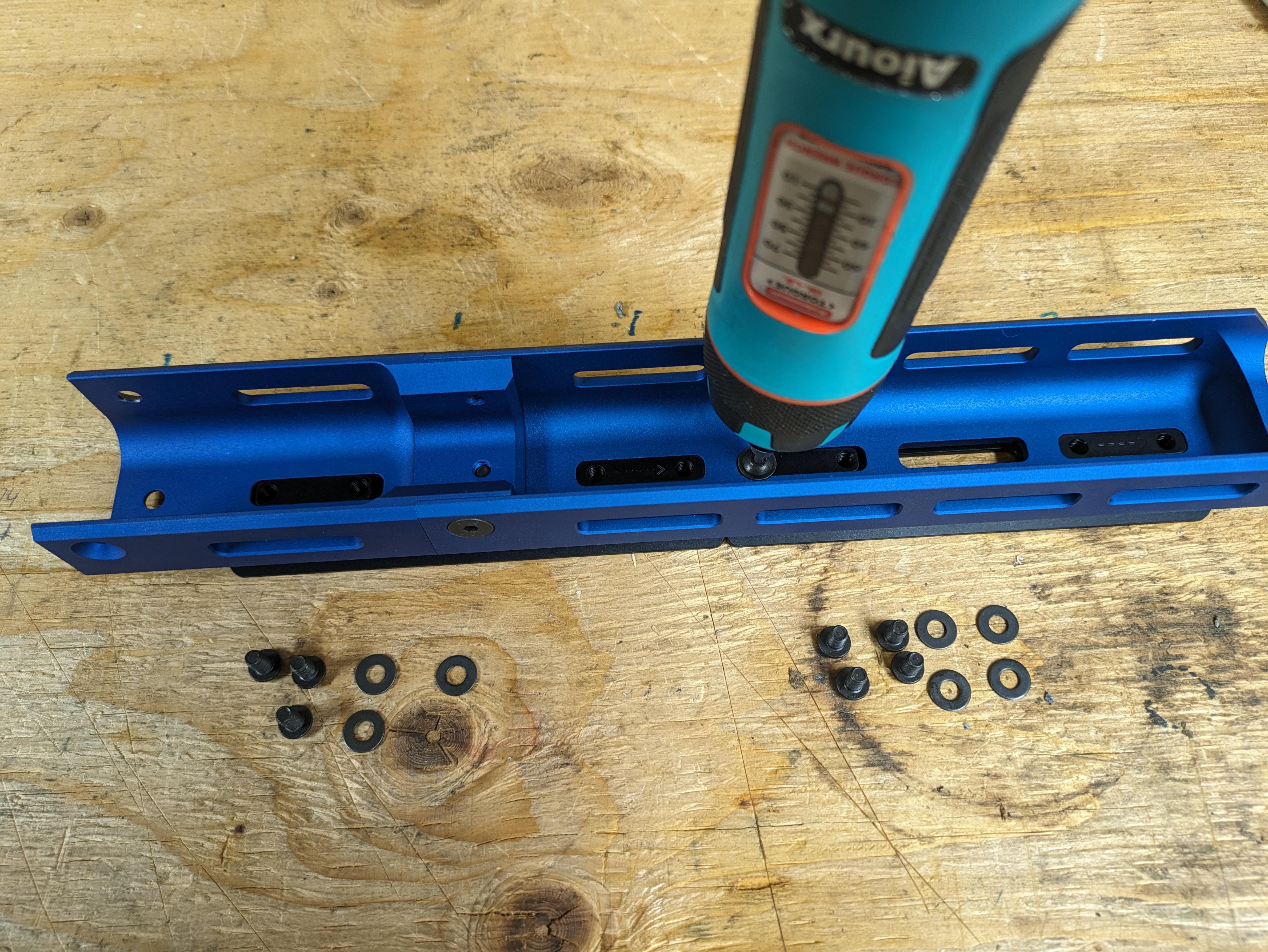
The following will cover installing SBI Arca rail on the Spectre 10/22 Chassis. The chassis support 1 section of rail, or 2 sections of rail when the handguard extension is used.
Supplies
- 3/32 Allen wrench
- Spectre 10/22 Chassis Arca Rail (1 or 2)
- Spectre 10/22 Chassis
- Spectre 10/22 Chassis Handguard Extension (optional)
- Torque driver (optional)
Get Ready
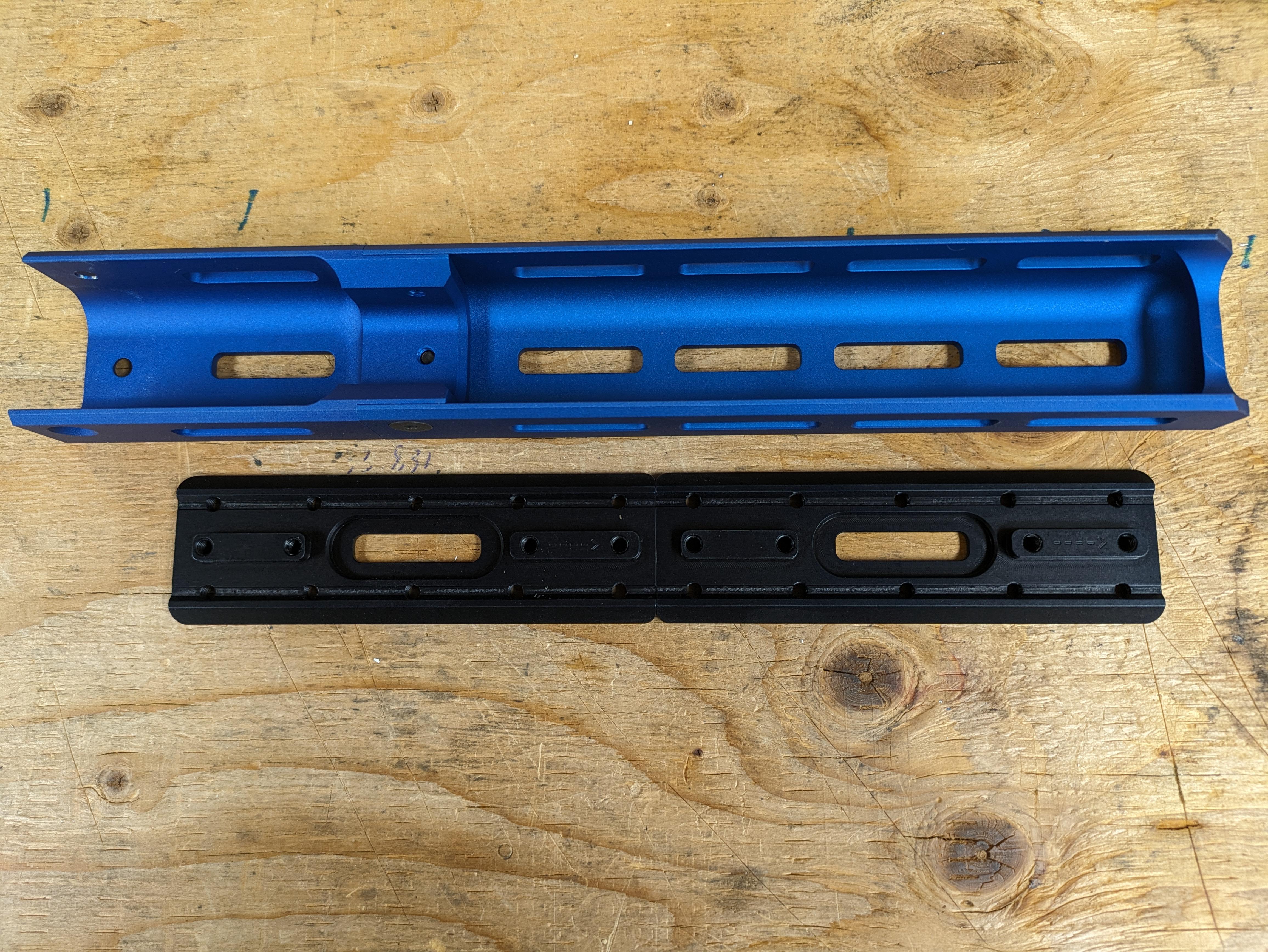
Remove the handguard from the Spectre 10/22 Chassis. If you are using a Spectre 10/22 Chassis extension leave it attached to the handguard.
Align Rails
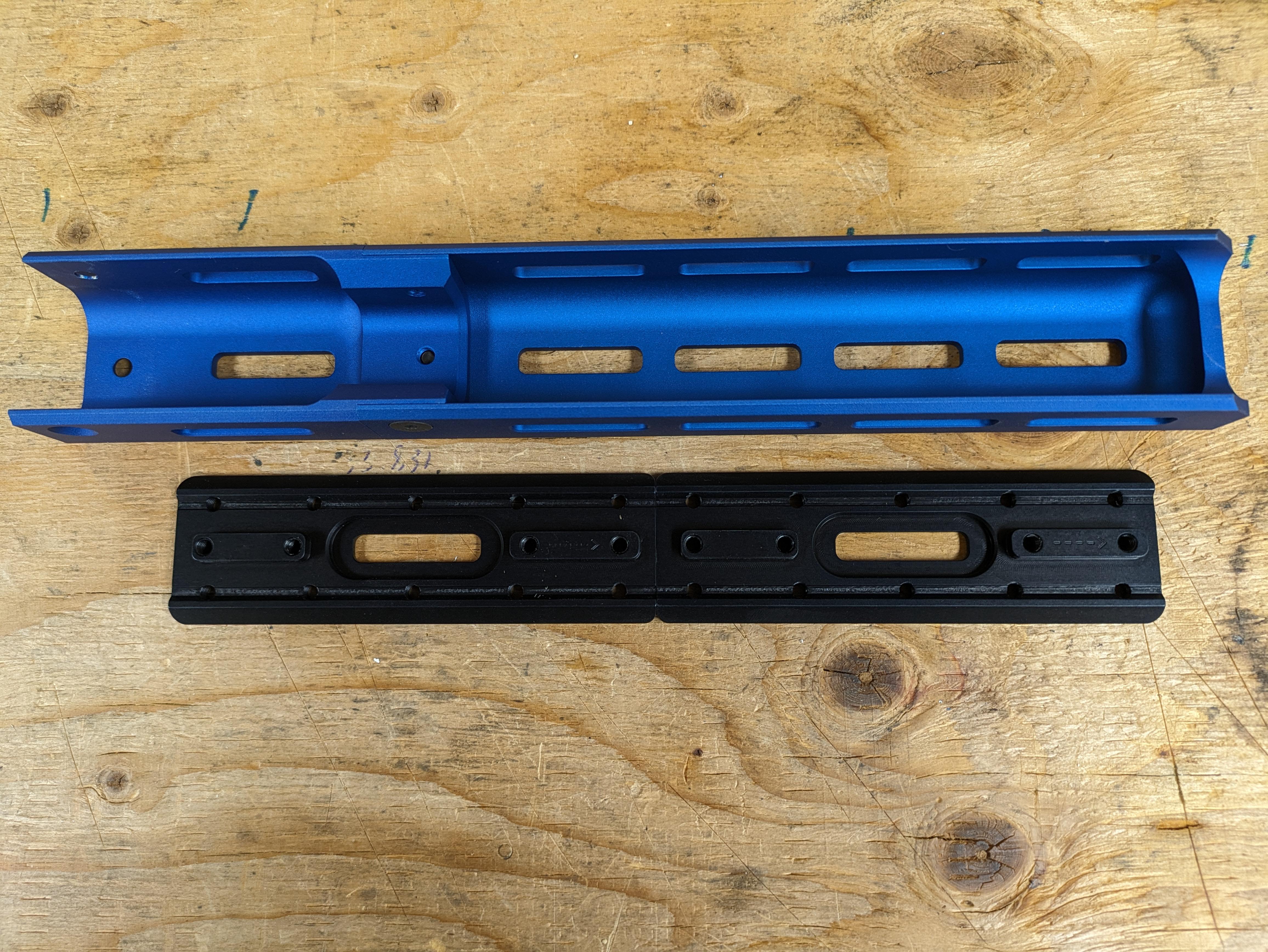
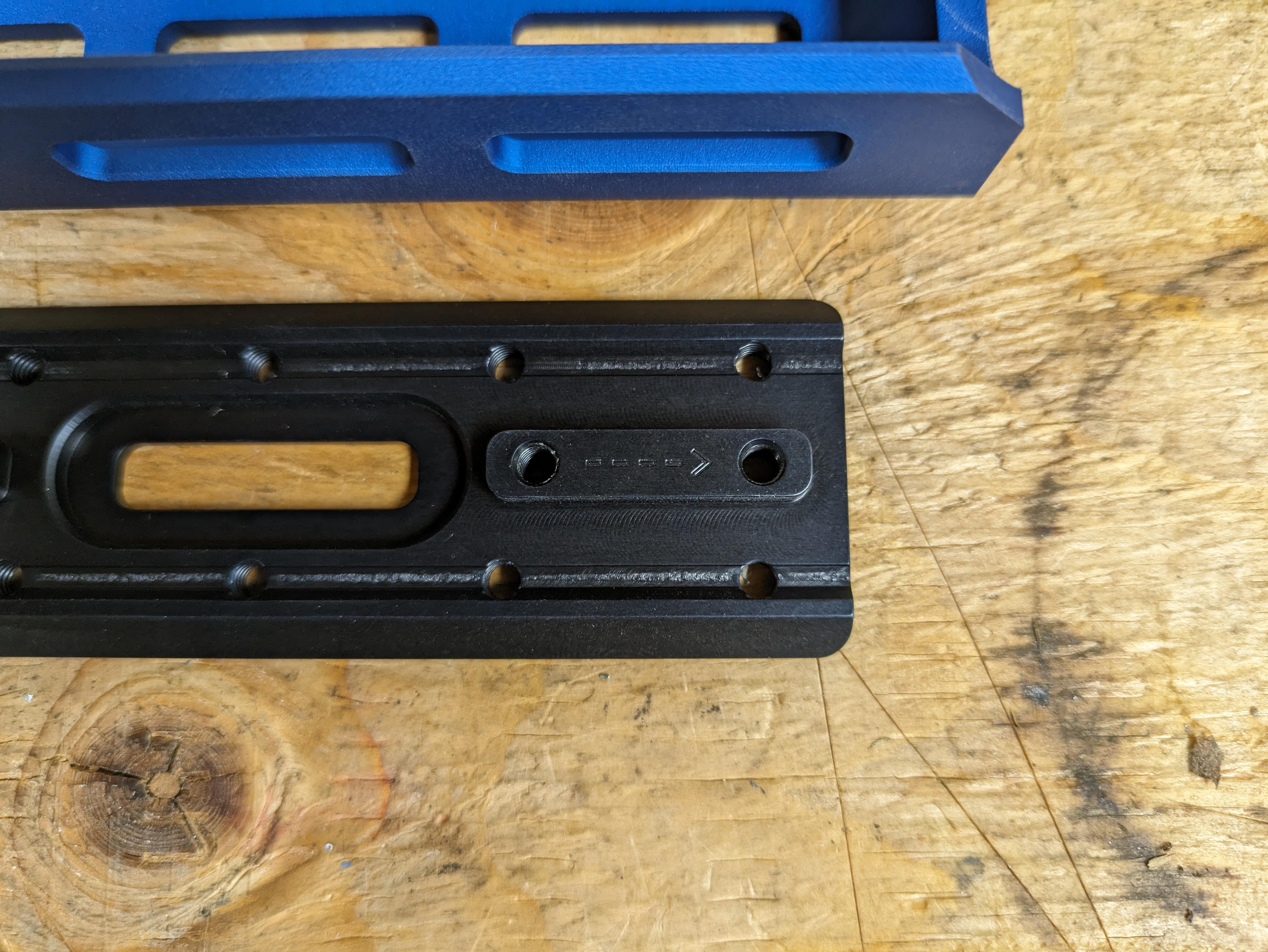
Each Arca rail is engraved with an arrow indicating which end is the front. Align both Arca rails with the arrows pointed towards the front of the handguard. The rails will not fit unless aligned properly.
If you are not using a handguard extension only 1 Arca rail can be used.
Place Handguard
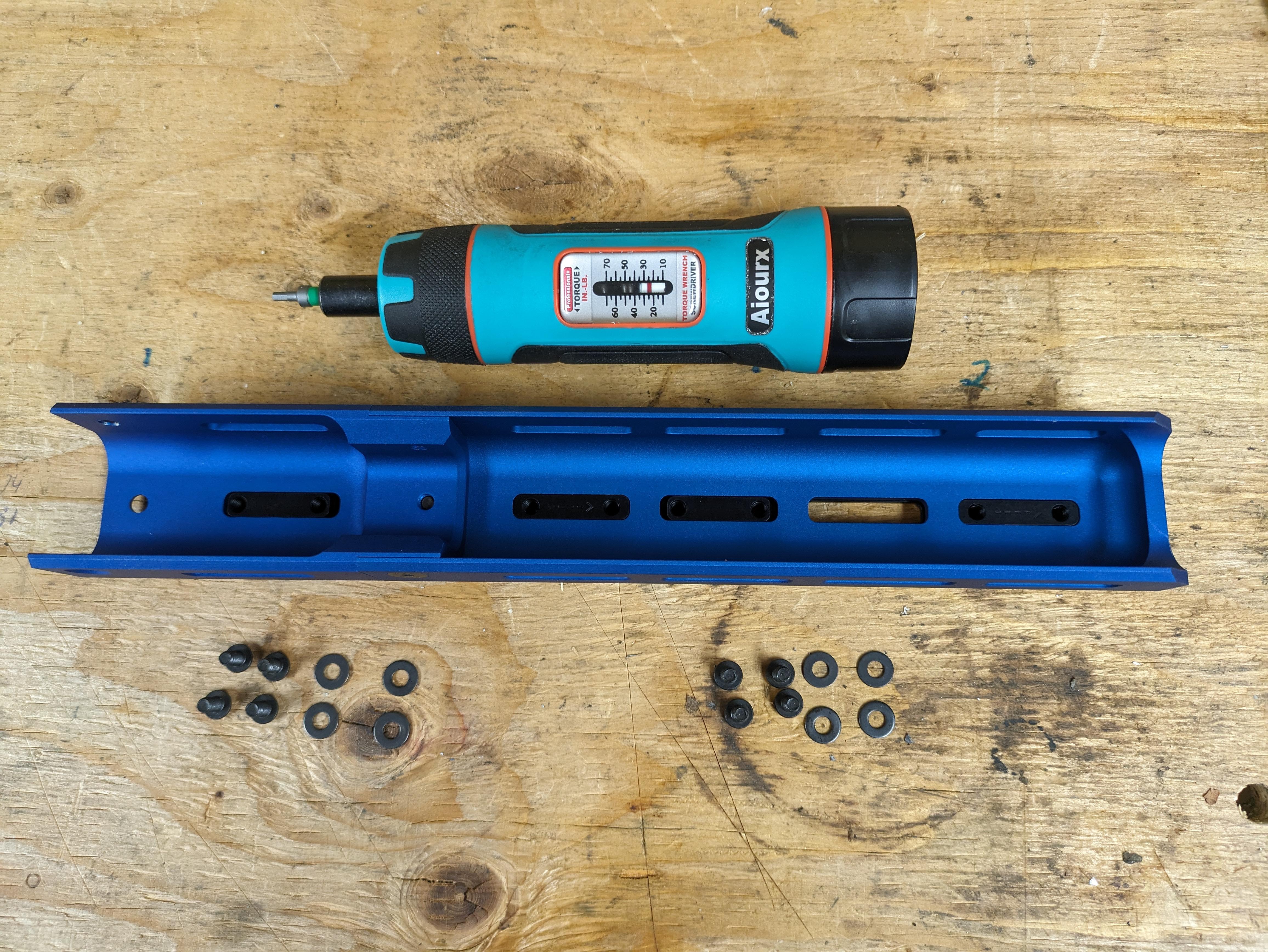

Place the handguard on top of the aligned Arca rails. If the rails are aligned properly they will perfectly slot into the handguard M-Lok slots.
Torque It All Down
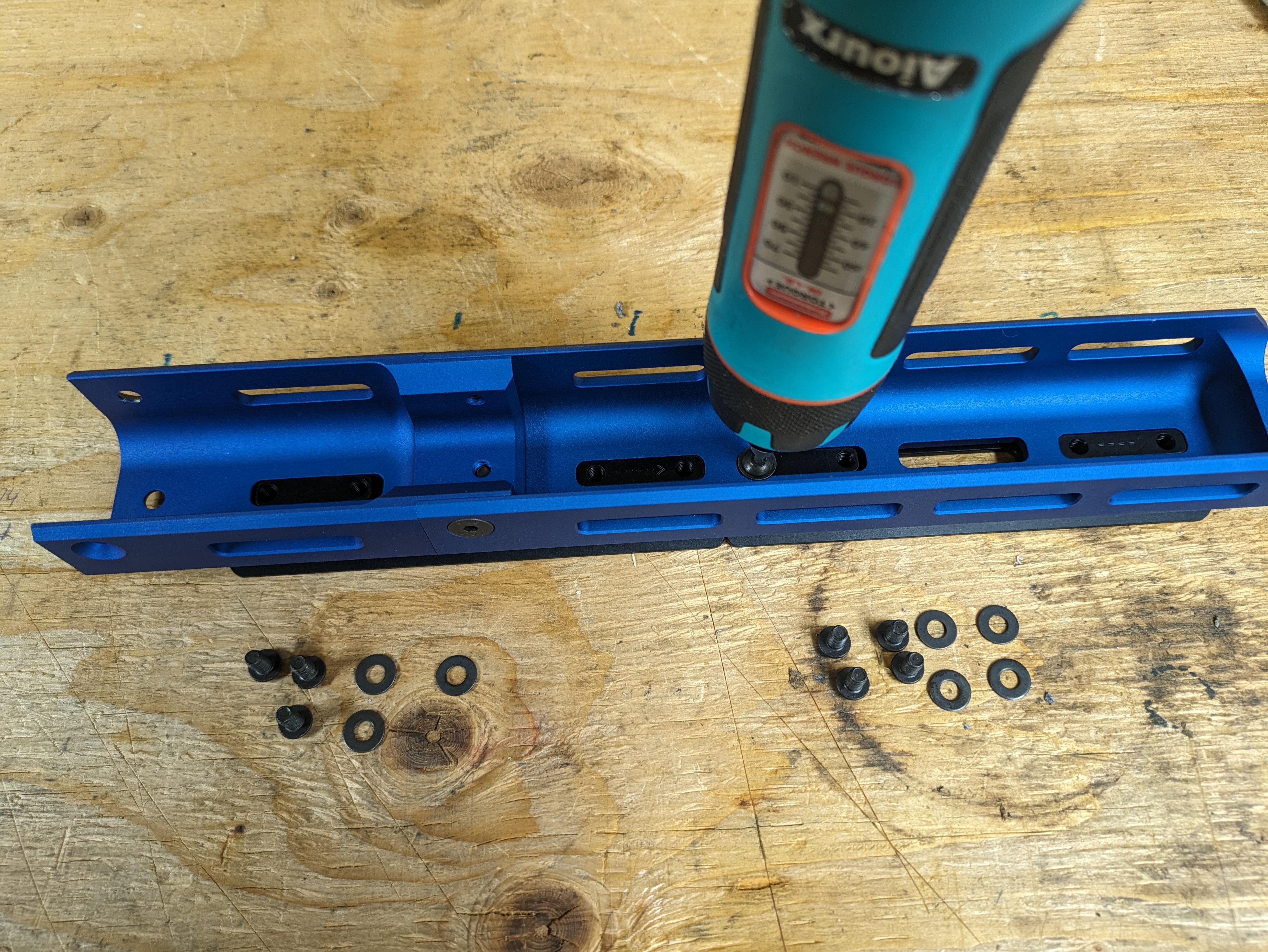
From the inside of the handguard, using the included (4 per rail) #8-32 button cap screws and washers secure the rail to the handguard. If you have a torque driver torque each screw to 25 in-lbs. Medium strength threadlocker can optionally be used as well.
Optional Stops
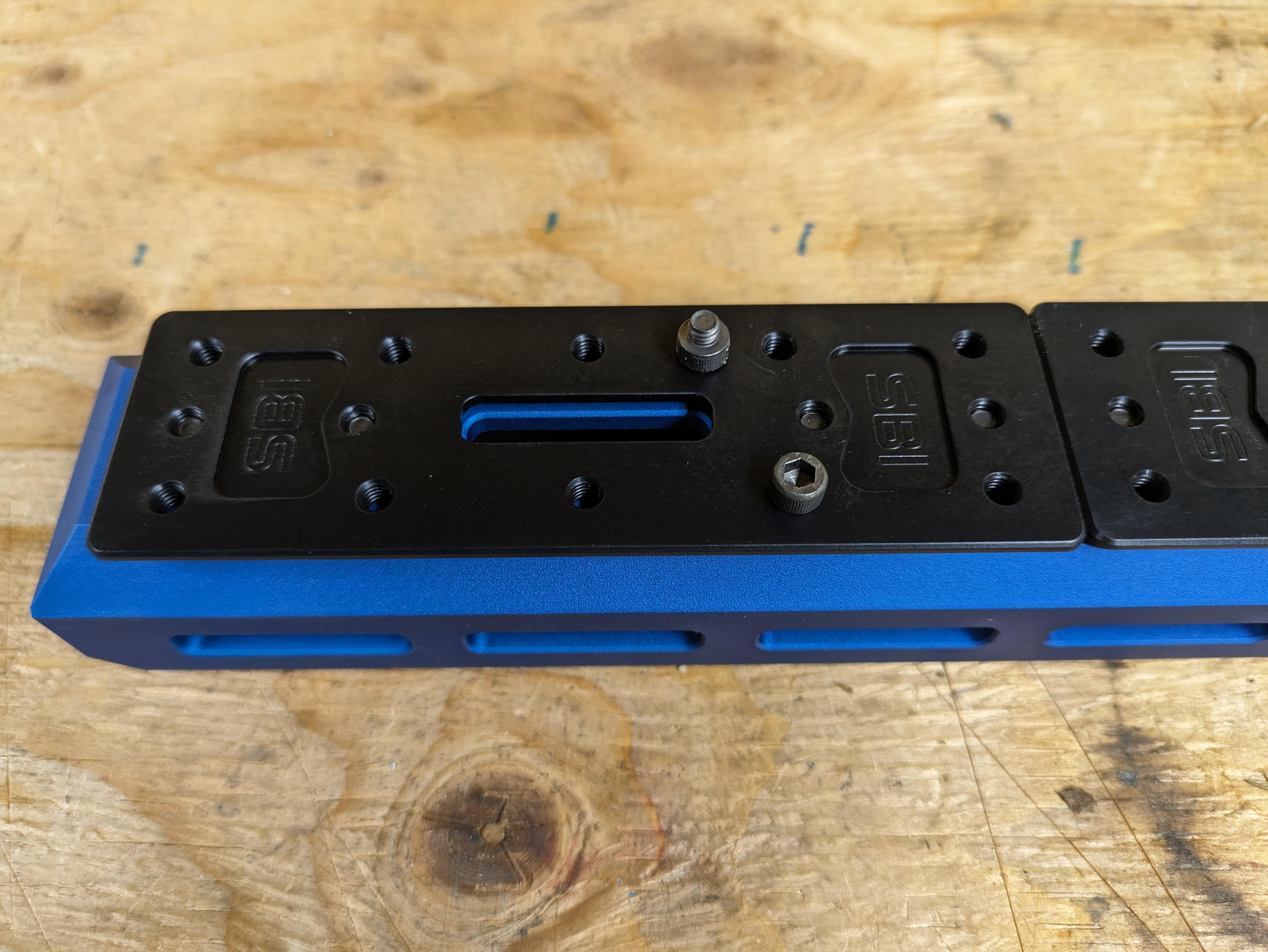
Each Arca rail section includes 2 #8-32 socket cap screws. These can optionally be installed on the Arca rail as a stop for indexing accessories such as a bipod. Torque to 20 in-lbs max. Medium strength thread locker may be used.