Turning an Arduino Pro Micro Into an ATtiny85 ISP Programmer Using Arduino IDE (2026 Guide)
by kdogzxc in Circuits > Arduino
14 Views, 0 Favorites, 0 Comments
Turning an Arduino Pro Micro Into an ATtiny85 ISP Programmer Using Arduino IDE (2026 Guide)
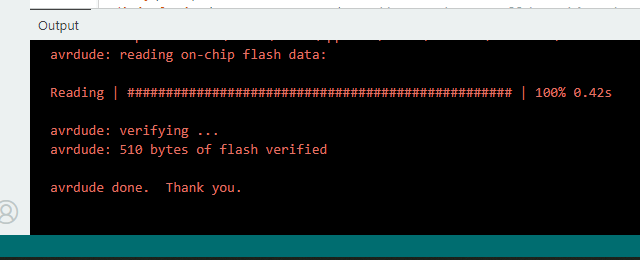
After multiple failed attempts to program an ATtiny85—including defective parts received from Amazon, missing or deprecated Arduino libraries, and numerous configuration issues—I wanted to document and shared my final, working setup. I tried to capture the exact hardware, wiring, and Arduino IDE configuration I used to program the ATtiny85, and I hope it helps someone else avoid my same frustration in the future.
Supplies
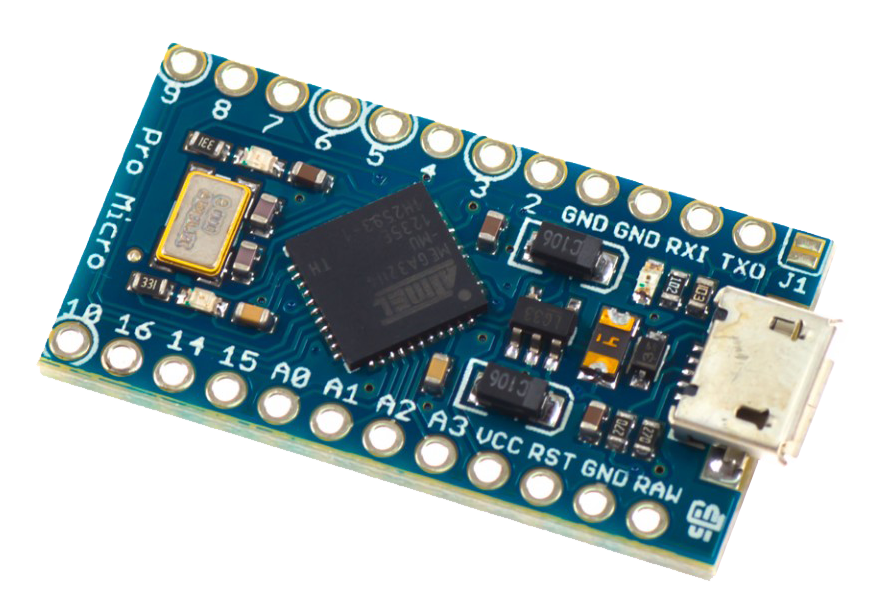
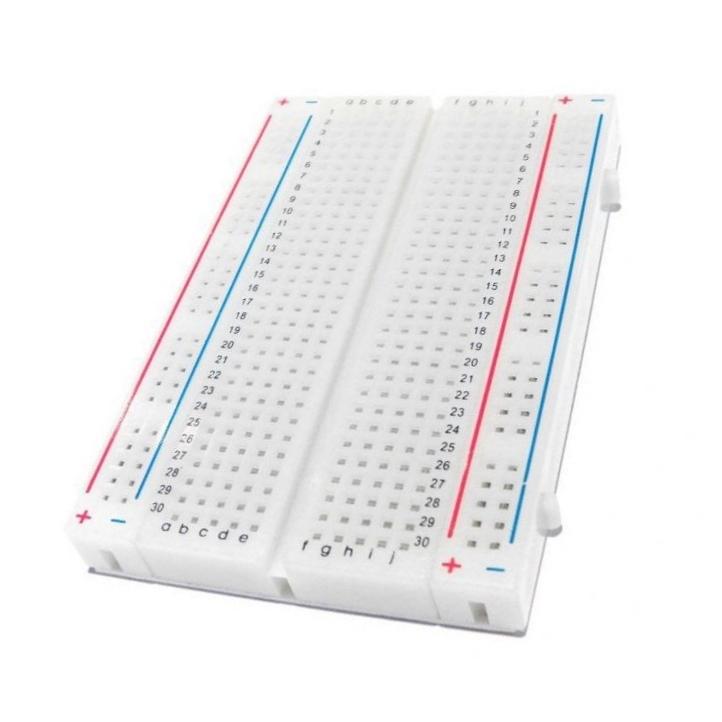
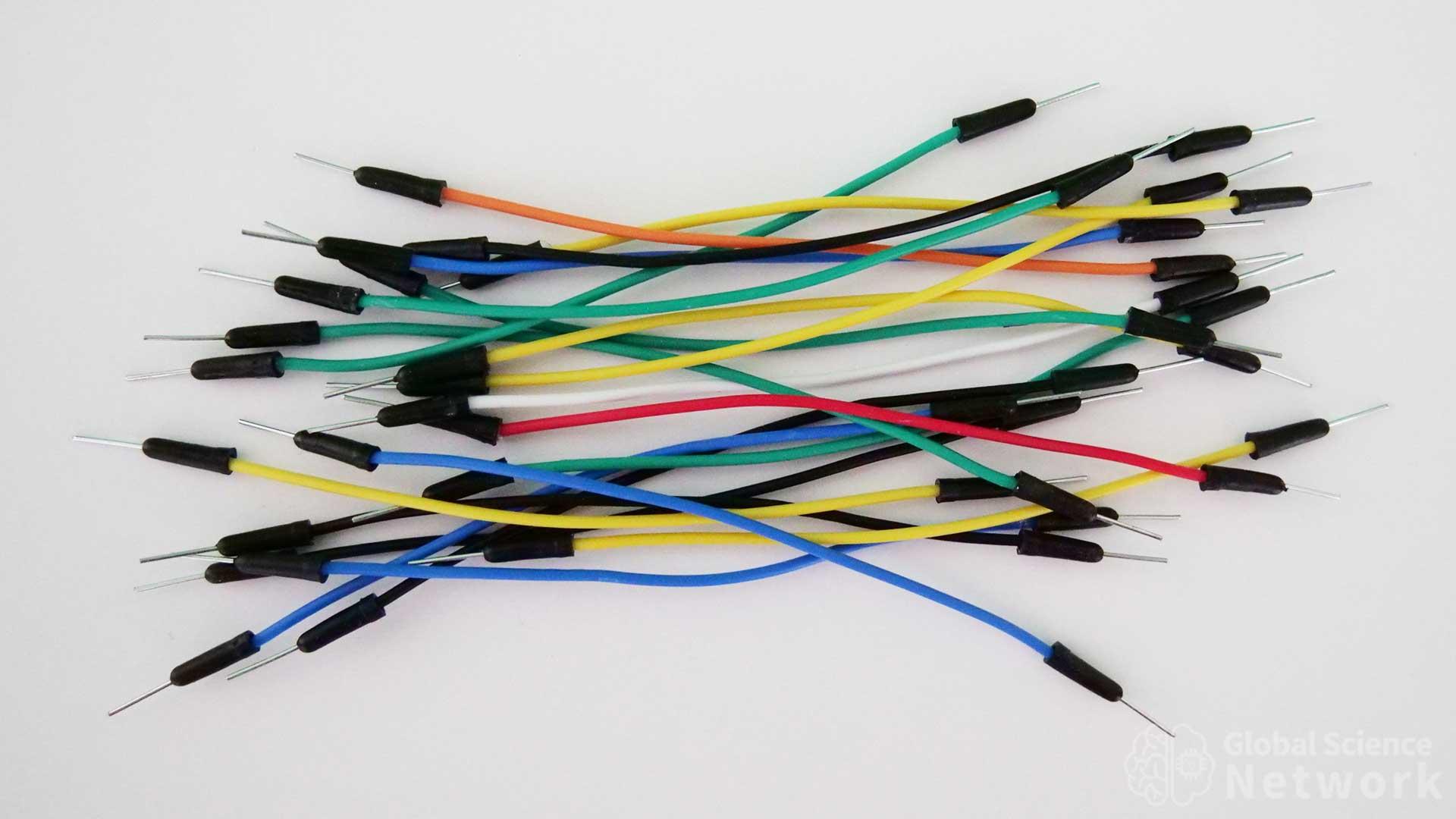
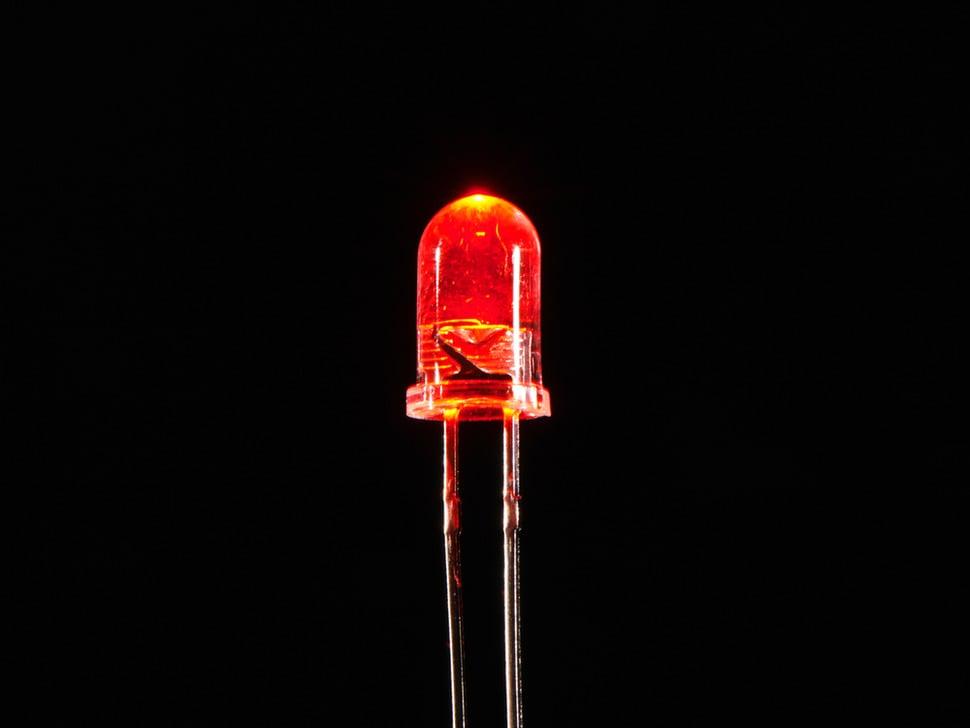
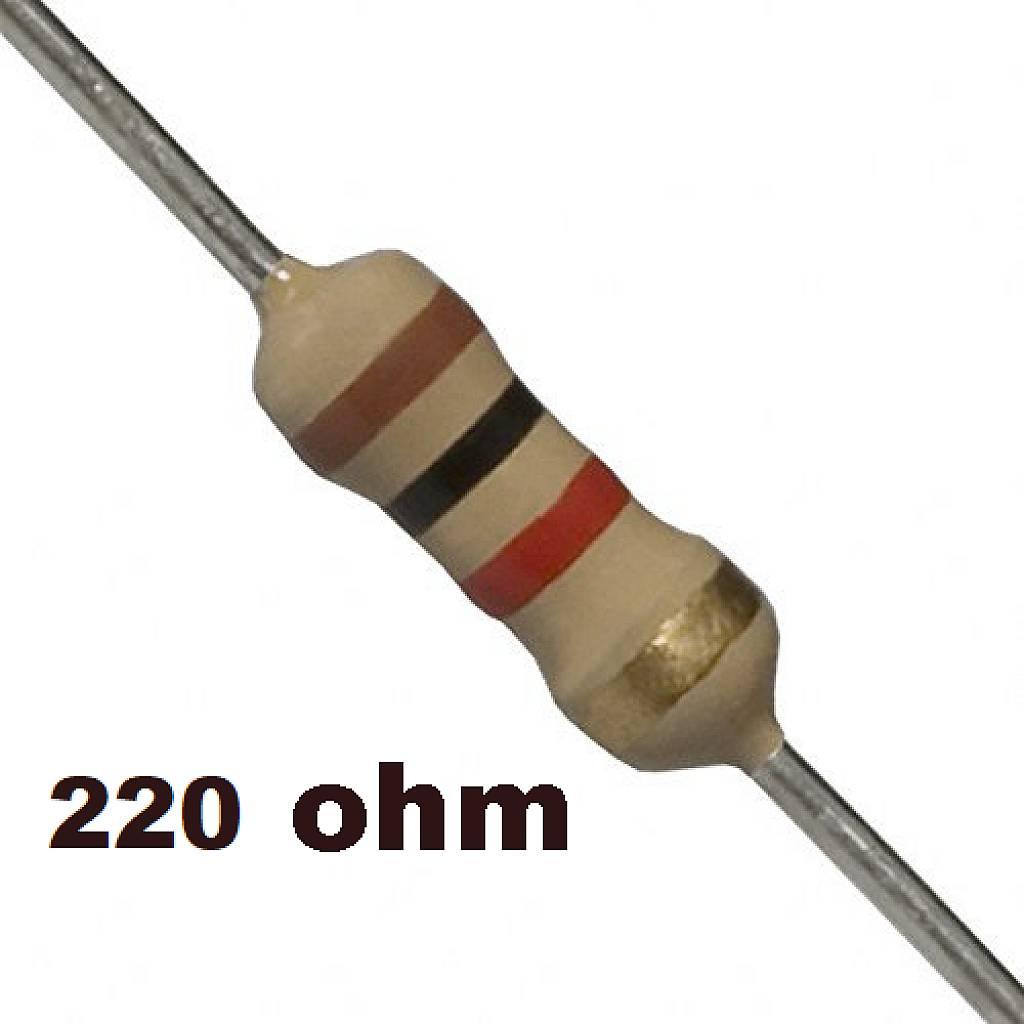
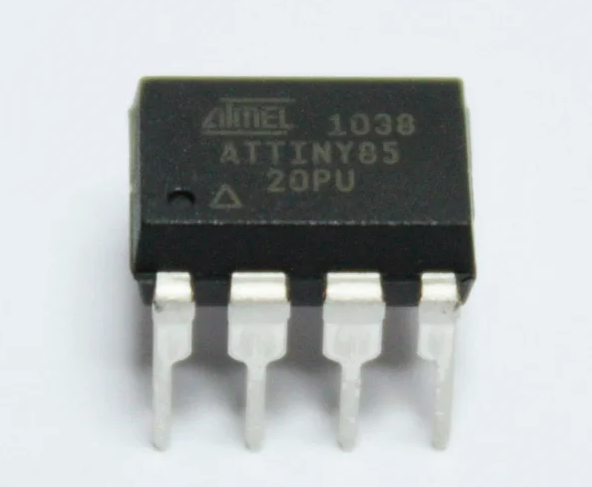
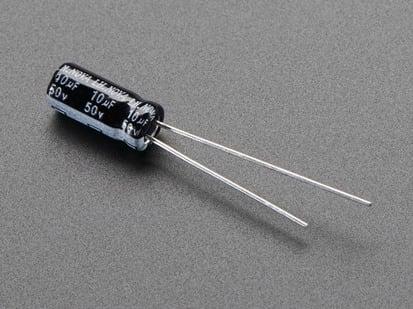
Core Parts (required)
- Arduino Pro Micro
- ATtiny85
- Breadboard
- Jumper wires (6–8 male-to-male wires)
Electrical Must-Haves
- 10 µF electrolytic capacitor
- Between RESET ↔ GND on the Pro Micro
- Prevents auto-reset while programming
- Value range: 4.7–47 µF works
- 0.1 µF (100 nF) ceramic capacitor
- Between VCC ↔ GND on ATtiny85
- Decoupling capacitor (for stability)
Optional (recommended)
- LED + 220–1kΩ resistor
Wire Up the Bread Board
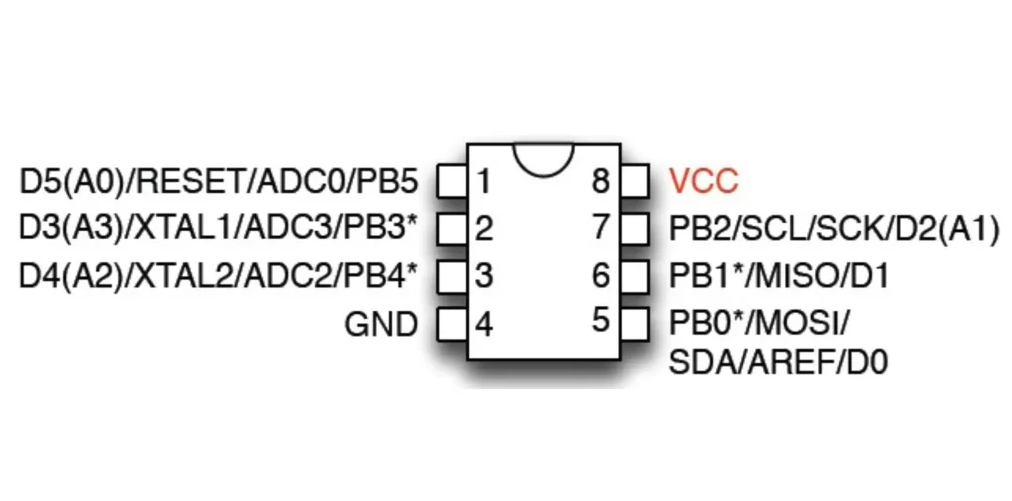
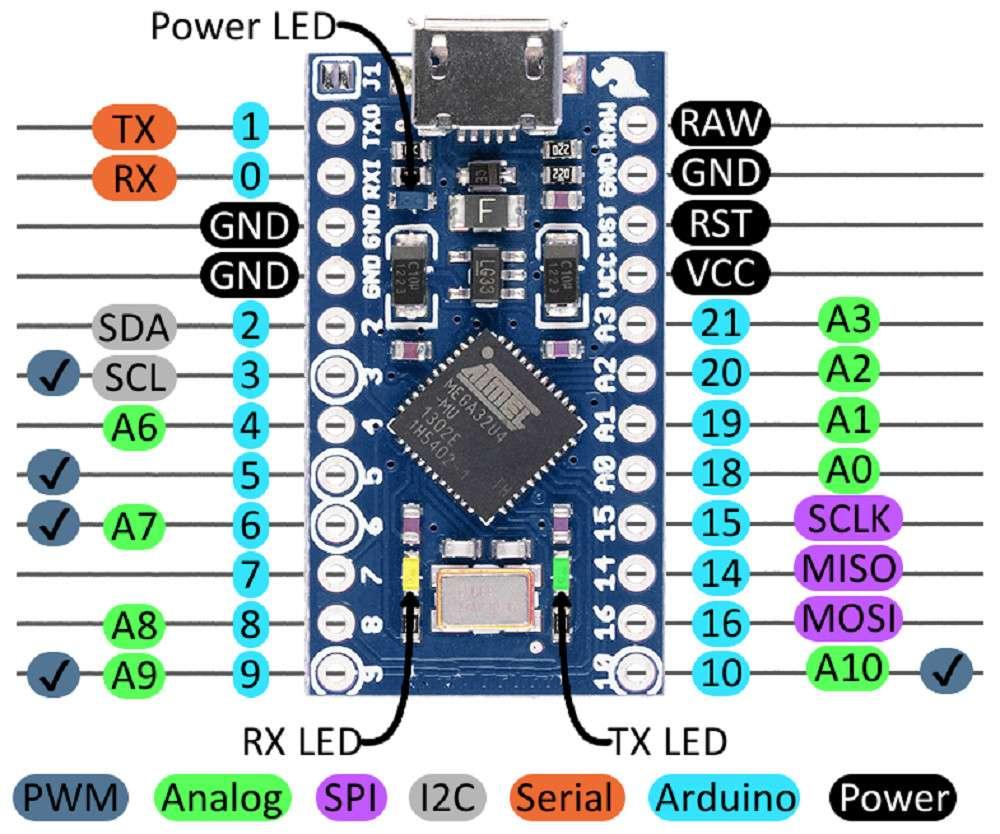
Arduino Pro Micro ATtiny85 (DIP-8)
─────────────────── ─────────────────
VCC ───────────────────────────────▶ 8 VCC
GND ───────────────────────────────▶ 4 GND
2 ───────────────────────────────▶ 1 RESET
16 MOSI ───────────────────────────────▶ 5 MOSI
14 MISO ───────────────────────────────▶ 6 MISO
15 SCK ───────────────────────────────▶ 7 SCK
LED (optional)
3 PB4 ──[220–1kΩ]──▶|─── GND
on the Arduion
RST ──[ + 10µF − ]── GND (Add after programming Arduino board)
VCC ──[ 0.1µF ]── GND
Install Arduino IDE
- Install the latest Arduino IDE
- Launch it
Install ATtiny Board Support
- File → Preferences
- In Additional Boards Manager URLs, add:
https://raw.githubusercontent.com/sleemanj/optiboot/master/dists/package_gogo_diy_attiny_index.json
- Click OK
- Tools → Board → Boards Manager
- Search “attiny”
- Install DIY ATtiny by James Sleeman
Program the Pro Micro As the ISP
- Tools → Board → Arduino Leonardo (Pro Micro uses the same MCU)
- Tools → Port → select your Pro Micro
- Modify the ArduinoISP example or use the file bellow
- File → Examples → 11.ArduinoISP → ArduinoISP AND Update the the following lines
77 #define RESET 10 -----> #define RESET 2
85 //#define USE_OLD_STYLE_WIRING -----> #define USE_OLD_STYLE_WIRING
89 #define ARDUINOISP_PIN_MOSI 11 -----> #define ARDUINOISP_PIN_MOSI 16
90 #define ARDUINOISP_PIN_MISO 12 -----> #define ARDUINOISP_PIN_MISO 14
91 #define ARDUINOISP_PIN_SCK 13 -----> #define ARDUINOISP_PIN_SCK 15
- Use provided file
- Upload
- Install 10uf capacitor to prevents auto-reset while programming Attiny85
Downloads
Select ATtiny85 Settings
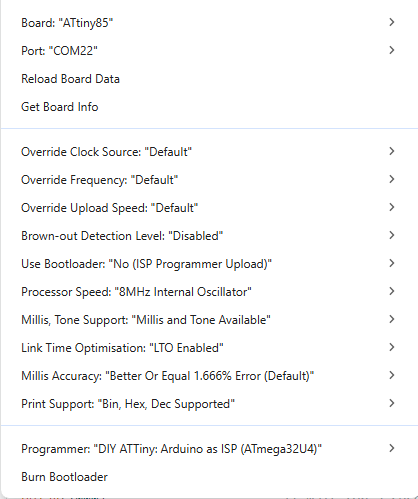
Tools menu must match exactly
- Board: ATtiny85 (Tools → Board → DIY Attiny → Attiny85 )
- Port: Tools → Port → select your Pro Micro
- Processor Speed: 8MHz Internal Oscillator(recommended)
- Programmer: DIY ATTiny: Arduino as ISP (ATmega32U4)
Burn Bootloader (sets Fuses)
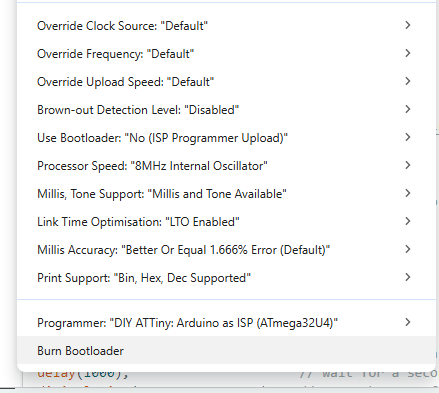
Tools → Burn Bootloader (Do this once per clock change)
Upload Sketches to ATtiny
Open your sketch
Sketch → Upload Using Programmer (LED Blink test below)