How to Recover Files Deleted From Time Machine & Time Capsule
by VishalC24 in Design > Software
255 Views, 2 Favorites, 0 Comments
How to Recover Files Deleted From Time Machine & Time Capsule
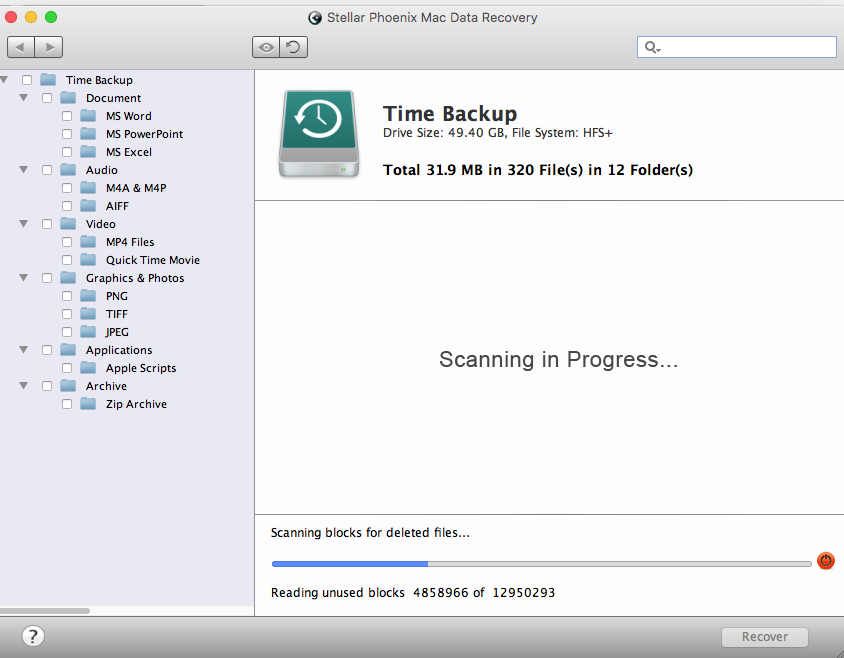
Mac OS X allows you to set up an external hard drive to be used by Time Machine application. This application formats the external hard drive and targets it for taking incremental backup of the Mac hard drive on to external drive. Time Machine is immensely helpful application that have saved many users from data losses. However, Time Machine itself can get formatted, initialised and backup data might become lost or deleted. In such as case user can recover deleted, lost and formatted backup files using Stellar Phoenix Mac data recovery software V7.1 which supports data recovery from Time Machine hard drives and Time Capsule sparse bundle disk images.
Don't Disconnect Time Machine Hard Drive From Mac
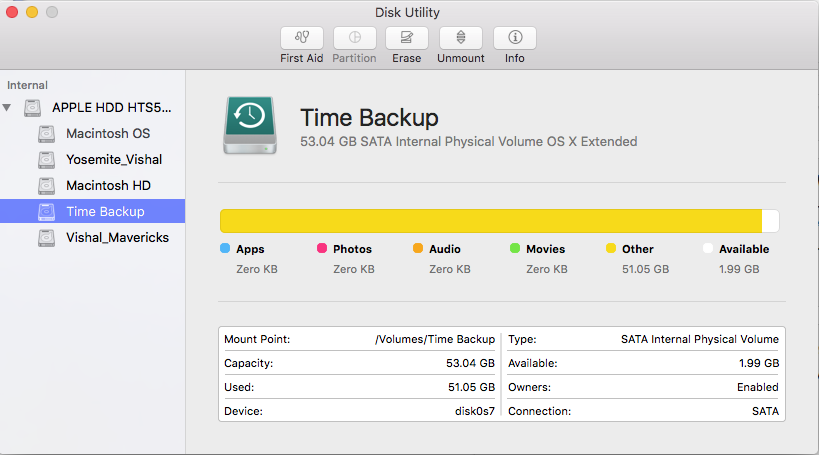
After going through formatting or deletion it is advised not to unmount of disconnect Time Machine hard drive.
Download Data Recovery Software for Mac

There are over dozens of data recovery software available for Mac hard drives. However, there is only one utility that recovers deleted or formatted data from Time Machine hard drive. The utility is Stellar Phoenix Mac data recovery, which also supports data recovery from encrypted hard drives. Download & install this utility on your Mac.
Run Free Scan With the Hard Drive Using Software
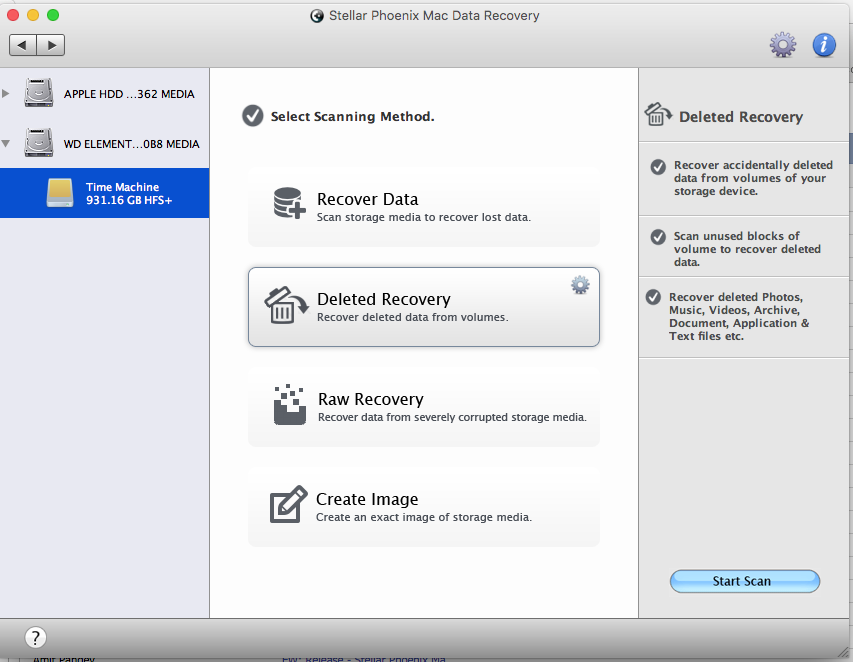
Run free scan on the Time Machine hard drive in order to salvage files.
Preview Recovered Files After Scan Is Complete
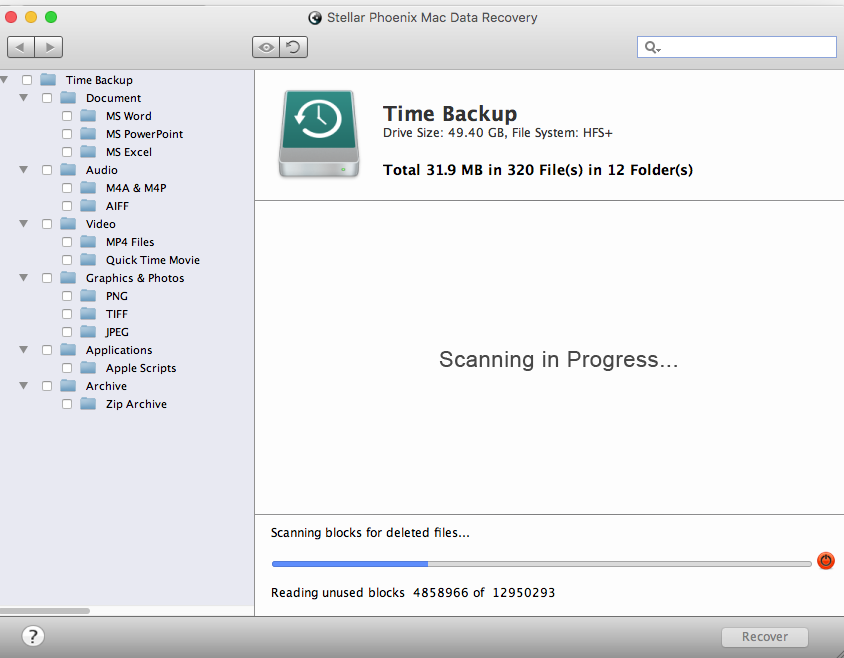
once the software completes the scan on the Time Machine external hard drive, you can preview all recovered files from the backup folders arranged by the software
Save the Recovered Files to Another Location
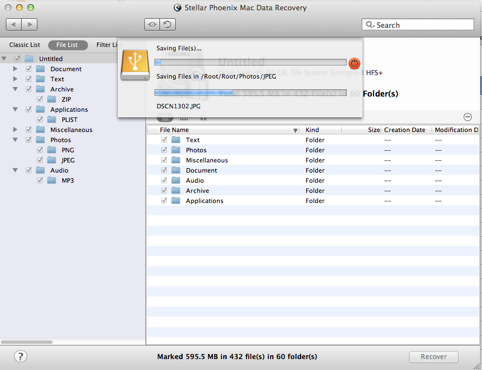
Final step of the recovery process includes saving the recovered backup files from the Time Machine hard drive to another destination.