Pythagorean Multiplication Table
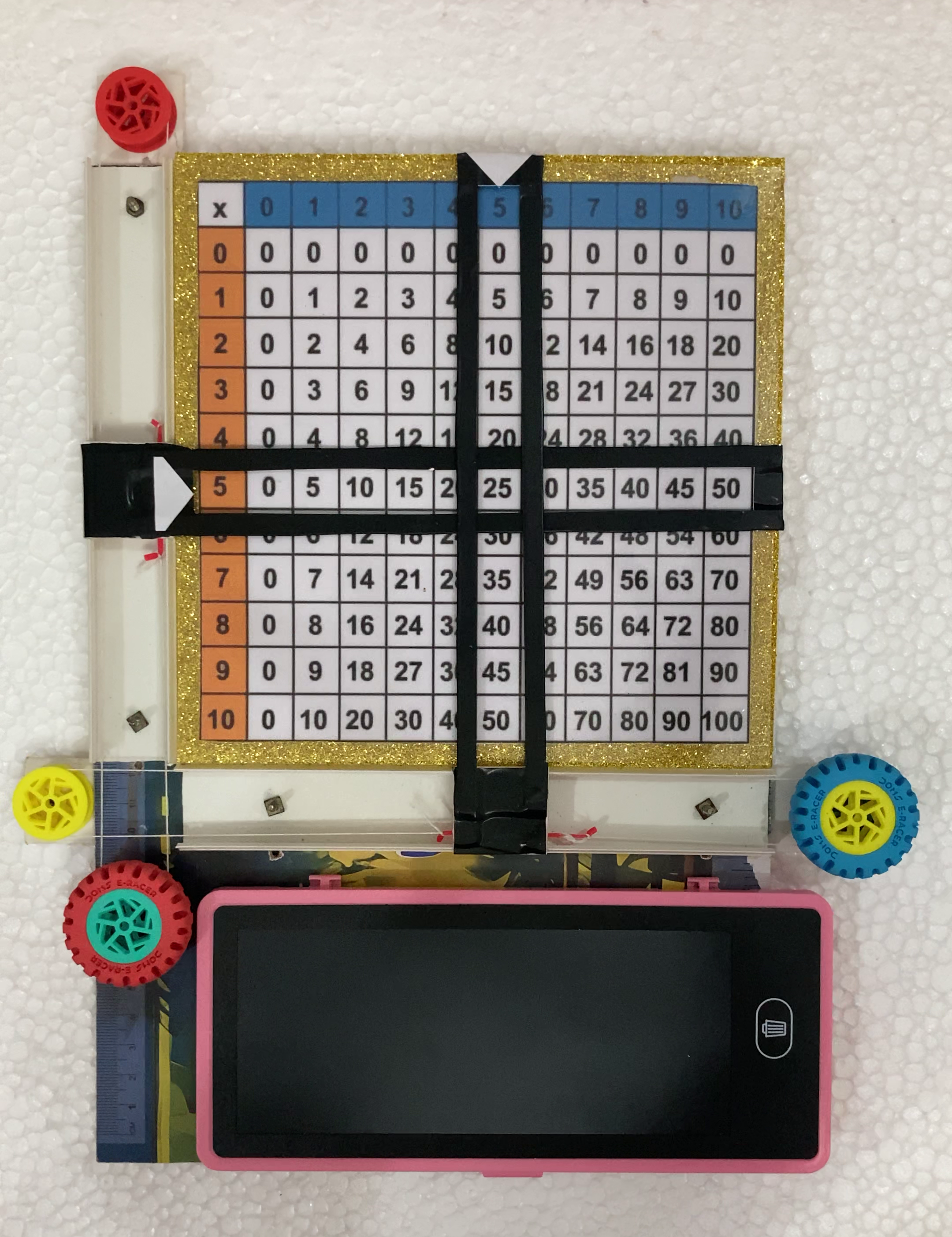
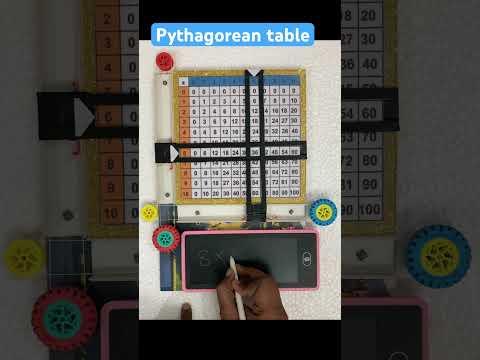
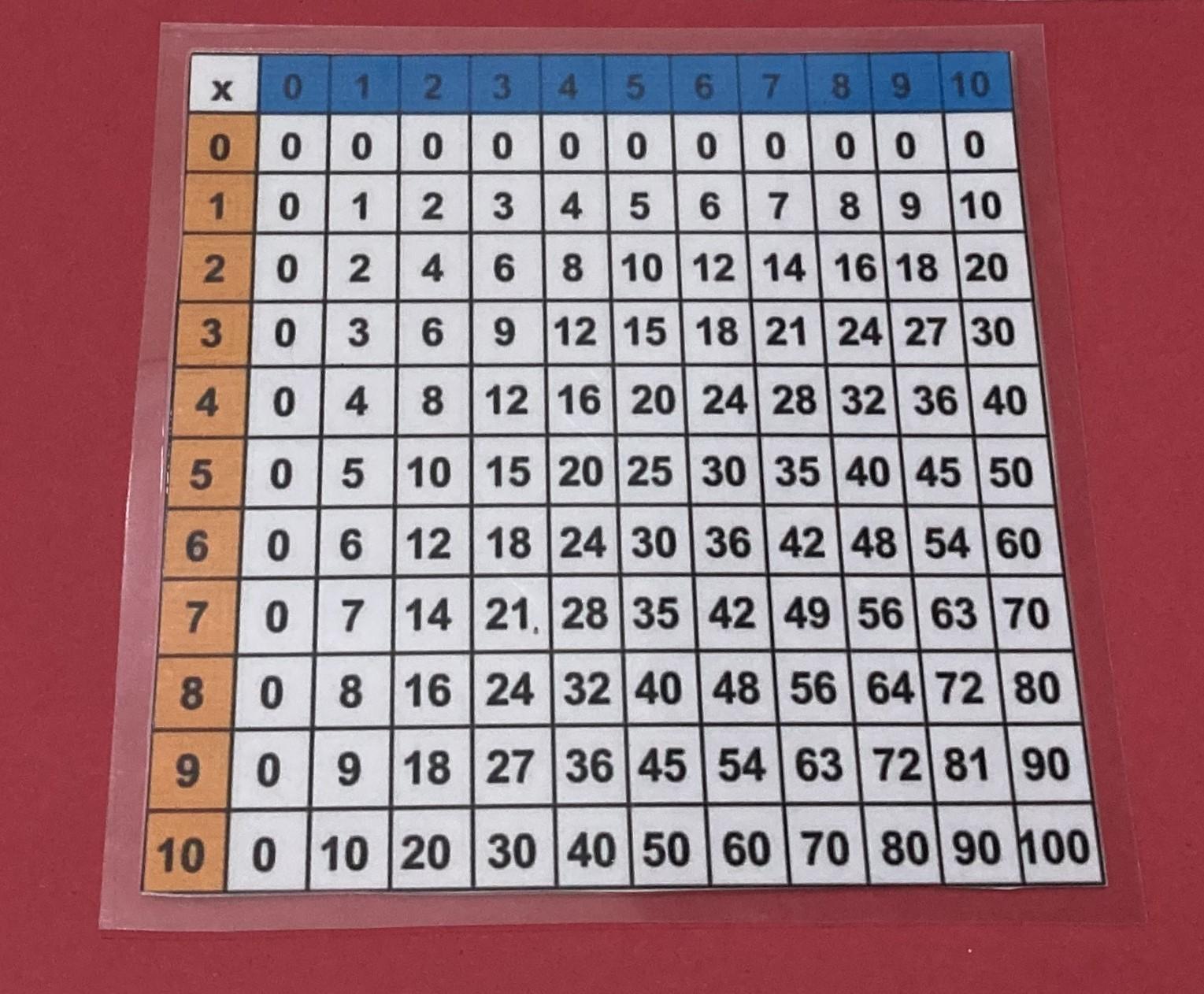
A Pythagorean multiplication table is a square grid used to find the product of two numbers by locating the intersection of a row and a column. It is named after the ancient Greek mathematician Pythagoras.
How the Table Works
- Structure: The first row and the first column contain the numbers 1 through 10 or sometimes up to 12 or 20.
- Finding a Product: To multiply two numbers, find one in the top row and the other in the far-left column. The number where they meet in the grid is their product.
- Symmetry: The table is symmetrical along the diagonal line of square numbers (1, 4, 9, 16, 25, etc.)
Supplies
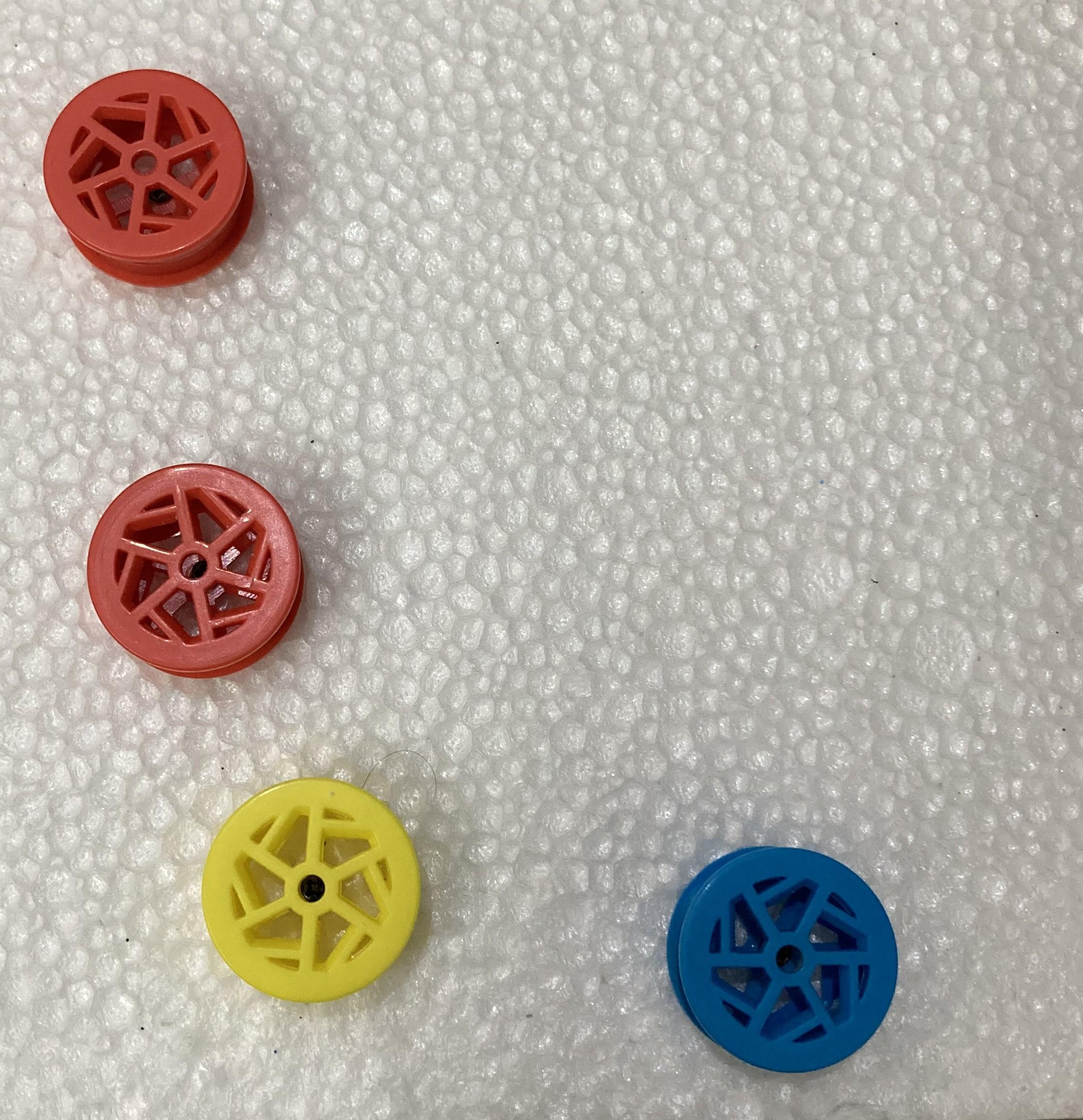

- Wheel type Eraser (2 pcs)
- Cardboard sheet (40cm X 30cm)
- String / Thread
- LCD writing tab (geometry box type)
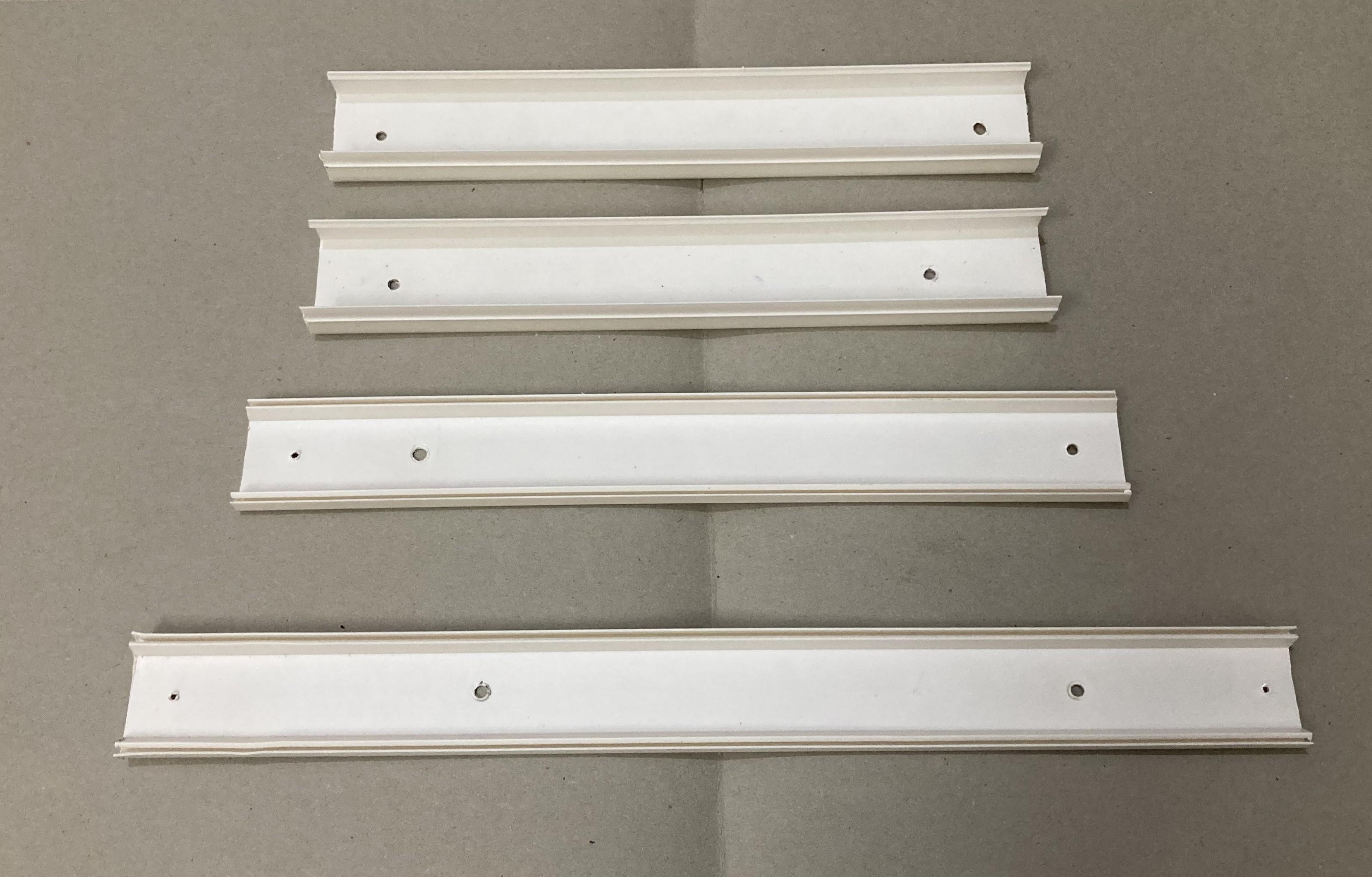
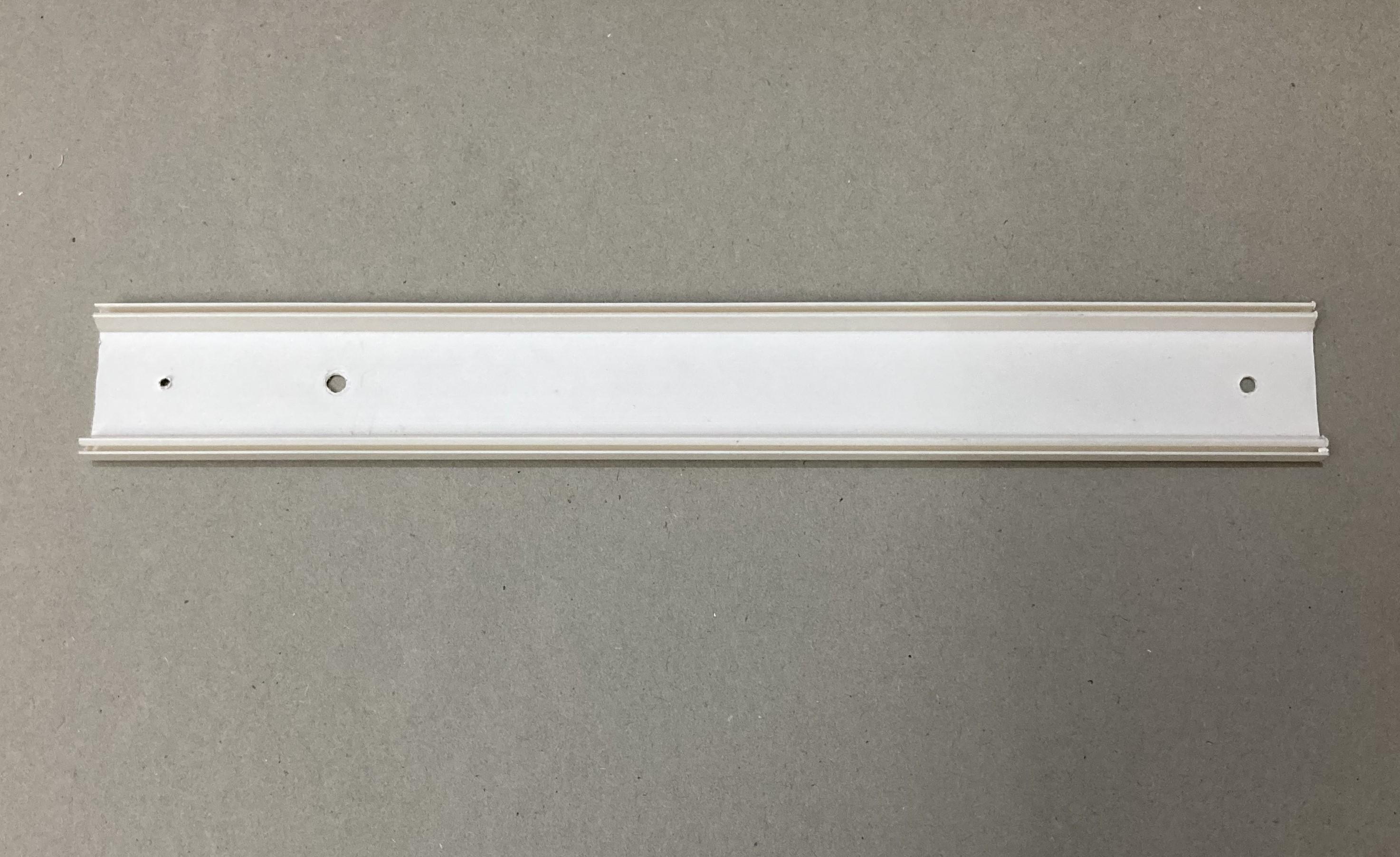
- Electrical wire Casing/duct
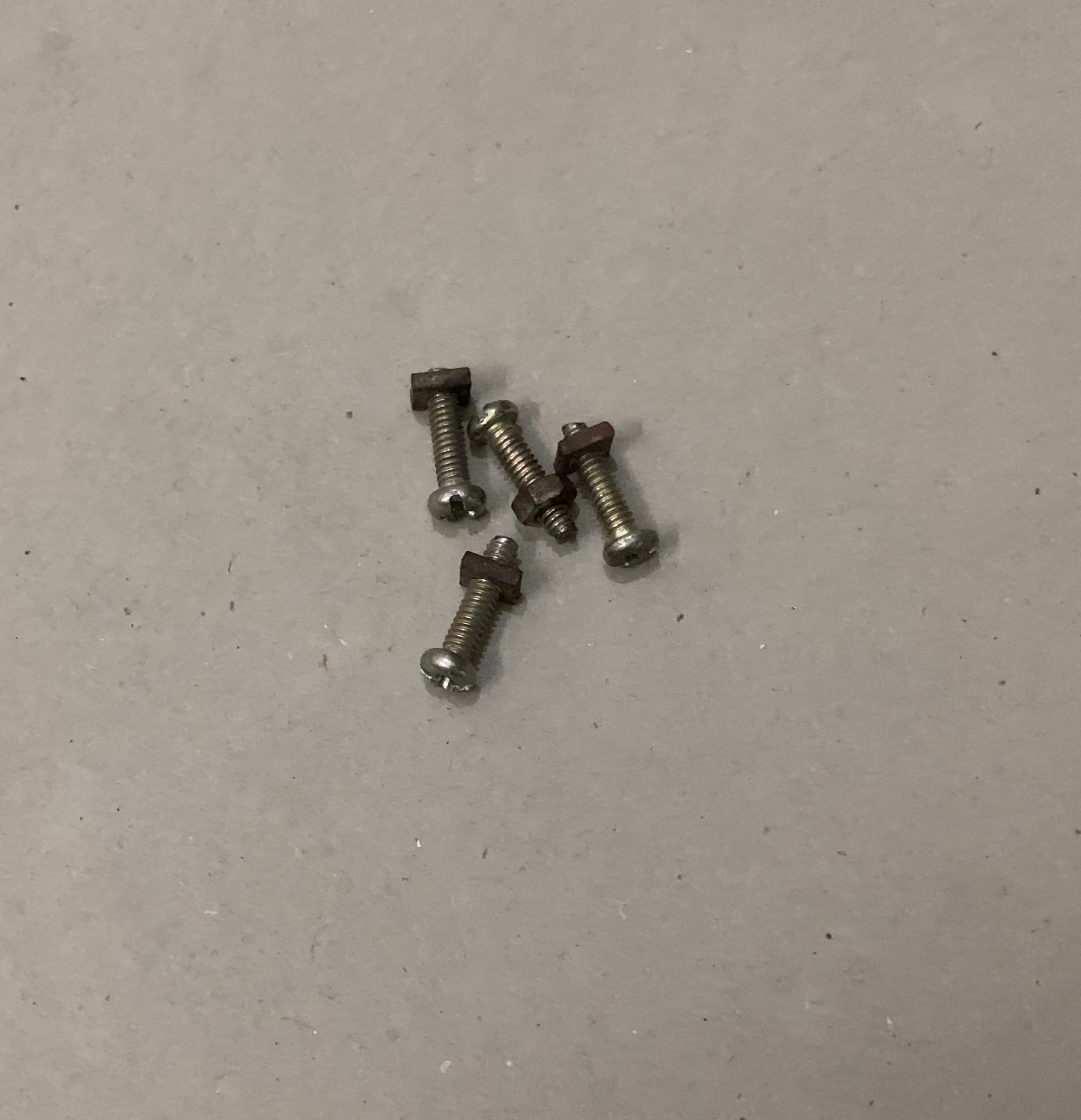
- Some Screws
- Glue
- Adhesive tape
- Scissors
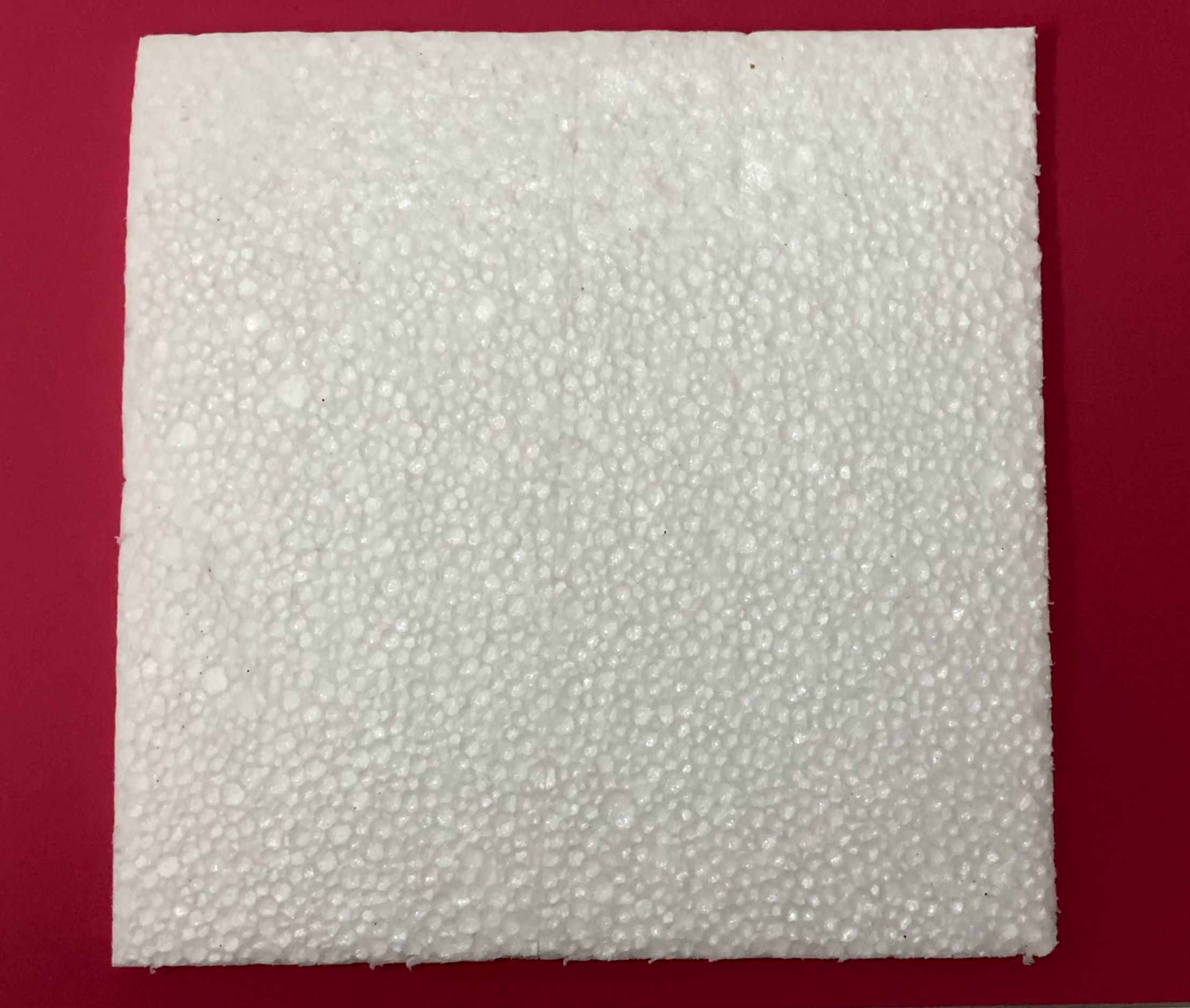
- Thermocol/Styrofoam sheet
- Rubber bands
Base Plate

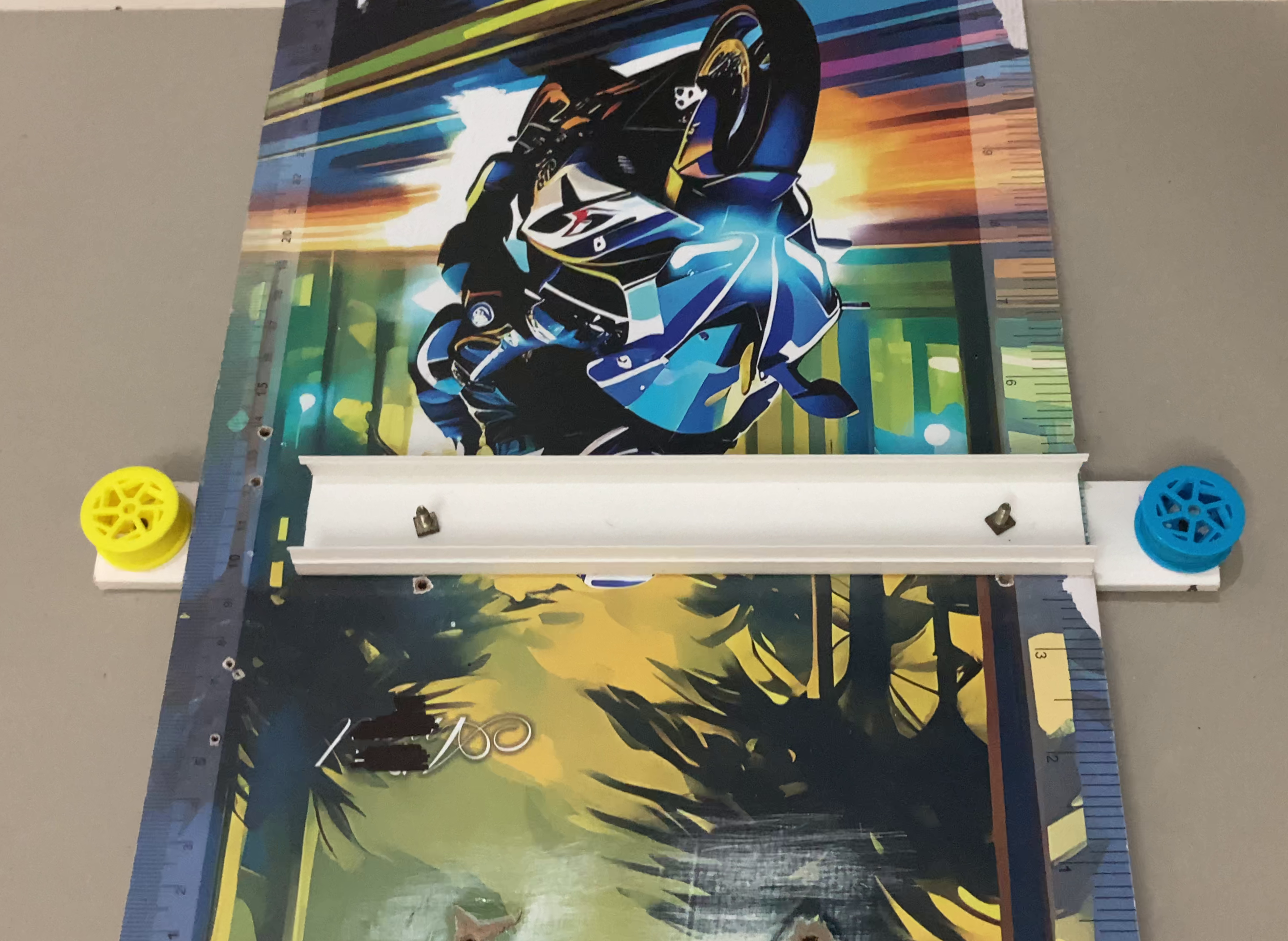
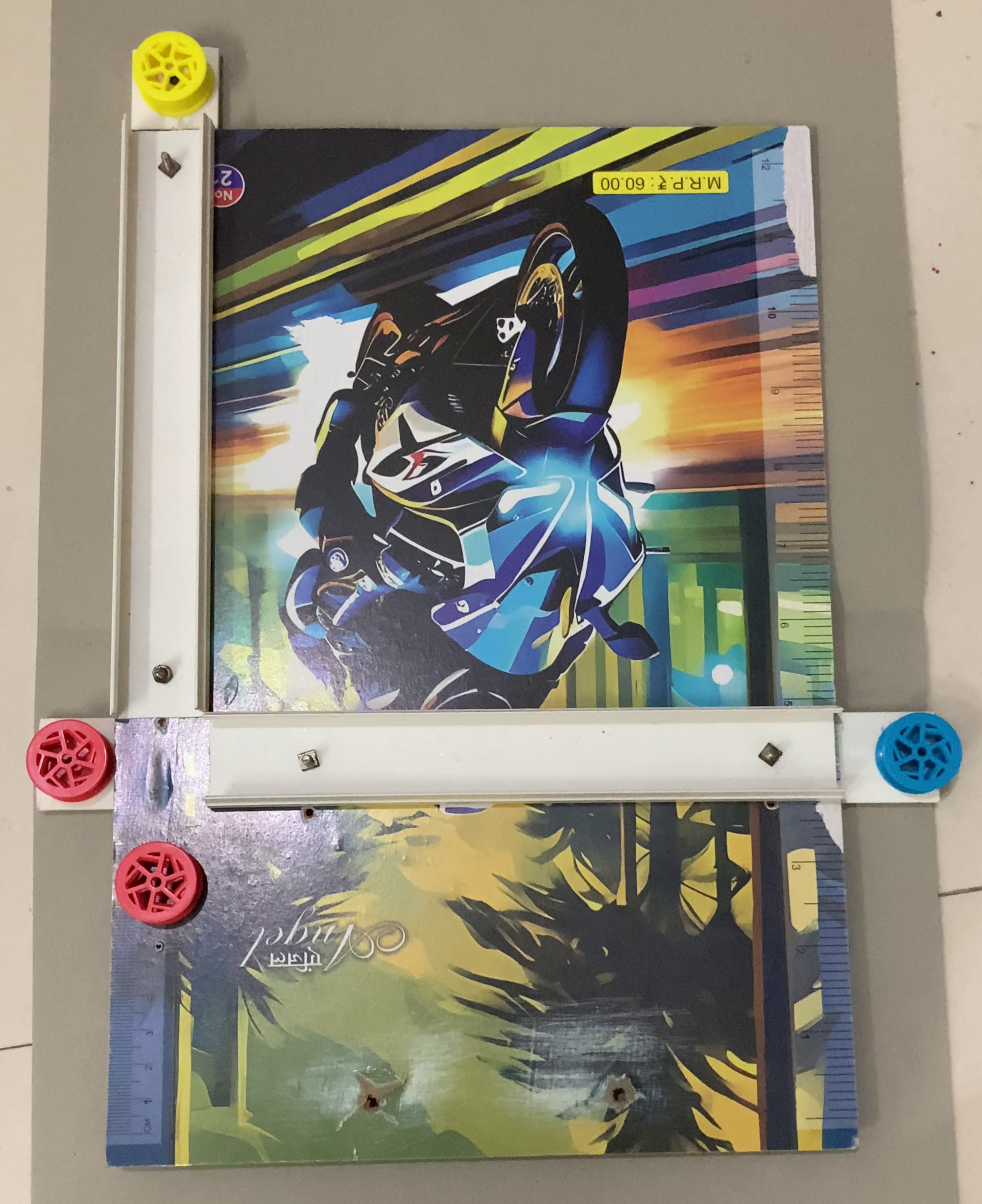
Take a Cardboardsheet and cut a piece of size 40cm X 30cm.
X-axis and Y-axis consists of an electric duct/casing pieces of required dimensions are attached to the base plate with the help of screws.
At the back of base plate, the upper parts of the duct casing are attached with the help of screws. These casing parts hold a pulley on each ends.
Duct Casing Sliders
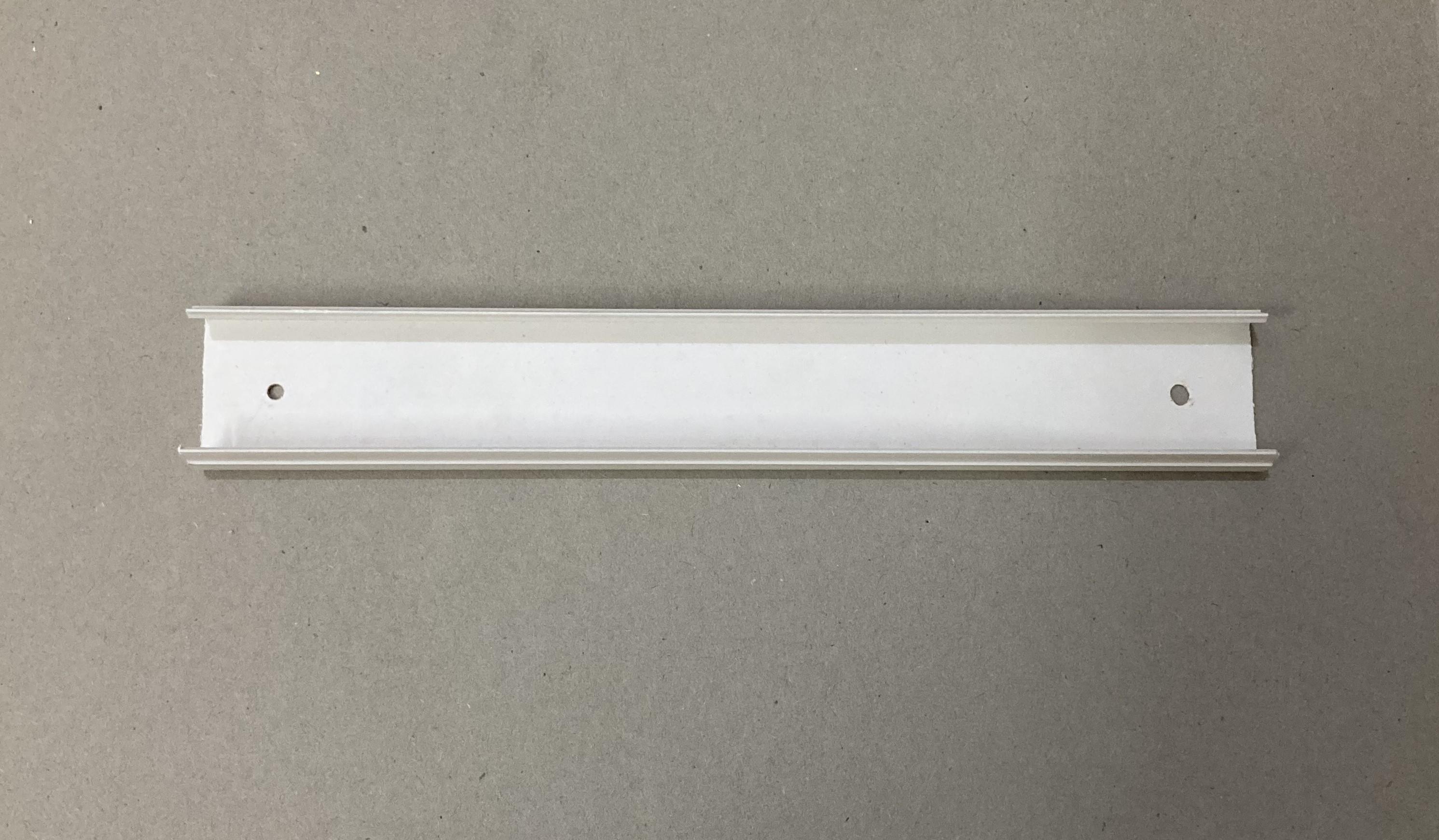
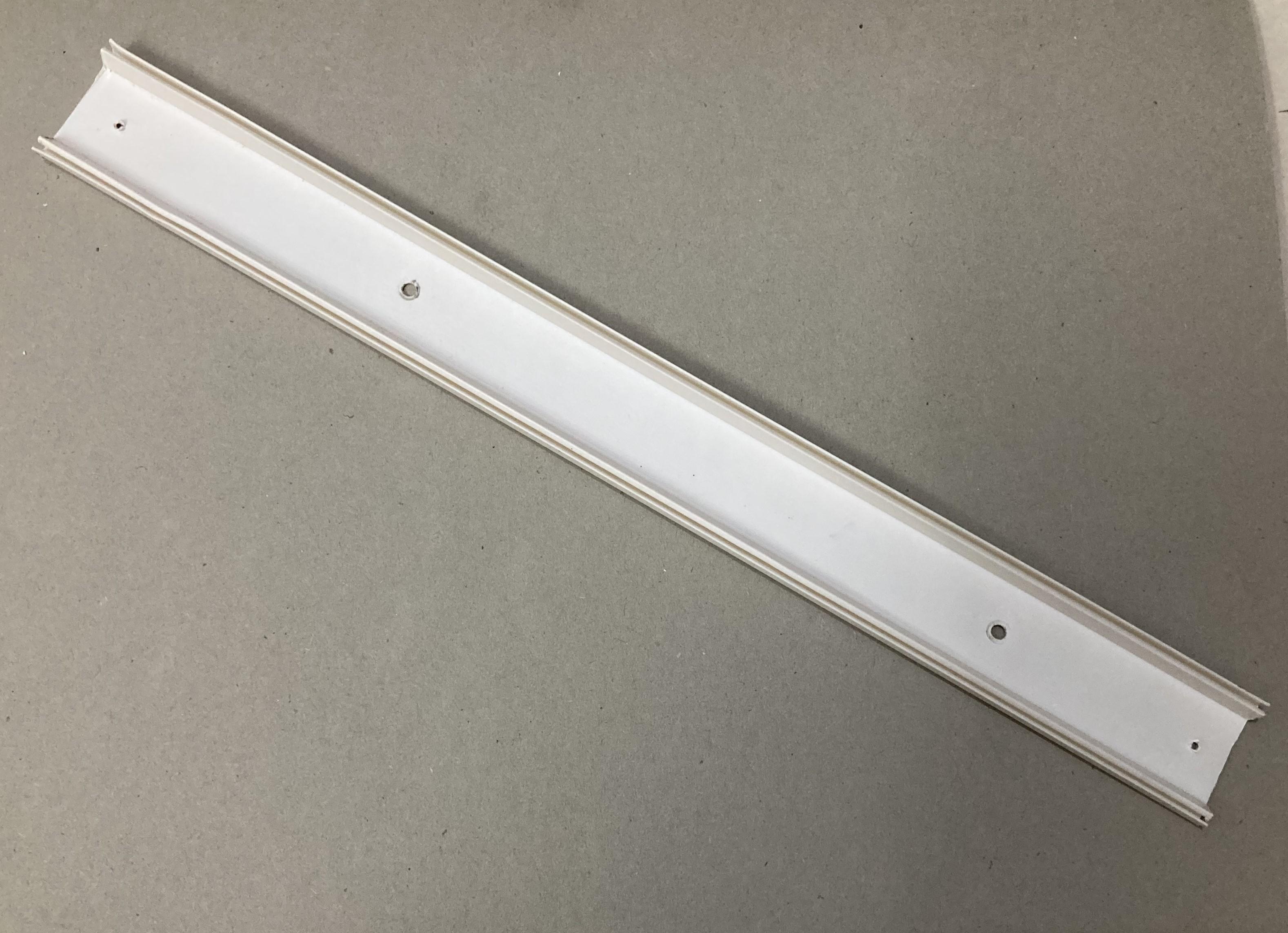

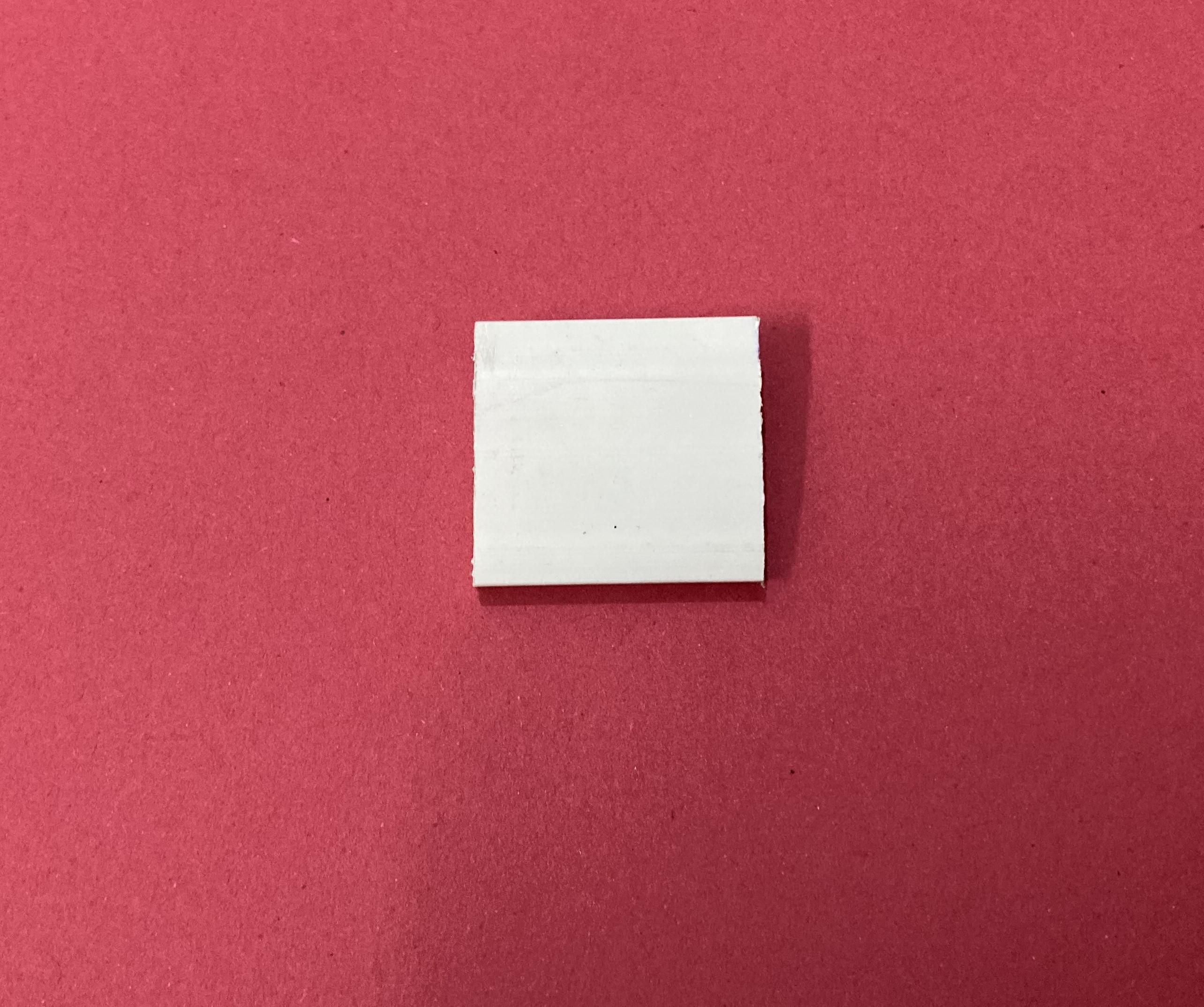
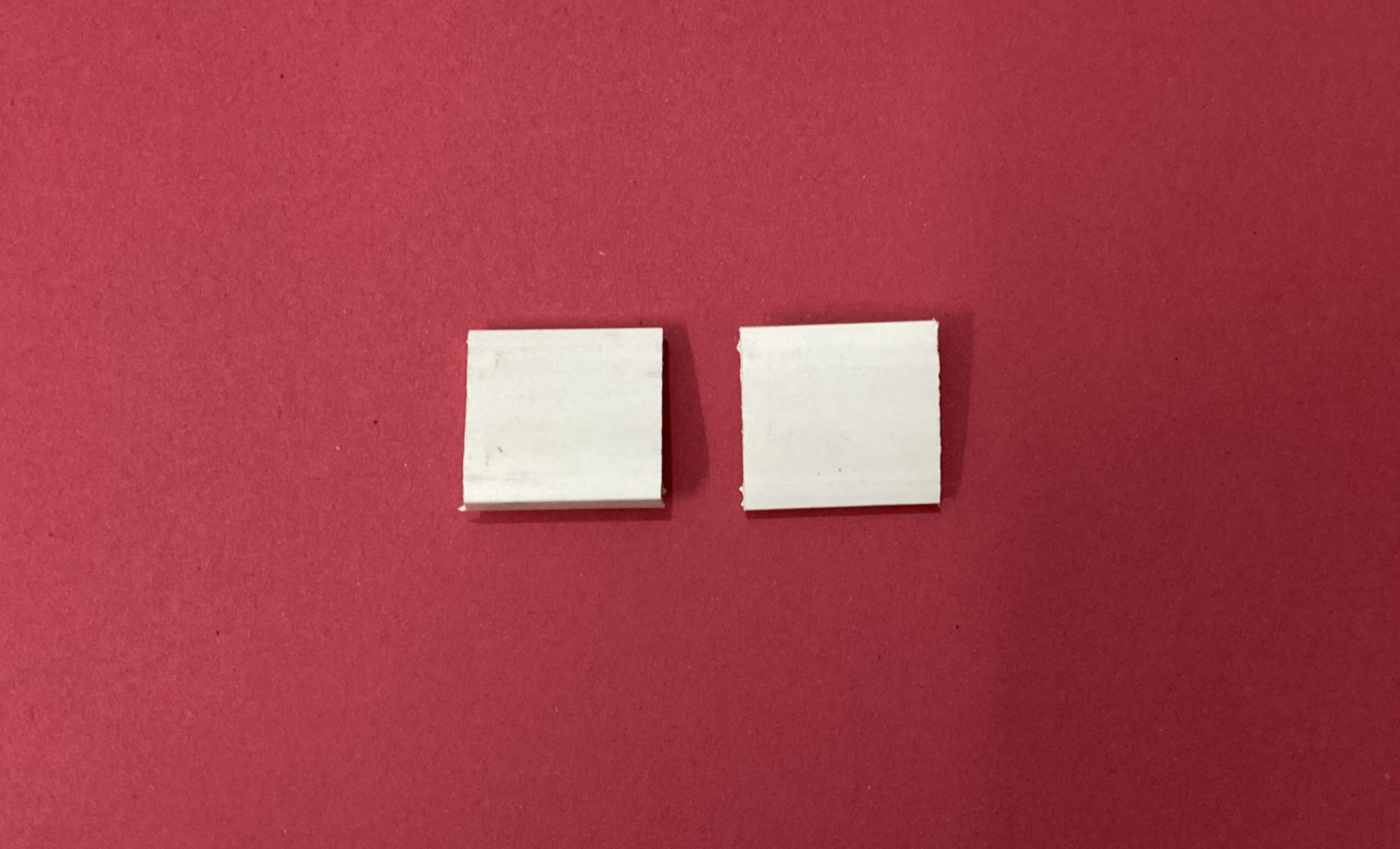

I have used electrical duct/casing as the rail guides for this project. The idea of using electrical duct/casing as linear rails make the whole machine affordable and of less weight.
Total casing/duct parts required:
For X-axis and Y-axis = 195 mm
Linear Slider dimensions:
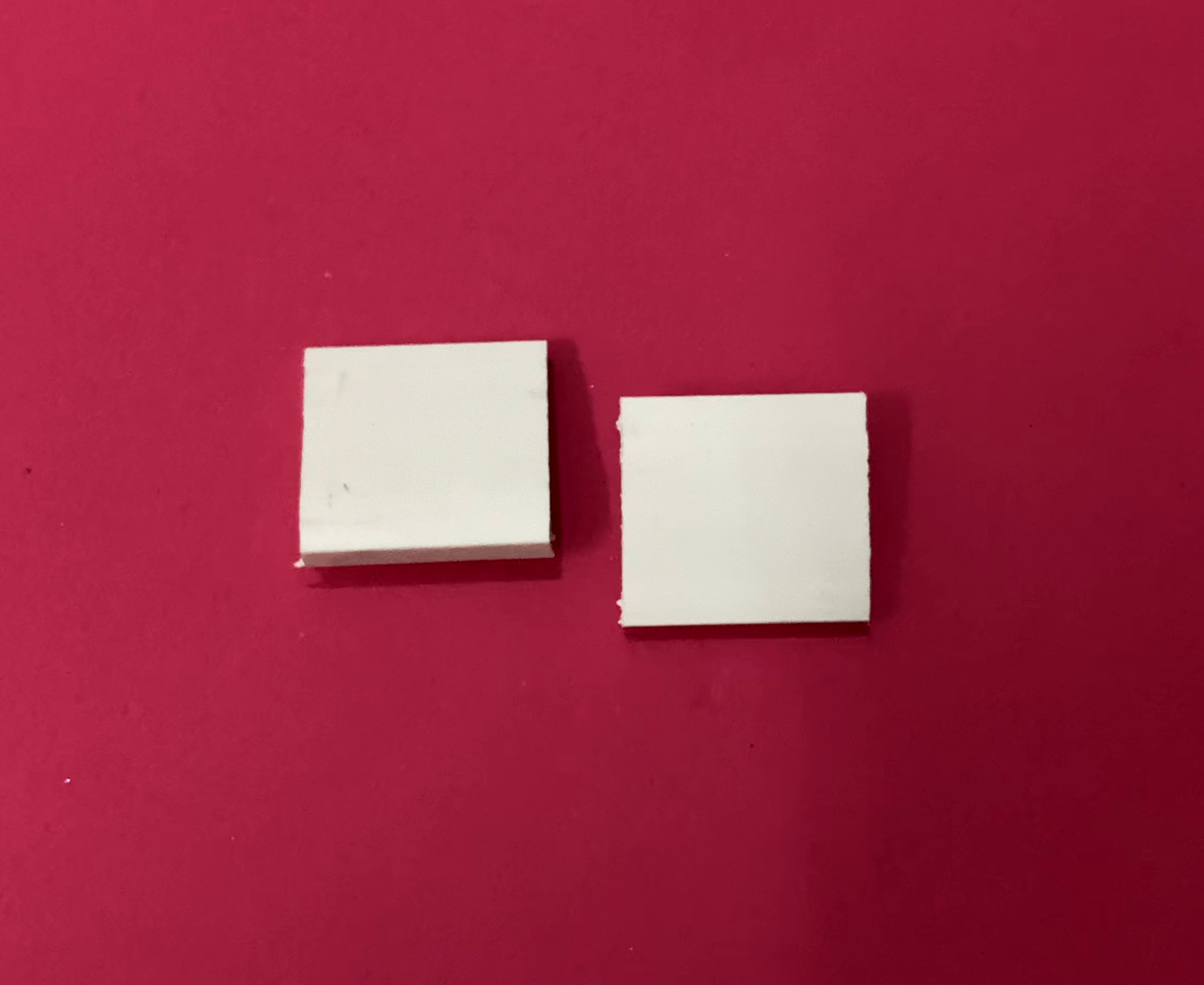
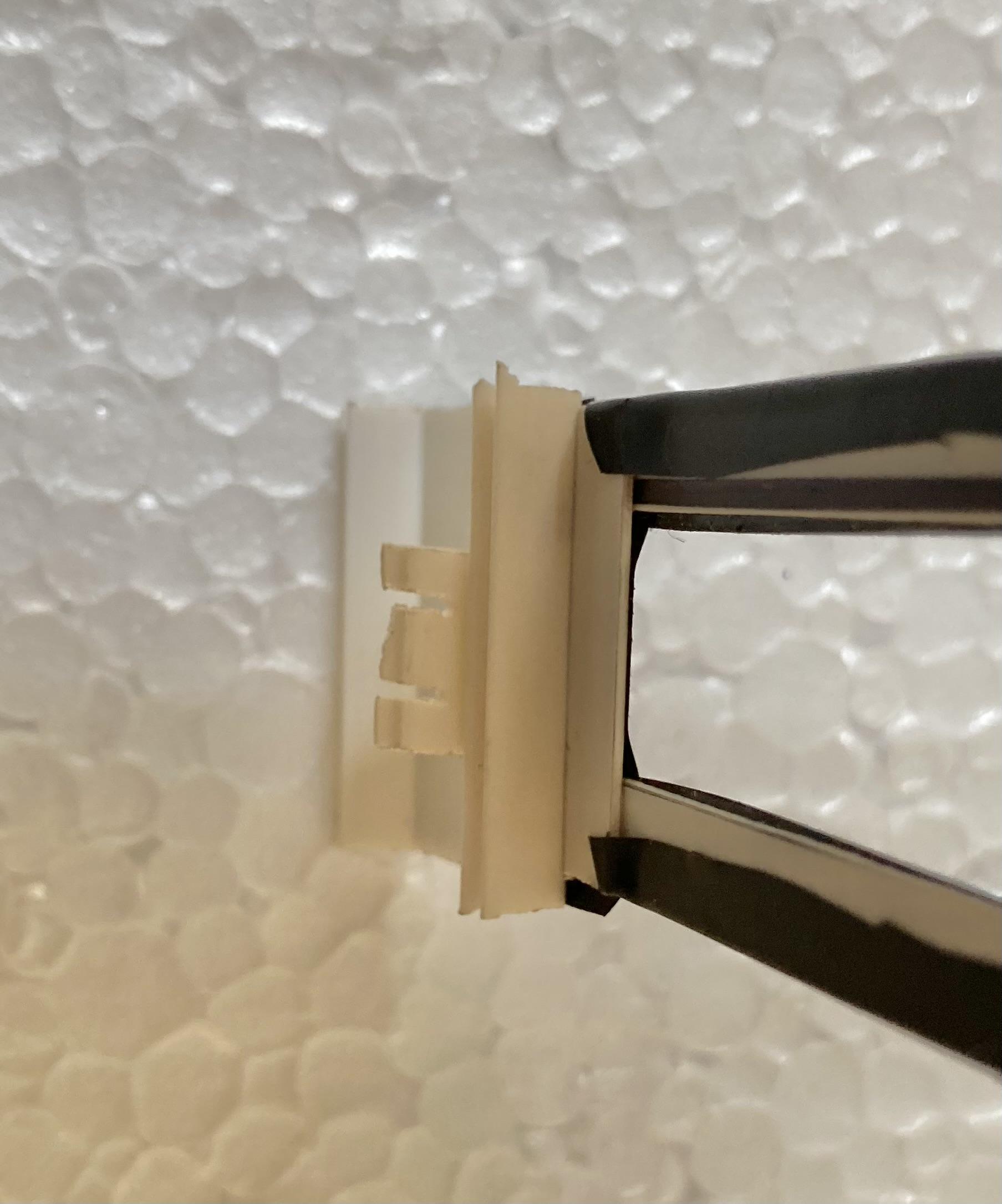
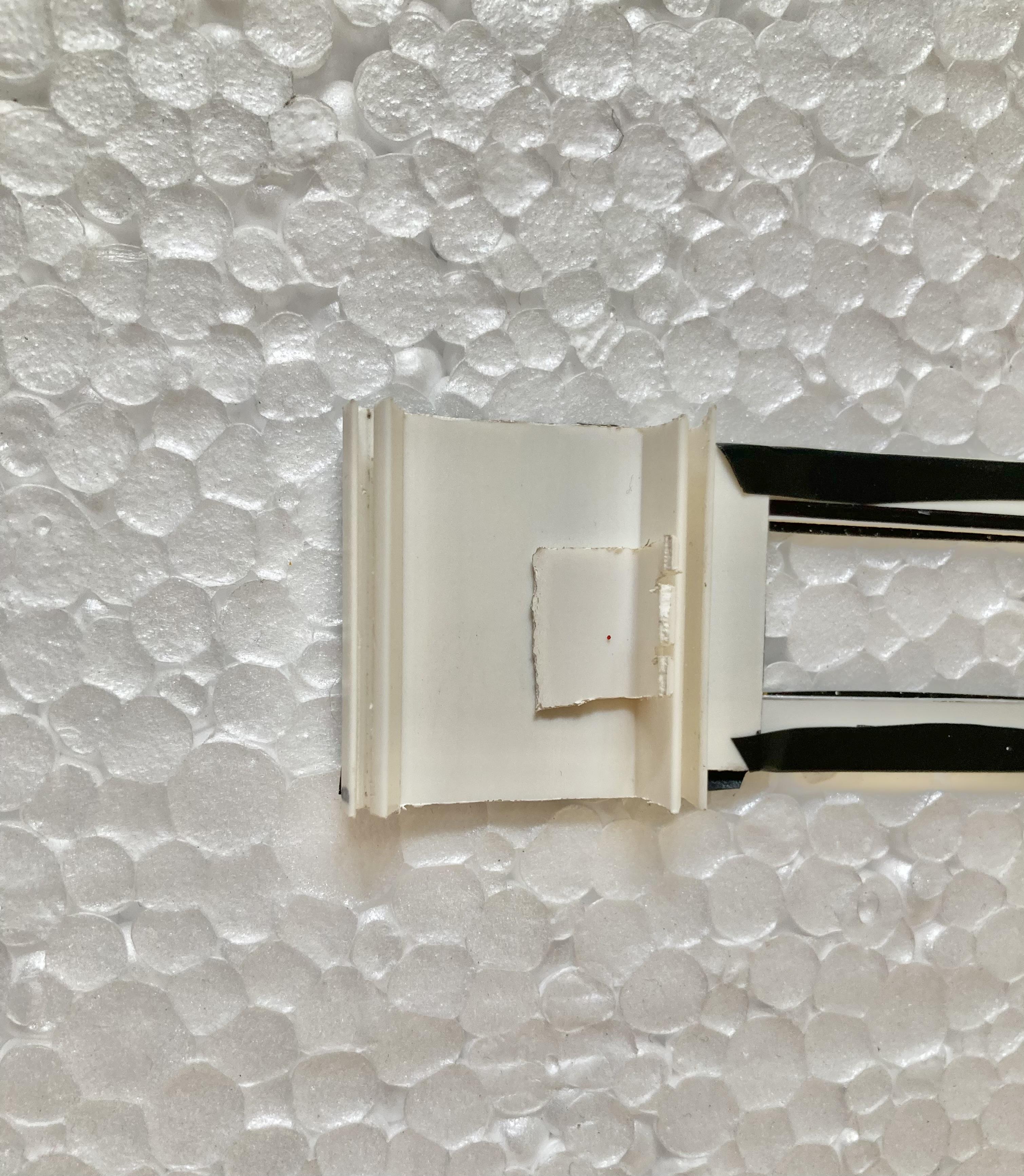
The upper parts of the electrical duct/casing are used as linear slider.
The length of each spoke is 30mm.
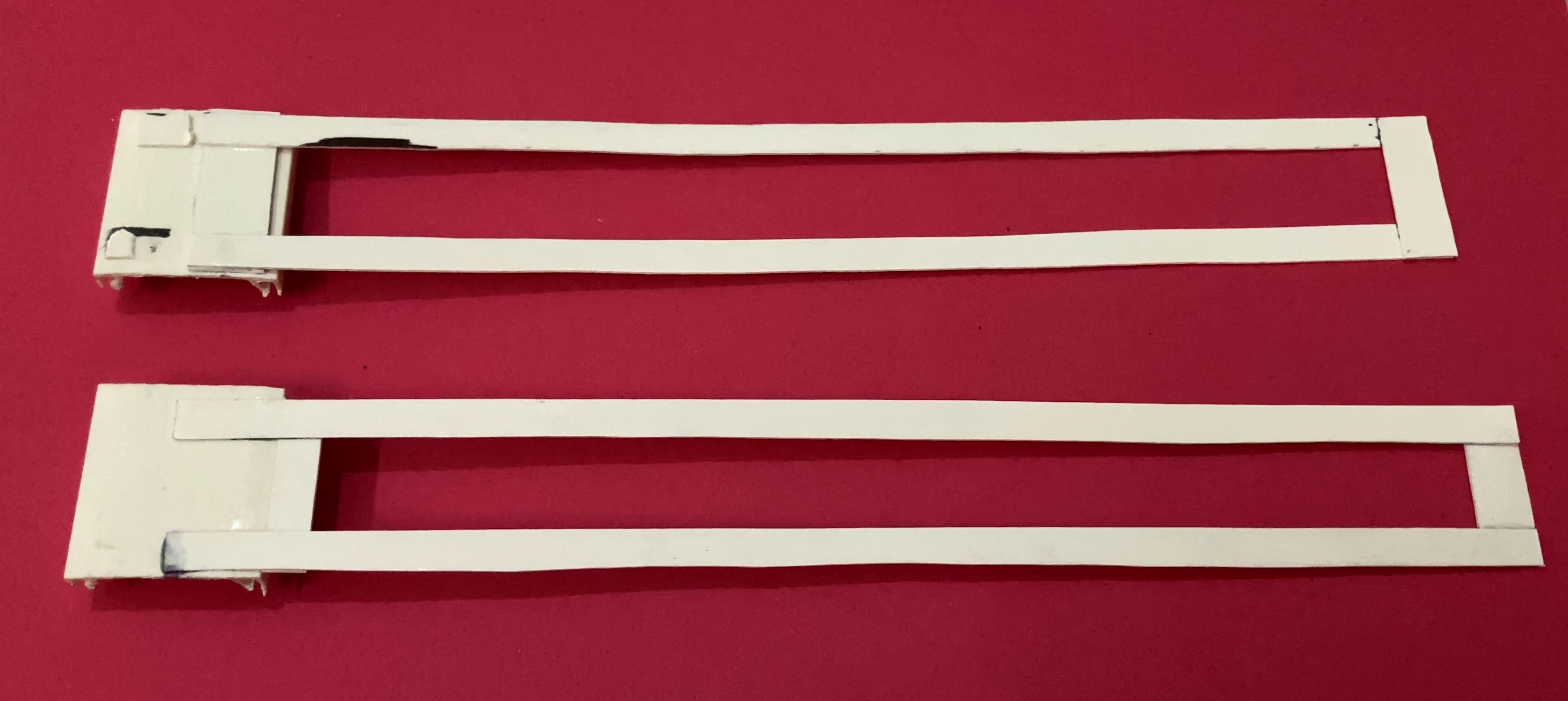
- Create Indicator Strips: Cut two thin strips of rigid, opaque material (another piece of duct casing cover) that are roughly the same length as your X and Y axes.
- Attach to Sliders: Secure these indicator strips vertically and horizontally onto the small duct casing "sliders" that slide along the main rails.
- The horizontal strip will slide along the X-axis rail.
- The vertical strip will slide along the Y-axis rail.
- Use black color adhesive tape on the strips to highlight them.
Preparing the Multiplication Table

- Print the Grid: Create or download a standard Pythagorean table 10x10 multiplication grid. Ensure the grid is clearly legible and printed on a standard Square size paper.
- Mount the Paper: Glue this paper securely onto the thermocol/styrofoam sheet and adhere this sheet to main base plate where your X-Y duct casing rails are already mounted. This paper becomes the "ground floor" of this project.
Downloads
Control Knobs
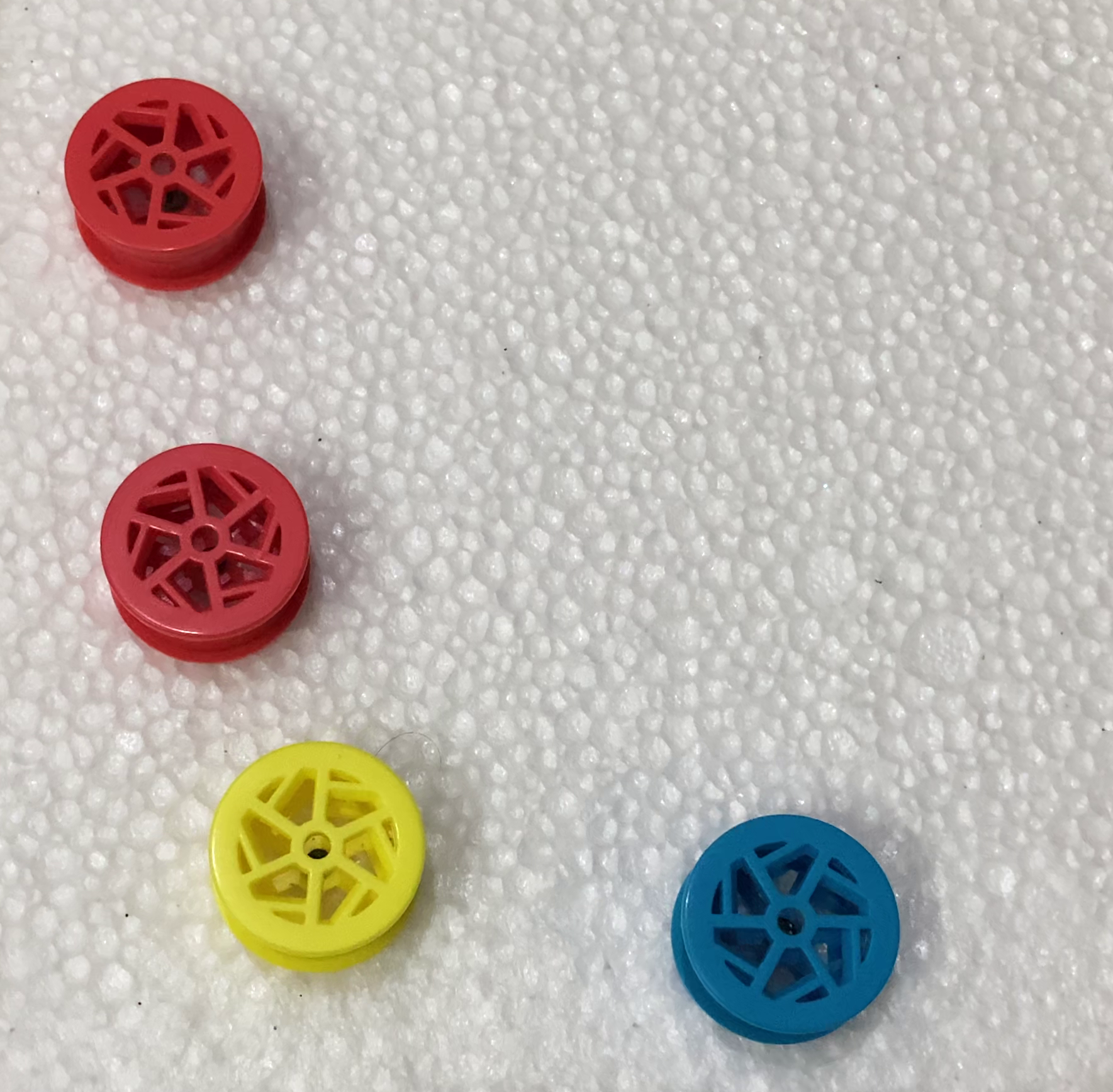

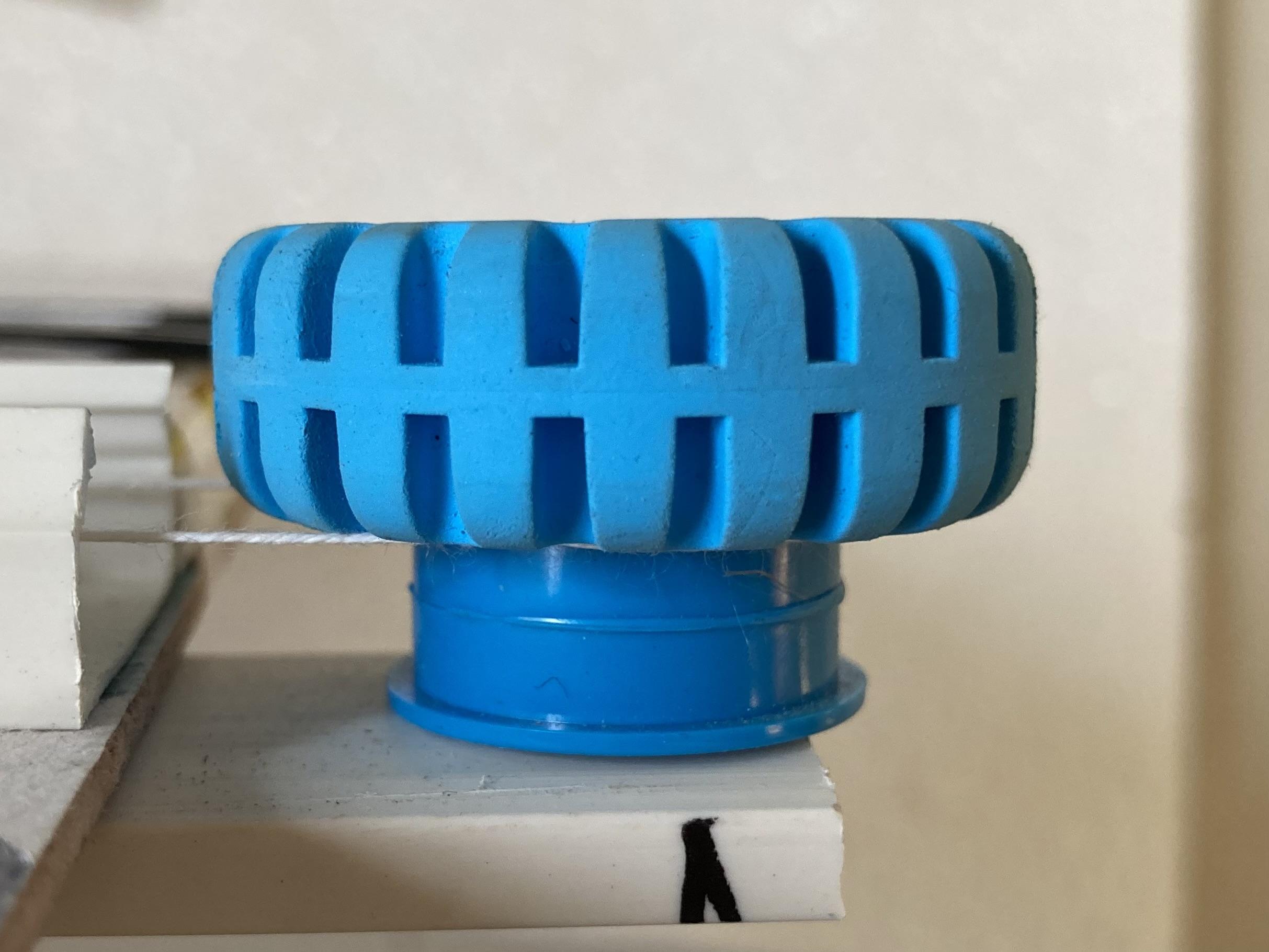
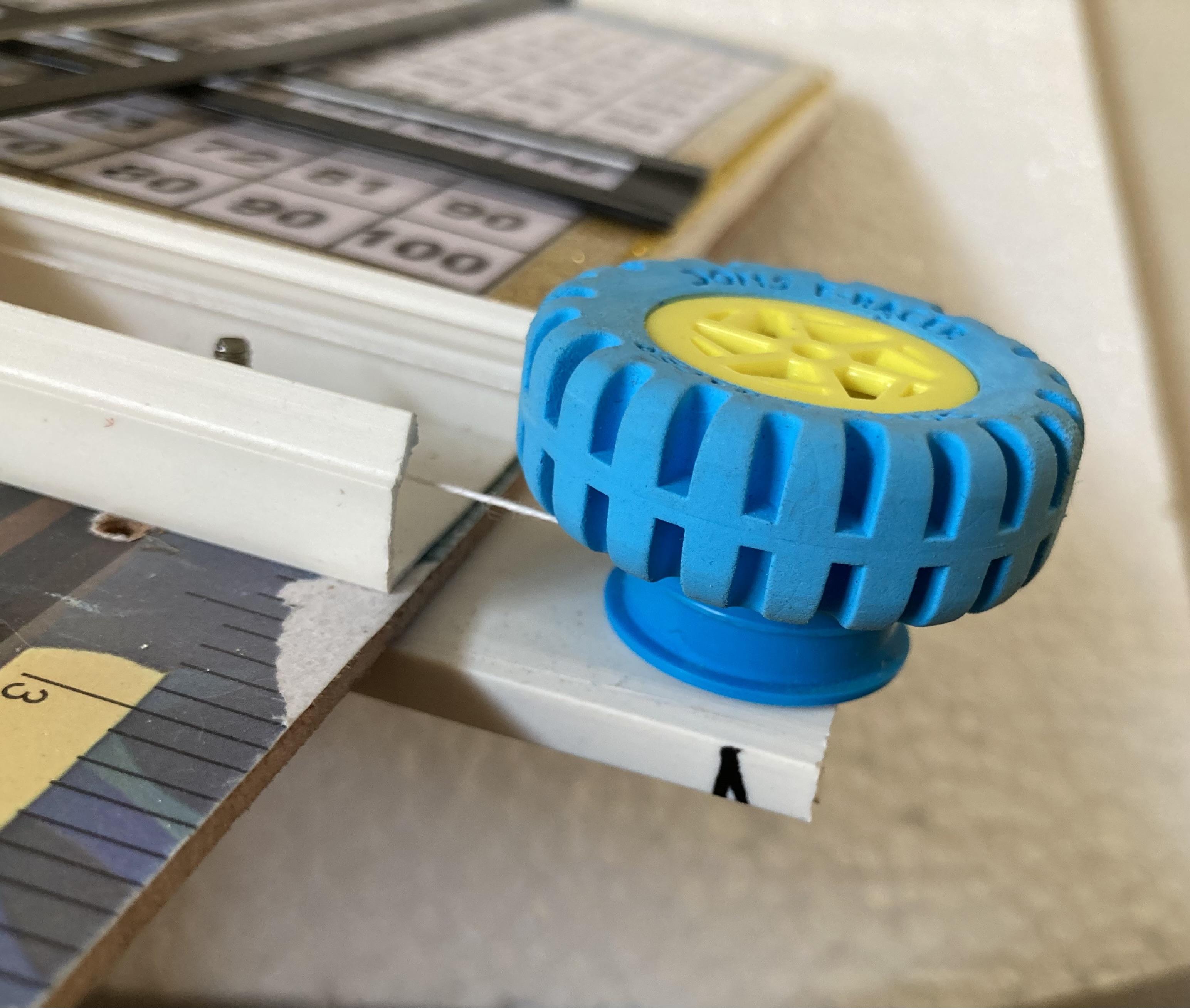
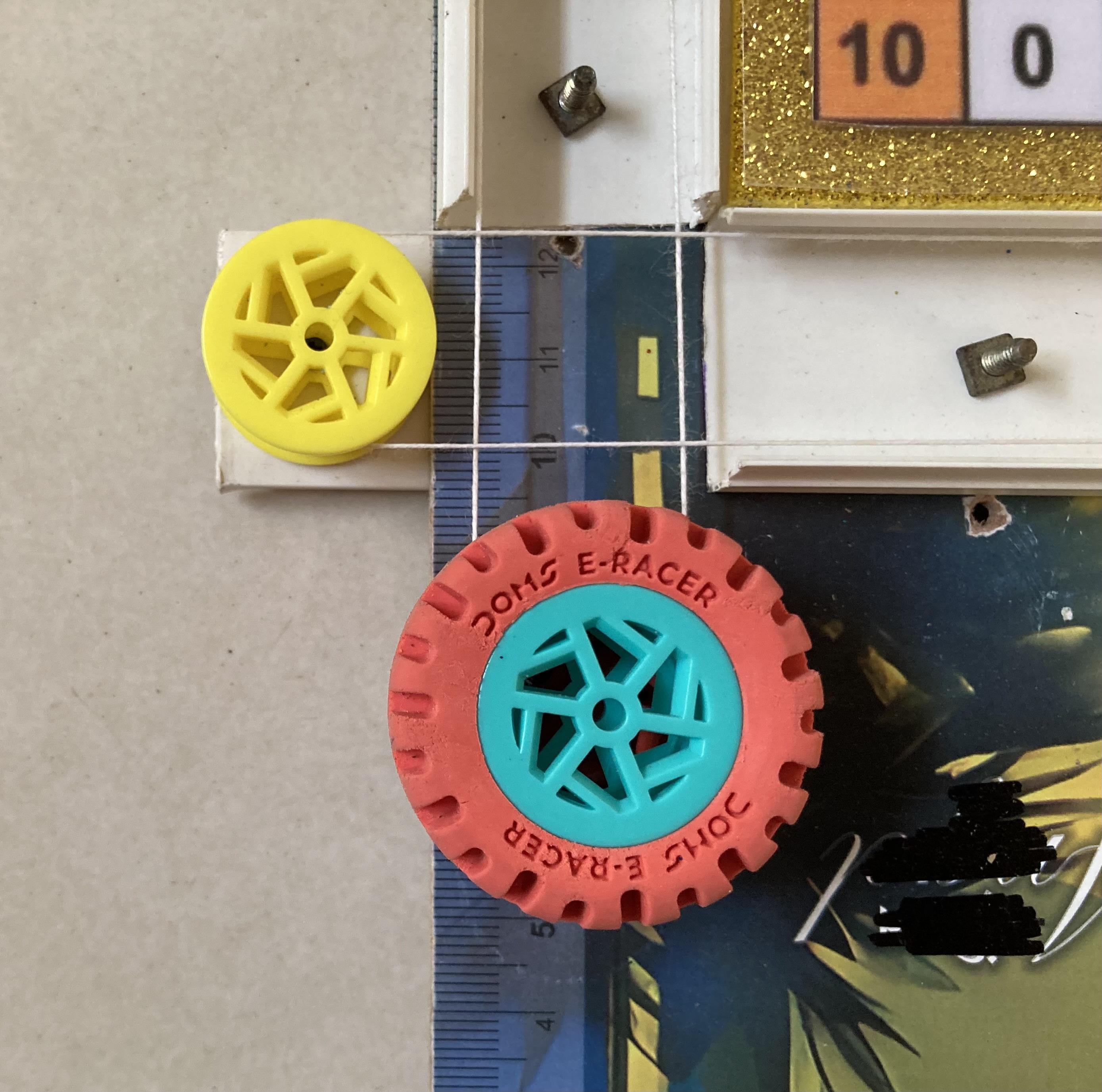
Adding toy wheels as control knobs creates a more engaging, "machine-like" experience for your Pythagorean table. This method uses the wheels as pulleys to wind the string/thread, converting rotary motion into the linear movement of your duct-casing carriages.
1. Mechanism Design
You will need two "Control Stations"—one for the X-axis and one for the Y-axis.
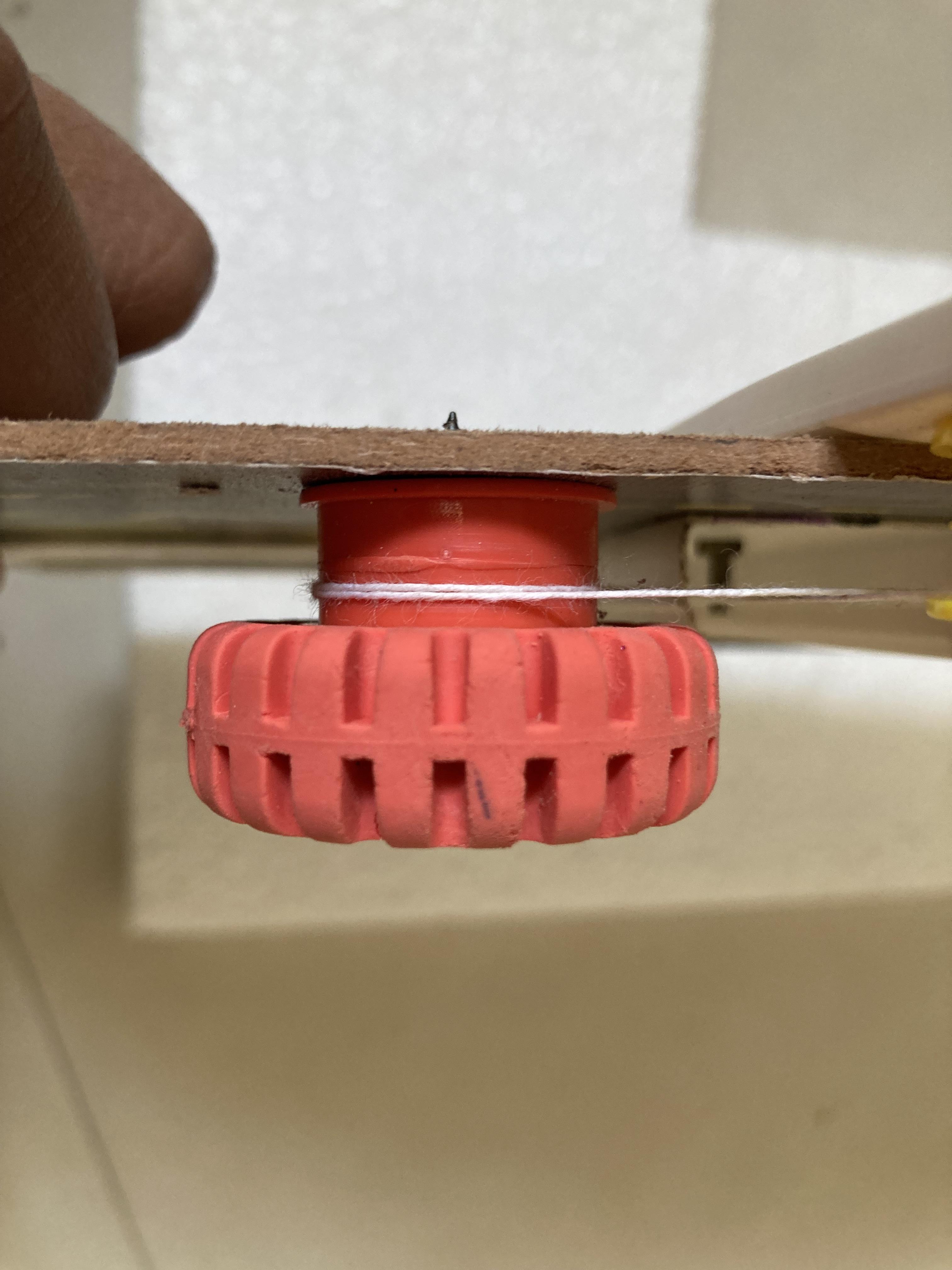
- The Wheel or Control Knob: Use a plastic toy wheel with a rubber tire (I used a wheel type eraser) or a deep center groove. This will act as your hand-crank.
- The Axle: A long bolt, a sturdy pencil, or a wooden dowel that passes through the wheel.
- The Capstan: The string will wrap around the axle or the center of the wheel.
Mount the Control Wheels:
- Fix two vertical electrical duct casing at the bottom-right corner of your base board.
- Install one wheel for the X-axis (Horizontal) and another for the Y-axis (Vertical).
String Routing:
- X-Axis: Tie one end of the string to the horizontal carriage. Run it to the far end of the duct rail, around a fixed smooth pin (or a second toy wheel acting as an idler), and back to your Control Wheel.
- The Wrap: Wrap the string tightly around the axle of the Control Wheel 2–3 times. This "capstan wrap" creates the friction needed to pull the carriage.
- Y-Axis: Repeat the process for the vertical carriage, mounting its control wheel nearby so both "knobs" are at the same user station.
- Rubber Bands for Tension: If the string is too loose, it will slip on the wheel. Tie a small rubber band between the string end and the carriage to keep constant tension.
- Grip: If the string slips on the plastic axle, wrap a layer of electrical tape or a small rubber band around the axle to increase friction.
- Calibration: Align your square paper only after the wheels and strings are installed. Turn the wheel to its limit, mark that as "1," and then glue your paper down so the "1" on the grid matches the slider position.
Slider Assembly
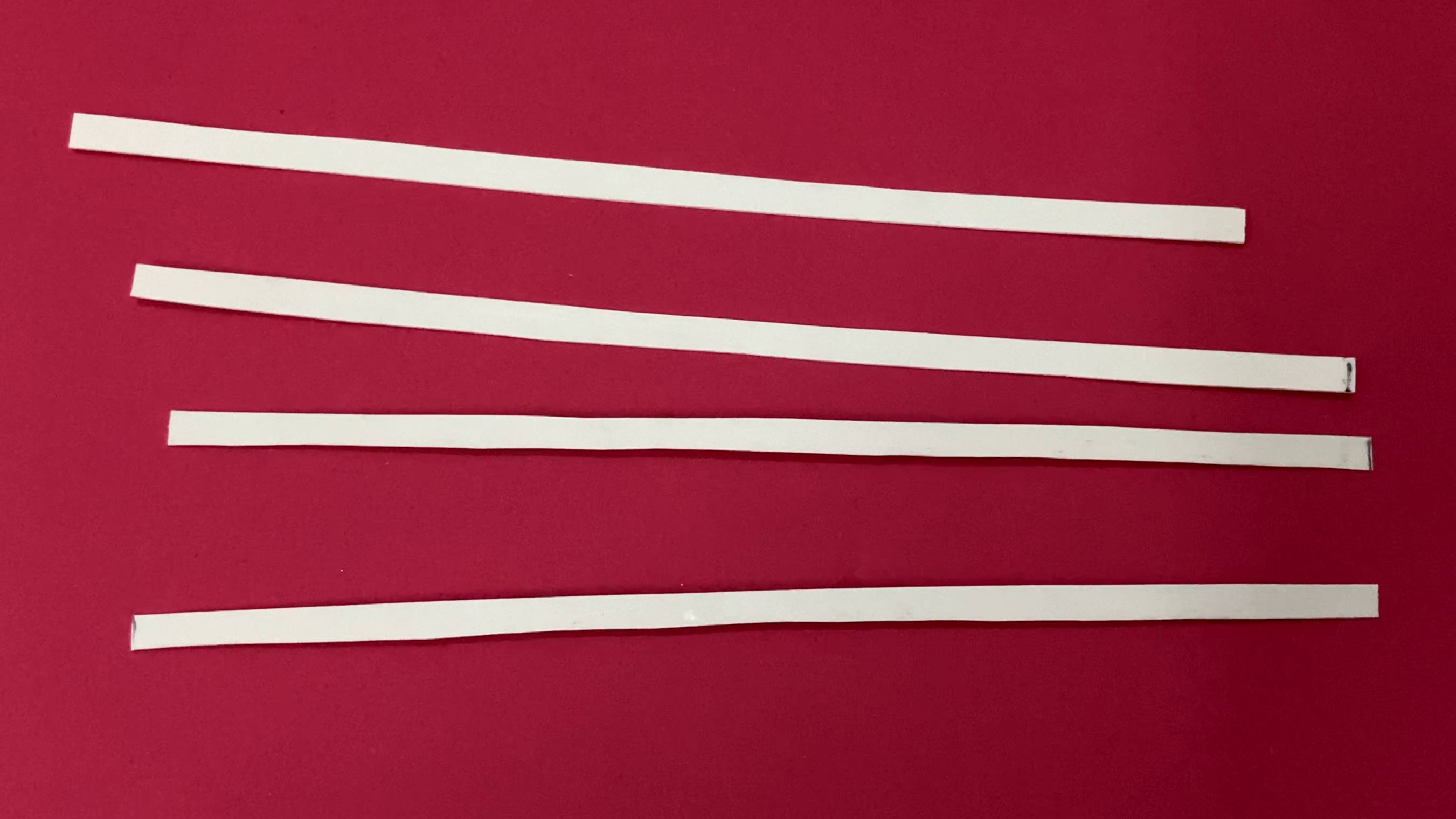
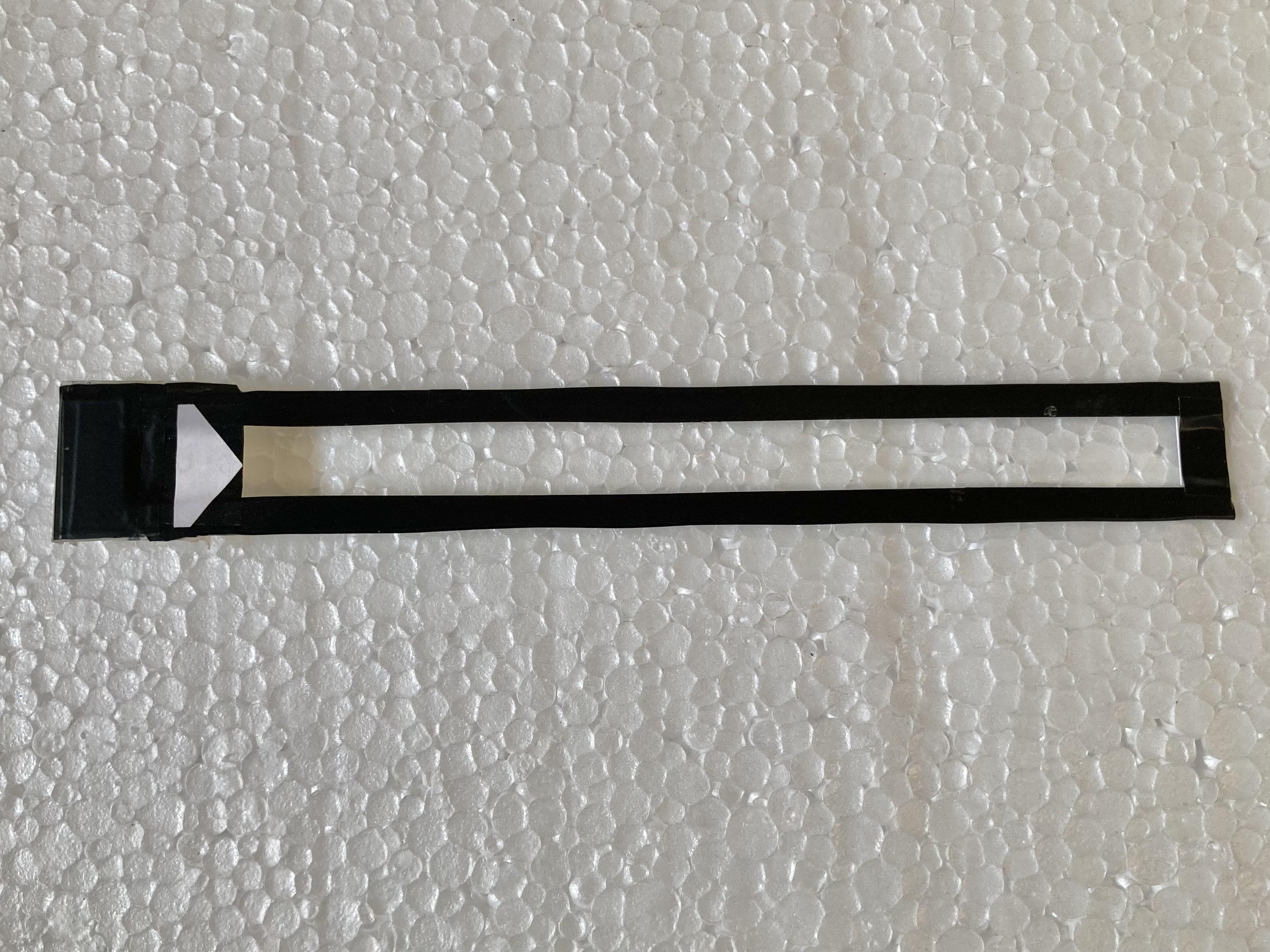
- Mount the Rails: Ensure your X and Y axis duct rails are fixed down firmly on the base with the square paper underneath them.
- Position the Sliders: Place the X-axis slider (with its number strip) onto the horizontal track. Place the Y-axis carriage (with its number strip) onto the vertical track.
- The Intersection Point: The key feature will be the intersection point of the two strips. You need a small viewing window (like a small square window) at the exact point where the chosen row and column meet.
Lcd Tab


Integrating an LCD writing tablet into your DIY project transforms it from a simple chart into a "math lab." You can use the tablet to write down the formula and solve it before verifying the answer with your slider mechanism.
Attach a standard 8.5-inch LCD writing tablet at the very top of your base board. This allows the user to write the "question of the day" for others to solve using the sliders.
- Use adhesive double- sided tape strips on the back of the tablet and on your base board. This makes the tablet removable for easier writing or battery replacement.
- You can use small, leftover pieces of your electrical duct casing as brackets. Screw the base of the duct to your board and "snap" the tablet into the channel if the dimensions align.
Working


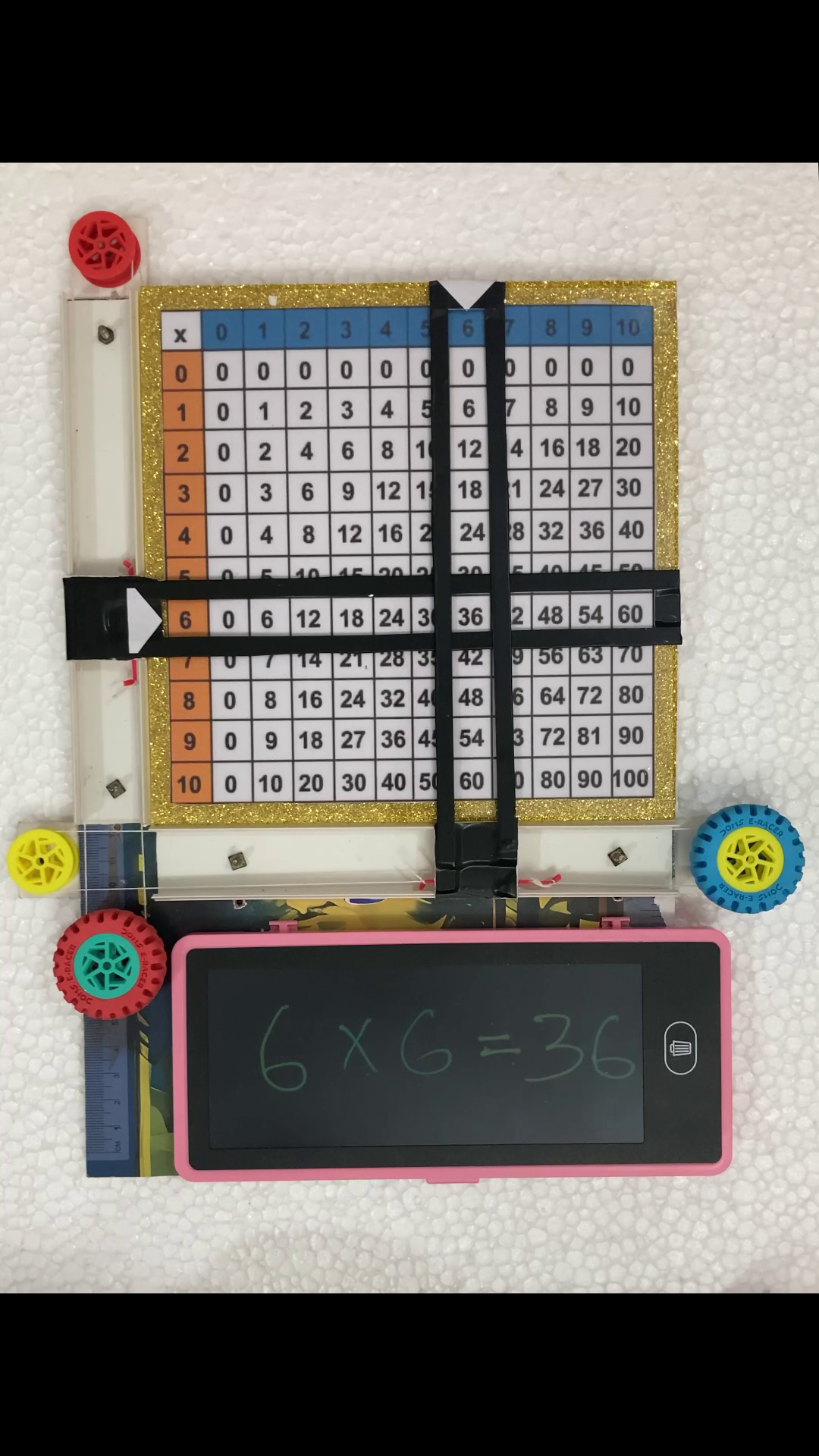
- Write: Write the multipliers (e.g., 4×3) on the LCD tablet.
- Slide: Rotate your Eraser wheel controls to move the horizontal and vertical sliders to the 4 and 3 positions.
- Reveal: Look at the intersection on the Square paper to find the result (12).
- Solve: Write the final answer on the tablet to complete the equation.
- Reset: Hit the "Clear" button on the tablet to start the next problem instantly.
Try another example:
- Write: Write the multipliers (6×6) on the LCD tablet.
- Slide: Rotate your Eraser wheel controls to move the horizontal and vertical sliders to the 6 and 6 positions.
- Reveal: Look at the intersection on the Square paper to find the result (36).
- Solve: Write the final answer on the tablet to complete the equation.
- Reset: Hit the "Clear" button on the tablet to start the next problem instantly.
Conclusion
I made this project from easily available materials such as smooth electrical duct/casing, Erasers, threads/string, cardboard sheet and some screws.
If you have any query regarding this tutorial, feel free to ask in comments section.
Hope you enjoyed this session of Instructables. Thanks for reading my work. I feel glad if you make your own Pythagorean Multiplication table with the help of this tutorial.
Stay tuned to my Instructables channel for more upcoming exciting projects.
Thanks again.