Power Frequency Monitor With Arduino MKR
by Zihatec in Circuits > Arduino
10 Views, 1 Favorites, 0 Comments
Power Frequency Monitor With Arduino MKR
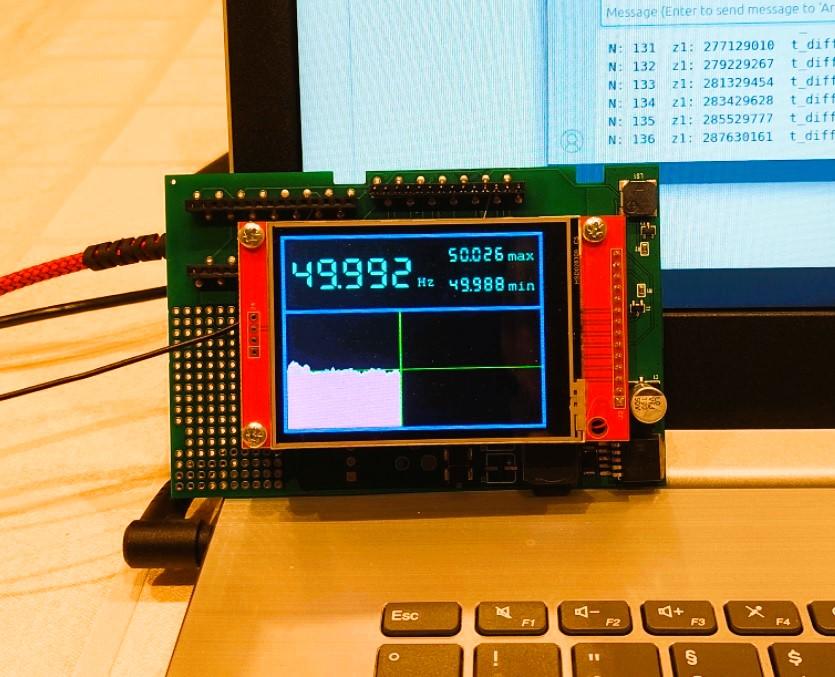
An important indicator for assessing the condition of the power grid is the frequency of the grid. In Europe, this frequency is set at 50Hz. If there is too much electricity in the grid, this frequency increases; if the load is too high and there is too little electricity available, the frequency decreases. Anything within a range of 49.80Hz to 50.20Hz is normal. Outside this range, the situation becomes critical.
In this project, an Arduino MKR is used to measure the frequency of the power grid and then display the frequency on an ILI9341-based display.
Supplies
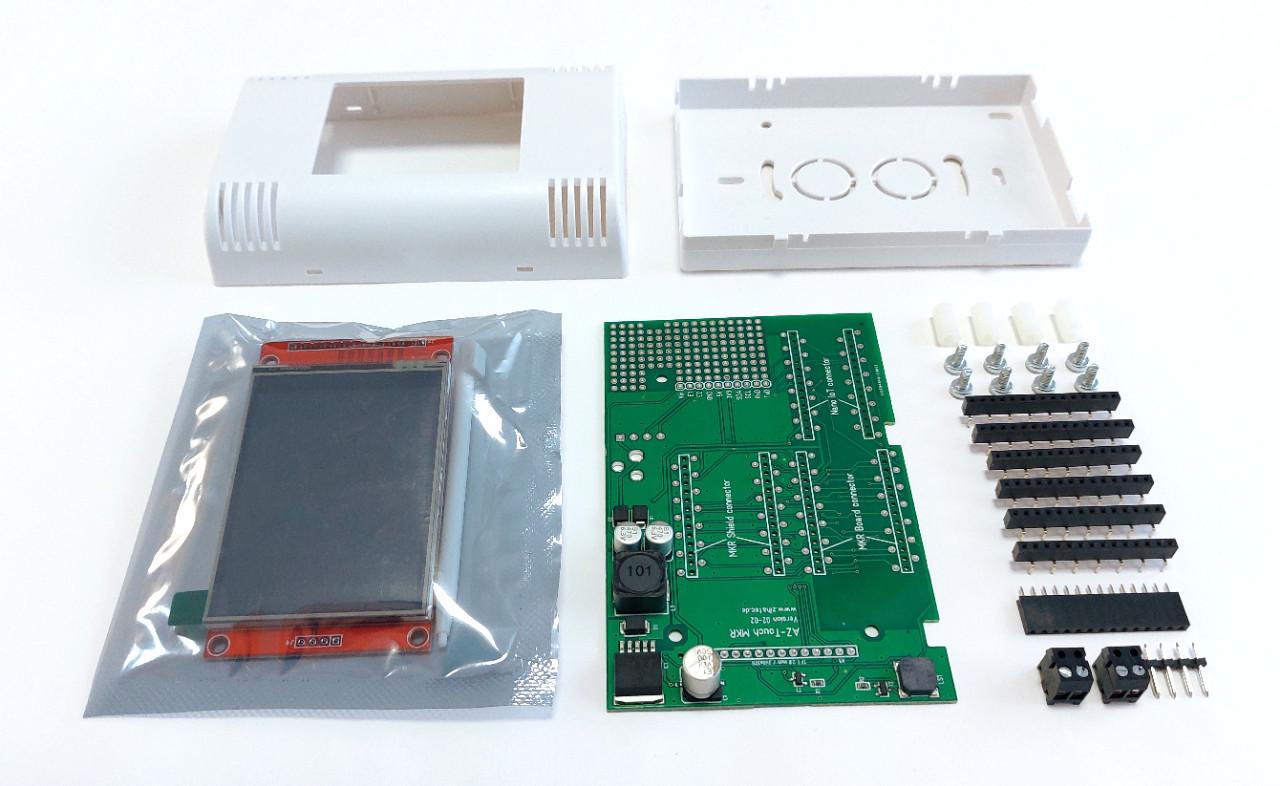
You will need the following components:
- Arduino MKR WiFi 1010
- AZ-Touch MKR 2 kit
- 1MOhm resisitor
- 20cm wire
You will need the following tools:
- soldering iron
- PC with installed Arduino IDE
Hardware Preparation
I used an AZ Touch Kit for Arduino MKR for this project because this set already includes a suitable display and the connections to the Arduino MKR are made automatically via the circuit board.
Of course, you can also connect a display to an Arduino MKR using jumper wires without resorting to such a kit.
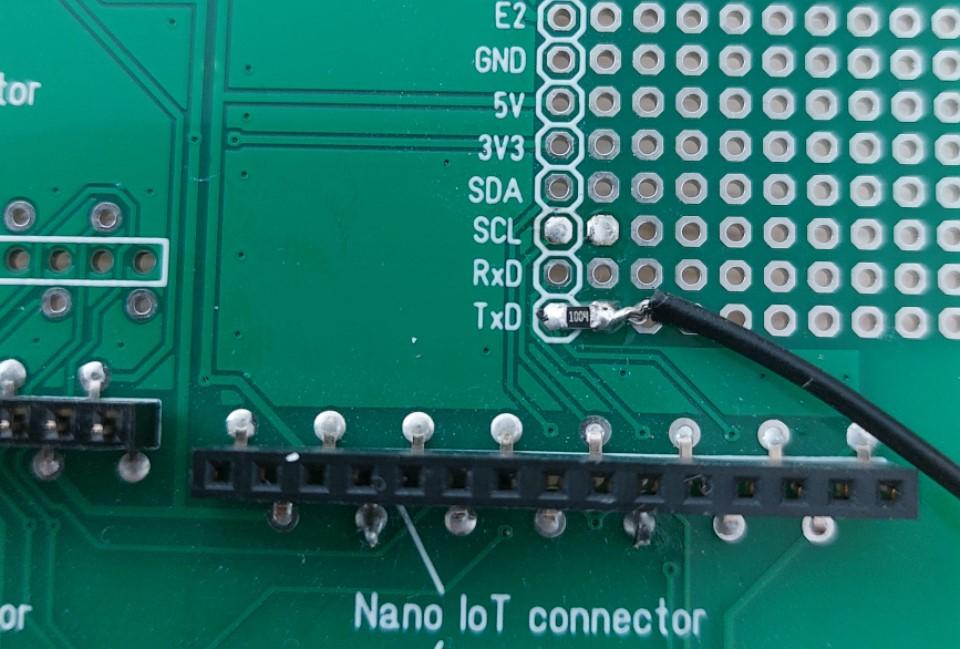
To measure 50Hz, all we need is a 20cm piece of wire connected to a free GPIO on the Arduino via a 1MOhm resistor. The inputs are very high impedance, so this ‘antenna’ can be used to easily measure the 50Hz on a cable passing by. The resistor, together with the input capacitances, forms a high-pass filter.
In my software, I use GPIO14 (TxD) of the Arduino because this pin is not used by the AZ-Touch. In principle, however, any other pin can be used with the exception of the I2C pins.
Software
The mains frequency is measured using a time measurement. The time difference between 100 complete oscillations is measured and used to calculate the mains frequency.
I use the GFX library from Adafruit for the graphical display. At the moment, there are still occasional errors in the graphic output that I cannot yet explain.
The current mains frequency is displayed at the top left. To the right of this, the maximum and minimum mains frequencies determined so far are displayed. The history of the last 316 measurements is shown as a diagram in the lower part of the display.
After approximately 100 measurements, an acoustic output is activated. Whenever a new minimum or maximum value is detected, the device emits a short tone.
Test the Grid Frequency
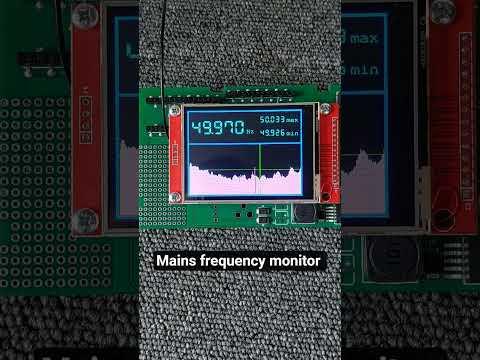
For the measurement, it is sufficient to supply the Arduino MKR with 5V, e.g. via USB. The antenna is placed next to a cable carrying 230V.