Pinewood Derby Wooden Car Made With Tinkercad
by namills14 in Workshop > CNC
32 Views, 0 Favorites, 0 Comments
Pinewood Derby Wooden Car Made With Tinkercad
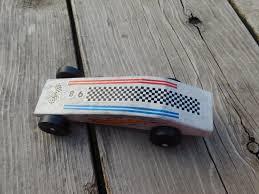
Wondering how to make your first Pinewood Derby car? Using Tinkercad, you can design one in just 10 minutes!
Supplies
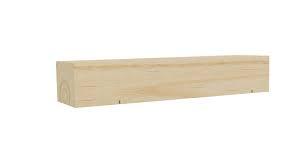
After designing a car, the CAD can be uploaded to any CNC machine that allows wood; otherwise, an official Pinewood Derby set is the only required material.
Tinkercad

Before we design the car, create a free Tinkercad account and create a new project. Feel free to play around with the tools and features to familiarize yourself.
Make a Block
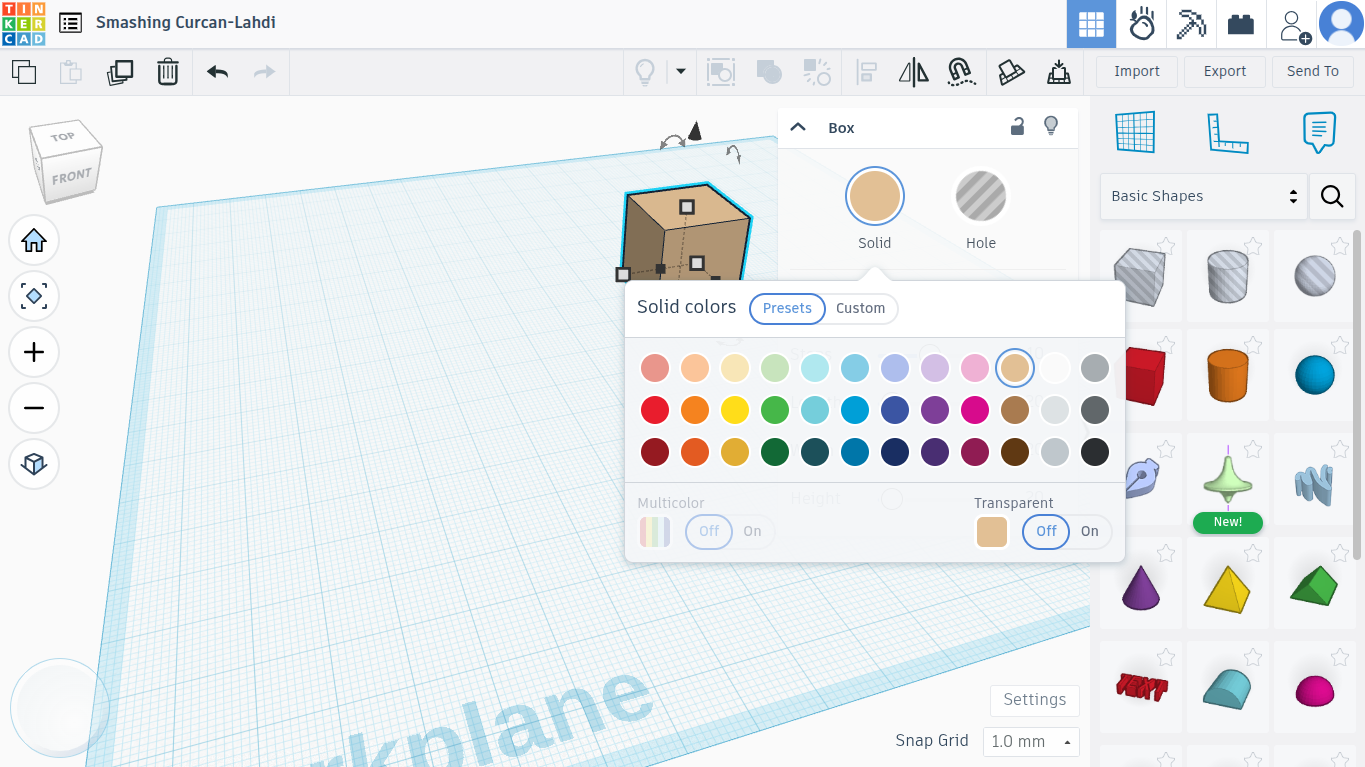
The first thing we need is a simple block. Drag one over from the side menu, and place it on our workplane. Optionally, color it tan to match the wood.
Resize It
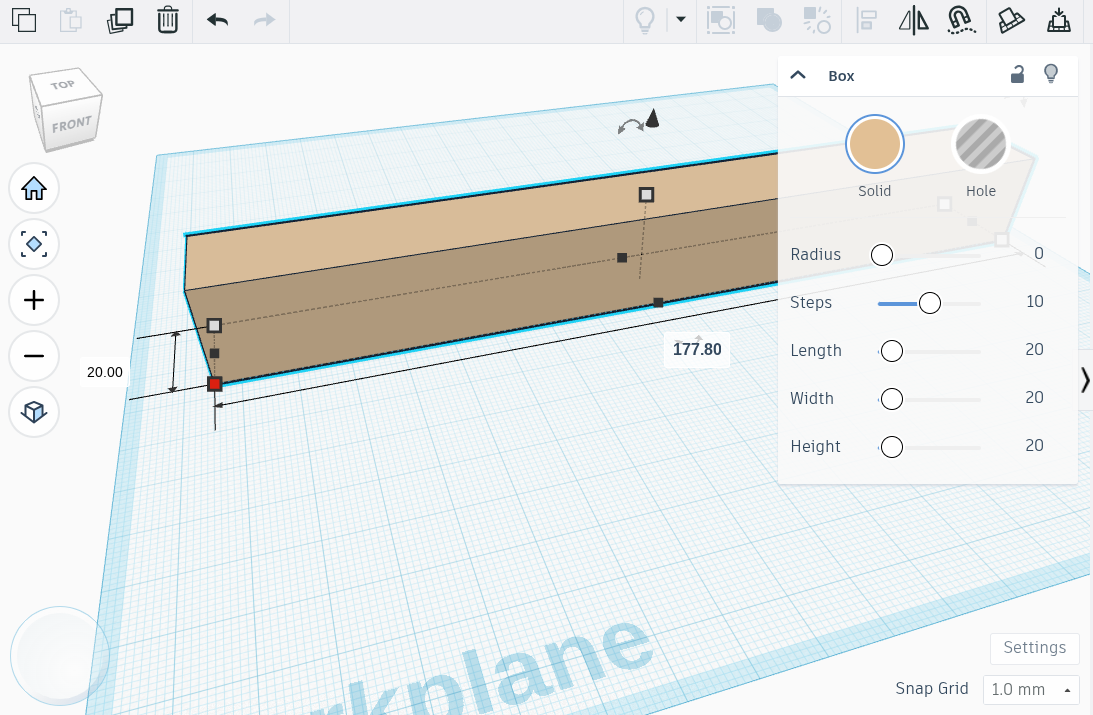
Next, we're going to resize the block to fit a Derby wood block. Tinkercad uses millimeters instead of inches, so it's 177.8 mm long, 44.45 mm wide, and 31.75 mm tall.
Implementing a Design
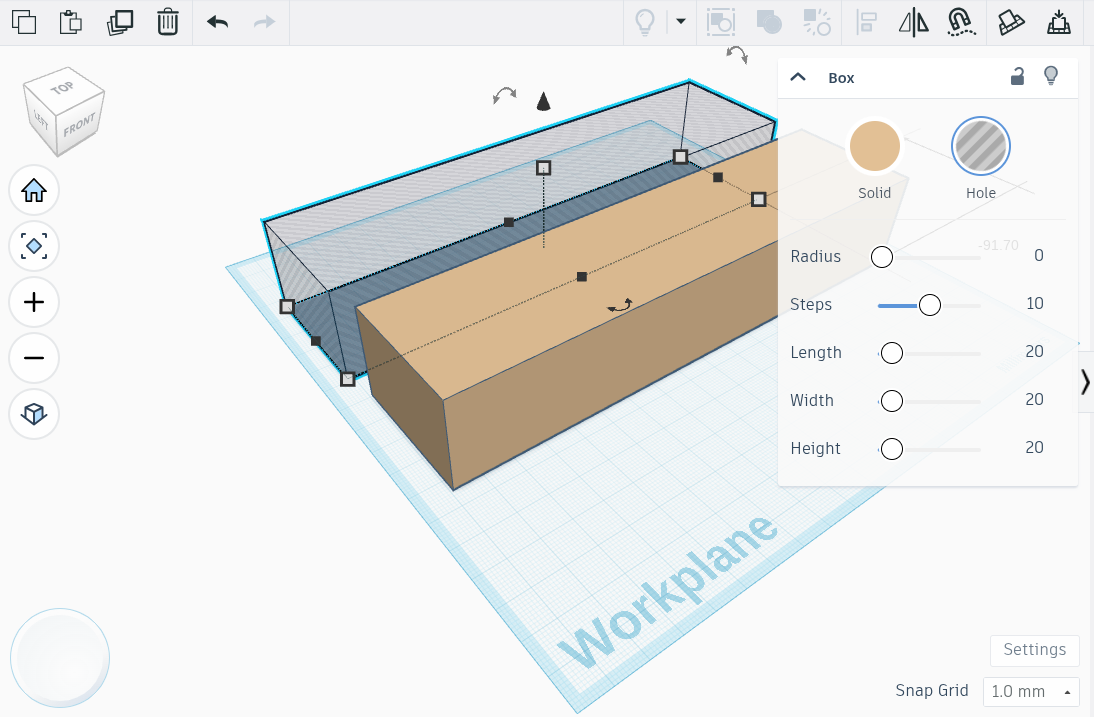
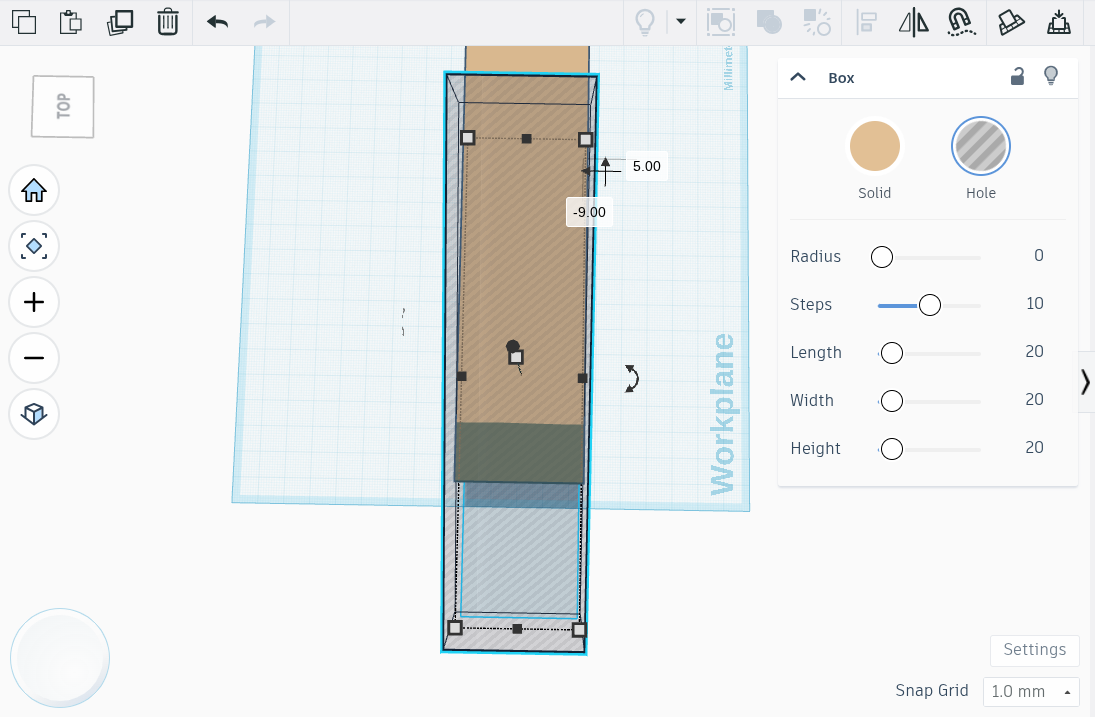
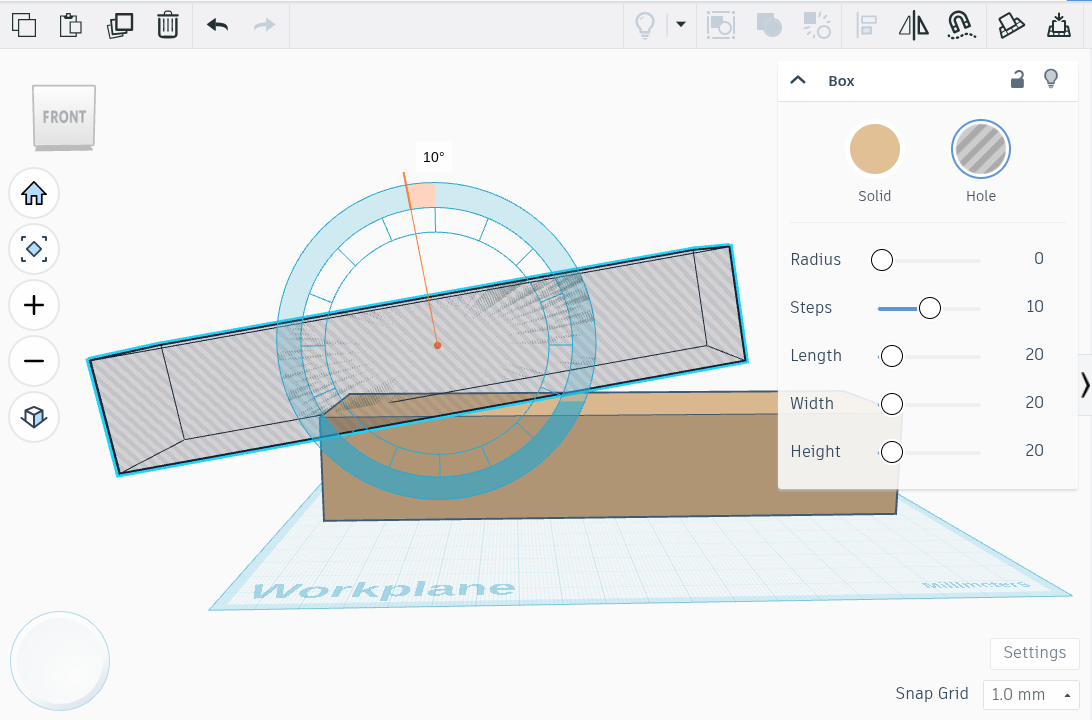
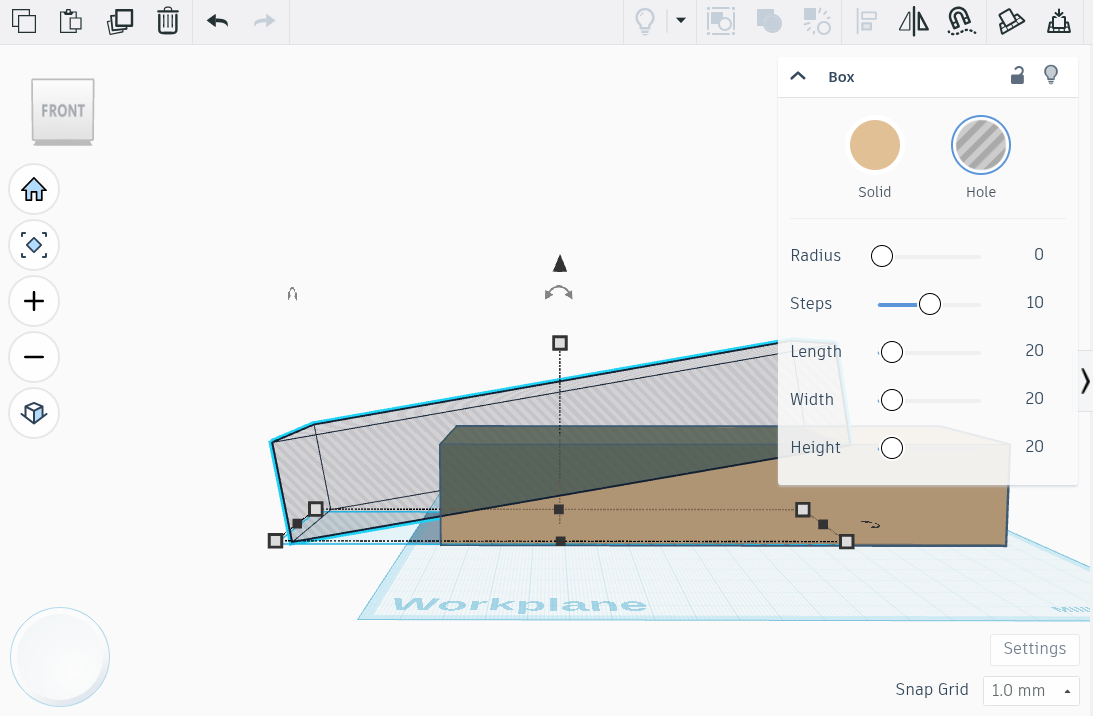
Click on the block we already made; using the ctrl+c and ctrl+v shortcuts, create a duplicate of the block, and change its type to be a hole. This hole acts as an empty space in our project, so resizing and moving it creates an angle on the block for a much more aerodynamic form.
More Designing
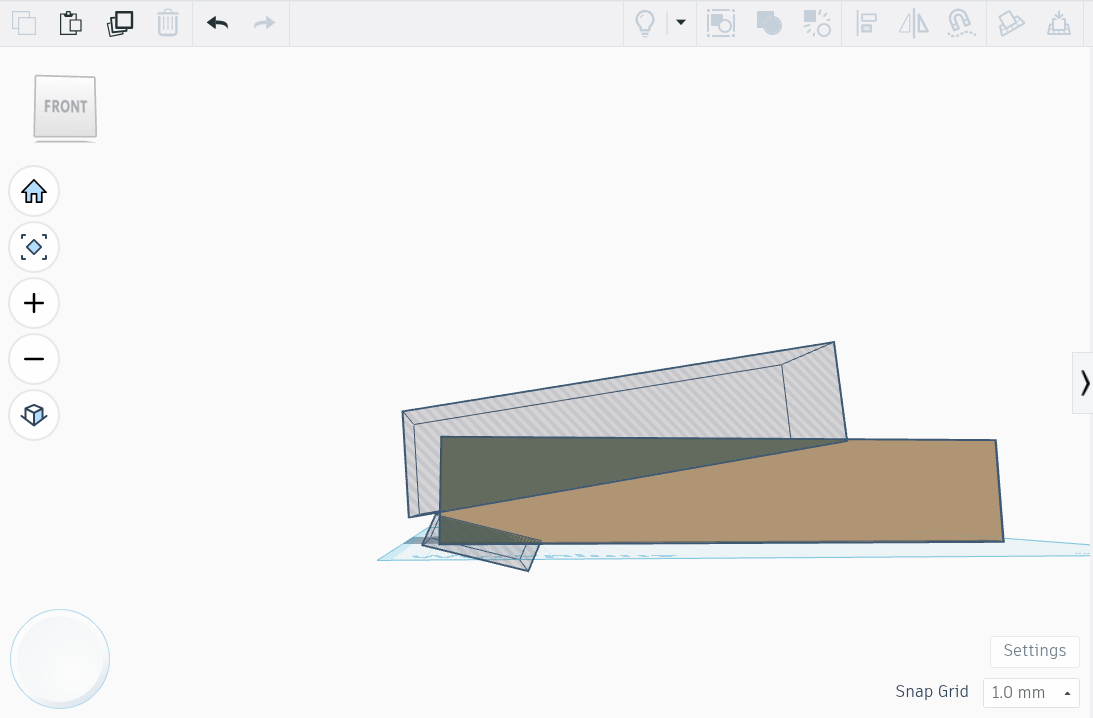
Adding more hole blocks into the project can create a sleeker, faster model, but be sure to not take off too much wood along the bottom or back, for the next few steps.
Axles
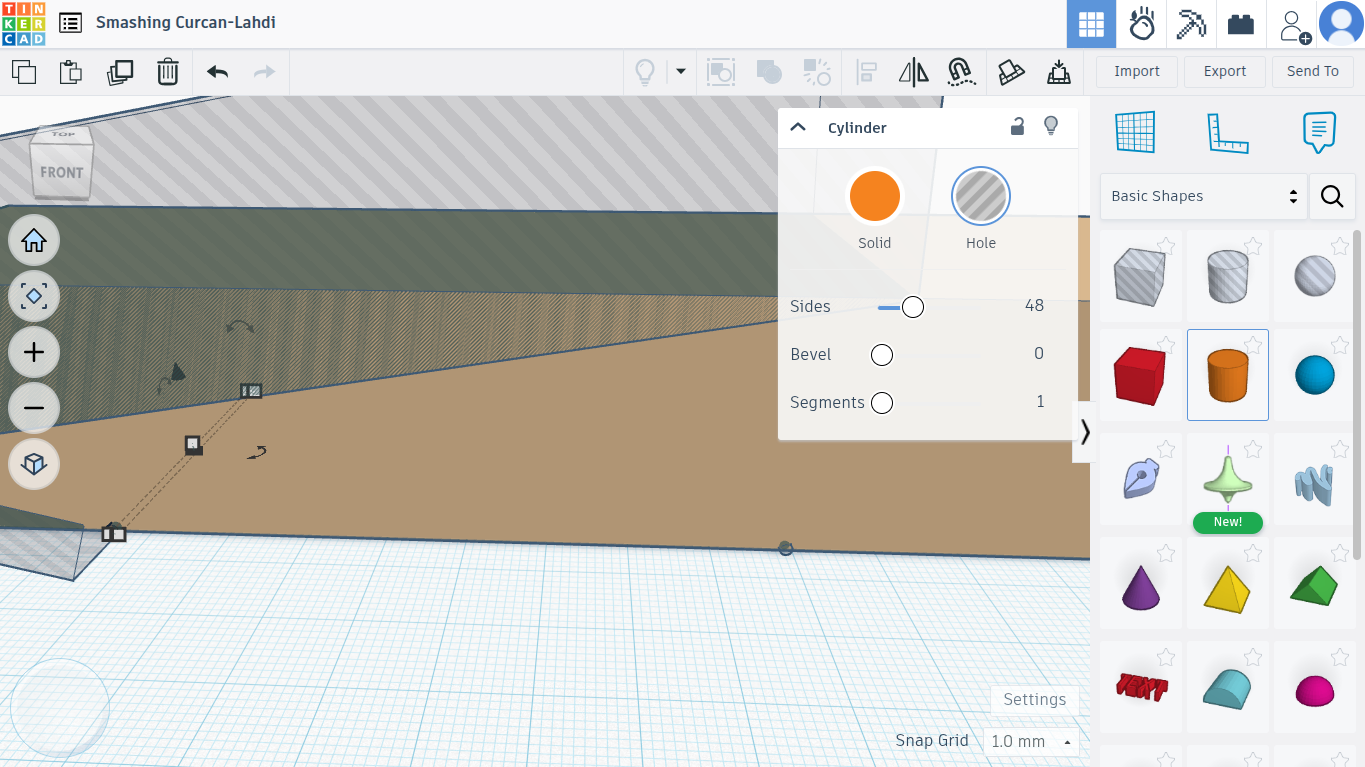
The premade wood block already has divets cut out for the wheel axle, but in case it doesn't, add two small "hole" cylinders along the underside of the block.
Weighting the Car
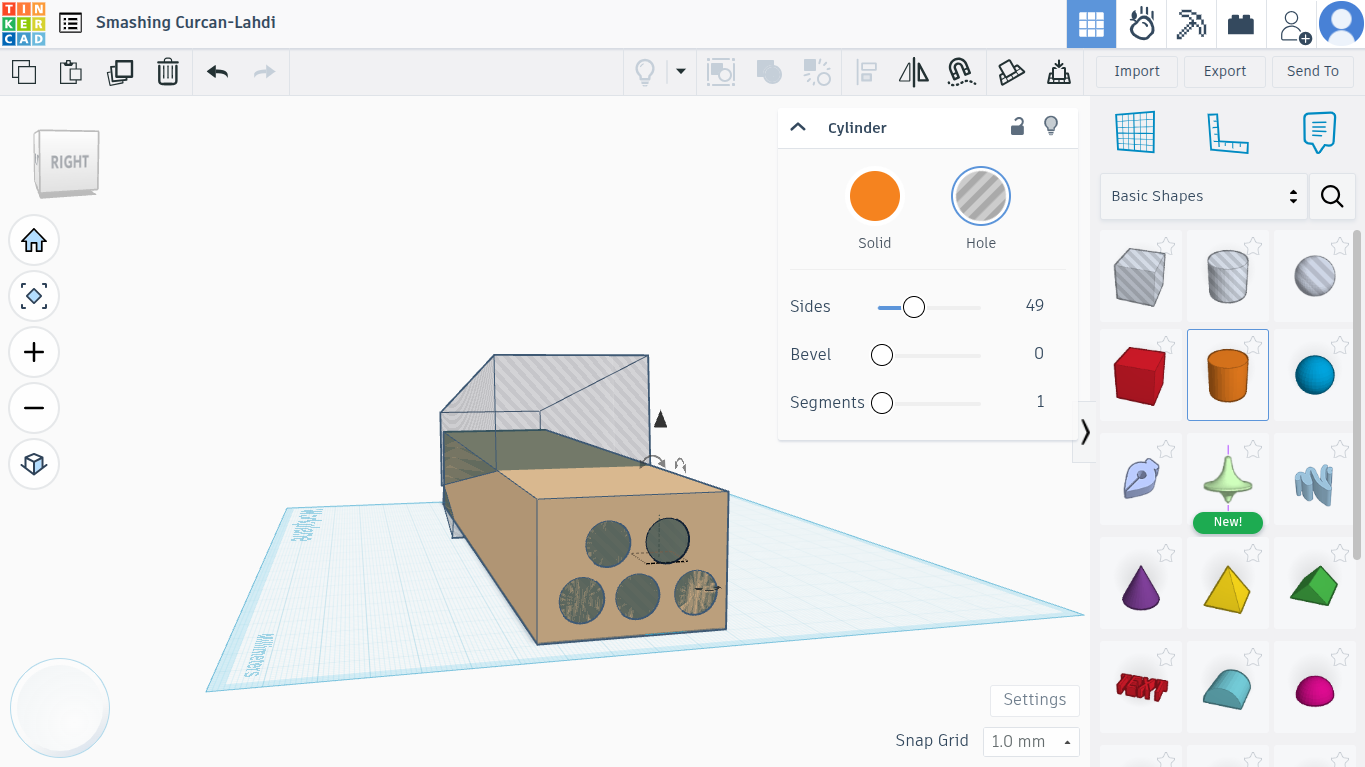
Adding weights to the car can make it faster based on how much and where they are. If you have bought some, feel free to add some holes where the weights will go, whether in the front, underside, or back. I have some cylindrical weights that make the car faster in the back, so I added holes there.
Send It to the CNC
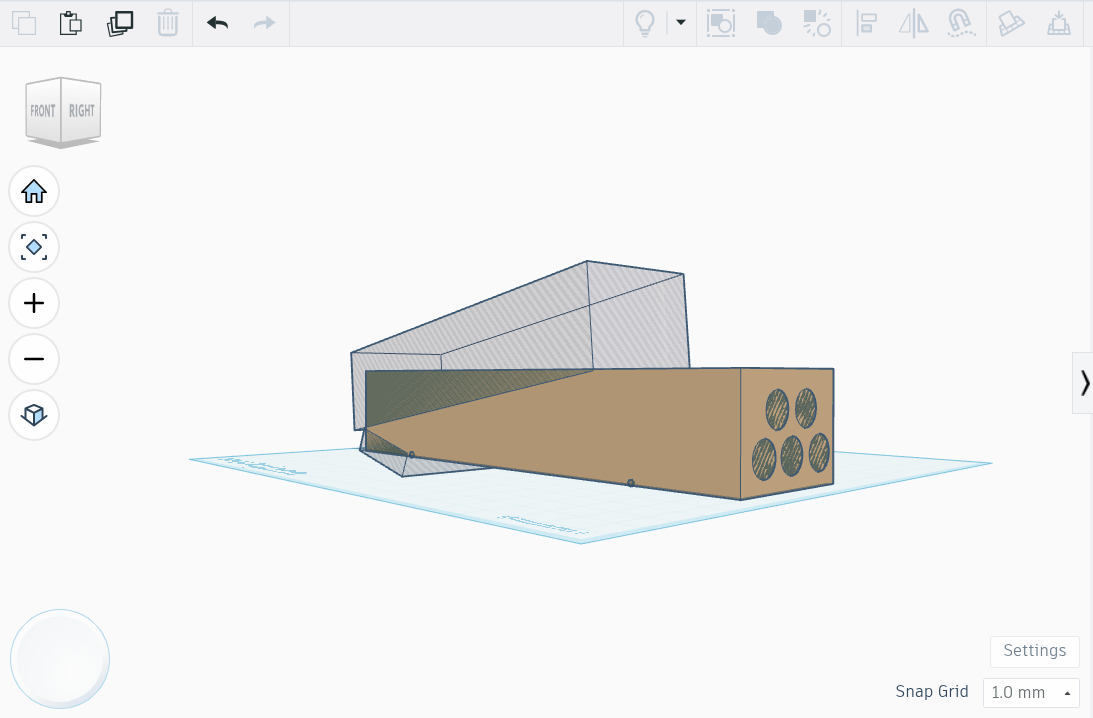
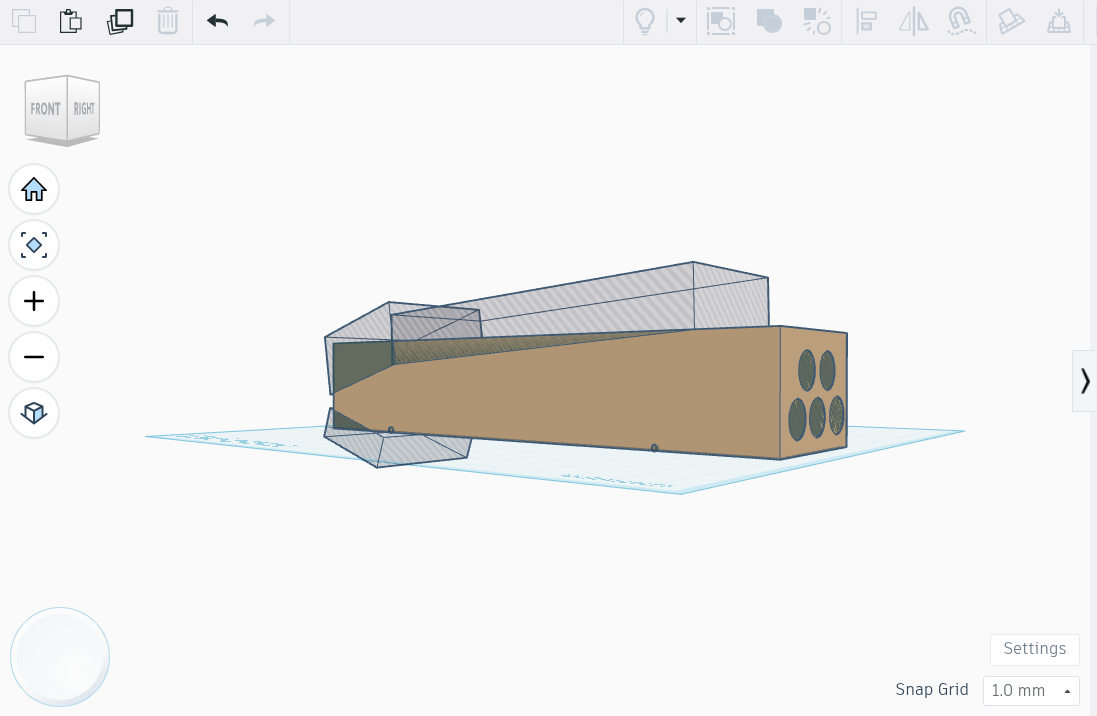
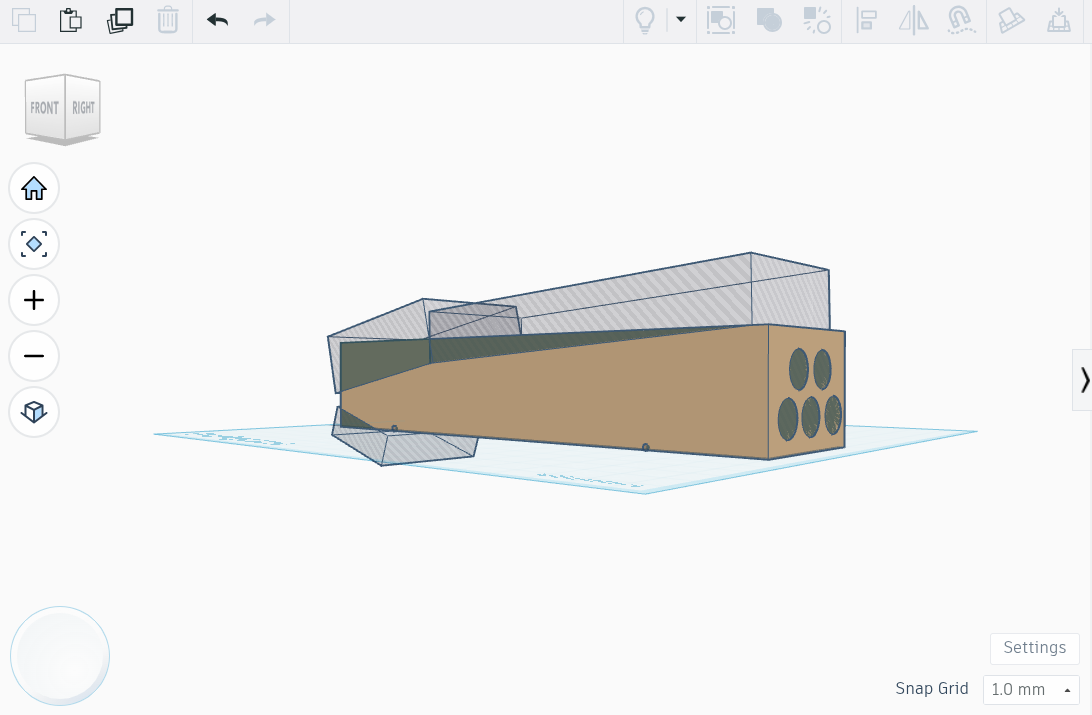
Now, just change the blocks around, resize them, and choose your favorite design. Once you think it'll be fast and look good, then make it in real life!
Have fun designing and driving them!