ORBIT: Assembling the Breadboard Joystick Controller
by samuelwlinton in Design > 3D Design
33 Views, 0 Favorites, 0 Comments
ORBIT: Assembling the Breadboard Joystick Controller
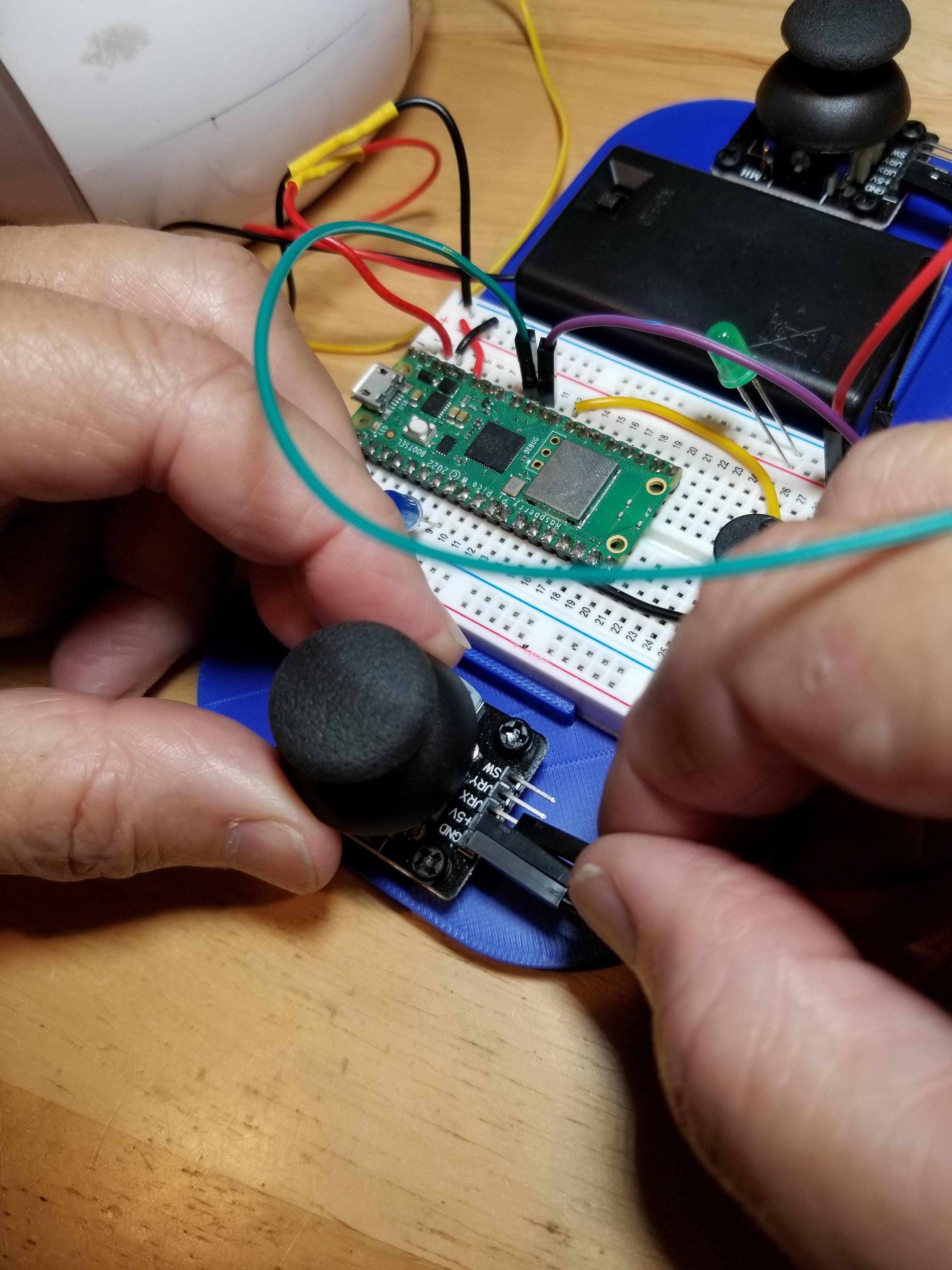
This project demonstrates how to construct the ORBIT Breadboard Joystick Controller. This controller can be used to control any of the ORBIT family of Breadboard robots.
To complete this project, you must have completed the circuitry.
TODO: add link to Circuit
TODO: add link to Python code
Supplies
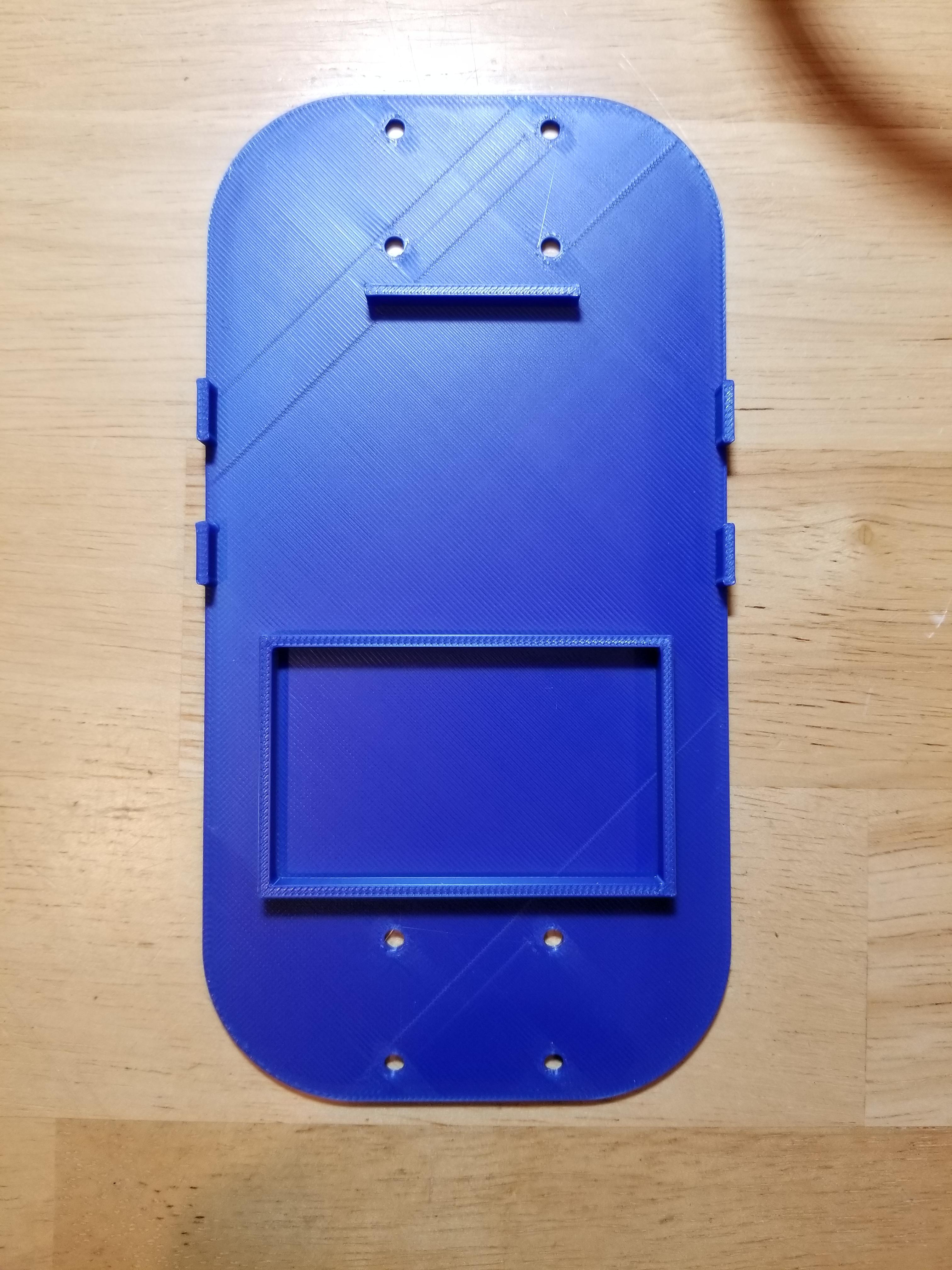
- Frame (3D Design in Onshape) (x1)
- Standoffs (x8)
- Joysticks (x2)
- Breadboard-mounted circuitry (x1)
Add Standoffs to the Frame
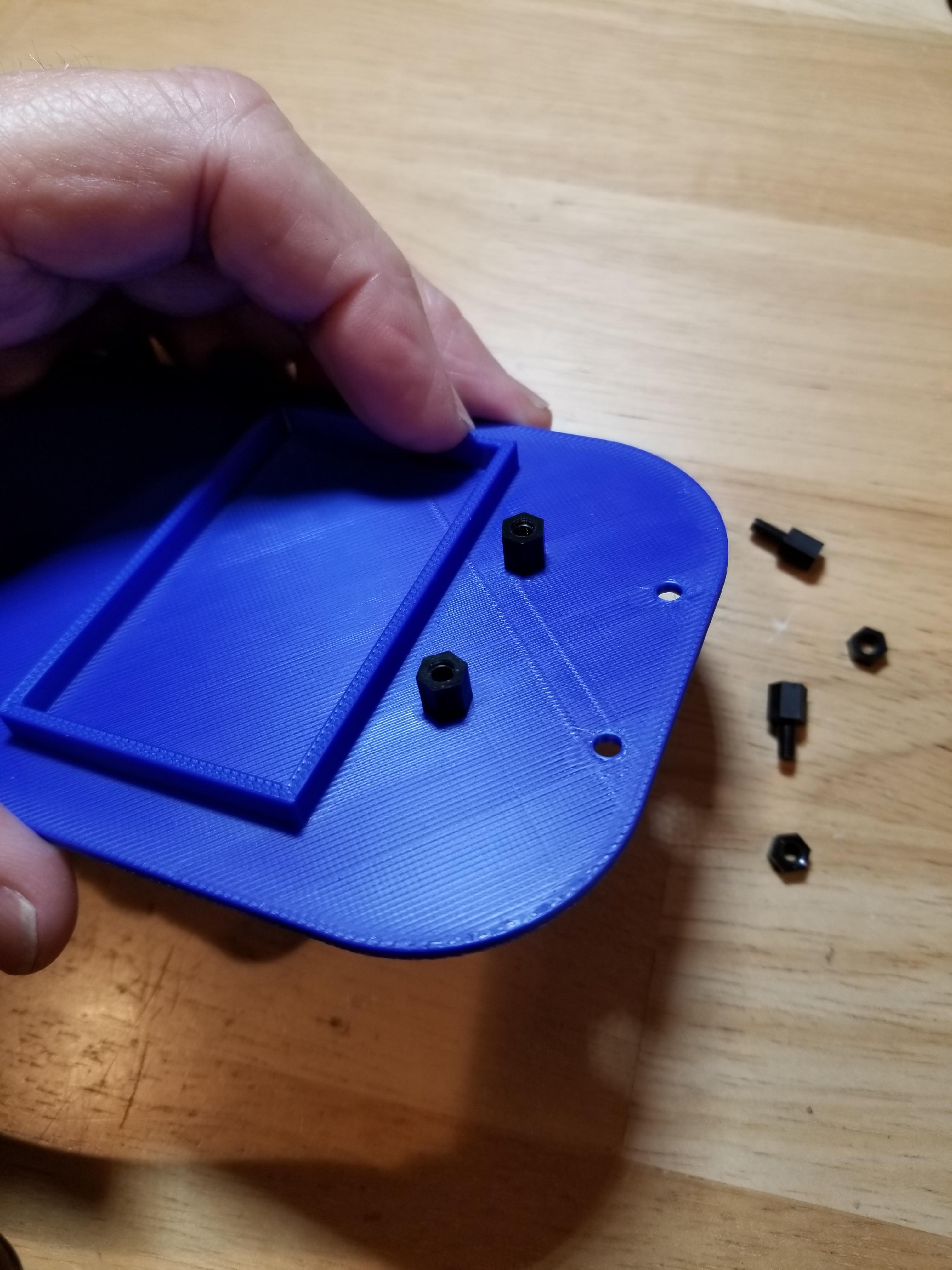
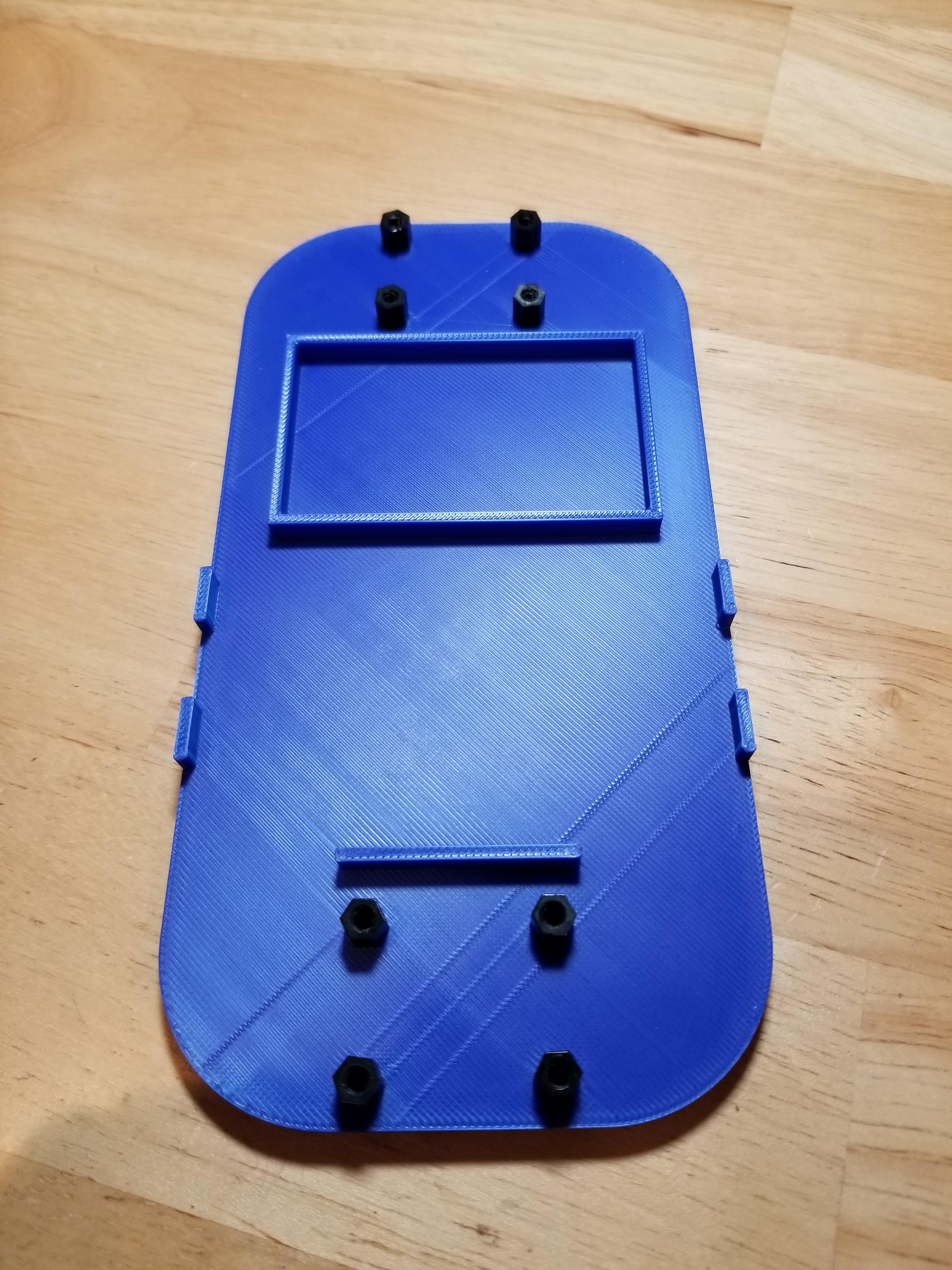
Install M3-6 standoffs on both sides of the frame where the joysticks will be mounted. There should be four on each side.
Attach the Joysticks
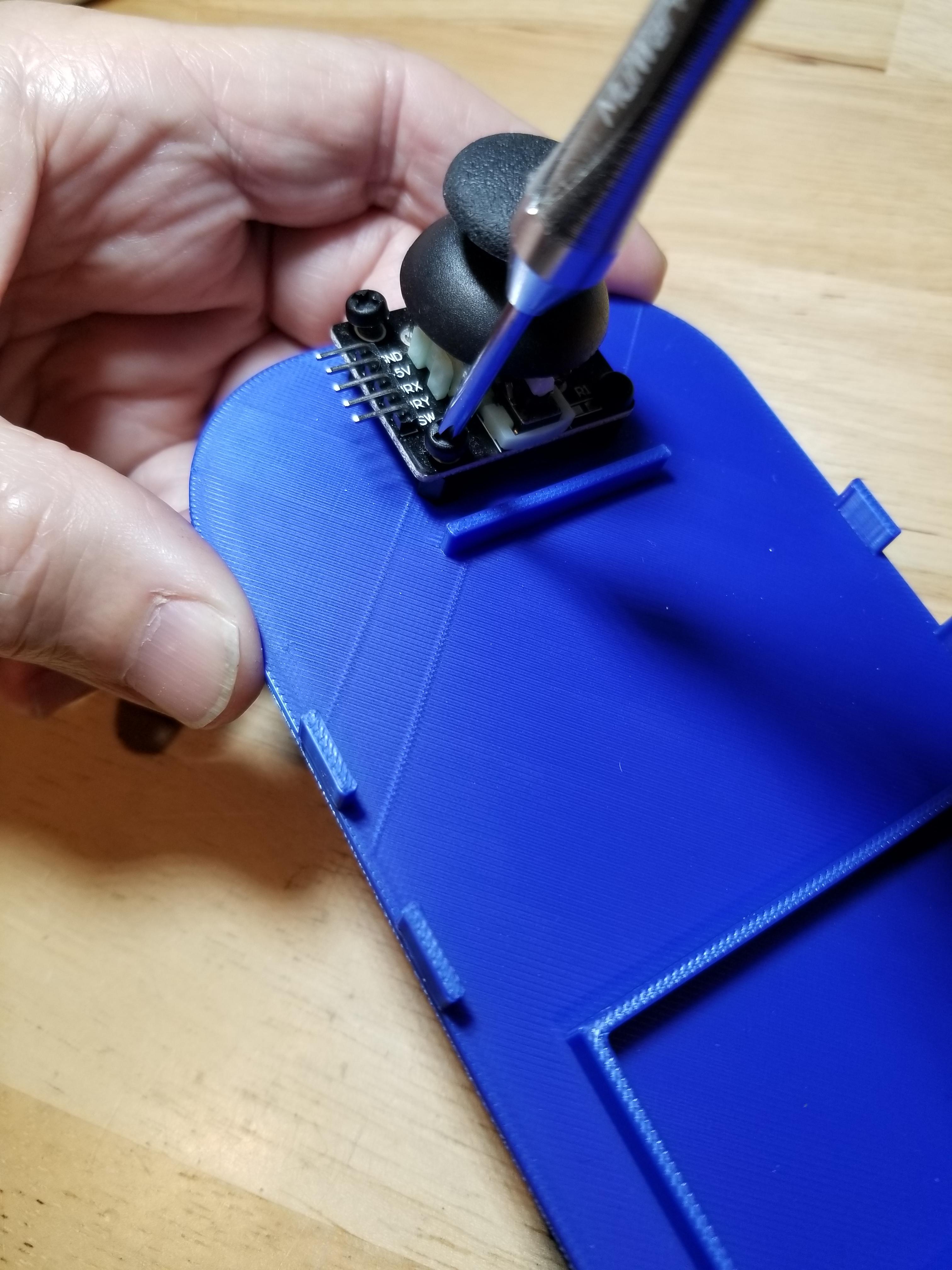
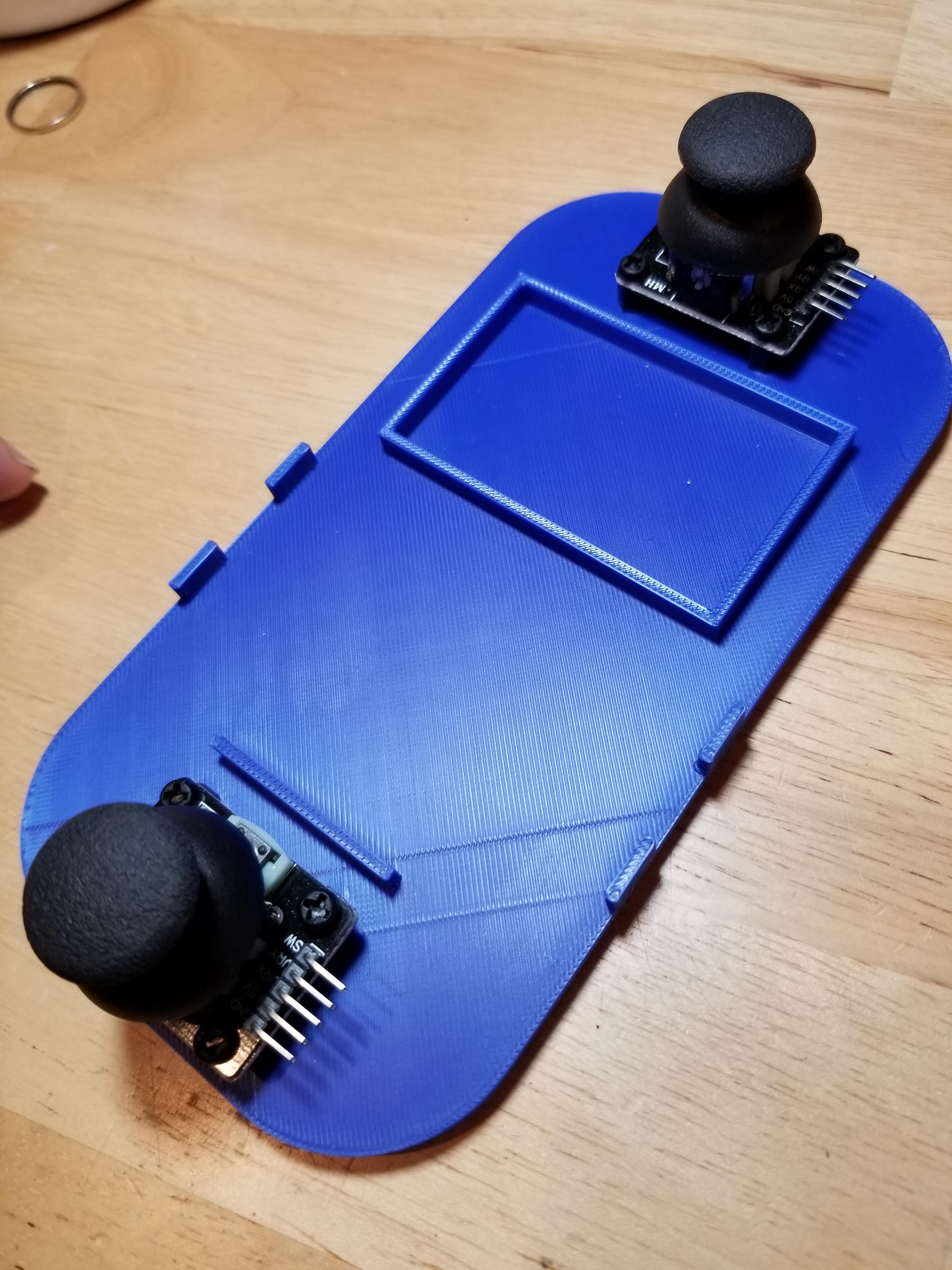
Using M3 screws, attach the left and right Joysticks to the standoffs, with the Joystick pins downward as shown. (The right side of the Joystick Controller is next to the battery pack holder.)
Attach the Breadboard

Firmly push the breadboards holding the circuitry into the slot provided for them on the frame. The breadboards should fit snugly.
Add Battery Holder
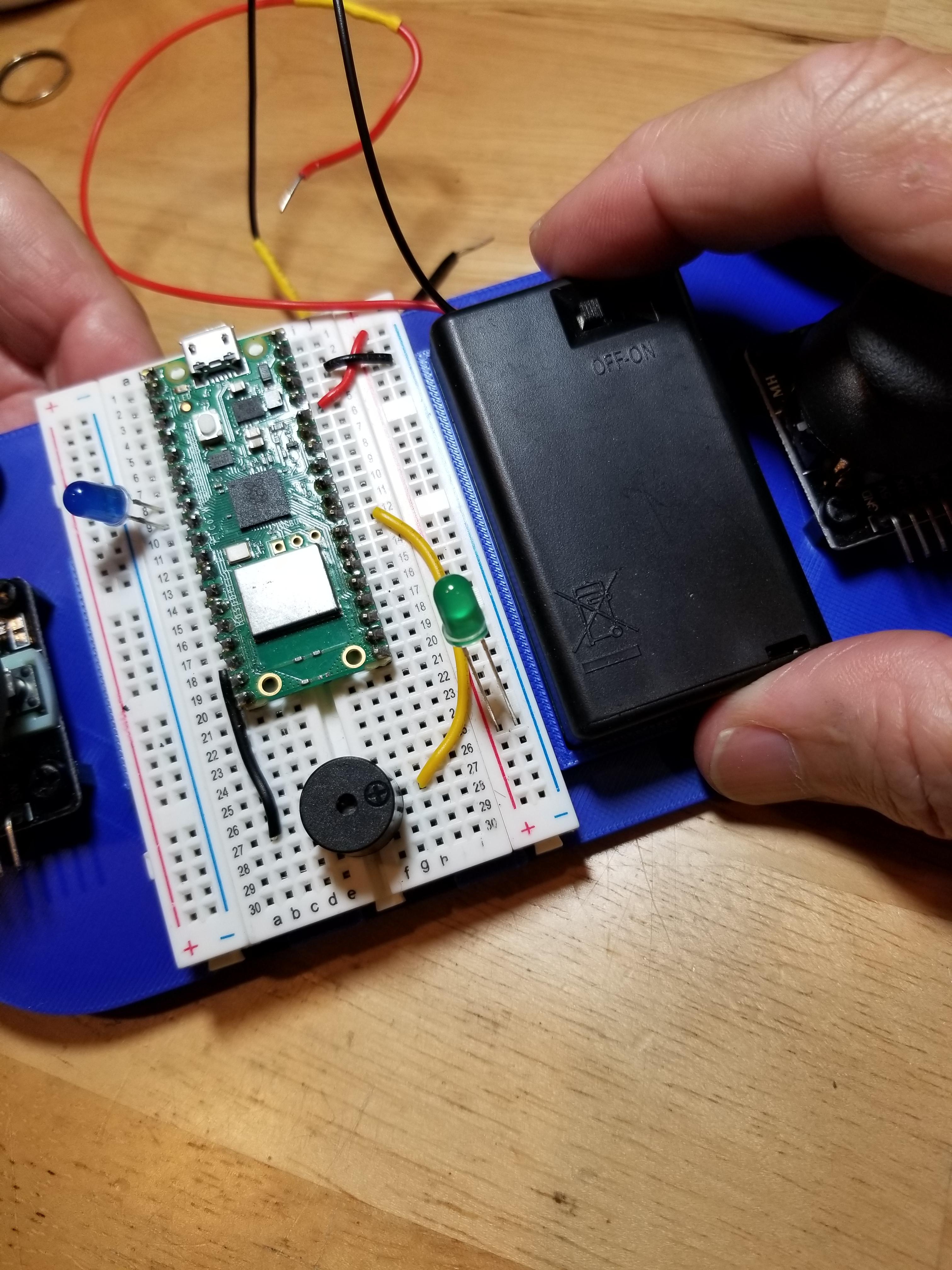
Firmly press the Battery Holder into the slot provided for it on the frame. It should fit snugly.
Connect the Battery
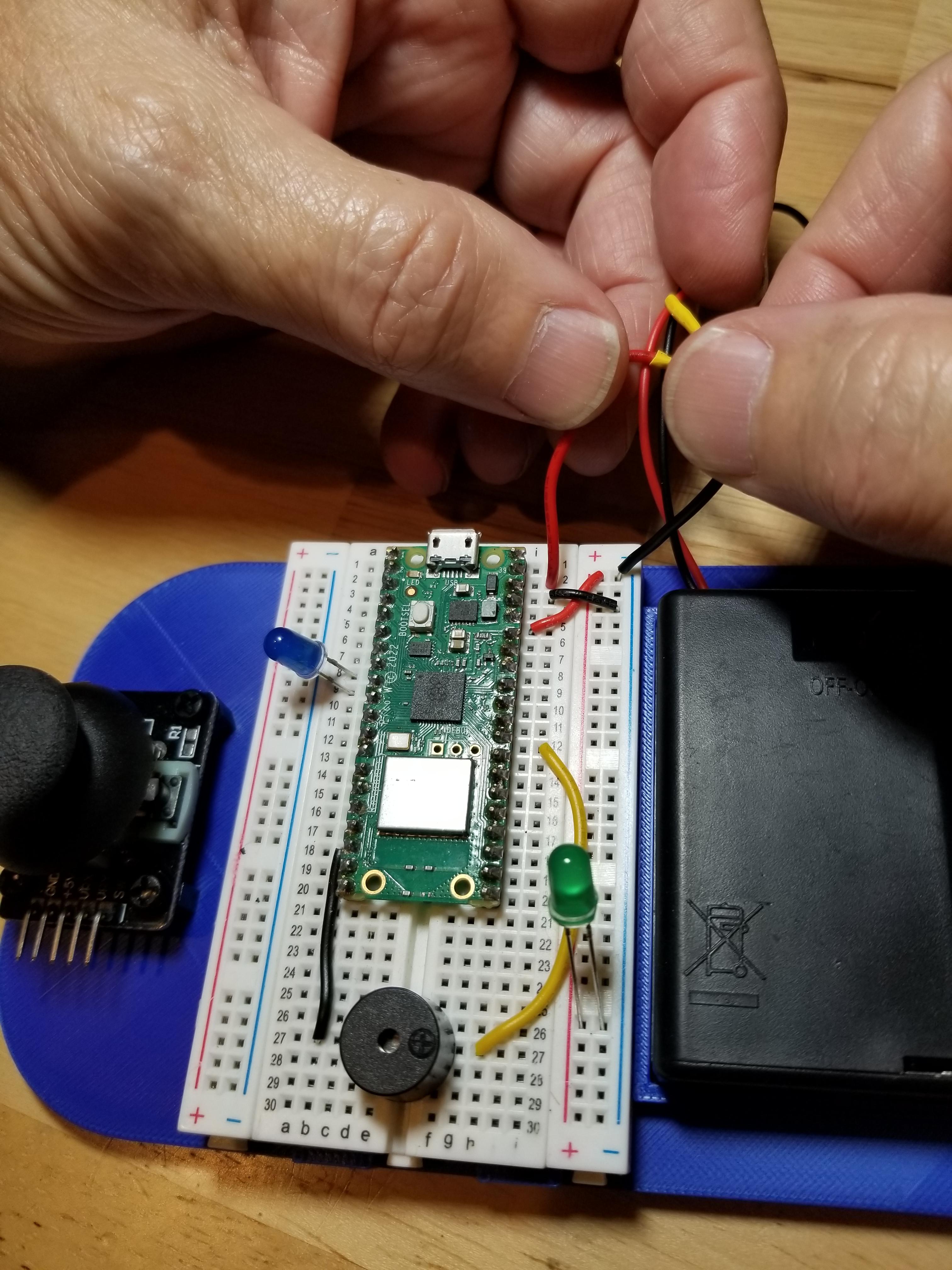
Connect the battery leads to the Pico VSYS and GND pins.
Connect the Joysticks
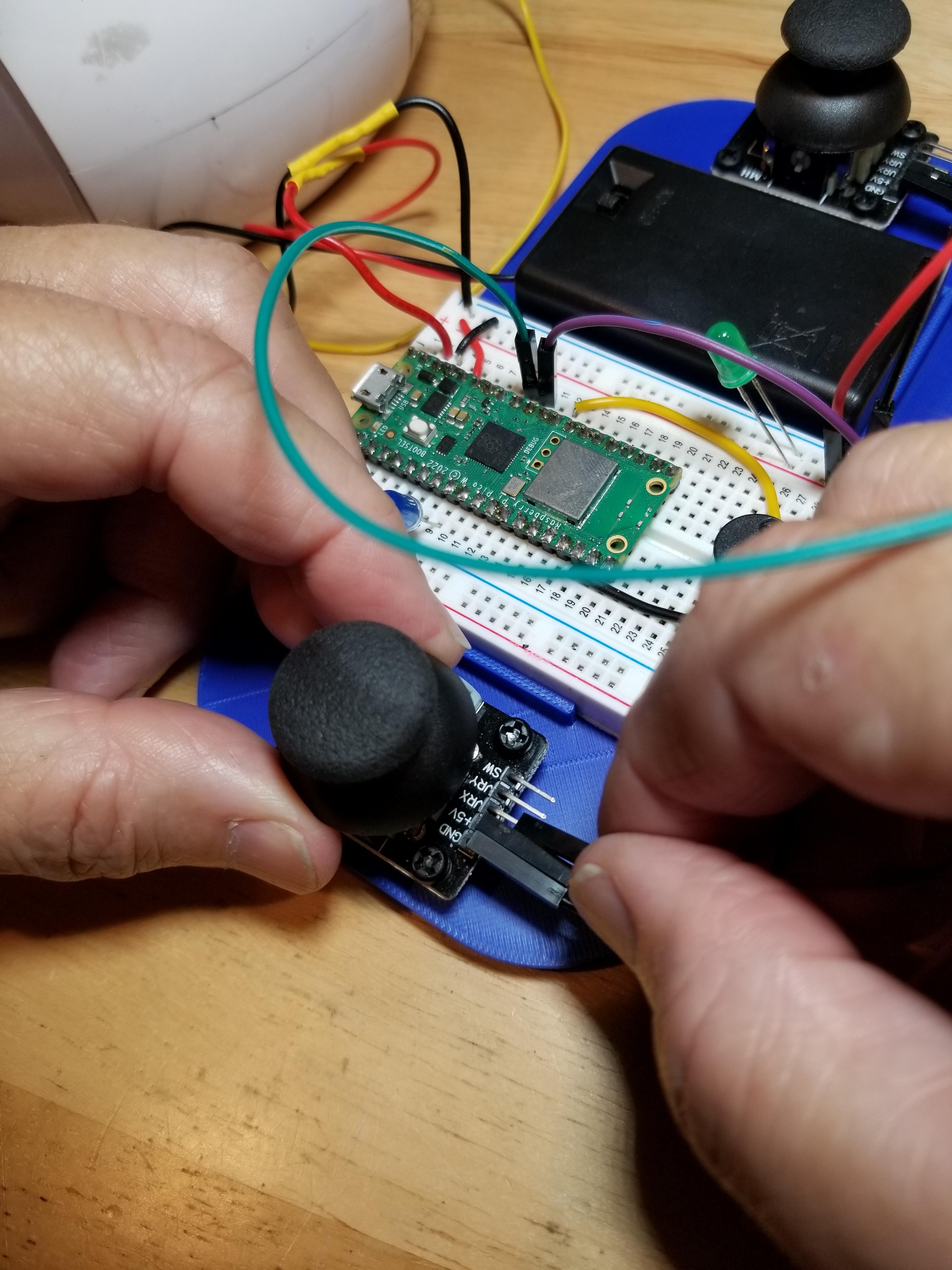
Using Dupont male-to-female jumpers, connect the Joystick pins to the appropriate Pico pins.