Mini Teleprompter
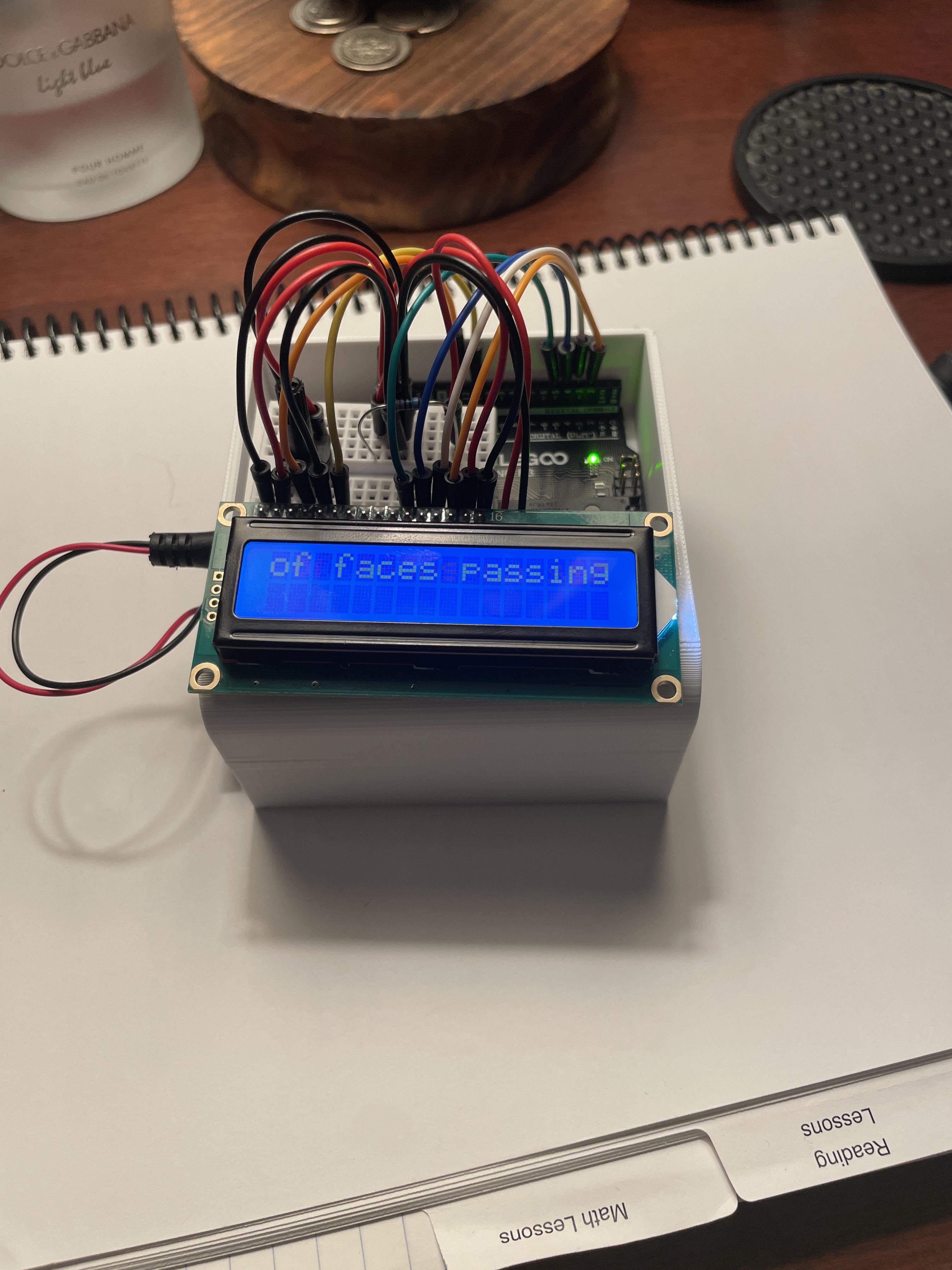
I have trouble with public speaking so I decided to make a miniature teleprompter about the size of an index card that I can use while giving a speech.
Supplies
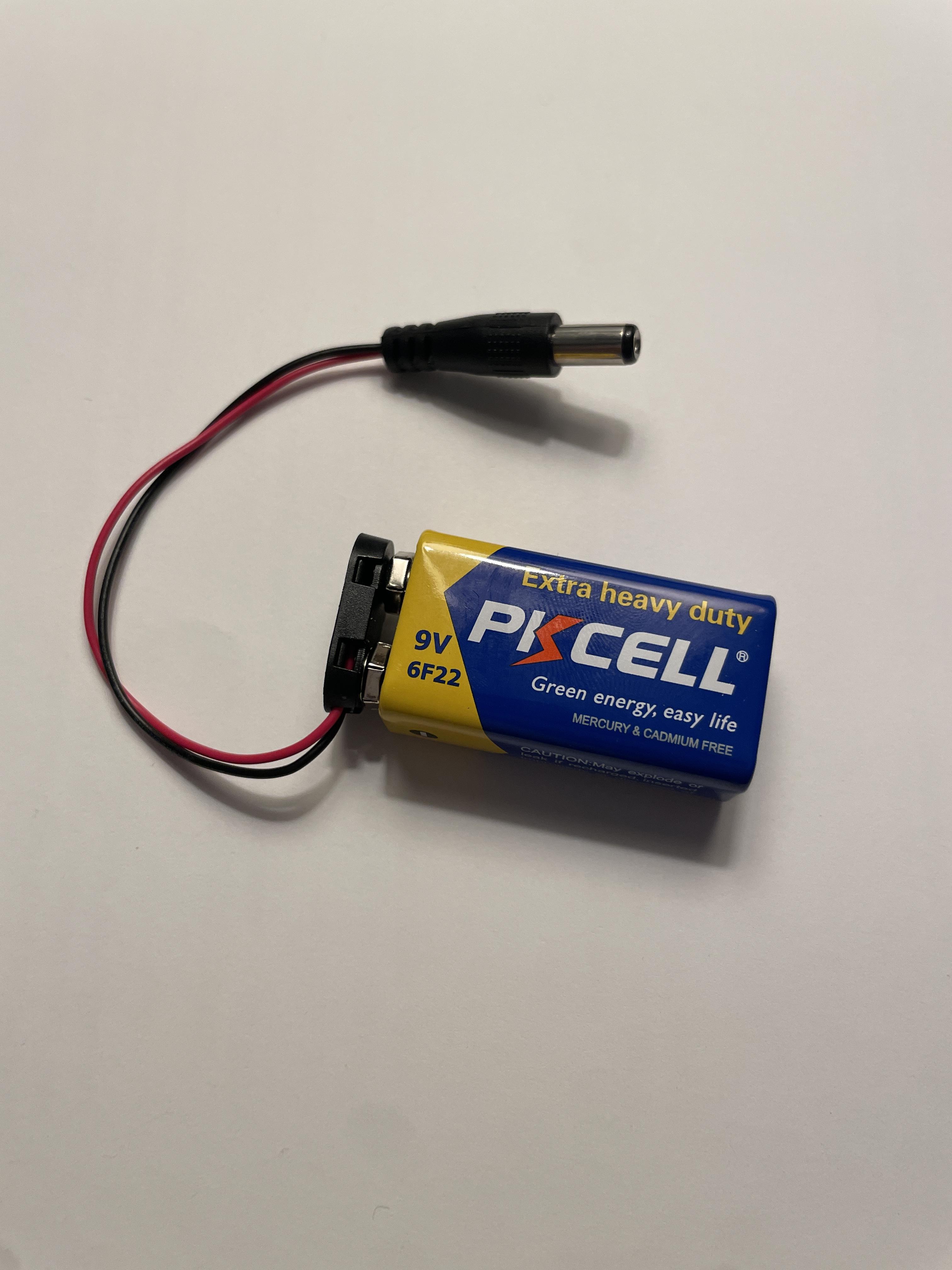
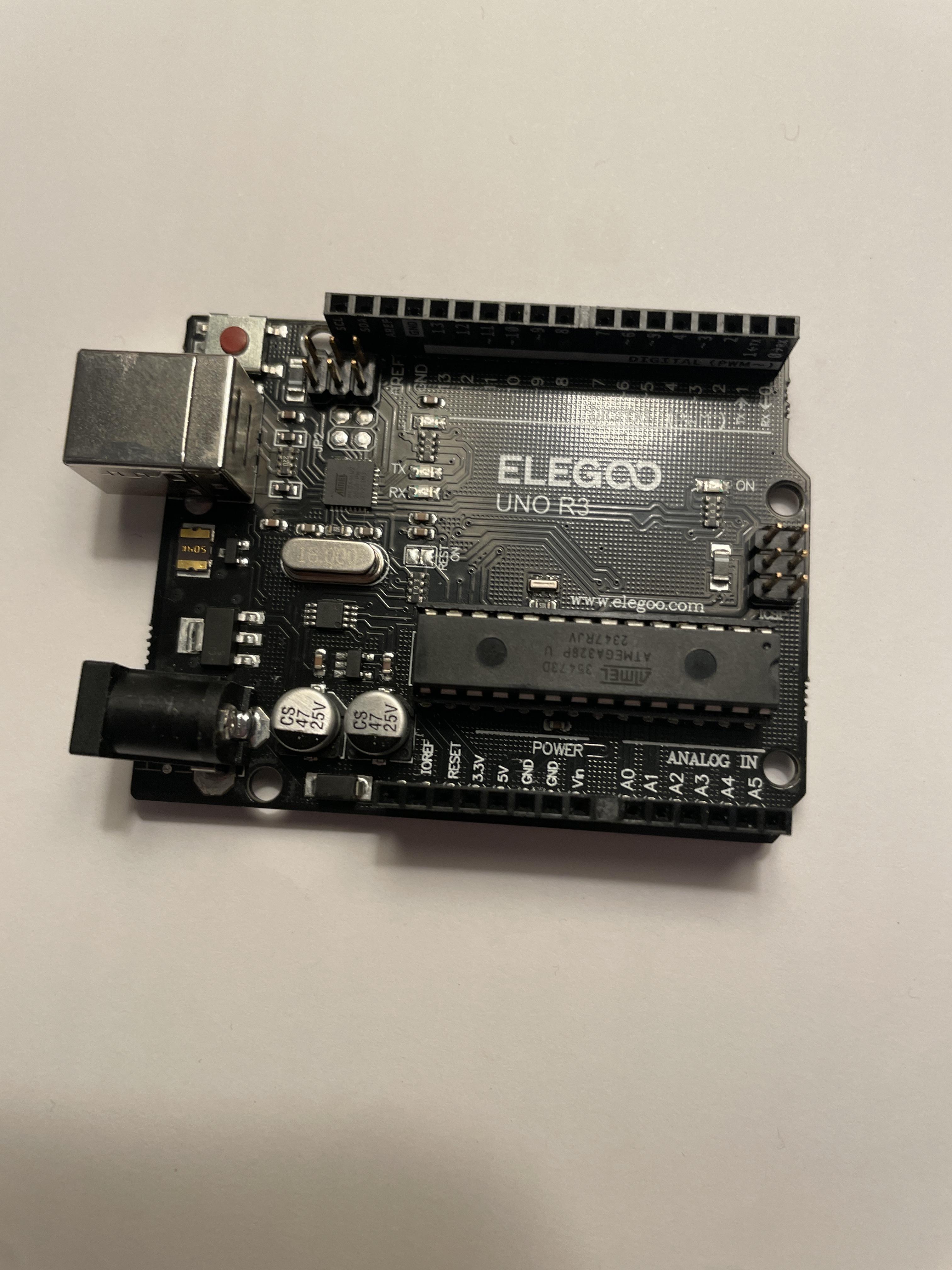
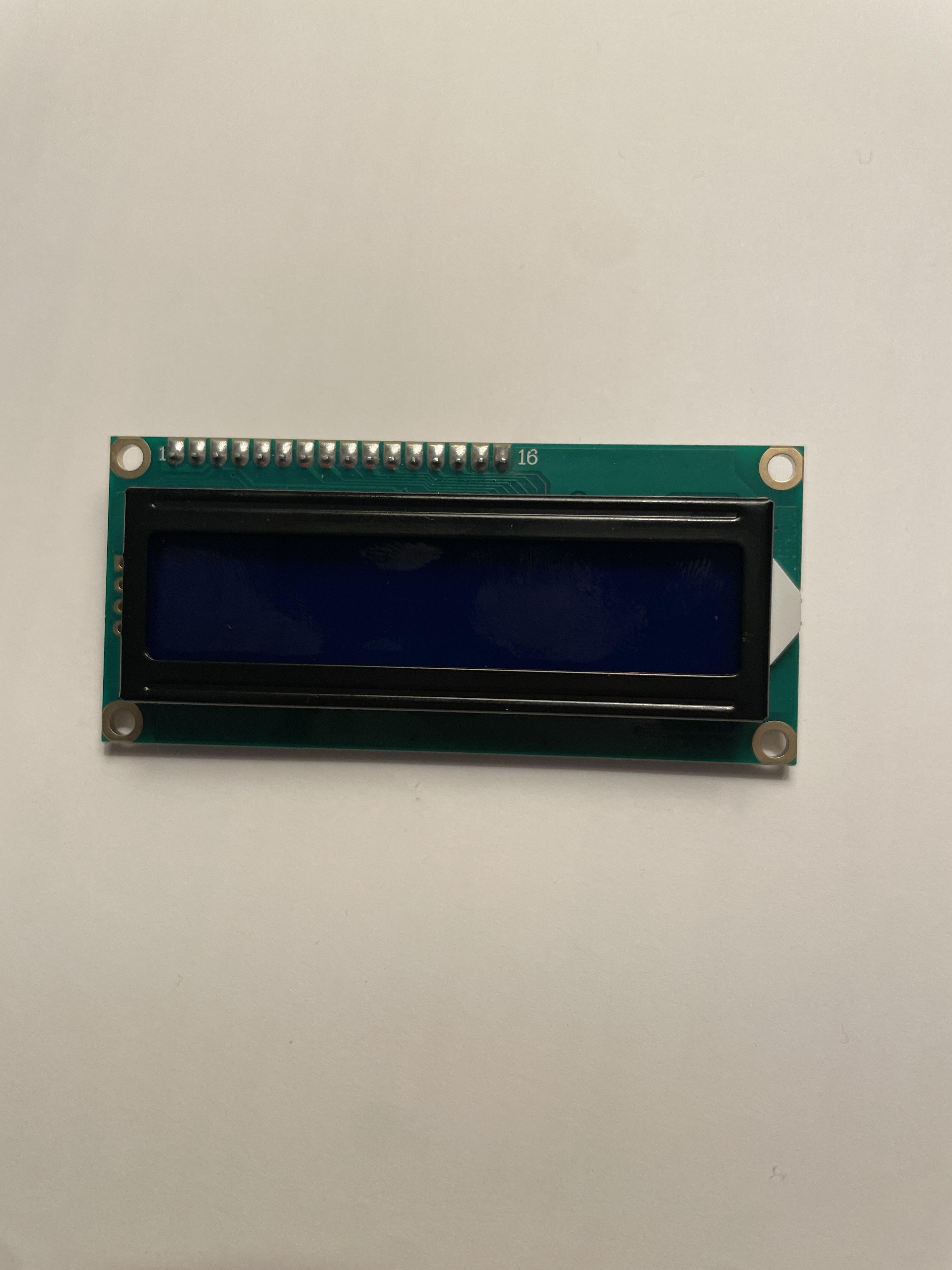
Software
Autodesk Fusion
Autodesk Tinkercad Circuits
Arduino IDE
Hardware
1x Arduino UNO R3 Board
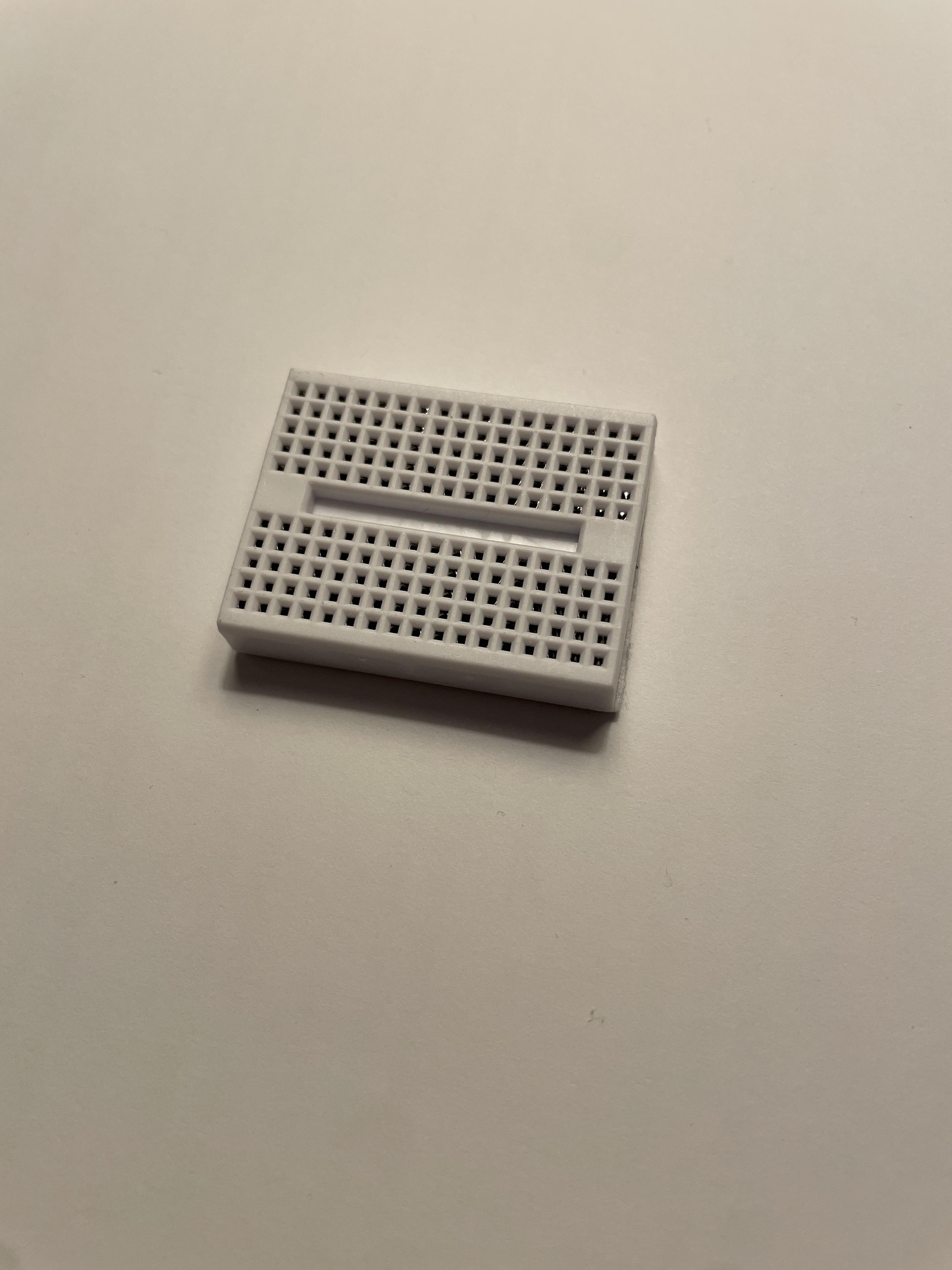
1x Mini Breadboard
1x 16x2 LCD Display
1x 10k Potentiometer
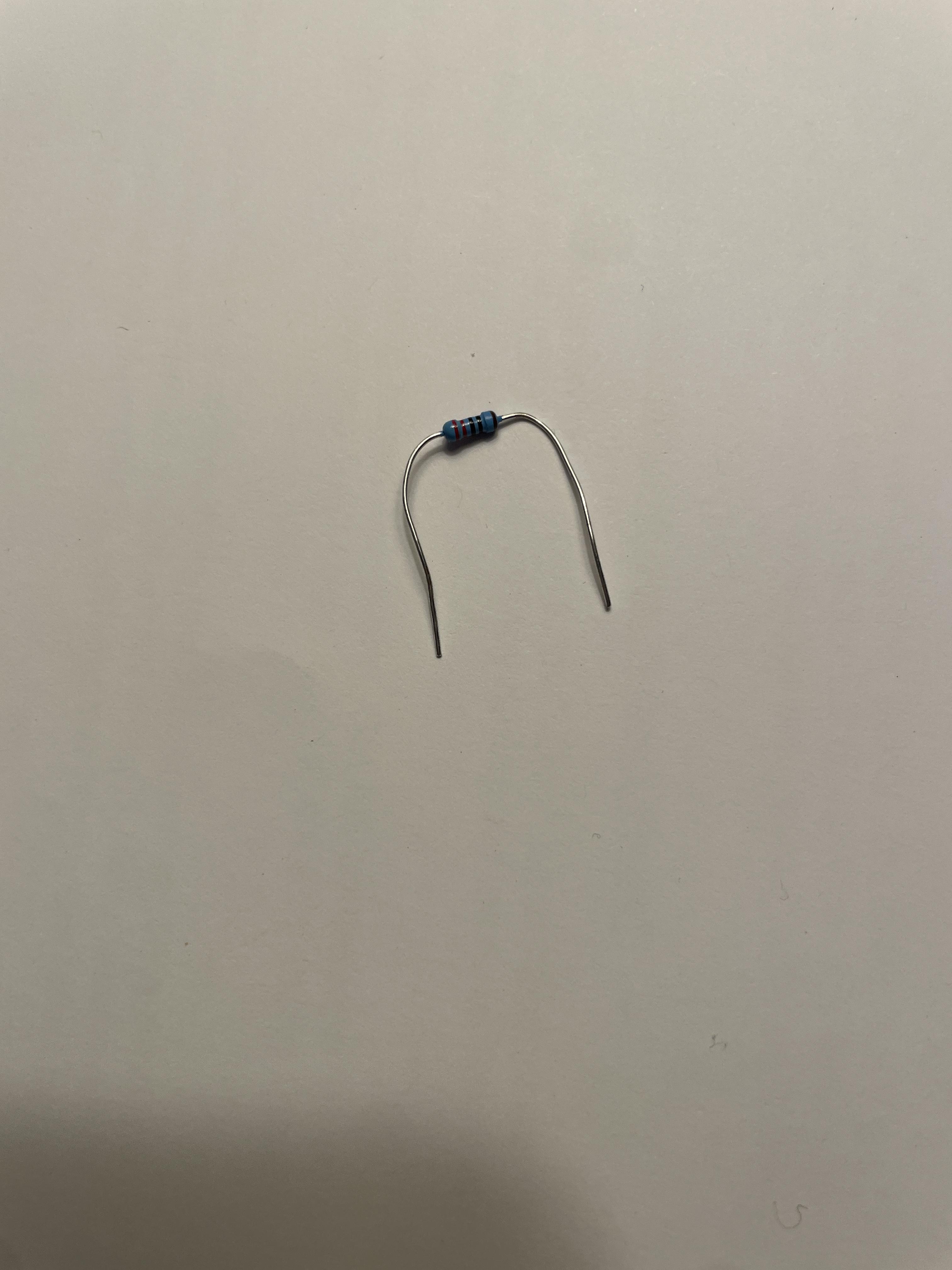
1x 220 Ohm Resistor
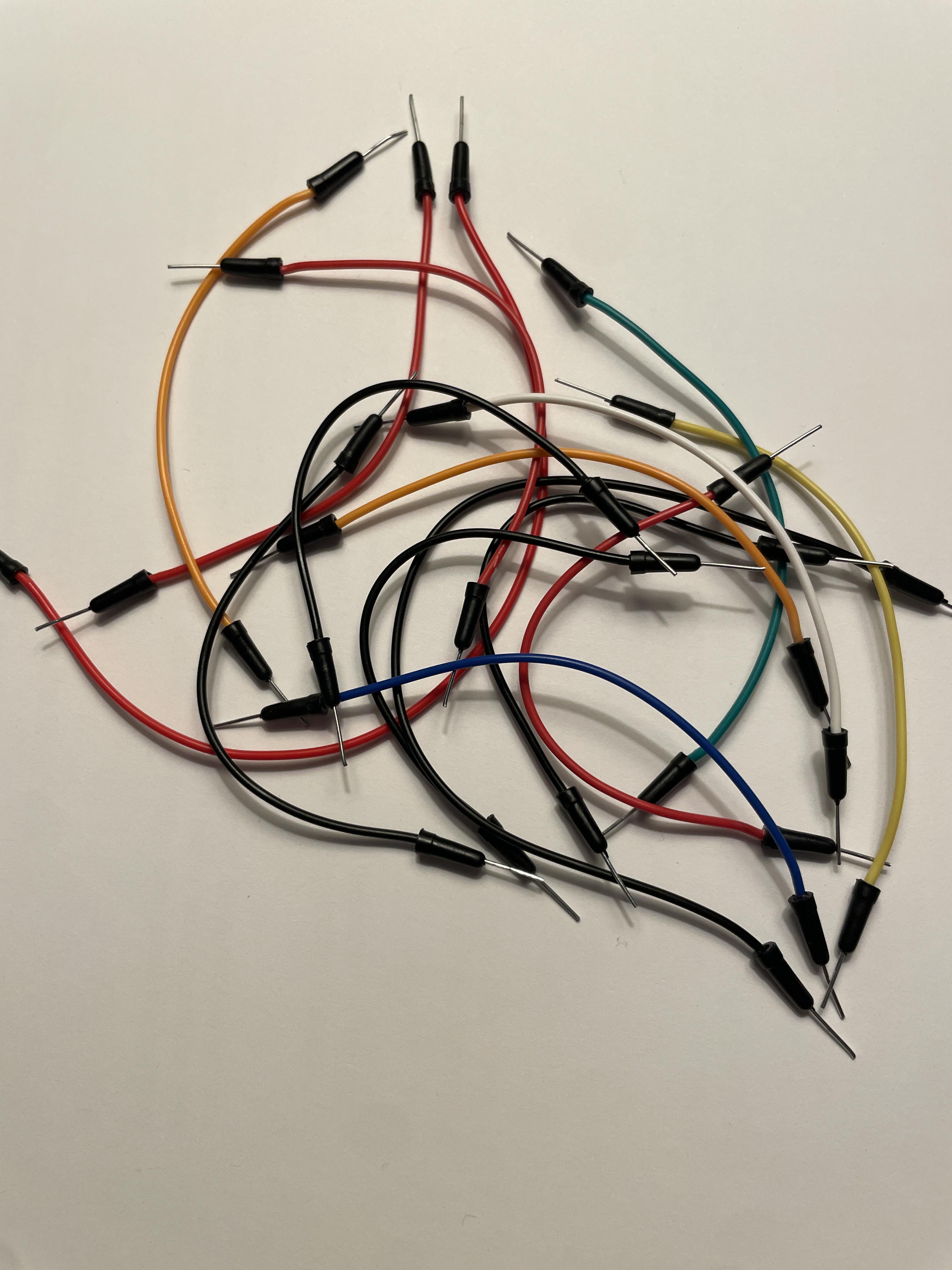
15x Jumper Wires
1x 9v Battery with Snap-on Connector
1x Roll of Scotch Tape
Gather Your Components
Make sure you have the correct number of cables, the correct type of potentiometer, AND DOUBLE CHECK YOU HAVE THE CORRECT RESISTOR, YOU RISK BURNING OUT THE LCD.
Assemble Bread Board
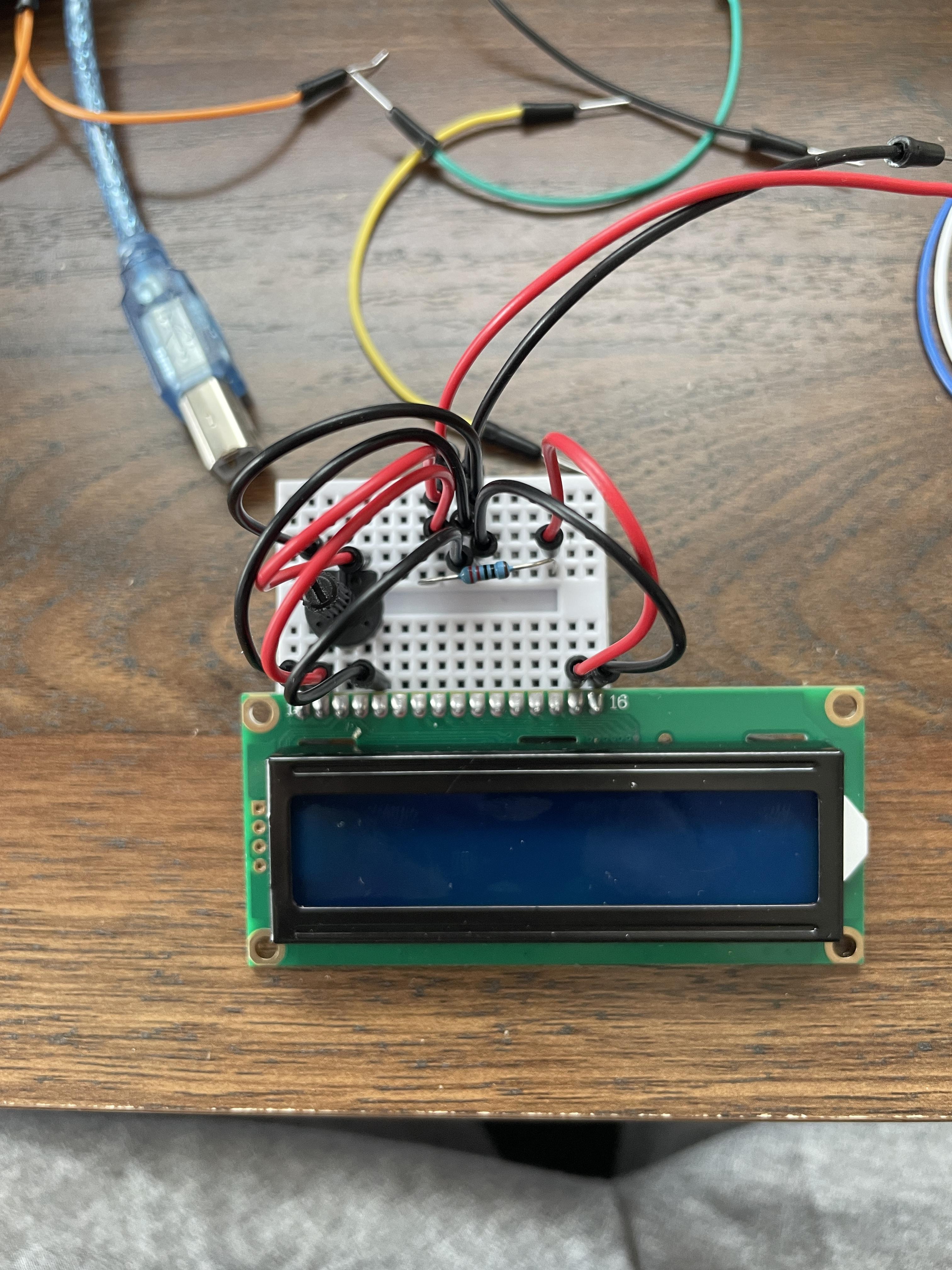
Use this picture to assist in assembling the bread board circuit or use the diagram in the next step.
Assemble the Circuit
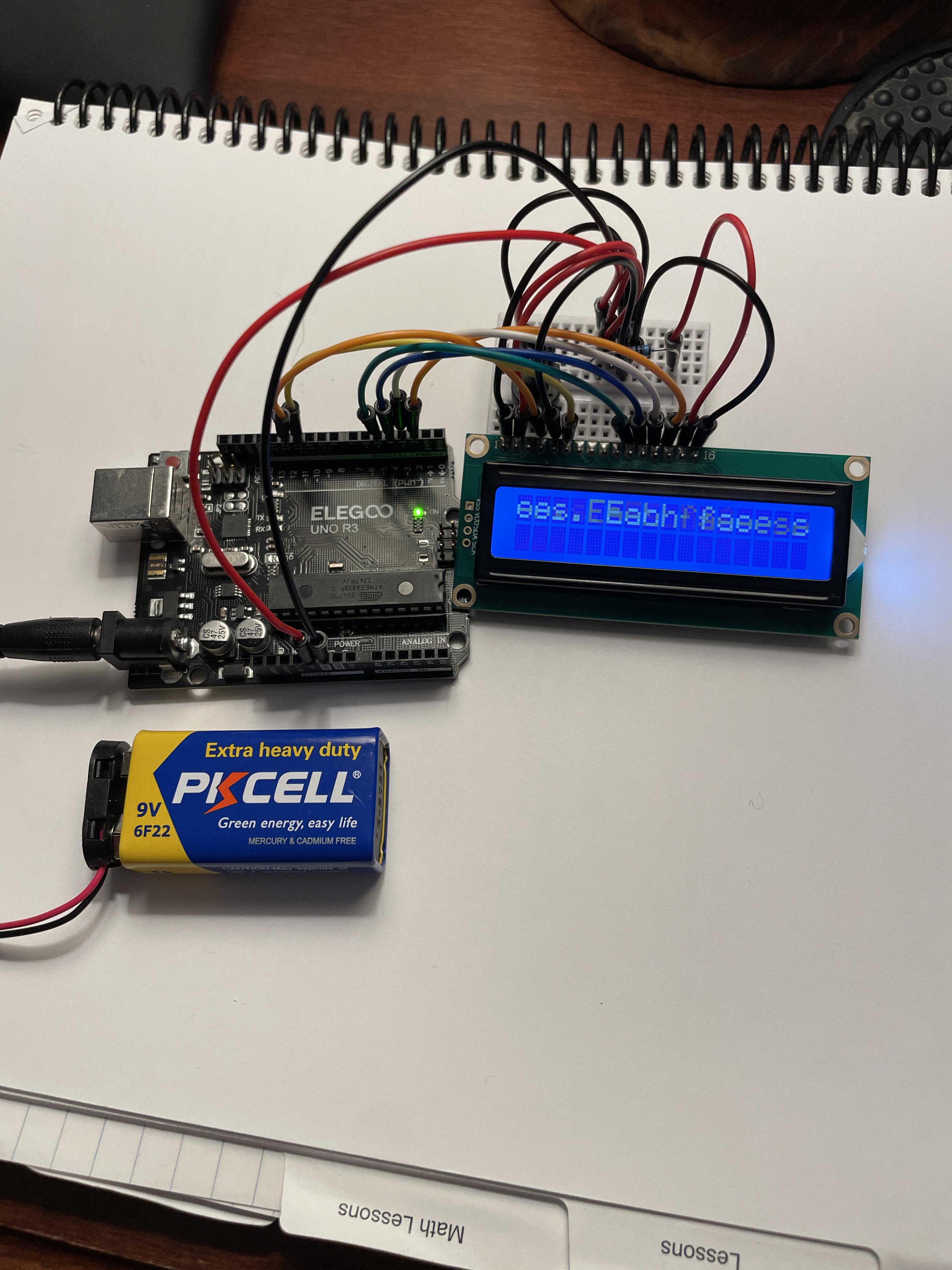
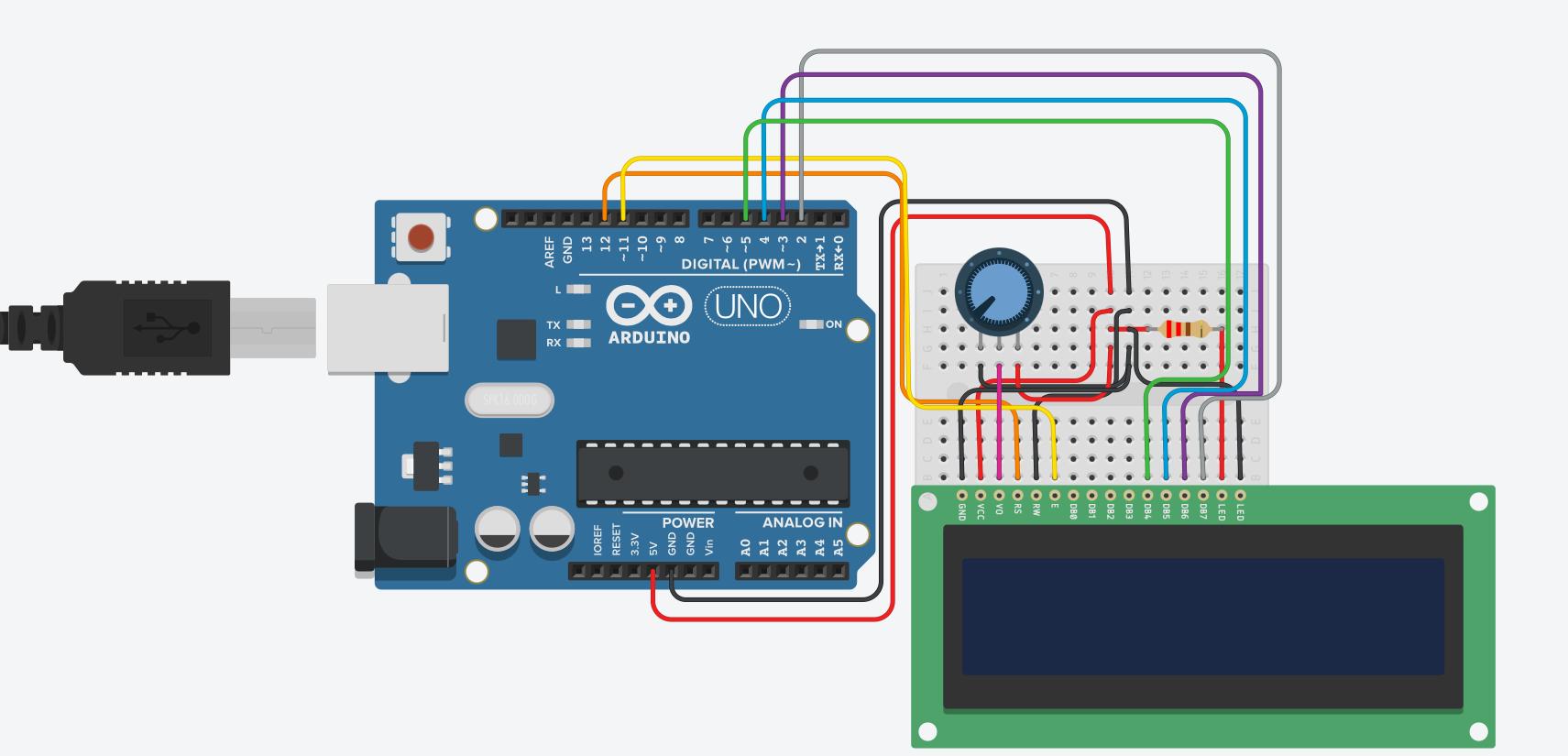
Use the diagram that I created with Tinkercad circuits to ensure you assemble the teleprompter properly.
Code the Board
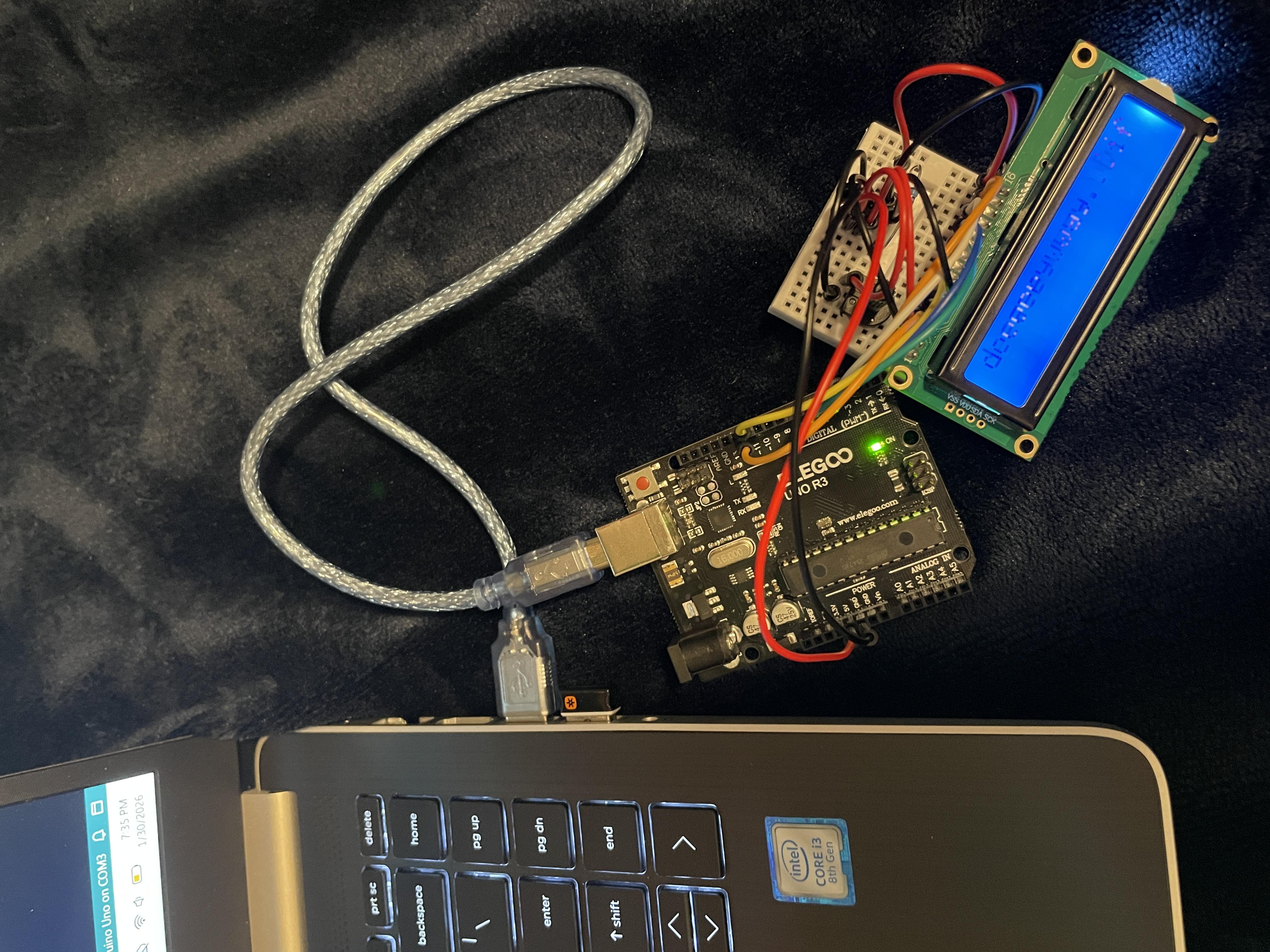
Plug in your Arduino using the USB cable and use the Arduino IDE application to put this code on the board (You can enter your own text by putting it where it says "INSERT YOUR TEXT HERE"):
#include <LiquidCrystal.h>
LiquidCrystal lcd(12, 11, 5, 4, 3, 2);
String script = "DIY Teleprompter: INSERT YOUR TEXT HERE";
void setup() {
lcd.begin(16, 2);
}
void loop() {
for (int i = 0; i < script.length() - 16; i++) {
lcd.setCursor(0, 0);
lcd.print(script.substring(i, i + 16));
delay(200); // Adjust speed here
}
}
Downloads

Print Case for Teleprompter (Optional)
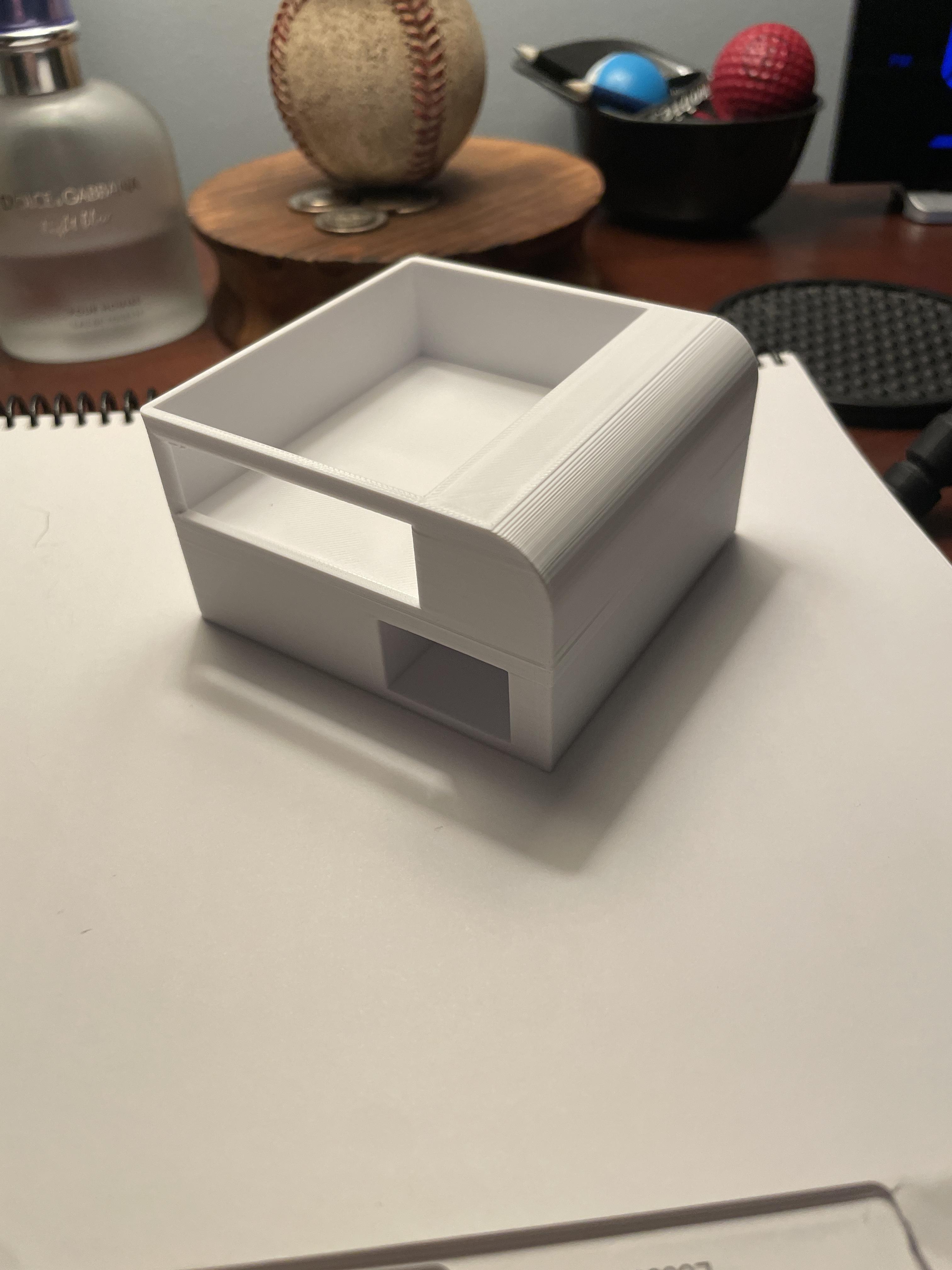
Use this file to 3d print the case for the teleprompter. If you dont own a 3d printer, I recommend contacting your schools technology teacher, local makerspaces, local libraries. or a local university to ask for permission to print this.
Downloads
Assemble the Teleprompter
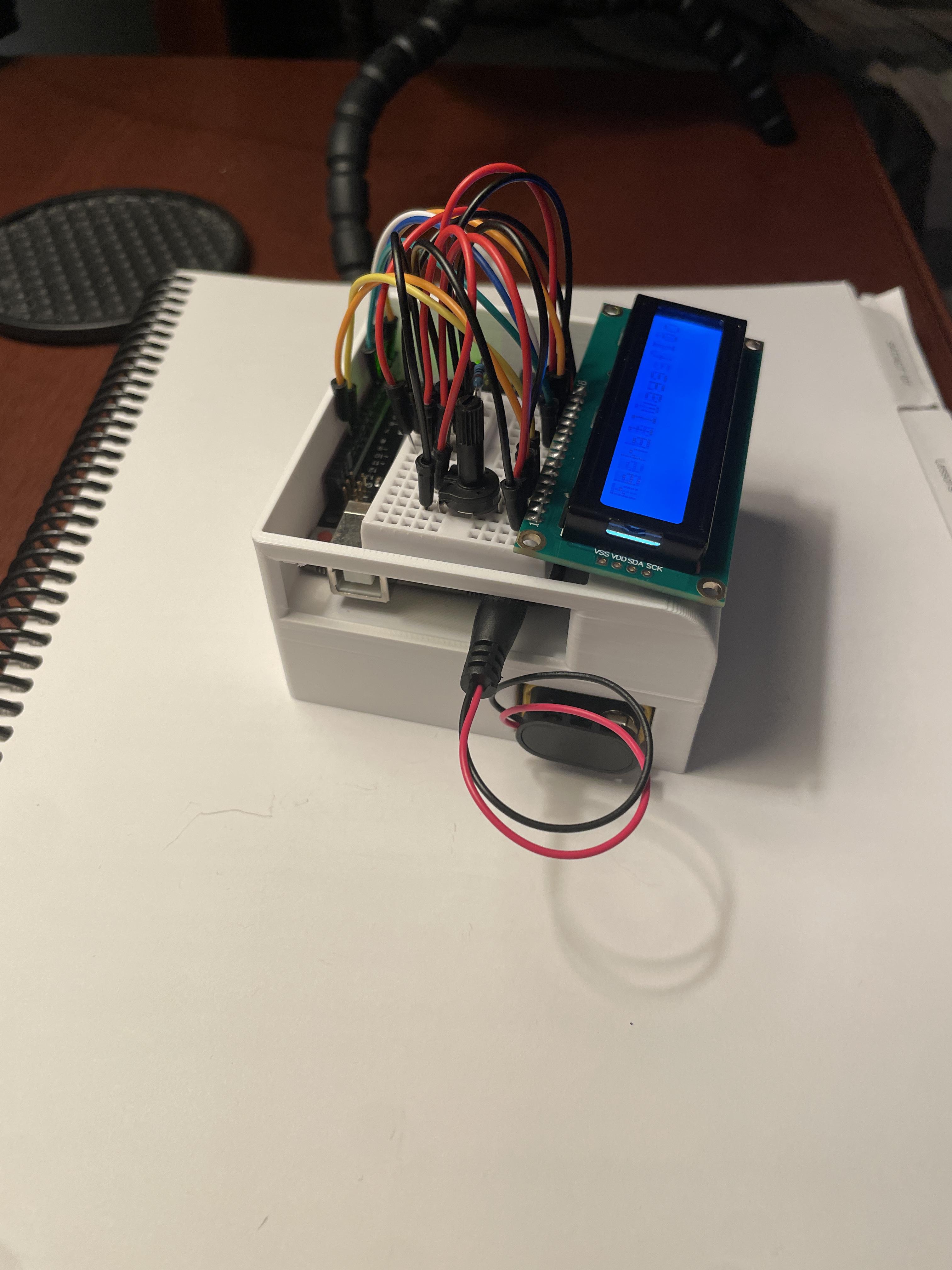
I recommend using scotch tape to hold the LCD and other components to the case. The battery should slide nicely into place.