Micro Remote Control
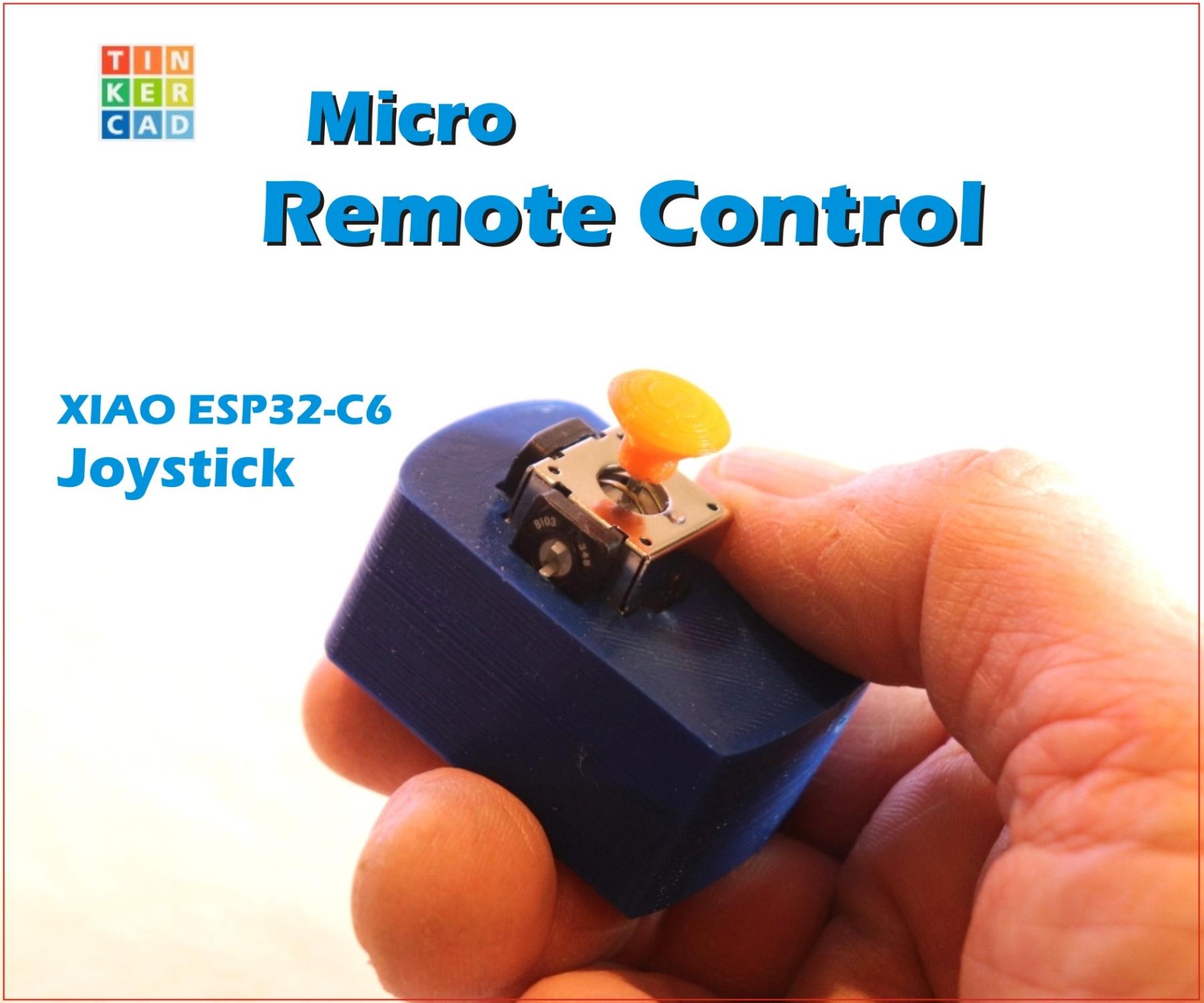
I often need a remote control for many of my projects: vehicles, robots, cameras...
But a large remote control is often unnecessary and too big. Funny when the remote control is bigger than the racing car. And you constantly need new batteries.
This is the further development of my first remote control, this time with a small XIAO ESP32-C6. It is tiny, has WiFi and BLE on board, and also a LiPo charging circuit.
ESP32 + joystick + battery = a super-small recharchable remote control with direction and a button
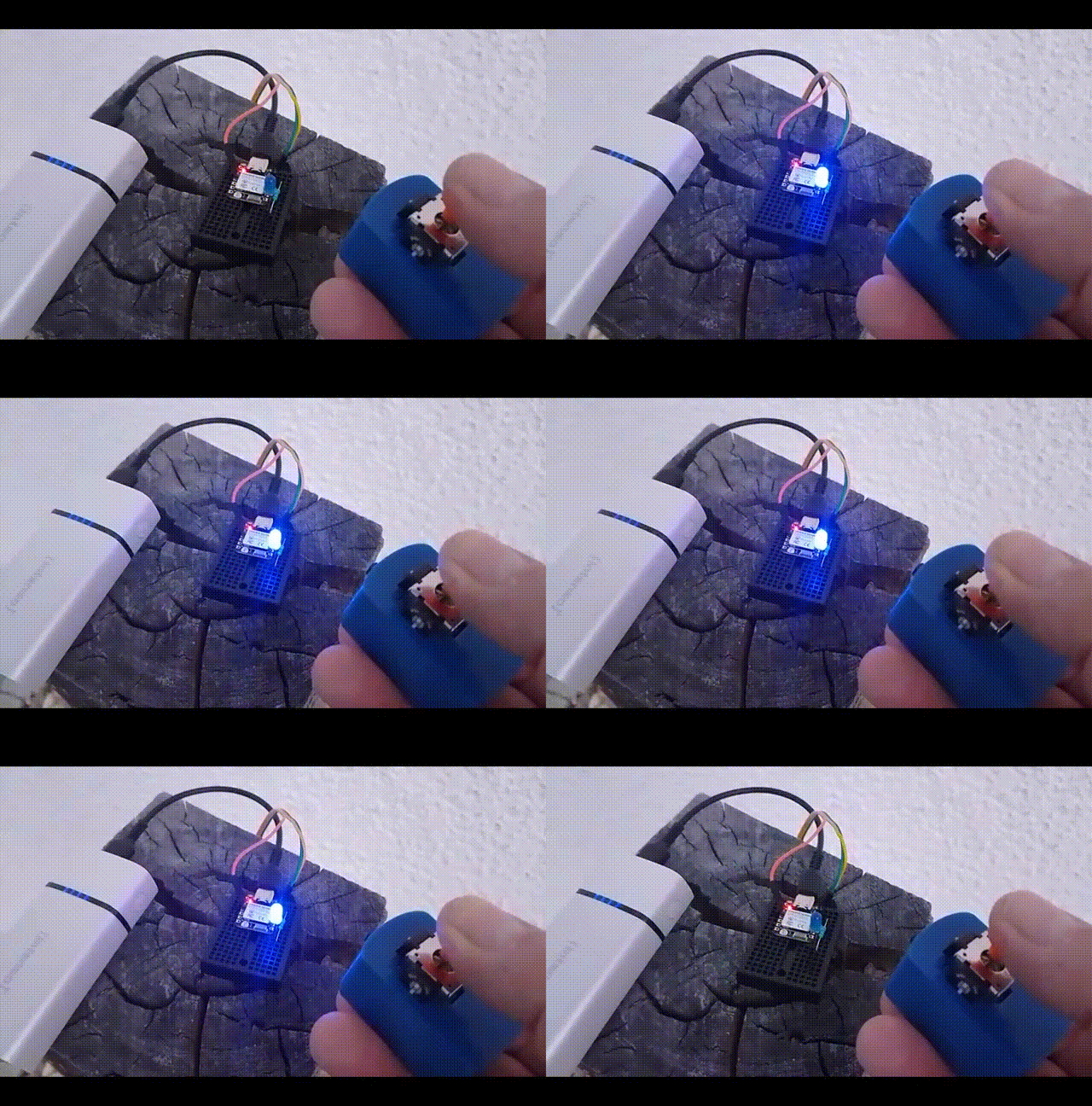
In a simple quick test, I was able to transmit a signal over 95 meters!
ESP-NOW
It is a radio communication protocol by Espressif that allows different ESP32 or ESP8266 boards to exchange small packets of data without using regular Wi-Fi or Bluetooth. ESP-NOW does not need a WiFi station like a router, making it ideal for us to transmit and receive remote control signals. It usually needs less energy and has a longer range than WiFi.
Please note: Basic knowledge of Arduino IDE is required.
Supplies
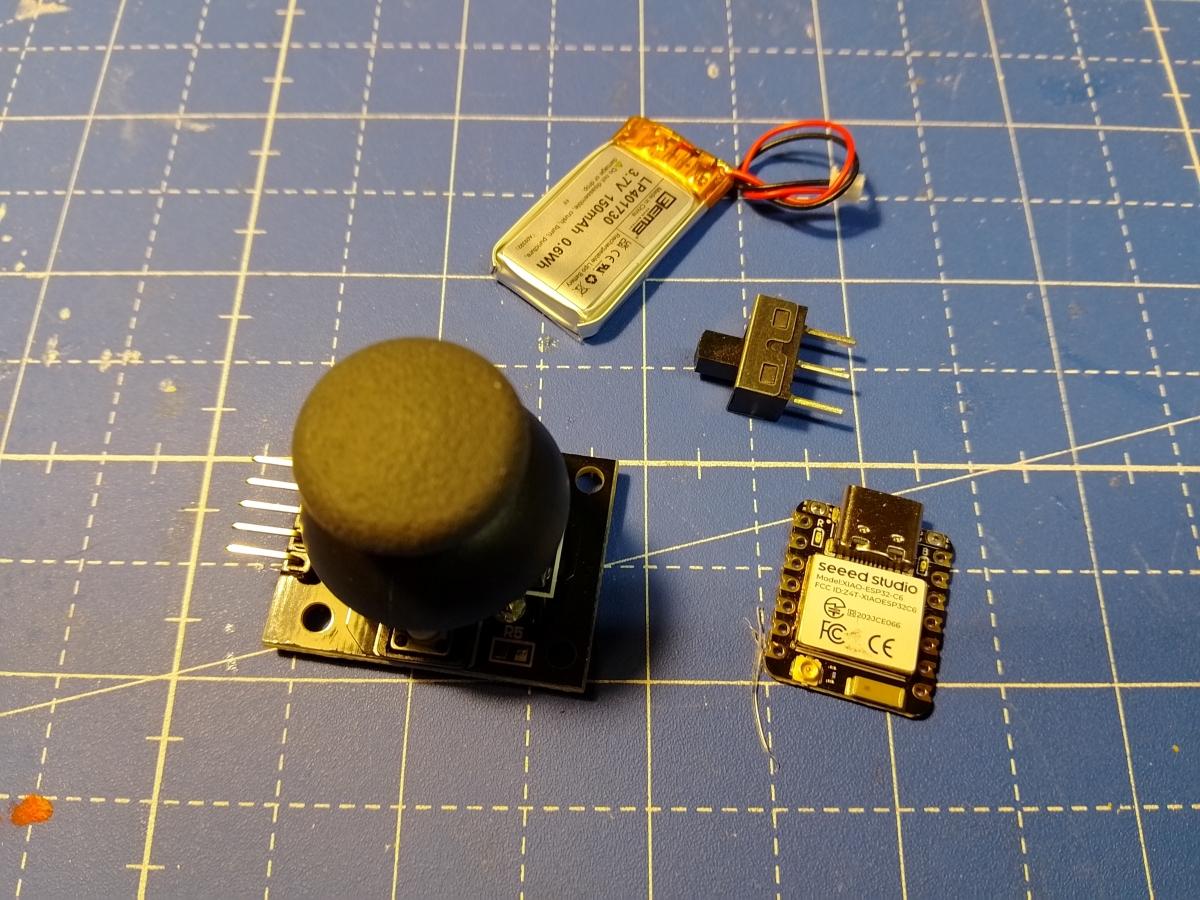
XIAO ESP32-C6 (or ESP32-C3) + Antenna
Joystick KY-023
LiPo battery (110mAH)
switch
3D printed case
The Circuit
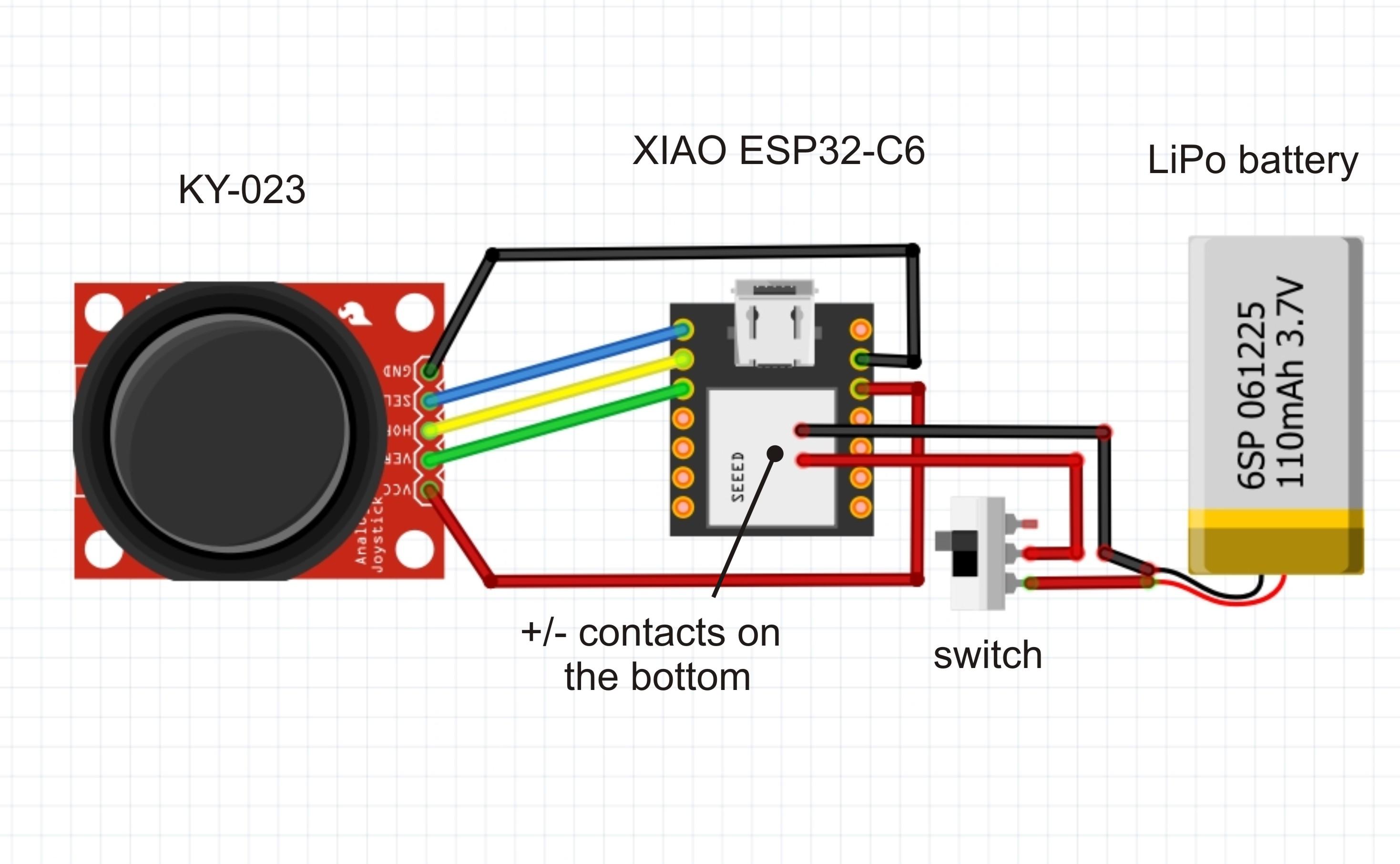
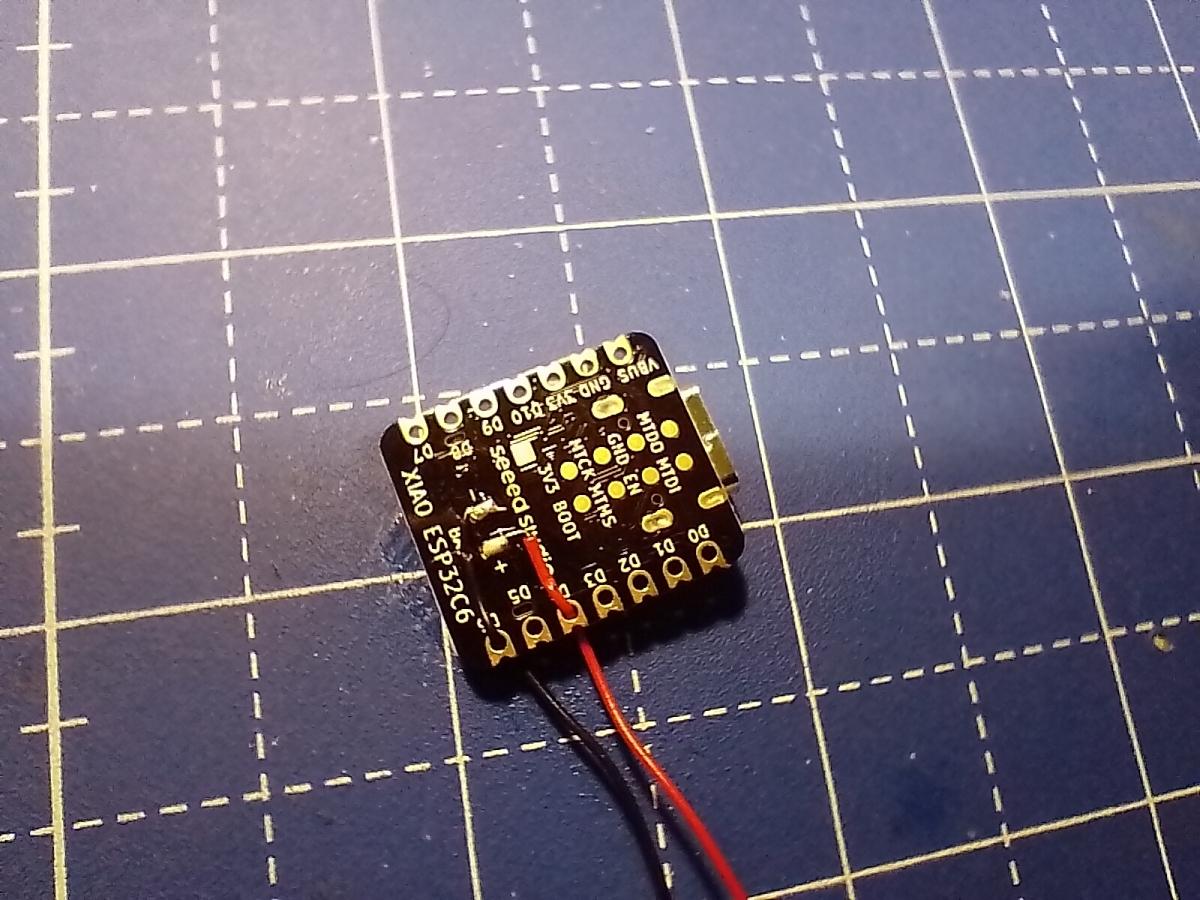
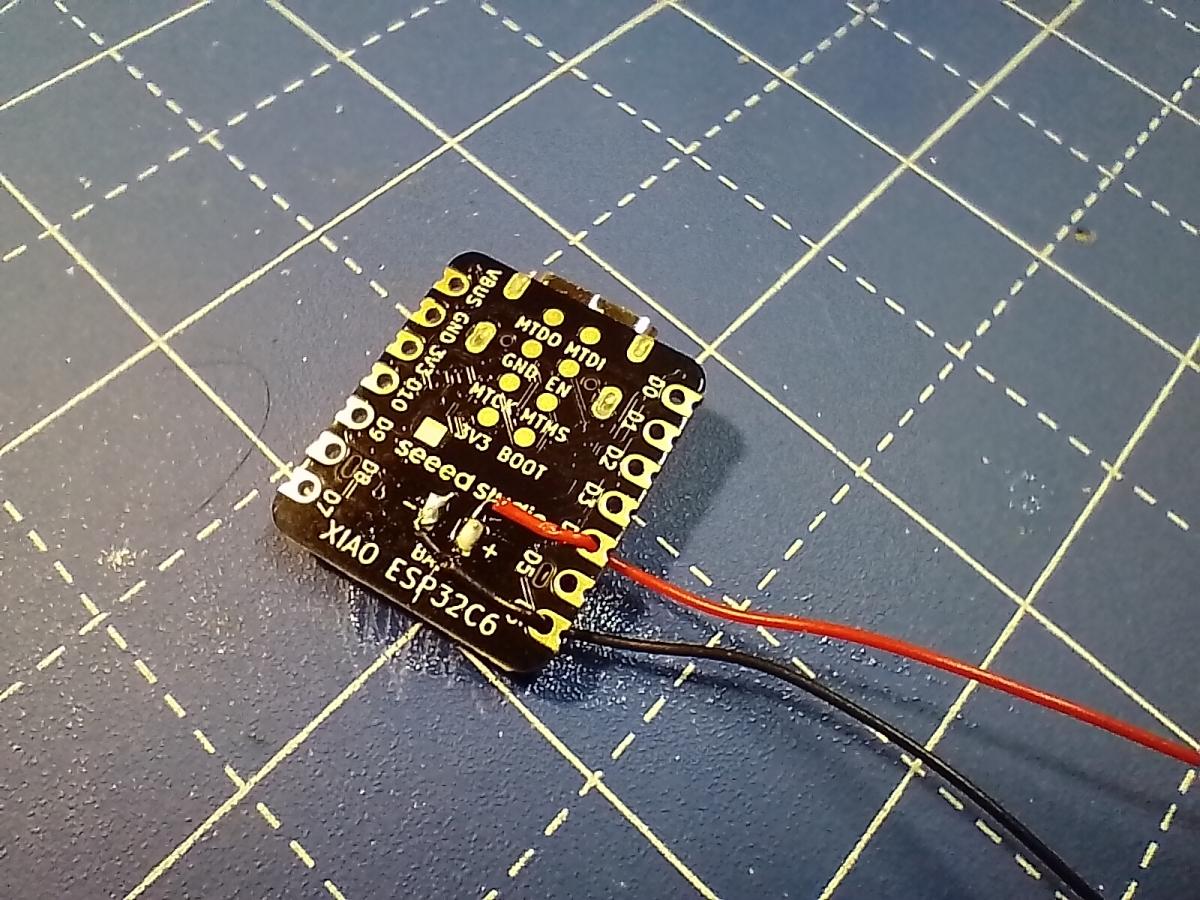
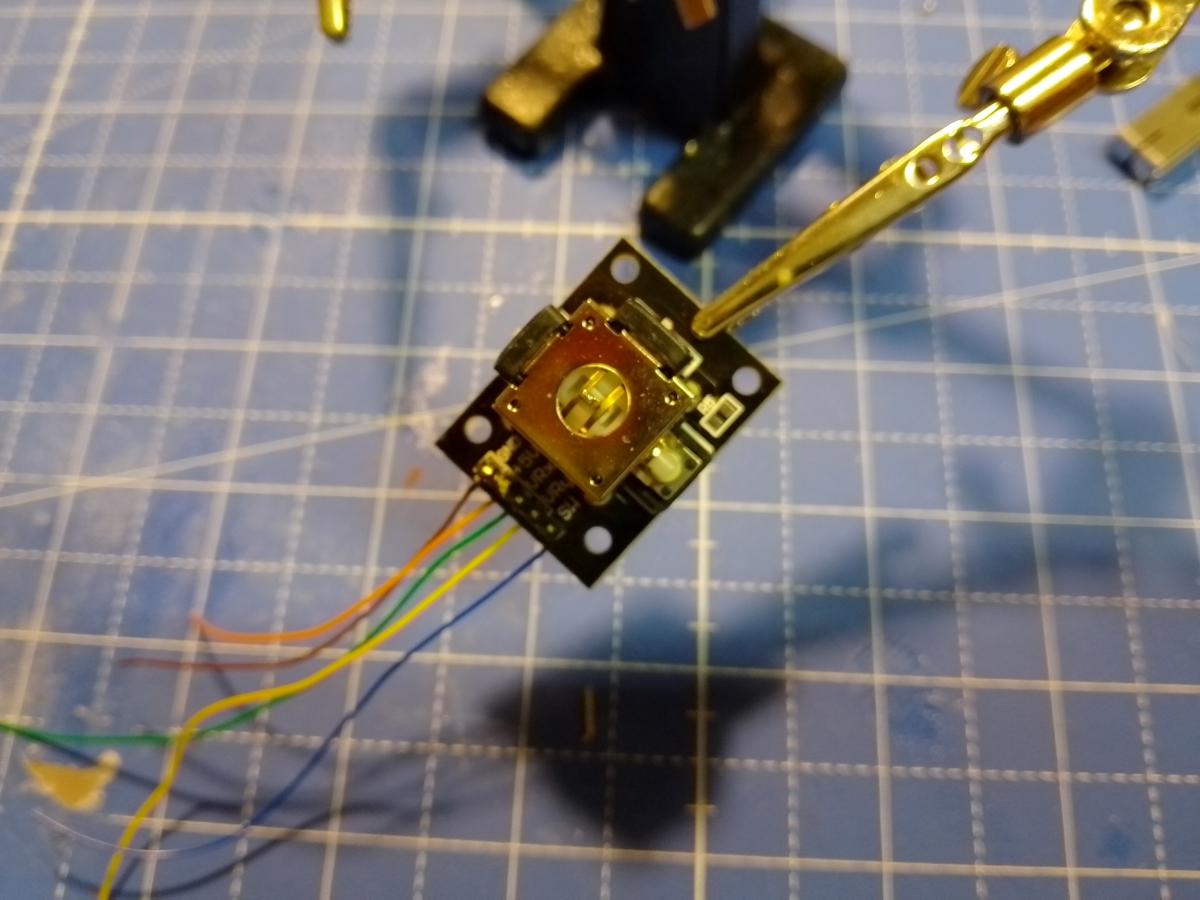
The circuit is quite simple. We solder the battery connections to the underside of the ESP-C6. I use plug contacts. Please never solder the battery connections directly to the ESP to avoid short circuits. The ESP32-C6 also acts as a charge controller for the battery. A switch in front of the battery allows the device to be turned on and off.
Since we are using a battery, there is no power at the 5V connection of the microcontroller. Therefore, we connect the VCC of the joystick to the 3.3V of the controller.
VCC —> 3.3V
GND —> GND
X —> D1
Y —> D2
Button —> A0
The pins can also be assigned differently; please change them accordingly in the software!
The Software
TRANSMITTER
The software establishes an ESP-NOW connection via WiFi. ESP-NOW is a simple communication protocol with a range that is usually greater than normal WiFi with its complex protocols.
In a simple quick test, I was able to achieve more than 95 meters!
Preliminary work: In order to reach the correct receiver, its MAC address must first be determined. The script determines the MAC address on a XIAO ESP32-C6. Determine, note down, and enter it in the transmitter script.
The software measures the values on the joystick and its button and transmits them. In addition, a sleep function could be added to conserve battery power. (Not yet implemented here).
RECEIVER
The receiver (here also an ESP32-C6) picks up the signals and converts them into corresponding commands. A servo (up/down signals) and an LED with a 220 ohm series resistor are connected here. In addition, all other features of the microcontroller can be used.
ESP-NOW or BLE?
Alternatively, a connection with BLE signals using the same setup would be possible. However, the range is likely to be somewhat shorter.
The Case & Assembling
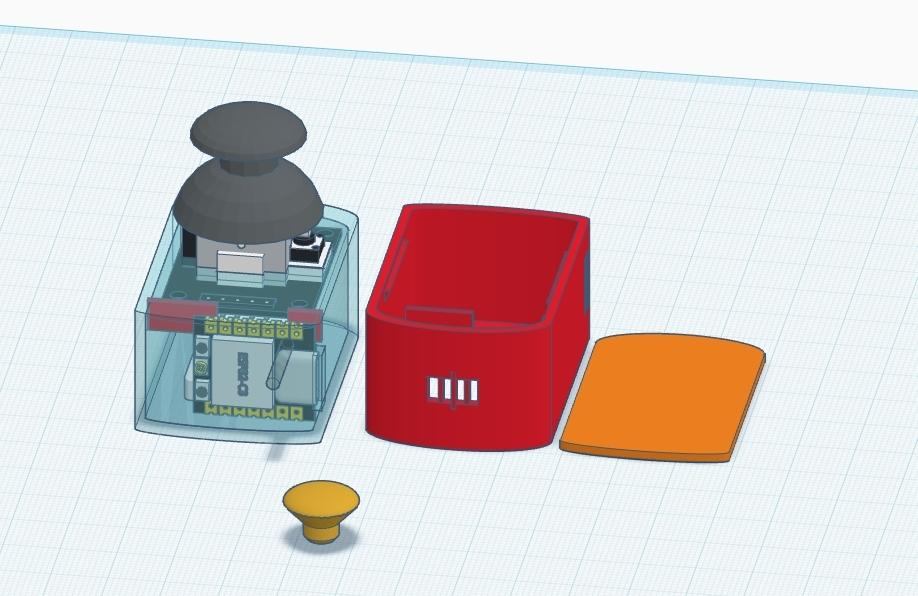

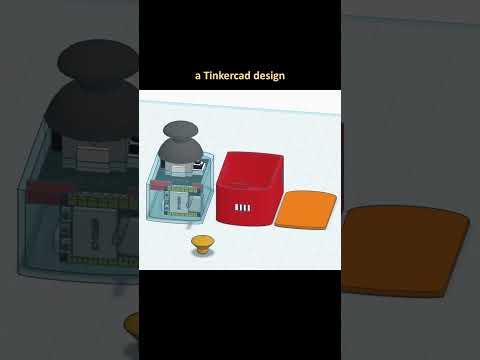
Wood or cardboard would be an alternative for a housing. I opted for a space-saving 3D print, designed with the help of Tinkercad. The lid fits perfectly, but without a fastening device (it stays in place anyway).
First solder all the necessary contacts with wires that are not too long. Since no high currents flow, the wires can be thin. Insert the individual parts, removing the black button from the joystick beforehand. Don't forget to connect the antenna to the ESP32. Secure the individual parts sparingly with hot glue.
Downloads
Bonus: a Smaller Knob


To reduce the size, I designed a smaller, simpler button using TinkerCAD. Just clip it on, glue it down... works perfectly.
Downloads
Universal Usage