Measure X-V1: Intelligent Dual-Laser Room Area Calculator
by curious_cat in Circuits > Microcontrollers
41 Views, 0 Favorites, 0 Comments
Measure X-V1: Intelligent Dual-Laser Room Area Calculator
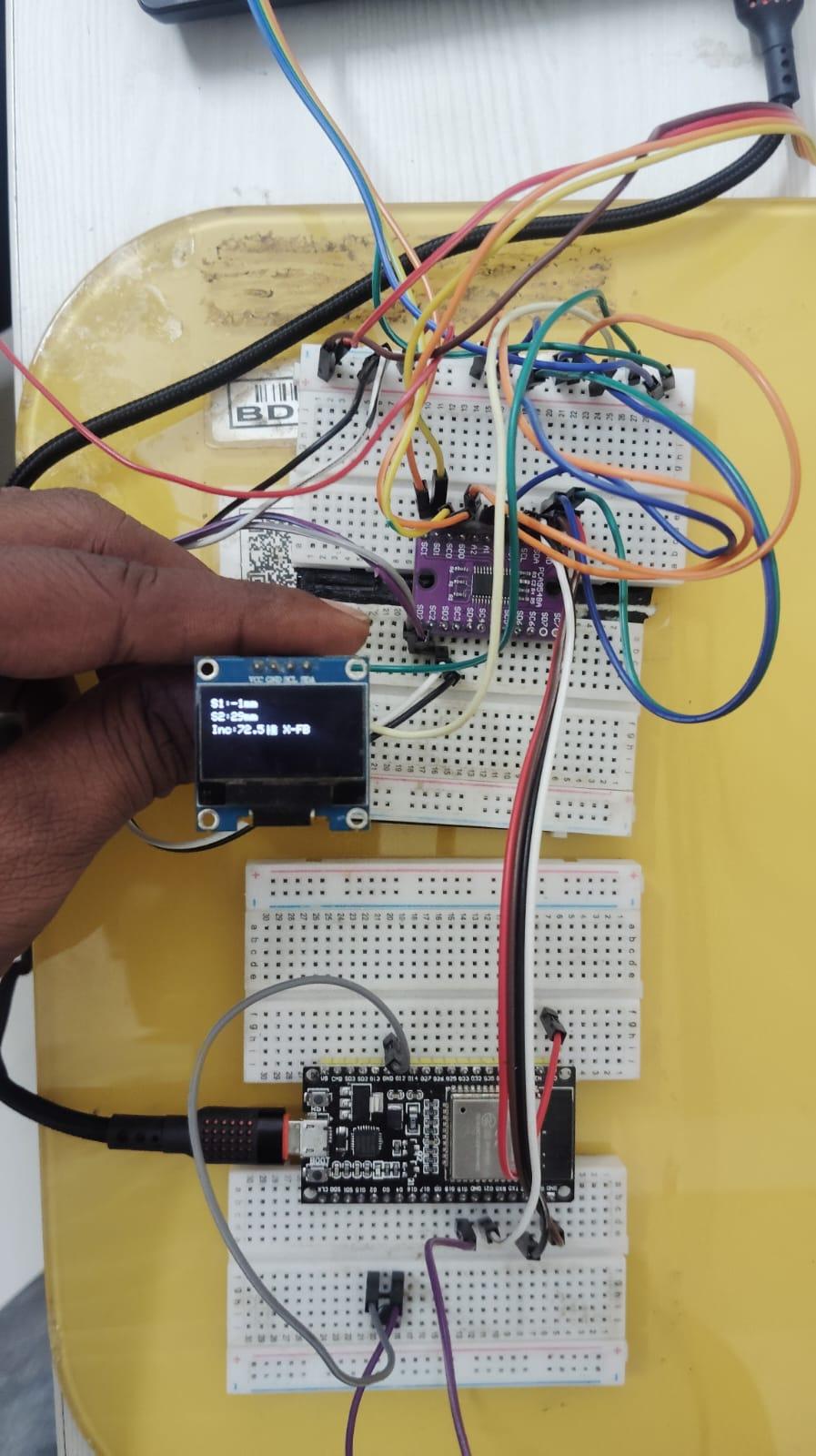
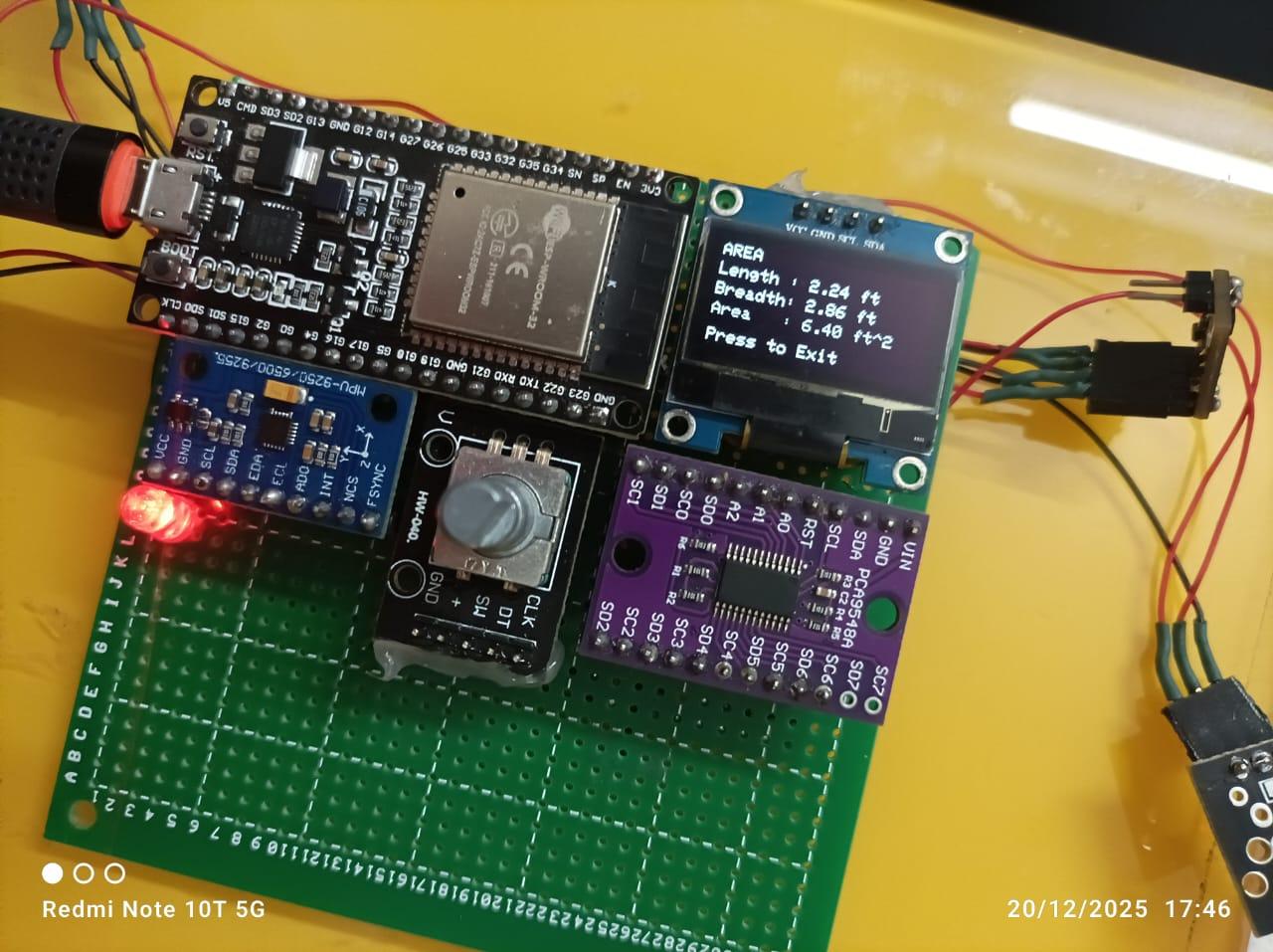
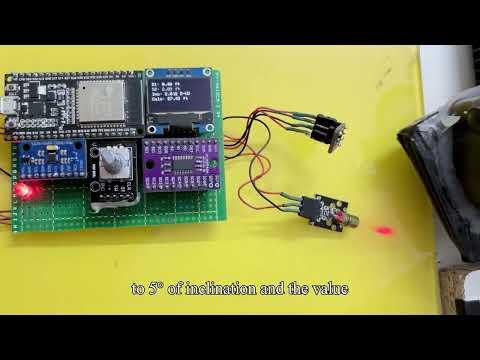
WHO is behind this?
This project is a collaboration between a Mechatronics Engineers and an Embedded Systems Engineer . We combined our expertise in mechanical design and firmware development to create a tool that bridges the gap between hobbyist electronics and industrial utility.
WHAT is Measure X?
Measure X is an intelligent, dual-laser 1D distance meter and area calculator built on the ESP32. It uses two opposing VL53L0X Time-of-Flight sensors to measure the total span of a room from a single center point, effectively reaching an 4ft range.
WHY did we build it?
Standard measuring tools are prone to human error—tape measures sag, and handheld lasers often suffer from "cosine error" caused by slight tilts. We wanted to build a device that ensures accuracy by:
- Using Sensor Fusion to sum distances from two directions simultaneously.
- Integrating an IMU6500 (Gyroscope) to monitor the device's angle.
- Locking measurements only when the device is perfectly level (0–5° inclination).
HOW does it work?
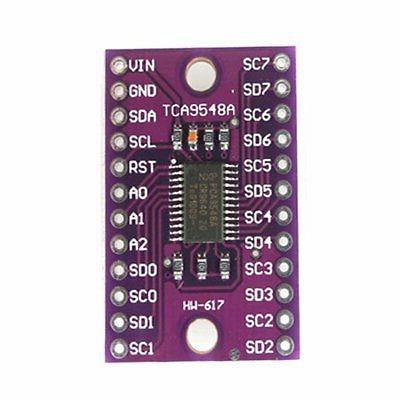
The device uses an I2C Multiplexer (TCA9548A) to manage multiple sensors on a single bus.
- The Brain: An ESP32 processes distance data and applies trigonometric corrections based on real-time IMU tilt data.
- The UI: A rotary encoder allows you to navigate menus for Length, Breadth, and Area calculations, which are then saved to EEPROM memory for persistence.
- The Feedback: Laser pointers provide visual targeting, while an OLED screen and LED indicator provide live status alerts.
Moving Forward
This version (V1) is our functional prototype. For Version 2, we are planning to transition to a custom-designed PCB, a more compact handheld enclosure, and a web-based IoT interface to save and track measurements remotely.
Supplies
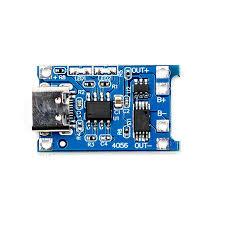
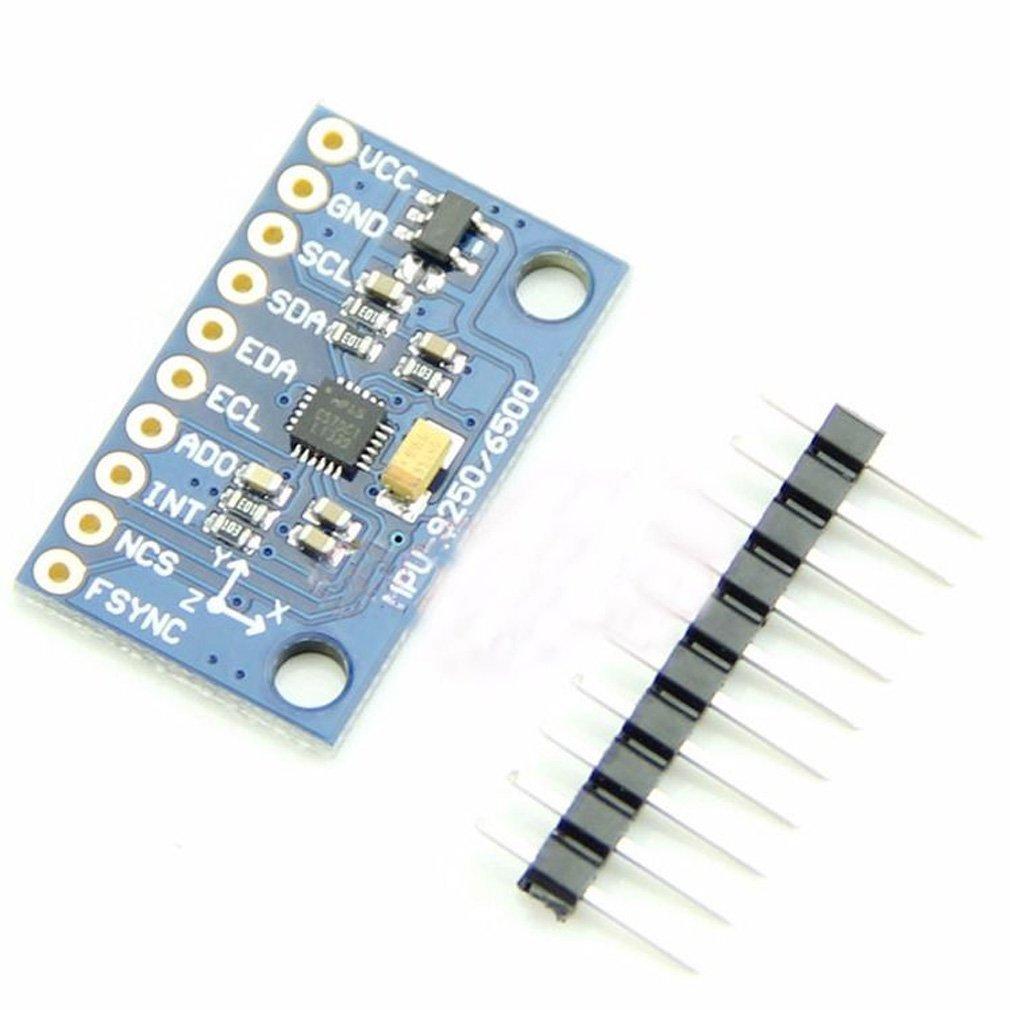
Bill of Materials (BOM)
To build Measure X, you will need the following components:
Components
- ESP32-WROOM-32 -The brain of the system.
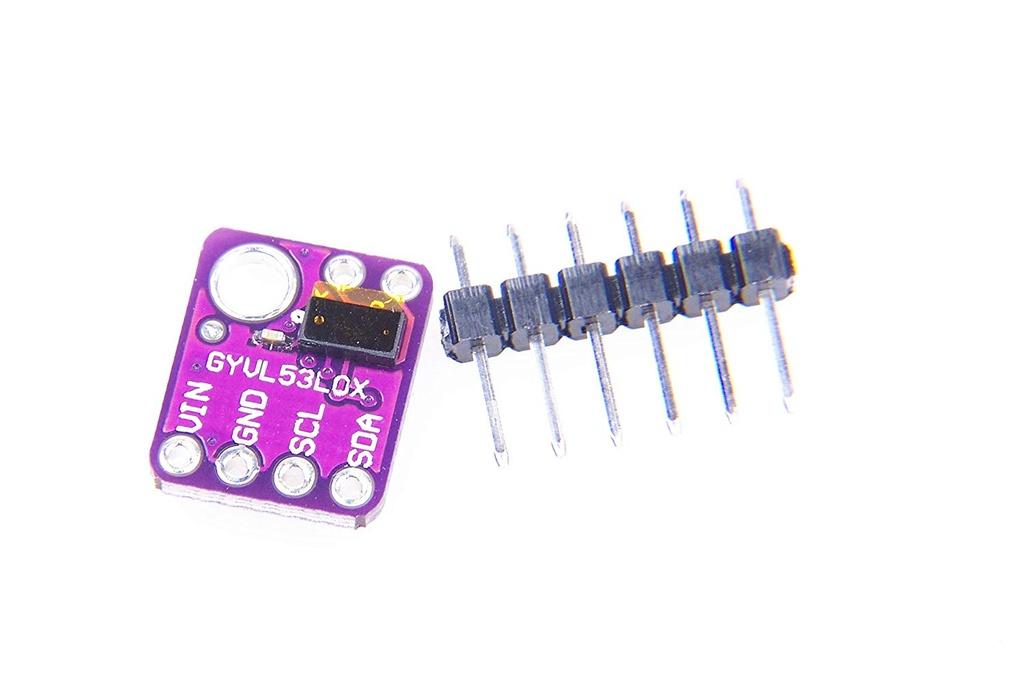
- 2x VL53L0X Sensors -Opposing Time-of-Flight distance sensors.
- IMU6500 (or MPU6050) -6-Axis motion sensor for tilt correction.
- TCA9548A Multiplexer -Handles I2C communication for identical sensors.
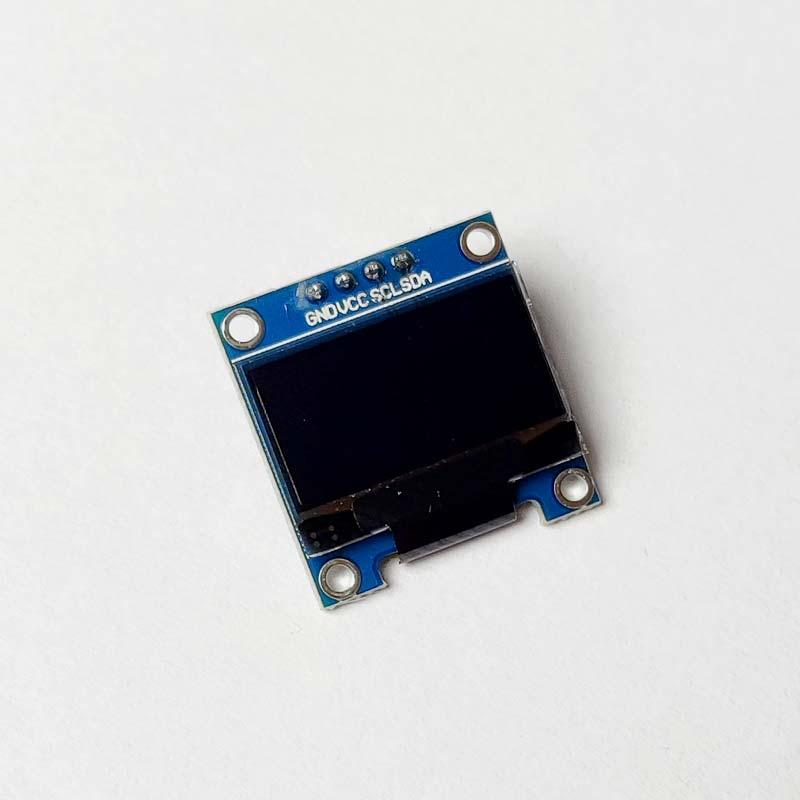
- 0.96" I2C OLED -Real-time UI and data display.
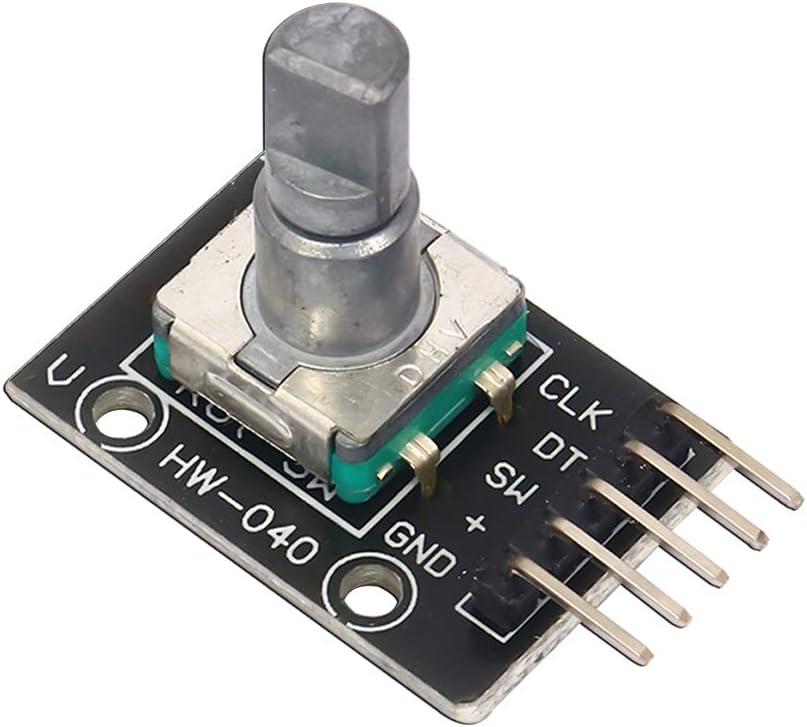
- KY-040 Rotary Encoder -Menu navigation and resetting.
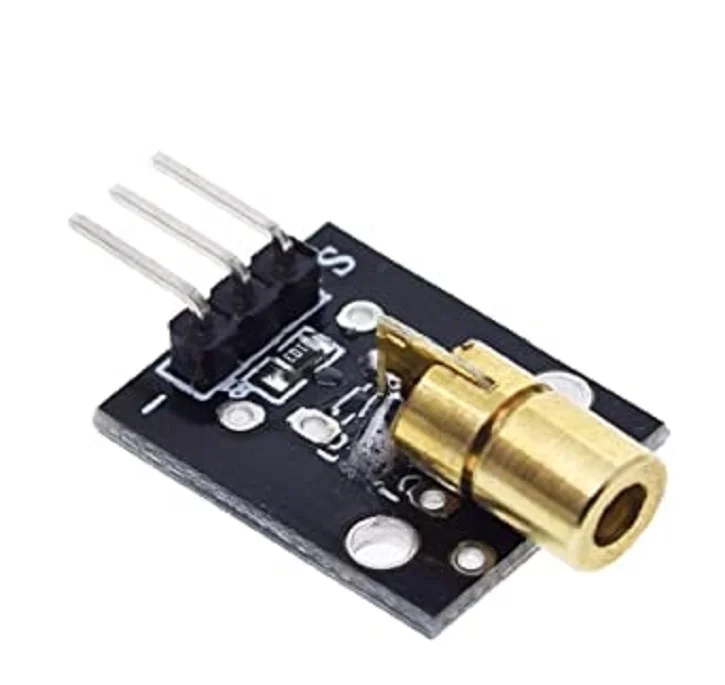
- 2x 5V Laser Diodes -Visual targeting for alignment.
- 3.7V LiPo Battery -Portable power (runs 2-4 hours).
- TP4056- Lipo charger module
Downloads
Componets and Explaination of BOM
To build the Measure X V1 prototype, you will need the following hardware components. Each plays a specific role in ensuring accuracy and ease of use:
- ESP32-WROOM-32 (16MB): The primary microcontroller that manages sensor data, the user interface, and EEPROM storage.
- 2x VL53L0X Time-of-Flight Sensors: High-precision laser-ranging sensors used to measure the distance from the device to the walls.
- MPU6500 (or MPU6050) 6-Axis IMU: A motion sensor used to track the device's inclination angle to prevent measurement errors.
- TCA9548A I2C Multiplexer: A "traffic controller" that allows the ESP32 to communicate with multiple sensors that share the same I2C address.
- 0.96" I2C OLED Display (SSD1306): A compact screen used to display real-time measurements, angles, and the menu system.
- KY-040 Rotary Encoder: The main input device used to scroll through the menu and click to select options or reset data.
- 2x 5V Laser Diodes: Provides a visible red dot so the user can see exactly where the sensors are pointing for perfect alignment.
- 1x LED (Small Red/Green): A status indicator that blinks during errors and remains solid when a measurement is successfully locked.
- 3.7V 500mAh LiPo Battery: A portable power source that allows the device to run for approximately 2 to 4 hours.
- TP4056 Charging Module (Optional): Used if you want to recharge your LiPo battery via a standard USB cable.
- 470Ω Resistor: Required for the status LED to prevent it from drawing too much current from the ESP32.
Wiring and Hardware Integration
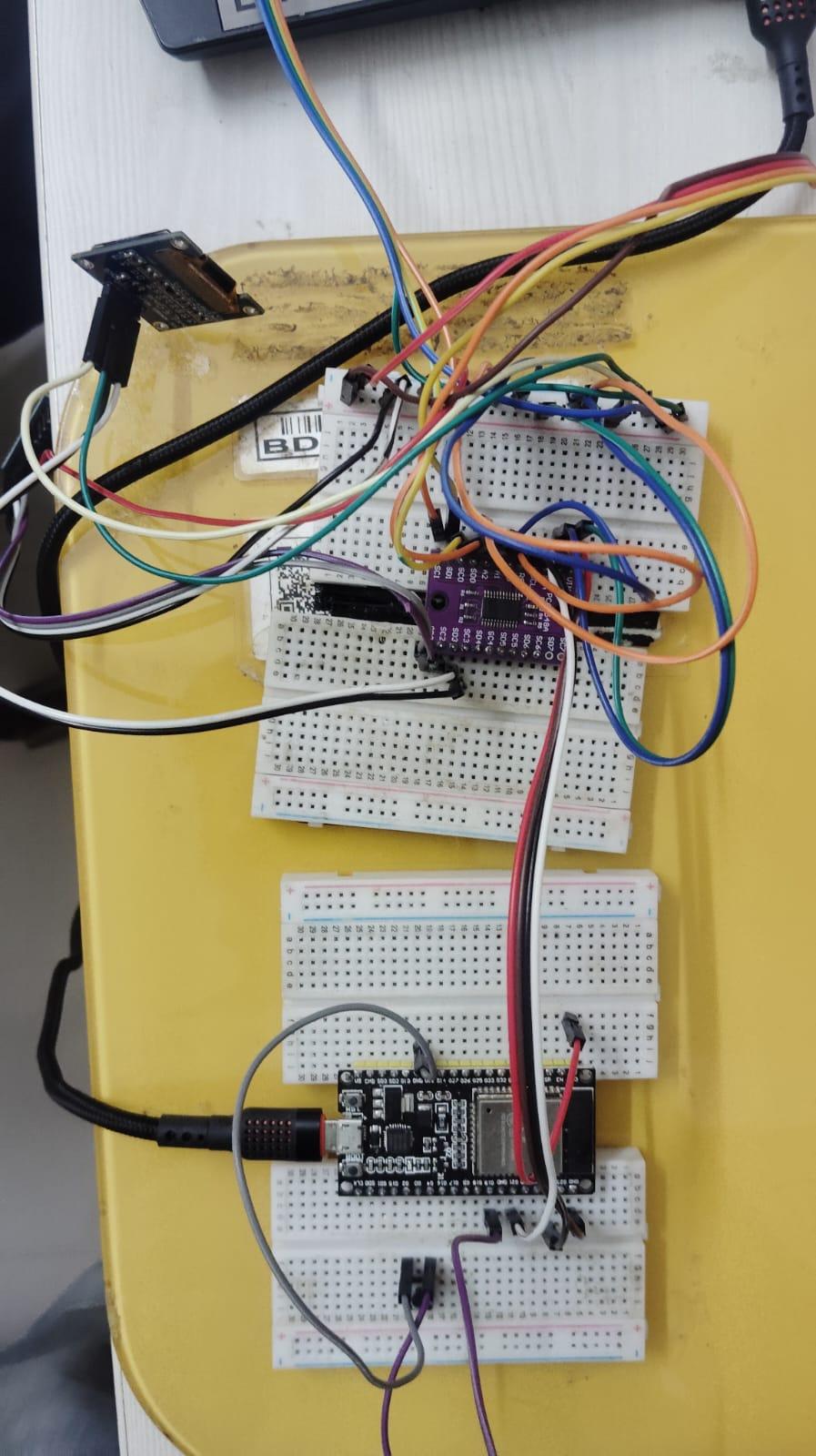
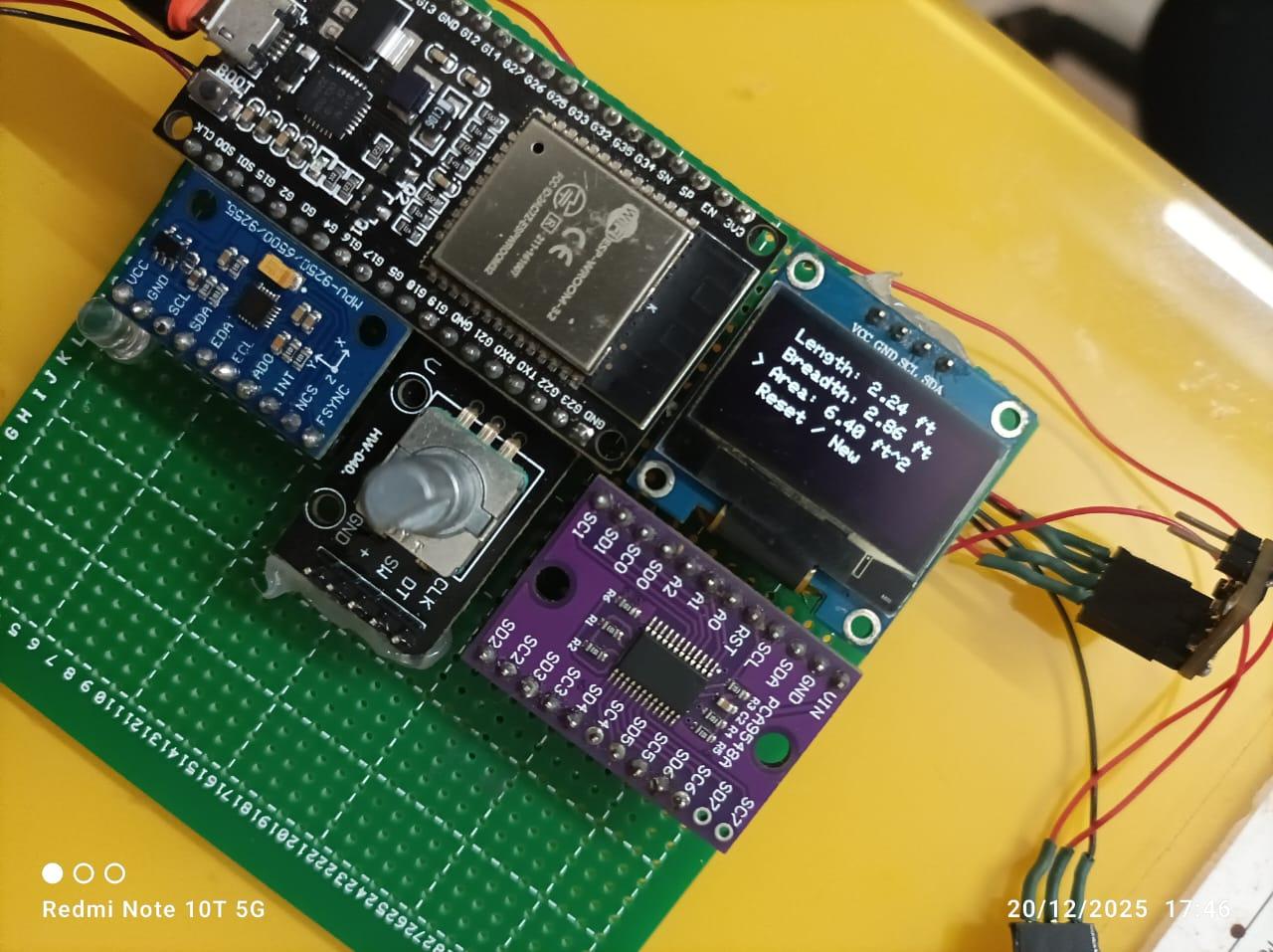
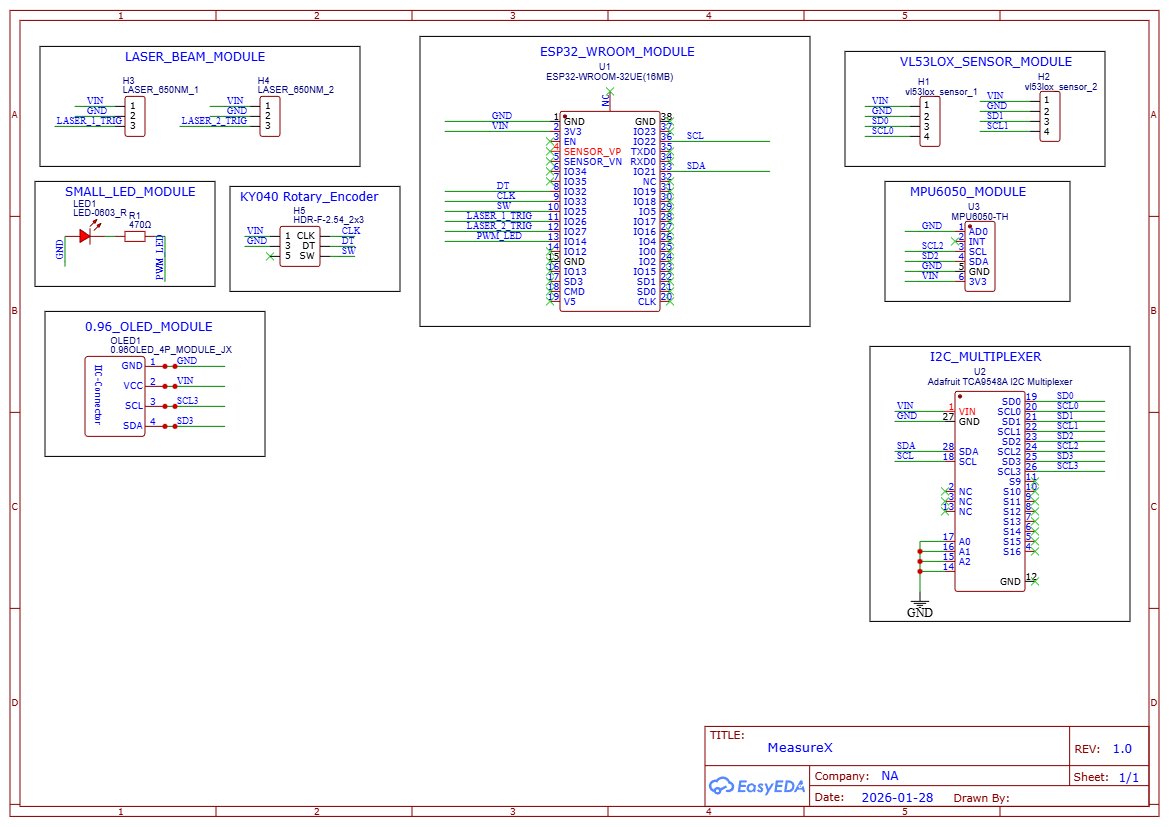
The hardware setup is designed around the ESP32-WROOM-32 and the TCA9548A I2C Multiplexer to manage multiple sensors on a single bus.
The Wiring Connections
Follow this pin map to connect your components as shown in the schematic:
- I2C Communications: Connect ESP32 IO21 (SDA) and IO22 (SCL) to the main SDA/SCL pins of the TCA9548A Multiplexer, the MPU6050, and the OLED Display.
- Sensor Multiplexing:
- VL53L0X Sensor 1 connects to SD0/SC0 on the TCA9548A.
- VL53L0X Sensor 2 connects to SD4/SC4 on the TCA9548A.
- User Interface:
- Rotary Encoder: CLK to IO33, DT to IO32, and SW to IO25.
- Status LED: Connect to IO14 with a 470Ω resistor.
- Laser Targeting: Connect Laser 1 to IO26 and Laser 2 to IO27.
Mathematical Calculations

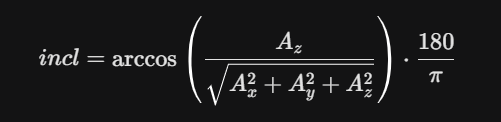
Measure X uses trigonometry to ensure that a handheld device still provides an accurate horizontal distance even if your hand isn't perfectly steady.
1. Inclination Angle Calculation
The IMU6500 measures acceleration in the X, Y, and Z axes. The program calculates the tilt (inclination) using this formula: Angle = acos(Az / sqrt(Ax^2 + Ay^2 + Az^2)) * (180 / PI)
2. The Cosine Correction
To eliminate "cosine error" (where a tilted device measures a longer distance than the actual floor length), we multiply the raw distance by the cosine of the angle: True Distance = (Sensor1 * cos(Angle)) + (Sensor2 * cos(Angle))
Program Logic & Working Steps
The Arduino program is structured into a state machine that handles sensor data, UI interrupts, and data storage.
- I2C Channel Switching: The pcaSelect() function tells the TCA9548A which "room" to open. For example, it opens channel 0 to read the first laser sensor and channel 4 for the second.
- Safety Interlock: Inside the measureWindow() function, the program continuously polls the IMU. If the inclination is between 0° and 5°, it allows the measurement to lock. If the angle is higher, the Status LED blinks at 50ms intervals to signal an error.
- Data Persistence: Once a valid measurement is taken, the saveFloat() function writes the result to the ESP32’s EEPROM. This keeps your "Length" safe while you switch menus to measure "Breadth."
- Interrupt Handling: The handleEncoder() function uses a Hardware Interrupt (IRAM_ATTR). This ensures that even while the ESP32 is busy reading lasers, it never misses a "click" from your rotary encoder.
Downloads
Operating Procedure
Operating Measure X is a simple 4-step process using the rotary encoder:
- Initialization: Power the device via USB or a 3.7V battery. Use the rotary encoder to scroll to "Reset / New" and click the button to clear previous data from the EEPROM.
- Measuring Length: Scroll to "Length" and click. Place the device in the center of the room. Level the device until the OLED stops showing an error and the Status LED stays solid. The length is now saved.
- Measuring Breadth: Go back to the main menu and select "Breadth." Turn the device 90° and repeat the leveling process.
- Final Result: Select "Area." The device will pull the saved Length and Breadth from memory and display the total square footage.
Roadmap for Measure X (Version 2)
While Version 1 is a successful prototype, we are already planning Measure X V2 to transition this project from a "maker build" to a professional-grade industrial tool. Our goals for the next iteration include:
- Custom Designed PCB: We will move away from jumper wires and breadboards to a dedicated, 2-layer PCB. This will reduce electrical noise, improve sensor signal integrity, and significantly shrink the device's footprint.
- Professional Enclosure: A custom-designed, ergonomic handheld housing will be 3D printed to make the device truly portable and durable for field use.
- IoT & Web Interface: We will leverage the ESP32’s Wi-Fi capabilities to create a web dashboard. Users will be able to view live measurements on their phones and save room data directly to a cloud database.
- Power Efficiency: By implementing deep-sleep modes and optimized power rails, we aim to increase battery life significantly while maintaining a smaller 3.7V battery size.
- Increased Measurement Range: We plan to optimize the sensor firmware and optics to push the measurement boundaries beyond the current 8ft limit for larger industrial spaces.
Conclusion
Conclusion
Measure X proves that with a few smart sensors and solid firmware logic, you can solve real-world problems like measurement inaccuracies and human error. This project was a rewarding challenge that allowed us to practice sensor fusion, I2C multiplexing, and real-time inclination correction.
Whether you are a hobbyist or an engineering student, we hope this project inspires you to build your own smart tools. Measure X turns a complex, two-person task into a simple, one-handed operation.
For a full video walkthrough, live demonstration of the menus, and a look at the prototype in action, please refer to our YouTube video attached