MODBUS RTU Communication With Arduino R4
by Zihatec in Circuits > Arduino
92 Views, 1 Favorites, 0 Comments
MODBUS RTU Communication With Arduino R4
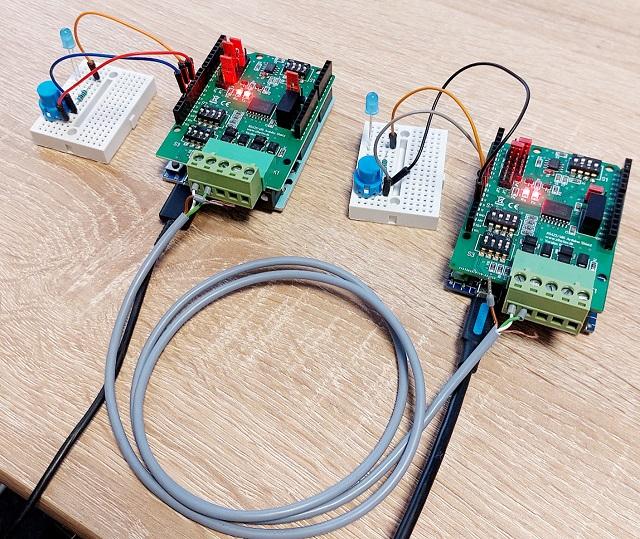
The MODBUS RTU bus system is still used today for many control tasks in industry, building automation, access control and energy management.
MODBUS RTU uses the RS485 interface. The RS485 standard (EIA-485) is characterized by various advantages over other standards:
- up to 32 devices can be connected to one bus (256 in newer systems)
- Cable lengths of up to one mile are possible
- No special requirements are placed on the cable used.
- very resistant to interference
A few years ago, I published a project here that showed how to implement a simple MODBUS RTU slave using the RS485 Shield and an Arduino UNO R3. However, the MODBUS protocol was only partially implemented and, due to the limited performance of the Arduino UNO rev3, there was no master.
A lot has happened since then. There are powerful libraries for MODBUS RTU for the Arduino, and the UNO R4 is a significantly more powerful board. Reason enough to put together a new tutorial.
Supplies
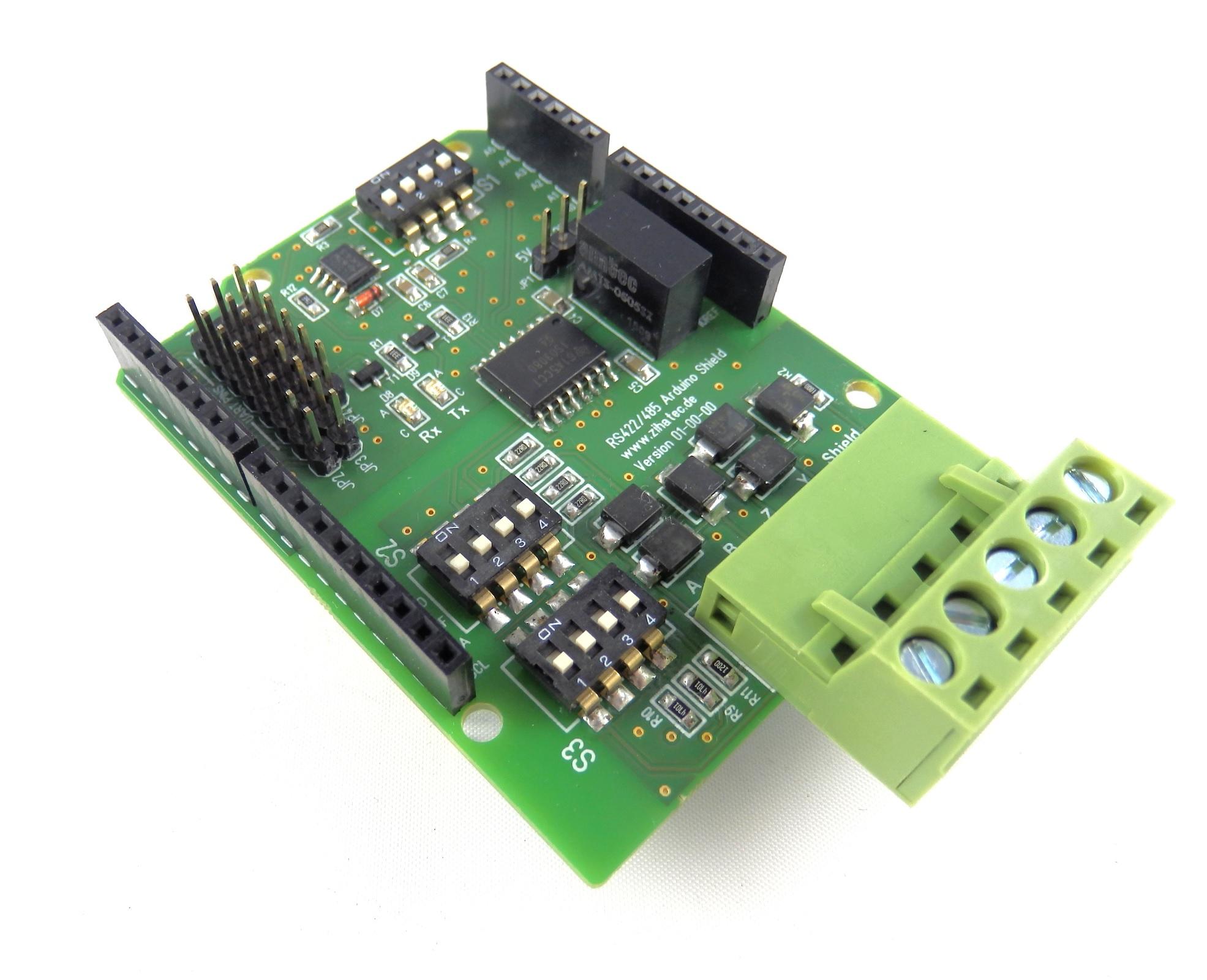
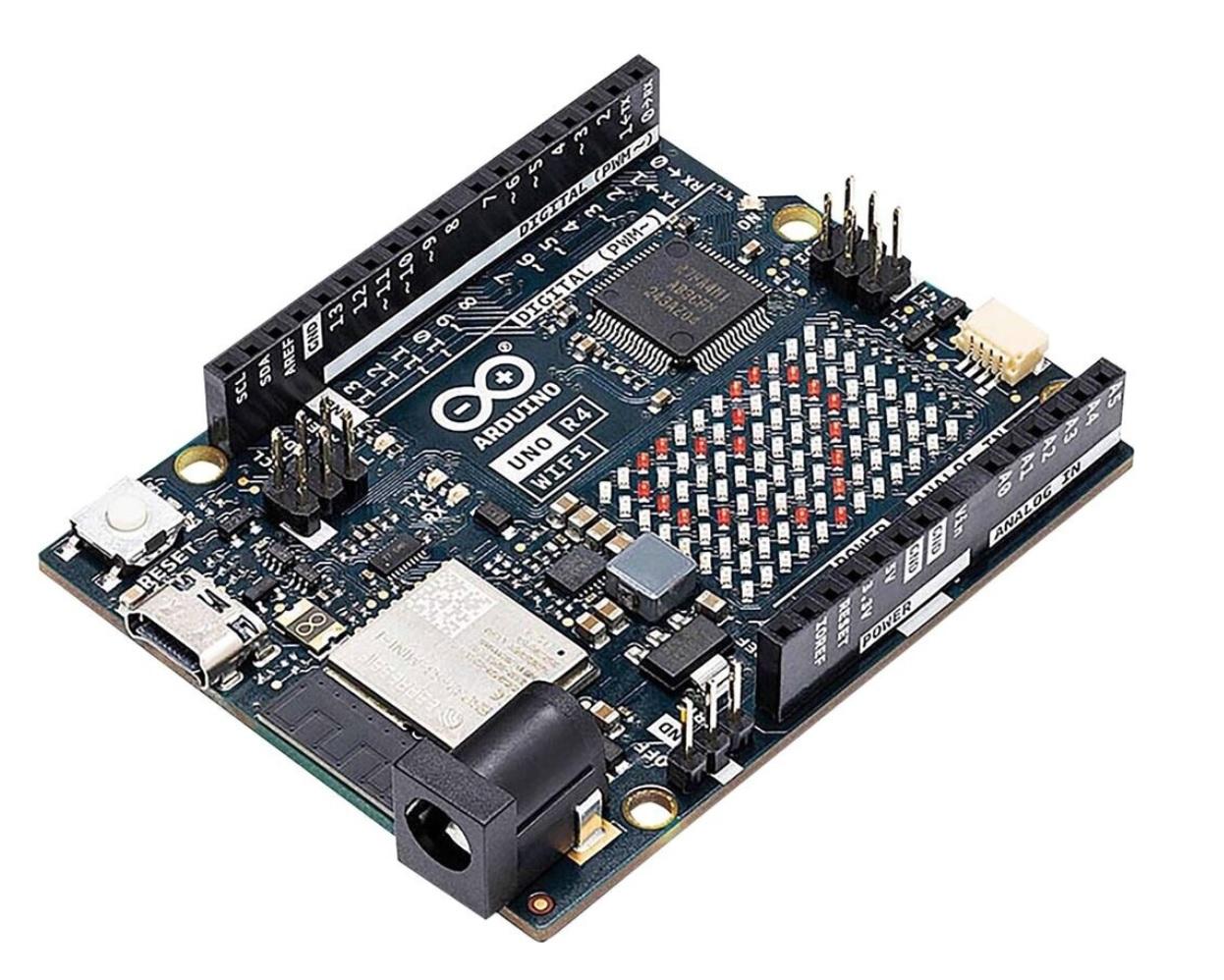
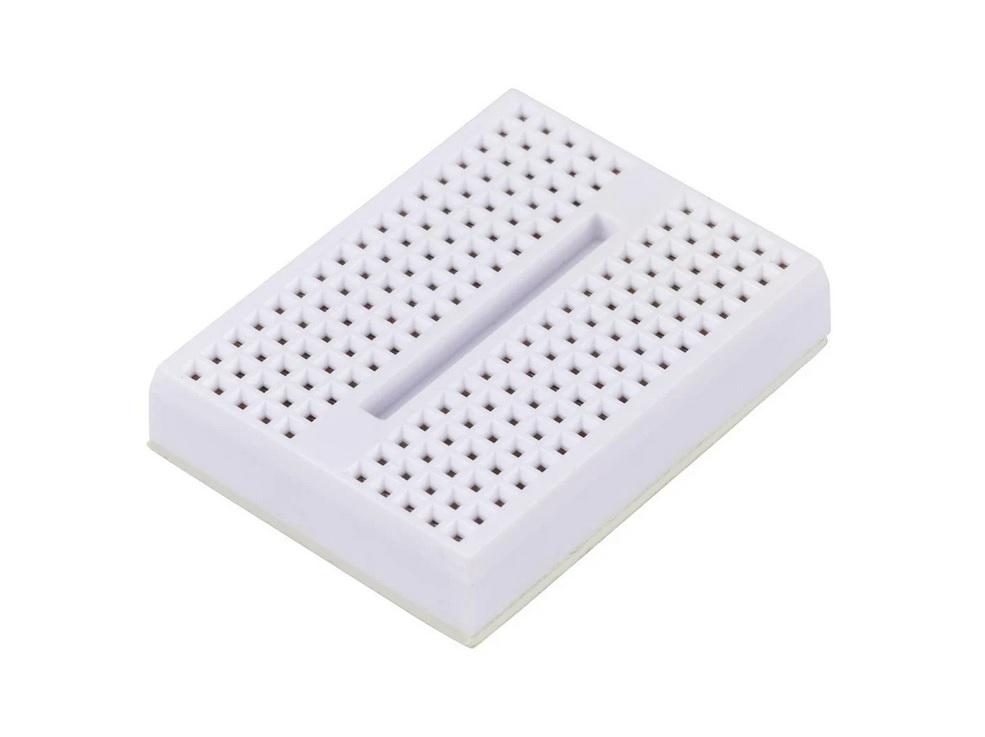
We need the following materials:
2x Arduino UNO Boards (R4 minima or Wifi or classic Rev3)
2x Mini breadboards
2x push buttons
2x LED 5mm
2x Resistor 150 Ohm
Jumper wires
Test Setup
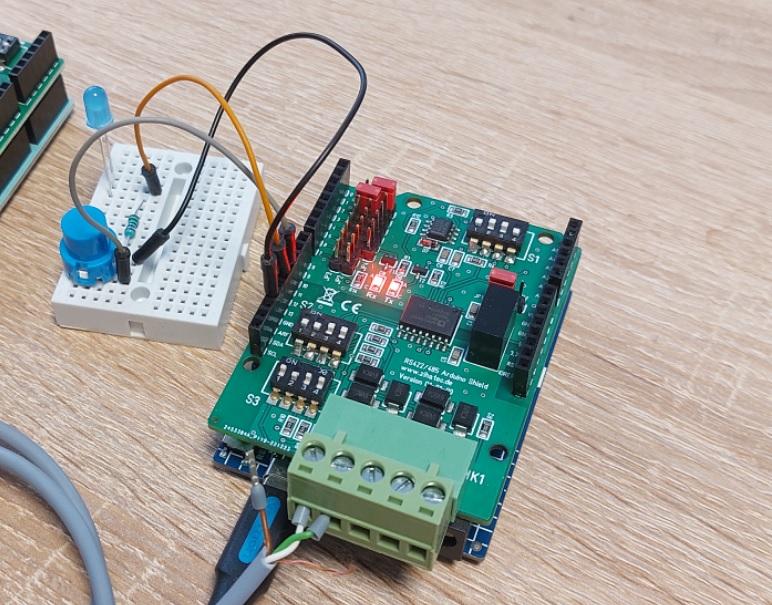
In this tutorial, we want to implement a Modbus RTU master and a slave that can communicate with each other. Therefore, we need two Arduino Uno R4s (the good old Rev3 will also work), two RS485 shields, and a few LEDs and buttons connected to the master and slave so that something ‘happens’.
The RS485 uses two lines for signal transmission. These two signals are often labeled A and B on RS485 devices. Unfortunately, the use of the letters A and B is not uniformly regulated. In the RS485 Shield, "A" means R+/T+ (also known as D+) and "B" means R-/T- (also known as D-). This may also differ for other devices. For our test setup, we need to connect the two A terminals and the two B terminals of the shields via cables.
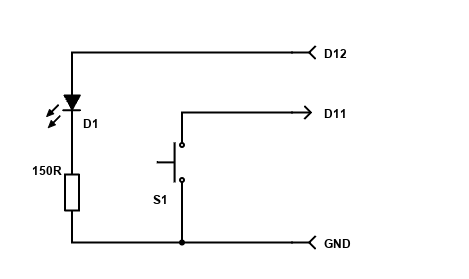
Furthermore, an LED and push button are connected to both the master and slave via a small breadboard, for example, in accordance with the circuit diagram below.
Configuring the Shields
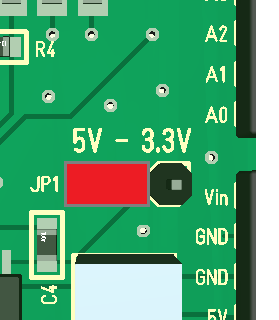
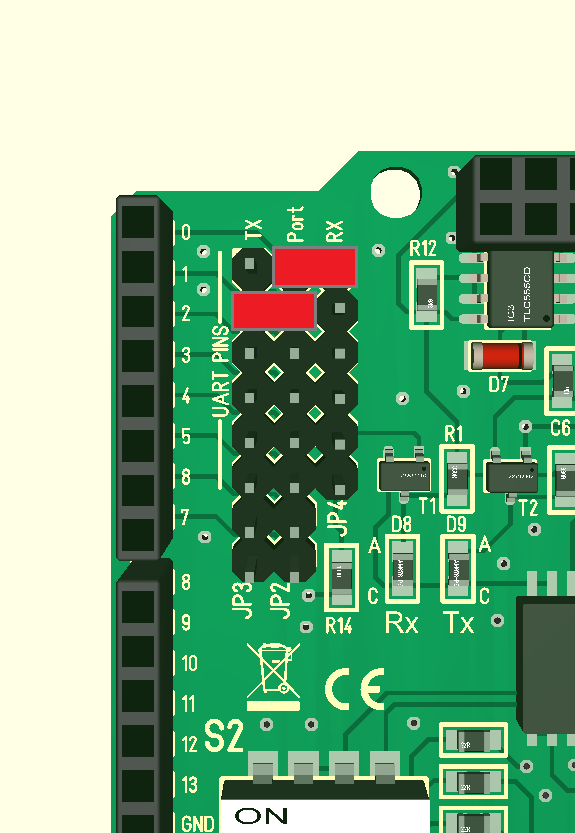
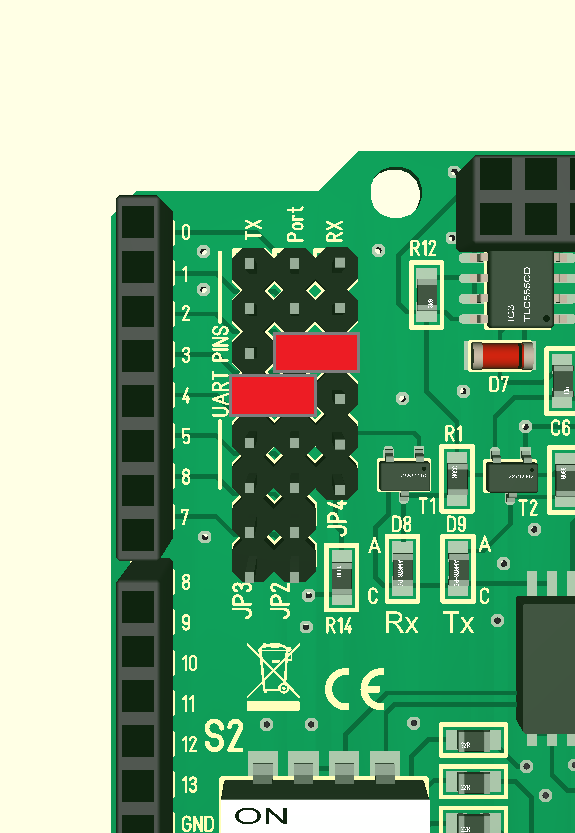
For Modbus communication, the DIP switches and jumpers on both shields must be configured correctly. The configuration is identical for master and slave. The master or slave functionality is determined exclusively by the software.
First, we set the DIP switches as follows:
- S1: OFF - ON - ON - OFF
- S2: OFF - OFF - ON - ON
- S3: ON - OFF - ON - ON
Now the jumpers must be set correctly. Jumper JP1 is set to the 5V position. For the jumpers for port selection, we must distinguish between Arduino UNO Rev3 and Arduino UNO R4. (For the old UNO Rev3, we use software UART, as the hardware UART is already used for debugging)
Software
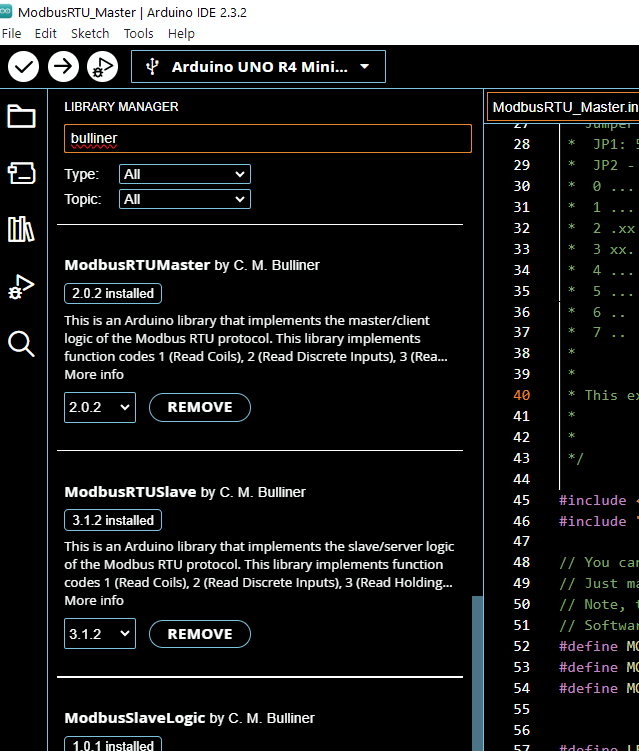
Since Arduino's own MODBUS libraries do not support either the Arduino UNO R4 or the RS485 Shield, I tested various other libraries and came across the $ Modbus RTU Master $ and $ Modbus RTU Slave $ libraries by C. M. Bulliner. Both libraries can be installed directly via the Arduino IDE. Please install with all dependencies.
I have created two test programmes – one for the master and one for the slave.
Functionality
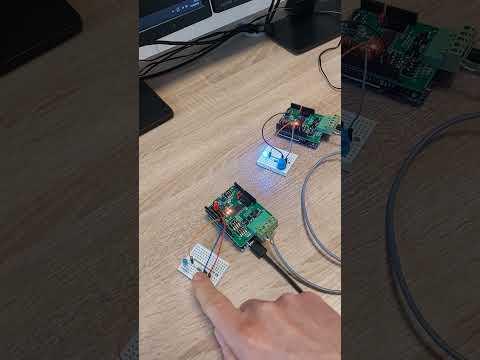
If the system is set up correctly and the firmware for the master and slave has been loaded into the Arduinos, the TX and RX LEDs on both shields should flash or light up very quickly.
When the button on the master is pressed, the LED on the slave is switched on while the button is pressed. Similarly, the LED on the master is switched on while the button on the slave is pressed.
This functionality is achieved through different Modbus protocols. To control the LED on the slave, we use the slave's COIL registers, whereby in this example the LED is linked to the CIL register 0. The button on the slave is in turn linked to input register 0. The master cyclically reads this register (and several others) and then controls its LED according to the status of this register.