Laser Engrave Custom Wooden Guitar Picks
by thunderlaser-nolan in Workshop > Laser Cutting
20 Views, 0 Favorites, 0 Comments
Laser Engrave Custom Wooden Guitar Picks
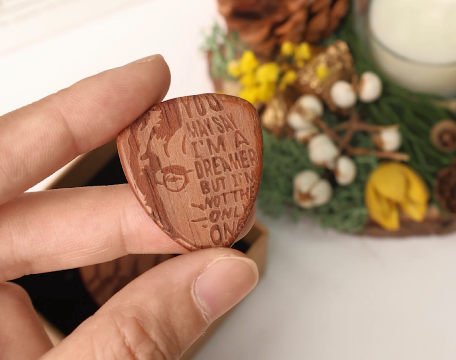
A guitar pick may be small, but it’s one of the most personal tools a guitarist uses. The texture, material, and even the markings on it can make playing feel more connected and expressive.
In this tutorial, you’ll learn how to laser engrave wooden guitar picks with custom designs, logos, or text. The process is simple and precise, making it easy to add a personal touch without affecting the pick’s shape or playability. Whether you’re customizing picks for yourself or creating something meaningful to share, this project is a great place to start.
Supplies
Machine Used
Thunder Bolt 30W
See more details about this machine→
Material Needed
2mm Bubinga Picks
Settings
Engraving
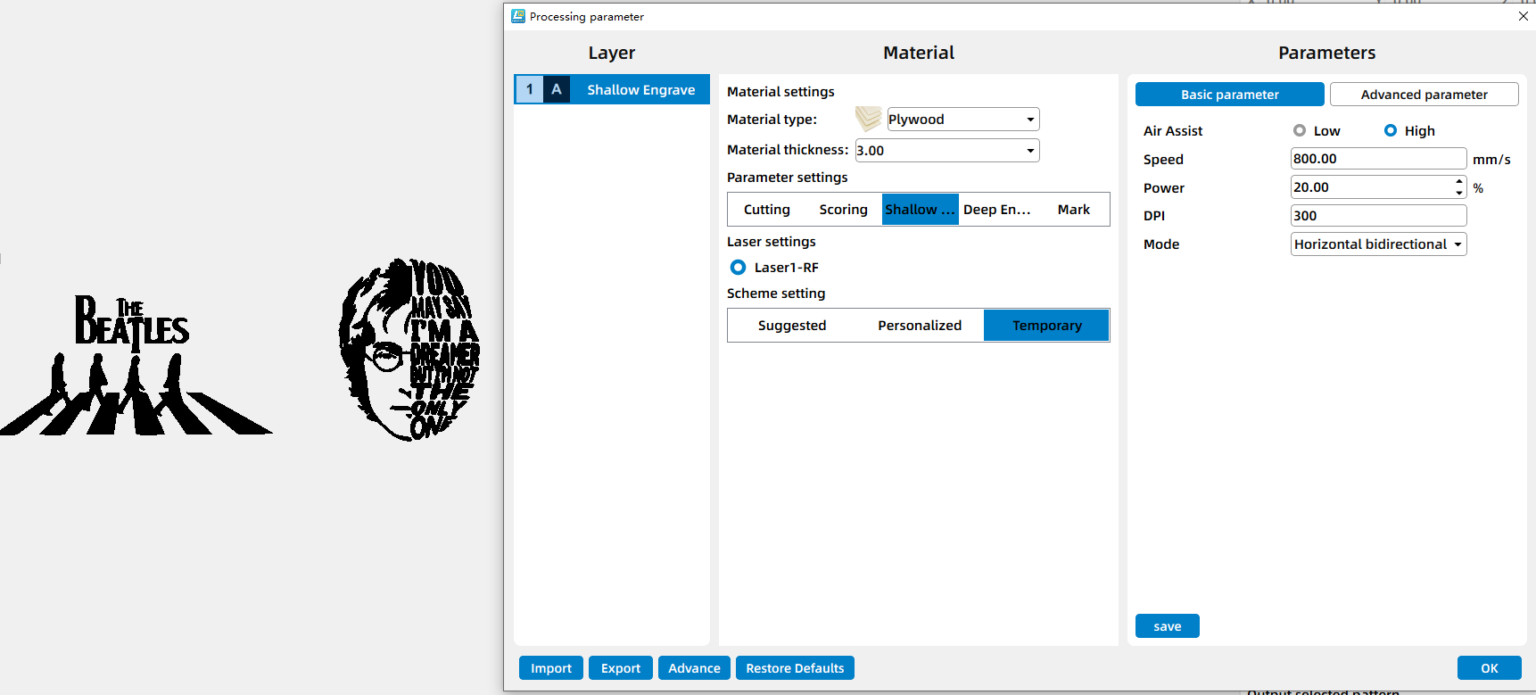
- Speed:800mm/s
- Power:20%
- DPI:300
Downloads
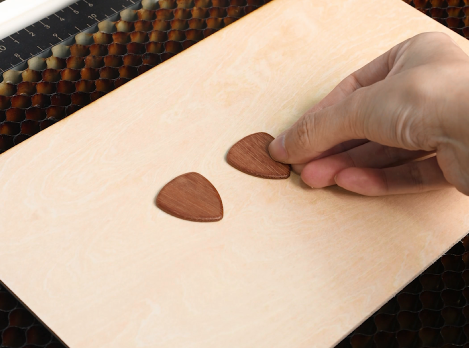
Place the Guitar Picks on the Laser Bed
Place the wooden guitar picks flat on the laser bed. Make sure they are positioned securely and won’t shift during engraving. If needed, use a light fixture or jig to keep the picks in place.
Open the File and Check the Settings
Open your laser software (I use LaserMaker) and import your engraving file. Adjust the size and positioning so the design fits well within the surface of each guitar pick. Before starting, double-check your engraving parameters to ensure clean and readable results.
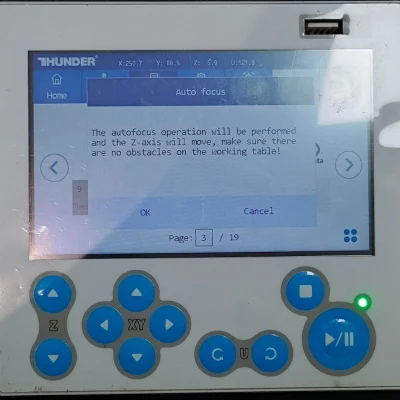
Focus Your Laser Machine
Focus the laser to the surface of the wooden guitar picks. Accurate focus is important for achieving sharp details and consistent engraving depth on small items like picks.
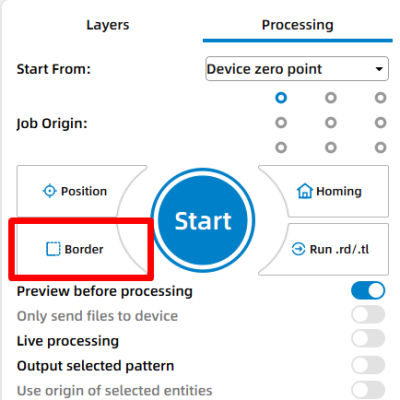
Frame the Design and Start Laser Engraving
Use the border or frame function to preview the engraving area. This helps confirm that the design is correctly aligned on each pick before engraving begins.
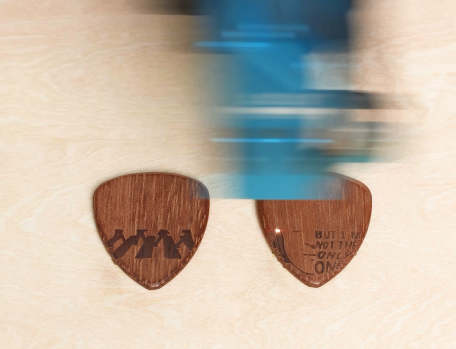
Monitor the Laser Engraving Process
Stay close to the machine while it’s running and watch the engraving progress. Keep an eye out for excessive smoke, small flame-ups, or any movement of the material that could affect the outcome. Make sure your workspace is well-ventilated.
Clean Off Residue
Once engraving is complete, remove the guitar picks from the laser bed. Gently wipe away any dust or residue using a soft cloth or tissue to reveal the engraved details clearly.
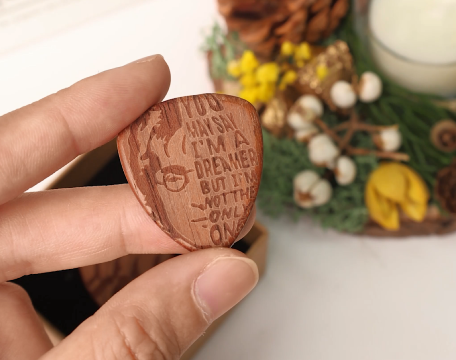
Complete the Task
Your laser-engraved wooden guitar picks are now finished. Check the engraving quality, feel the surface, and they’re ready to be played or displayed.