Laser Cut Colorado Flag (5'' by 3.33'')
by lhuhlenhake01 in Workshop > Laser Cutting
15 Views, 0 Favorites, 0 Comments
Laser Cut Colorado Flag (5'' by 3.33'')
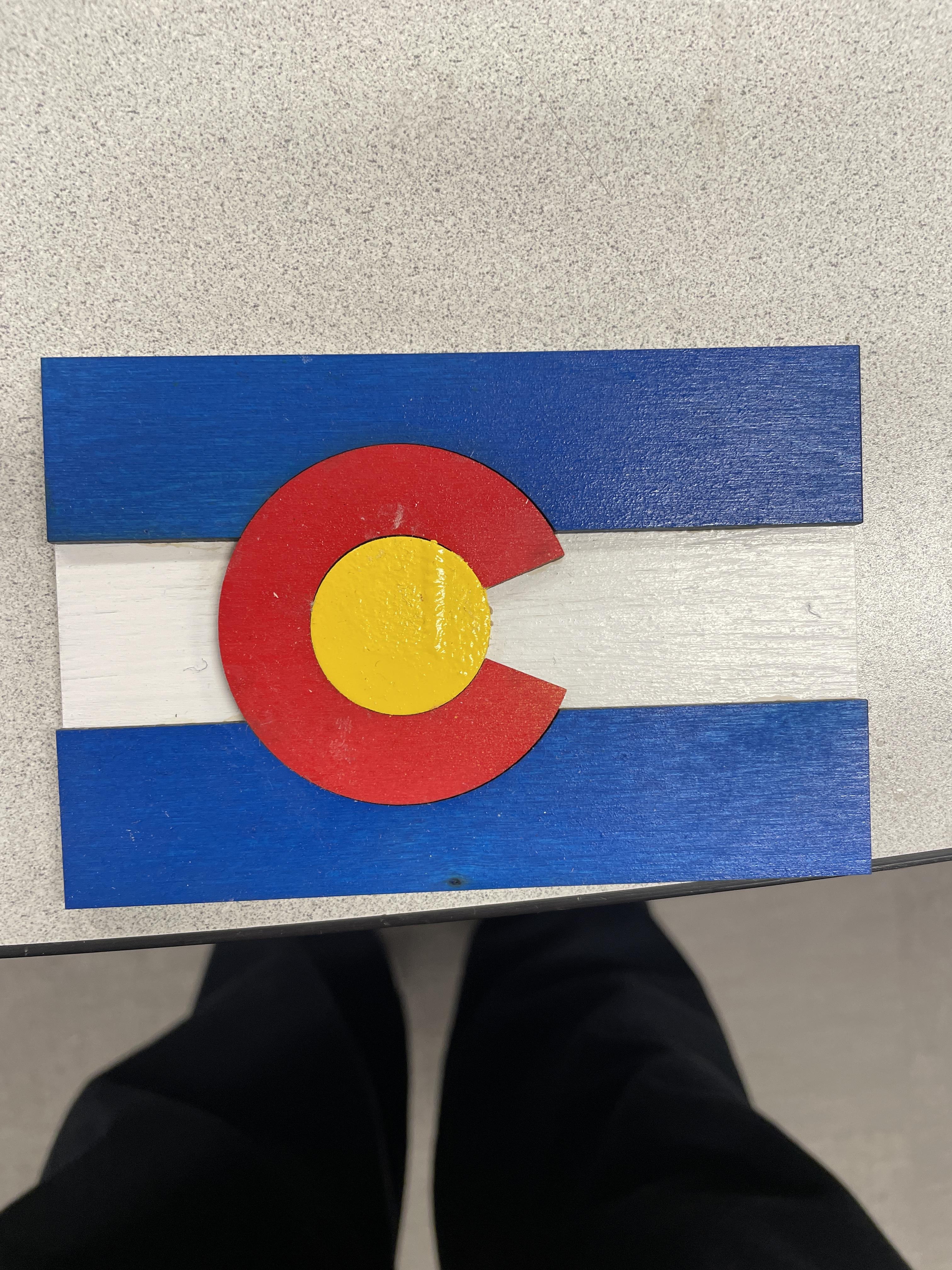
My classmates and I have completed a simple project including the making and designing of the Colorado Flag. Of course took dimensions from a set measurement of the Colorado flag and scaled them down. We cut them out on the laser cutter we have at the school, and painted/stained them. In all we created a tangible piece that could be replicated by others.
Supplies
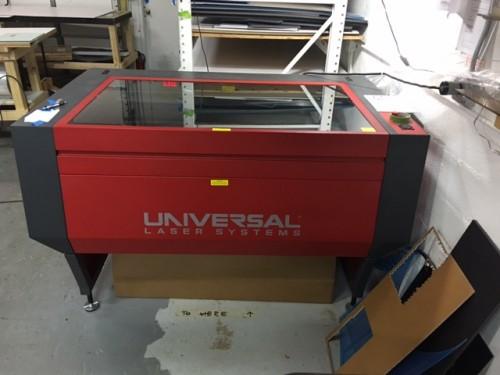
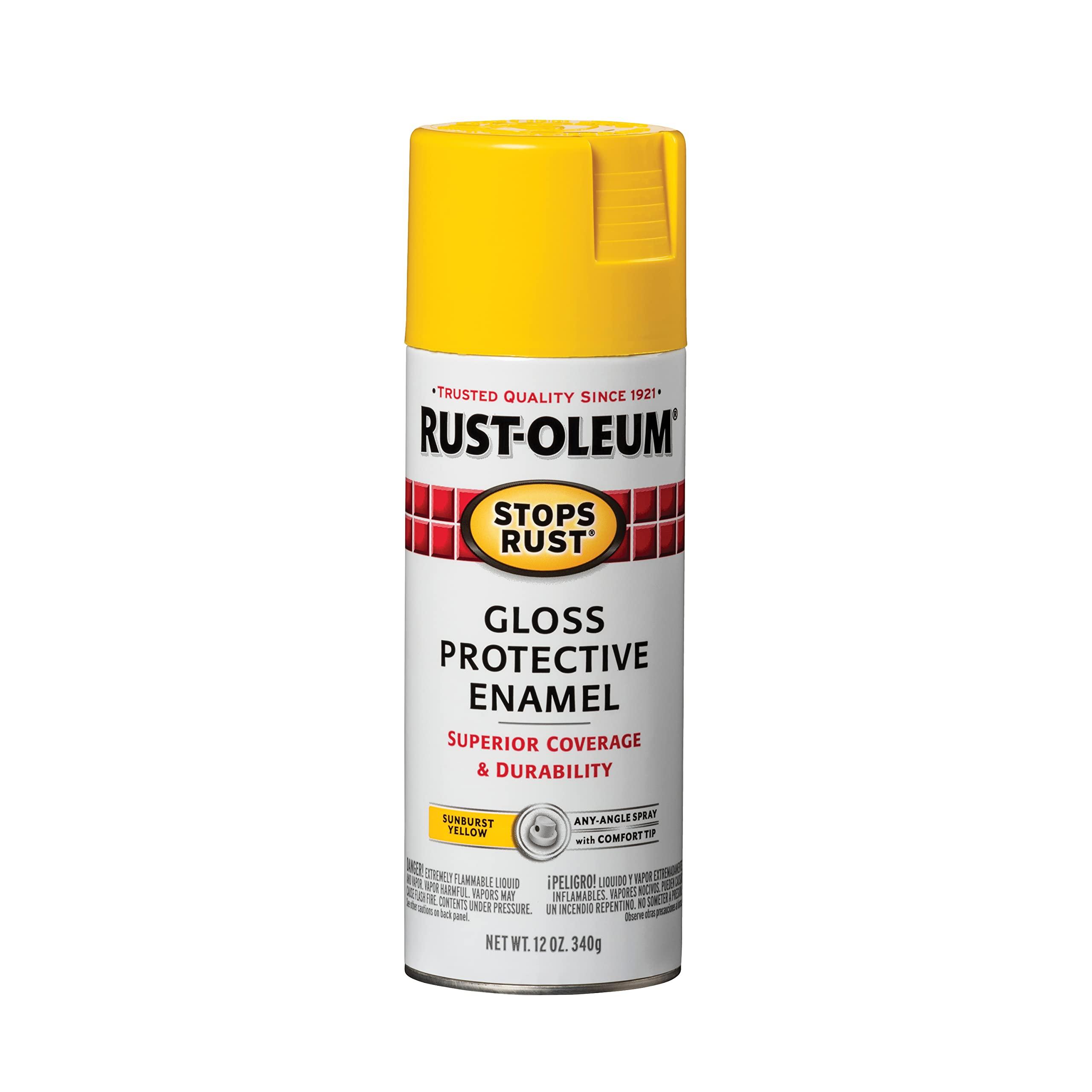
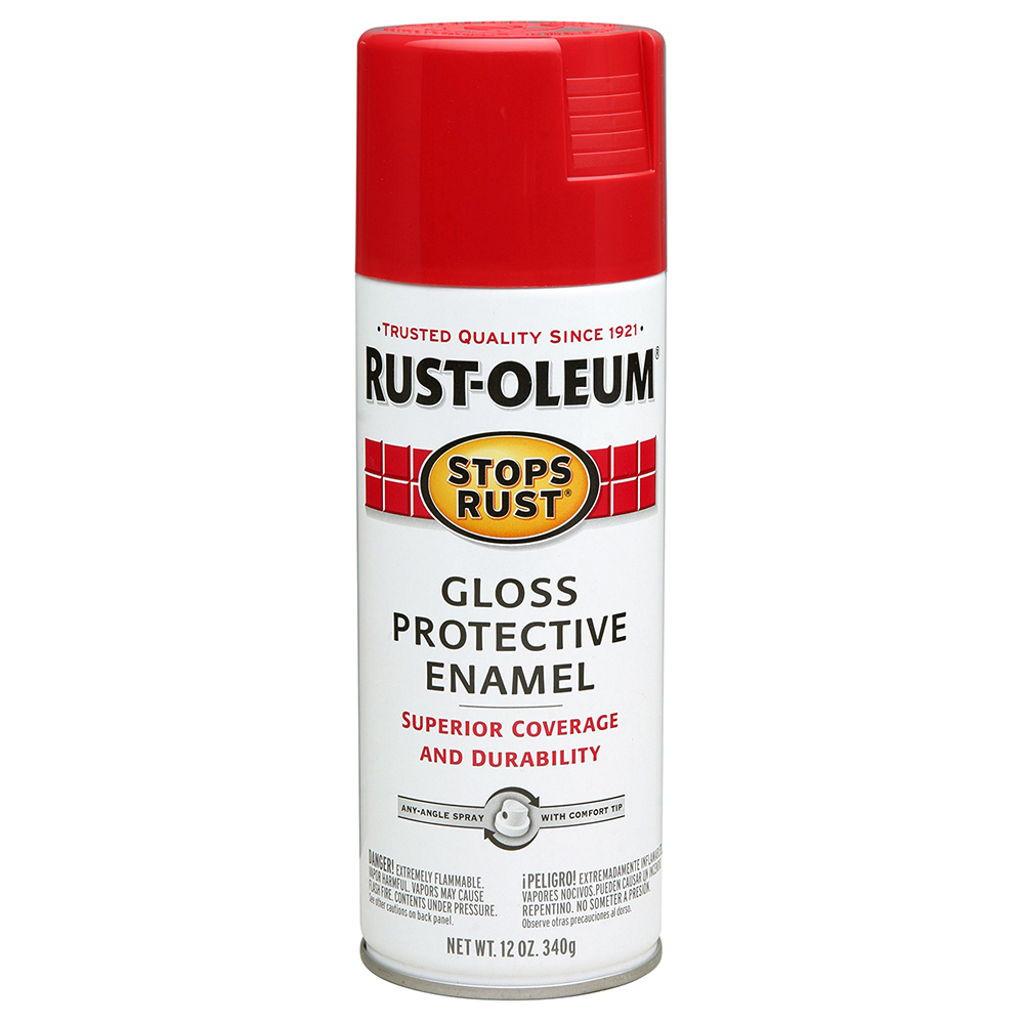
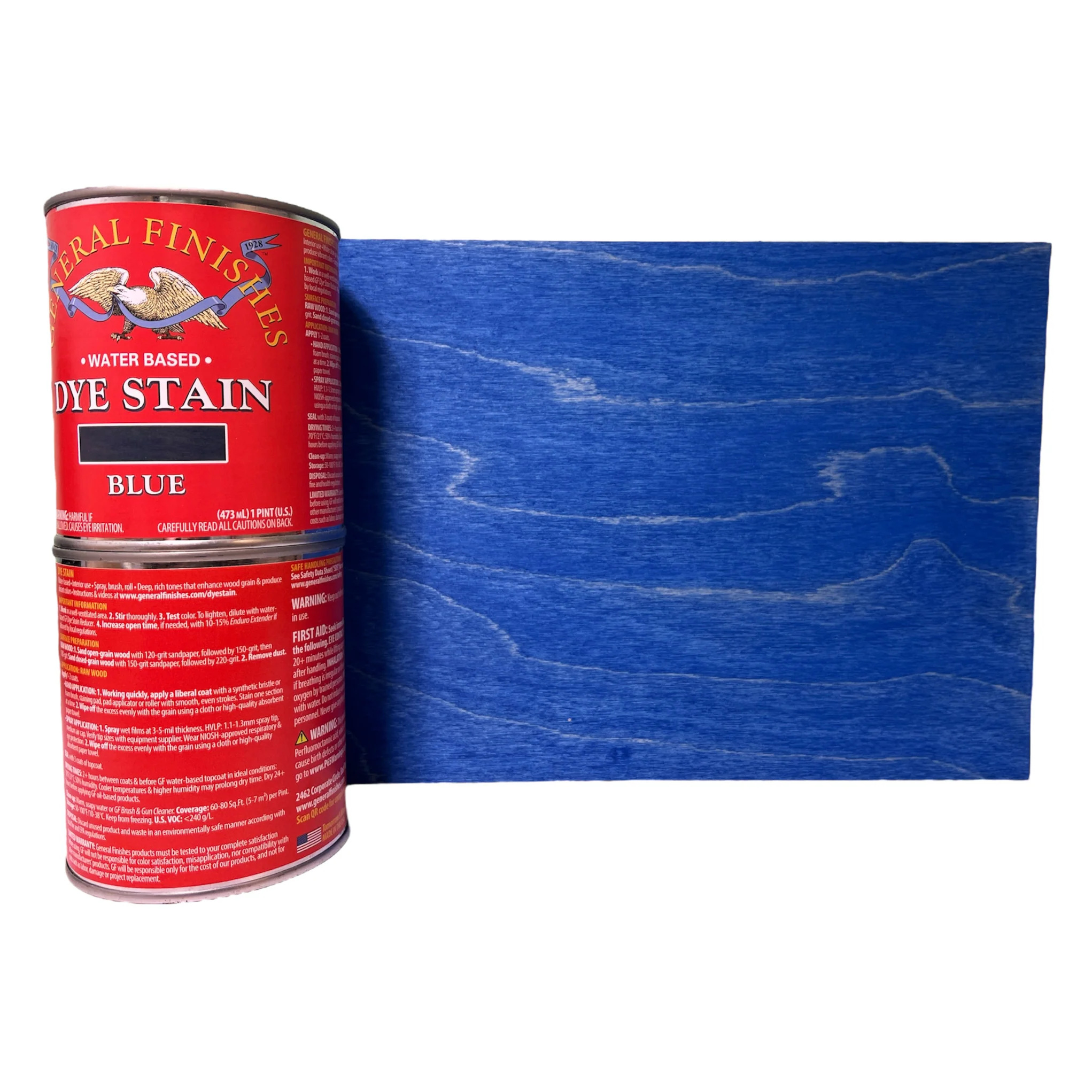
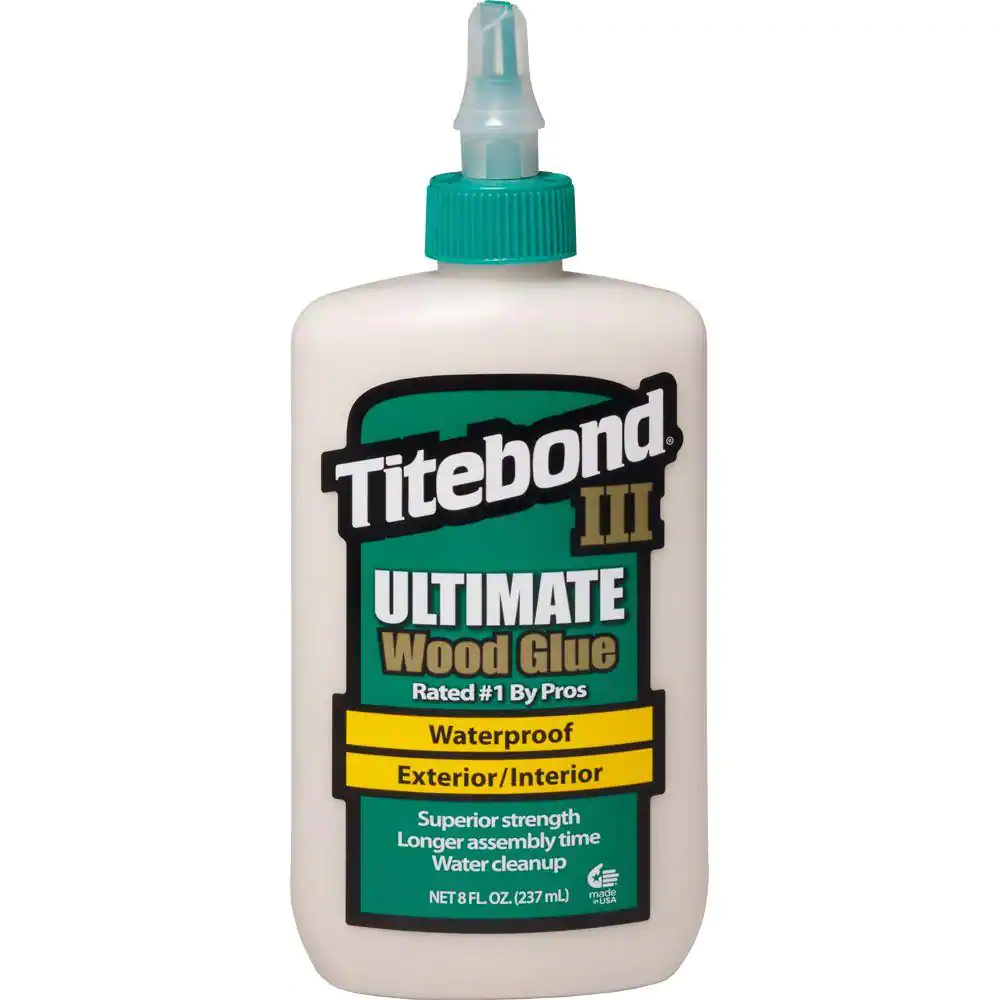

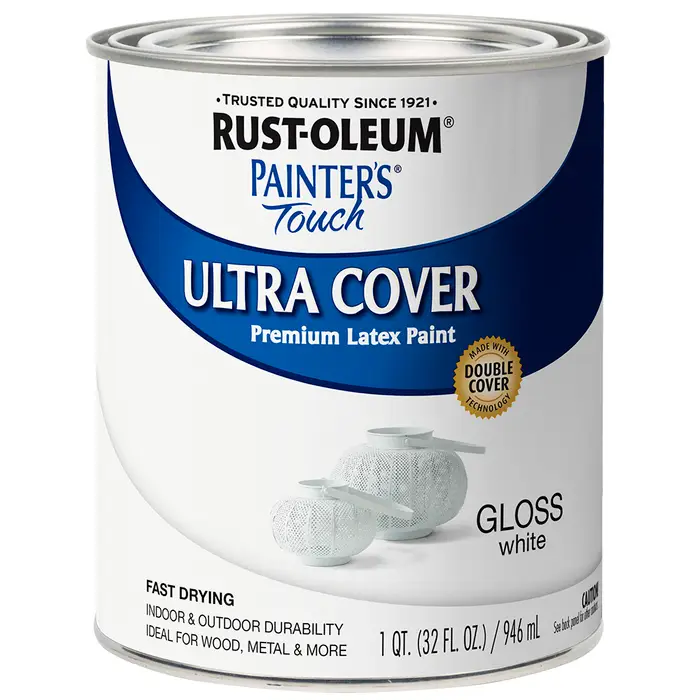
At the school we used a Universal Laser Systems CO2 Laser cutter, but anything that can cut through 3mm Baltic Birch should work.
3mm Baltic Birch - whatever fits in the laser cutter you are using.
Red Spray Paint - coloring the Colorado C.
Yellow Spray Paint - coloring the Colorado Sun.
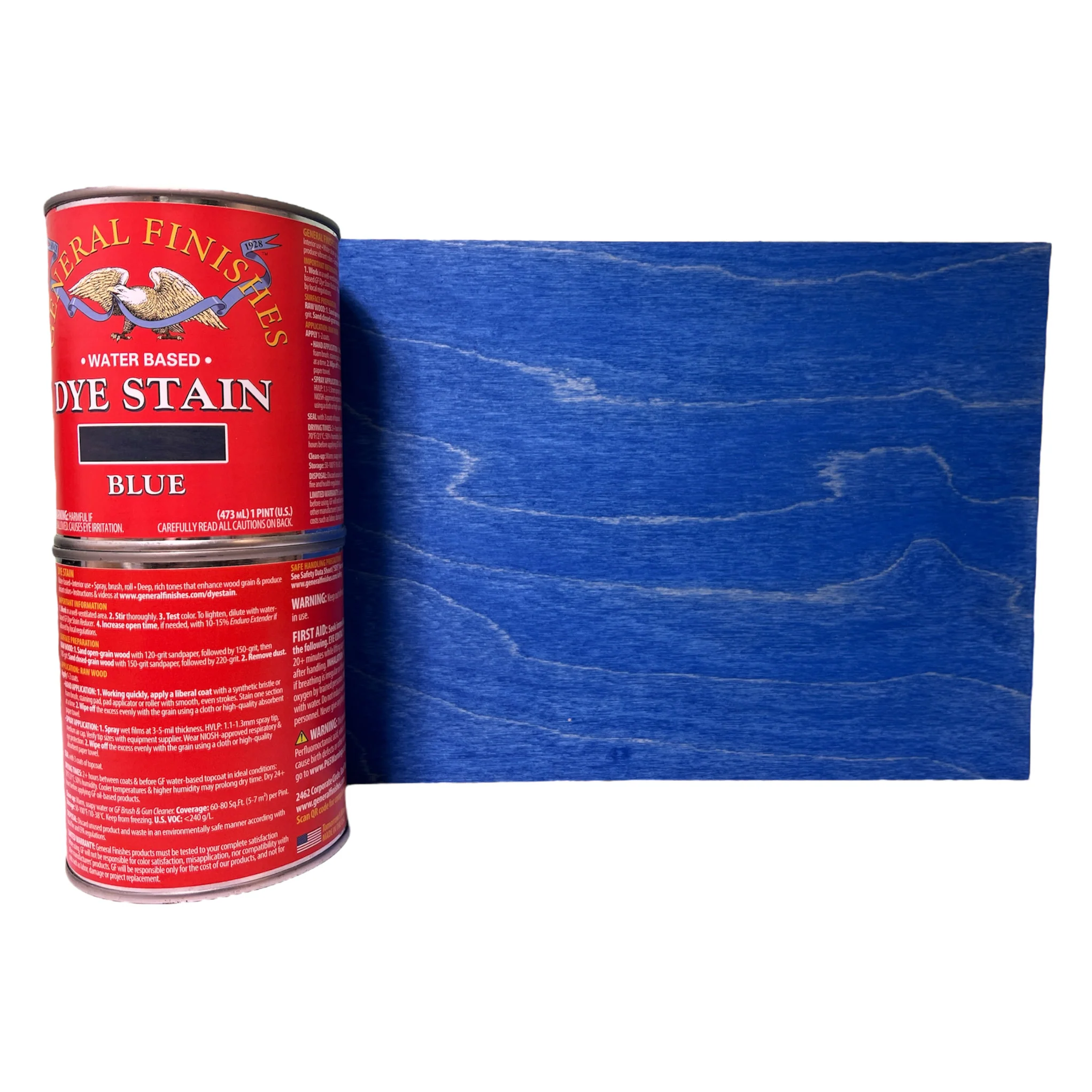
Blue Stain - to color the Colorado Stripes.
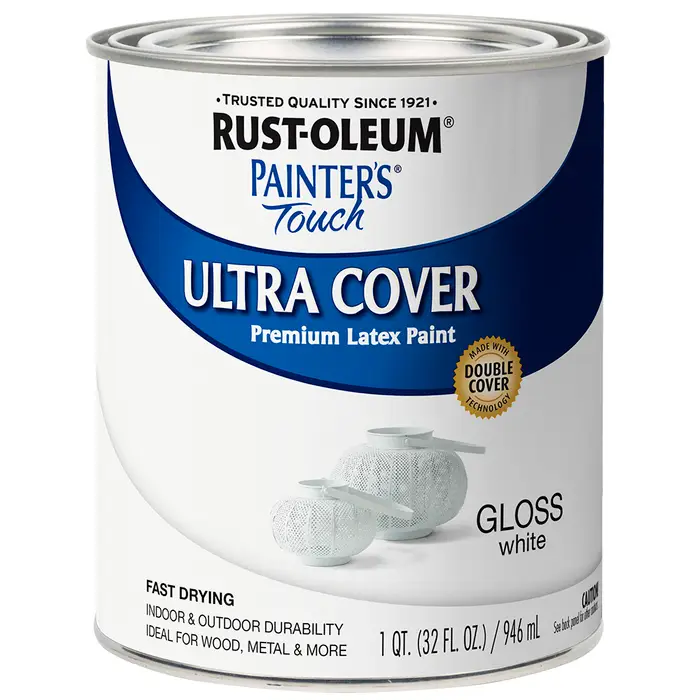
White Paint - To color the Back plate (you can use white spray paint or stain, this projects was to just use up what we had in the shop so there are some miscellaneous material combos).
SolidWorks Design
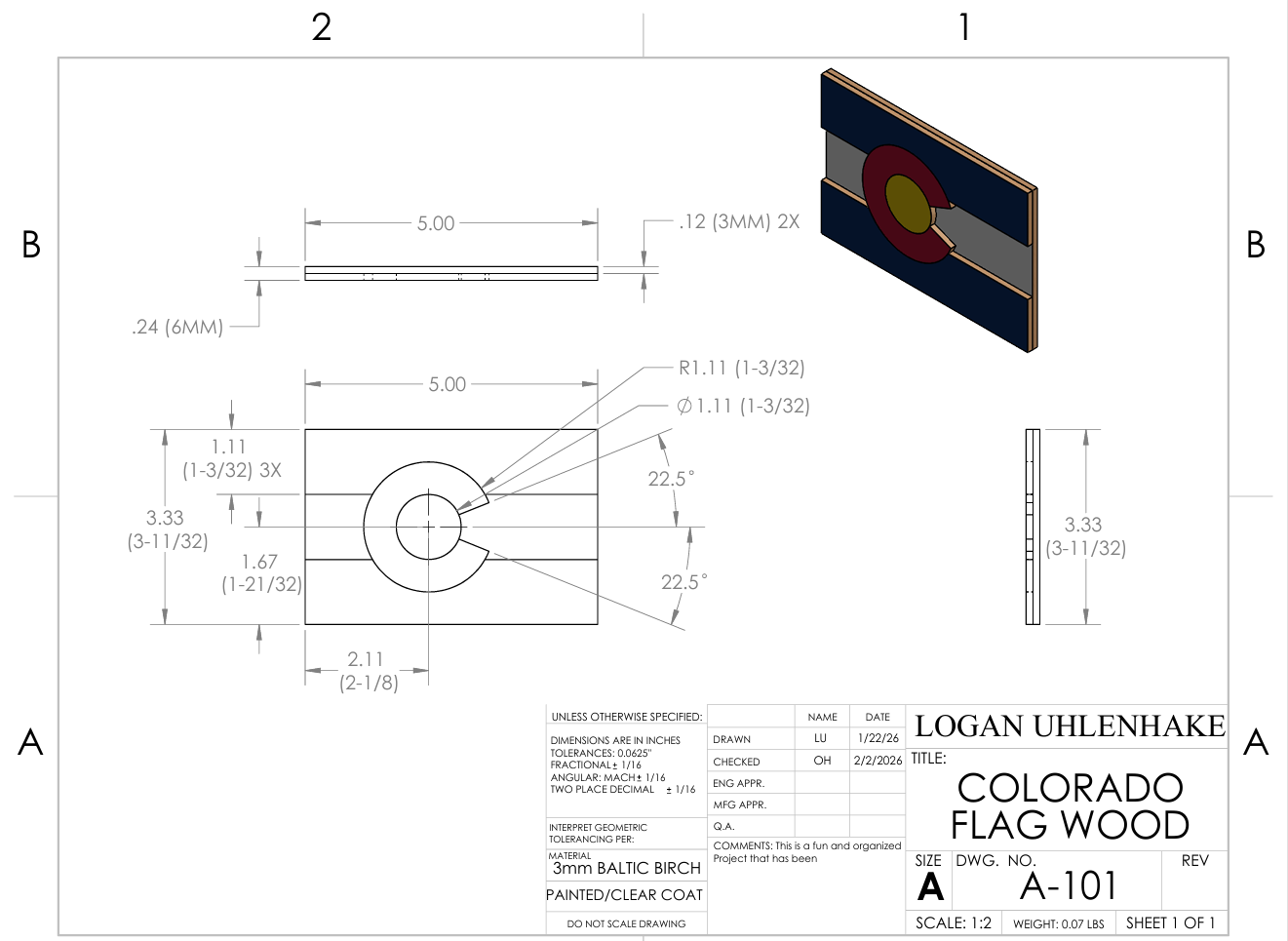
SolidWorks Drawing file of what the completed projects dimensions, and the exact dimensions used to create the part files. Sadly this system doesn't support putting in the SolidWorks assembly, but taking these parts it would be easy to put together and set up.
Laser Cutting
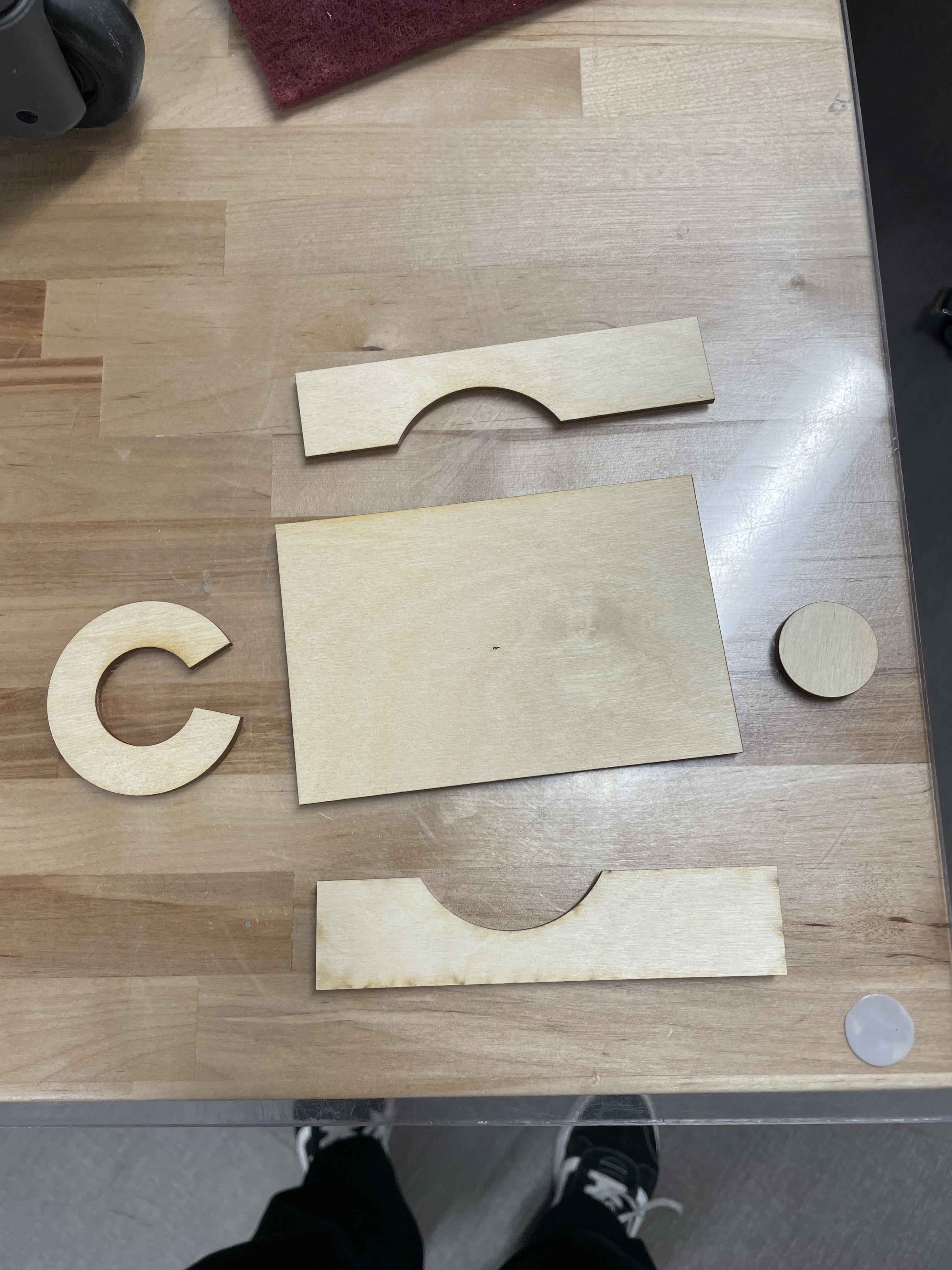
These are the DXF files that you can bring into your editing software that you send to your laser cutter for cutting.
Paint and Staining
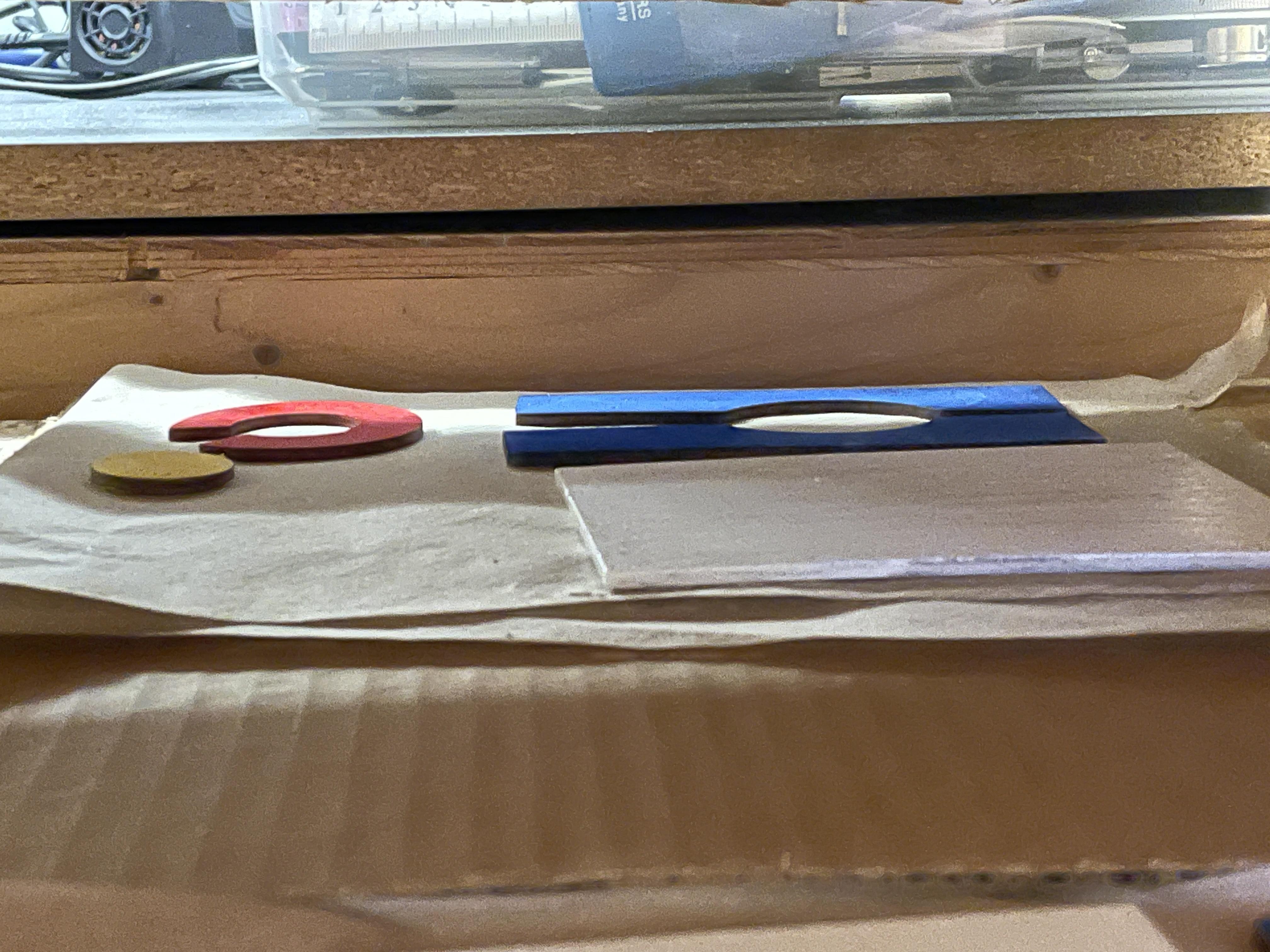
The pieces are each cut out separately, and not attached so that they are easy to color.
Starting with the Sun, read the directions on the spray paint can for how long you have to shake it. Remember that when spray painting that you want to spray upright, and have no dripping on the item. Once painted let dry for the amount of time that it says (usually 24 hours).
With the C, similar to the sun shake the can for the correct amount of time, and spray the C without having drippage go down it. Then let dry for correct amount of time.
For the Blue Stripes, stir the can for the proper amount of time, as stated on the can. Then apply stain with a paper towel, or cloth, making sure to where gloves during the process. Make sure to wipe the excess stain of the board before setting to dry. Make sure to read the can for proper dry time, and if the project needs more than one layer of stain.
For the white back, mix paint can for proper amount of time. Then using a paint brush apply a coat of paint that covers the top surface of the laser cut part, make sure to not have to much excess paint on the board. Set to dry for the proper amount of time, and clean up your workspace.
Gluing
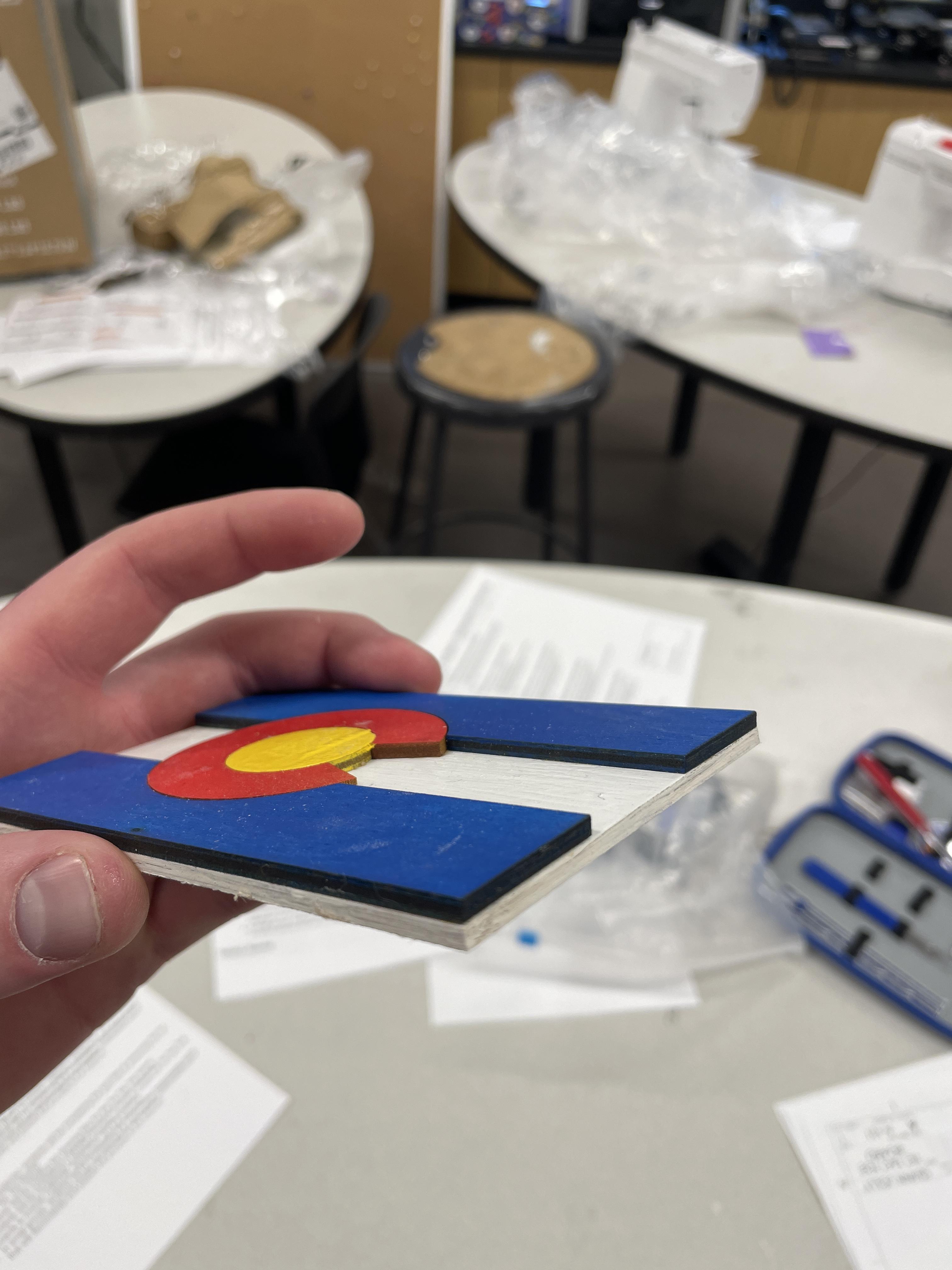
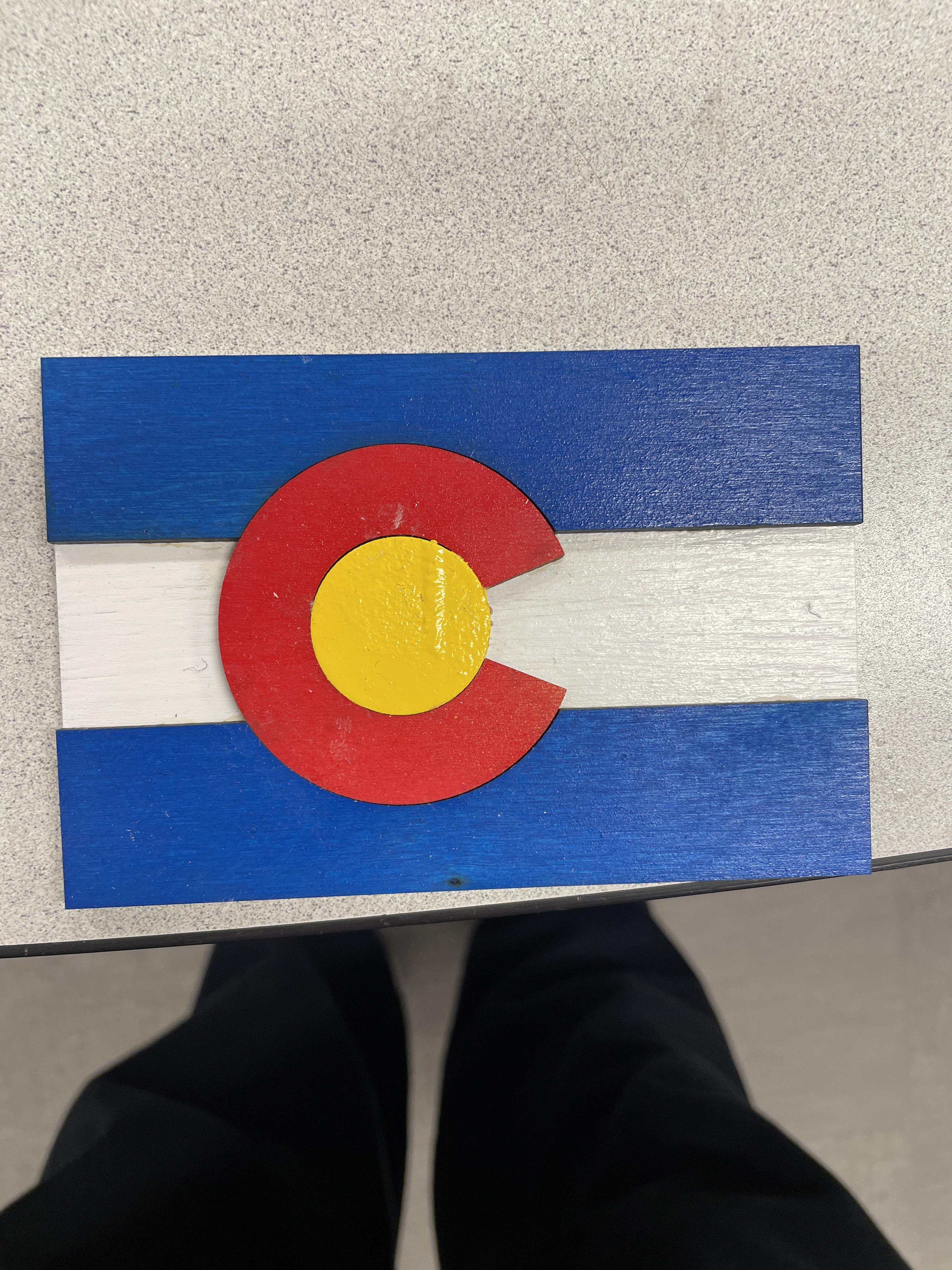
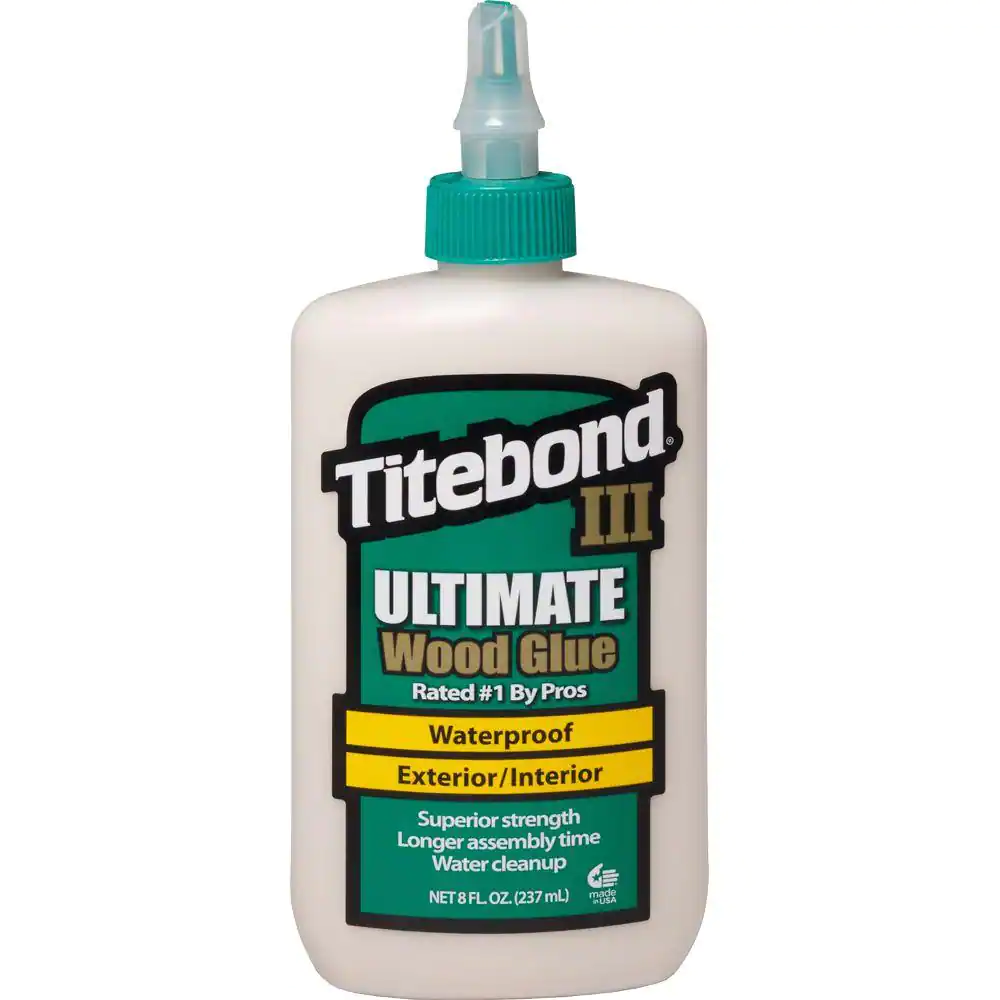
During this process make sure to create a box like structure that can encompass the edges of the board so that the final gluing process can be square. then either using weights or preferably clamps to apply pressure to the board so that the glue can set up properly, give it enough time to set so that it doesn't need pressure, or leave it for the entire duration of curing process (read the bottle for full details on wood gluing).