Large Volume PLA Filament Dryer – a Physics-Based Design That Actually Works
by marcelmizzi in Circuits > Arduino
384 Views, 5 Favorites, 0 Comments
Large Volume PLA Filament Dryer – a Physics-Based Design That Actually Works
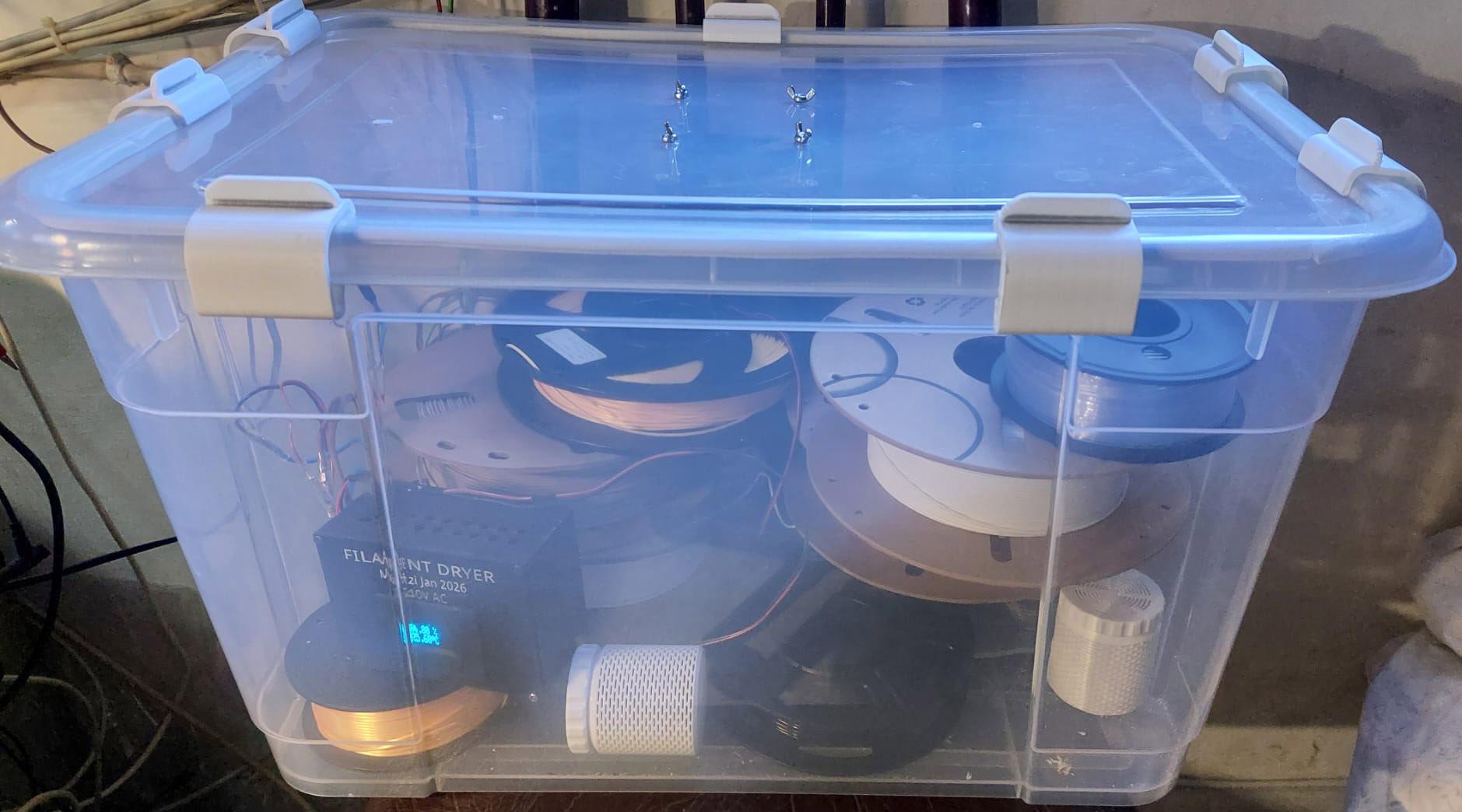
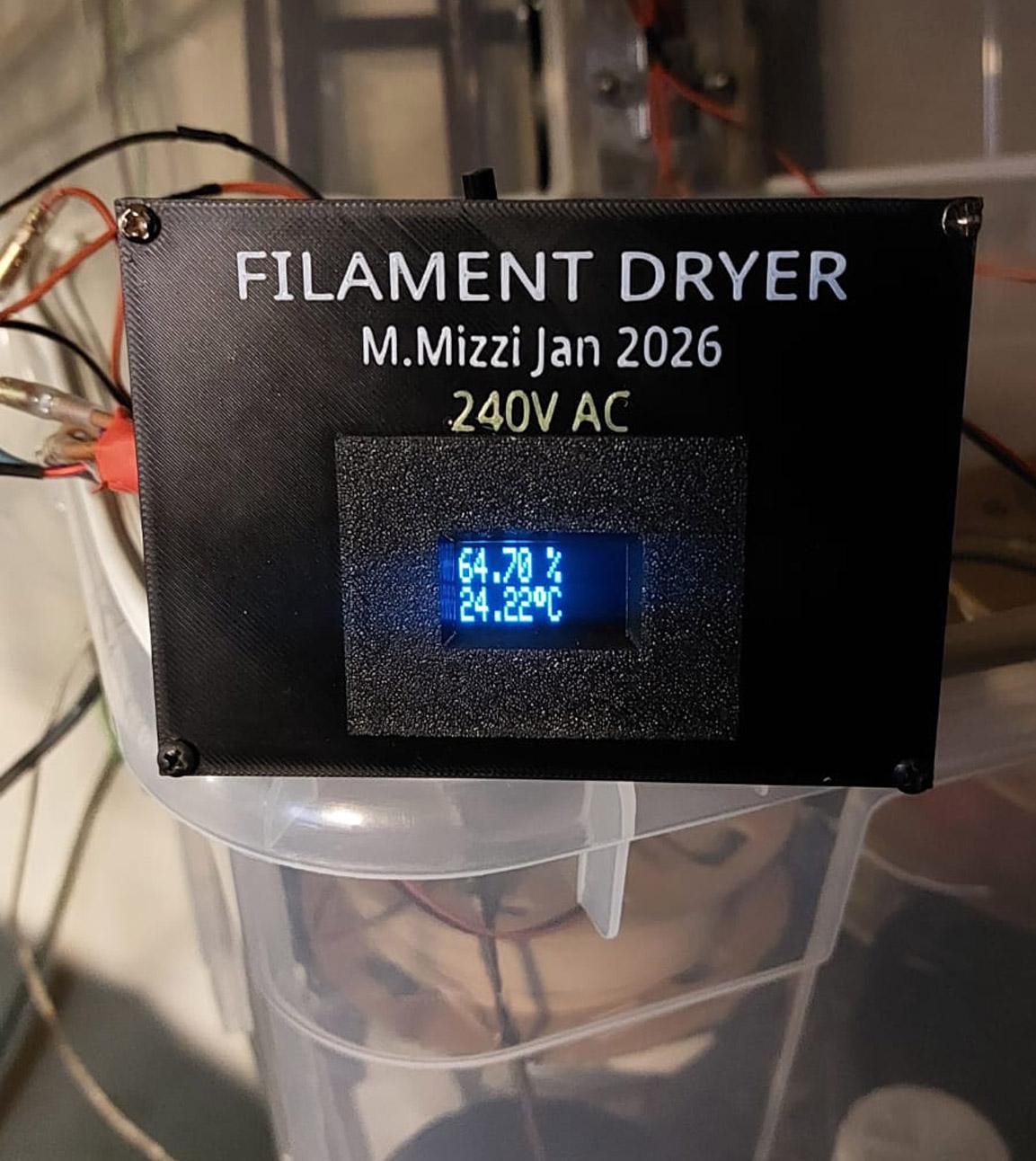
Like many people who 3D print, I eventually ran into the same problem everyone does, namely wet filament. I live in a country where over 75% humidity is the norm and it can go much higher in the summer months. At first I wasn't bothered as I didn't have any issues with my BambuLab A1. After a while, wood filament and TPU became impossible to print properly so I decided to go for a dryer. Many are available online but usually for a single spool. I was thinking more on the lines of a large container to take a number of spools. And in any case, where is the fun in buying one?
Most of the commercial dryers simply heat up filament but very few actually remove moisture in a controlled or understood way.
This project turned into a deep exploration of humidity, condensation, airflow, and sensor behaviour. The end result is a large-capacity (55 L) filament dryer that works reliably — and more importantly, I now understand why it works.
This Instructable documents not just the build, but the reasoning and experiments that led to it.
Supplies
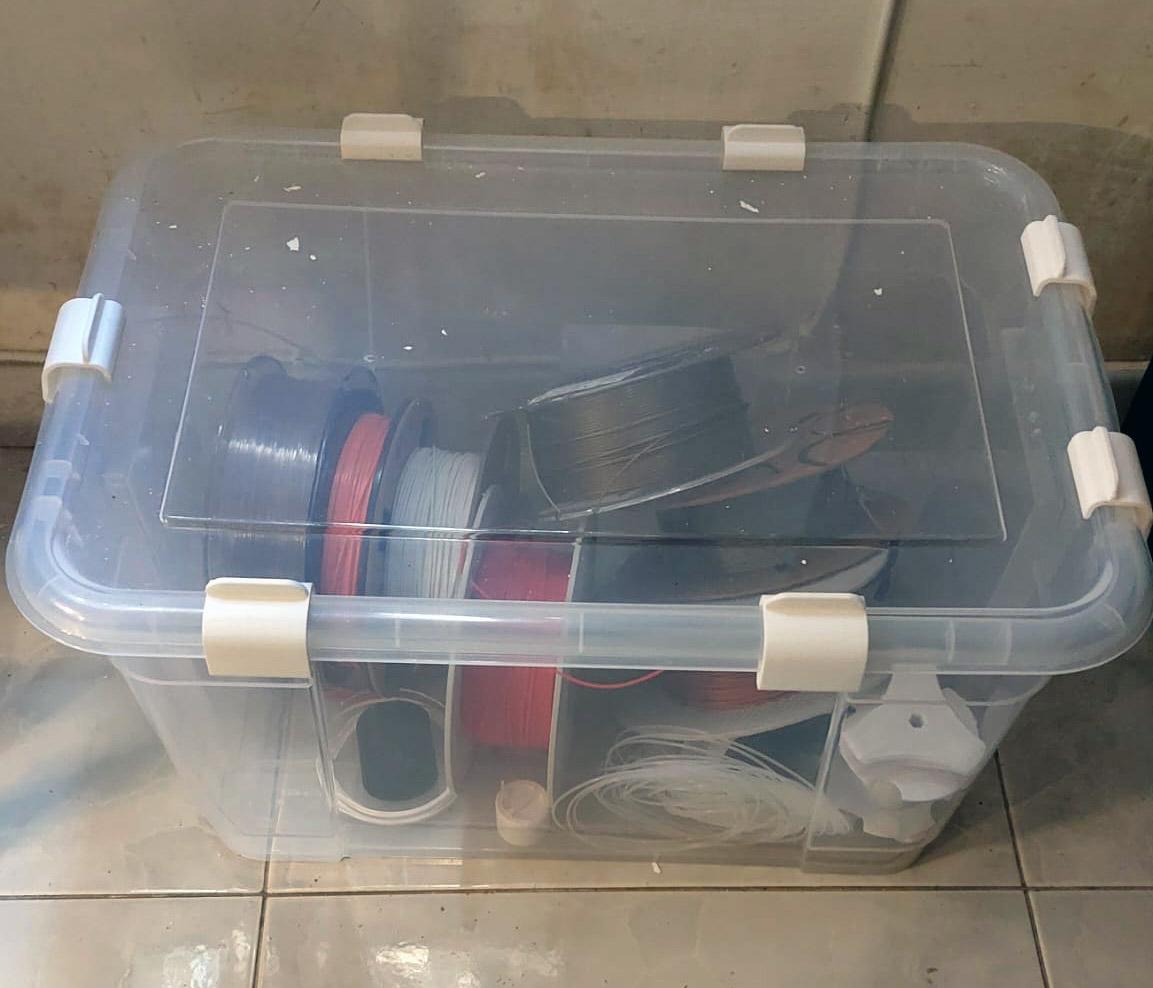
So, let's start with the box. I had been looking into various options but eventually decided on a 55 Ltr box from LIDL which was pretty cheap. I got two of them, the idea being that one would become a dryer eventually and the other would be storage.
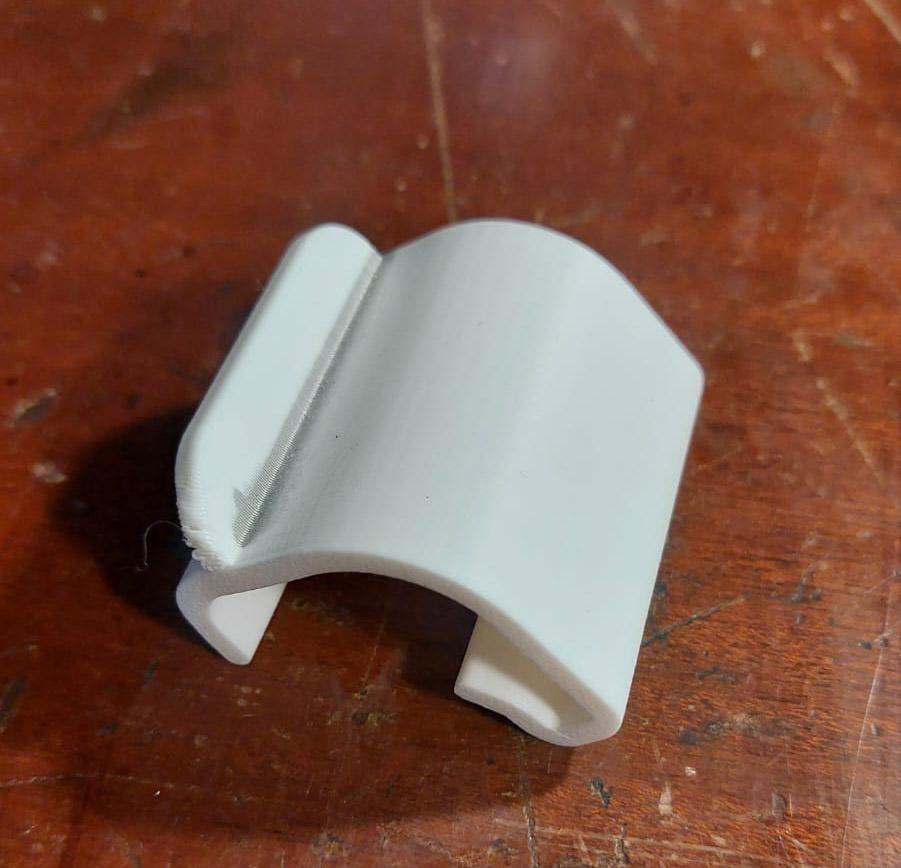
The box is pretty solid but it didn't close tightly so I found an stl for those clips, printed a few tests till I found the right match. More on this later.
Here is the parts list (may add more later)
AM2320 - Temperature & Humidity Sensor
DS18B20 - Temperature Sensor
Arduino Nano Clone
2 x 1K Resistors (Quarter Watt will do fine)
1 x 4.7K Resistors (Quarter Watt will do fine)
12v Power Supply (I used 500mA)
Arduino Relay Module (3.3V or 5V)
I2C OLED Module
All items off AliExpress. I try to use the cheapest components in every project I make, most of the time scavenged from dead hardware. I am aware of the arguments that AliExpress stuff won't work and so on but in my experience, over 90% work with no issues. You might have to fiddle more, read, adjust, and tinker but that will teach you more.
Heating Systems
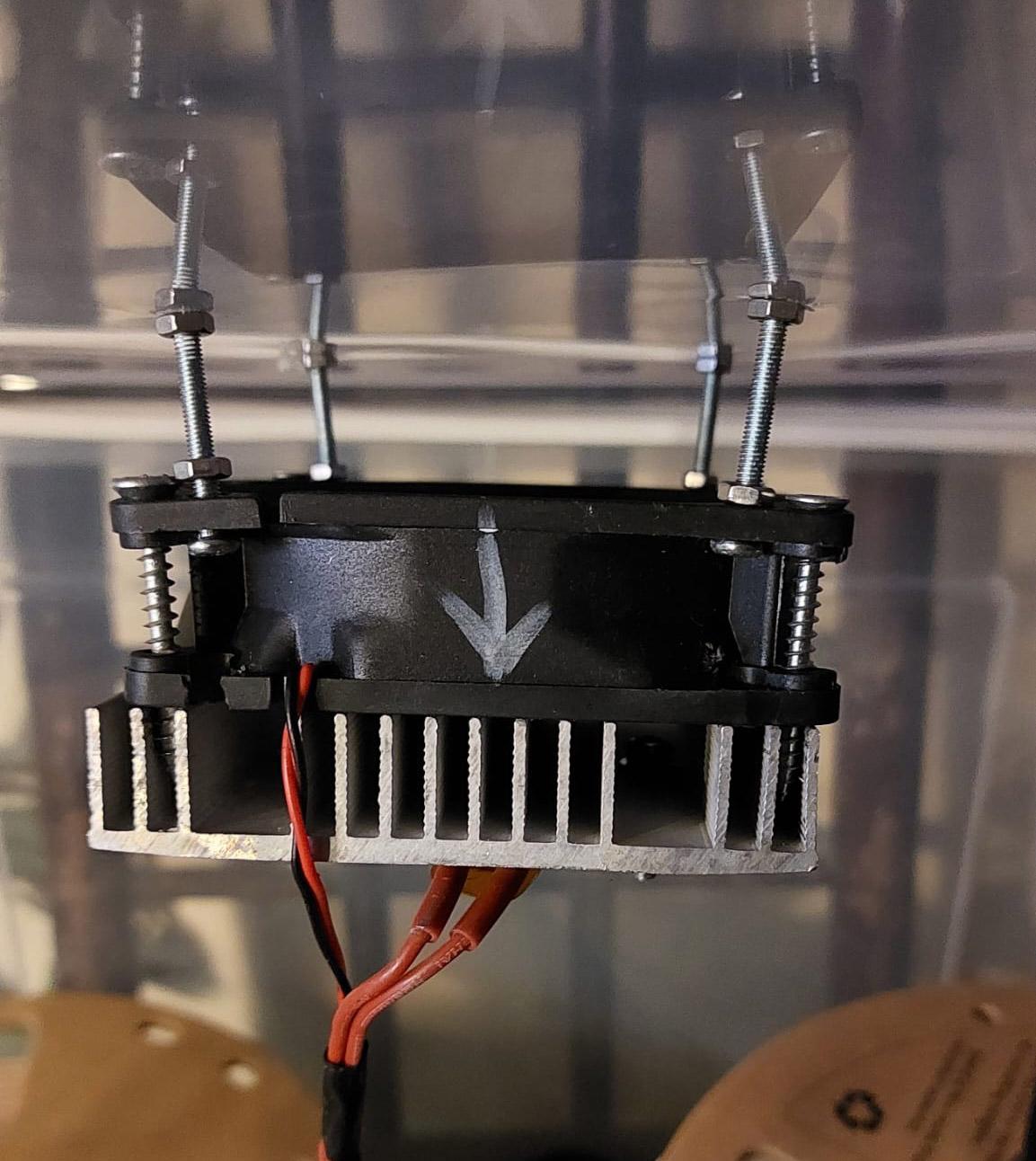
So, next I started studying different methods of heating the box. My first attempts involved recycled Nichrome wire from dead hair dryers. I built a makeshift support using China connectors for the Nichrome, and included a PC Case fan with separate 12v supply. I tried pulling and pushing air through the heating wire and also attempted using an aluminum heat-sink that I had scavenged from somewhere. This setup does produce some heat but at 12v, not anywhere near what I had in mind. I could have got a whole Nichrome coil from a heat gun and apply mains 220v but the risk and danger involved put me off that instantly, not to mention the space required.
For an instant, I also considered using a Peltier module which is a technology I had got into before deeply, but again, the low performance, and handling the cold side when you want to produce heat put me off. And it did cross my mind that I would use the cold side for condensing moisture but the mounting setup and power needed made the idea impractical.
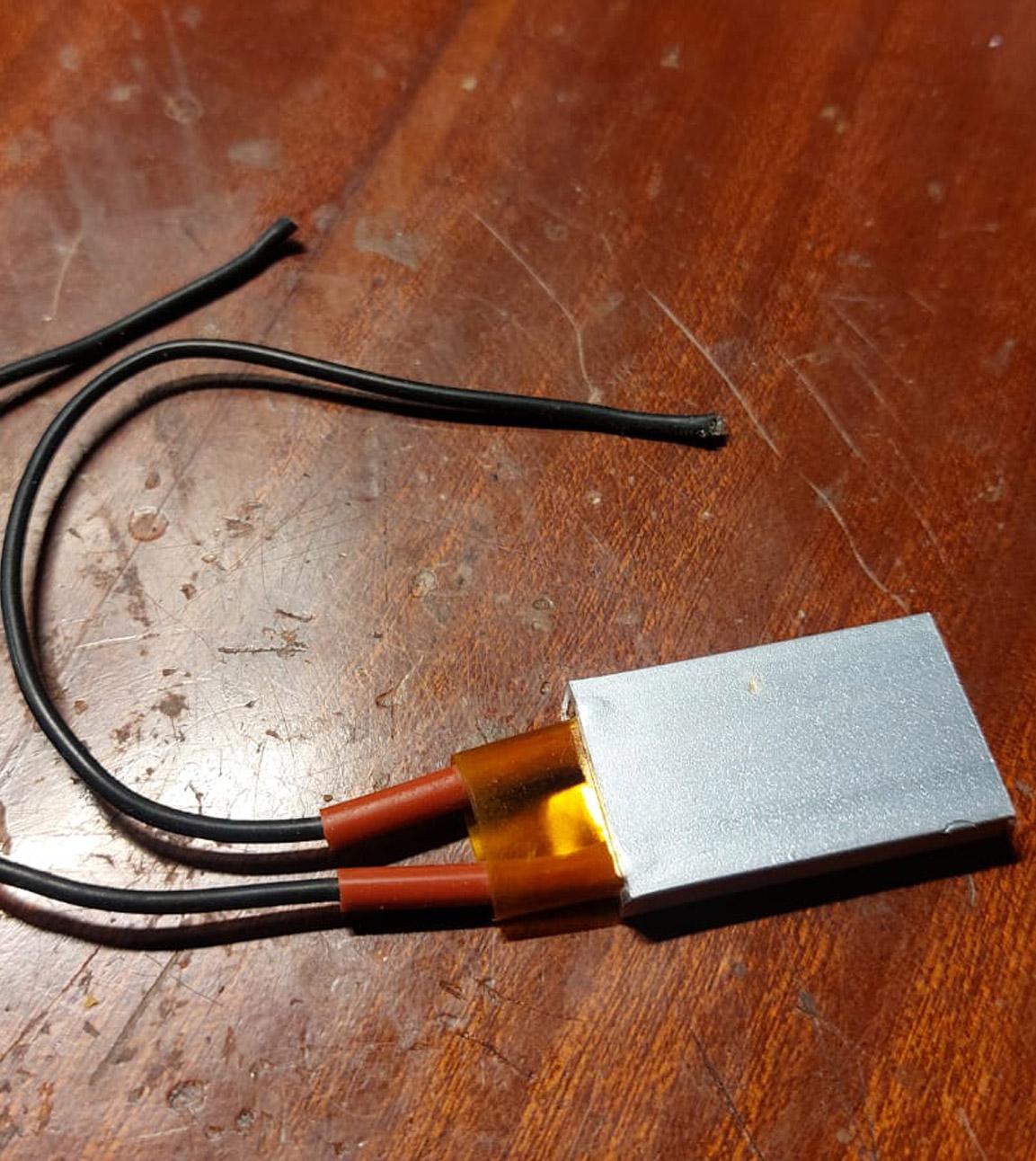
Then, after some research, I discovered PTC heating technology. These devices are simply amazing. You can simply supply 220V AC mains directly and the device will stop heating when it reaches the prescribed temperature, and they are pretty safe as the mains cables are screened with heat proof insulation.
I tested 60°C, 100°C, 150°C and 270°C devices all of which I got from Ali-express. I tried, single modules and doubles to try and find the best solution. The PTC or PTCs are screwed tightly to an aluminum heat sink with thermal grease. The other side of the heat sink has a fan screwed on blowing air onto the sink. For ease of access mostly, I mounted the fan on the lid facing downwards of course.
Logically, as hot air rises, I considered mounting the fan and heater at the bottom of the box but them I would have issues placing the spools. In any case, as I discovered having the box of the cold at a much cooler temperature is desirable.
Measuring Temperature & Humidity
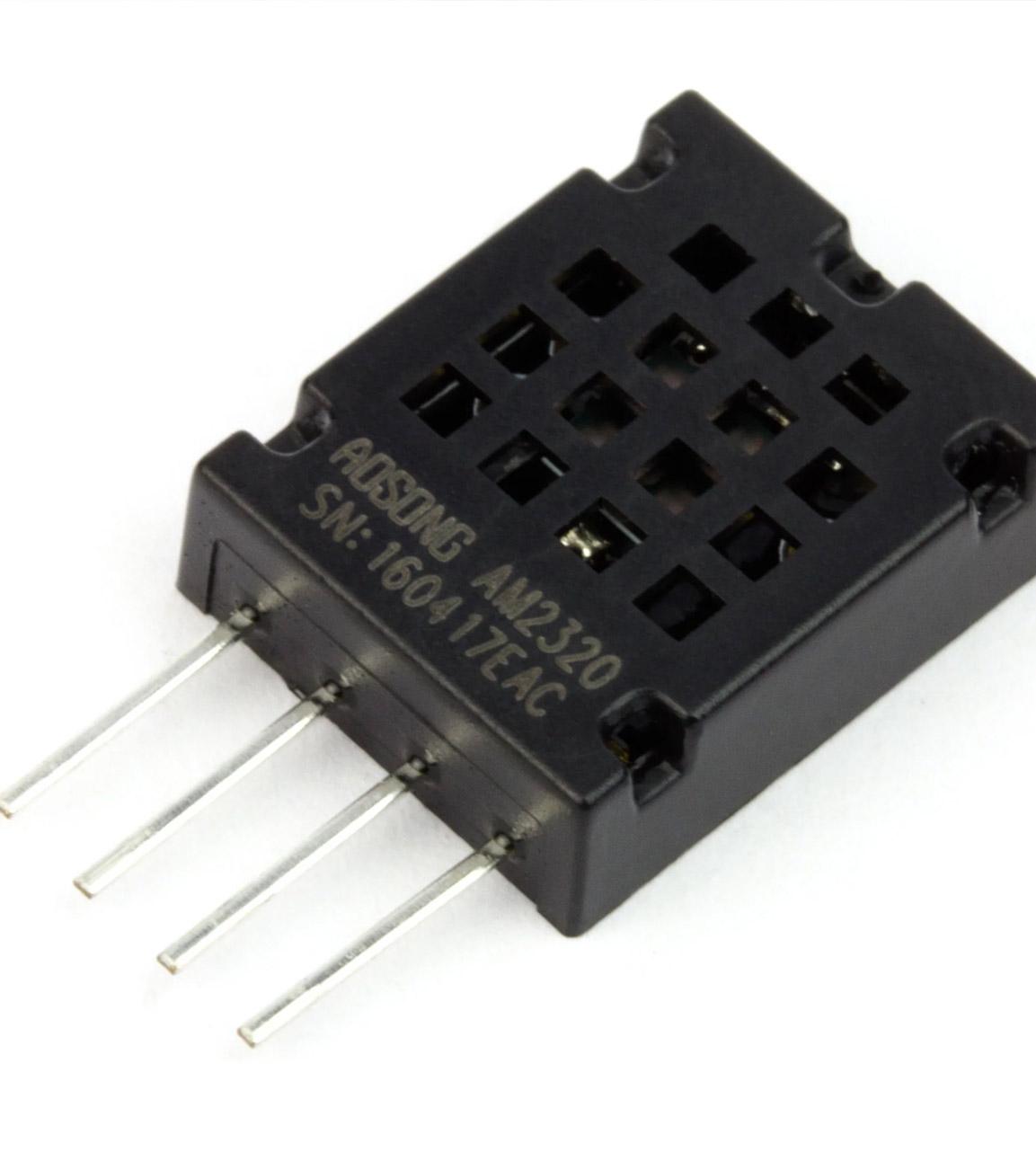
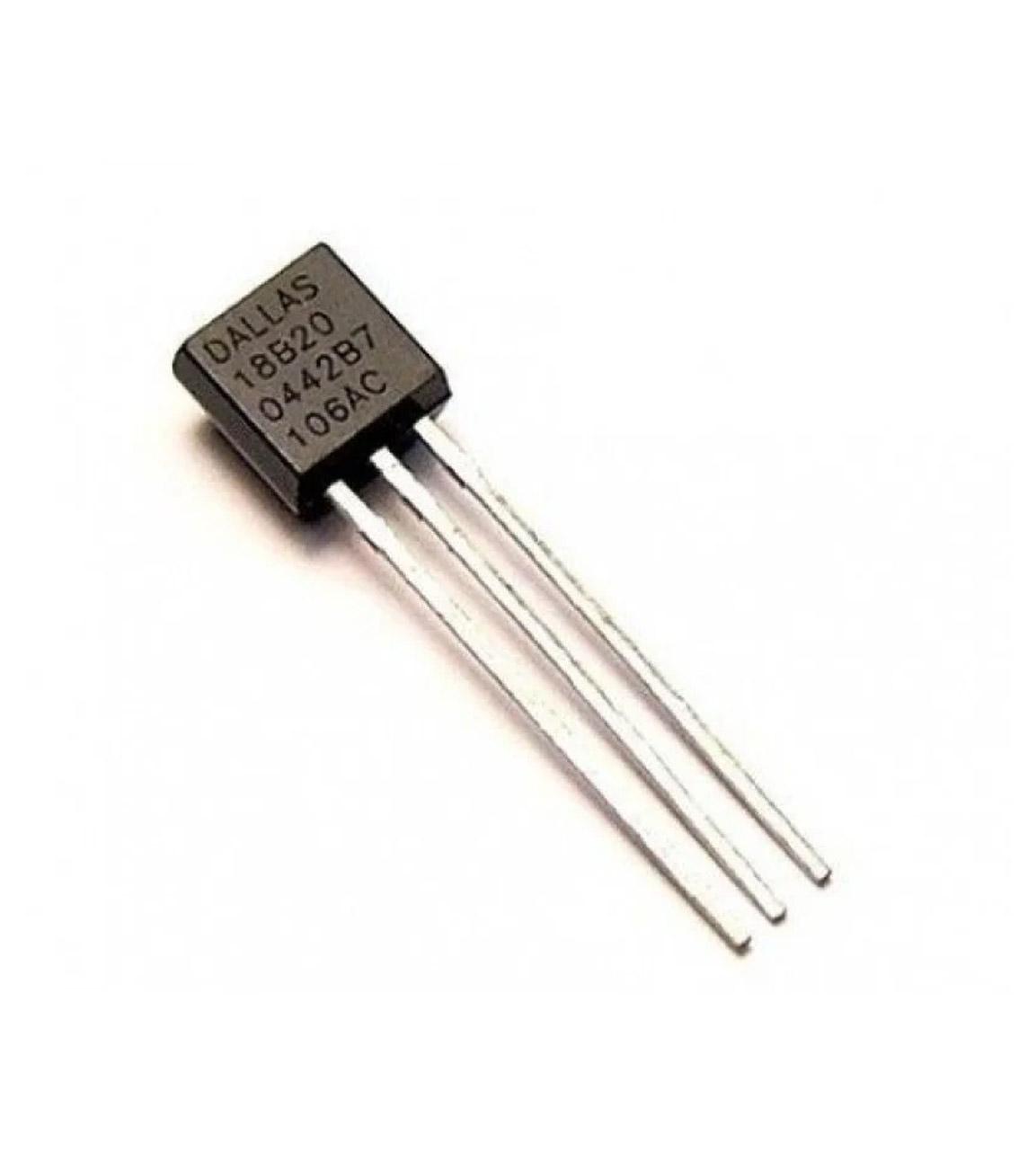
I happen to have experience with Micro-controllers such as the Arduino and have different modules at hand as well as numerous sensors for both temperature and humidity. I was familiar with their characteristics far before I started this project.
I chose a cheap Nano clone for the project as I will not likely need WiFi access otherwise I would have chosen to use a WEMOS DI Mini which is my fav. Started everything on a breadboard and then moved on to create a circuit using perforated board after many iterations and when I finally decided which sensor to use.
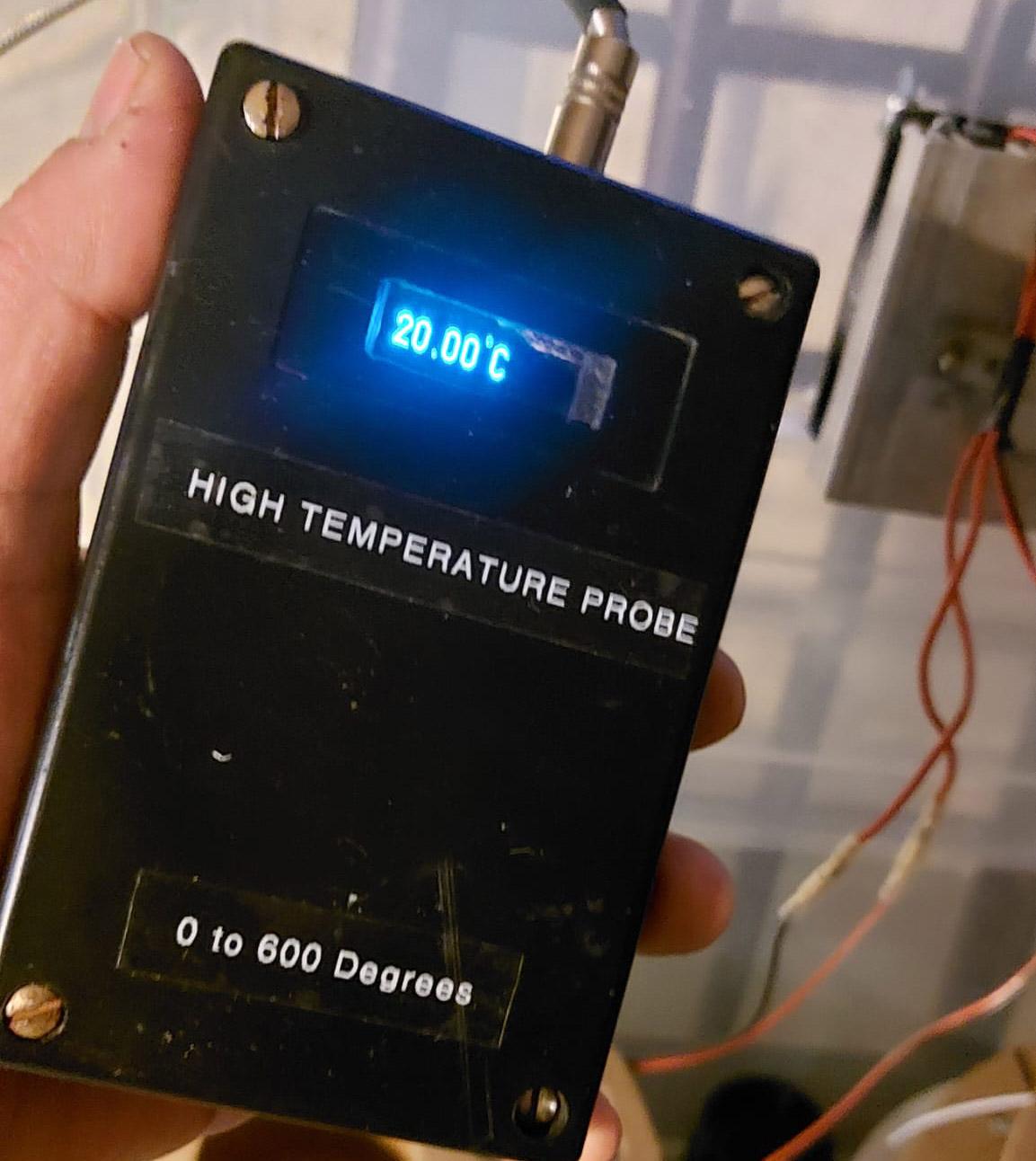
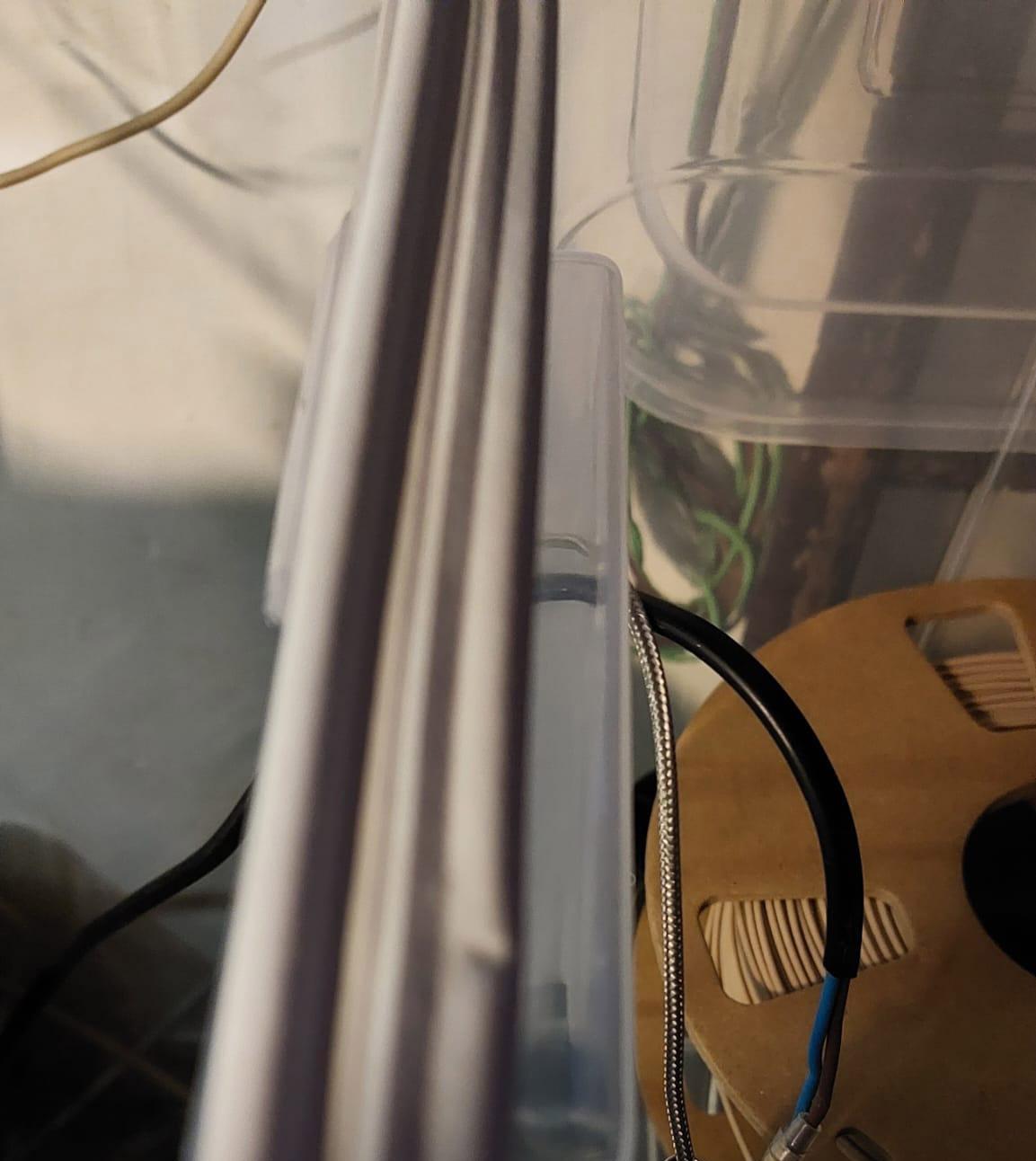
My first tests using PTC as a heater mostly failed in the sense that the temperature inside the box was barely going over 30°C or so I thought. At this point I was using the DHT22 and what a mistake that was! I realised when I started using another temperature measuring device which I had created using Arduino and a PT100 sensor which is much more accurate. This was the voila moment! The DHT22 was reporting 35°C while the PT100 said 50°C. This was a costly mistake in terms of time as and I spent hours testing insulation around the box using old rags to begin with. I also installed a seal around the box as you can see in the image. In any case with the 270°C PTC the setup was working and only taking around 90 minutes to reach the intended temperature of 50°C.
So, after I finally realised what was going on, I had to choose alternative sensor/s. After some more research and using the help of my trusty assistant (ChatGPT) I had viable solutions. You may be asking why I didn't use the PT100 which I have already for this project but for one, it only measures temperature and secondly its part of a working device which I use for other things and I am not one to disassemble something that works great to build something else.
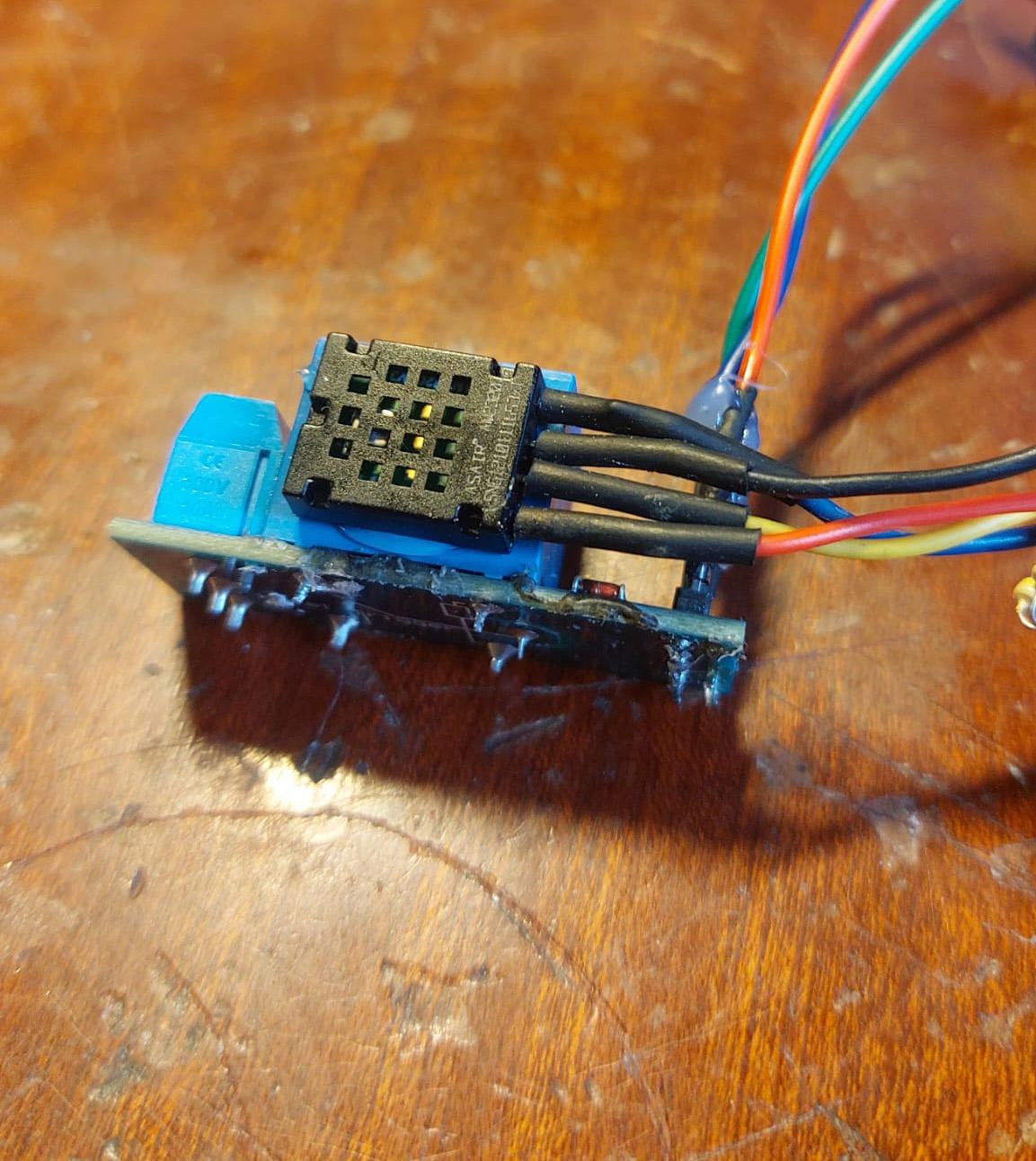
Eventually I decided on the DS18B20 for temperature and AM2320 for humidity. Using two sensors, does complicate matters, however, it was the best way forward. I also tested LM75, BMP280, DHT11, and LM35 but all have their quirks.
Measuring humidity accurately with Arduino compatible sensors proved problematic. The sensors do not agree with each other by a long shot, so measurements of RH should be looked at as trends, is it really going down, up, or remaining the same? Most RH sensors seems to lose accuracy at higher temperatures and are totally unsuitable for this project.
The temperature and humidity sensors are needed to display them on an OLED display (more later) as well as to control the temperature inside the dryer box. This will be done using a relay connected to the Arduino.
I targeted 48–55 °C as I mostly use PLA although the limit can easily be changed by connecting the Arduino to my laptop. Of course, I could be bold and include up down buttons in the build to control the limits easily but that's a story for another time.
To avoid relay chatter and have a stable thermal environment I used simple hysteresis control with the heater ON below a lower threshold and OFF above an upper threshold while having the fan always on.
The fan being on all the time is very important as if the 270°C PTC was left going wild, it would eventually raise the temperature of the heat-sink and screw mount to 270°C and melt the plastic, potentially burn my house down!
For the time being, I am relying on observation and not leaving the system on when I am not close by although I have left it on all night for a few times. Ideally, in a future build, I would create a fan monitoring system of some sort but I need to put more thought into that. Simply supplying the 12V from a source controlled by the Arduino is not enough. There needs to be a feedback loop of some sort.
Venting and Condensation

After more experimentation and research suggested that I should not have the box completely sealed and so, I decided to introduce a 6mm hole at the top of the box and 3mm at the bottom. This made a some difference in humidity trends although not major.
During my experiments with the DHT22 which were a waste of time due to the inaccuracy of the sensor, I used the same box with a few spools of PLA. Eventually, when I switched sensors and started getting good results, I decided to change the contents. It was then that I realised that the bottom of the box was covered with a thin layer of water and there was visible condensation on the walls at the bottom of the box. This clearly showed that it was working! Not only that but it also showed that collecting moisture should be at the bottom. I wiped off the water and started the system again.
This time I decided to place a sealed jar full of crushed ice in a bowl and leave it running for a few hours. To my satisfaction, there was very little condensation around the jar. Here in Malta, where its usually 75% humidity a jar full of ice would collect a sizeable puddle in minutes. Bear in mind that this test was conducted on mostly dried filament but it showed clearly that the system works.
So after much thought and experimentation, it seems that simply by warming PLA, it releases its moisture and the task is then to collect it.
About Silica Gel
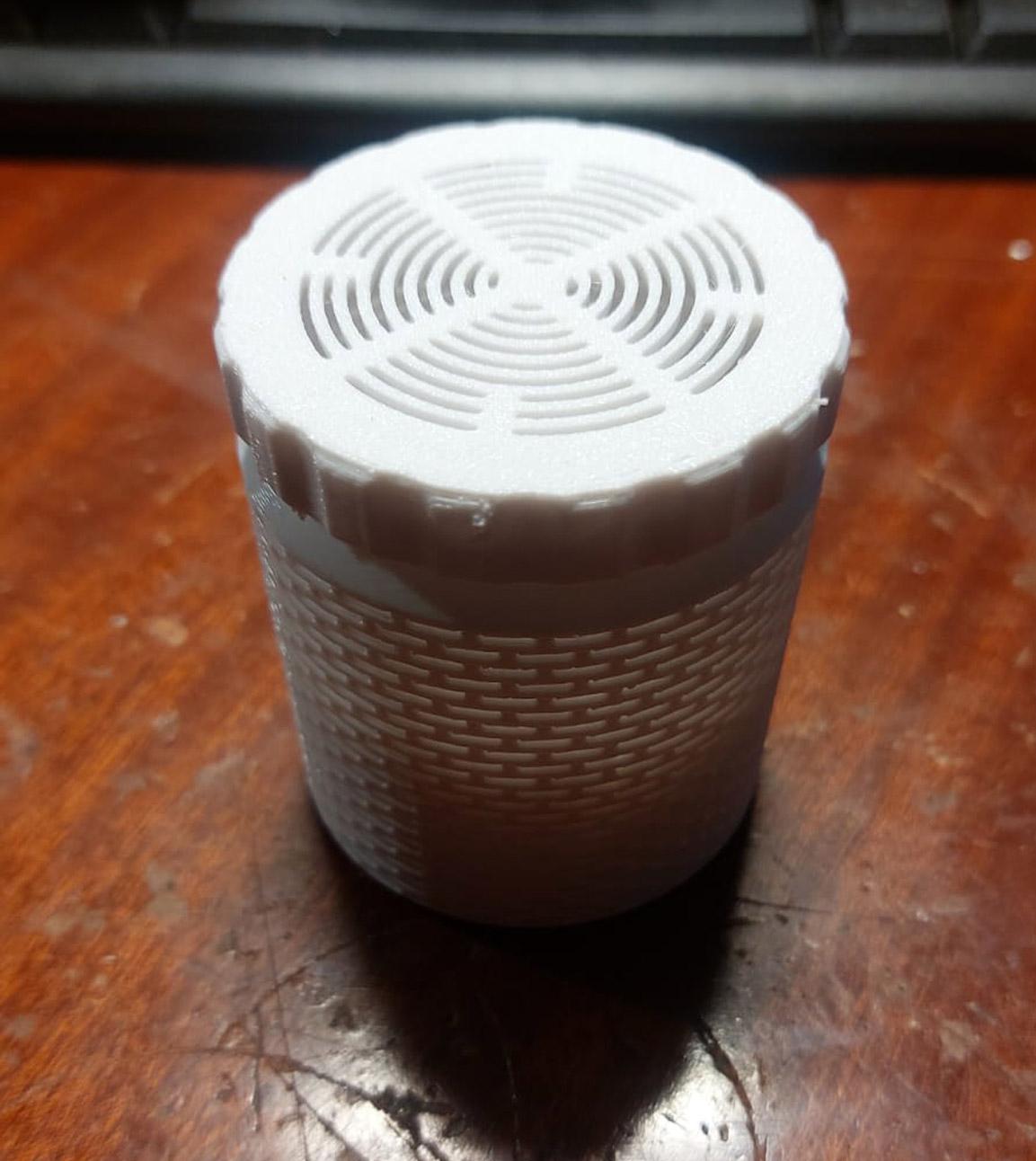
To begin with my stash of Silica Gel came from each of the spools I purchased plus what came with the printer and some I had scavenged from other sources. I had placed them in 3D printed containers.
After finding a small puddle at the bottom of the box, needless to say, the Gel was saturated and useless. I regenerated it in an oven at 100 °C for 2.5 hours. This showed that in spite of the original Gel the puddle had still formed and so condensation was more effective then the Gel. My conclusion was that Silica Gel should be used mostly for storage and the dryer can effectively do without it.
As my stock of Gel is of the white or transparent type, its not easy to know if its saturated or not so in my case, I would have to regenerate it on a regular basis. I also though I would get some of the coloured version so that I can at least know when a recharge is needed.
The Arduino Circuit

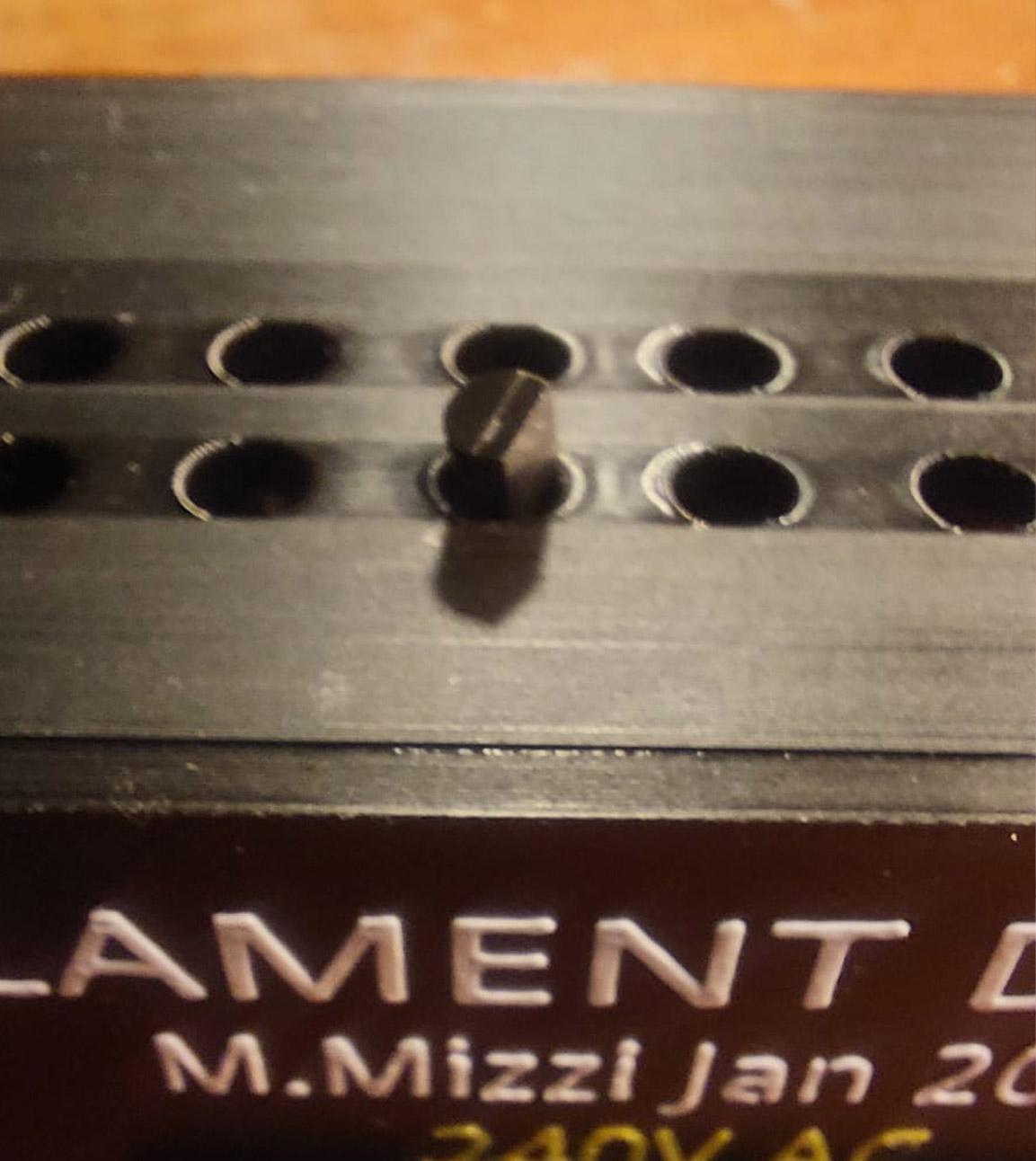
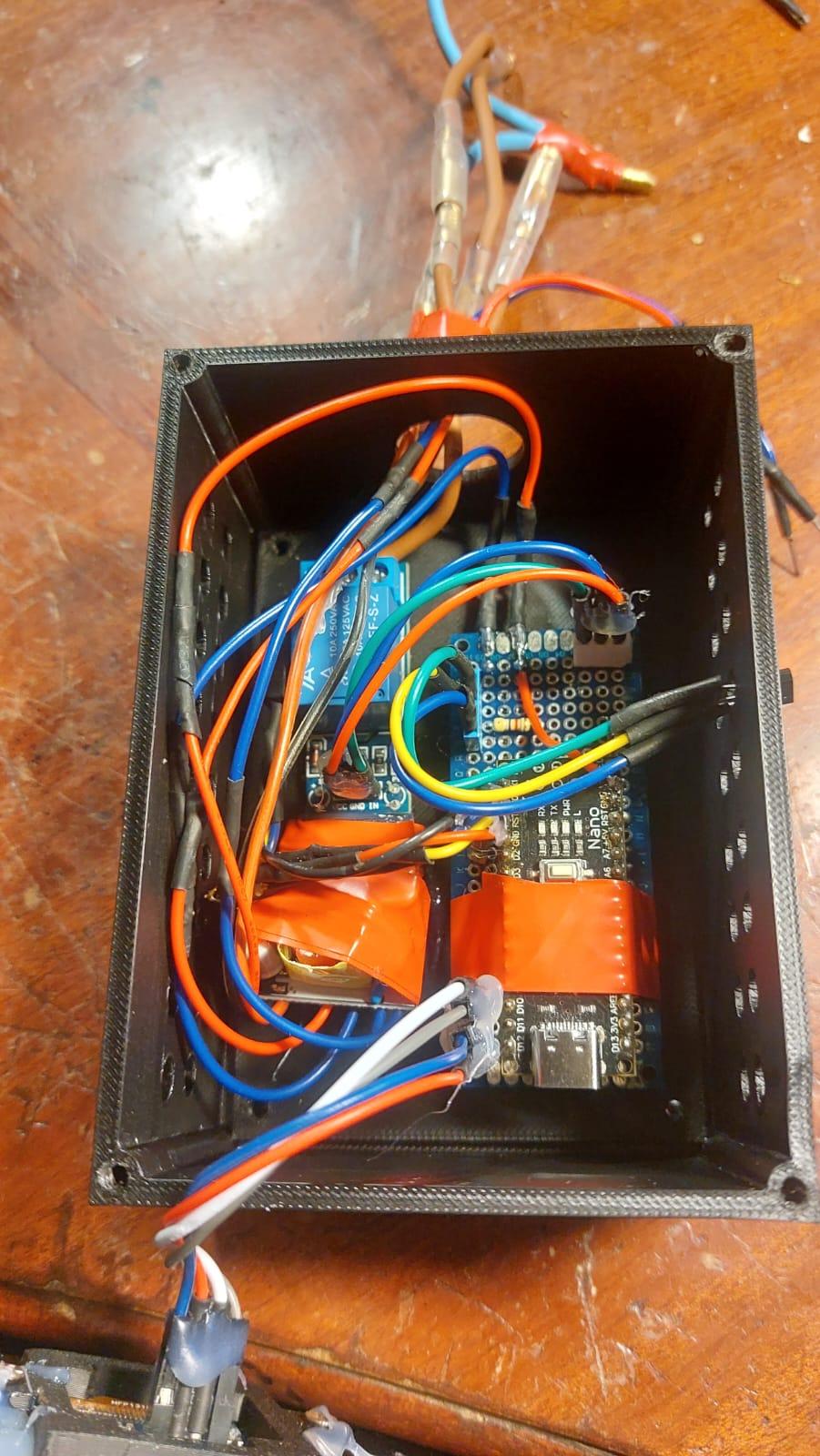

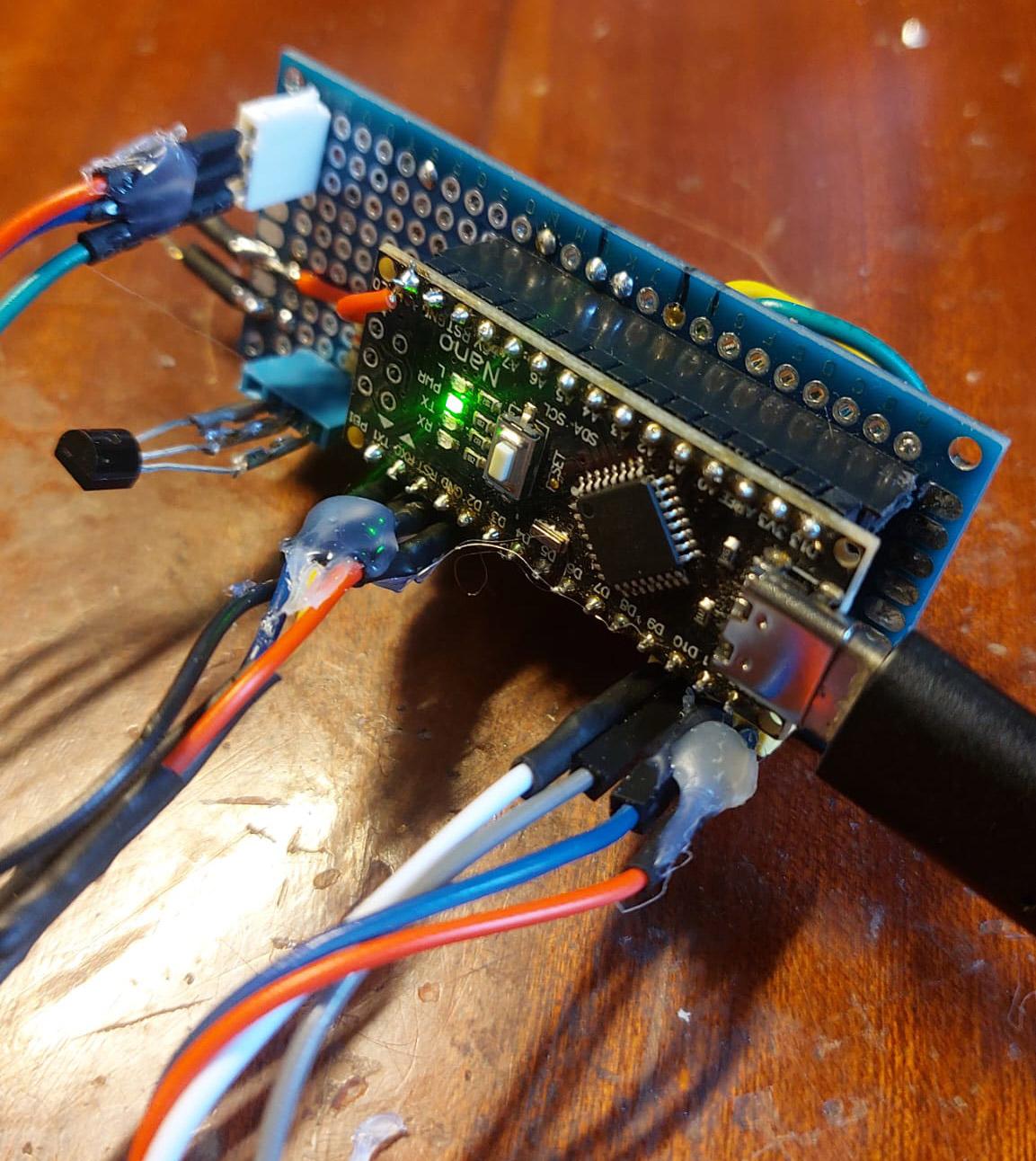
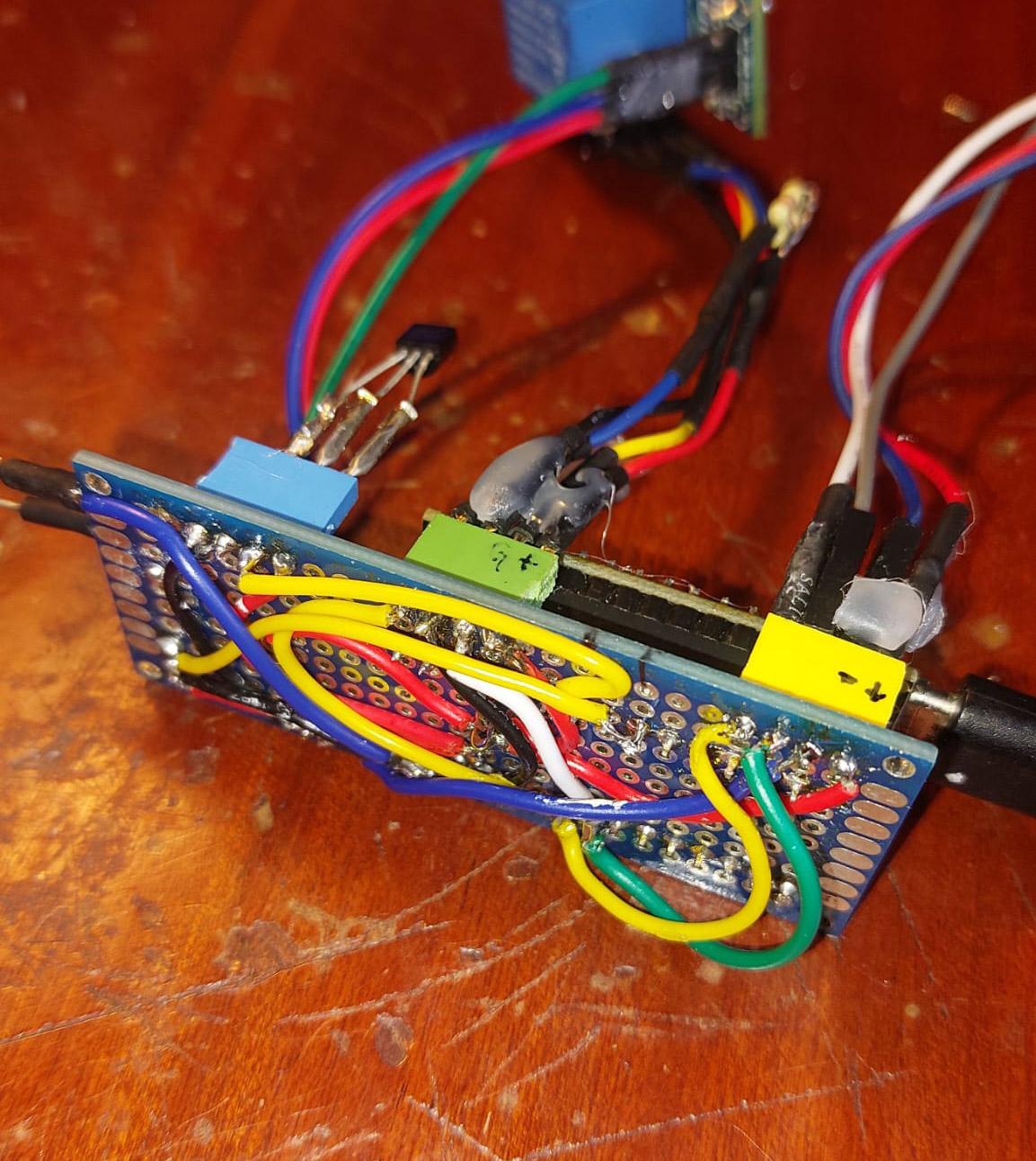
The circuit above was the basic one to connect the two sensors to start with. I was monitoring using the Arduino IDE Serial Monitor to begin with and later would add the relay and the OLED display.
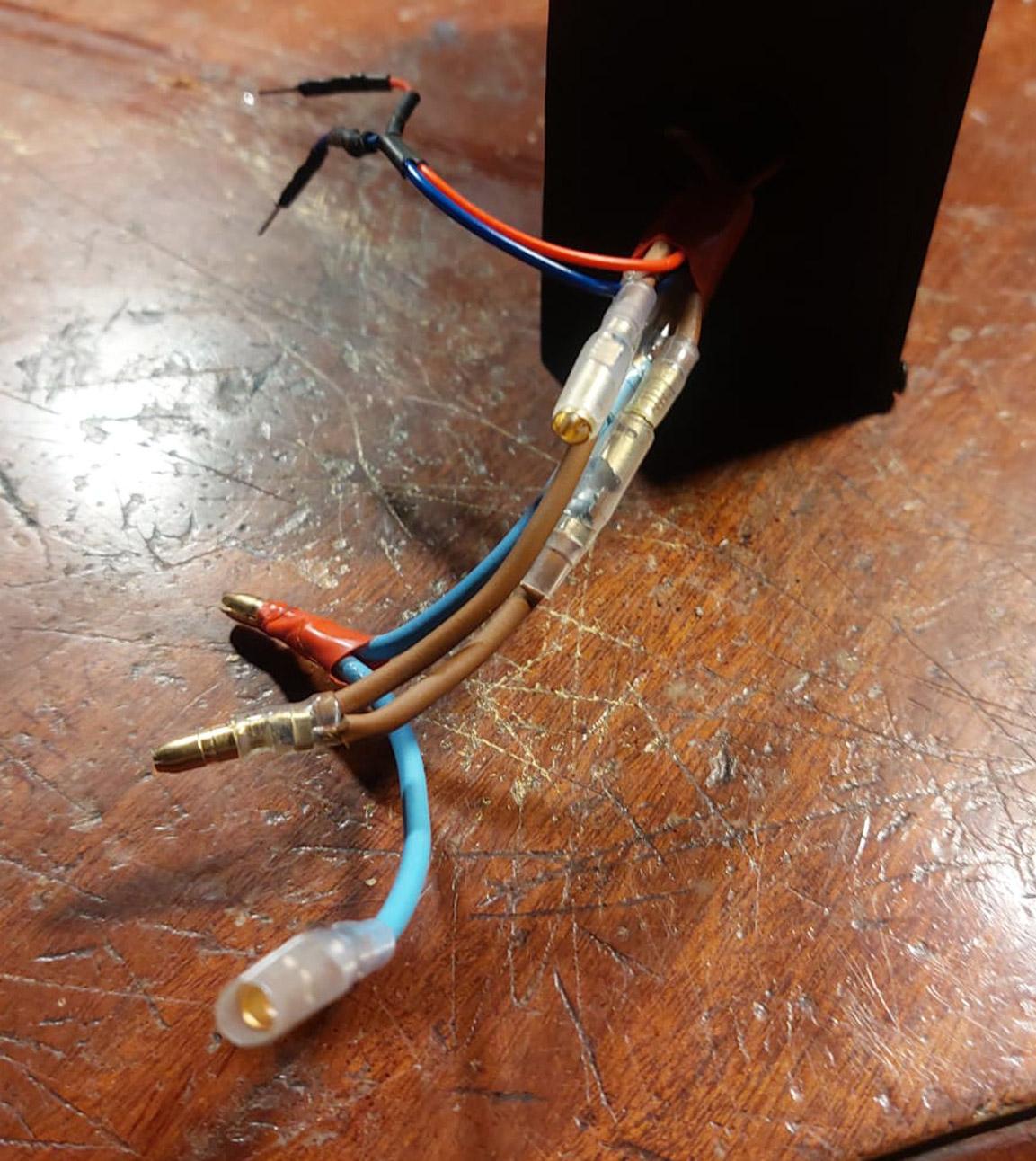
In the photo of the completed circuit, you can see the Arduino Nano, the relay module, and a small 12Volts power supply which I fed into the VIN pin. I am also powering the PC case fan that is mounted on the heat-sink next to the PTC heater. The wiring shows 220v mains wiring that goes to power the 12v power supply which powers the Arduino, the PC cooling fan and the relay. The same mains power goes through the relay to turn on and off through the relay. I also studied if a standard 5V Arduino Relay module can handle switching on and off the 220V PTC module but the relay should handle 10Amps. While looking into this, I realised that my trusty multimeter can only measure DC amps and not AC and made a mental note to order one. In any case, reading the spec sheet for the PTC I am not worried that it would more then a few Amps.
I know that you are expecting the full circuit but that the time I have available for today. Hopefully I will upload the completed circuit.
The Code
This project like all others I work on has infinite iterations, testing technology and algorithms which makes it fun in the end. I had no intention of creating this Instructable, and I do work on numerous other projects like this one. In this case, after all the time I put into this and how rewarding it all was, I felt I had to blow my trumpet somehow!
Here is the last version of the code. I am sure I will continue to make changes to implement new ideas I may have.
A Note About Safety
In the interest of safety I must warn anyone attempting to remake this project about the danger involved in working with a 240v mains supply. Although the current involved in this project is minimal, there are obvious dangers. I am a seasoned maker and have worked with mains numerous times but the danger is always there which is why I have used a 5Amp fuse in the mains plug.
But again, I must stress caution when working with a 220v AC supply. If you are not sure, just don't attempt it. In any case you can get 12v PTC heaters and work in 12v which is much safer.
Conclusion
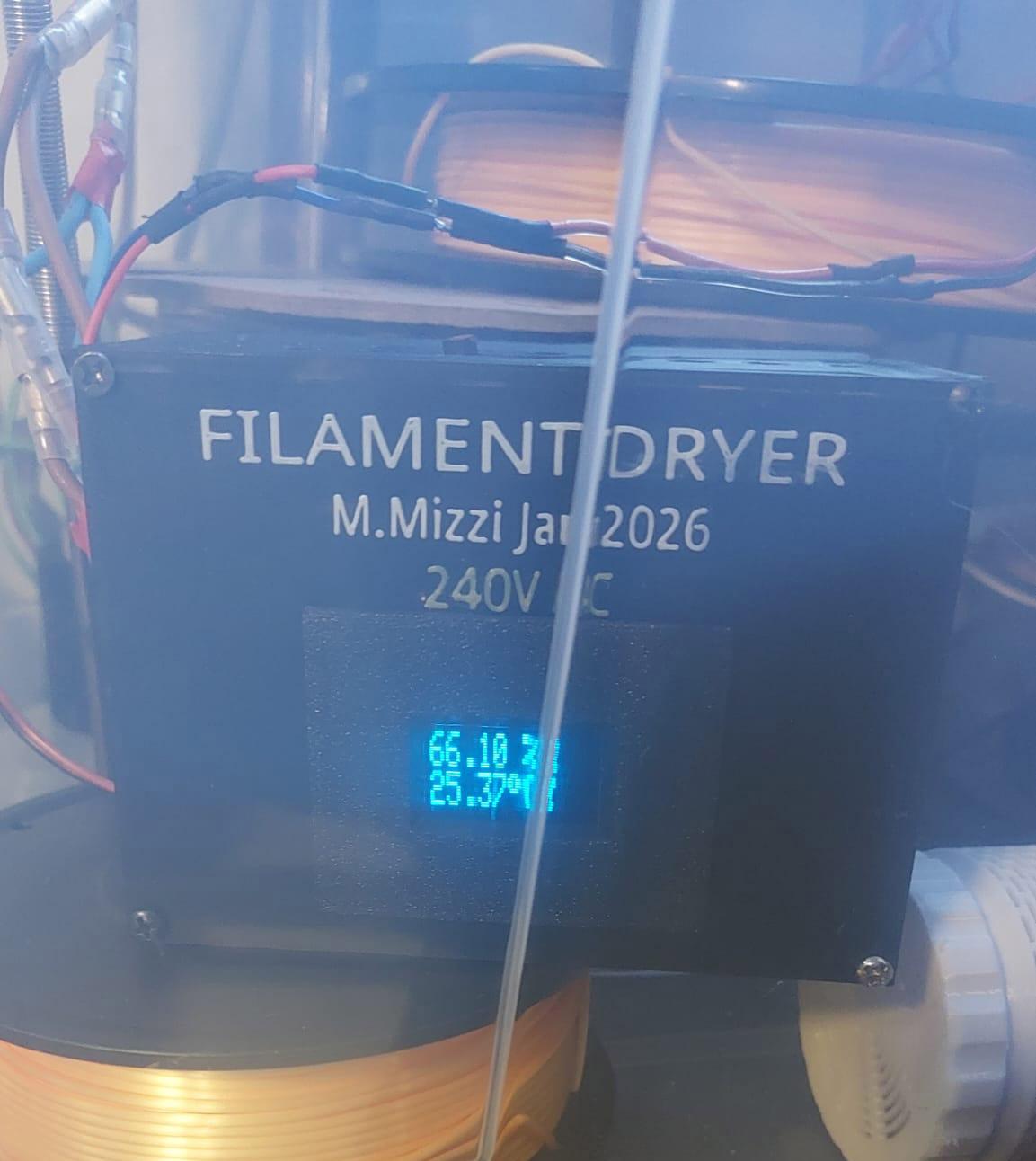
In conclusion, I am happy that this design managed to reach and sustain around 20% RH in a country where 75% is the norm. Real moisture removal is actually happening beyond any doubt.
My advice is that if you build something similar, don’t just trust the numbers on a sensor.