LTE-Powered Water Level Sensor
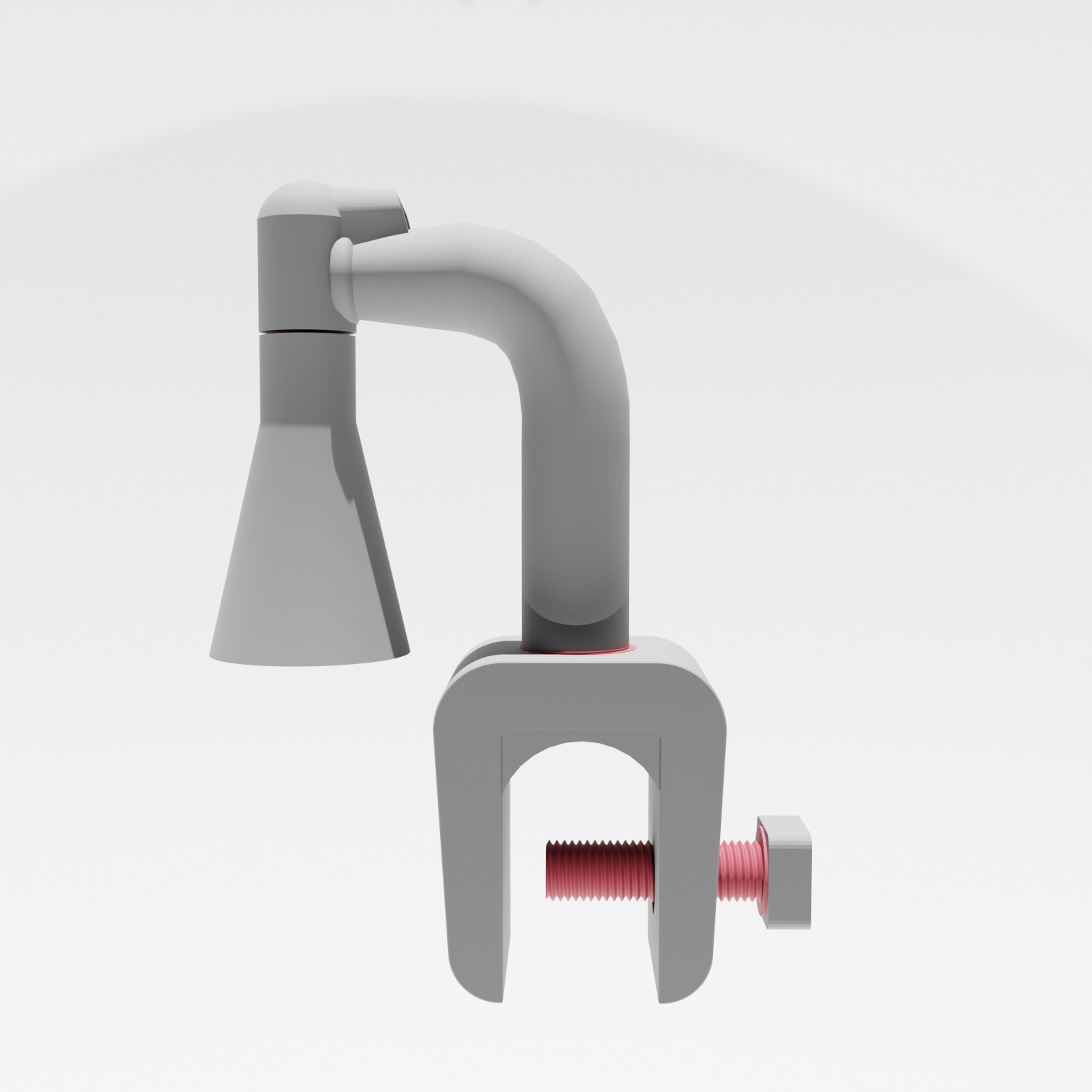
If you give water to animals, you need this device.
Because checking remote water basins by hand wastes time, energy and peace of mind. This open-source ultrasonic water level sensor uses LTE connectivity to relay real-time water levels directly to your phone, no matter where your herd is grazing. Designed for long distances and long-term reliability, this system was developed at Concordia University’s Innovation Lab as part of the Regenerative Agriculture Challenge.
Supplies
JSN-SR04T Ultrasound Sensor
$15
ESP32-S3 SIM7670G 4G Development Board
$38
12V-5V USB step down converter
$13.80
IoT SIM Card Business
$50
Total
$116.8
Connect Microcontroller + Ultrasonic Sonic Sensor + LTE Chip
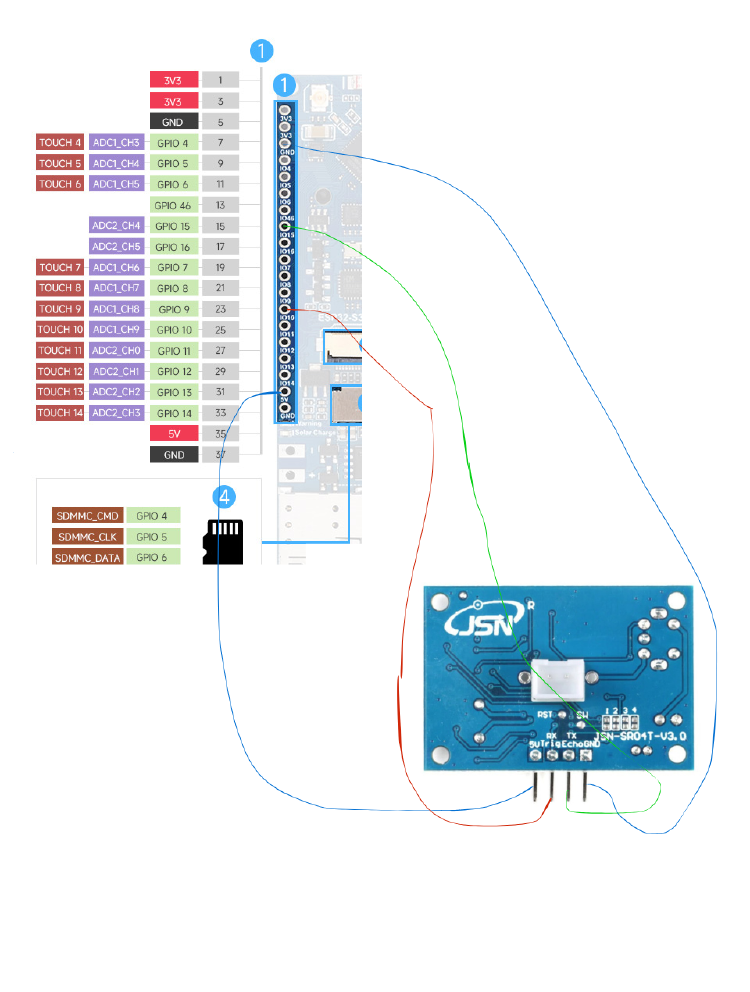
Connect the ESP32-S3 SIM7670G 4G Development Board, the JSN-SR04T Ultrasound Sensor and the IoT SIM Card using the schematics that come with the products.
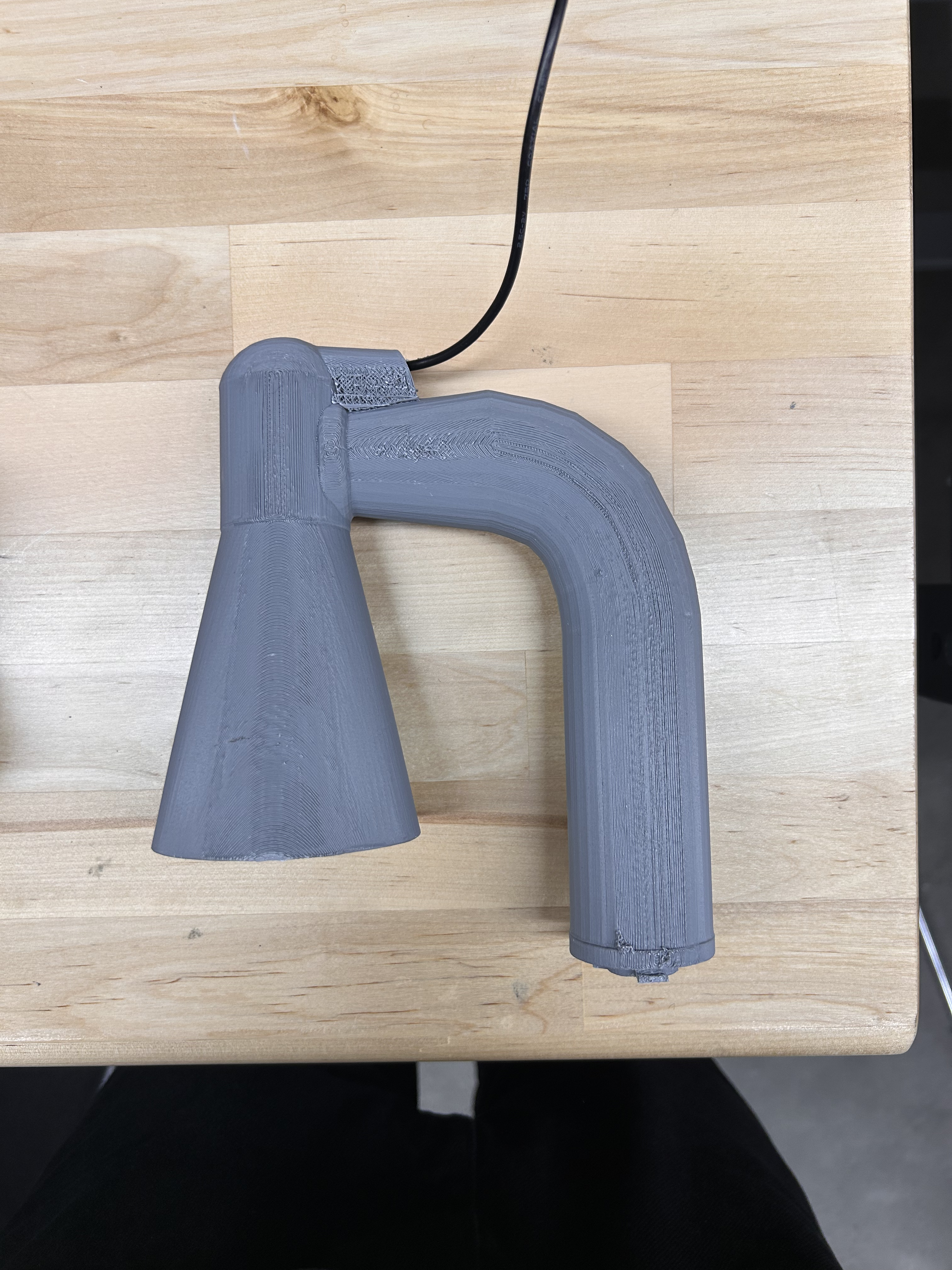
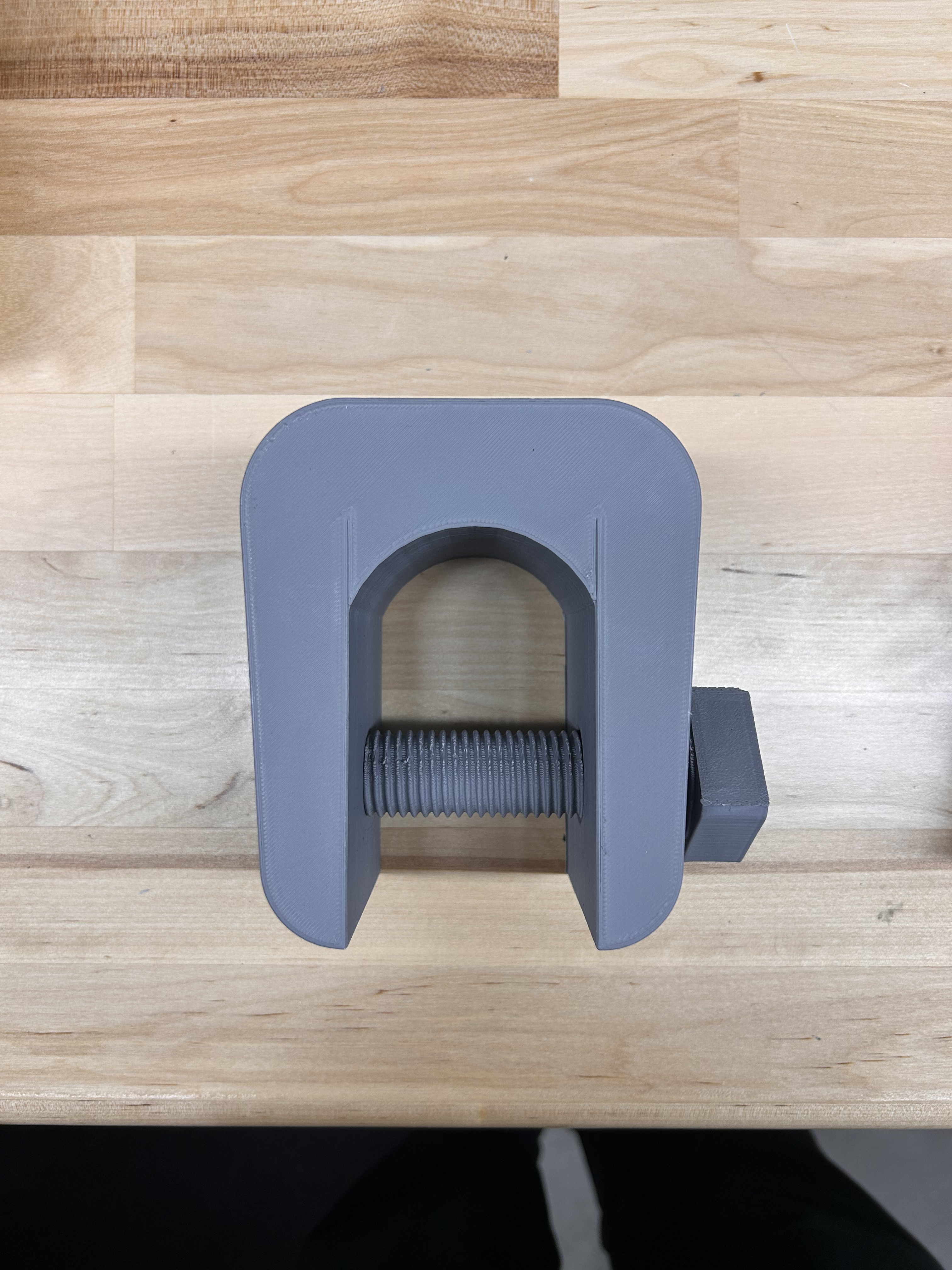
Print 3D Model Components
Connect Microcontroller to Computer Using Waveshare Driver and Create Thingspeak Account

Collect API for later use in the following step.
Upload Code to Microcontroller Using Arduino Software
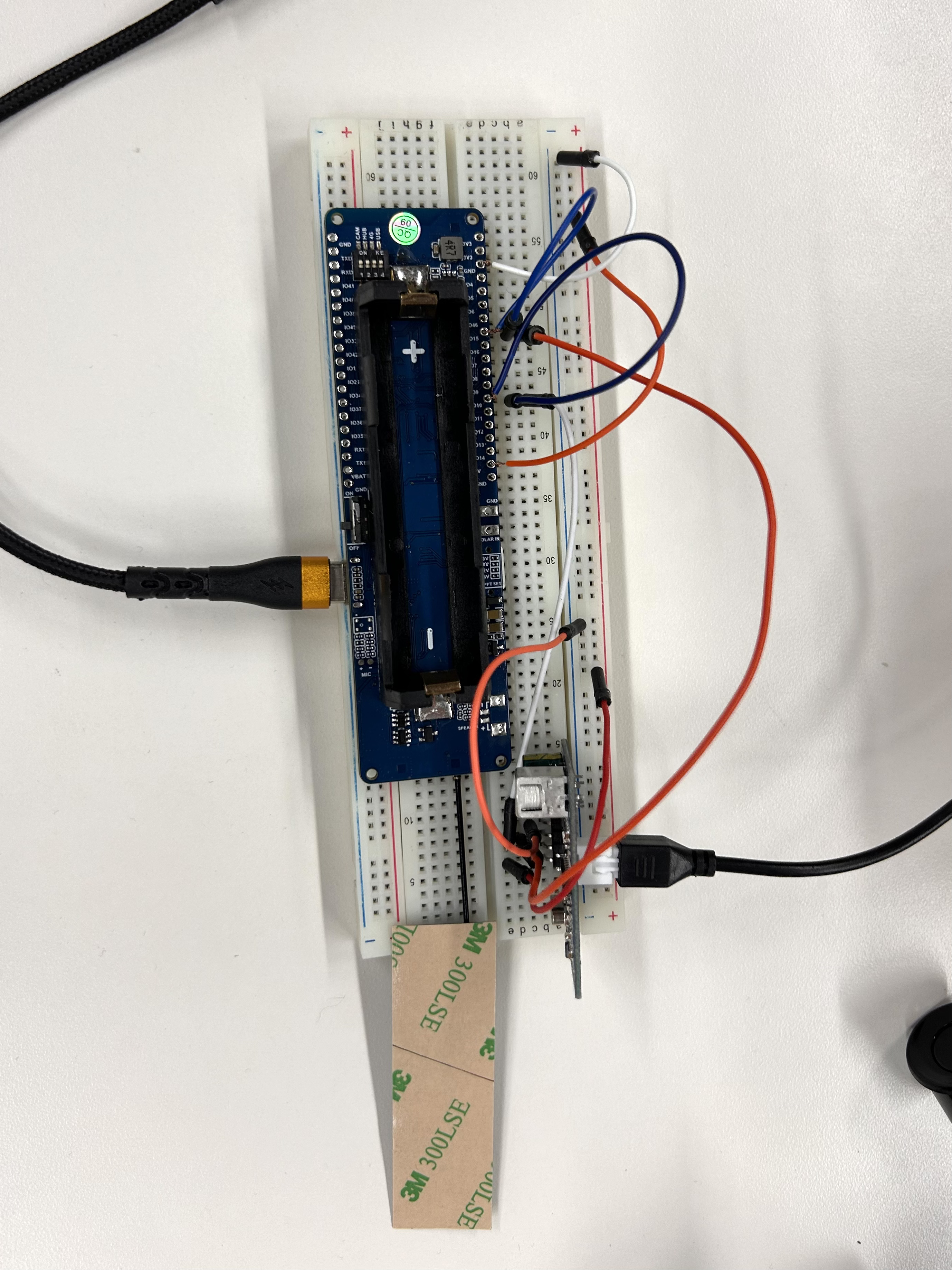
Install the ESP32 and TinyGSM libraries into the Arduino Software.
Select the correct device. ESP32-S3 Dev-Board.
Select the corresponding port to upload code.
Put Thingspeak API into the code.
Put Sim Card APN into code.
Arduino Code Below.
Set-up Ultrasound Sensor

Thread the Ultrasound sensor into the 3D-printed cone. Then, connect the ultrasound sensor to the micro-controller.
Attach the Device to the Water Basin
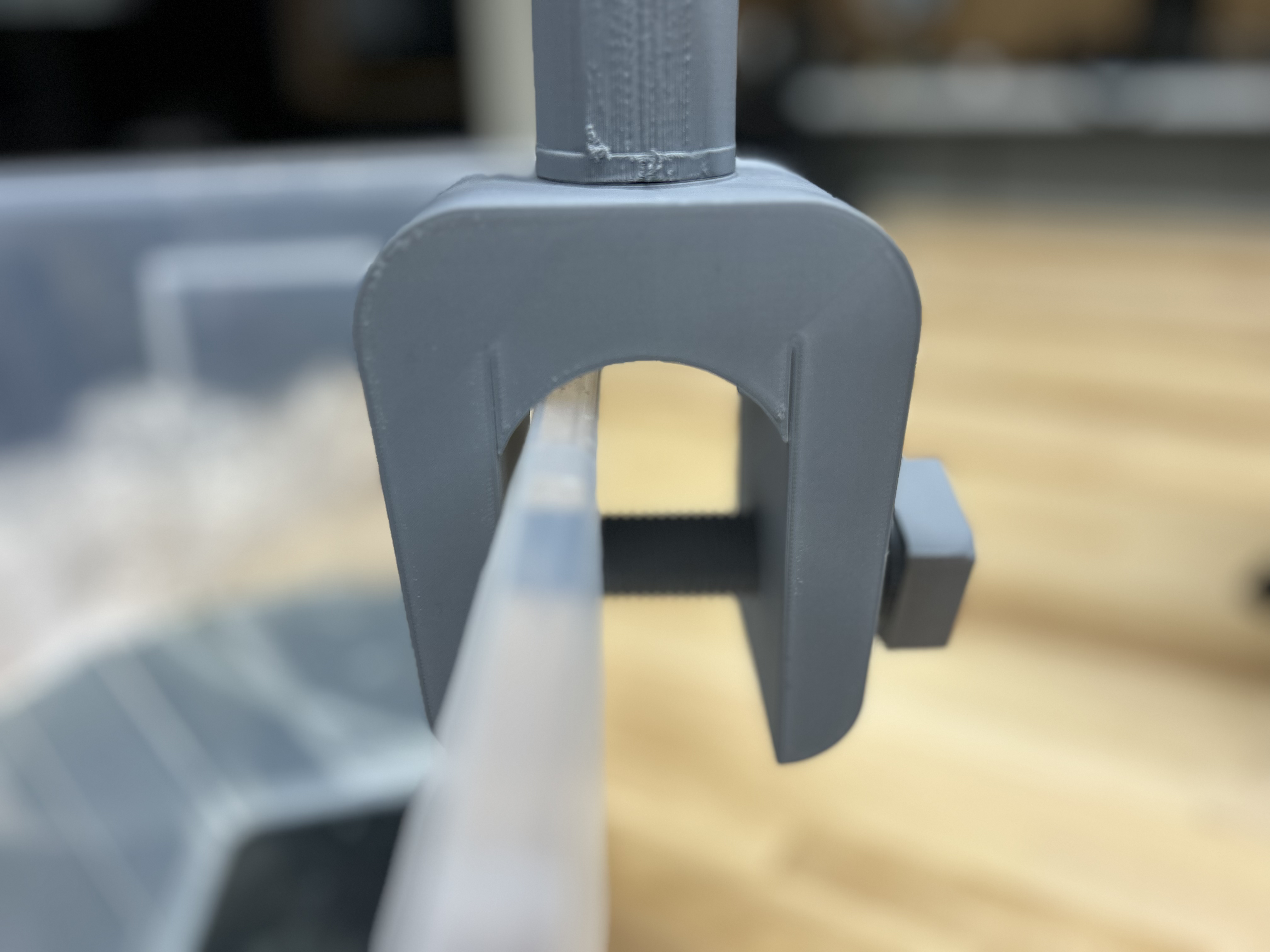
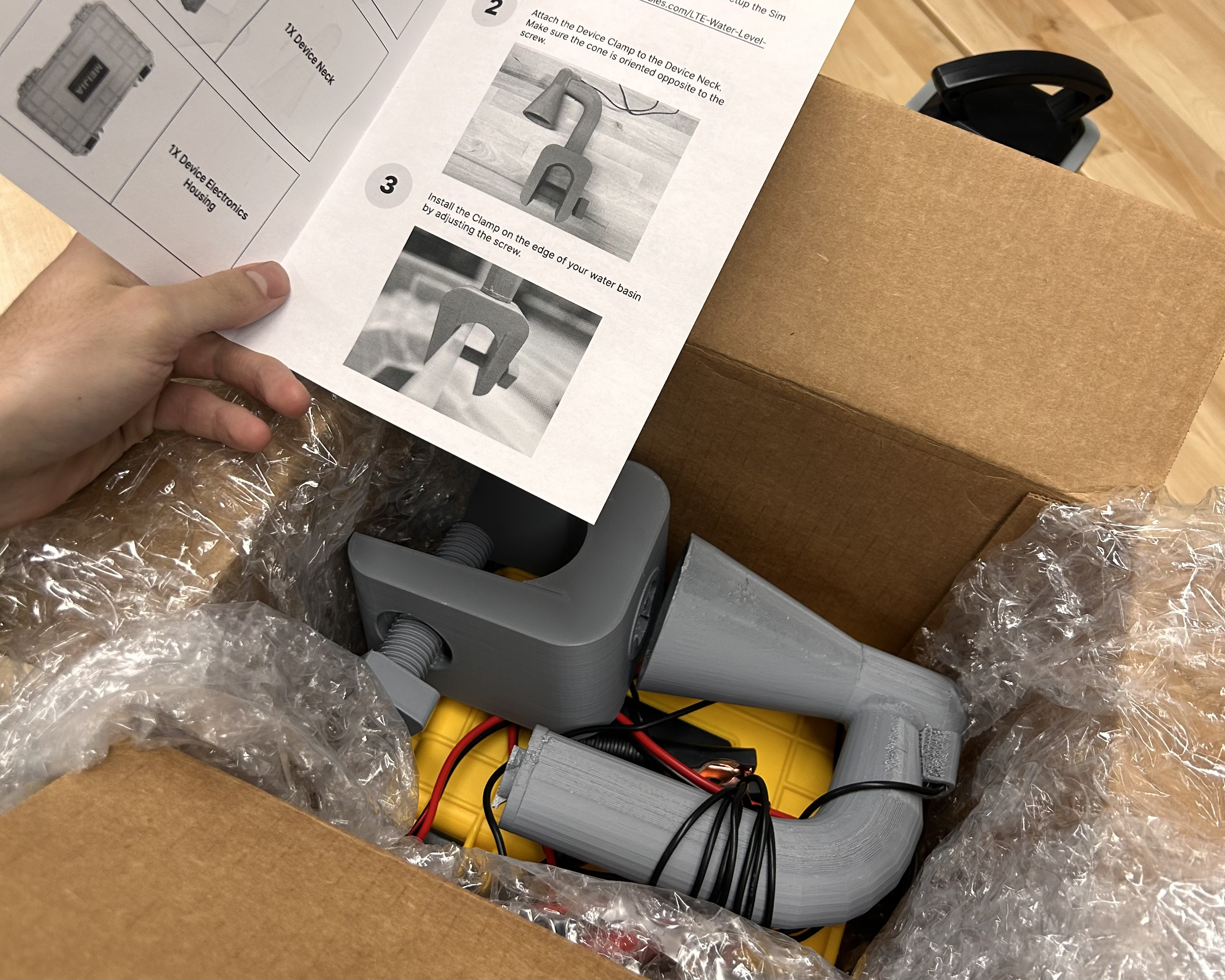
Attach the device to the ledge of the water basin using the screw and clamp. Make sure the cone is positioned on the side of the clamp pointing into the basin.
Connect to Power

Connect the Device to a power source using the 12V-5V step-down converter. c