Kindle Audio Reader Paperwhite Oasis Audible Books
by Sini Saja in Circuits > Gadgets
140 Views, 0 Favorites, 0 Comments
Kindle Audio Reader Paperwhite Oasis Audible Books
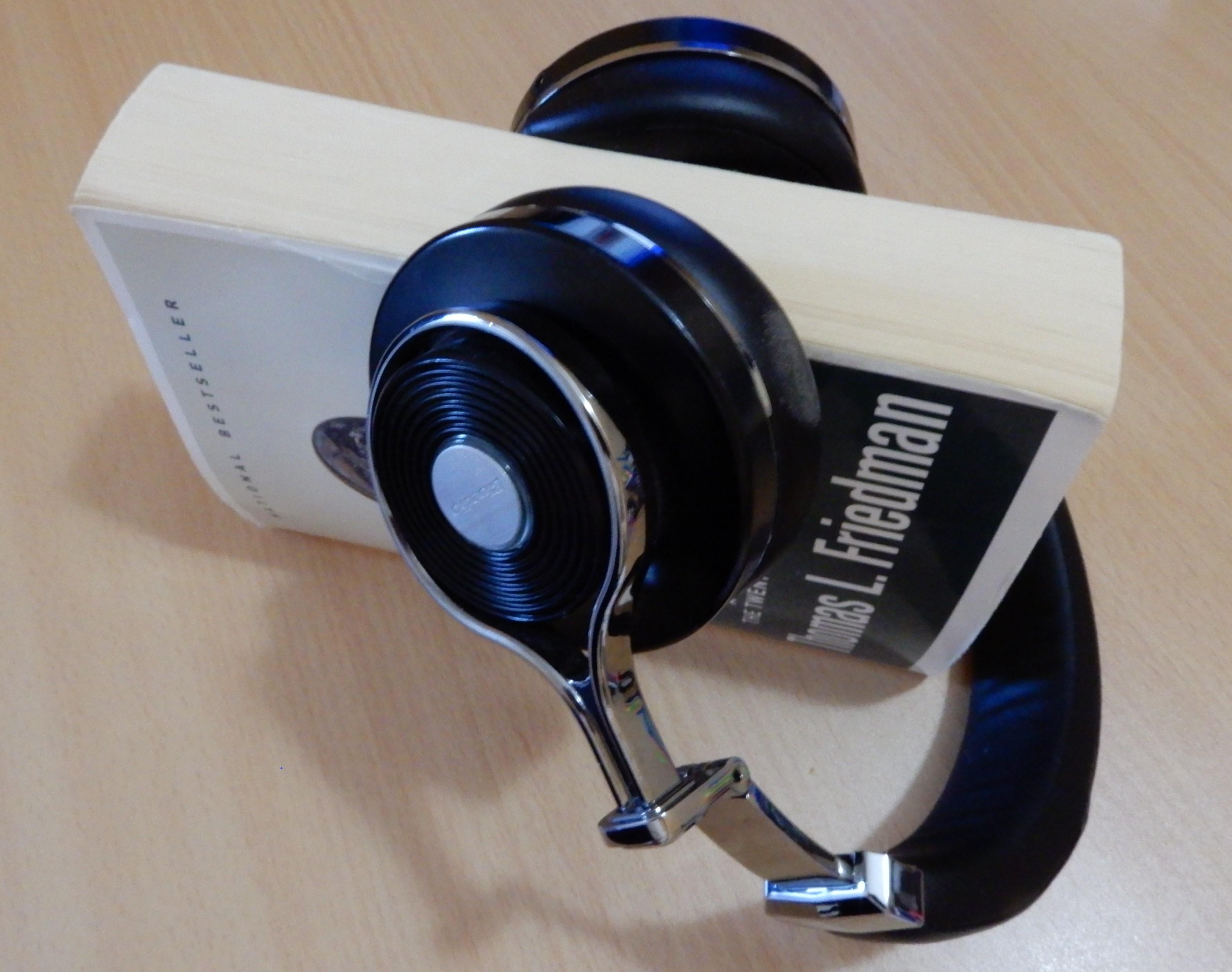
Some people or kids want to listen to audio books on Kindle rather than read the printed text. Since it is hands-free, you can drive or do something else while listening to audio book. Kindle audio reader has a feature that reads any audio book to you.
Kindle Audio Reader
If you wish to have Audible books in your library then it would be better to buy the Kindle audio reader with 32GB of storage space rather than the version with 8GB of storage space. Some long audiobooks require almost 1GB of storage space. For reference, a typical audiobook requires about 150MB and an hour of audio will take about 30 megabytes. If you do not store many audiobooks in Kindle with a storage capacity of 32 GB then you can literally store the entire library of textbooks– it holds thousands of textbooks.
If you have both versions of the book in your library, ebook and audiobook, then you can easily switch between listening and reading as they sync to the point in the book where you left off. When you switch to play audio book, the screen changes to listening options. Audio books will appear in the same library as your e-books on your Kindle.
You can't use Kindle audio book reader to play music - it's only for audiobooks. You can’t read the book on Kindle at the same time while you’re listening. Kindle e-readers are not compatible with Immersion Reading.
There are no built-in speakers in the Kindle ebook audio reader. Also, Amazon did not include any connector for headphones. Older Kindles used to have a headphone jack. The only way to listen to audiobooks on the most recent Kindle ebook readers is to connect wireless headphones or speakers using Kindle’s Bluetooth software. When you buy a Kindle reader, it does not include Bluetooth headphones or a speaker.
You can play audiobooks as well on a smartphone or tablet powered by Android. There are plenty of audiobook apps. You can find a free app, download the app, and then you’ll be able to listen to audiobooks.
Does Kindle Have Audio
When choosing which ebook reader to buy you may ask yourself: does Kindle have audio. If you wish to listen to audiobooks on your ebook reader, make sure that your device has audio capabilities and that it can play audiobooks.
All newer generation of Kindle readers currently (June 2021) available in the USA, including Kindle basic model, Kindle Paperwhite, and Kindle Oasis offer support for audio files - they are able to play audiobooks.
Amazon began adding an audio feature to new versions of Kindle e-readers in 2017. It is intended for listening to audio books from Audible (which is owned by Amazon since 2008). A complete list of Kindle audio readers that can play audio files can be found on the Audible website.
Kindle Audio Adapter
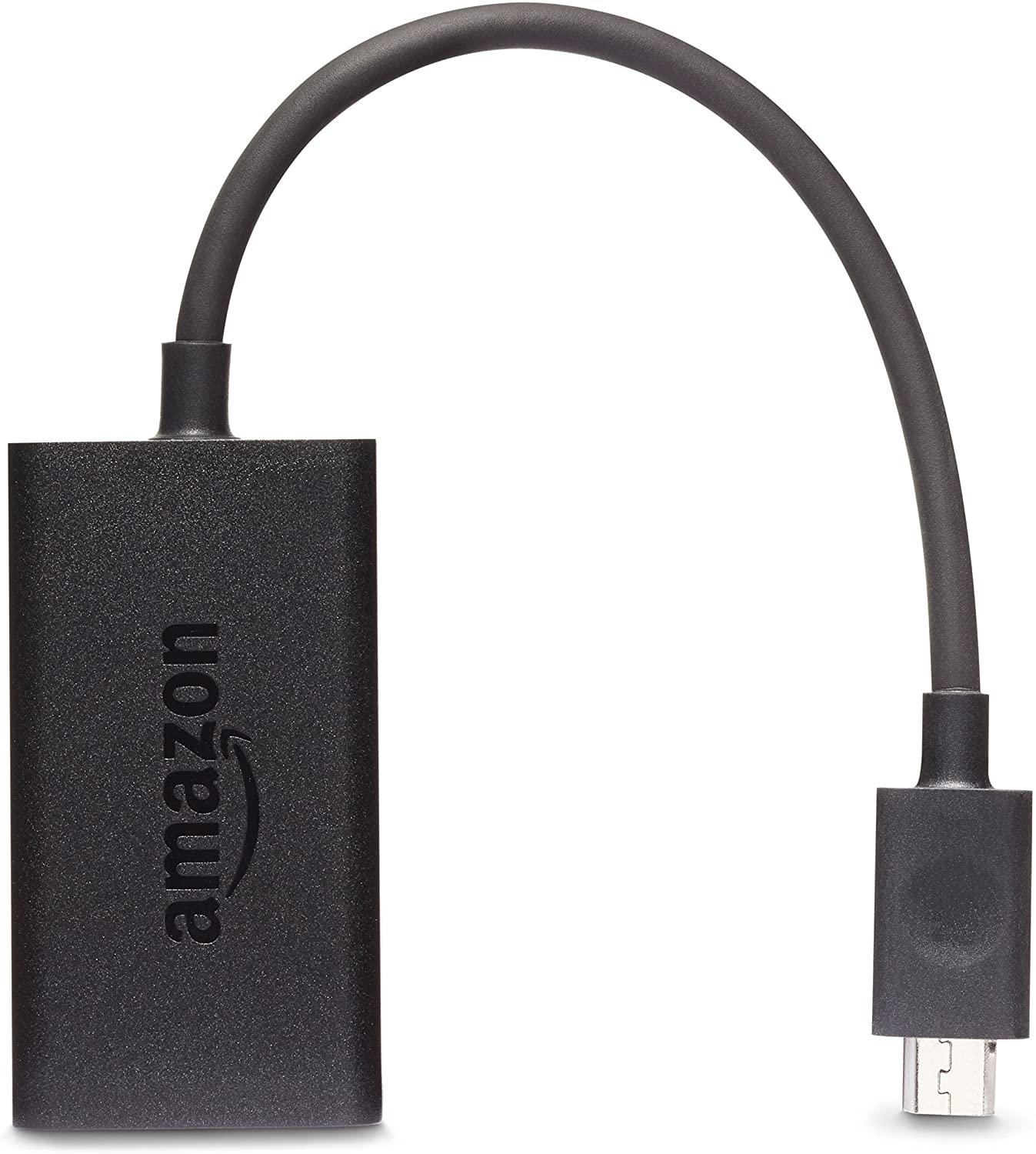
Some older and discontinued models of Kindle ereader may not be able to play audiobooks.
There is an easy fix for older Kindles that have a built-in micro USB connector – you need to buy from Amazon an additional piece of hardware (a small audio adapter) and plug it in a micro USB connector. This adapter is sold only on the main Amazon website.
The price of the Kindle audio adapter is $ 19.99.
This Kindle adapter works on older Paperwhite and Oasis models as well on Voyage models (if they have a built-in micro USB connector).
You don’t need to download any additional software to play audiobooks. Just plug one end of the Kindle audio adapter (micro USB connector) to the mating micro USB connector on your Kindle ereader. Plug your headphones into the other connector on Kindle audio adapter (headphones receptacle) and you are ready to listen to audiobooks. If you wish to listen to audiobooks on your speakers instead of listening to them on headphones, just plug the 3.5mm audio jack of your speakers into a 3.5 mm receptacle on the Kindle audio adapter.
Kindle Audible
Audible was one of the first companies that offer digital audiobooks. Now it offers a huge selection of audio books - it is one of the largest providers of audiobooks in the world.
Audible is well integrated into all newer models of Kindle devices including Kindle Oasis, Kindle Paperwhite, and Kindle basic model. When you tap on the Kindle Audible tab you can easily search for different genres of audio books. When you choose and pay for audio book, it will appear in your library (some audio books are free). Then you just need to tap on the title of the audiobook you wish to listen to.
To become a member of Audible you will sign up for a membership via your Amazon account. Depending on the type of membership, each month you get credits for free audio books and access to buy additional books.
Audible offers the user a 30-day free trial. After the free trial, a subscription to Audible in the USA costs $7.95 per month for Audible Plus and $14.95 per month for Audible Premium Plus.
On the other hand, Kindle Unlimited allows you to access more than one million ebooks, audiobooks, and magazines within the Kindle Store. The cost of Kindle Unlimited is $9.99 per month.
Kindle Paperwhite Audio

Kindle Paperwhite audio feature allows users to listen to audio books. Amazon added a Bluetooth feature in the design of the latest version of Kindle Paperwhite 2018 so users can pair Bluetooth headphones or speakers with Paperwhite and listen to audio books. New Kindle Paperwhite comes with a built-in link to Audible, which gives you the option to download and listen to audio book read by a professional narrator.
All standard Kindle books do not have an Audible version, but most fiction books in English are available in audio versions.
Some books are Whispersync enabled. Whispersync means that you can switch between reading the ebook and listening audiobook at any time and it will remember the last location listened to in your audiobooks or read in an eBook. This is done automatically and requires little or no setup. The audio reading from the audiobook is synchronized with the textbook, making it easy to go back and forth between reading and listening. If you have a Kindle textbook that supports Whispersync for Voice, you can buy the audio companion at a discounted price using the Audio Upgrades feature.
If you have the audio book already downloaded in Kindle Paperwhite audio library, you don’t need internet access to play it. However, you need internet access to download audiobooks. When you buy a Kindle Paperwhite, it needs to be registered against your Amazon account. For that registration, you will also need WiFi.
Kindle Oasis Audio
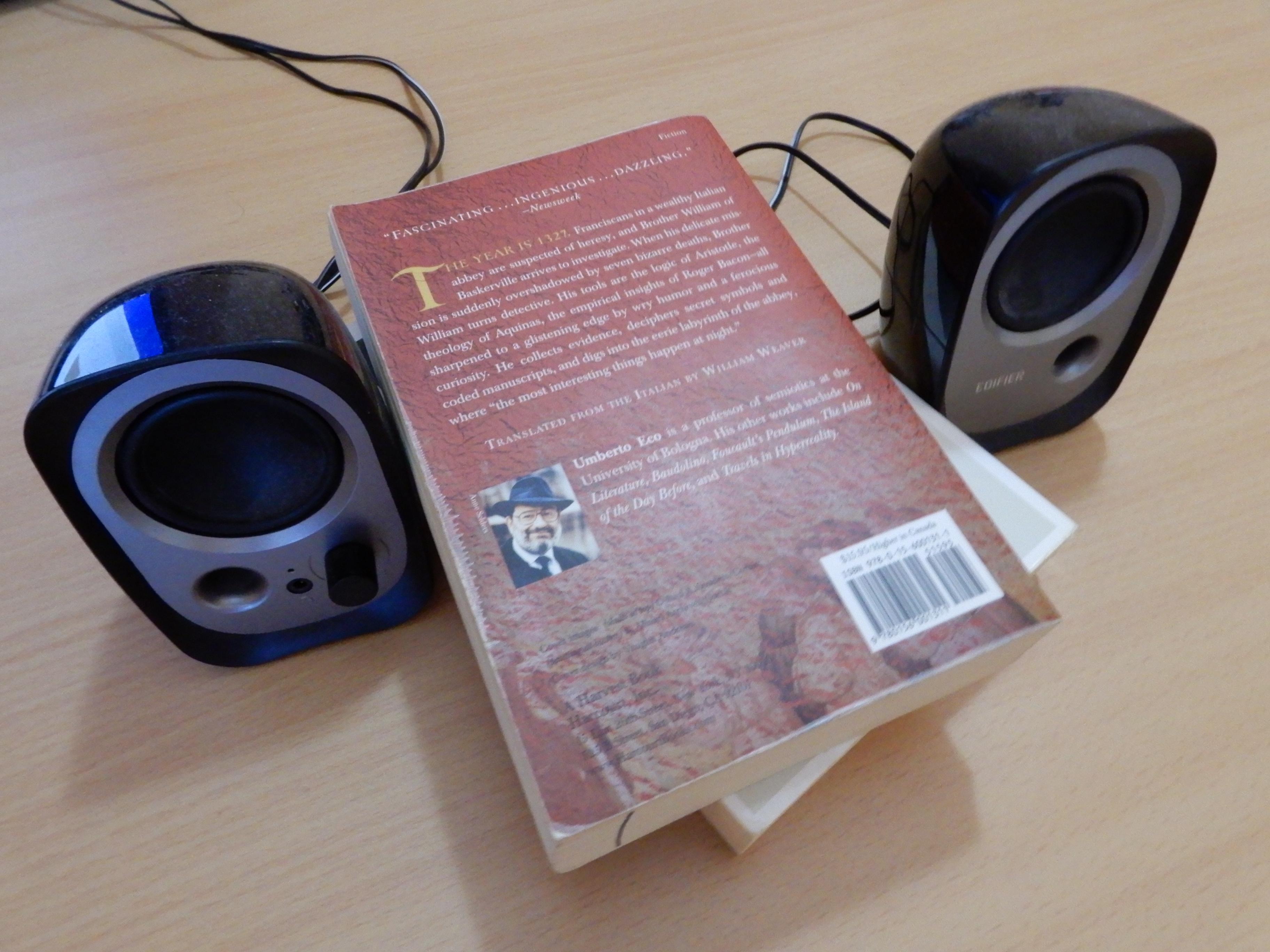
Kindle Oasis audio feature allows users to play audiobooks since it has built-in support for Audible. Thanks to Bluetooth function it is possible to pair Kindle Oasis audio with Bluetooth headphones or Bluetooth enabled speakers. For example, you can listen to an audio book on speakers in your car while driving.
Listening to a book read by an actor or someone who is good at reading aloud can be a wonderful experience. This audio feature on the new Kindle Oasis is also very useful for children. As they listen to audio-books, children can enjoy a new story while hearing fluent reading and learning to pronounce words.
Listening audiobooks will cause the battery on your Kindle with the audio capacity to drain faster than reading e-books. Since the battery on Kindle Oasis can last up to 6 weeks based on a half-hour of reading per day, it means that your battery will still last for a long time even when listening to audiobooks.
Kindle Oasis comes with a one-year limited warranty.
Kindle Fire Audio
Lots of people have mentioned that they would like to play audio book and display a text version of a book at the same time.
Fire tablet audio supports Immersion Reading which lets readers read along with the highlighted text as the narrator reads aloud.
Fire tablets’ technology is completely different than Kindle e-reader's E-Ink technology.
Audible has several audiobooks with synchronized images for little children so they’ll show on your Fire tablet as you listen to the narration. These kid’s audiobooks are cheap - most of them are less than $2.
Besides playing audiobooks that you can read along with, Fire tablets are completely functional, capable devices with great affordable prices. You can also play music on Kindle Fire since it as any other tablet, supports a number of digital audio file formats for sound and speech, including the popular MP3 file. Kindle Fire price seems too good to be true comparing to other tablets.