Is Your Salvaged Battery Safe? 6 Essential Tests for Li-Ion & LiPo Cells
by dariocose in Workshop > Energy
211 Views, 1 Favorites, 0 Comments
Is Your Salvaged Battery Safe? 6 Essential Tests for Li-Ion & LiPo Cells

Don't Throw Them Away! Salvage and Test!
A while back, I built a battery pack using cells salvaged from disposable vapes and old laptops.
For us makers, these sources are a real gold mine!
Not only do they let us grab expensive components for free, but they are also a great way to reduce e-waste and make our DIY projects way more sustainable.
However, using these batteries "blindly" can be dangerous. A lot of you asked me: "How can we tell if a single recycled cell is actually safe?".
Checking a circuit board is pretty straightforward, but figuring out the chemical health of a battery requires a closer look.
A cell might look perfect on the outside but hide internal issues that make it useless or even risky.
In this guide, I'll walk you through 6 essential tests to grade and sort your salvaged batteries. We’ll use simple, cheap gear that any electronics hobbyist probably already has lying around, like a multimeter and a charging module.
If you're lazy like me, you can just watch the video instead of reading like an old person!
Supplies
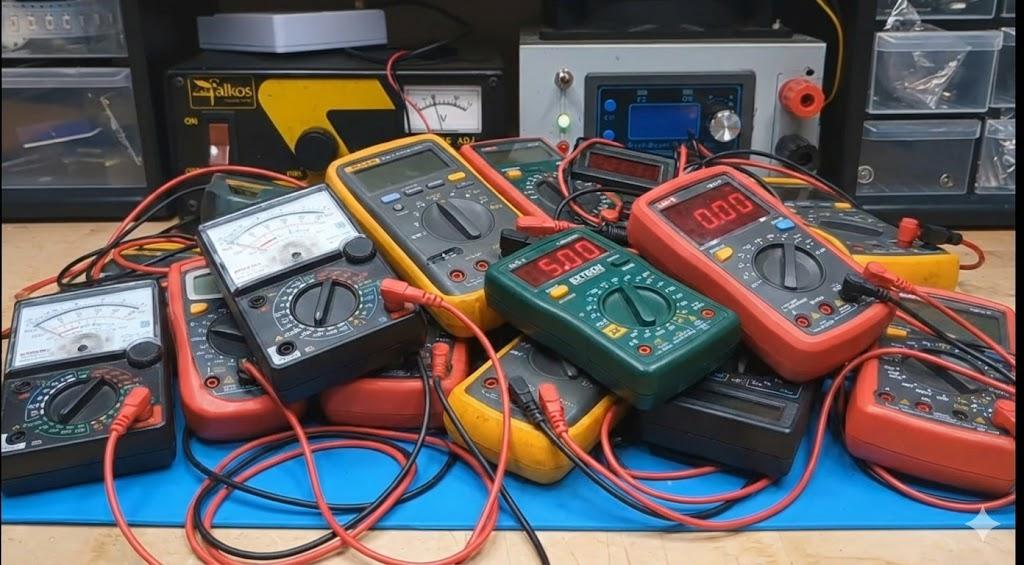
- Multimeter
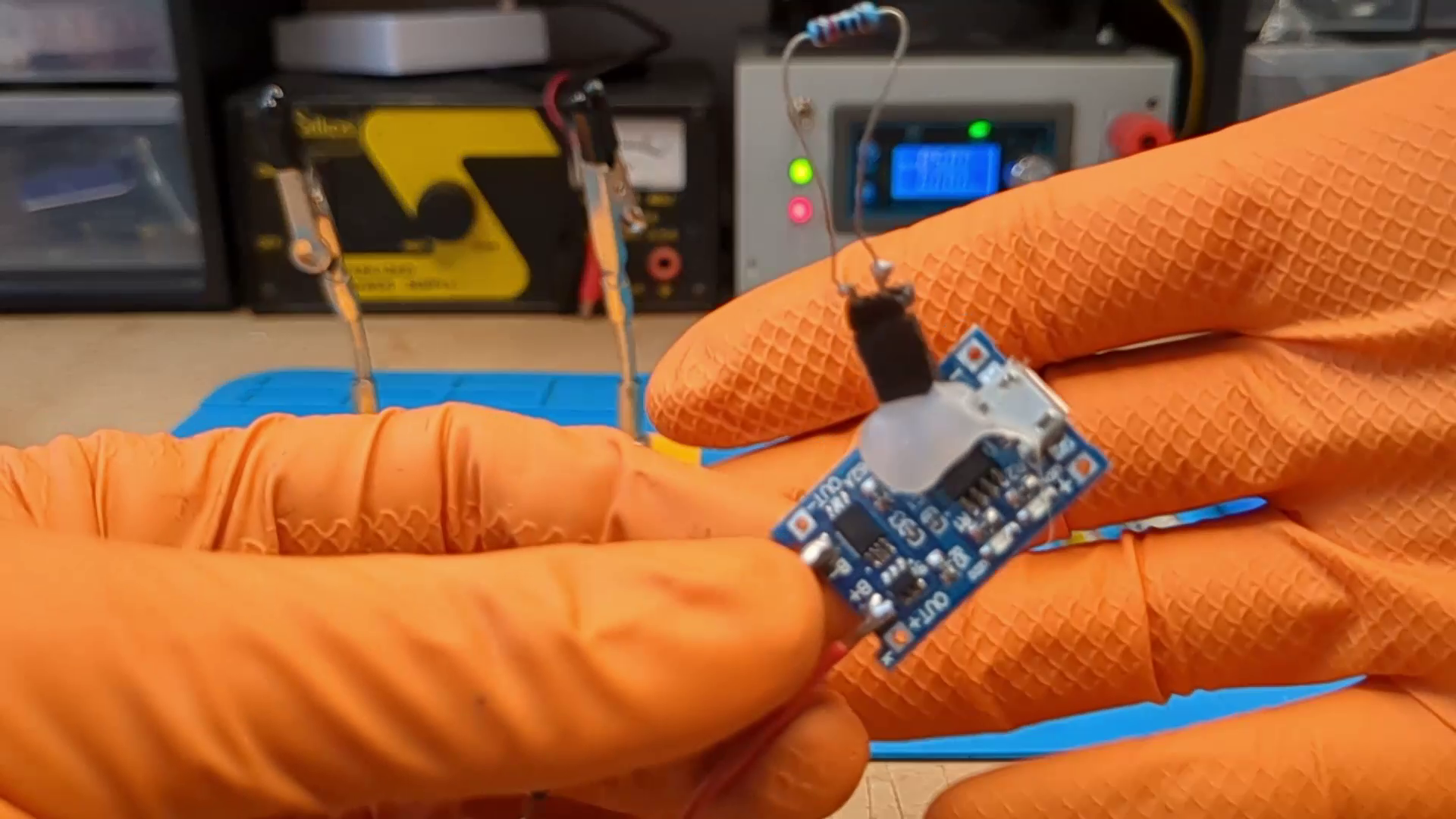
- Battery charger. I use a simple TP4056.
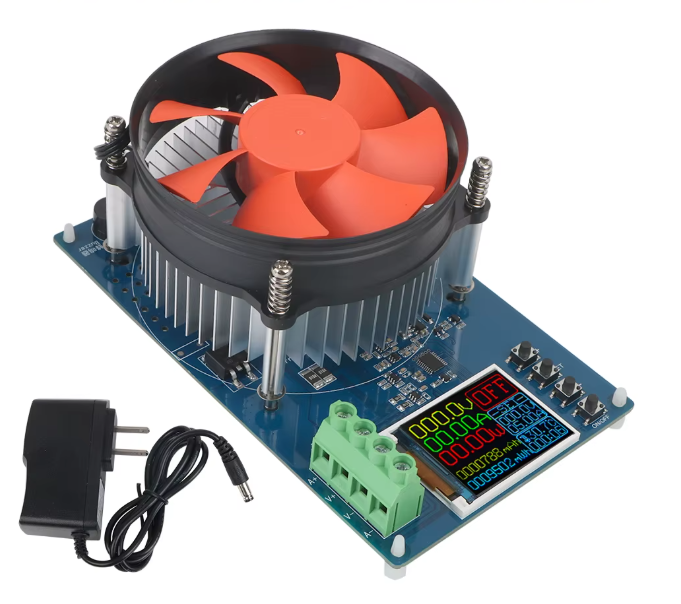
- Electronic Load. I use this one, but this other one is much better!
- Thermometer or thermal camera.
- Patience
- Lots and lots of batteries...

The Visual Inspection (The "Eye" Test)
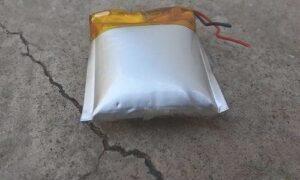
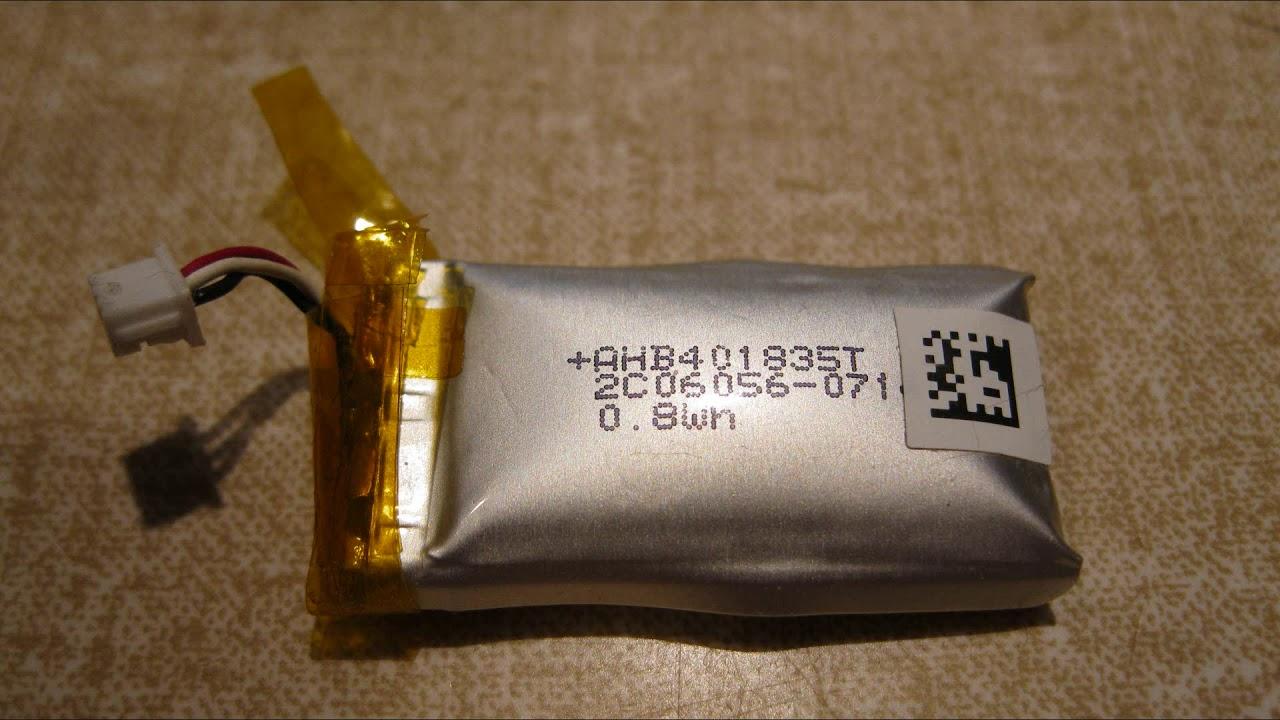
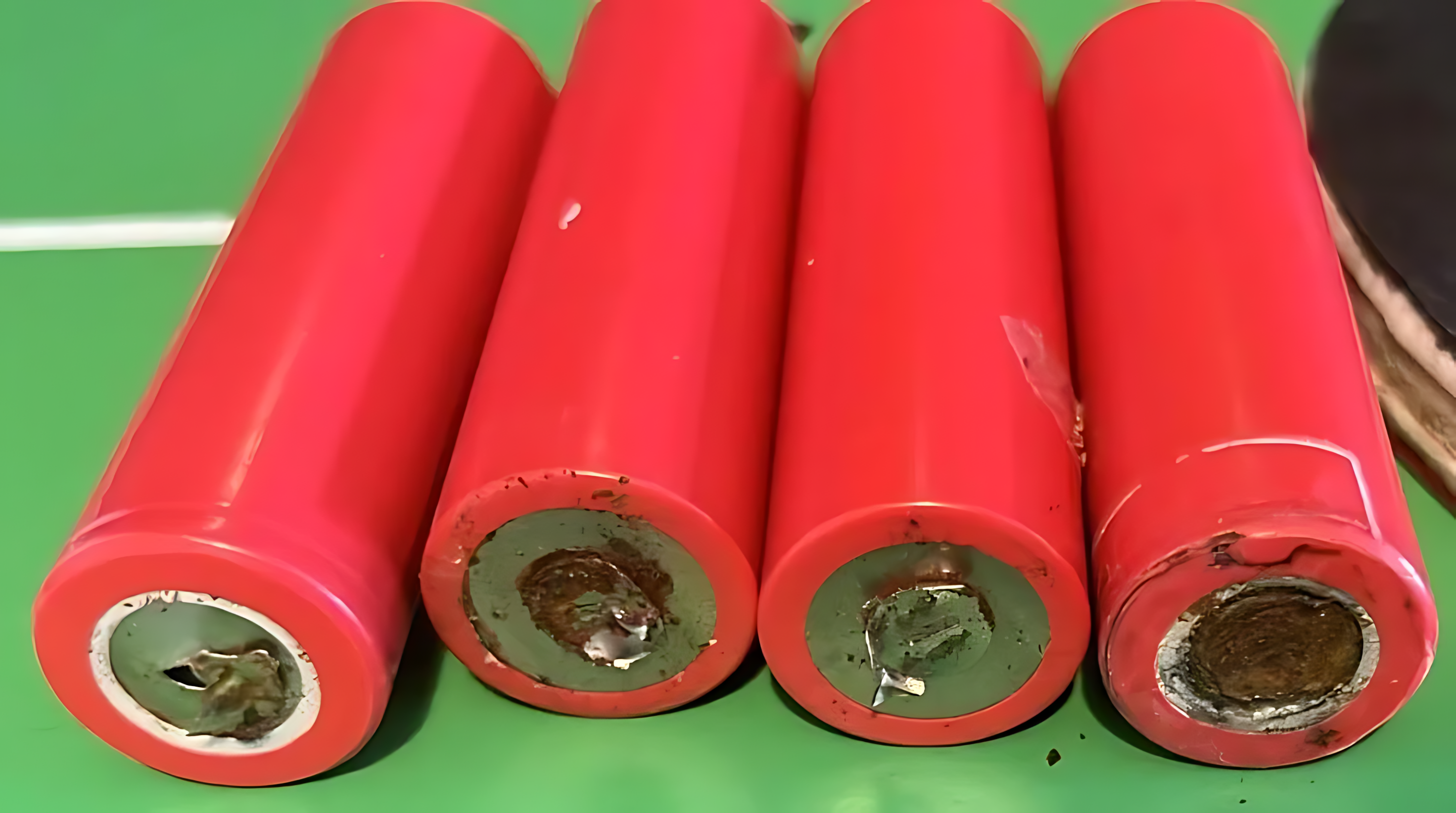
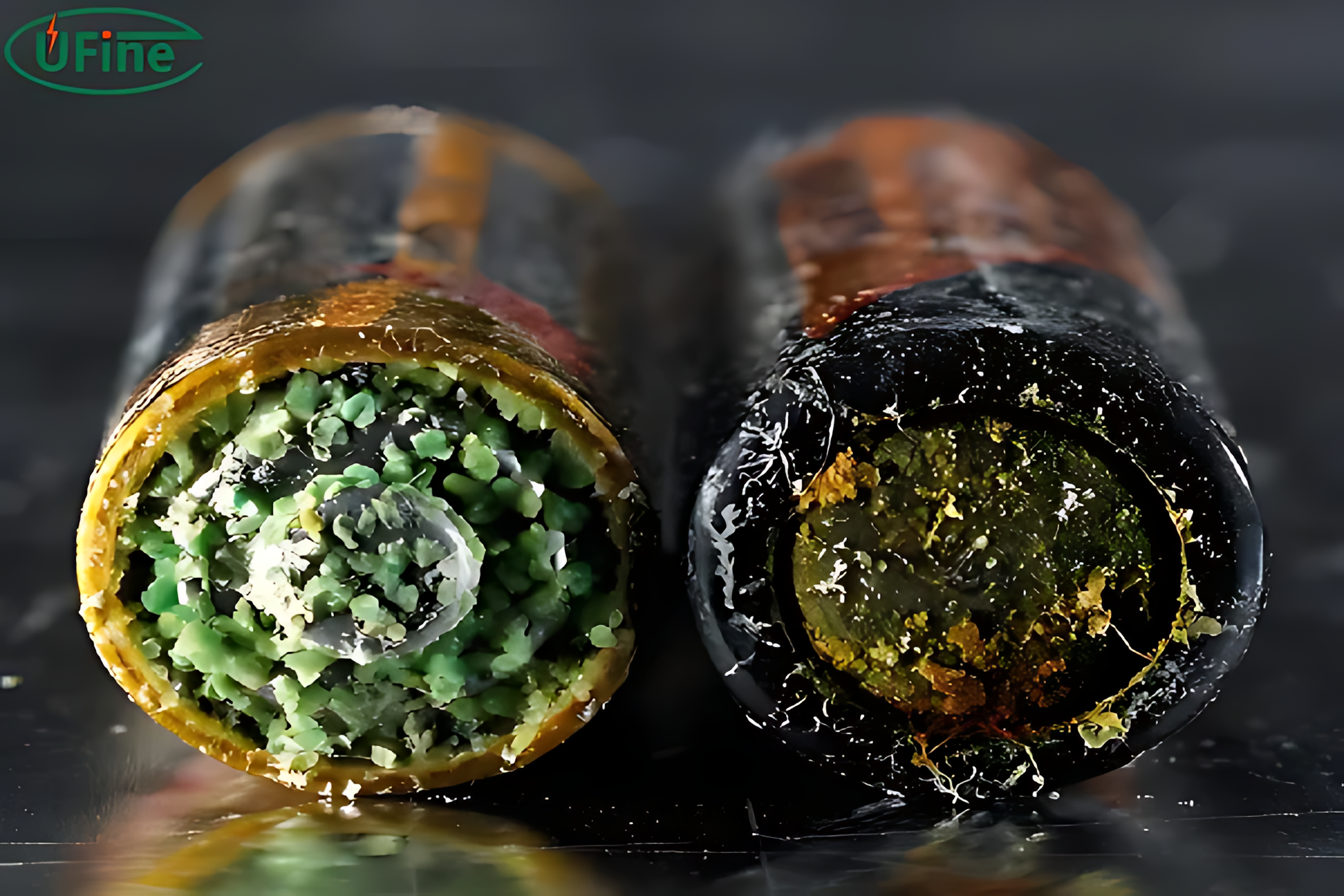
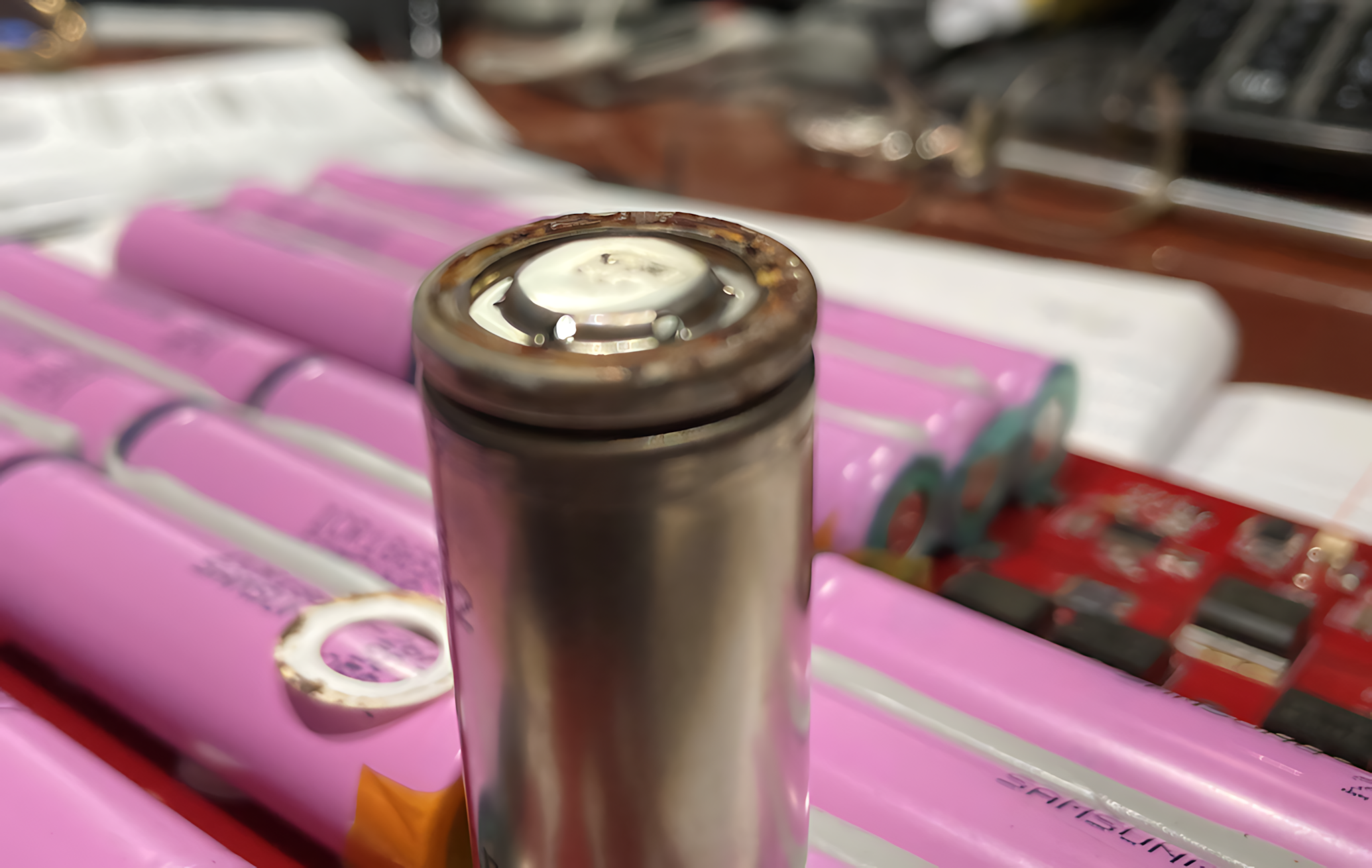
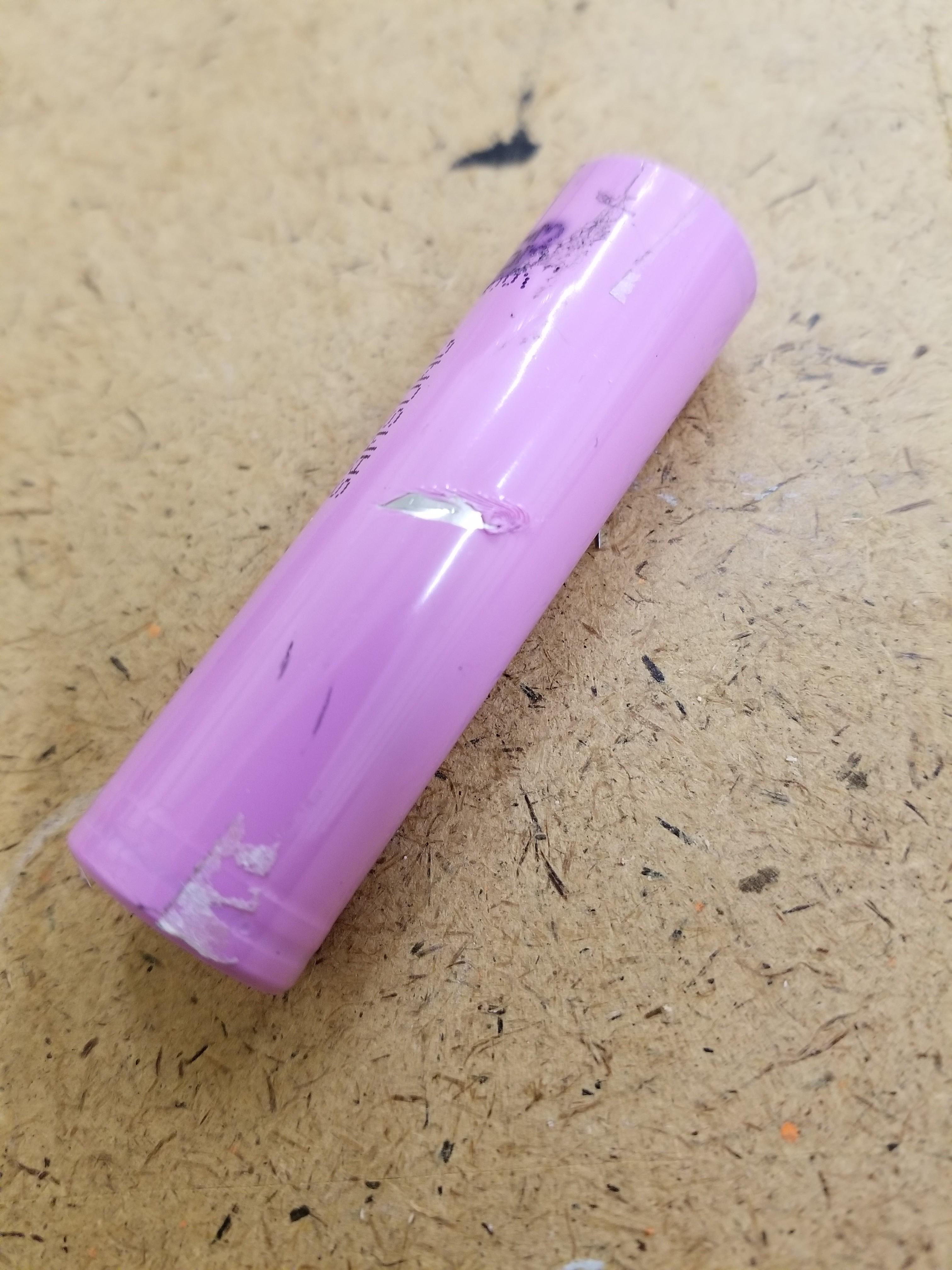
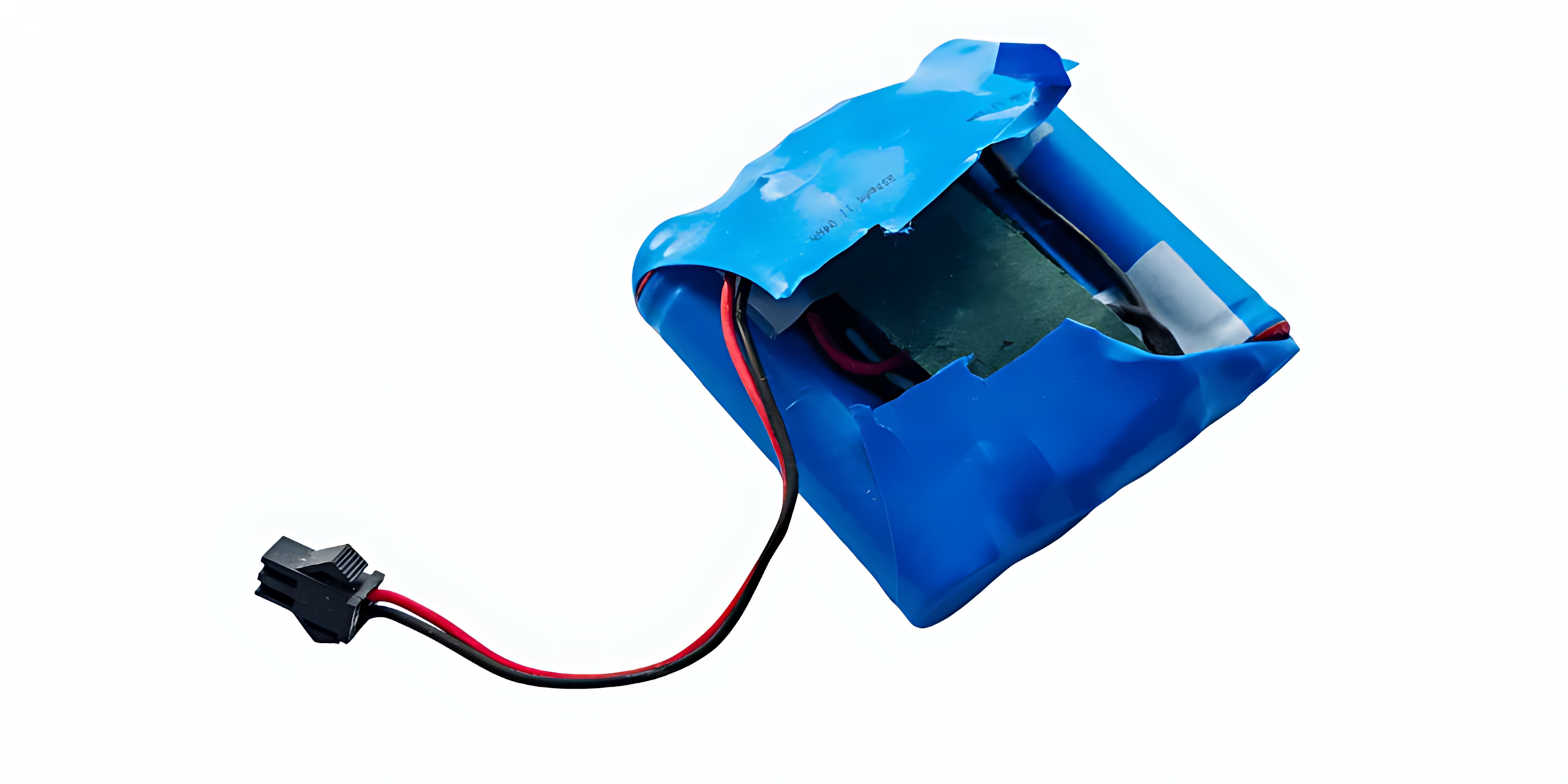
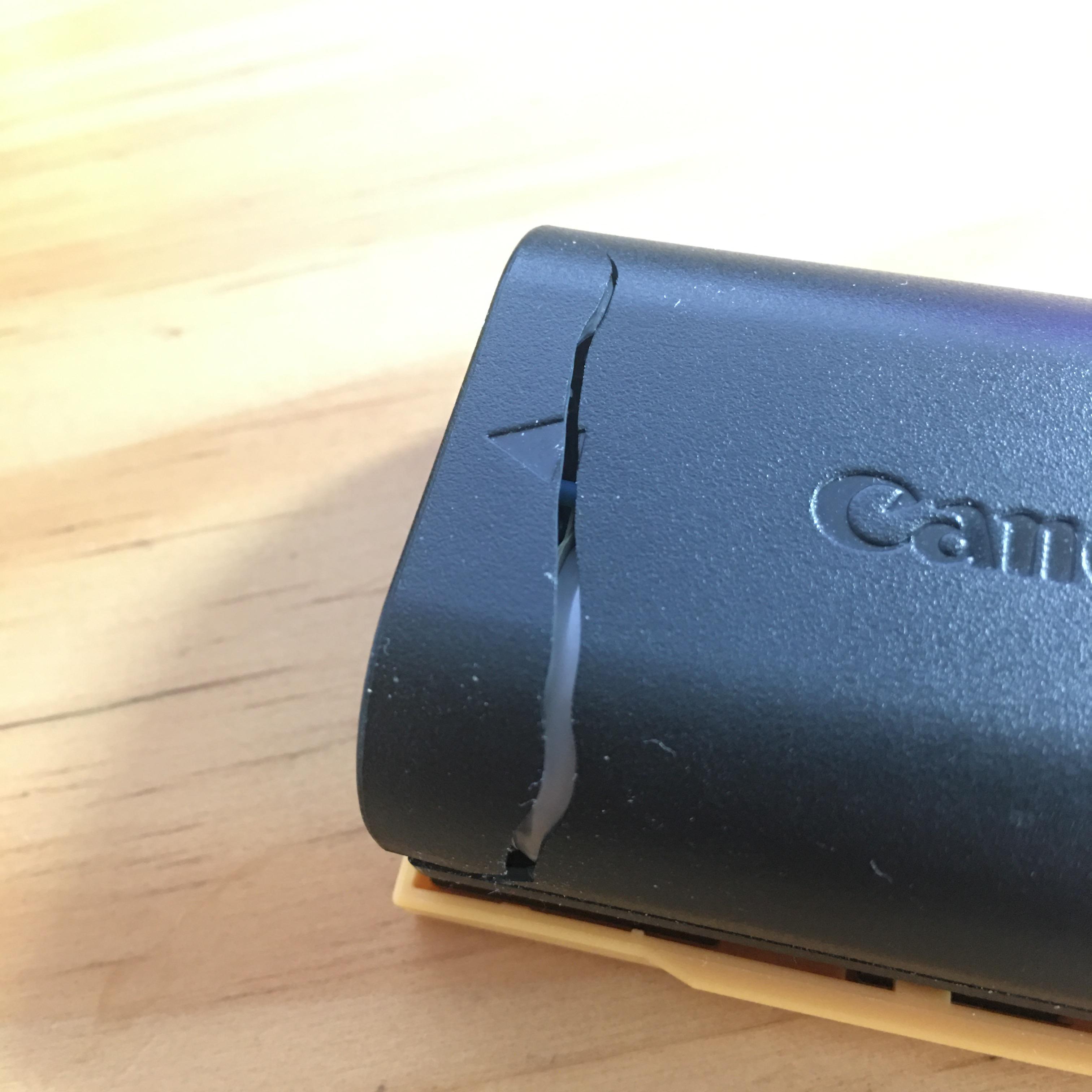
Let's kick things off with the simplest and most immediate test. The only tool you need here? Your eyes. Before we even think about hooking up any meters, we need to scan for obvious signs of stress, chemical damage, or physical abuse.
Here is a checklist of what to look out for and how to interpret what you see:
1. Swelling Check for any puffiness, especially on flat Lithium Polymer (LiPo) batteries, also known as "pouch cells".
- BIN IT: If the battery looks like a puffy cushion (aka a "spicy pillow"), it means gas has generated inside due to electrolyte decomposition. It is unstable and dangerous.
- KEEP IT: If the surface is flat.
- Note: Sometimes salvaged cells might have tiny surface dents from being squished in their original case (like in my video). If they aren't deep and there is no swelling, keep an eye on them, but they might still be usable.
2. Leaks Look for traces of leaking electrolyte.
- BIN IT: If you see whitish or crystalline powder on the contacts, or if you smell a sweet chemical odor. The cell is compromised.
- KEEP IT: Sometimes you might find sticky residue. Scratch it lightly: if it's just glue or tape residue (like Kapton tape), the battery is fine. Just clean the contacts thoroughly with Isopropyl alcohol.
3. Rust & Corrosion Inspect the positive and negative poles carefully.
- BIN IT: If the poles are heavily corroded or rusty, the internal resistance is likely too high, and there is a real risk of overheating.
- KEEP IT: If the metal contacts are shiny and clean.
4. Physical Damage Look for deep dents, punctures, or damage to the outer shell (the "wrapper").
- BIN IT: Deep dents that deform the outer structure or punctures on the surface. This means a high risk of an internal short circuit. Don't risk it.
The Voltage Check (The "Multimeter" Test)
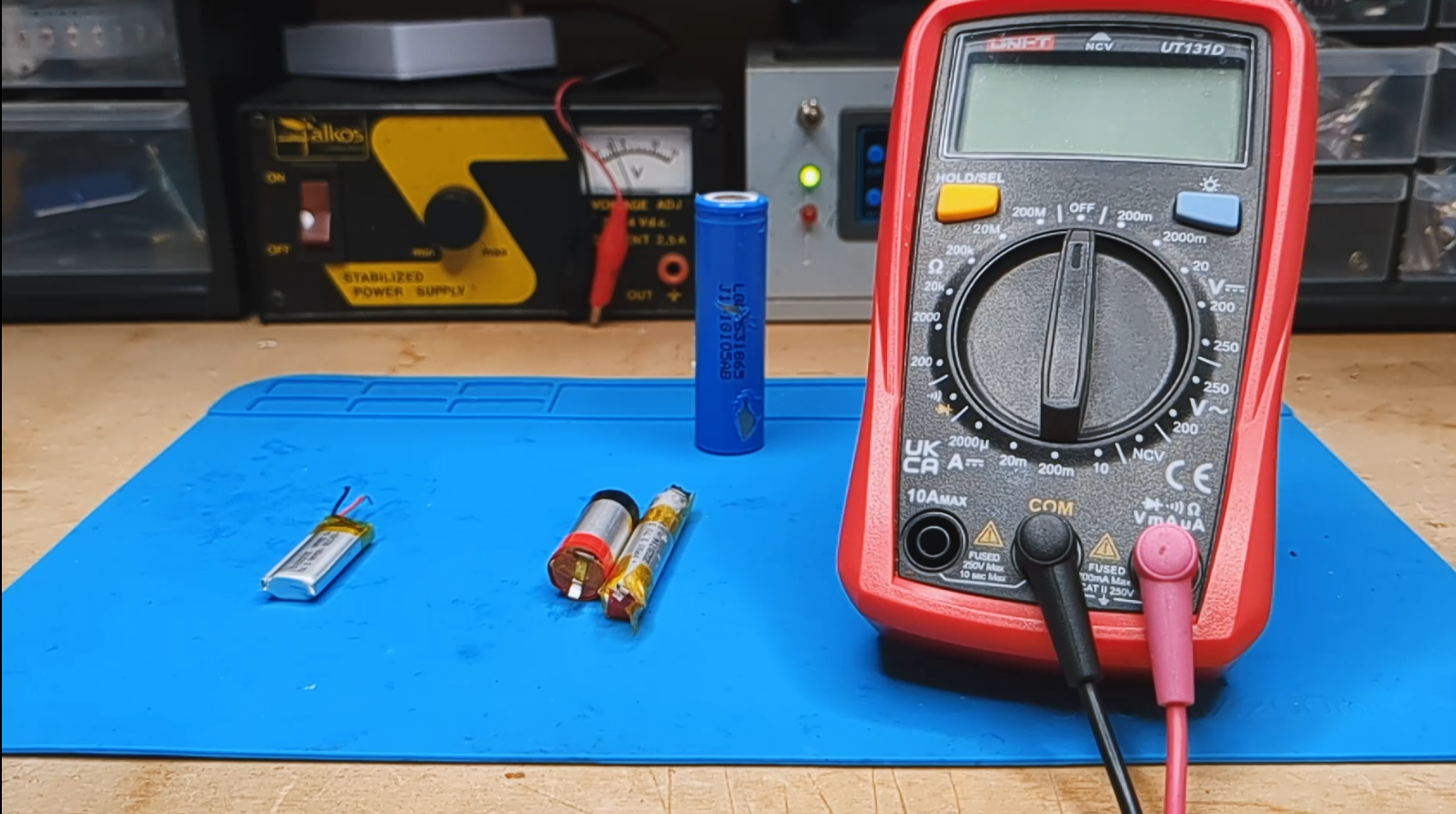
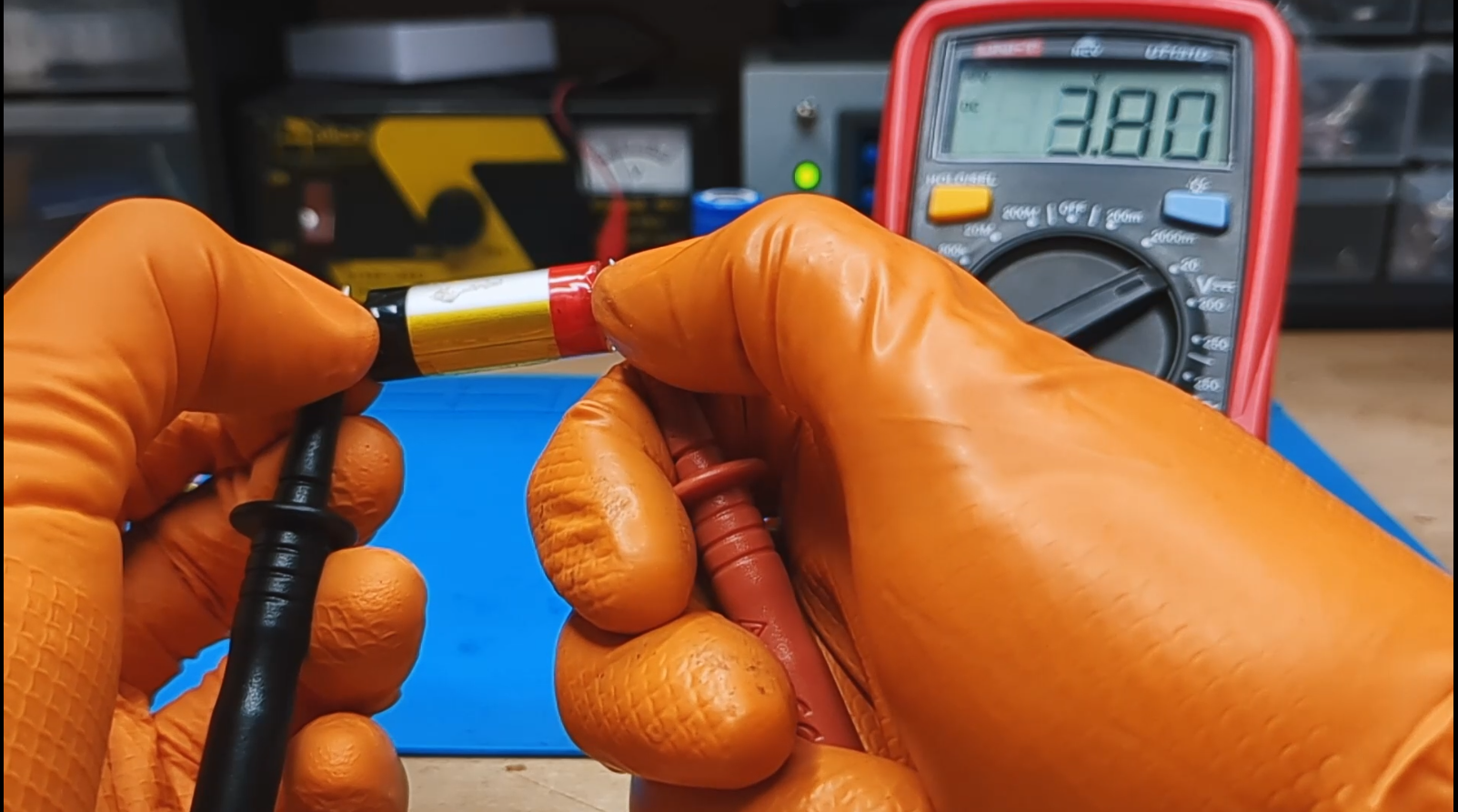
For this second test, all we need is a multimeter. Don't worry if you don't have professional gear: for this kind of measurement, even a cheap $10 multimeter (or that old tester gathering dust in your drawer) works perfectly fine.
The goal here is to measure the resting voltage of the battery before trying to charge it. This gives us a crucial clue about the internal chemical state of the cell.
How to interpret the numbers: Connect the probes to the battery poles and read the value:
- 🟢 Safe Zone (3.0V - 4.2V): If the battery voltage is between 3 and 4.2 volts, it means it’s in a good operating range. The chemistry is stable, and the battery is ready to be charged and tested further.
- Example: In my video, I found cells at 4.0V, 3.8V, and 4.1V. All great candidates for salvaging.
- 🟡 Warning Zone (2.5V - 3.0V): The battery is deeply discharged, but it might still be recoverable. Proceed with caution in the next tests.
- 🔴 Danger Zone (< 2.0V - 2.5V): Here is where the trouble starts. A lithium cell that has been kept below 2V or 2.5V (depending on the specific chemistry) for a long time suffers from irreversible chemical degradation.
- Why is it dangerous? At these low voltages, the electrolyte breaks down and copper dendrites can form inside. These risk causing sudden internal short circuits the moment you try to charge it.
- Advice: If you find batteries close to 0V or way below 2V, the safest choice is to recycle them. Don't try to revive them.
Note: Even if a battery shows a good voltage (e.g., 4.1V), we aren't 100% sure it's perfect yet, but at least we know it's not "dead." Let's move to the next test to put it under some stress.
The Heat Test (Charging Phase)
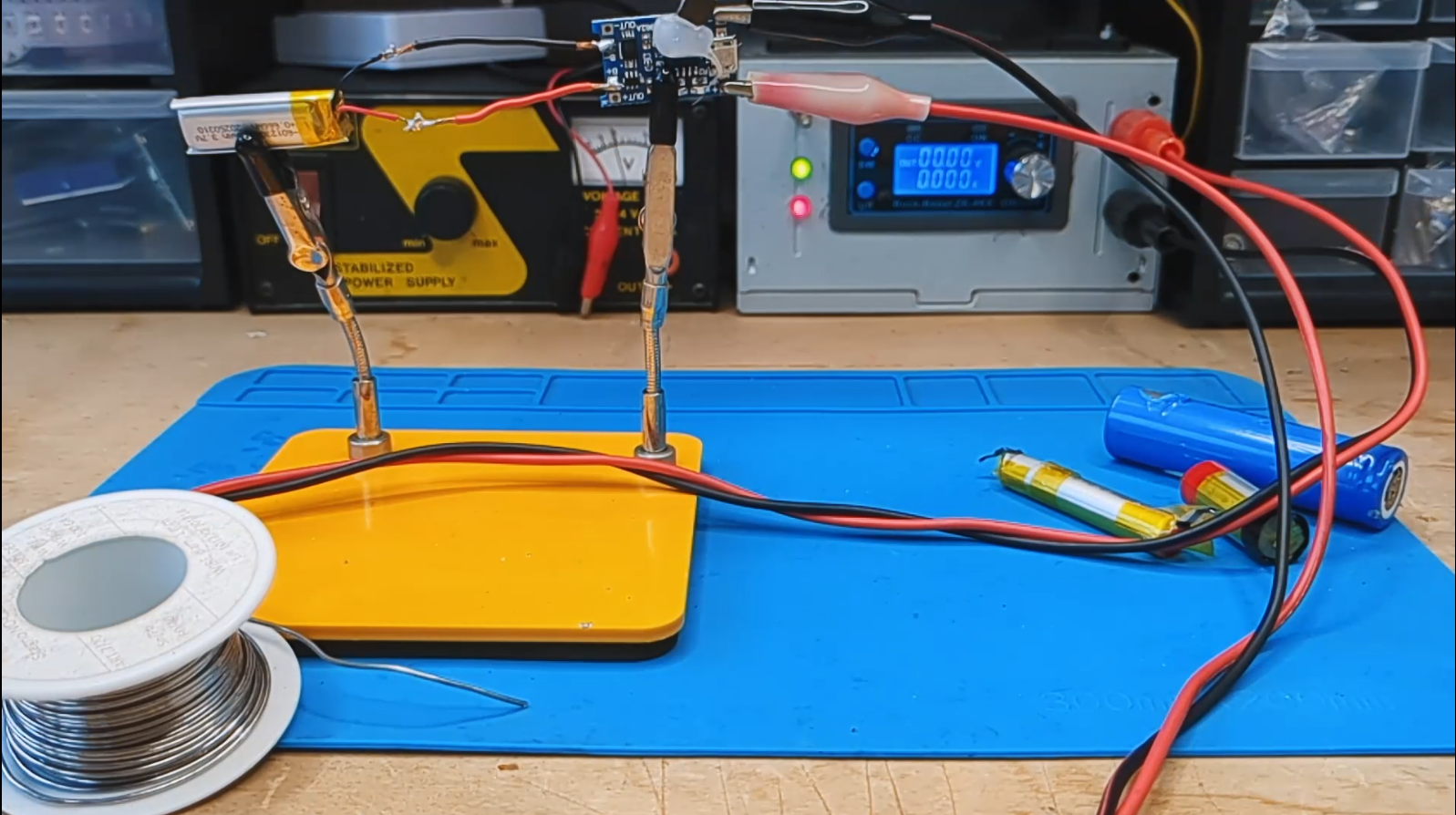
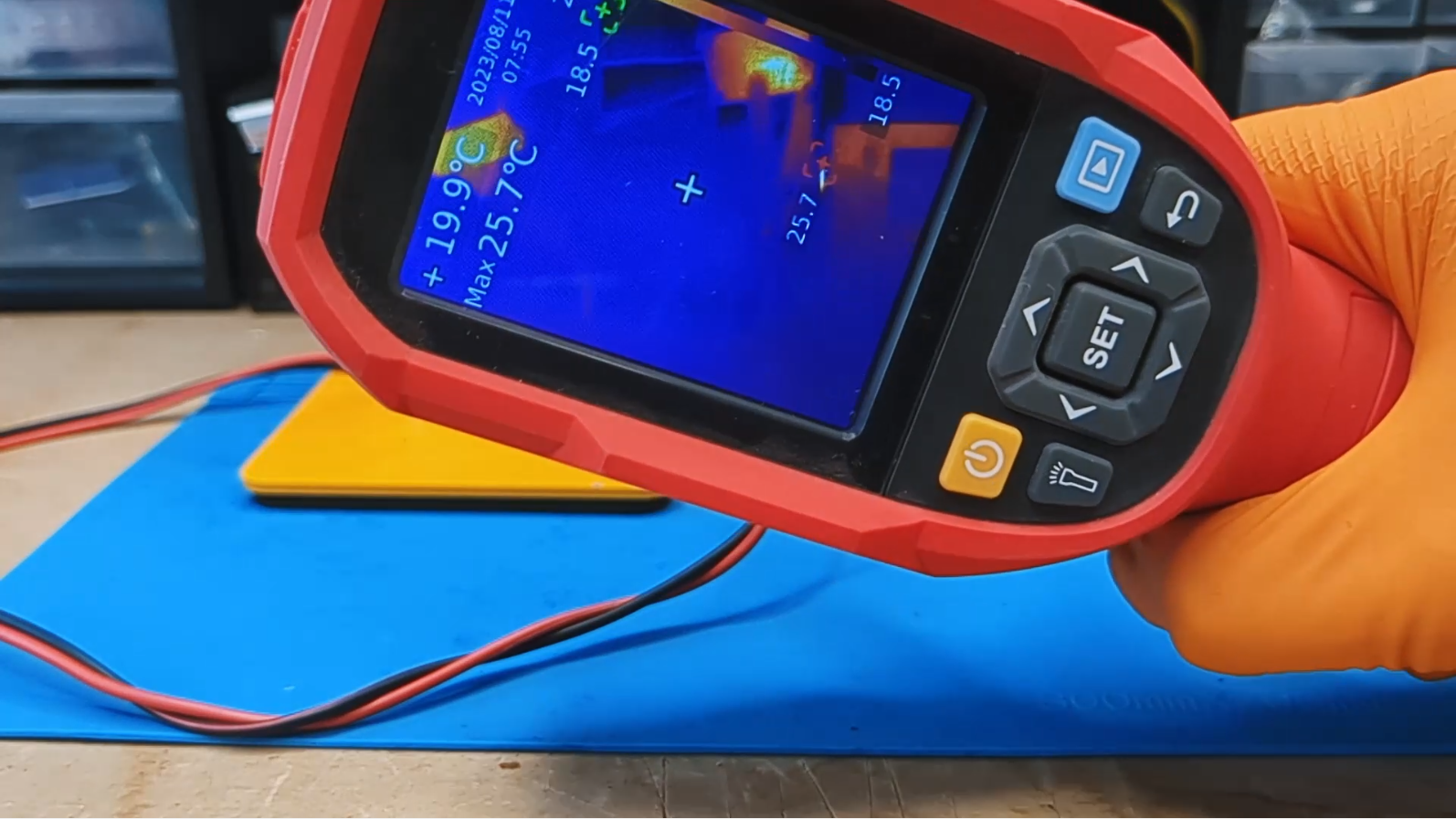
The third test consists of putting the battery under charge and seeing how it reacts to the energy input. To do this, we'll use a common charging module (like the TP4056 I modified in the video ) or a bench power supply.
The goal is to charge the battery slowly and monitor the temperature. If there is an internal short circuit or abnormal resistance, the energy will turn into heat instead of being stored chemically.
1. Setting the Current (What is C-Rate?)In the video, I mentioned charging at 0.1C or 0.2C. But what does that mean? The C-rate is a unit that declares a current value relative to the battery's nominal capacity.
- 1C means a current that charges/discharges the battery in 1 hour.
- Practical Example: If you have a 2000 mAh battery:
- 1C = 2000 mA (2 Amps).
- 0.5C = 1000 mA (1 Amp).
- 0.1C = 200 mA.
The Rule: For this test, we want to be gentle. Set your charger or use a TP4056 module configured to deliver a low current. For example, I used about 100-180mA.
2. The Temperature Test (No Thermal Camera needed) Once charging starts, your job is to monitor the cell temperature every now and then. In the video, I used a thermal camera to visually show the heat, but it is absolutely not necessary. The most reliable and cheapest method is the "Touch Test":
- Gently touch the body of the battery with the back of your finger.
- Compare the battery temperature with the surrounding environment.
3. The Verdict
- ✅ PASS: If the battery remains cold or gets just slightly lukewarm (ambient temperature or a tiny bit more) throughout the charging cycle, it means the internal chemistry is accepting the charge correctly.
- ❌ FAIL: If the battery heats up quickly or becomes hot to the touch:
- Unplug it IMMEDIATELY! This indicates an internal short circuit (micro-short) or high internal resistance. The energy is being dissipated as heat.
- Do not use this battery. It is dangerous and could cause fires ("venting with flame") if stressed further. Put it aside in a safe container for disposal.
The Self-Discharge Test (Patience Is Key)
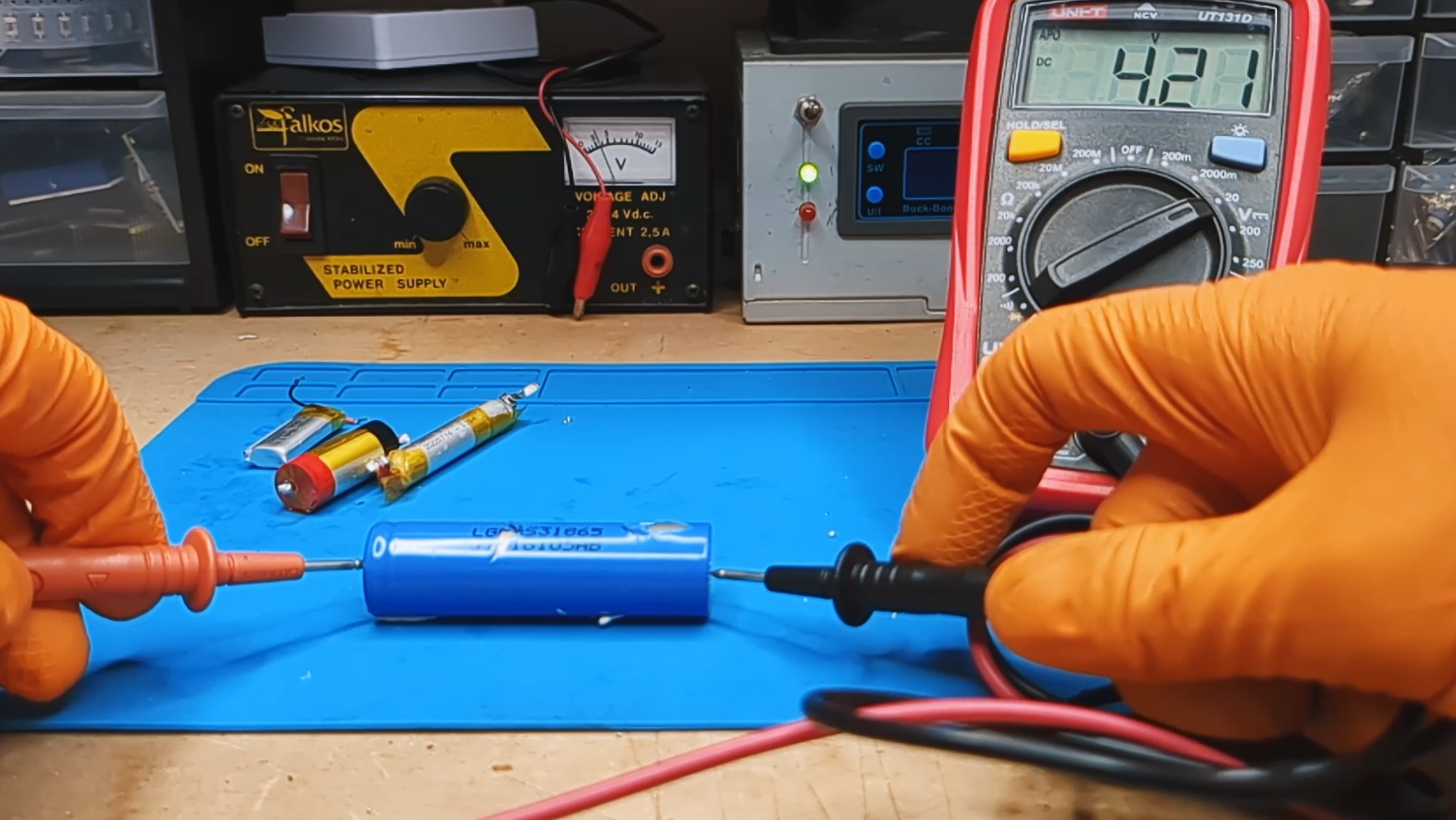
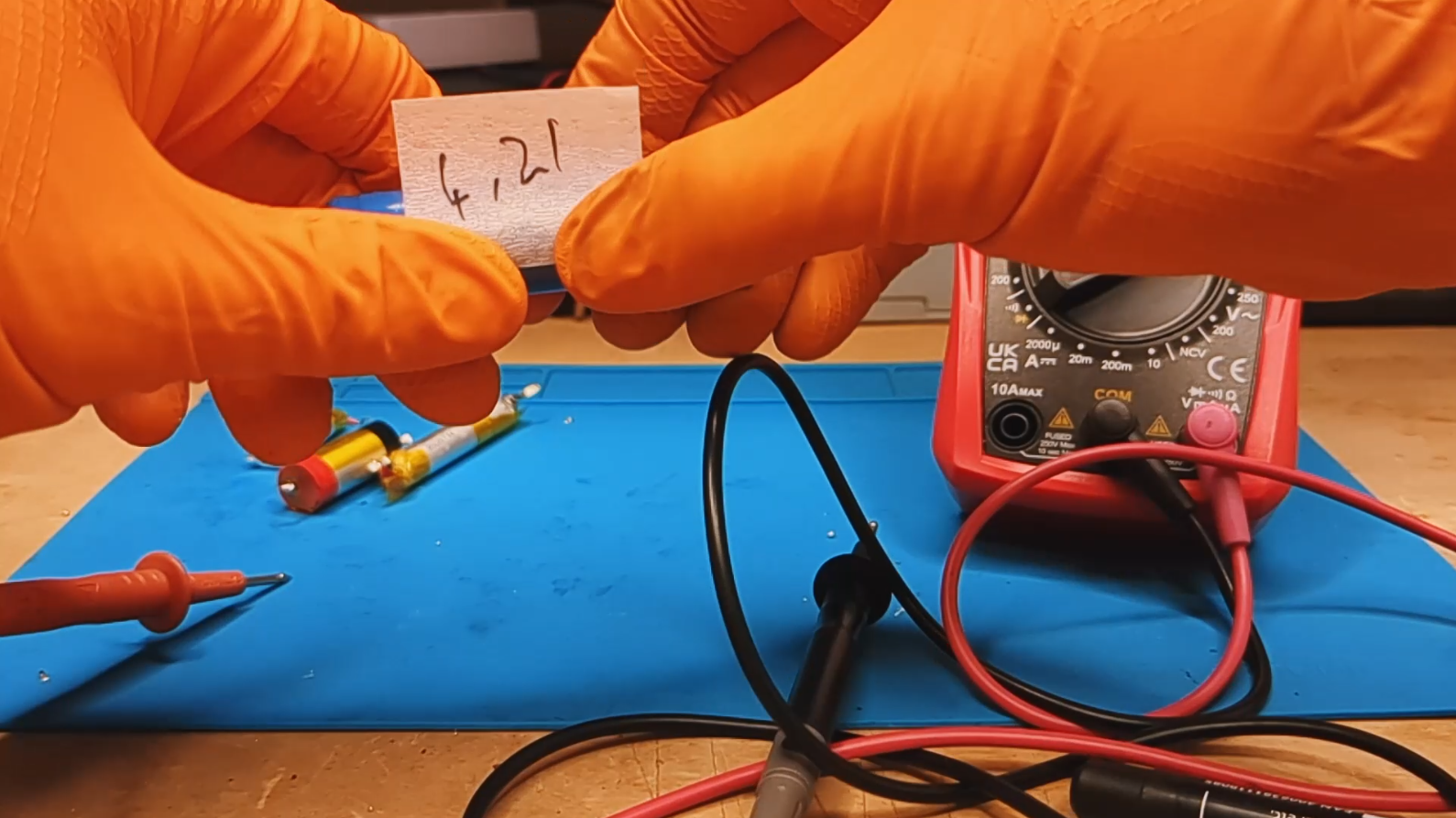
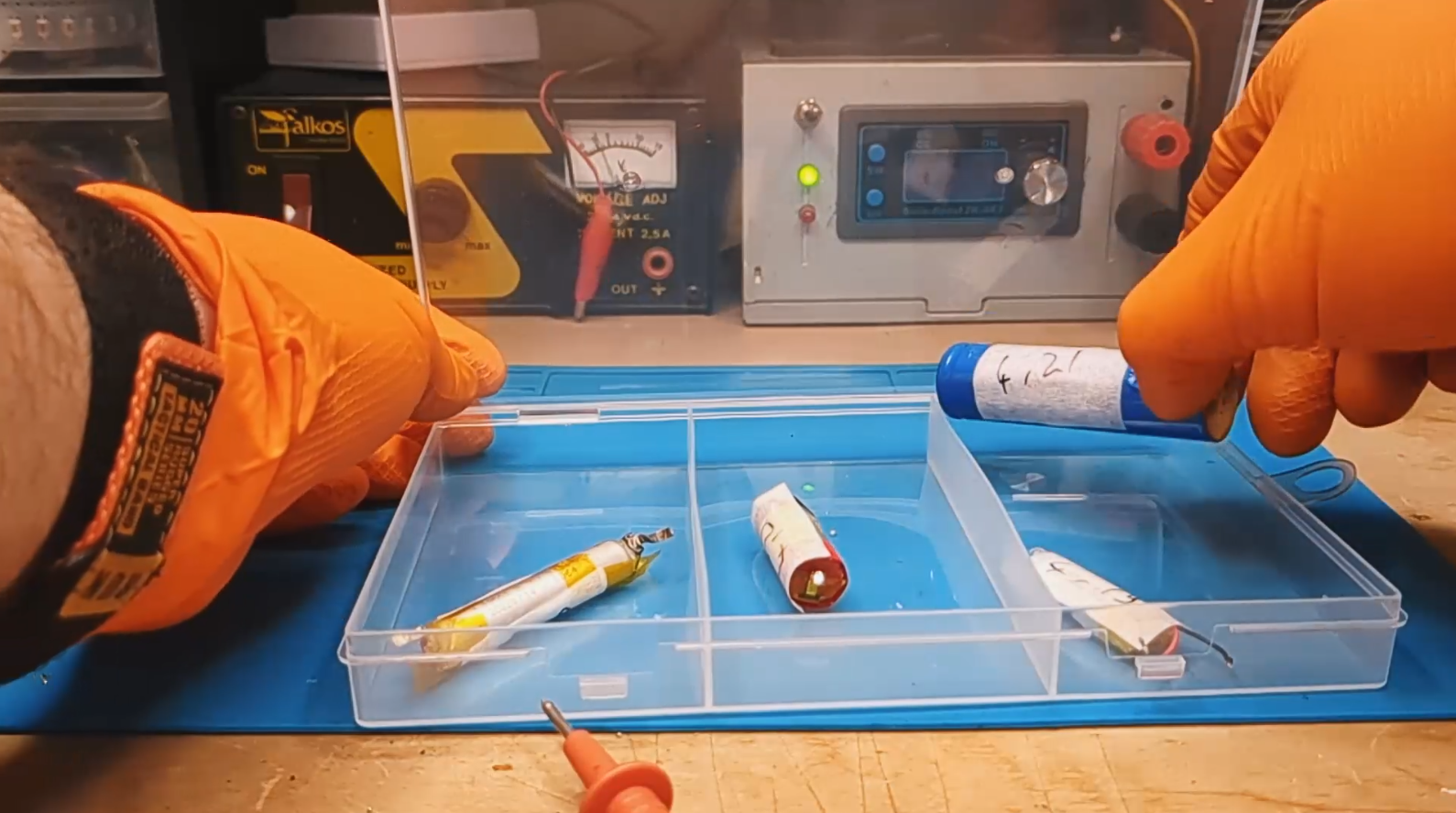
Now that the batteries are fully charged and haven't melted down, we need to check if they can actually hold that energy over time. A battery might look full the moment you unplug it (4.2V), but if the internal chemistry is unstable or damaged, it will drain itself ("self-discharge") way faster than it should.
The Procedure:
- Charge the battery completely to 4.2V.
- Grab your multimeter and measure the precise voltage (e.g., 4.19V or 4.20V). Write it down.
- Put the batteries to "sleep": leave them disconnected from any load in a safe place (a fireproof bag or metal box is ideal) and at a stable room temperature.
- Wait. In the video, I waited 9 days, but one week is enough to get a reliable result.
Analysis of Results (After one week): Grab the multimeter again and measure the voltage. Compare it with the number you wrote down.
- ✅ Great Condition (Loss < 0.05V): If the voltage dropped very little (e.g., from 4.20V to 4.19V or 4.18V), the battery is chemically stable.
- Example from the video: My old LG battery from 2010 lost only 0.02V in 9 days. An excellent result proving the internal isolation is still perfect.
- Example 2: The LiPo battery lost only 0.01V.
- ⚠️ Warning / Scrap (Loss > 0.1V - 0.2V): If you find the battery at 4.0V or less after just one week, it means it has a high self-discharge rate.
- Diagnosis: There are likely internal micro-shorts (dendrites) eating up the energy.
- Action: This battery is unreliable. If you use it in a project, you'll find it dead after a few days even if you don't use it. I recommend not using it for anything critical or just tossing it.
Capacity Test (The "Fuel Tank" Check)
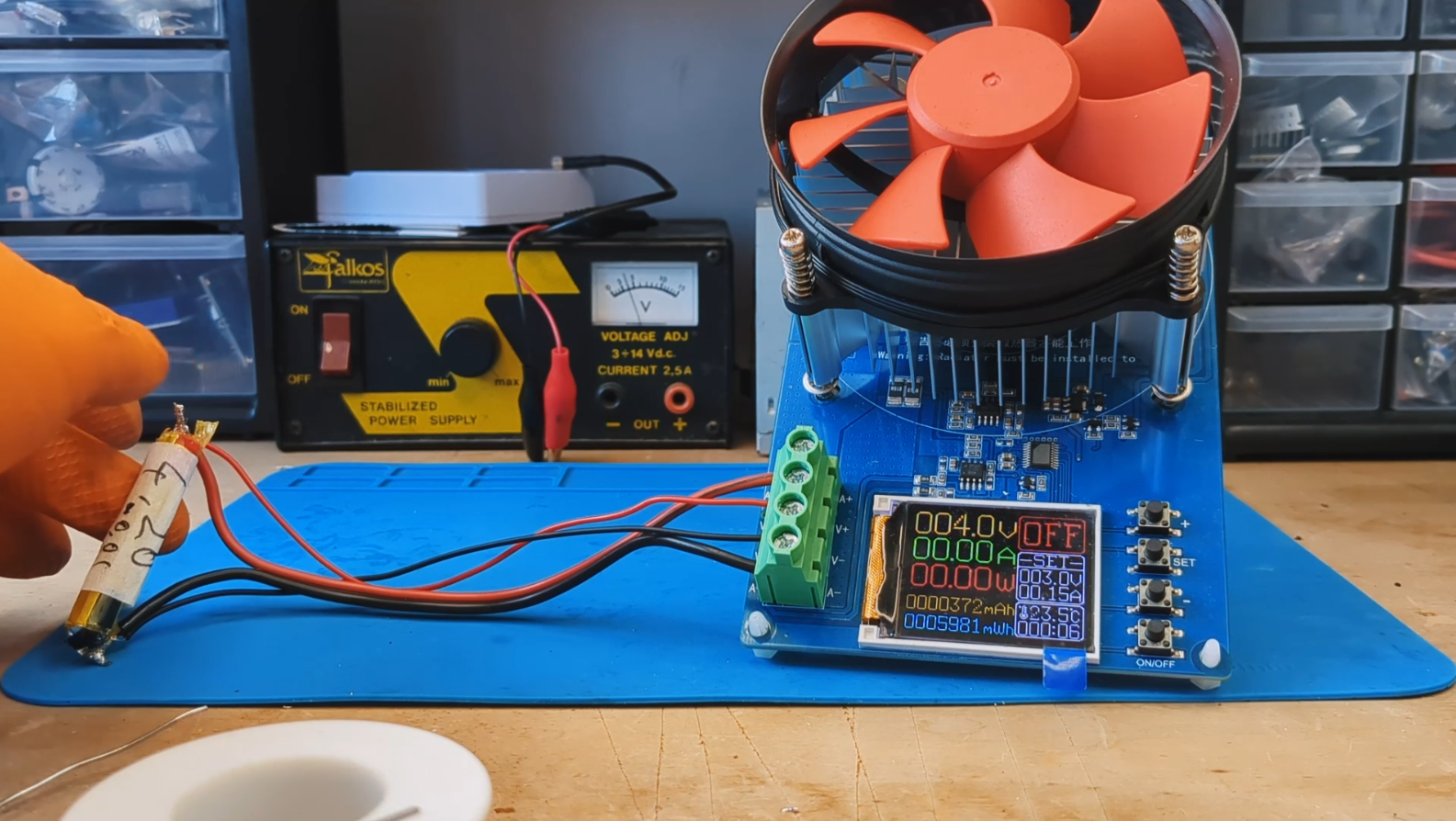
In the fifth test, we measure the actual capacity of the battery. This is the fundamental test to figure out exactly "how much energy" the cell can still store compared to when it was brand new. The numbers on the label (nominal capacity) don't lie, but they do age: a 2200mAh battery from 10 years ago definitely won't have that same capacity today.
Gear Needed:
- Pro: An Electronic Load (like the one I used in the video).
- DIY: If you don't have fancy gear, you can use a power resistor (calculating Ohm's law) and a stopwatch (or microcontroller), or a simple modified USB capacity tester.
How to set up the test: To get a standard and reliable result, we need to set two key parameters:
- Discharge Current: An industry standard is 0.2C.
- Example: For a 2000mAh battery, discharge at 400mA.
- Cut-off Voltage (Minimum Threshold): This is the point where we stop the test to avoid damaging the chemistry. For most Lithium batteries (Li-Ion & LiPo), set the cut-off to 3.0V.
⚡ Pro Tip from the video: If you use long cables or imperfect connections (like alligator clips), you might experience a voltage drop that stops the test prematurely. If you notice the test stops but the battery voltage immediately bounces back up to 3.5V, try lowering the cut-off setting on your load (e.g., to 2.8V or 2.4V) to compensate for the wire resistance and drain the battery down to a real 3.0V.
Interpreting the Results (Pass or Fail?): At the end of the test, the display will show the milliampere-hours (mAh) delivered. Compare this number with the original capacity printed on the wrapper.
- ✅ > 80% of Nominal Capacity: The battery is in great health!
- Recommended Use: High Drain applications like drones, power tools, vapes, or high-performance power banks.
- Example: My LiPo battery delivered 92% of its original capacity.
- ⚠️ < 80% of Nominal Capacity: The battery is considered "worn" by industrial standards, but don't throw it away!
- Recommended Use: Low Power projects.
- Example: My 2200mAh battery delivered 1773mAh (about 80%). It's perfect for powering an Arduino, an ESP32 sensor, or decorative LED lights that don't require high peak currents.
- ❌ < 50-60%: If the capacity is cut in half, the battery is likely too degraded to be useful. It's best to recycle it.
Internal Resistance (The "Hidden" Killer)
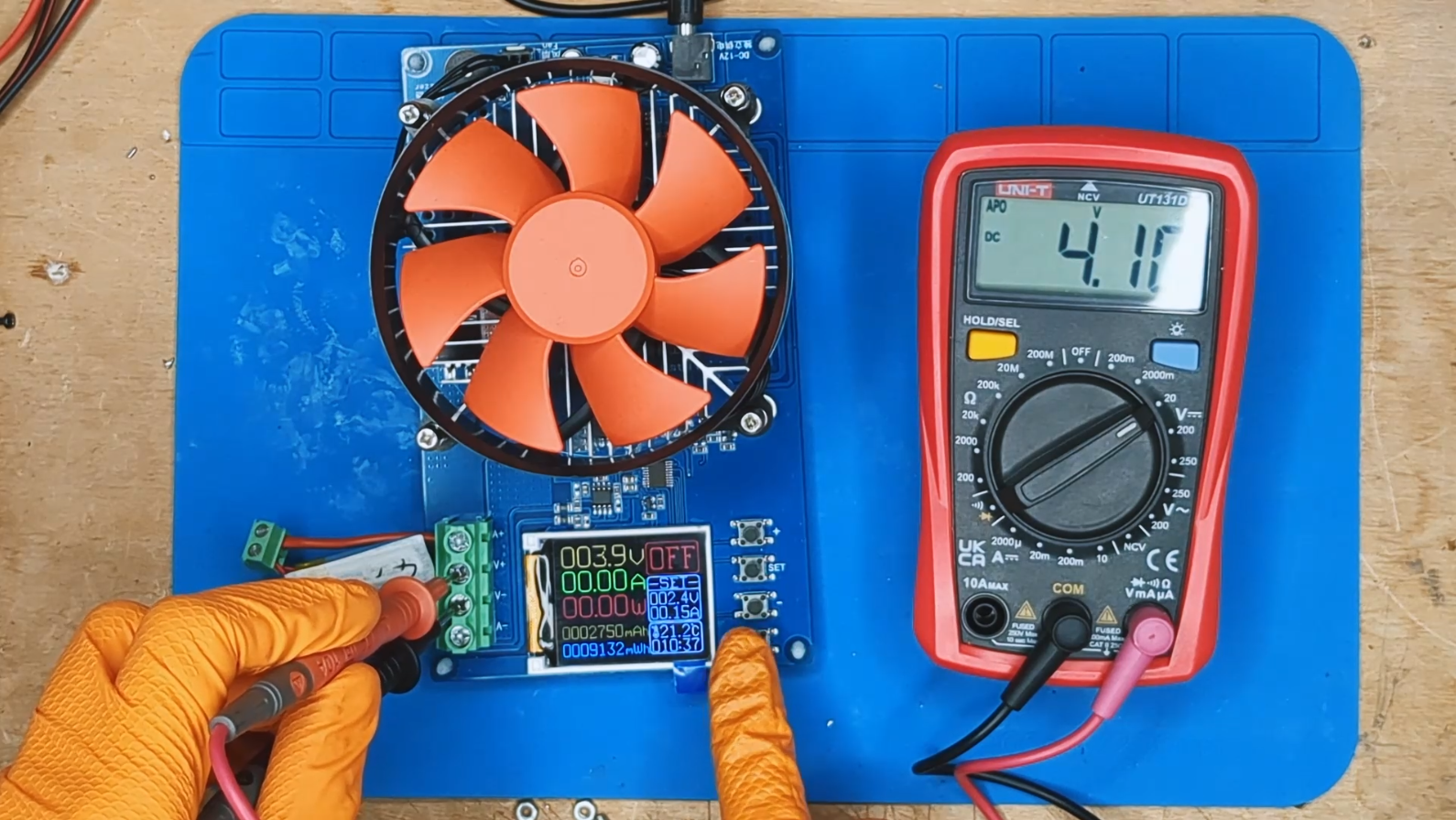
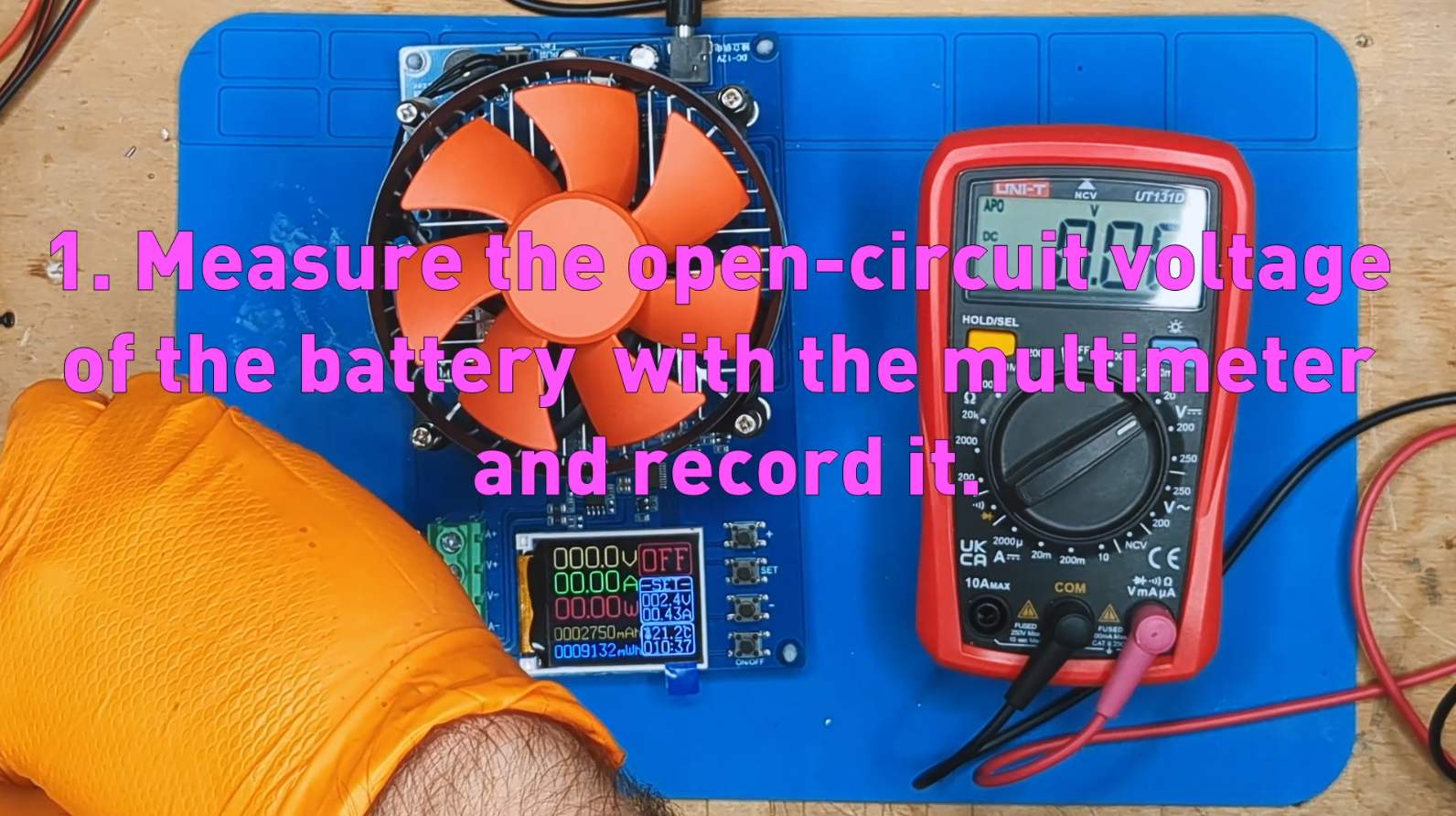
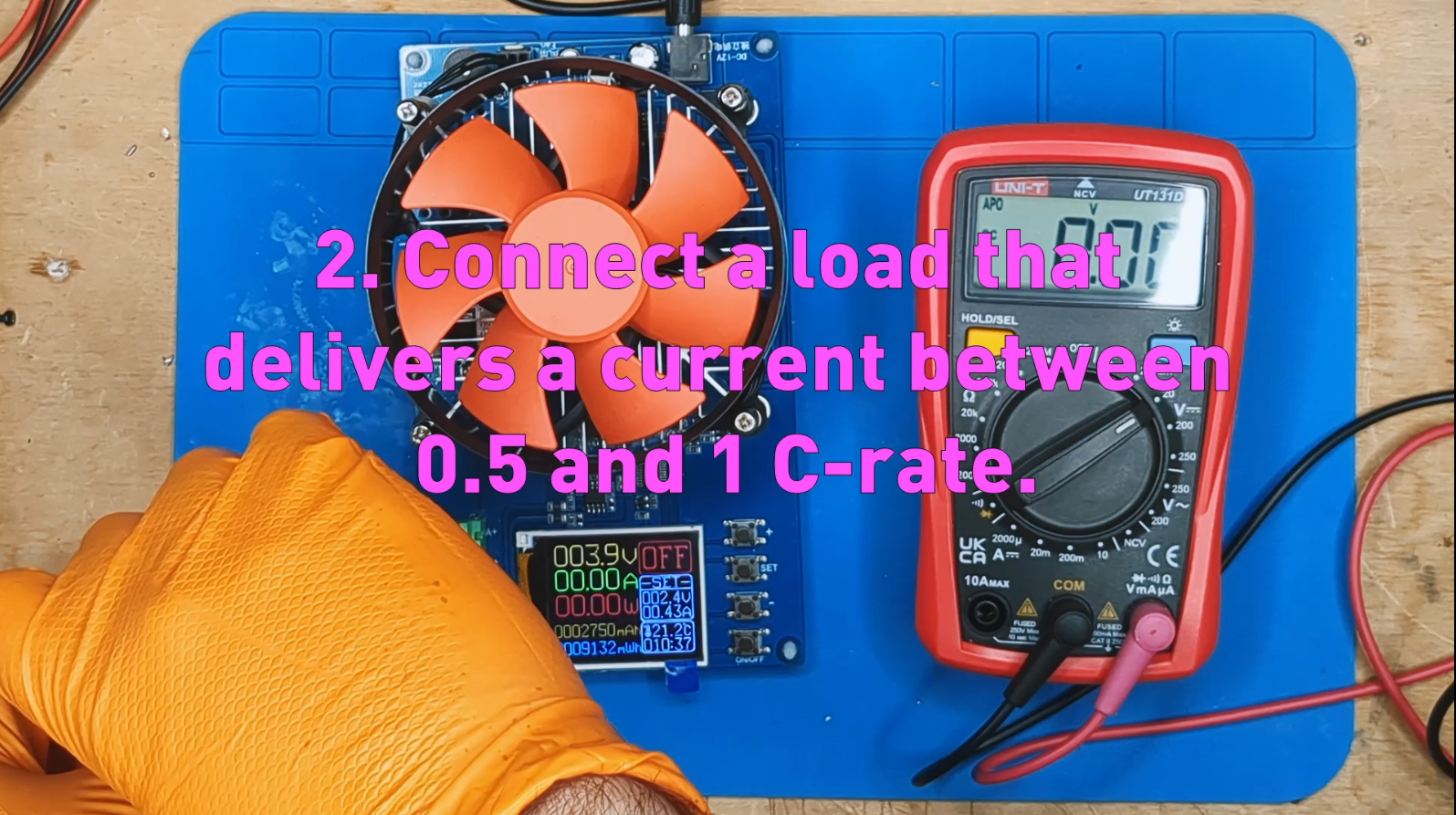
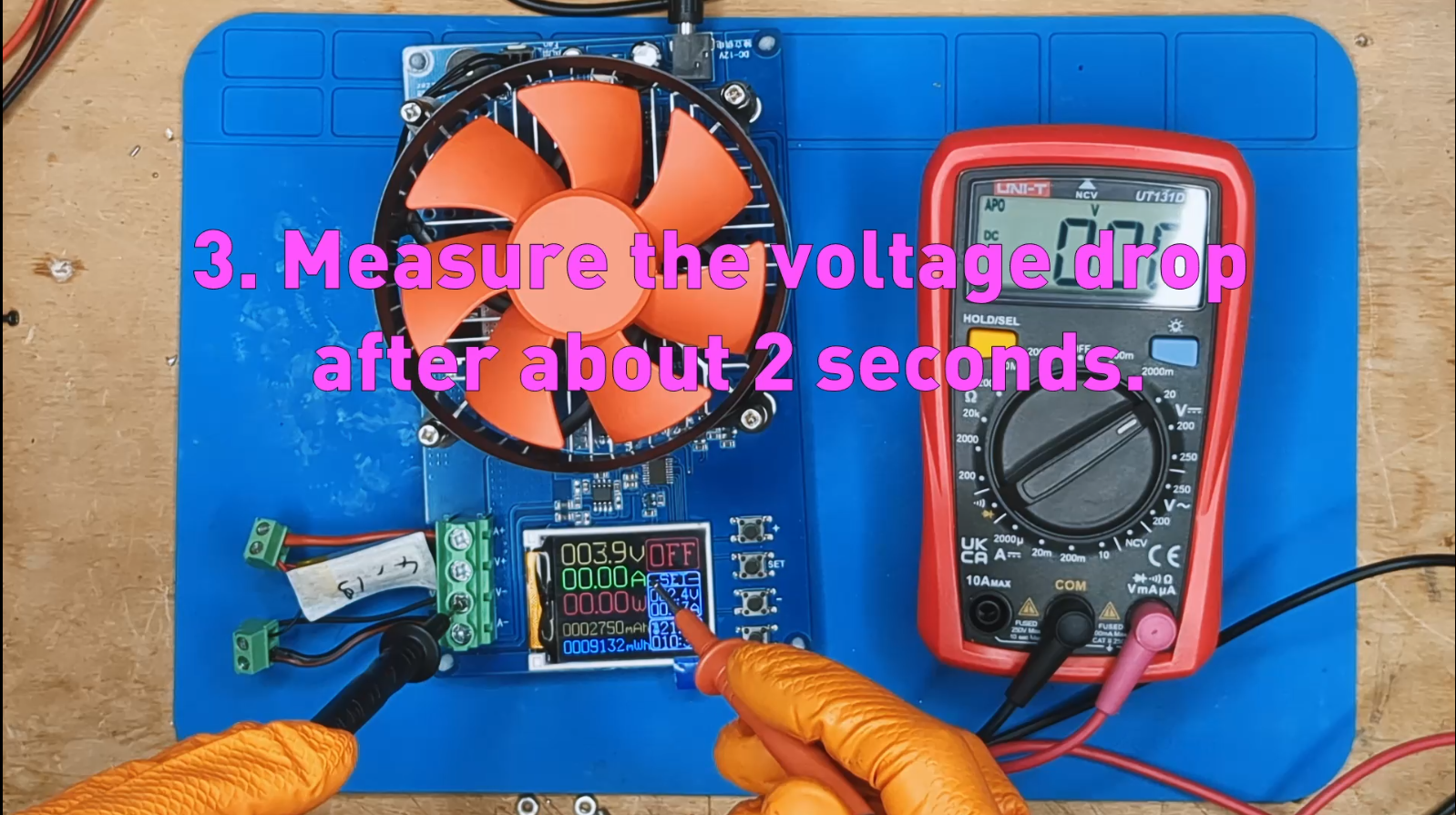
We often focus only on capacity (mAh), but there is an invisible parameter that determines if a battery is "snappy" or "lazy": Internal Resistance. A battery might still have plenty of energy (high capacity), but if it has high internal resistance, it won't be able to deliver it quickly. As soon as you ask for power (e.g., for a motor, a drill, or a drone), the voltage will crash, and the device will shut down or run poorly.
How to measure it (DC Load Method): In the video, I used a professional electronic load, but you can achieve the same result with a power resistor (e.g., 5 Ohm 10W) and a multimeter. The concept is based on Ohm's Law.
- Measure Open Voltage (V_open): Note the battery voltage at rest, with no load connected (e.g., 4.18V).
- Apply a Load (I_load): Connect a resistor that draws a known current, for example 1 Ampere (or about 0.5C - 1C rate).
- Measure Load Voltage (V_load): Within 1-2 seconds of connecting the load, measure the voltage across the battery again (e.g., 3.95V). You will see it drop instantly.
The Formula: Use this simple formula to calculate the resistance (R):
R = (V_open - V_load) / I_load
Practical Example from the Video (Old LG S3):
- Open Voltage (V_open): 4.10V
- Load Voltage (V_load): 3.58V
- Current (I_load): 1.0A
- Calculation: (4.10 - 3.58) / 1 = 0.52 Ω (520 mΩ) -> Terrible result!
Reference Values Guide (How to Read Your Data) Not all batteries are created equal. A tiny earbud battery will naturally have higher resistance than a huge power drill battery, even if both are "healthy." Here is how to interpret the values based on battery type:
1. 18650 "High Drain" Batteries (e.g., Sony VTC, Samsung 25R) These are built to deliver massive current (Vapes, Drills, Vacuums).
- New/Excellent: < 30 mΩ
- Used/Acceptable: 30 - 60 mΩ
- Discard for High Loads: > 80 mΩ
2. Standard "High Capacity" 18650 Batteries (e.g., Laptop Cells, Panasonic NCR) These prioritize runtime over raw power. They naturally have higher resistance.
- New/Excellent: 40 - 70 mΩ
- Used/Good (Powerbank): 70 - 150 mΩ
- Old/Retired (Low Power): > 200 mΩ
- Zombie (My 2010 LG): > 500 mΩ (Use only for LEDs or ultra-low power microcontrollers).
3. Small LiPo Cells (< 500mAh) For very small batteries (like the flat 180mAh one in my video), physics dictates higher resistance because the electrode surface area is smaller.
- Normal Value: 150 - 350 mΩ (Don't be scared if you see high numbers here, it's normal for their size!).
- Damaged: > 500-600 mΩ (Like the one in my test that showed 0.6 Ohm).
General Rule: The lower the resistance, the more "powerful" the battery. If you need to power a drone or a motor, look for values under 100 mΩ. If you need to power a night light, even 300-500 mΩ is fine!
Final Thoughts & Classification
So, what have we learned while risking blowing up the lab? That numbers never lie.
These 6 tests revealed a crucial truth: a battery might still hold 80% of its original capacity (like my old salvaged LG), yet be completely unsuitable for its original purpose due to high internal resistance. Performing a partial analysis on a salvaged battery can often be misleading. Conducting a meticulous analysis, on the other hand, gives us vital insights into the battery's history and how to put it to its best use!
In conclusion, we can simplify our battery grading system like this:
Grade A (High Performance):
- No physical damage.
- Capacity > 80-90%.
- Internal Resistance suitable for the battery type (Low).
- Use: High current/power applications like Drones, Power Tools, RC, E-bikes.
Grade B (Low Power / Storage):
- Old but safe batteries (no leaks or heat during charging).
- Reduced Capacity (< 80%).
- High Internal Resistance.
- Use: Low current projects like Arduino/ESP32, IoT sensors, night lights, portable radios. These batteries can power small projects for years!
Grade F (Recycle Bin):
- Batteries that heat up during charging.
- Swollen or physically damaged.
- Action: Dispose of immediately in proper recycling bins.
I hope this guide helps you save money and save the planet by reducing e-waste. If you want to see these tests in action (and support my channel so I can finally buy better gear!), check out the video.
That's all for today. Happy Making!