Intel MCS-51 SBC on a Cyclone IV FPGA
by mit41301 in Circuits > Computers
53 Views, 0 Favorites, 0 Comments
Intel MCS-51 SBC on a Cyclone IV FPGA
For any hobbyist or a student, to learn microcontroller basics and programming requires a demo or developement board. There are many family of devices with different architectures are available. Normally a developement board requires a programmer and a USB-TTL to connect to a PC for downloading and communicating with the target.
This project demonstrates a softcore implemented board. We can see the clear advantages of using a softcore implementation.
We do not have to use the physical CPU, Code ROM and external RAM. All the necessary components can be implemented inside the FPGA using HDL. We can also run the SBC using any desired clock frequency using FPGA's PLL.
Supplies
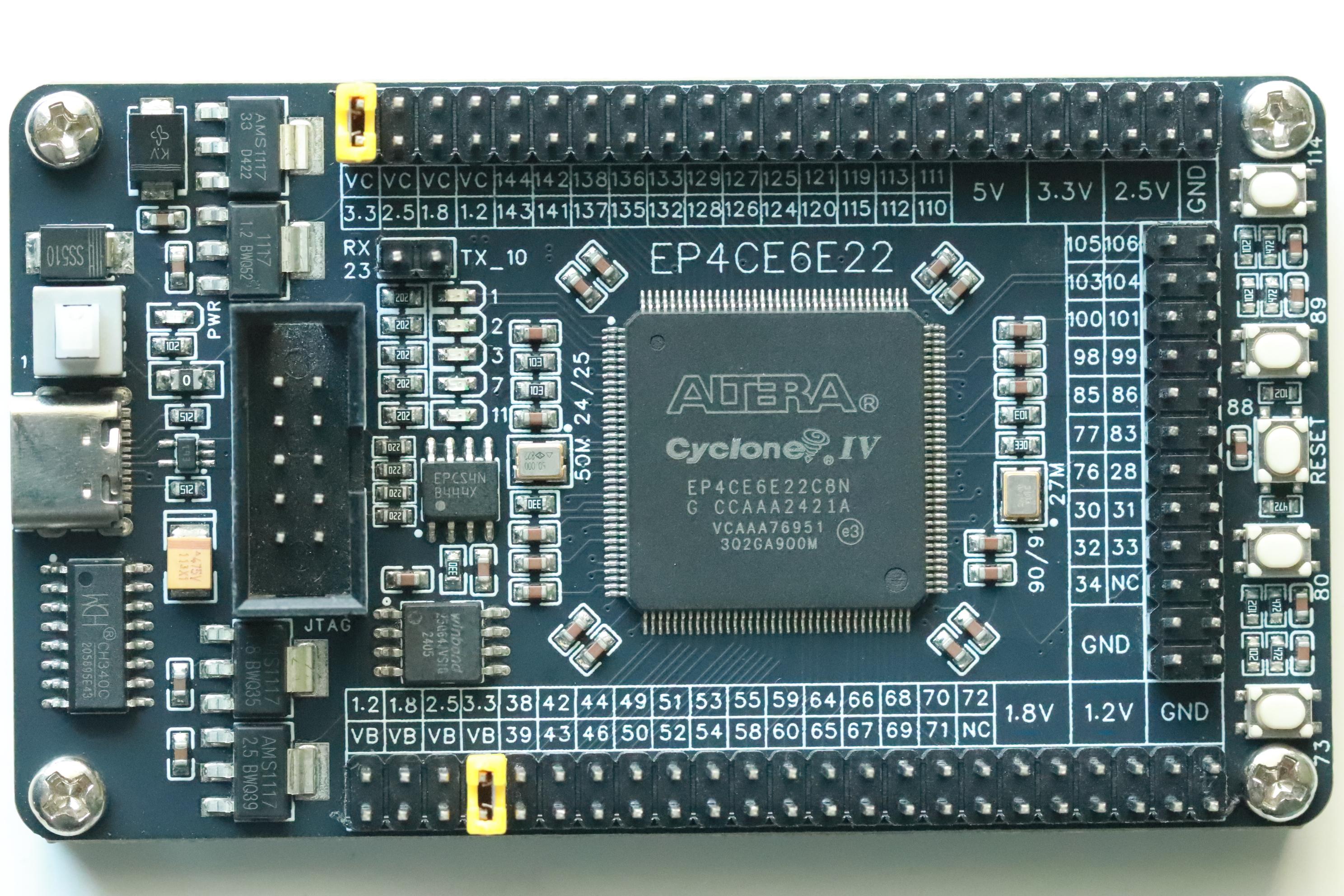
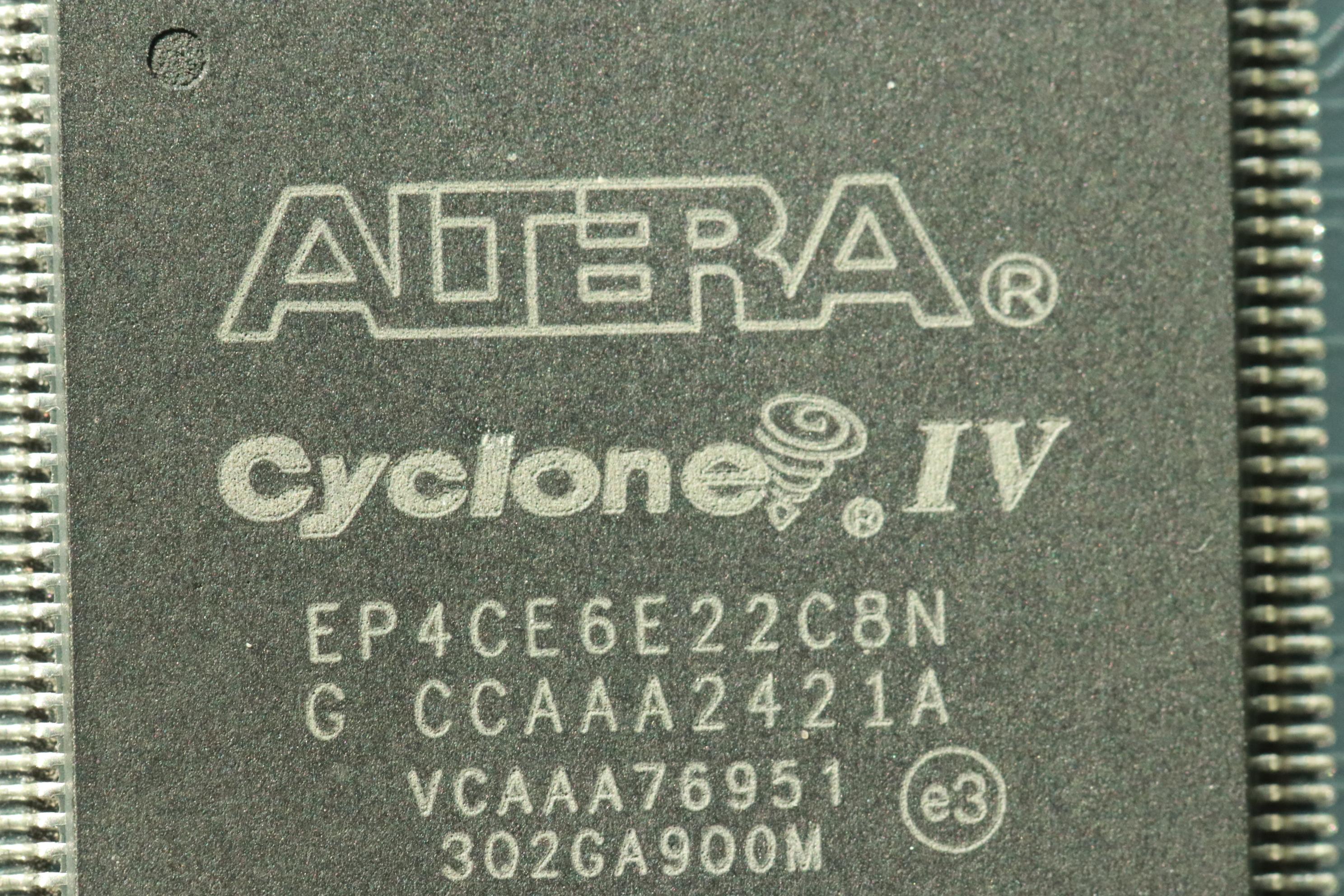
INTEL ALTERA EP4CE6E22C8N FPGA - 1
27MHz oscillator - 1
50MHz oscillator - 1
0603 LED - 8
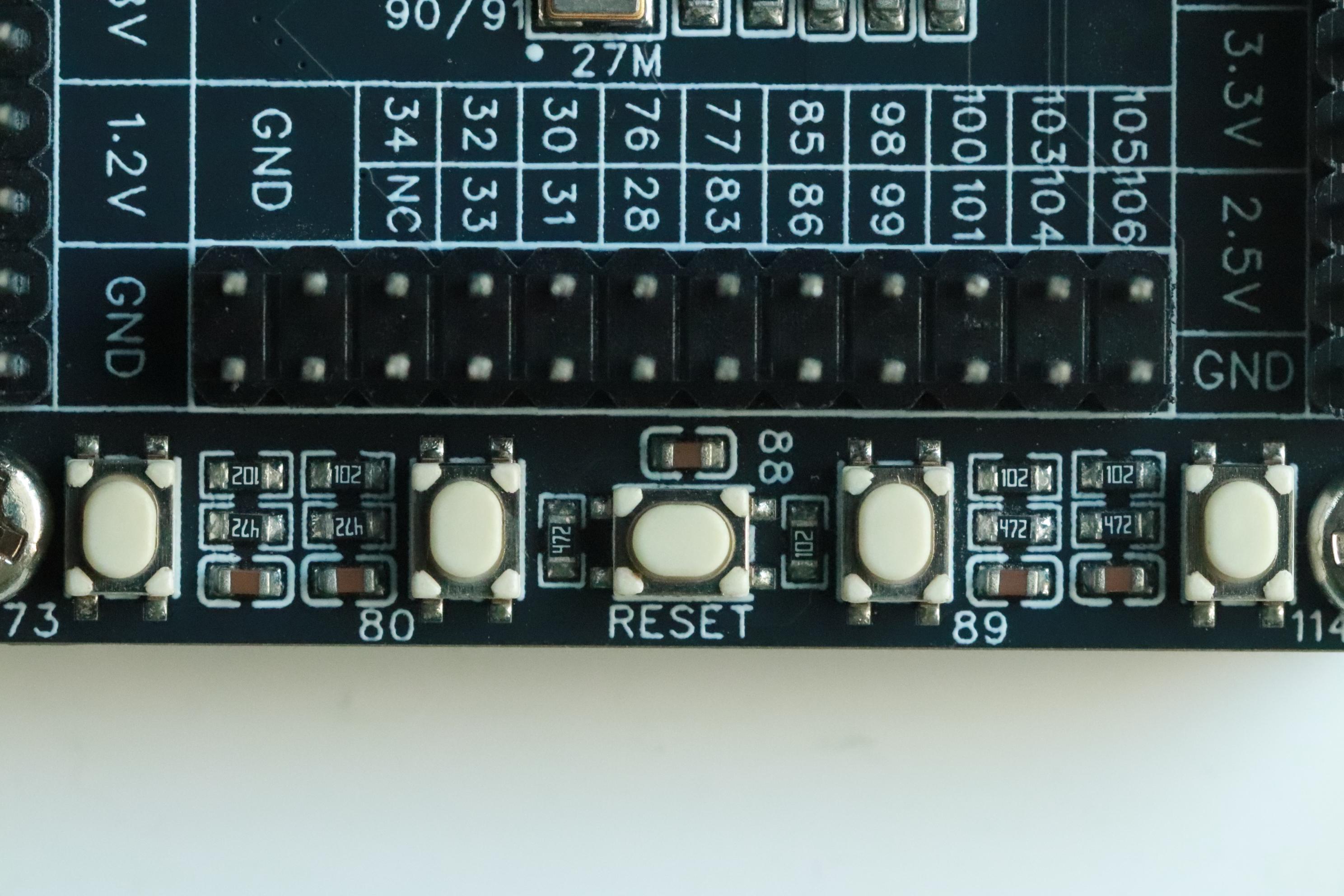
Switch - 5
EPCS4 Configuration FLASH - 1
CH340C USB-TTL - 1
USB Blaster - 1
Hardware Implementation
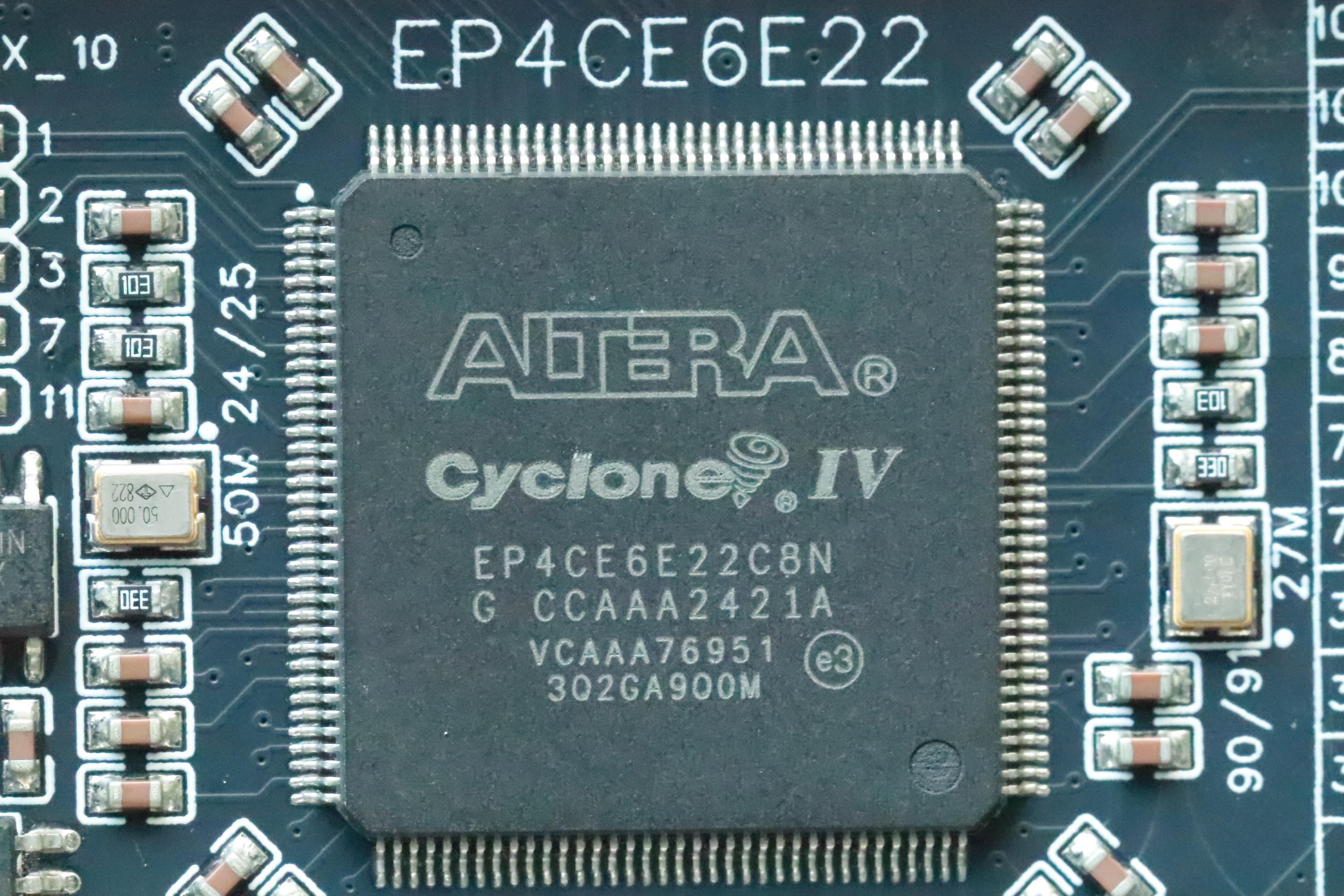

This project demonstrates the Single Board Computer using 8051 softcore with 12kB ROM and 16kB RAM all implemented inside the Altera Cyclone IV FPGA EP4CE6E22C8N FPGA.
The default program inside the FPGA is BASIC-52 interpreter. It also contains the I2C and SFR extensions which resides above the 8kB. To accomodate the I2C, SFR we have to implement additional 4kB of ROM. This is the reason the SBC having 12kB ROM and not 8kB ROM. The same 12kB FLASH for code is equivalent to using a AT89S8253 microcontroller. AT89S8253 can be operated at a maximum of 6T and still we need external RAM and external Crystal and reset circuits along with external latch to operate as a single board computer.
The board is having 2 oscillators. One at 50 MHz and the other at 27 MHz. We can use either one of them or both of them as we wish. We can operate the Single Board Computer at any desired frequency like 11.059200 MHz, 12MHz, 24MHz,48MHz or 50MHz using available PLL inside the FPGA.
The board also having 5 LEDs, 5 switches, 2 configuration FLASH devices
Software
If we are not going to develop any HDL based projects, then there is no need to download the Intel FPGA Quartus II software. But to program the SOF and JIC files, we need standalone Quartus II programmer. It is better to have the 64 bit supported programmer for windows. Anything above Version 13 will do.
We also need the WCH CH340C driver which can be downloaded from the WCH site.
If we want to use the communication between the PC and SBC, we can install any serial port terminal program such as PuTTy or Tera Term with latest version compatible with our computer.
Application Development
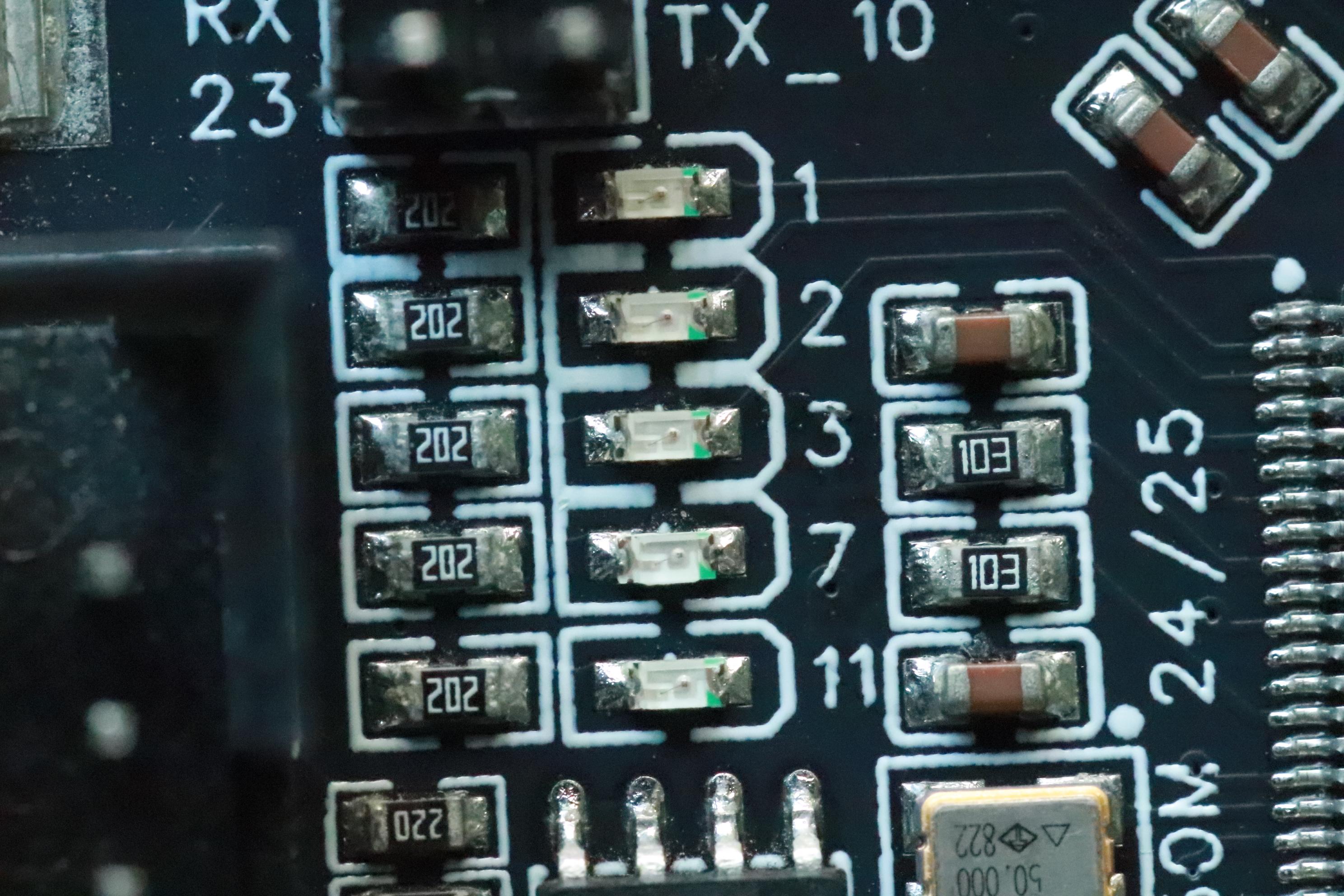
For Application program development, we can use any of the Assembler which supports MCS-51 family. We can also use the SDCC compiler using C or Assembly language. There are other C or Assembly language compiler such as Keil, IAR, etc., which may have code size limitation.
ASCIIART.BAS
8 running LED (External LEDs)
5 running LED (Internal LEDs)
LED Blink
The board have 5 LEDs as shown in the above picture. We can either have 8 External LEDs or Internal 5 LEDs. The pin assignments are different and we need to load the corresponding configuration file.
RUN LED
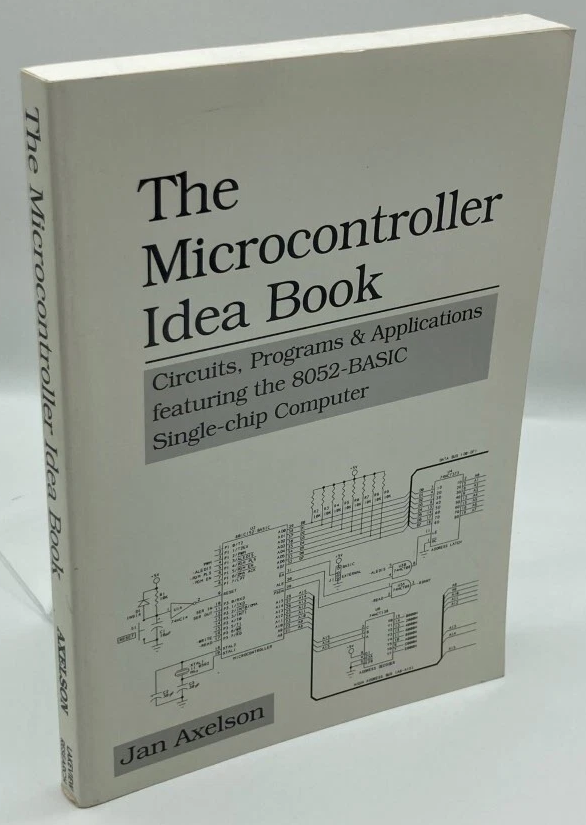
If we want to learn more about BASIC-52, we should start with the book "The Microcontroller Idea Book"
Circuits, Programs, & Applications featuring the 8052-BASIC Microcontroller by Jan Axelson
There is a free PDF version of the book available from the Jan Axelson author site
There are many example programs available in the book which will give the user insight into power of BASIC-52.
All the programs listed in the book is available for download as a single .ZIP file. We can easily edit and modify and send the file to the microcontroller running BASIC-52 through serial terminal program like PuTTY or Tera Term. We can also find the MCS-51 BASIC-52 user manual and original Ver.1.1 source code at HERE
SOF or JIC File
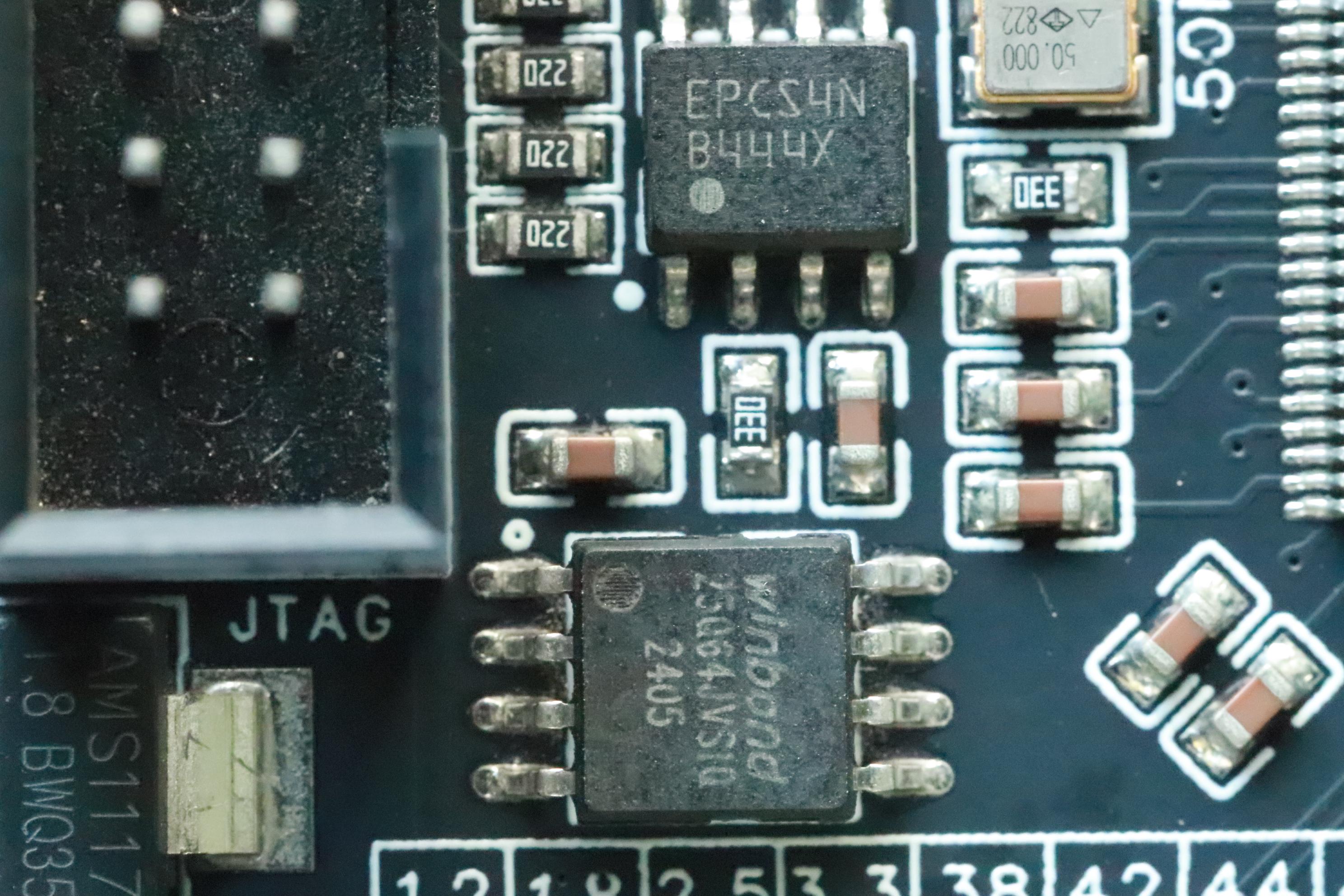
We can load the ready to use configuration files into FPGA. If we load the SOF, the configuration data will be lost or corrupted after power OFF. So if we want a persistent configuration, we should use the JIC file.
The board is having to FLASH devices to store the configuration or data. The EPCS4 is the actual device connected to the FPGA's dedicated pins for automatically load the configuration during powerup. 25Q64 also connected to FPGA I/O pins. To use this we need to write our own program to access the FLASH or we have to use the inbuilt IP for EPCS controller.
The SOF and JIC files can be found HERE
Communication
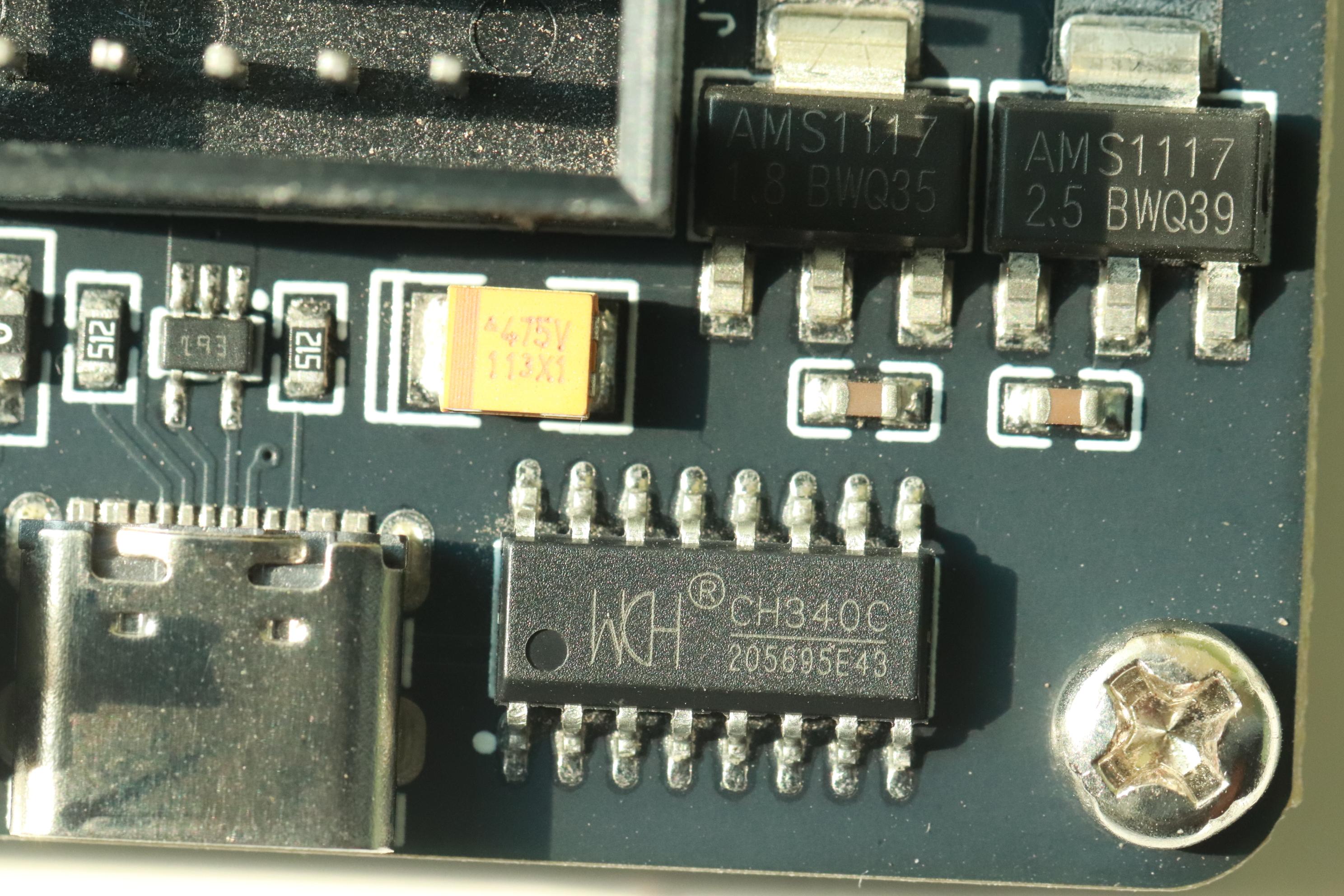
The board has onboard CH340C chip which acts like a USB-TTL bridge. In the HDL coding we just need to assign the Tx and Rx pins to use this IC. After mapping the Rx, Tx we can connect the Type-C cable to PC. Both power and communication are available through the Type-C connector. There is a addition On/Off switch on the board to control the power of the board.
After the configuration is successful, we can establish communication with the SBC using serial port through any serial terminal app similar to PuTTy or Tera Term
In-System Memory Content Editor
The advantage with the Softcore processor is we don't need any programmer to program the application HEX file into the softcore processor. We can use the In-System Memory Content Editor feature of Quartus II to view, monitor the status or change the program using JTAG mode. We can also use the SignalTap for debugging.
Keil C51 and SDCC
The scope of application is not restricted only to BASIC-52. We can also develop using any assembler, Keil C51, SDCC for 8051 etc.,
Just download the HEX file using In-System Memory Content Editor. We have access to both the Program memory and external memory.
Keil C51 LED Flasher