How to Operate a Vacuum Cleaner
by josephgibson2 in Living > Cleaning
38 Views, 0 Favorites, 0 Comments
How to Operate a Vacuum Cleaner
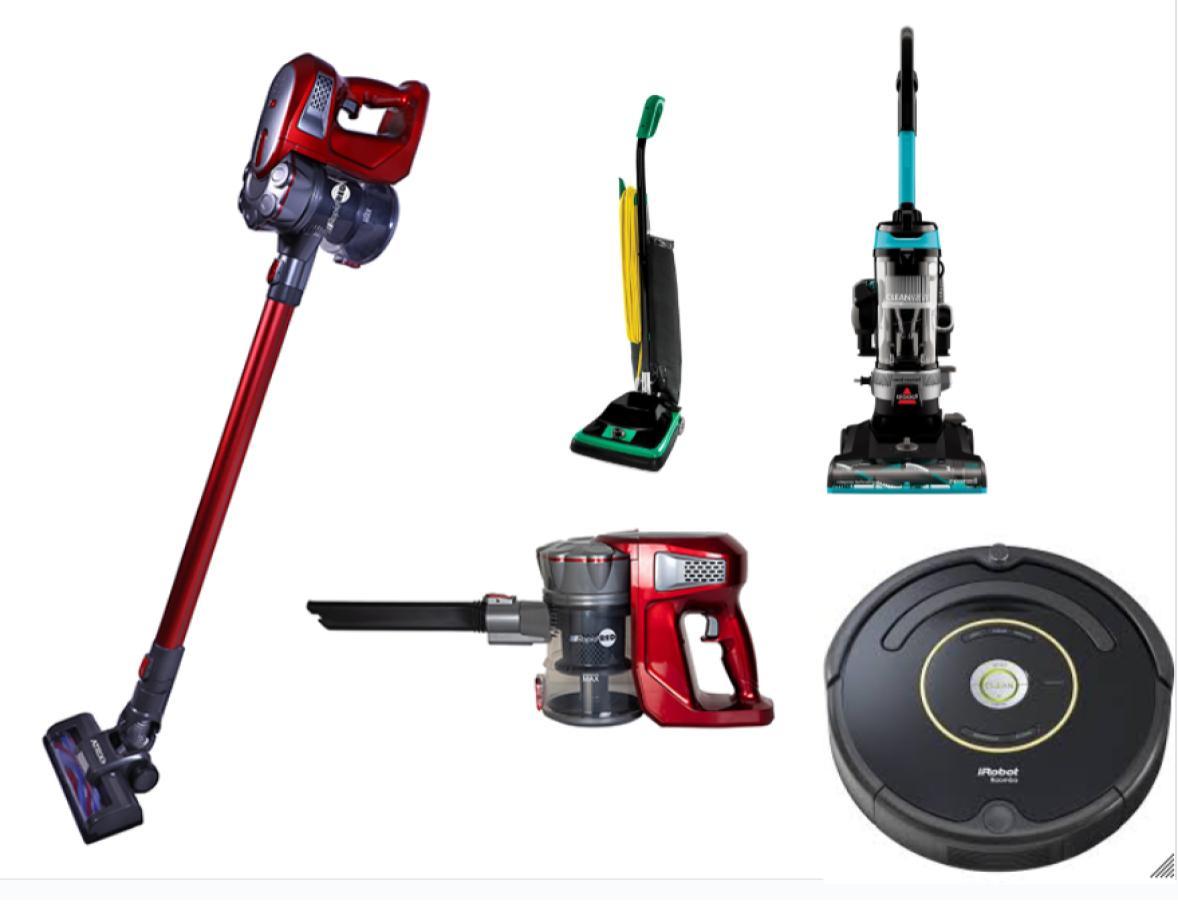
The following is instructions on how to operate a vacuum cleaner. I only really have experience with an upright bagless vacuum (mainly Bissell and Shark), but I am trying to include instructions for Roombas and cordless stick vacuums as well.
This also is based off of my most recent experience vacuuming my house because instructables need to be a personal project.
Supplies
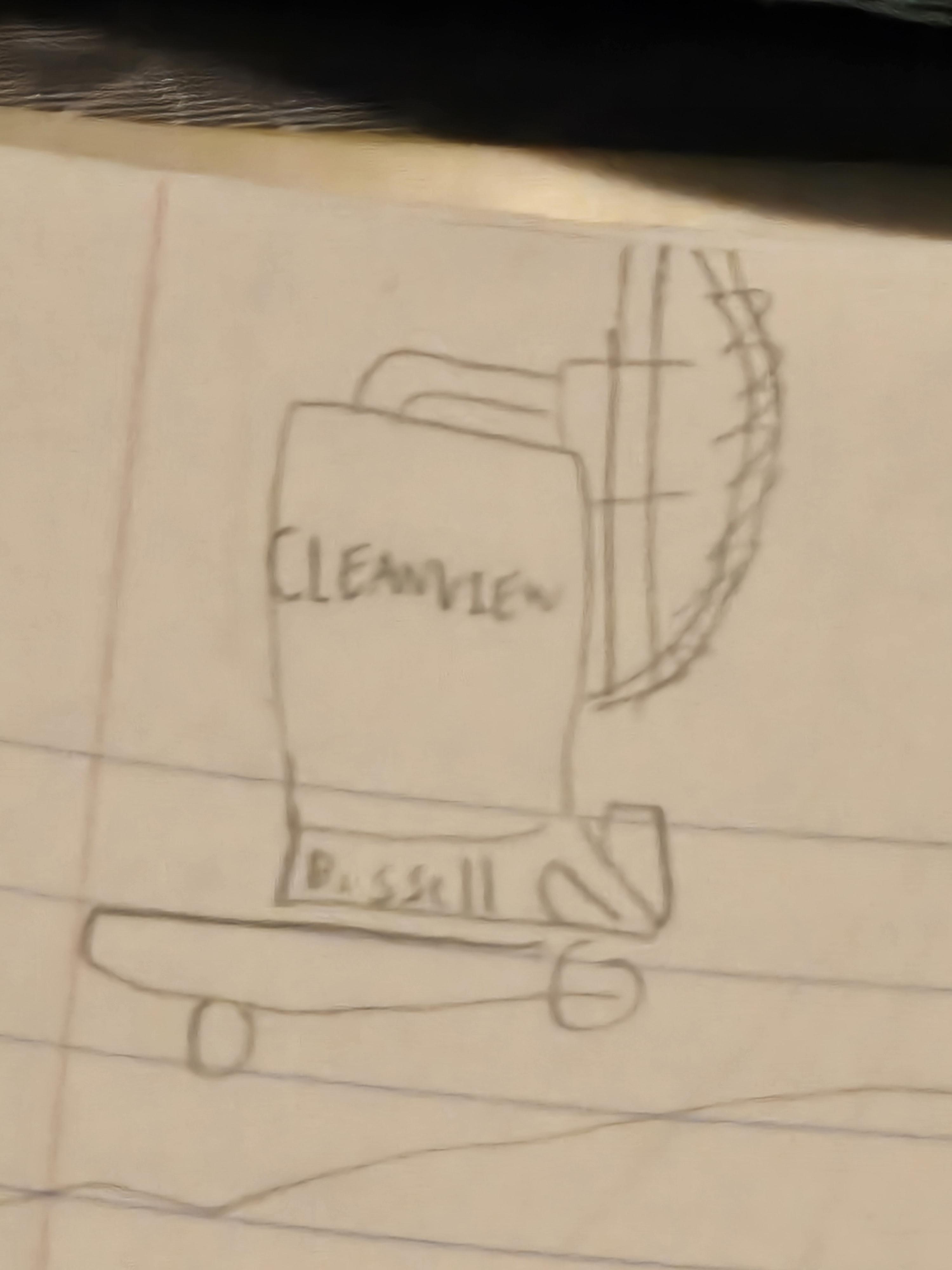
Roomba or
Upright Bagless Vacuum Cleaner (Bissell or Shark) or Upright Bagged Vacuum Cleaner or
Cordless Stick Vacuum
and
the vacuum's respective accessories or attachments
and
outlet/power source
and
storage space (when vacuum is at rest)
and
dry cloth/microfiber towel
Remove From Packaging
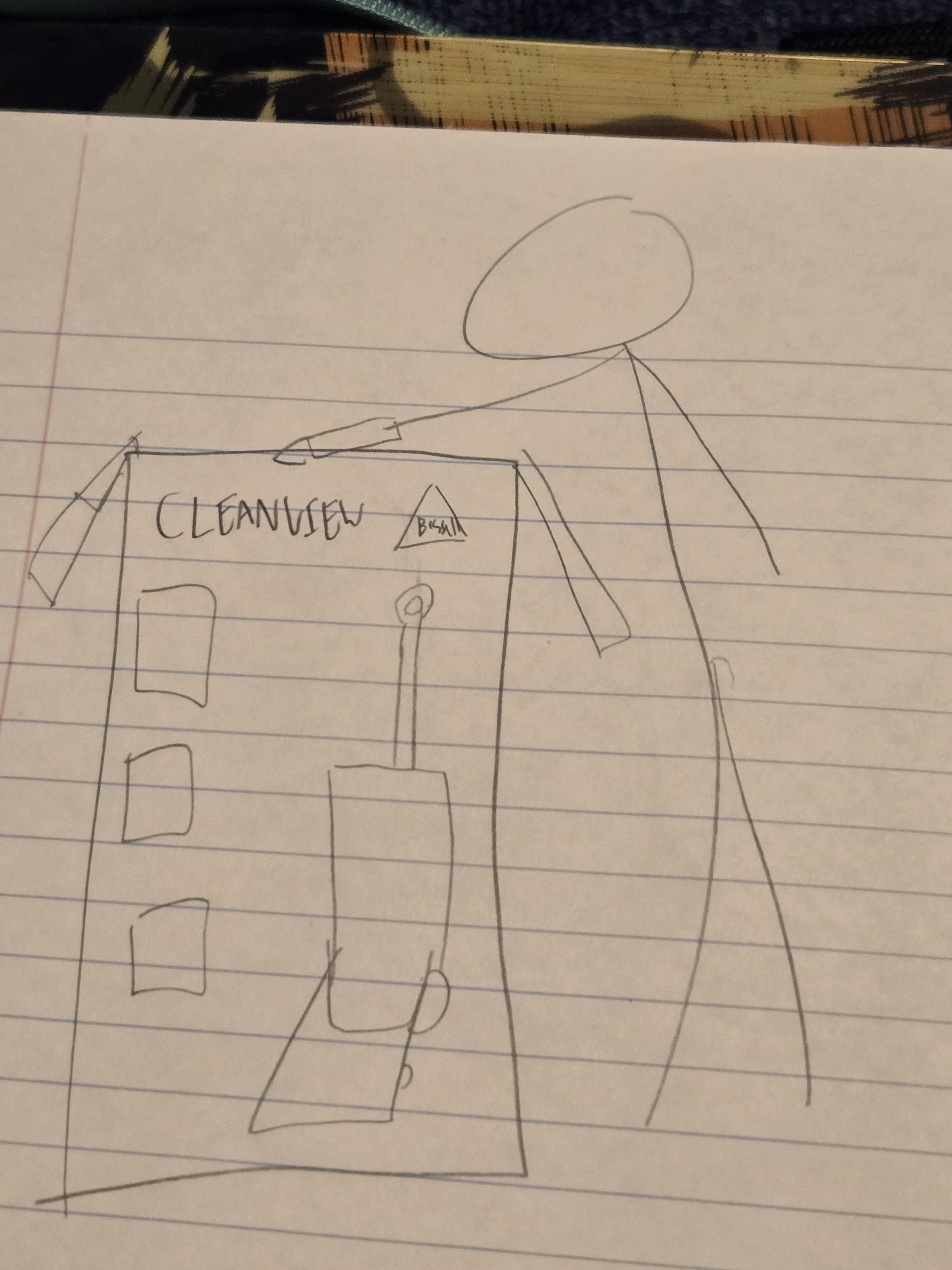
No matter the type, if your vacuum cleaner is new, you will need to remove it from its packaging and follow any set-up/prep instructions provided. Activate warranties and keep the box for other use or storage at your discretion.
My current vacuum is rather new, so I carried out this step three or so weeks ago.
Ensure It Has Power
If you have a Roomba, this can be achieved by charging it overnight docked on the Home Base.
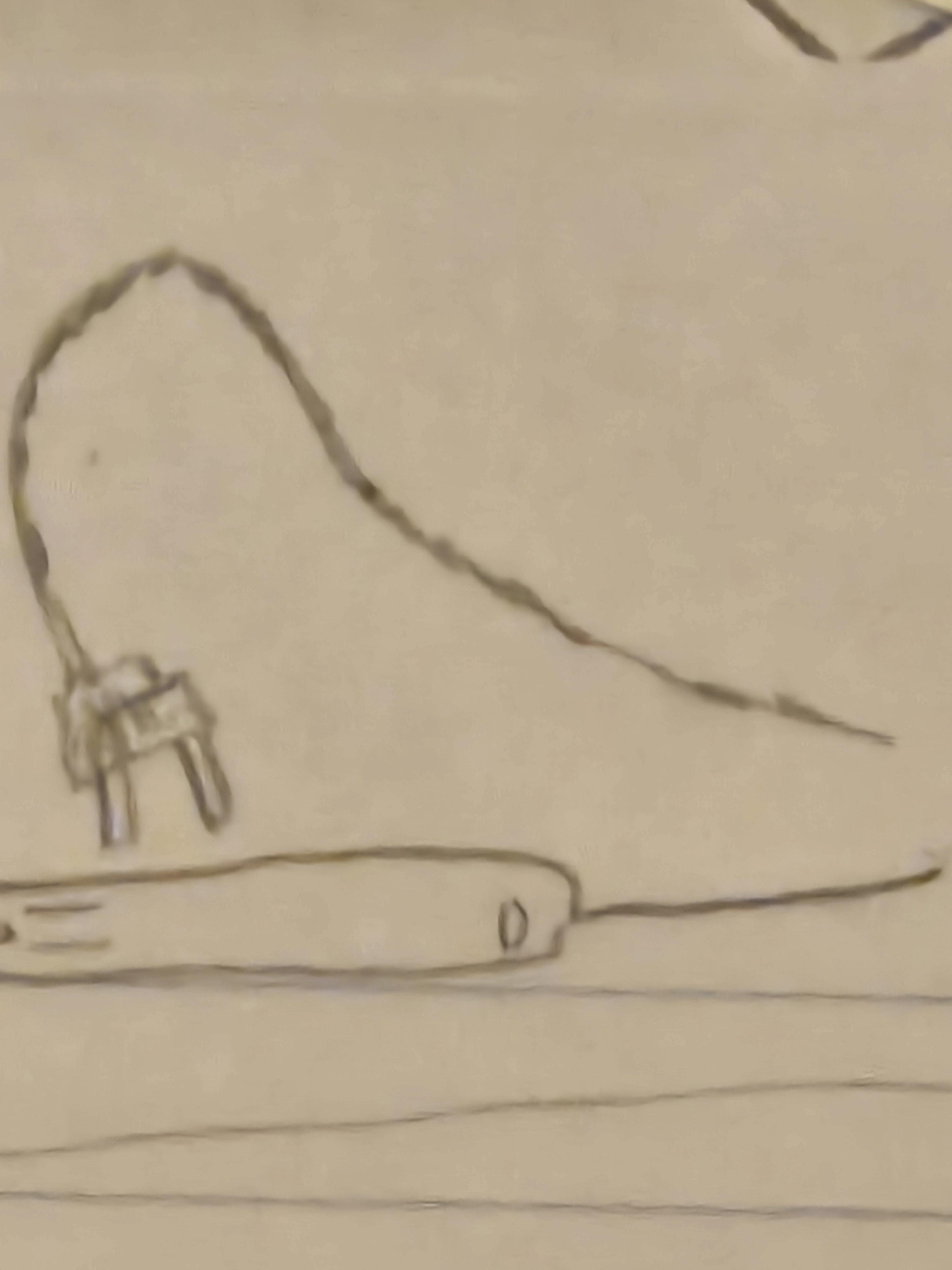
A standard upright bagless vacuum cleaner will plug in through its cord to the expedient outlets during use.
There seem to be multiple ways to charge a cordless stick vacuum, though the process can take up to 6 hours.
I plug in my upright bagless Bissell Cleanview into one of two powerstrips depending on which side of the house I am cleaning (usually both, so I stretch the cord as far as it will go before I unplug and move).
Ensure It Is Clean and Operable
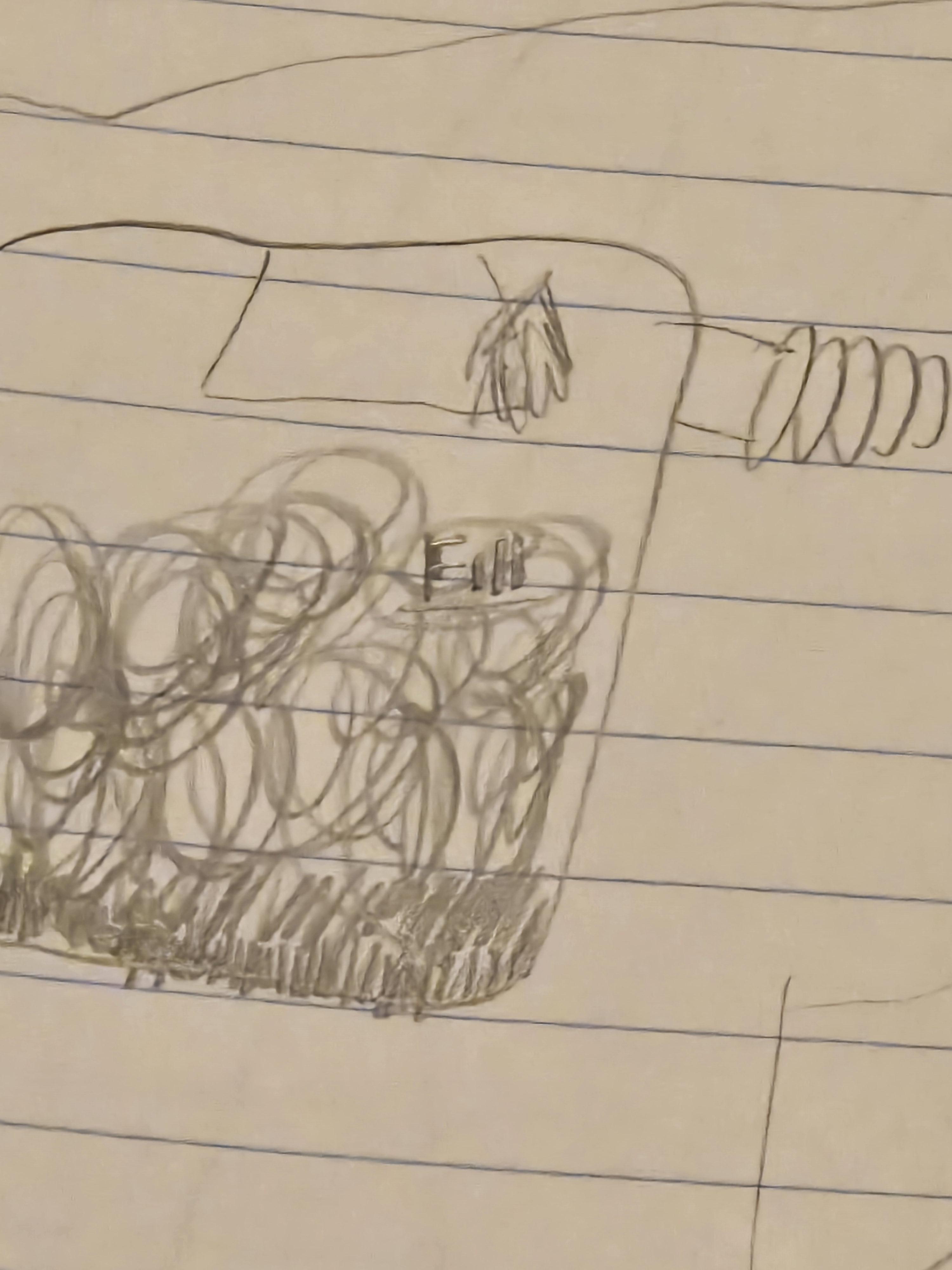
Upon a first use, cleaning and testing some features of the vacuum may or may not be necessary; upon further uses, especially if dealing with large messes and heavy use, it will be necessary to wipe down your vacuum model, empty its bin, clean the attachments and make sure there are no holes in the tube, items stuck in the belt, etc.
(If you have a bagged vacuum cleaner, you may need to stock or restock a bag.)
Plan the Layout of the Operation
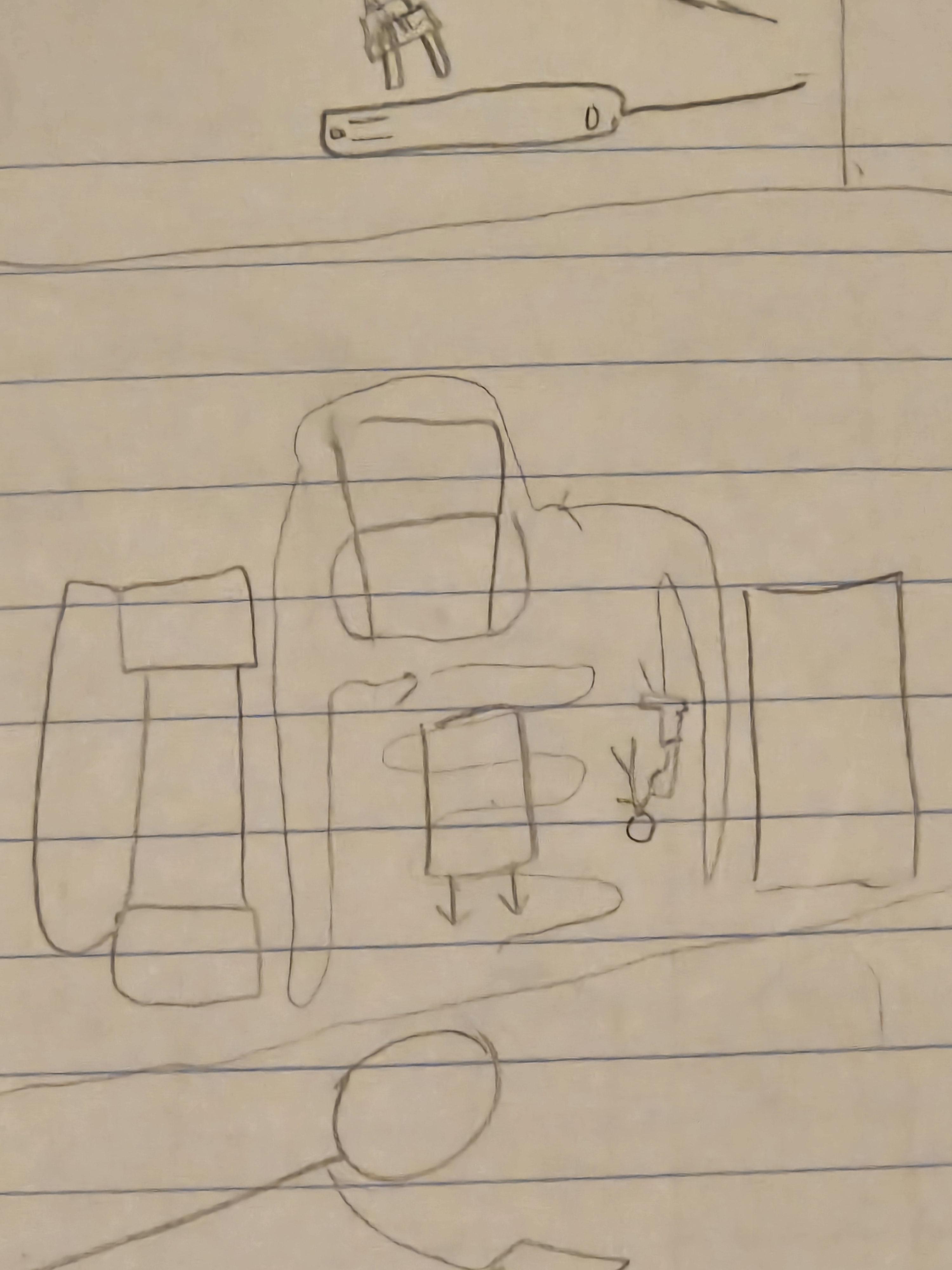
Because a roomba has a preset pathing function for its operation, I want to include this step and apply it to the other models, because, technically speaking, just as a roomba navigates over the room efficiently, kept within preset boundaries by invisible lines or physical obstruction, so too will you have to navigate the room and its larger boundaries and obstacles with your upright vacuum (many stick vacuums will not feasibly cover the main floor of a room, so we should mainly consider bagless vs bagged upright for any large surface areas needing coverage). Some key considerations will be in what ways to move furniture and rugs to best ensure full coverage as well as how long you want it to take and how efficient it should be. (Also in the case of bagless vs bagged upright, if you foresee having to replace the bag or empty the bin, you should take that into account as well as the other strategic differences between them including how well they contain allergens and dust debris.) You will also have to consider when to switch the floor/height suction setting and when to apply the other attachments or when to switch from clean to spot on the roomba.
In the living room, I generally move a certain chair off a rug out of the way and then shift dog beds, small furniture and the corners of large heavy rugs when necessary. The most efficient strategy for my house is starting in the living room then going into the hallway and bathroom into master bedroom and kitchen, but that is contingent upon my floor plan; just consider where you will be putting the things you are moving out of the way especially if you plan to mop immediately after (as I do), which is the main reason for my route.
Vacuuming Main Floor Space
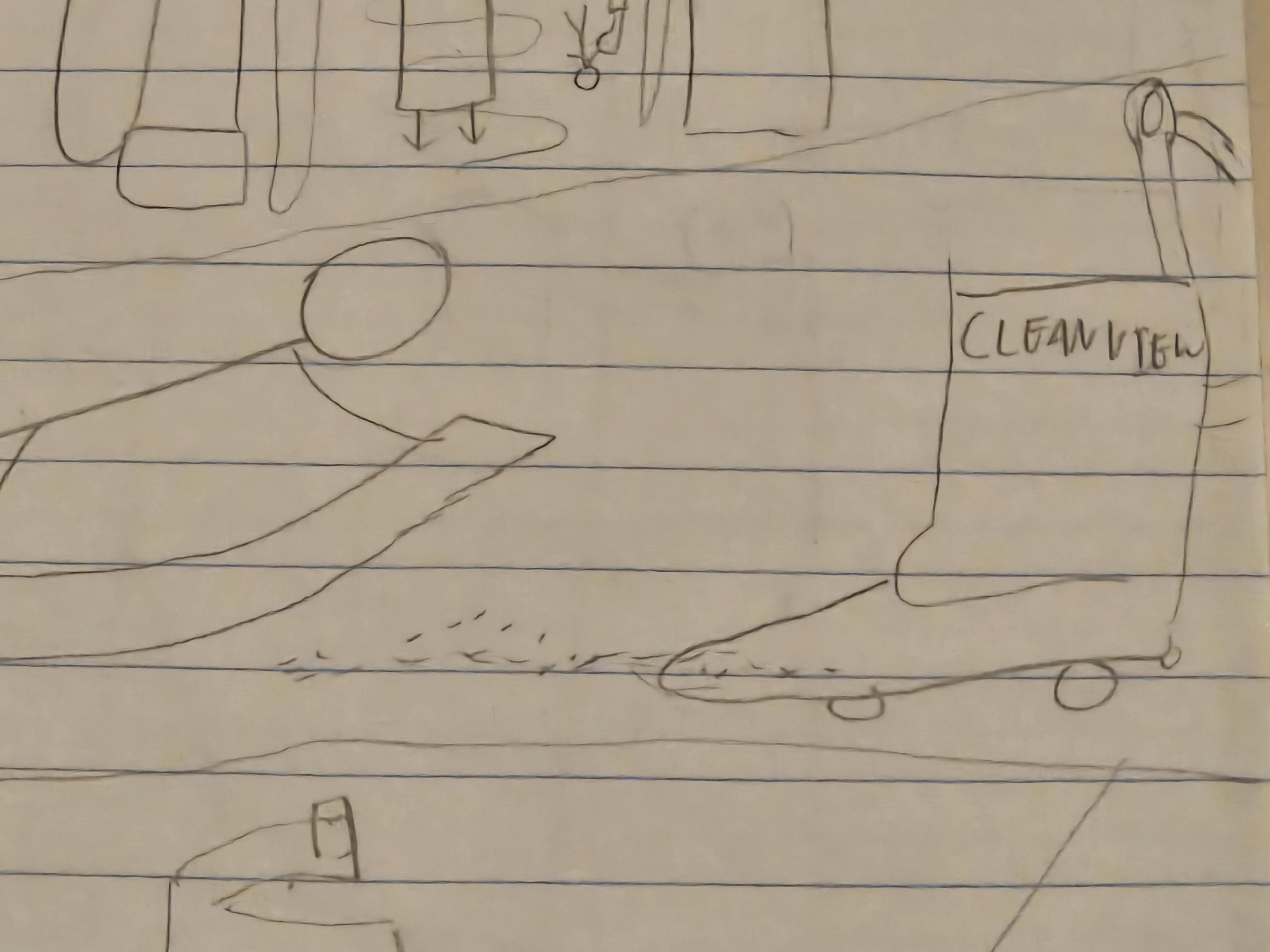
After removing or organization obstructions, you will execute your planned movement throughout the main space of the room. You may have to change certain settings on your vacuum cleaner (many will have 1 to 6 sliding dial for hard floor to high carpet, and these may not be as compatible with your floors as would be preferable; adjust accordingly). You may need to switch between dial readings, turning the machine off and off if you move between rugs and hard floor. The overall layout will be different between the type of vacuums so just do what works best for you and your space, while monitoring the power and bin capacity.
For time, I have lately been only using a vacuum and toggling the dial, but, for best results, sweep alongside this process (before or after is up to you).
Using Other Attachments
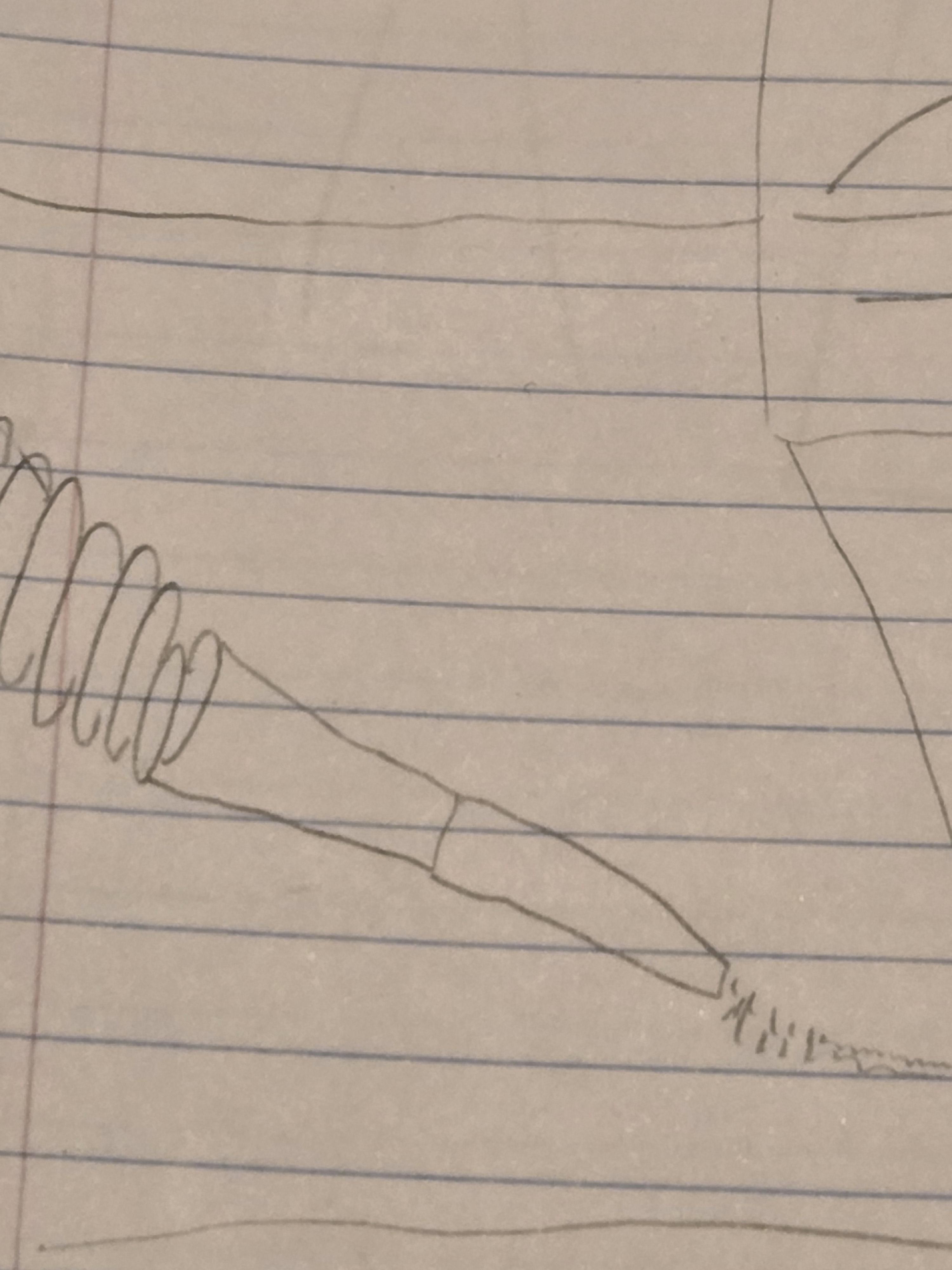
For the corners and borders along a wall, you will want to use certain attachments if you are dealing with an upright or stick model. Likewise, there are other attachments on certain types to reach high up on the walls as well as to scrub or brush items, as well as sometimes attachments for stairs (do not let the roomba near stairs unsupervised).
The roomba equivalent for this would be the Spot function.
I usually do corners and harder to reach spots or furniture scrubbing after an initial vacuuming.
Vacuuming Rugs

With your upright vacuum cleaner, you may need to adjust the dial for floor material/height in order to avoid jamming or overheating. Some rugs, for whatever reason, will not work on any of those settings; in that event, try to use one of the brush attachments or just shake it out and clean the dirt it leaves behind. You will want to isolate the pile direction of the rug and then move the vacuum perpendicular to it.
The suction on my Bissell Cleanview is still strong enough to where I personally do not lean too far into the technique yet.
Empty the Bin/removing the Bag
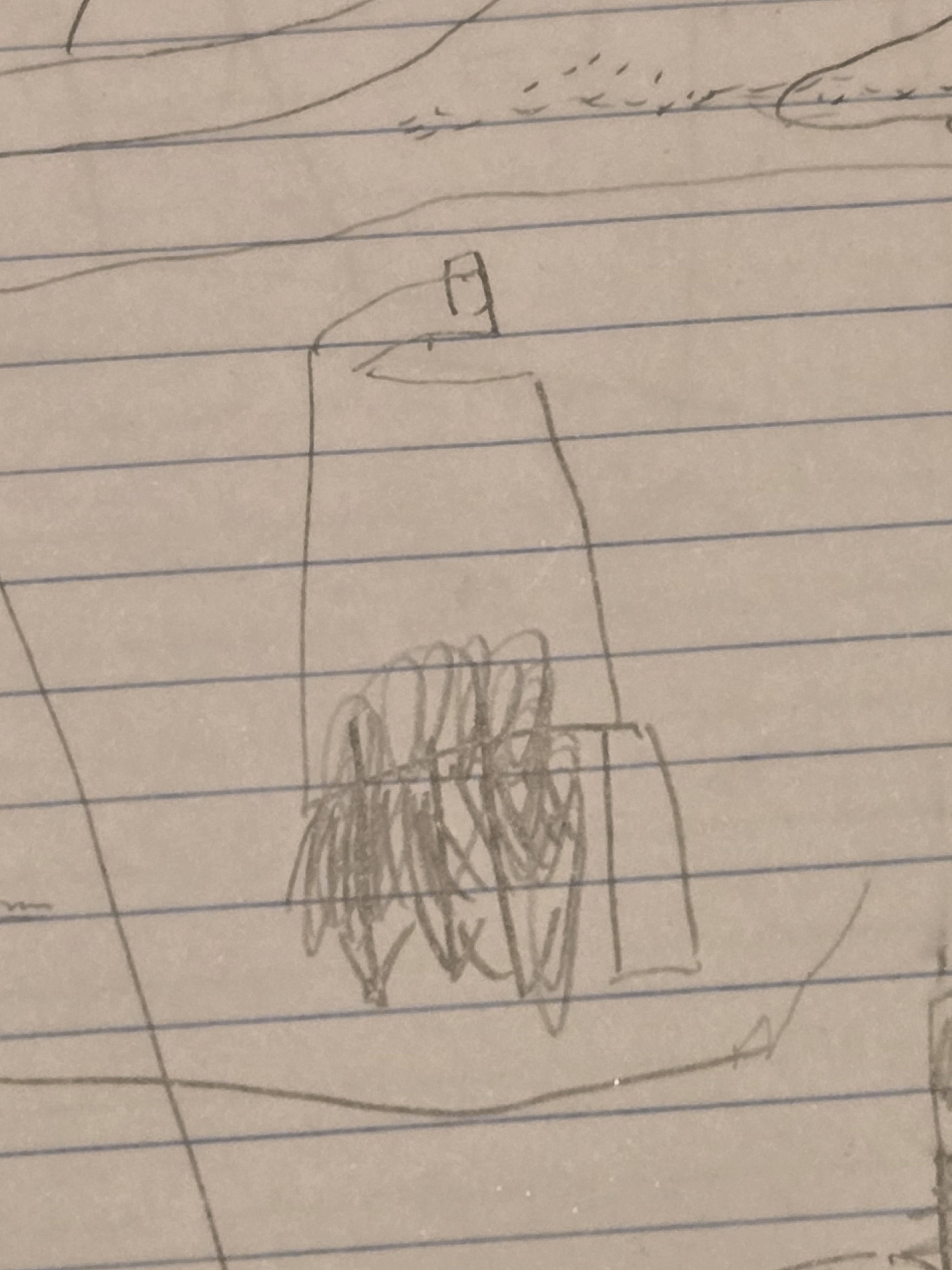
You will want the vacuum to be turned off for this part.
A button release will empty the bin on many roombas, sticks and bagless upright vacuums (over a trash can is preferable unless you want to repeat the previous steps), and you should just be able to throw away most bags.
I have to do this as many as three times per cleaning.
Clean the Vacuum

If applicable (or, more realistically, if necessary), clean out the filter. This may entail replacing the filter or washing it and letting it dry for 24 hours. (At your own discretion, you may try and slap the dirt out of the filter, but this has never really worked for me.)
In order to prevent damage, inspect the various parts of the vacuum and remove debris. If the vacuum plugs in, it would be wise to unplug it for this step. If necessary, wipe off the vacuum with a dry cloth.
Put Away
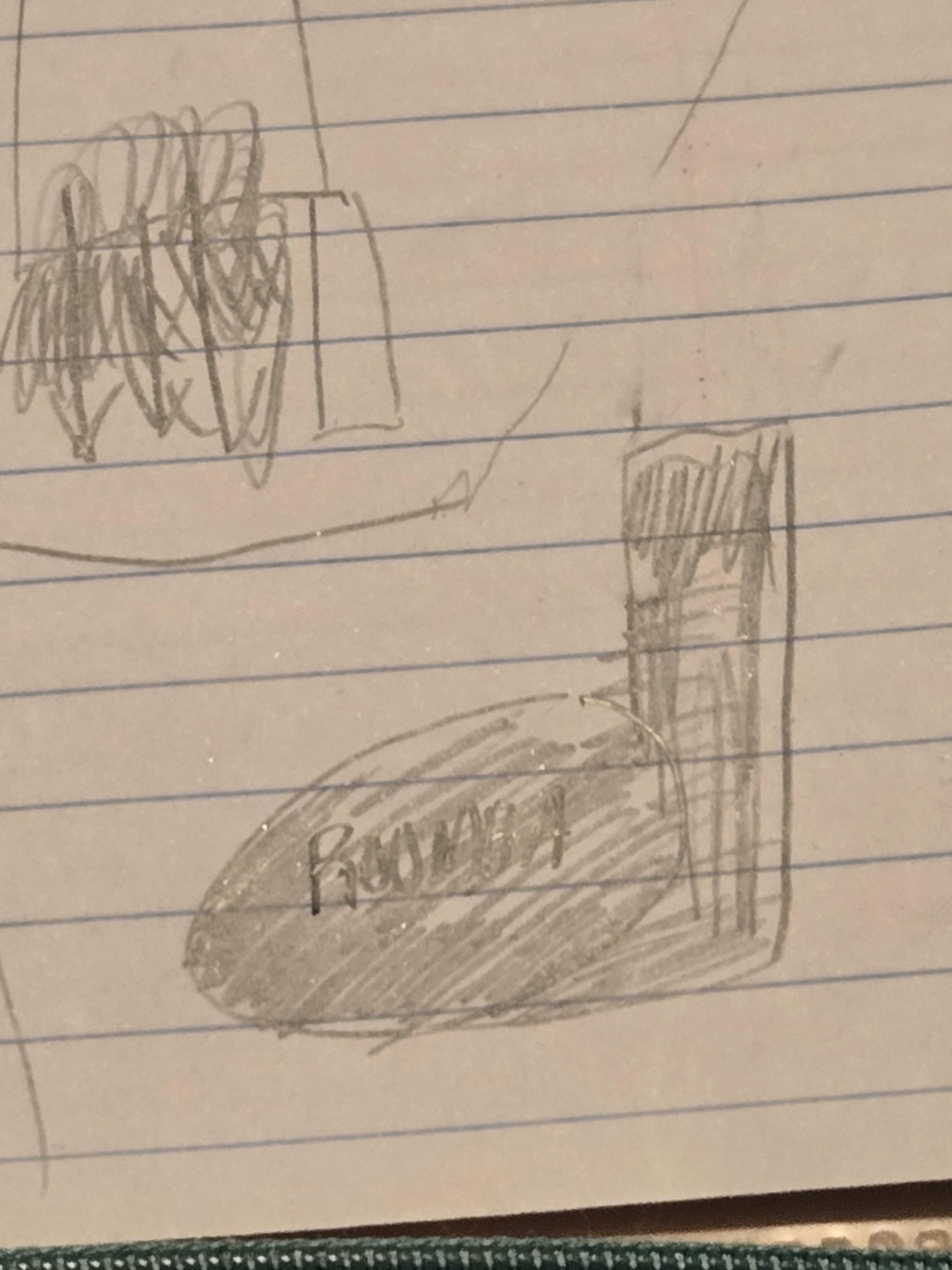
Dock the roomba (depending on the model this will also empty the bin) or unplug the cord (there may be an internal or external coil to the apparatus), and put the vacuum in its designated area until further use. Upon your own schedule, charge the vacuum or clean/replace the filter, empty the bin if you skipped that step for time/convenience