How to Make a Jedi Commlink
by cah el in Craft > Costumes & Cosplay
6 Views, 0 Favorites, 0 Comments
How to Make a Jedi Commlink
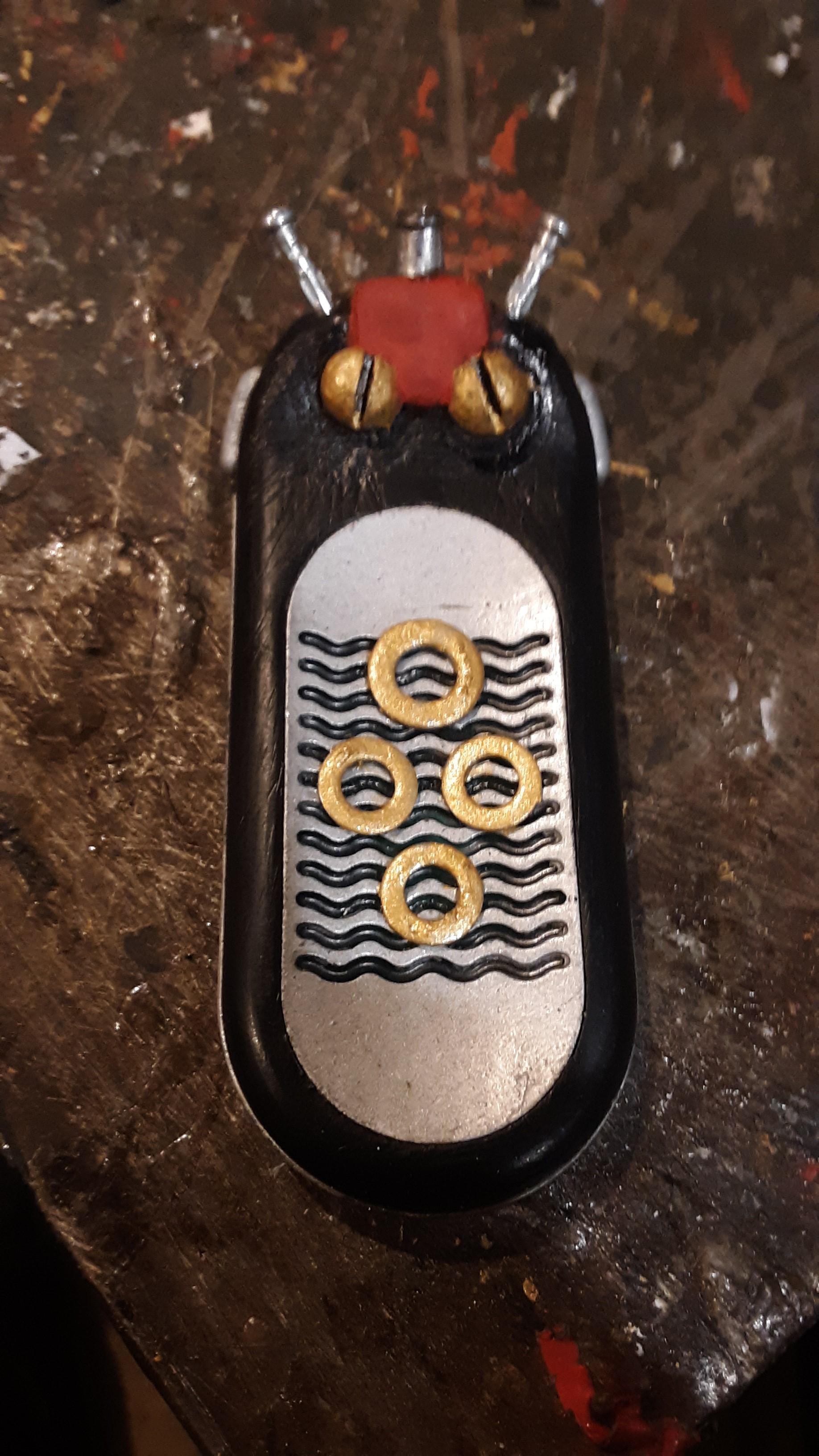
Hello everybody. Today I'm showing you how I built a star wars episode 1 jedi comlink, That I'm hoping the average everyday person can build.
Supplies

you will need
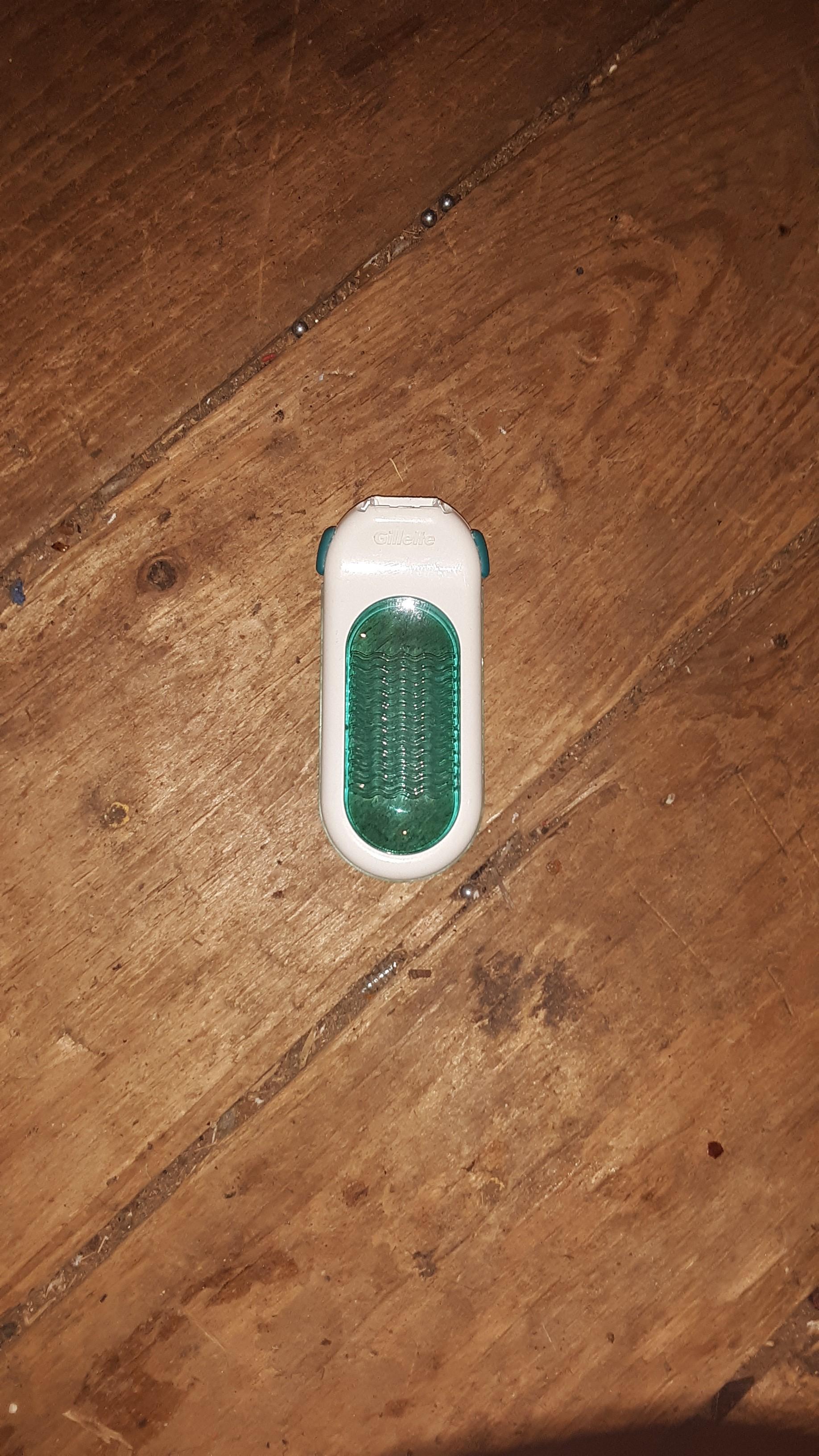
- Gillet ladies sensor xl razor handle( I know these are not cheap to obtain but there are imitation copies of the original sold on amazon for $20.00 )
- 2- pop rivet pins stripped of their rivet casings & 1 of the outer casings
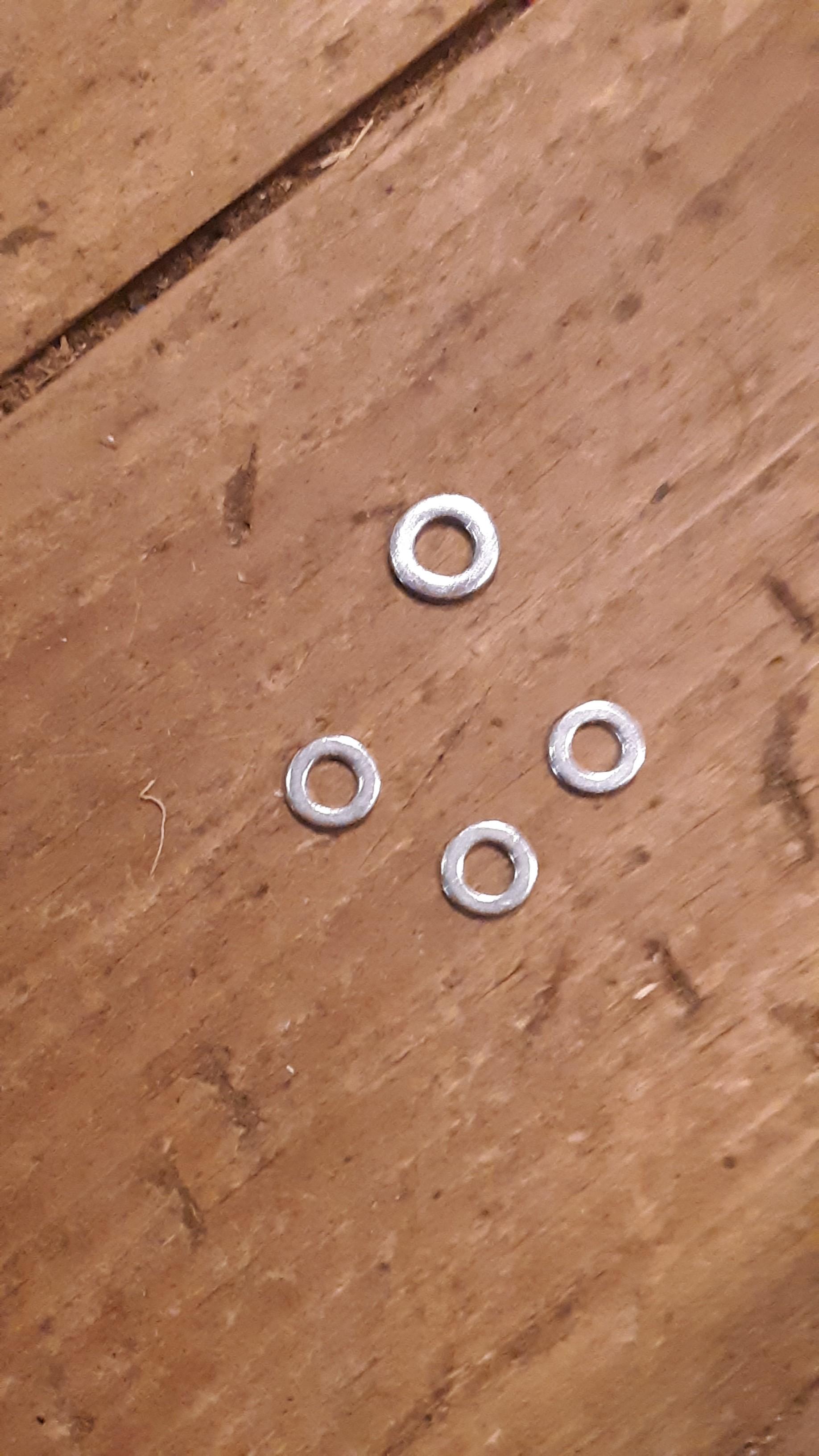
- 4-washers 1- 1/2'' inch or 11mm outer diameter washer with 1/4''or 6mm internal diameter hole. 3- 3/8''or 9mm outer diameter wide washers with 3/32'' or 5mm internal diameter hole
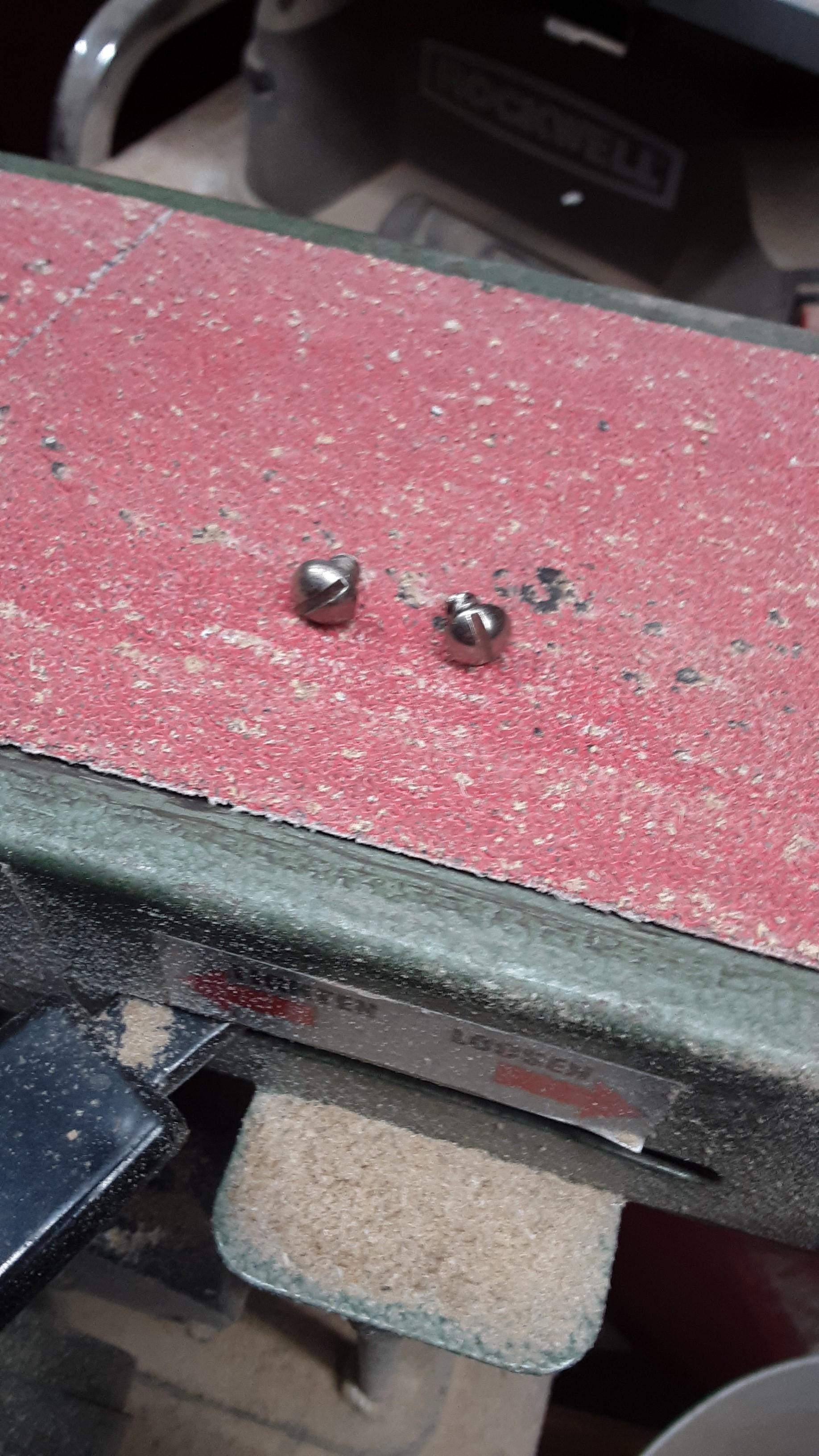
- 2-round head ,slotted - sheet metal screws.
- 1- random short screw
- 1-stick of epoxy putty
- black & silver spray paint
- red, grey & gold brush on paint as well as brushes
- sand paper or a sanding file
- spray on paint sealer
- super glue
- tools needed are a rotory tool with cutting blade, (a center punch helps but that's optional), a drill with small bits, a flat & phillips head screw driver. & a utility knife
Dismantle the Handle
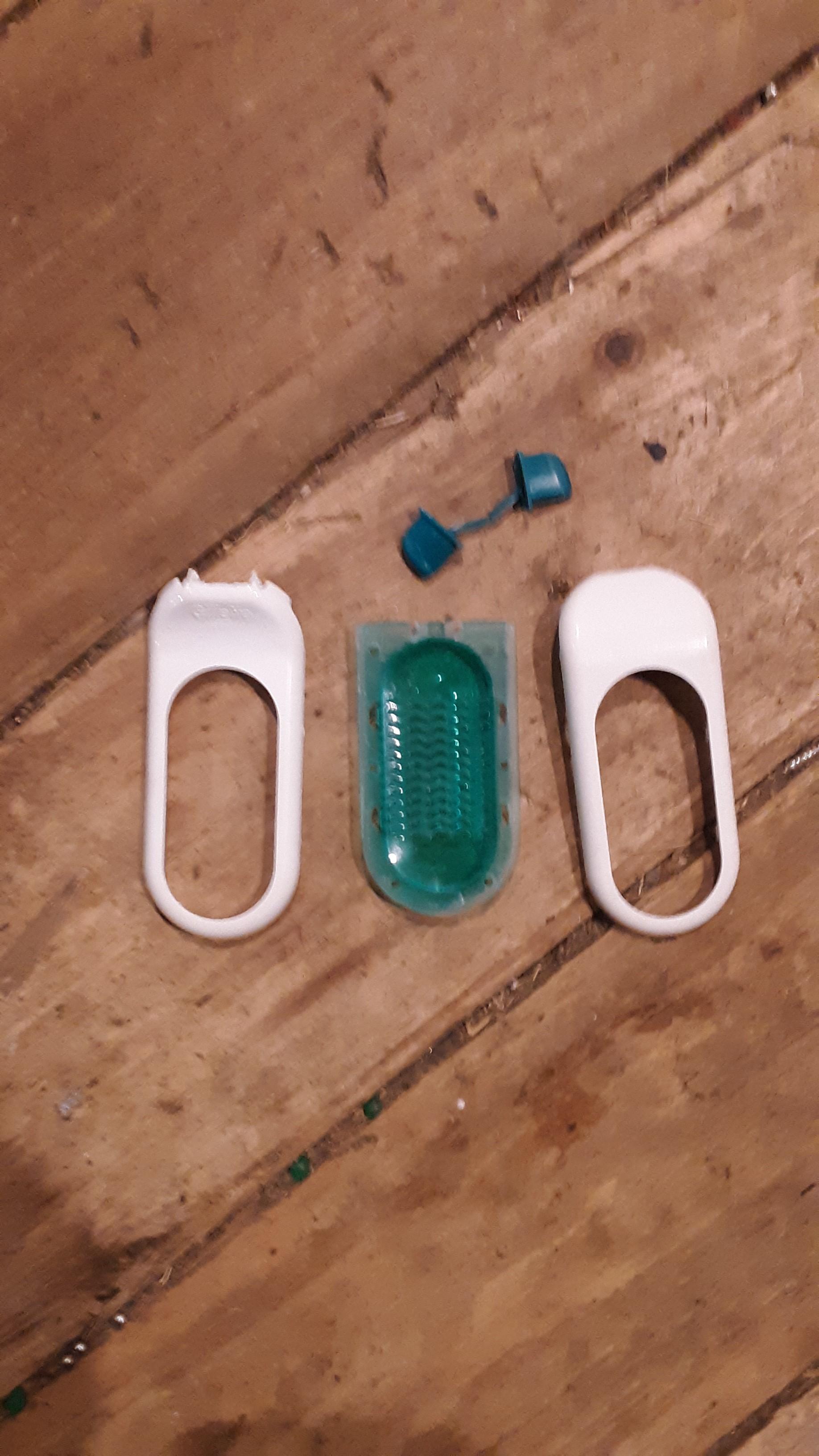
in this step you want to find the seams of the handle near the center . After that you will want to carefully take your utility knife & cut ass well as pry into the seams on both sides around the transparent center to dismantle the handle. Everything in the picture is all that we need to continue
Sand All the Parts

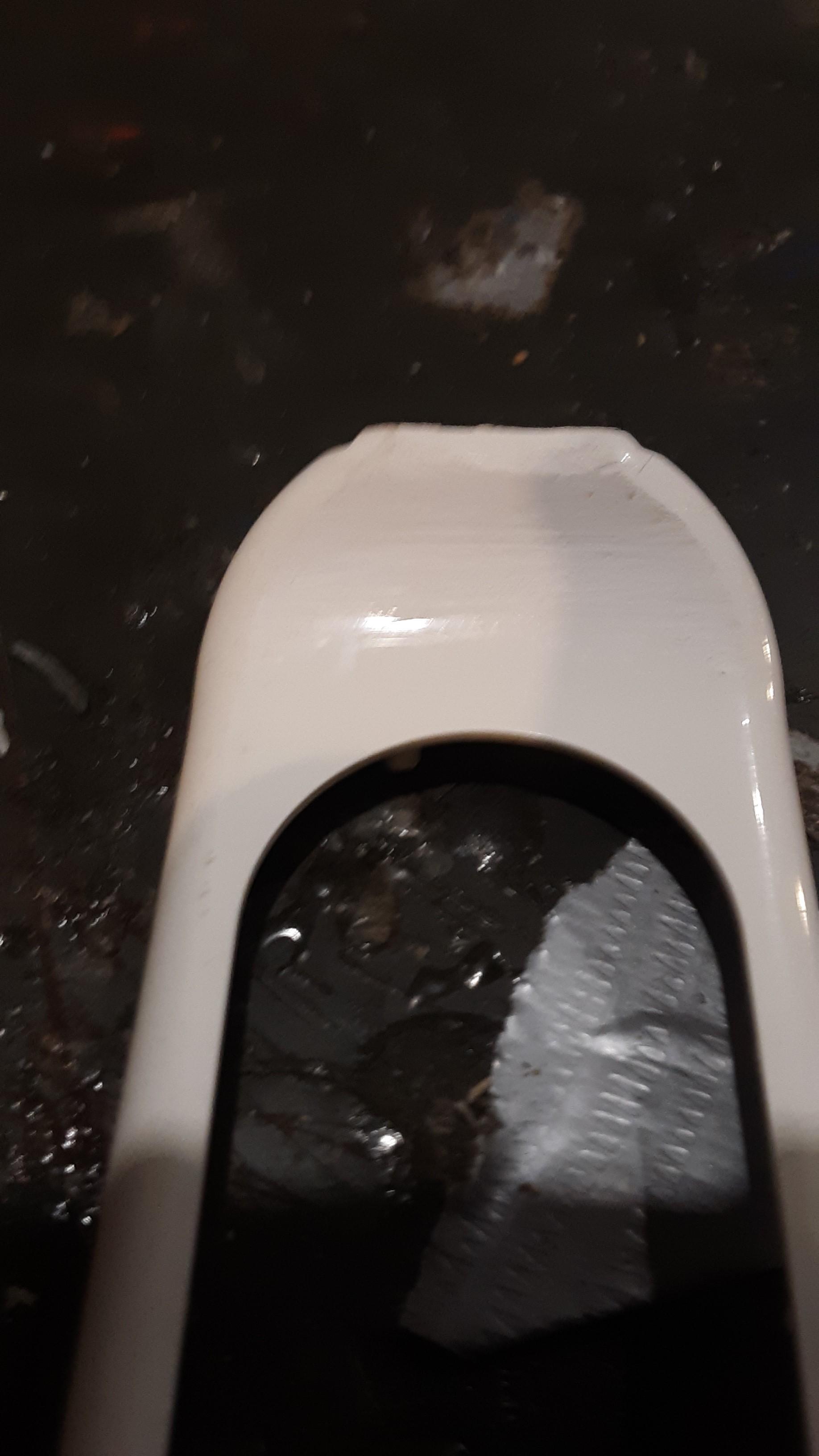
In this step take any of the parts of the handle that will show and sand them off. FYI the center piece & side knobs should be included in this step i just didn't take pictures to illustrate that.
Marking & Drilling for the Front Screws/knobs

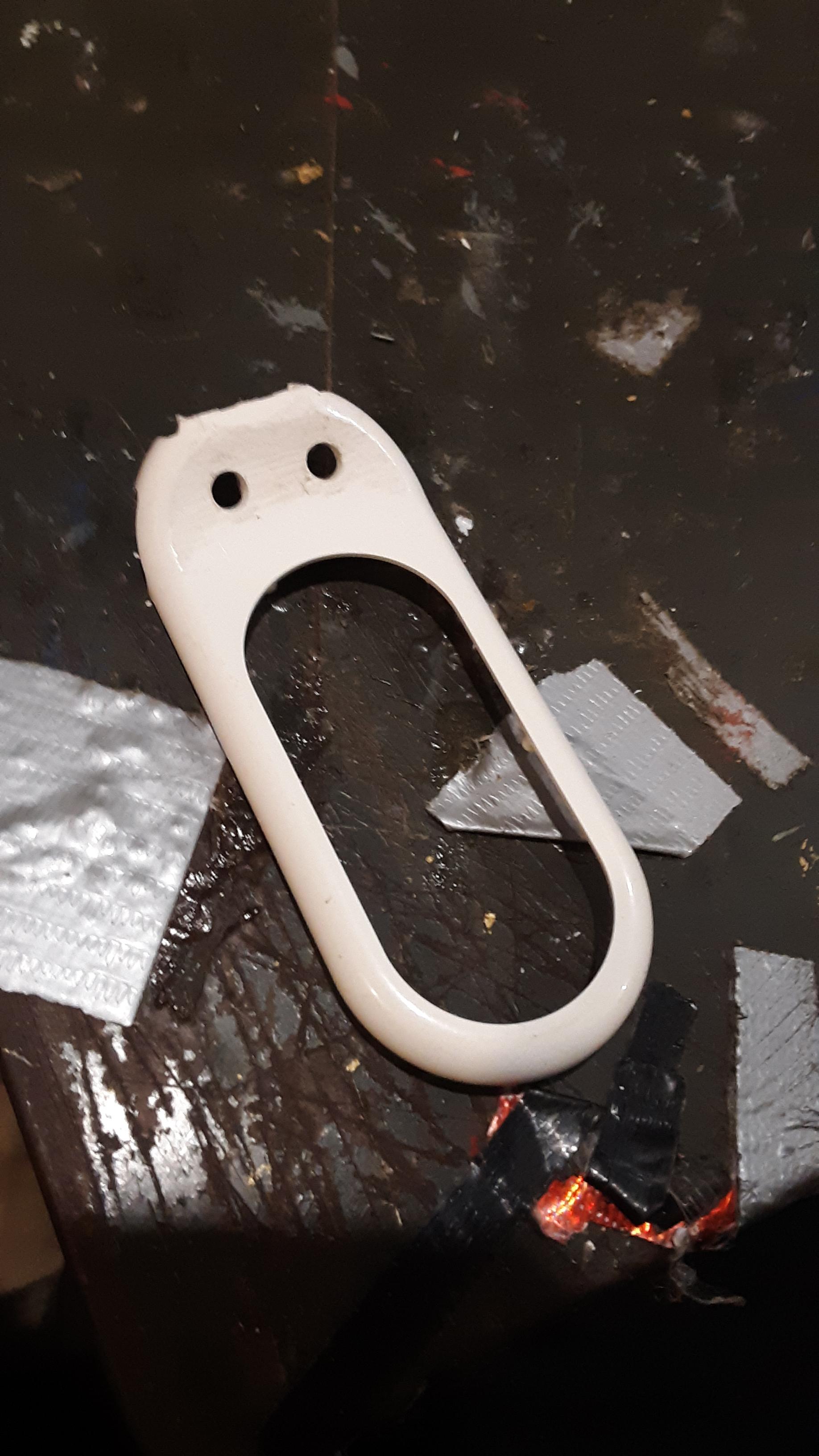
Take the top part of the handle & mark where you are to drill the holes for the roundhead slotted screws. (I personally didn't want to mess up the part i was going to drill so i used a spring loaded center hole punch on the marks due to feeling like i only have one chance at getting it right. (FYI Keep in mind when determining where to mark & drill the holes to leave room for the side buttons to fit back in.)
Place in the Screws & Add Lines
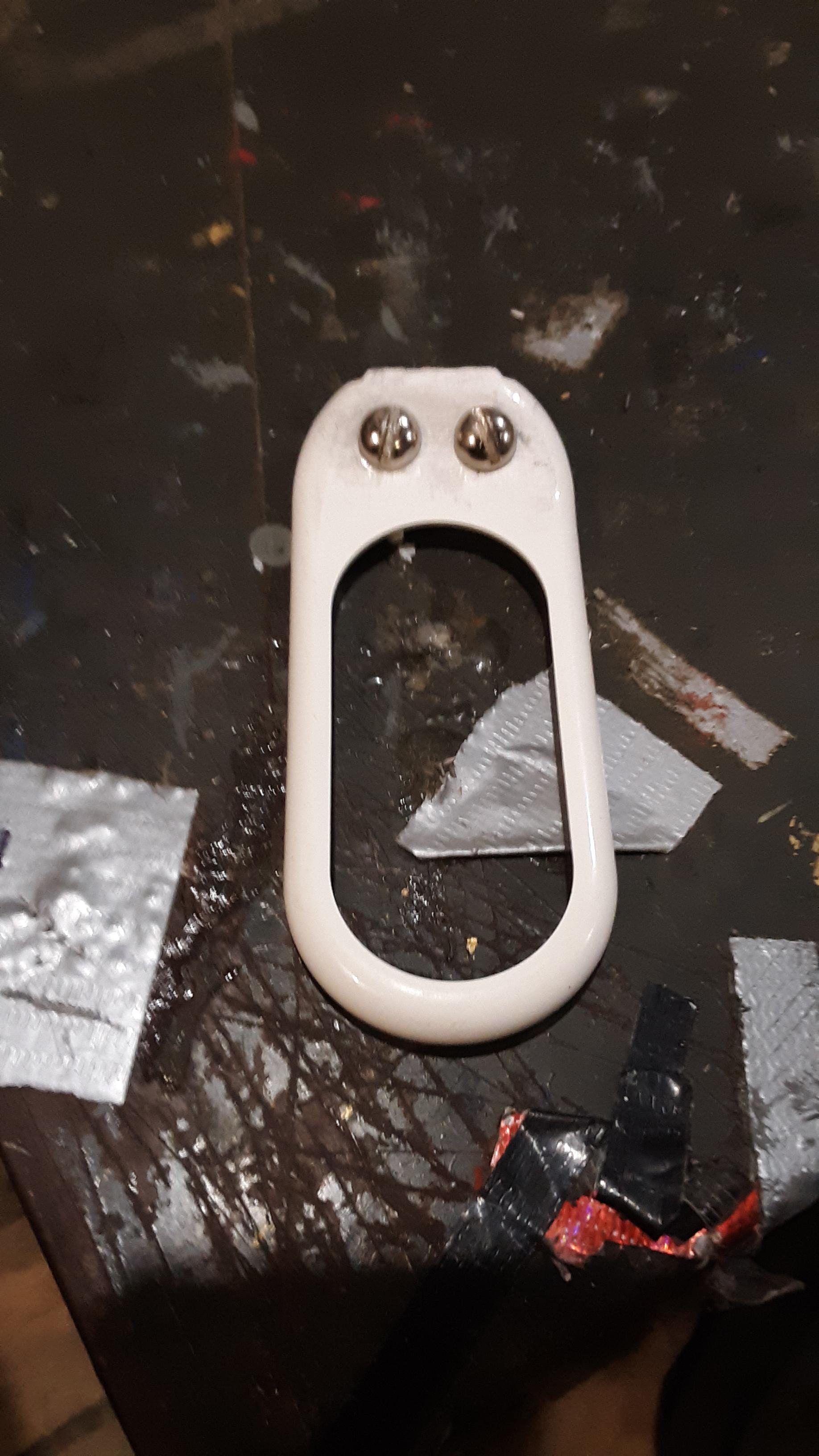

in this step take the back of your outer casing & temporarily hold it in one piece to check that everything will fit in place when its time for final assembly. If all is good we are going to draw lines right above the center of the screws. we are also going to draw a line in the exact center between the screws as shown in picture 2.
Cutting a Recess in the Top Casing
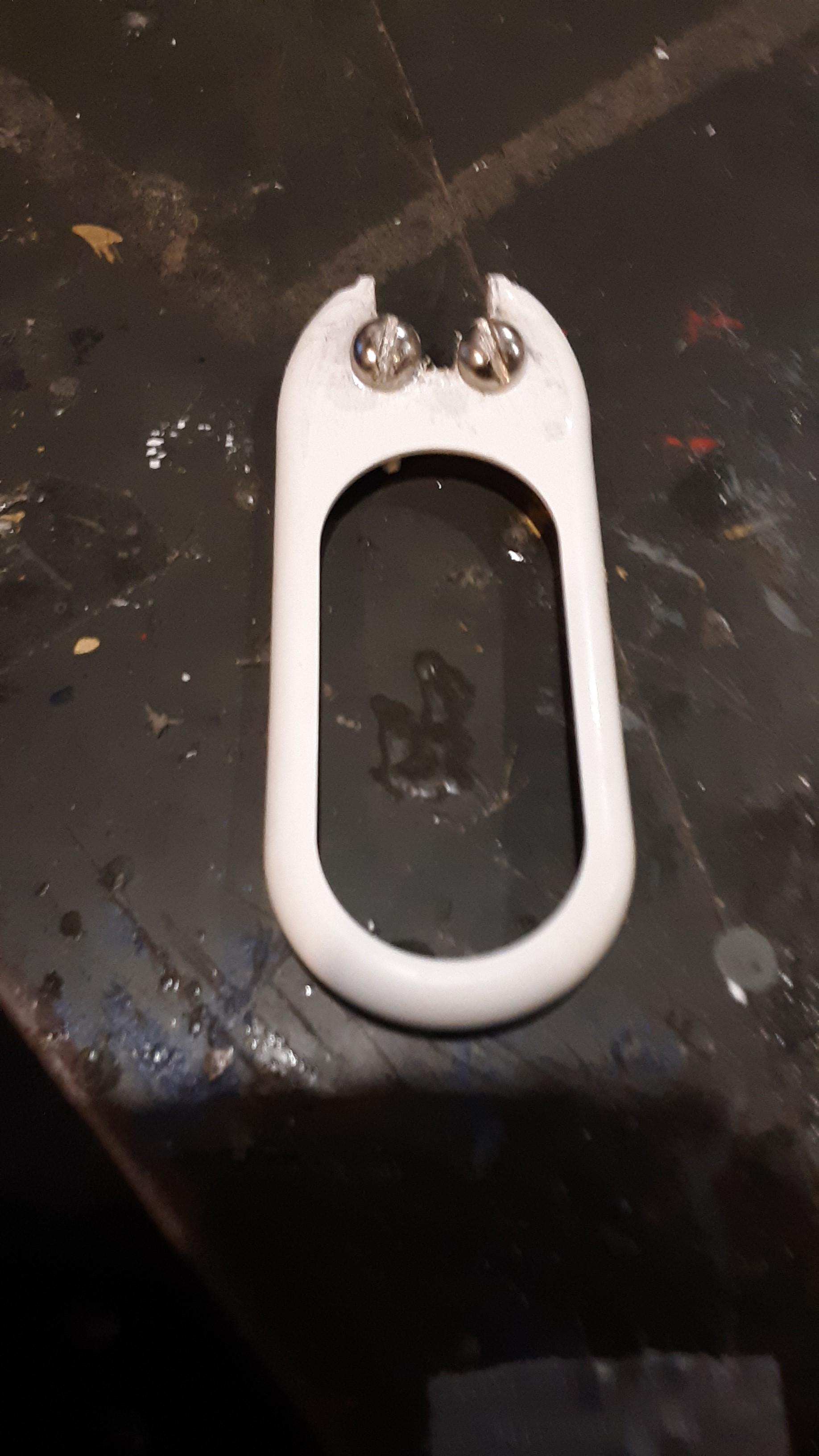
In this step you will are going to use your rotary tool with cutting blade to cut a recess by the screws, as shown in the picture above. I would also like to note only cut the recess up to the head of the screws not to the threads.
Constructing the Center Antenna Base
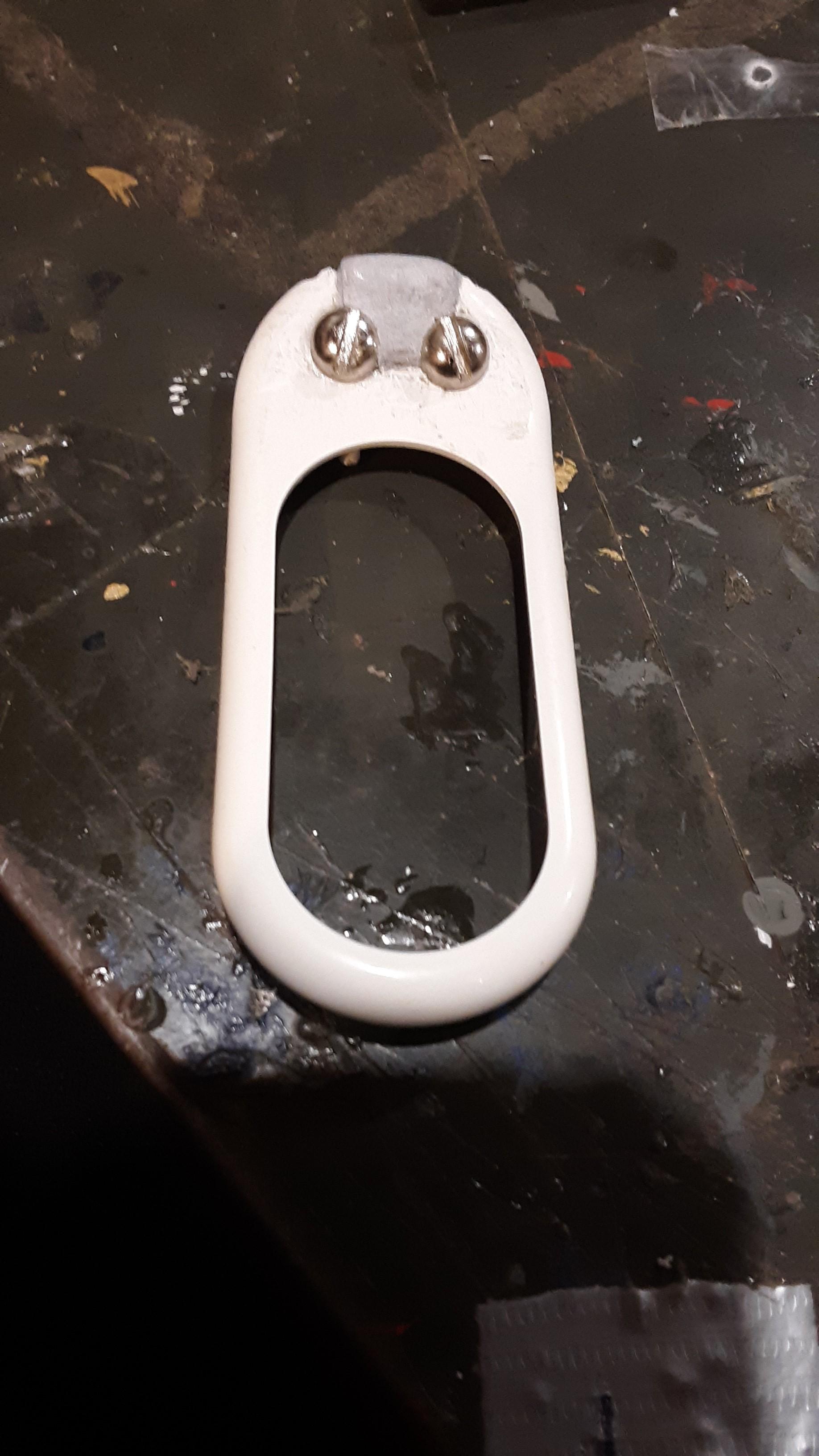
in this step you will need to sculpt some epoxy to fill in the front casing as shown in the picture above. as you sculpt the raised center you will need to check the back & front casing fit multiple times to adjust the form of the add on so everything fits together in the end
Take the Center Piece & Add Epoxy on Back
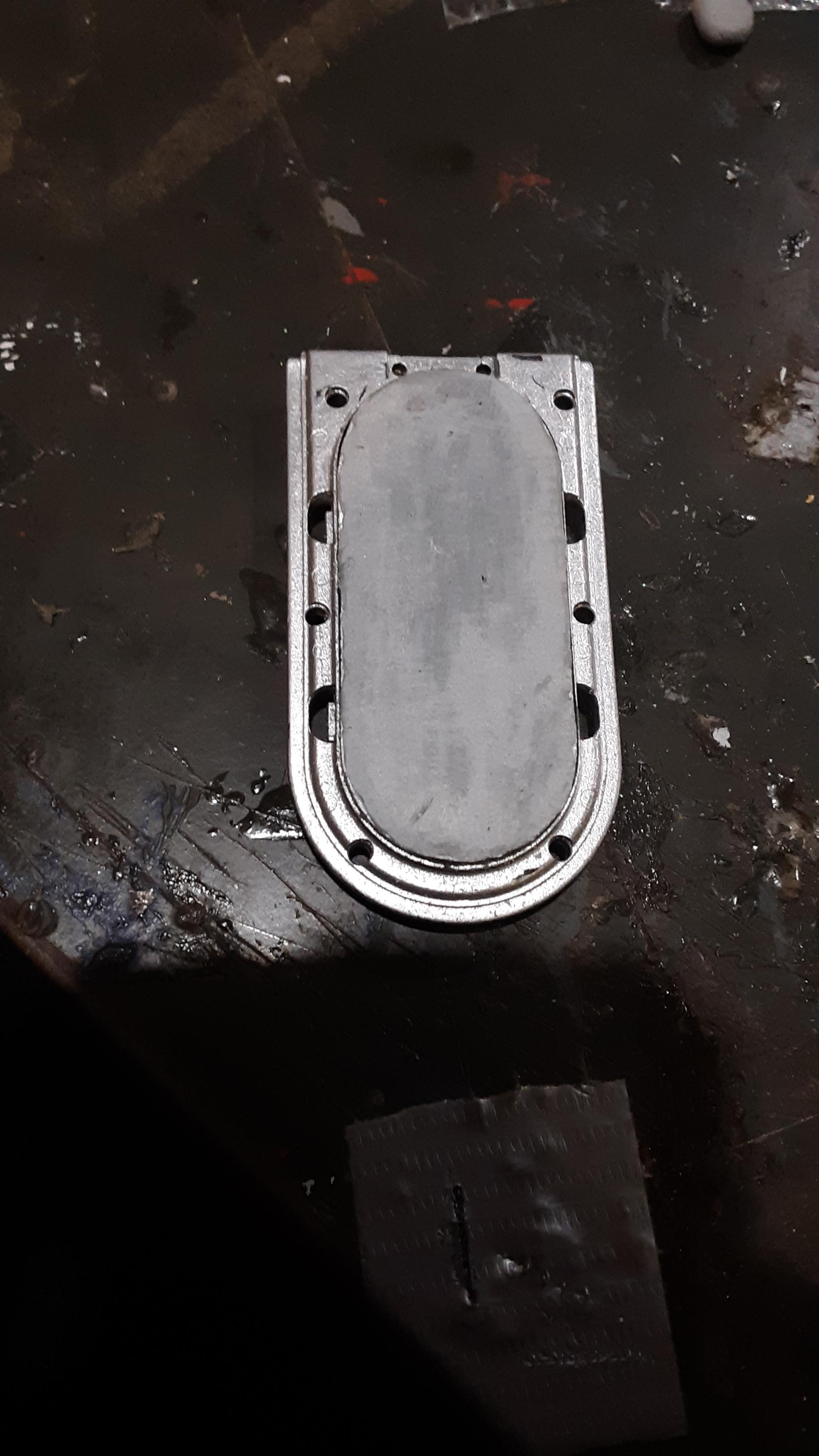
Take the center plate of the razor handle and determine which part is front & back. once you have determined that. Fill in the reverse grip with epoxy putty and make sure the form will be flat to the reverse outer casing
Paint All the Parts.
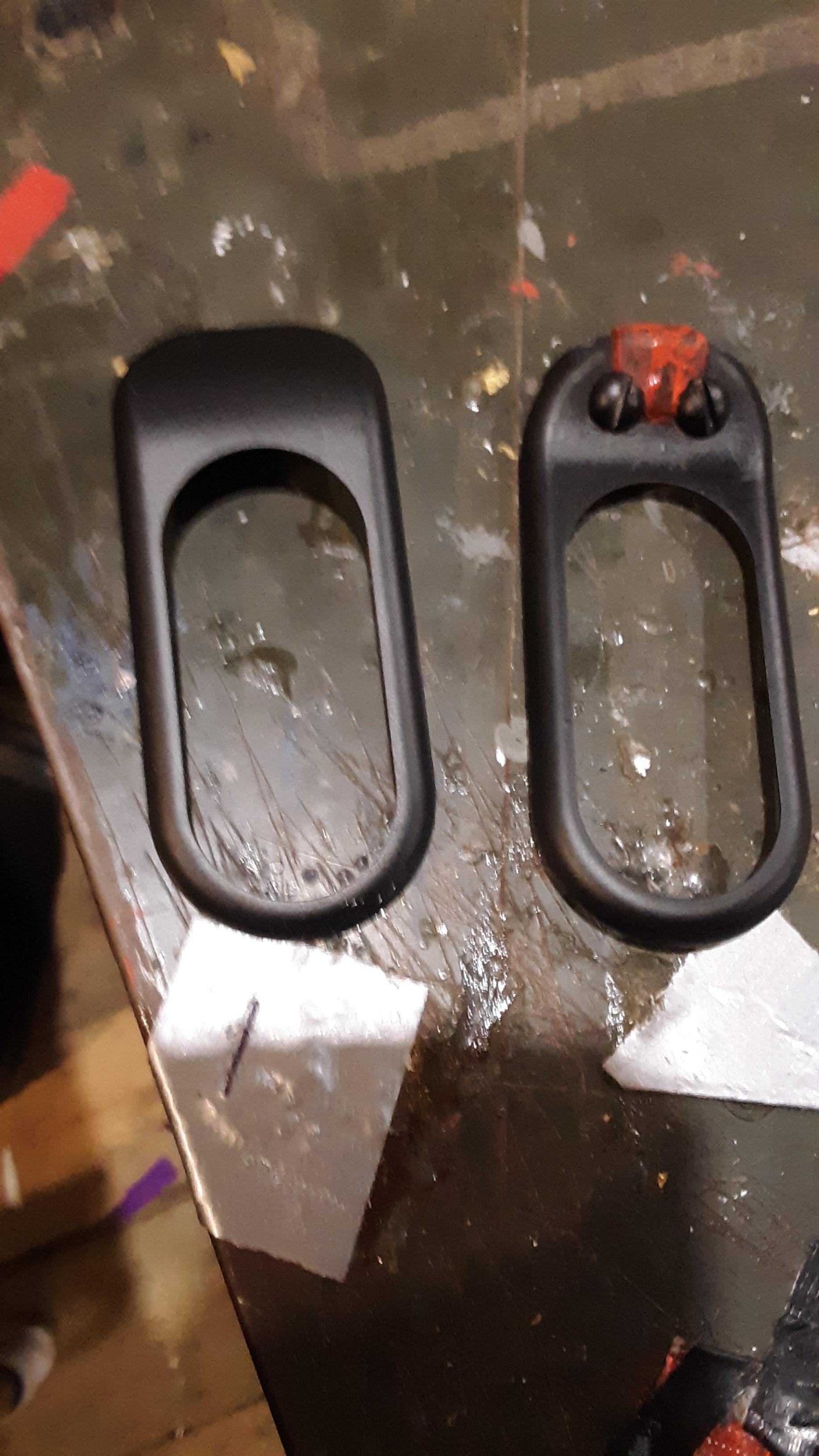

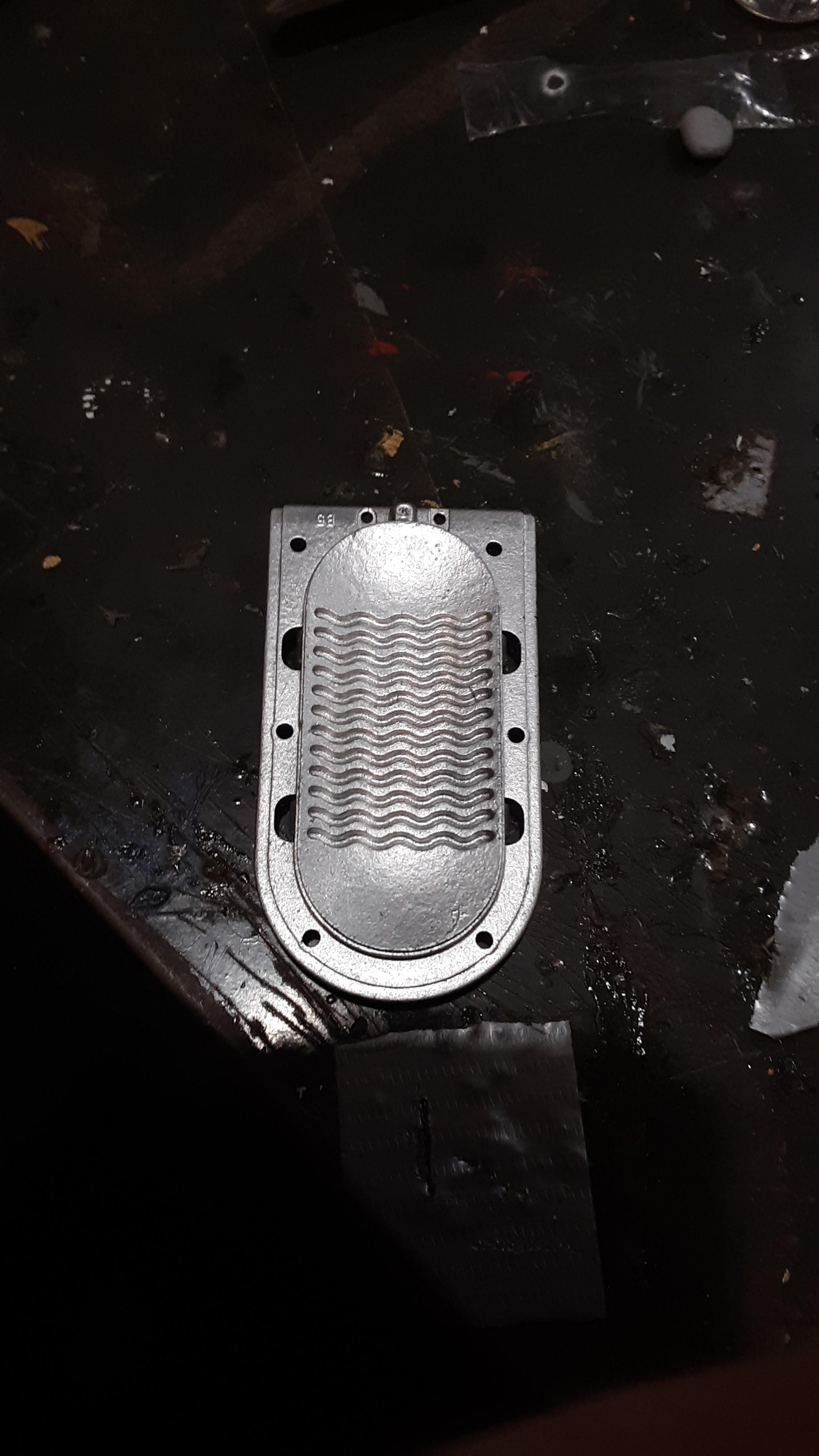
Spray both the front & back outer casing with black spray paint. remember multiple light coats ends up looking much nicer than one heavy coat.
The center grip part spray paint the entire part silver. After the whole center part is dry, hand paint the back of the center grip where the epoxy putty was added with multiple coats of grey. ( I personally used acrylic grey paint to add color contrast)
paint the washers that will be applied later with & the screws on the front casing gold.
Then after all the parts are completely painted ,coat the painted parts with a spray sealer
Adding Details to the Center Grip

Now take the gold painted washers ,carefully line them up them in position & glue them down.( I personally used super glue to do this, some of you might choose to use a different adhesive for this part.)
Staring the Assembly

Take the reverse outer casing of the razor handle, start to place the the internal grip & knobs together. as shown in the picture
Add on the Front Casing
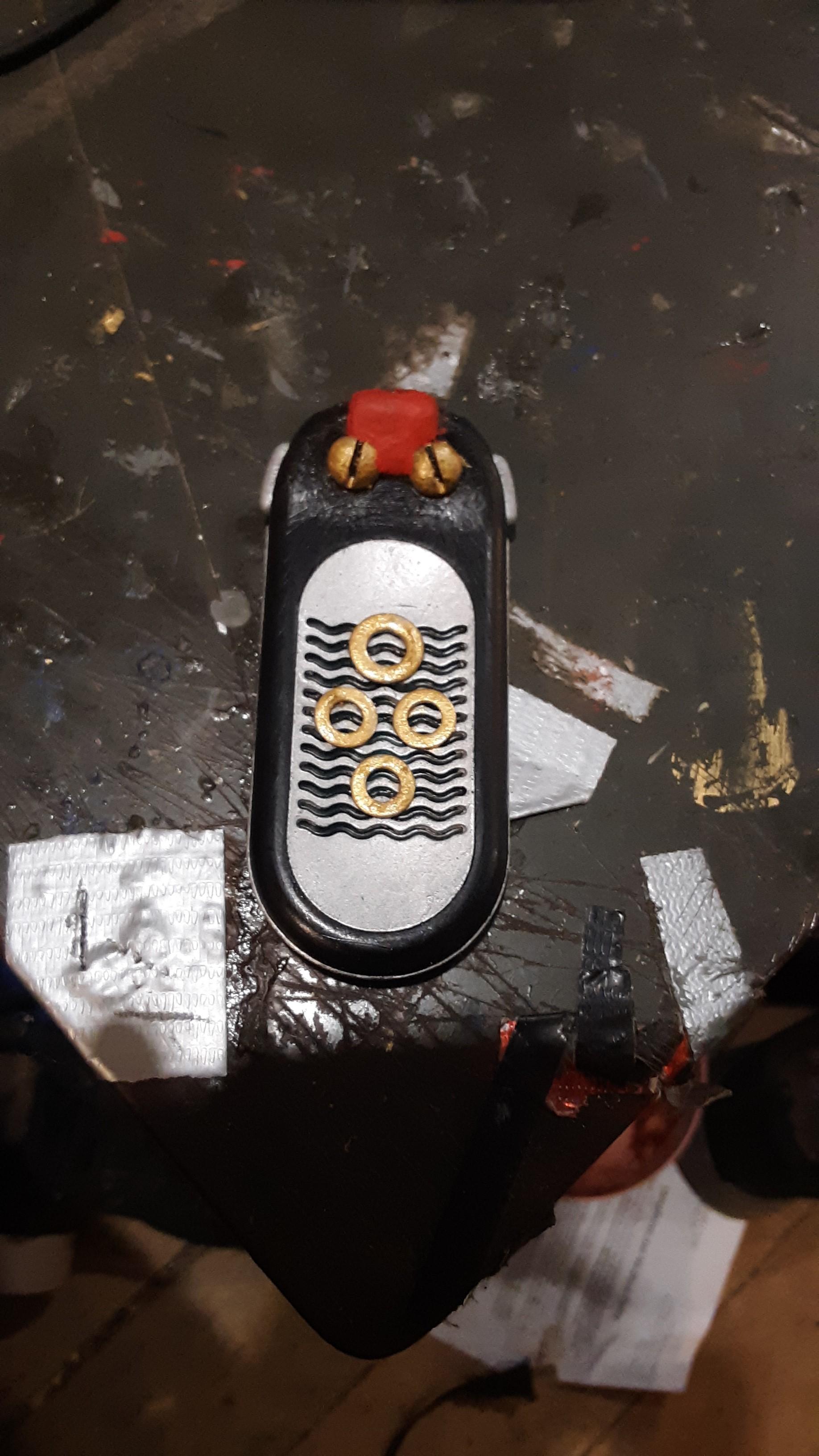
Take the front outer casing of the razor handle & carefully place it back on.
(If the front casing does not fit together well by the top where the epoxy is you might have to carefully sand some of it down on the rear of the front casing so it can can be assembled.)
Build the Center Antenna

Take the outside of a 1/2''inch or 10mm long x 3/8''inch or 4mm wide outer diameter pop rivet casing & cut it down to an 1/8 of an inch or 4mm long & add a very small screw that will fit into the rivet casing that is at least close to double the length of the cut rivet casing.
Add the Center Antenna
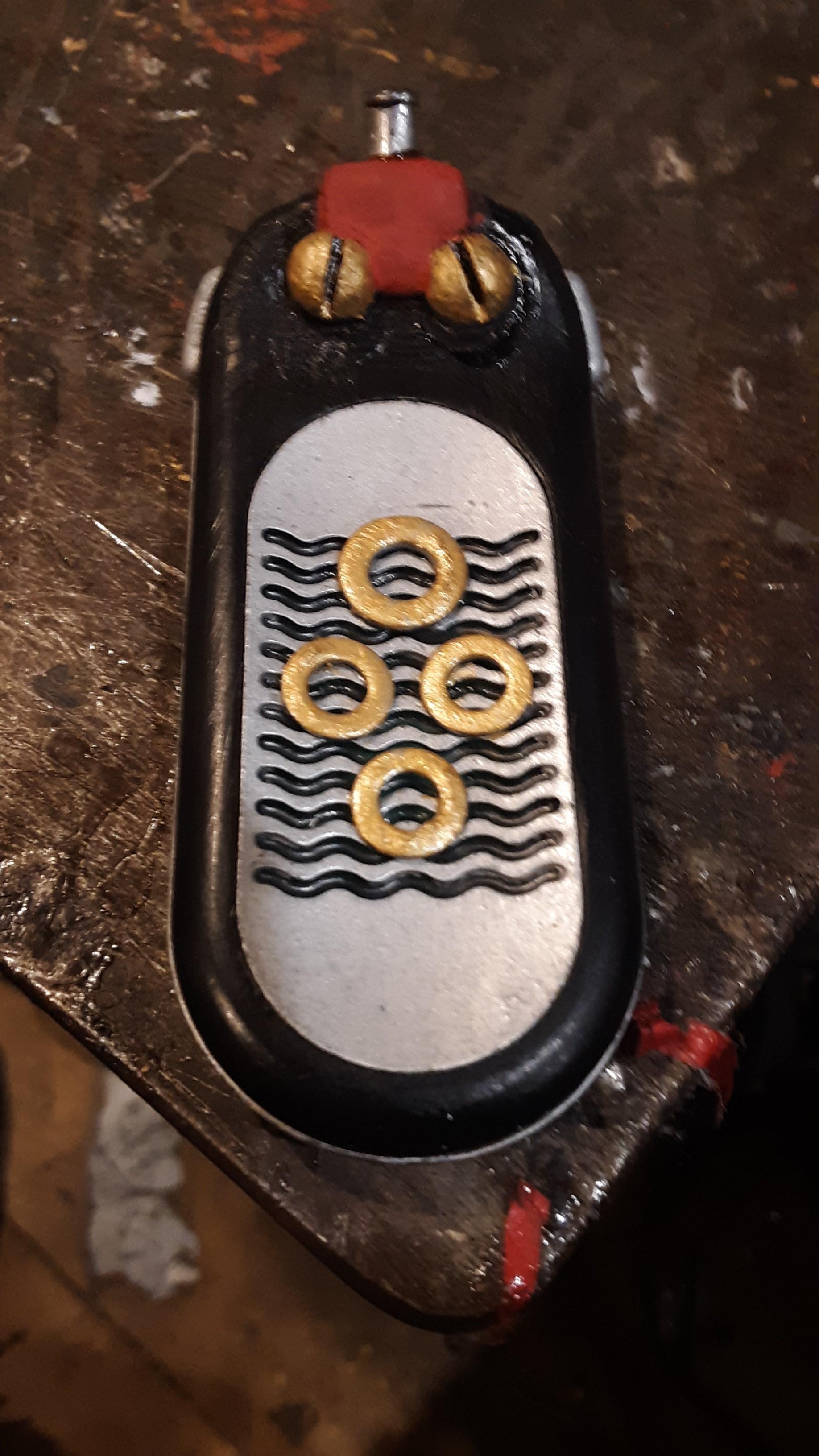
Once you have made your center antenna , Apply it by drilling a very small hole in the front center of the epoxy putty. Then carefully screw it in the hole you drilled (When drilling the hole for the antenna start with the smallest bit. You can always take out more but its harder than heck in this case to build it back up)
Cut Out the 2 Outer Antennas
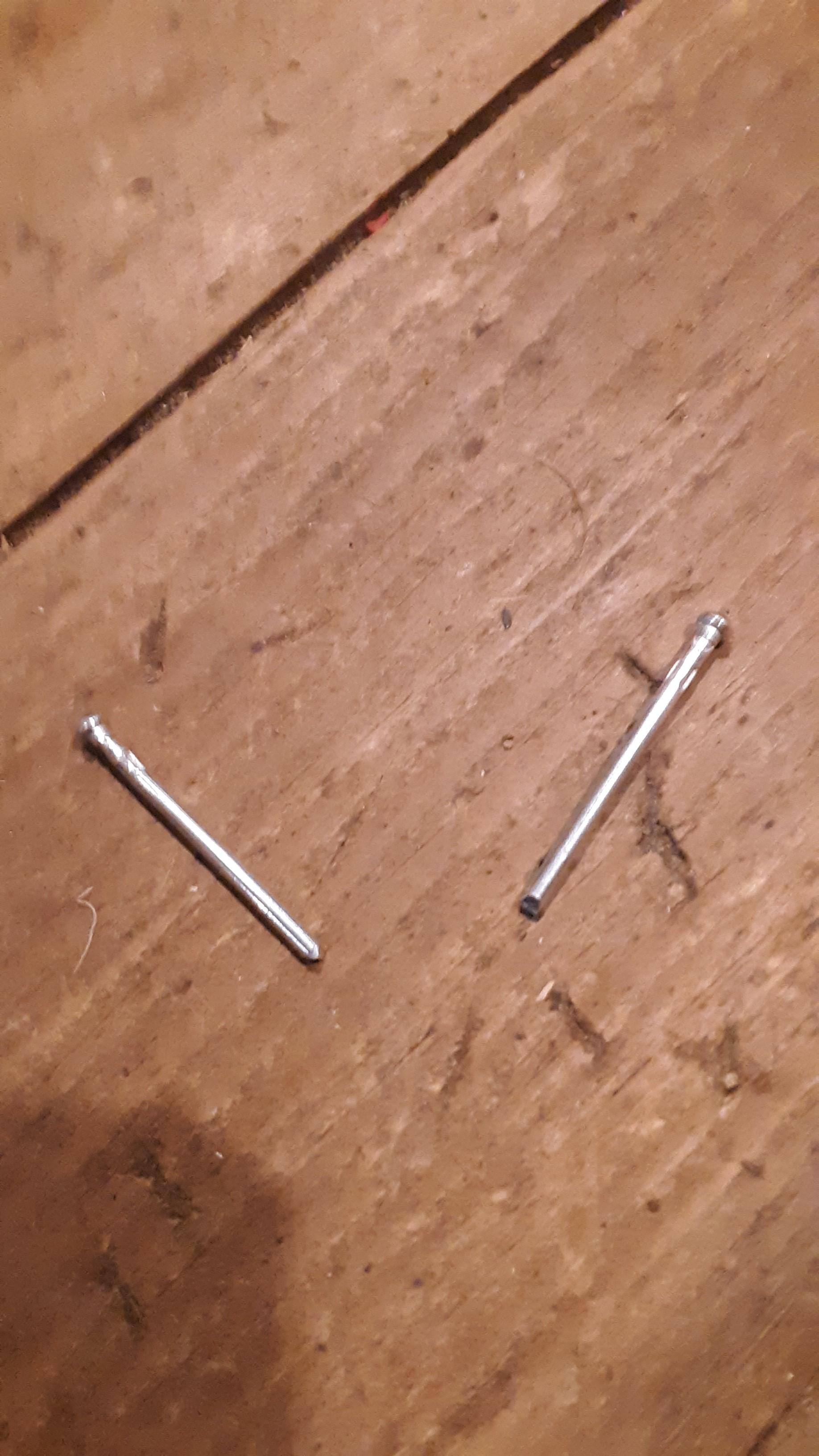
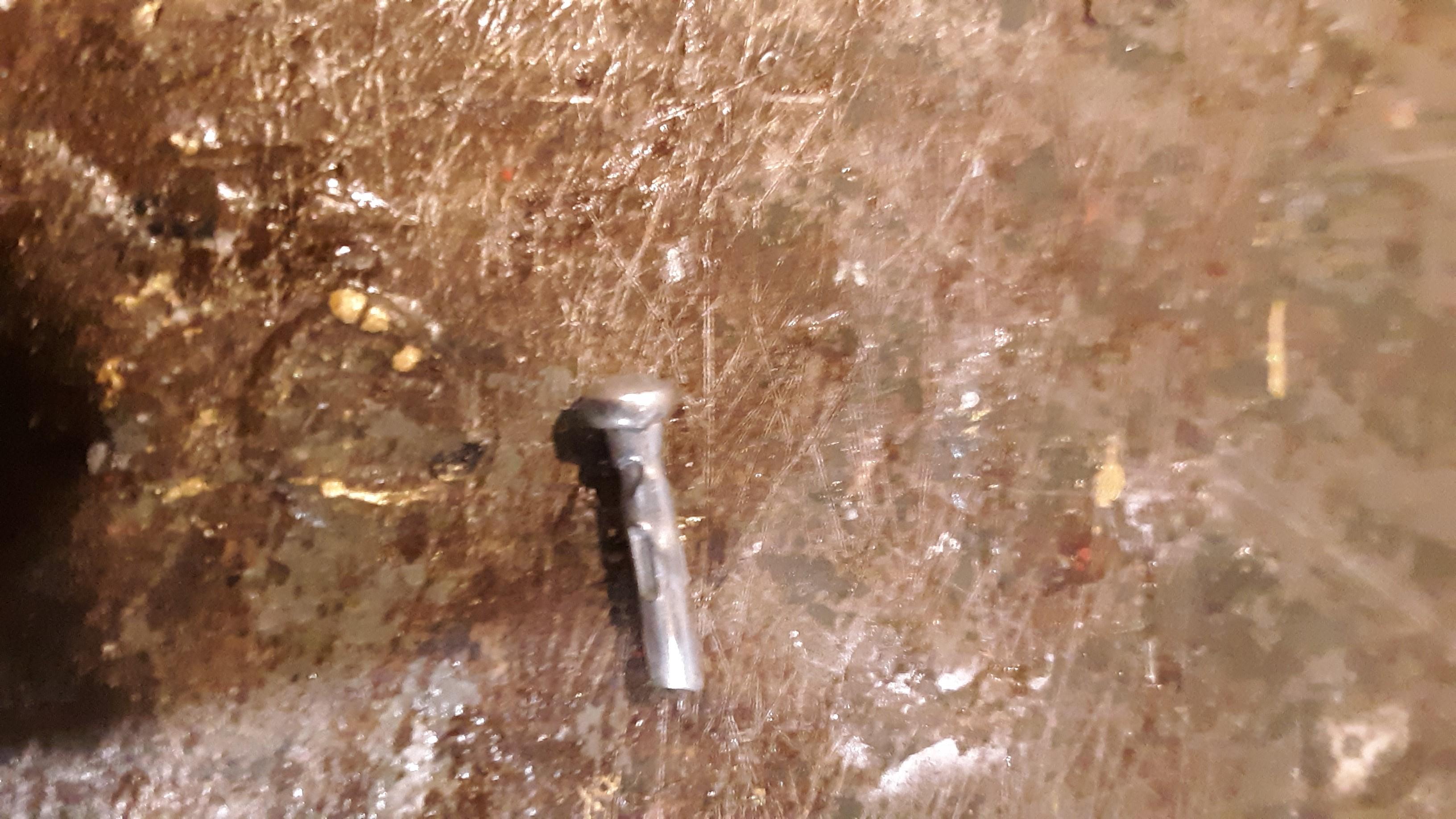
Take 2 ,1 & 1/2''inch or 40 mm pop rivet long pins & cut them down to 1/2'' inch or 12 mm long making sure to save the head of the pin.
Adding the 2 Final Antennas
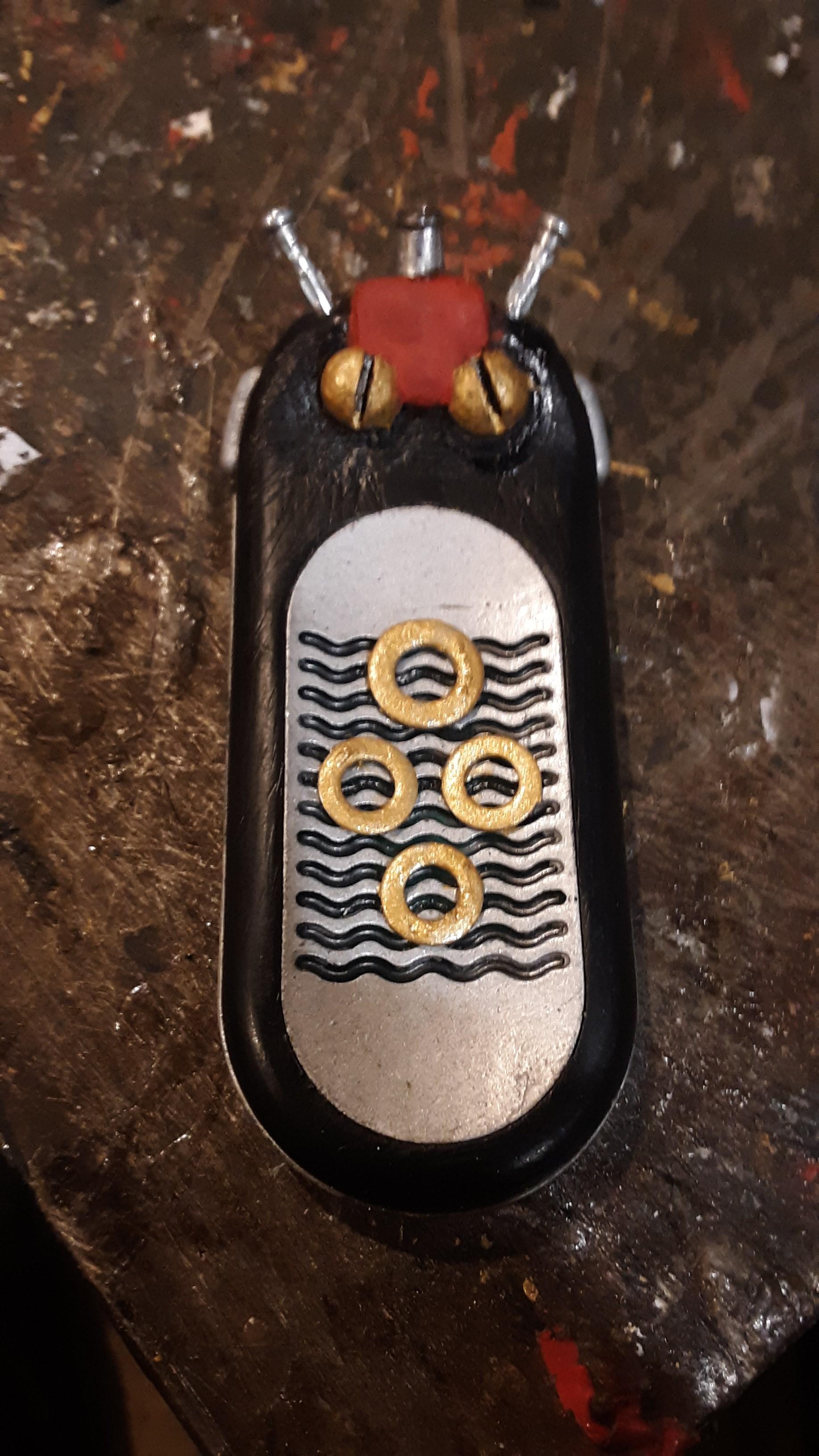
Take your Commlink handle and will as ultimately careful as you can, drill in the holes on an angle where you will place in the outer antennas. place them in the holes . If the pins stick out too far pull them out & adjust the length of the pins if you want. If they are a very little tad loose & you like how they set in just put a dab of super glue in the holes & carefully place your pins in.
It's Complete
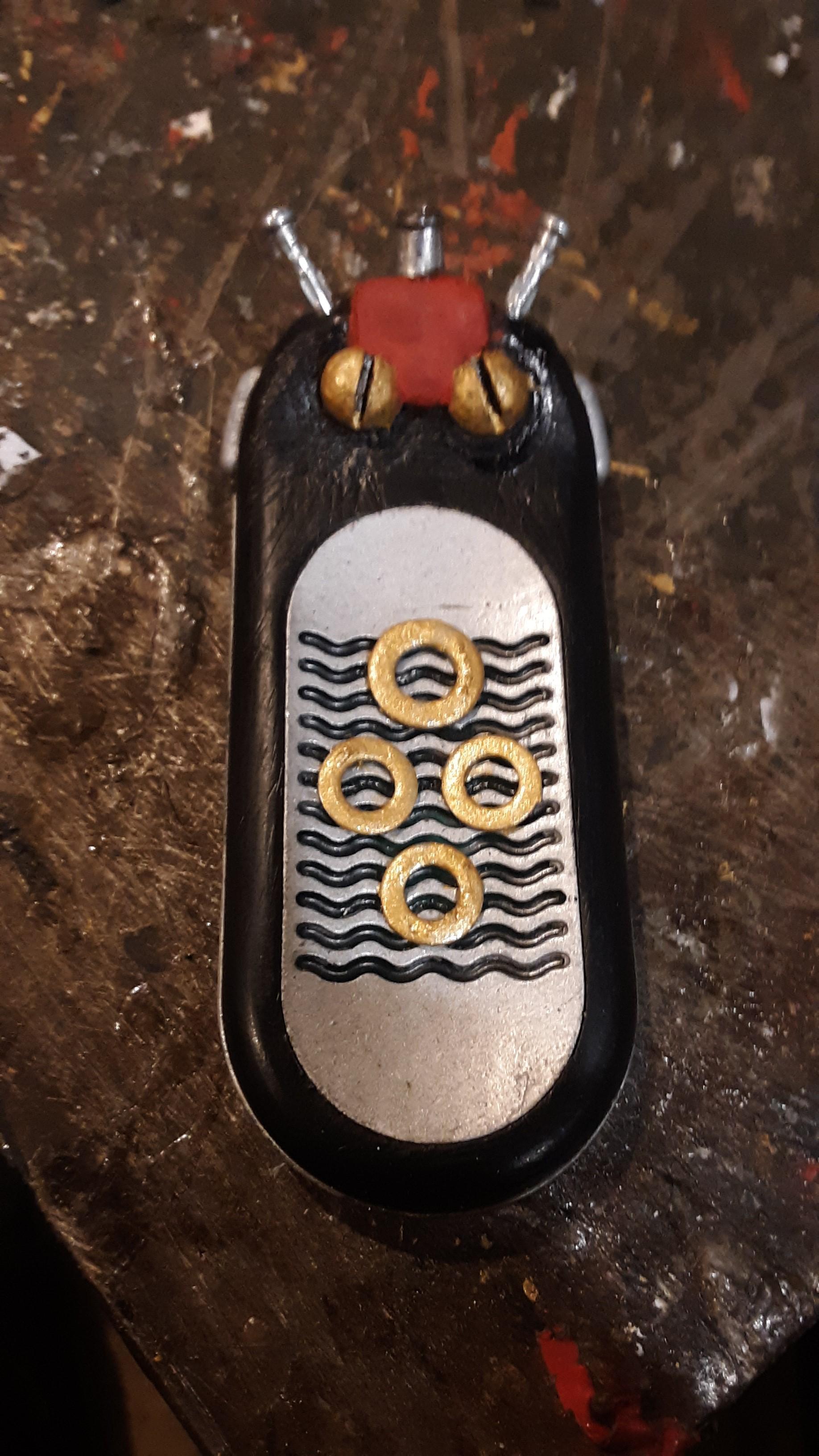

We are done with this Instructable. I hope someone out there might try like this project. Take care everybody & May the force be with you.