How to Laser Engrave Realistic Photos on Leather
by alexphipps696 in Workshop > Laser Cutting
61 Views, 0 Favorites, 0 Comments
How to Laser Engrave Realistic Photos on Leather
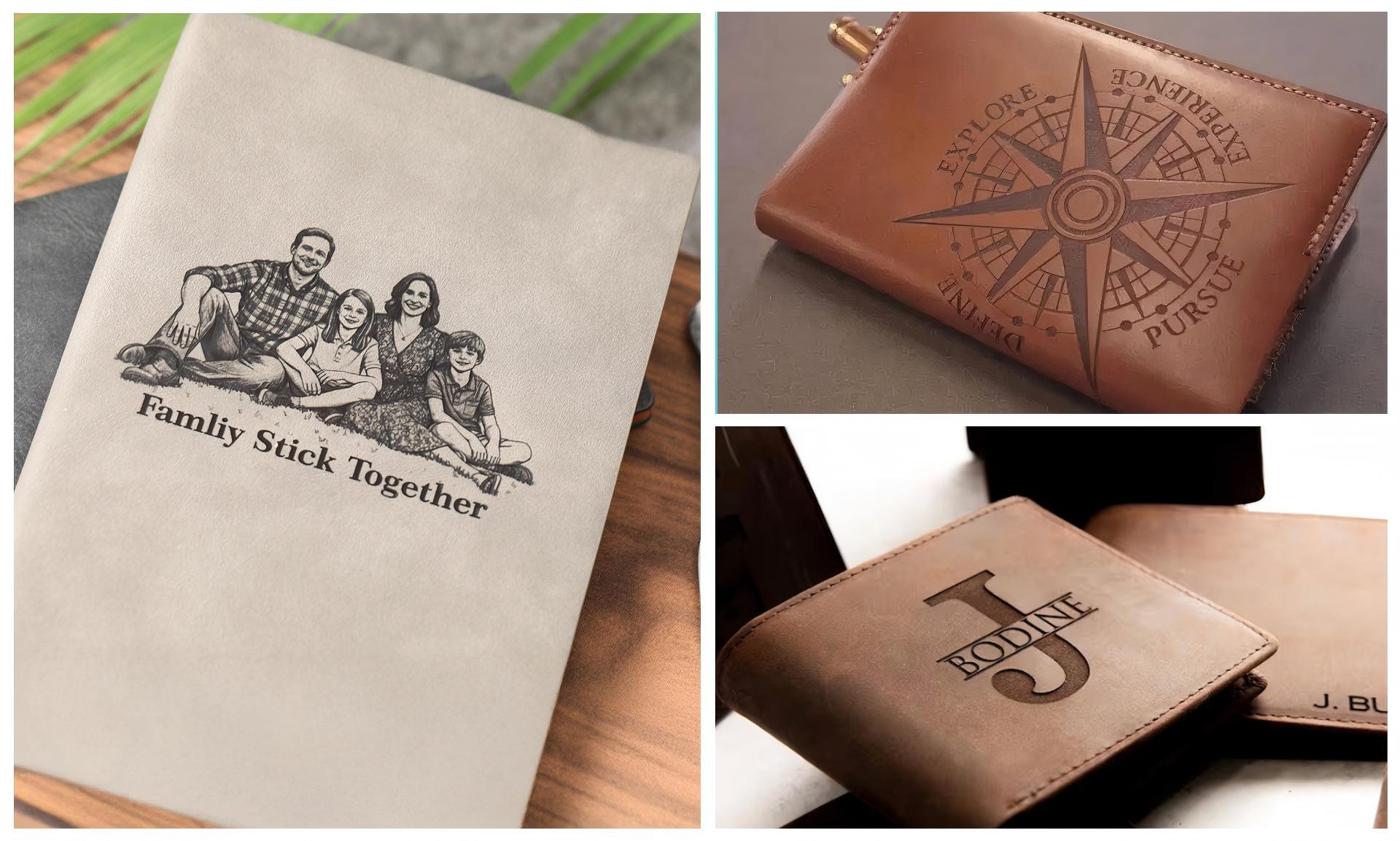
Engraving photos onto leather creates stunning, personalized items like wallets, keychains, or journals that make perfect gifts or keepsakes. Using a 10W diode laser, you can achieve detailed grayscale images with depth and contrast, turning ordinary leather into art.
Supplies
Materials
- Leather: Vegetable-tanned or full-grain leather product (avoid synthetic or PVC types to prevent harmful fumes).
Tools
- NEJE 10W Laser
- Light-Burn
Prepare the Photo
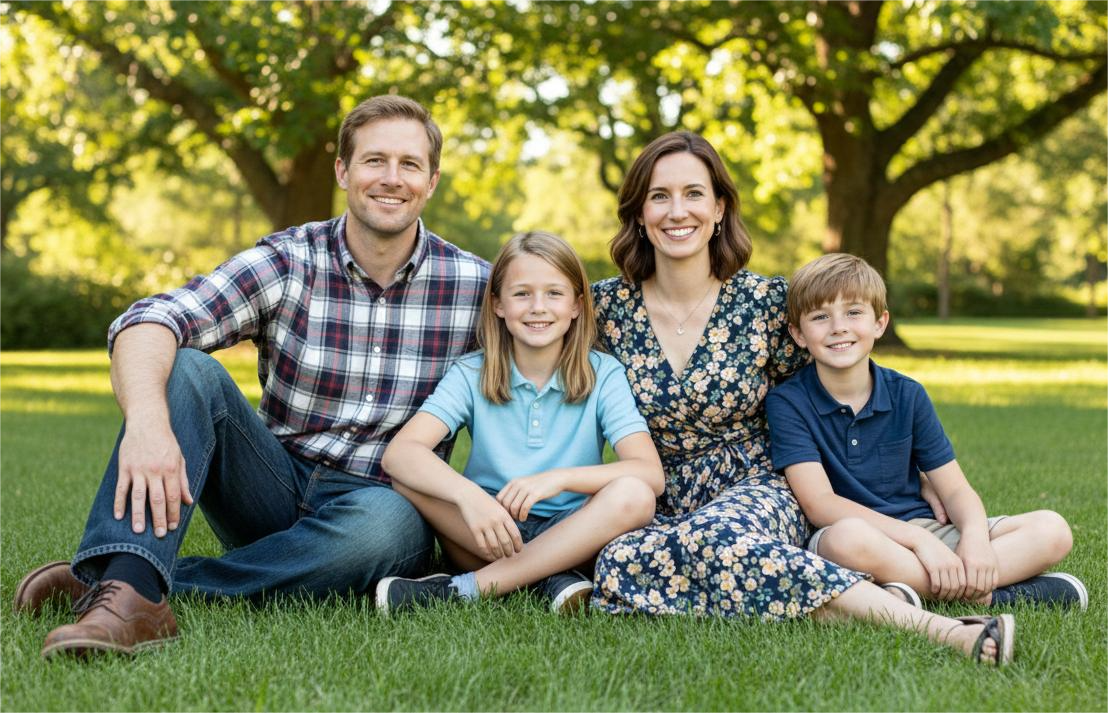
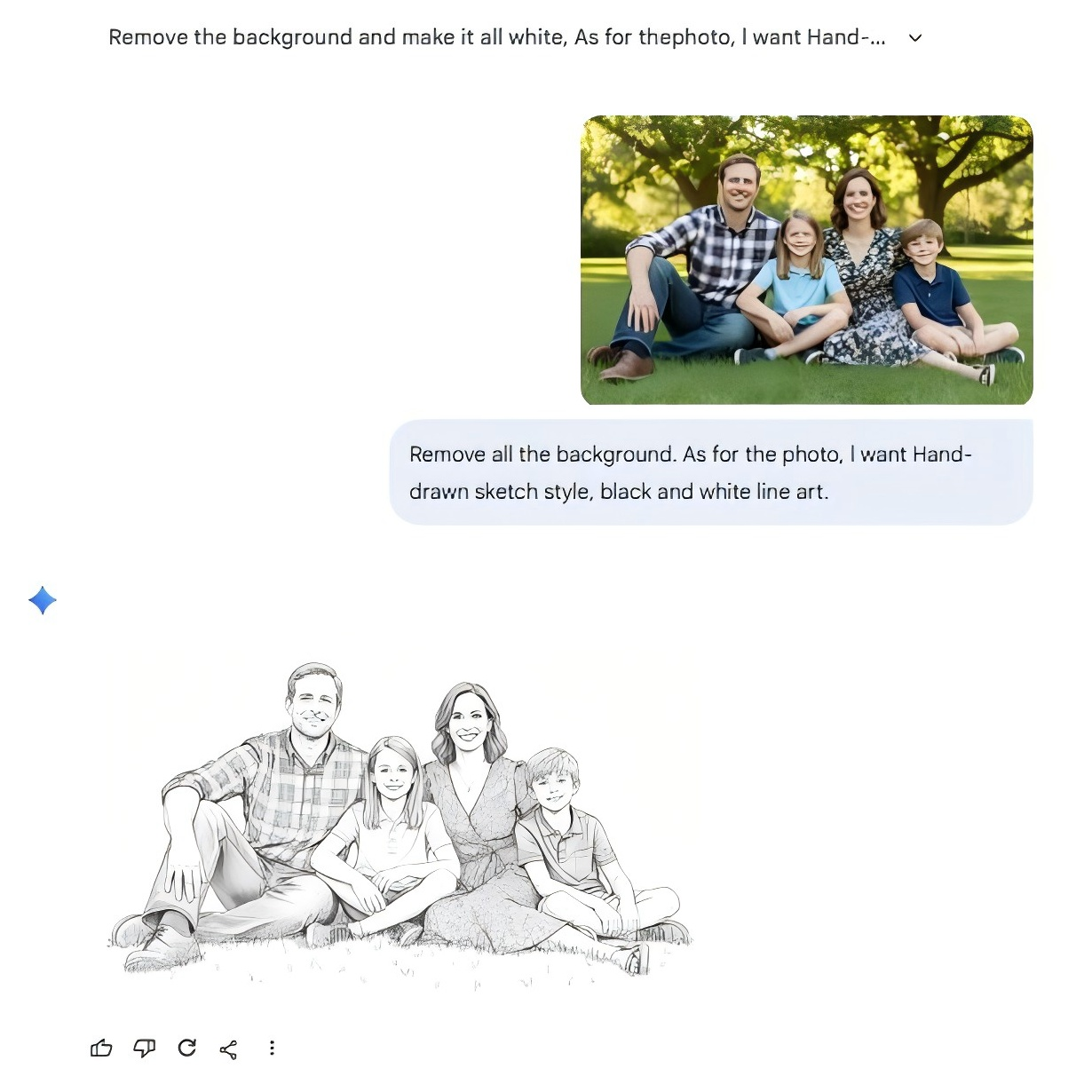
Start with a clear, high-contrast photo to ensure the engraving captures details like shadows and highlights.
- Select or edit your image in photo software like Adobe Photoshop, GIMP (free), or AI tools.
- Crop distractions, convert to grayscale, boost contrast, and apply a sketch filter if needed for sharper edges.
- Save as a high-res JPEG or PNG.
Upload the Png File
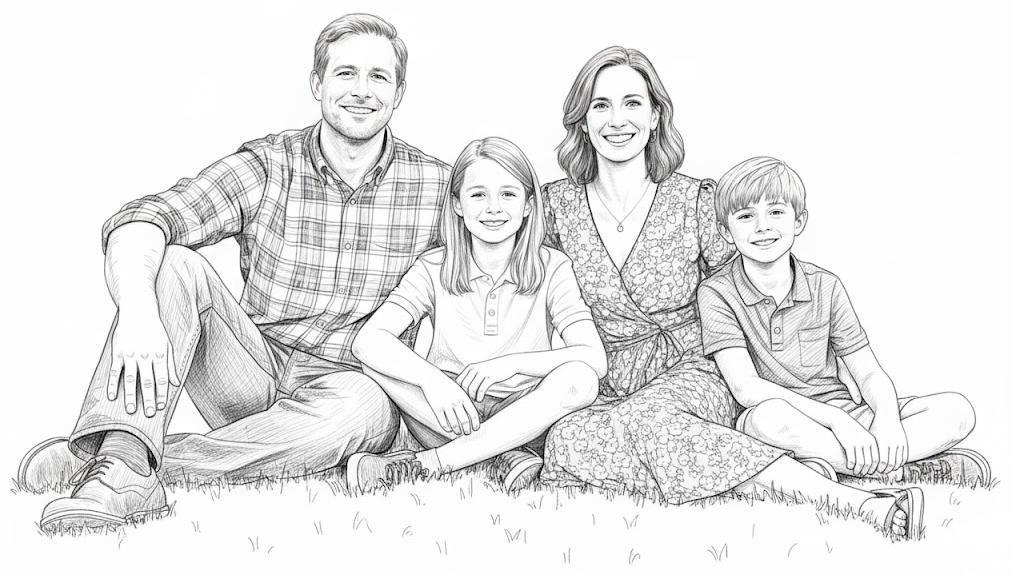
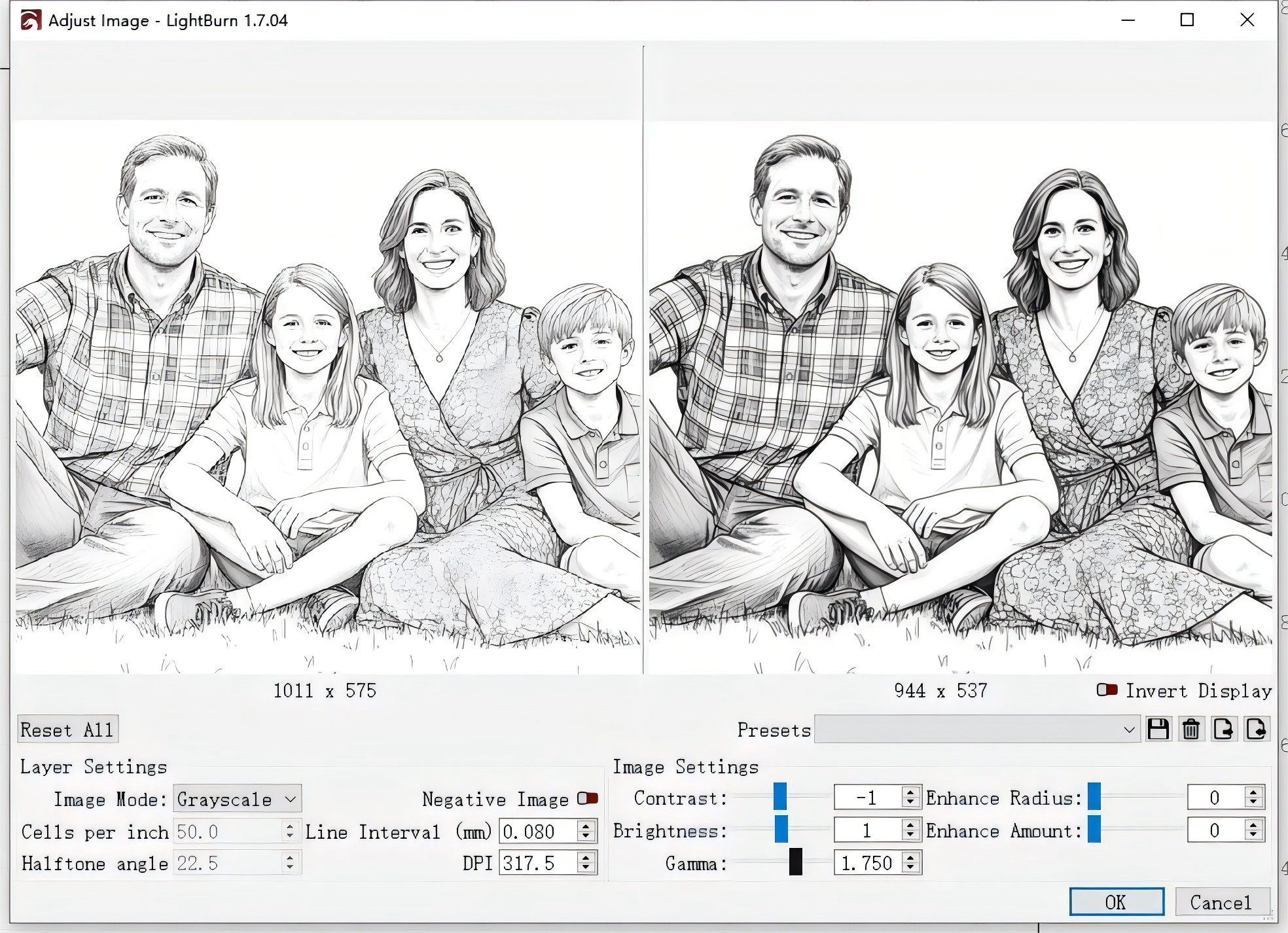
Import into your laser software (e.g., LightBurn). Adjust size to fit your leather, preview in grayscale mode, and adjust Gamma for better contrast—higher Gamma darkens mid-tones for depth on leather.
Laser Engraving
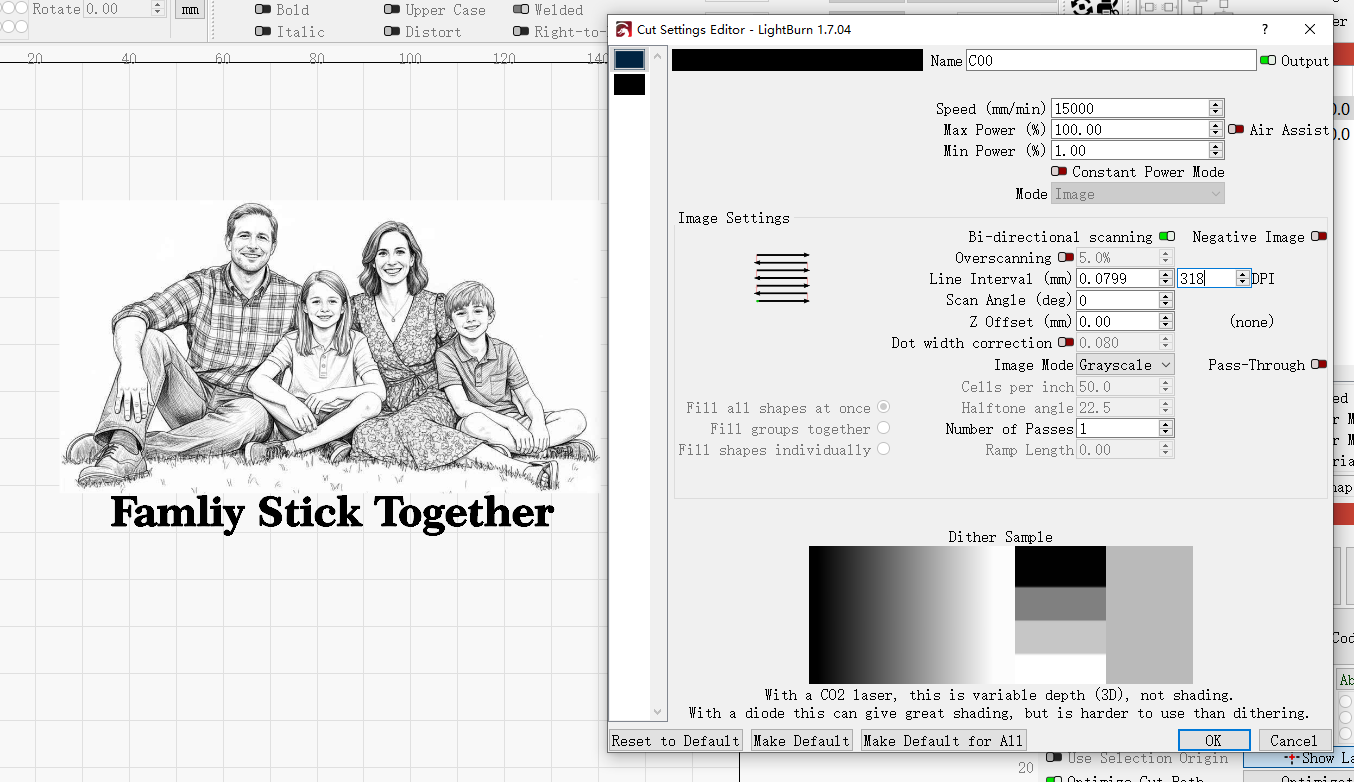
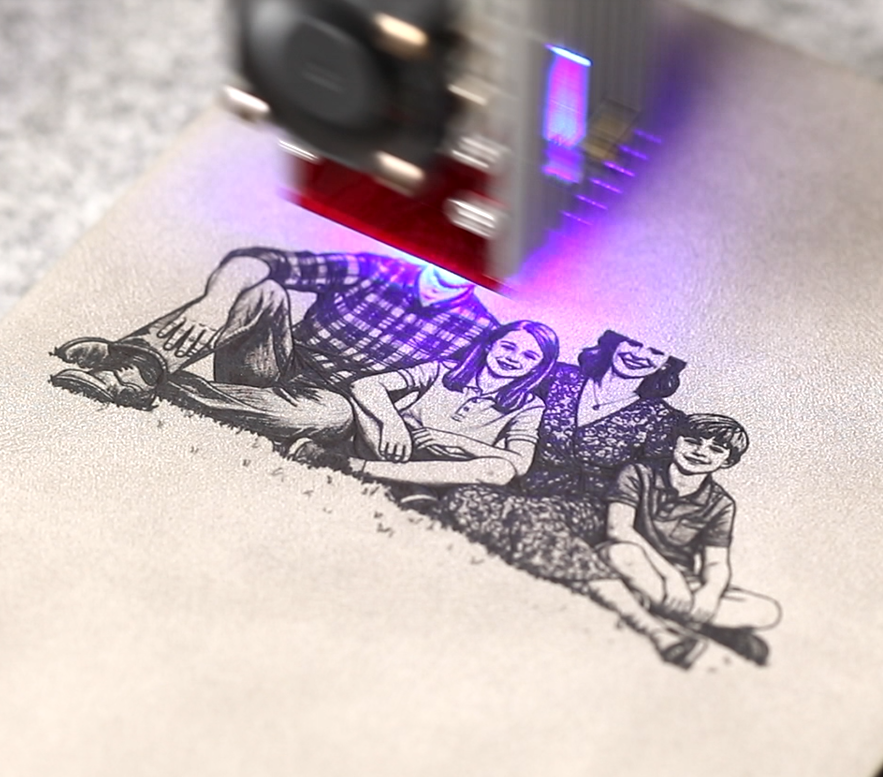
Clean the surface with a damp cloth to remove dust. Lightly mist with water using a spray bottle—this makes the leather more pliable, reduces smoke, and enhances burn quality. Don't soak it; just dampen evenly. Then hit start and watch your design come to life.