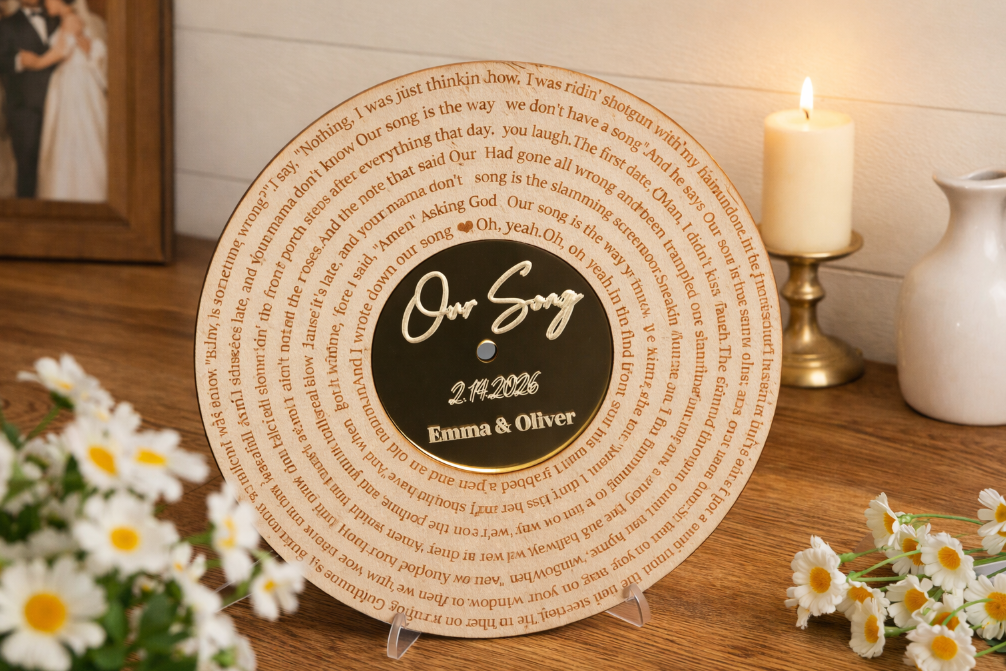
How to Laser Cut a Custom Lyric CD Decor for Valentine's Day?
by thunderlaser-nolan in Workshop > Laser Cutting
10 Views, 0 Favorites, 0 Comments
How to Laser Cut a Custom Lyric CD Decor for Valentine's Day?

Some songs capture a moment, a memory, or a relationship better than words ever could. Turning meaningful lyrics and a couple’s names into a physical keepsake makes that memory last even longer.
In this tutorial, you’ll learn how to create a CD-inspired decorative piece using laser engraving and cutting. By combining engraved wood with gold mirror acrylic, you can transform a favorite song into a timeless, display-worthy design—simple, elegant, and full of meaning.
Supplies
Machine Used
- Thunder Bolt 30W
- See more details about this machine→
Material Needed
- 3mm Plywood
- 3mm Gold Mirror Acrylic Sheet
Settings
Engraving & Scoring Plywood
- Speed:800mm/s
- Power:25%
- DPI:300
Engraving Acrylic
- Speed:800mm/s
- Power:20%
- DPI:300
Cutting Plywood & Acrylic
- Speed:10mm/s
- Max Power:25%
- Min Power:10%
Downloads
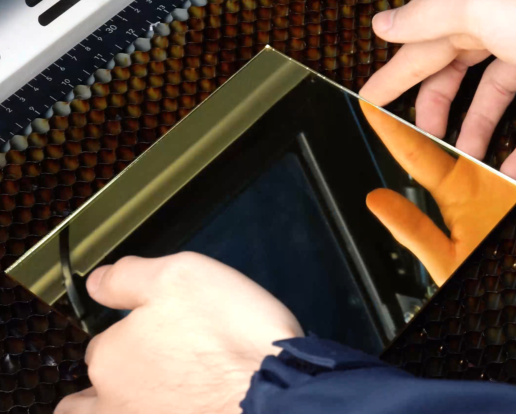
Place the Materials
Place the plywood and the gold mirror acrylic sheet flat on the laser bed. Make sure both materials are clean, secure, and properly positioned to prevent movement during engraving and cutting.
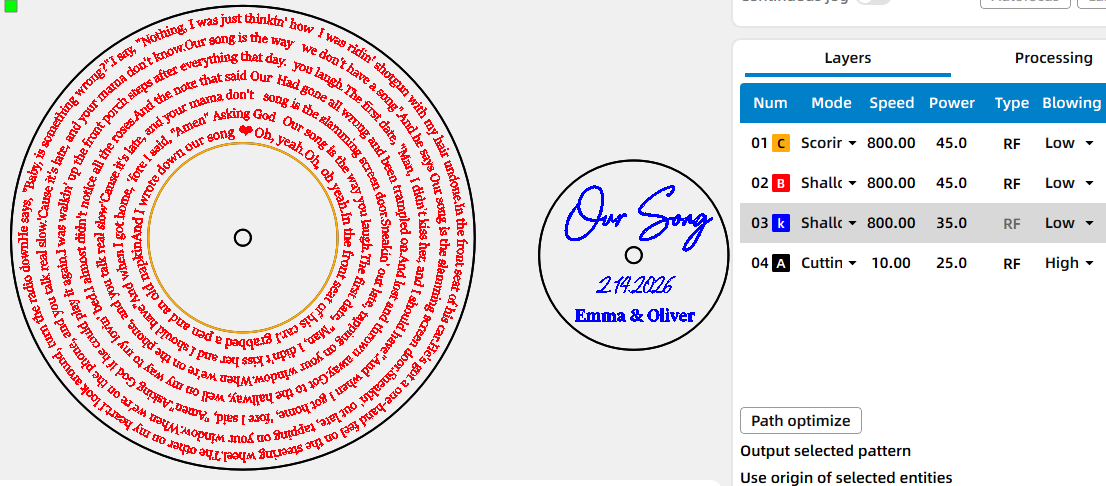
Import the Design File and Check the Settings
Open your preferred laser software (I used Lasermaker) and import your design file. Adjust the size and positioning to match your materials. Double-check which elements are set for engraving and which are set for cutting.
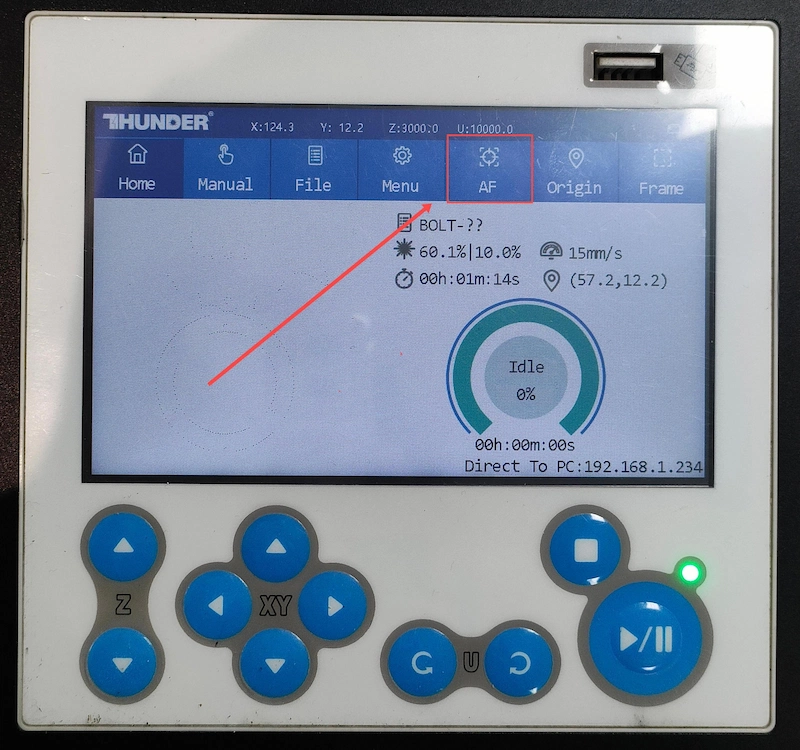
Focus Your Laser Machine
Proper focusing is essential for achieving detailed engravings. If your machine supports auto focus, a single click will set the correct distance. If you prefer manual focus, use the focus stick to adjust the laser head until it just touches the surface of the mirror at a perfect vertical angle. Spending an extra moment on accurate focusing will pay off with professional-looking results.
Frame the Design and Start Laser Engraving
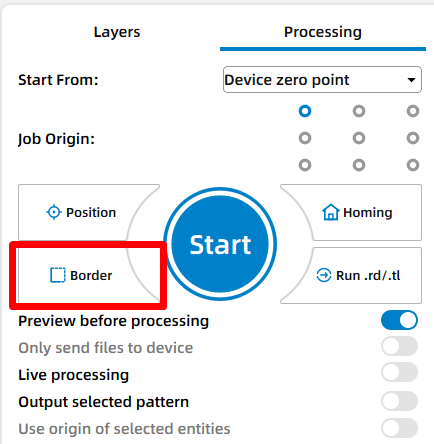
Use the framing (Border) function to check the engraving area. This helps confirm that the design is positioned correctly and won’t exceed the material boundaries.
Monitor the Laser Engraving Process
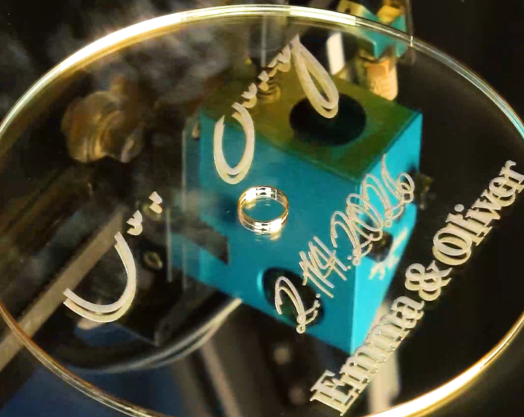
Stay near the machine while it’s running and watch the cutting and engraving progress. Keep an eye out for excessive smoke, small flame-ups, or any movement of the material that could affect the outcome. Make sure your workspace is well-ventilated, and rely on air assist if available.
Bond the Acrylic to the Wood
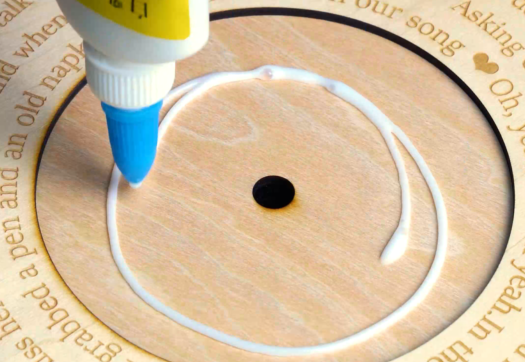
Once processing is complete, carefully remove the pieces from the laser bed. Align the engraved gold mirror acrylic with the engraved wooden base, then use a suitable adhesive to bond the acrylic onto the wood. Press gently to ensure proper alignment and secure adhesion.
Complete the Laser Task
Allow the adhesive to fully set. Your custom lyric CD decor is now complete and ready to display.