How to Draw a Dragon (Headshot)
by Duo The SandWing in Design > Art
14 Views, 1 Favorites, 0 Comments
How to Draw a Dragon (Headshot)
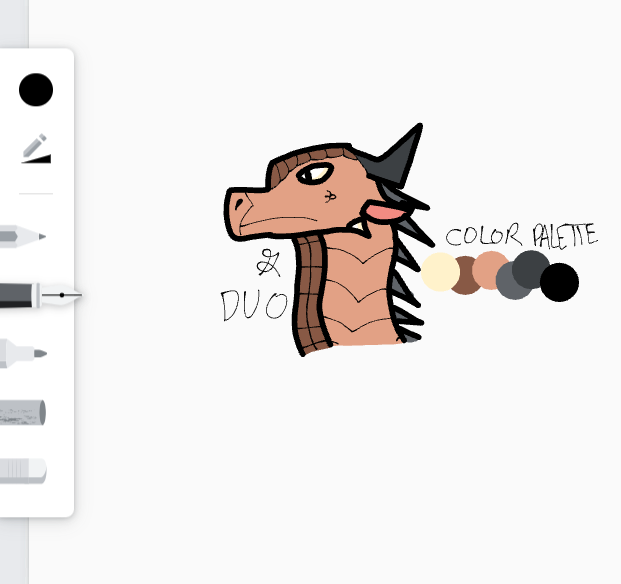
This is how to draw a dragon in my own art style! Enjoy!
NOTE: I am doing this on Chrome Canvas, a drawing app on a Chromebook, so regular art will look different.
Supplies
DIGITAL ART:
- Computer/laptop WITH KLEKI OR CHROME CANVAS
PAPER/REGULAR ART:
- Pencil
- Eraser
- Thin black sharpie
Circle

DIGITAL ART: Lower the opacity of your marker tool to about 40 and draw a circle.
REGULAR ART: Draw a light circle with your pencil.
Snout
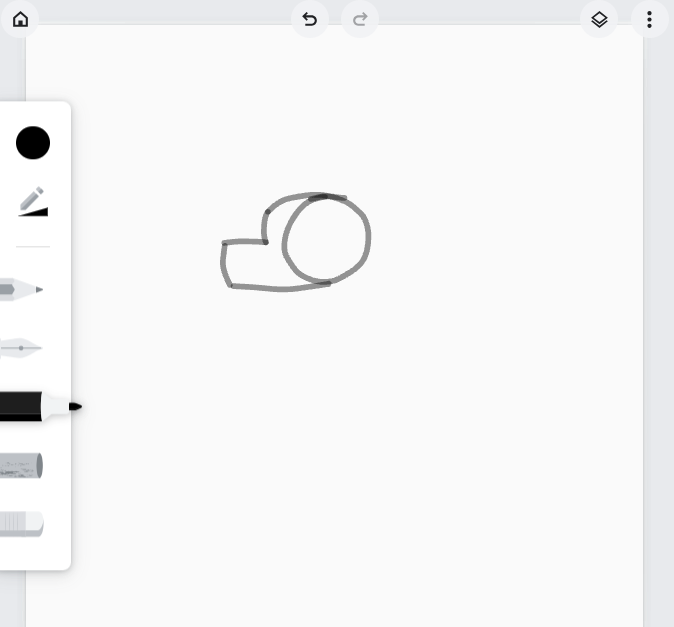
BOTH: Draw a line just above the circle. Then, add another line curving down. Draw another line going across, and then draw with a line equivalent to the second. Finally, finish off the snout with a line curving back to the circle.
Rough Details - Face
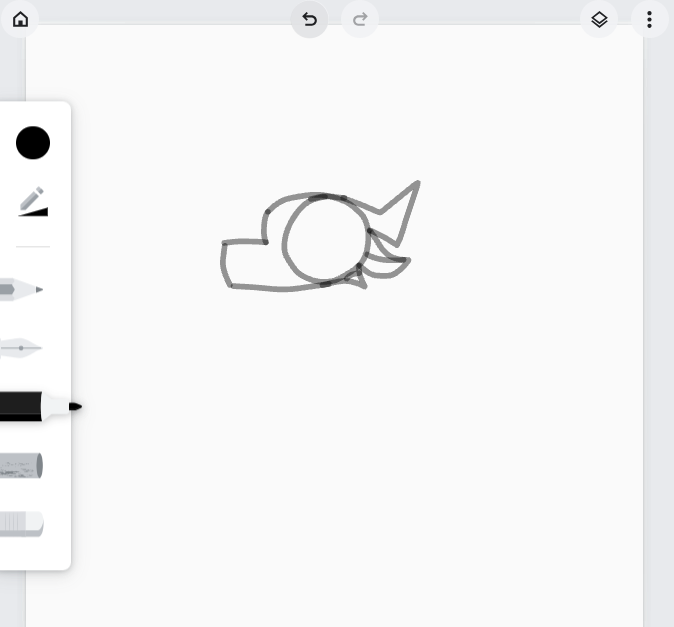
Draw a lightning-like shape sprouting from the top right of the head to make a horn. Then, add an ear underneath by drawing a curving triangle and adding a line that divides it in half. Add a triangle underneath the ear and draw a dividing line between the circle and the triangle to create the jaw bone.
Rough Details - Eyes
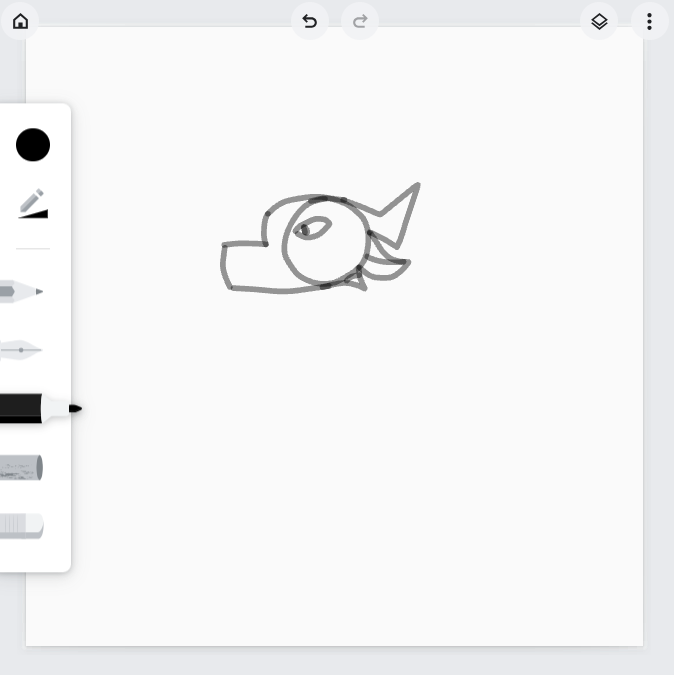
Draw a narrow oval shape for the eye and add a narrow pupil.
Neck
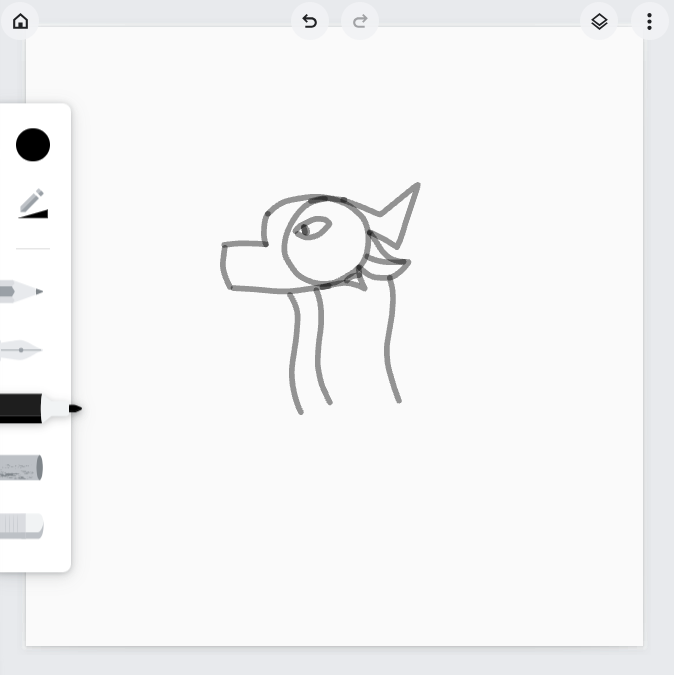
Draw a curved sort of line for the neck twice. Then, add another line closer to the left line for the underscales.
Erase
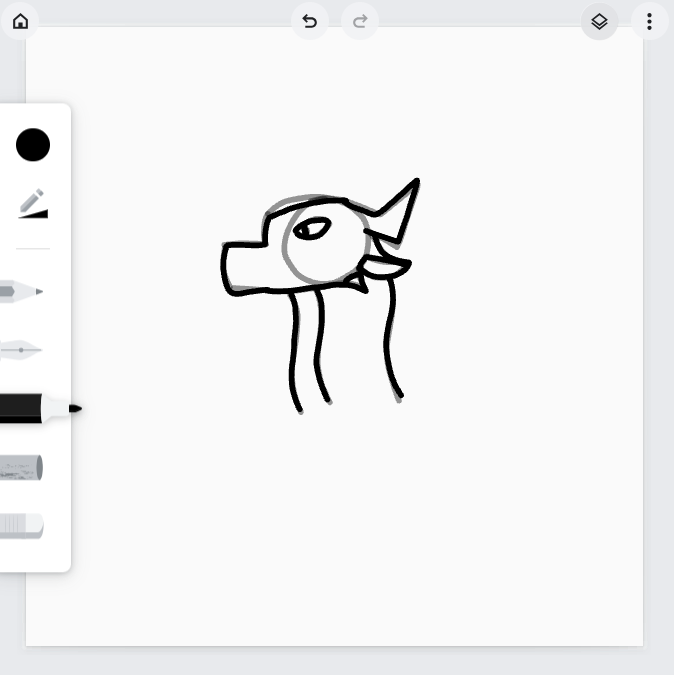
DIGITAL ART: DO NOT DO THIS STEP
REGULAR ART: Erase the circle.
Outlining
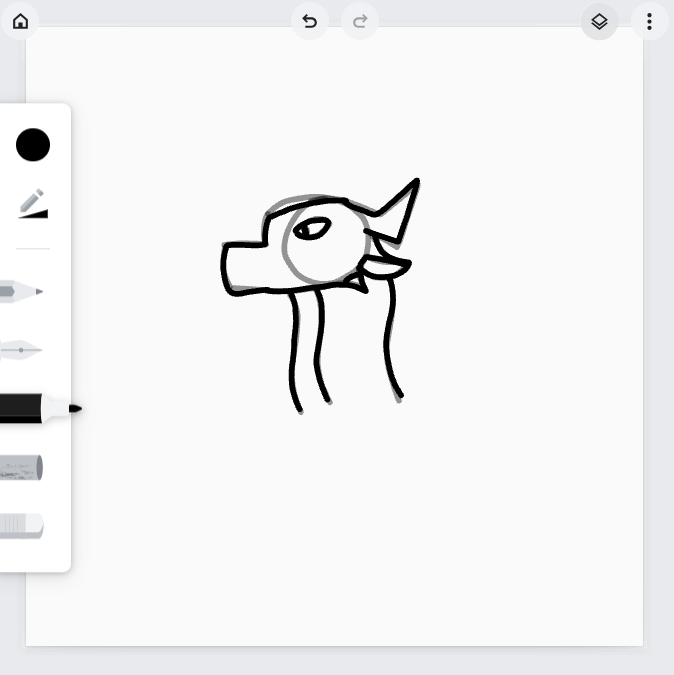
DIGITAL ART: Make your marker opacity 100, create a new layer, and draw over the rough sketch. Draw over every line except for the circle.
REGULAR ART: Draw over your lines with your Sharpie.
Erase 2

DIGITAl ART: Go to your original low-opacity layer and erase everything. Delete the layer. DO NOT DELETE THE SECOND LAYER.
REGULAR ART: Erase the pencil lines.
Add Details to the Face
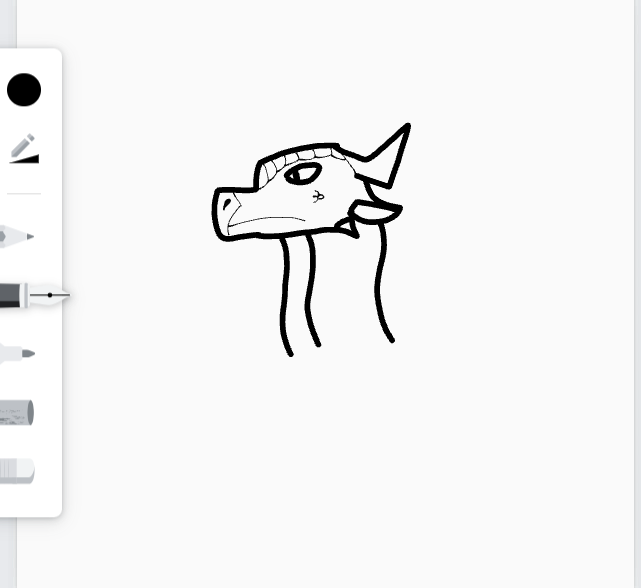
Add small details, like nostrils, scales, and the mouth.
Add Details to the Body
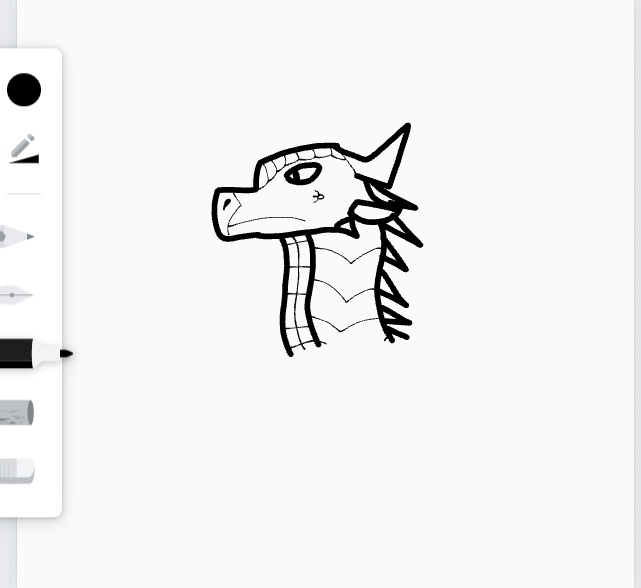
Add scales, patterns, whatever you want to the body!
COLOR!

Color in your drawing! (DIGITAL ART: Make a new layer and place it underneath your lines.)
Final Touches

Add the dragon's name, the colors you used, and your signature!