How to Do a CNC

Hello my name is Noah and I'm 17 years old, being passionate about technology and woodworking, I had to build a CNC fully modeled on Fusion 360. You will need a minimum of knowledge in electronics and Arduino code (C++)
Draw Your Ideas and Know Your Needs

For start, you need to now what you want to do with your CNC machine, what types of work you want to do like what size, what power, what material I want to machine, have a lubrication, etc
Electronics
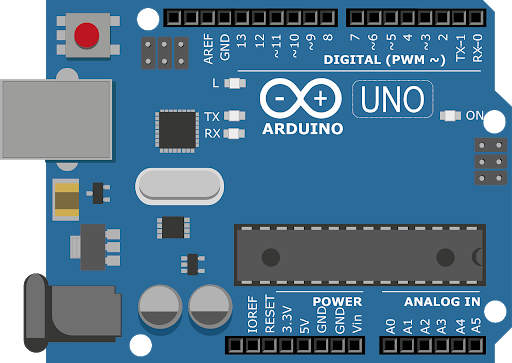
Choose Your Controller


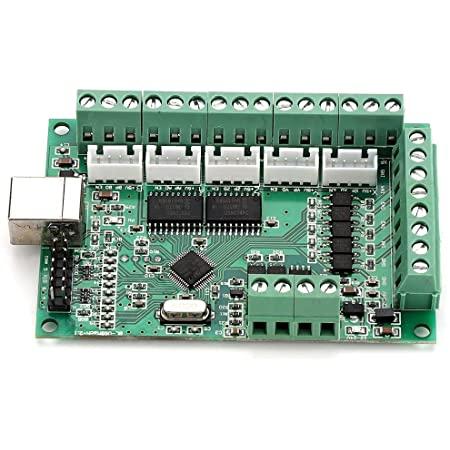

To start, you have to choose the control board (Arduino, Raspberry Pi, Mach 3 board, etc). For my part, I chose an Arduino Uno with GRBL software. With the Arduino, you will need a shield like the CNC shield V3.
You will need to put jumpers under the capacitors on the CNC shield depending on the number of steps you want (1/8,1/16,1/32). You will also have to put jumpers if you want to double an axis (have two motors for one axis).
Stepper Motor

.jpg)
For the motorization of your CNC you must take into account what you plan to do with it including the power and torque required such as NEMA 17 or NEMA 23. NEMA ranging from 11 to 24 have different torque
NEMA 17 : https://www.banggood.com/fr/Nema17-59Ncm-2A-1_84-l...
NEMA 23 : https://www.banggood.com/fr/HANPOSE-23HS7628-76mm-...
The NEMA motors have different lengths depending on their torque and therefore on your use.*
Calculation of the number of steps / turn
To have a theoretical accuracy of 1.87 micron we have set the motor drivers to 1/8 of a step.
Characteristic of the motors : 1,8°/step or 360°/1,8 = 200 steps per revolution Configuration of the DRV8825 motor drivers: jumper in position M0 and M1, i.e. 1/8 step Screw pitch : 3mm pitch/mm = (pitch per revolution of the motor x microstep)/ thread pitch (in mm) pitch/mm = (200 x 8) /3 = 533,333
Translated with www.DeepL.com/Translator (free version)
Differents Types of Drivers

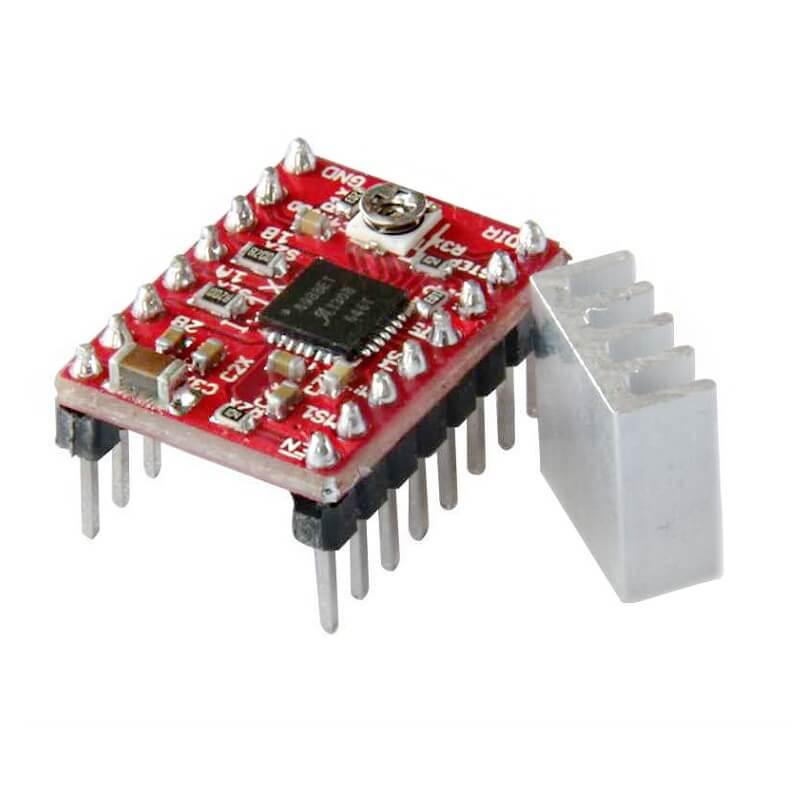
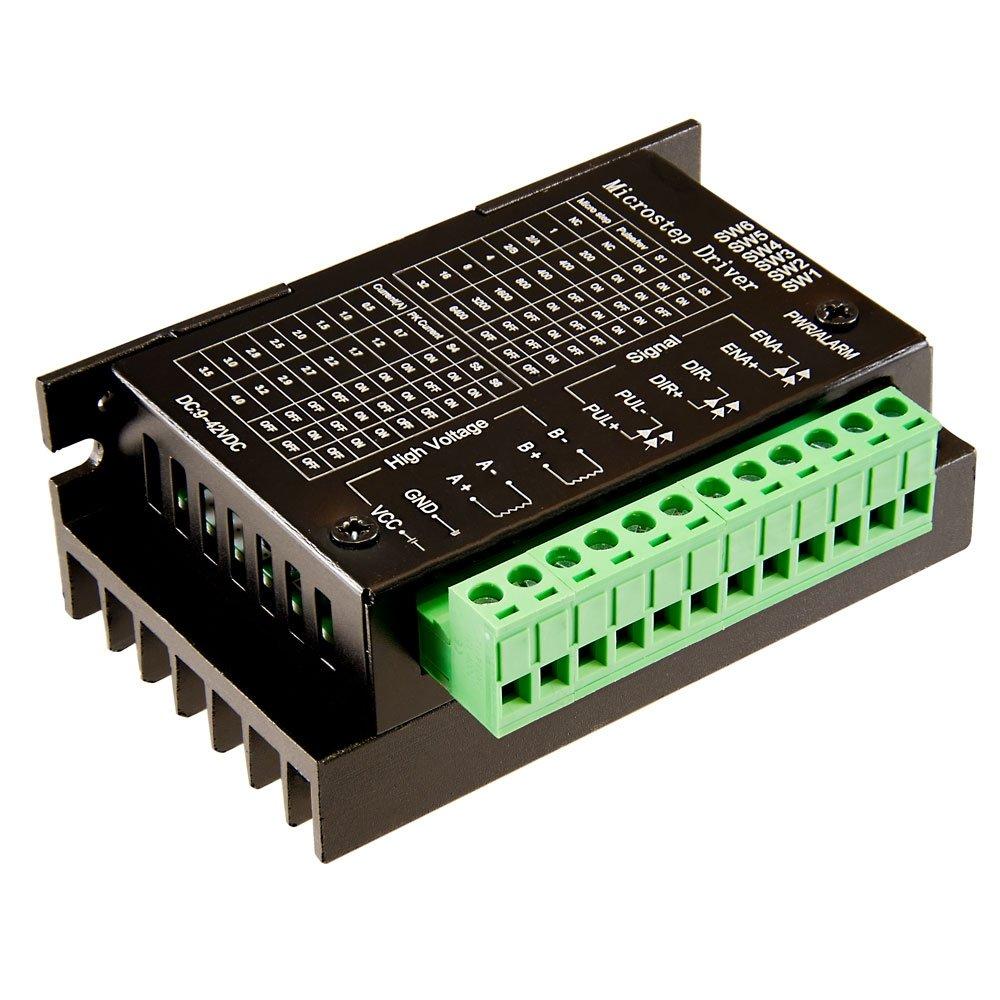
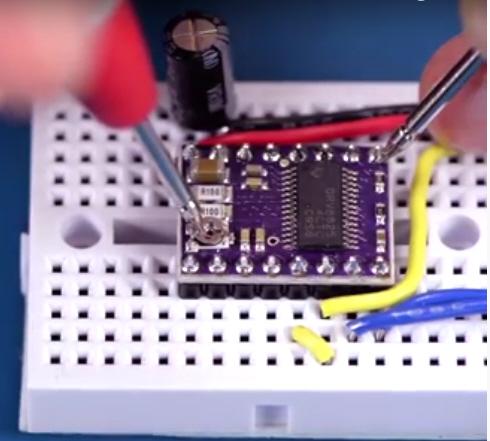
Depending on your motors, you must choose your drivers, the elements that allow you to drive your motors with a high voltage. If you have a CNC shield you can take the drivers with pins that are directly put on the shield. But these drivers are limited in amperage and therefore limit the torque of the motor. Some like the DM432C are external, they are wired with wires and allow to put bigger NEMA and higher torque.
You have to measure the voltage between the potentiometer and the GND with a voltmeter to adjust it according to your motor.
You have to do it when the driver and the motor are powered in 24V so be careful.
EndStop


You have to pay attention to how they are set up in GRBL NO or NF and link them accordingly. If the endstops are triggered unintentionally, you will have to install optocouplers to isolate their connection and thus avoid disturbances.
Power Supply

To power all, I recommend a 24V power supply rather than 12V. As for the amperage, a 16A will be more than enough.
Take your power supply with a margin for fans a Raspberry pi, etc.
Frame and Y Axis
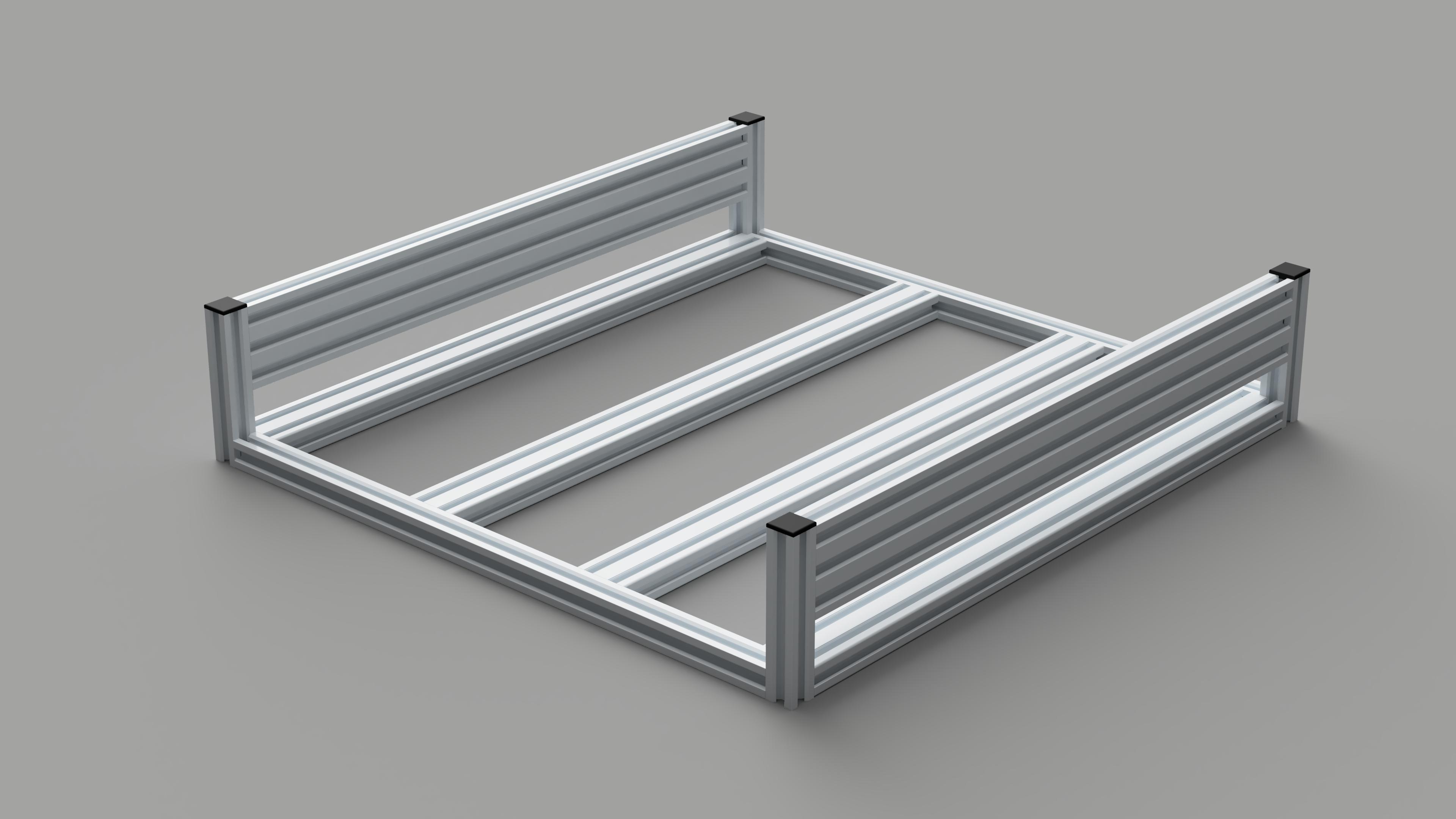
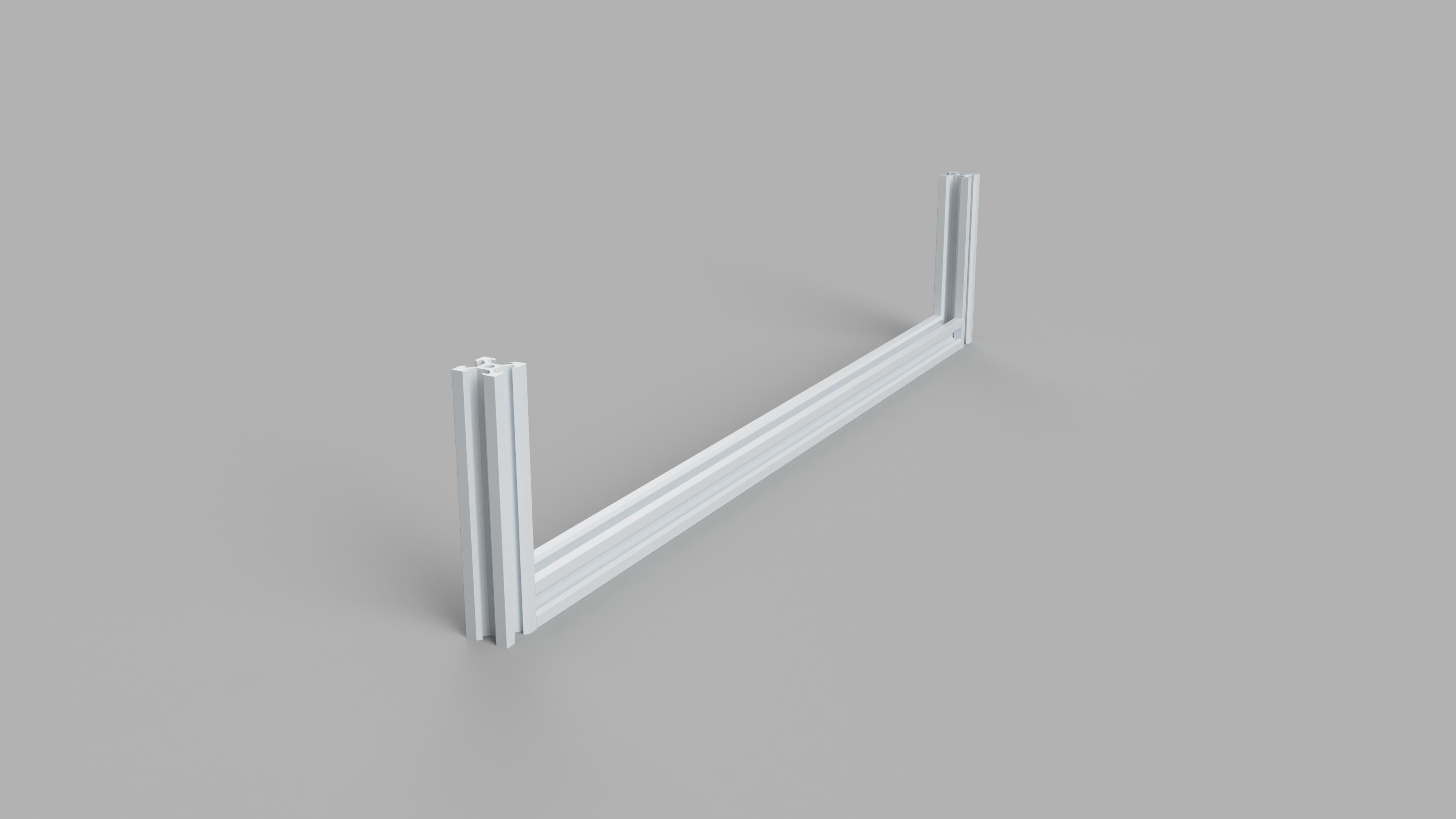
For the structure of your machine, I advise you to use aluminium profiles because they are easy to assemble, rigid and easy to cut.
Think carefully about your structure, its rigidity and solidity but also its simplicity in the connections because the less connections there are, the more rigid it will be.
For the transmission, belts are less expensive but less precise than ball screws.
Z Axis

For the Z axis, it is the same principle as with the other axes, the slide system using V-slot profiles with eccentric nuts to adjust the tension. But for the drive, I use a belt system that drives a trapezoidal rod to offset the motor perpendicular to the spindle.
X Axis

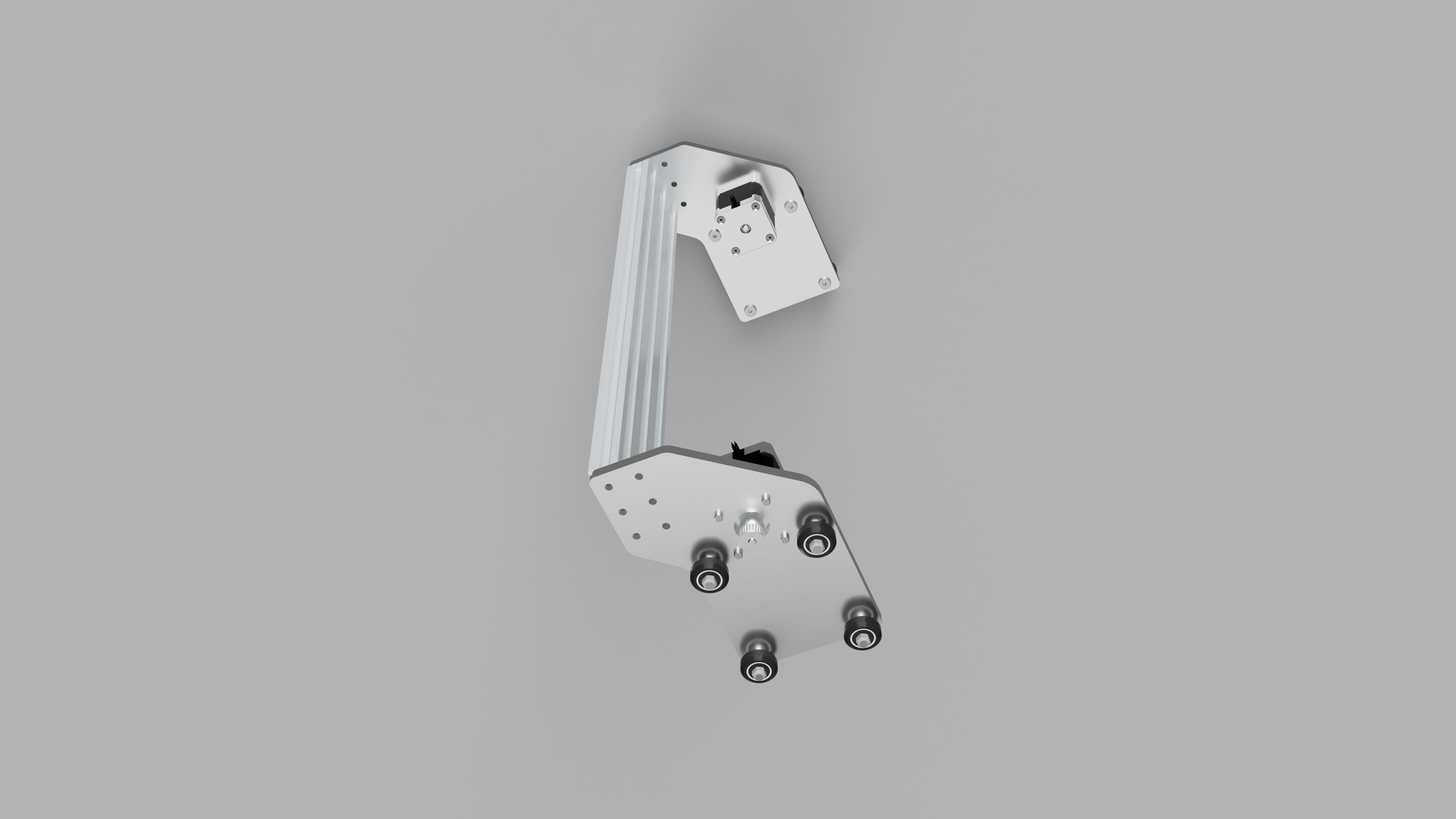


For my part, the X axis supports the mass of the Z axis but must be rigid so that when you move one side, the other follows and there is no bending. This is very important so that the motors don't skip steps.
If you make plates where you screw your profiles, do not neglect the materials used. I used 3 of them to test and with wood and PLA the result is poor. Opt for aluminum or steel much more resistant to bending and stress.
Final Assembly
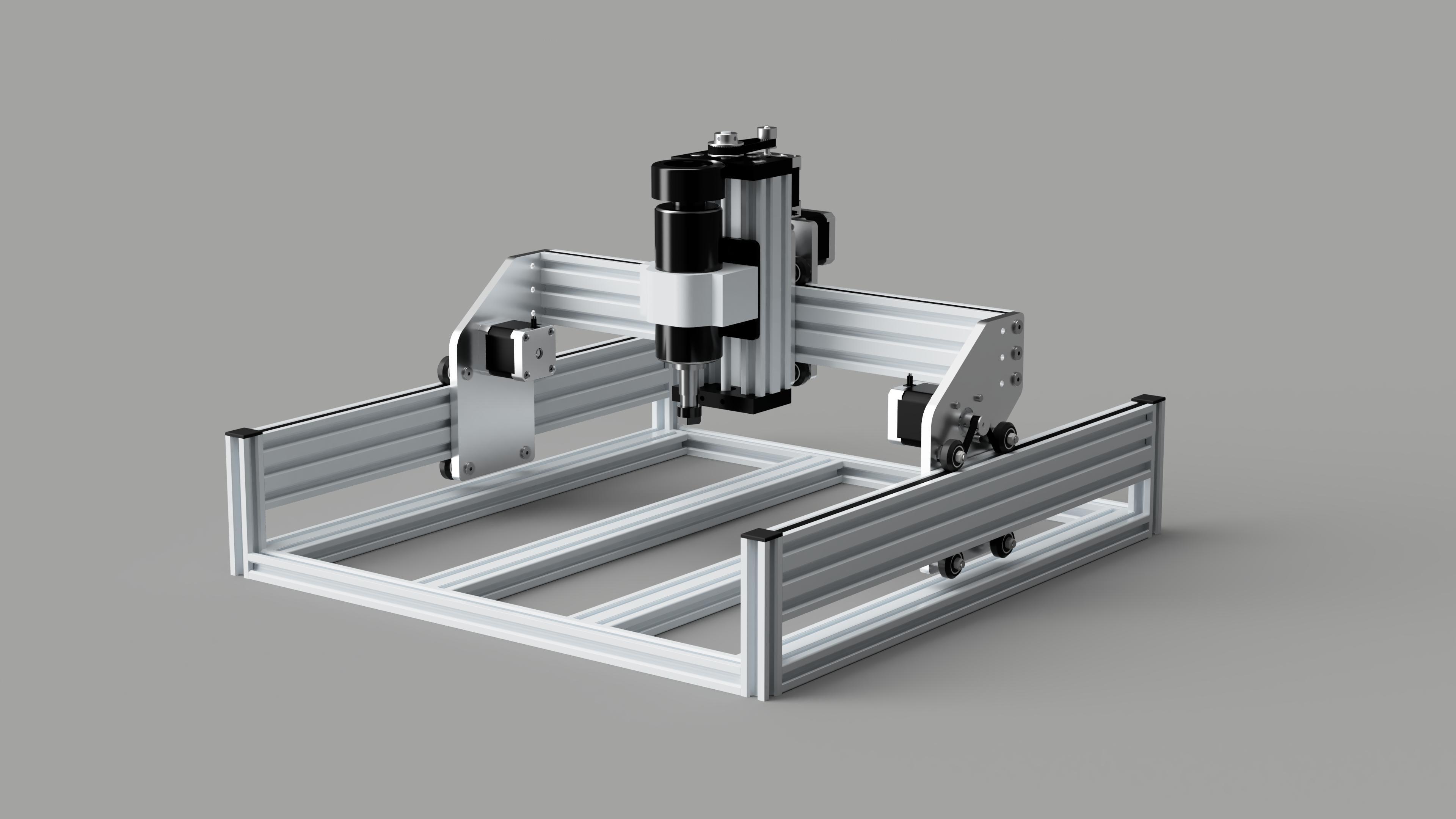

Once all the axles are made, you assemble them to have the mechanical part of your machine finished? Think during the assembly how and where you will pass your cables. I advise you to use cable chains and sheaths.
Place your machines on a level surface to avoid any parallelism.
Wiring and Spindle Instalation

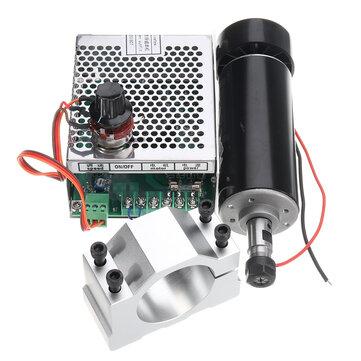


Once the mechanical part is finished, you must do the wiring of the electronics in a box preferably in metal. Place your power supply and components strategically to have a cool air flow. You can place switches for different functions already present on the CNC shield but also lights or an emergency stop switch. For the spindle, be very careful because if the stepper motor cables are very close to the spindle cable, it will cause parasites that will make the motor jump steps, so install ferrite rings and for the spindle cable, a shielded cable would be preferable.
Connecting all the GND of all the power supplies together allows that if there are floating voltages to cancel them all to avoid parasites and therefore malfunction.
Raspberry Pi Setup and LCD Screen Connection
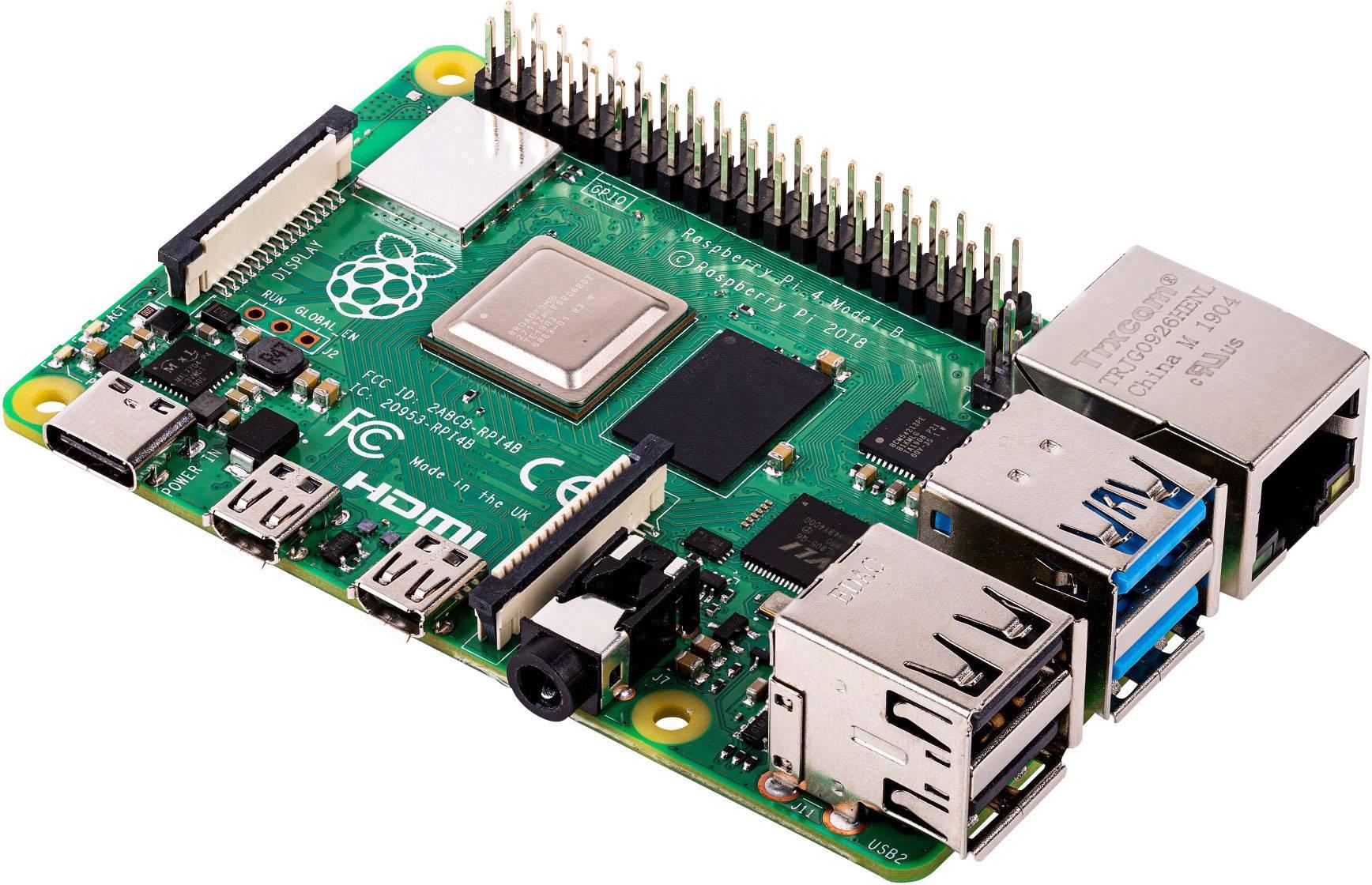

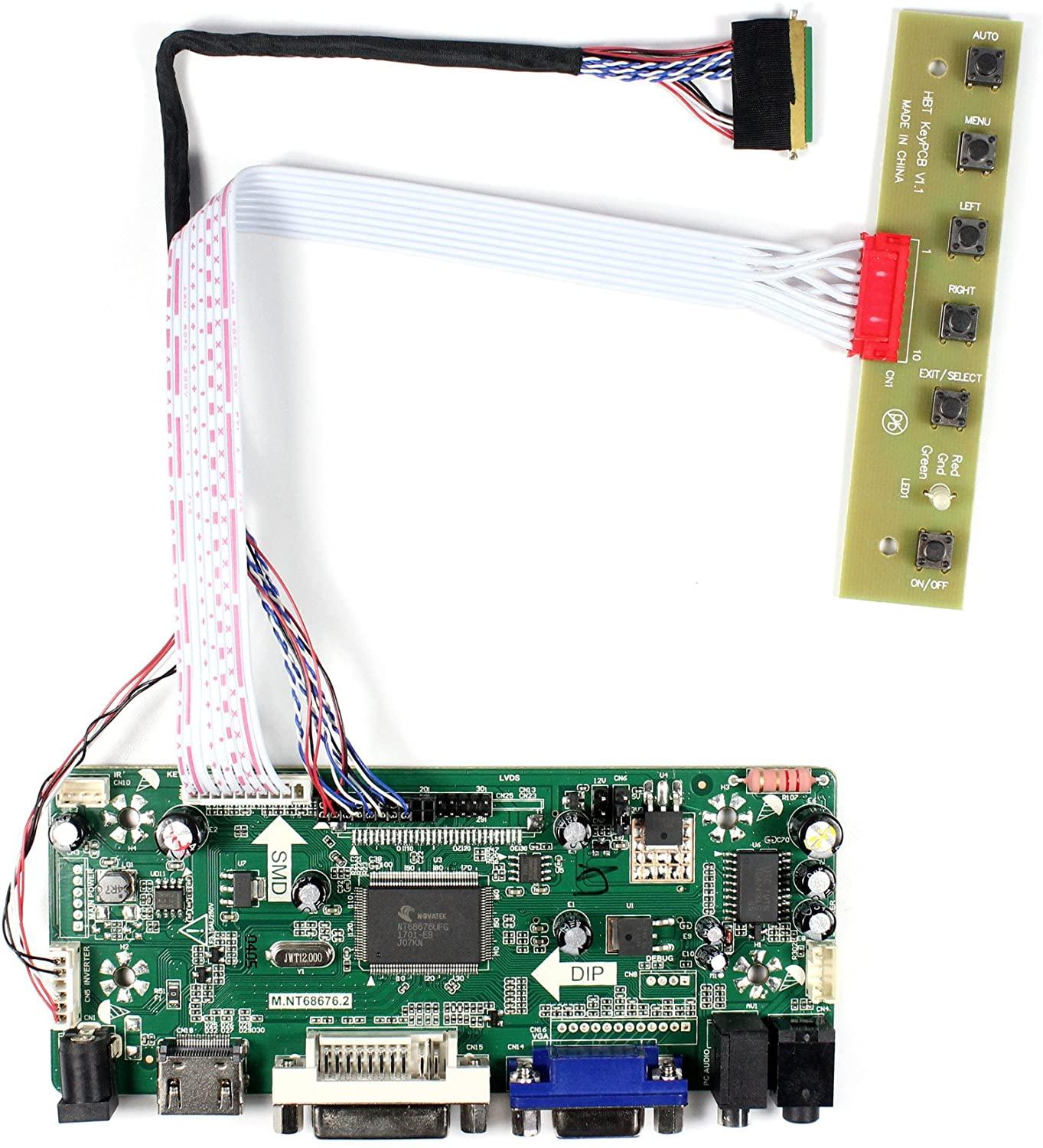
To avoid dirtying my laptop, I chose to use a Raspberry pi and a laptop screen. For the interface between the two, type "lcd controller board" followed by the reference of your screen to find the interface.
Choose Your Software

bCNC : https://github.com/vlachoudis/bCNC
Universal Gcode Sender : https://github.com/winder/Universal-G-Code-Sender
CNCjs : https://github.com/cncjs/cncjs
And I forgot a lot
Conclusion

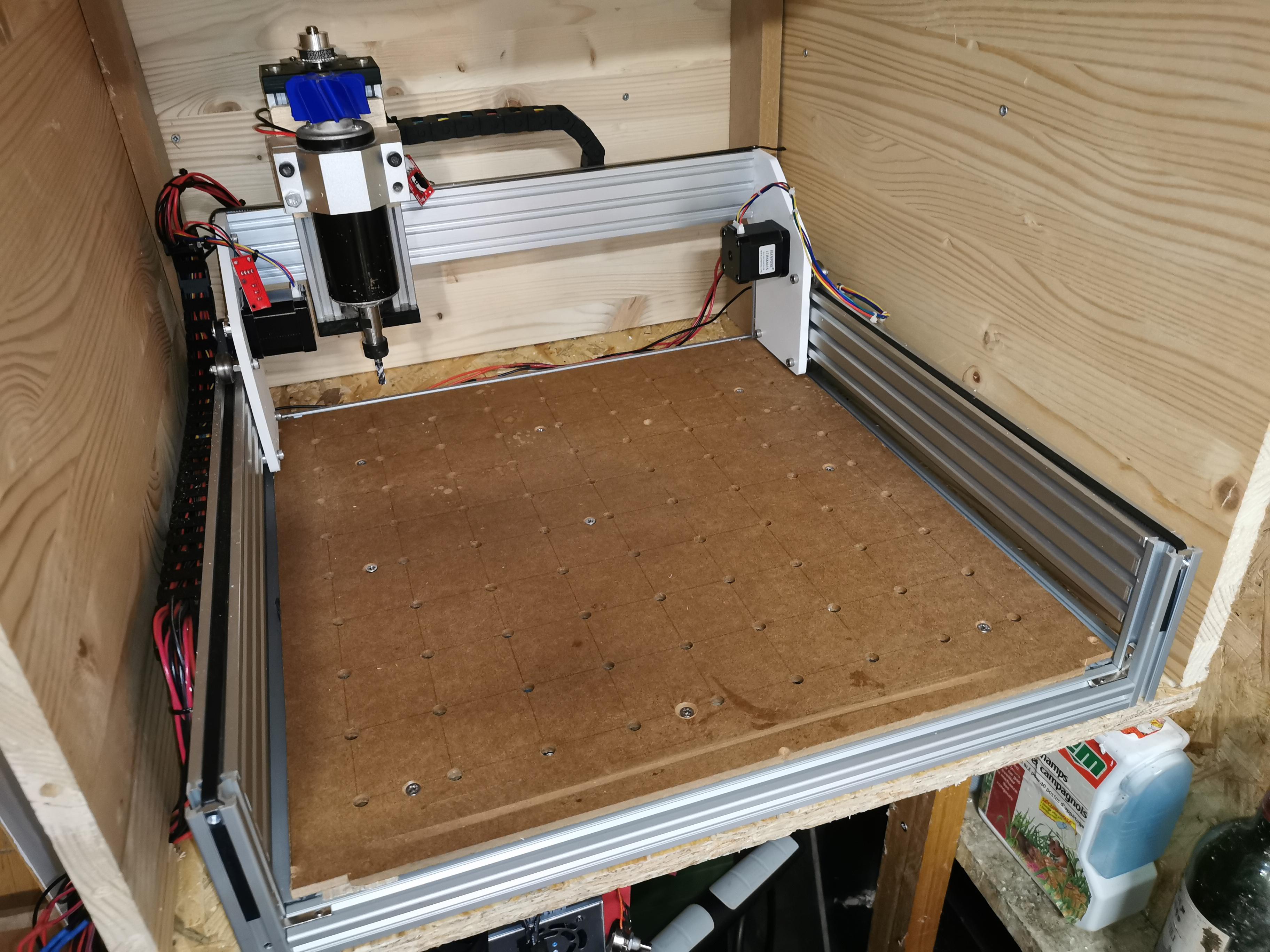

This construction allowed me to learn a lot about materials, structure, electronics and computer science and 3D modeling on Fusion 360. I have encountered a lot of problems of rigidity, of disruption of the spindle on the engines and end stop but I got there, after 2 and a half years of work and research and I am extremely proud of it.