How to Build a PC
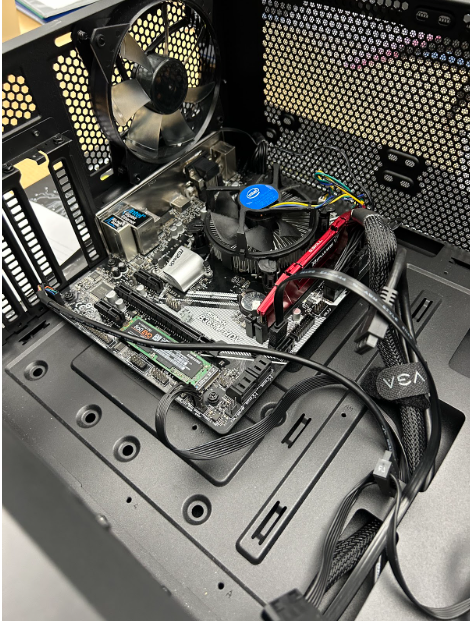
In this step-by-step process, I will be explaining to you how to build a PC and all of the basic steps to it.
Supplies
Screwdriver, thermal paste, alcohol wipes, anti static mat, and a bin to put any lose screws in.
Putting the CPU In
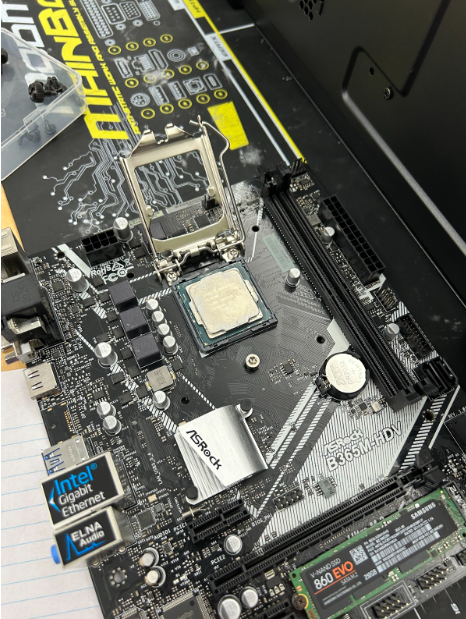
For this step, you want to line up the corner of the CPU that has a triangle on it to the side on the motherboard that also has a triangle. They should be different colors and stand out from any other corner. Then you're just going to line it up and put it on.
Putting on Thermal Paste
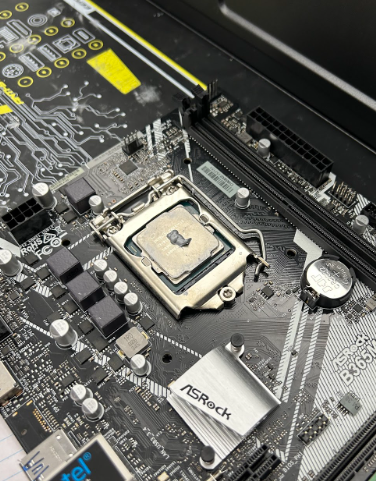
For this, you're going to take your thermal paste tube, and put a pea sized dot in the middle of the CPU. If you get some on the outside of the CPU, it's not a big deal, just try not to use too much.
Putting on the CPU Cooler

Line up the sides on the CPU to the holes on the motherboard, push it down so the clips are secured, and twist the black corner pieces on the fan. I recommend putting the fan on in a way you can limit the amount of cord running through other parts close to the CPU.
Seating the RAM

RAM is a keyed connection, so make sure it is lined up correctly. When it is, use two fingers from each hand and push it down with a medium level of force. Each side should click on, so when you hear two clicks you know it will be on properly.
Seating the Motherboard

Now we can put our motherboard in! Make sure that each screw hole on the motherboard is lined up to the standoffs connected to your case. The motherboard cannot touch the case at all. When you have lined up the screw holes on the mother board with the standoffs, you can screw down your motherboard.
Making Sure Everything Is Plugged In
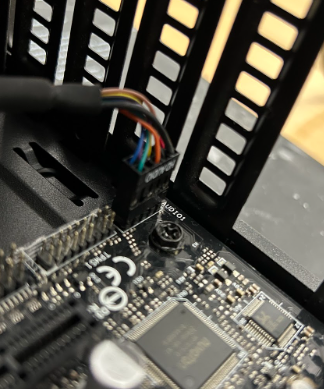
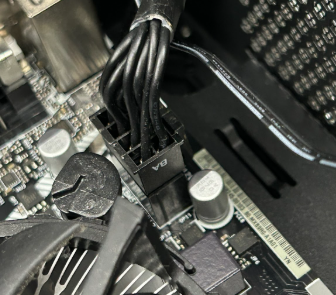
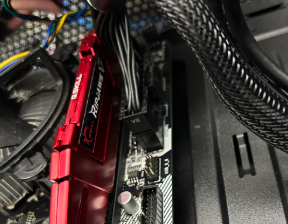
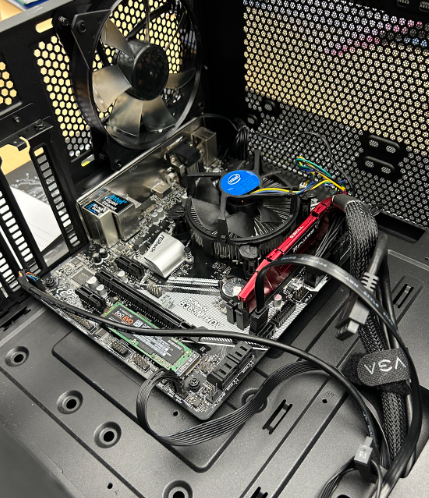
Depending on how many components you have, make sure you have everything plugged in. If you don't, then your PC won't turn on. On the outline of the port, it will have the clip outline on it. This will tell you what way the clips on the connectors needs to be facing. This helps you so you don't plug anything in wrong.