How to Build a Computer in 8 Easy Steps
by R0N3N64 in Circuits > Computers
25 Views, 0 Favorites, 0 Comments
How to Build a Computer in 8 Easy Steps
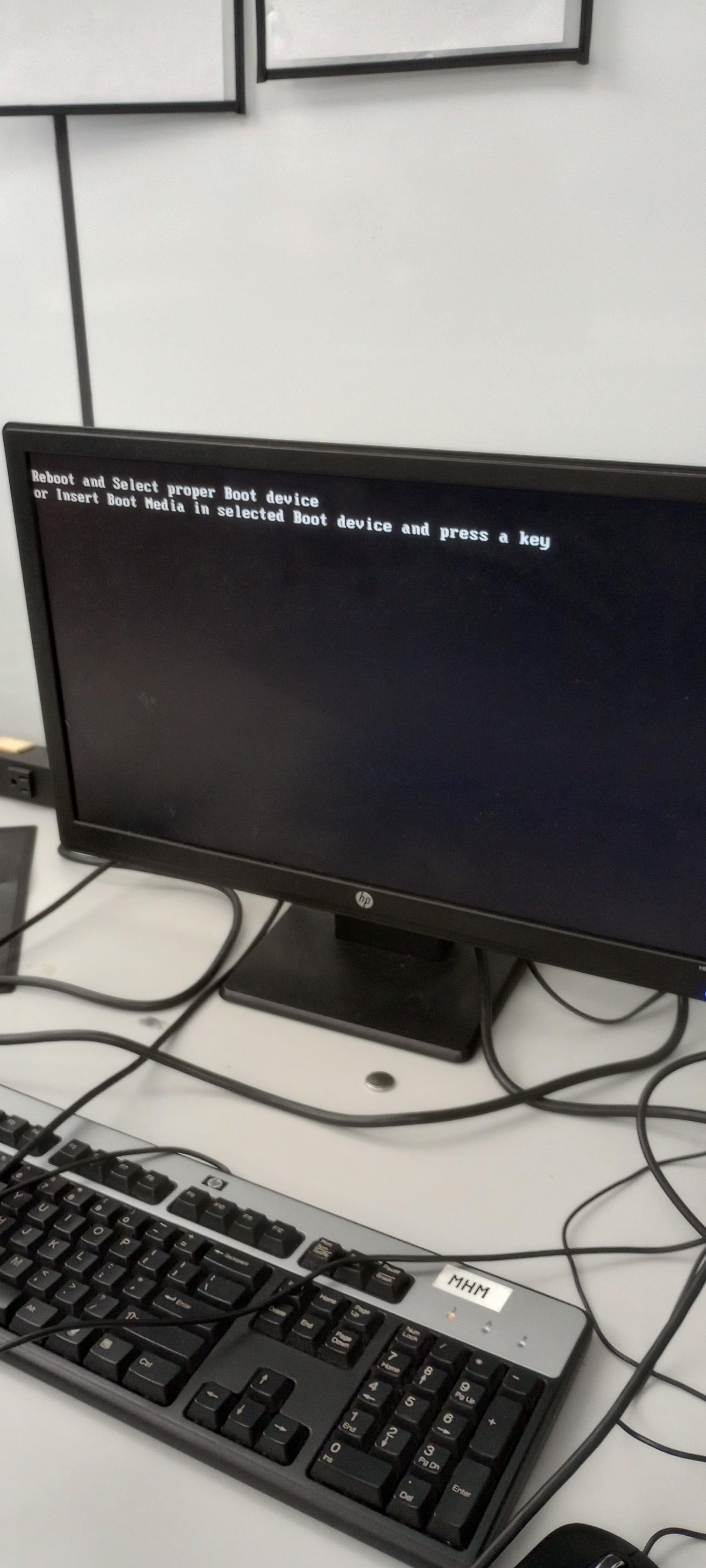
This is how to make a computer
Supplies
case w/ fans installed, motherboard, ssd, psu, cpu, cpu fan, ram
Install Motherboard
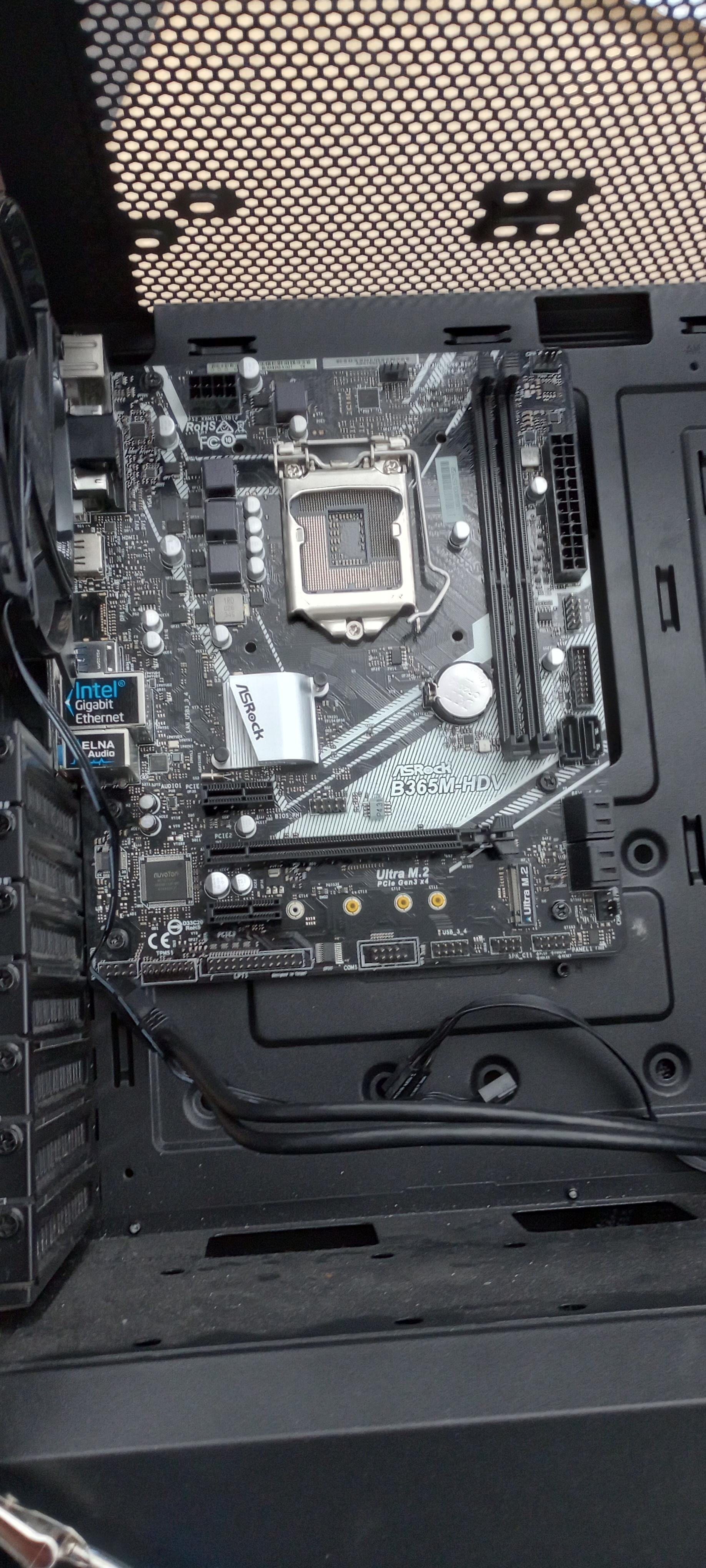

Put motherboard into the case. Make sure to line up the I/O shield (the where the usbs on the back stick out of the computer) then screw the motherboard to the standoffs.
Install CPU
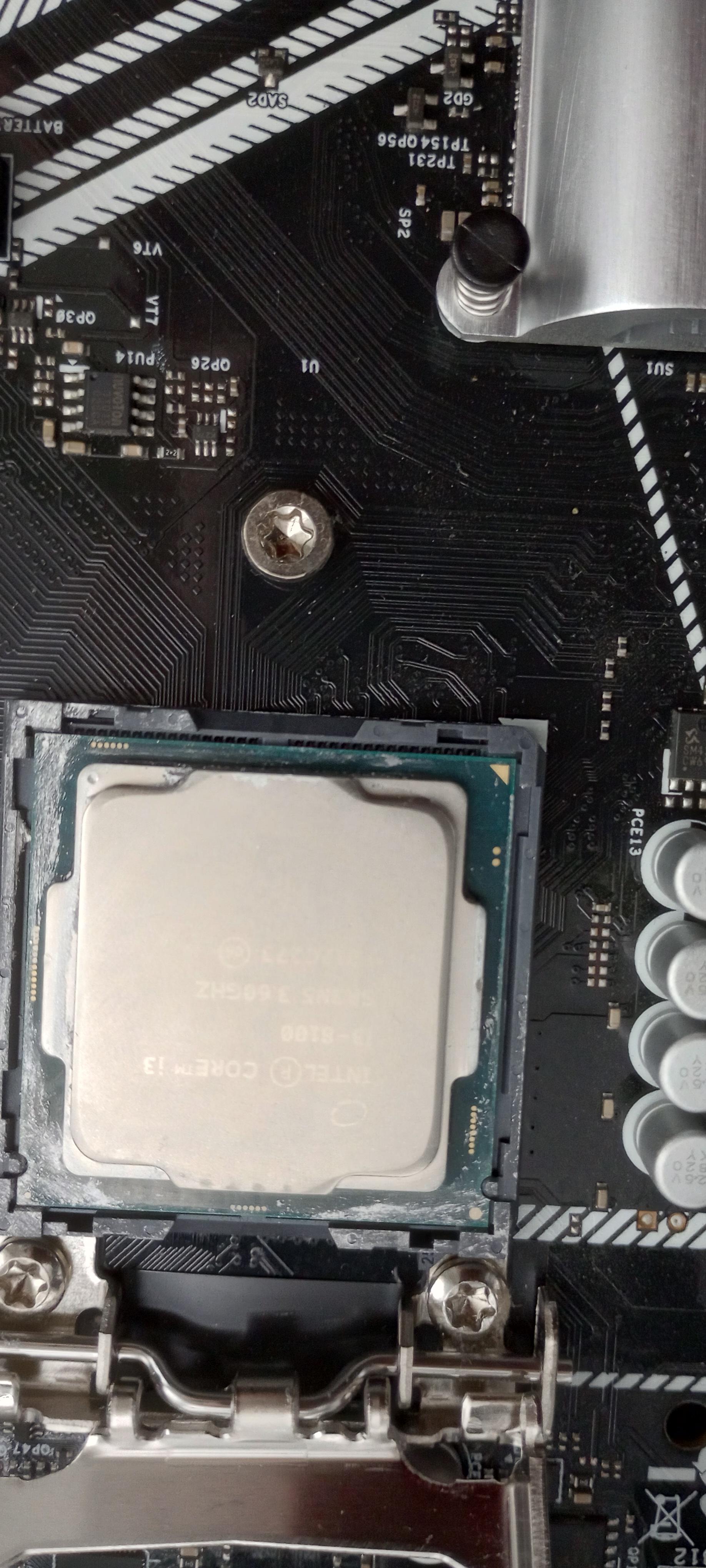

Open the cpu cover, then insert cpu. Make sure to line up the gold triangle in the corner of the cpu with the one on the cpu socket. Then, close the cpu cover. Then, apply the thermal paste. Make sure to apply a pea sized amount to the center.
Install CPU Fan
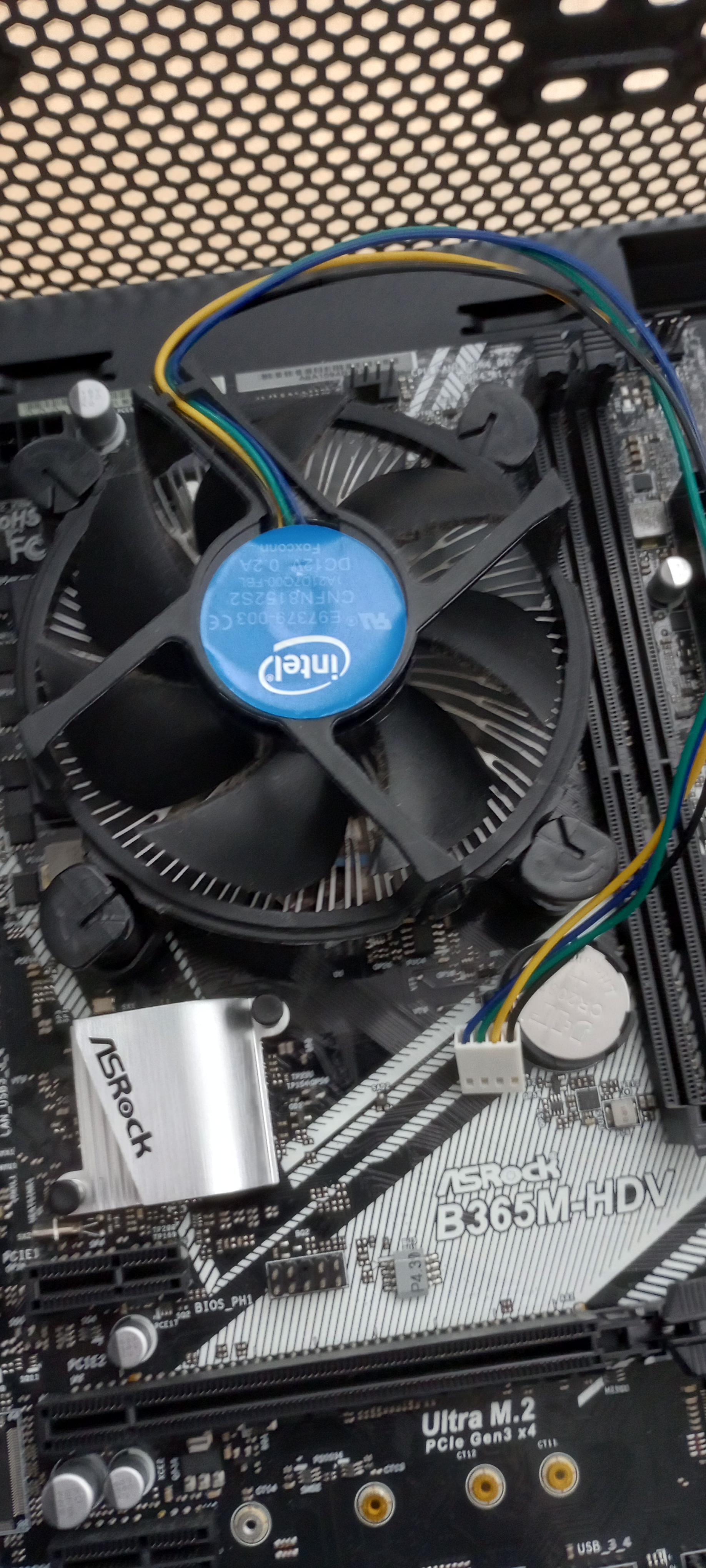
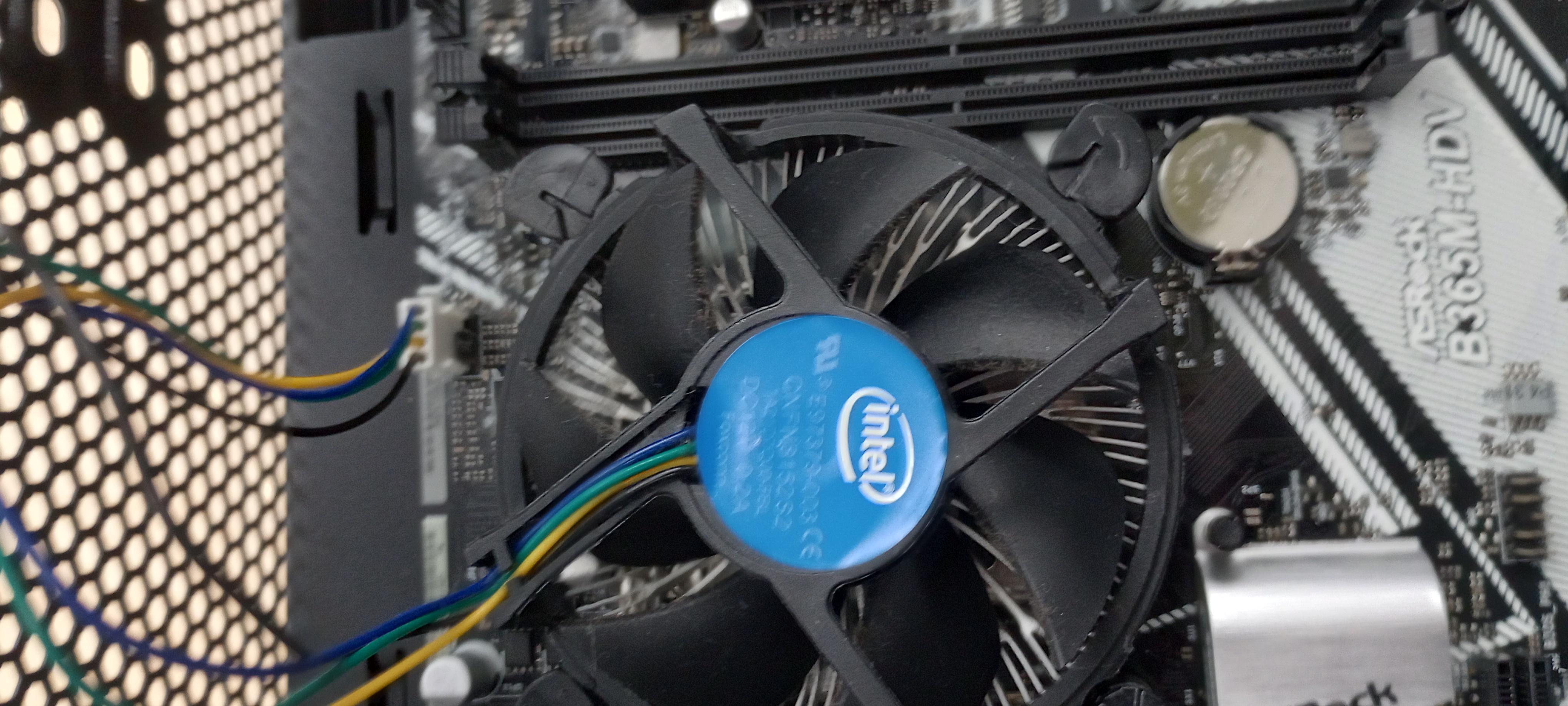
Install the cpu fan on top of the cpu. Make sure to lock the fan in properly.
Install RAM

Install ram. Make sure the latch(es) are open before install, and that they automatically close when RAM is added.
Install PSU

Install PSU. Make sure that all scews are lined up and that all cords will reach the rest of the computer.
Install Storage
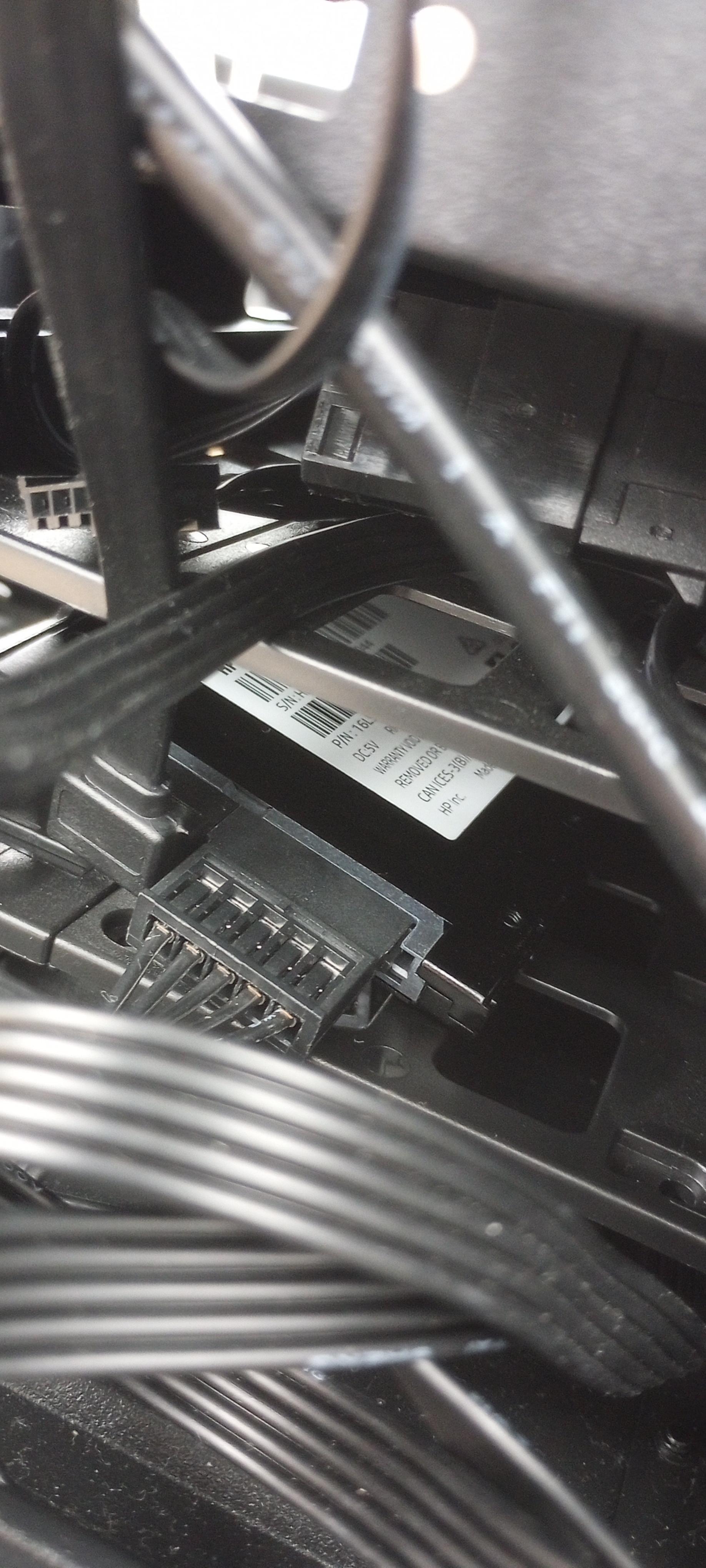
Add storage. If it is a hdd or ssd make sure to plug it in.
Plug Everything In

Plug everything in. Ensure everything has power.
Make Sure It Posts
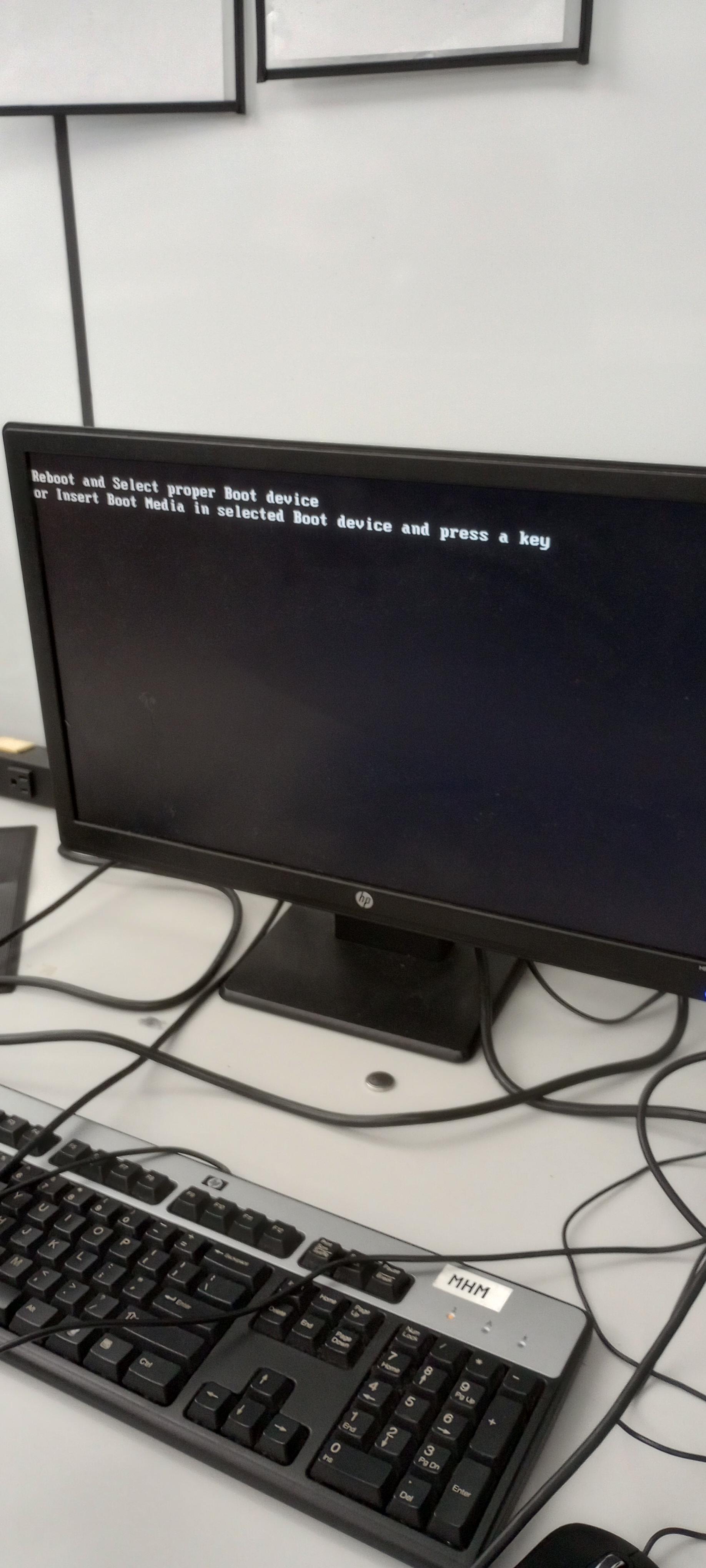
Make sure it posts. This should show the above picture if you have a new storage device. This way, you know if it works.