Guide to Built a Computer Step by Step
by Josue_06 in Circuits > Computers
27 Views, 0 Favorites, 0 Comments
Guide to Built a Computer Step by Step
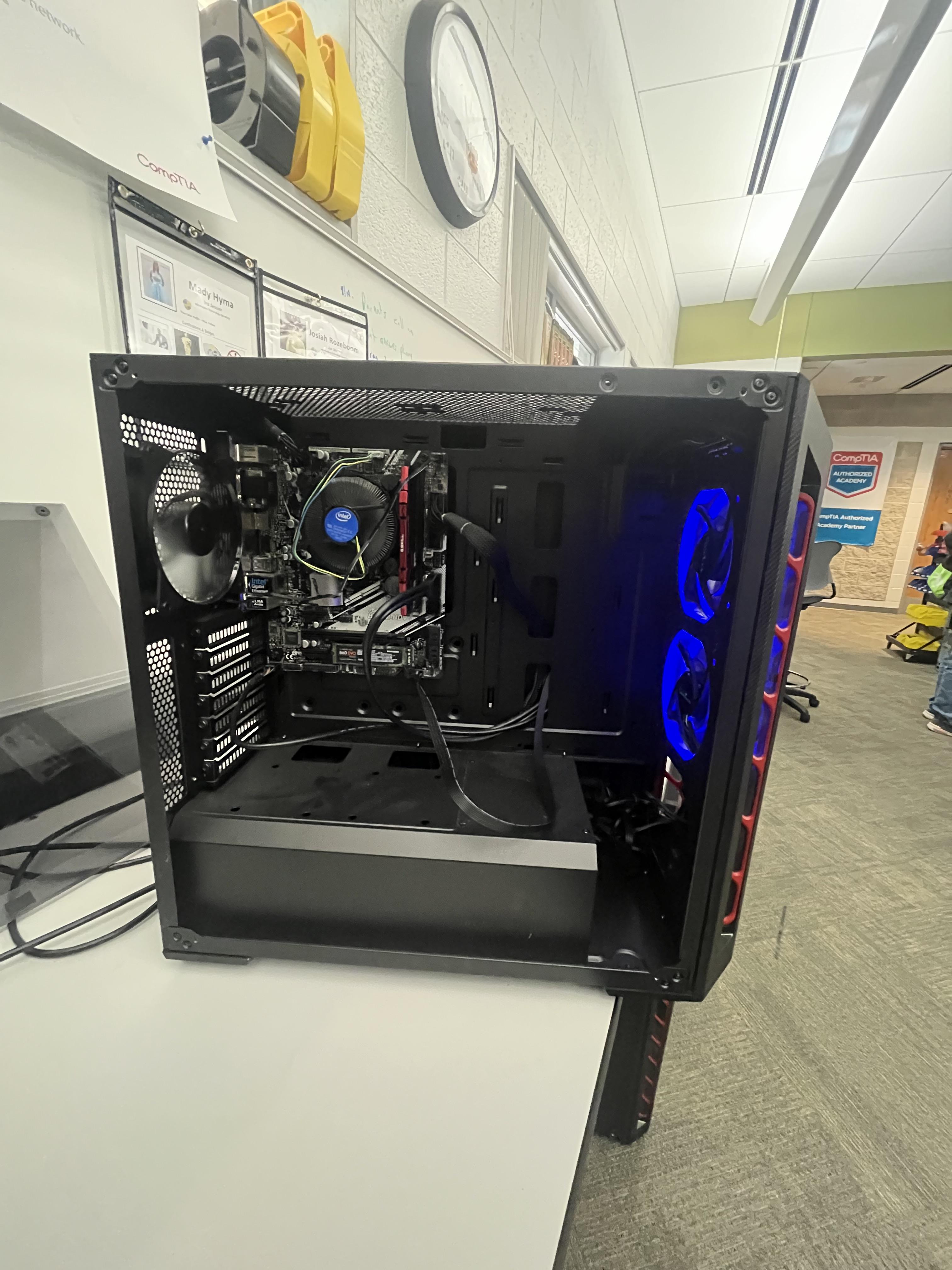
This is how to built a computer step by step with me, Edgardo Calero. You should built your own computer because you can decide what to install on it depending on what you need it for.
Supplies
- CPU
- RAM
- Screws
- CPU Cooler
- Mother Board
- Power Supply
- Computer Case
- Thermal Paste
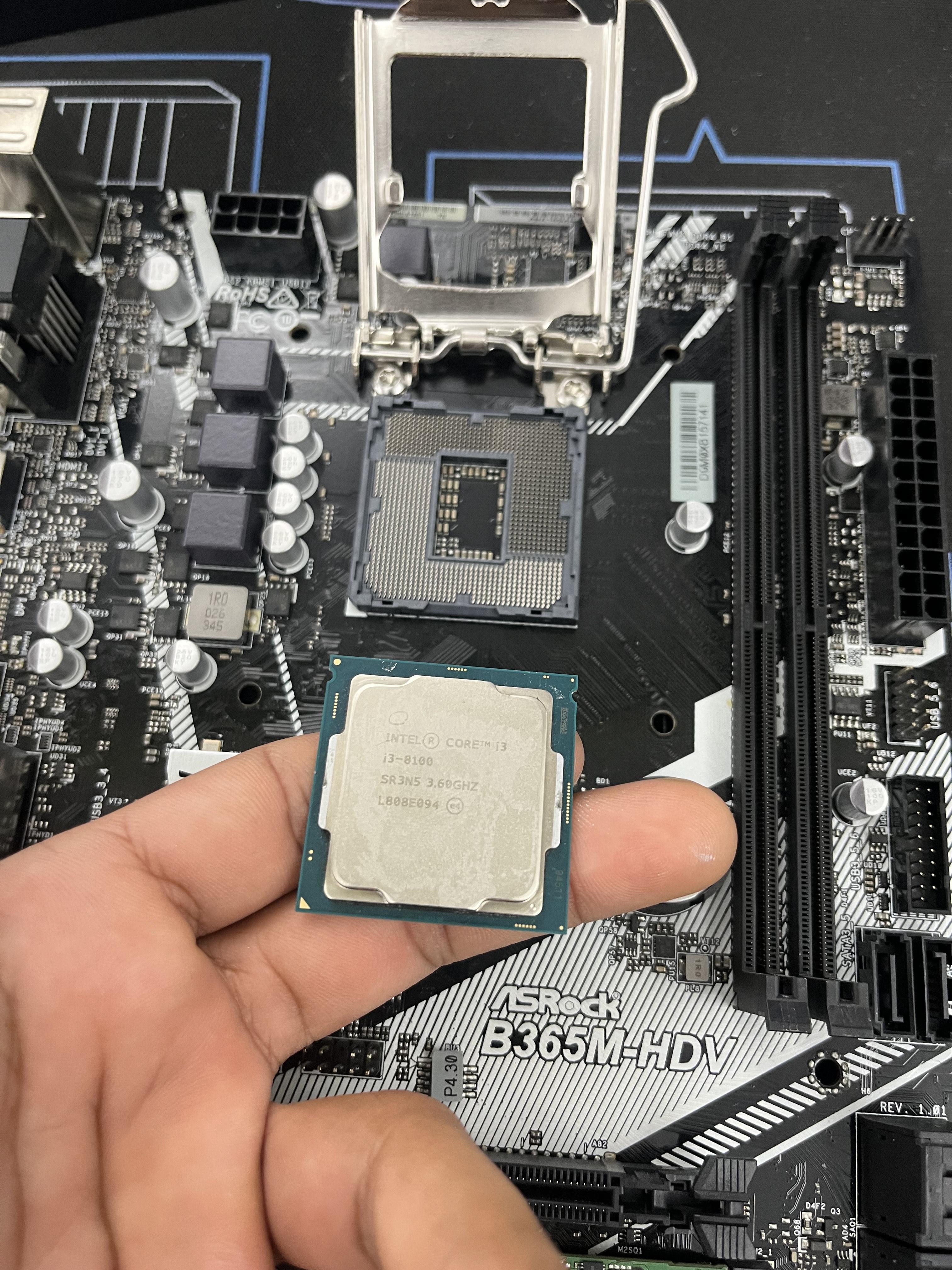
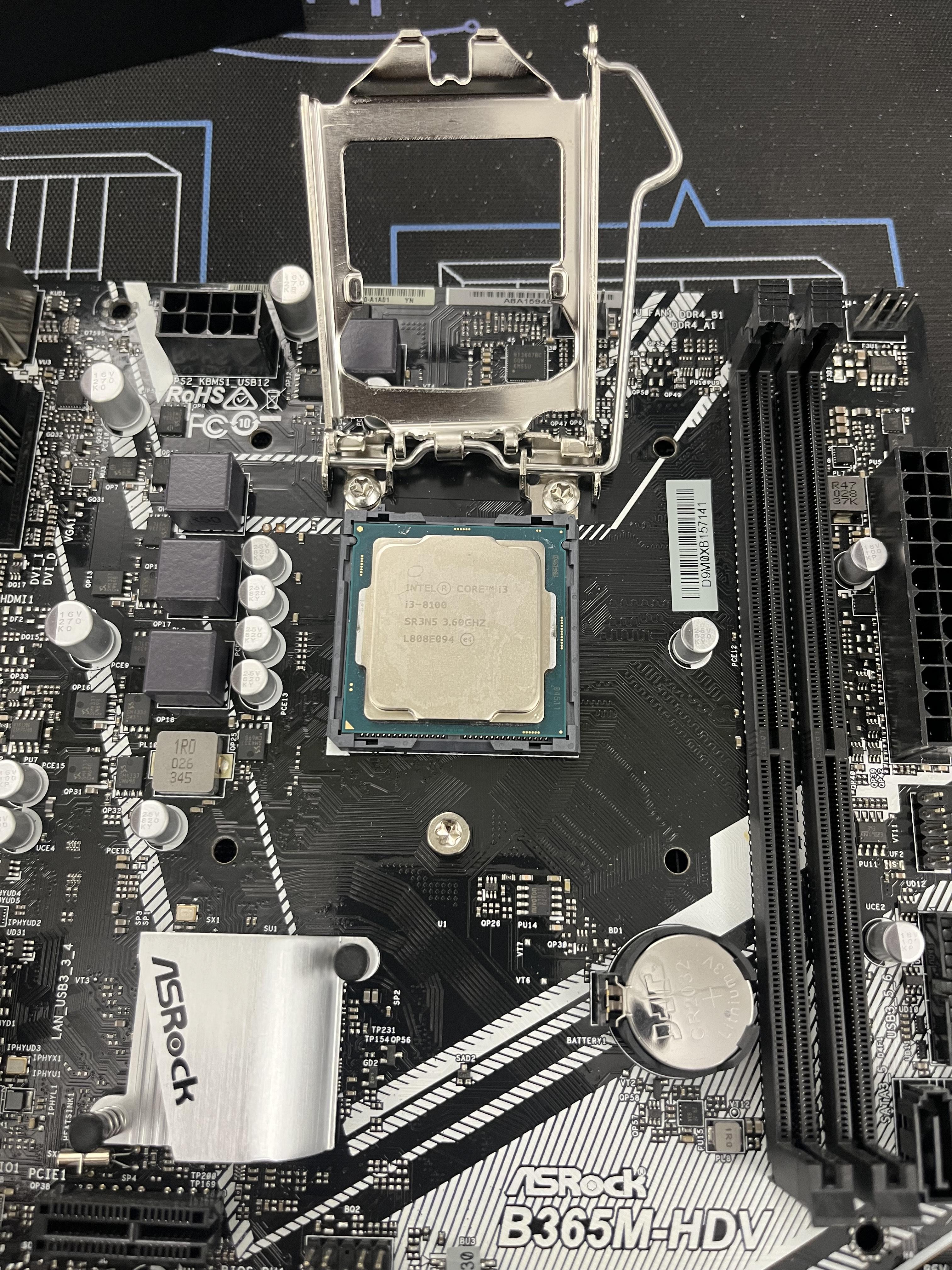
Put the CPU in the CPU socket
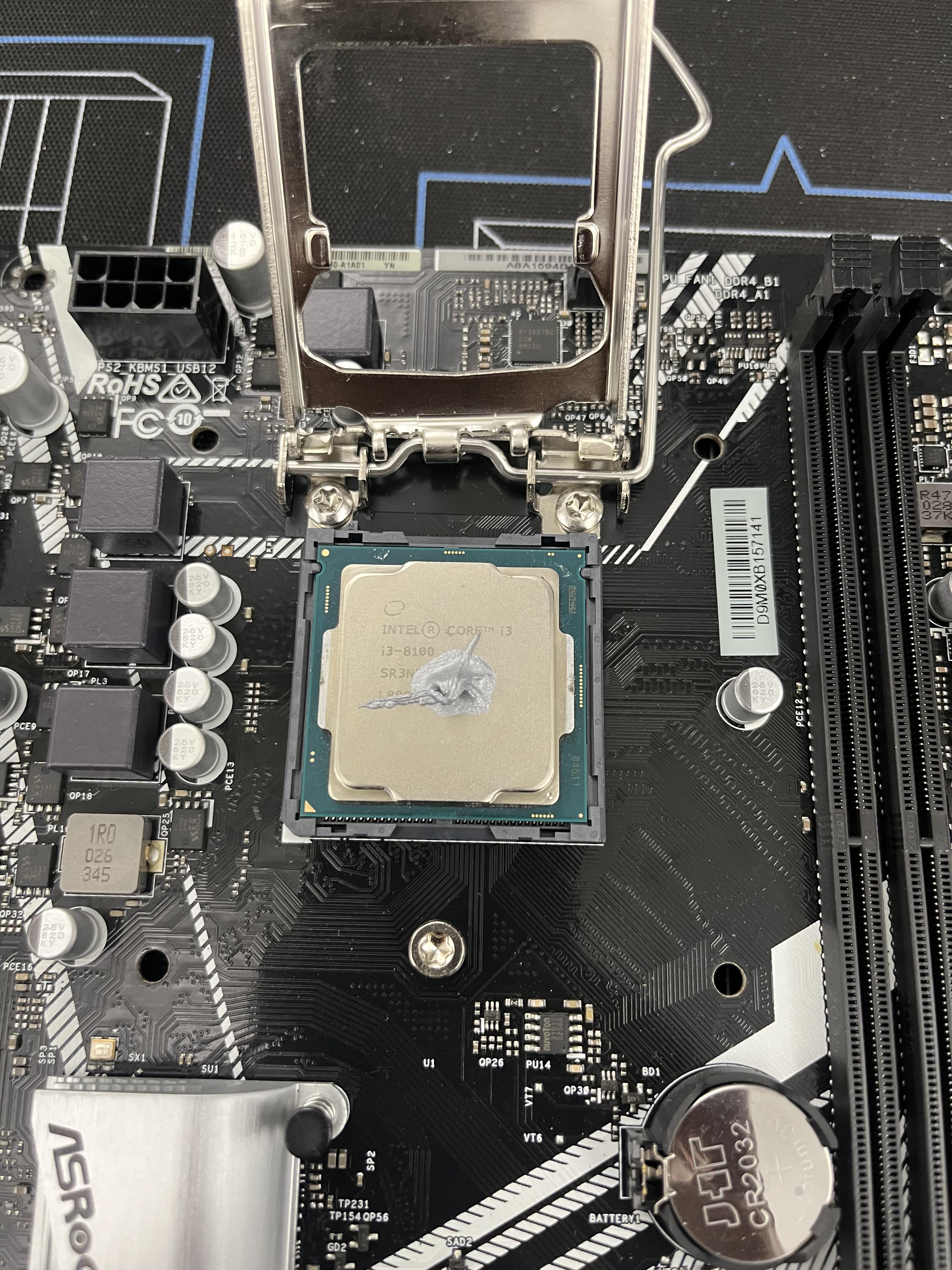
Put some thermal paste on it
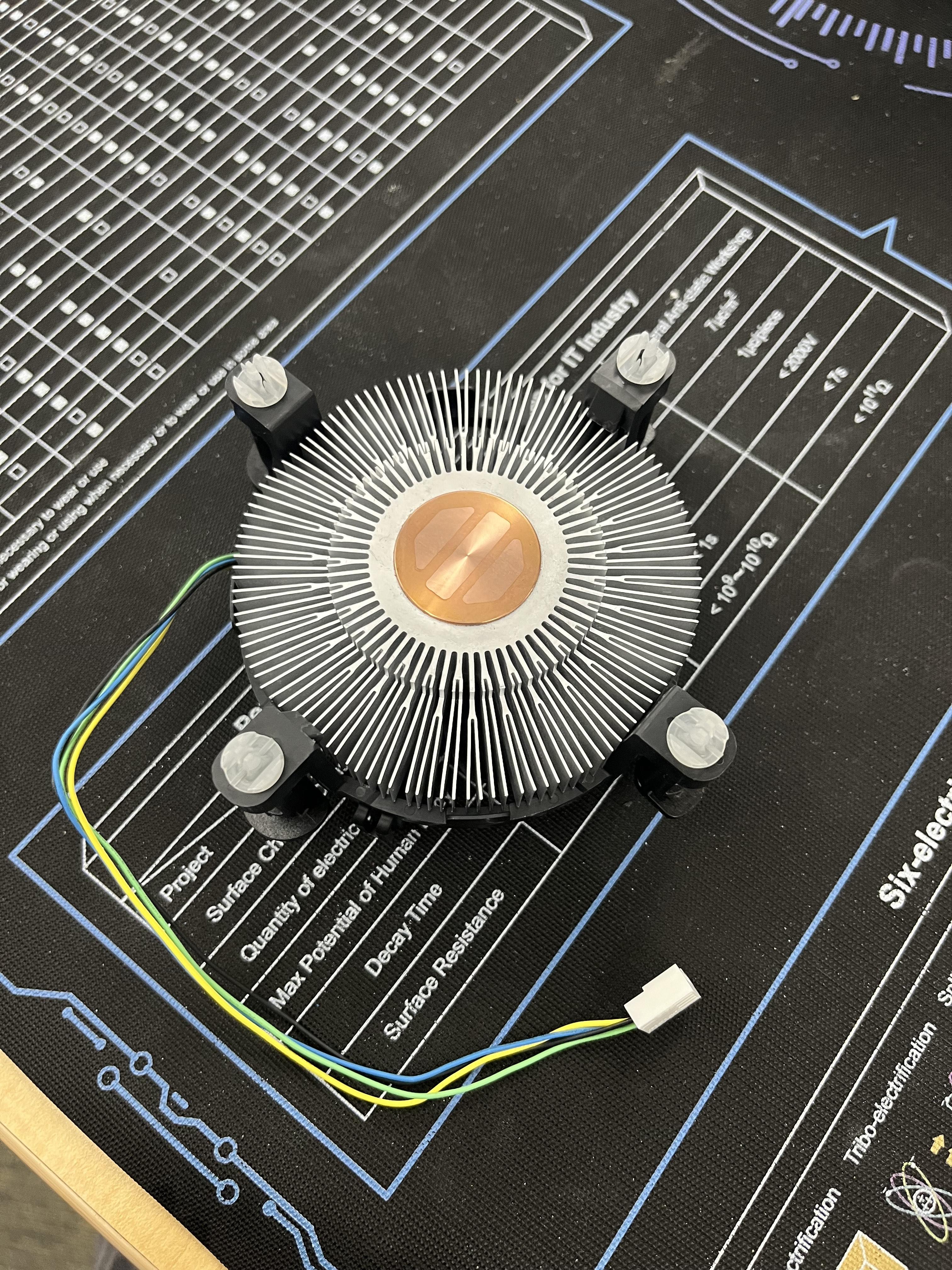
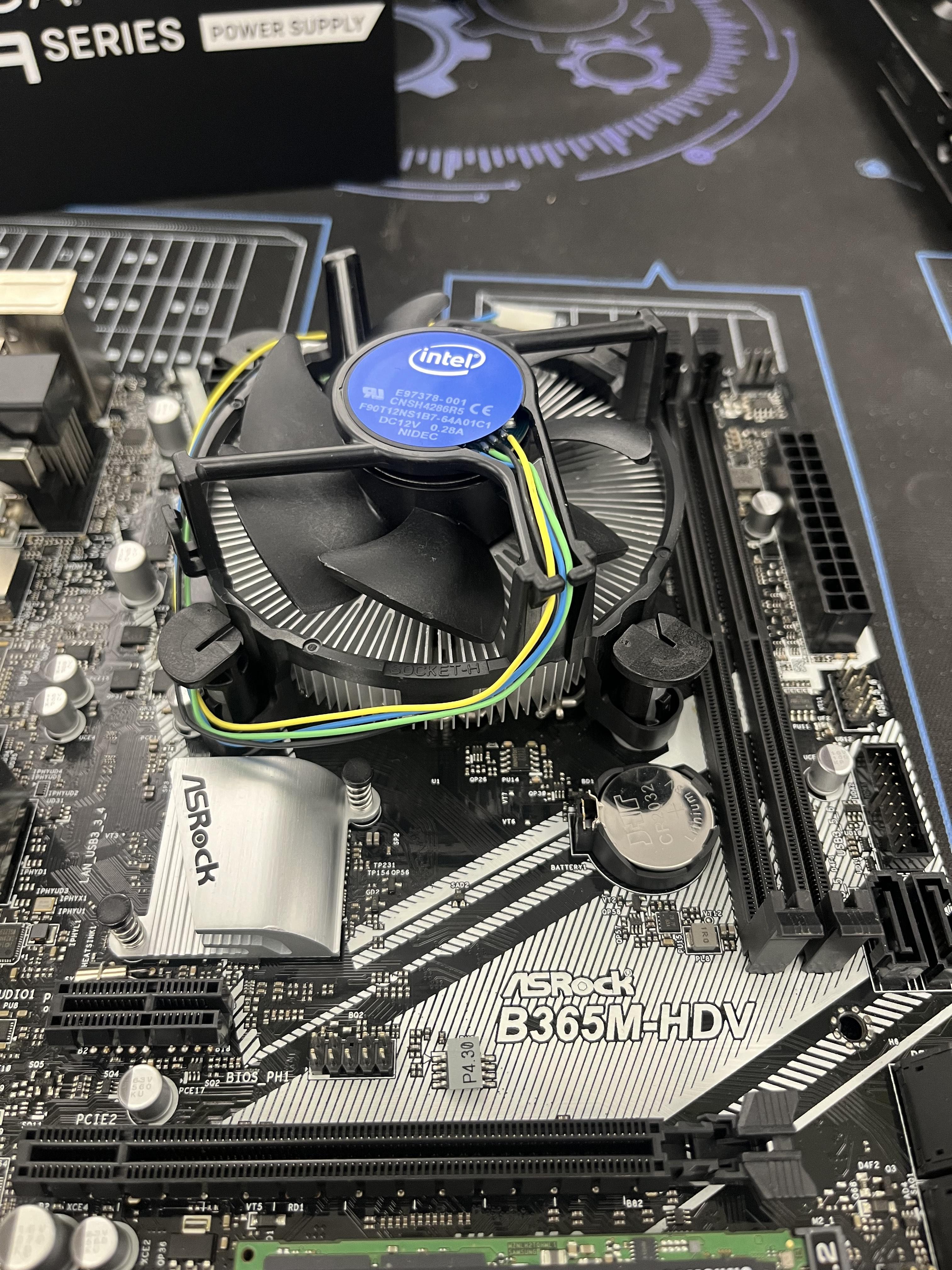
install the Fan cooler
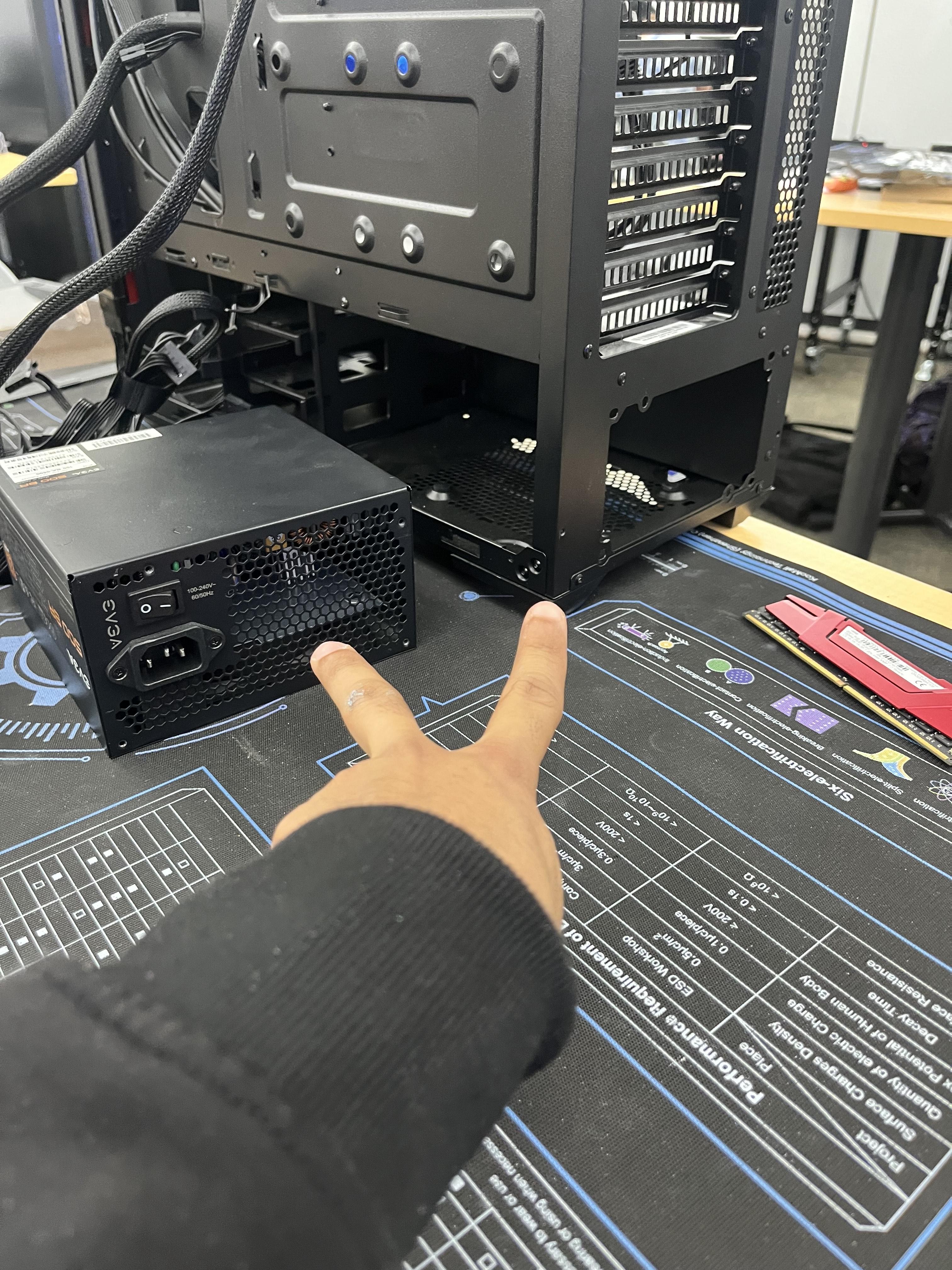

Install the PSU to the case
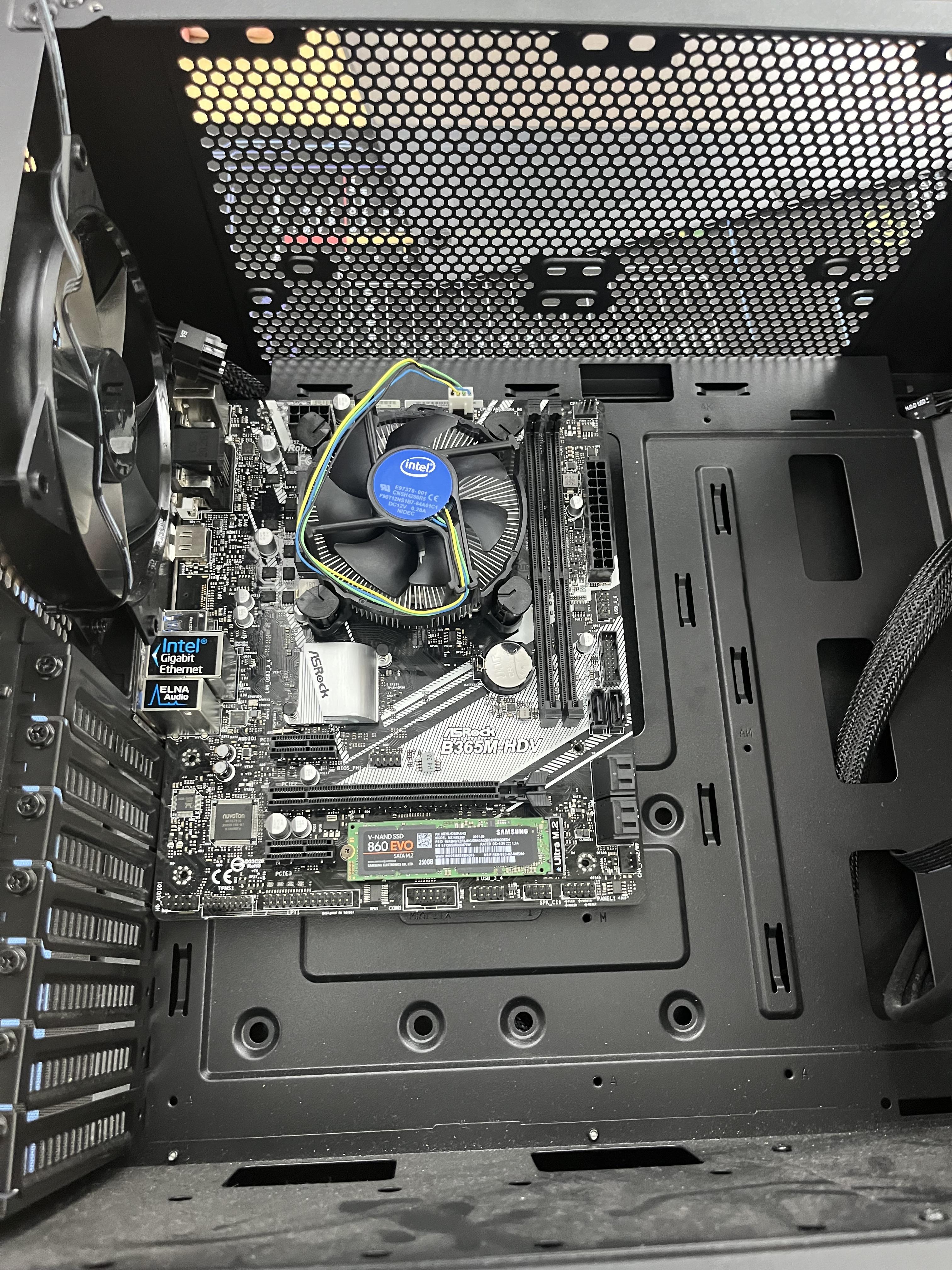
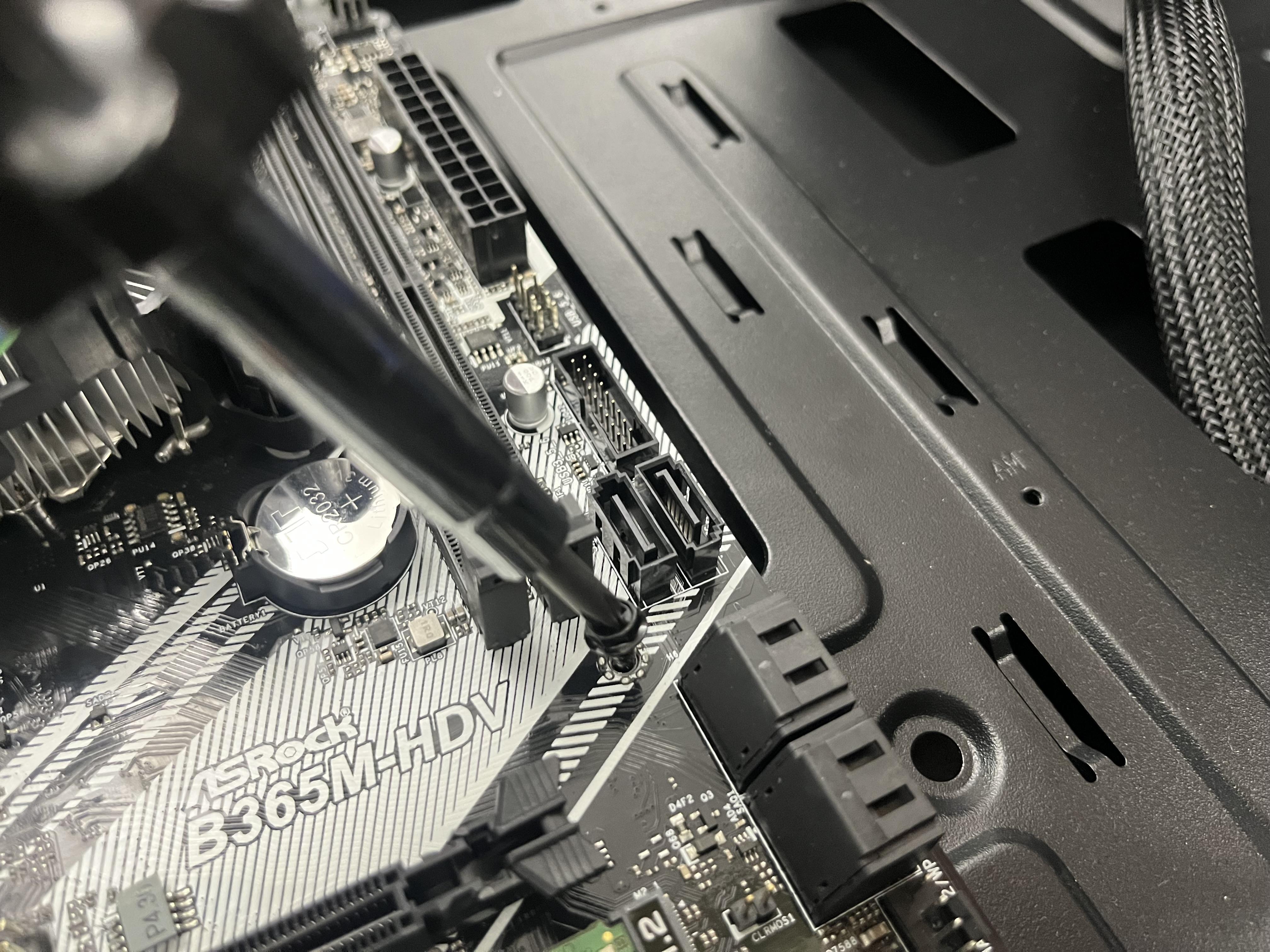
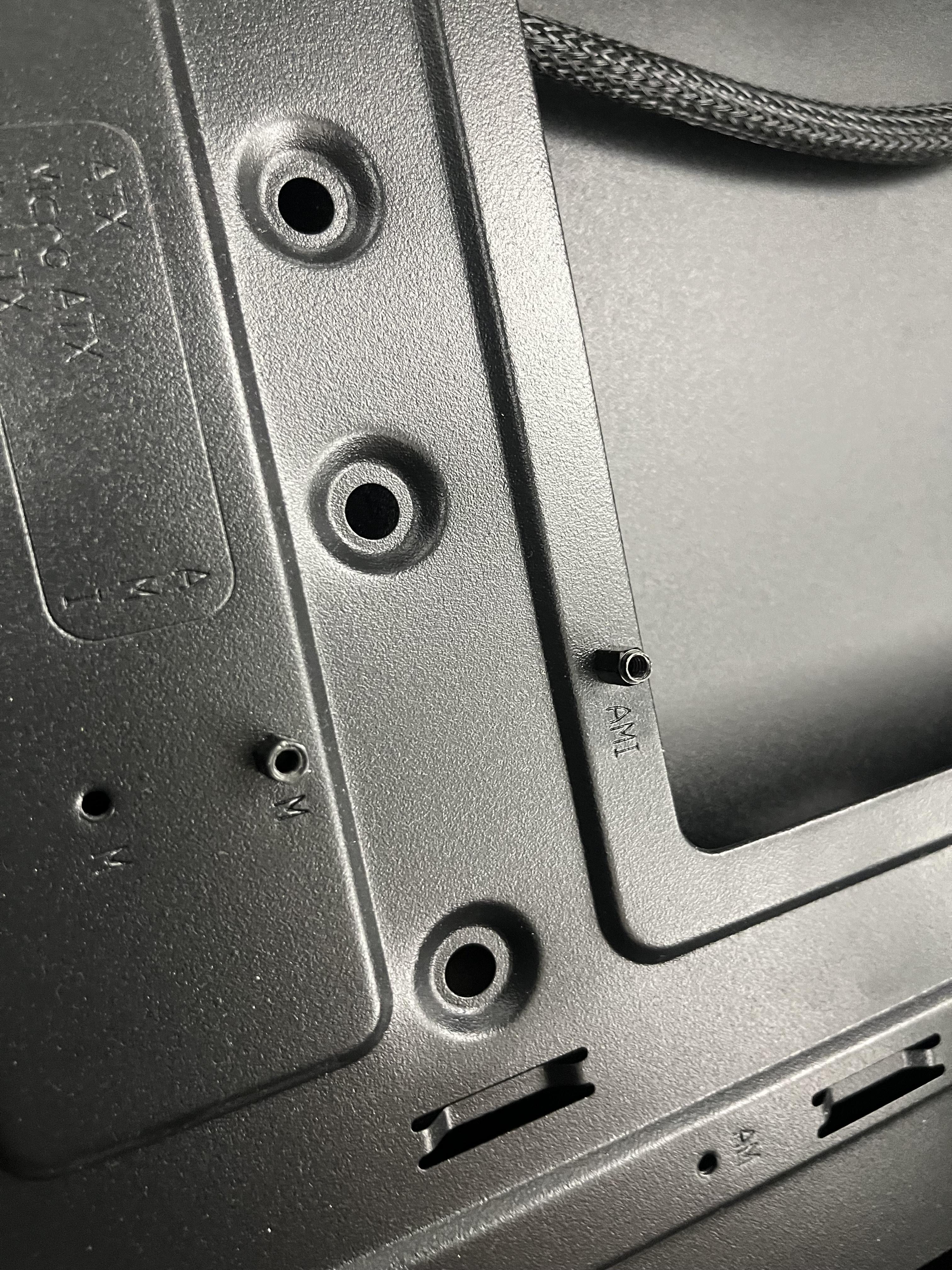
Install the Mother board and secure it into the stand holes
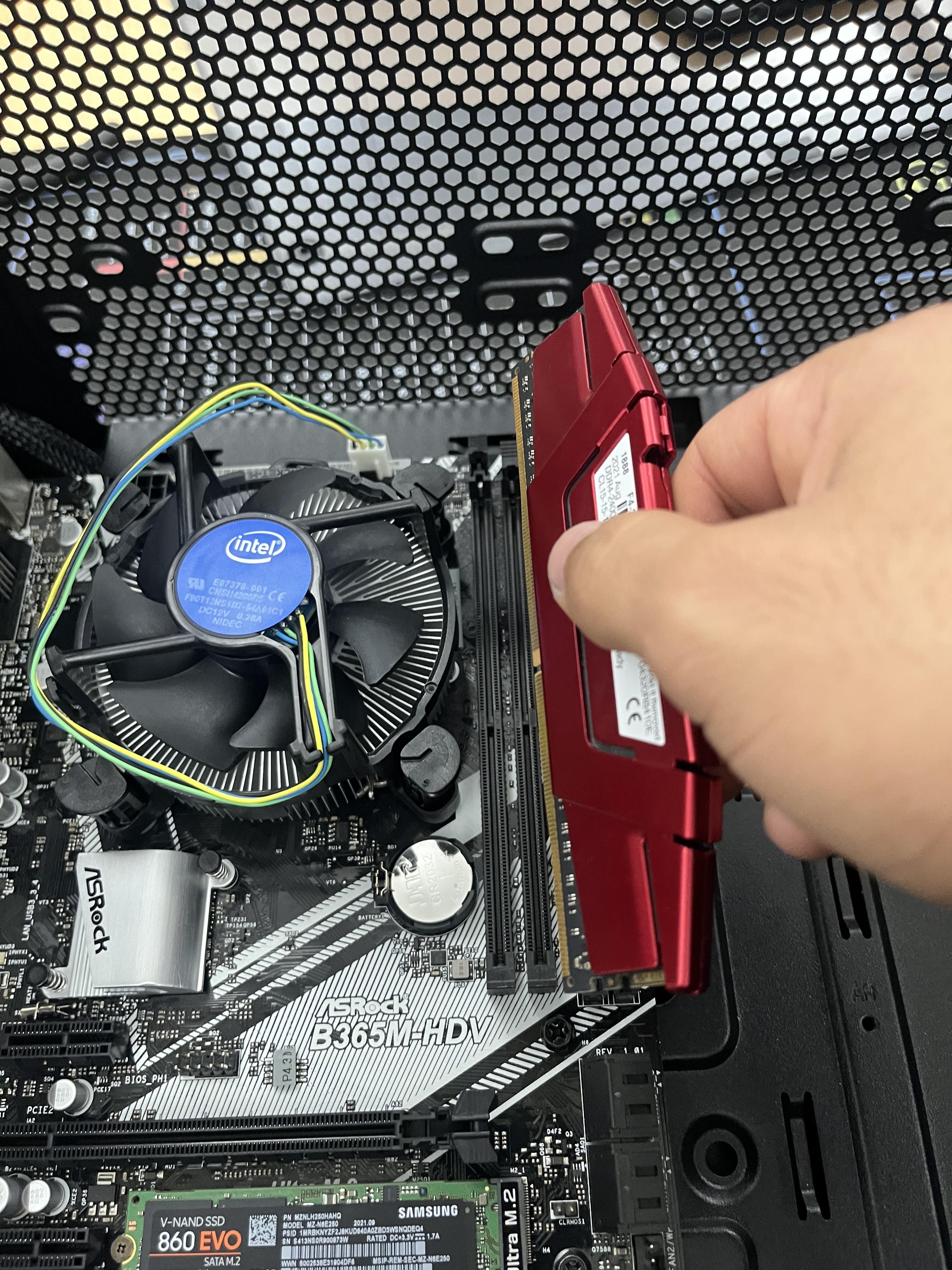
Install the RAM
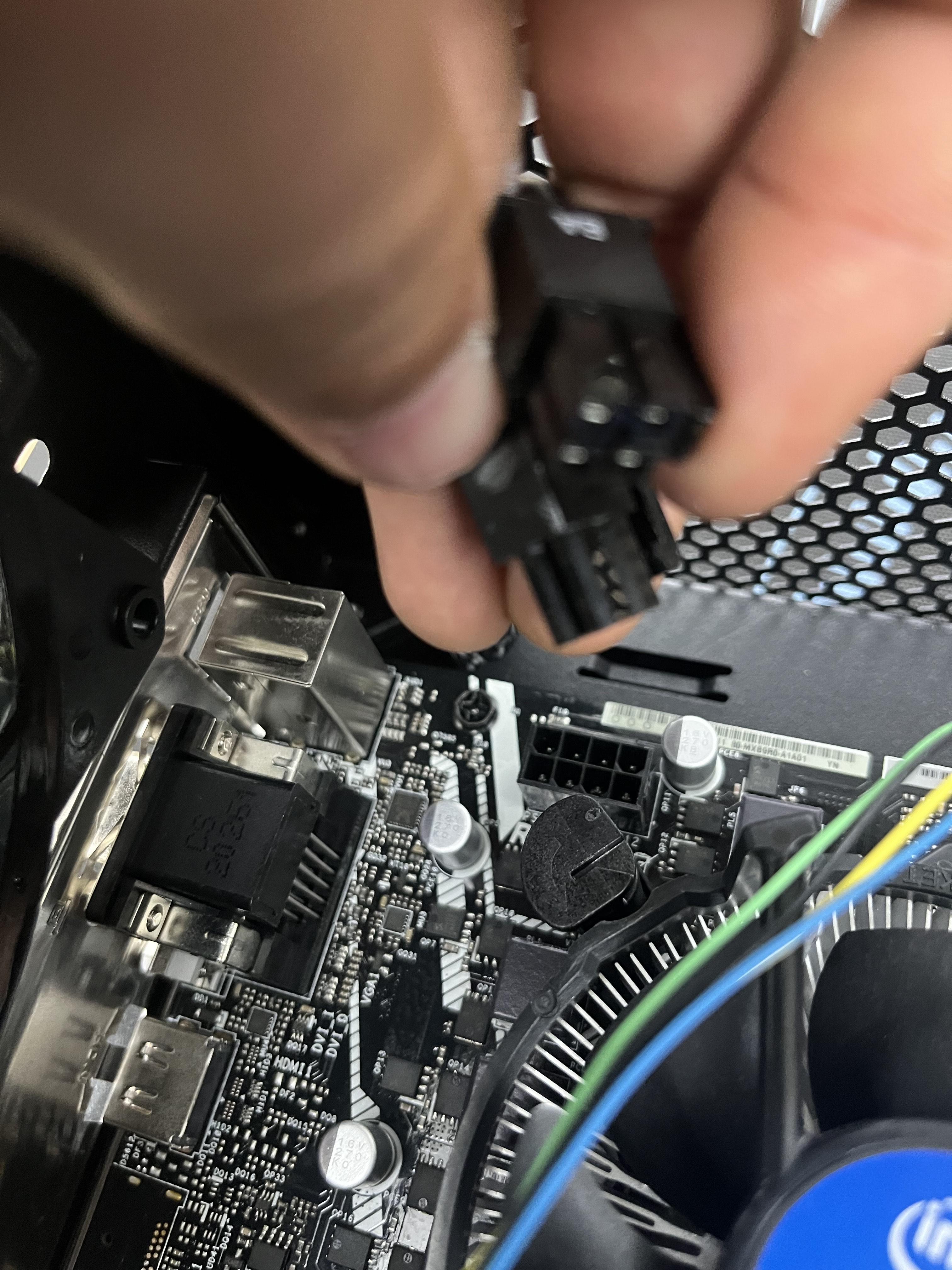
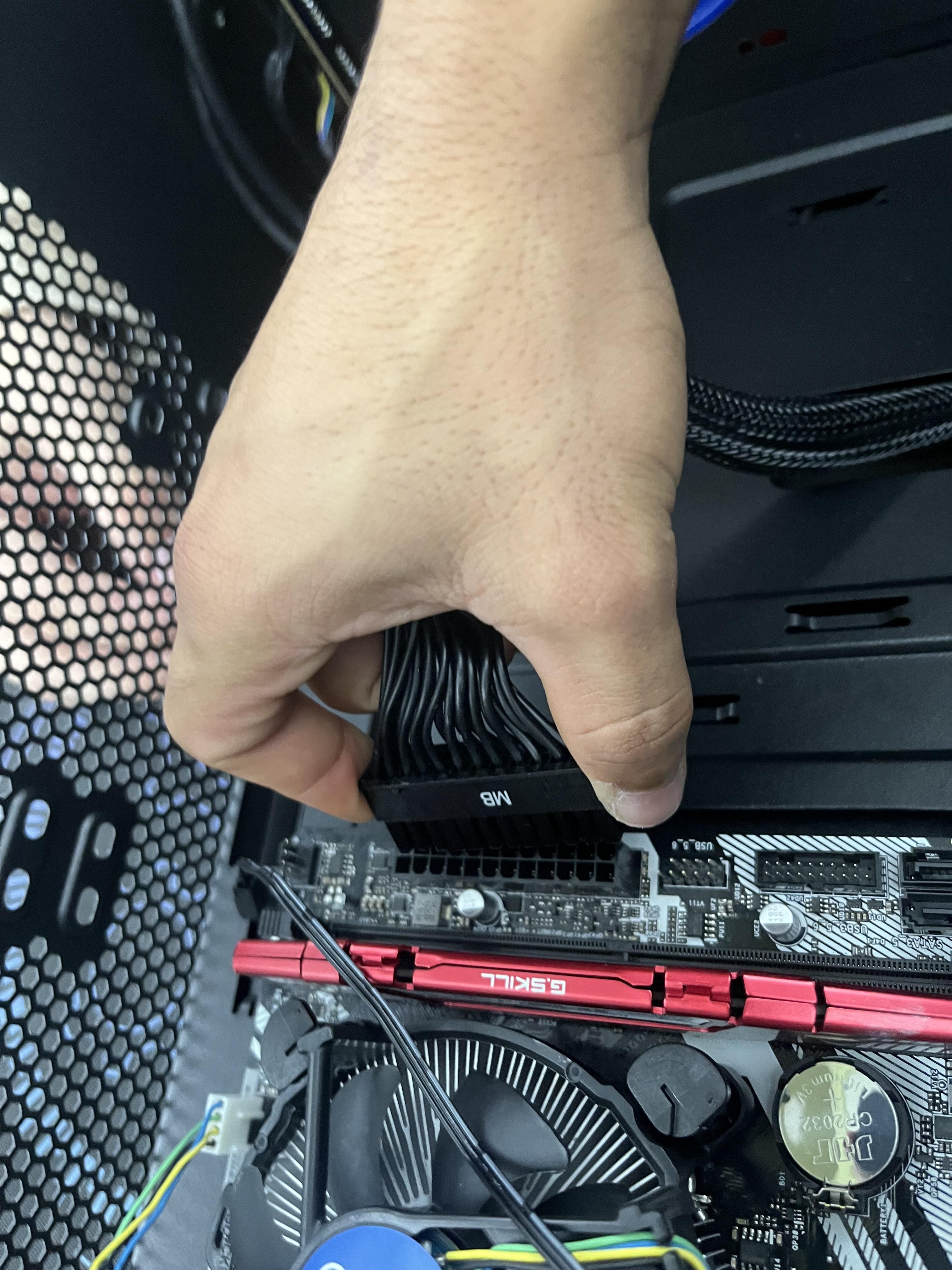
Connects the cables from the PSU to the Mother board and the CPU to power them you also have to connect the GPU but i didn't have one)
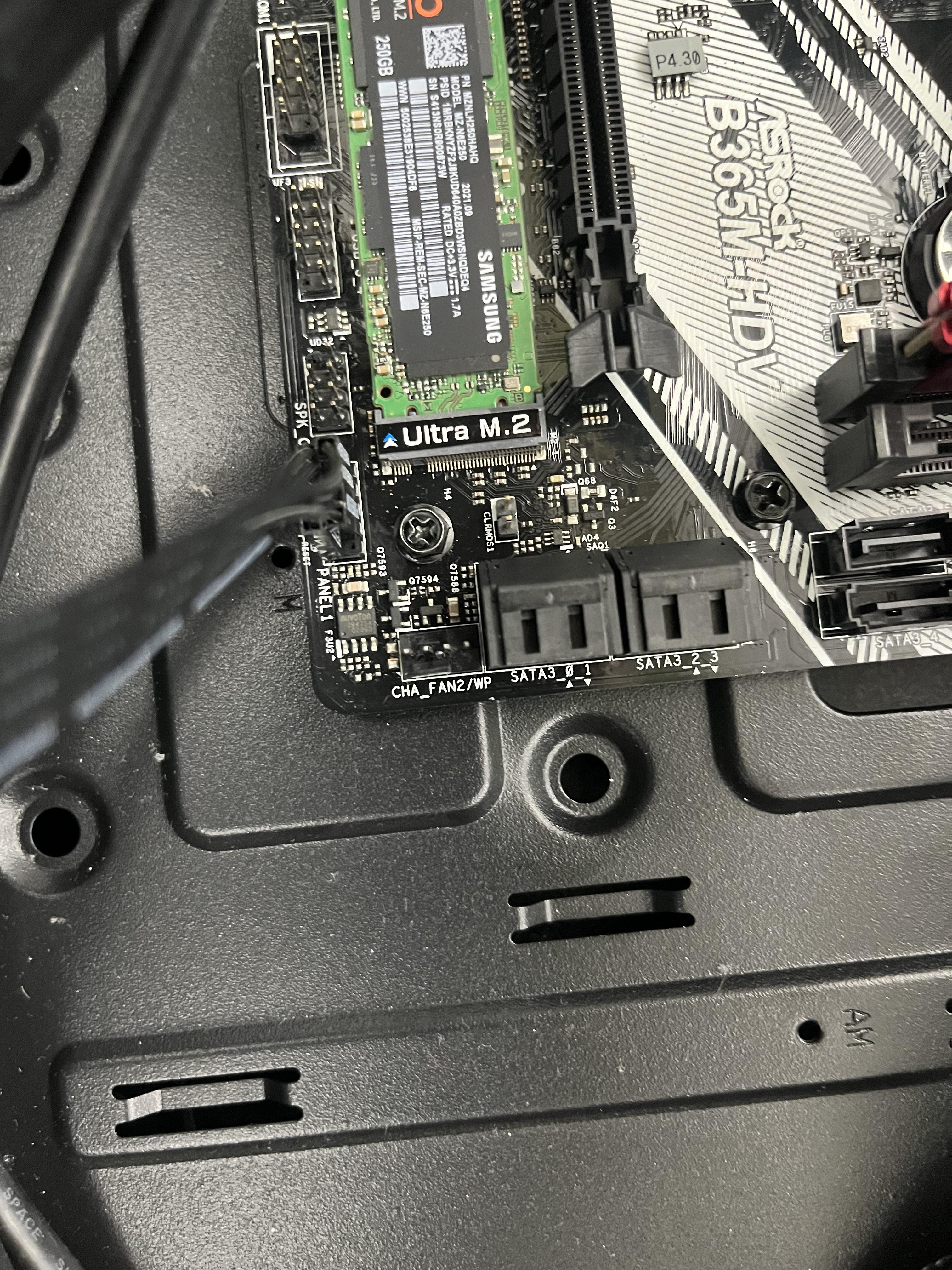
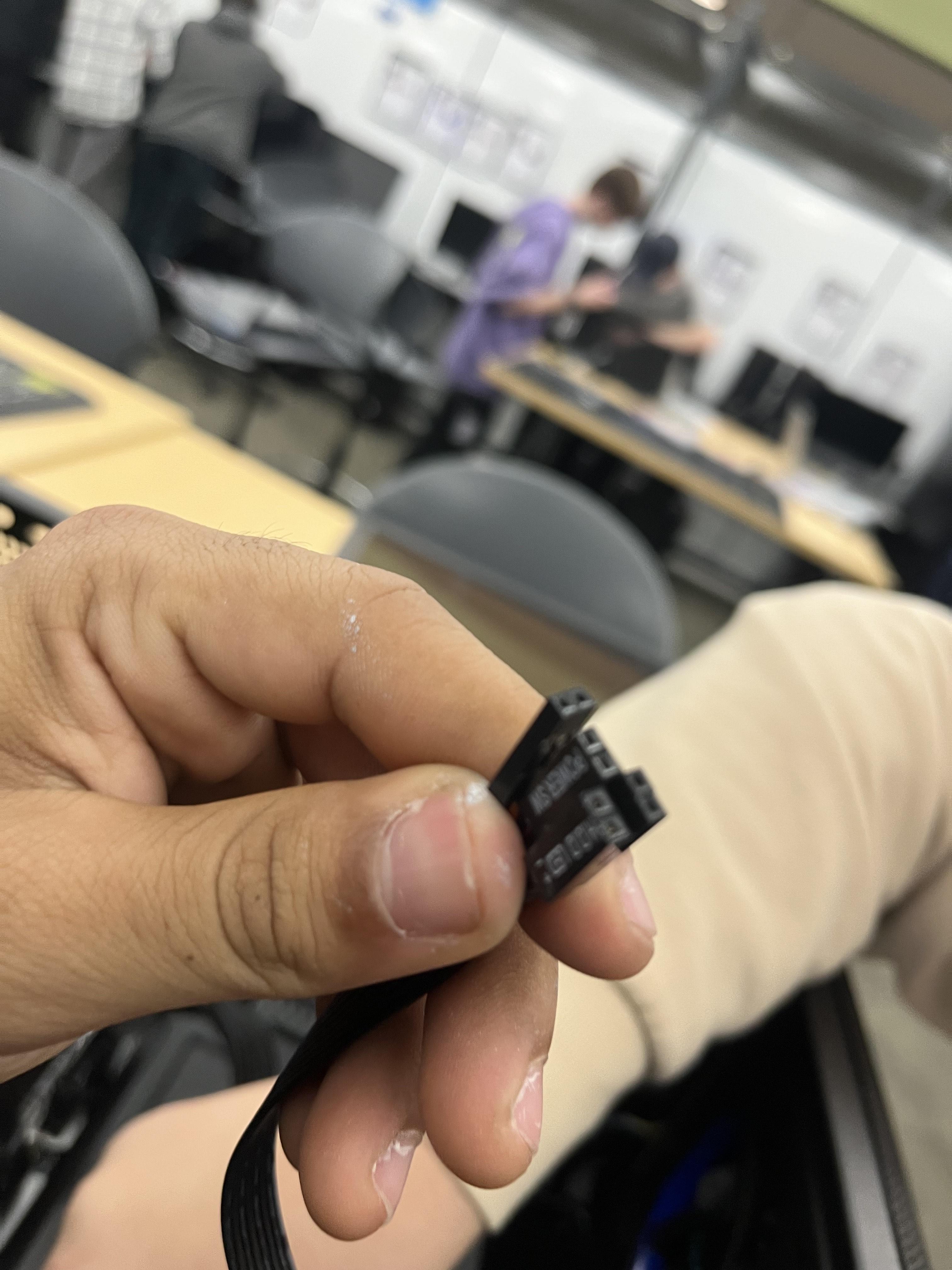
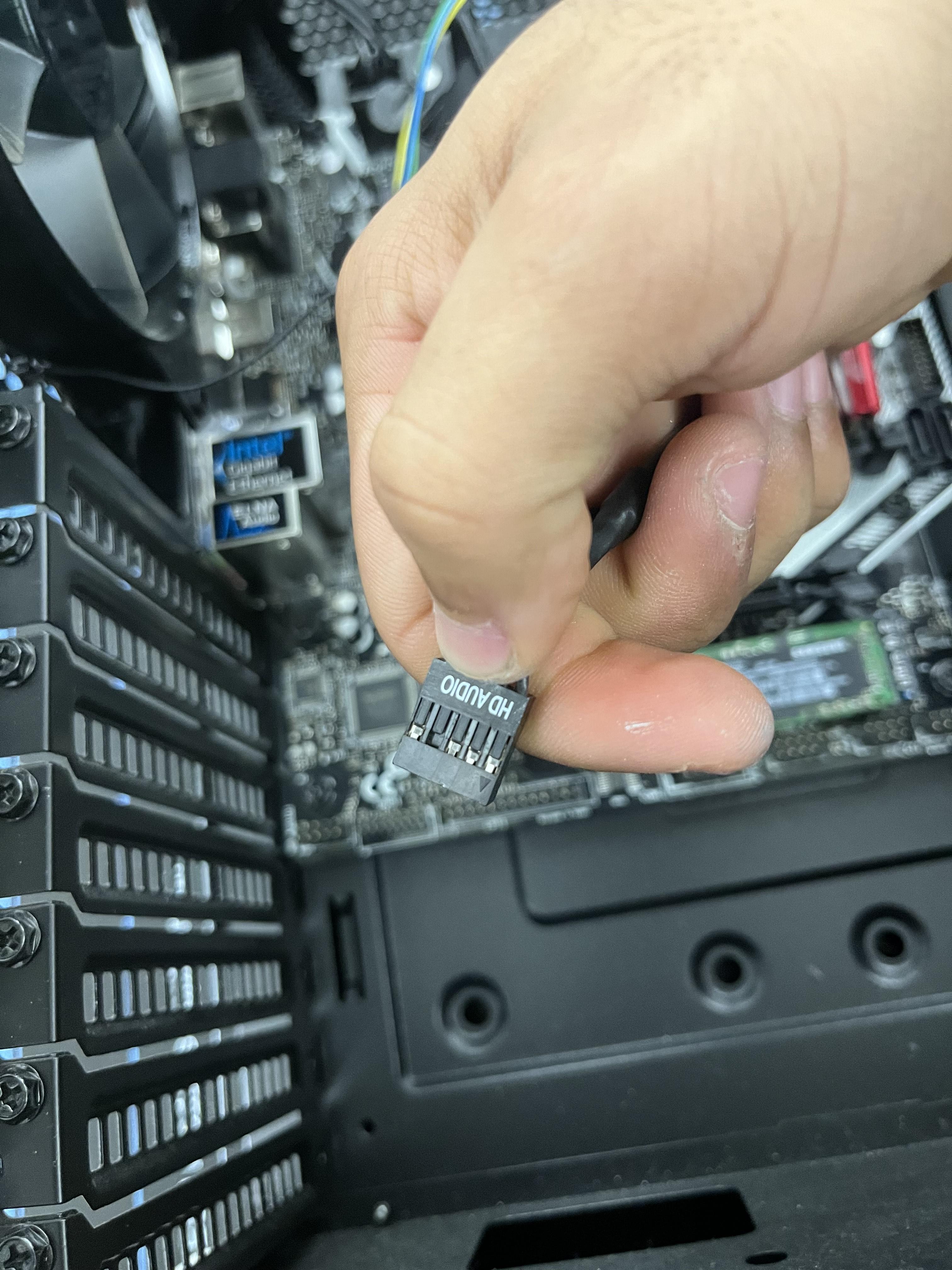
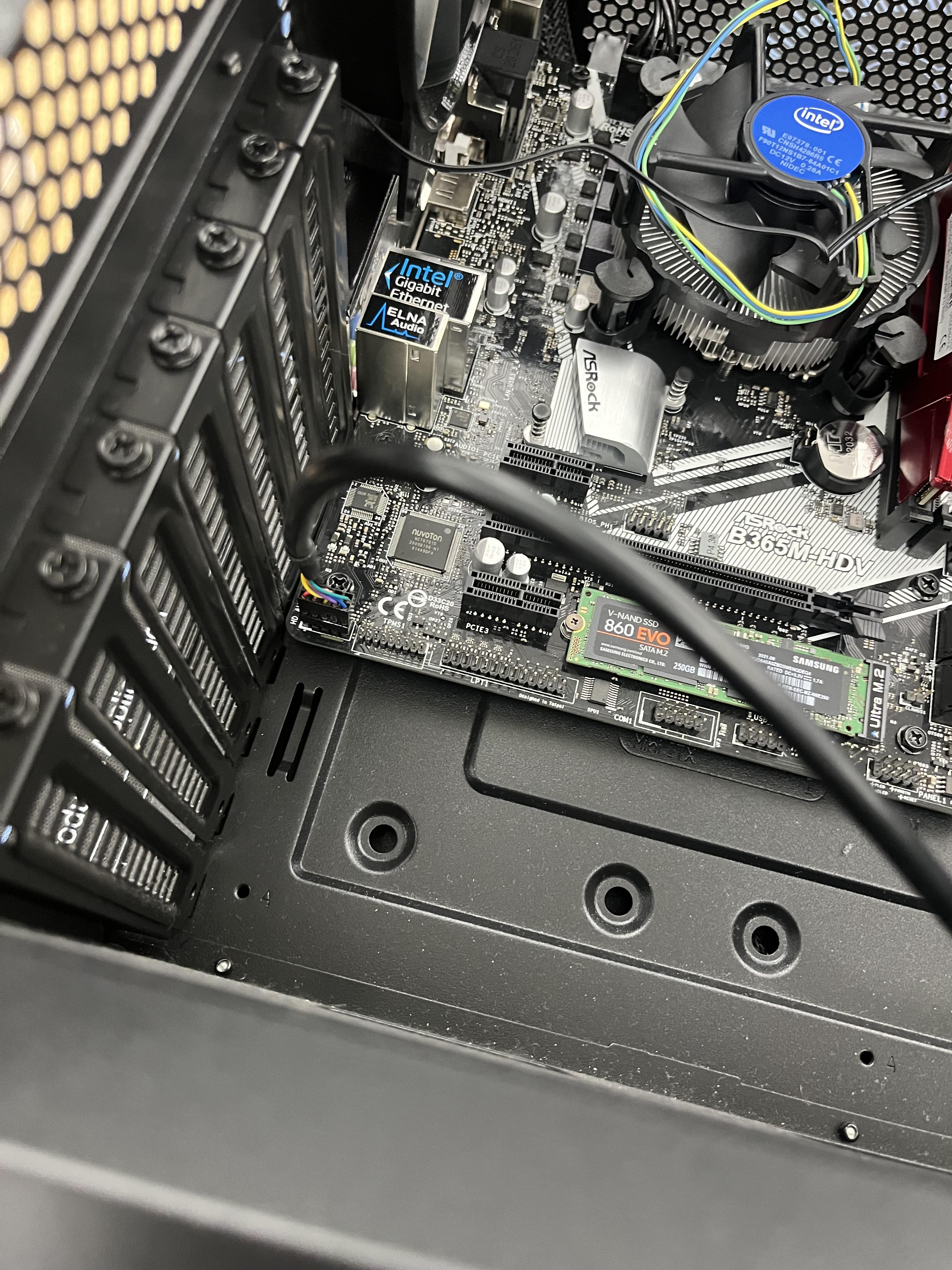
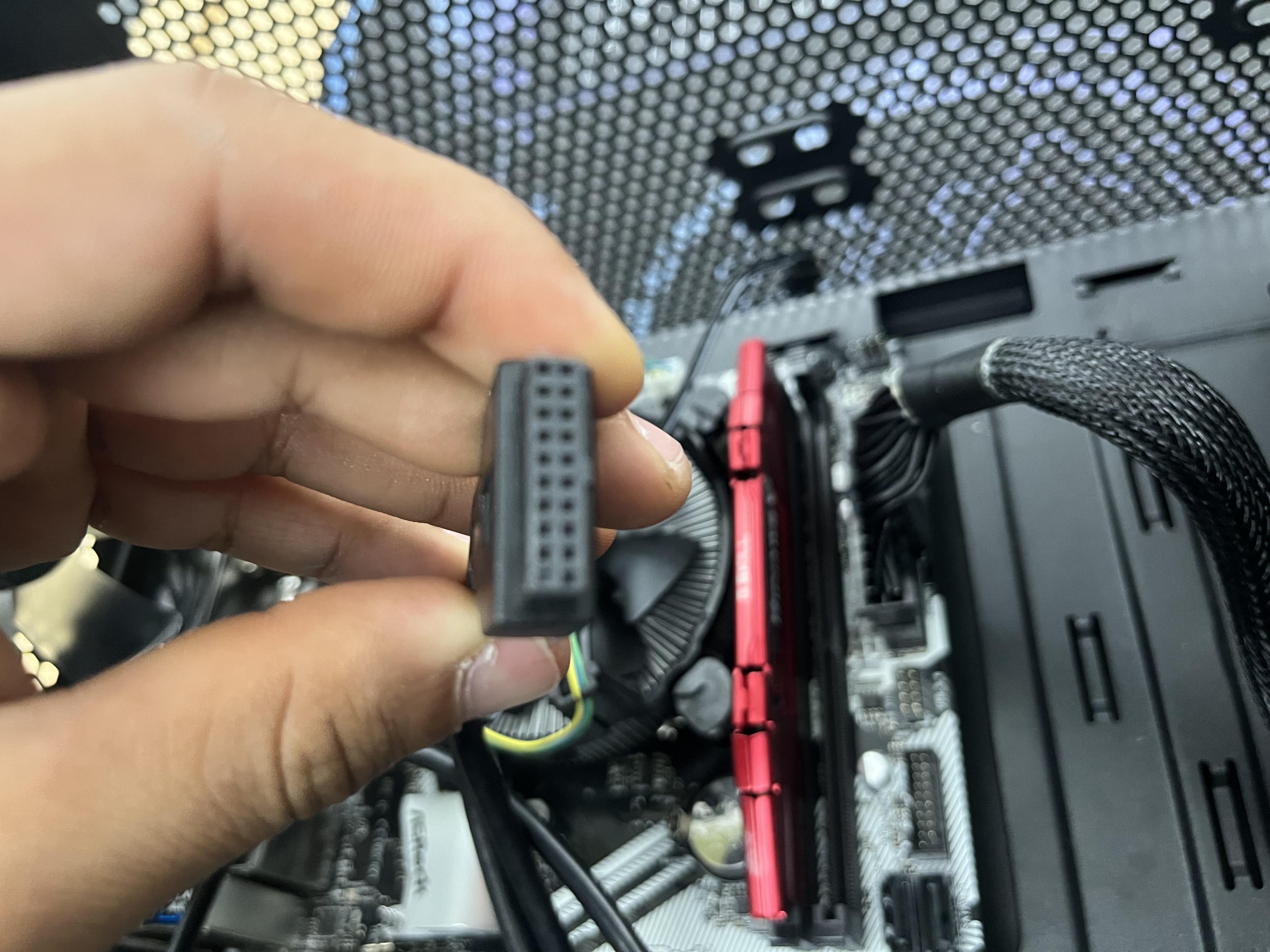
connect all the Front panel connections
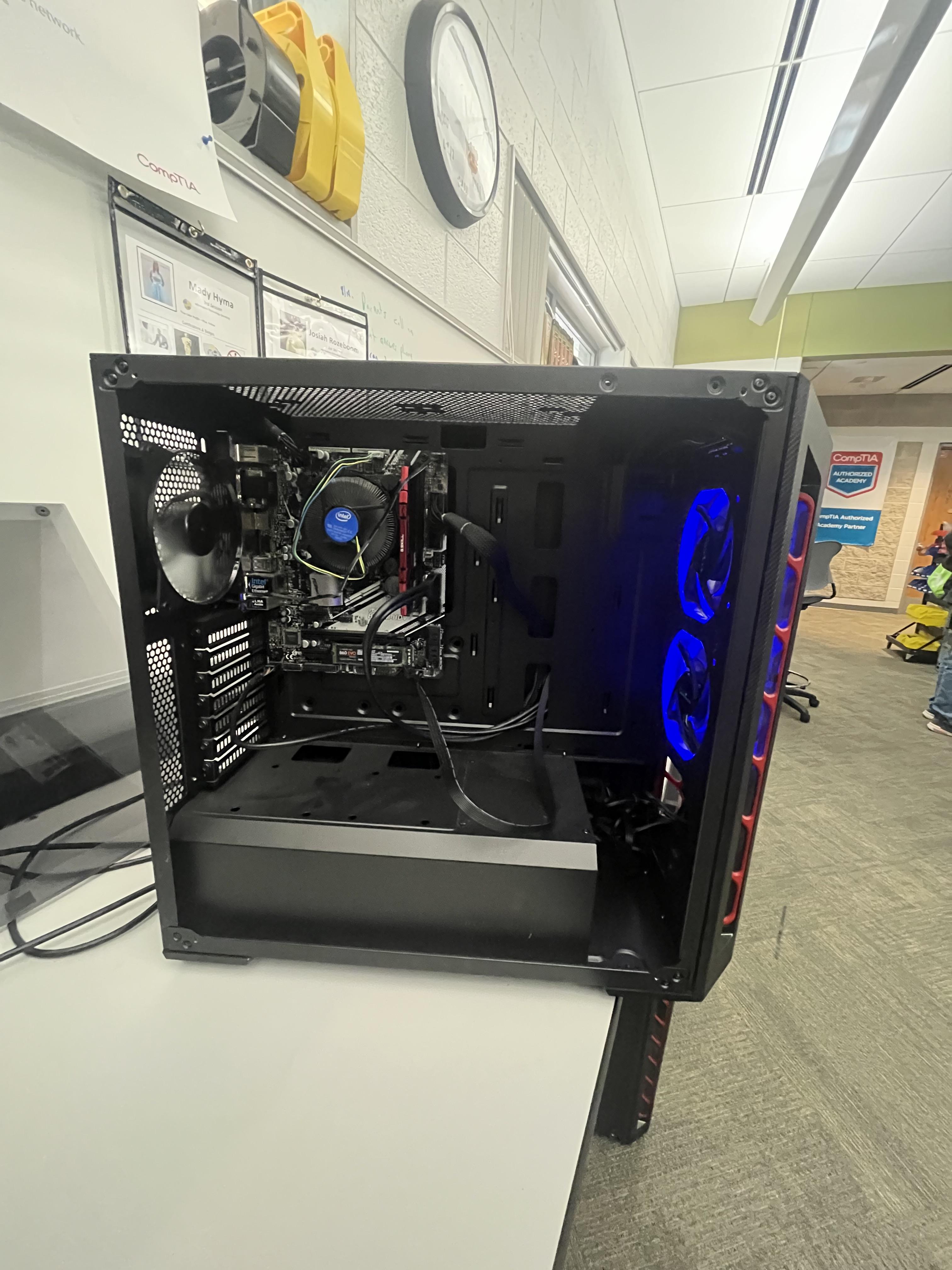
That's how you built a computer