GoBabyGo JEEP Modification - Emergency Stop, AbleNet Switch, Add Relay Switch, Connect Speakers
by WSUGoBabyGo in Circuits > Assistive Tech
1387 Views, 3 Favorites, 0 Comments
GoBabyGo JEEP Modification - Emergency Stop, AbleNet Switch, Add Relay Switch, Connect Speakers

The most common and impactful modifications we perform involve transitioning the vehicle from standard foot-pedal operation to a fully accessible hand-control system. This process centers on installing a highly sensitive AbleNet switch for acceleration, supported by a relay to manage electrical loads and an emergency stop (kill switch) for essential parent-controlled safety. To round out the sensory experience, we also integrate speakers, ensuring the car is as engaging as it is functional. Together, these four components form the backbone of our 'universal access' build, providing a safe, responsive, and fun driving experience for every child.
Supplies
Vehicle: JEEP https://www.walmart.com/ip/Costway-12V-MP3-Kids-Ri...
Materials:
- Toggle switch
- 16-gauge wire
- AbleNet Big Red Switch
- 12VDC Electromechanical Relay
- Wire Connectors (specified type in each step)
- Resistor (type depends on LED used)
Tools:
- Screwdriver
- Drill
- Wire cutters
- Wire Strippers
- Pliers
- Spanner
- Dremel
- Soldering Kit
- Glue Gun
Installing "Emergency Stop"

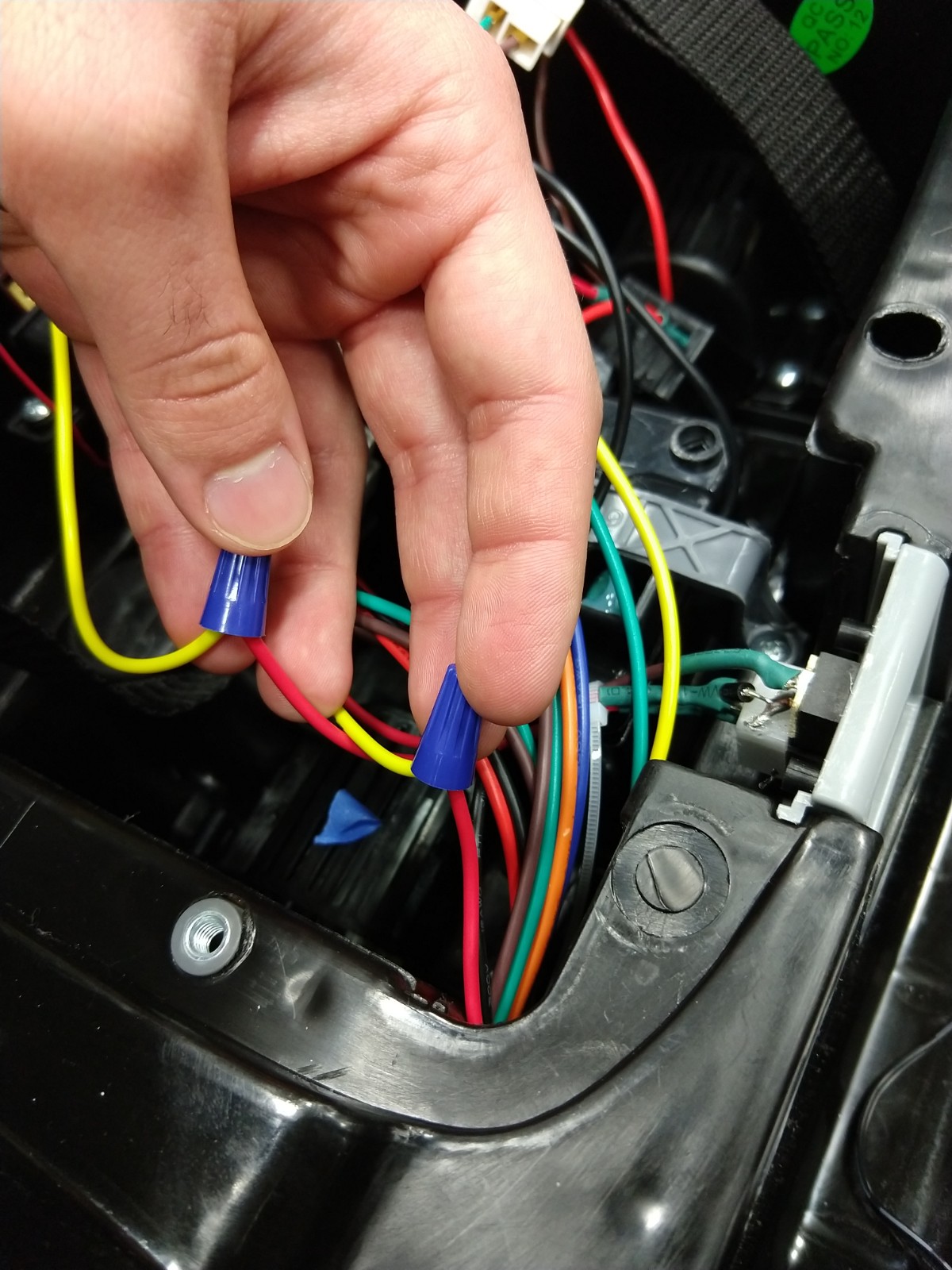

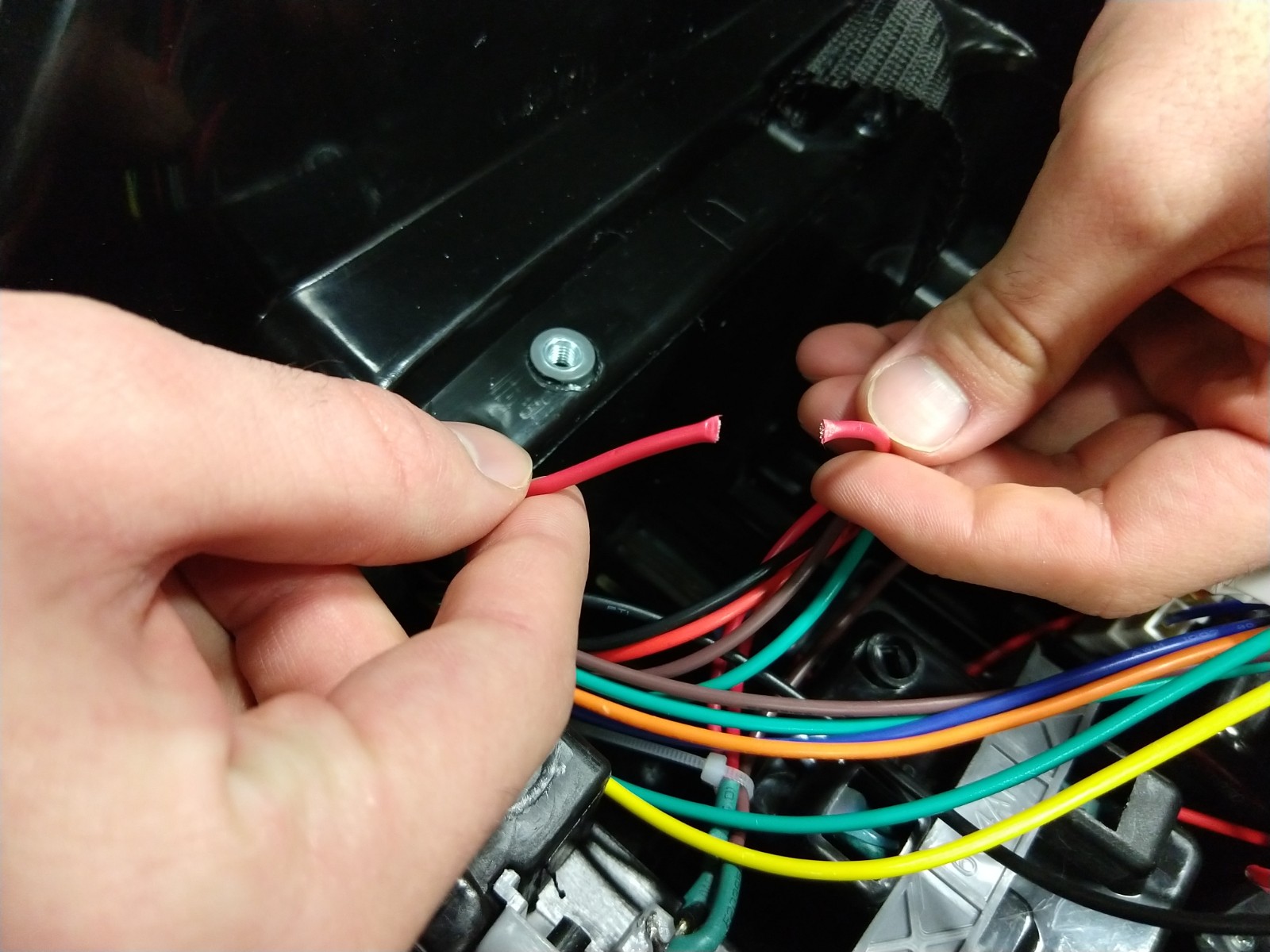
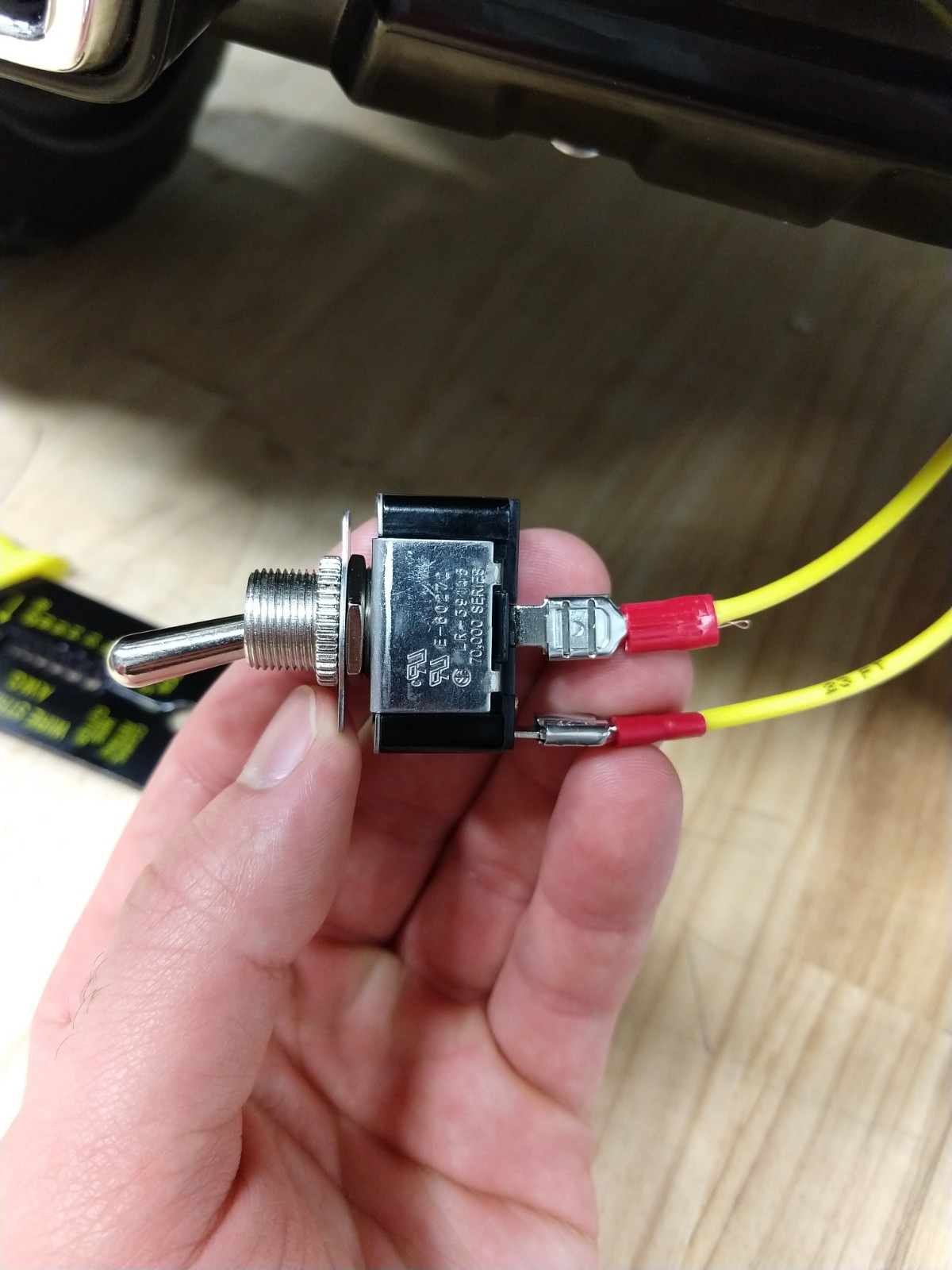
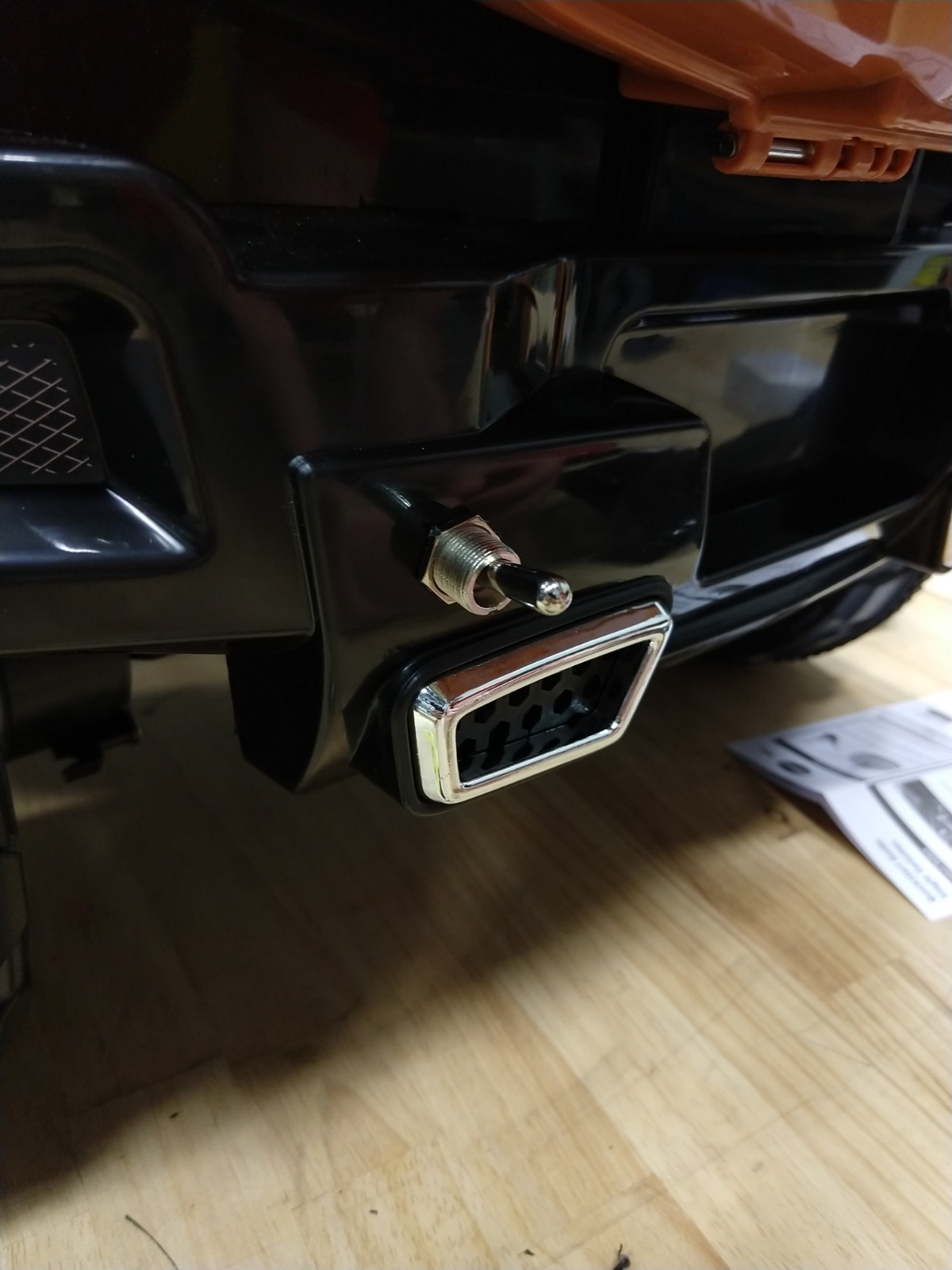
In this step we will be installing an "Emergency Stop" in order to turn of the vehicles power by flipping the switch on a toggle placed at the rear of the vehicle. The steps below will describe the location to install to ensure that even when the switch is set to off the vehicle can still be charged.
Materials:
- 2 16-gauge wires (Yellow wire in image)
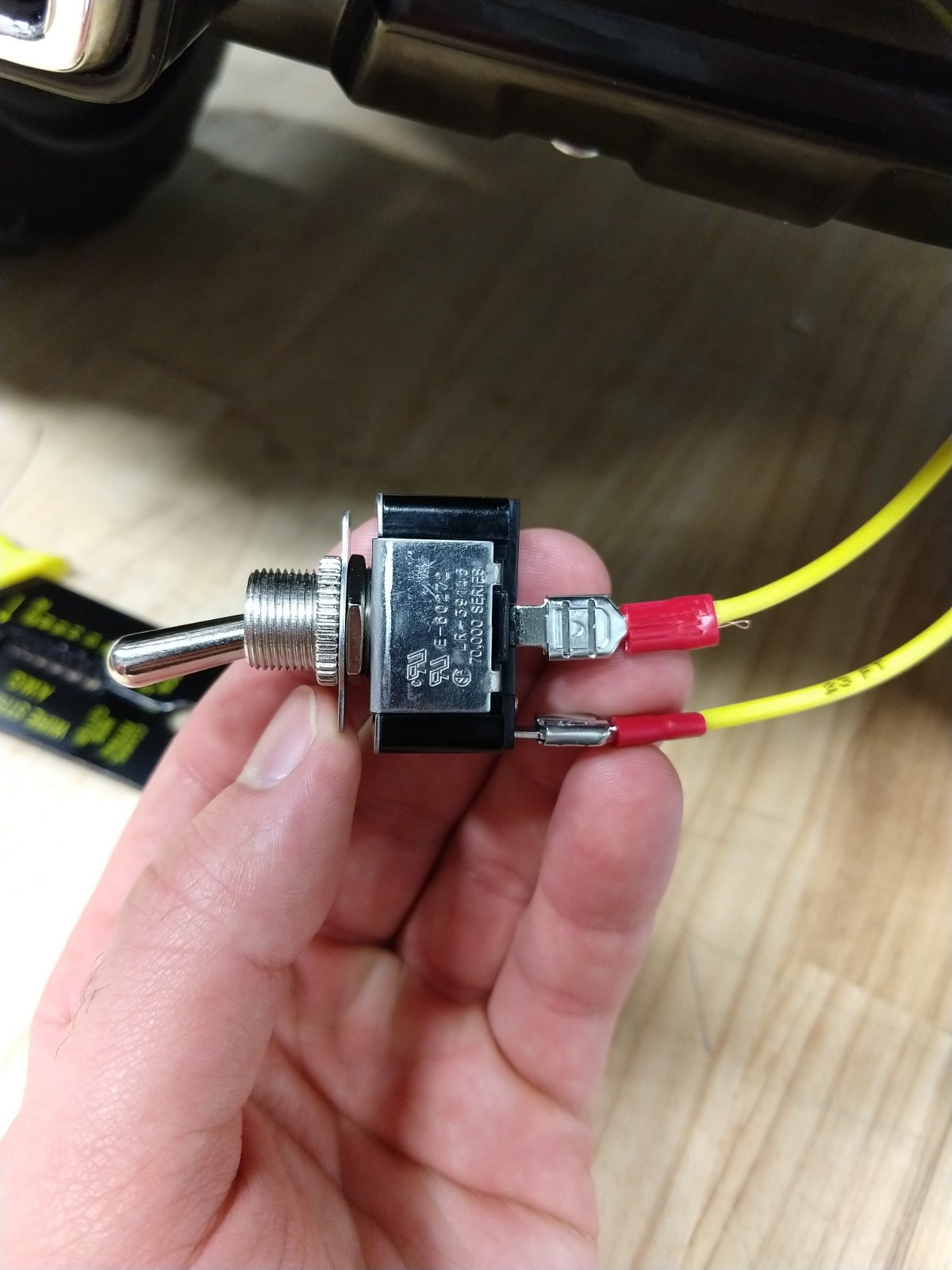
- 1 Toggle Switch (2-Connector)
- 2 Twist-On Wire Connector
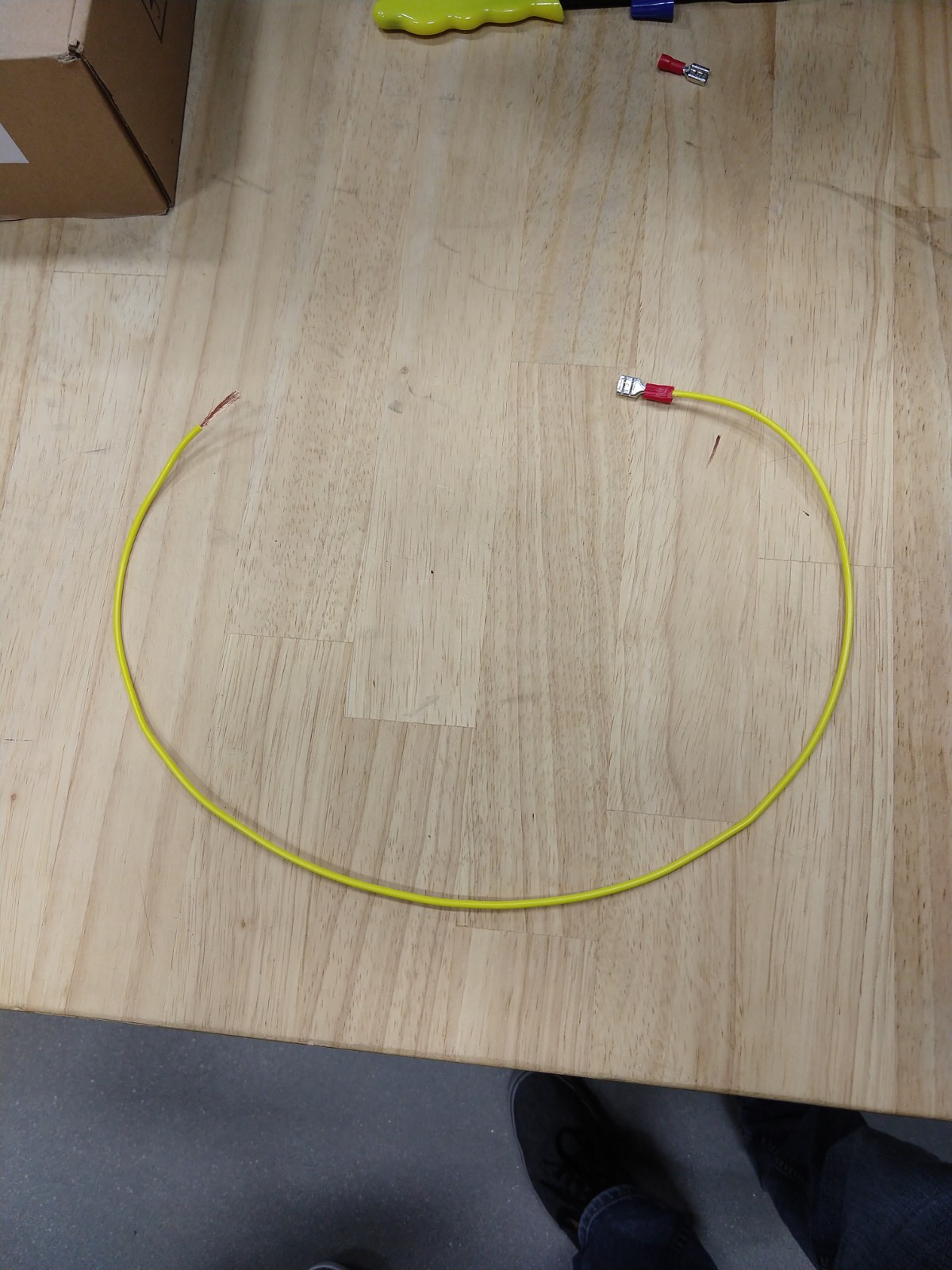
- 2 [Wire connector in image #1]
Tools:
- Screwdriver
- Wire Cutter
- Wire Strippers
- Drill
Steps:
- Locate the power cable
- Remove the dashboard and seat from the vehicle
- Behind the ignition button you will spot a red cable that will run to the cables beneath the seat
- Follow the cable and locate it beneath the seat. This will be the spot you want to cut the cable.
- Cut and strip the power cable
- Grab the 2 16-gauge wires
- Strip both ends and add a connector clamp [seen in image #1] to one end to both wires
- Connect the 16-gauge wires from the previous step to the cut power cable
- Result shown in image #2
- Connect the other ends of the 16-gauge wires to the toggle switch
- Refer to Image #5
- The horizontal connection will correspond to the cable
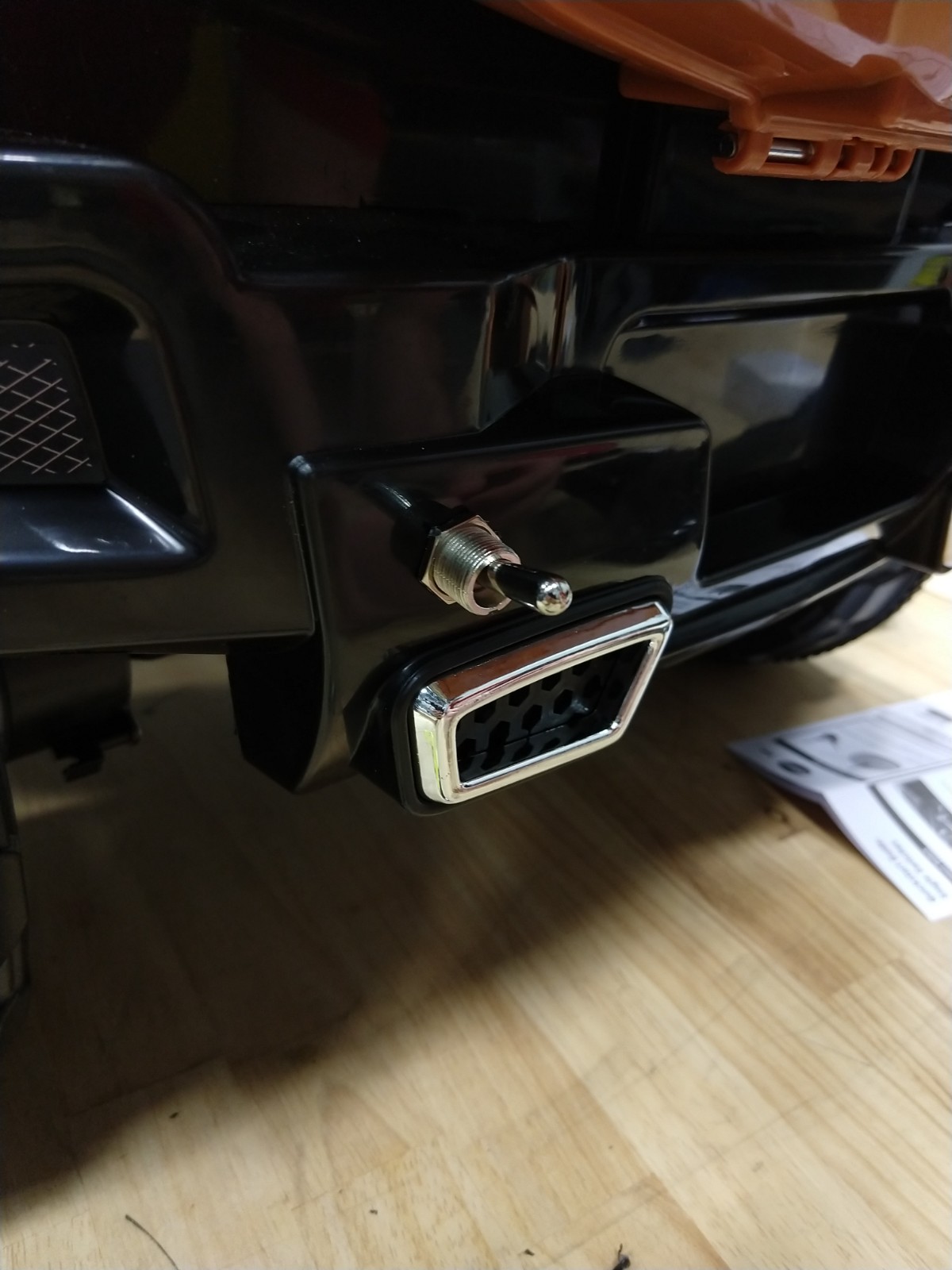
- Drill a hole in the back of the Vehicle
- Install the Toggle Switch to the Vehicle
Mounting the Power Button
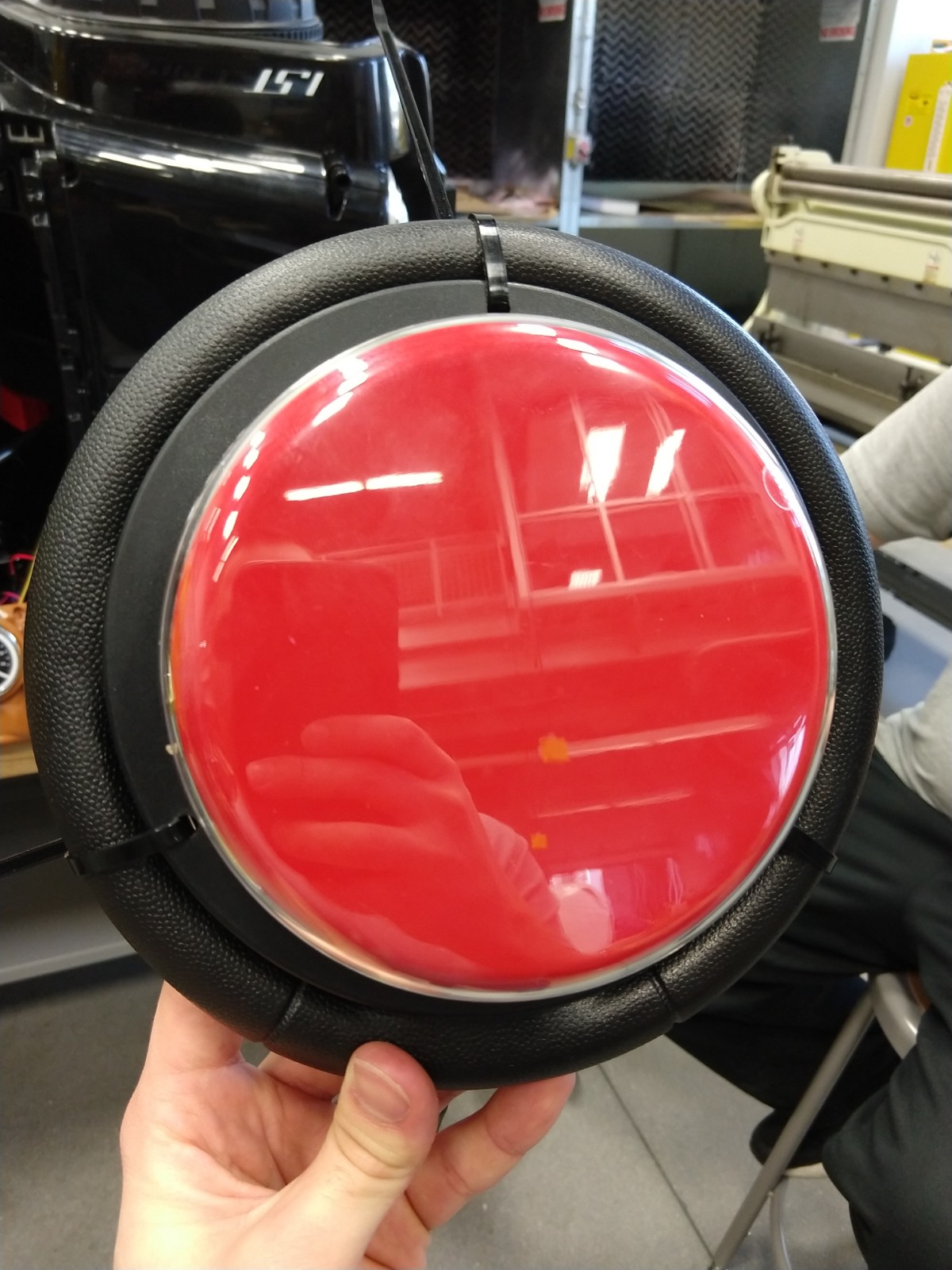
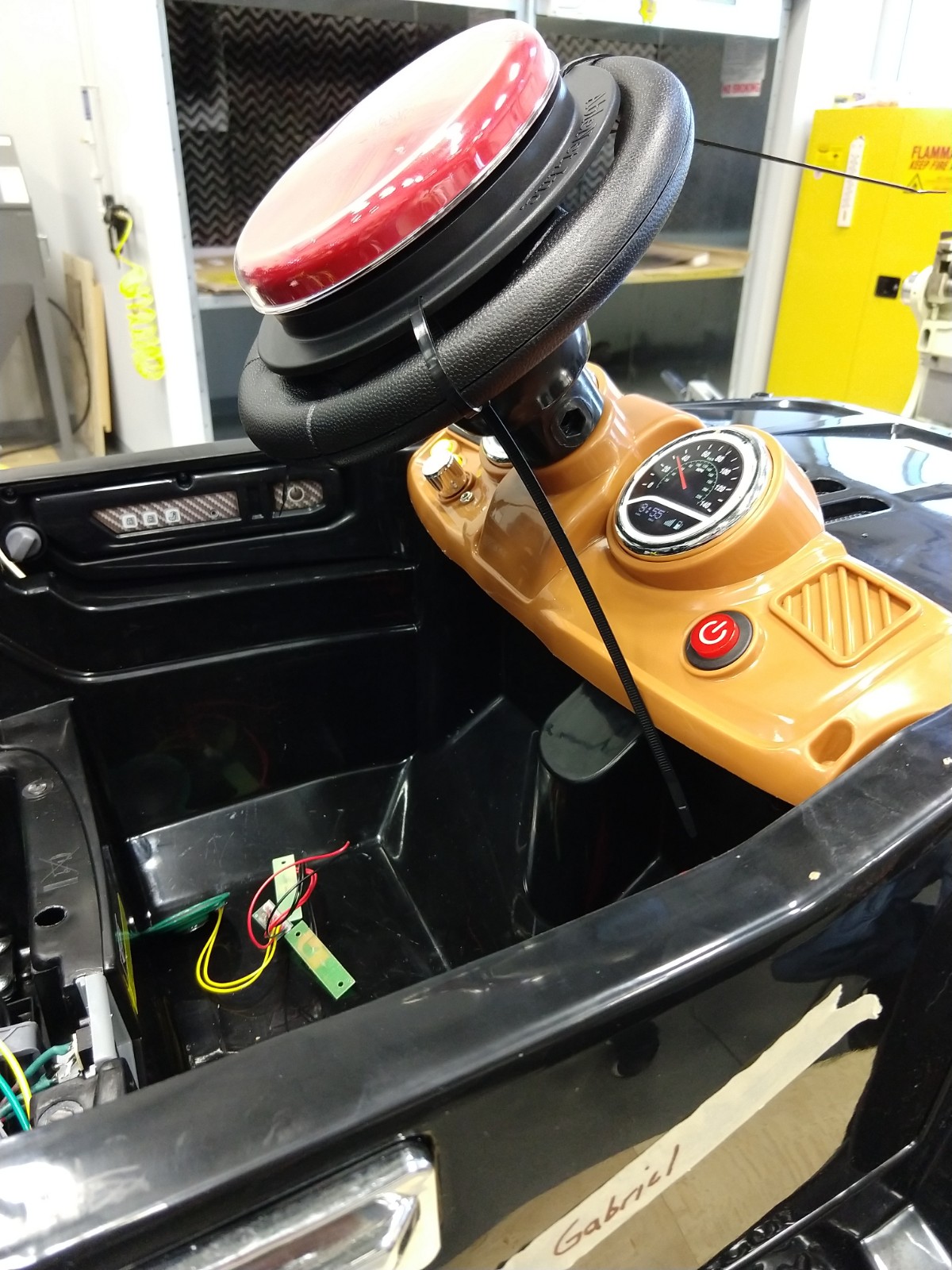
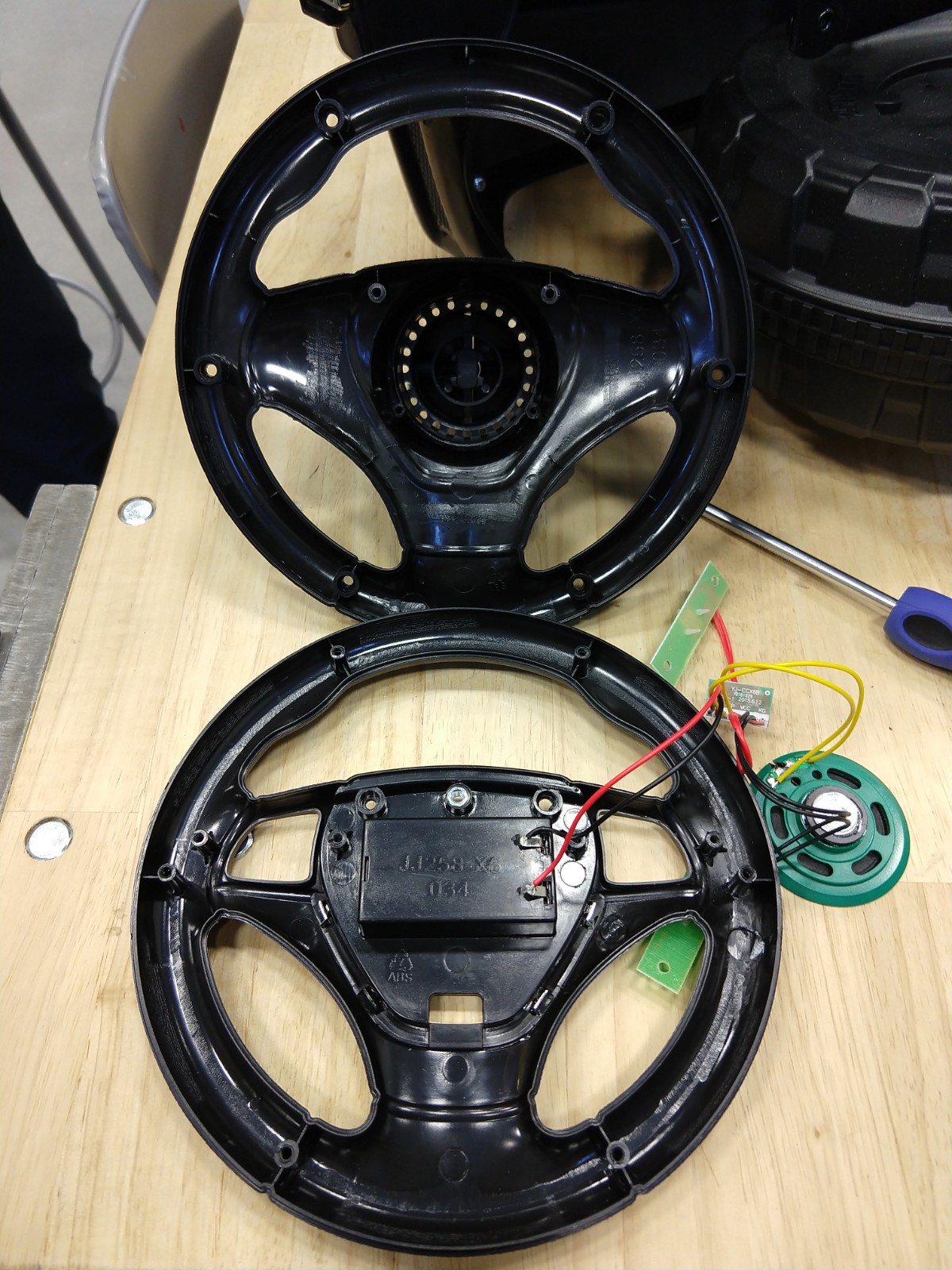
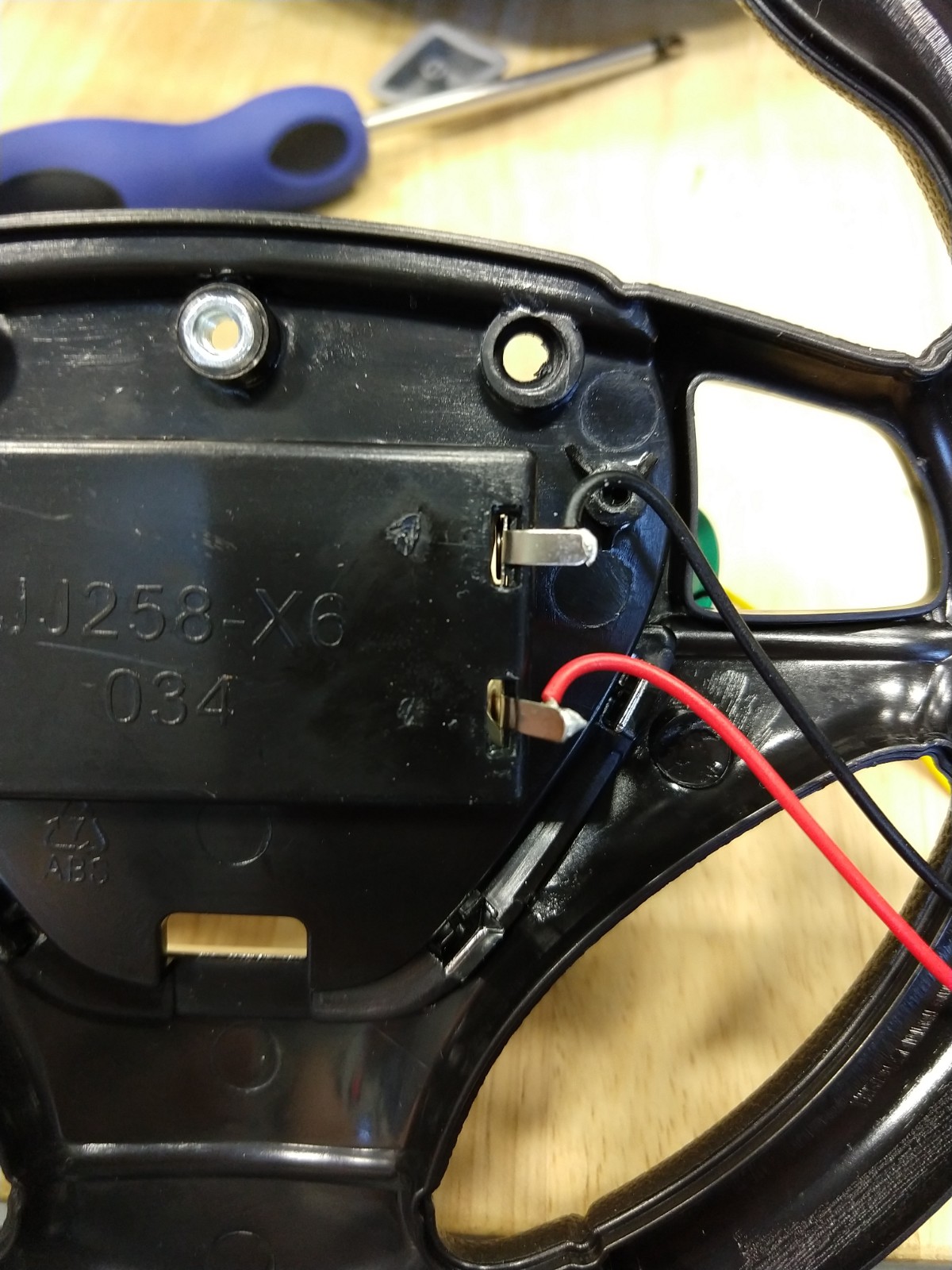
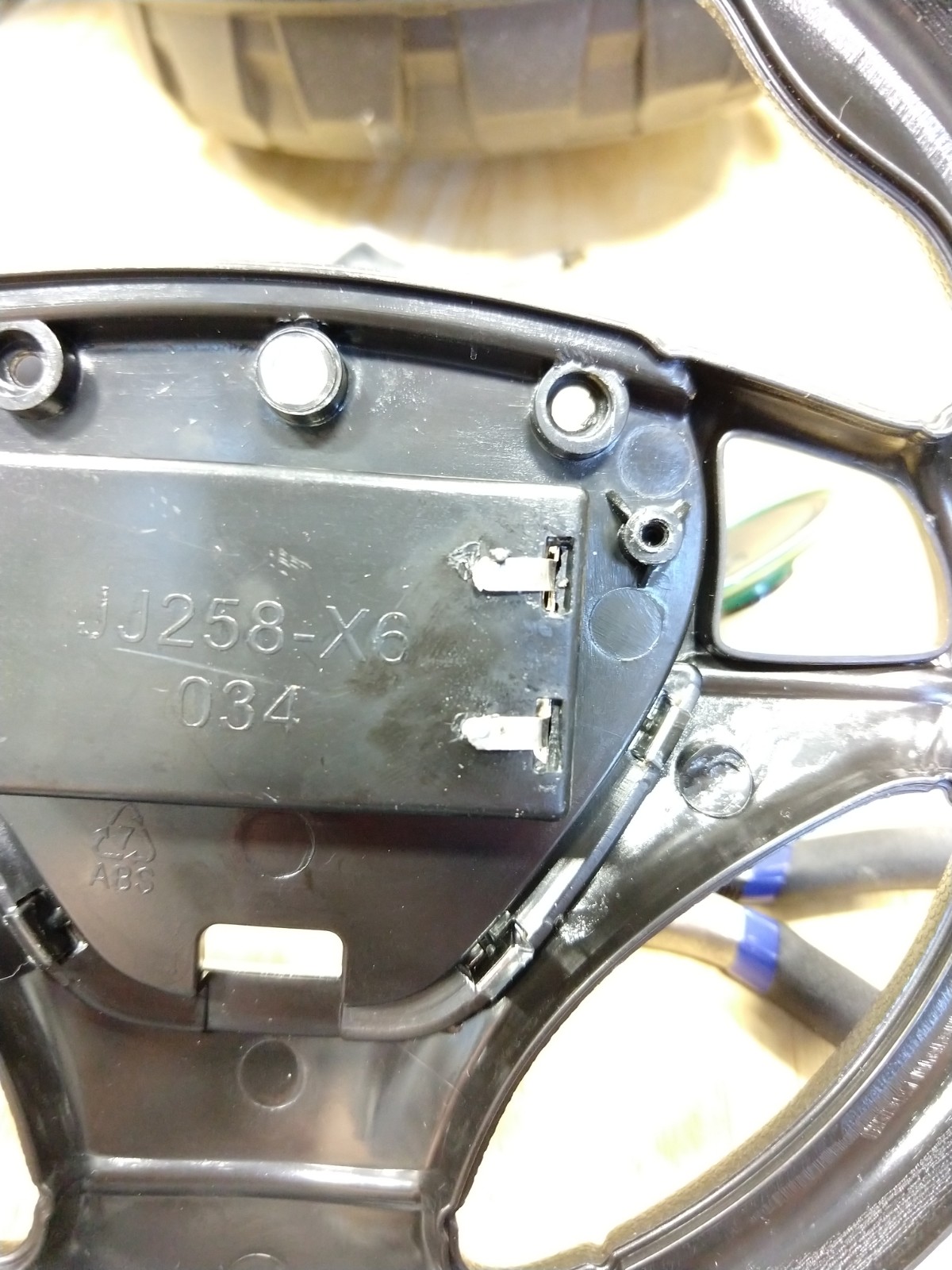
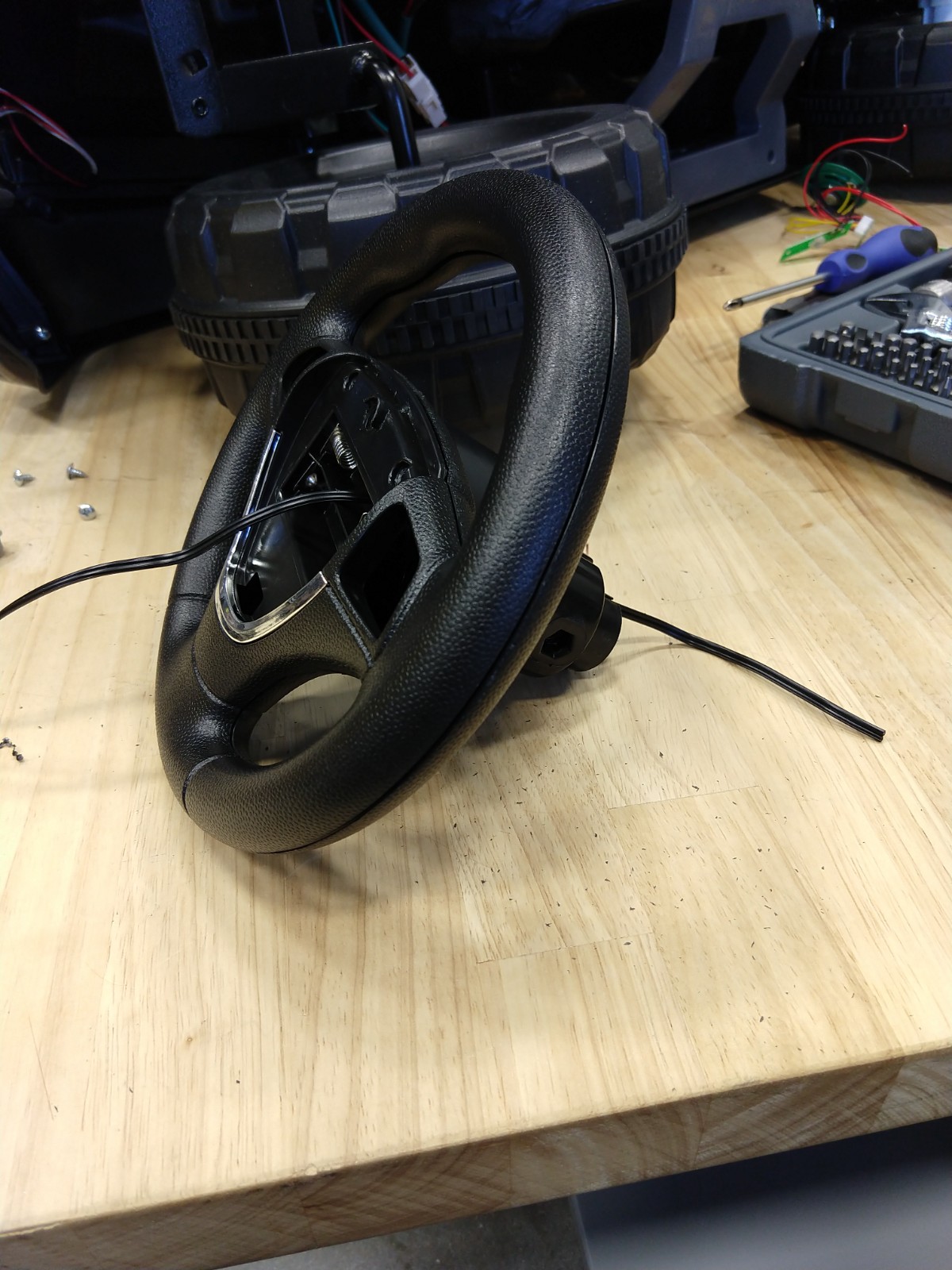
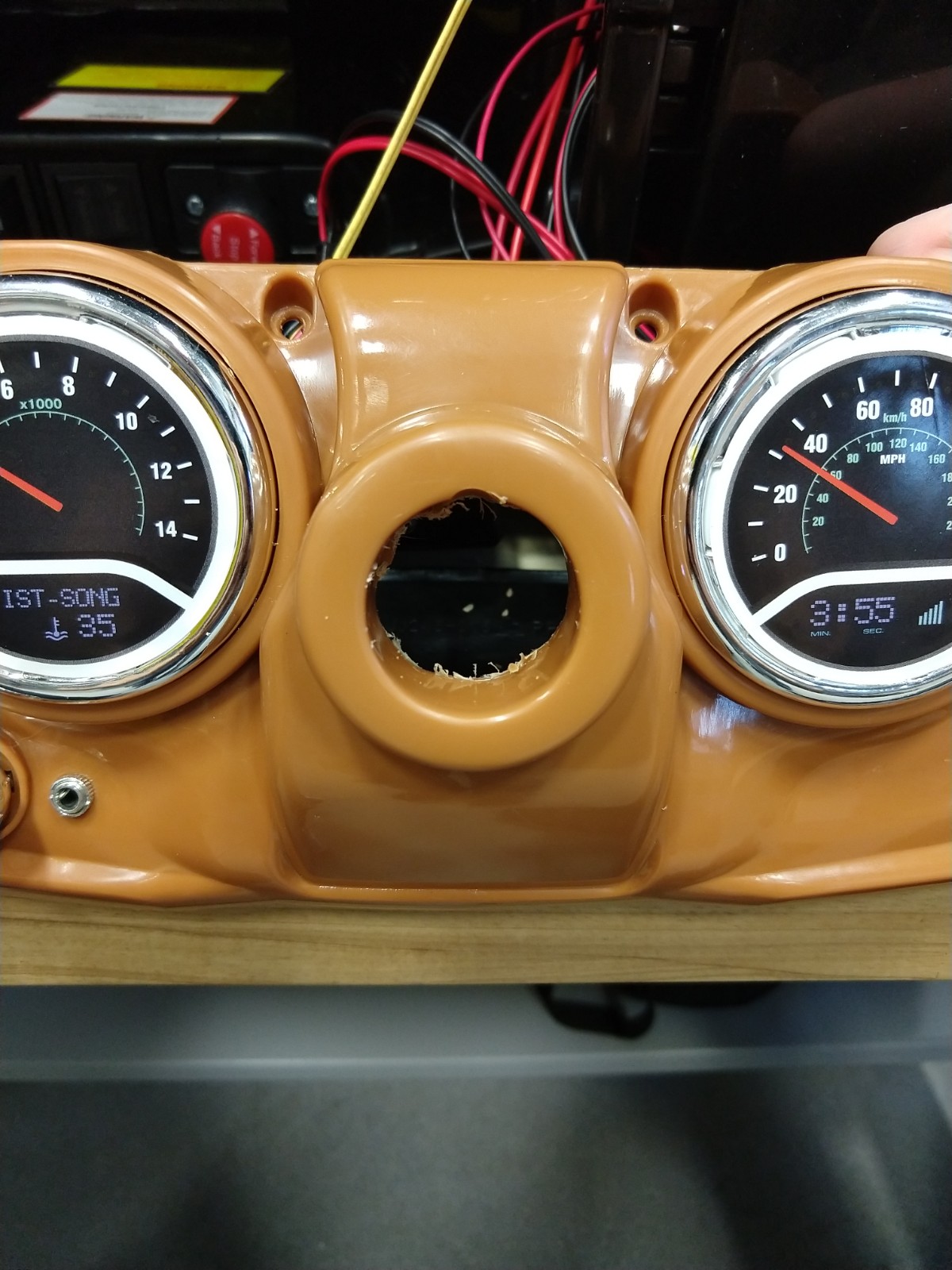
In this step we will be mounting the button onto the steering wheel that will be wired in to control the pedal at a later step.
Materials:
- Button
Tools:
- Screw Driver
- Drill
- Wire Strippers
Steps:
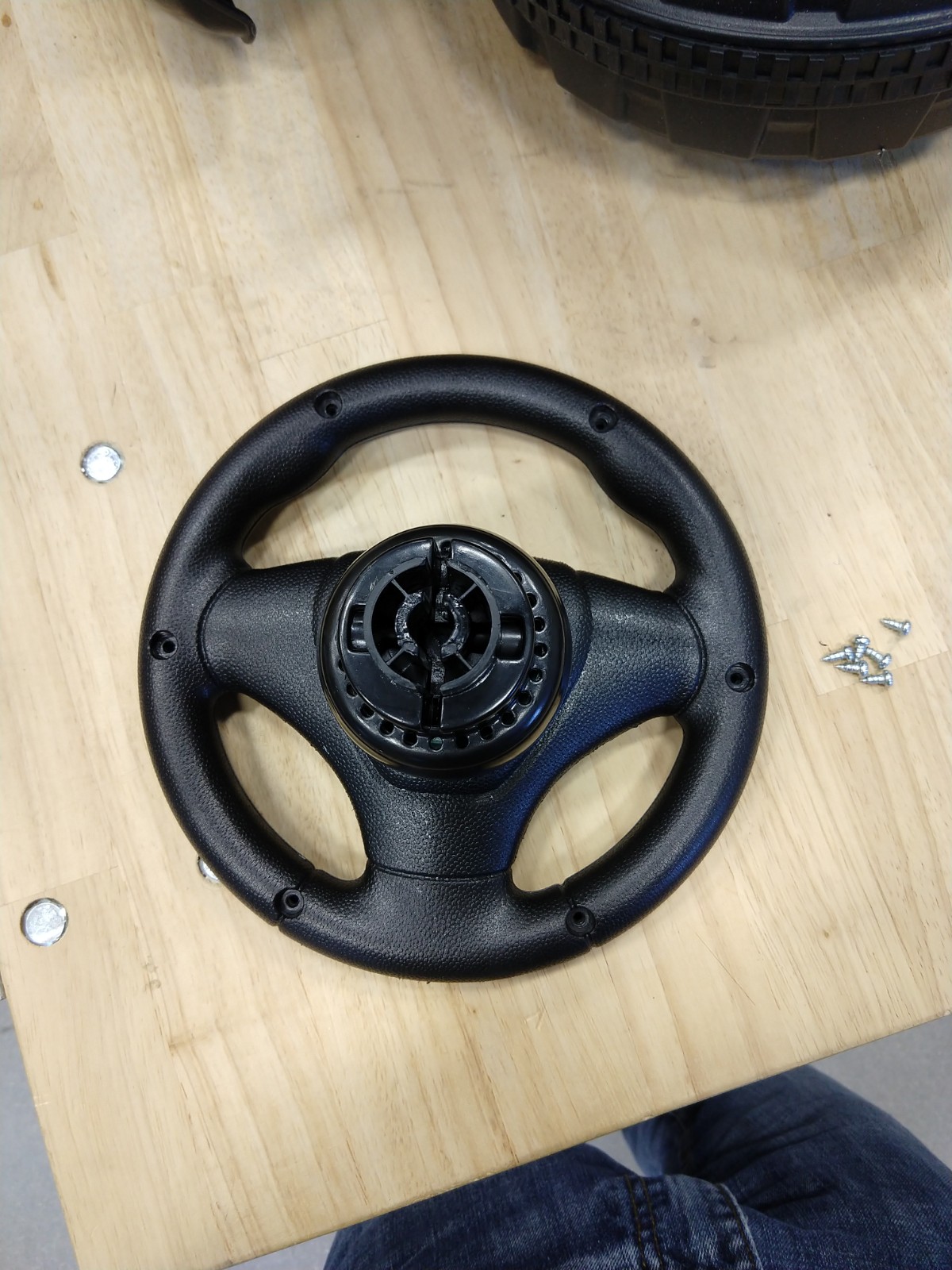
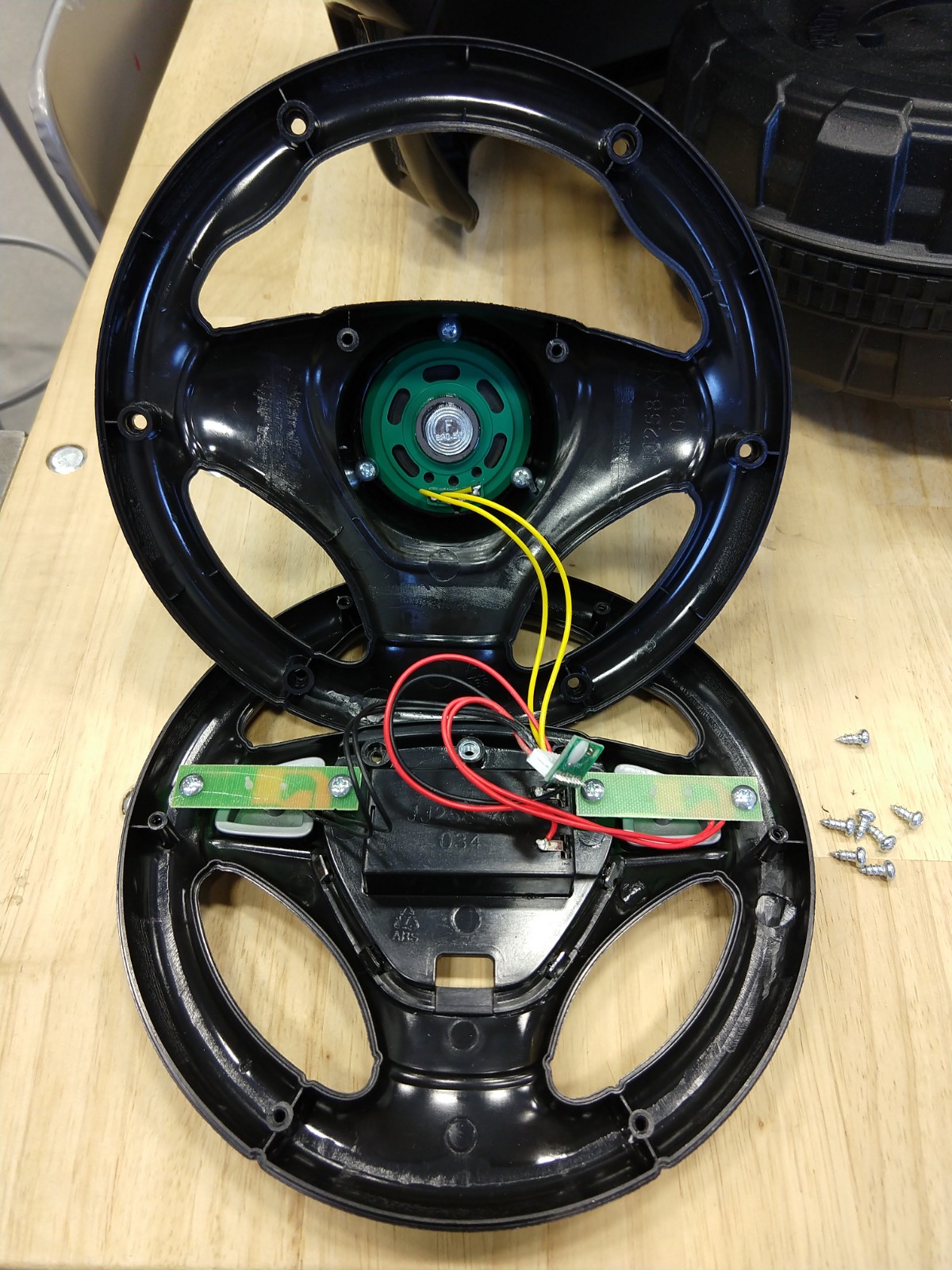
1. Remove the screws and open up the steering wheel
2. Remove the speaker
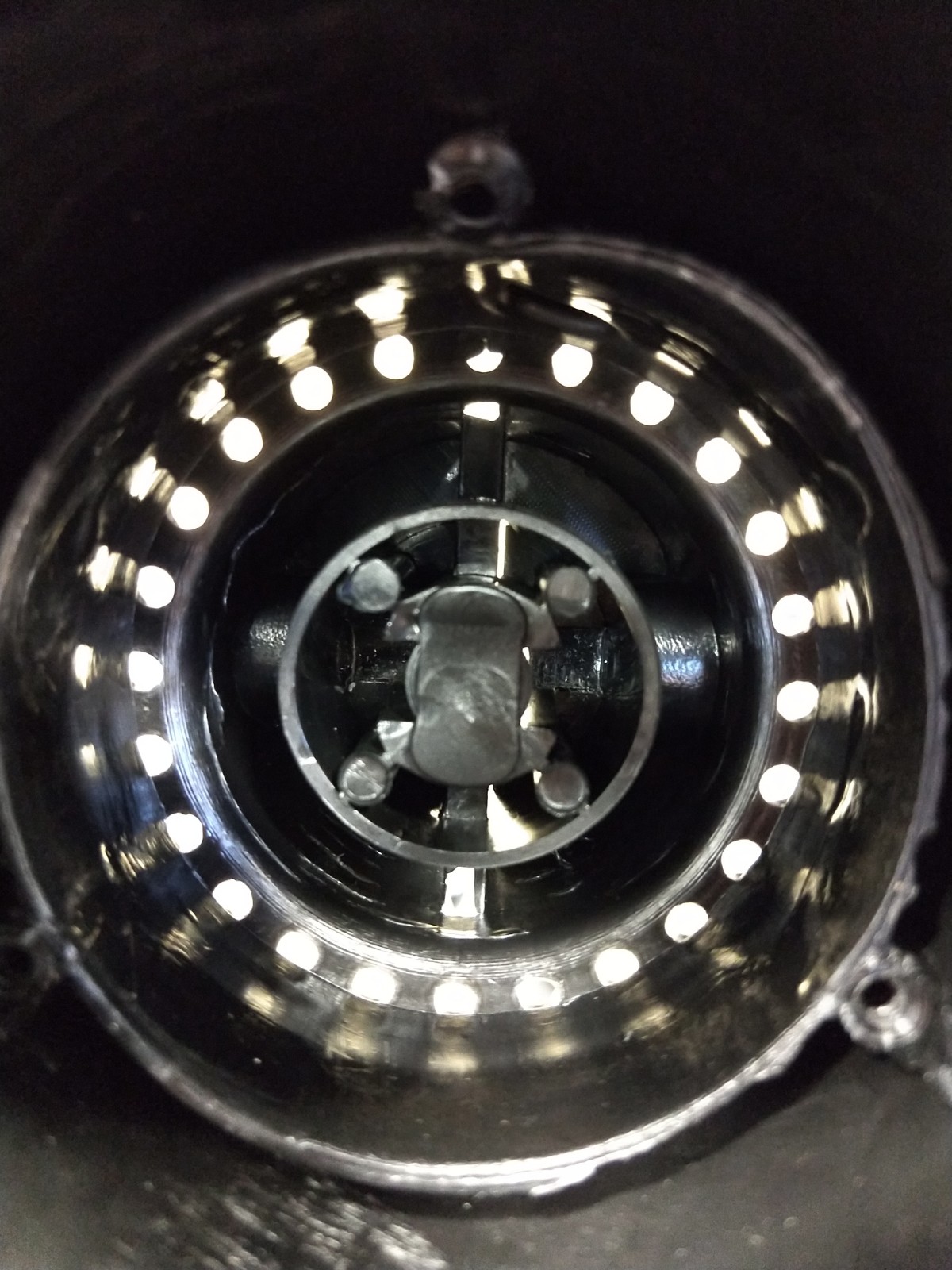
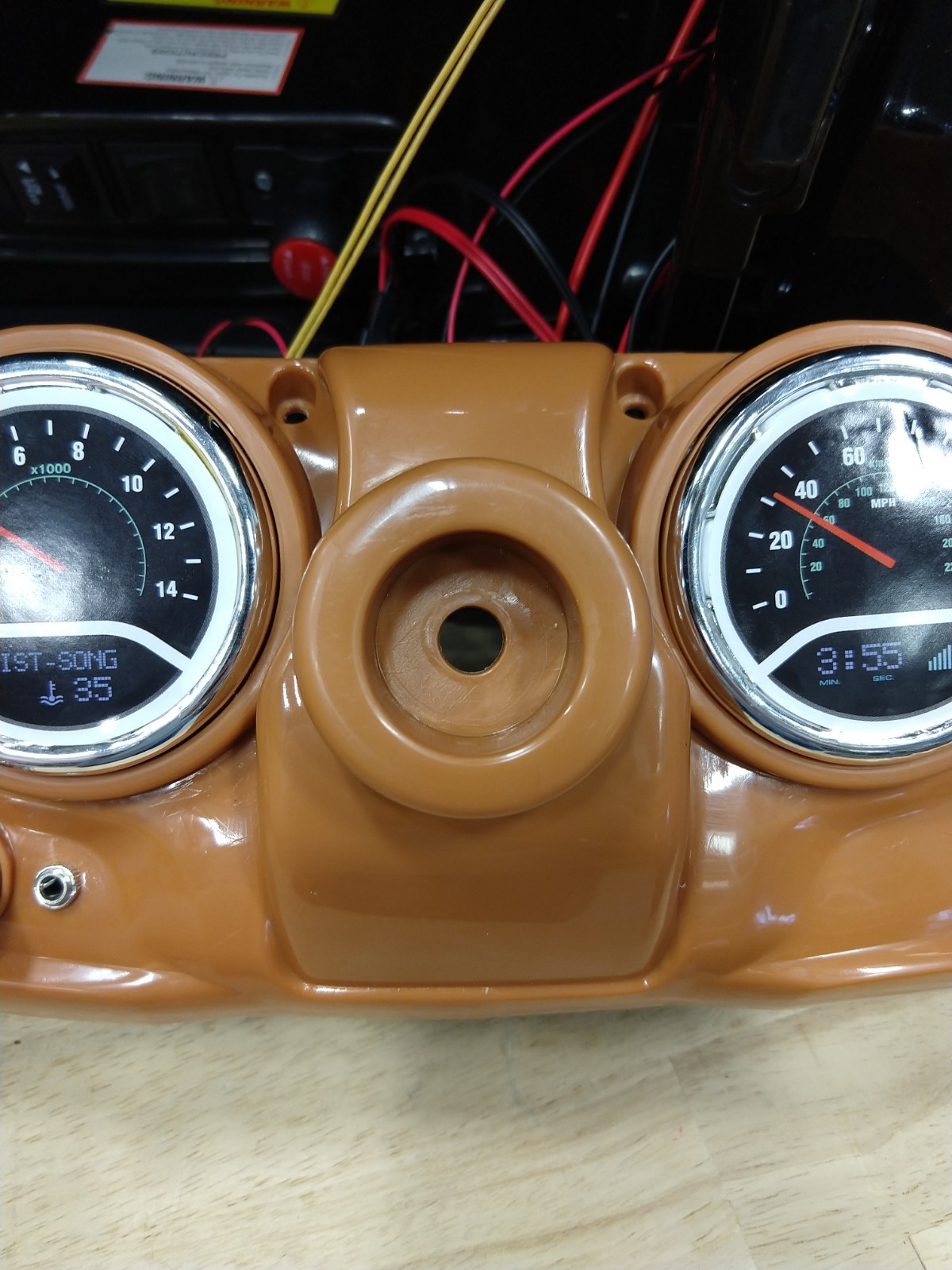
3. Drill a whole through the steering wheel shaft as shown in image #13
4. Cut out the plastic within the steering wheel shaft
- Reference image #16 and image #17 to see before and after
5. Run the cable from the button down the steering wheel shaft
- The cable should come out at the button of the vehicle
6. Mount the button to the steering wheel using zip ties
Installing the Relay
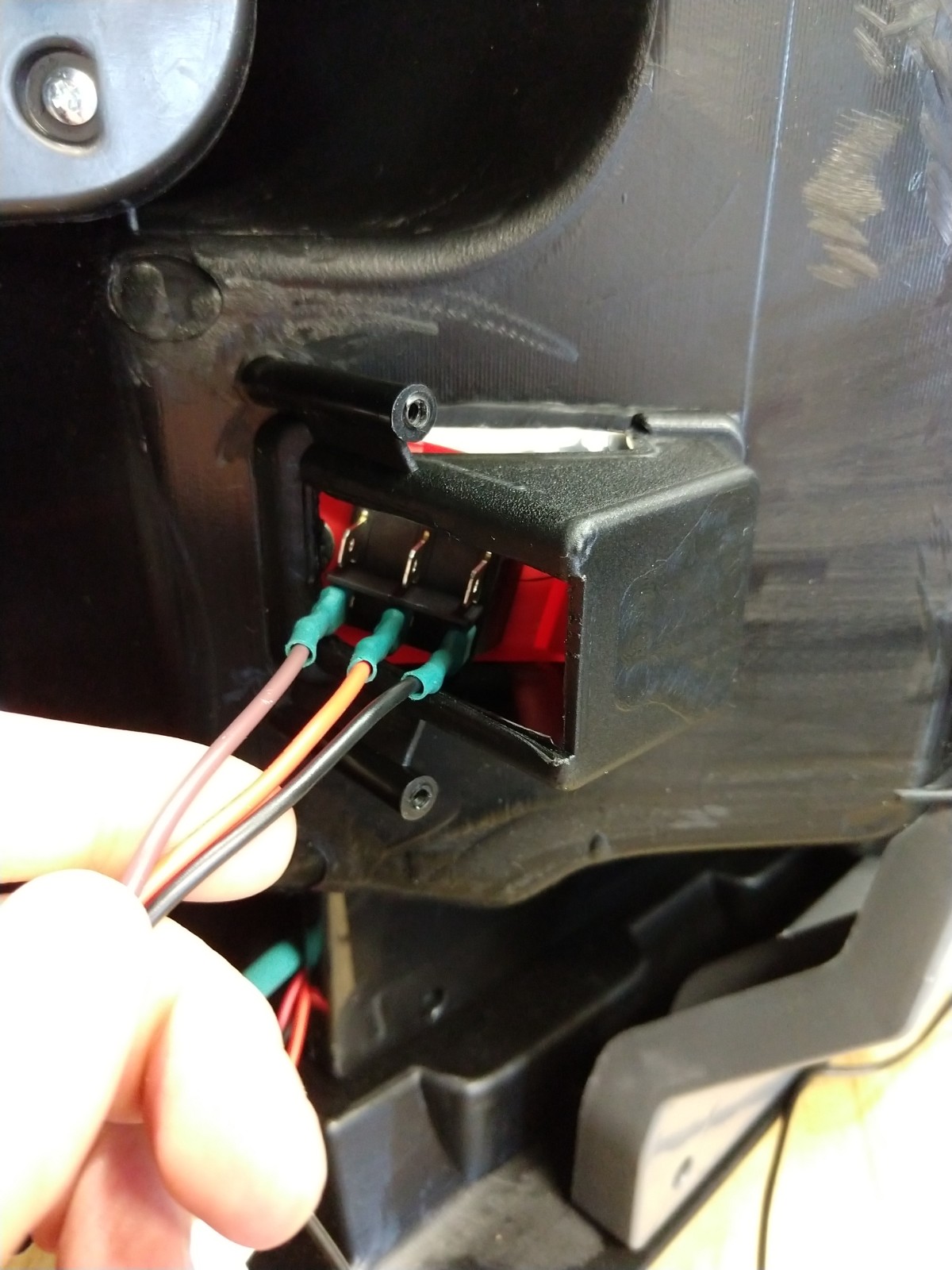
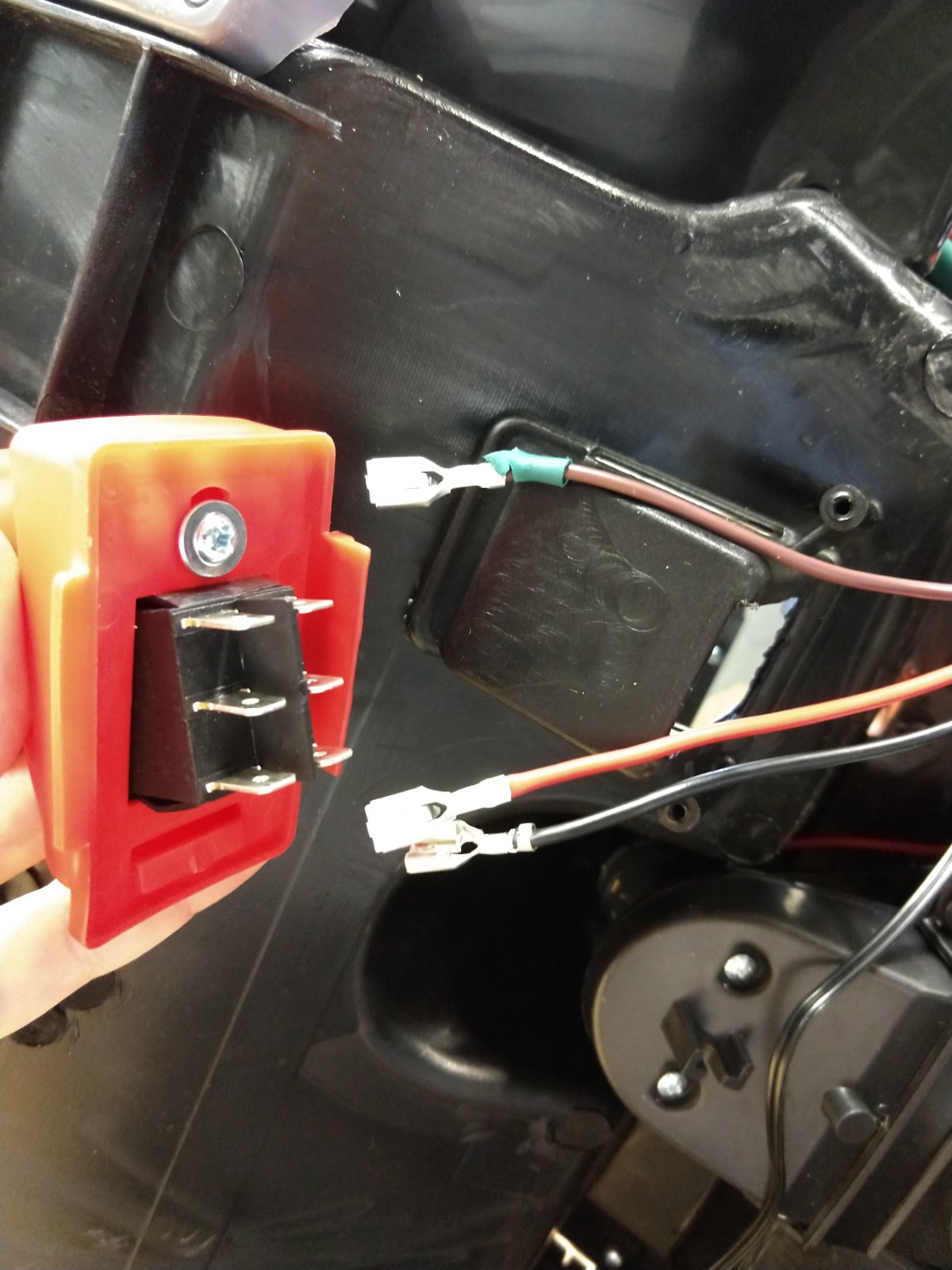
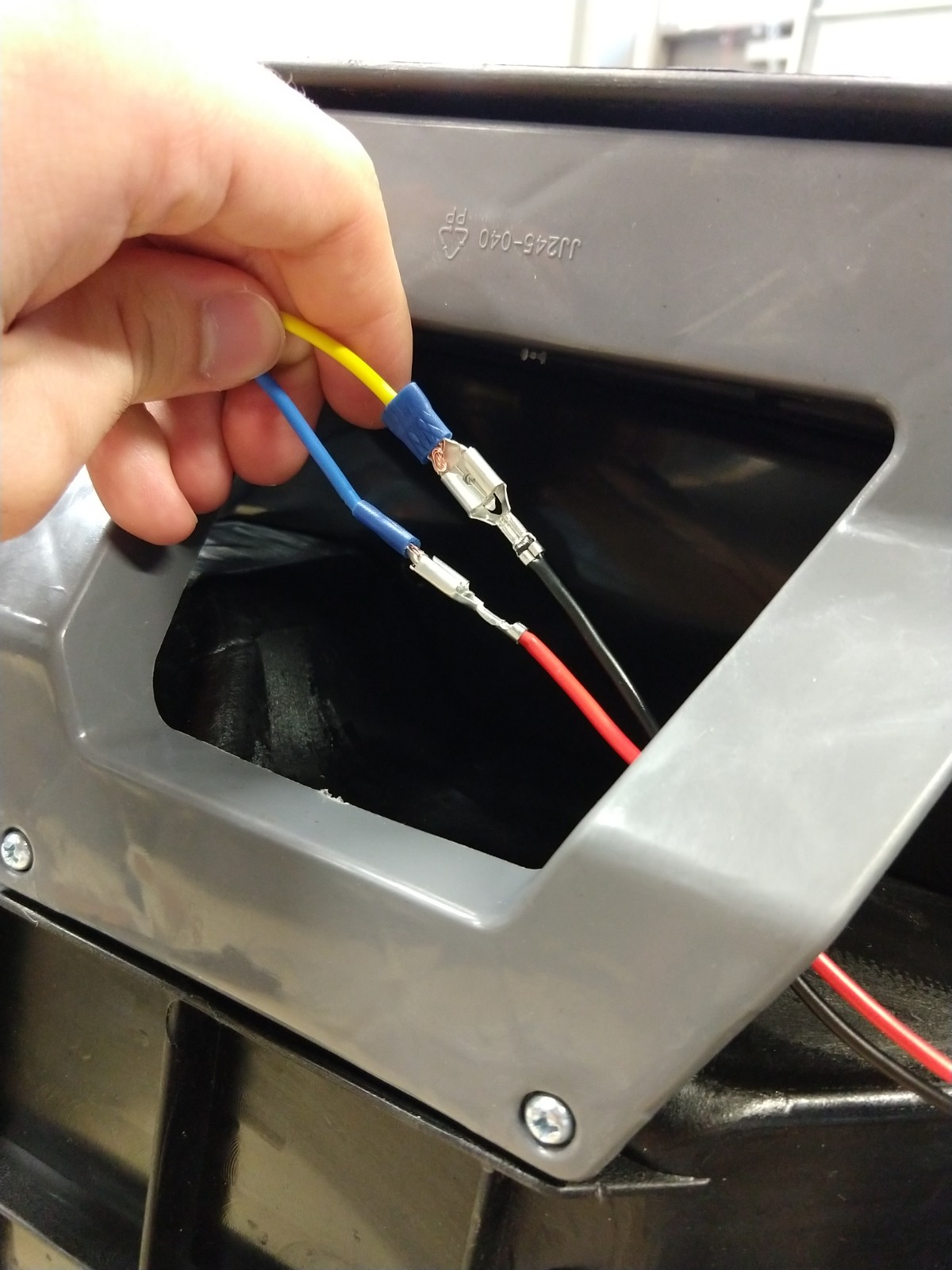
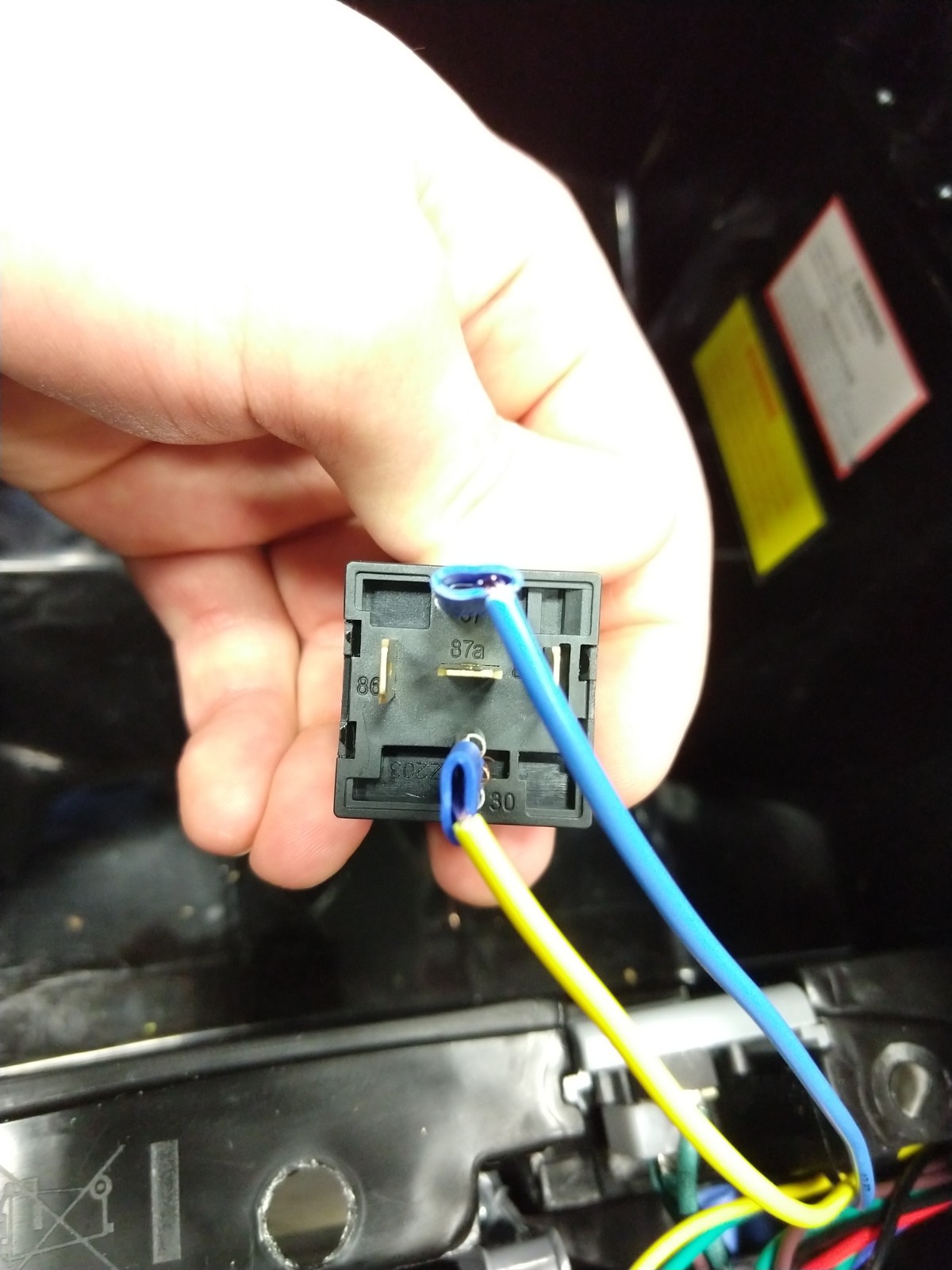
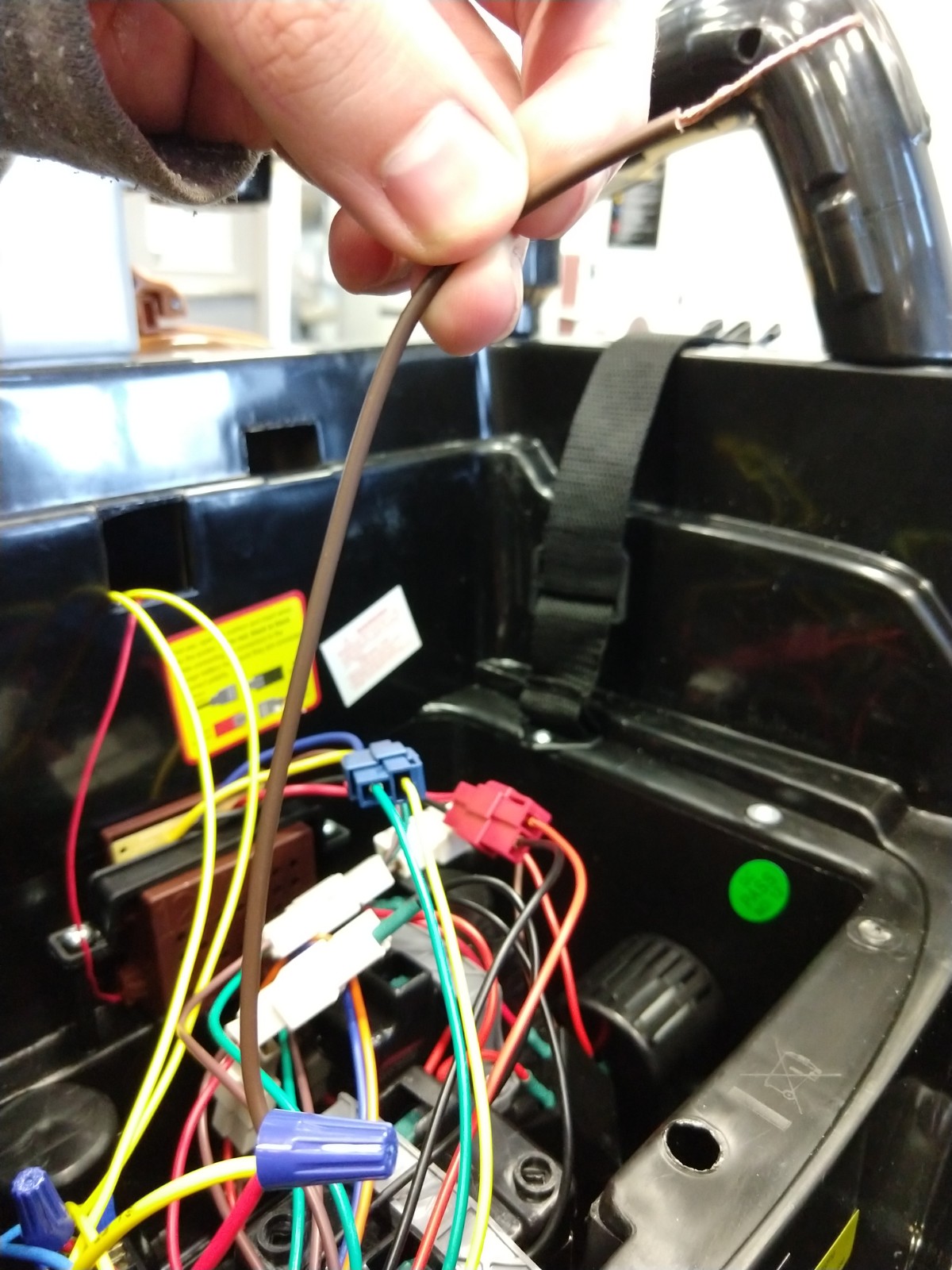
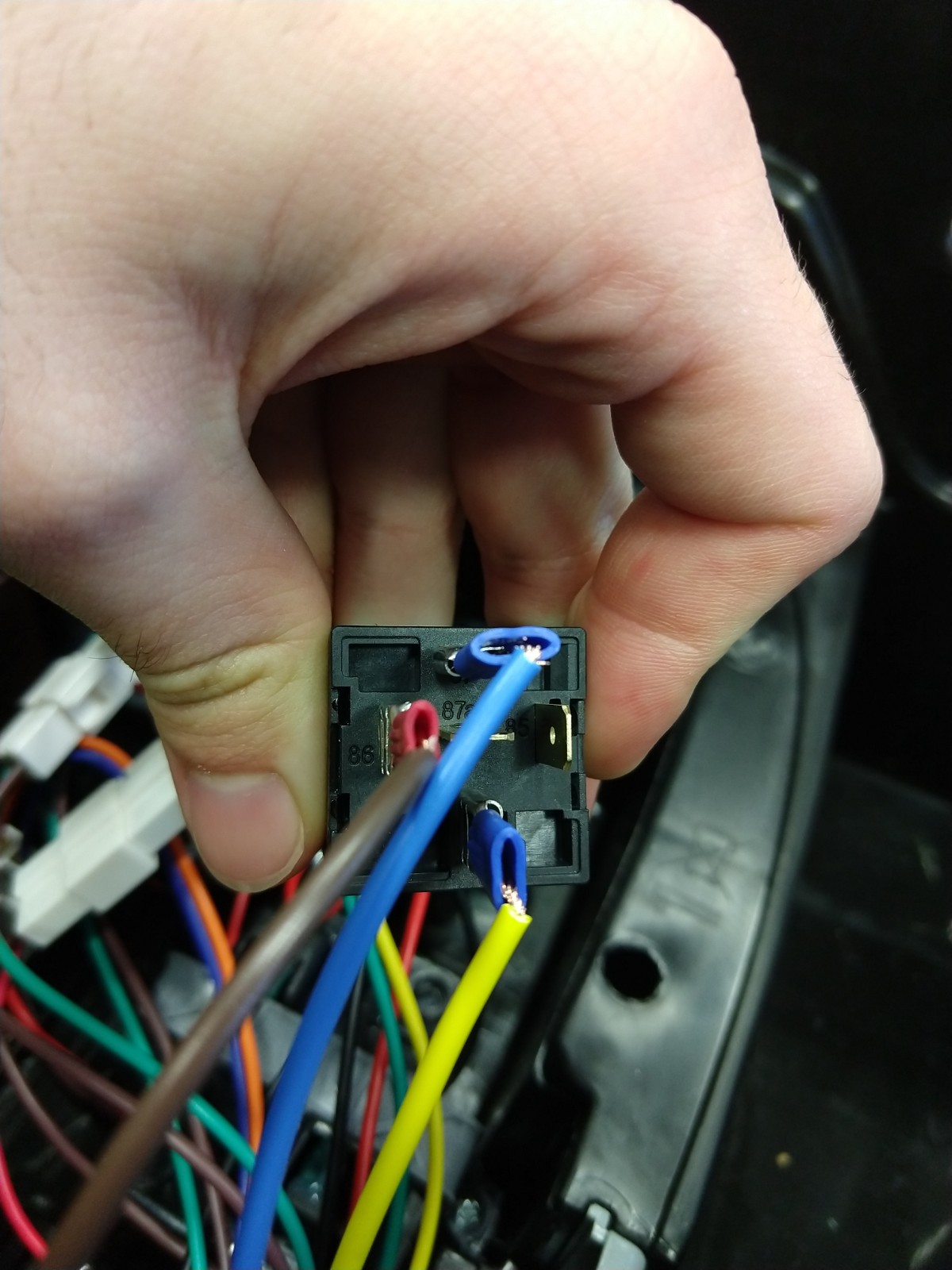
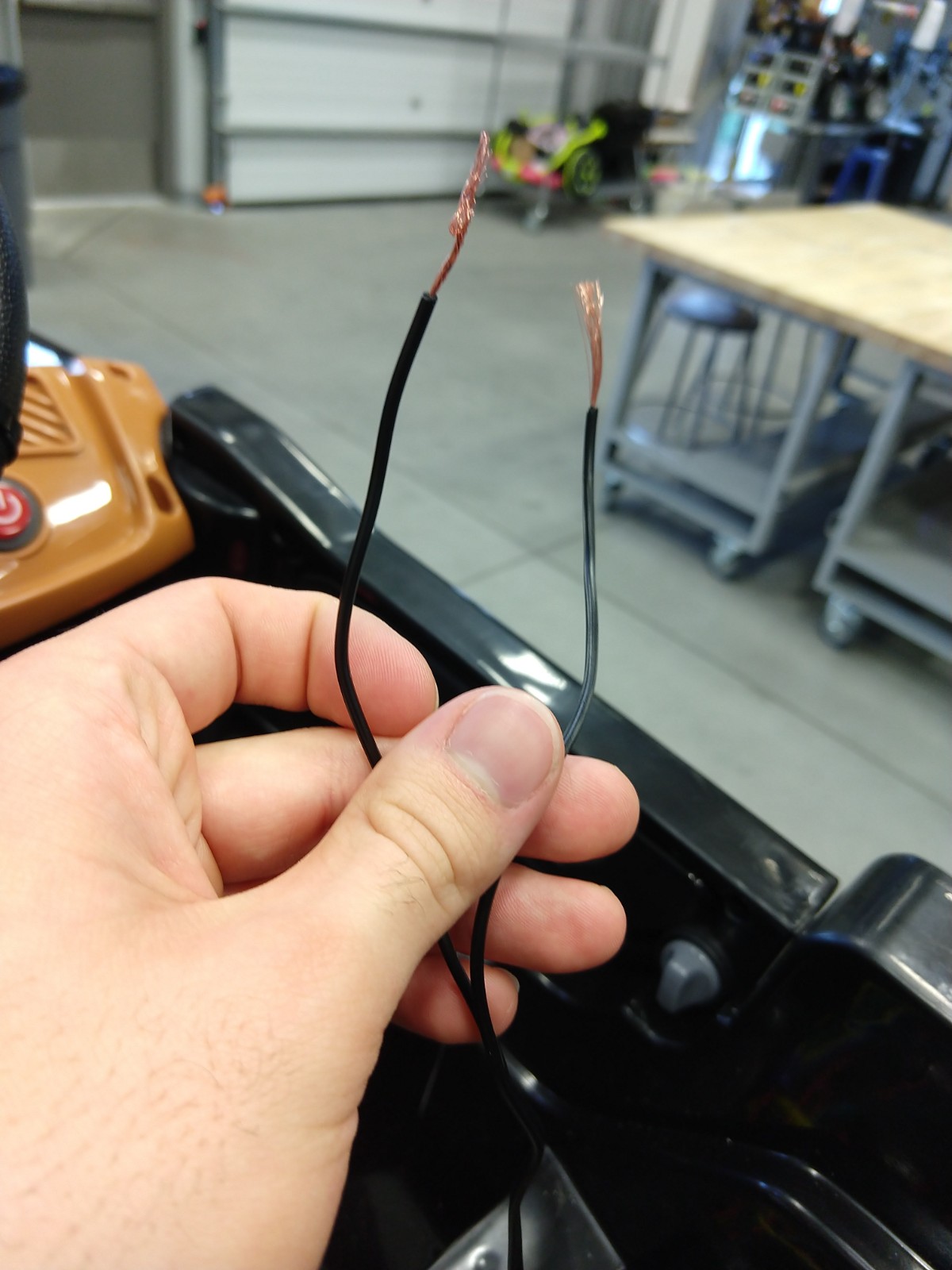
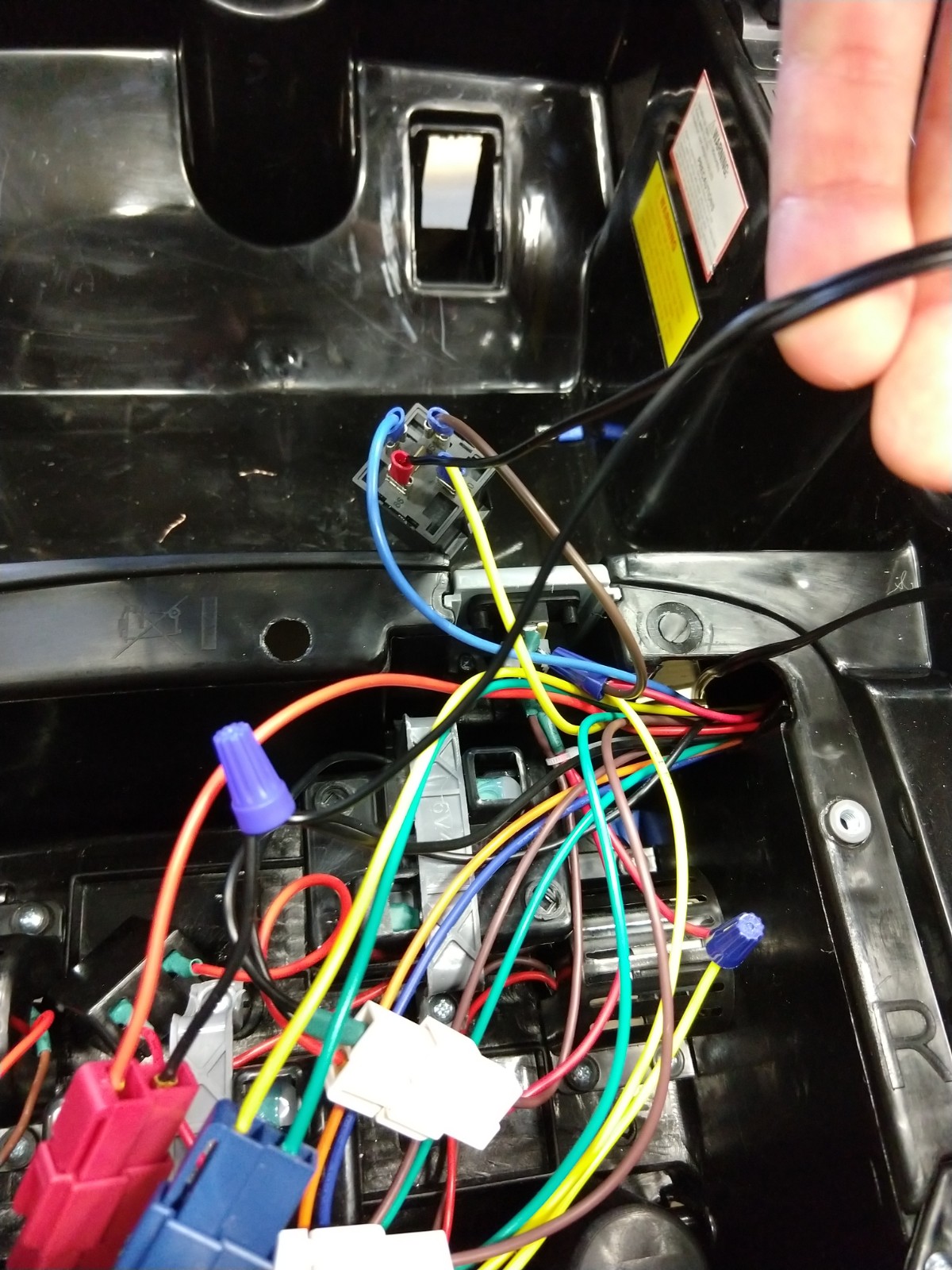
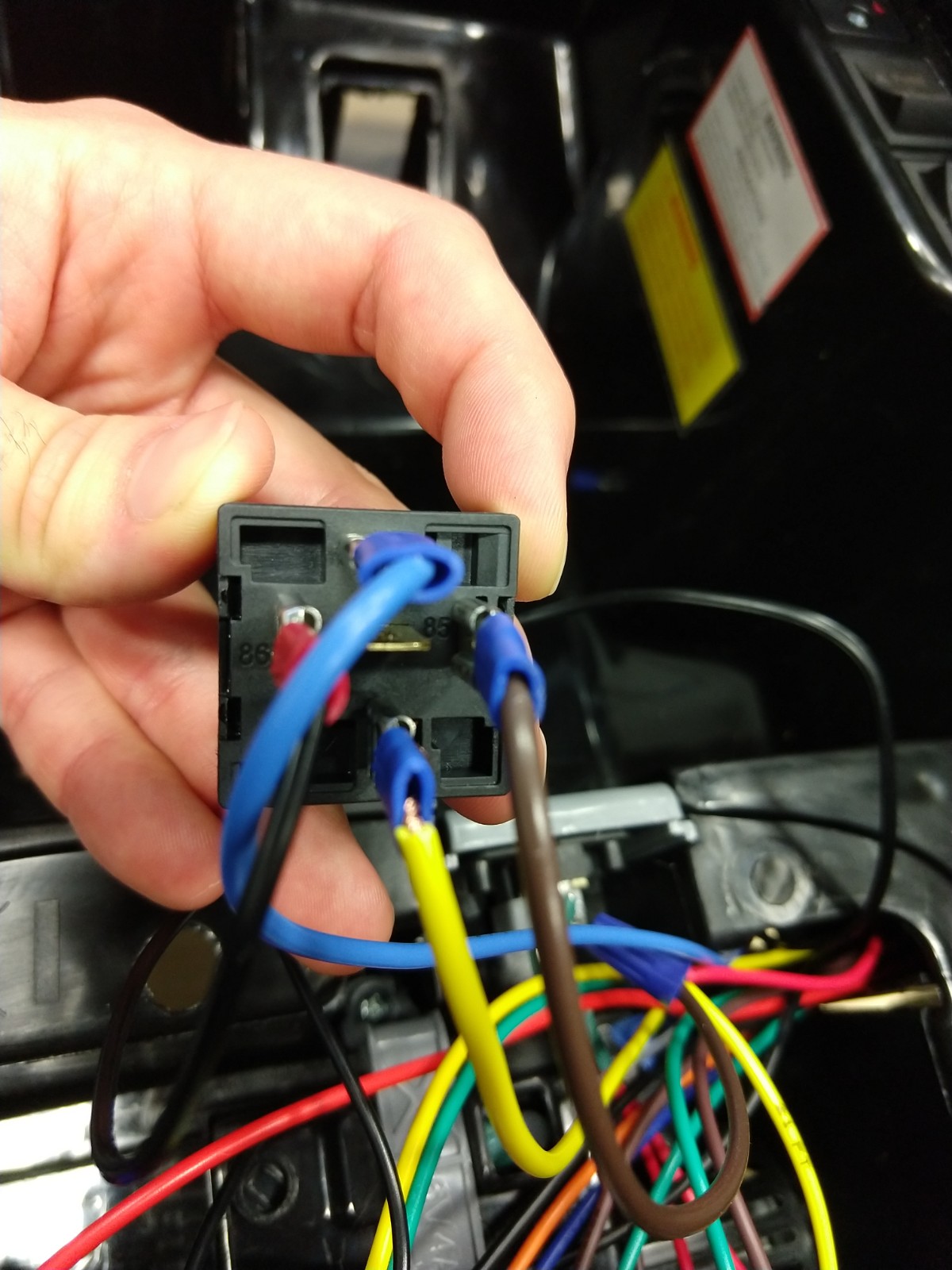
In this step we install the relay that will direct the power between the button and battery.
Materials:
- Cables
- Twist-On Wire Connectors
- Wire Connector Clamps [seen in image #2]
Tools:
- Wire cutters
- Wire Strippers
Steps:
1. Remove the plastic cover beneath the vehicle that will give you access to the pedal cables
2. Use a voltmeter to check which cable is supplied with a continuous 12V and which is running to the motor
- For this specific vehicle the red cable is the continuous 12V and the black cable was the motor
- The brown cable will just be cut and wrapped with electrical tape
3. Cut the cables from the pedal
4. Run the cable connected to the button and the cables that were attached to the pedal (excluding the brown one) to the back compartment beneath the seat
- You will need to connect another cable to get the length needed to reach the back
5. Connect cables to specified pin on relay
- Pin 87 - connect the cable that was receiving the continuous 12V (originally connected to pedal)
- Pin 30 - connect the cable that was connect from the motor to the pedal
- Pin 86 - connect to a cable that runs to ground
- Pin 85 - Tear the double lined cable that is connected to the button. One of these cables will connect to this pin.
6. Connect the other part of the double lined cable to the power
Connect Speaker to the Button Control


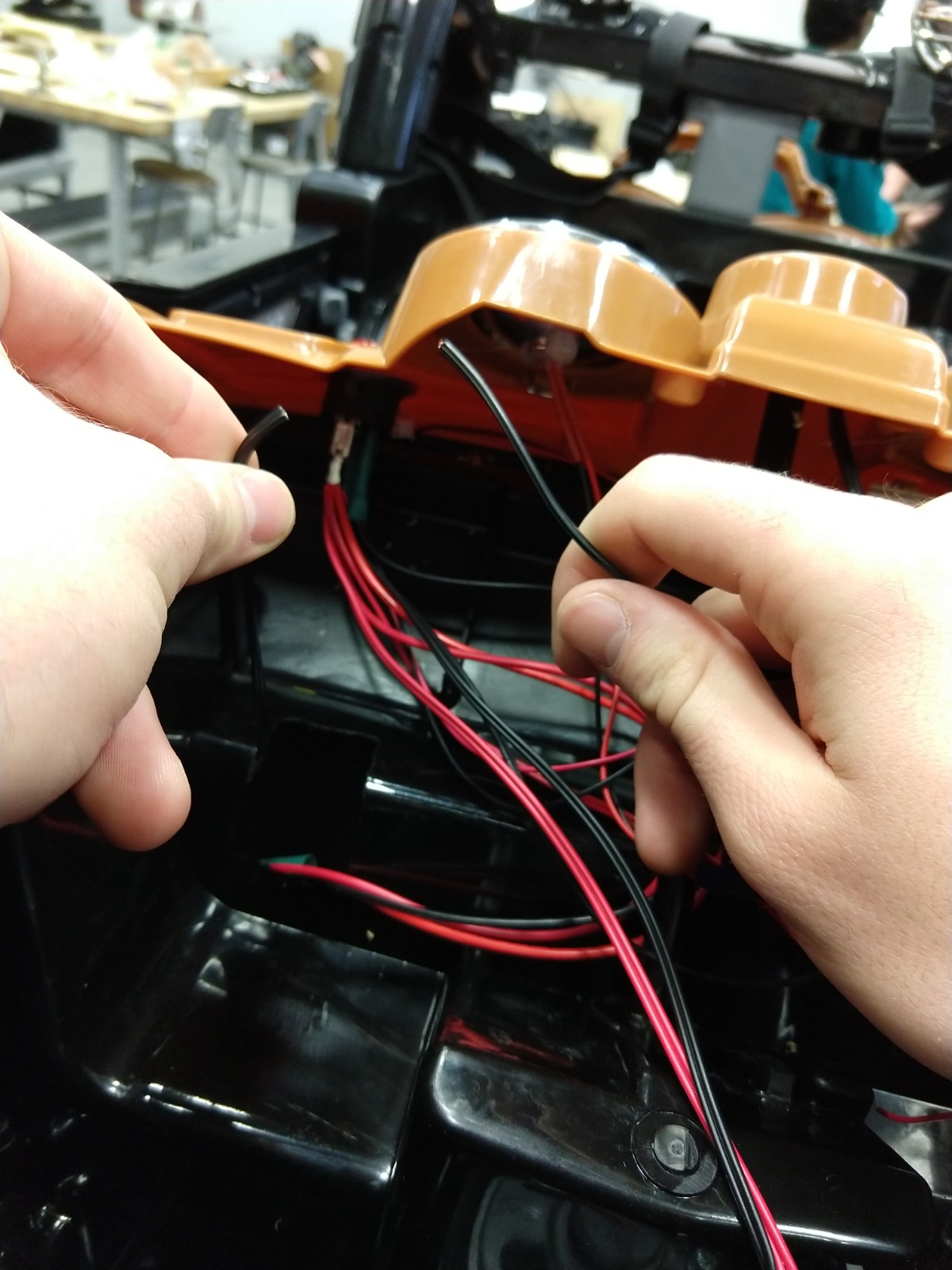


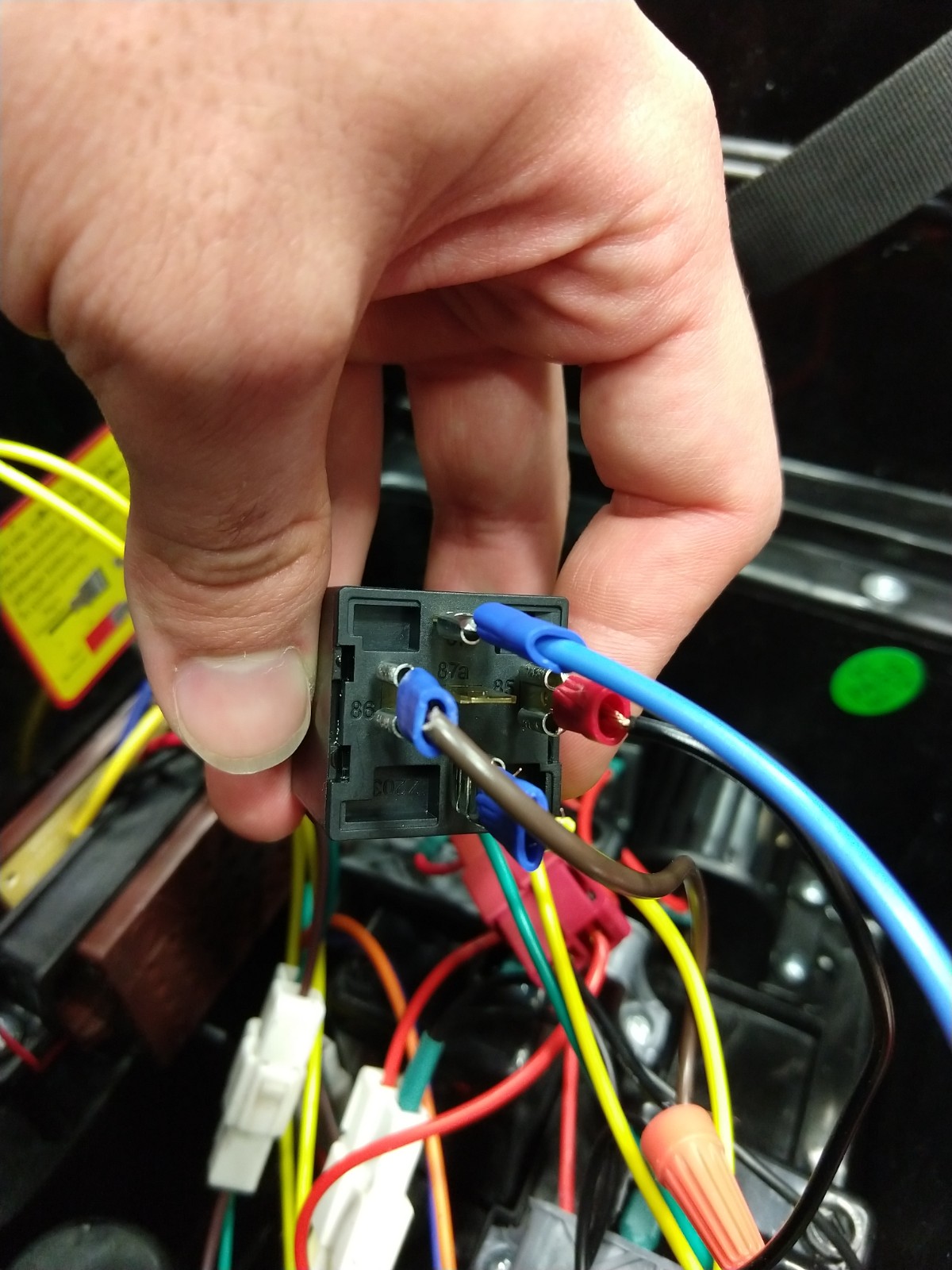


In this step we will be connecting the power going to the speaker to the power supplied by pressing the button mounted on the steering wheel. This will achieve the radio system activating only when the vehicle is in motion.
Materials:
- Twist-On Wire Connectors
Tools:
- Screw Driver
- Wire Cutter
- Wire Stripper
- Multimeter
Steps:
- Remove the dashboard and hood from the front of the vehicle
- Locate the cable that runs from the button
- Black cable that has two wires attached
- Cut, separate, and strip the cable found above
- Wire is seen in image #4
- Use a multimeter to do a continuity check to find out which of the two black cables from above is connected to the pin 85 of the relay
- Cable connected to pin 85 can be viewed in image # 6
- Once determining the cable label the cable with some table or marking to be used for later
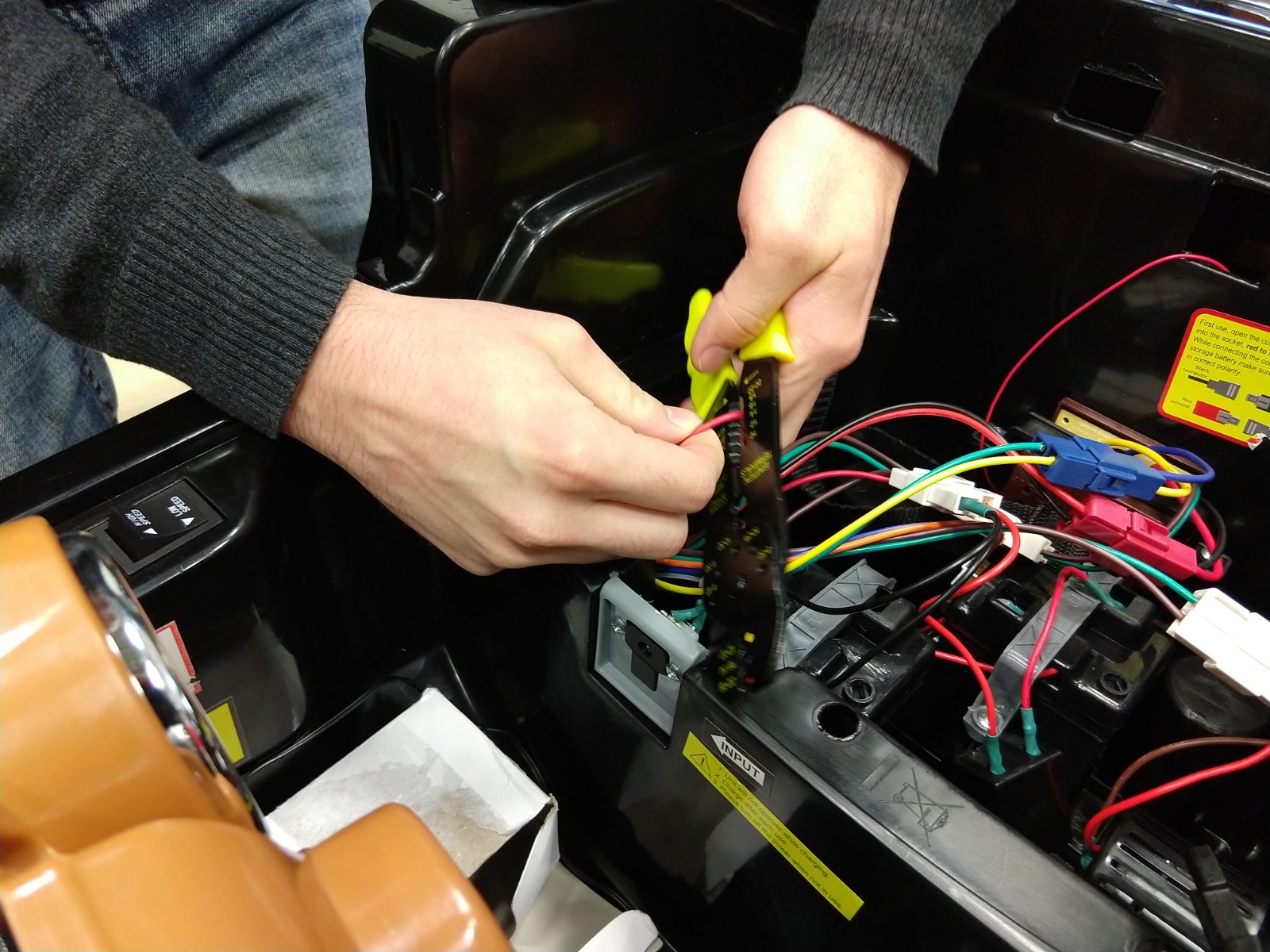
- Locate the cable that is shown in image #1
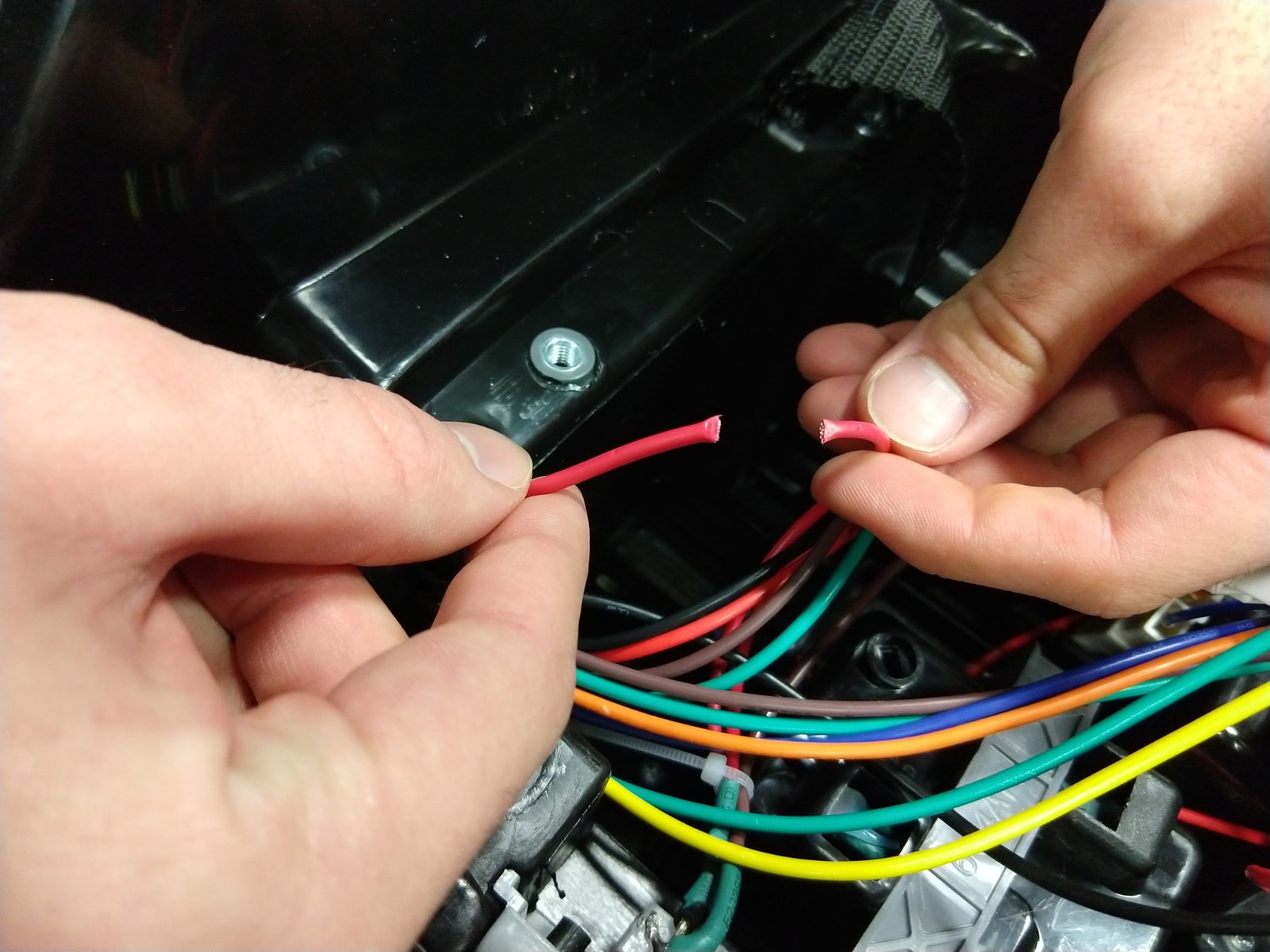
- Cut the red cable as shown in image #2
- Connect the black cable without the marking to the other end of the cable that you cur off previously
- This does not need to be connect back to the exact same wire that was cut from just one of the two black cables coming off of the button
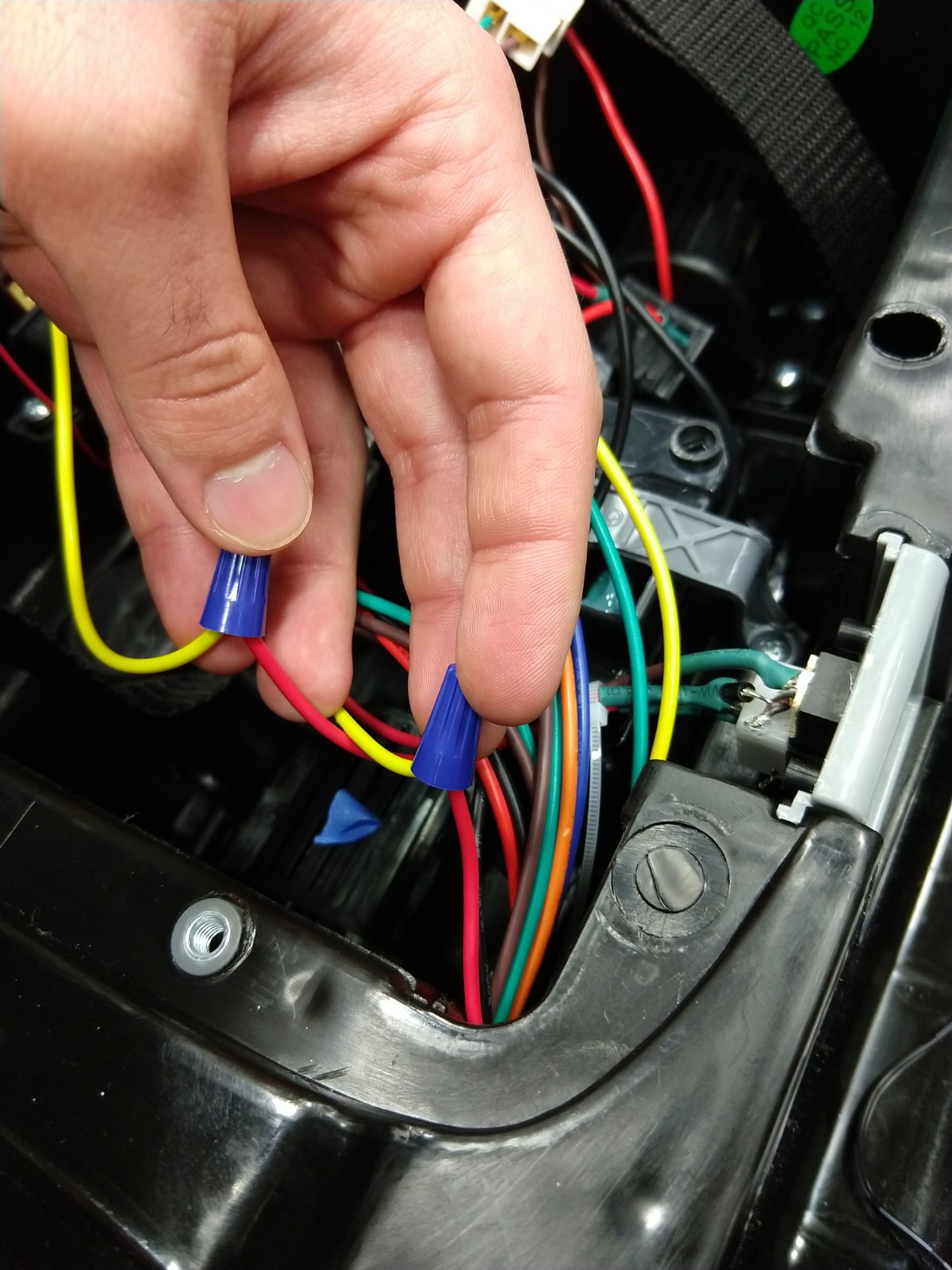
- Refer to image #5 (cable with the blue twist-on connector)
- Connect the black cable that you labeled to the red cable cur in step #7 and the other end of the black cable coming off of the button
- Refer to image #5 (cable with the orange twist-on connector)
- Put the dashboard back onto the vehicle
- Leave the hood off for the next step of the modifications