Garbage Can Opener
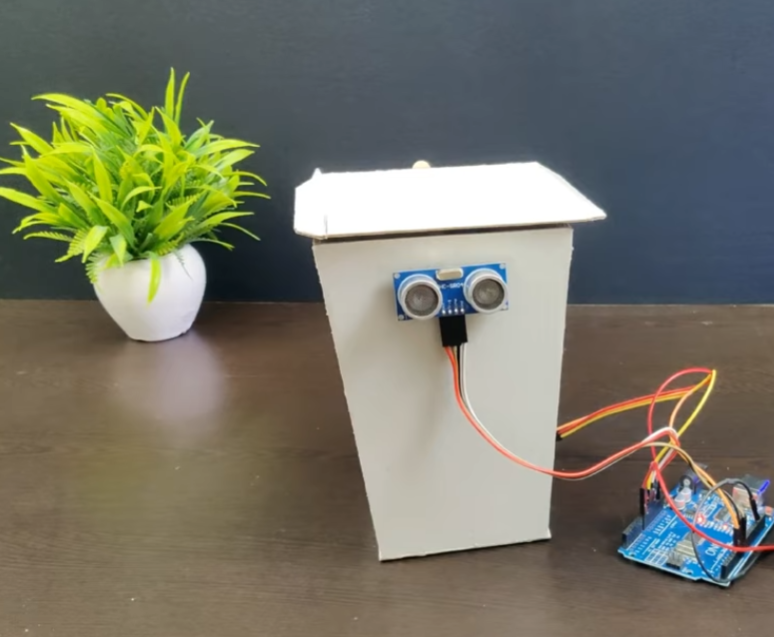
I made a garbage can opener to solve a common problem I noticed in everyday life. Opening garbage can lids can be difficult or uncomfortable, especially because they can be dirty and require you to use your hands or bend down. I wanted to create something that would make this task easier, cleaner, and more convenient.
The garbage can opener allows the lid to be opened without touching it directly, which helps improve hygiene and reduces the spread of germs. It also makes it easier for people who have limited strength, mobility issues, or difficulty bending down. By designing this opener, I focused on making a simple and practical solution that improves safety, comfort, and accessibility.
Supplies
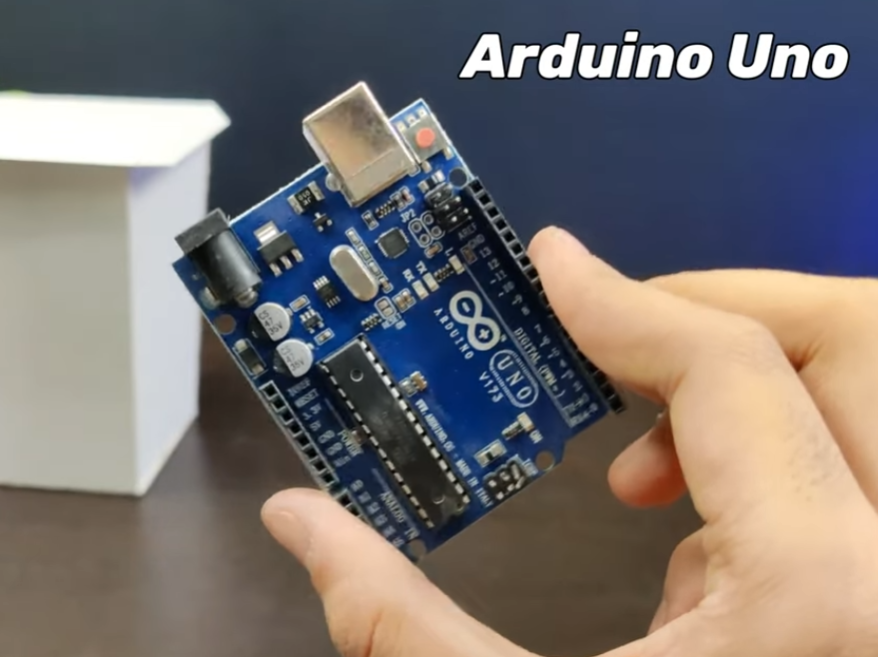

- Arduino Uno (1)
- Standard servo motor 1
- Motion/distance sensor
- Jumper wires ( male-to-female)
- Breadboard (optional for testing
- Garbage can lid and bin
- Small box or platform to hold electronics (cardboard)
- Tape, glue
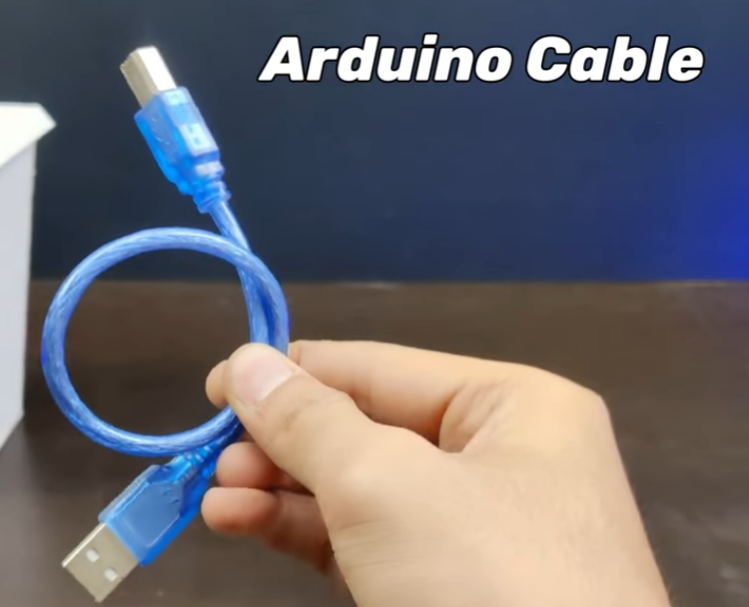
- USB cable for Arduino
- Computer with Arduino IDE installed
The Problem
I started by thinking about problems people face with garbage cans. I noticed that opening the lid can be messy and uncomfortable because you have to touch it. Some people also find it hard to bend down to open it. I wanted to make a garbage can that opens automatically without touching it. This would make it cleaner, safer, and easier for everyone to use.
Planning the Project

After identifying the problem, I planned how my garbage can opener would work. I decided to use three main parts: a sensor to detect movement, a servo motor to move the lid, and an Arduino to control everything. I drew sketches to plan where the sensor, servo motor, and Arduino would go. I also thought about how the lid would open and close smoothly.
I collected all the parts I needed:
- Arduino board
- Servo motor
- Motion/distance sensor
- Jumper wires
- Power source
- Materials for the box and lid support (like cardboard or wood)
- I tested each part to make sure it worked before building the project.
Researching and Learning
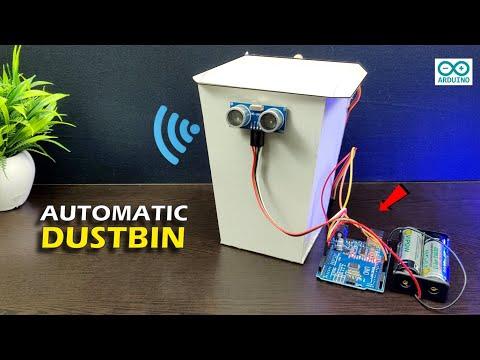
Before starting the build, I watched several YouTube videos of similar projects. I learned how motion sensors work, how to program an Arduino, and how to control a servo motor. I also learned the importance of testing components individually before combining them into a complete system. This research gave me ideas for how to improve my own project and avoid common mistakes.
Building the Structure

I built a box to hold the Arduino, wires, and servo motor. The box also acted as support for the garbage can lid. I measured and cut the materials carefully so the structure was strong and stable. I left space for wires to pass through and for the servo motor arm to move freely. I also reinforced the box in areas that needed extra strength to prevent the lid from falling or the motor from being overstrained.
Installing the Servo Motor
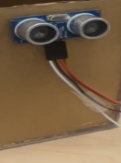
I attached the servo motor to the box using screws and supports. I connected the servo arm to the lid so it could lift and lower the lid automatically. I tested the servo movement manually to check if the lid opened smoothly. I had to adjust the angle of the servo arm several times to make sure it worked without straining the motor.
Installing and Adjusting the Sensor

I positioned the sensor in front of the garbage can where it could detect hands or movement. I tested the sensor from different distances to make sure it triggered the servo motor accurately. Sometimes the sensor was too sensitive and triggered too early, or sometimes it was not sensitive enough. I adjusted the position and settings until it detected movement consistently and reliably.
Wiring All Components

I connected the servo motor and sensor to the Arduino using jumper wires. I carefully checked that each wire was connected to the correct pin for power, ground, and signal. I organized the wires neatly so they would not get tangled or disconnected. I also made sure the wires were long enough to allow the lid to move freely without pulling on the connections.
Writing the Arduino Code
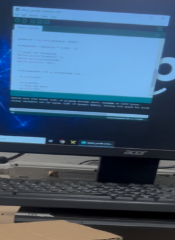
I wrote a program for the Arduino to control the system. The code reads input from the sensor and activates the servo motor when movement is detected. I also added a delay so the lid would stay open for a few seconds before closing. Writing the code took time because I had to make sure the servo moved to the correct angles and that the timing was accurate. I also tested small parts of the code first to make sure each section worked correctly before running the full program.I wrote a program for the Arduino to control the system. The code reads input from the sensor and activates the servo motor when movement is detected. I also added a delay so the lid would stay open for a few seconds before closing. Writing the code took time because I had to make sure the servo moved to the correct angles and that the timing was accurate. I also tested small parts of the code first to make sure each section worked correctly before running the full program.
Uploading the Code and Testing
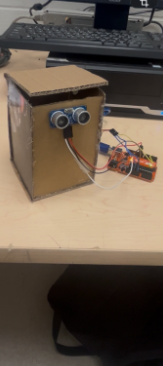
After writing the code, I uploaded it to the Arduino and tested the system. I watched carefully to see if the sensor detected hands correctly and if the servo motor moved the lid smoothly. At first, the lid moved too fast or not far enough, so I had to adjust the servo angles and the code. I repeated testing several times to make sure it worked correctly every time.
Final Testing
I tested the garbage can opener many times in different conditions. I checked how it responded to movement from different distances. I made sure the lid opened and closed safely without falling or moving too fast. I also made sure the system worked consistently over several tests.