Flickering Christmas Village Lamp Post V2.0
by BradenSunwold in Circuits > Electronics
51 Views, 1 Favorites, 0 Comments
Flickering Christmas Village Lamp Post V2.0
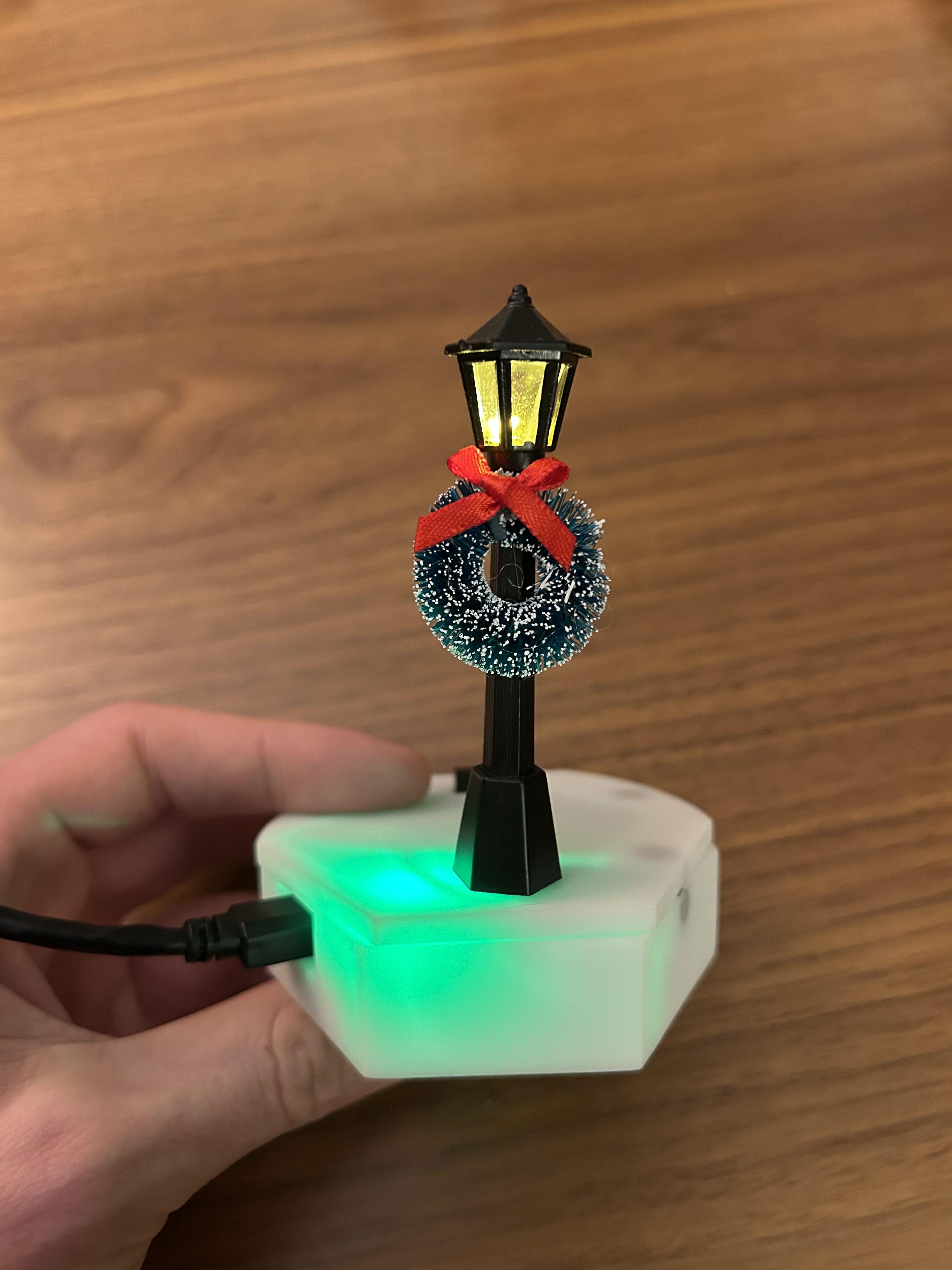

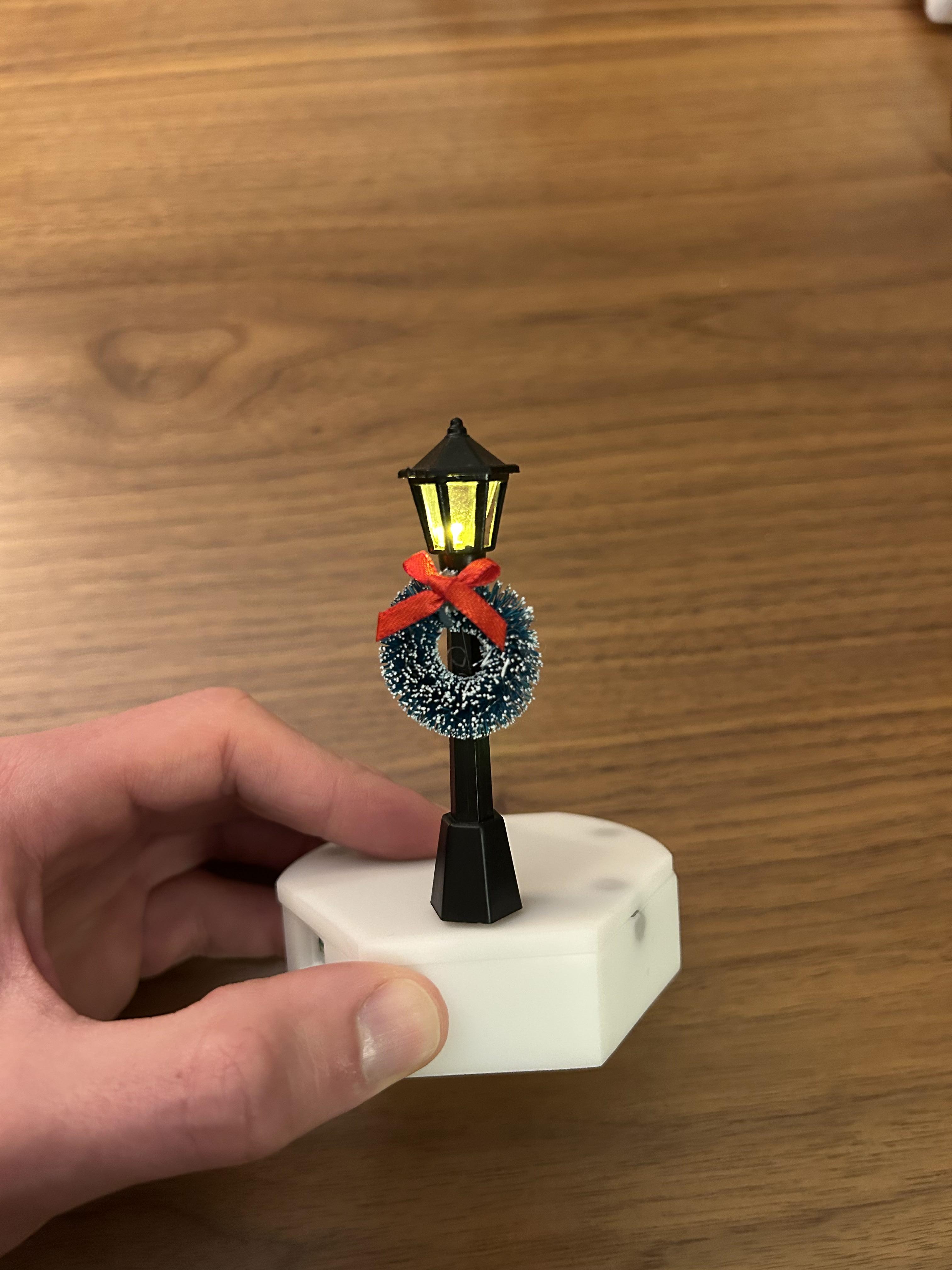
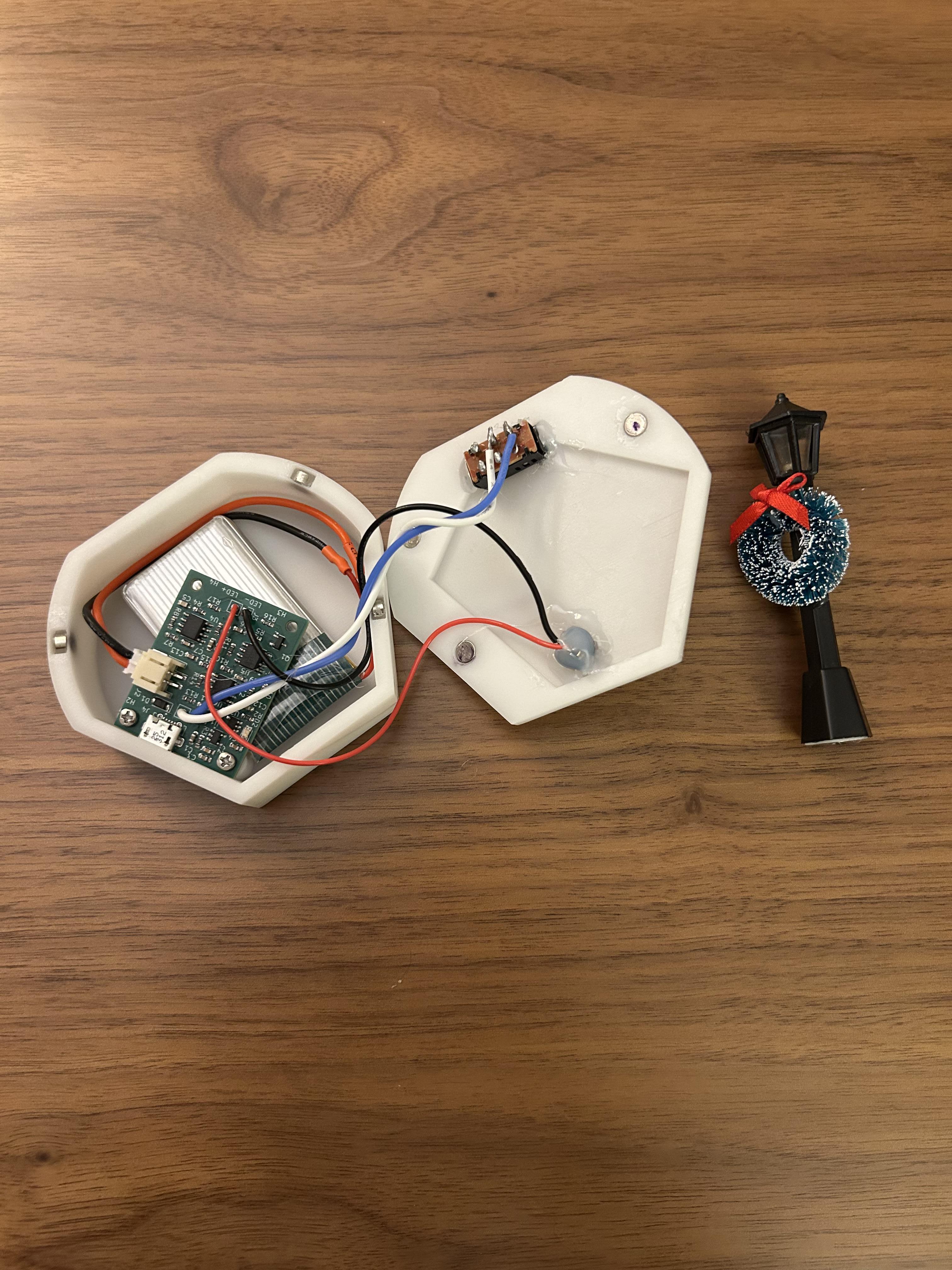

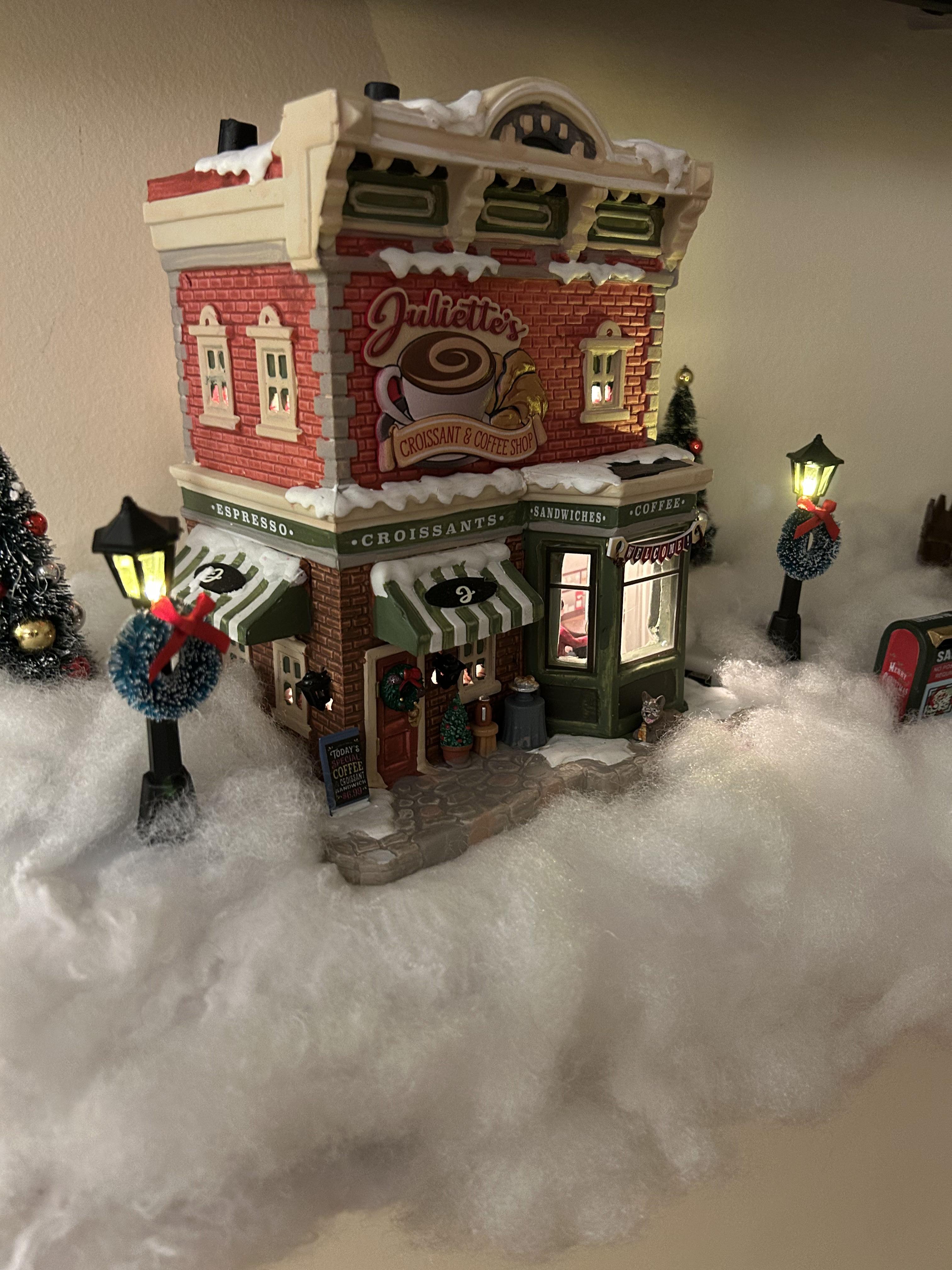
Last Christmas, I lit up a village (https://www.instructables.com/Lighting-Up-a-Christmas-Village/).
But the very next day, my snap-on magnet lid didn’t stay.
LEDs were glowing, the vibes were right.
Till tolerances ruined my silent night.
This year, to save me from tears,
I went back to the CAD and re-engineered.
Sorry, I couldn't help it. I fixed all the mistakes in the Christmas village lamps I made last year. Check it out!
As always, you can download the PCBs or 3D prints from my GitHub.
Check out the build on Youtube.
This project was made possible by PCBWay! They're cheap, fast and always supporting the hobby community. Get $5 off your first order using this link!
Ordering Parts



Big shout out to PCBWay for sponsoring this project! PCBWay makes it incredibly easy to order 3D prints or PCBs.
PCBs:
I ordered all the new PCBs straight through PCBWay's KiCad plugin. After installing, I literally had an instant quote with a single button click. They had a ton of options for plating, layers, silkscreen colors and more. I chose to have PCBWay assemble of all my boards instead of soldering myself. All I had to do was provide the BOM (Bill of Materials) and answer a couple clarifying questions. For 5 boards, parts and assembly, the total cost was $68.
The boards came in and the solder job was perfect! I plugged them in and everything worked first try. This saved me tons of time.
3D Prints:
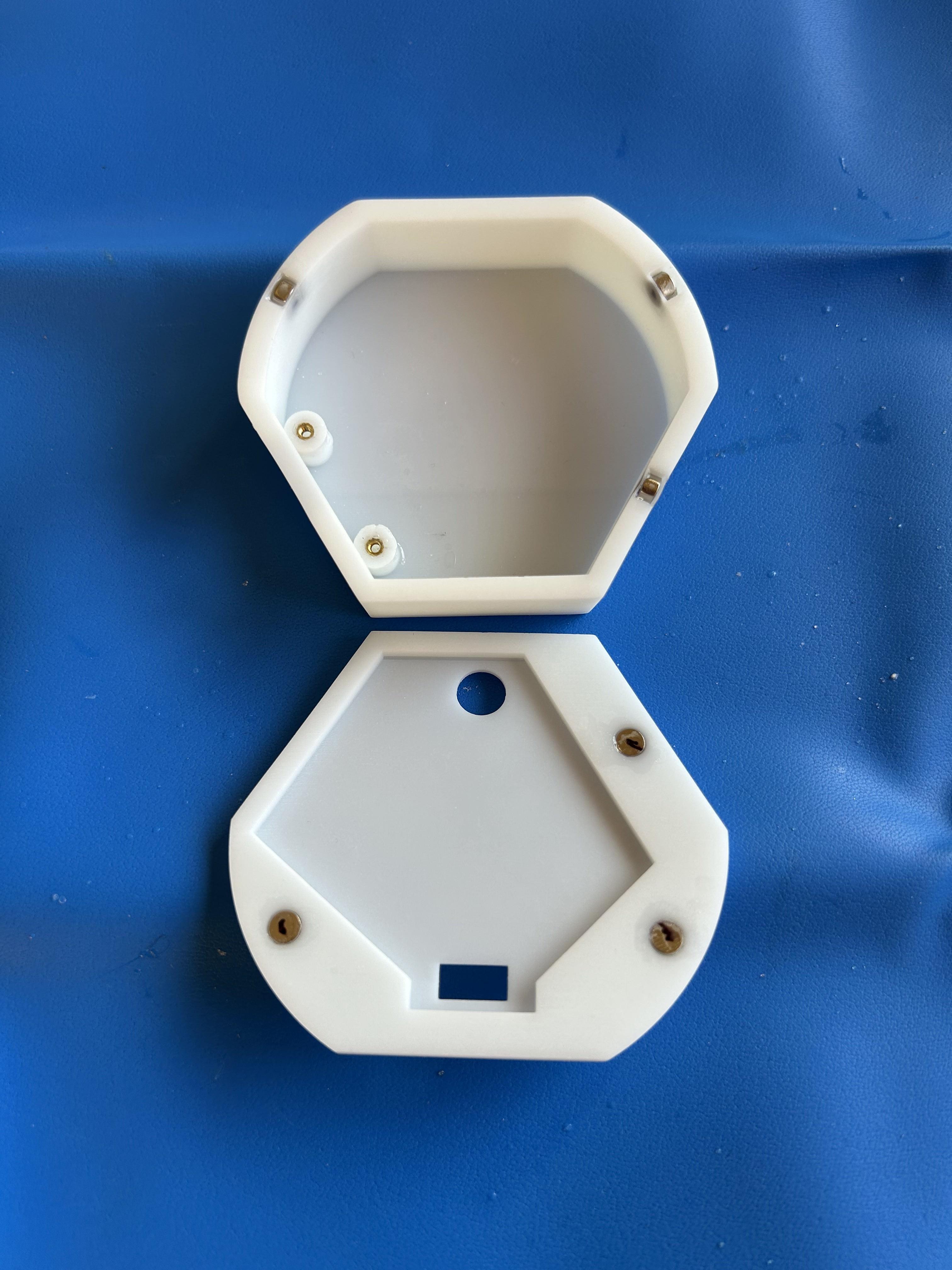
To order the 3D prints, I just uploaded my .stl files and chose from dozens of customizable options like print material, color, finishes and more. I chose white resin to blend into my Christmas village fake snow. All in, two lids and two enclosures cost $12.
Shipping costs for all the 3D prints and PCBs was ~$25, bringing the total to $106. If I assembled the boards myself, it would have been closer to $65. Not too bad!
Get $5 dollars off your first order!
Circuit Mods
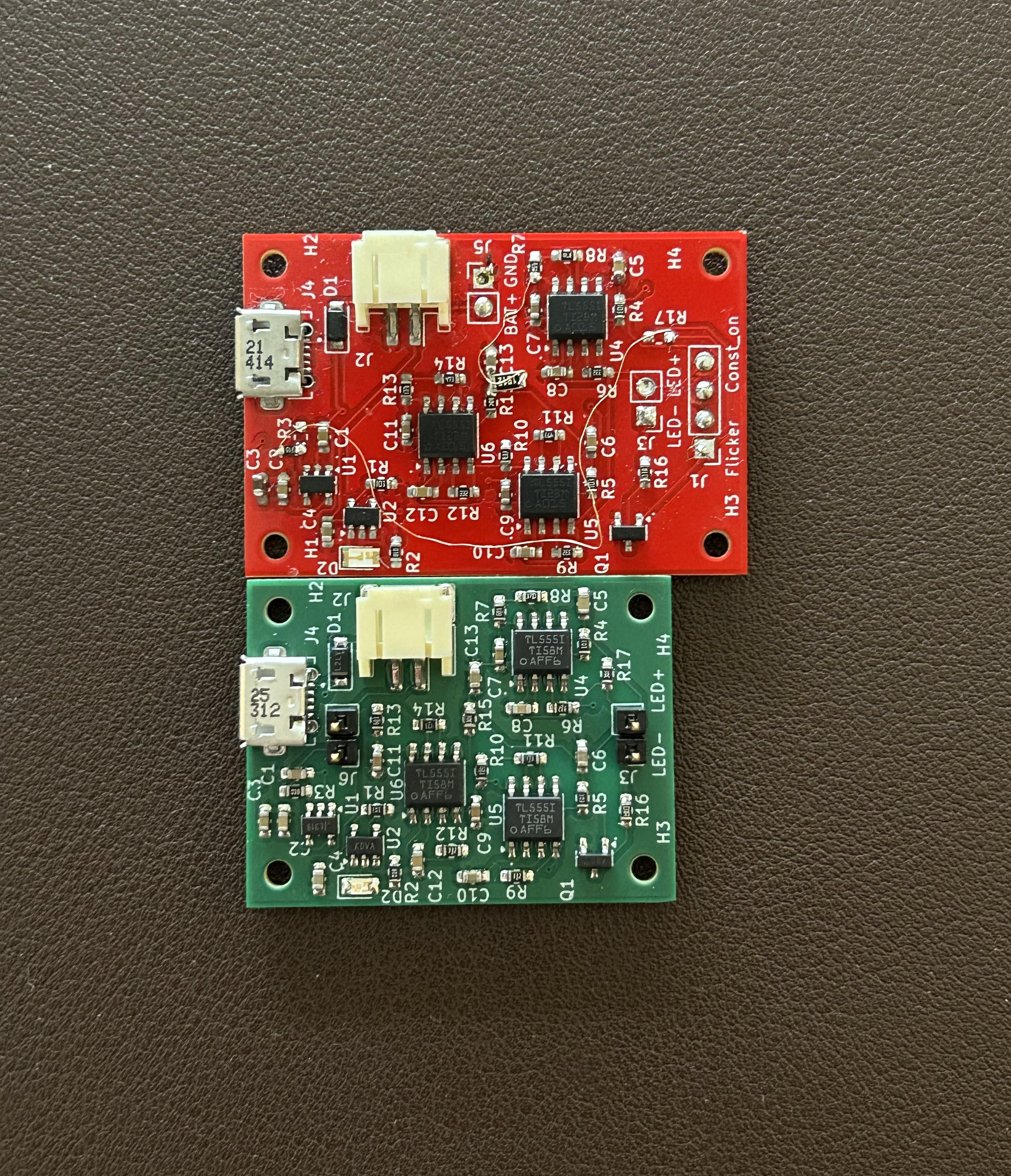

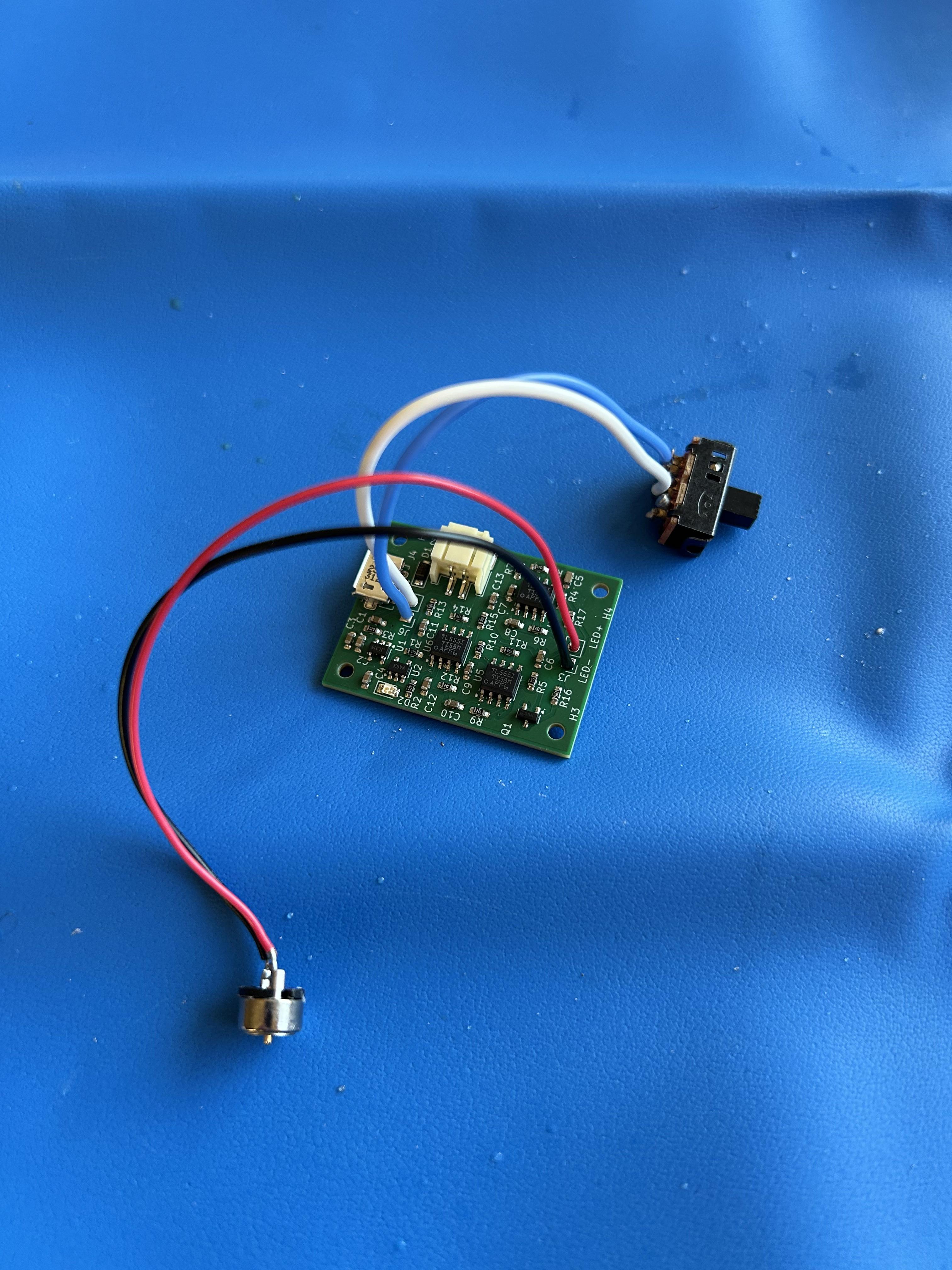
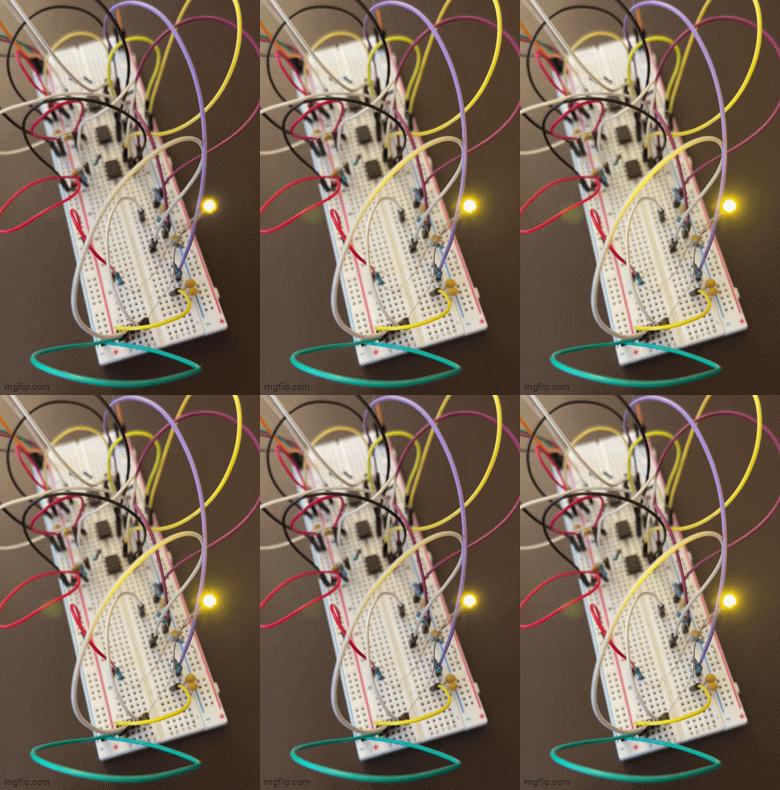

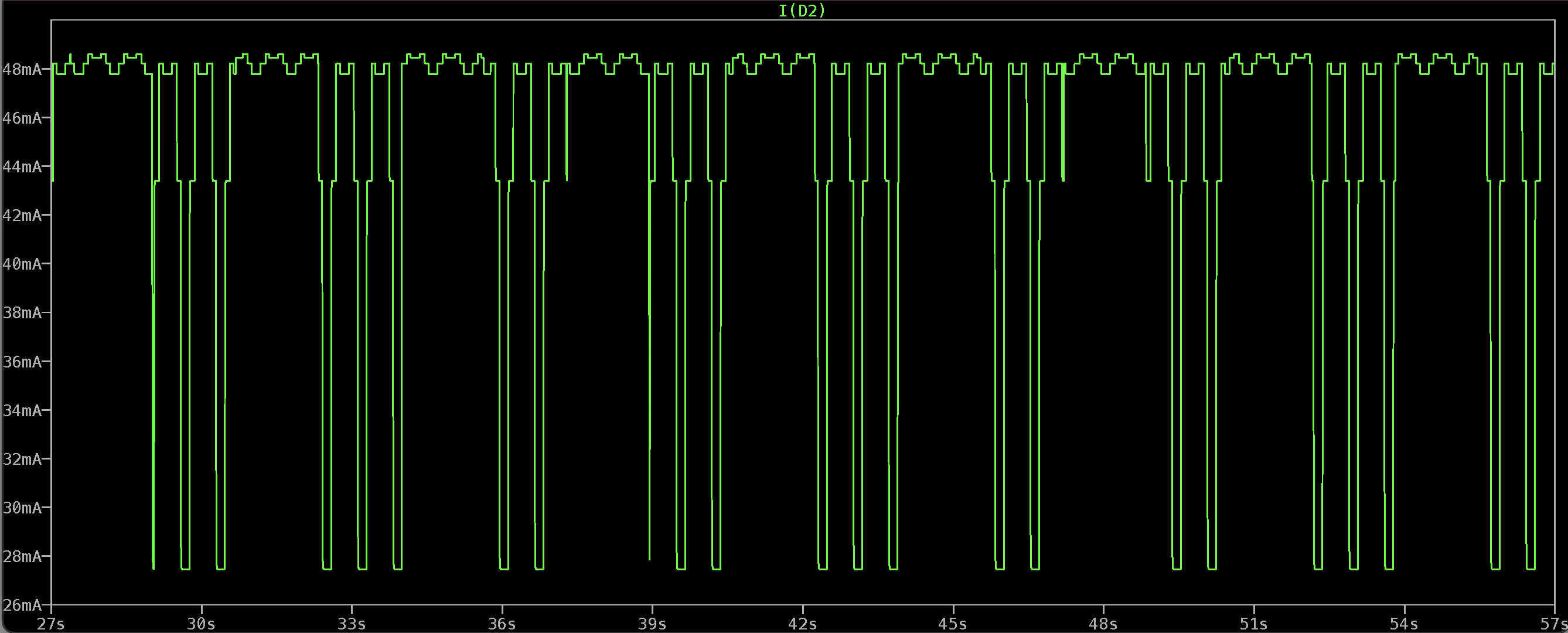
I decided to re-spin the boards to fix a couple small issues with rev-1 and shrink down the size. Check out my previous Instructable for a detailed description of how I designed and tested the flicker circuit using cascading 555 timers in a relaxation oscillator configuration.
Adding BJT Bias Resistor:
In part one, I talked about biasing the BJT (which controls current through the LED) through "R2" in my LTSpice simulation. This kept the BJT partially on all the time and prohibited the LED from fully turning off. I had already ordered the rev-1 boards by the time I figured out this trick. I ended up tacking on the extra resistor to the board with jumper wires. In my new rev-2 design, I added this bias resistor as R20 and set it to 20K ohms.
Switch Mods:
Originally, I wasn't confident in the flicker effect so tried to build an extra switch setting that could leave the LED on constantly. Basically overriding the flicker circuit. But because of how I wired everything on the PCB, it left the regulator and 555 timers always pulling current, even if not outputting to the LED. This drained the battery QUICK. But I ended up liking the flicker effect so much that in rev-2, I fully removed the constant on feature and only wired the switch fully OFF or flicker ON.
Shrinkage:
Trying to keep the enclosure as slim as possible while also fitting a battery, circuit board and switch was a challenge. Because of that, I tried to shrink the PCB down as much as I could without updating parts or package sizes. I managed to cut off 2 mm in width and 7 mm in length.
New Prints, Who Dis

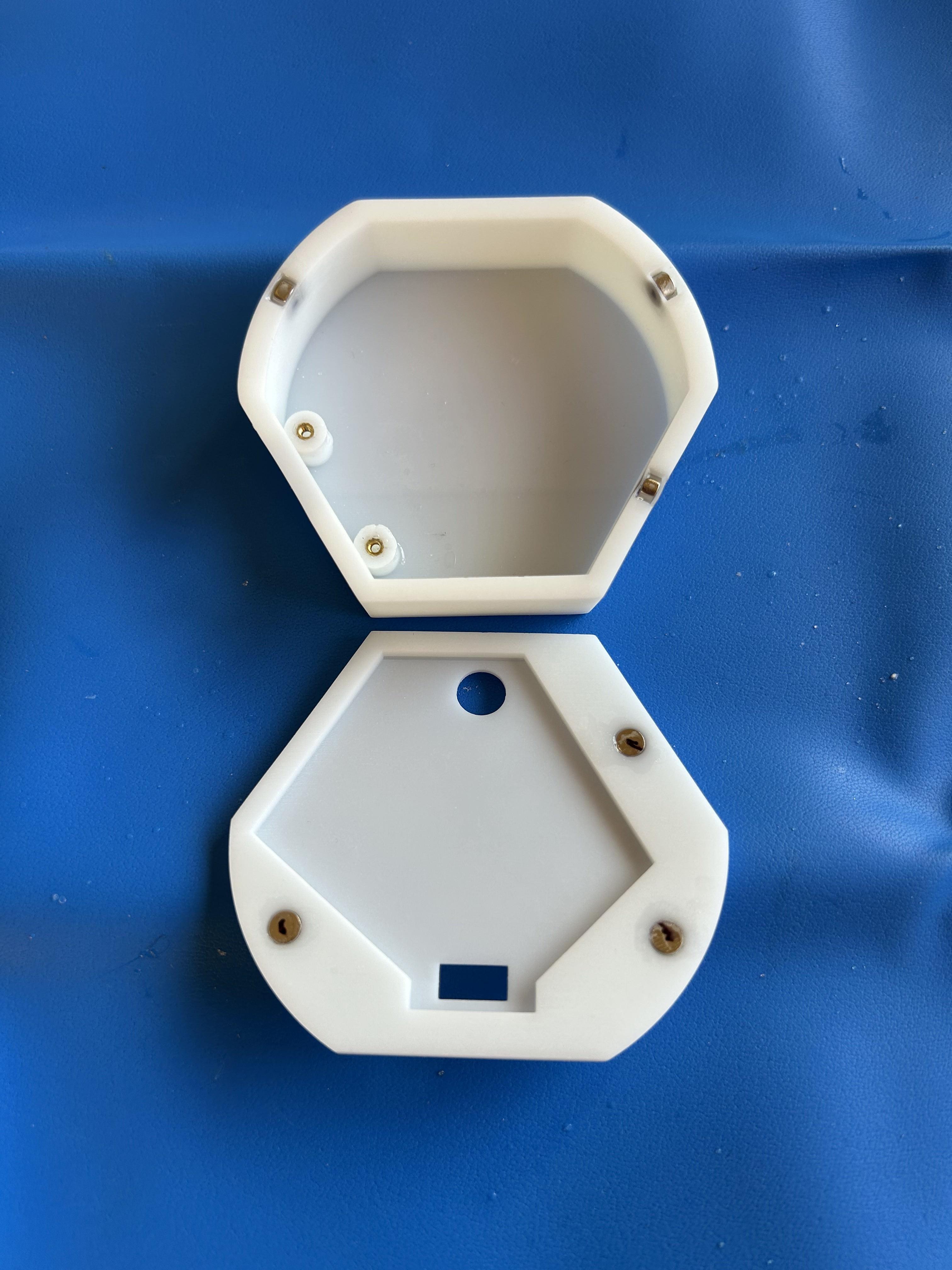
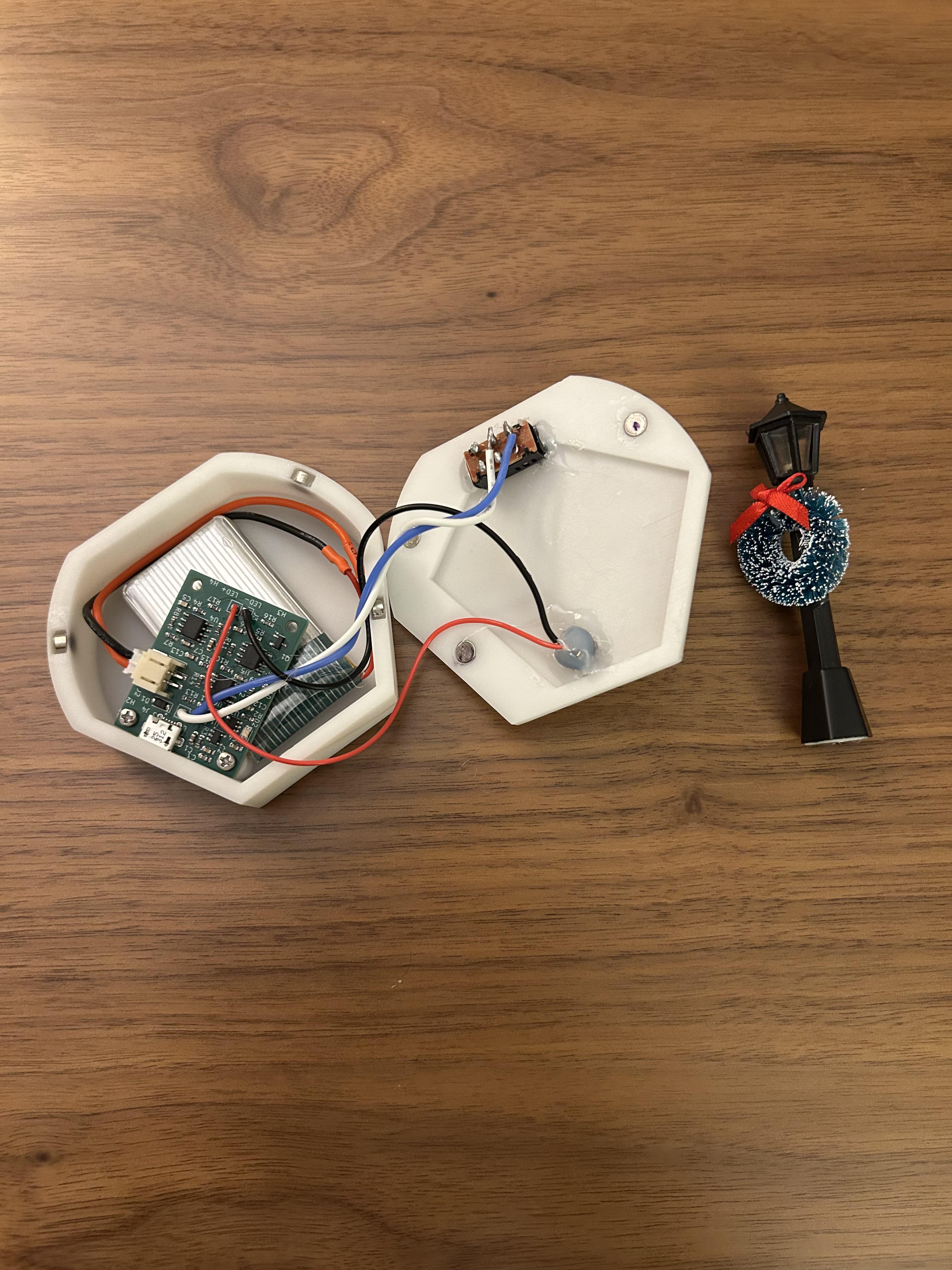
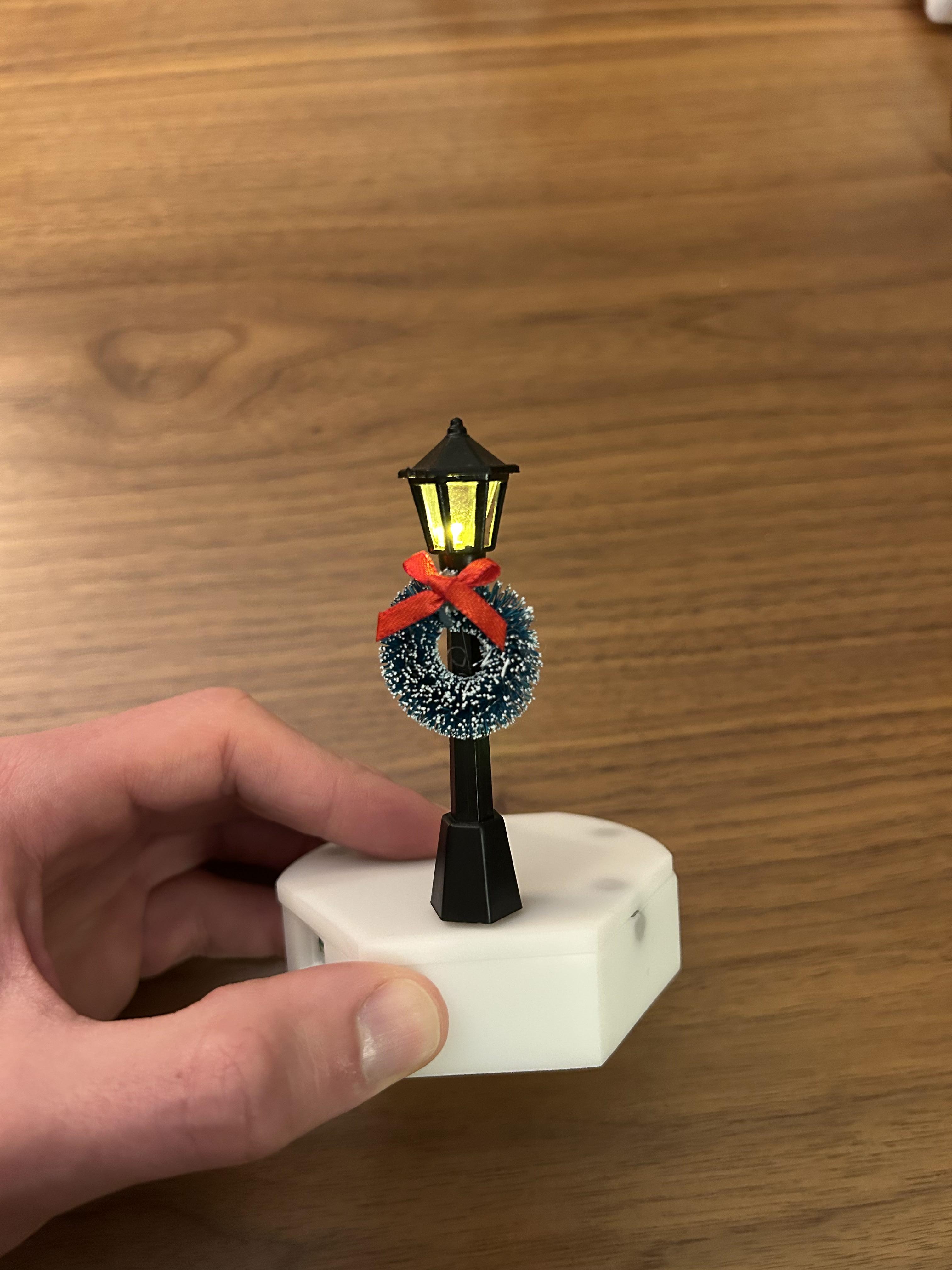
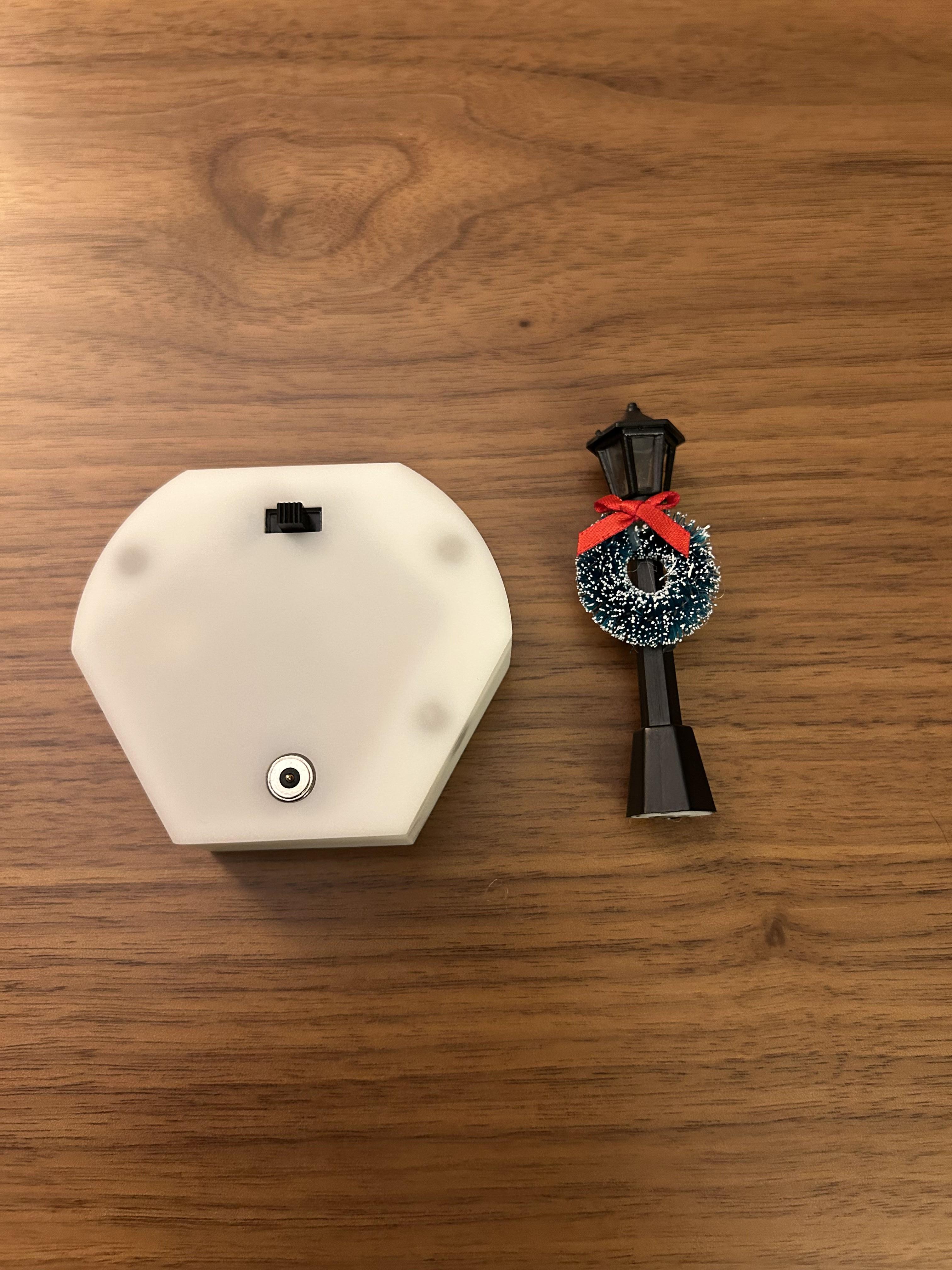
The biggest failure of my last version was my impatience with the CAD design. I measured once and cut twice. After doing a lot of squishing and hot gluing, everything BARELY fit inside. I didn't think about the extra room required for the wiring, switch or mountains of got glue that all my projects devolve into.
On top of that, the snap-on magnet lid was a big fail. My magnet cut aways were the complete wrong size and I ended up having to hot glue the lid onto the enclosure. To make matters worse, I didn't add any mounting standoffs inside for the PCB or make a hole for the charging connector. So every time you need to charge, you have to tear everything apart and re hot glue the lid back on.
Fitment:
I learned my lesson. This time around, I modeled every piece of hardware that would be placed inside the enclosure. I came up with a new enclosure shape that would give me the most room while being as slim and discrete as possible. I modified the original Hexagon shape to make two sides rounded. This gave more room to fit a long, rectangular battery inside.
I tweaked the placement of each component until everything fit optimally with minimal wasted space.
Snap on Lid:
I was determined to add more magnets to this thing. I needed the snap on lid to work this time. I measured my magnets again and made sure I got the cutout sizes correct. I inserted the magnets in the enclosure walls vertically, and into the lid horizontally. This allowed me to save as much space as possible on wall and lid thickness. Because of this, the magnetic lid isn't super snappy but it works well enough to keep closed.
Standoffs and Charge Port:
last, I needed to make sure I could charge everything without taking it apart. I added standoffs and got threaded brass inserts to mount the PCB with enough room underneath to slide in the battery. I finished it off by cutting a hole for the micro USB charge cable, the LED connector on top and the slide switch. All of this worked pretty well! The holes I made for the brass inserts were a little too small for nylon and ended up cracking a bit but nothing a little super glue couldn't fix.
Final Thoughts
All in all, I would say this is a huge improvement from V1.0. Next Christmas, all I should have to do is pull these out and turn them on! Thanks for reading and let me know if there are any other Christmas Village projects you would like to see me work on next year!