Fidget Spinner
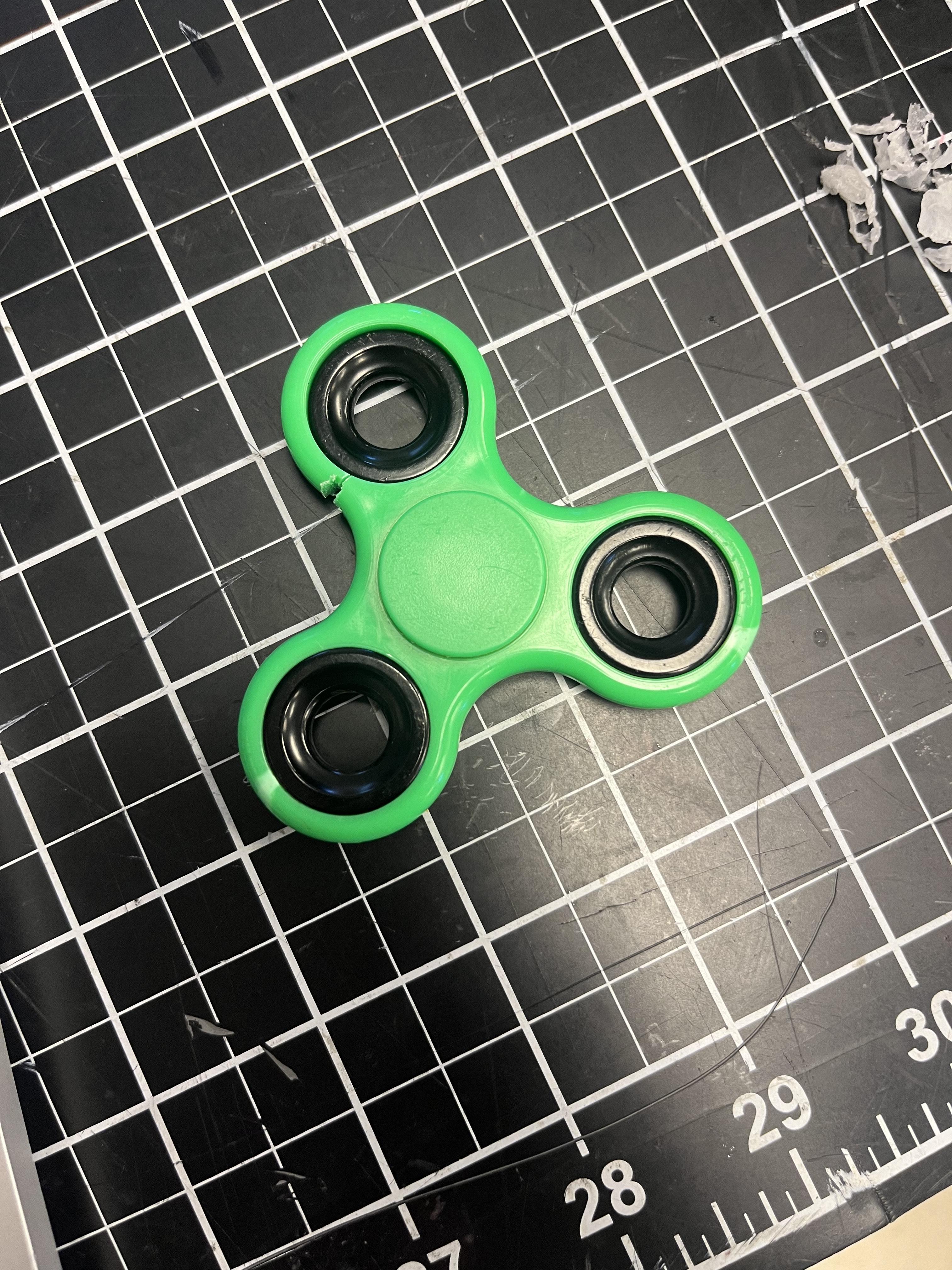
I made a 3D printed fidget spinner
credits: https://www.tinkercad.com/things/4eP4l3Cbool-fidget-spinner
Supplies
3D Printer
3 Barrels
Tinkercad
Get 3 Barrels
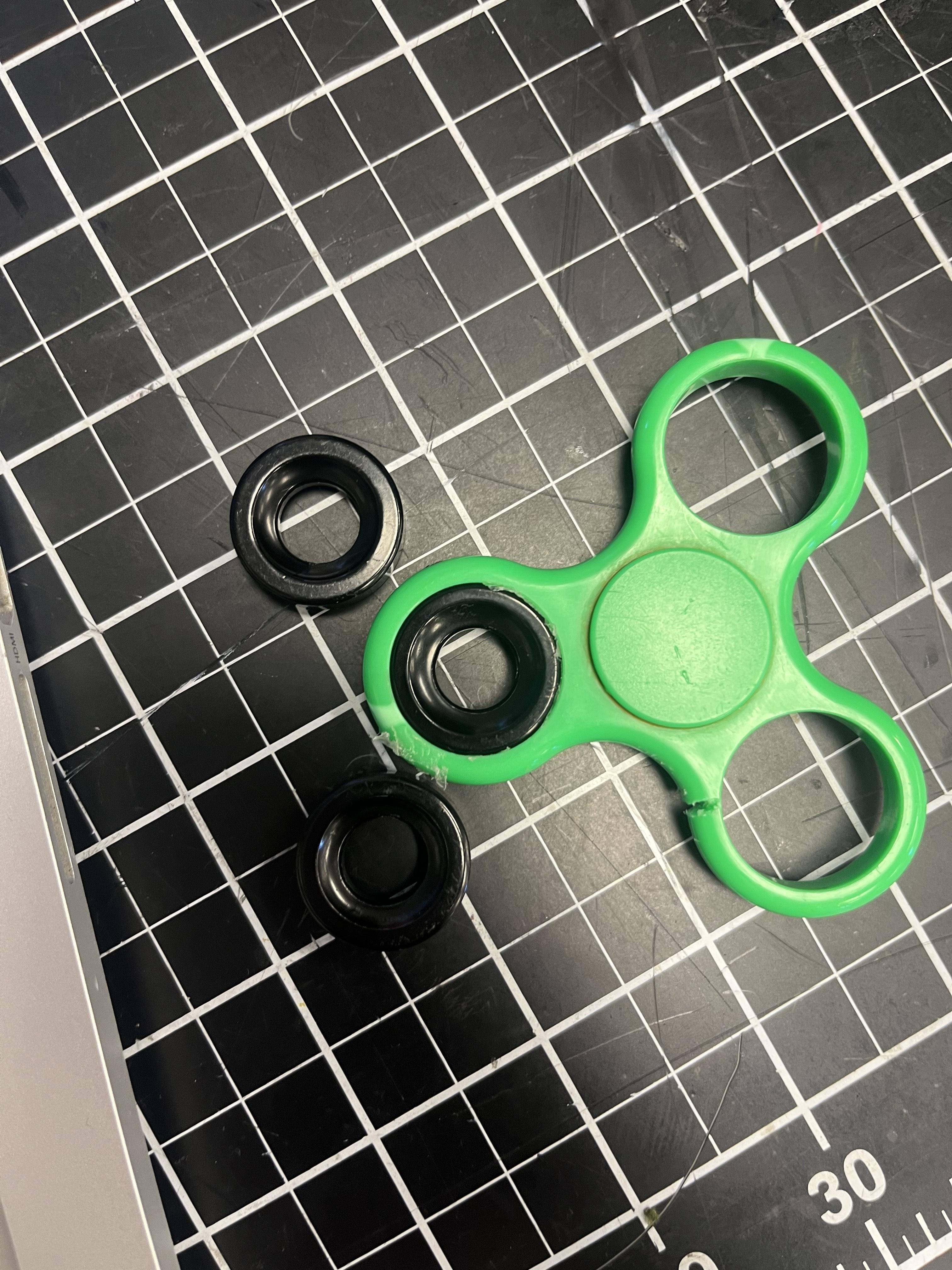
First you get 3 barrels these will be used inside the fidget spinner.
Make Fidget Spinner Design
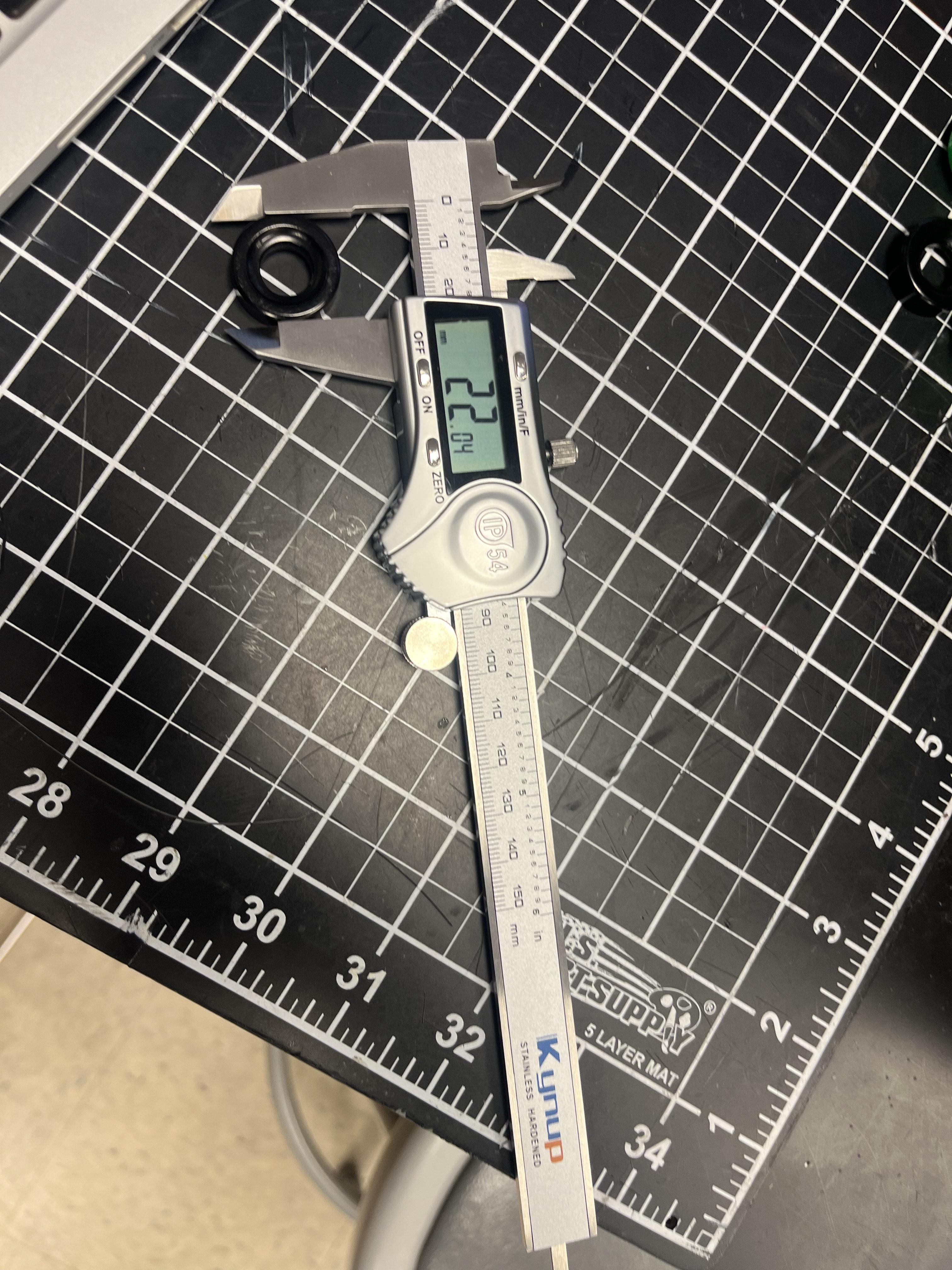
Measure the barrels using a multimeter ruler.
Open the Tinkercad Website and Create New Project
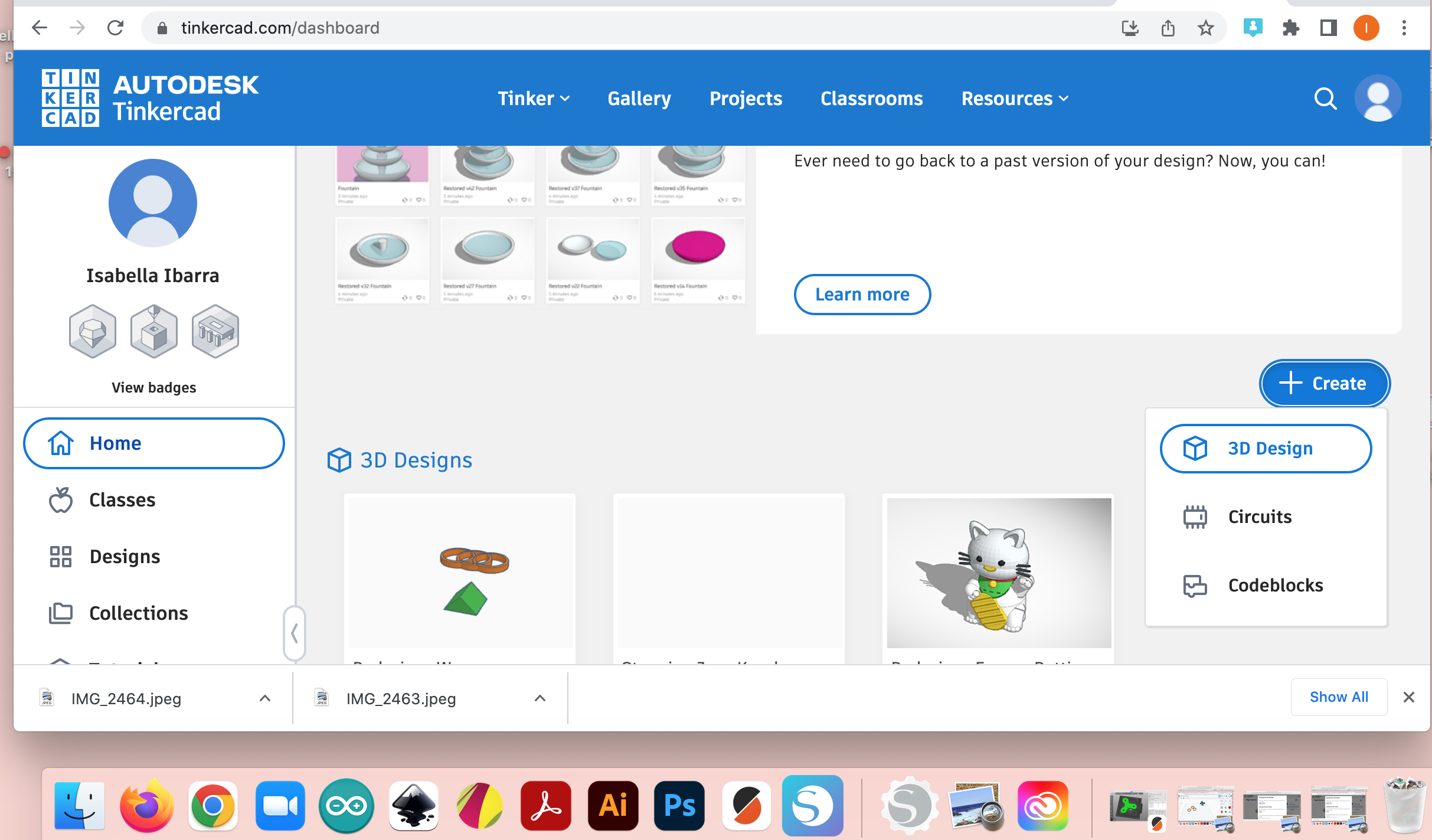
Go to tinkercad.com and open a new 3D design workplane.
Add a Cylinder
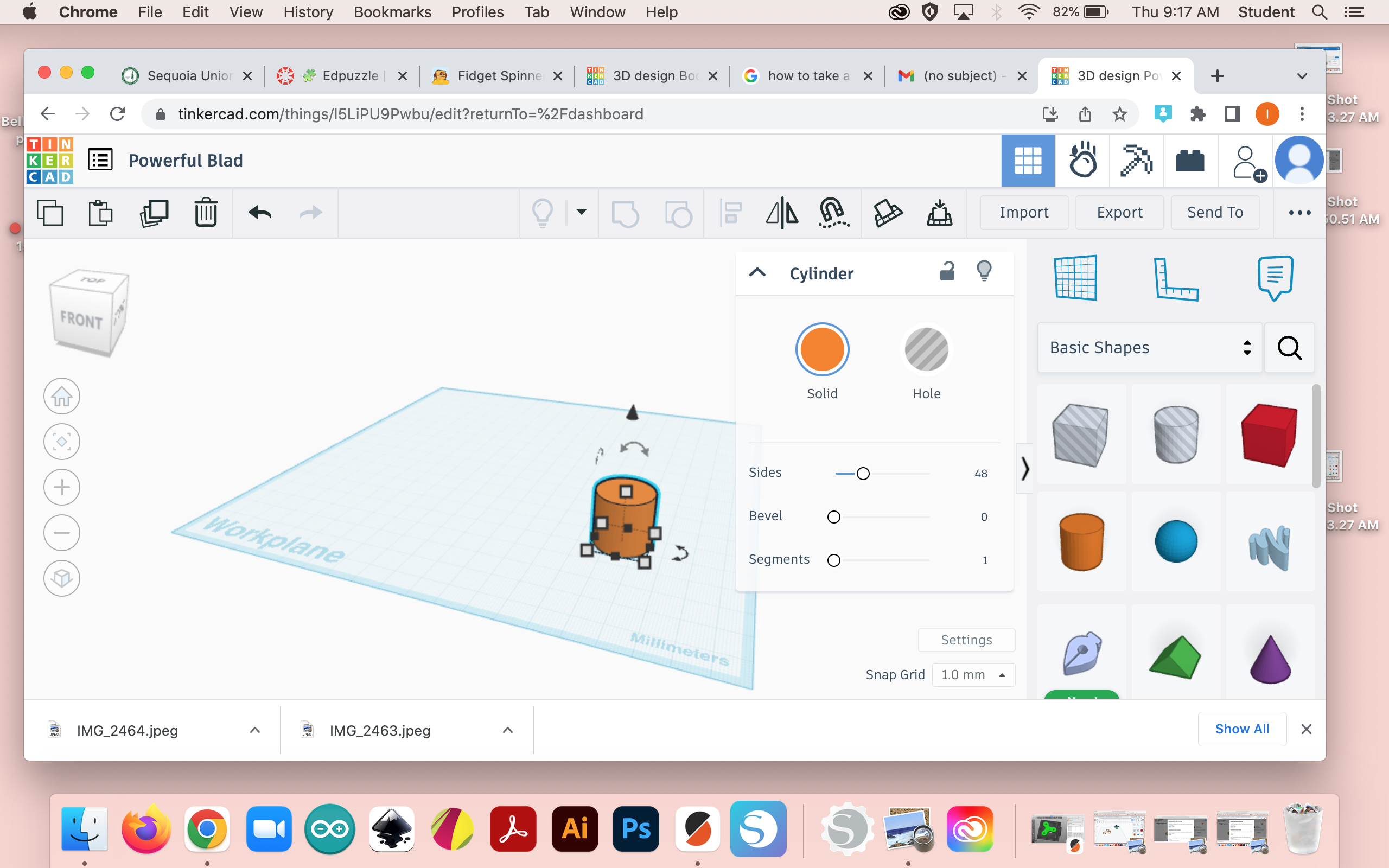
Make sure the settings are in "imperial" and in 1:1 inches.
Then drag a cylinder onto the workplane.
Adjust the Size

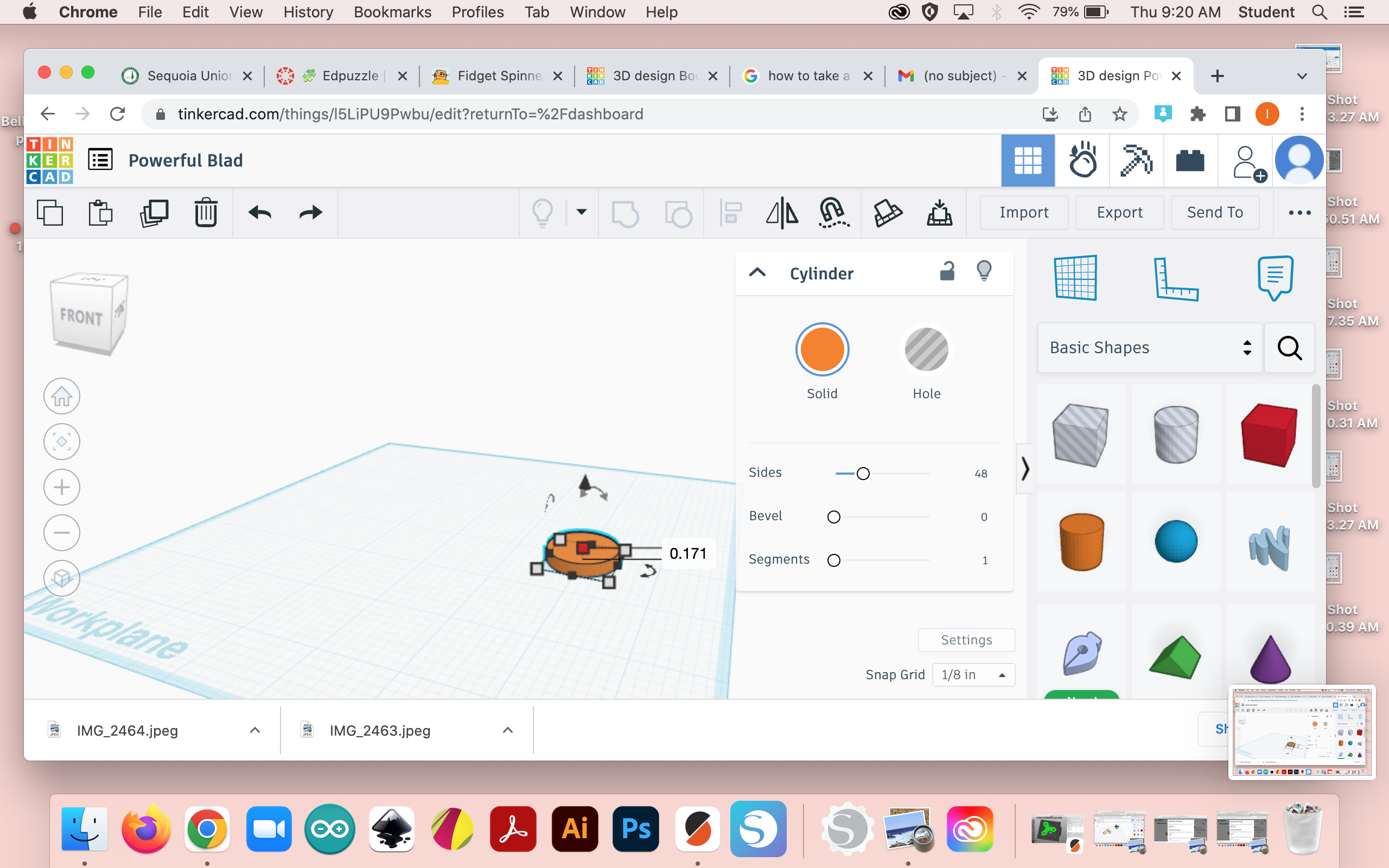
Adjust the size of the cylinder by making the side lengths 0.96 inches.
And also making the height 0.171 inches.
Copy and Paste
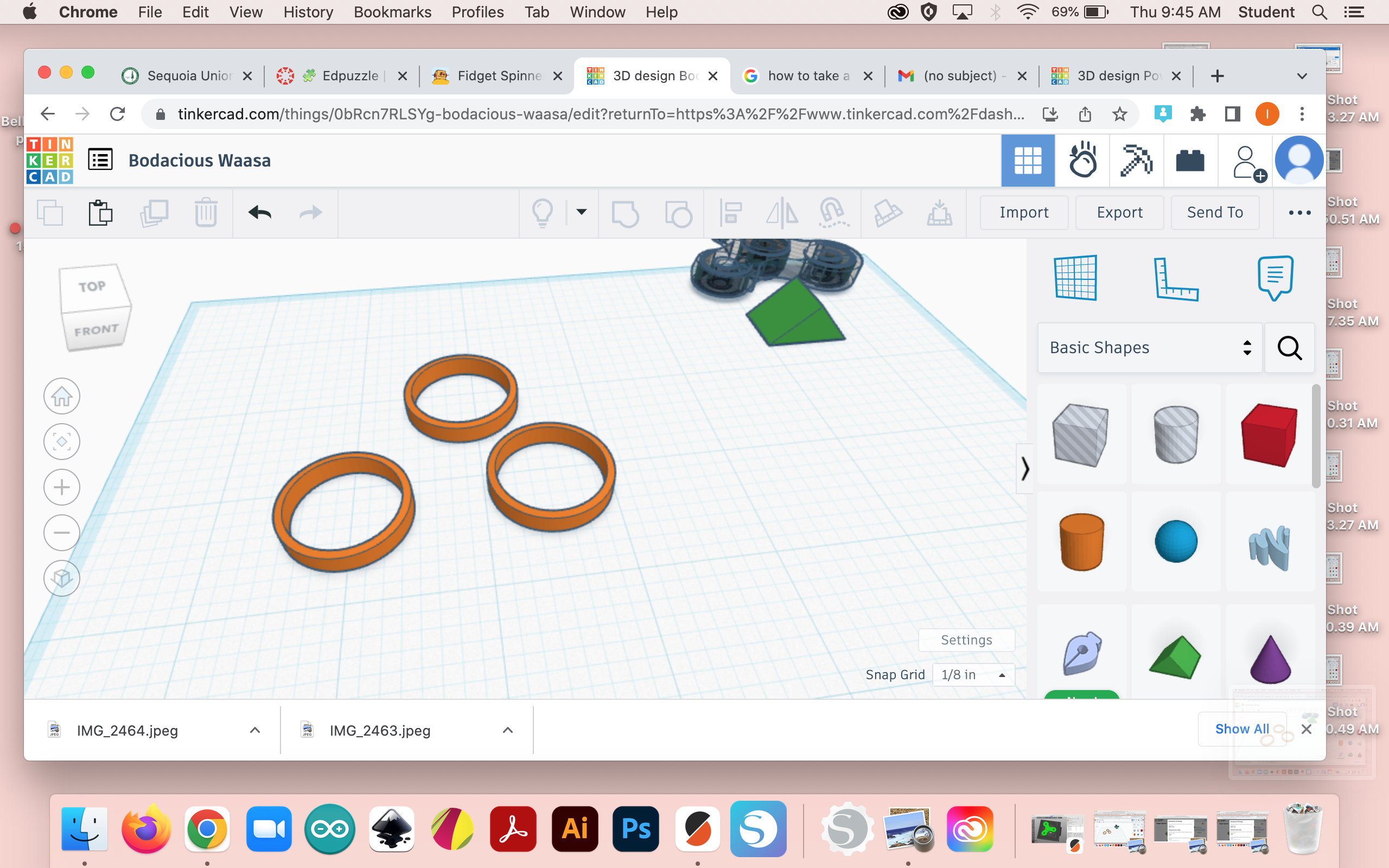
Copy and paste the cylinder that was made more 2 times. So that we end up with 3 cylinders.
If I Had More Time
If i had more time I would connect the fidget spinner all together.