DriftScape - Drifts in Cotton Smoke
by its_vaani in Living > Decorating
212 Views, 2 Favorites, 0 Comments
DriftScape - Drifts in Cotton Smoke
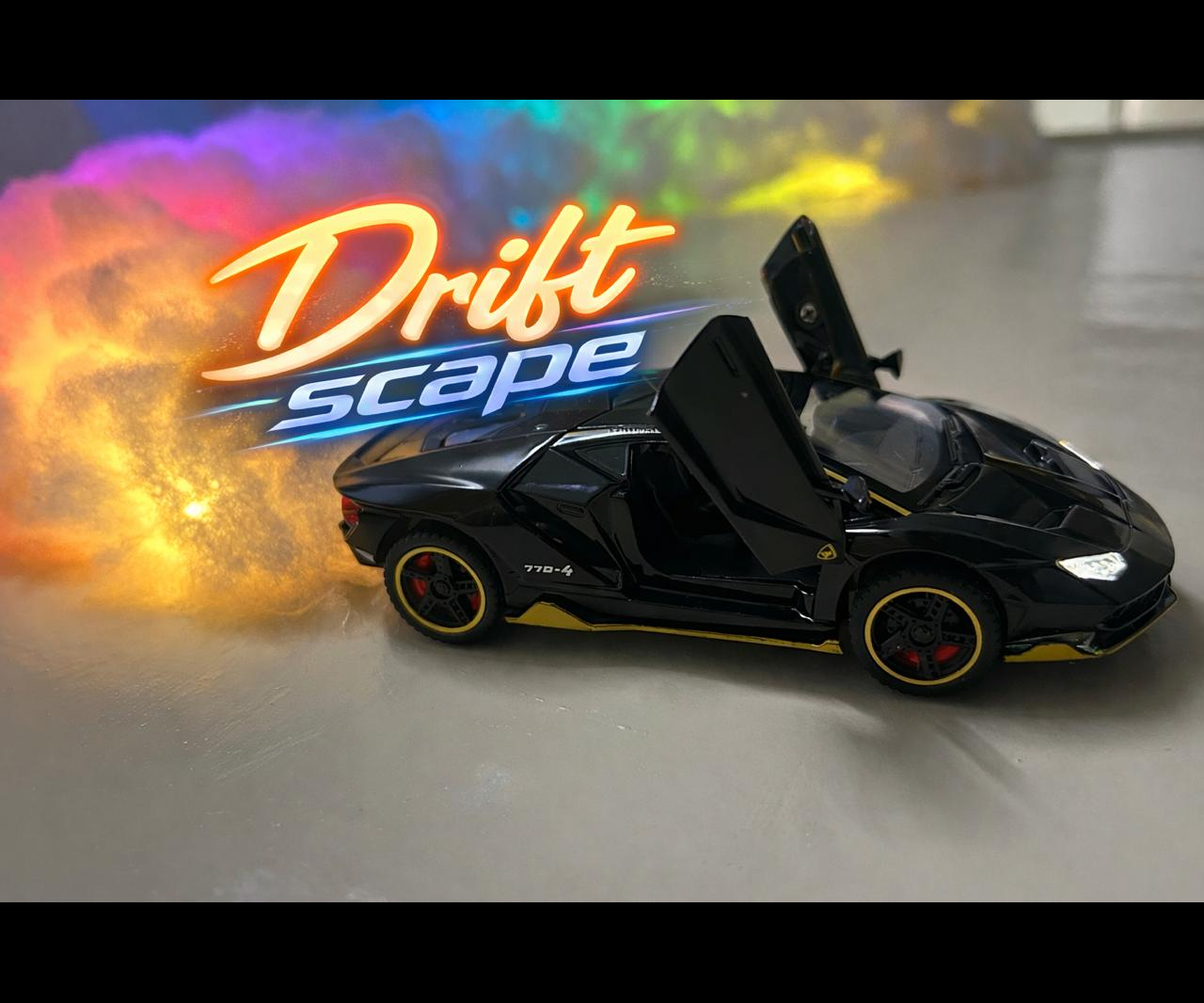
This decorative piece combines a miniature toy car with a light-animated drift track to recreate the excitement of drifting in a playful, artistic form. The LED strip beneath the car produces colorful motion effects, while soft cotton represents smoke clouds as the car slides along the track. When the animation runs, the scene comes alive — the “smoke” puffs, the colors shift, and the tiny car appears to drift with style. The result is a beautiful yet visually dynamic display that blends motion, light, and imagination.
Let's build it..
Supplies
.jpeg)
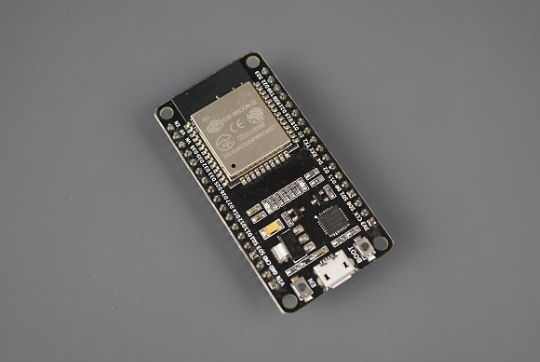
Silicon Cotton
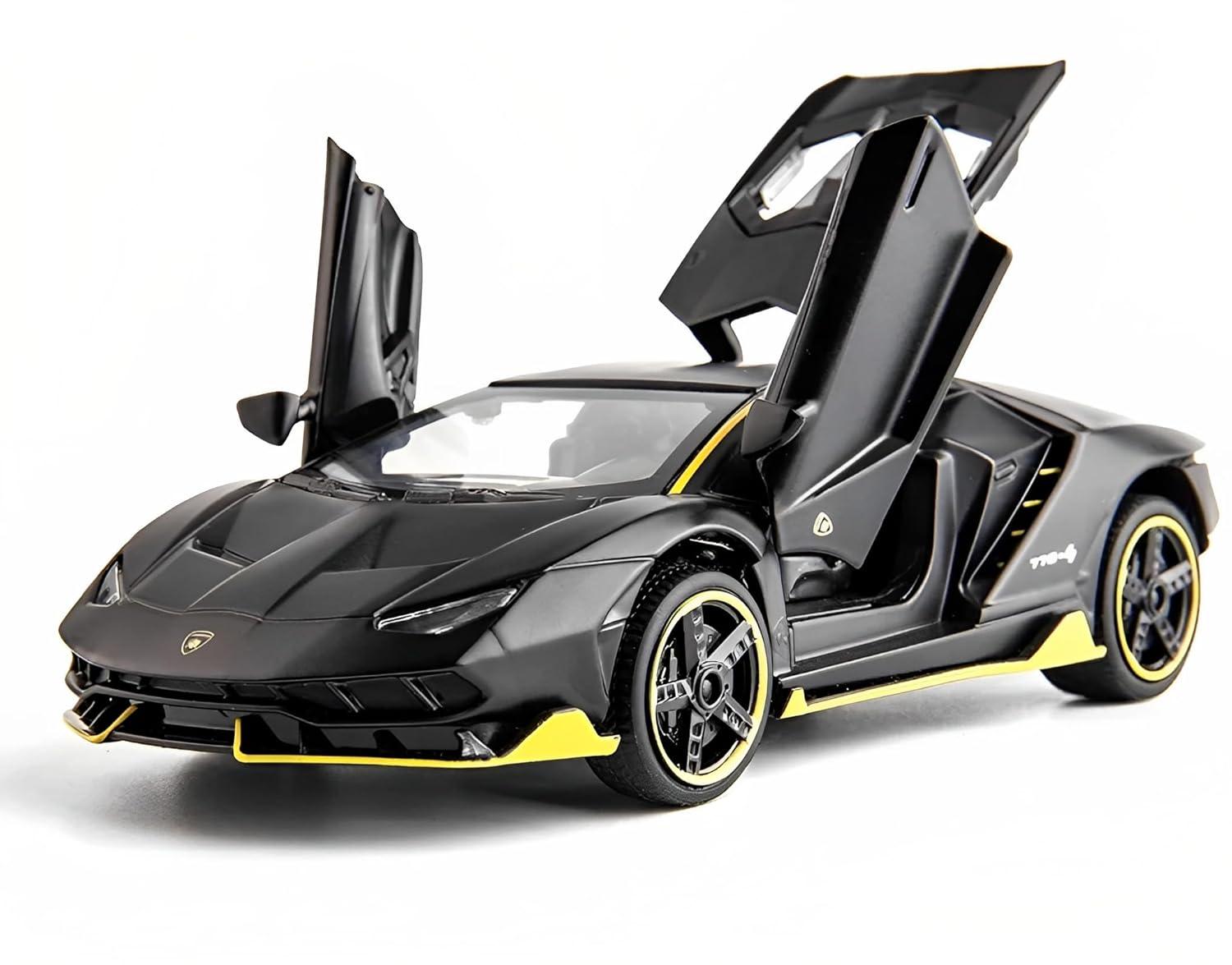
Toy Car
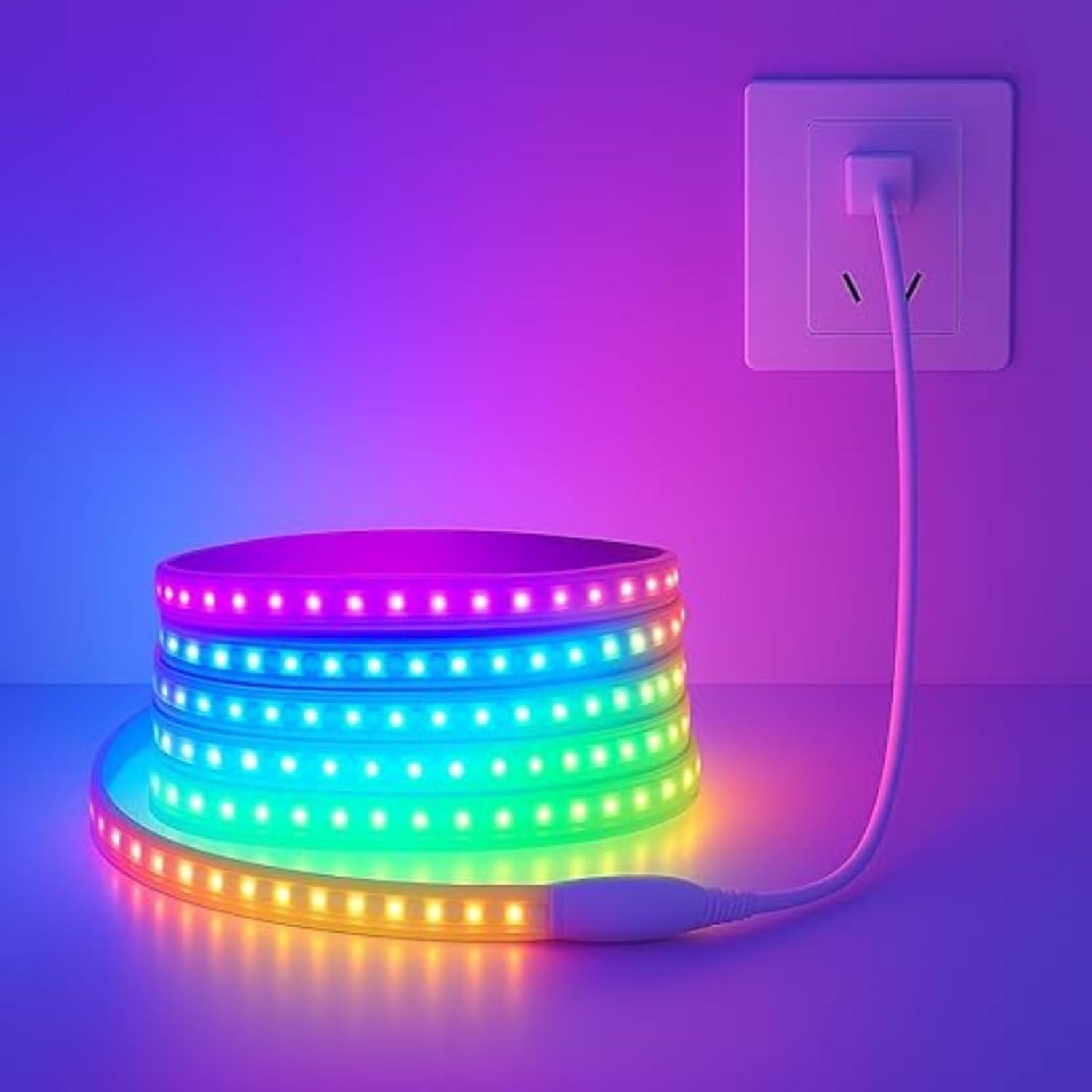
WS2812B LED Strip
ESP32-S3 Controller
Adaptor/Power Bank
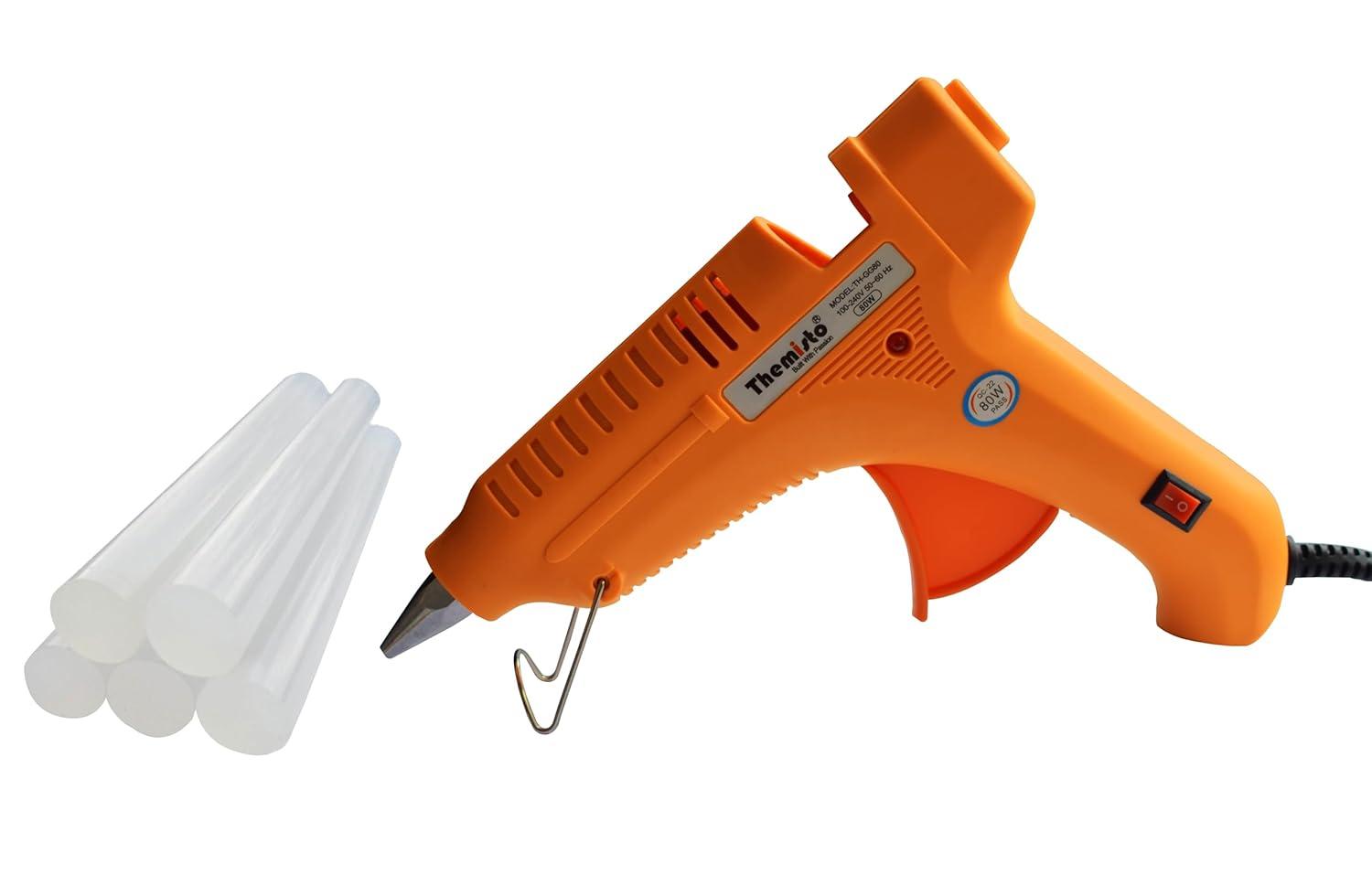
Hot Glue Gun
Mounting the LED Strip
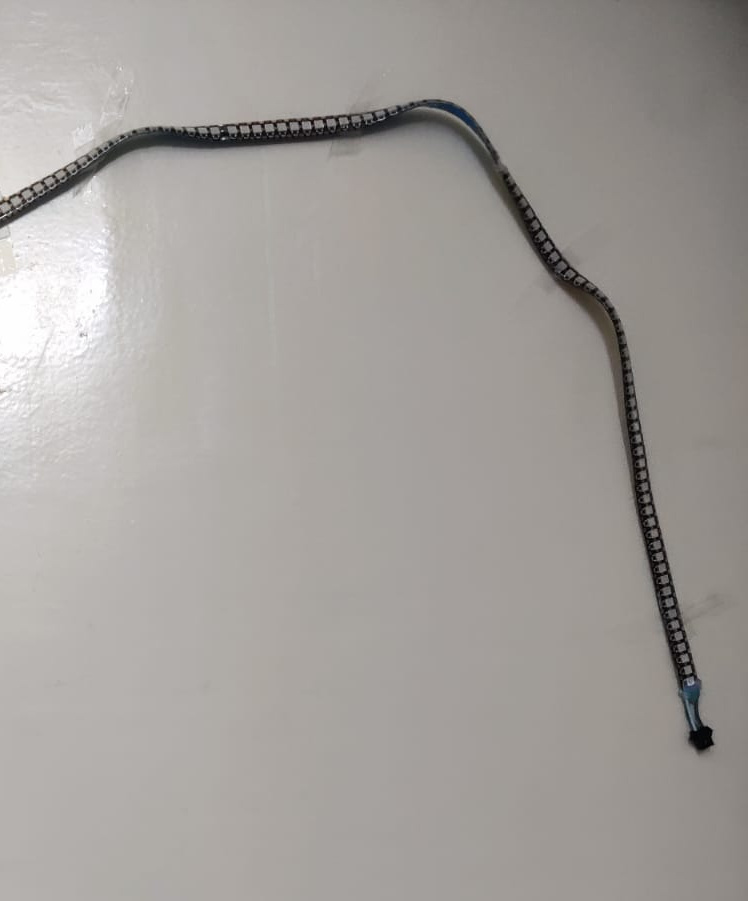
Start with marking the track layout (straight, S-curve, or simple straight line).
- Lay the LED strip along the marked path.
- Fix it in place using double-sided tape or hot glue.
- Ensure the strip’s data & power leads are accessible for connection.
Forming the Cotton Smoke
.jpeg)
.jpeg)
- Pull and stretch cotton to form soft “smoke clouds.”
- Place cotton along the strip where drift action would produce smoke.
- Use small pieces of clear tape or glue to anchor cotton without crushing its fluff.
- Keep cotton sparse enough to let LED light pass through and glow.
Adding the Toy Car & ESP32
.jpeg)
Now, it's time to get the main masterpiece, the toy car:
- Add a good amount of glue to the bottom chassis of the toy car.
- Position the car on the LED strip at a drift-like angle.
- Press and hold until the glue cools and the car is fixed in place.
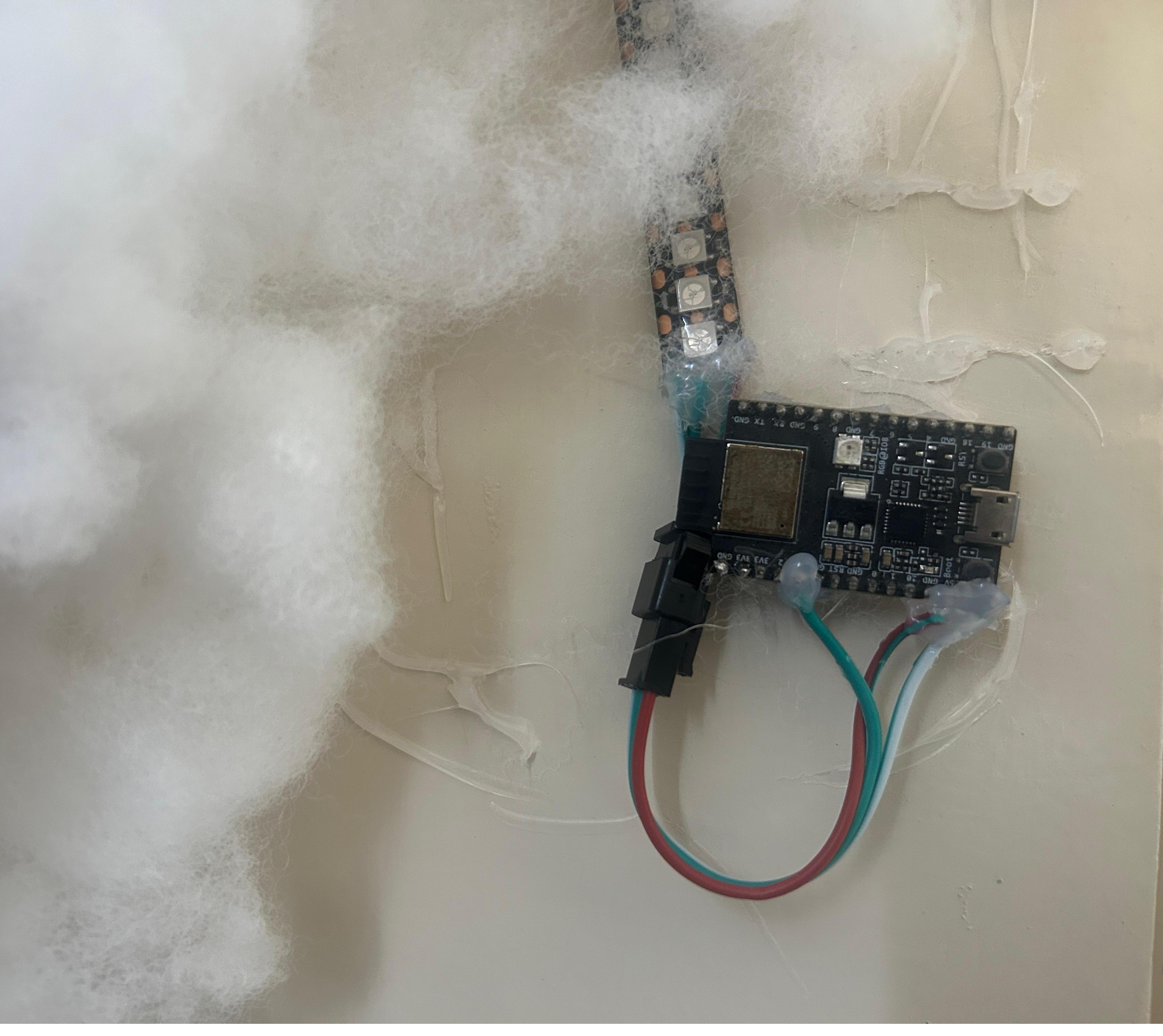
Also, Connect LED strip wires. It is recommended to use separate power supply for this LED strip.
DIN pin of WS2812 to GPIO3 of ESP32
WS2812 GND to ESP32 GND and power supply GND.
WS2812 5V to Power Supply 5V Output
Then Glue it beside the cotton using hot gun.
Programming the LED Animations

This step is optional. If you are using a pre-programmed or Bluetooth-controlled LED strip, you can skip the programming process entirely, which is helpful if you’re not familiar with coding.
For users familiar with the ESP32 and the Arduino IDE, install the ESP32 board files along with the Adafruit_NeoPixel library. Using this library, you can create custom colors and animation patterns. I have programmed several drift-inspired effects and color schemes for this project. The complete code is provided in the attached files.
Downloads
Powering & Testing
.jpeg)
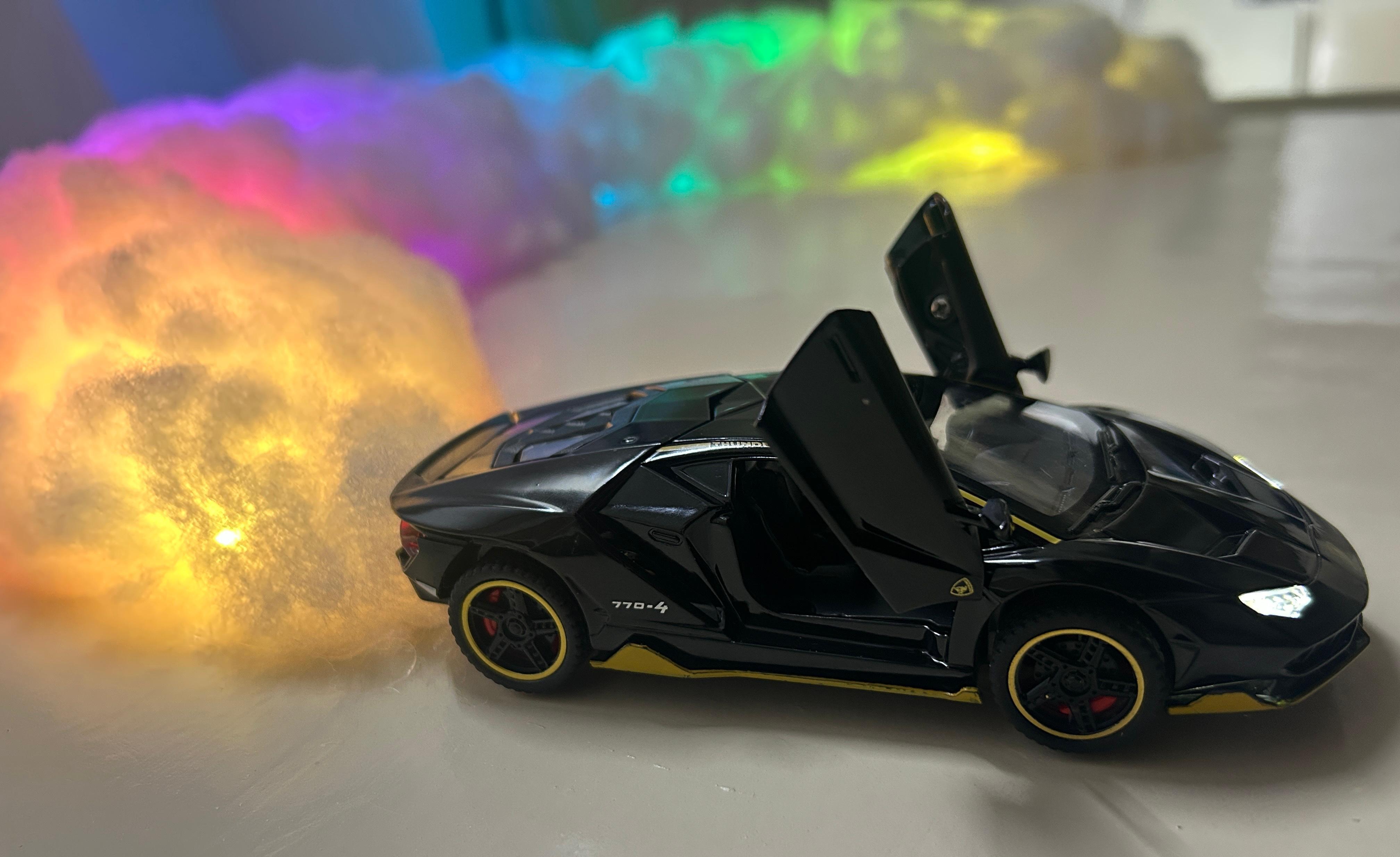
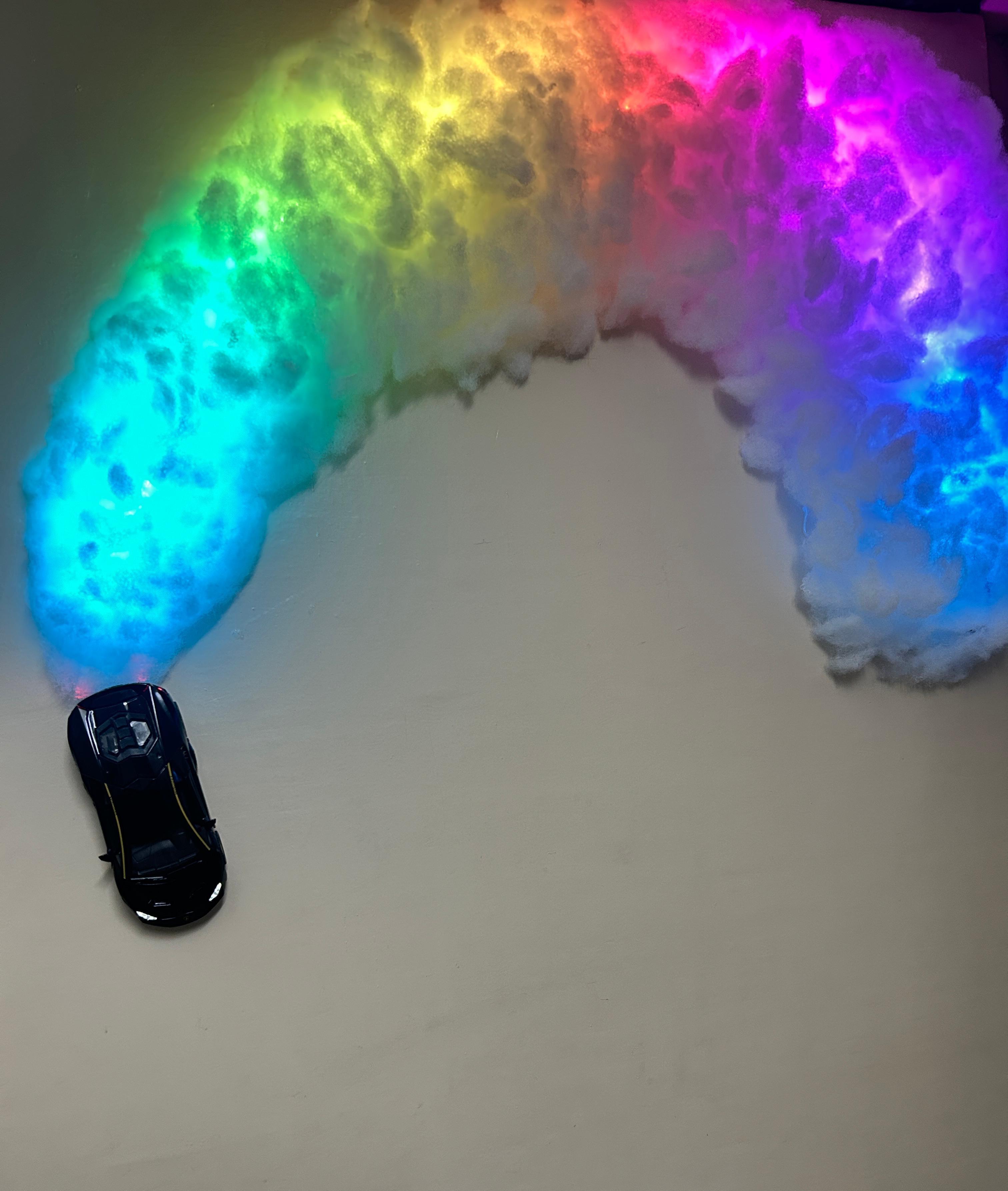
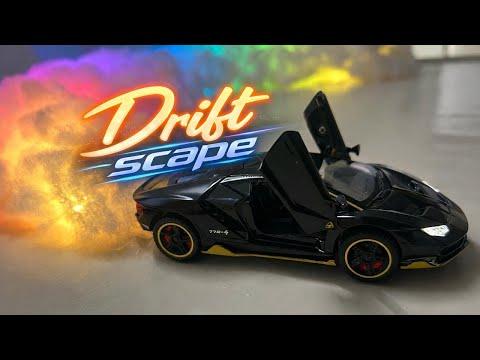
Now, power up the LED strip and verify that the animations illuminate the cotton “smoke” clearly and highlight the drift angle of the car. Make small adjustments to brightness, color, and speed to get the best visual impact. If the cotton blocks too much light, gently stretch it for a thinner, more realistic smoke effect. Check that the car is firmly glued in place and the base is clean and stable. View the piece in a dim or medium-light environment for the strongest glow and drift illusion.
This decorative build transforms a simple toy car, an LED strip, and cotton into a miniature drifting scene full of motion and color. The drifting effects, smoke puffs, and lighting work together to create a playful yet artistic display that feels both dynamic and imaginative. It shows how small components and a bit of creativity can bring a tiny world to life. Most importantly, it proves that even everyday materials can become part of a unique and visually engaging masterpiece.