Distance Senor Car With Speed Monitor and Joystick
by 12129 in Circuits > Arduino
57 Views, 1 Favorites, 0 Comments
Distance Senor Car With Speed Monitor and Joystick
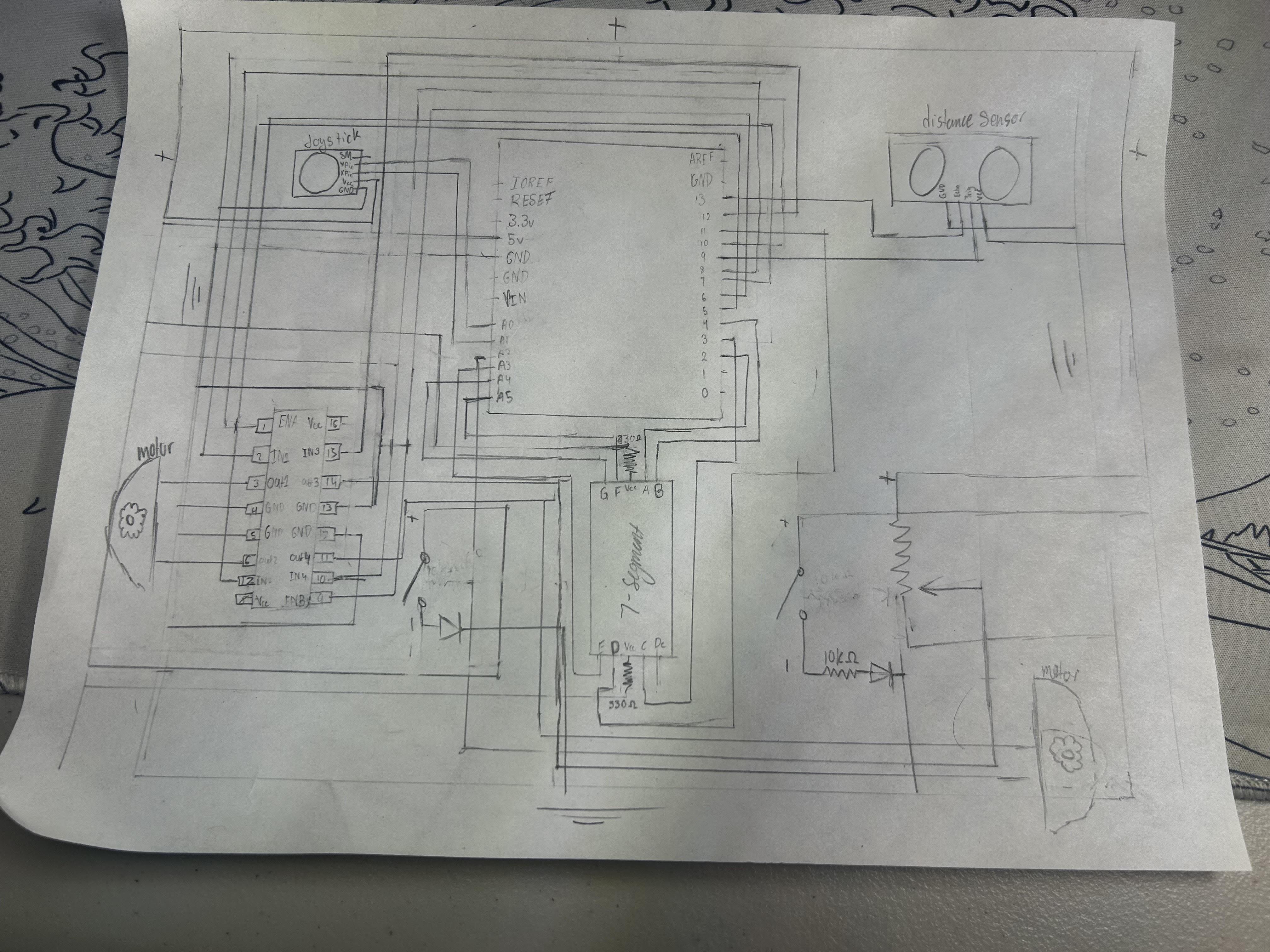
It is important to know that this project requires a lot of wiring and also requires a big chassis and breadboard. In this instructable, I will show you how to make a joystick controlled car with an Arduino car using a solderless breadboard. The Arduino will be mounted directly onto the car chassis and controls the DC motor through the H-bridge motor drive. A joystick is used to move the car forward, backwards, left, and right. A potentiometer is used to control the speed of the car working along side with the single digit 7-segment display it will show the speed of the car from 0-9. I also used two green LED headlights to make the car look more realistic and these are manually turned on/off by switches (not regulated by the Arduino). This project is easy to do and does not need any soldering and is ideal with the students or anyone who is a novice with robotics and electronics.
Supplies
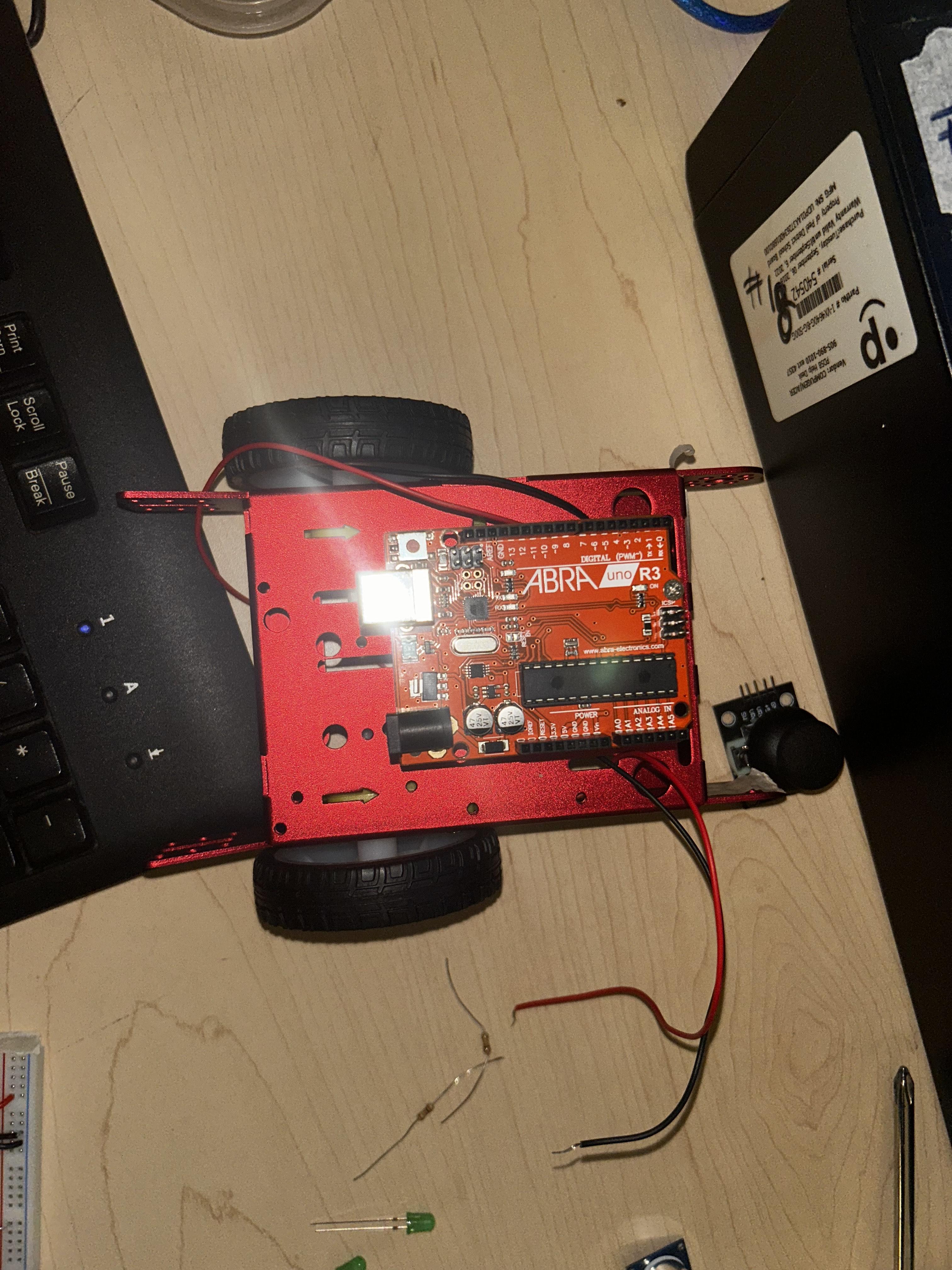
- Arduino Uno
- Robot car chassis (with mounting holes)
- 2 × DC motors (usually included with chassis)
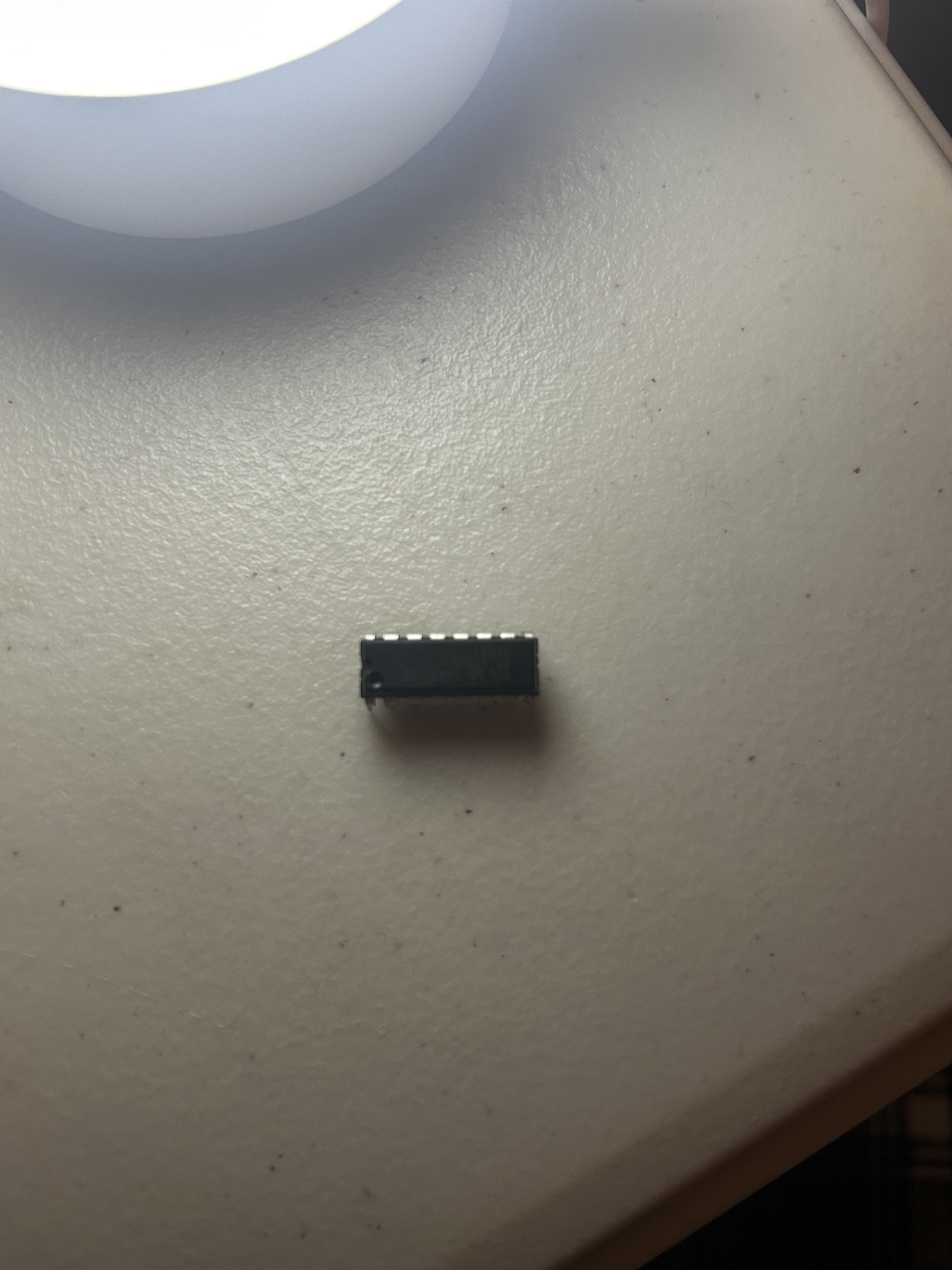
- H-Bridge motor driver (L293D)
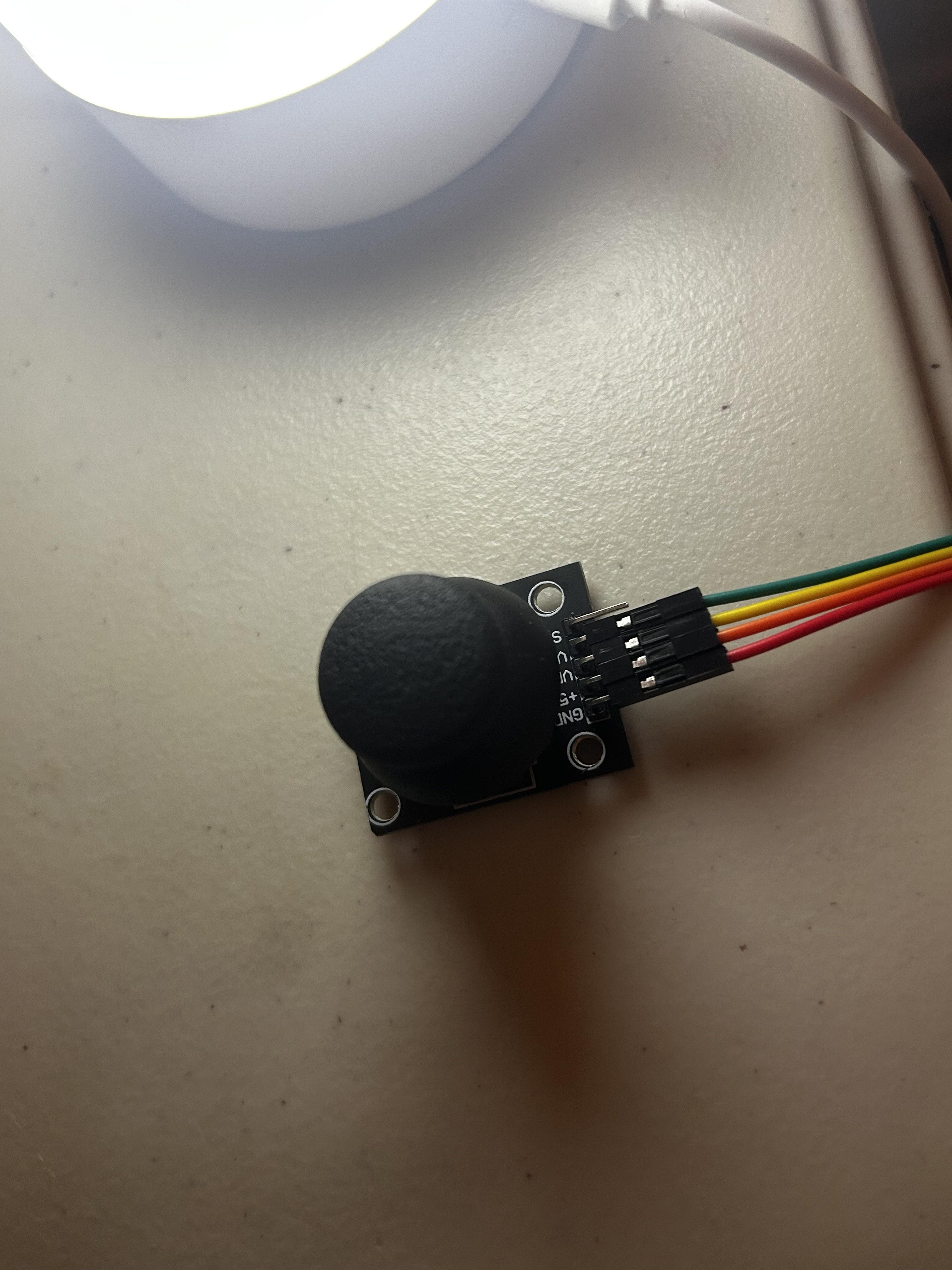
- Joystick module (X/Y axes)
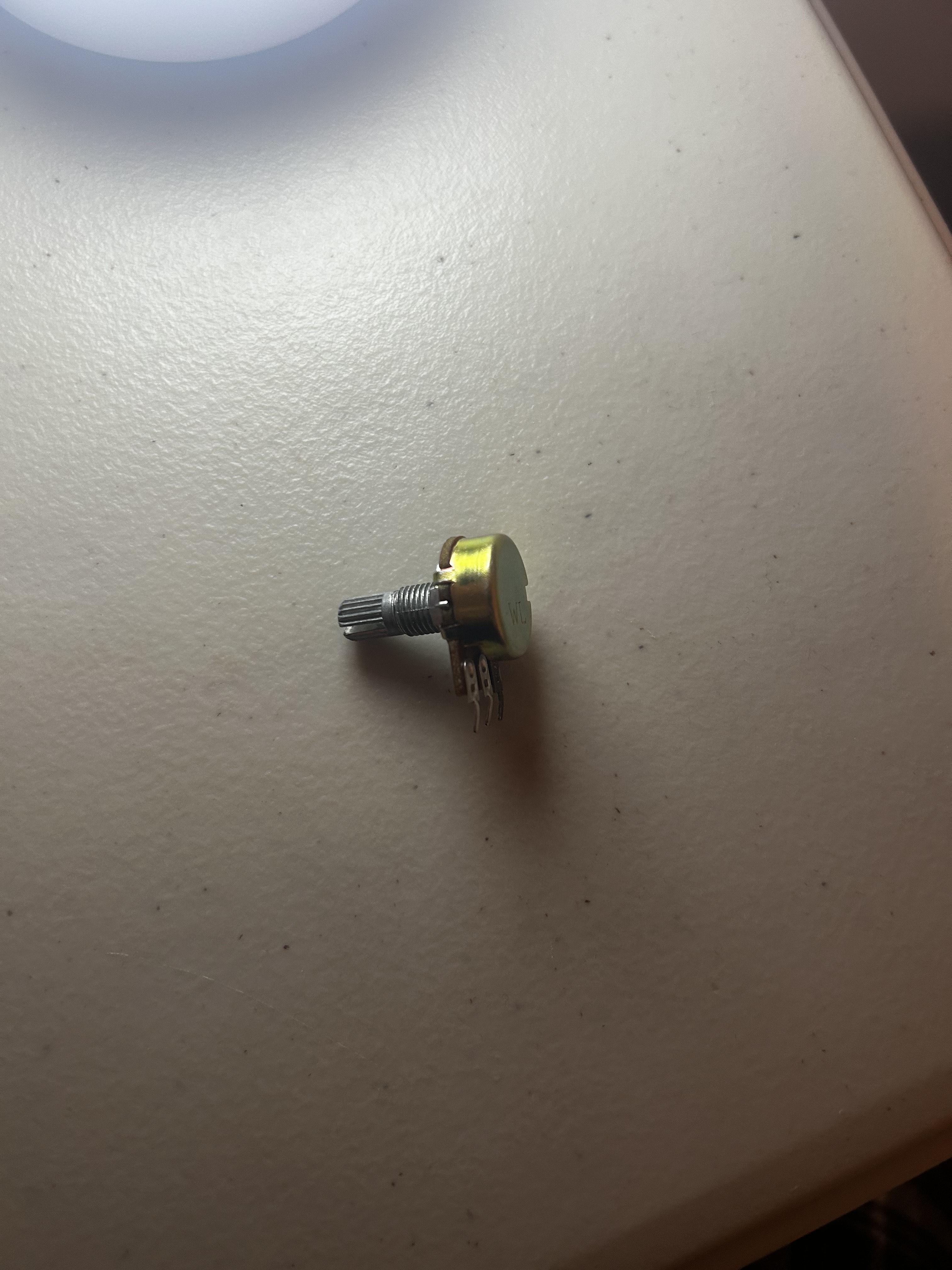
- Potentiometer
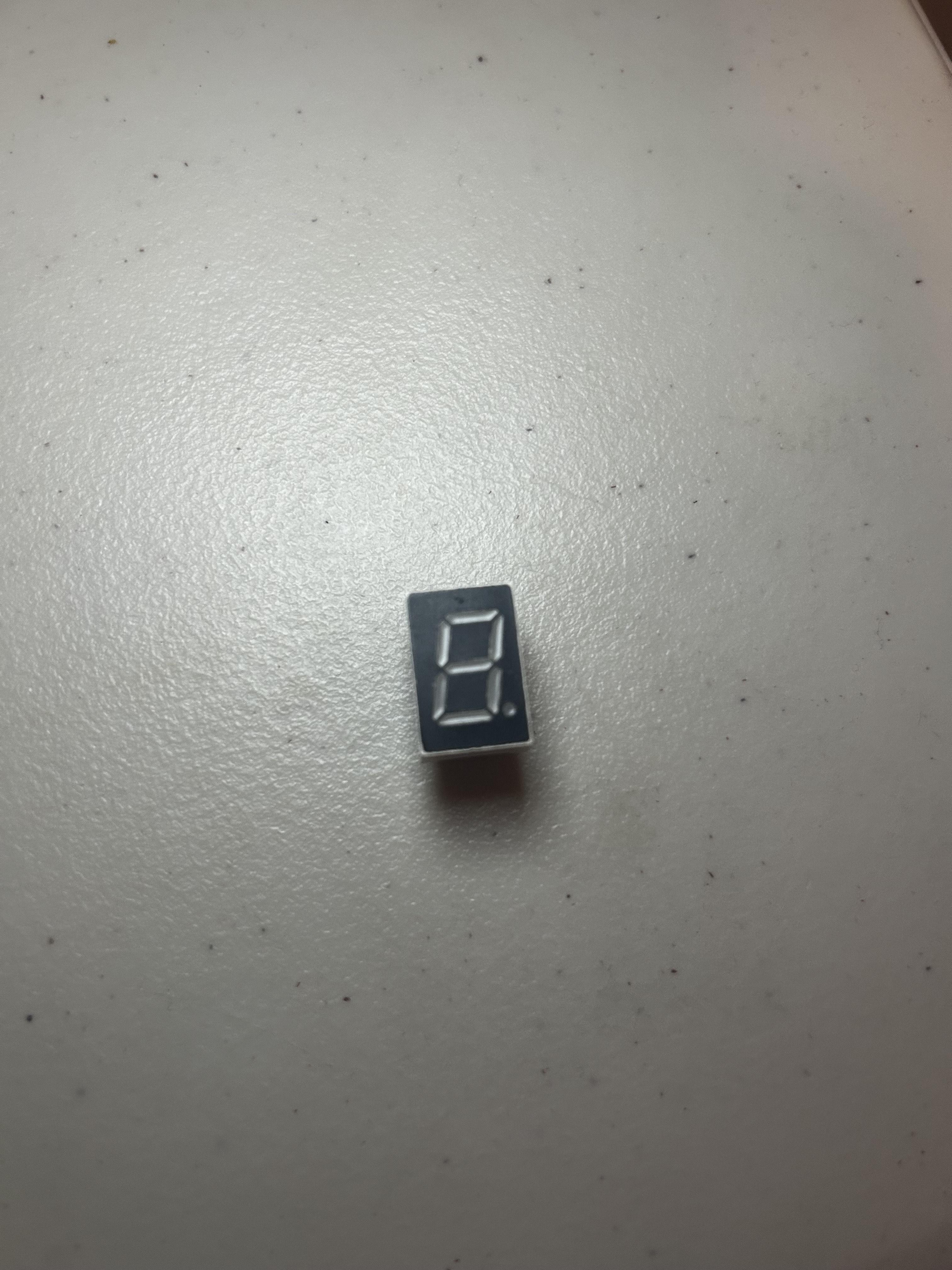
- 1 × single-digit 7-segment display
- 2× 330Ω resistors (for the 7-segment)
- 2 × green LEDs (headlights)
- 2 × 10kΩ resistors (for LEDs)
- Solderless long Breadboard (In example it is short)
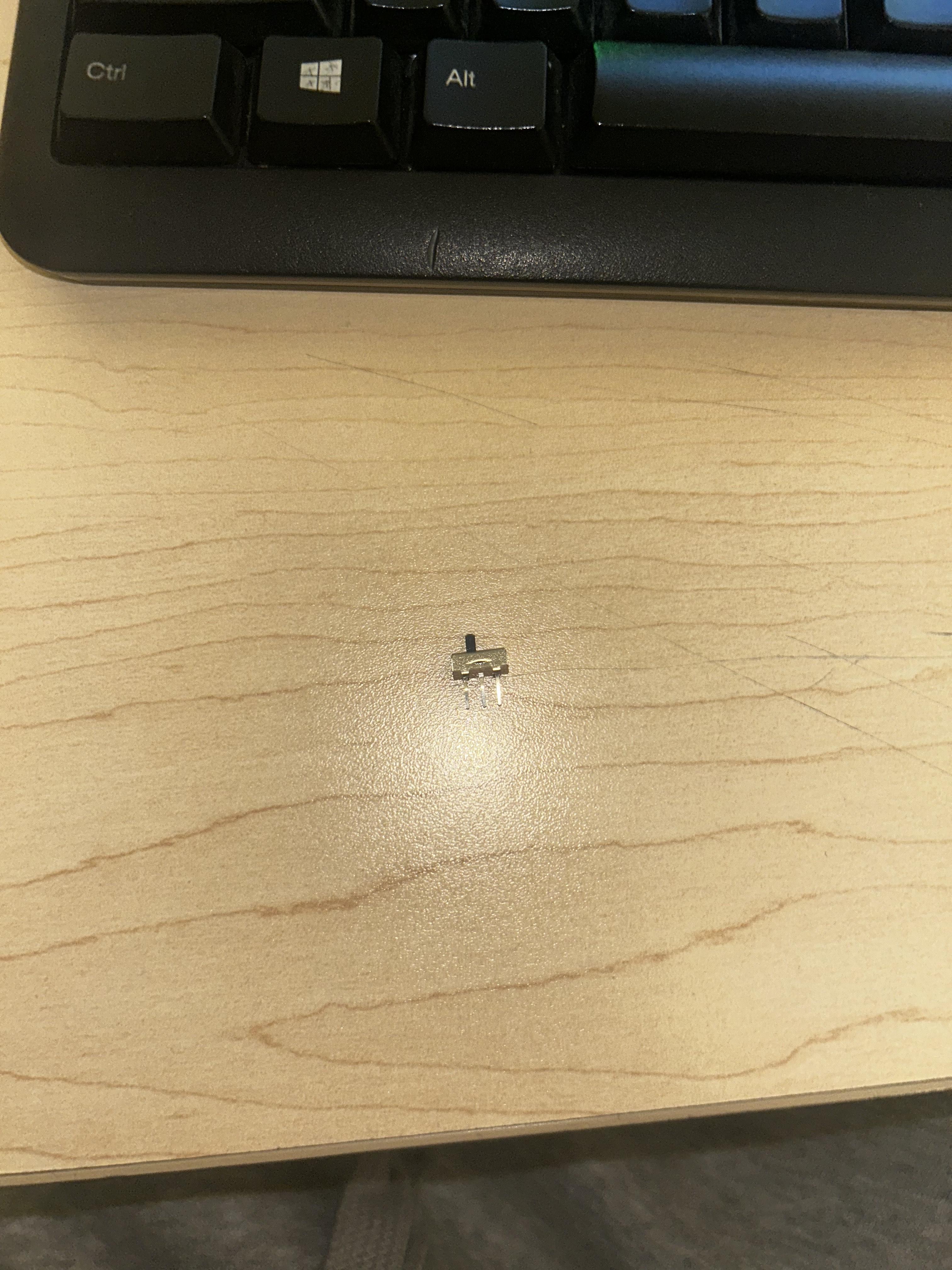
- 2x sliders
Chassis & Mounting
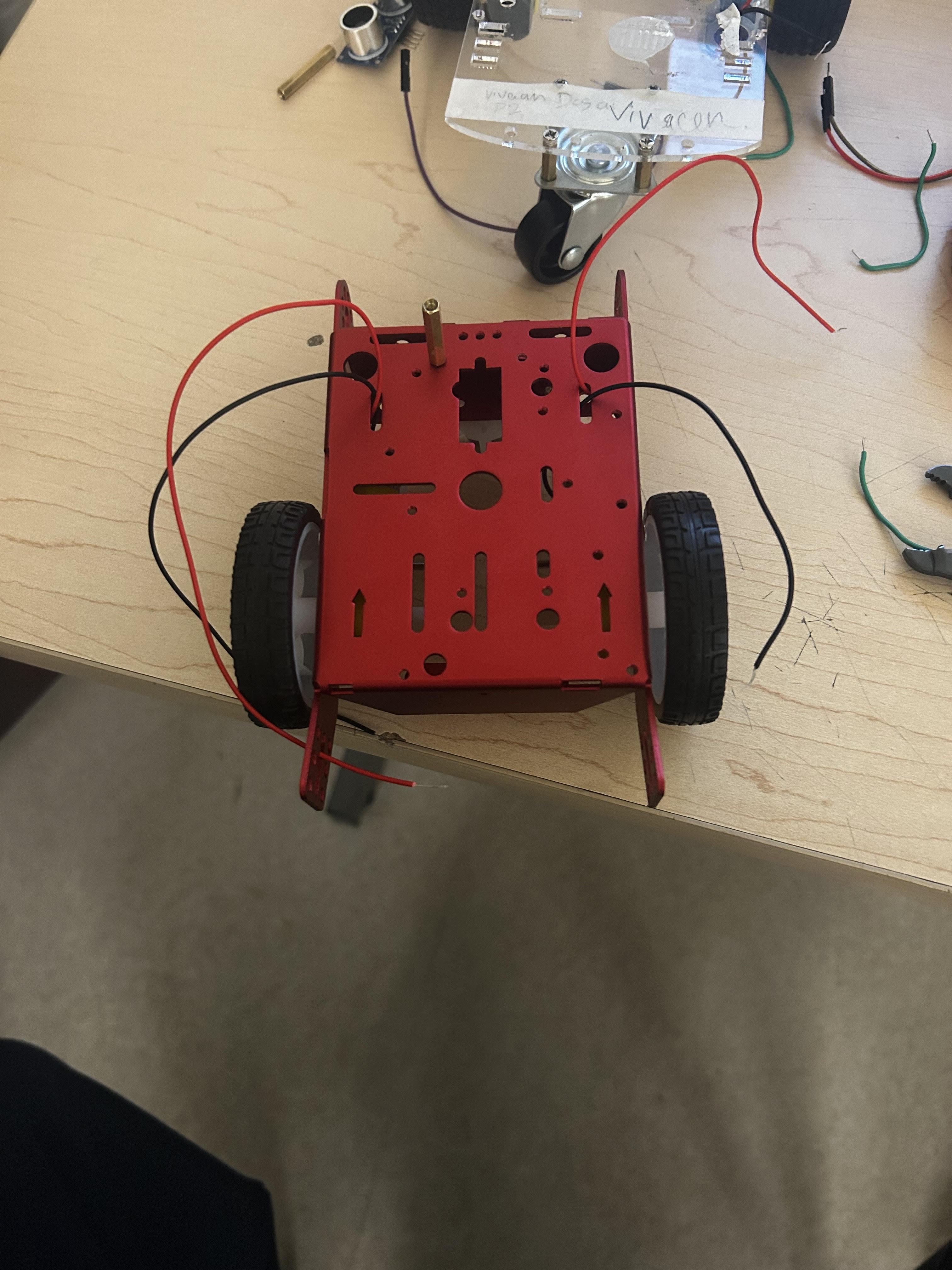
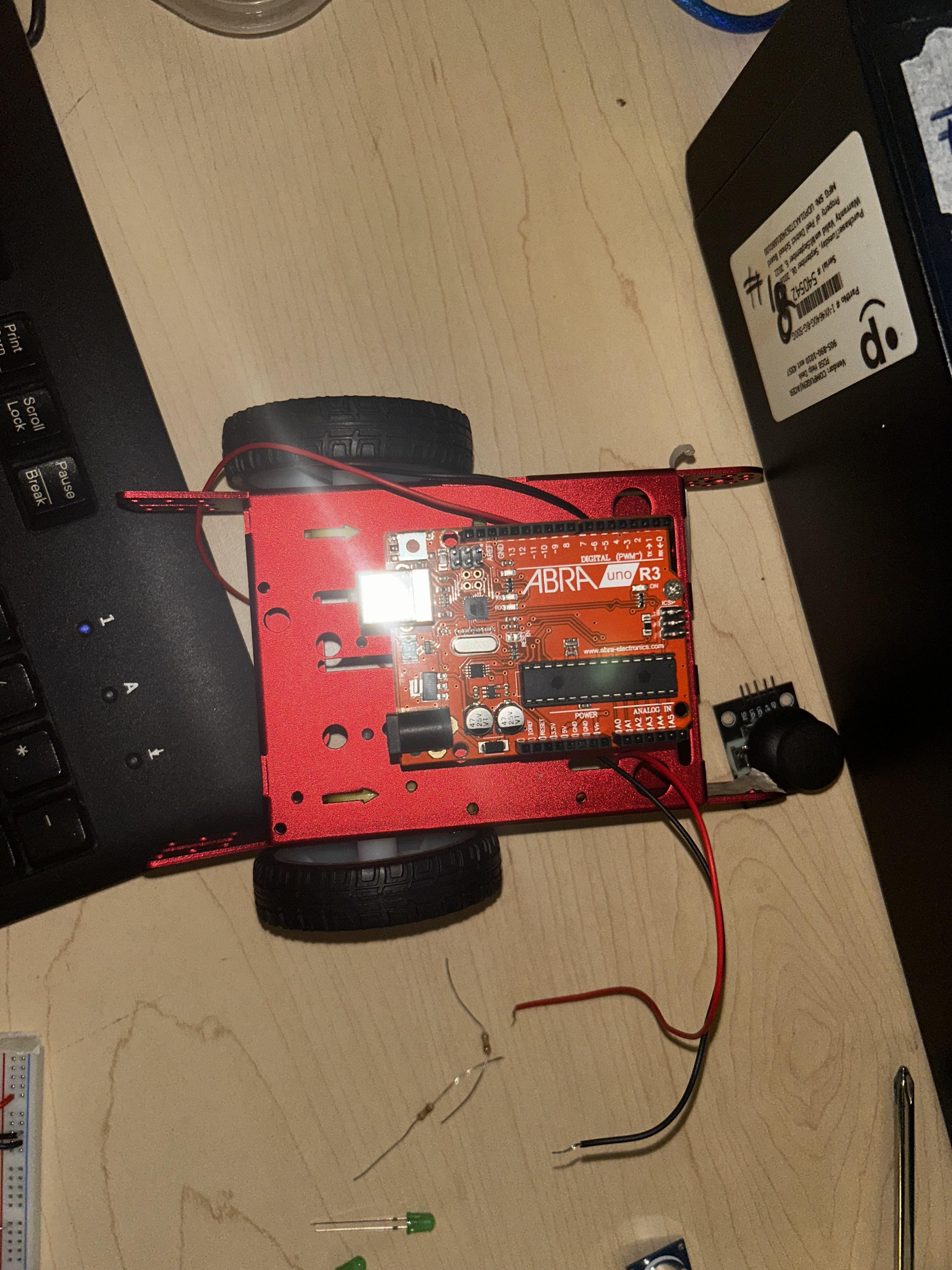
Attach the DC motors to the chassis using anything included. Also mounting the wheels onto the motor sticks. As the Arduino on top of the chassis. Mount the battery pack underneath or at the rear.
Leave space for:
- Breadboard
- H-bridge
- 7-segment display
- Head Lights system
- Potentiometer
Understanding Solderless Breadboard
A breadboard is an instrument whose rows of holes are electrically linked with each other. The holes are interrelated in every horizontal line of five. The power (5V and GND) is normally on the long vertical columns on the sides. It does not need any soldering, instead the components and wires just drop into the holes.
H-Bridge Assembly
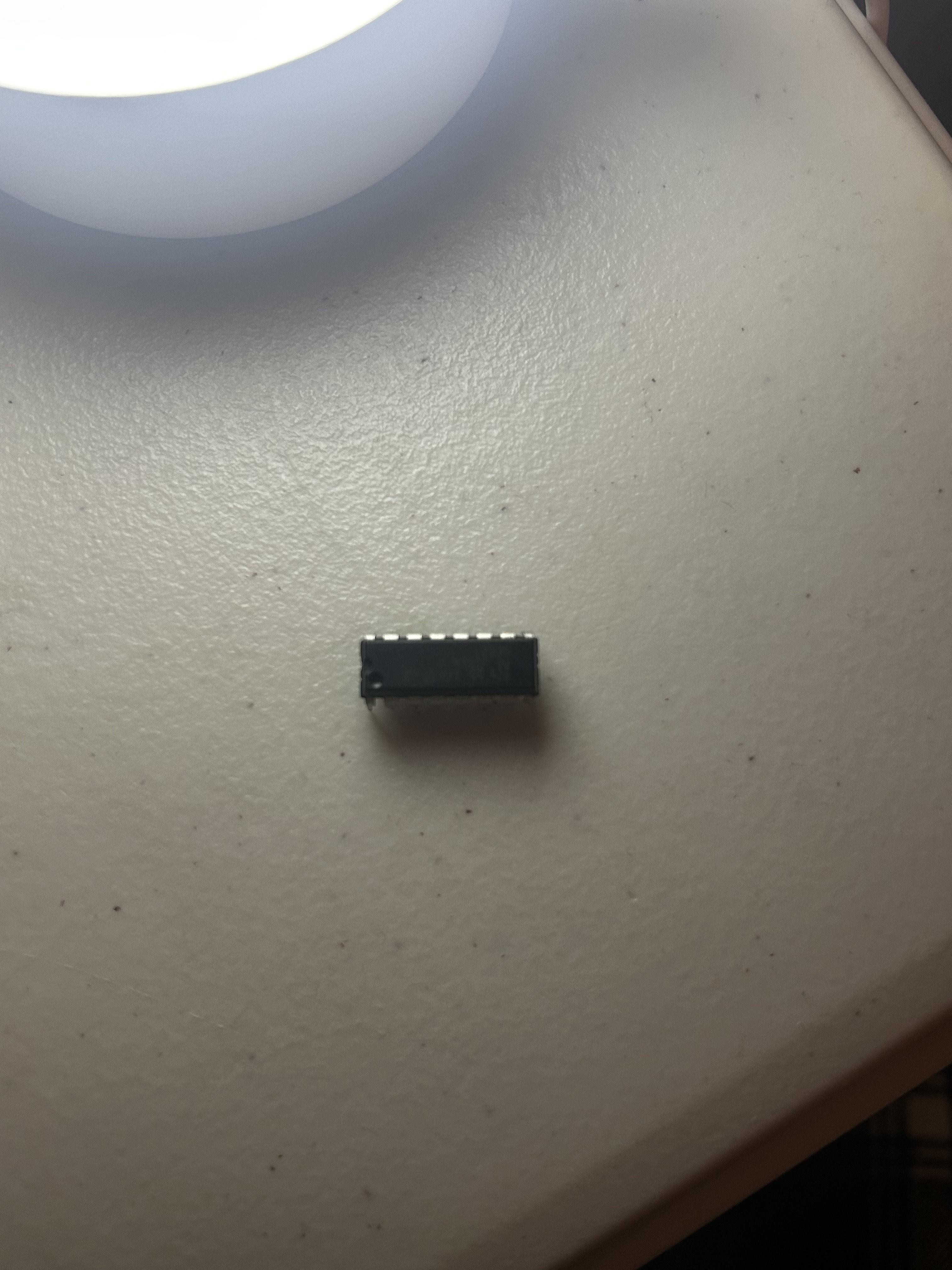
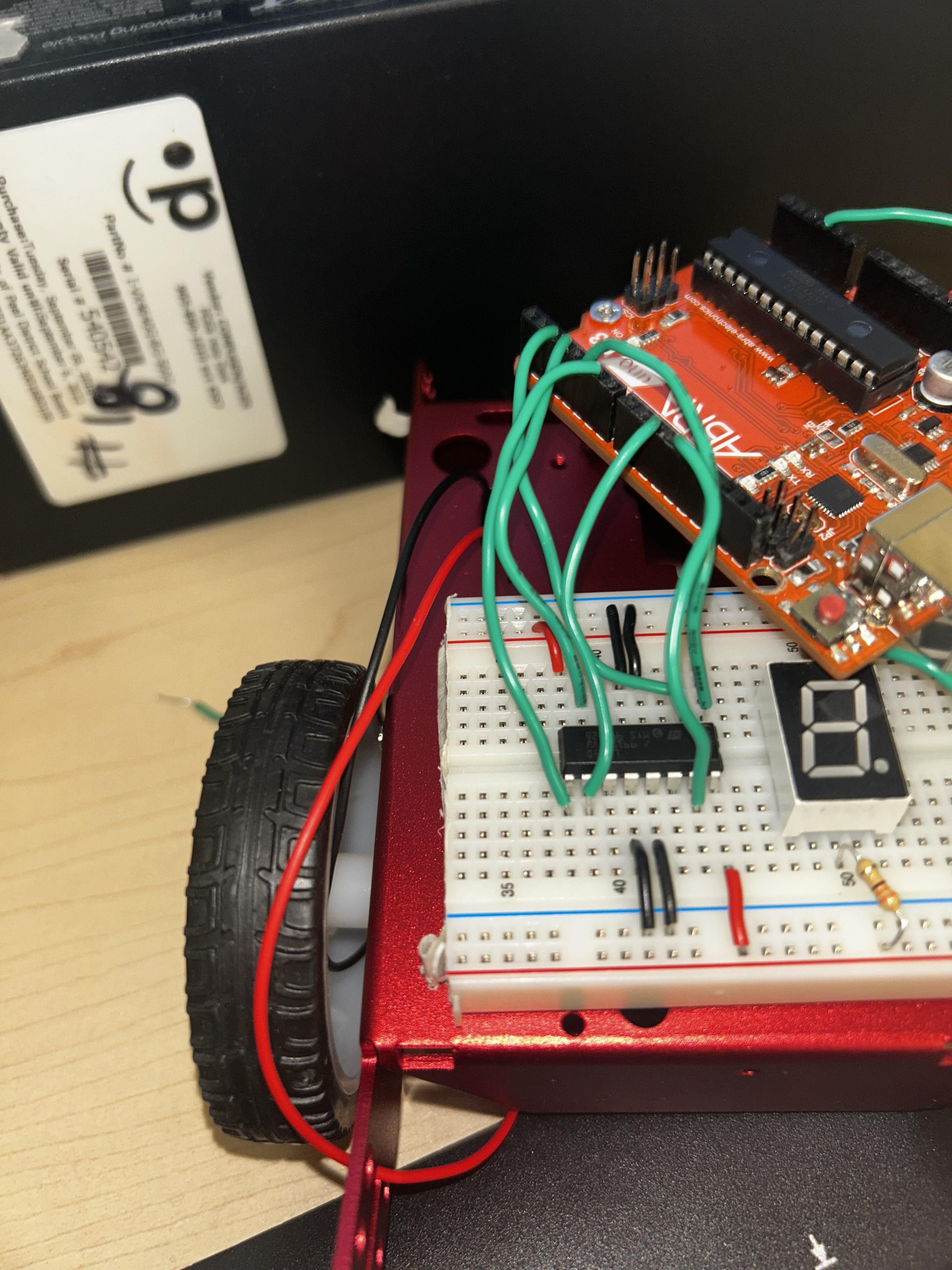
The H-bridge allows the Arduino to serve as a controller in direction and speed of the motors. Firstly, the two DC motors to the motor output terminals are to be attached to the H-bridge. The right motor will be one of the motors and the left one the other motor. The second thing to do is to connect the control pins of the H-bridge to the solder less breadboard using either jumper wires or regular wires into the Arduino: IN1 and IN2 control one motor IN3 and IN4 control the other motor. EnablePinA and EnablePinB are used to control speed (PWM). Connect the battery pack to the motor power input of H-bridge. Never turn the motors on Arduino this can break the Arduino. The ground of the H-bridge must be connected to the Solderless breadboard ground to have a common ground connection.
7-segment
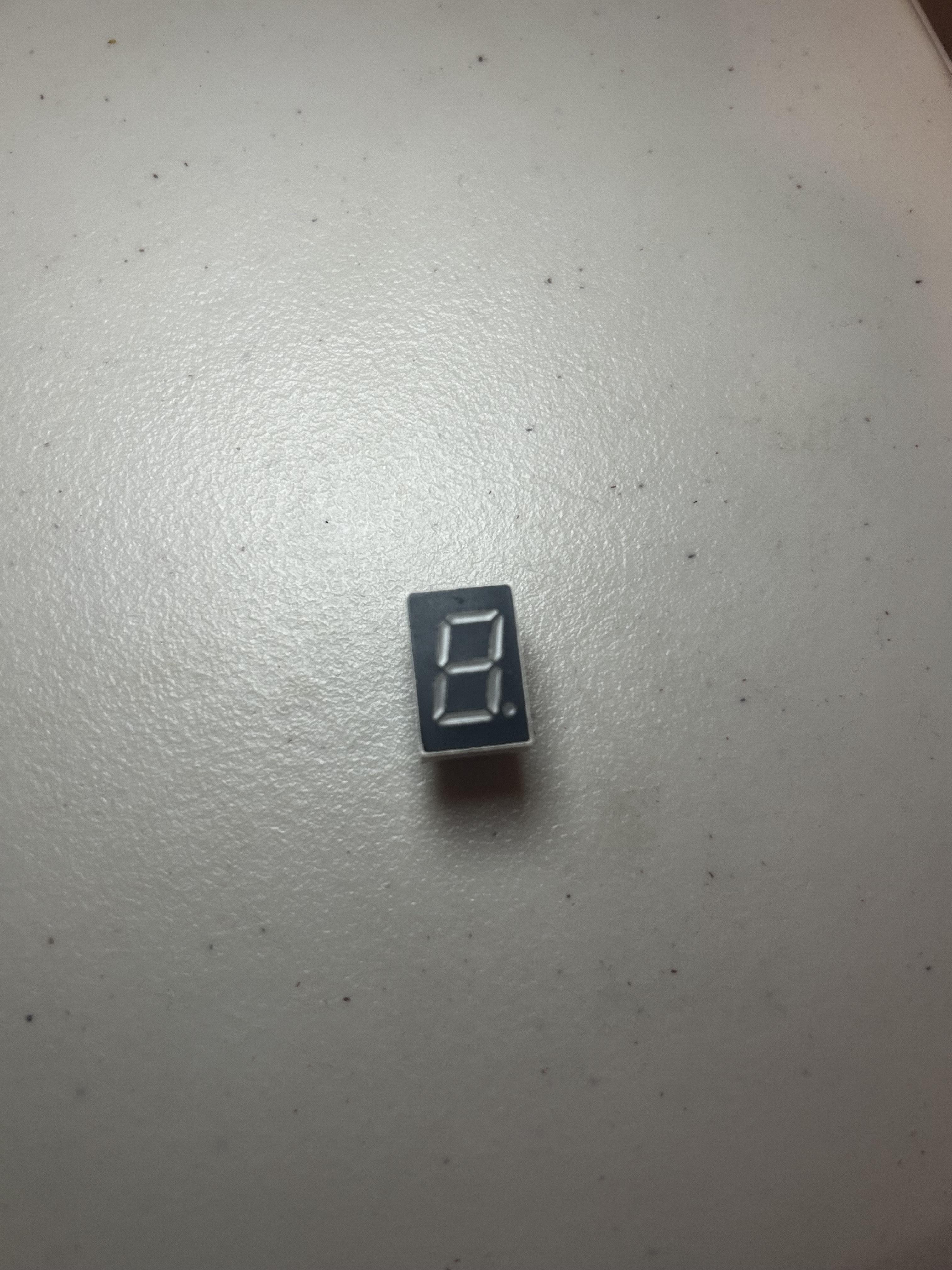
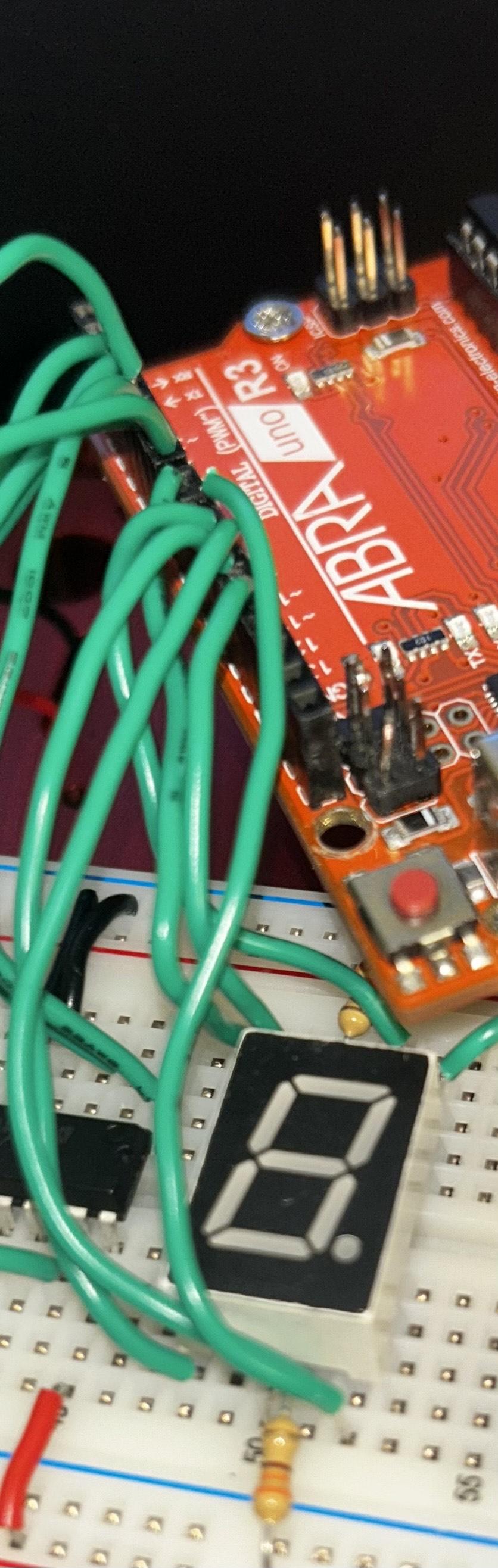
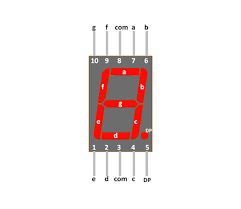
The 7- segment display shows the speed of the car between 0-9. Even though the potentiometer shows about 1032 speeds.
Fit the display into the solderless breadboard. connect the middle of the seven segment display with a 330 resistor on both sides. All the sections (identified by a-g) are connected to the Arduino digital pin with a wire. The resistors are significant as they prevent the display device to take excess amount of current.
Upon rotation of the potentiometer, the Arduino translates the speed into a number depending on the rotation of the potentiometer and lights up the respective segments showing that number.
Potentiometer
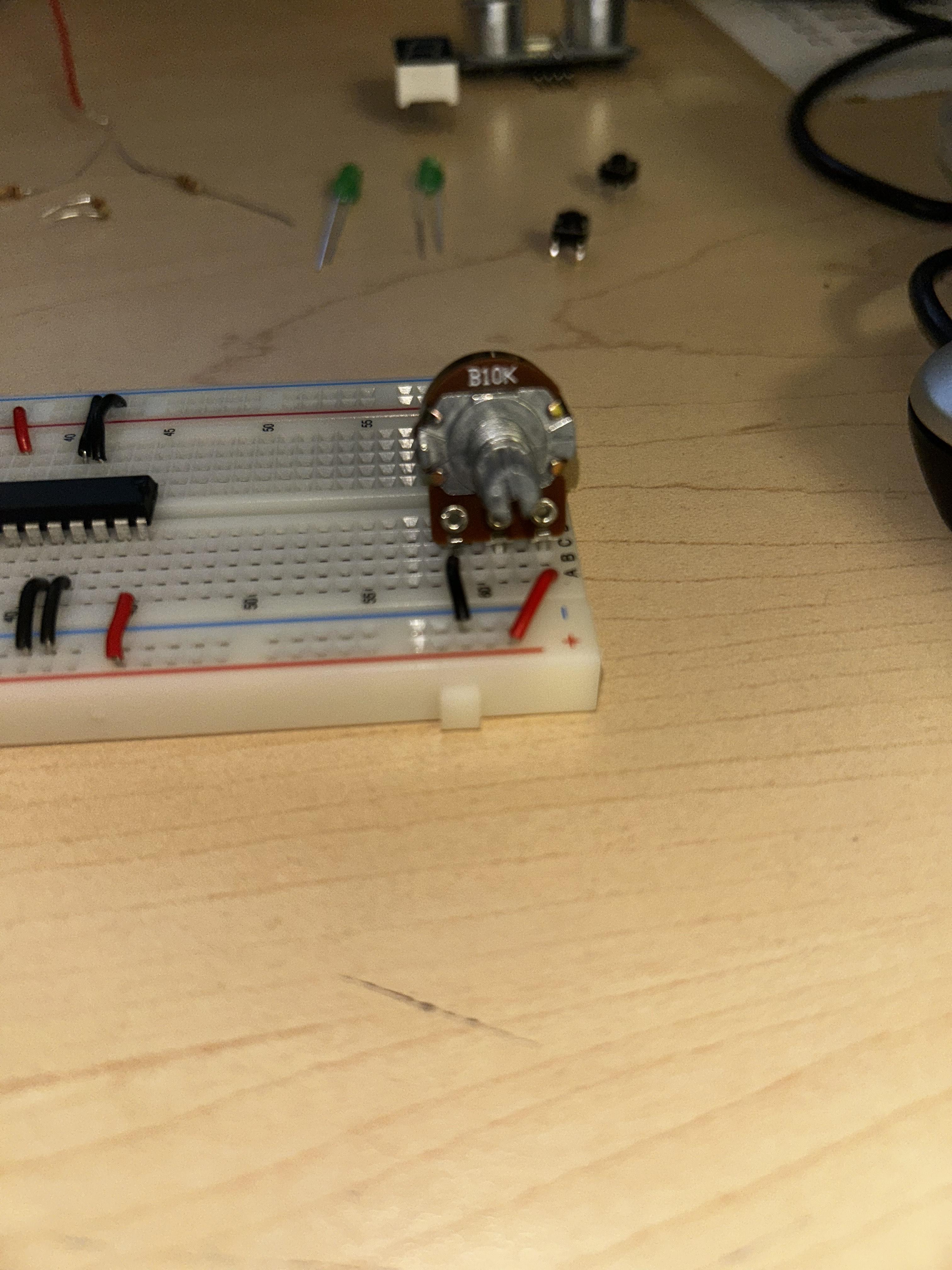
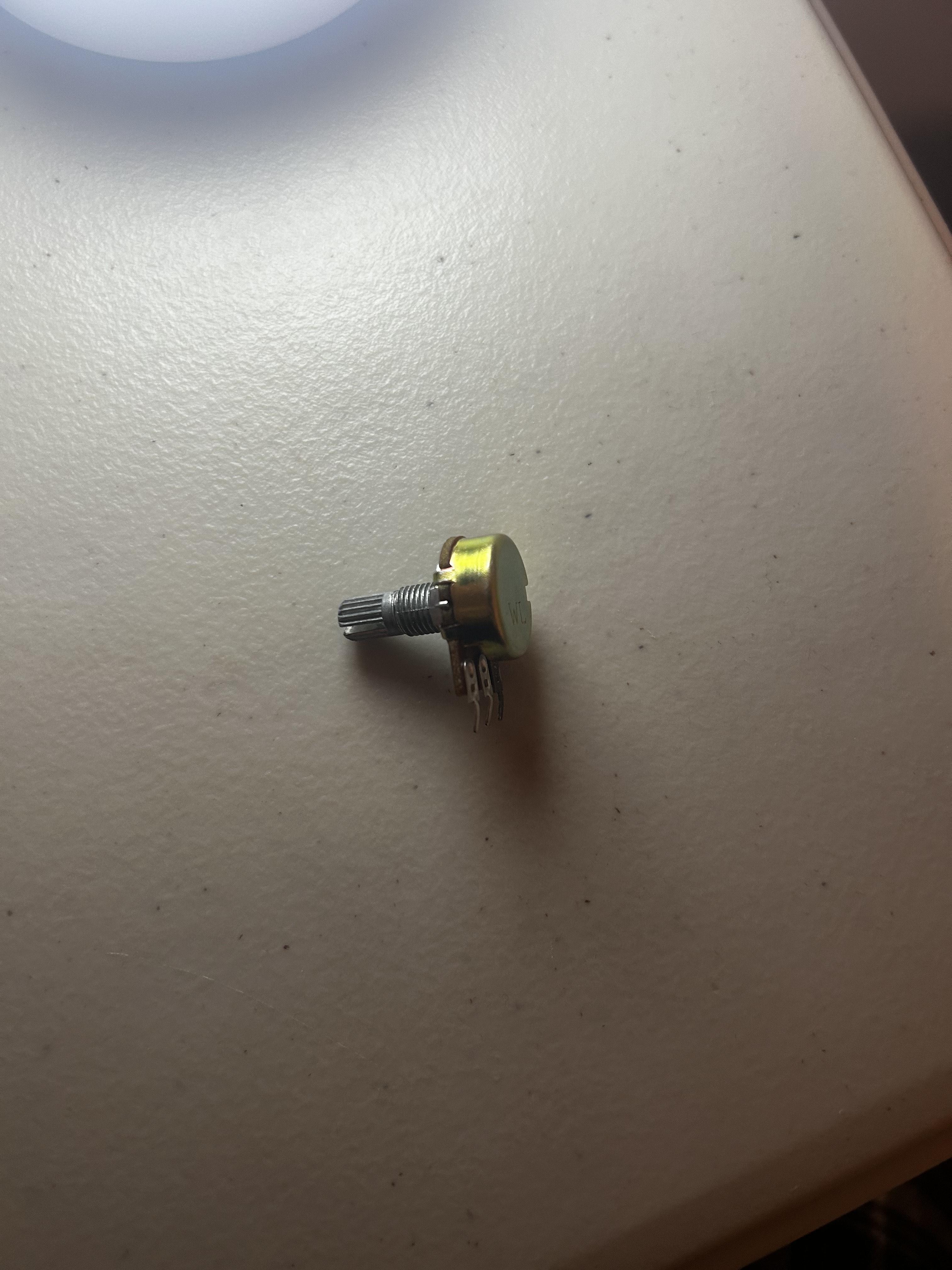
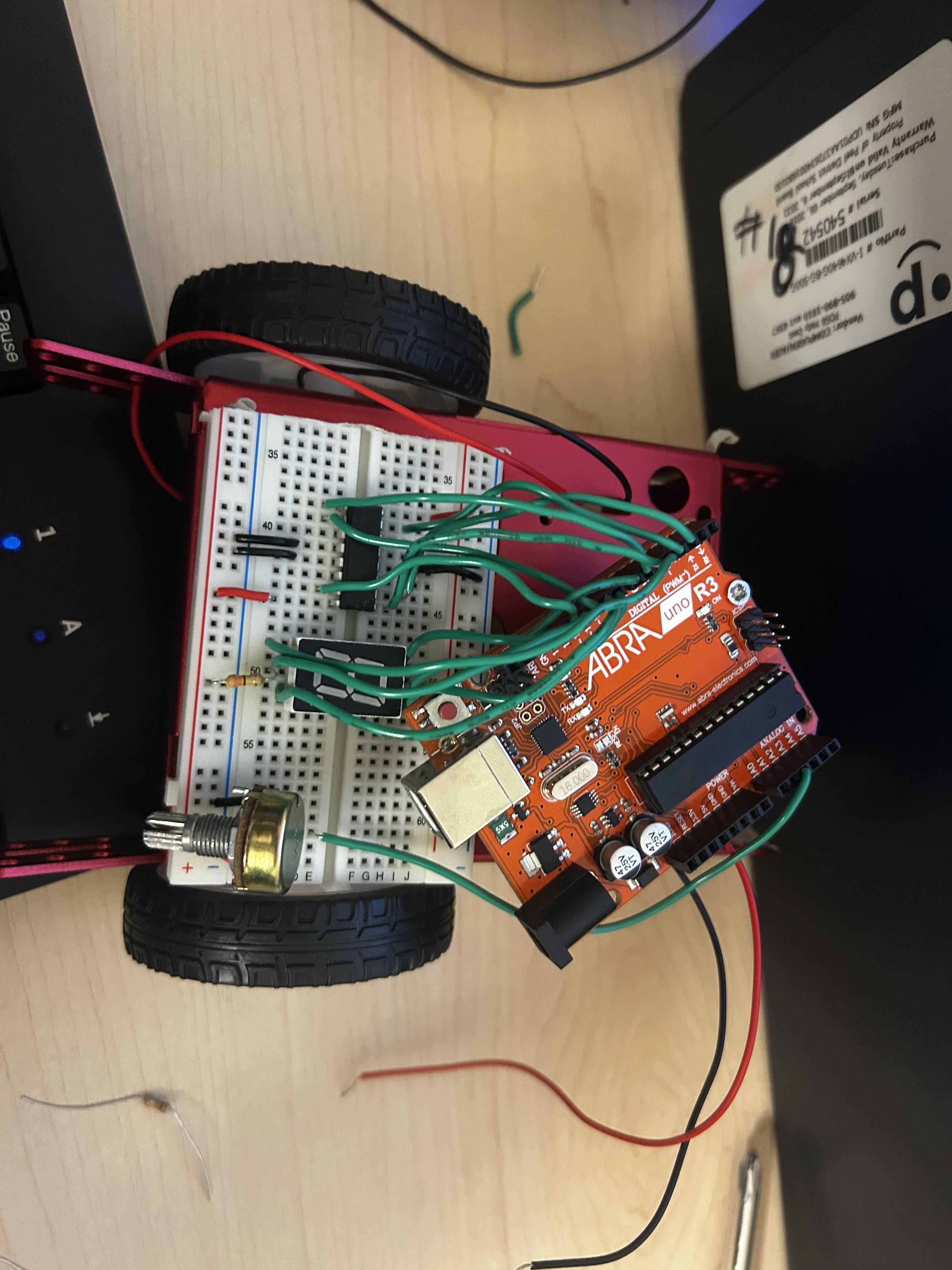
The potentiometer relays how fast the car would move.
Placing the potentiometer is a really easy job making sure that it doesn't get into the way of any of your other wiring you could place it at the corner of your breadboard and by looking at your potentiometer one outer pin connects to the power and the other outer pin connects to GND The middle pin connects to the Arduino which ever pin you have represented it as.
Head Light With LED & Slider
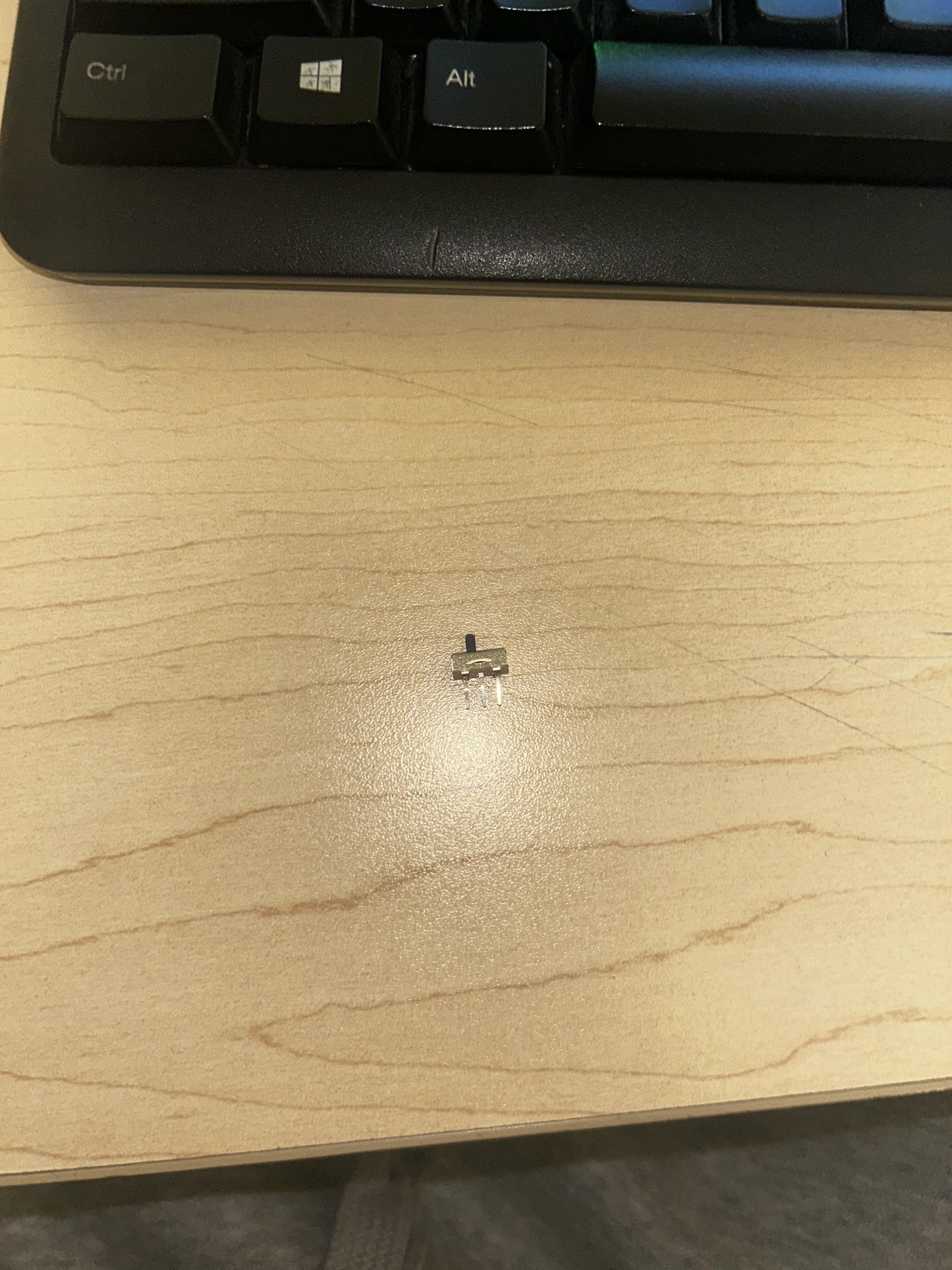
Two green LEDs are used to make the headlights. The LED are assigned to a slider that are wired in series along with a 10k resistor. The LEDs are hand operated, not controlled by Arduino. As the switch is switched on, the headlights light up. When it is switched off, they switch off. (Go to tinkercad for diagram)
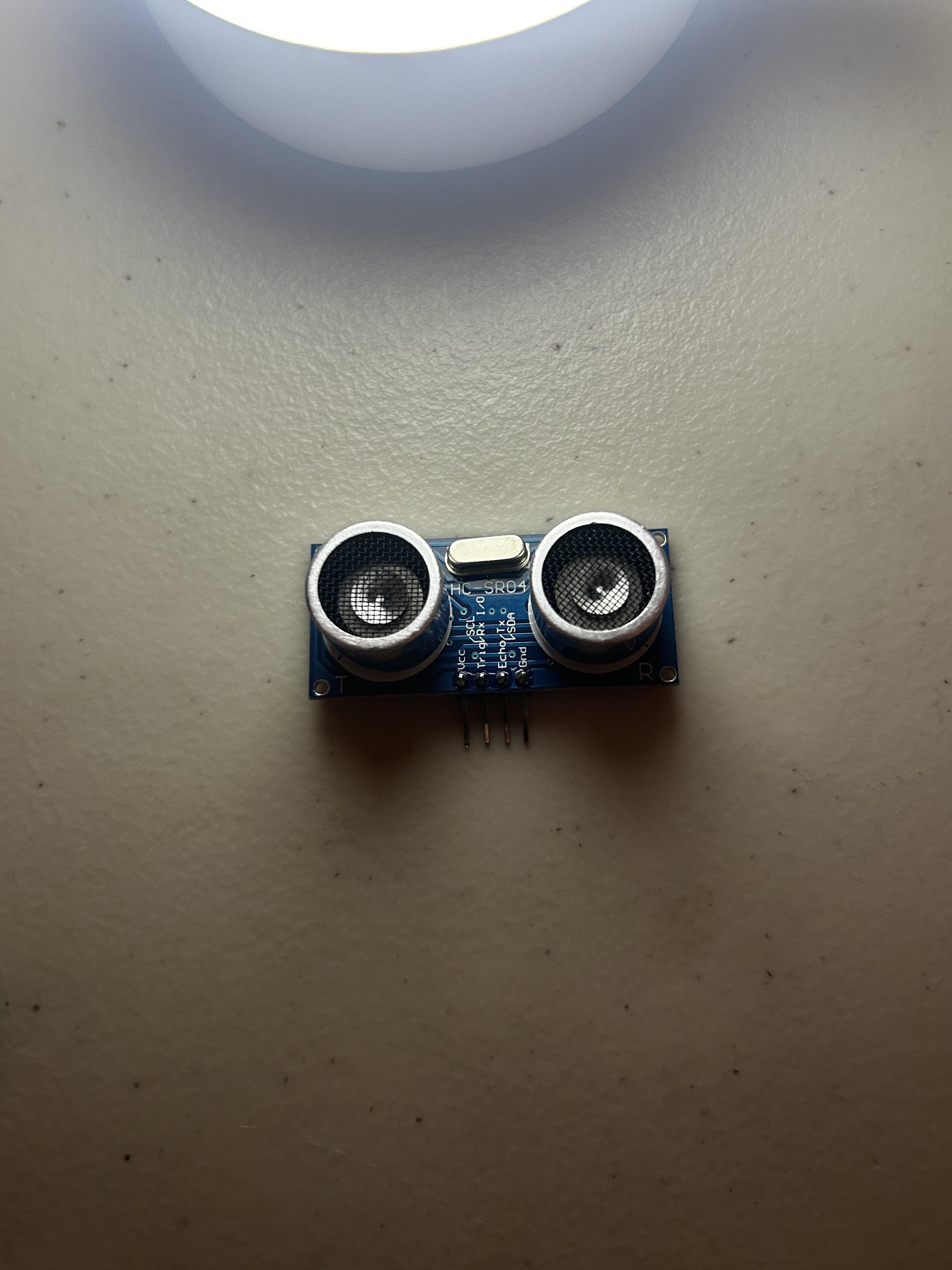
Distance Sensor
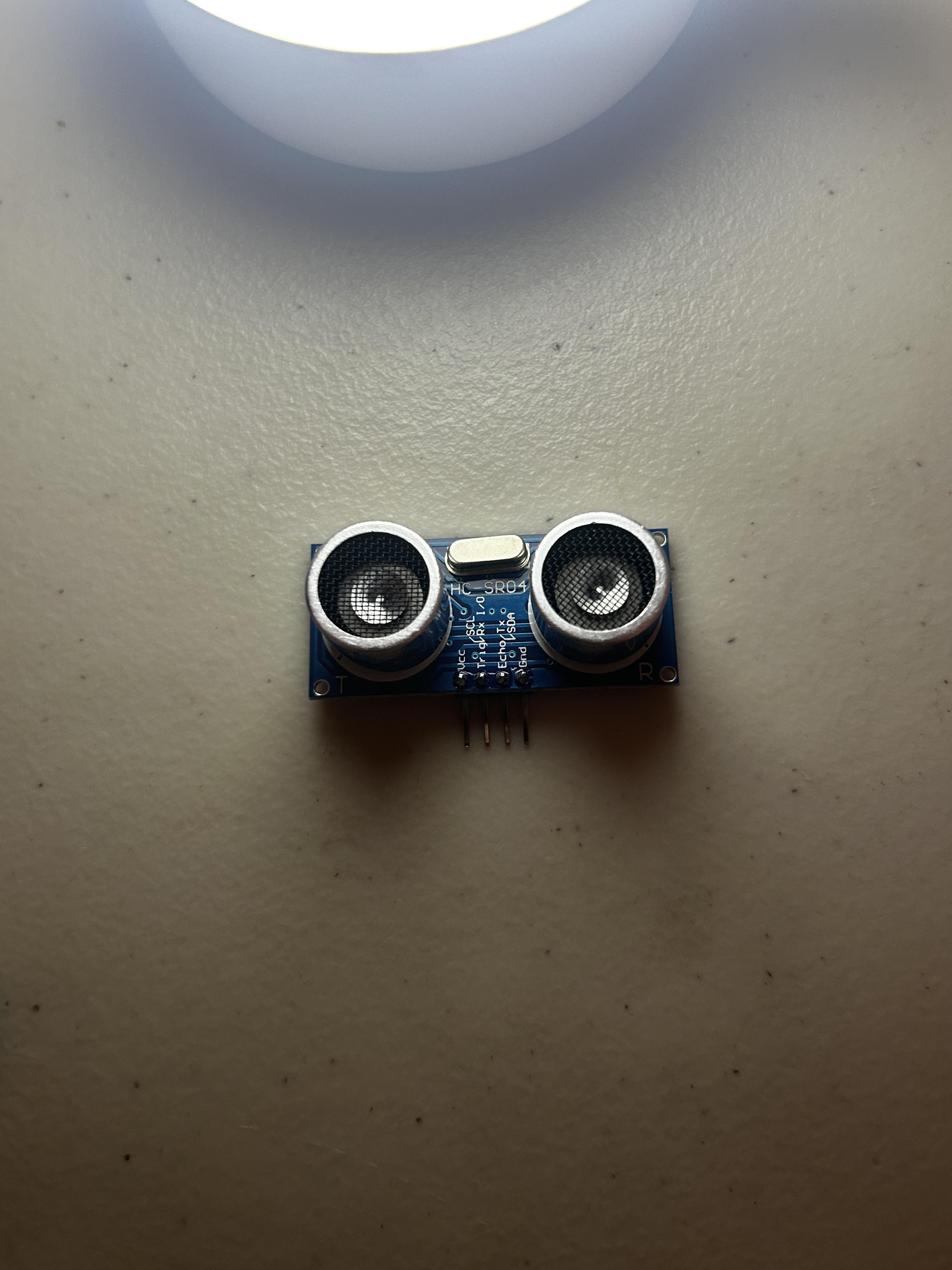
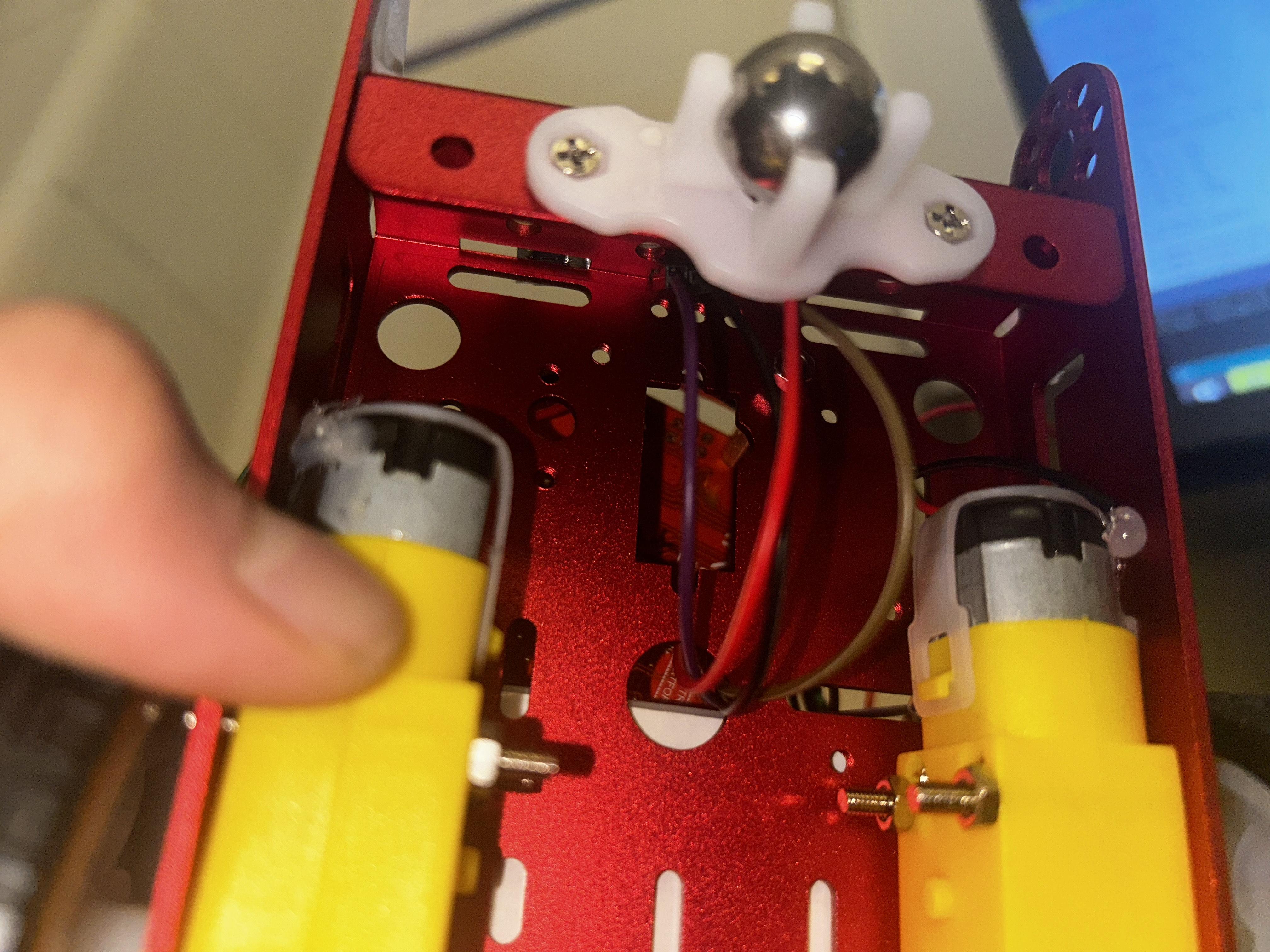
The ultrasonic distance sensor is needed in detecting the obstructions ahead of the car. It operates through the transmission of a sound pulse and the timing of the sound pulse to reflect. The sensor is mounted at the front of the chassis so as to face forward and the wires seep through the holes allowing the wires not to show. Connect the Echo and Trig pin to Arduino digital pins. Connect sensor to 5V and GND of the breadboard. The distance between the car to which the set distance is less than a set distance (say 5 inches) the joystick gets overridden and then it will automatically switches off the motors to avoid collision. The feature passes joystick motion in favor of safety.
Joystick
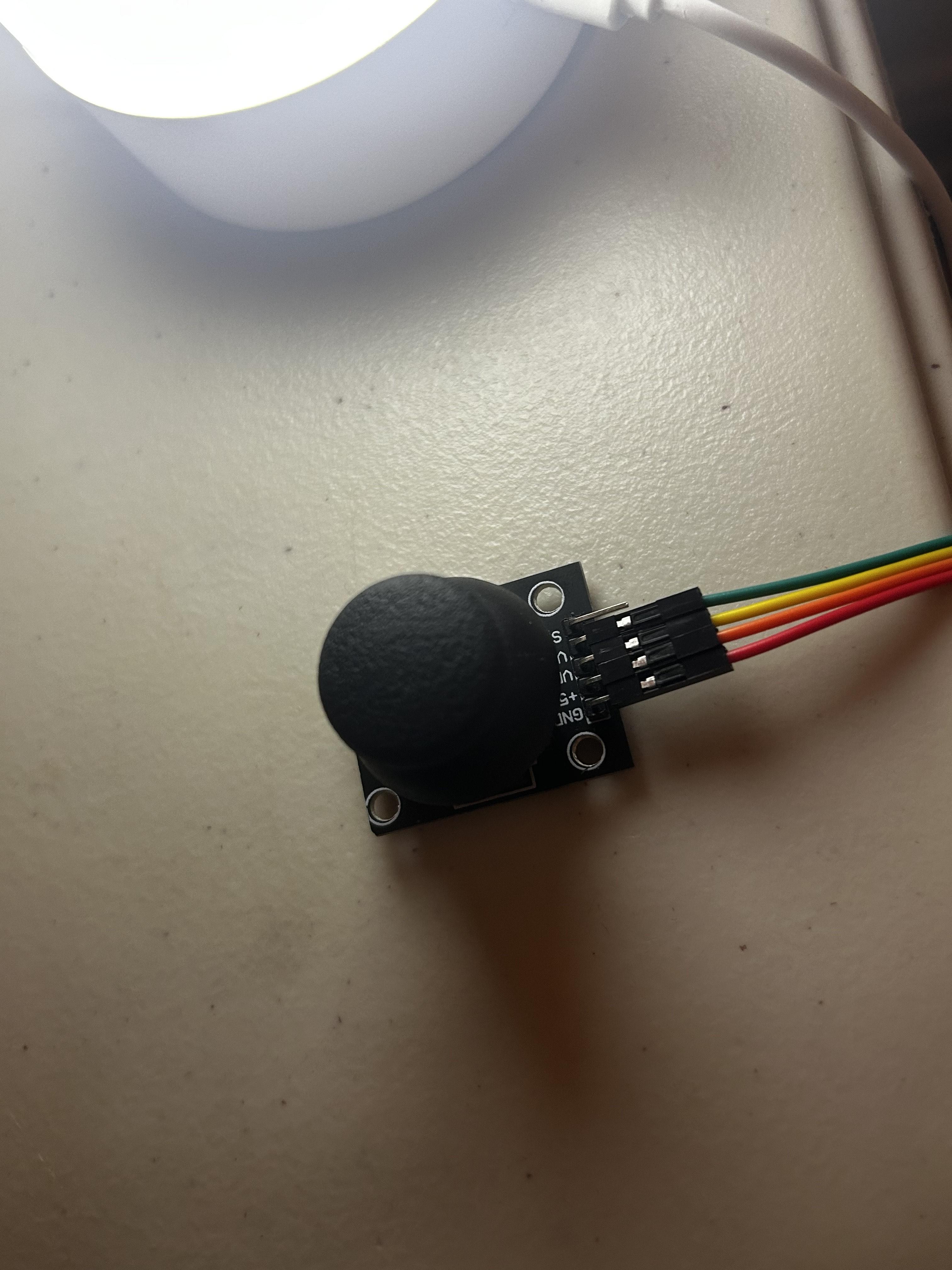
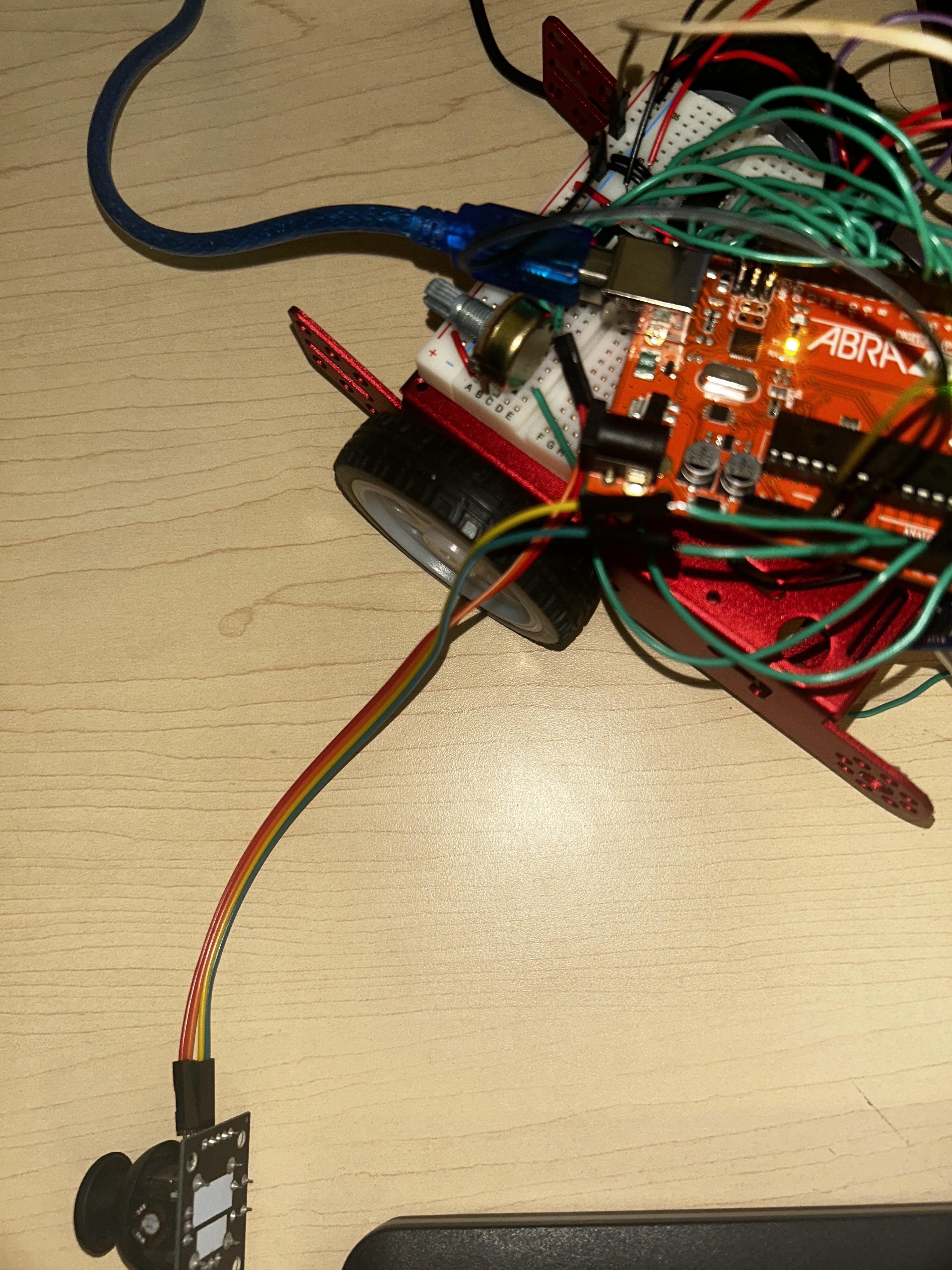
The car is moved from the actions of the joystick. It has two analog outputs: Left and right for X-axis movement. Y-axis for forward and back movement. Attach the X and Y pins of the joystick to Arduino analog where you have indicated them. Following that power and ground pins of the joystick are required to be attached along the 5V and GND rails of the breadboard, and as the car moves in the direction of the joystick it will move the motors depending on how the directions of where the joystick moves. Upon pulling back the car reverses. Left or right movement of the joystick turns the car respectively.
Code

Once all the wiring and steps are done you have to code it.
Code and Tinkercad
Testing and Troubleshooting
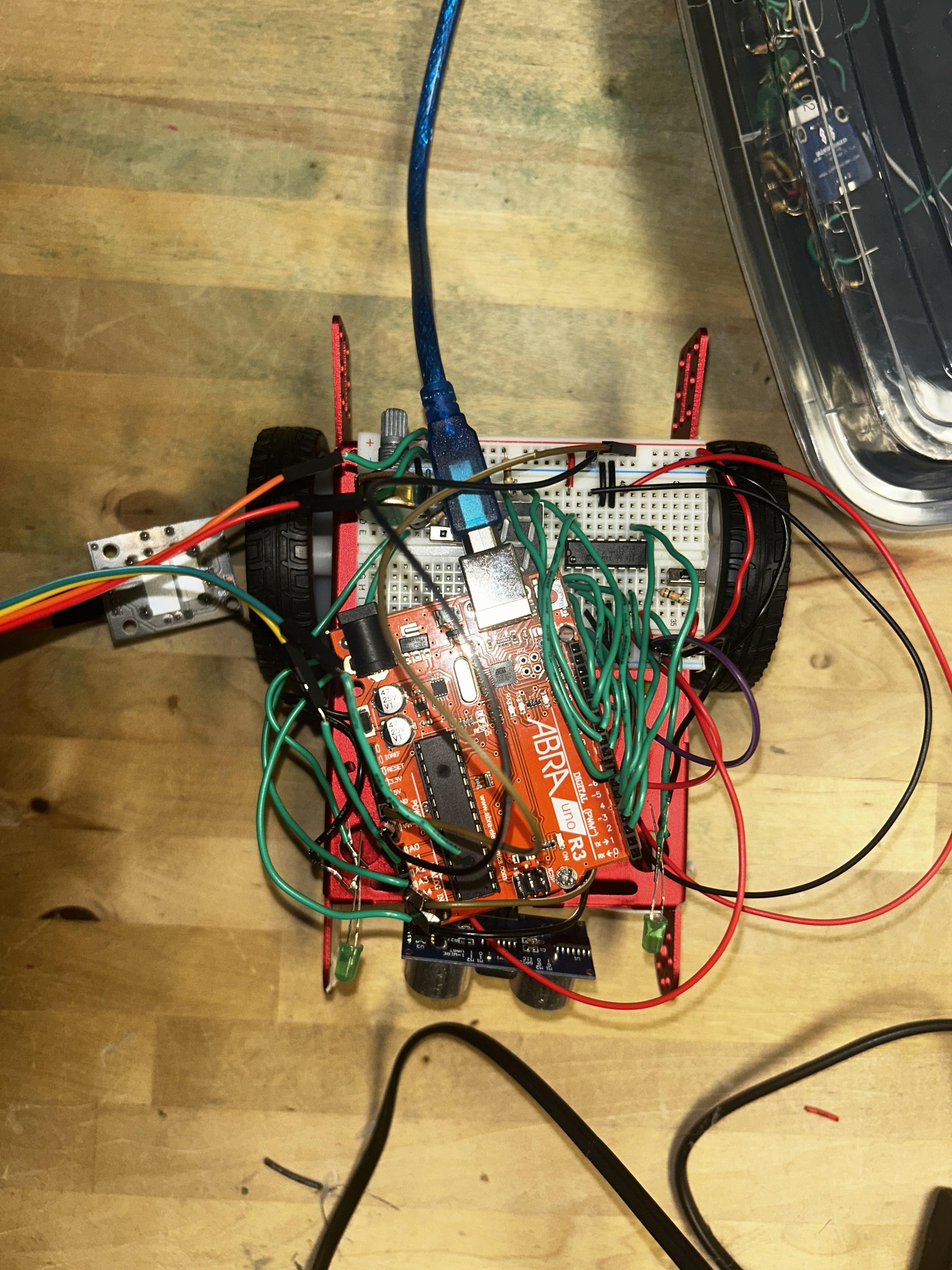
Test your work out make sure you trouble shoot it