DIY Webcam Privacy Cover
by Zoefjezoet in Living > Office Supply Hacks
421 Views, 0 Favorites, 0 Comments
DIY Webcam Privacy Cover
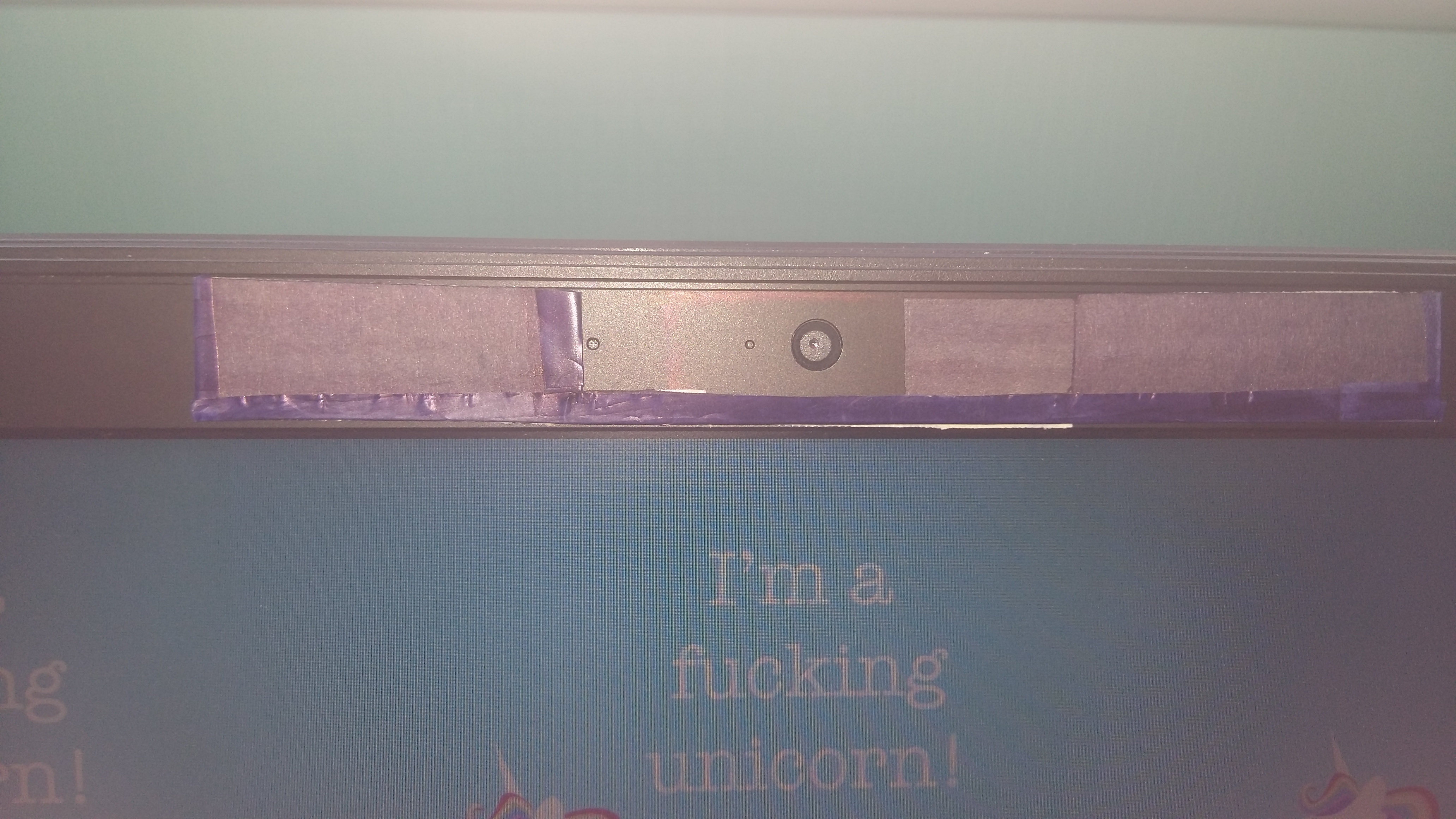
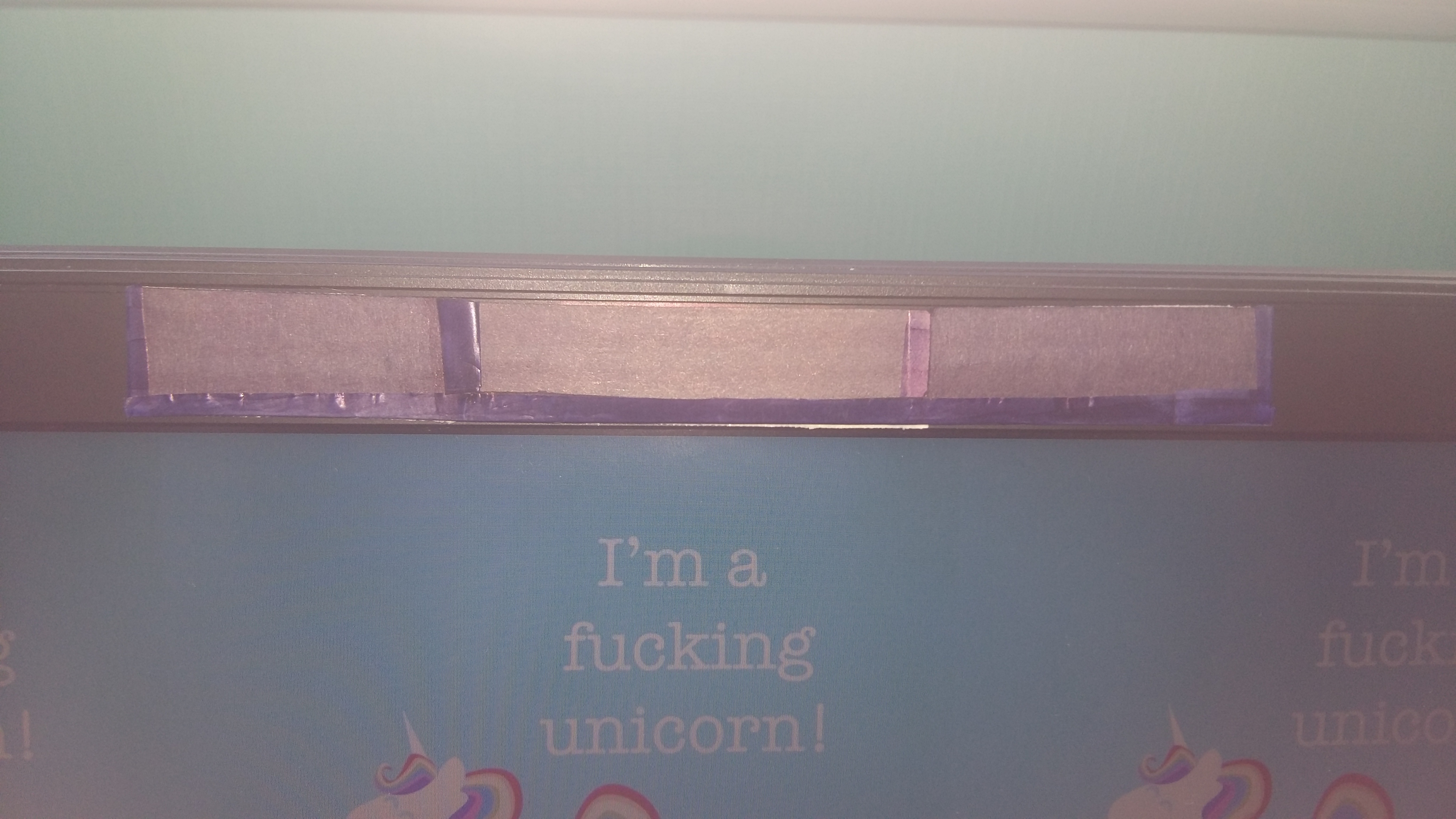
This is a quick (and rather simple) diy I made in order to cover-up the webcam of my laptop, hope this will help!
The measurements I give are for MY webcam, you will likely have to use your own depending on the size of your own webcam. But I decided to mention mine anyway so you can see the proportions you'll need. (also I'm from Belgium, so all measurements will be in cm)
TIP! Try everything out first, to make sure your measurements work out!!!
Also English is not my first language, so please let me know if any of the spelling and/or wording is wrong.
Supplies
-Hard paper/flexible carton (in color of your laptop OR just color it in)
-Scissors
-Box cutters
-Glue & tape
-Double-sided tape
-Ruler
Cut Out Shape
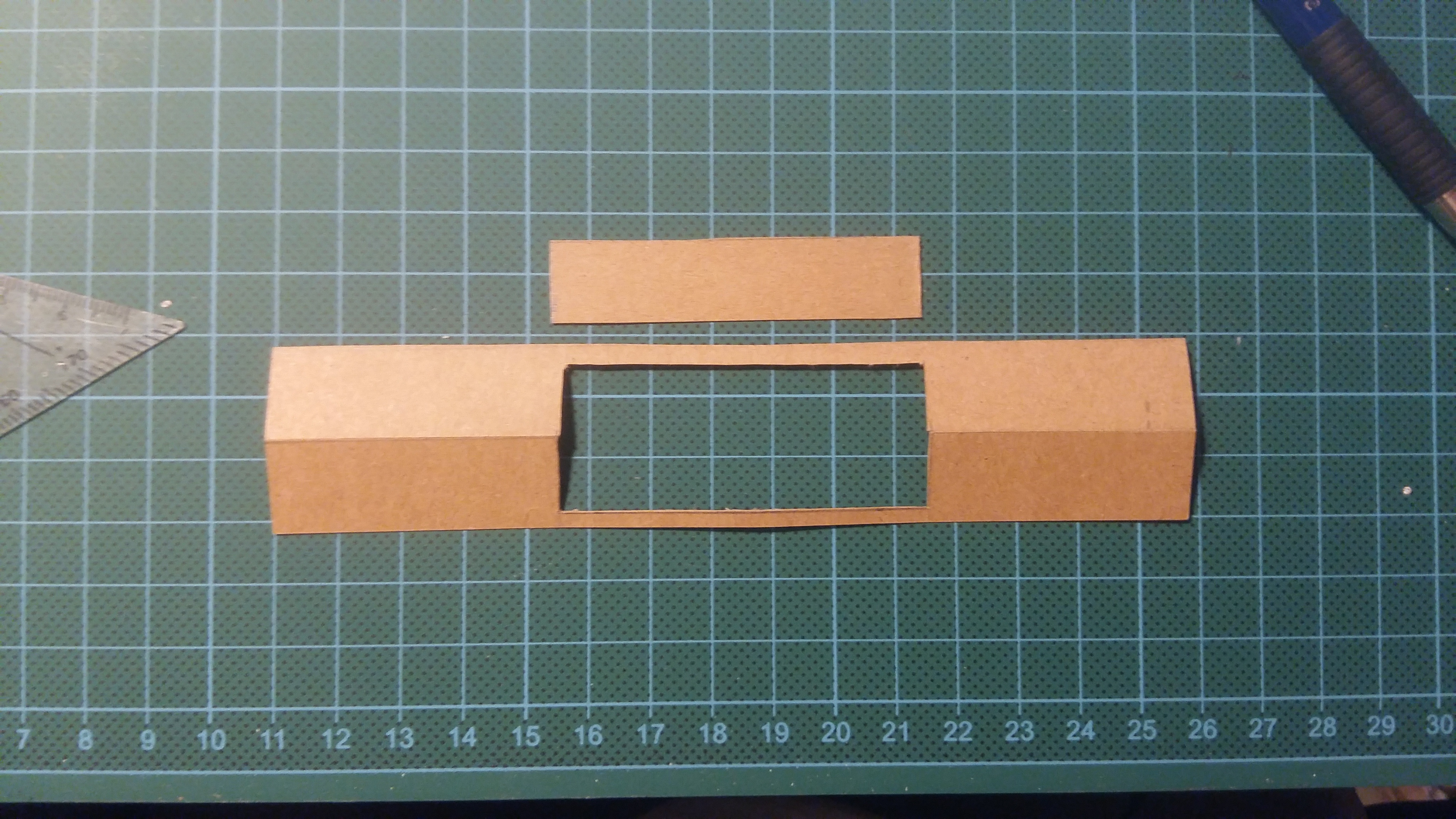

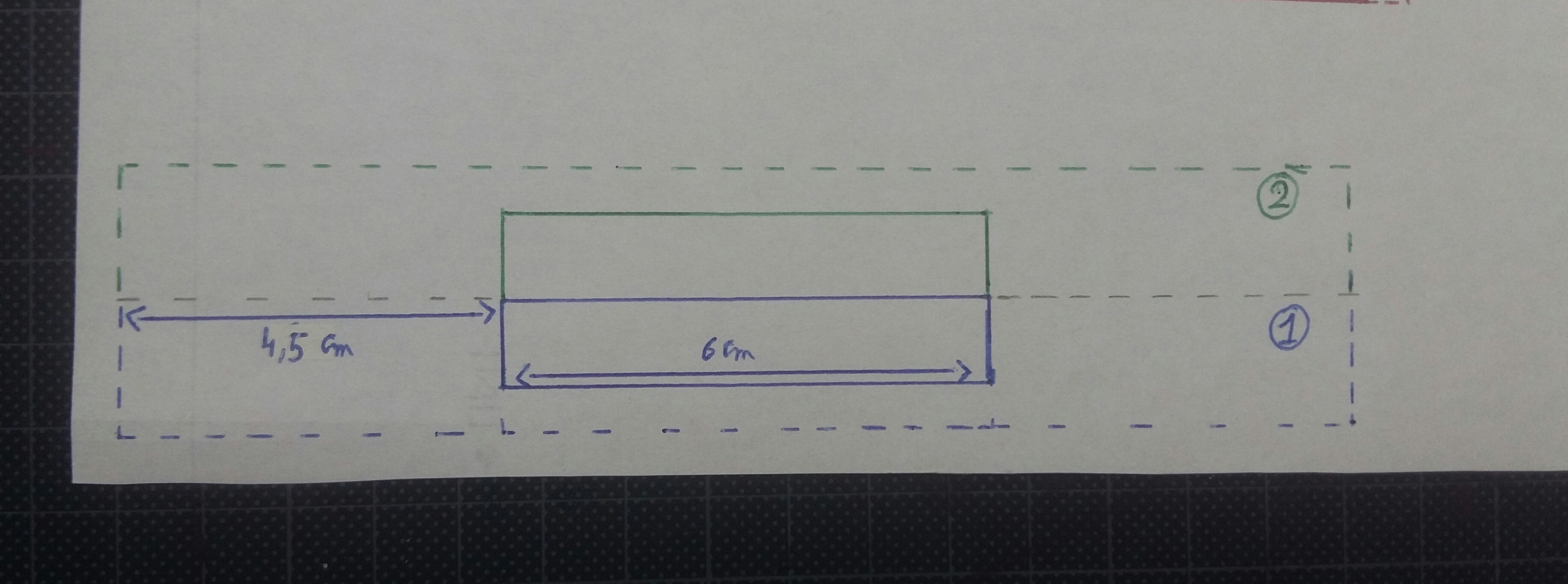
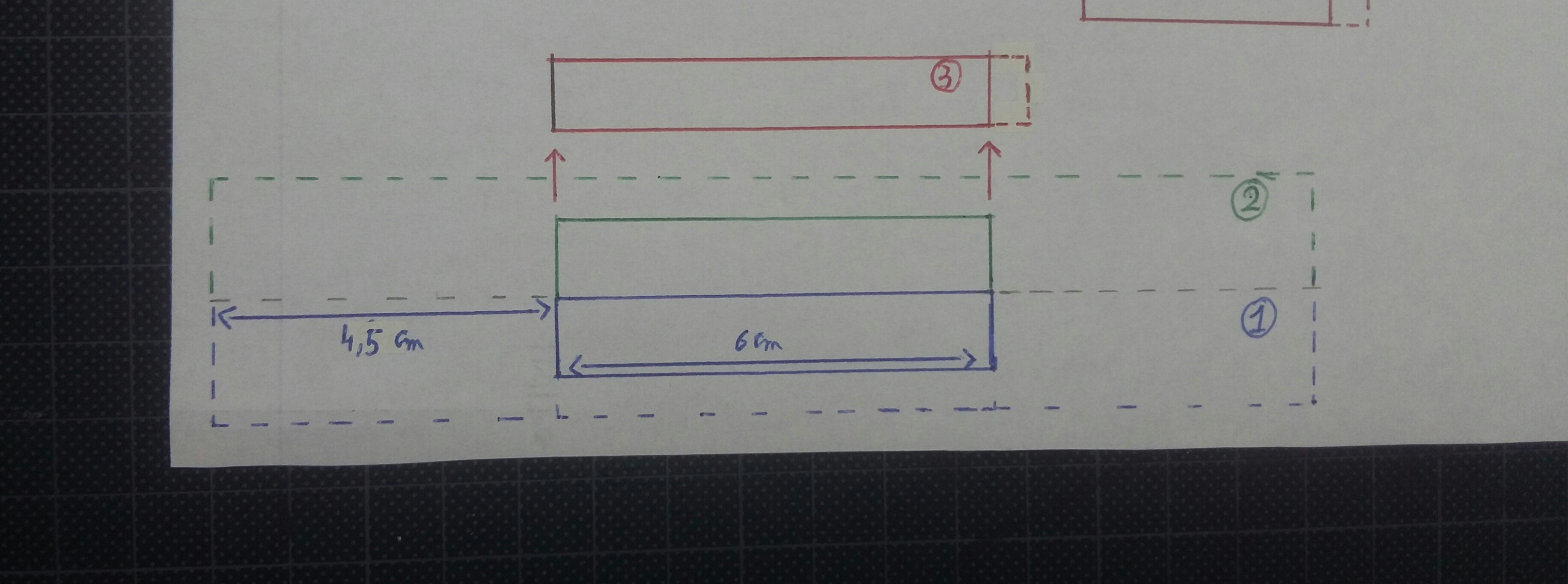
1. Measure how much open space you need for your webcam, led-light (and microfones if there are any). Draw these measurements onto your paper and add several inches/cm to each side and bottom
2. Double this so you can fold it in half later.
3. Cut out the hole for the webcam.
4. Take the measurements from your webcam-hole again and draw them onto a seperate piece of paper. Add about 1cm to one side and make it about 1-2mm less wide. Cut it out. =>the slider
Fold Shape
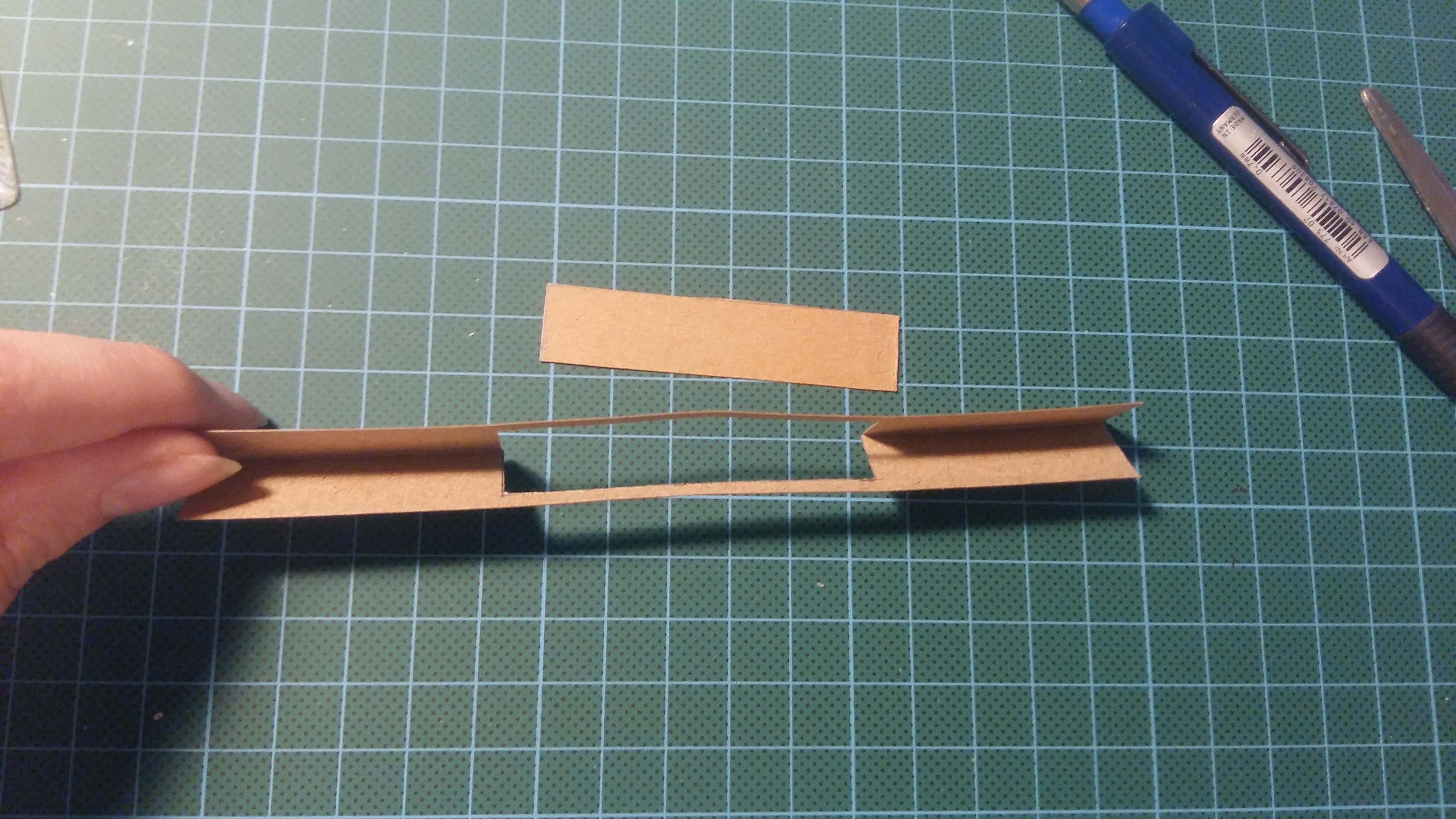
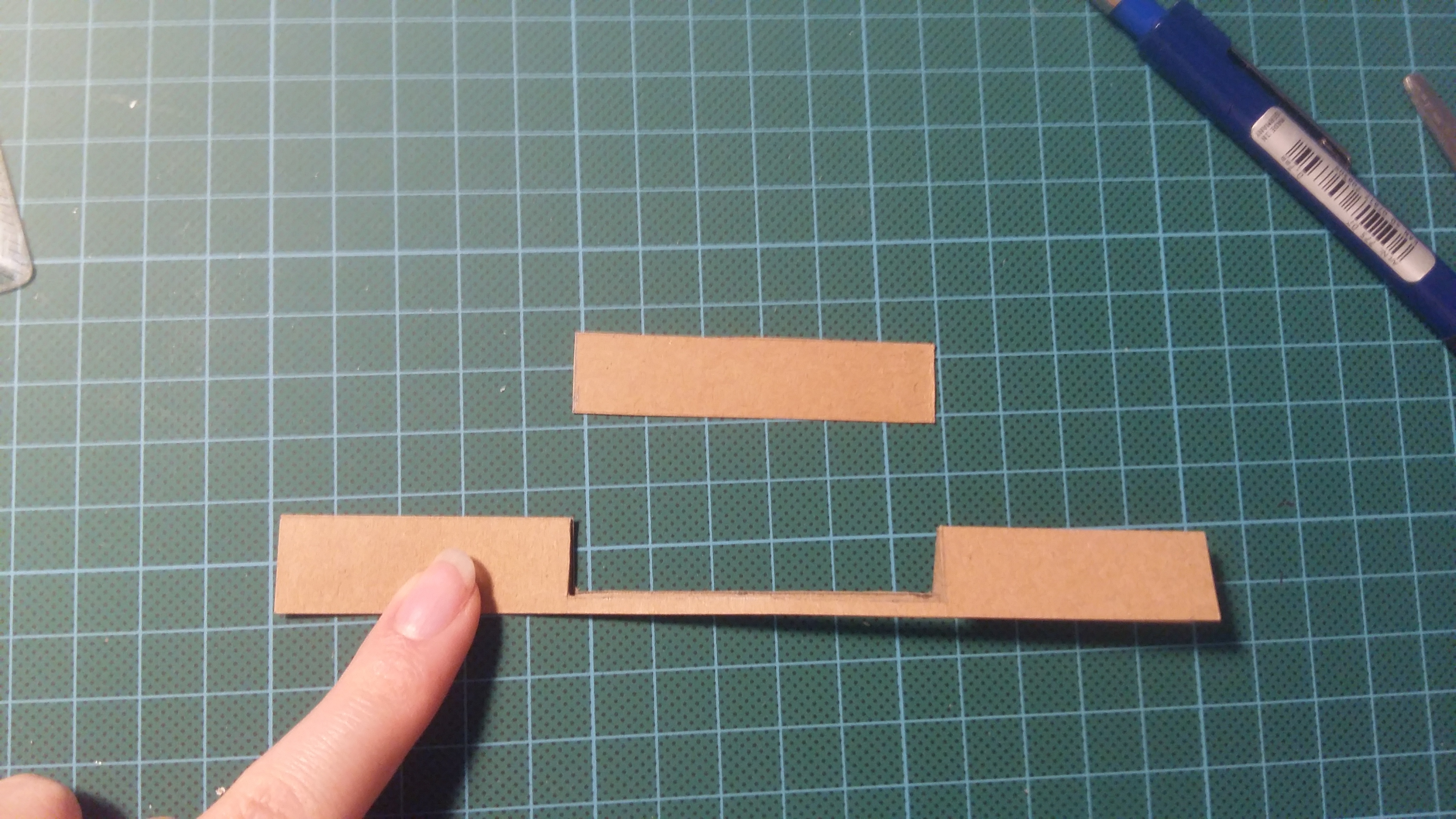
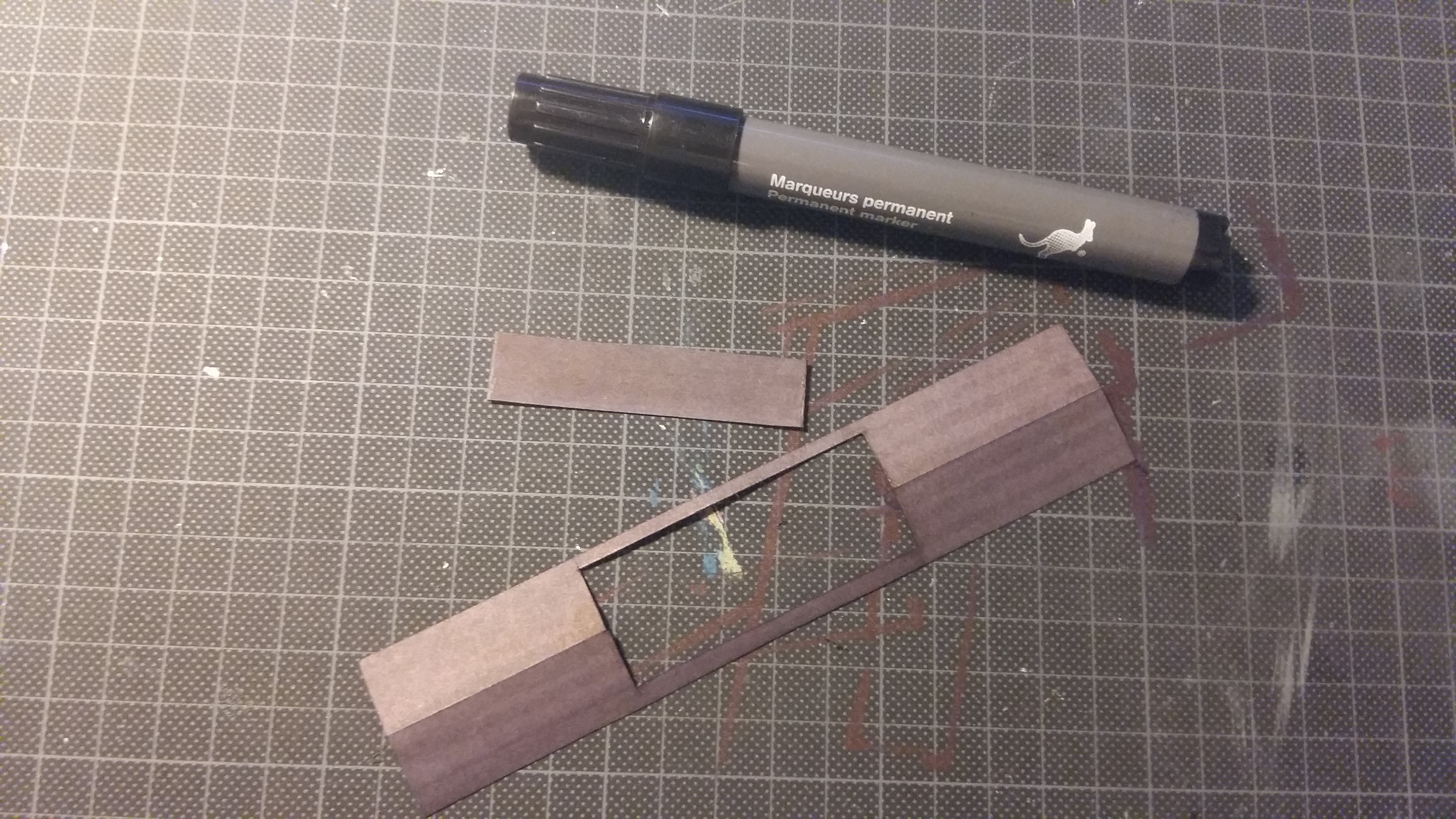
TIP! use box cutter to GENTLY draw a line in the middle (that way the paper/carton will bend easier, without ripping or denting) DON'T ACTUALLY CUT IT IN HALF!!!!
Fold the shape in half, just as shown on the pictures.
(and if needed you can color in the paper)
Glue Shut
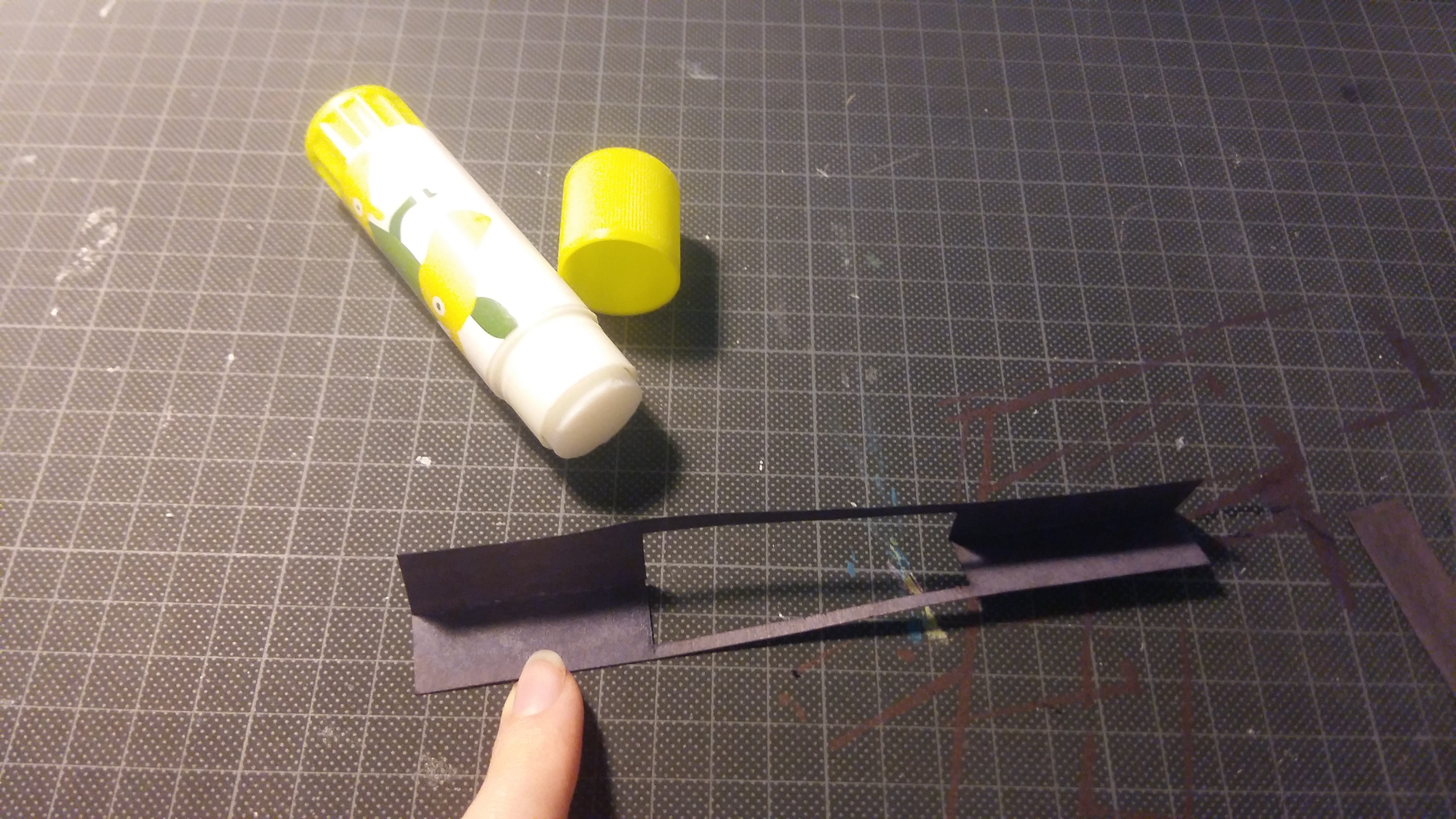
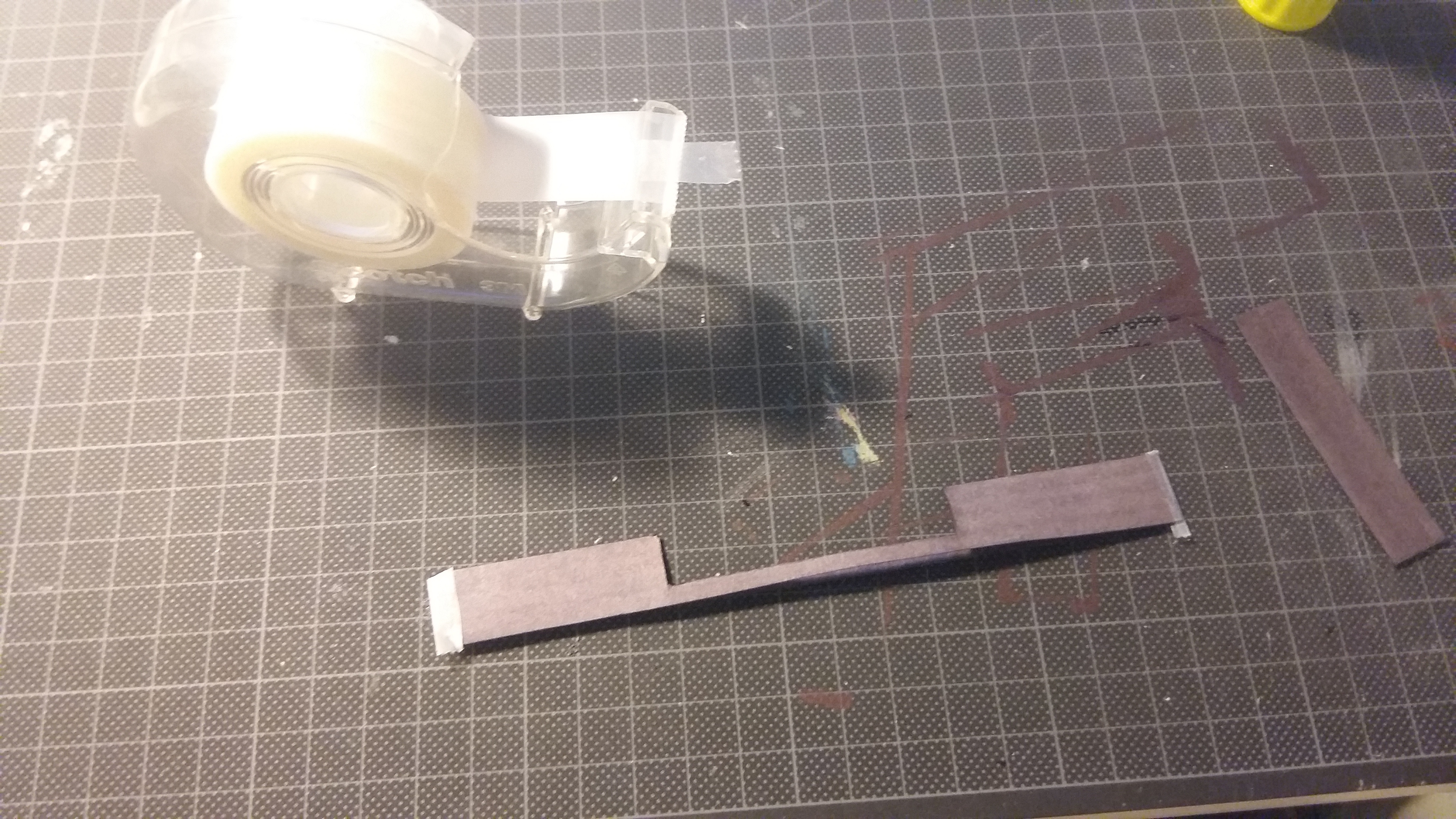
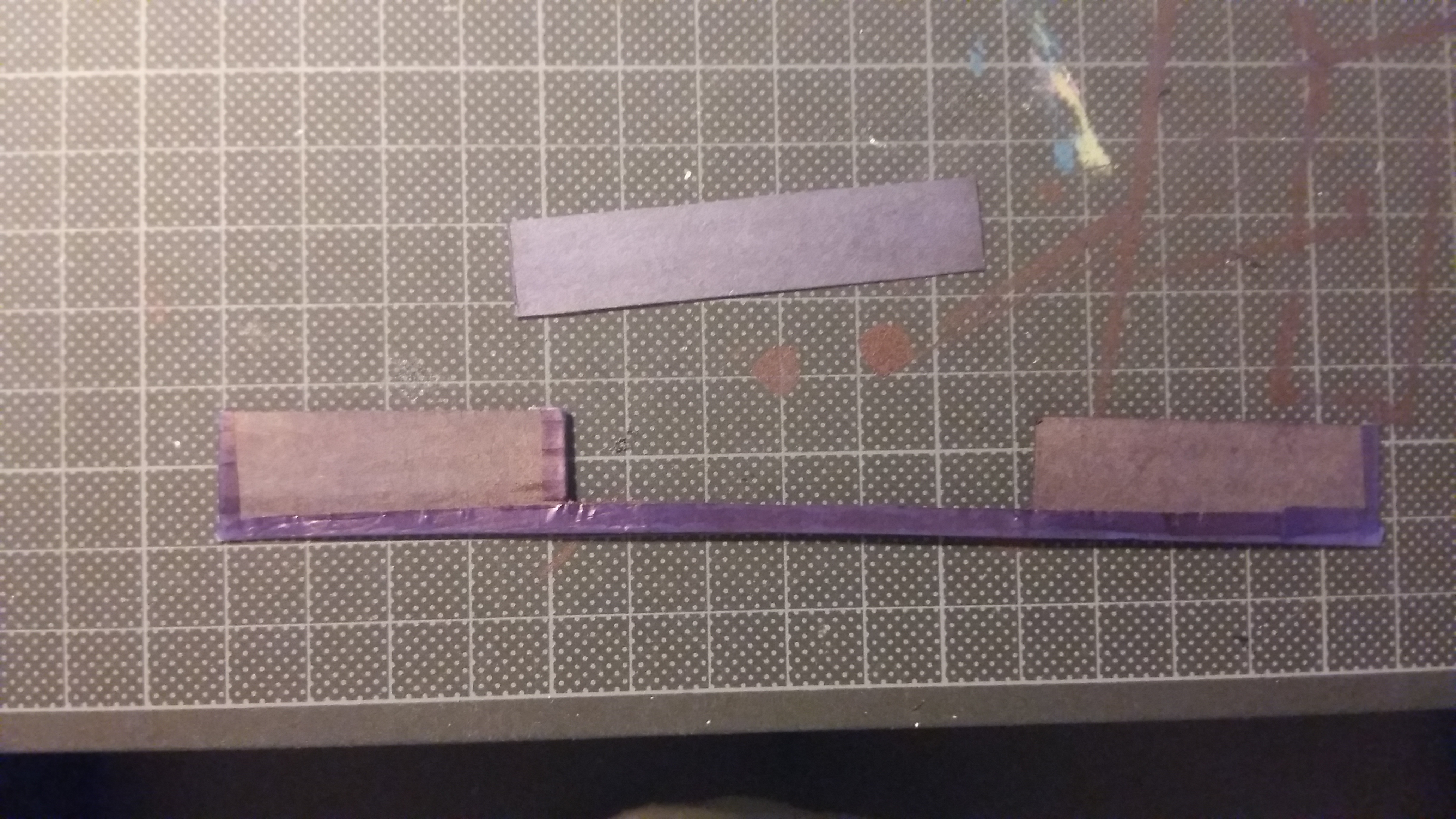
Glue one side of it shut, leave the other one open.
Then close the surrounding openings with tape (color in the tape if you want)
Put It Togther

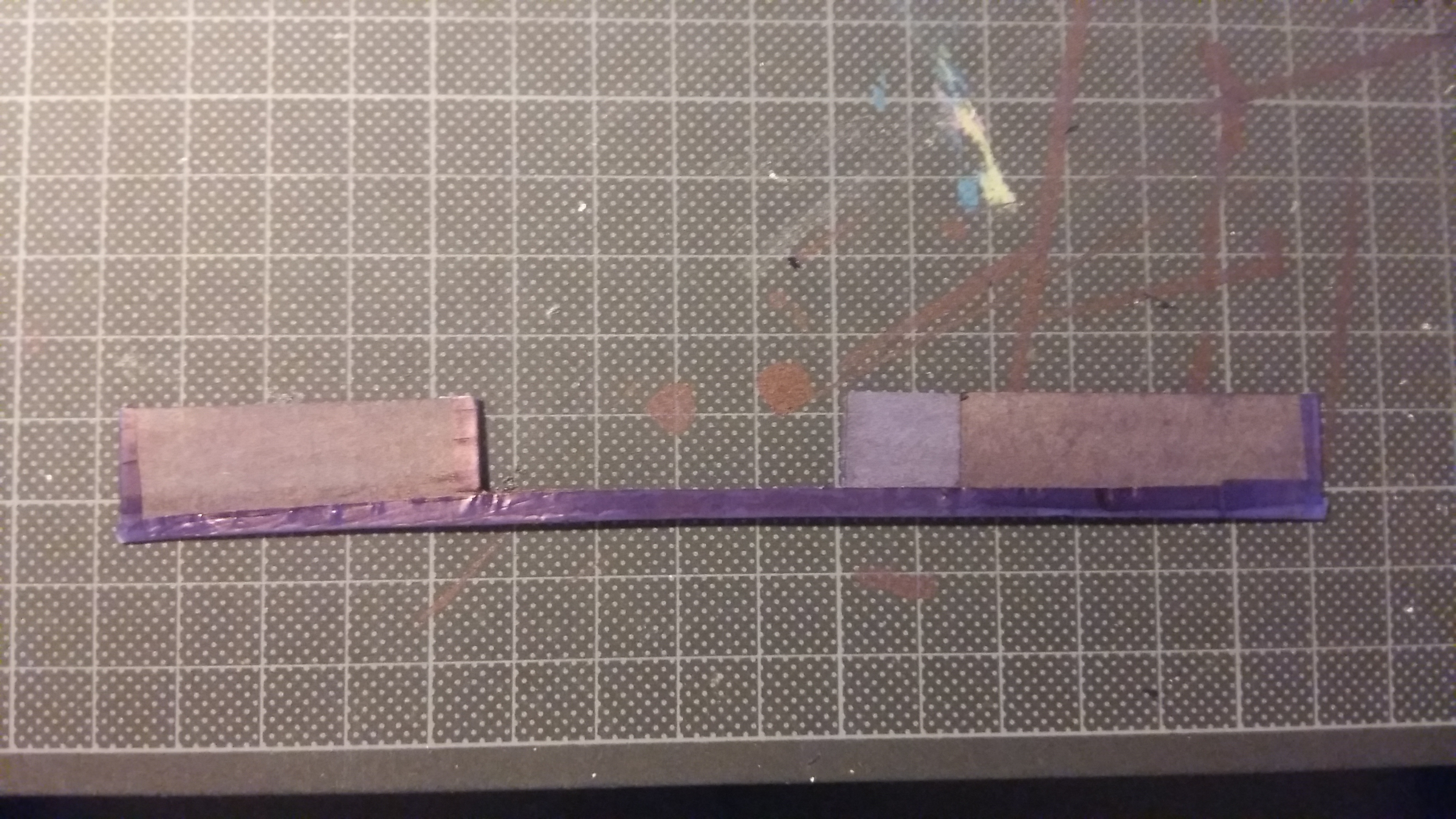
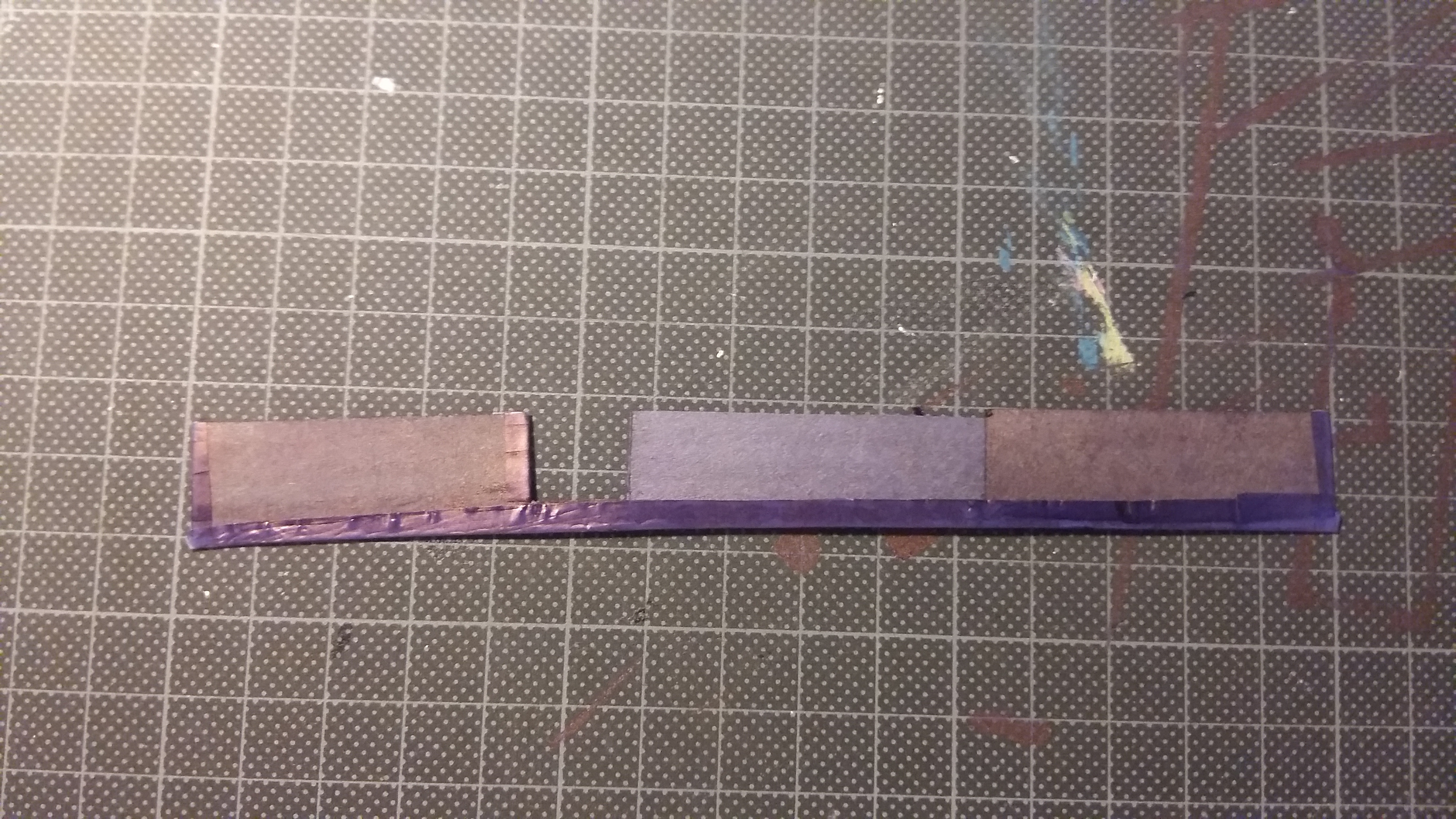
Add double-sided tape to the back.
Put in the slider (check if it indeed does slide properly!)
And tape it onto your laptop/device.
DONE!!!
I hope this was usefull and clear enough to help!