Computer Build

This instructible are the instructions to building your own computer.
Supplies
Case, Power Supply, Motherboard, CPU/Heatsink, Thermal Paste, RAM, Graphics Card, Cables/Management, Hard Drive, POST/BIOS/Boot Menu, Fans.
Motherboard: CPU Socket and Taking Out the CPU
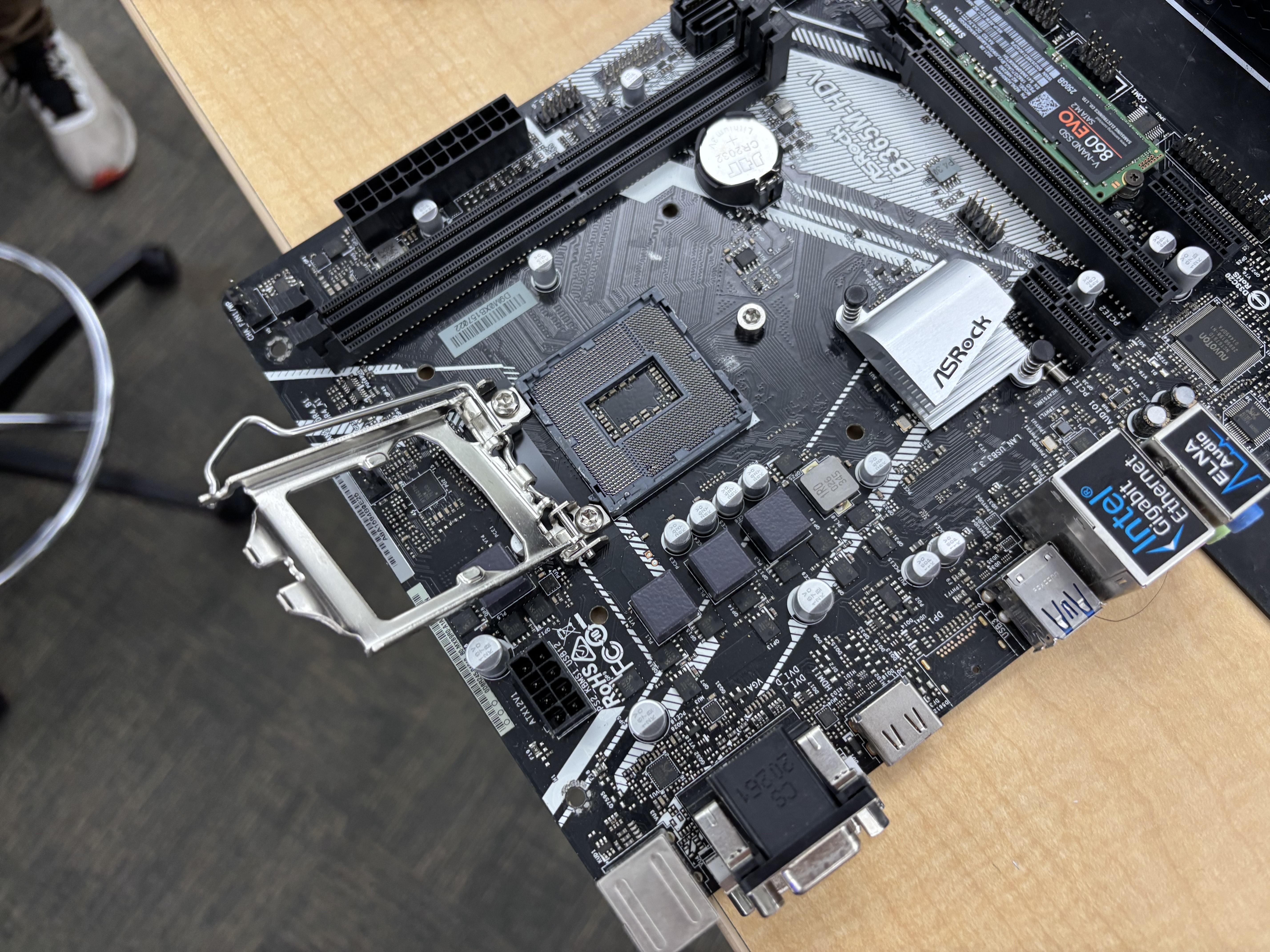
Grab the Motherboard and find the CPU socket, which is where your CPU should be and where it goes. Take the heatsink off your CPU and unlatch the CPU to take the CPU out.
IF NEEDED: Clean the Thermal Paste Off the CPU and CPU Fan
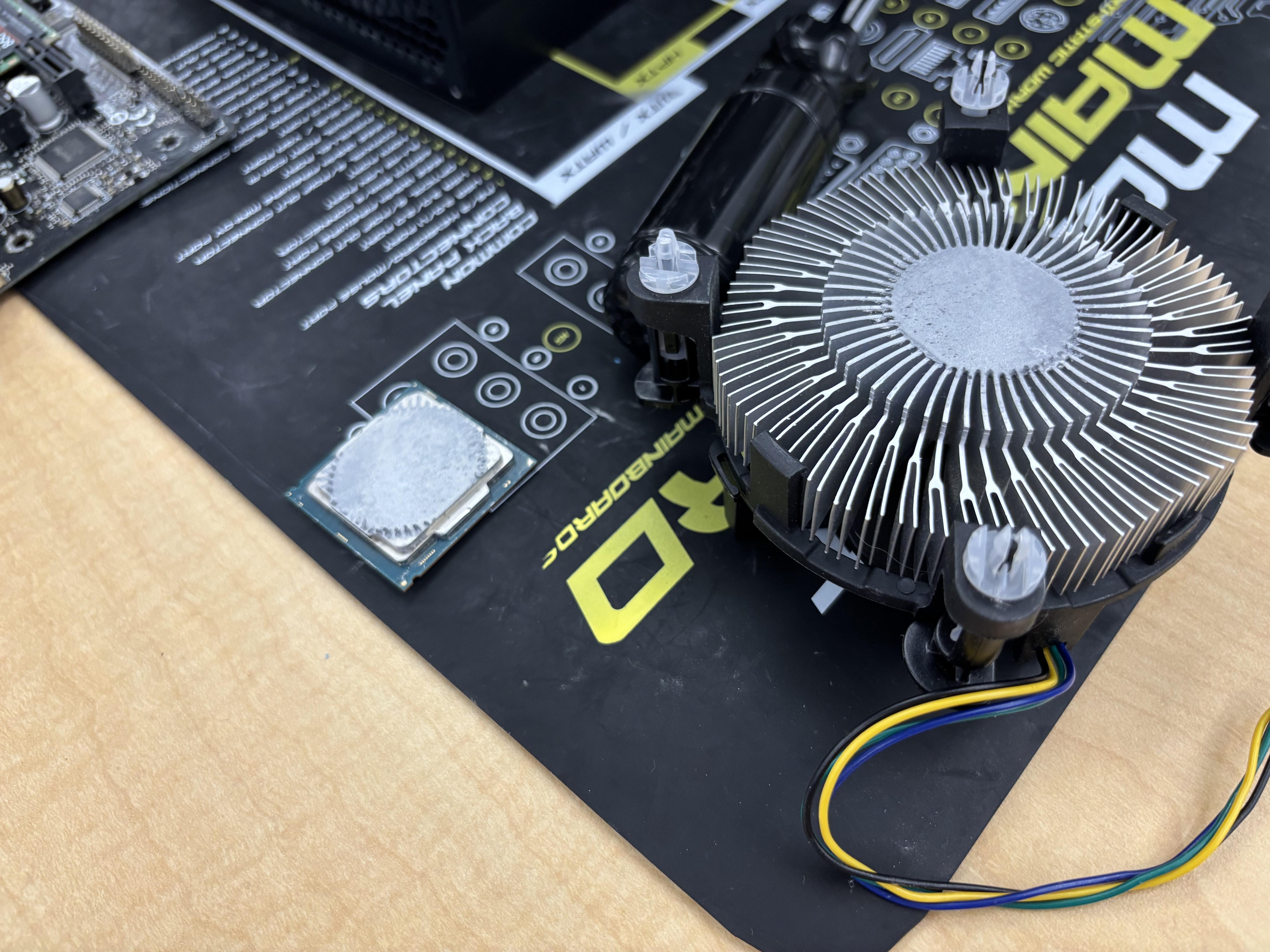
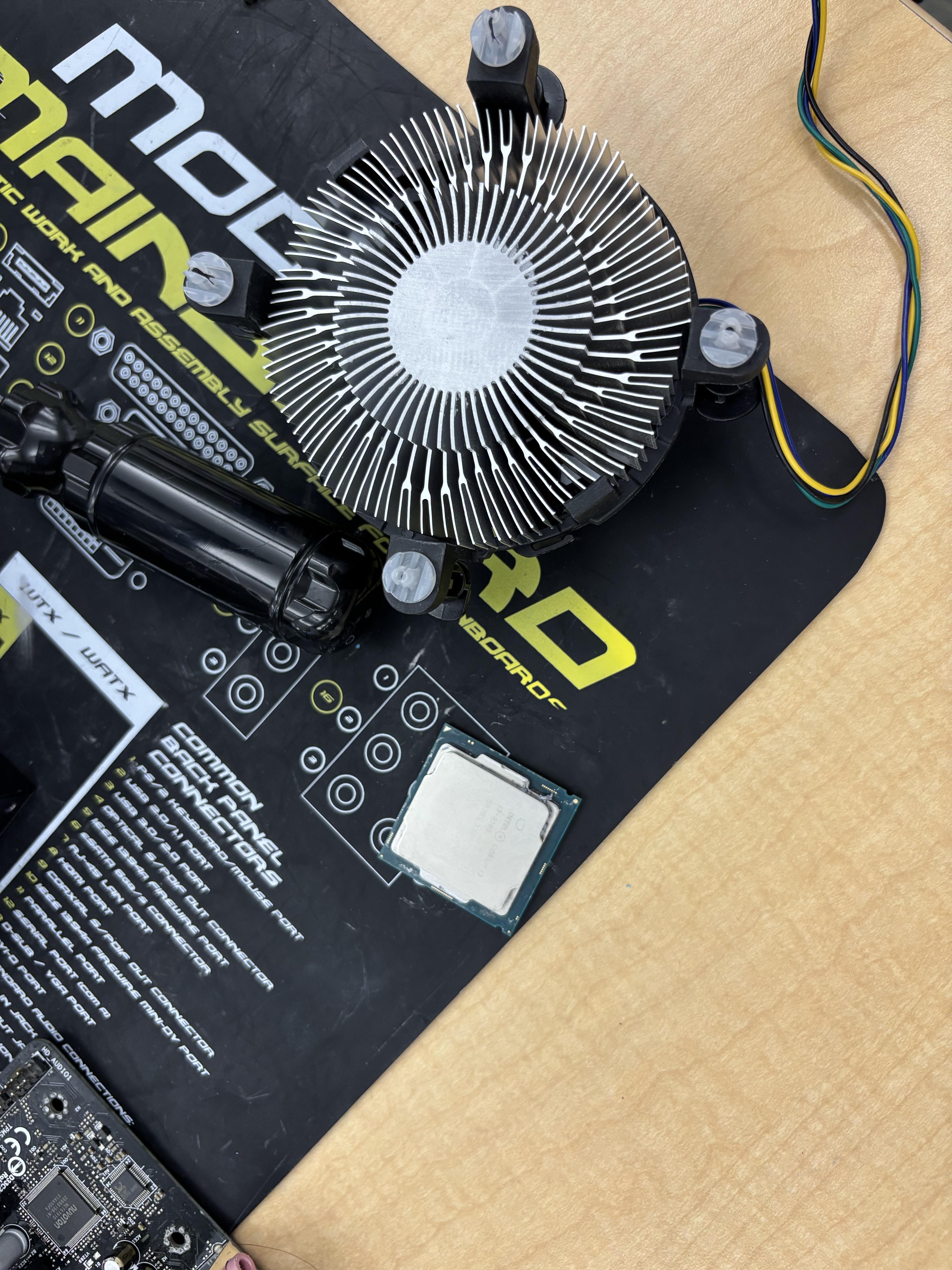
When the CPU and CPU fan are off the motherboard, clean off the thermal paste if needed. If not, ignore this step and move onto the next.
Motherboard: CPU Insertion
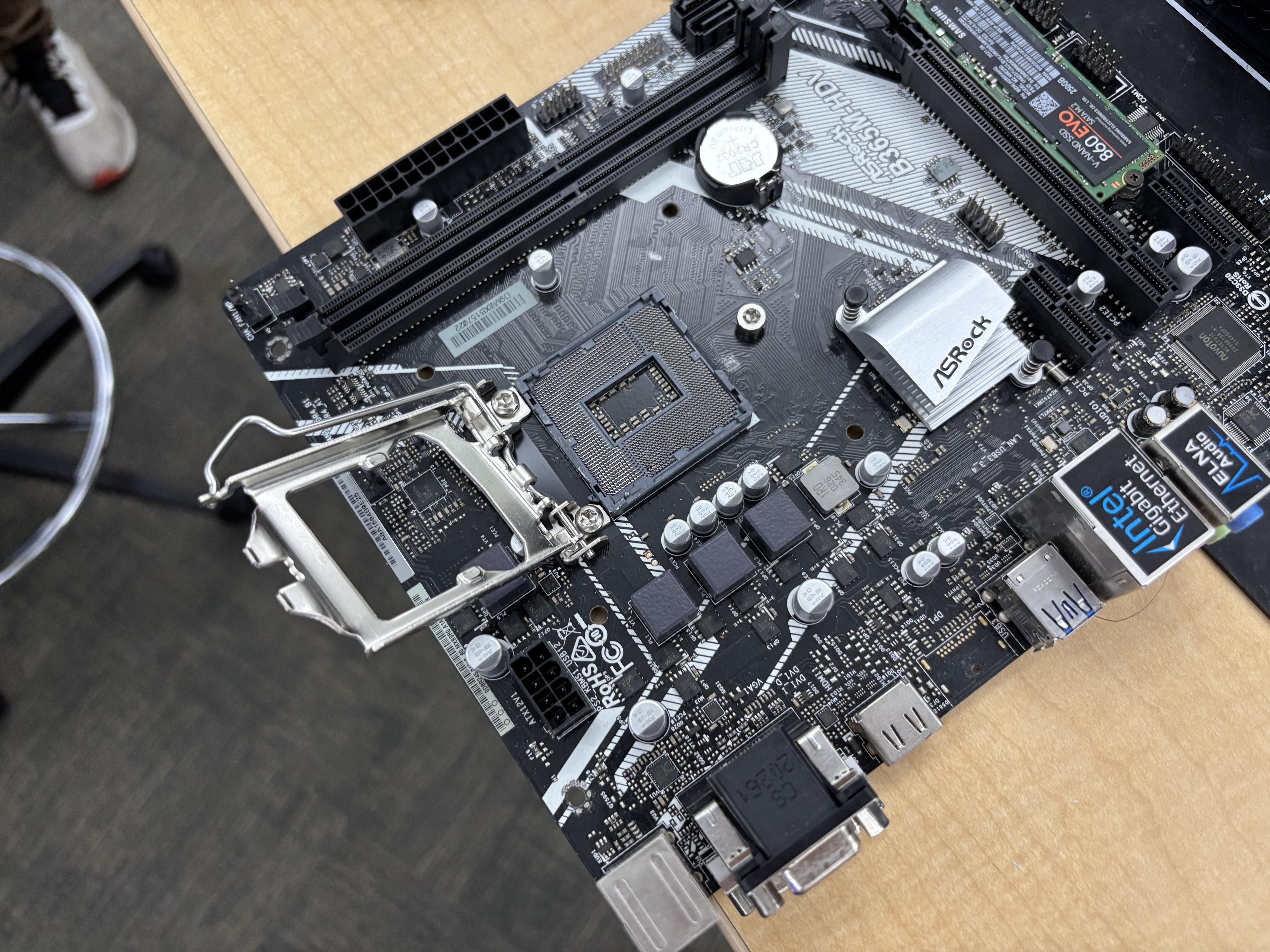
Put the CPU back into its socket, and close the CPU bracket so nothing is loose and everything is in the right spot and space.
Motherboard: Apply Thermal Paste on the CPU and Then Apply the CPU Fan
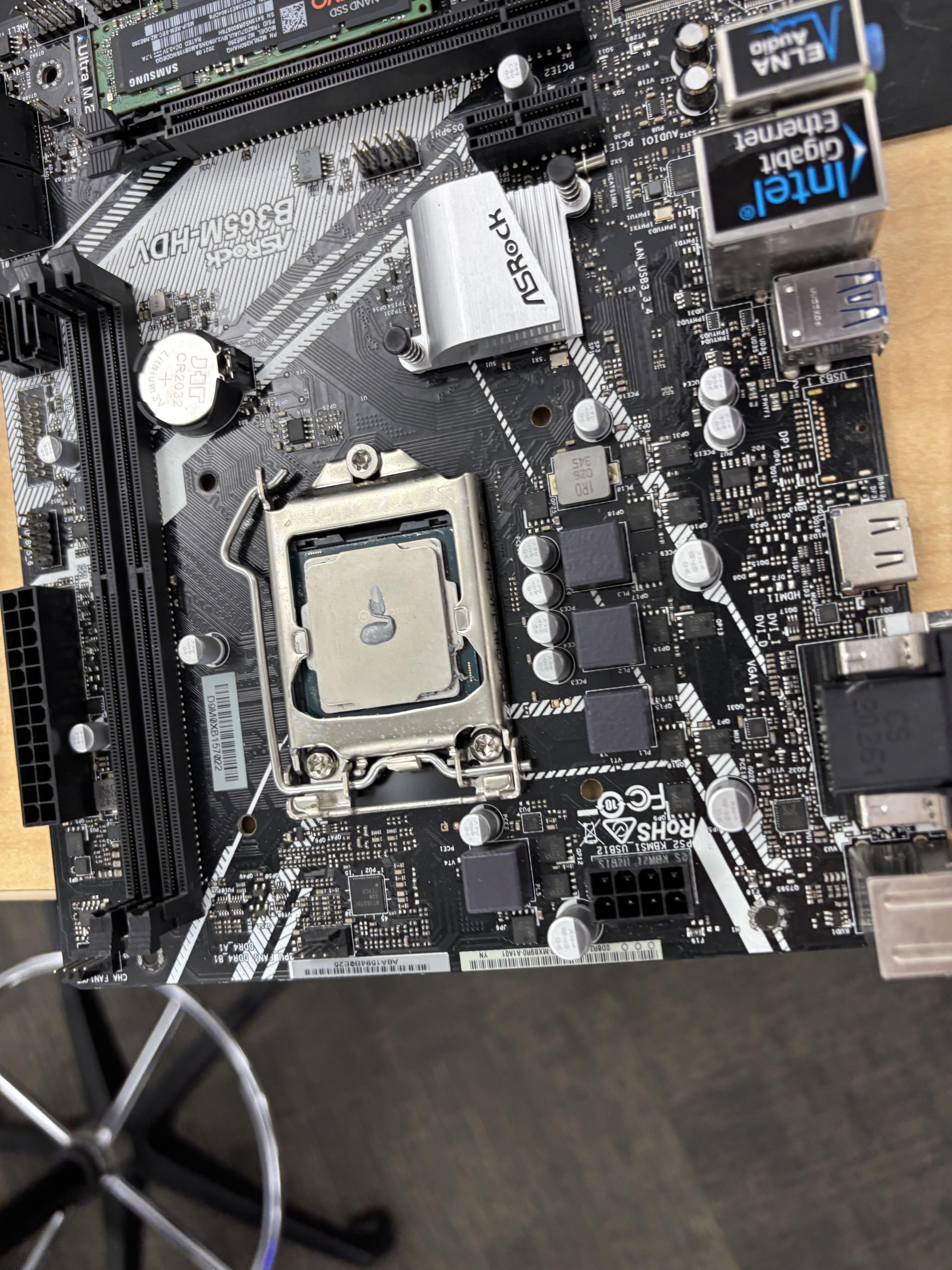
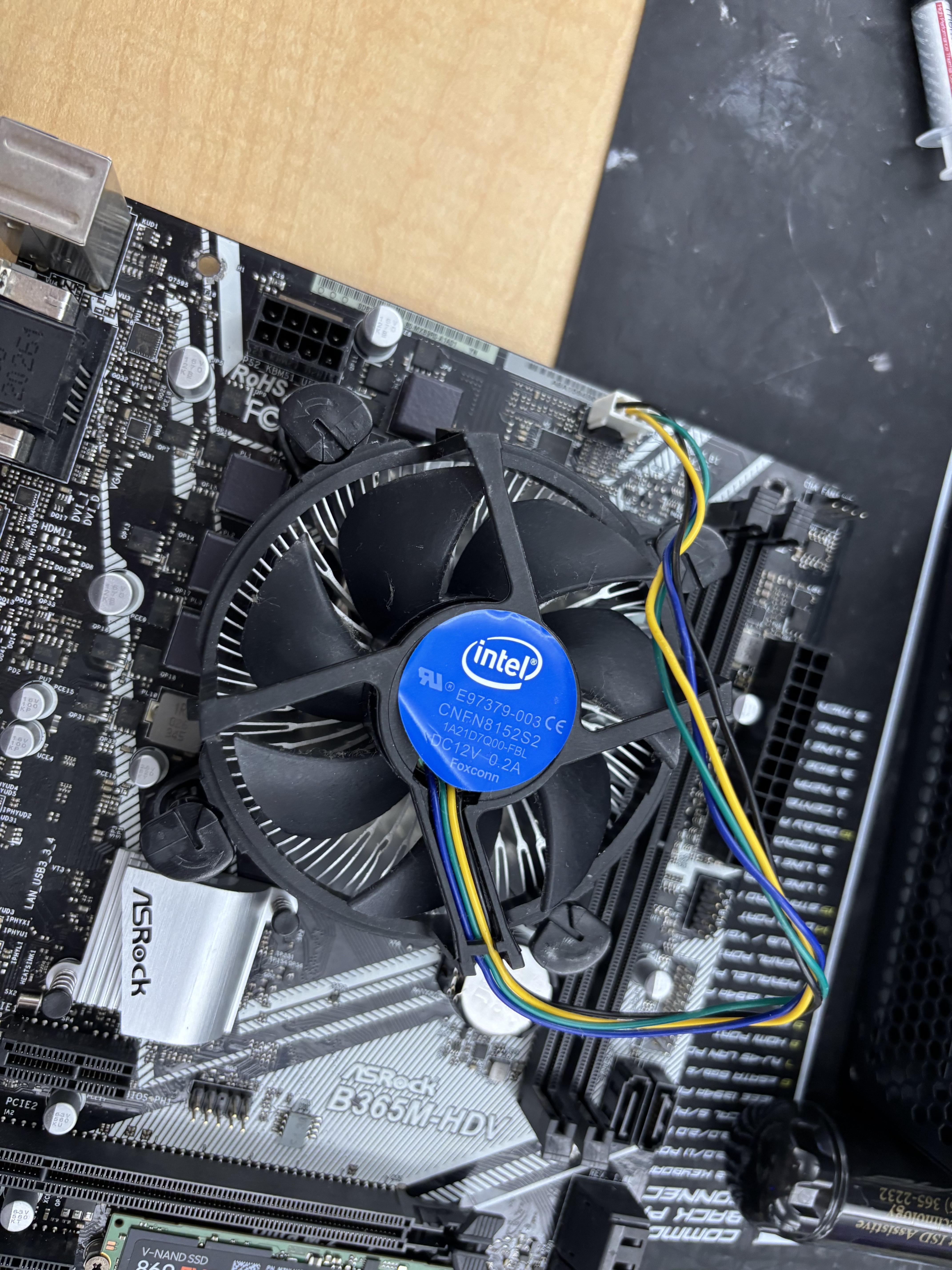
Apply a pea-size amount of thermal paste on your CPU, and then put the CPU fan back on top of the CPU. Make sure the fan is sturdy and not wobbly on the Motherboard. Once its in place, take the cord that is connected to the fan and connect the other end of it to the CPU pin that should be close to the fan (The CPU fan is normally labeled).
Place the Power Supply Into the Case, Along With the Cords Connected to It
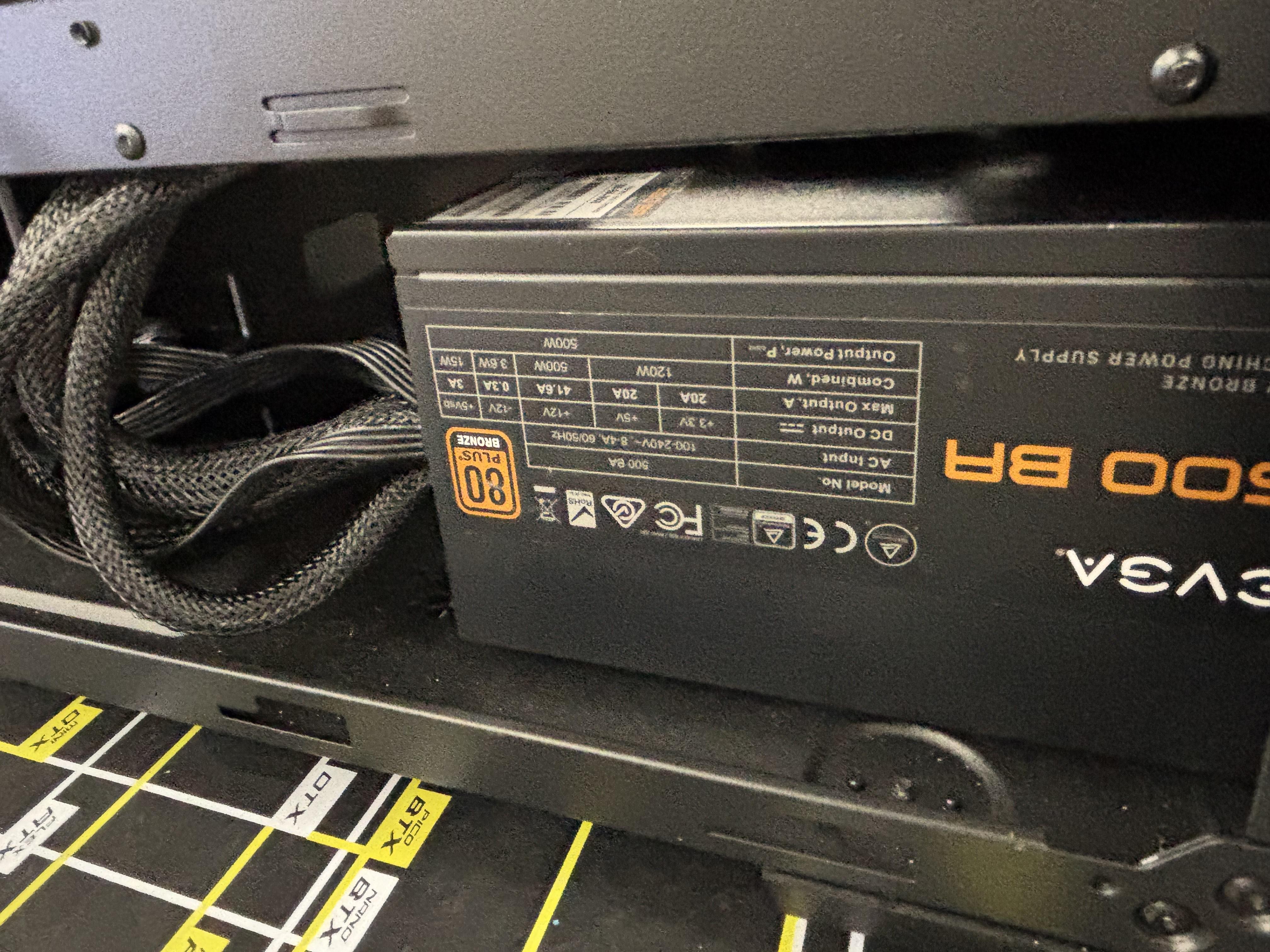
Grab the power supply and put it inside the PC casing. Normally, you place the power supply on the side of the case, and the back of it should be facing outside the case in an opening made for it. The on/off switch and the port should be accessible from the outside of the case.
Screw the Power Supply to the Case
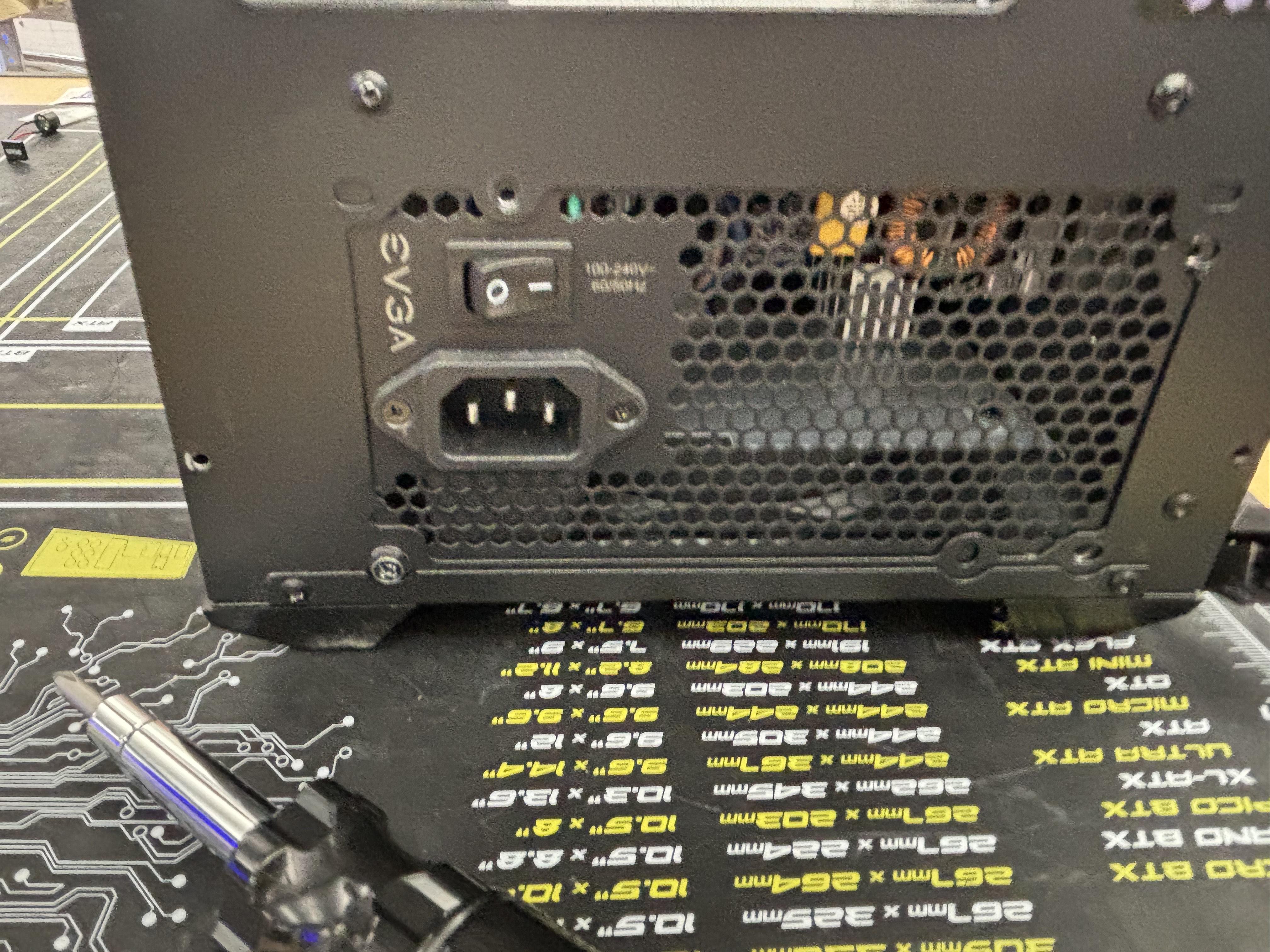
When the power supply is in the right place, with the back of it being seeable on the outside of the case, screw the power supply to the case.
Put the Motherboard Inside the Case and Screw It In
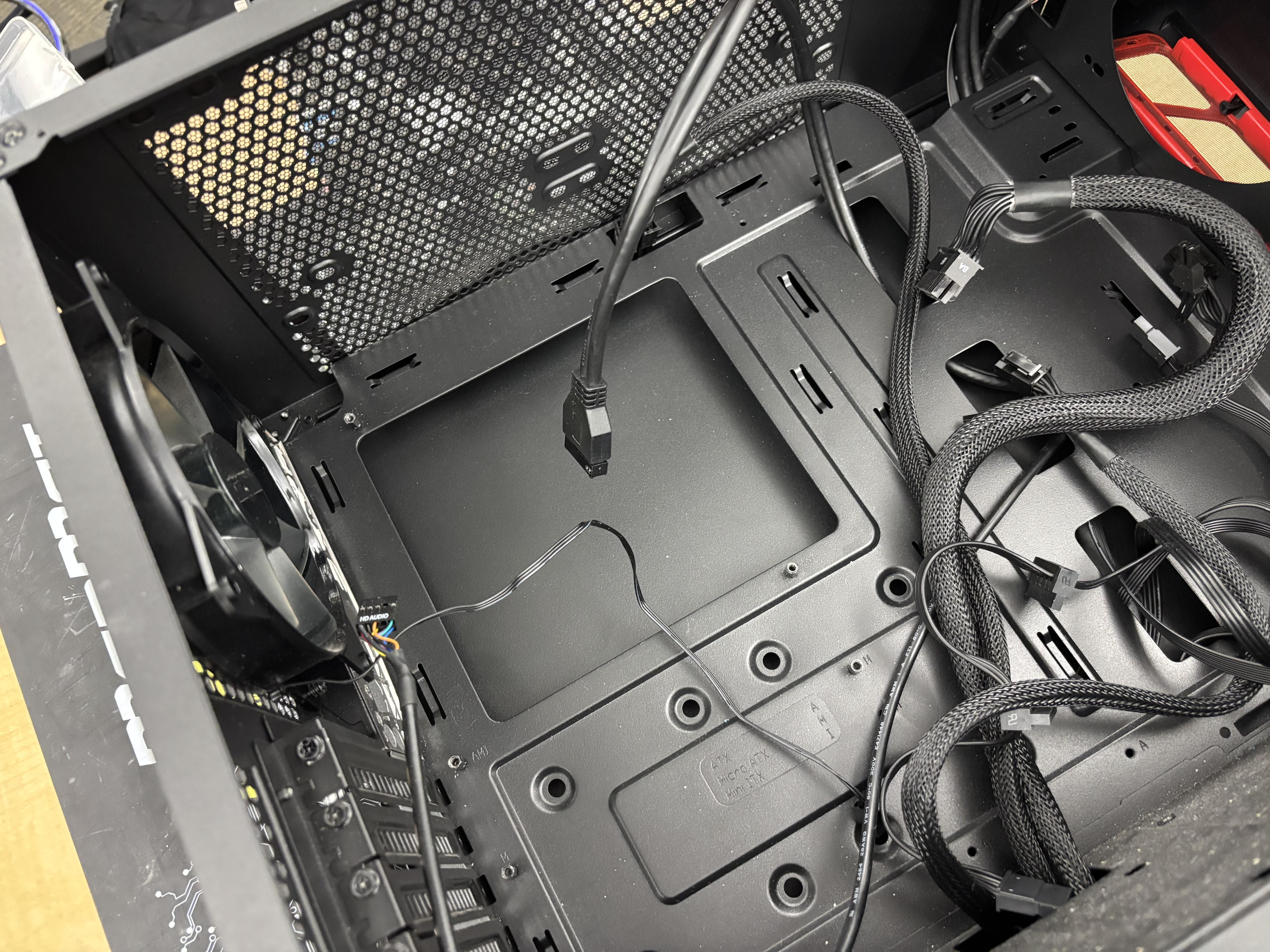
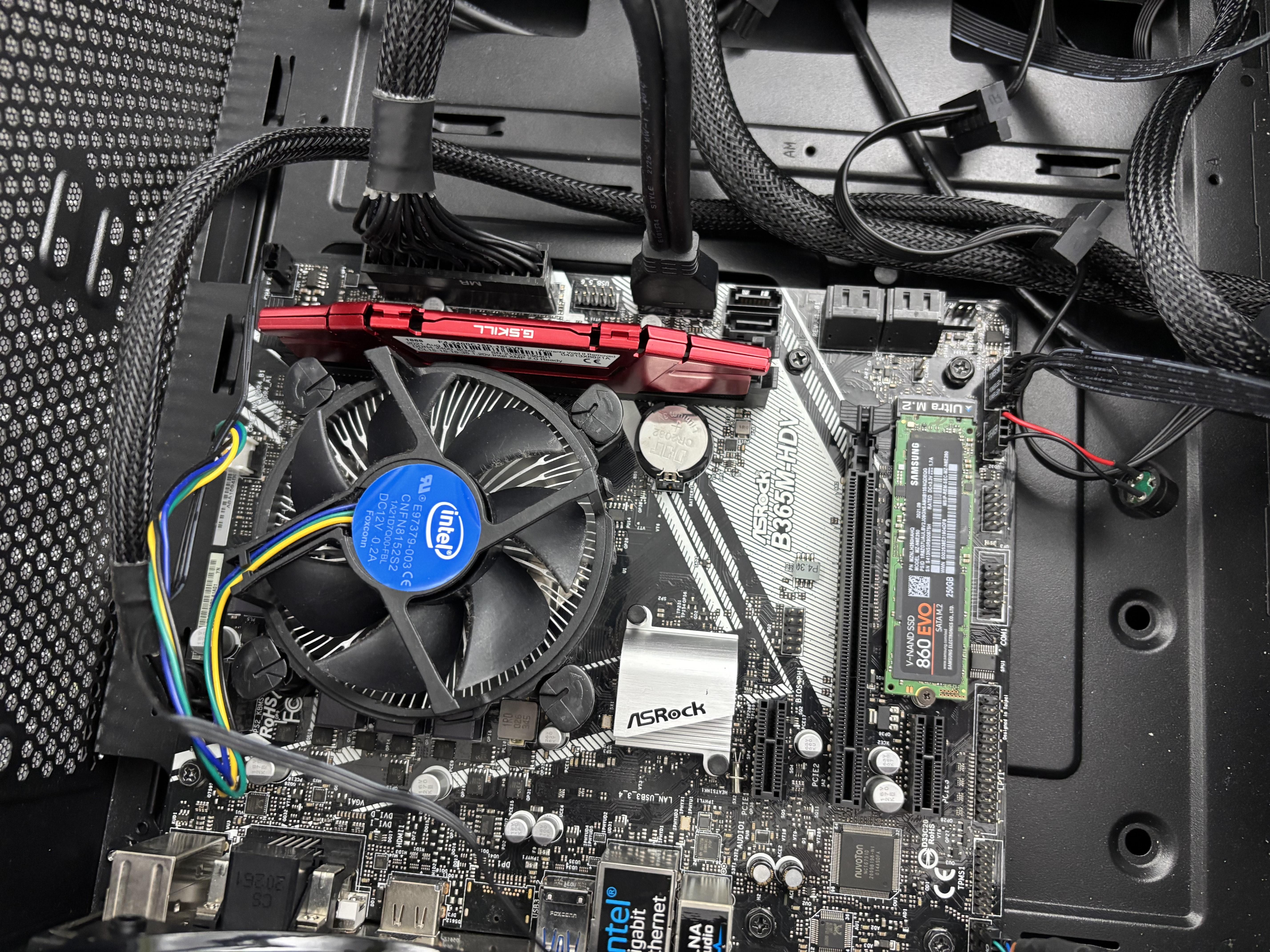
Grab the mother board and put it inside the case so that the HDMI, sound ports, etc. are facing the outside of the case. There should be an opening that should fit those connection ports. Once its inside, screw the motherboard to the case and make sure its sturdy and in place. Also, make sure there are no loose screws inside the case.
Connect All the Cords From Power Supply to the Motherboard
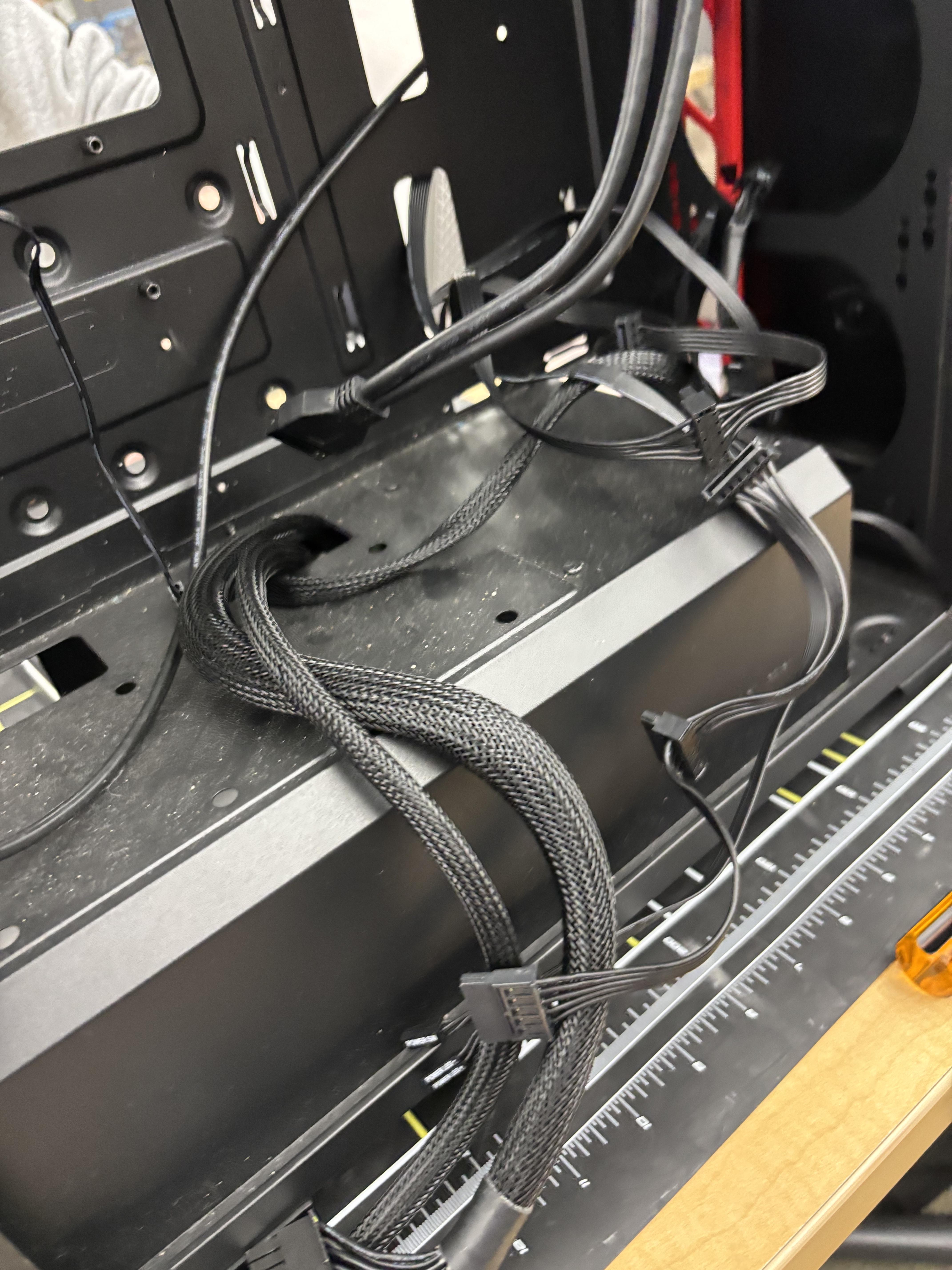
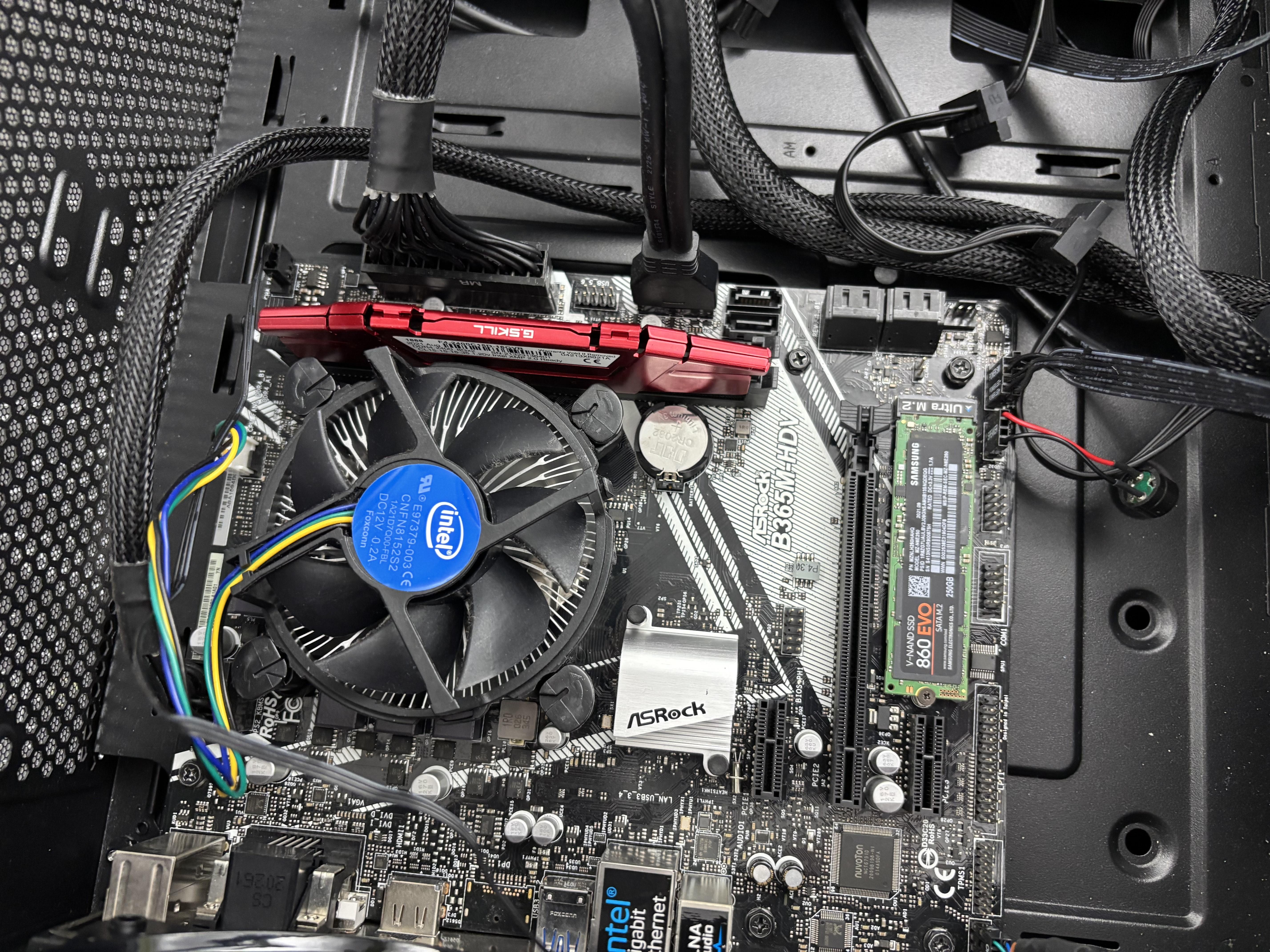
On the Motherboard, connect all the cords from the power supply that you need. The connections should be: the 24 pin, the 4/8 pin, the RAM, audio and video connectors, front panel connectors (power, reset, etc.), SATA, Molex and Berg connections (if needed), and the fan connector. Make sure the sound and video cables are all installed before closing the case.
Screw the Case Together
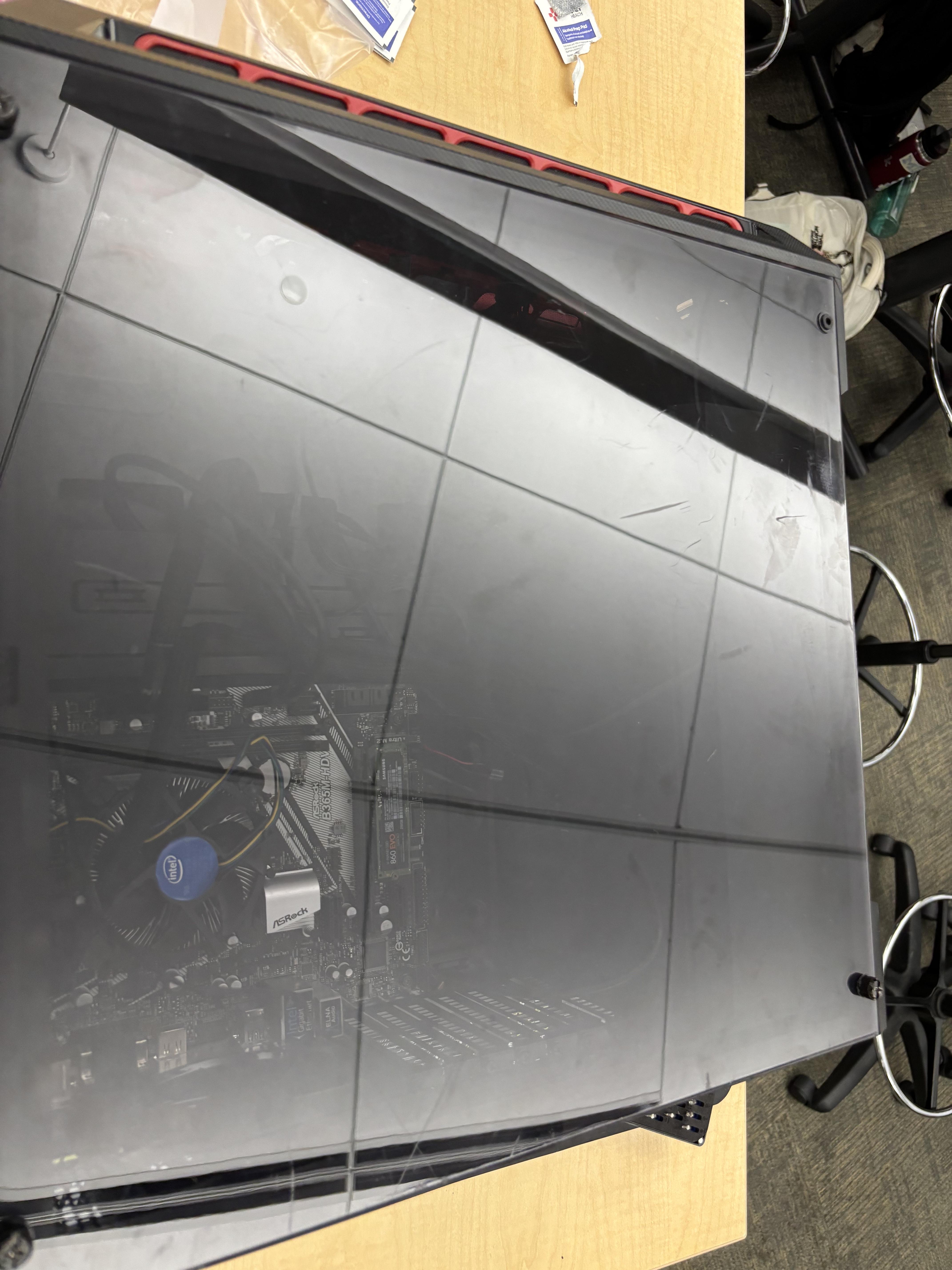
Take the sides/panels of the computer case and slide them in place. Once they are in place, take the screws and screw the panels so the sides are all screwed in.
Make Sure the PC Works Correctly
.jpeg)
Plug in power cord plugged into the wall, including the VGA cord. Turn on the power supply on the "I" and then press the power button on the PC. The button should glow and then the monitor should show a screen, which means that the video is working. If the PC is beeping, there will be indicators of: RAM is not inserted, or a hardware problem.