Computer Build

this guide will show you how to build a computer. computers are important to our modern world and now you can learn how to build one.
Supplies
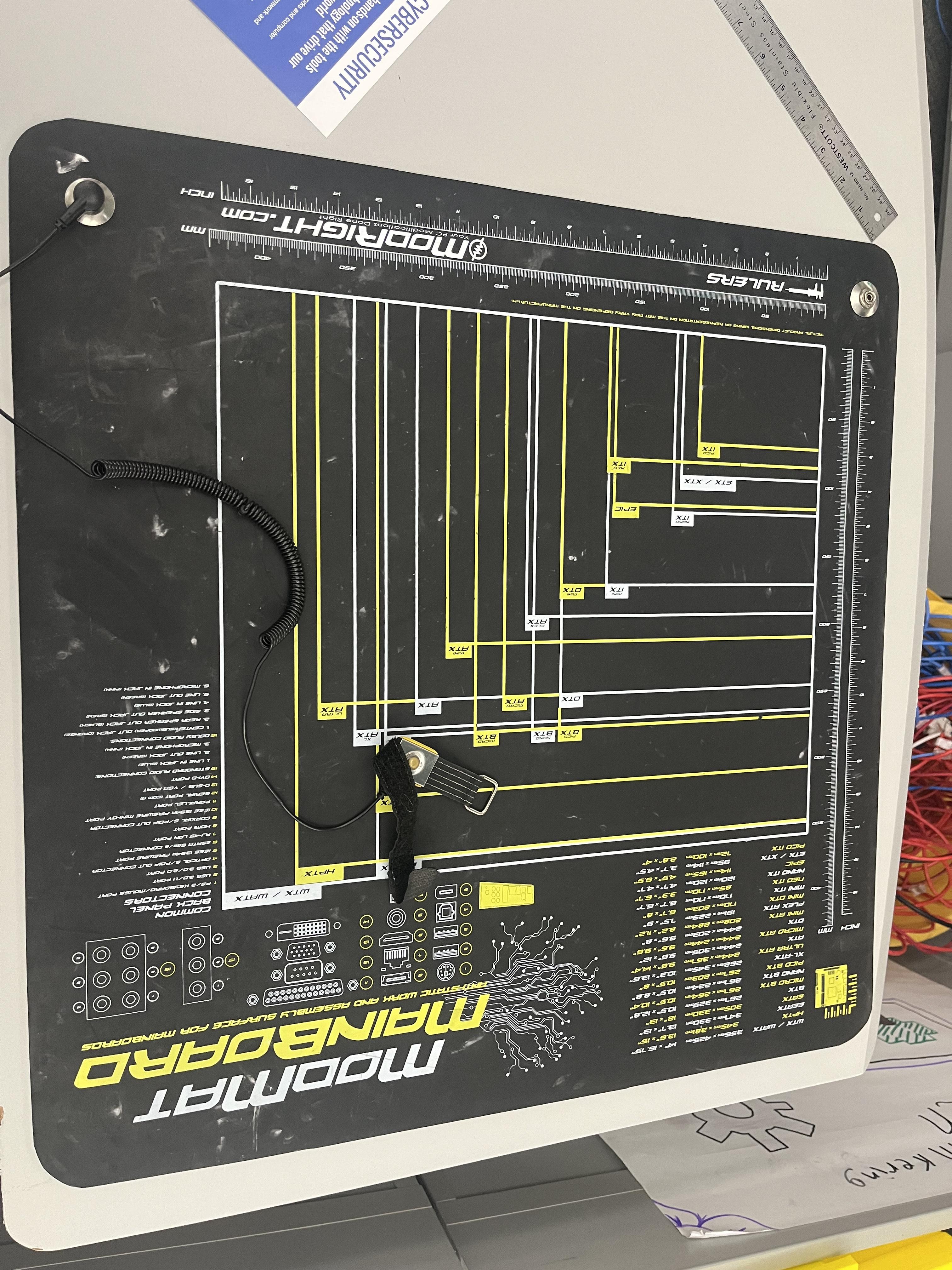
anti static mat and wrist band, computer case, functional power supply, motherboard, RAM, SSD, CPU, heatsink.
Setup
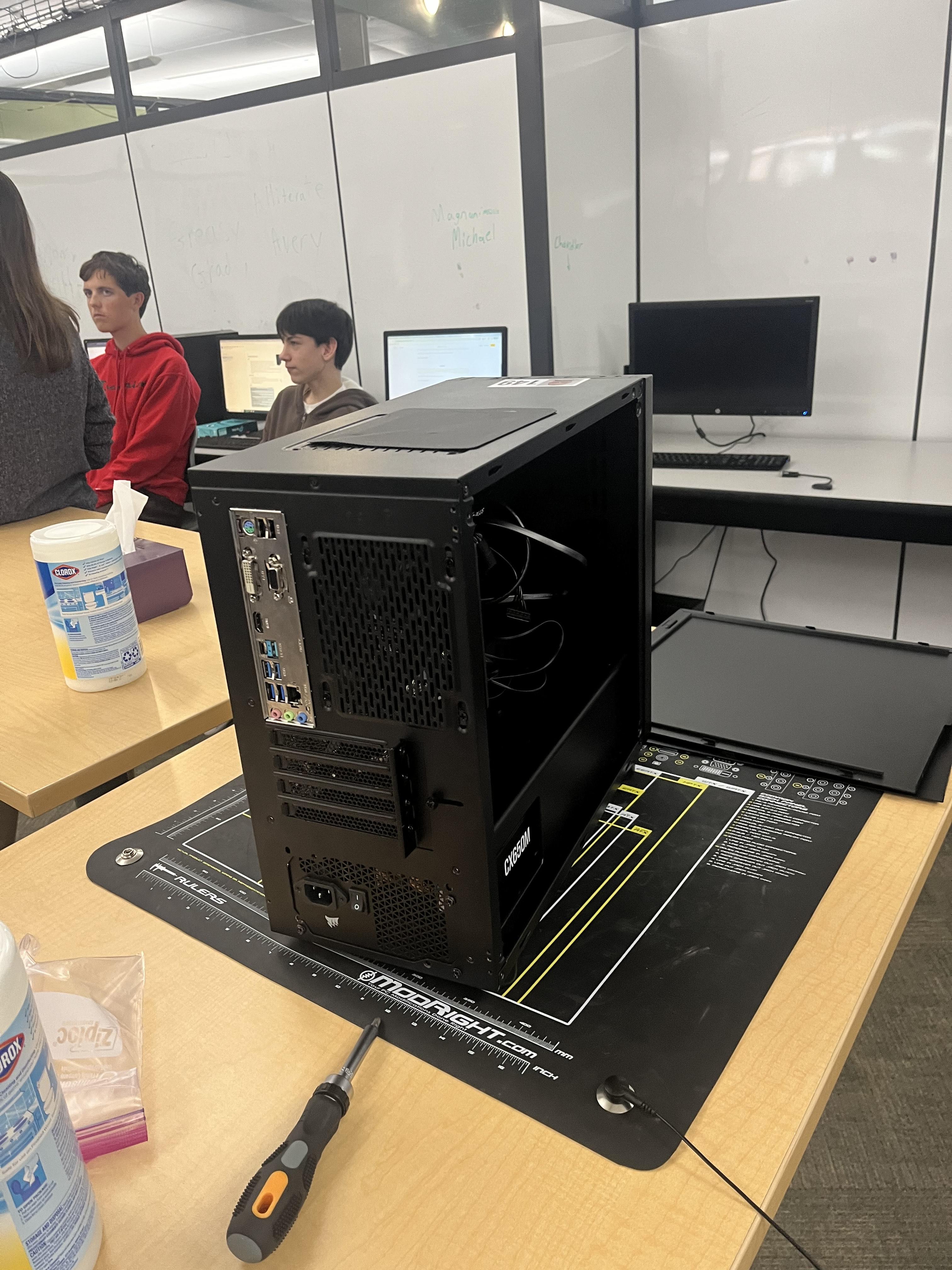
put computer case on the anti static mat and put on a anti static wristband. make sure the anti static wristband is connected to something metal (computer case). it should not be connected to the power supply. open up the computer case by unscrewing the screws on the case.
Cpu, Ram, and Heat Sink.
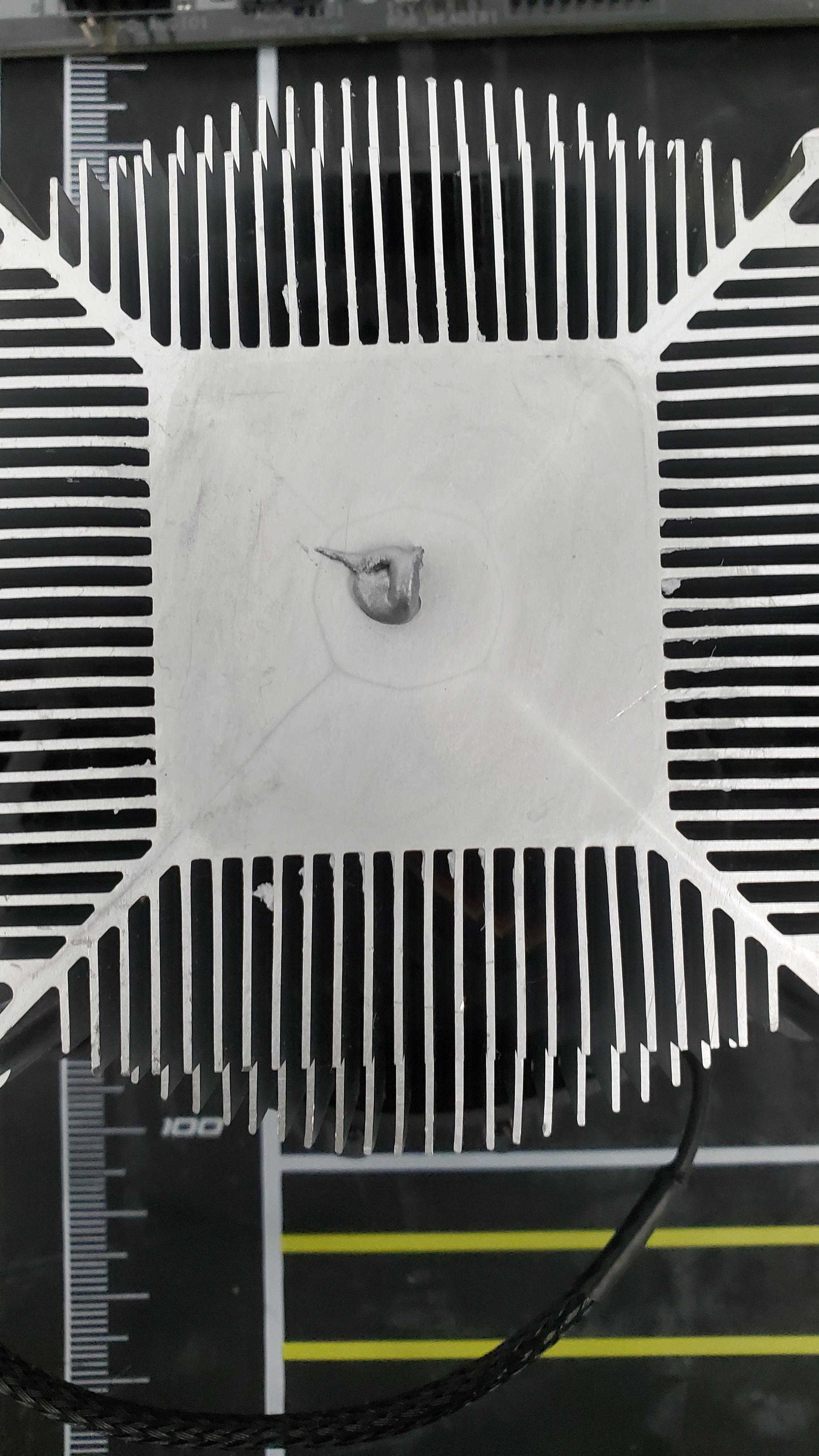

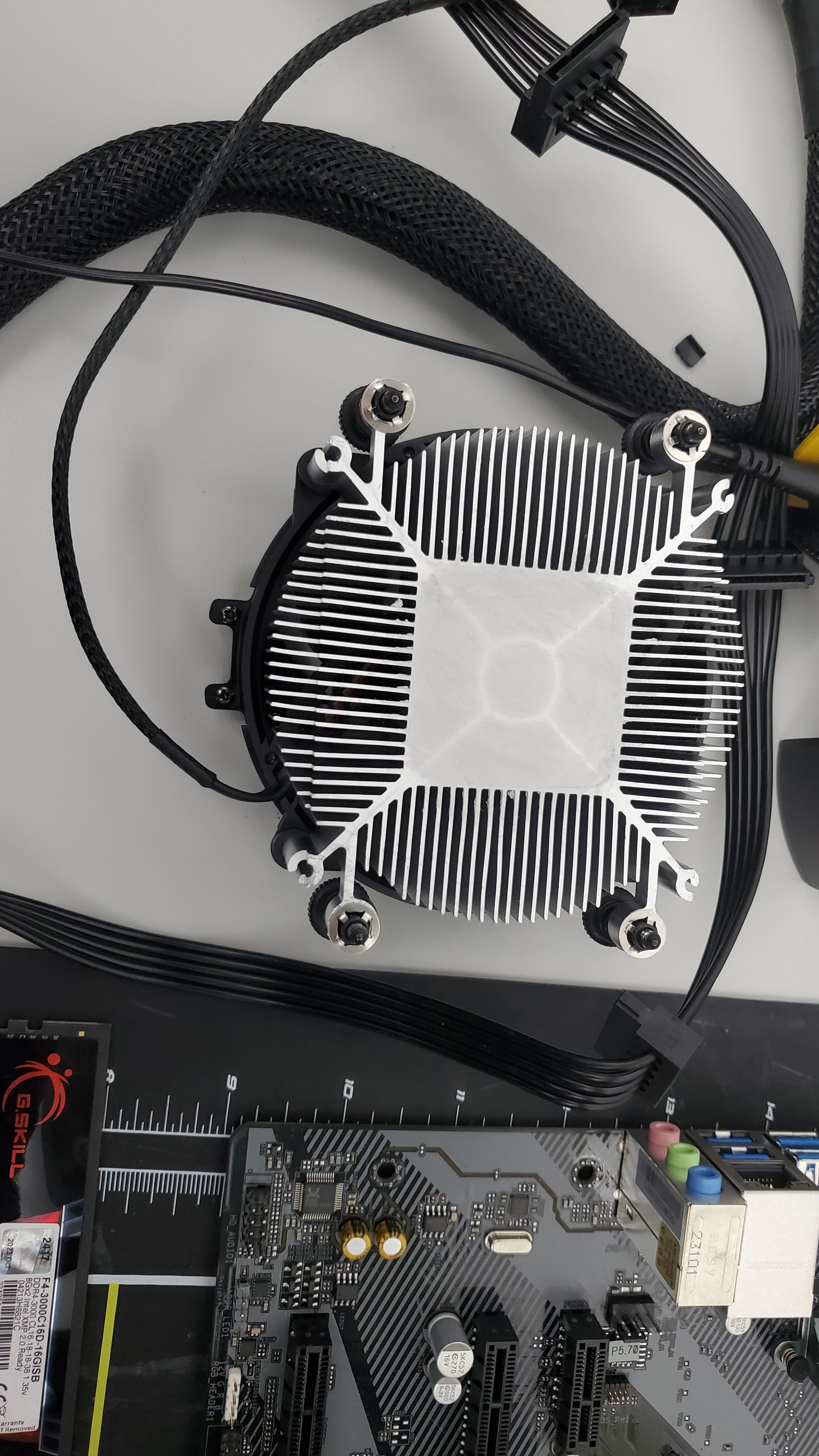
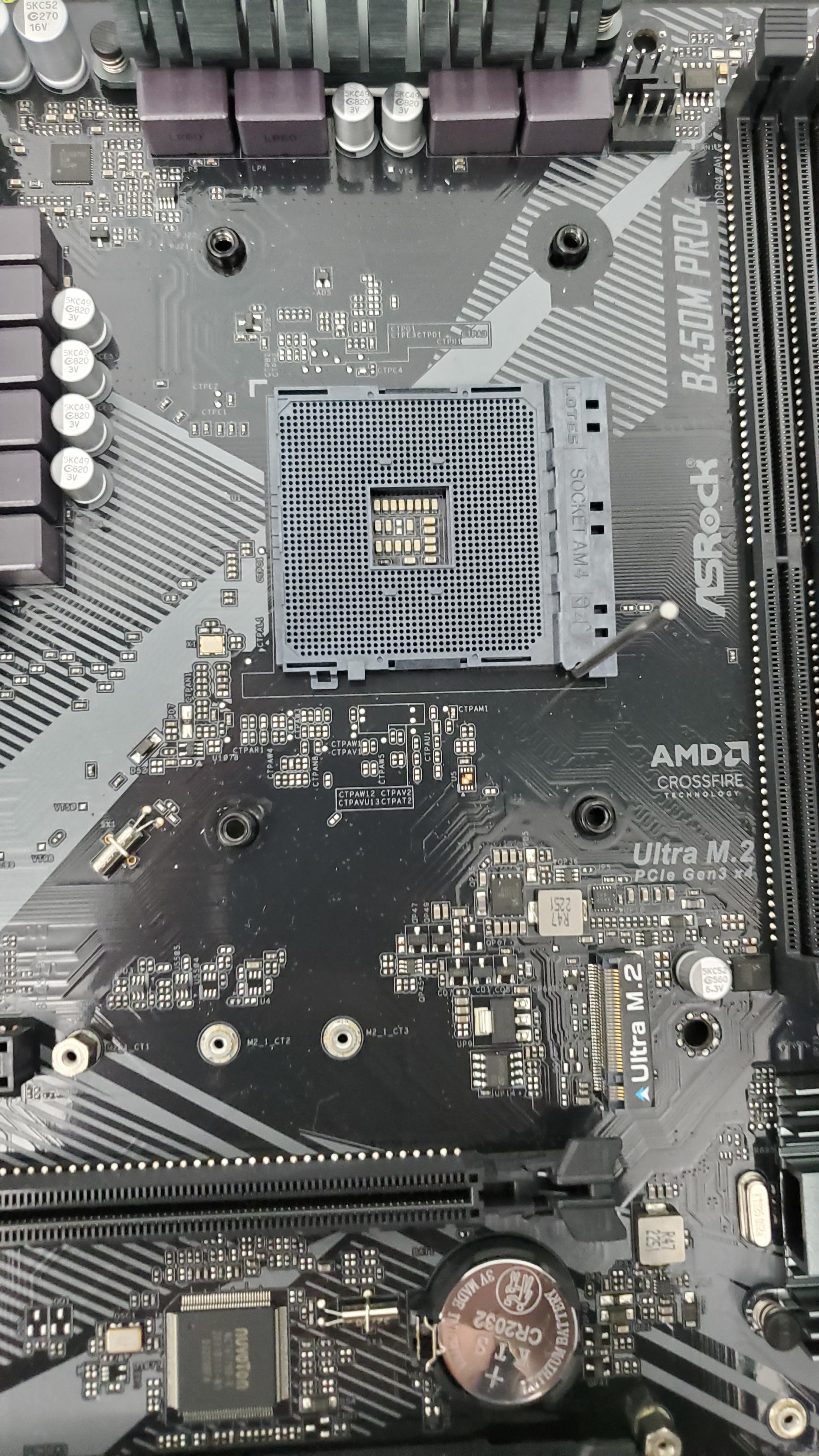
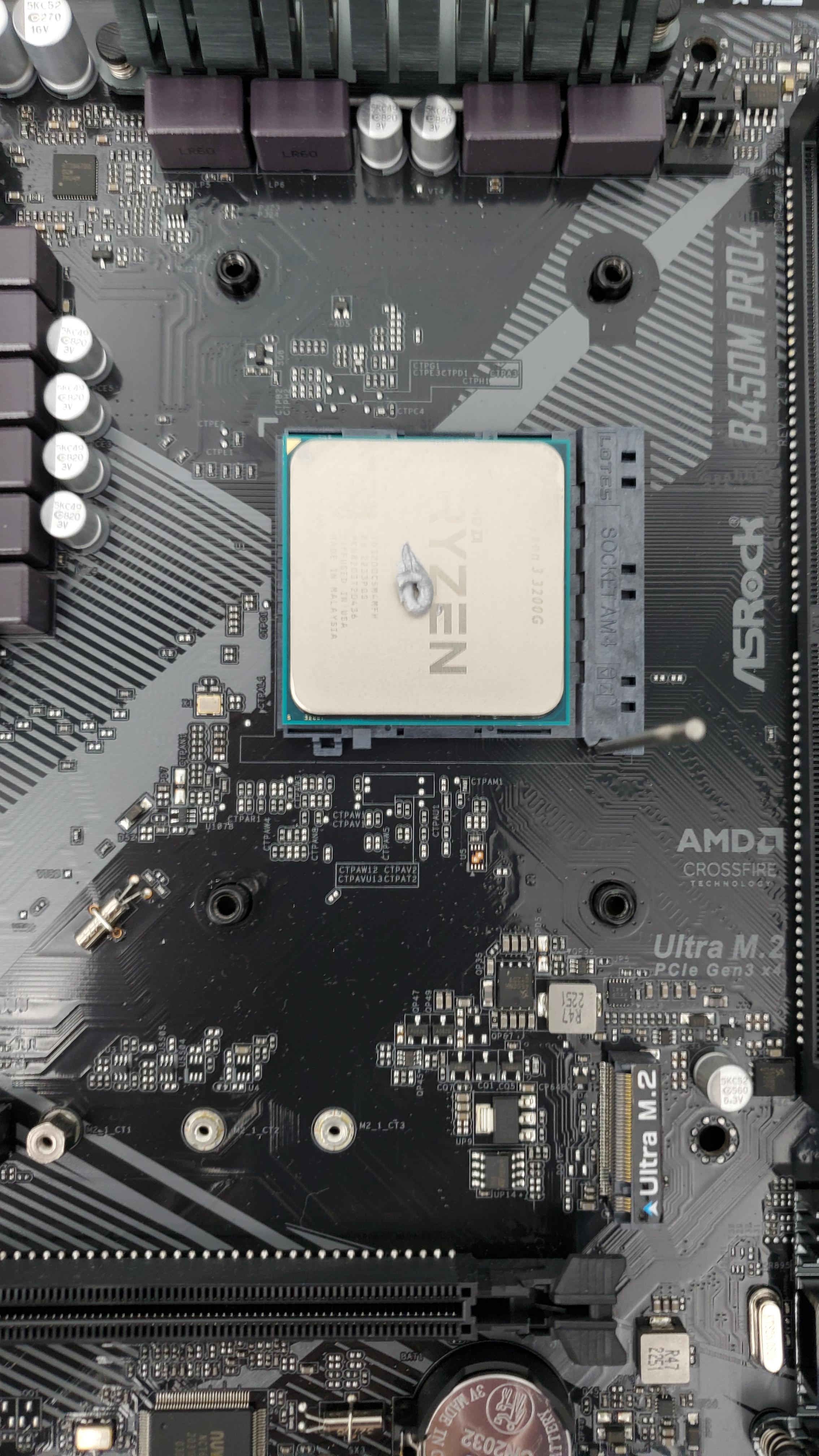
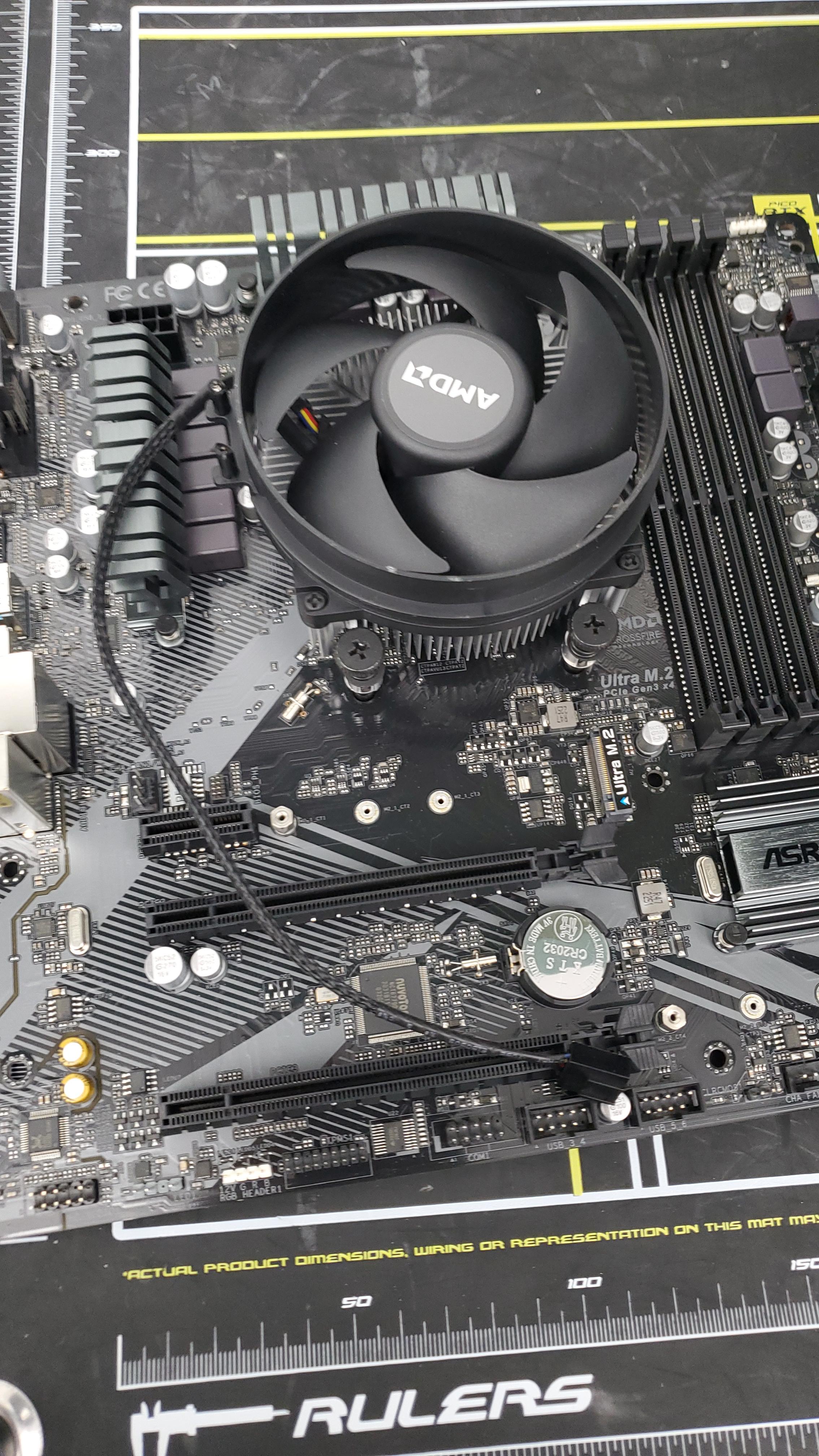
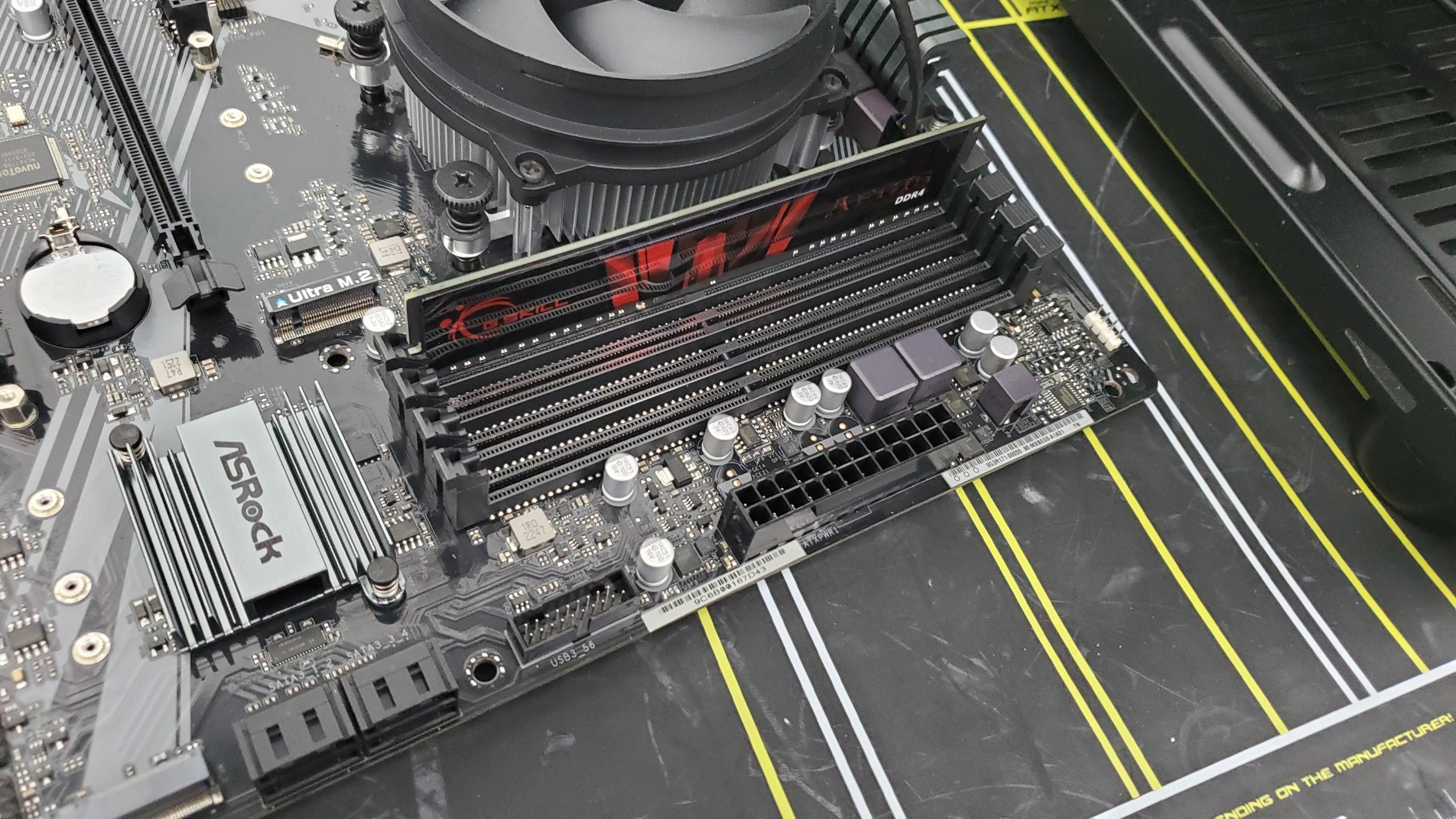
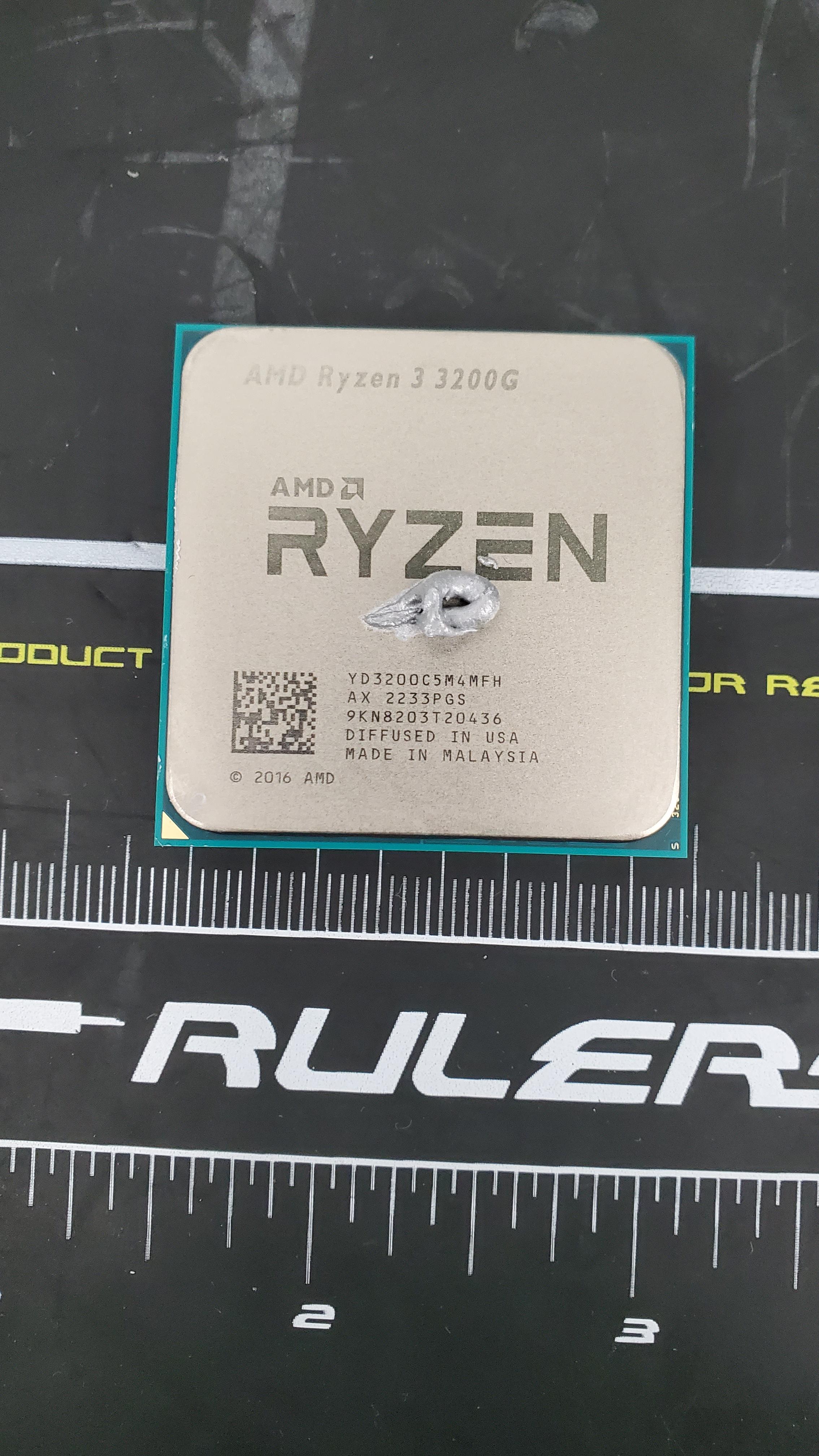
line up the CPU to the CPU socket and lock in into the CPU socket. Place a small amount of thermal paste on the CPU. carefully line up the heatsink and place it on the CPU. Place the ram into the ram slots and lock the sockets on the left and right of them. CPU chip is the brain of the computer and does most of the calculations. Heat sink prevents the CPU from overheating and getting damaged.
Placing Powersupply
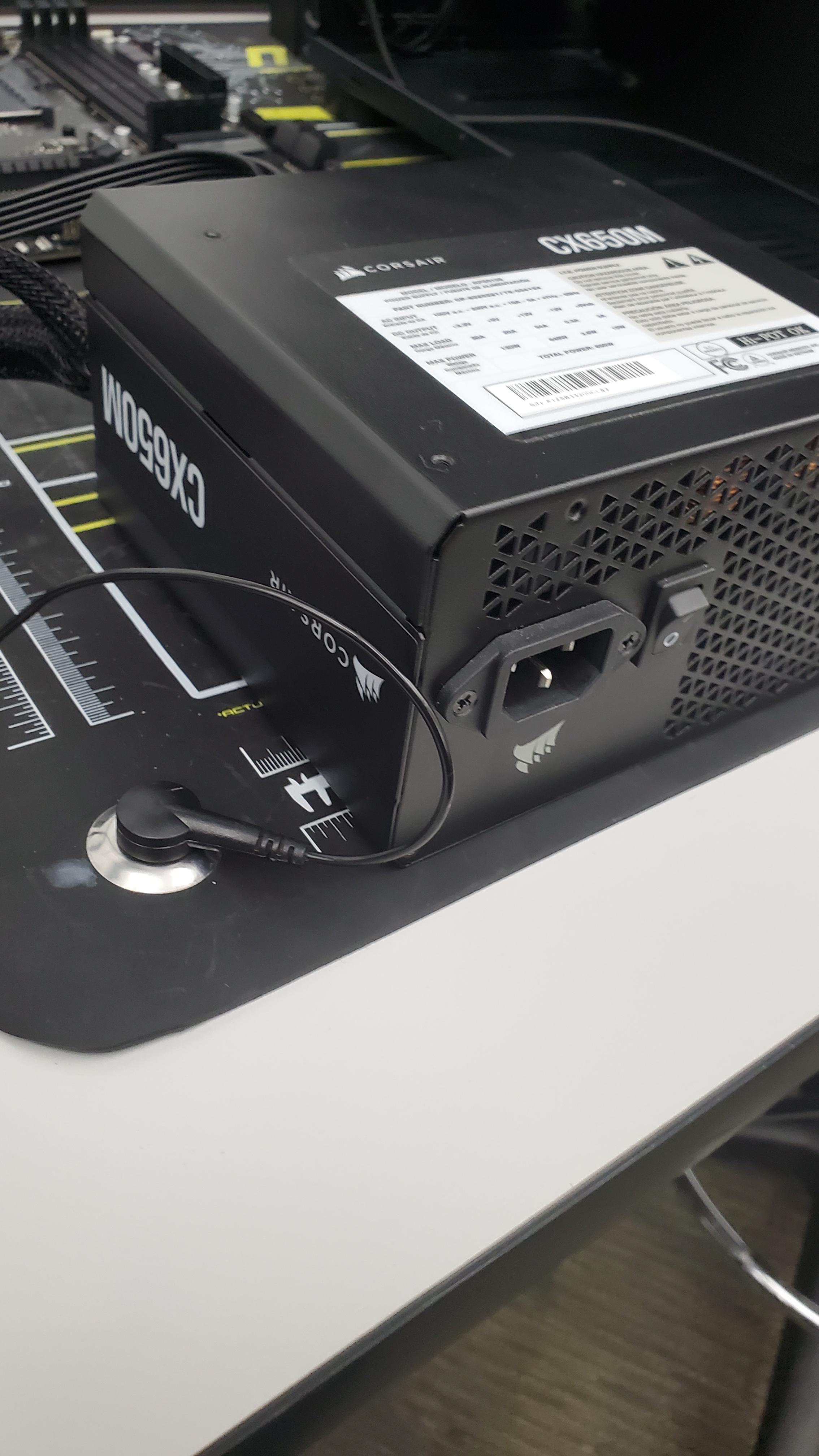

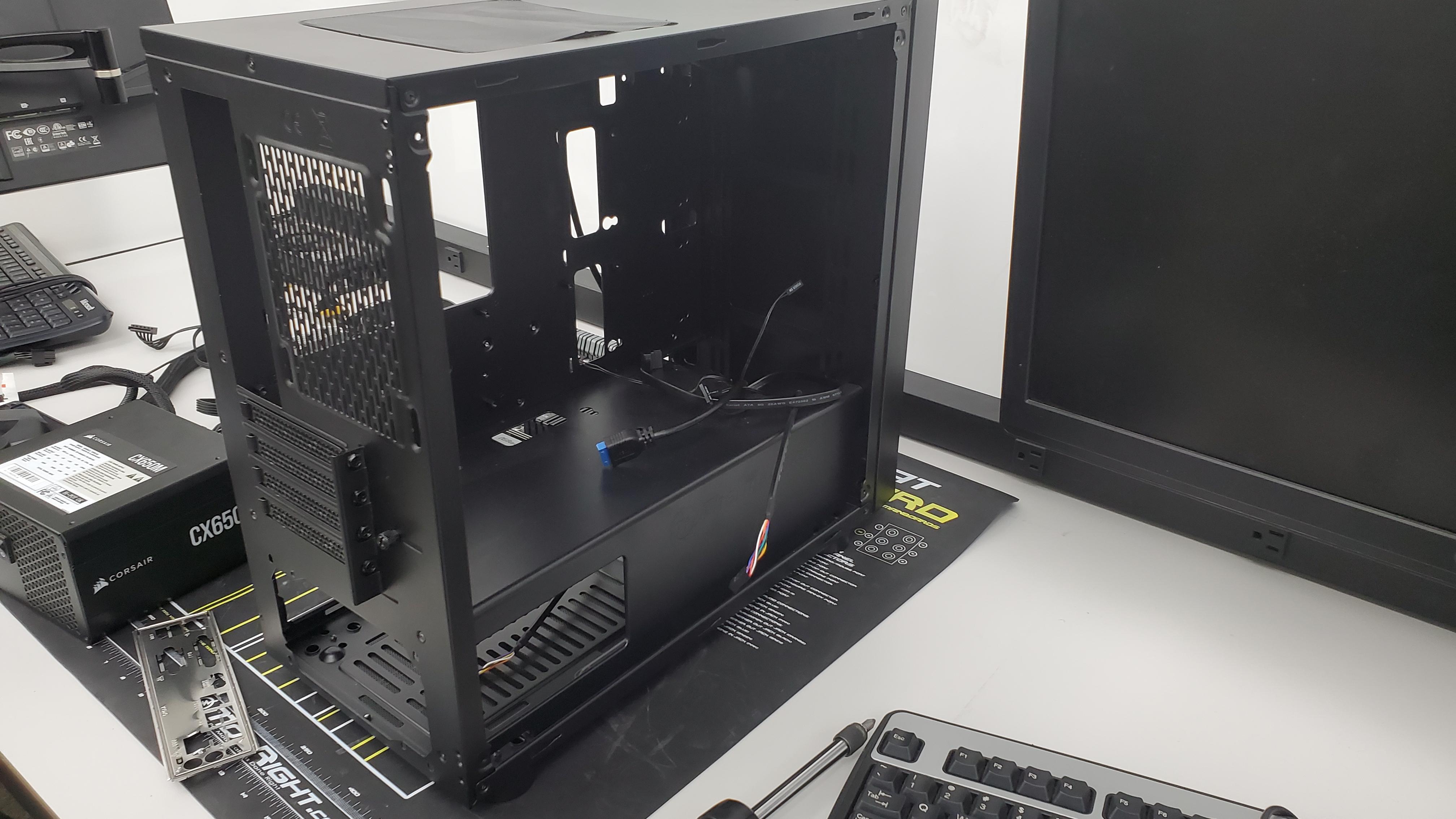
Place the power supply into the bottom section of the computer and screw it into the computer. The power supply provides power to the rest of the computer including the motherboard.
Placing the Motherboard
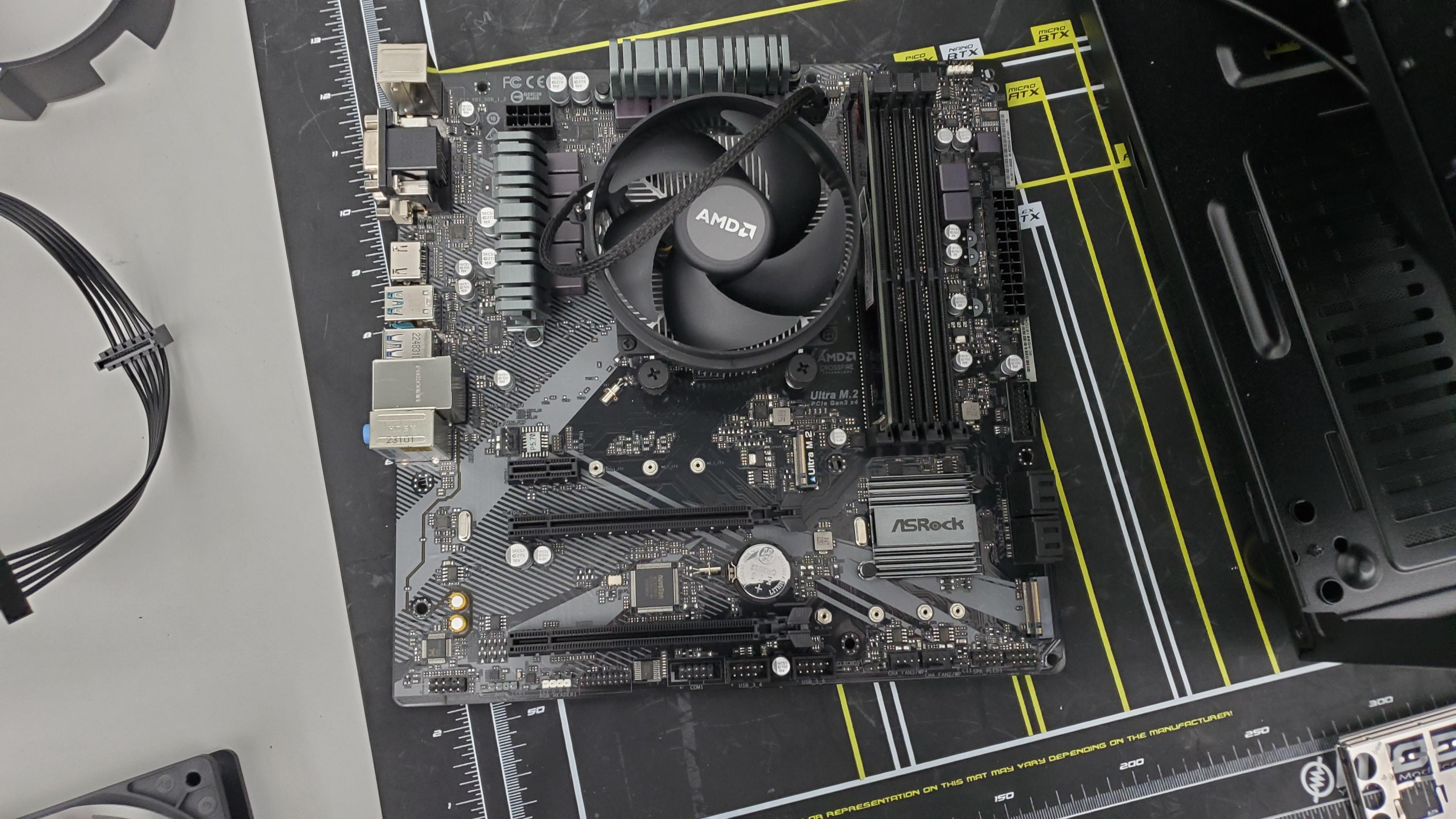
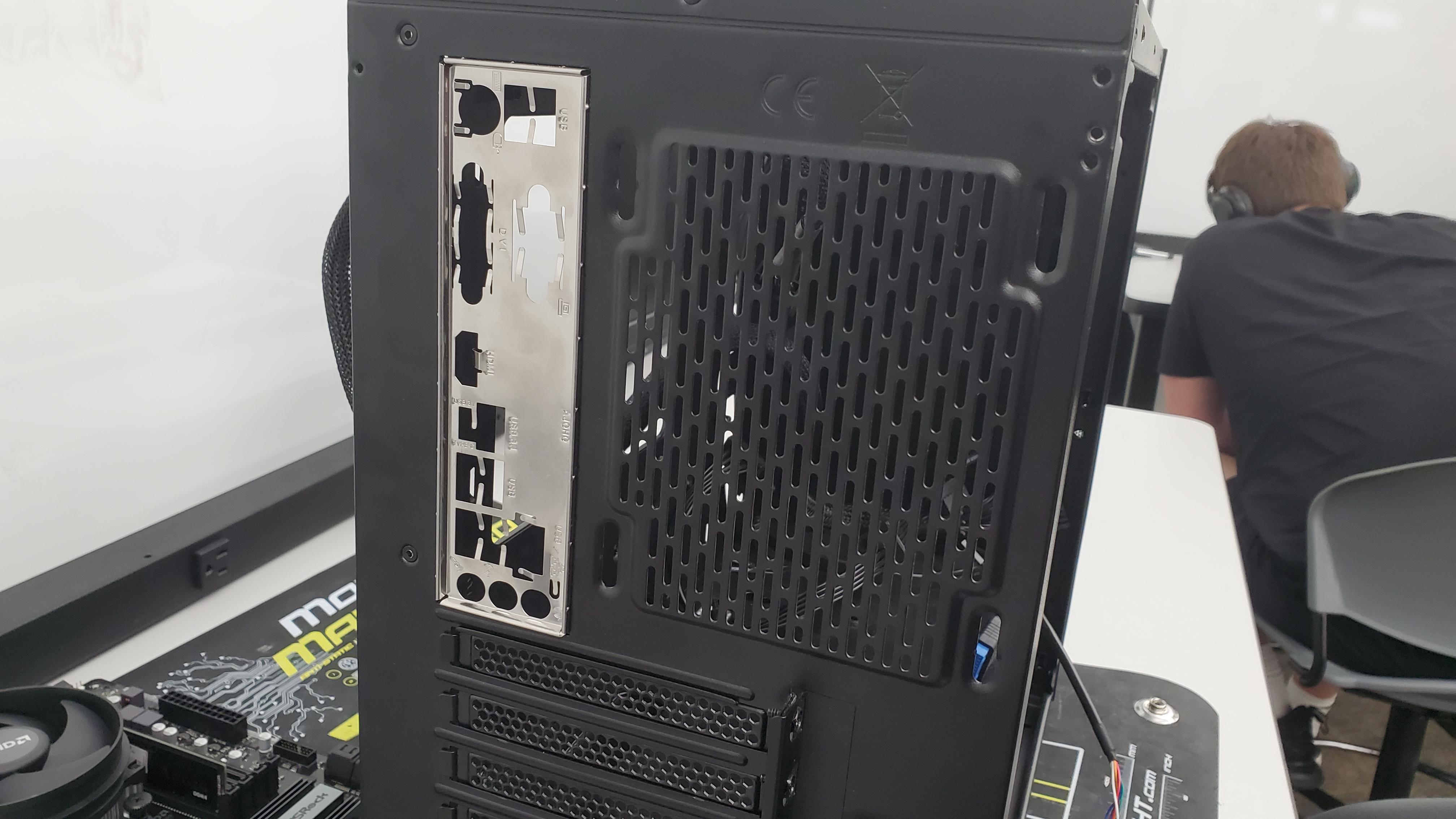

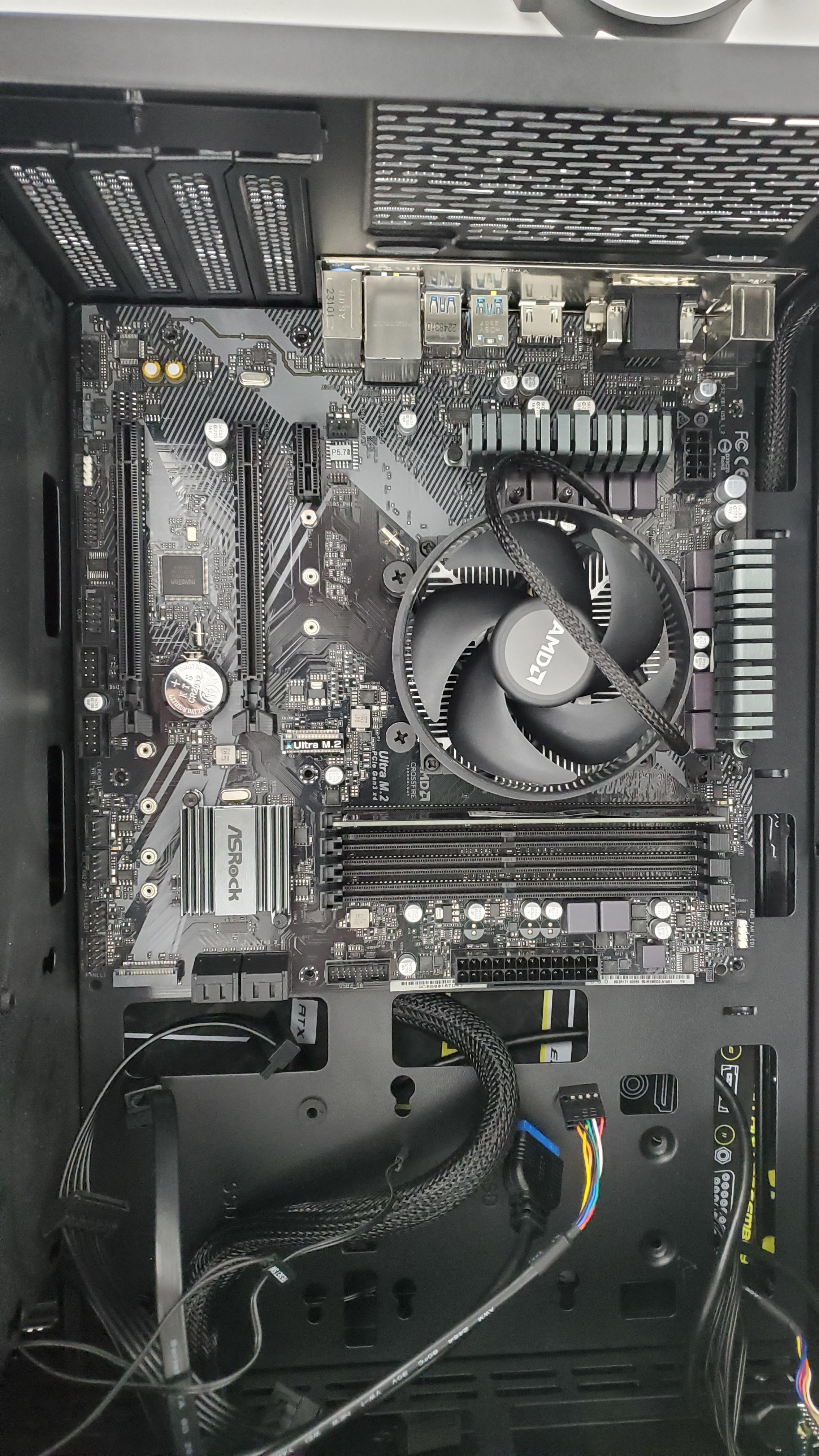
Line up the standoff holes and the motherboard and screw the screws into the standoff holes.
Placing SSD
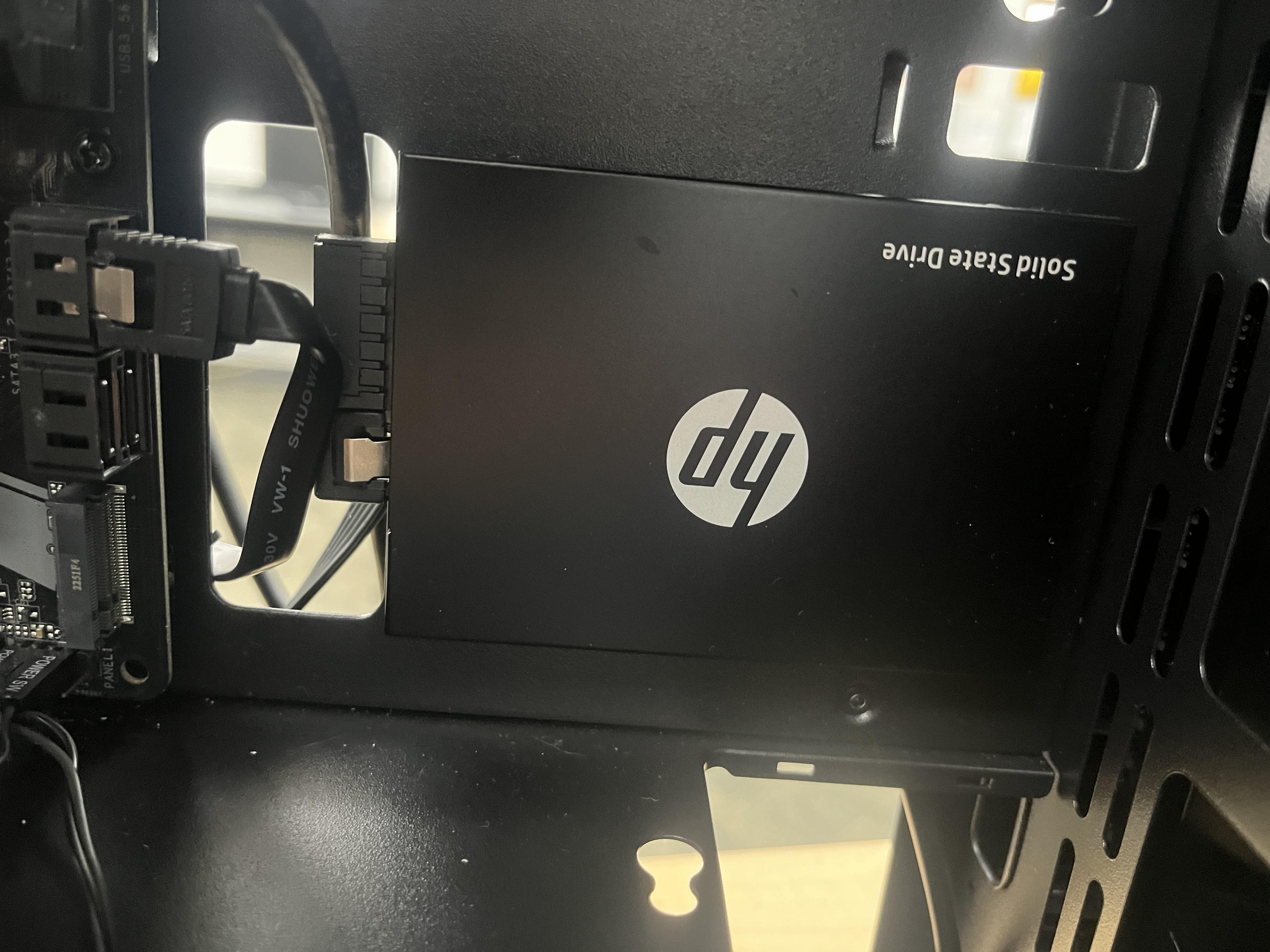
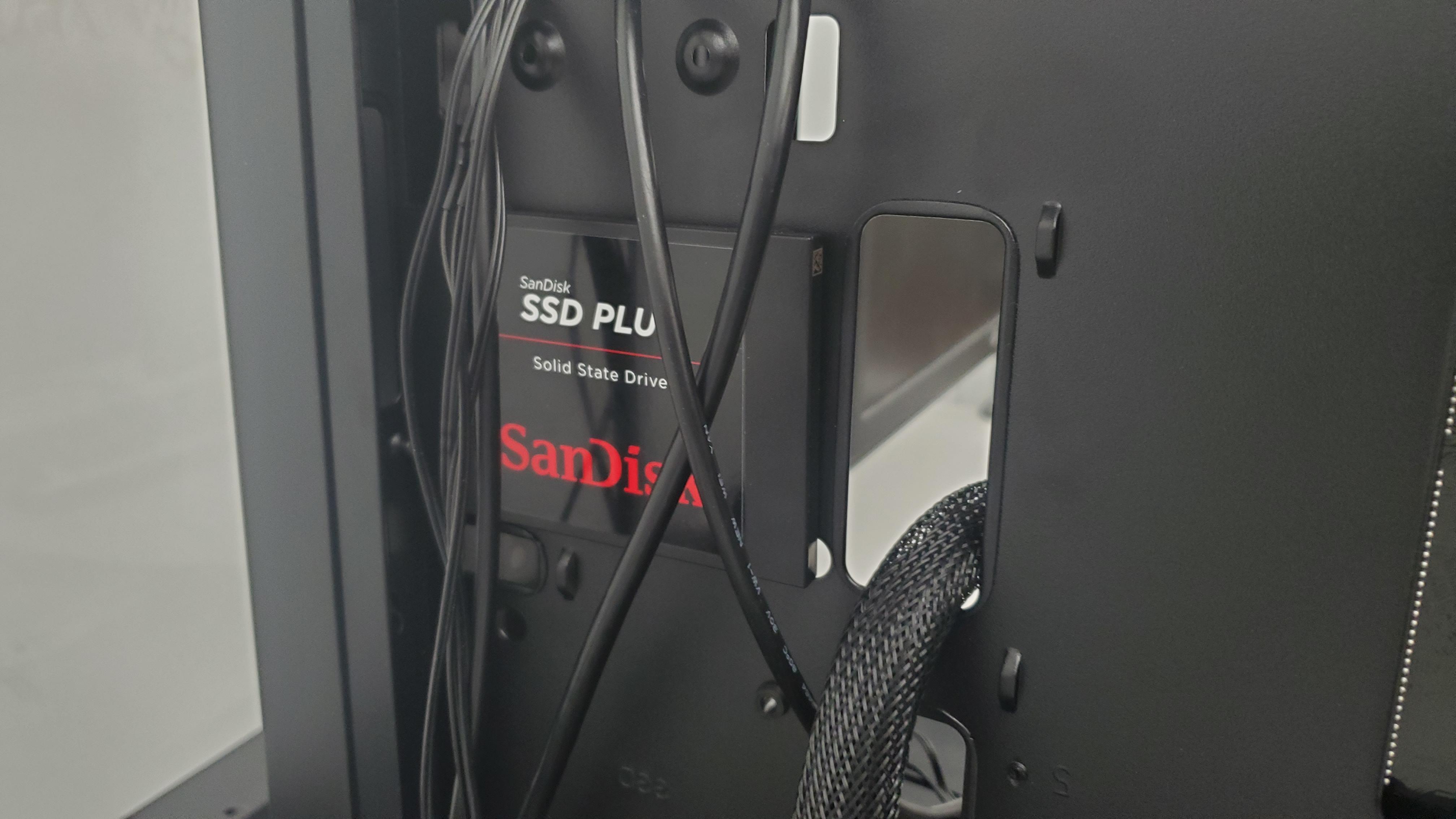
line up the SSD to the right of the bottom right corner of your placed motherboard. Screw in the screws to make sure it doesn't fall out once you align it to the holes. The SSD is used to store data that is used by your computer.
Case Fan
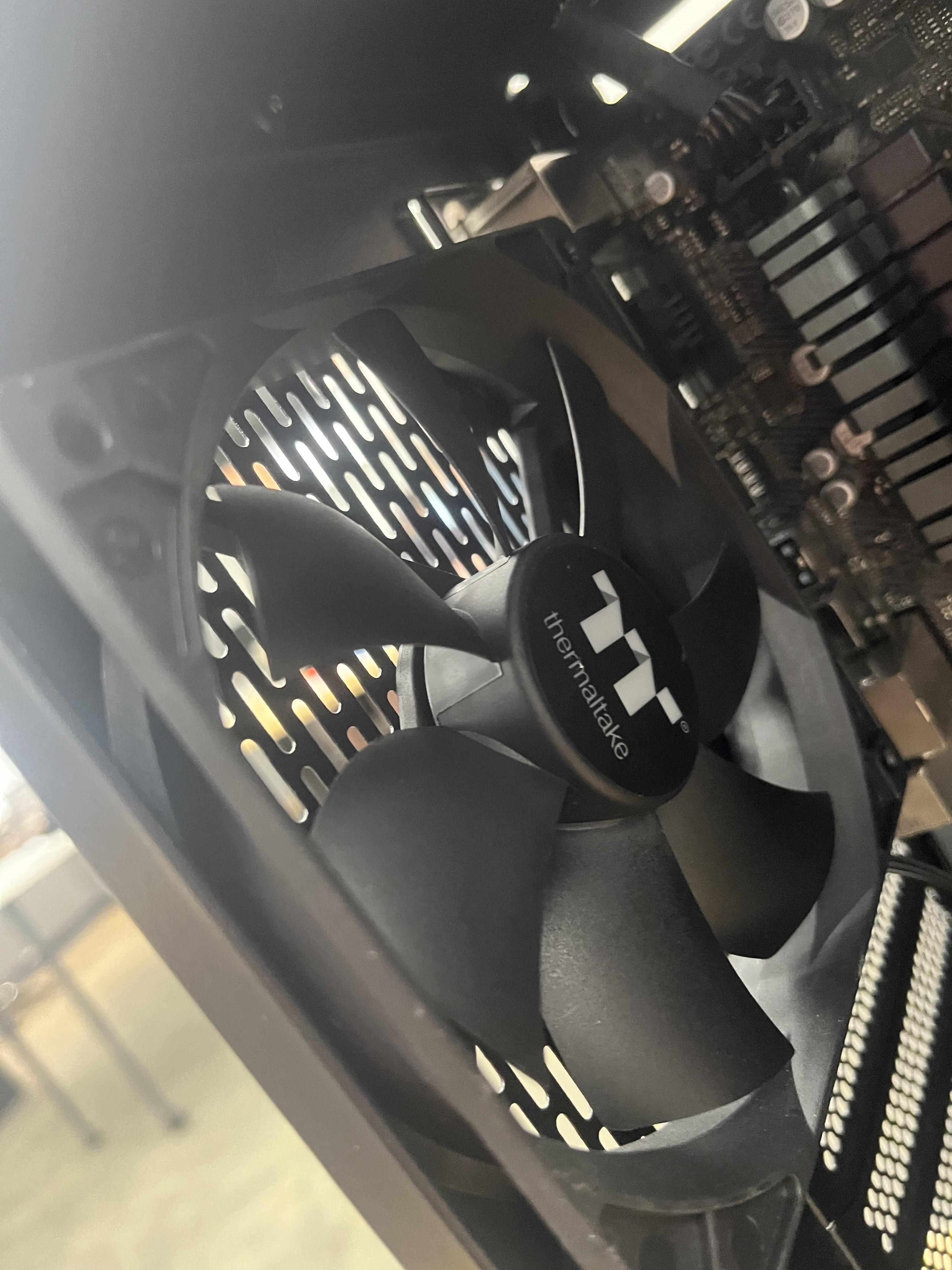
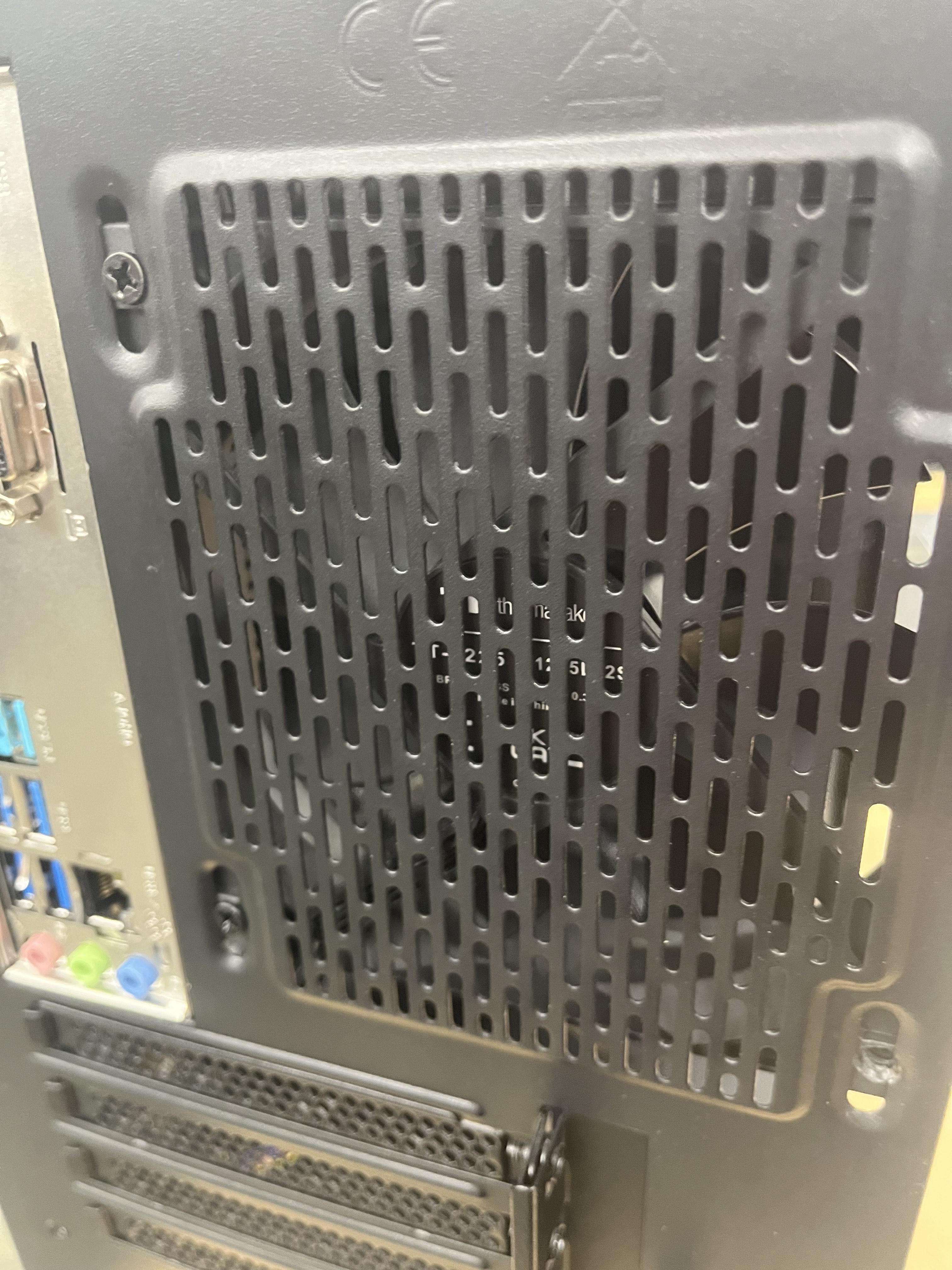
Line up the Case fan to be to the left of the motherboard, on the are with a ton of small holes. Screw it into place afterword's with the respective screws. The case fan is used to cool down the computer considerably to prevent overheating and damage.
Electrical Connections
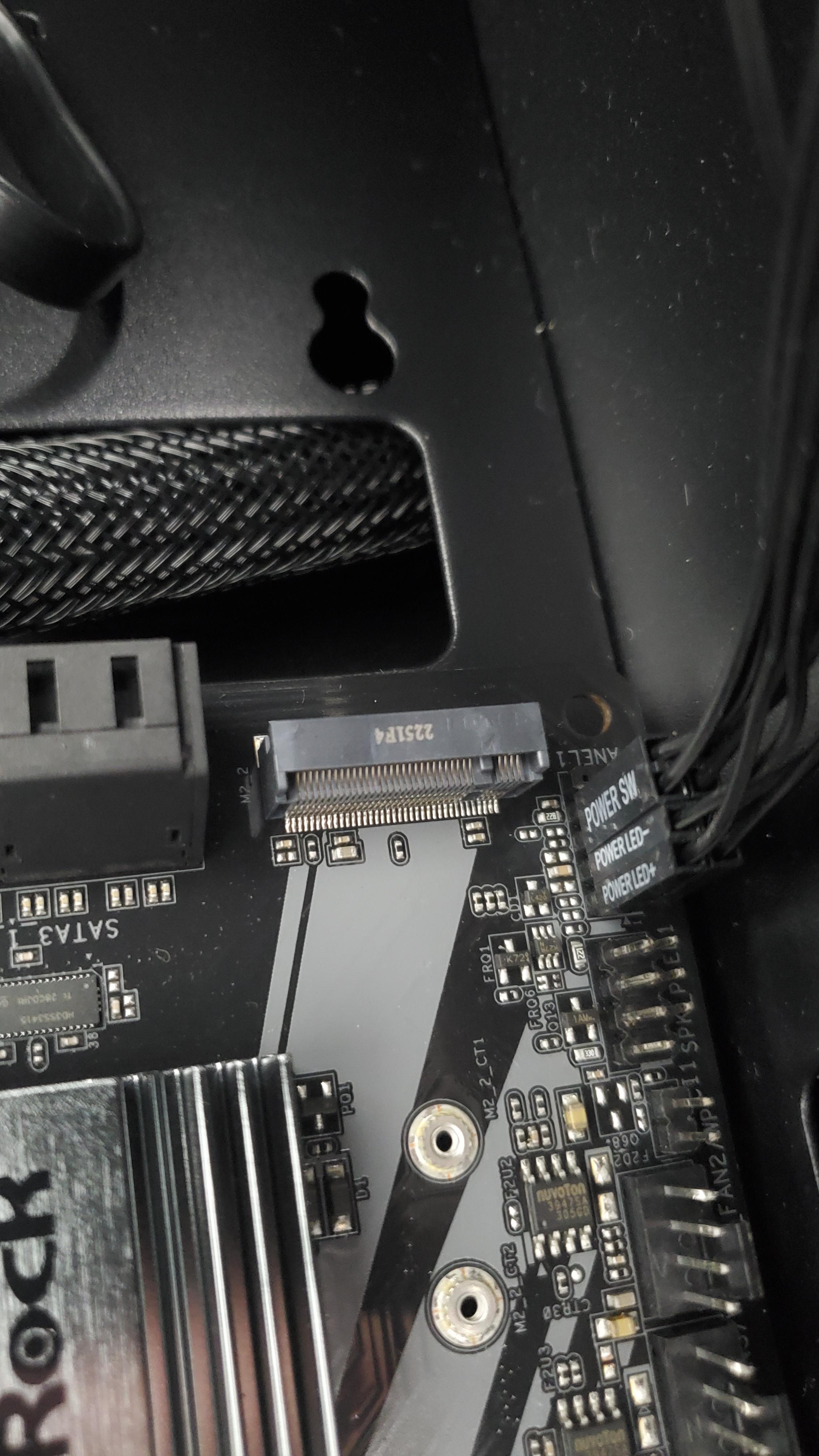

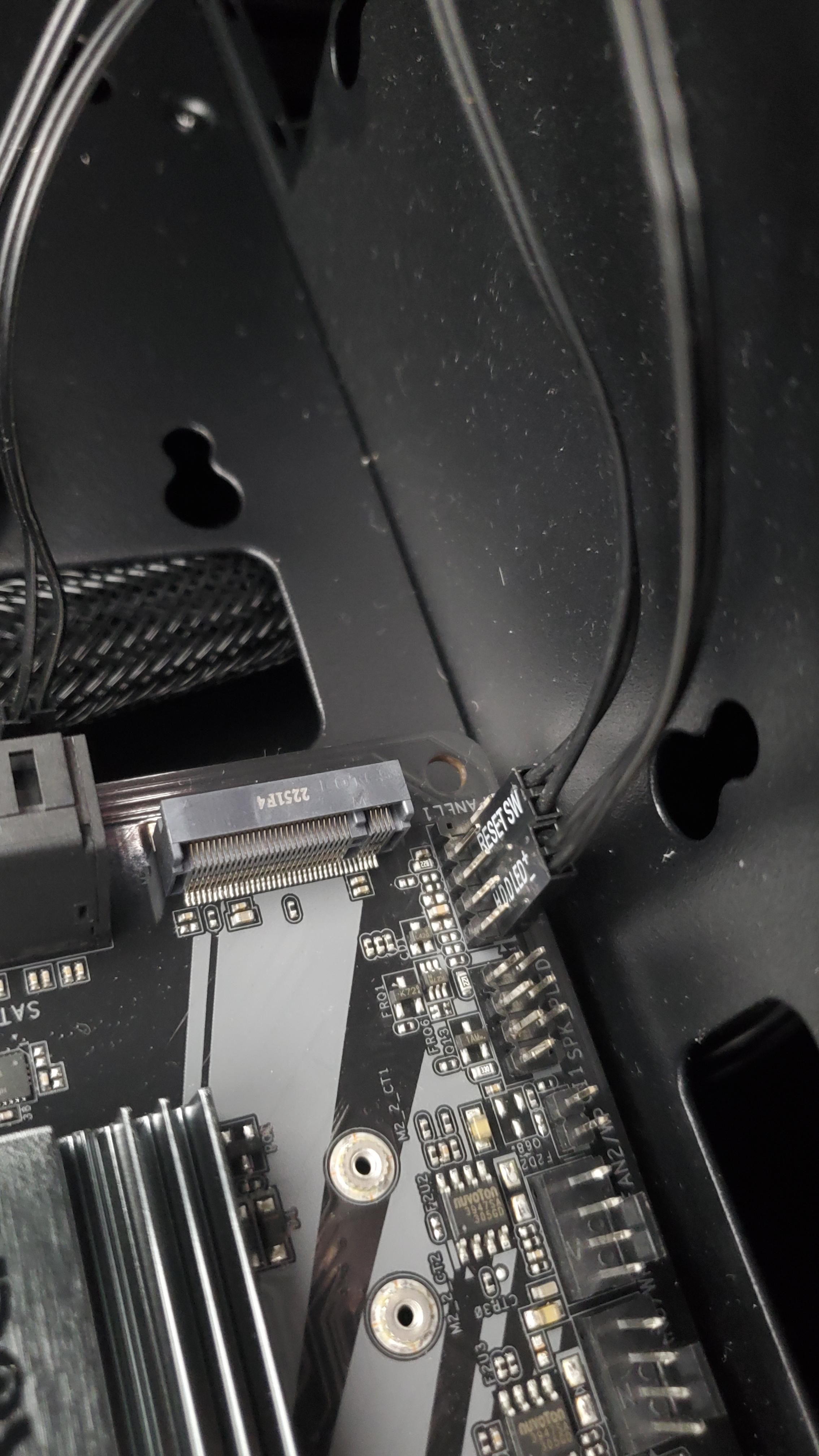


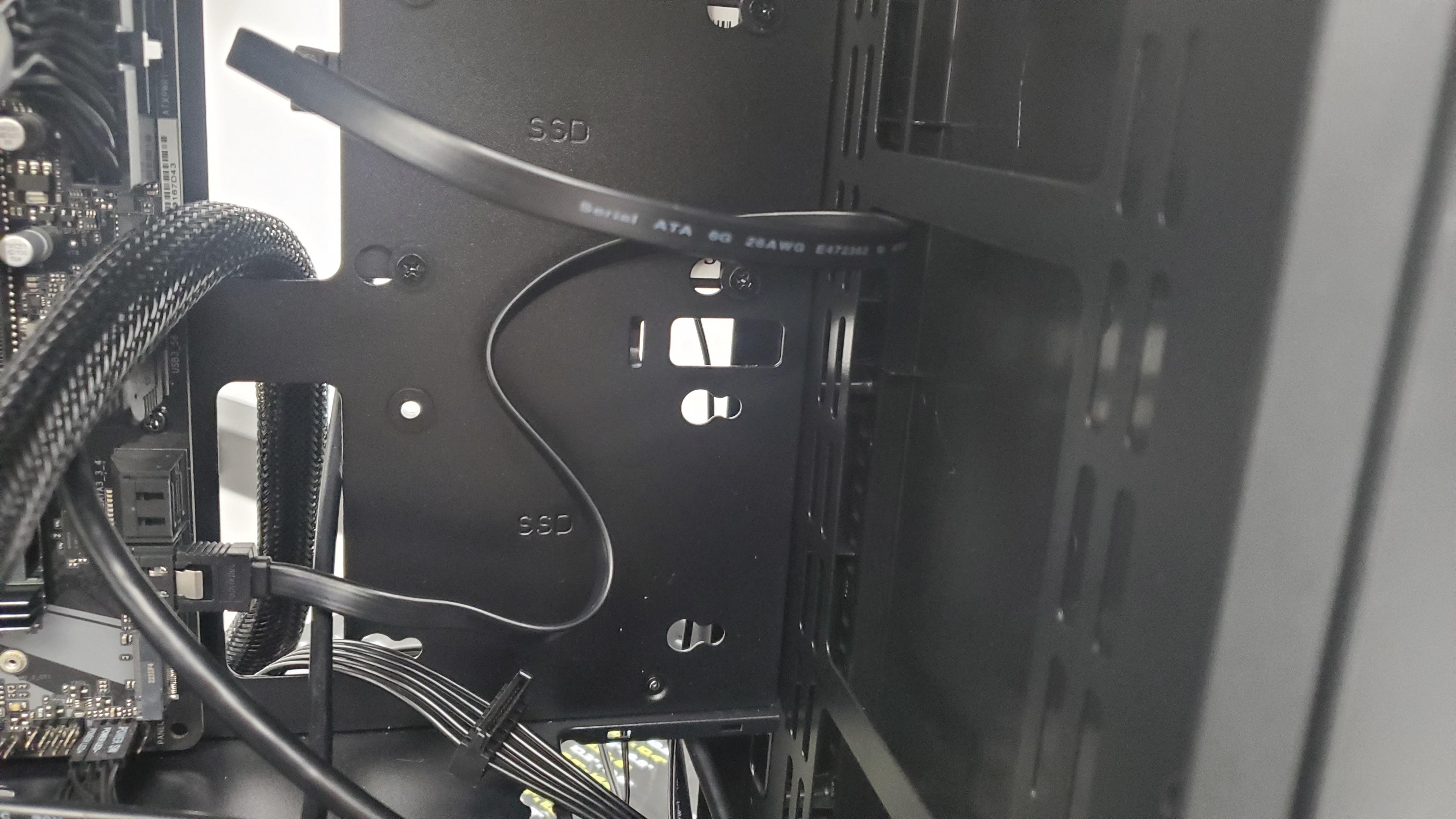
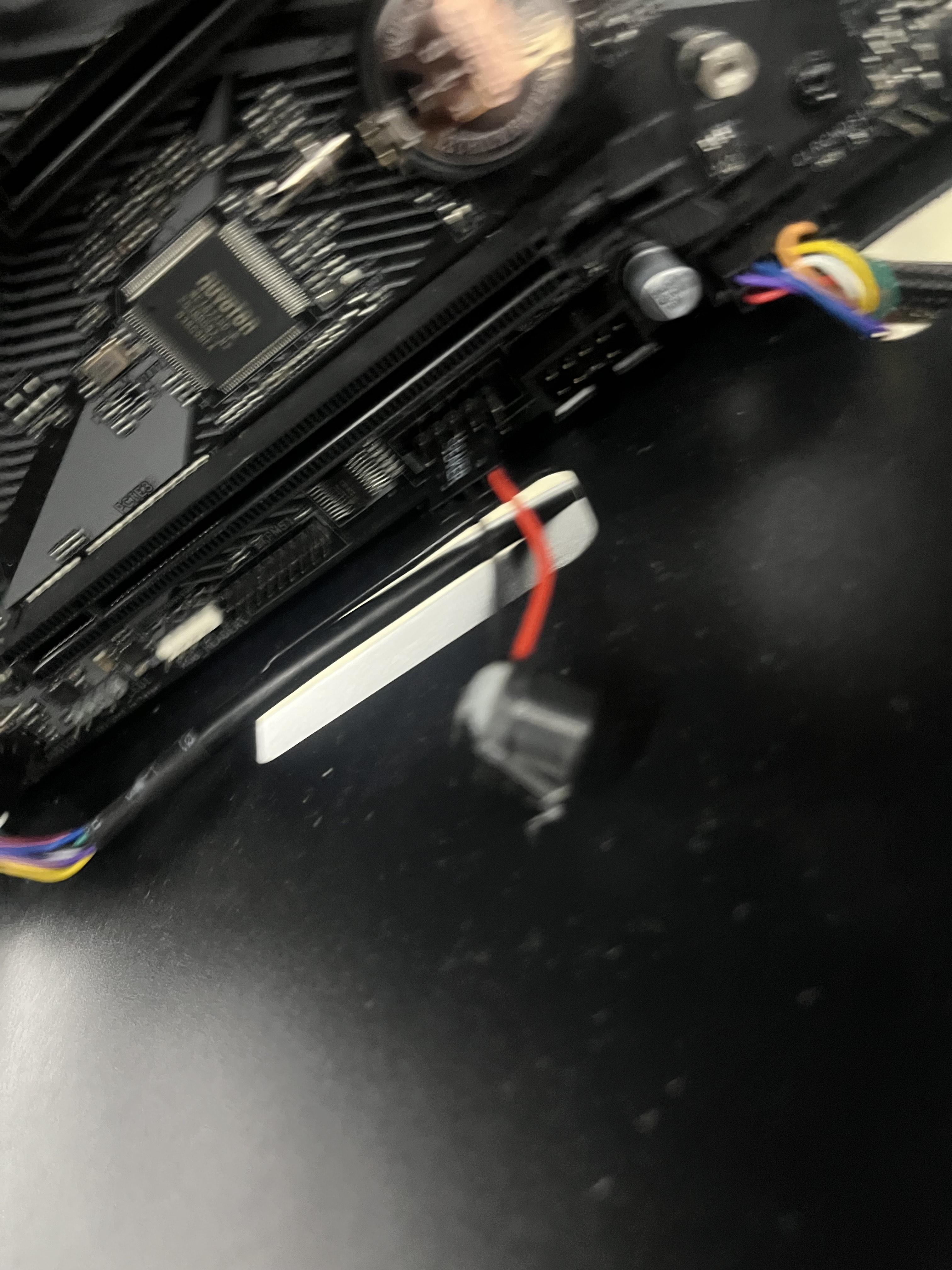
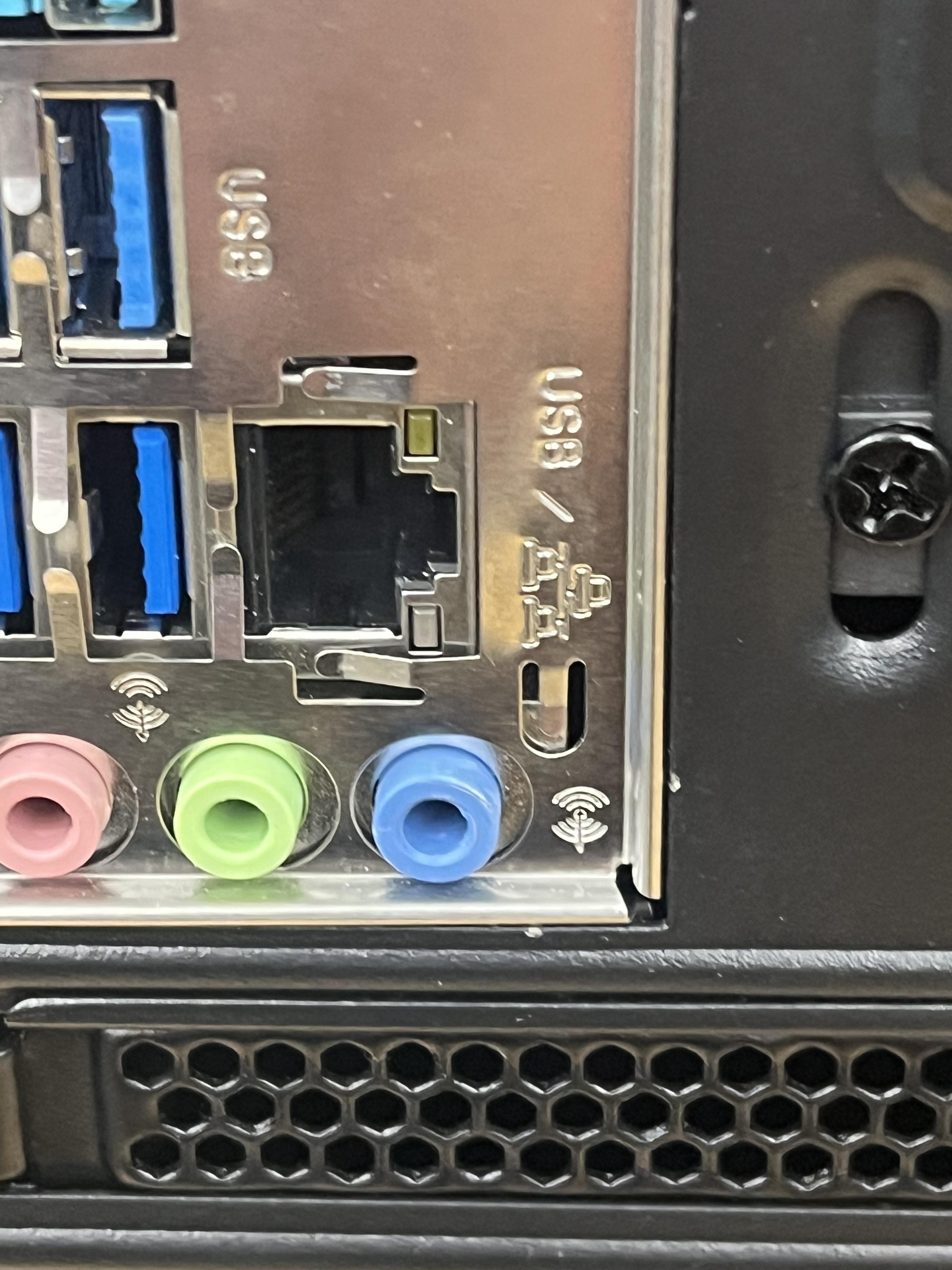
connect the power connectors to the power pins. connect the fan connector to its respective pin. connect sata data port connections. connect the front panel connectors. connect fan connectors to their respective slot. connect the audio speaker cord to its respective slot. connect the usb connection in the motherboard. connect the ethernet cord to the ethernet connector.
Testing
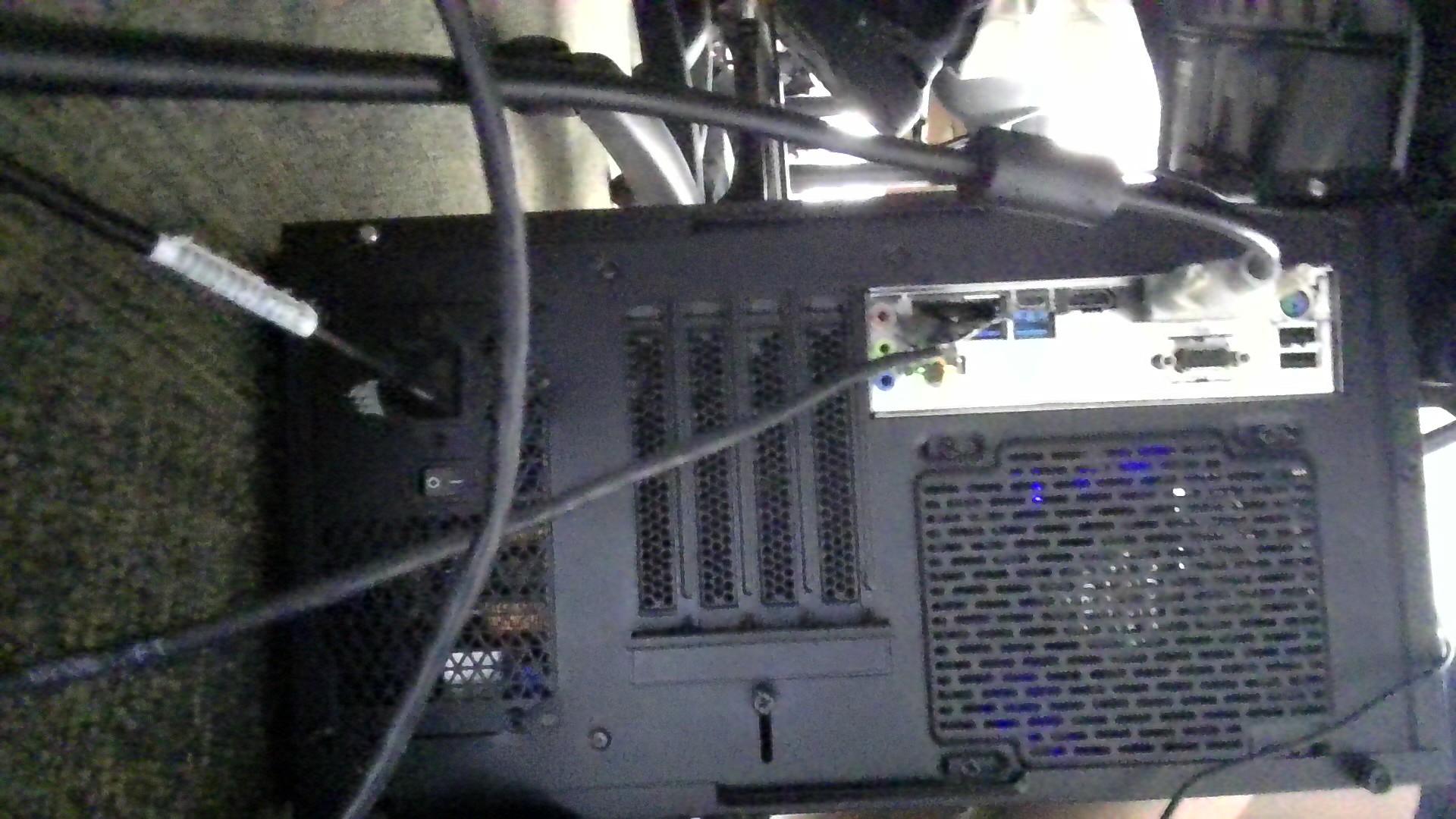
screw in outside panels back on to the computer case. plug in a generic black power cord to the power supply (outlet in the back of the case) and flip the binary switch to on. connect a HDMI or display port from the computer to the monitor. turn on the computer and monitor to see if it posts.