Computer Build
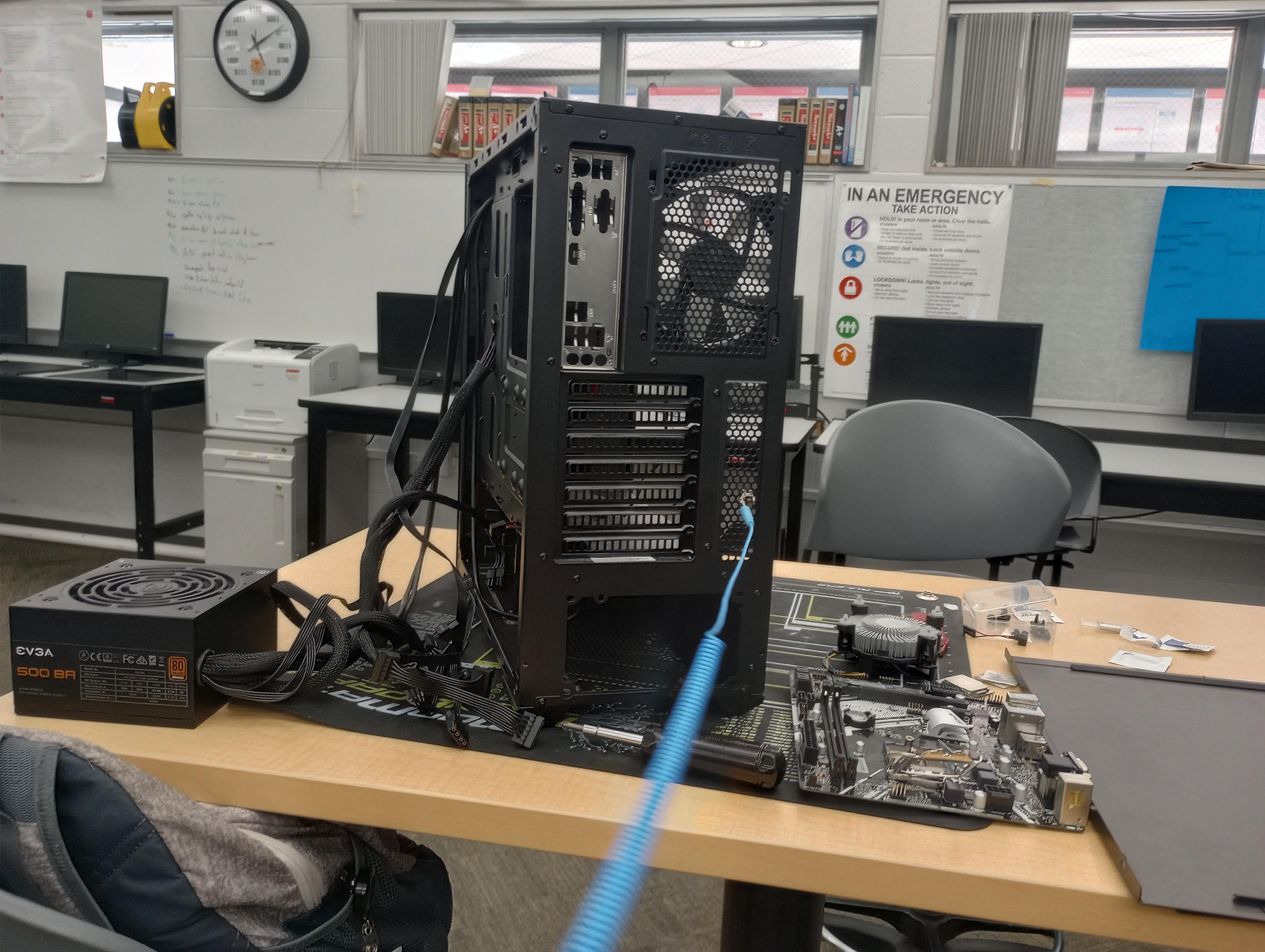
Building your own computer can be a way to ensure that you have all aspects that you want or need. It can also be less expensive.
Supplies
These are the components that you will have for building the computer:
Case
Power Supply
CPU/Heatsink (Thermal Paste)
Motherboard (Stand Offs, I/O Plate)
RAM
Graphics Card
Cables/Management (Power, SATA, USB, Fans, Front Panel)
Hard Drive/Optical Drive
POST/BIOS/Boot Menu (Beep Codes)
Fans

With all the components out you should already have the static mat out and the static wrist band on which keeps all the components safe from static electricity. It clips onto the metal grates of the CPU.
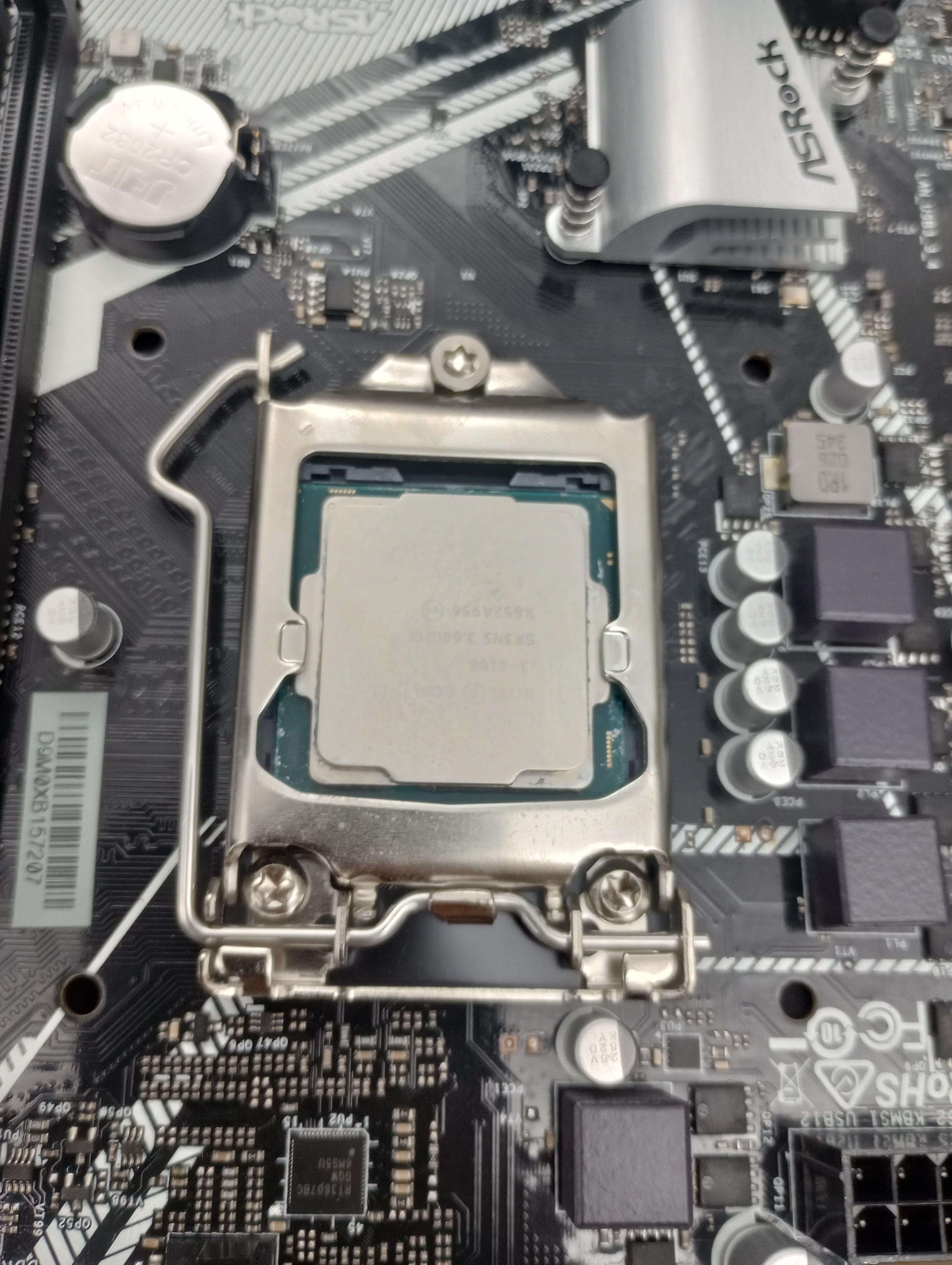
When you go to put the CPU in make sure the little triangles match up so you don't wreck the pins.
- Close it and put a pea size amount of thermal paste on the CPU.
- Place the fan on top and make sure it lines up with the holes
- gently pressing down and then twist the black tabs in the direction of the arrows.
-This secures the fan so it doesn't move.

- You can then plug in the CPU fan into the CPU fan port on the motherboard.
- Then put the RAM into the RAM slot.
- You have to make sure that the notch lines up.
- It makes sure that only a certain RAM can fit in and if you put it in the wrong way it can break it.
- Gently press down on the RAM until you hear a click.
- Then plug in the speaker into the SPK port that is where it goes.
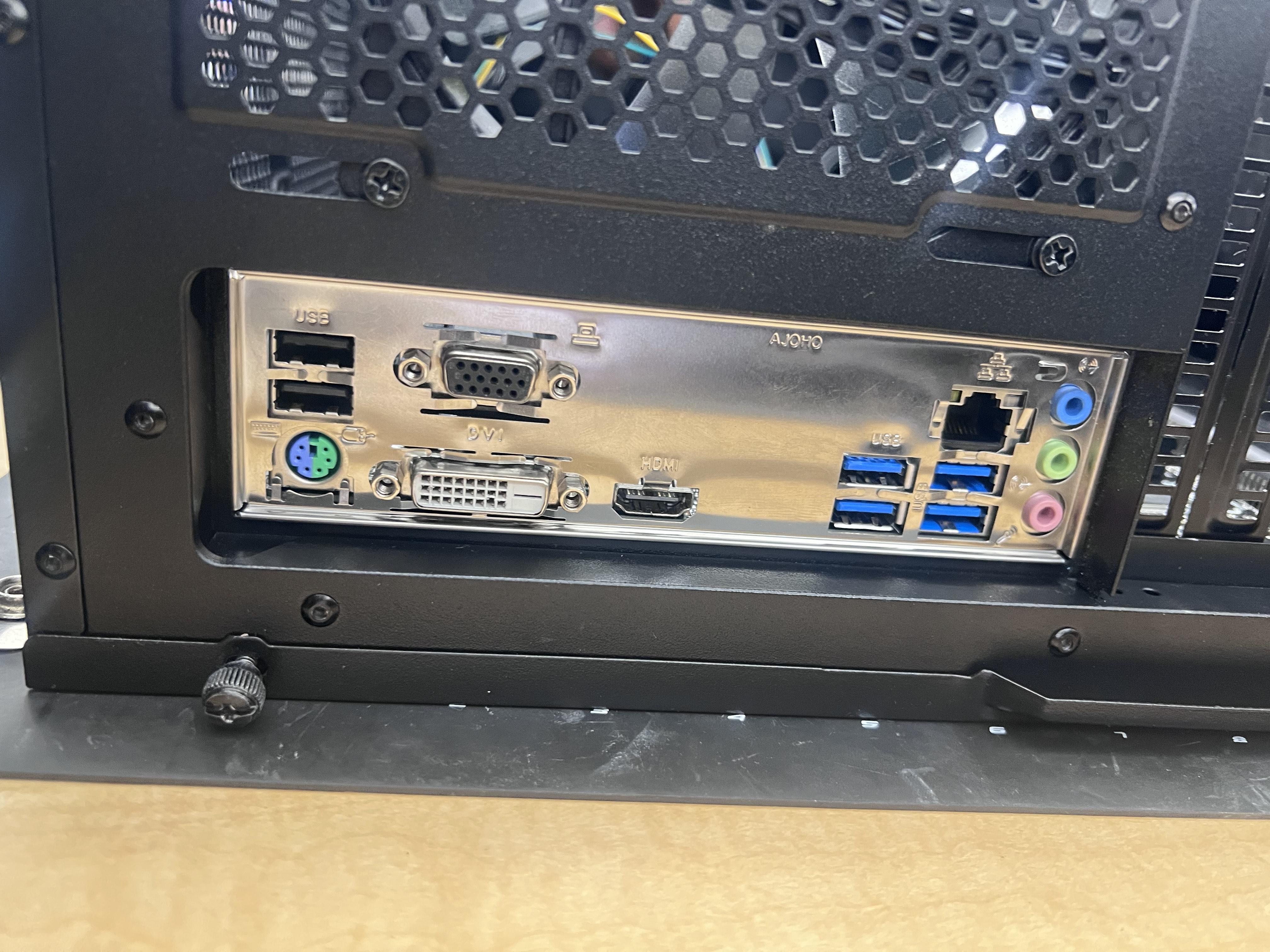
- Align the motherboard into the i/o shield and screw holes.
- Screw in the screws in the standoff holes.
-This secures the motherboard in and the stand off screws keep metal from touching.
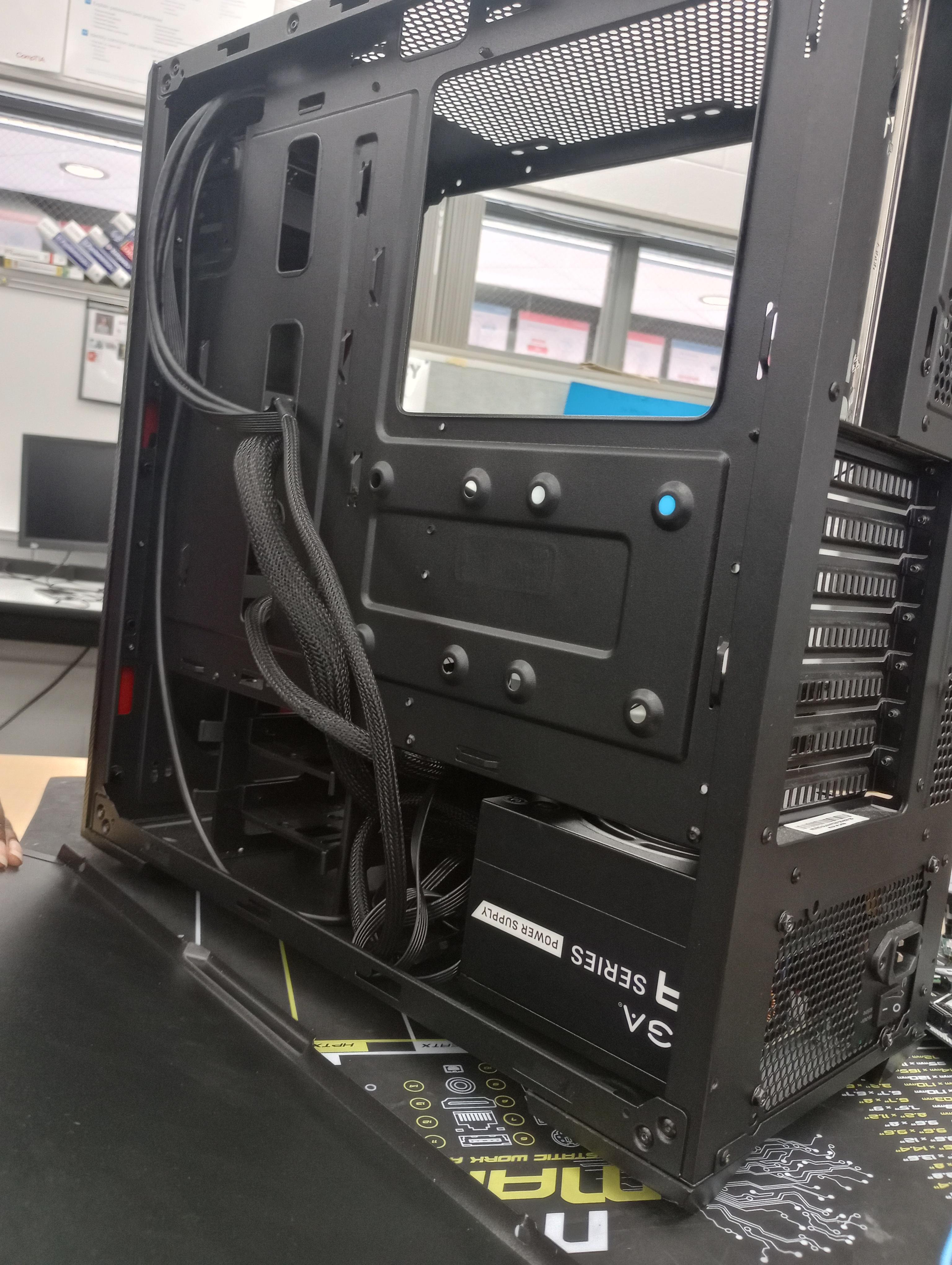
Then put the power supply in and run the wires through the holes/gaps so they are able to reach their designated spot on the motherboard.
- Make sure the 4/8 pin is in the gap closest to the motherboard so it can reach its spot.
-The others can normally go through any hole but the 4/8 in short.
- Align the back to the screw holes and screw it in.

.jpg)
- Bring the 24 cable and plug it into the 24 port
-it is next to the RAM it powers the motherboard.
- Then you can plug in the 4/8 pin
- it is in between the fan and i/o shield it powers the CPU.
- Plug in the other fan into the other fan port
-its in the corner by the RAM.

- Next you can plug in the SATA cord into the SATA port
-it is next to the 24 port.
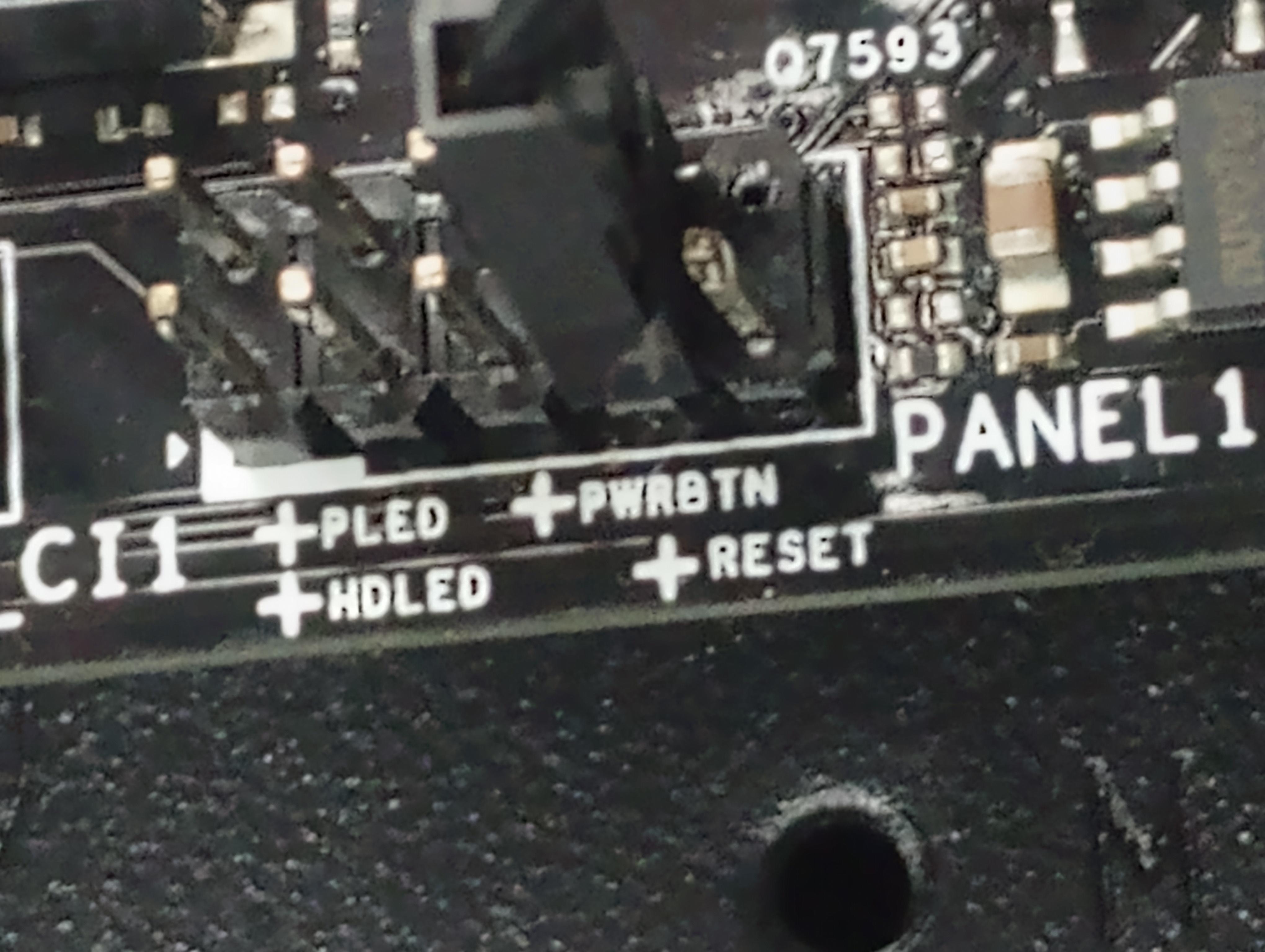
- the last thing that you can do is plug in the front panel
-the plugs goes horizontal and they have the designated spot labeled on them

slide the panel on and screw it in.