Colorado Laser Cut Board Magnet - Madison, Jiyoon, Presley, Janissa
by mralbert01 in Workshop > Laser Cutting
3 Views, 0 Favorites, 0 Comments
Colorado Laser Cut Board Magnet - Madison, Jiyoon, Presley, Janissa

Create a Cool Colorado Magnet Board with the laser cutter!!!
Downloads

Supplies
- 3mm BALTIC BIRCH WOOD (24 x 18)
- Wood Glue
- Wood Stain
- Solid works
- Provided dimension +other demonstrations of what not to do and what to do
Create All Part Files
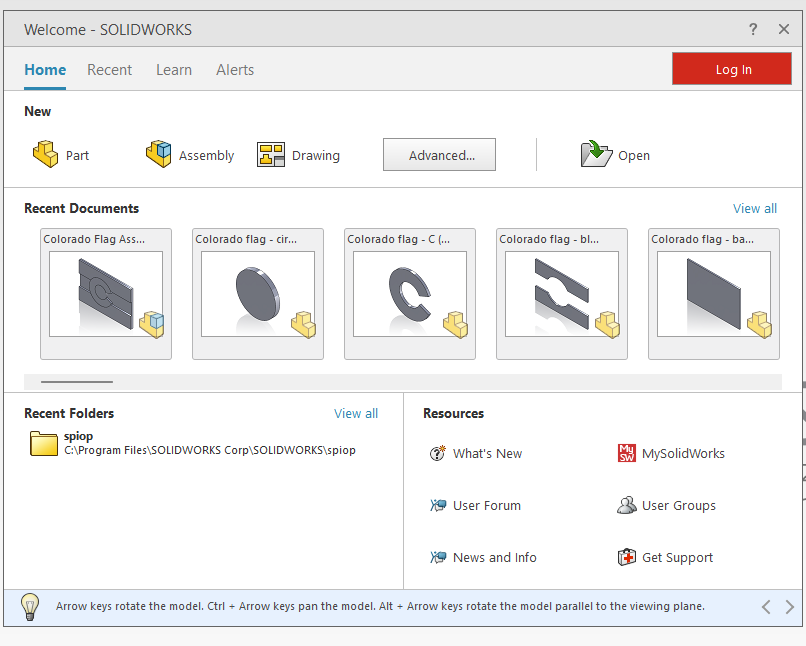
Using SolidWorks, create all part files for the white back board, the blue stripes, the red C, and the Yellow circle. Use all the dimensions given from the given drawing file (scroll down to step 3 for dimensions - pdf + screenshot is provided)
Create Assembly
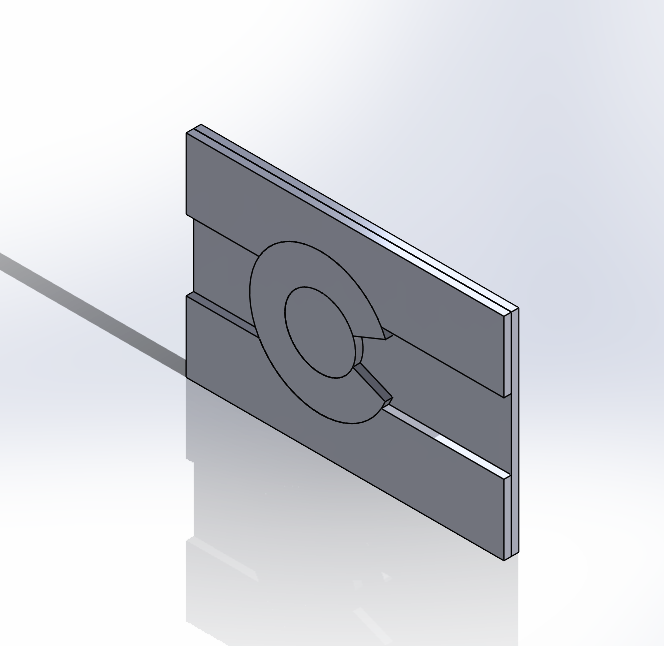
Using all of your part files, make an assembly in SolidWorks, and check if all of your parts fit correctly, and you used all of the right dimensions. The mass should be .13 pounds.
Create Drawing File
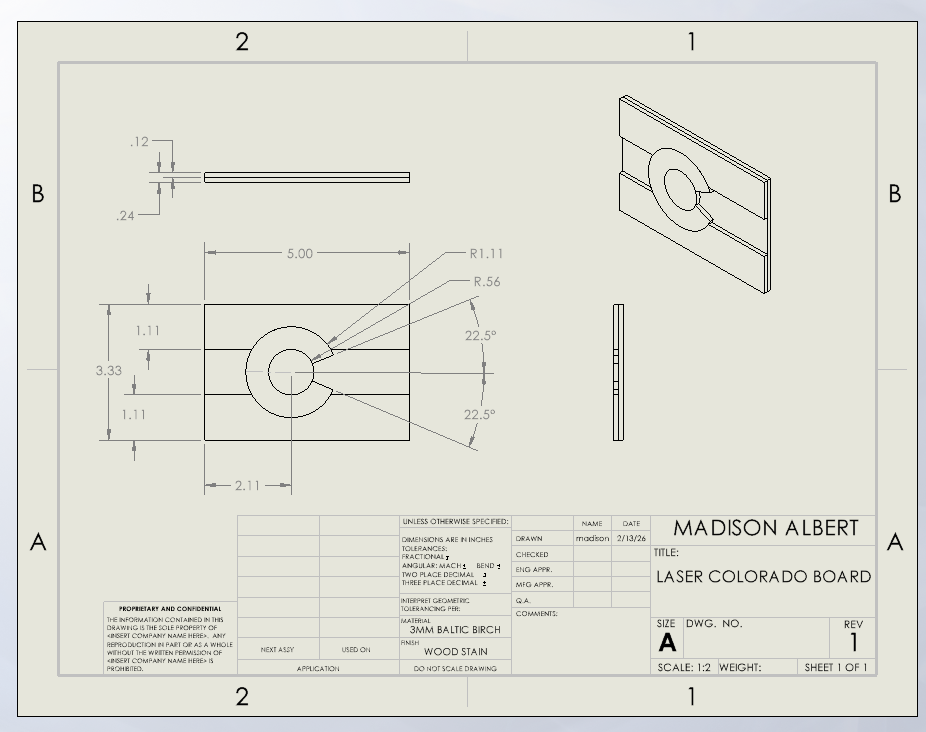
After you are done with your assembly, create your drawing file. This will show all the dimensions for other people to look at and create the exact same thing you made. (pdf is attached along with screenshot)
Downloads
Create .DXF Files
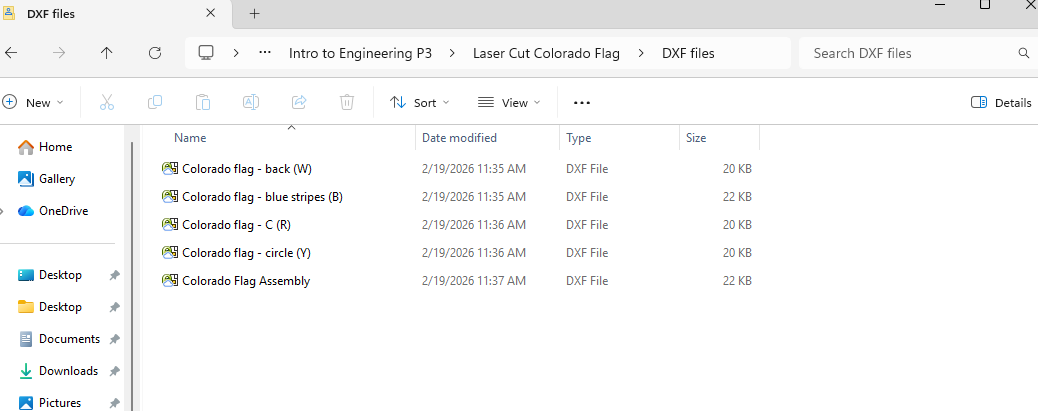
After finishing all of your part files, assembly, and drawing file make sure to turn your part files into .DXF files by saving them all to a flash drive so they can all be moved to the laser cutter. ( all DXF files attatched
Use Laser Cutter and Make Adjustments
Finally, using the laser cutting upload all of your part files (File - New - Import) make sure to make RED - 255 (the rest 0). Change the speed to 14, and the power to 100, also make sure your line is hairline. And make sure to place your pointer to where it is on the website on your 24 x 18 birch board. Once ready, click the green button and watch the product being cut to make sure there is no mistakes, and it comes out the way you want it to. (and to watch for fire or any emergency)
Wood Stain
Stain all of your part seperatly with your wood stain. The back should be white (make sure to get all the corners and sides aswell, make the stripes blue, the C red, and the circle in the middle yellow. Be patient, and wait 24 hours for the wood stain to dry completely.
Wood Glue
After your wood stain is all dry, and you've made sure your parts are fitting correctly, evenly glue all of your parts together with the wood glue. (wait 24 hours and DO NOT touch until completely dry.) There should be no glue showing..
Magnet + Finished Product
Once your glue is fully dry after 24 hours, place 2 magnets on the back and attatch. After this is done and the magnet is successfuly attatched, you should be left with your finished product.