Collision Warning System
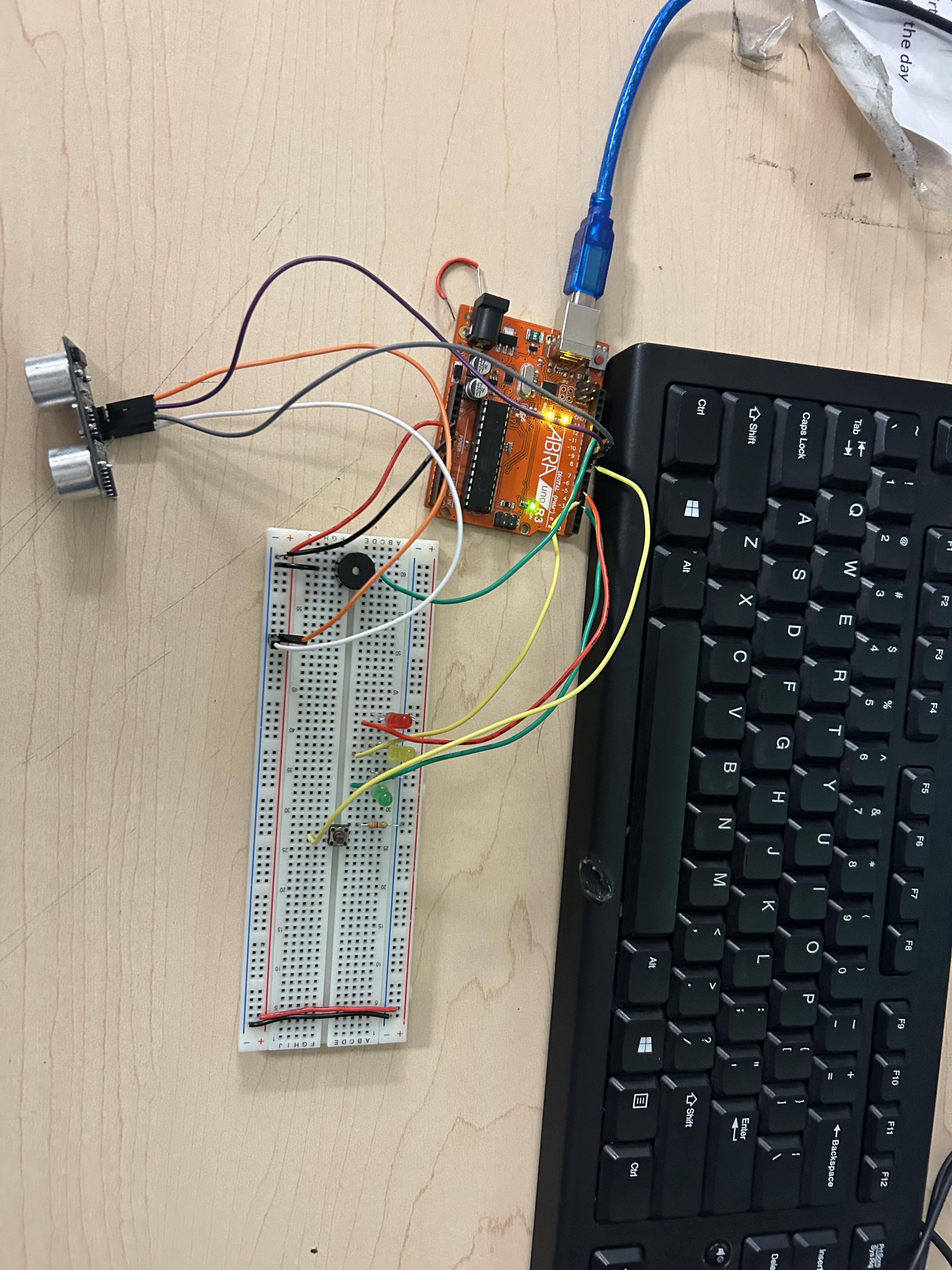
This project shows a simple Arduino circuit that uses a distance sensor, LEDs, and a buzzer to detect nearby objects. The sensor measures how close an object is and sends the information to the Arduino. When an object comes closer, the LEDs light up and the buzzer sounds to warn the user, making it easy to see and hear when something is near.
Supplies
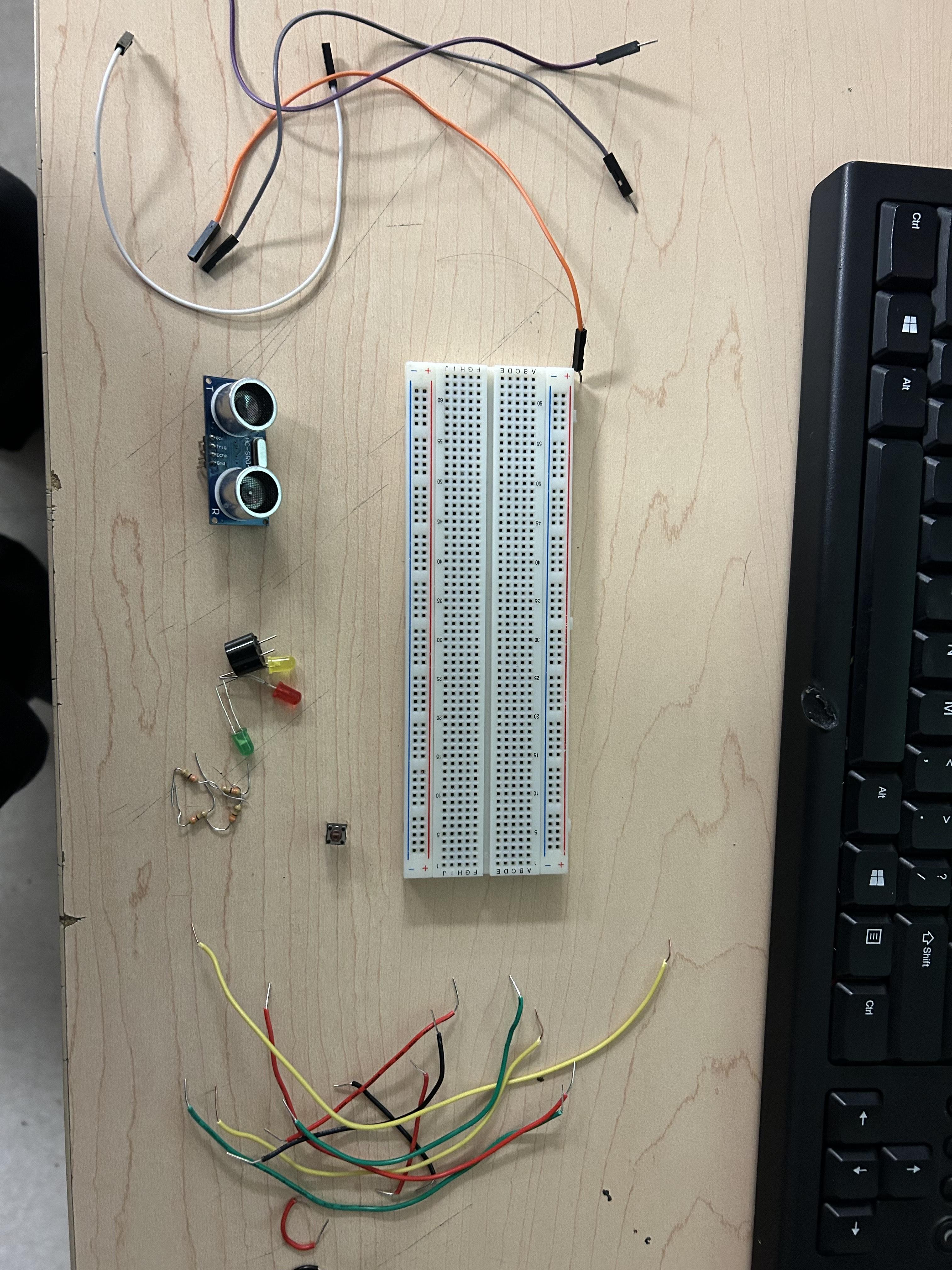
- Breadboard
- Arduino
- Green LED
- Yellow LED
- Red LED
- Buzzer
- Distance Sensor
- Male/Male Wires
- 3 220 ohm Resistors
Collect the Components and Wire Your Bread Board
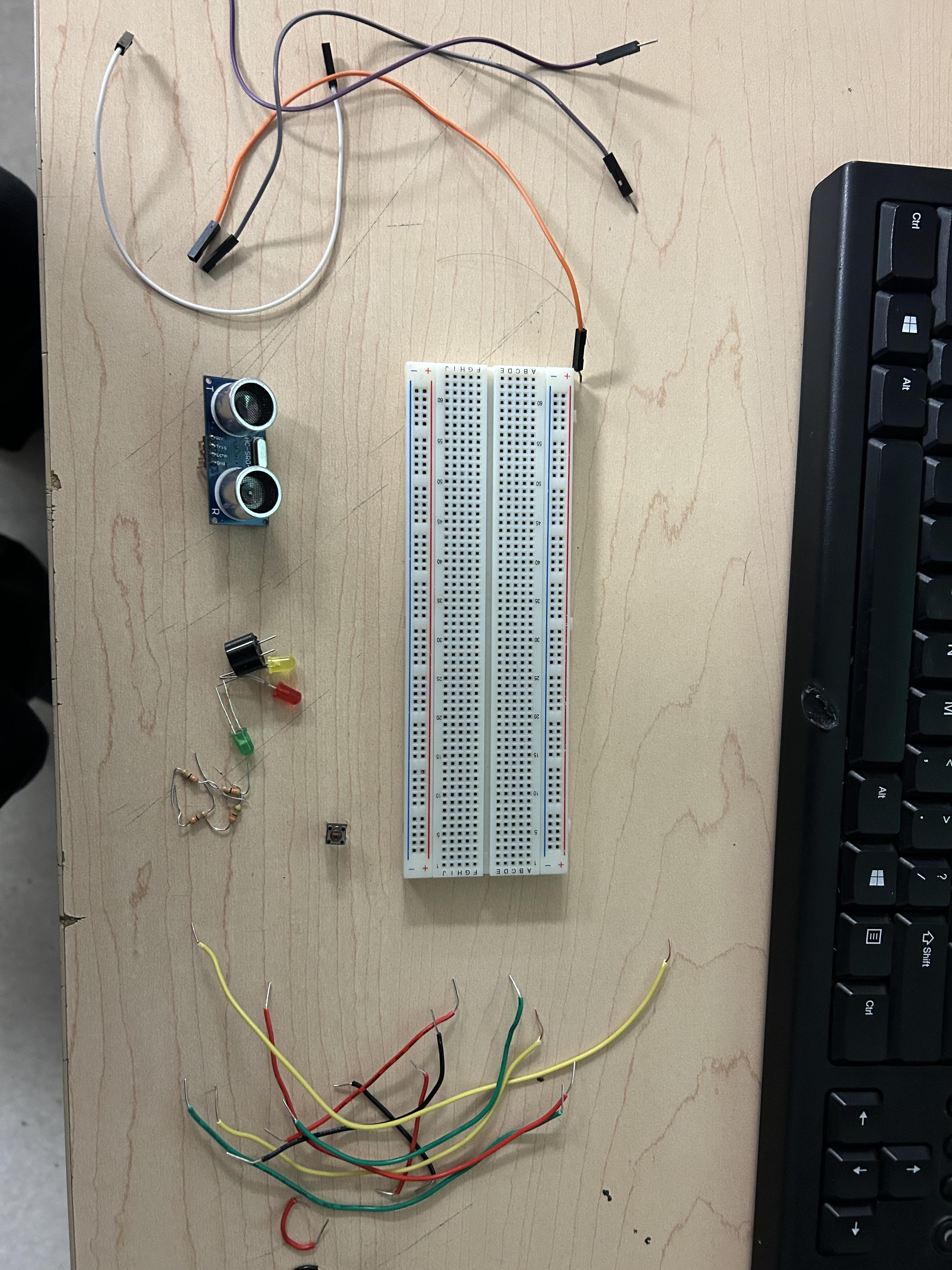
After powering the breadboard, the next steps involve placing the distance sensor, LEDs, and buzzer onto the breadboard and connecting them to the Arduino with jumper wires. Each component is linked to power and ground, while their signal pins are connected to the appropriate Arduino pins. Once everything is connected, the wiring should be checked to make sure the parts are placed correctly. The final step is uploading the program to the Arduino and testing the circuit to see if the LEDs and buzzer respond when an object moves closer.
Enter the Code
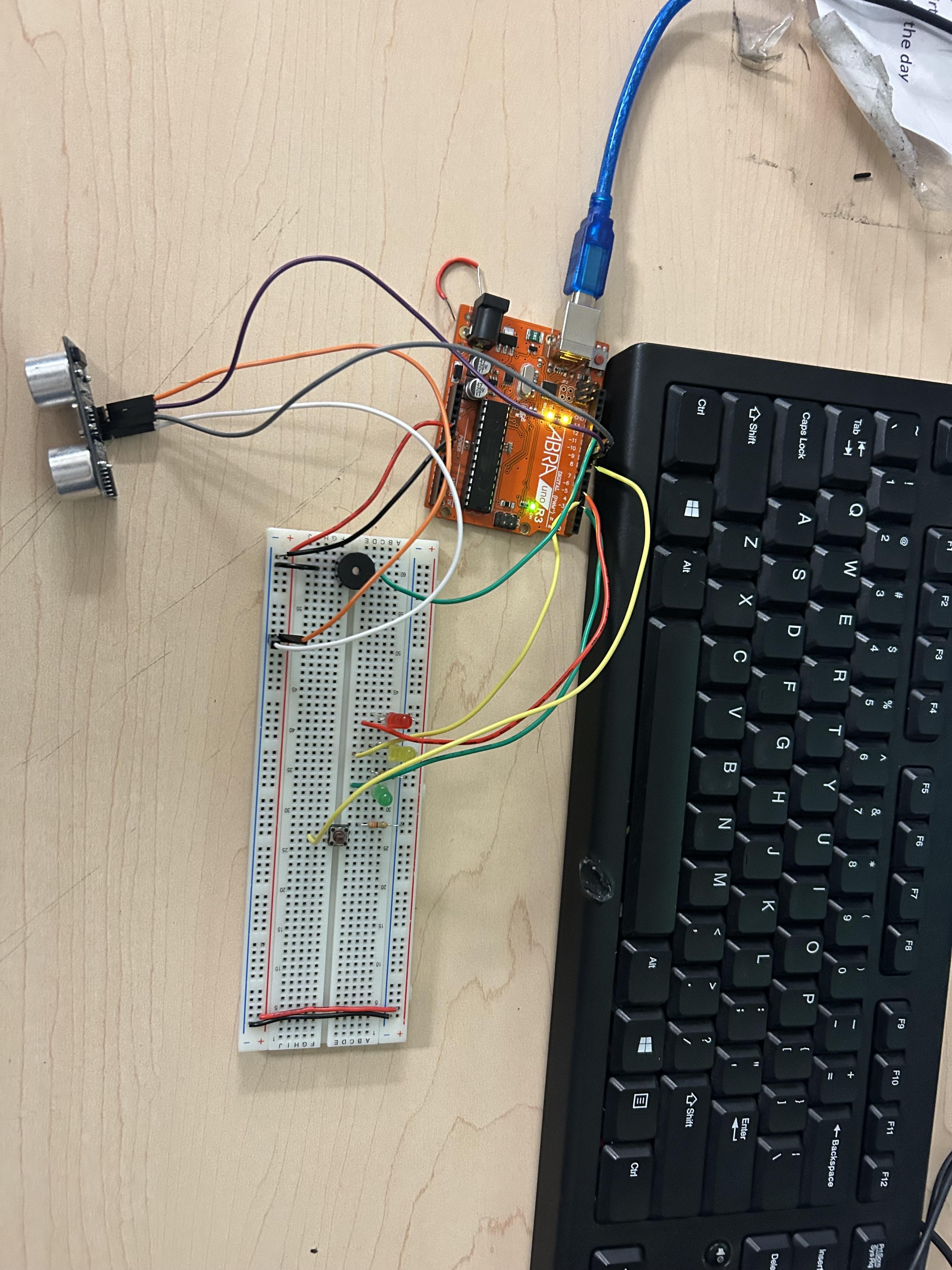
The next step is to create the Arduino code that controls the circuit. This involves setting up the pins for the distance sensor, LEDs, and buzzer, and writing instructions that tell the Arduino how to read the distance sensor. The code then uses this distance information to decide when to turn the LEDs on and when to activate the buzzer. After writing the code, it is uploaded to the Arduino so the circuit can be tested and adjusted if needed.