Building a Pc
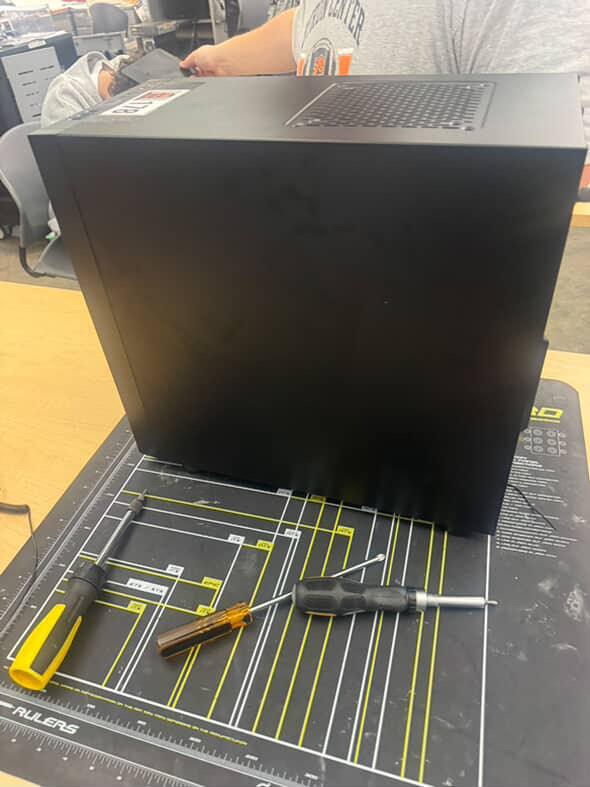
why build a computer? You can use it to do pretty much anything, to play video games or use it for work or extracurricular activities.
Supplies
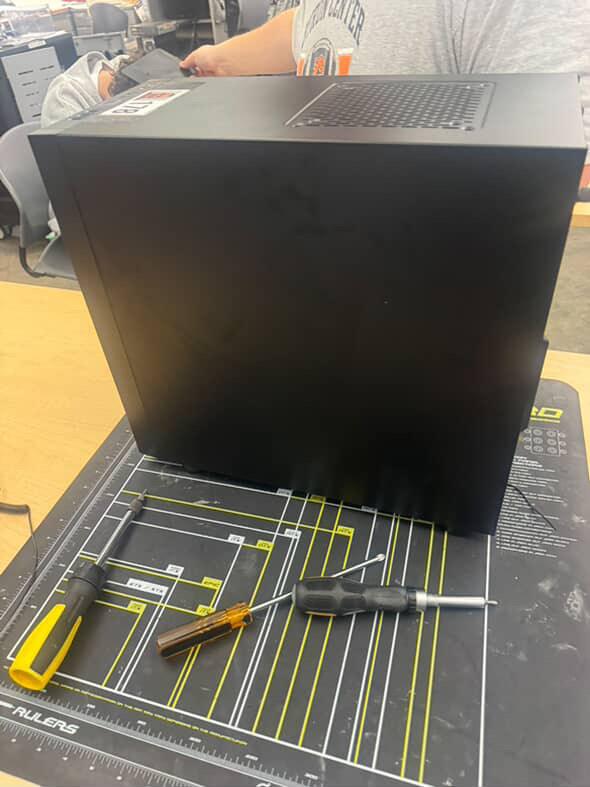
screwdriver
anti-static wristband
anti- static mat
CPU&Cooler Installation
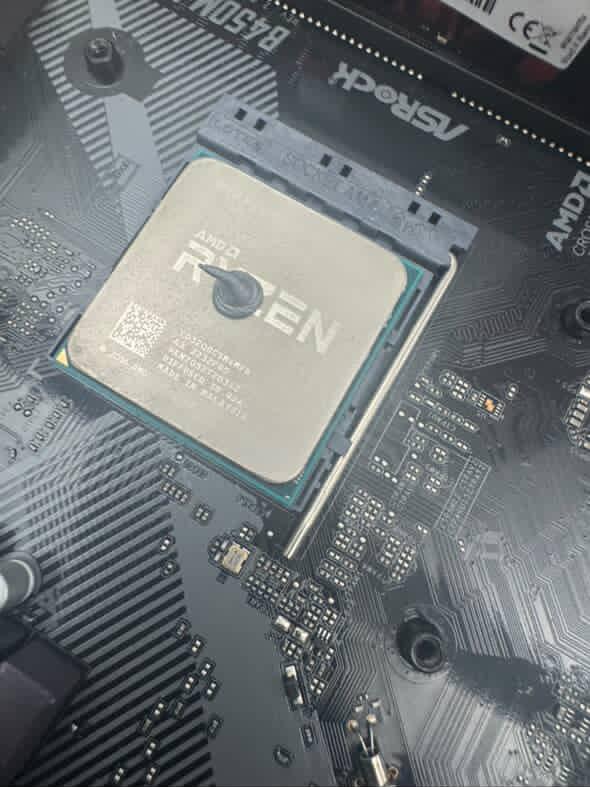
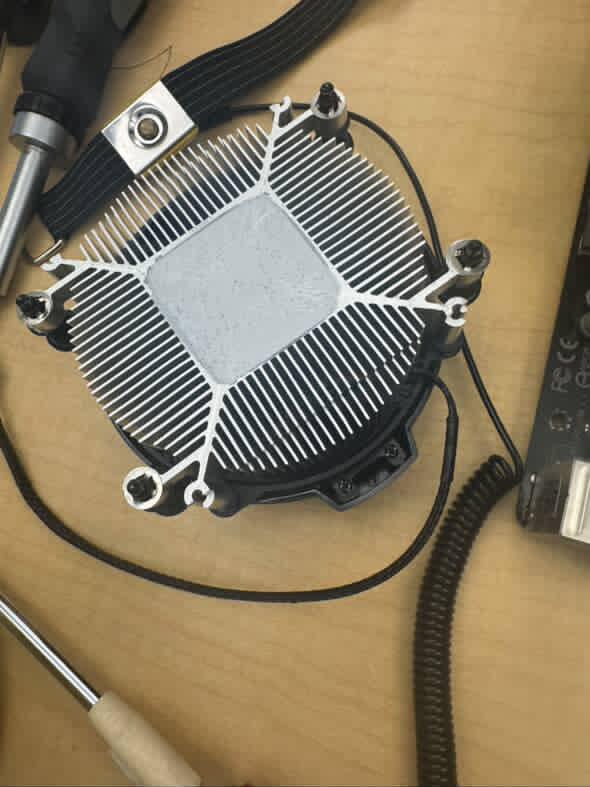
- Place the CPU into the motherboard socket (align the triangle markers).
- Apply a small pea-sized drop of thermal paste onto the center of the CPU.
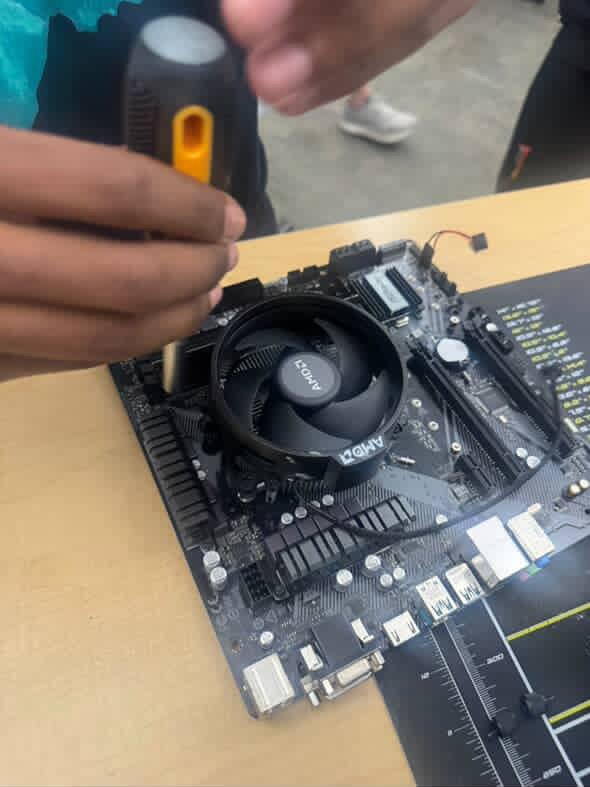
- Gently place and secure the CPU cooler (air or liquid) on top of the CPU.
- Tighten the cooler evenly using the provided screws or clips.
- Connect the CPU cooler fan cable to the CPU_FAN header on the motherboard.
Ram Installation
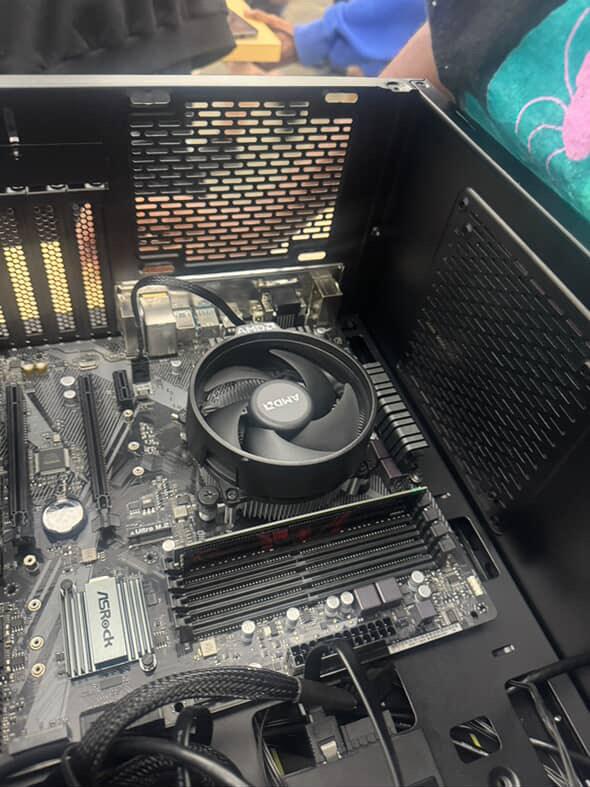
- Unlock the RAM slots by pressing down the clips on each end.
- Align the RAM stick’s notch with the slot and press firmly until it clicks in place.
Motherboard Installation
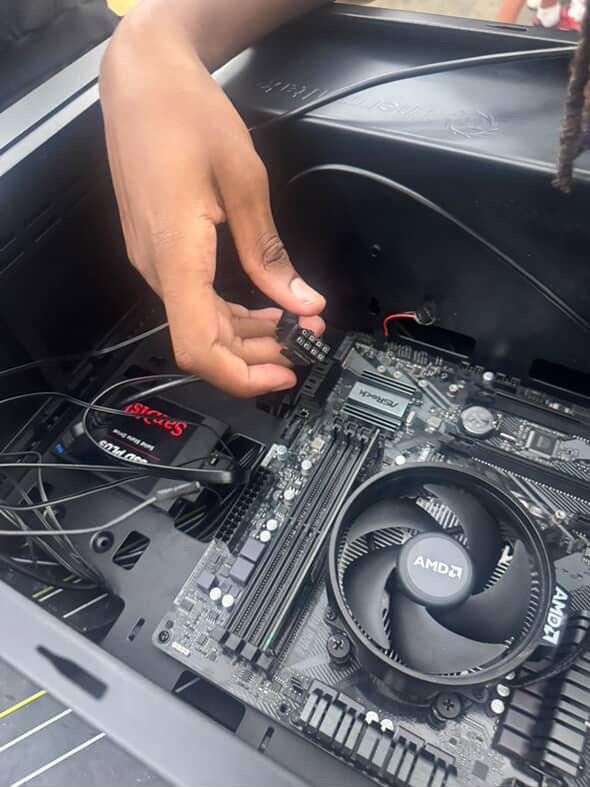
- Install standoffs in the case (to prevent shorting the board).
- Place the I/O shield (if separate) into the case.
- Carefully lower the motherboard into the case, aligning it with standoffs and I/O ports.
- Screw the motherboard into place using the provided screws.
- Make sure front panel connectors are plugged in (i.e. power button)
Power Supply (PSU)
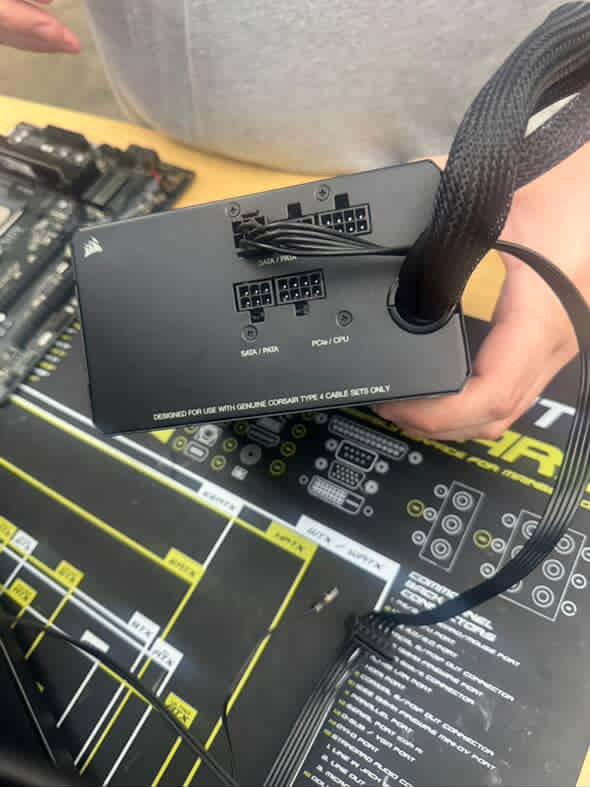
- Place the power supply (PSU) in its designated area (usually bottom-rear of the case).
- Secure it with screws.
- Route the main 24-pin and 8-pin (CPU) power cables through the back of the case for cleaner cable management.
Storage Devices
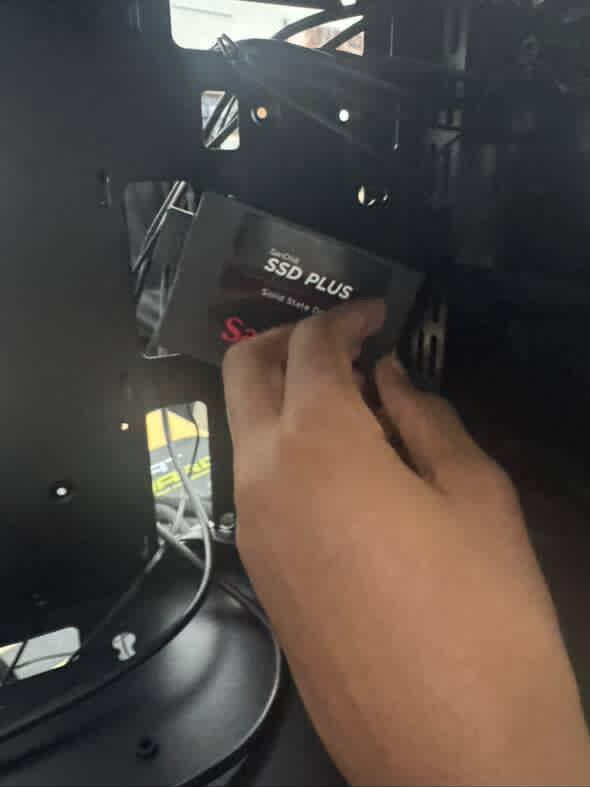

- Mount SSD or HDD into the drive bays or M.2 slot.
- For SATA drives, connect the SATA power (from PSU) and SATA data cable (to motherboard).
- For M.2 SSDs, insert into the M.2 slot and secure with a screw.
Cable Connections

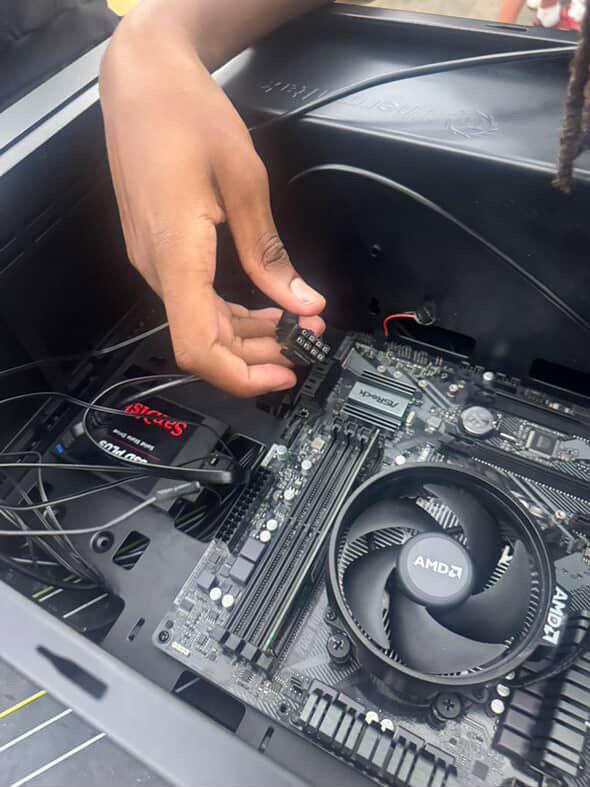
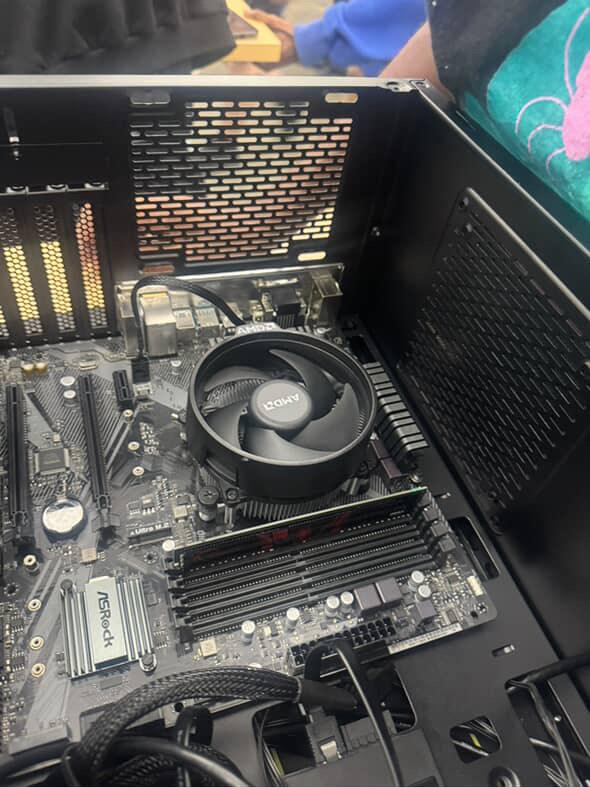
- 24-pin ATX power to motherboard
- 8-pin CPU power (near the CPU socket)
- Front panel connectors (power button, reset, LEDs)
- Front USB and audio headers
- Fans to motherboard fan headers or fan hub
Final Steps
- Double-check all connections (power, data, fans).
- Manage and tie cables neatly for airflow.
- Close up the case panels and screw in if needed.
- Connect your monitor, keyboard, and mouse.
- Plug in the power cable and switch on the PSU.
- Power on the system and enter the BIOS to verify components are detected.
- Install your operating system (Windows, Linux, etc.).