"ANGELO" Implemented in Headphones Headband
by edoardo_sala in Design > 3D Design
89 Views, 0 Favorites, 0 Comments
"ANGELO" Implemented in Headphones Headband
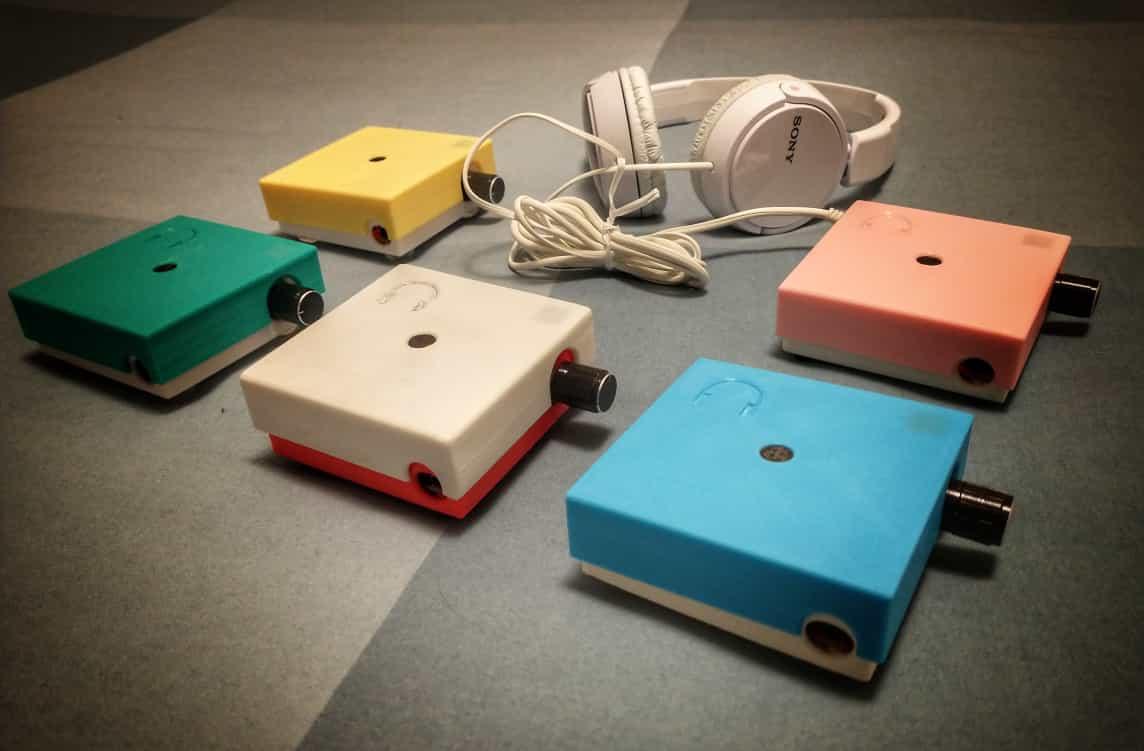
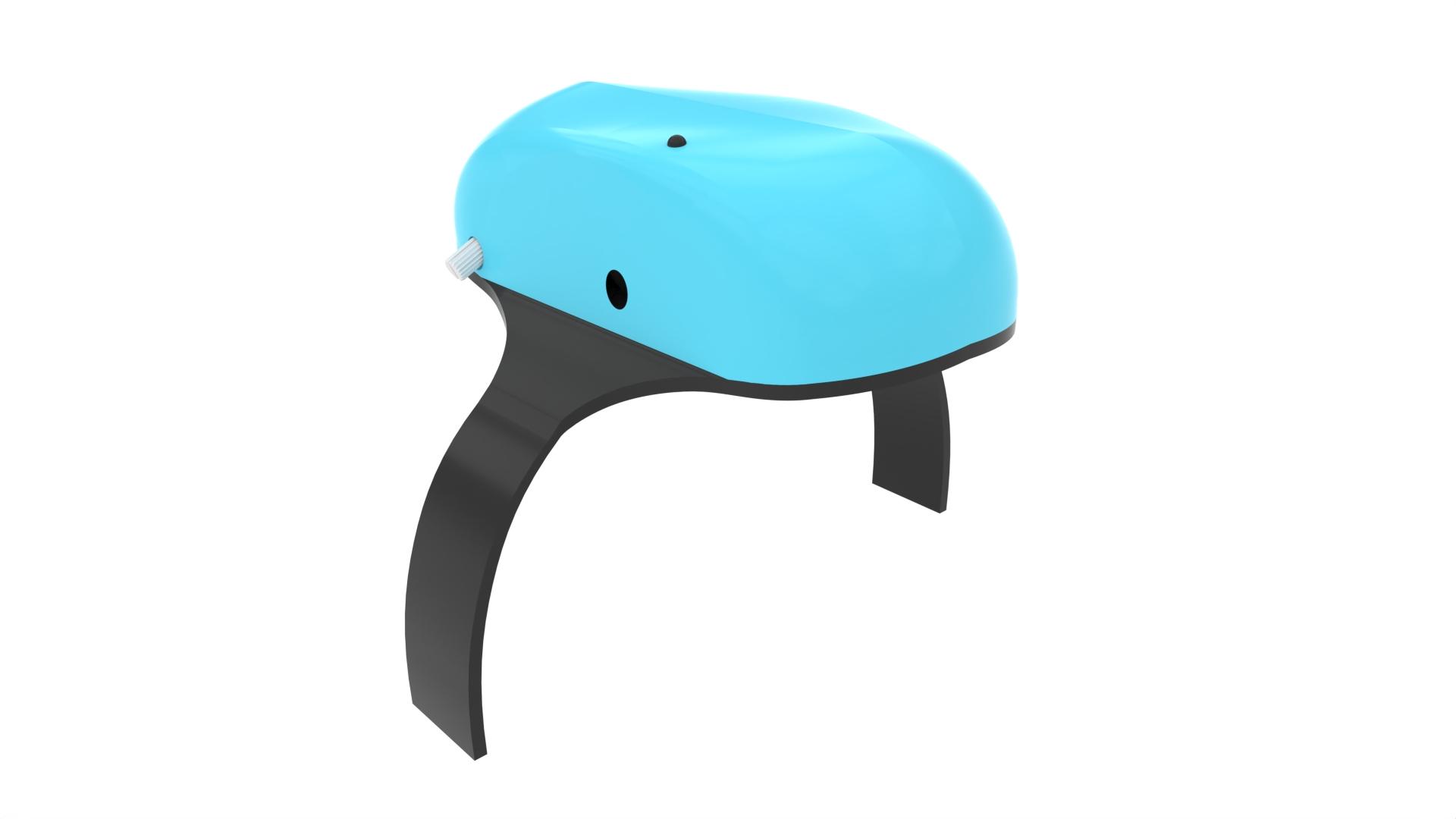
"ANGELO" is an equalized amplifier, which allows you to selectively enhance the relevant hearing frequencies, improving speech understanding and the perception of emotions related to sound.
What we are going to do now is to implement "ANGELO" into the headphone headband (specifically in the SONY MDR-ZX110 model) in such a way that it is no longer necessary to have a small external amplifier to connect to the headphones themselves.
The way we're going to implement this is through a 3D printed "shell" that we'll attach to the headband of the headphones.
The first image represents the first version of "ANGELO"
The second image represents what we are going to do.
Supplies
Download the 3d Files
Download the 3d files and print them!
Disassemble the Microphone
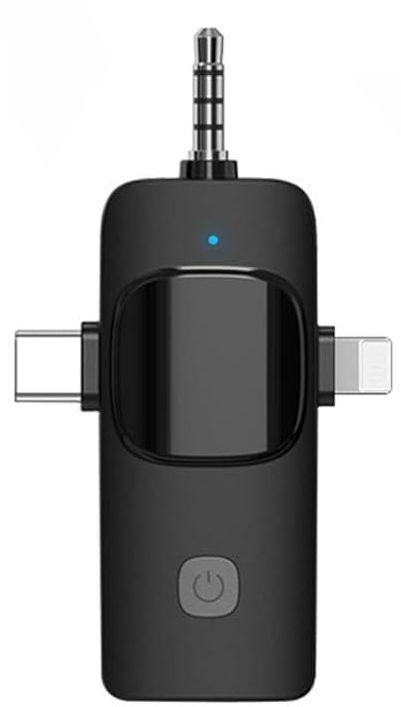
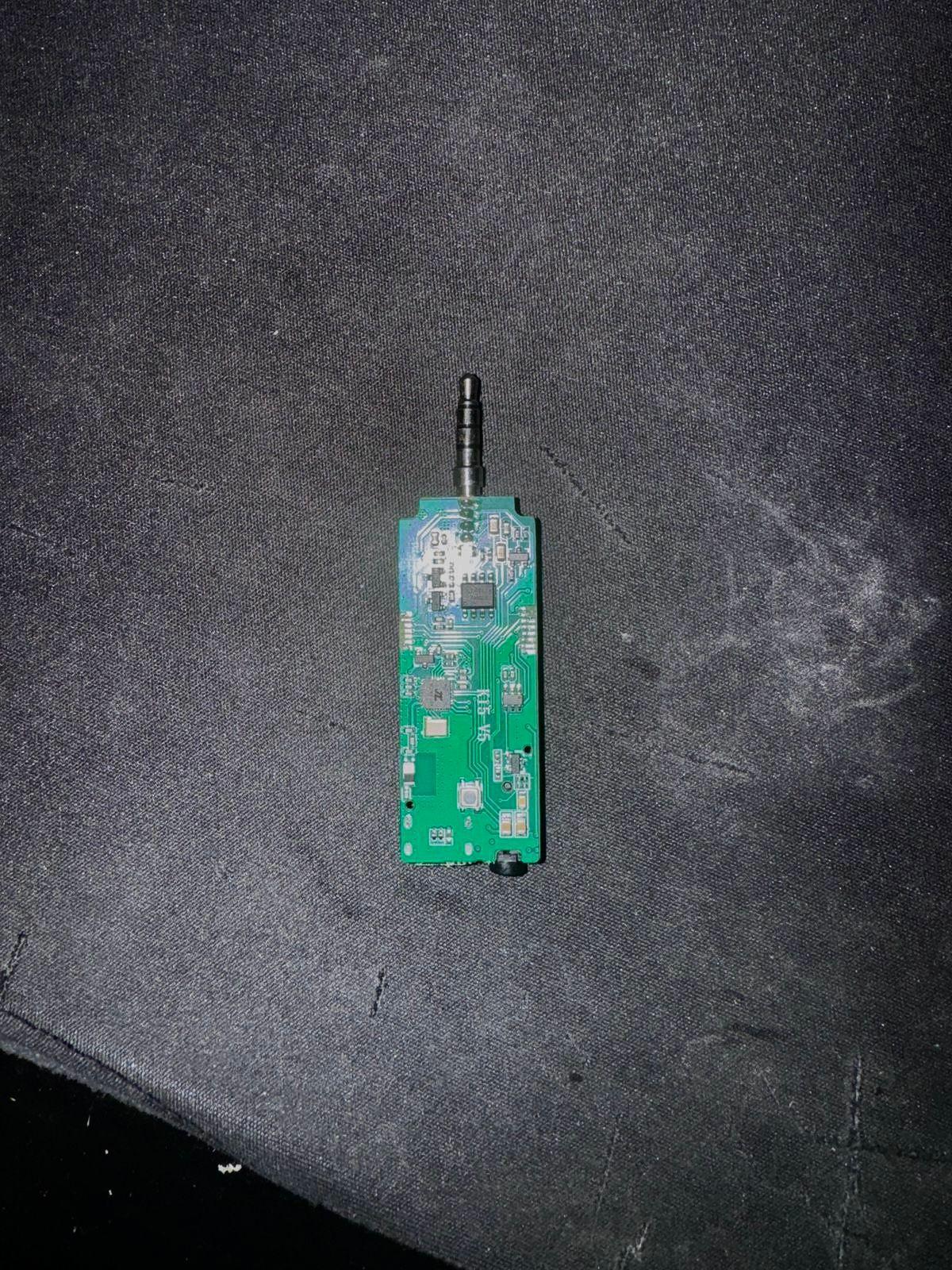
Disassemble the microphone to obtain the electronic board:
In the first image we have the whole microphone; we need to remove the plastic shell to obtain the electronic board, as we can see in the second picture.
You also need to remove the 2 side inputs.
Mount the Button on the Microphone
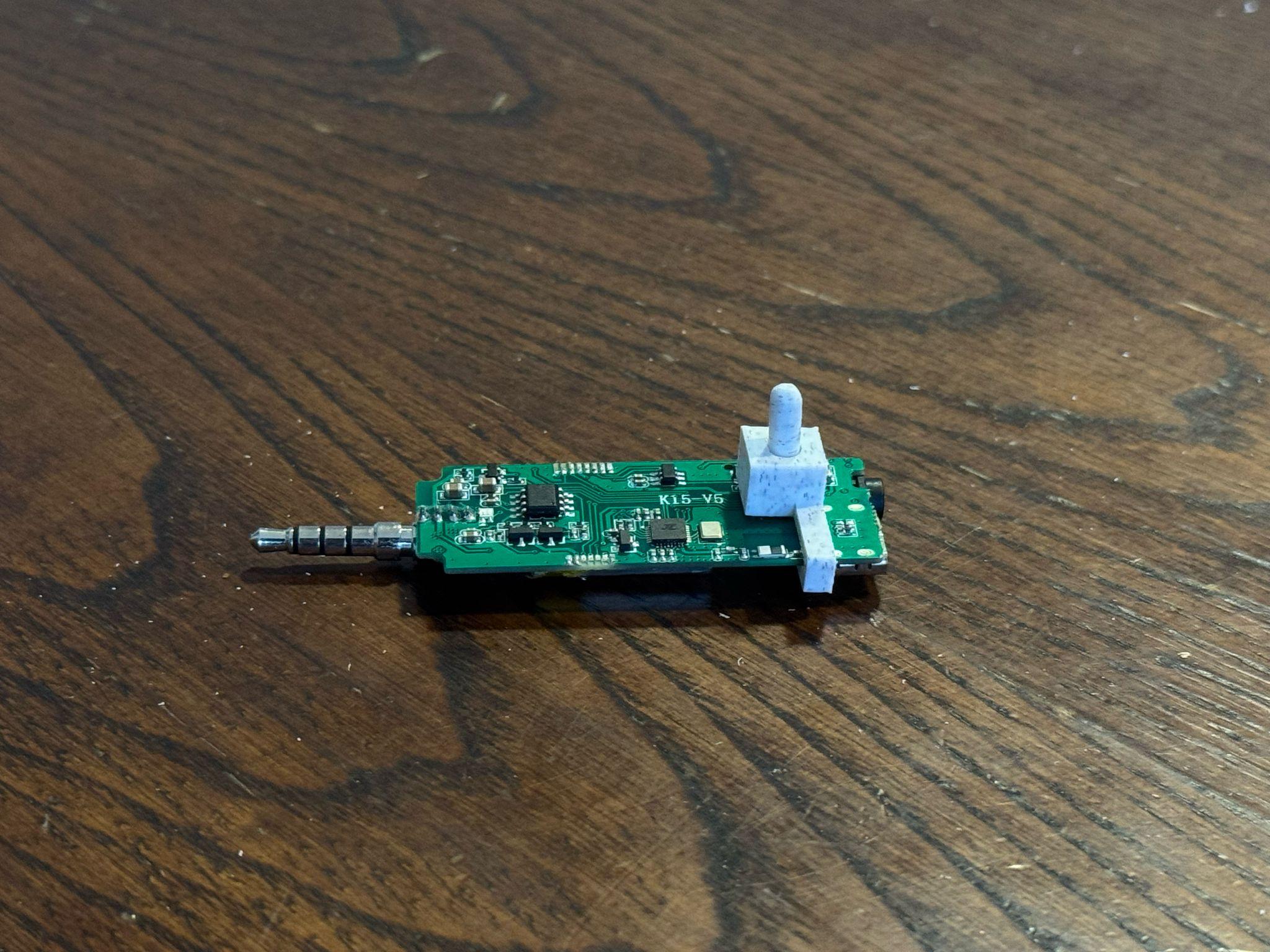
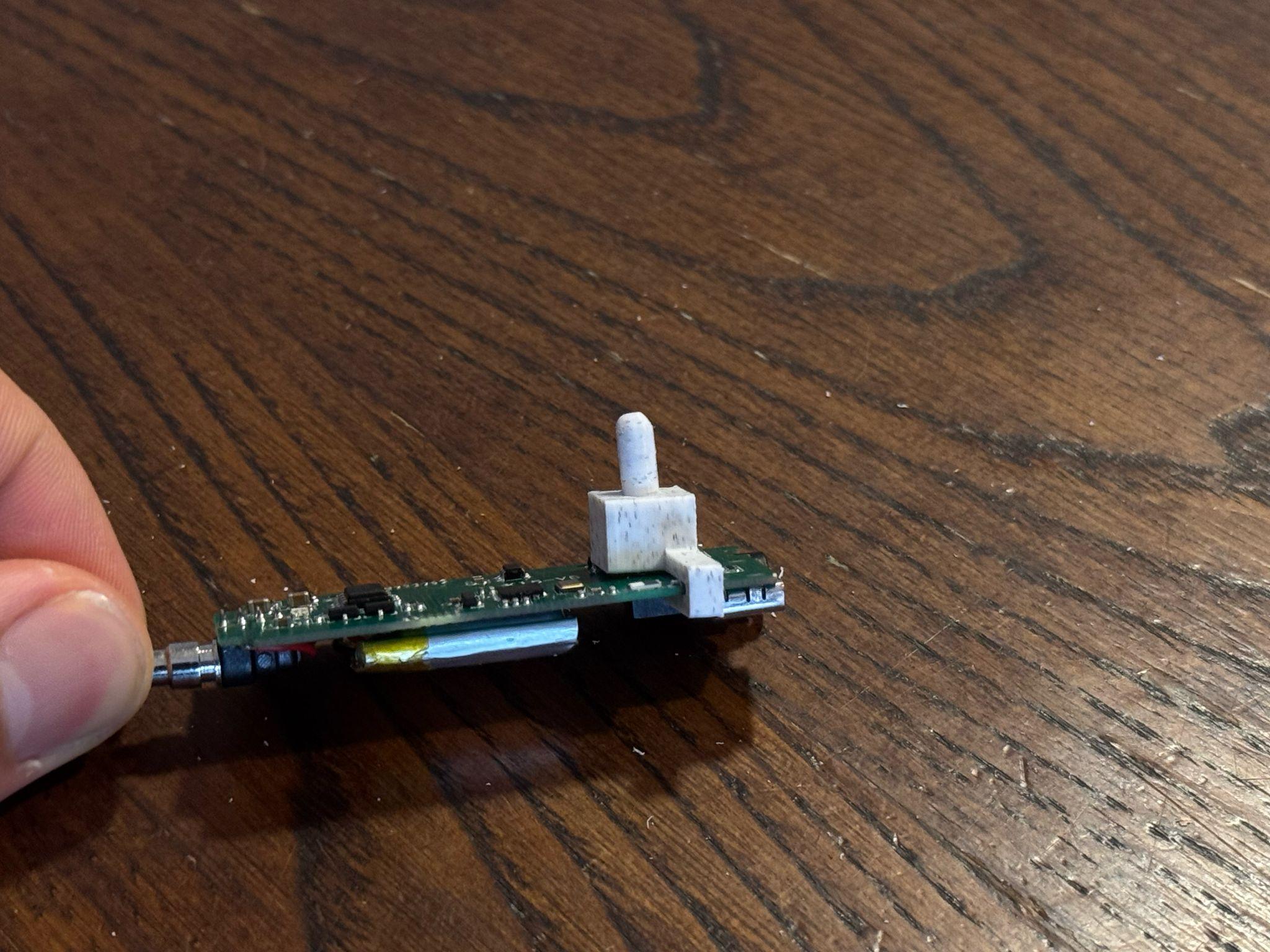
Insert the first and second component of the button into the microphone power button.
If you want you can smooth the top of the button for a better aesthetic result.
Make the Holes and Insert the Output Support
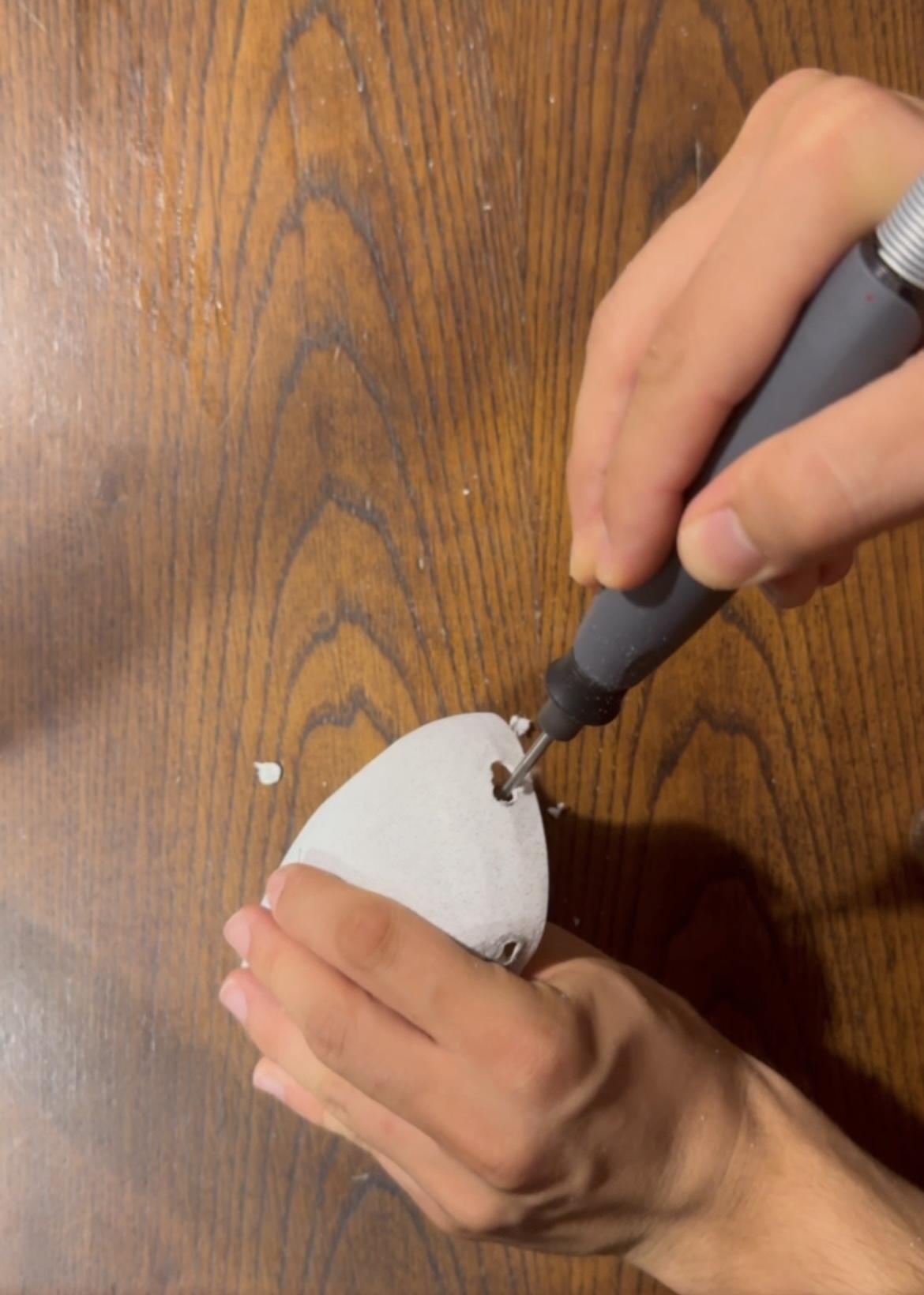
Make the holes with the dremel and insert the output support; then put the 3d printer wire into the dremel and go fill in the empty spaces; if necessary, smooth out the excess.
Downloads
Threaded Inserts Insertion Into the Shell
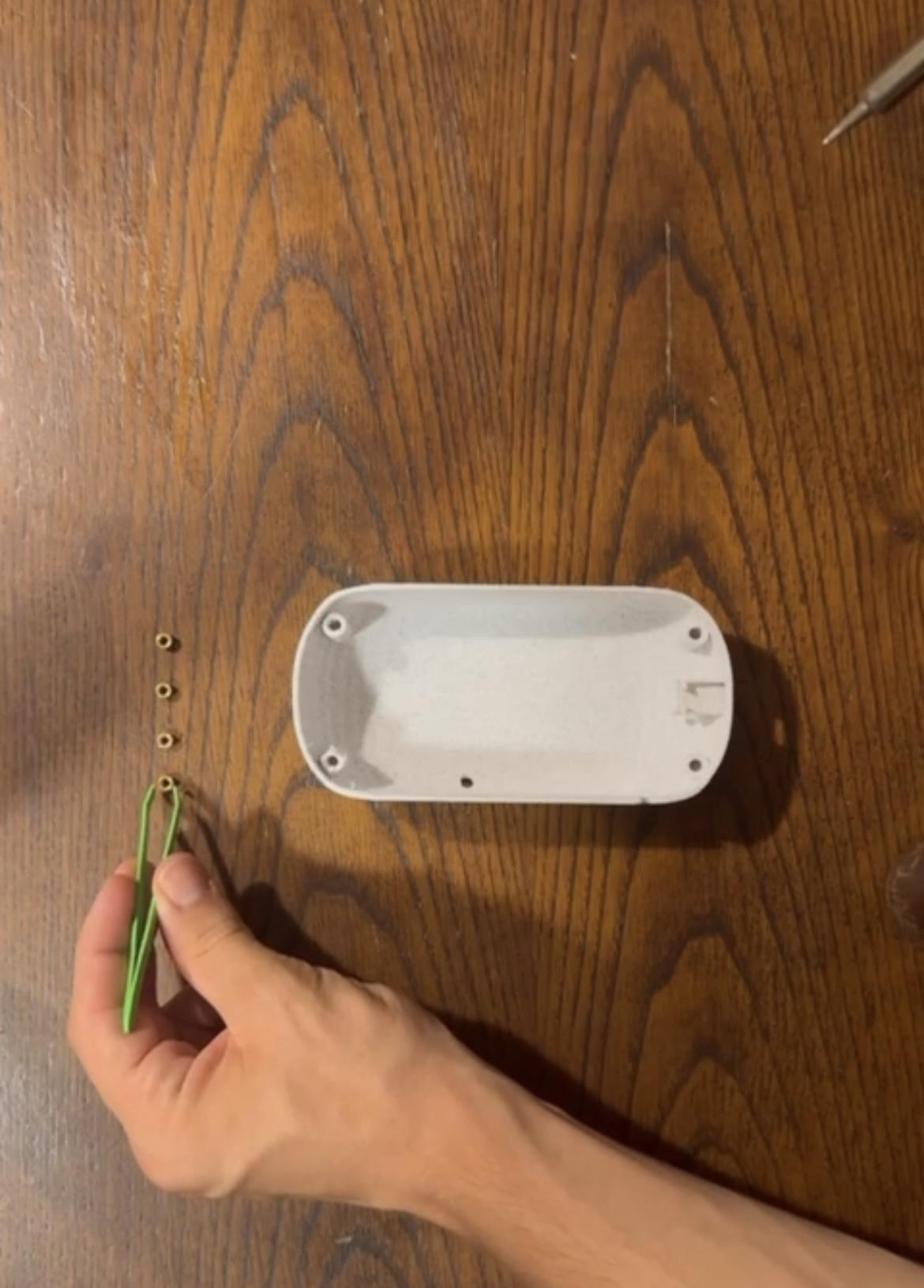
Insert and weld the thdreaded inserts into shell with the welding machine
Insert the Electronic Components Into the Shell
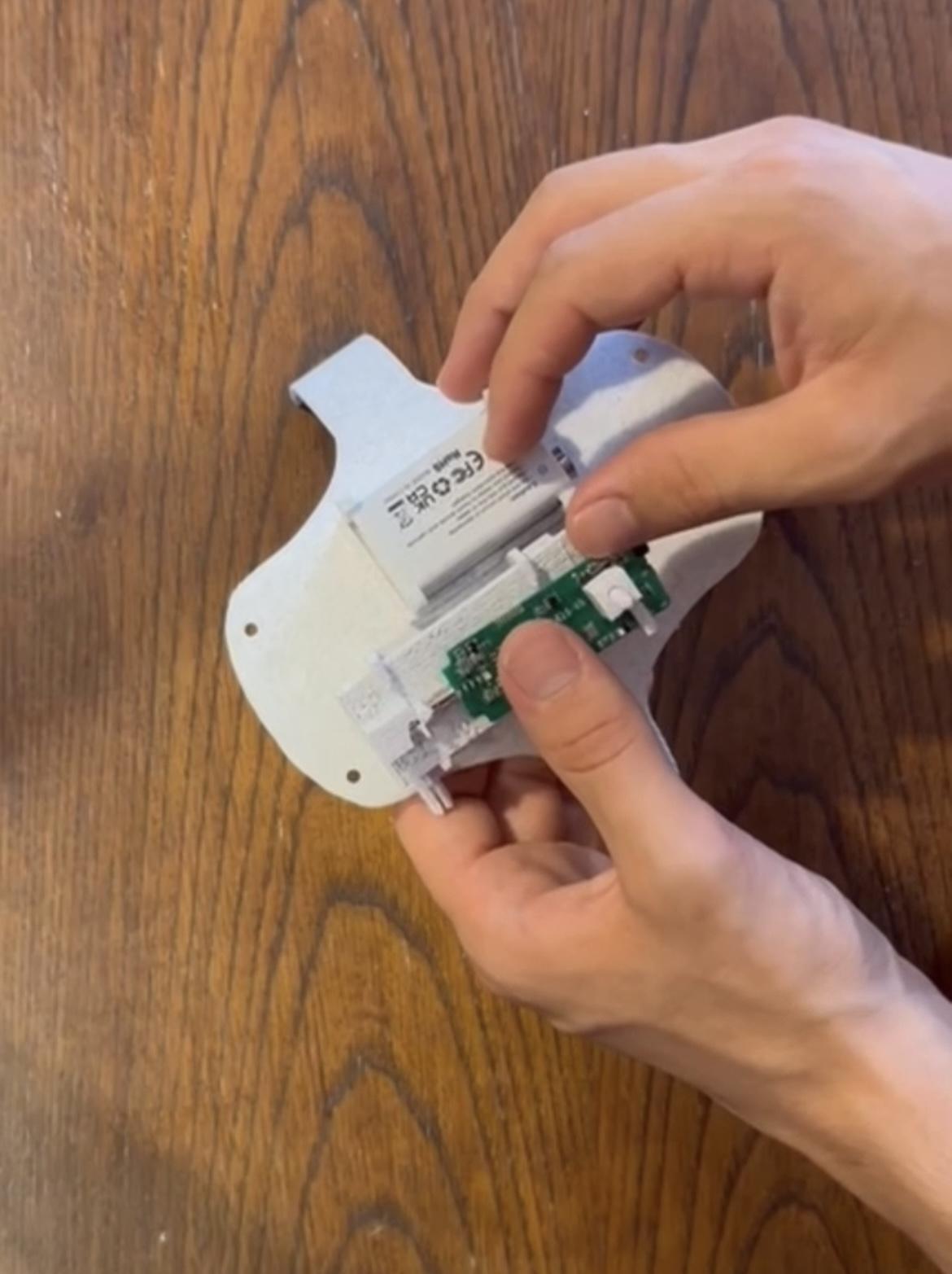
Insert the electronic components into the shell;
Then connect the cables you will have to create with the jumper wires and the male and female USB - C connectors;
Screw everything together.
Downloads
Attach the Shell to the Headphone Headband
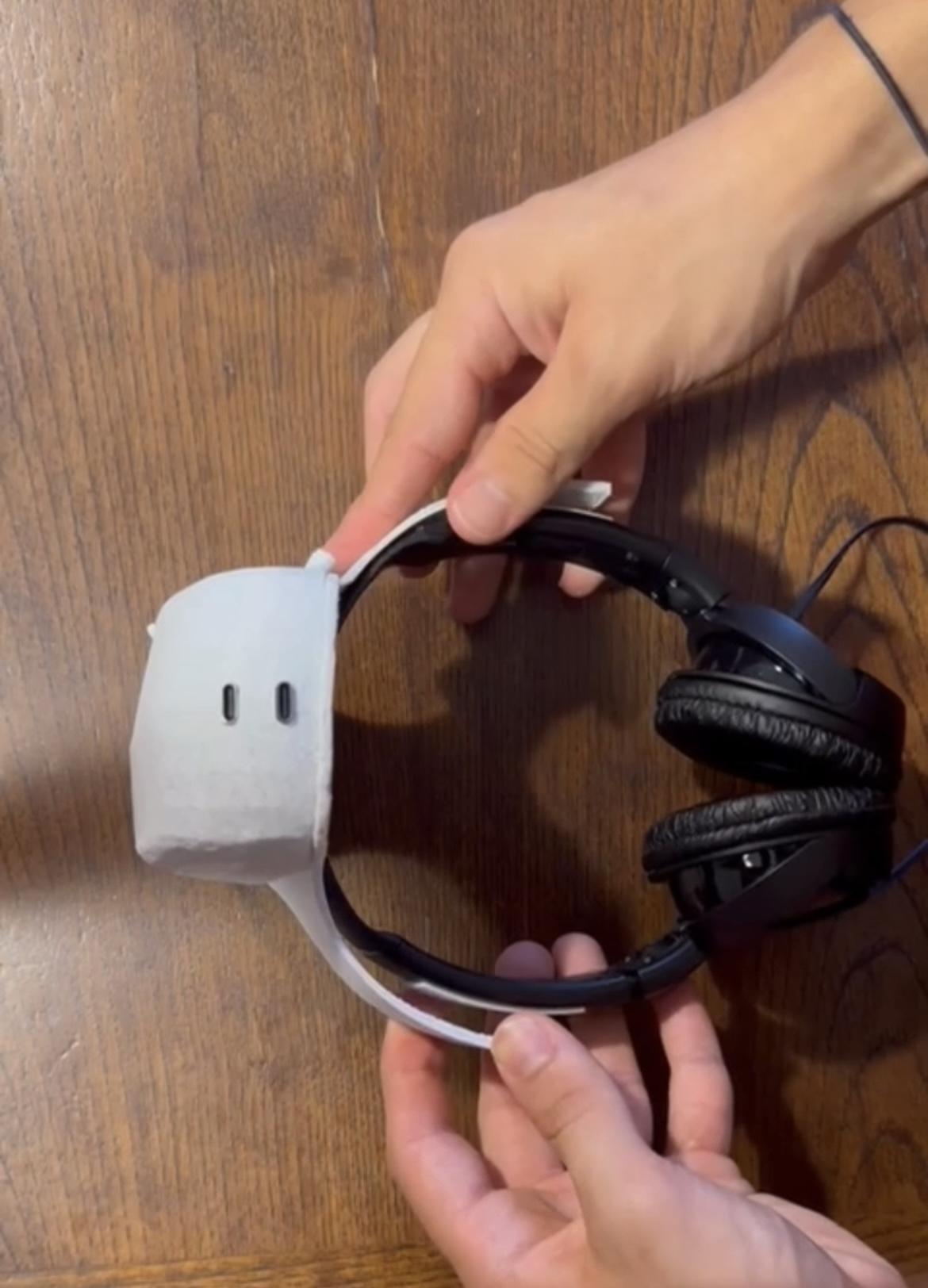
Put the double - sided tape on the "ANGELO" headband and then attach it to the headphone headband;
Connect the headphone jack to the "ANGELO's" output jack