A 2-Bit Adder Learning and Battle Game Using Arduino
by 1040234 in Circuits > Arduino
43 Views, 1 Favorites, 0 Comments
A 2-Bit Adder Learning and Battle Game Using Arduino
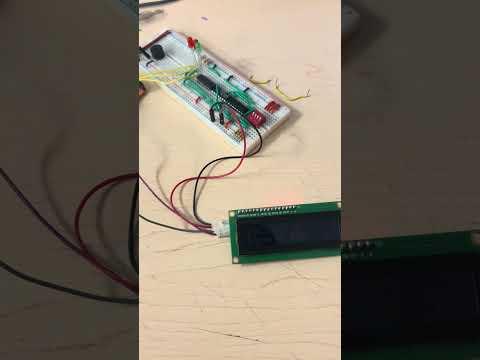
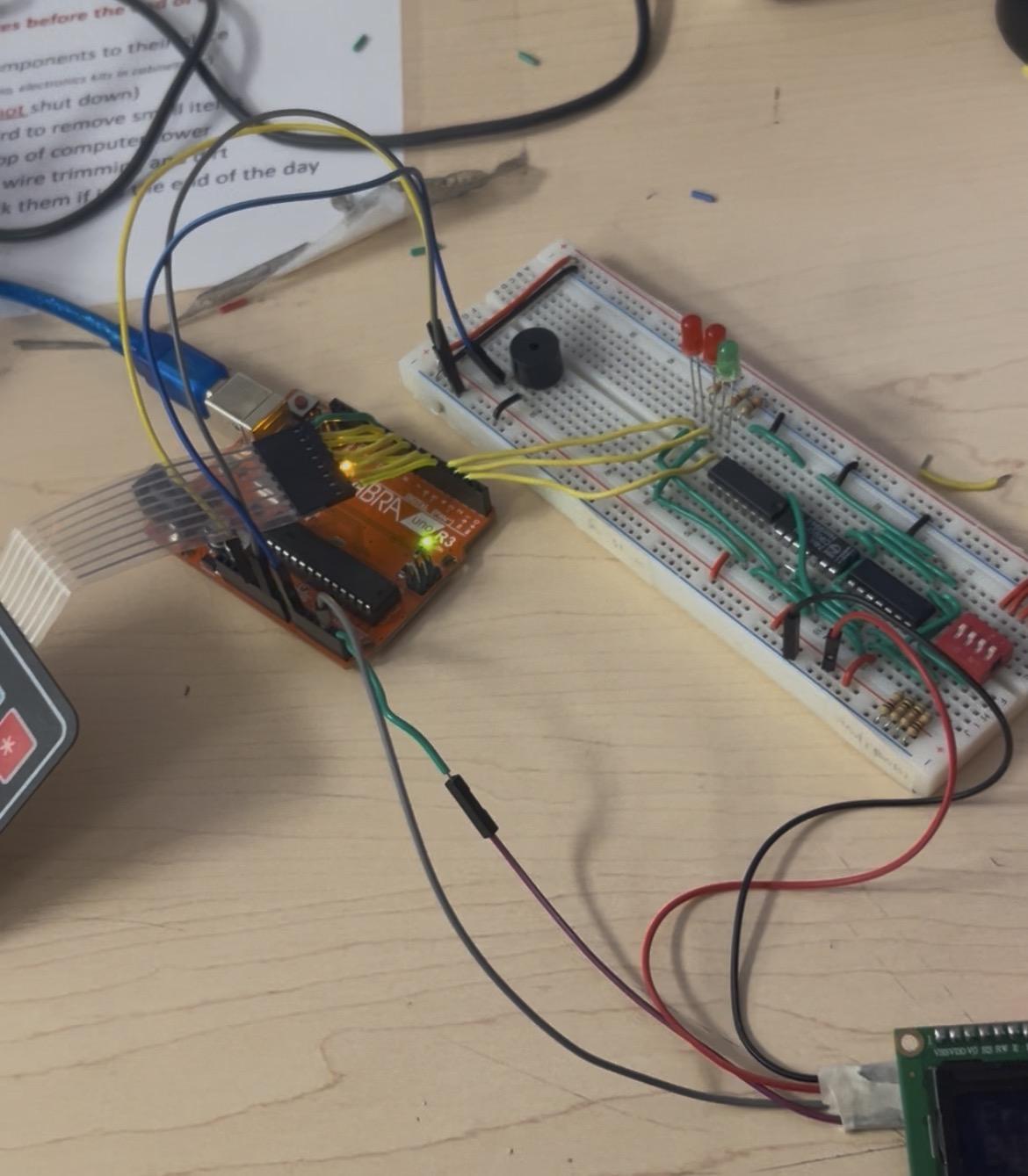
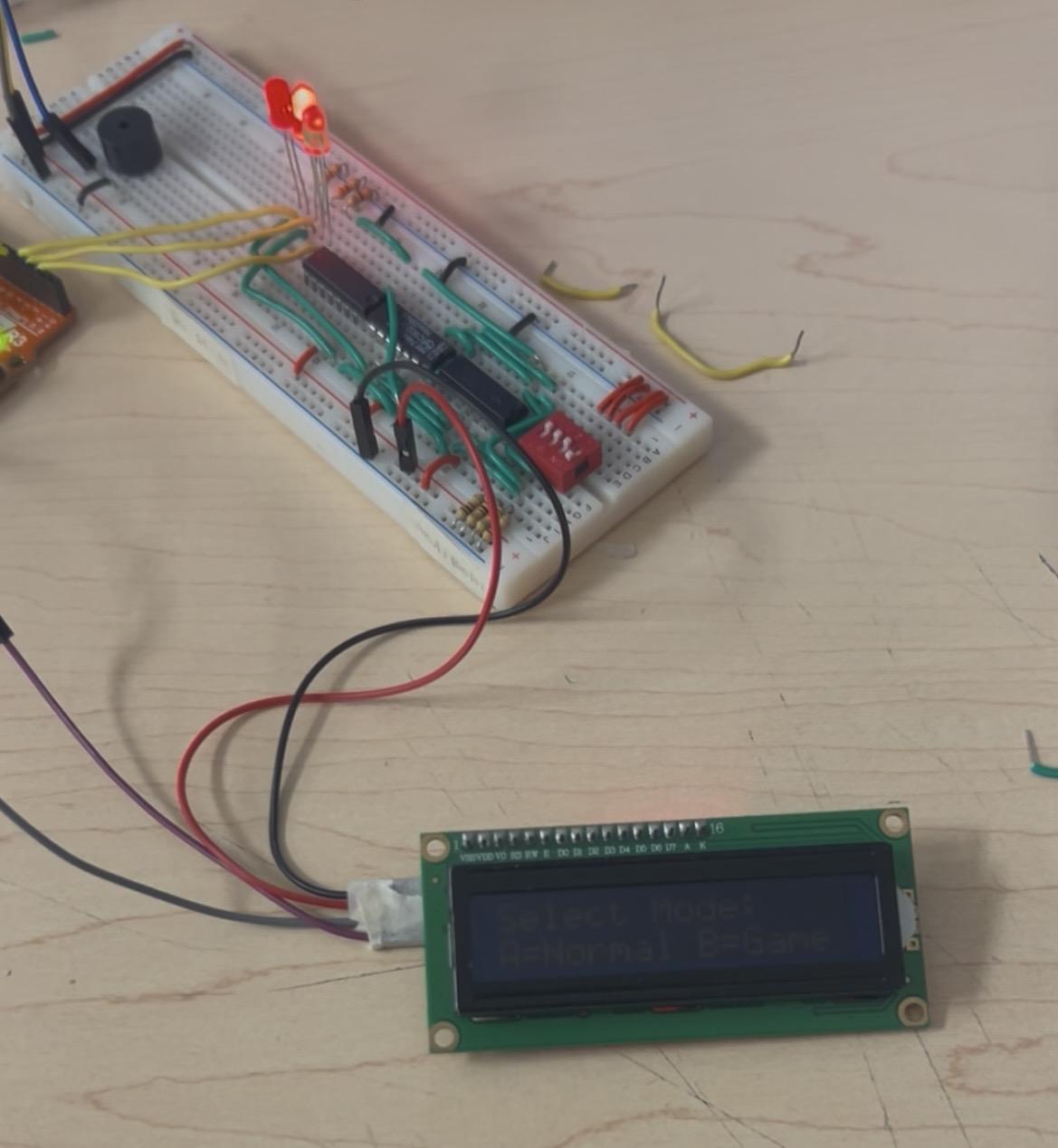
Hello! My name is Rehman and this project is a 2-bit binary adder using logic gates and an Arduino, combined with an interactive LCD game mode.
This project takes two binary numbers, adds them using a real digital logic circuit, and then displays the result in both decimal and binary. To make it more engaging, I added a two-player conversion game using a keypad and buzzer, where players must convert between decimal and binary.
This project helped me understand:
- How computers use binary math
- How logic gates perform addition
- How hardware and software work together
- How to design a user-interactive system
Although it may look complex at first, everything is broken down step by step, making it beginner-friendly.
Step 1: How the Project Works (Overview)
This project has two modes:
At the start screen display asks select a mode Press A for Mode A and B for Mode B. You can change the mode by pressing B on the keypad anytime and change to mode A after the game is over.
Mode A – Normal Adder Mode
- Reads the output of a 2-bit adder circuit
- Displays:
- Decimal value
- Binary value (3 bits)
- Updates as switches change and A pressed of the keypad
Mode B – Game Mode
- Two players
- Best of 3 rounds
- LCD randomly shows Decimal or Binary
- Player must enter the value using the keypad
- to enter the value press * or # for player 1 or 2 and to lock in the answer press the same (* or #) which ever one was pressed first.
- Correct answers earn points out of 3
- Buzzer gives sound feedback
- Winner is announced on the LCD
Supplies
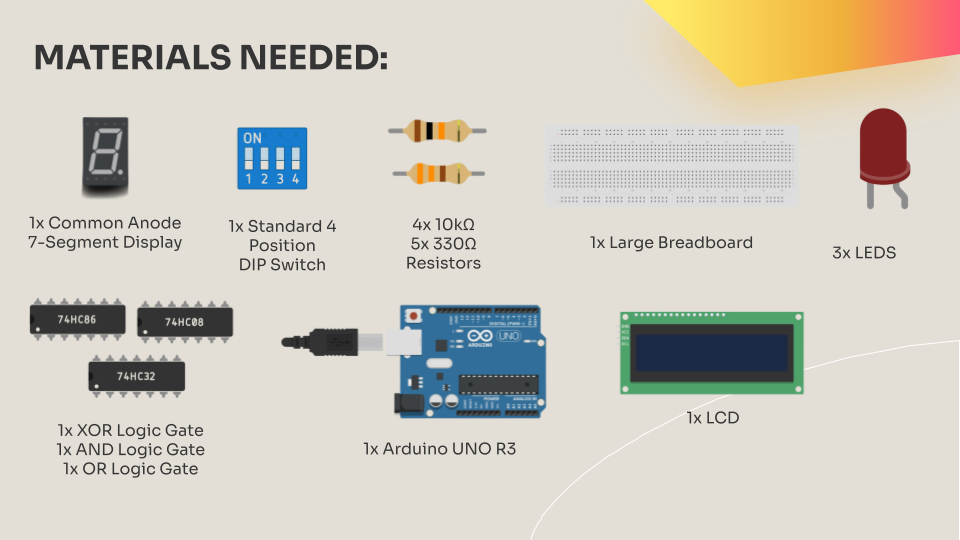
For this project you will require (links are included):
1x Standard 4 Position DIP Switch $0.98
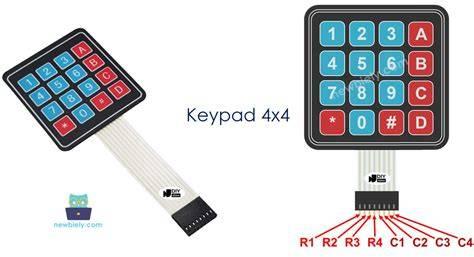
1x Keypad $12
1x LCD $14
1x XOR Logic Gate $2.41
1x AND Logic Gate $0.95
1x OR Logic Gate $1.80
4x 10kΩ Resistors 0.40
5x 330Ω Resistors $0.50
1x Arduino UNO R3 $15.99
1x Wire Pack $14.99
1x Breadboard $4.99
Total Project Cost:
$69.31
Understanding the 2-Bit Adder
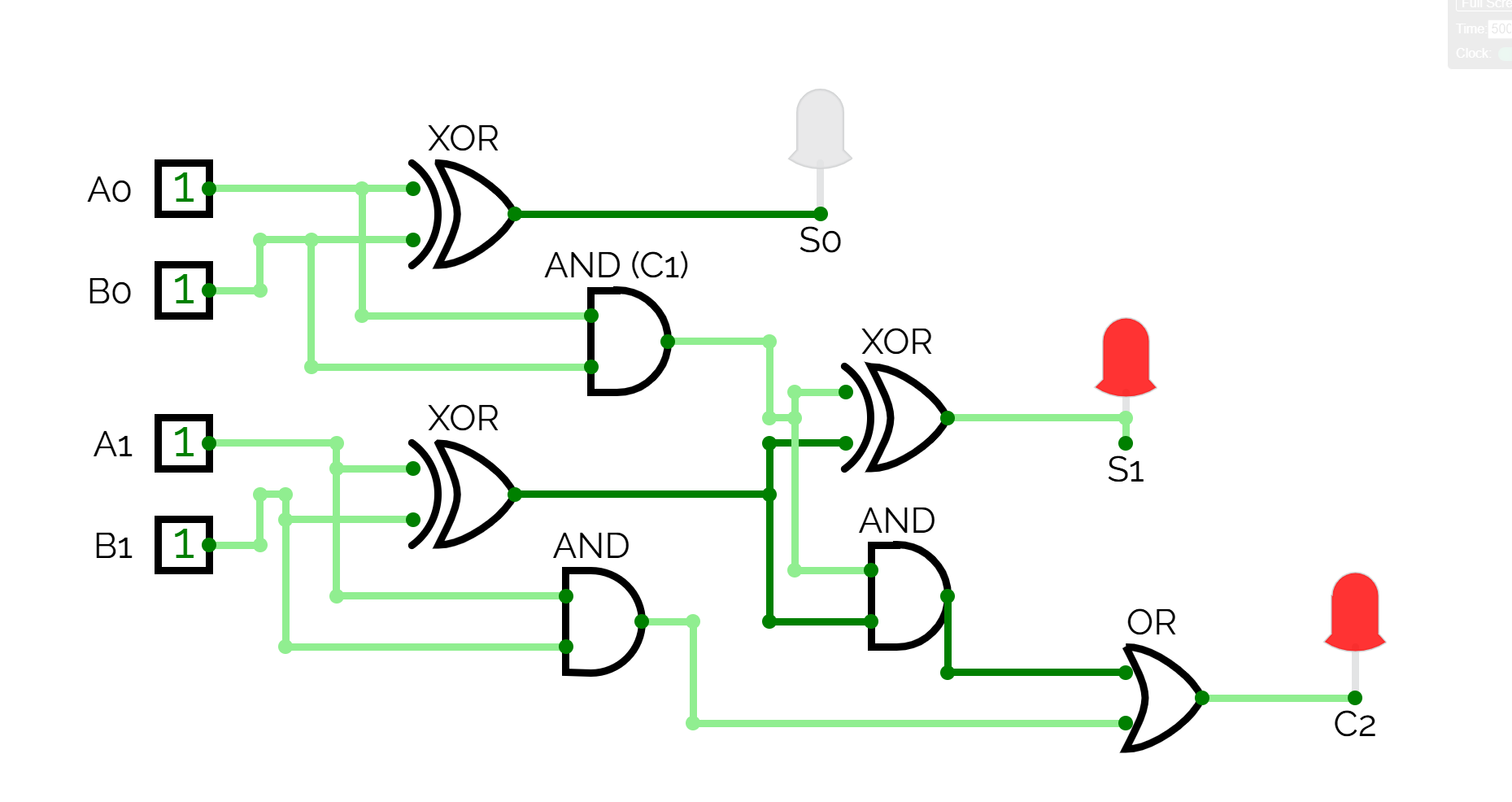
A 2-bit adder is made using two half adders:
- First half adder adds the least significant bits
- Second half adder adds the most significant bits and carry
Outputs:
- S0 → 1’s place
- S1 → 2’s place
- C2 → 4’s place
Together, they form a 3-bit binary number (0–6).
Wiring the 2-Bit Adder
.jpg)
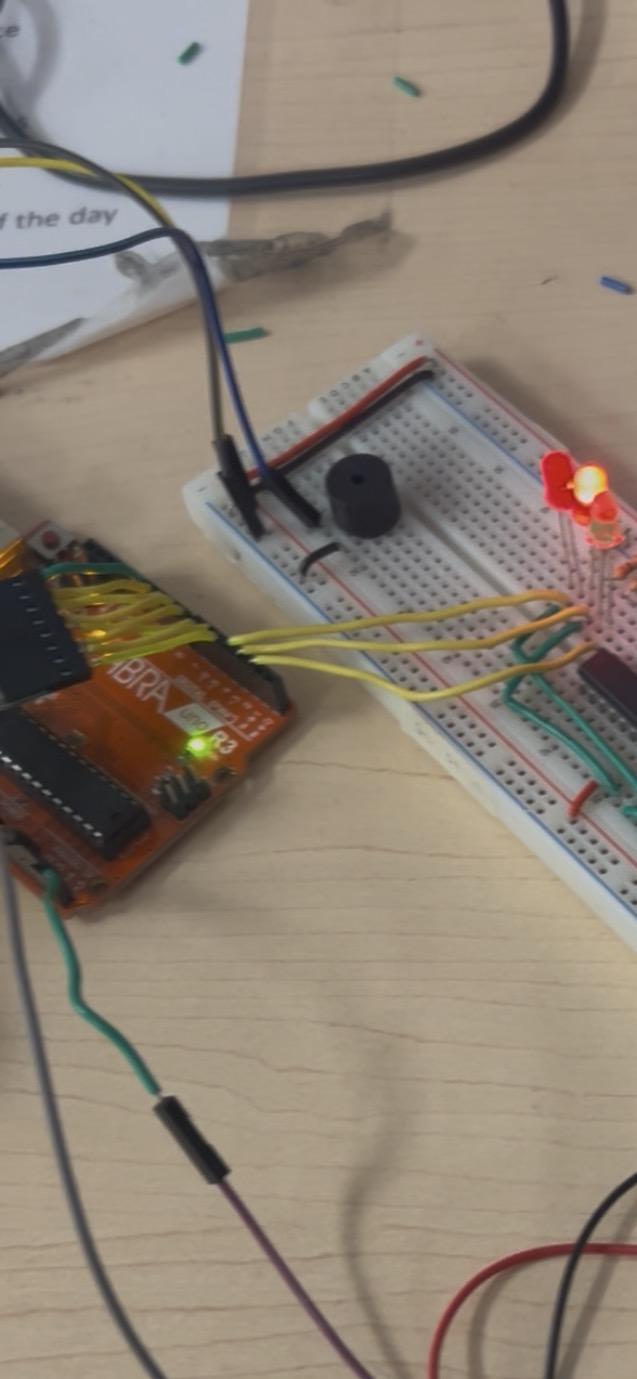
- DIP switch inputs → logic gates
- Logic gate outputs → Arduino pins:
- S0 → D2
- S1 → D3
- C2 → D4
These pins allow the Arduino to read the adder result.
Wiring the LCD
The LCD uses I²C, which only needs 4 wires:
LCD Pin Arduino Pin
VCC → 5V
GND → GND
SDA → A4
SCL → A5
The LCD displays all instructions, values, and game results.
Wiring the Keypad
The keypad is used for:
- Entering numbers
- Selecting players
- Choosing game mode
Example wiring:
Keypad Pin Arduino
R1 → D5
R2 → D6
R3 → D7
R4 → D8
C1 → D9
C2 → D10
R3 → D11
R4 → D12
Wiring the Buzzer
- Positive leg → A0
- Negative leg → GND
The buzzer provides sound feedback:
- Mode change
- Correct answer
- Wrong answer
- Game winner
Mode a – Normal Display Mode
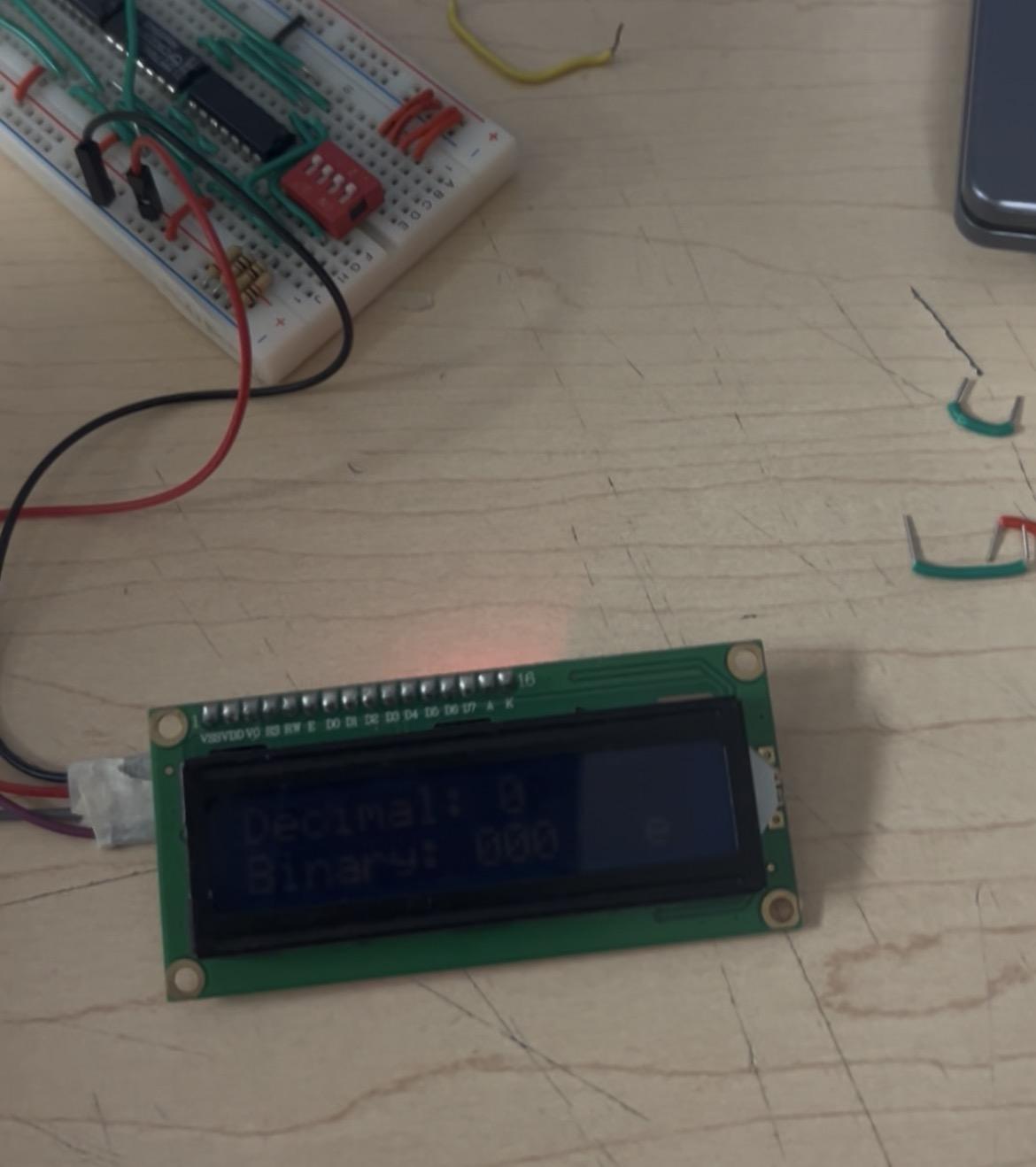
In this mode:
- Arduino reads S0, S1, and C2
- Converts the value to decimal and binary
- Displays both on the LCD
- Updates every time A is pressed on key board
Example:
Decimal: 4
Binary: 100
Mode B – Game Mode
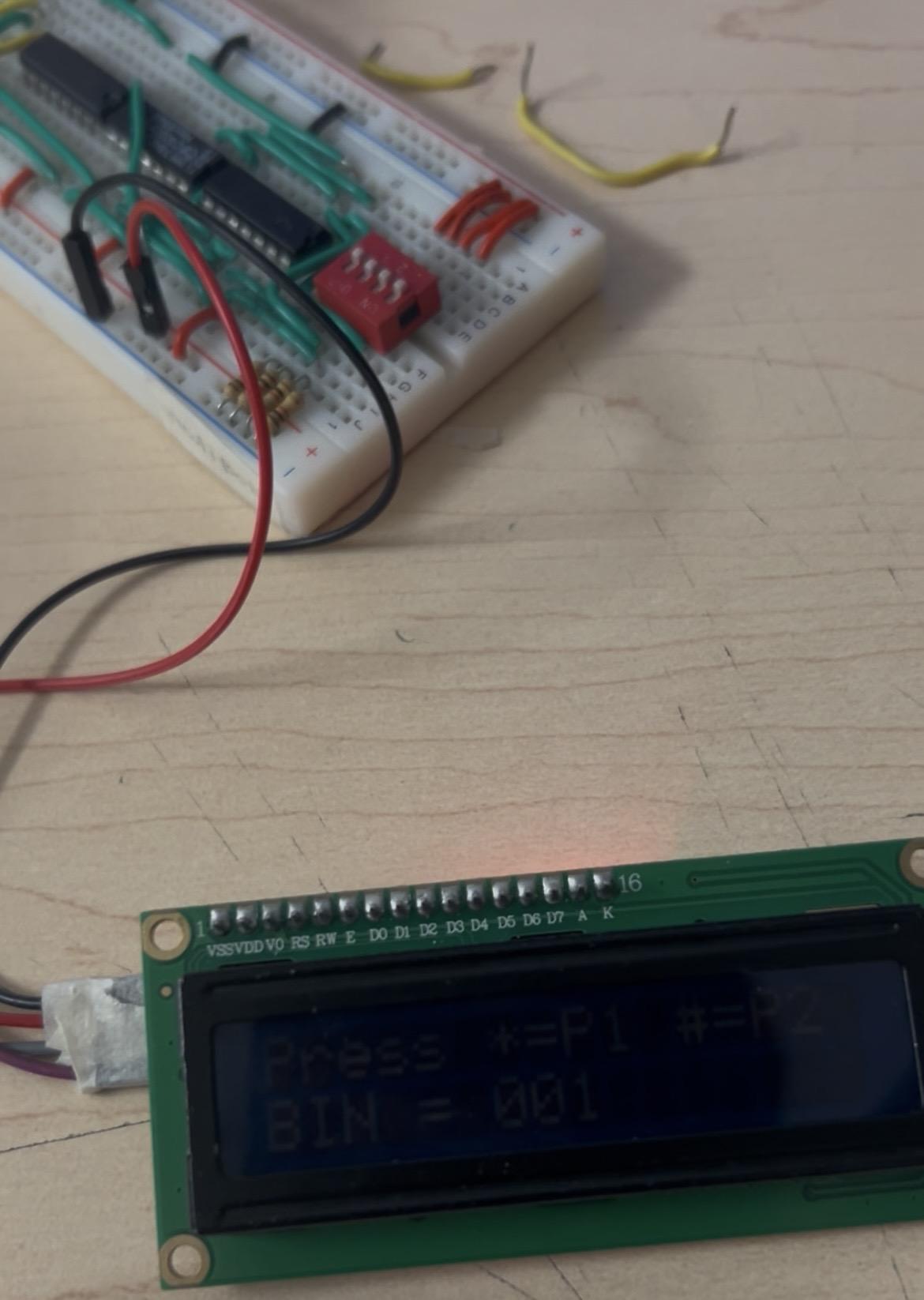
Mode B – Game Mode
How to Play:
- Press B on the keypad to start
- LCD shows Decimal or Binary
- Press:
- * for Player 1
- # for Player 2
- Enter the other format
- Correct answer = 1 point
- After 3 rounds, winner is displayed
Code
Downloads
Final Thoughts
This project combines:
- Digital logic
- Binary math
- Programming
- User interaction
It helped me understand how real computers perform calculations and how hardware and software work together. The game mode also makes learning binary more fun and competitive.