3d Scale Model of the Solar System
by Millan Thakker in Design > 3D Design
25 Views, 0 Favorites, 0 Comments
3d Scale Model of the Solar System
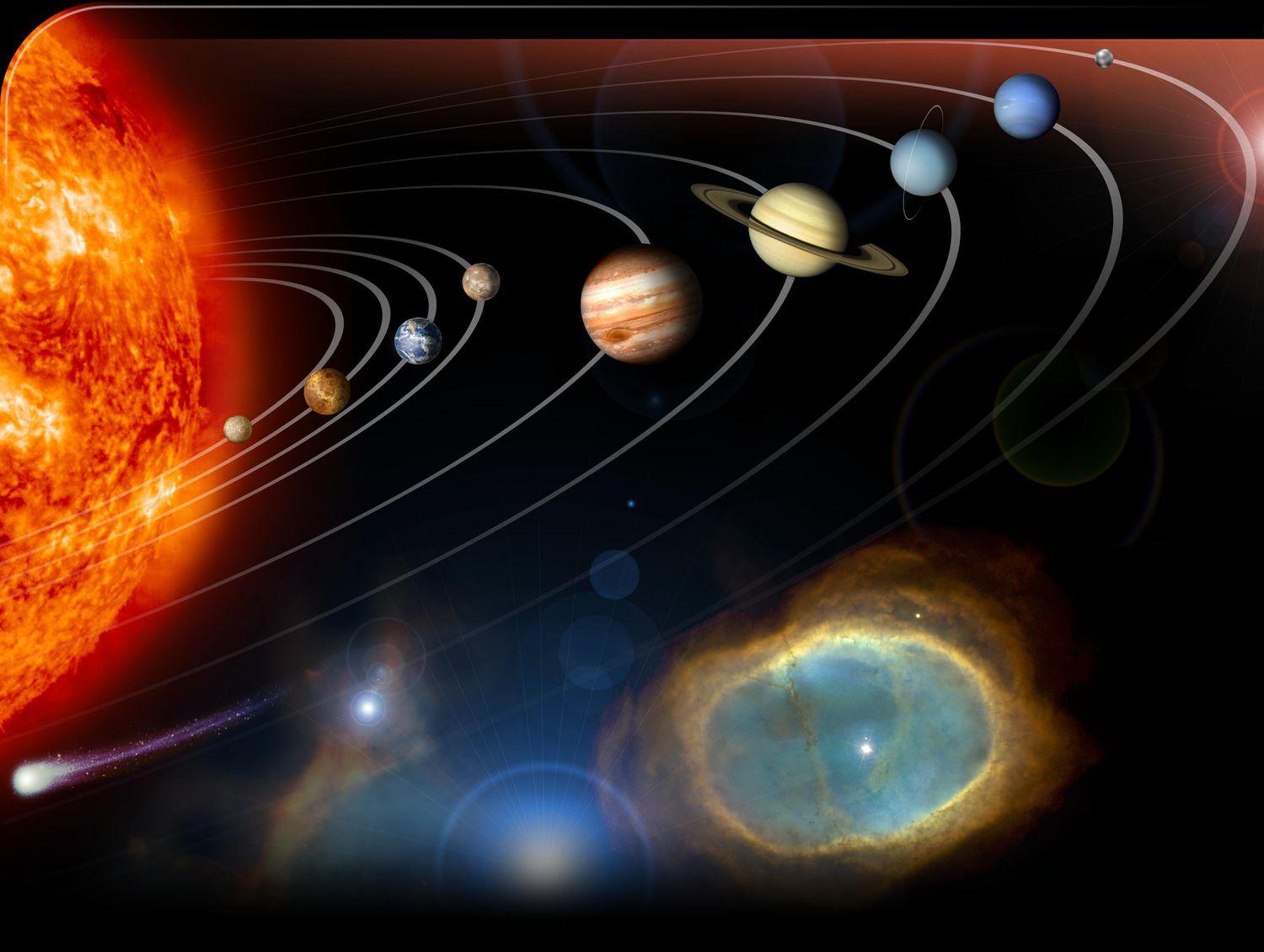
In this Instructable, I made a scale model of the sun and 8 planets in the solar system using Tinkercad by calculating the size and distance of each planet, and scaling it down to a measurable size on the website.
Supplies

- laptop/computer
- Account for Tinkercad.com
- Google sheets
- Computer mouse (optional)
Finding Size and Distance
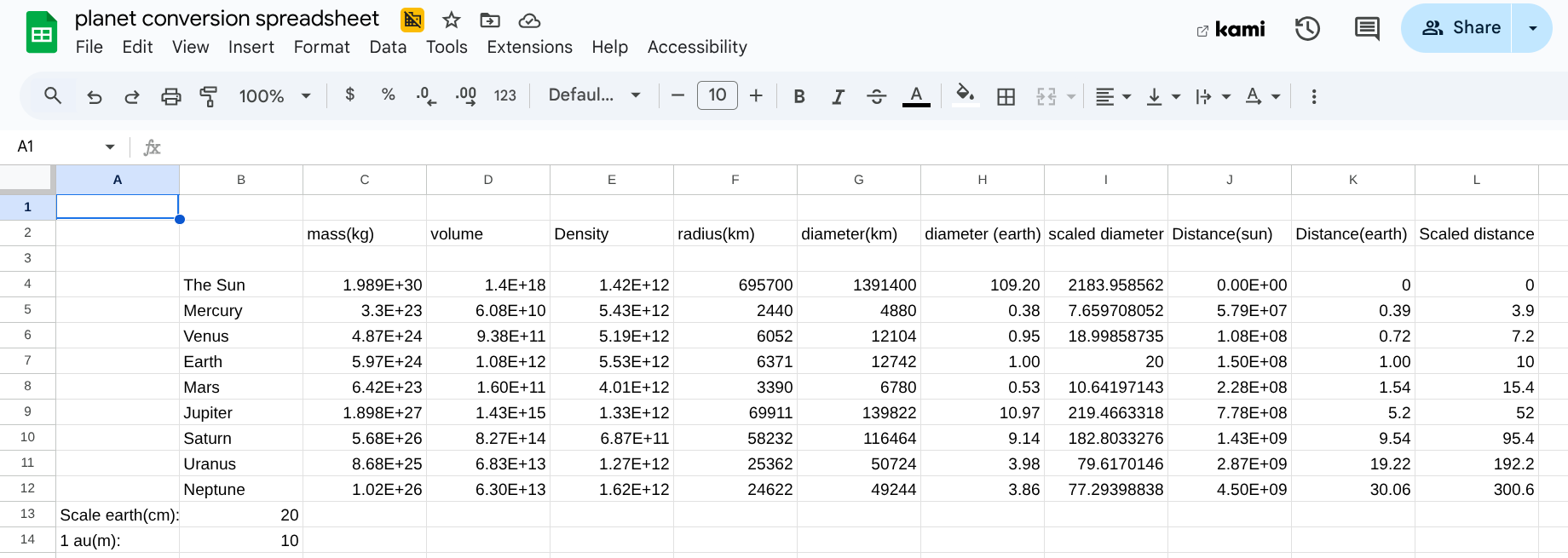
The first step is to find your sizes of your planets. You can do this by making a spreadsheet on Google sheets or even on paper. Do the same for distance in AU. After doing this, you will need to scale your planets down to a smaller size. I chose centimeters over a meter grid in tinkercad. you can do this by first scaling down your Earth's diameter to a small size (I chose 20 cm) and scaling the sun, and each planet up or down respectively to its diameter relative to Earth's. Do the same for distance by setting 1 AU to a certain distance (I chose 10 cm) and scale the distance for each planet.
Creating Space


Next, create a new project on tinkercad. In this project, you will need to set the scale to 1:1000(meters) in order to get the proper scale.
Creating the Sun and Planets


Then, you can add 9 spheres onto your grid. Scale each of the sphere's to your scaled diameter from the spreadsheet by clicking the sphere and inputting the diameter into the height and side numbers of the sphere. then, color each sphere according to the planets color.
Sizing the Sun and Planets
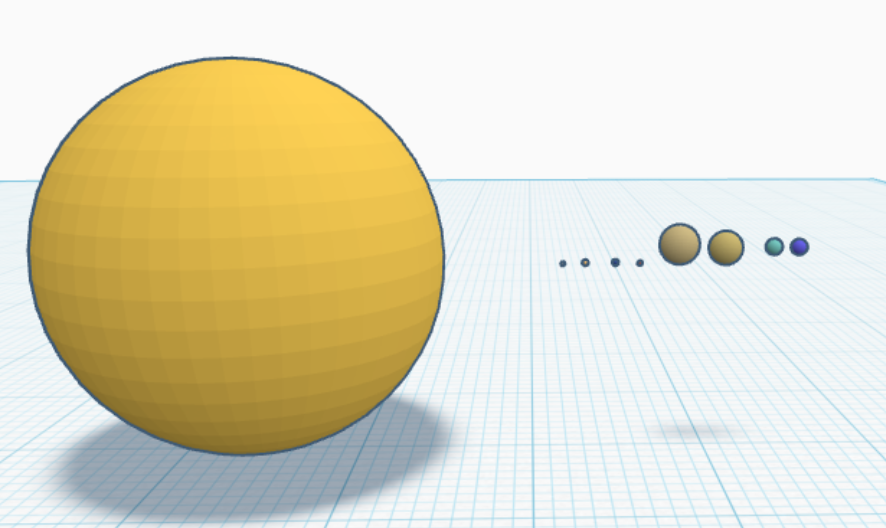
Next, move your Sun to the end of your grid and down halfway, where the grid is cutting the sun in half By its equator. By using the "snap grid" feature in the bottom right corner of the program. for the inner planets, use a smaller snap grid like "off" or "0.10m" while for planets like Uranus and neptune you can use the higher ones. Neptune will most likely go off the grid, so you won't be able to rely on it for counting how many centimeters neptune is away from the sun.
Decoration
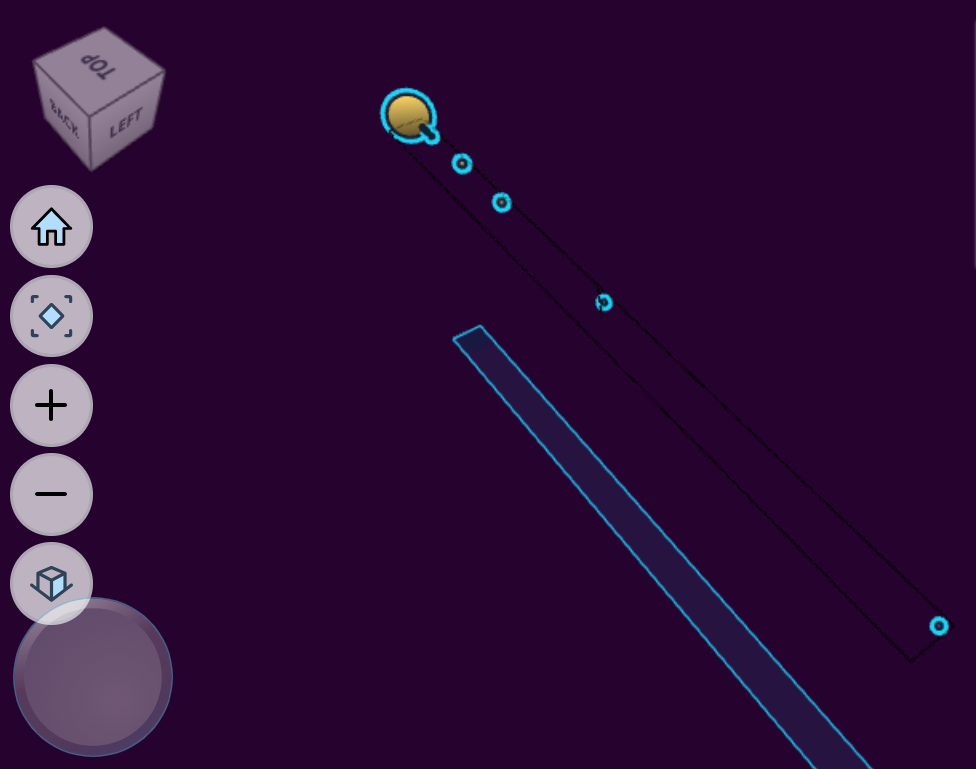
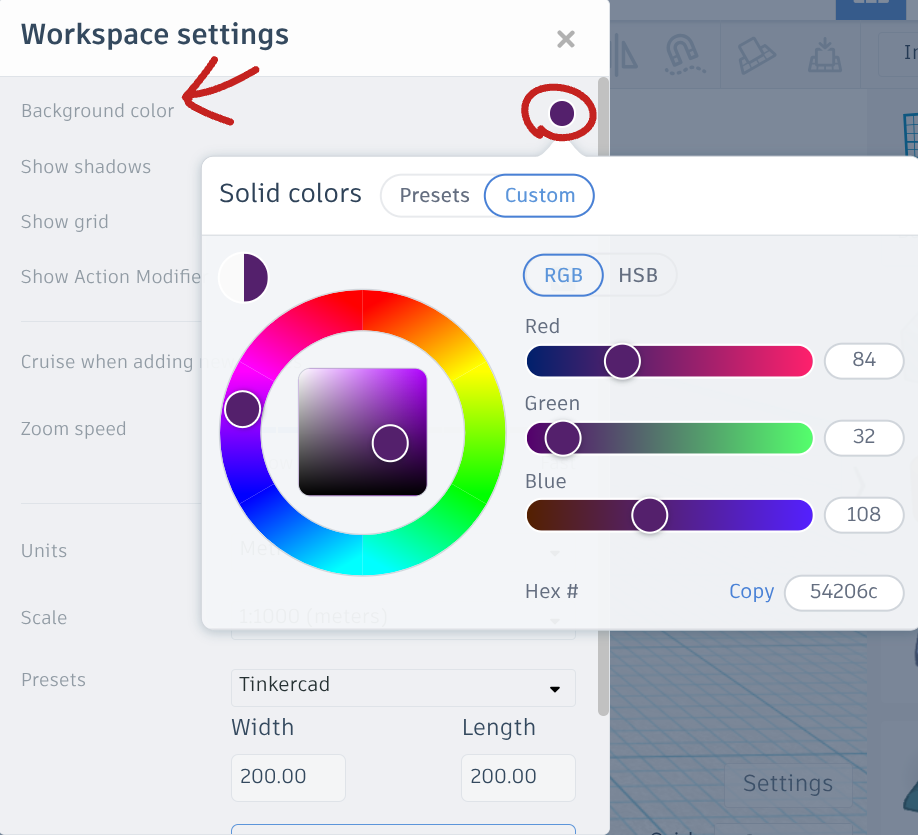
Lastly, set the background to a black or dark purple color by going into the settings tab and changing the background color. After that, your done! enjoy your new scaled model of the solar system and add any other details you'd like!