3d Engraved STL Models From Images
by Irisolace in Design > 3D Design
4 Views, 0 Favorites, 0 Comments
3d Engraved STL Models From Images
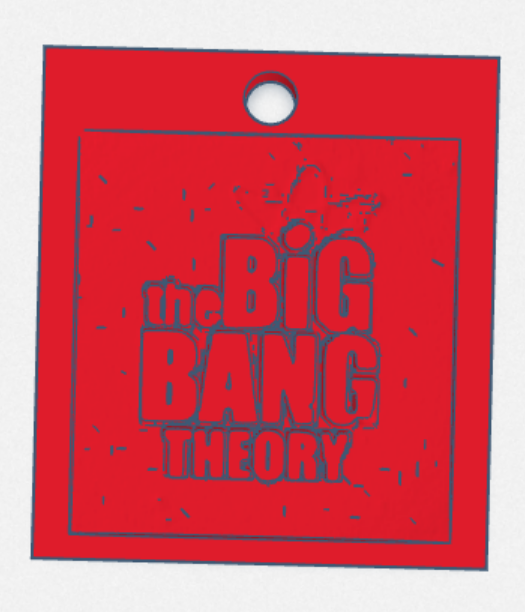
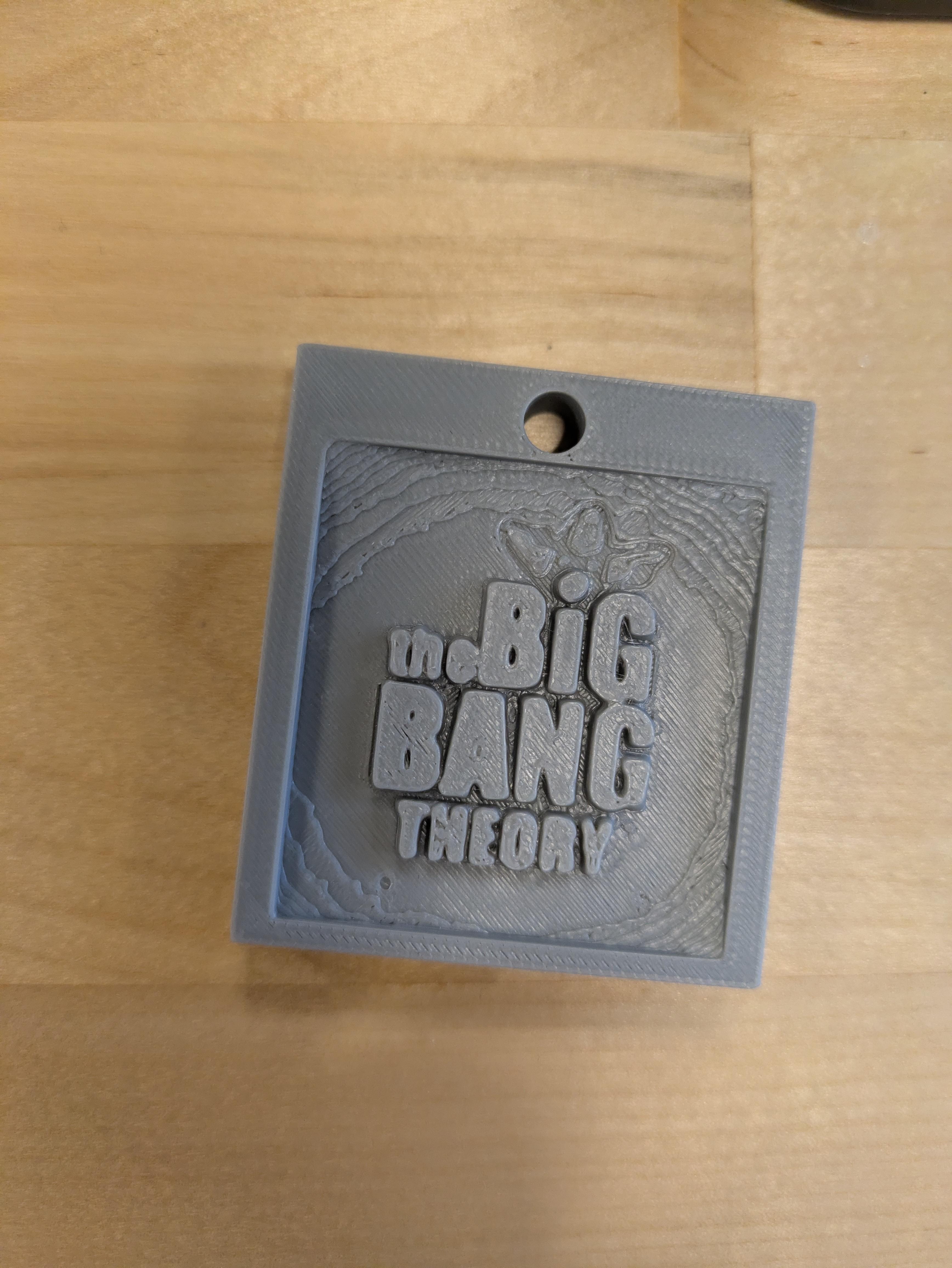
In this instructable, I created a 3d Printed model of The Big Bang Theory Logo as a keychain. You can create whatever you want, but this is just the basic idea and instructions.
Supplies
You will need a computer for the most part, websites, but also one's self ideas.
PineTools
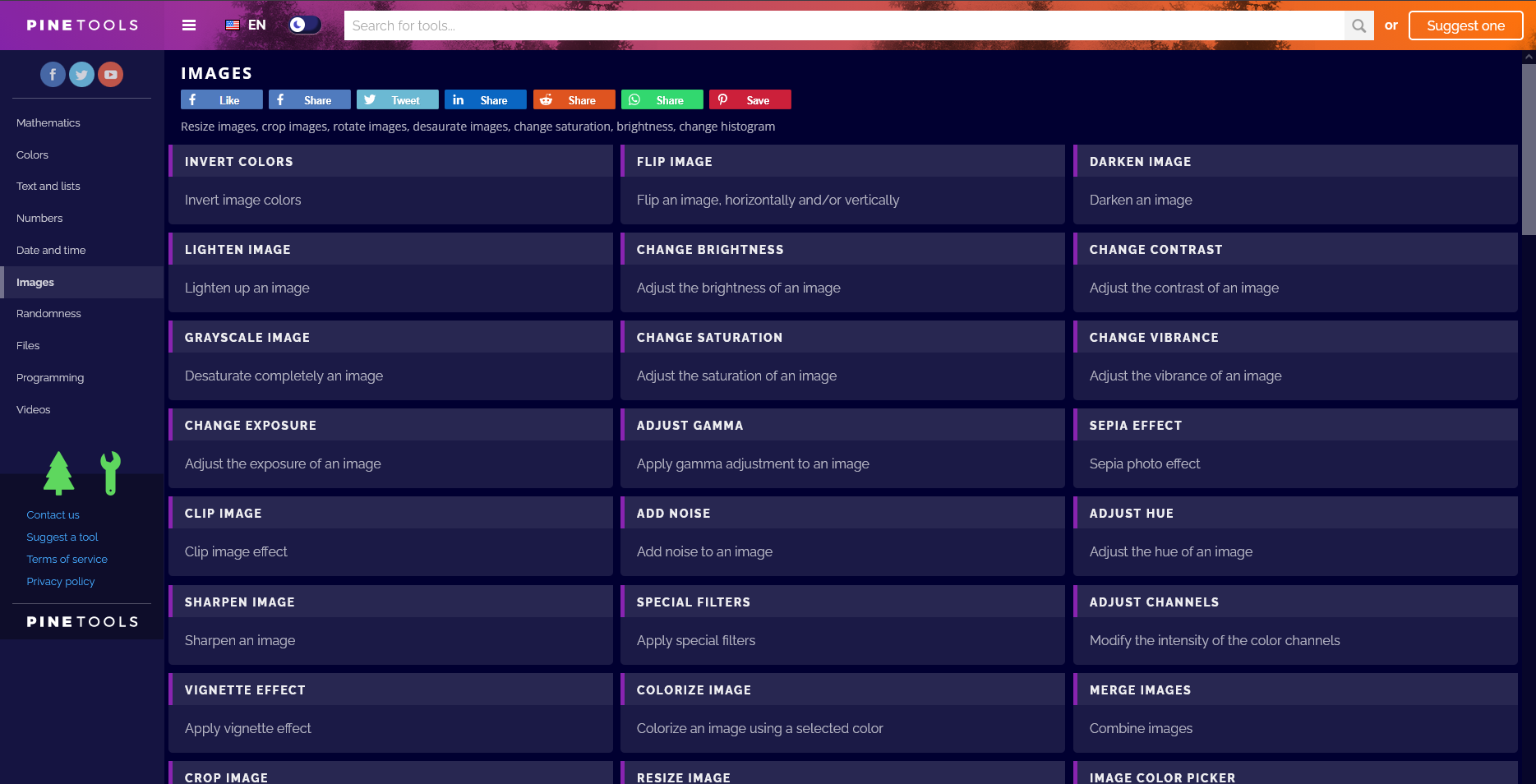
Start by finding your image and flip it in the website PineTools. This can flip, remove backgrounds, and change photos for your model. Think of it as a stamp, you need to have the image flipped to STAMP it into a block. Flipping isn't mandatory if your image has no text.
Image-STL
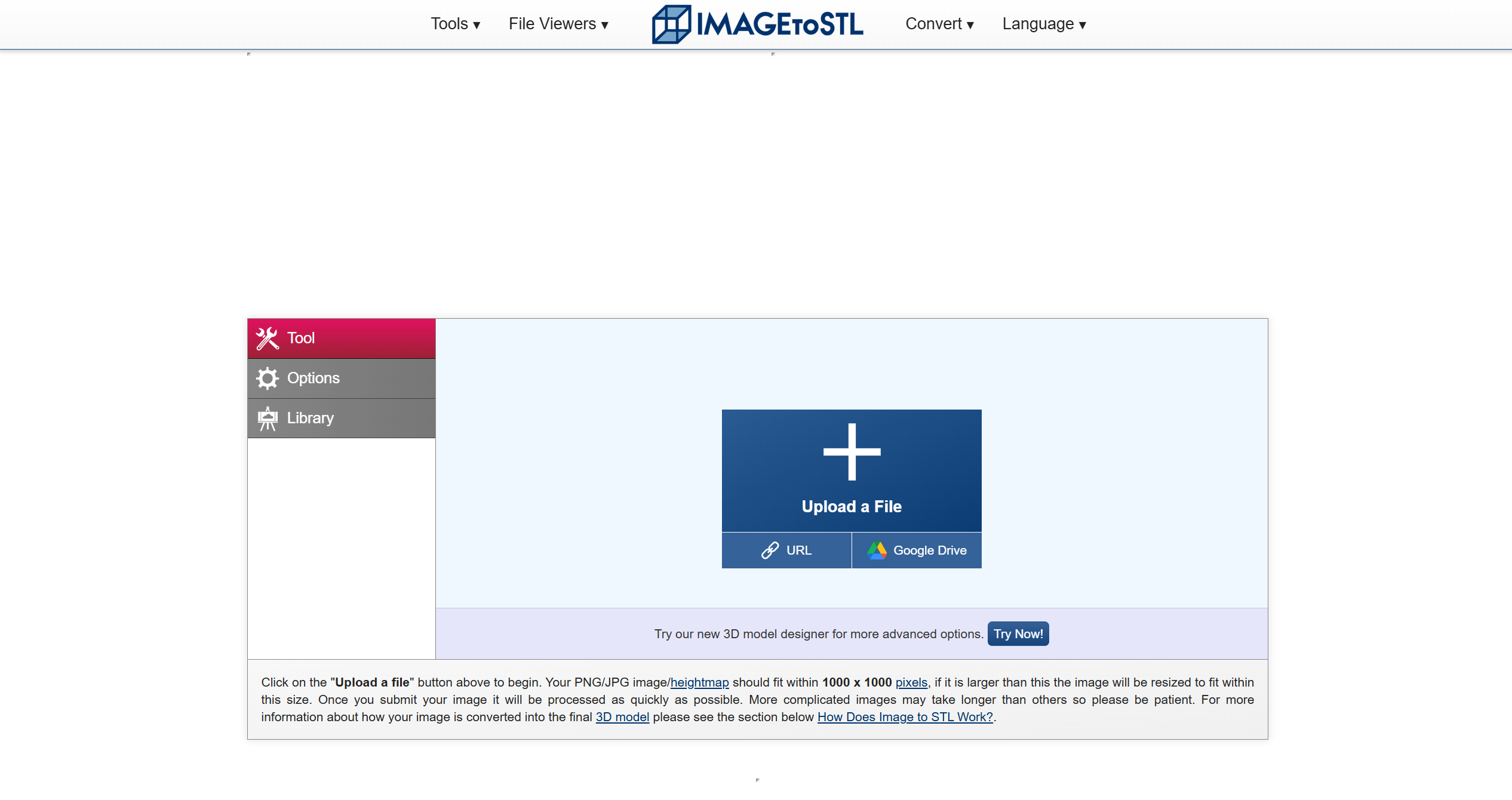
Start by loading your image into Image-STL by pressing the plus and finding your image. This is the biggest part of this instructable.
Starting Settings in Image-STL
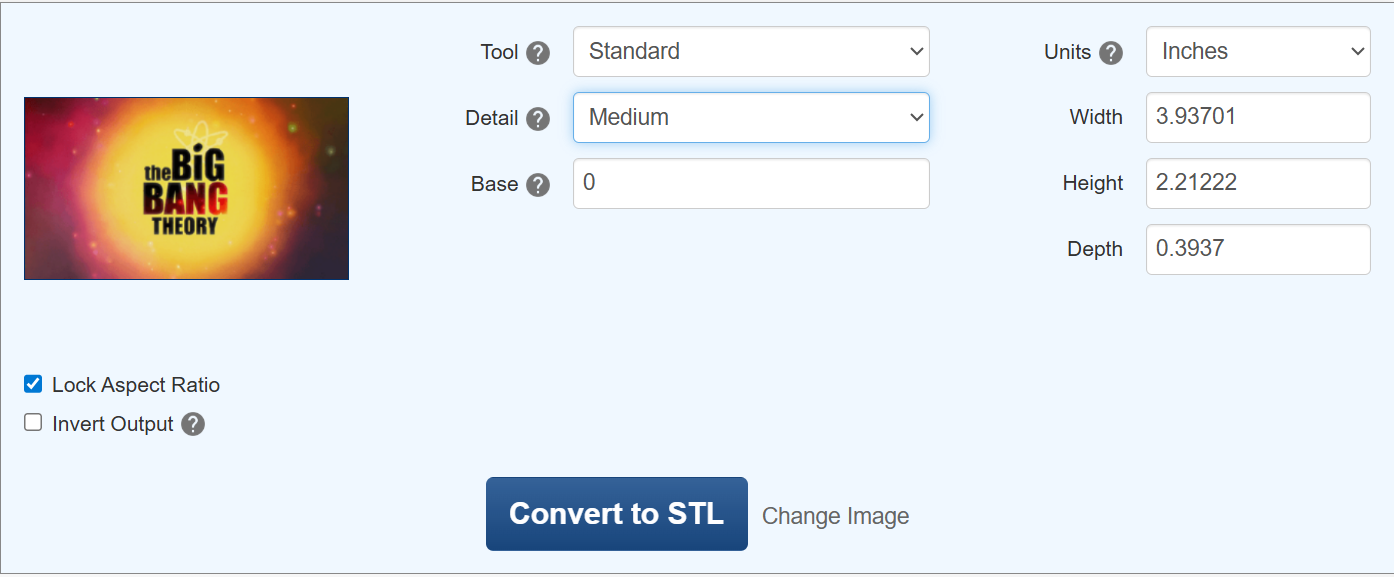
For Example, I have the title card of TBBT and am plugging it in. For your images, I recommend leaving the tool to standard, detail to medium, and base to around 0-1. Medium detail is required since TinkerCad only allows 300,000 Polygons, because some images go over that maximum.
Model Generating

Once your model has generated, it may show up as a weird blobby mess, but that's okay! Mine looks fine, yet bumpy which is what you want. Sometimes, lines and bumps can jut out away from the model, but that is ALSO fine. Keep in mind this will be created into a hole for TinkerCad.
TinkerCad
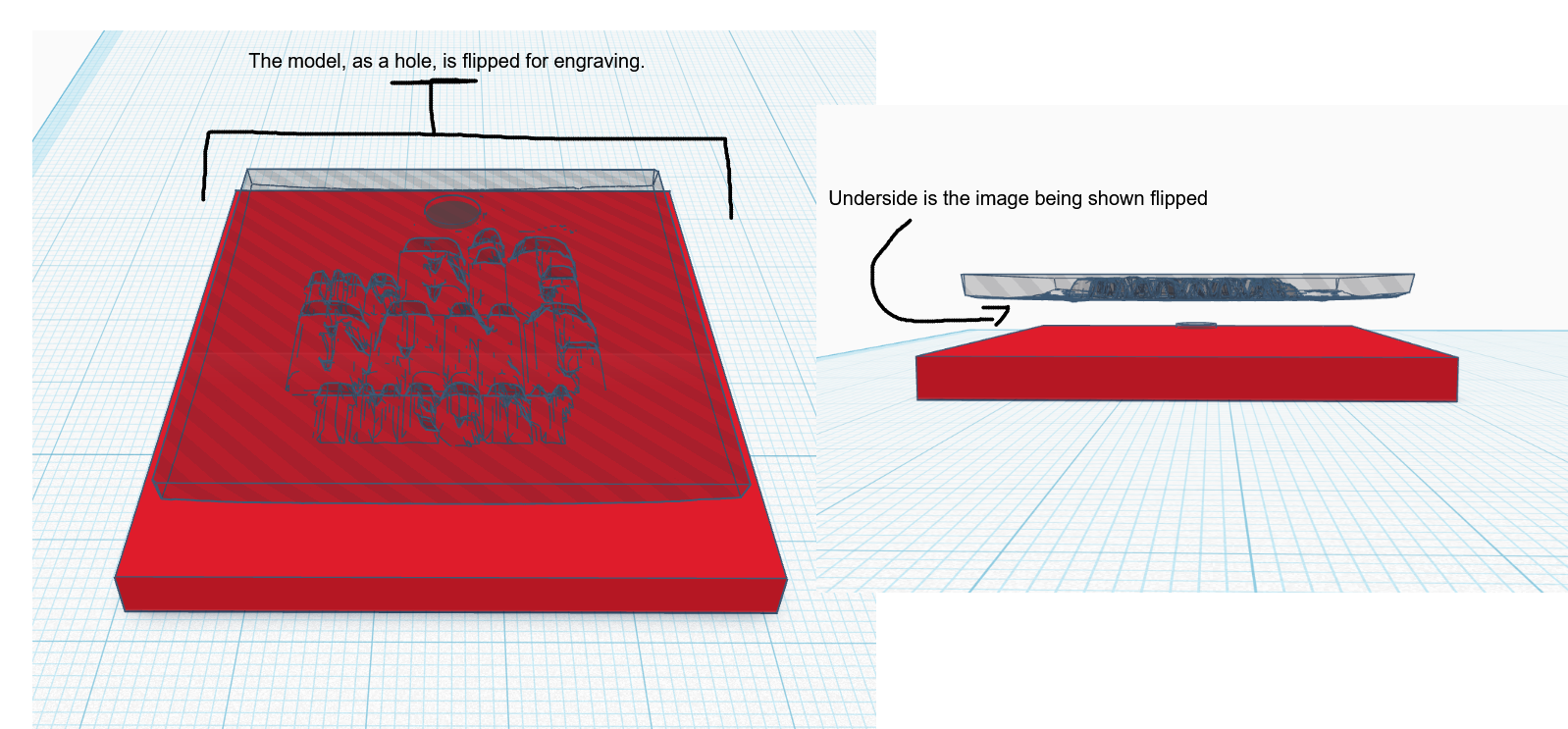
I personally use TinkerCad for model creation, due to it's beginner friendly tools. For this, you need to use a hole and a cube. First load your STL file into TinkerCad, and then it will be added after a minute at most. Flipped or not, you will change it to a hole, then rotated 180 Degrees to where the image looks normal/unflipped.
Detailing
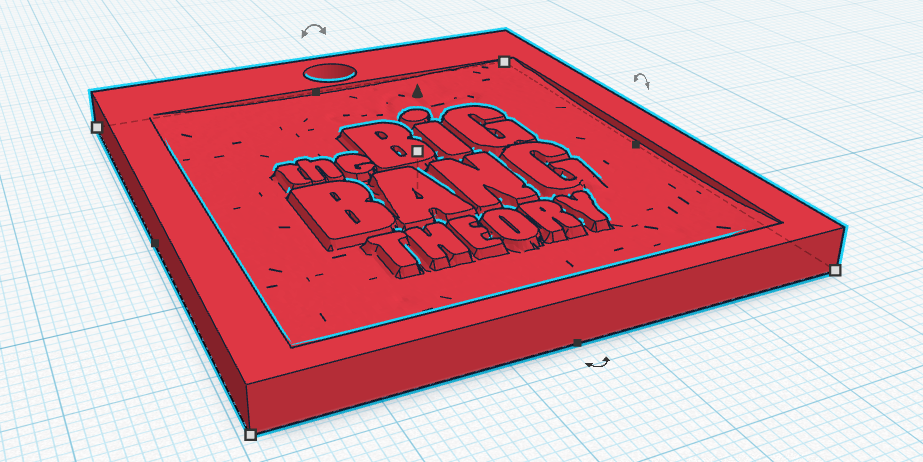
This step is fully up to you. If text is bumpy, the best cause of action is to lift the hole up enough to where the text has a smooth top. This also applies to images WITHOUT text.