3D Printed Tinywhoop Drone
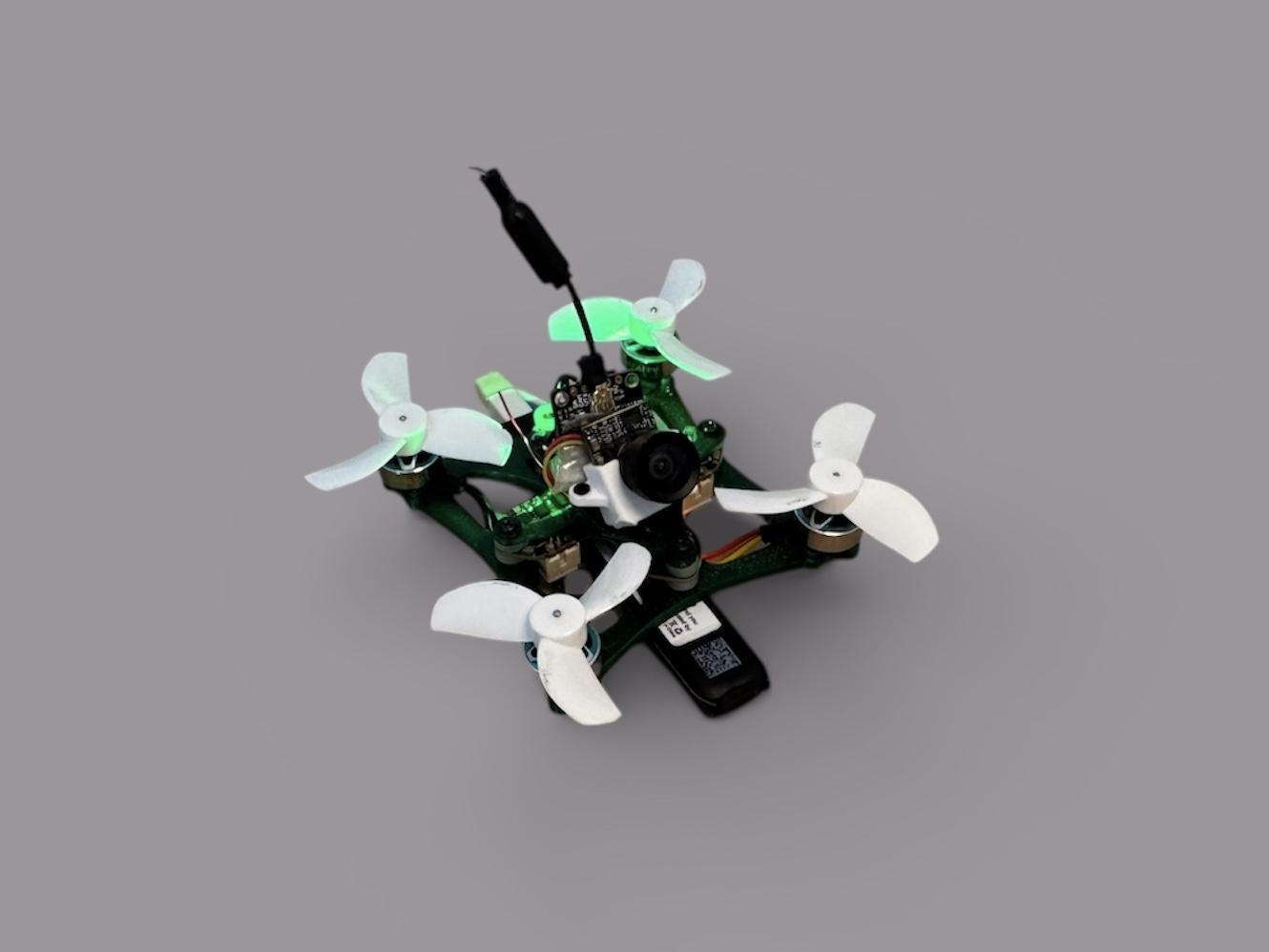
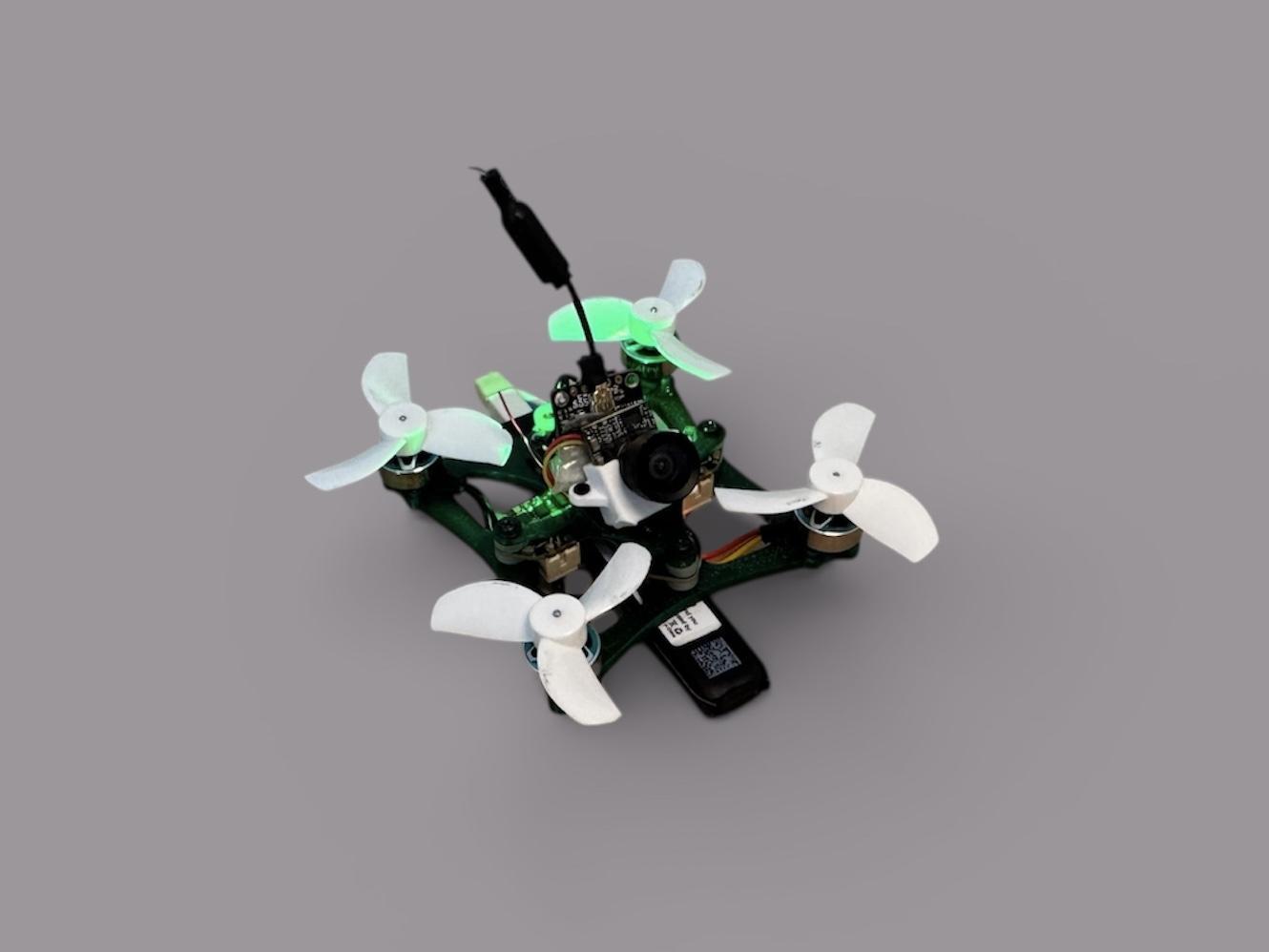
This instructable will focus on designing and building a 3D-printed Tinywhoop FPV drone. Enjoy!
Supplies
The parts and tools needed for the build:
- 3D printer
- PETG filament
- Chosen electronics (motors, FC, camera, VTX, battery)
- 12 M1.4×3 screws for the motors
- 2 M1.4×3 screws for the camera
- 3 M1.4×4 screws for the FC and the camera mount
Designing

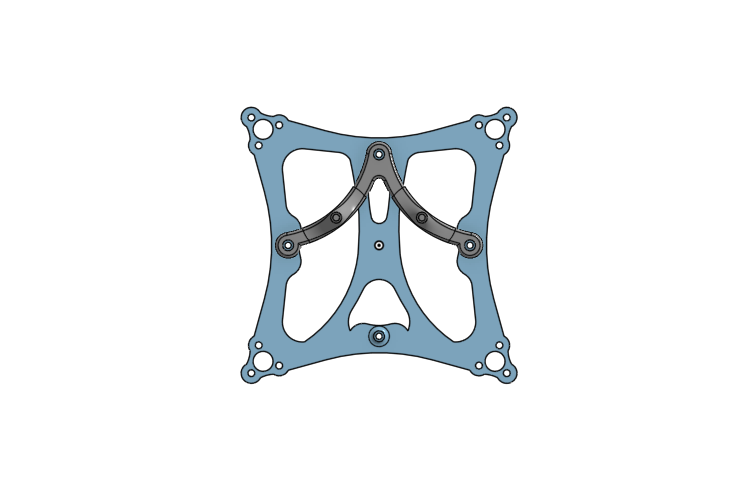
To design the frame and the camera mount, I used the web-based CAD Onshape. First, the general sketch of the mounting holes and distances was made. Later, I added the connecting and supporting geometry of the frame, and finally, I extruded the parts to create solid objects.
3D Printing
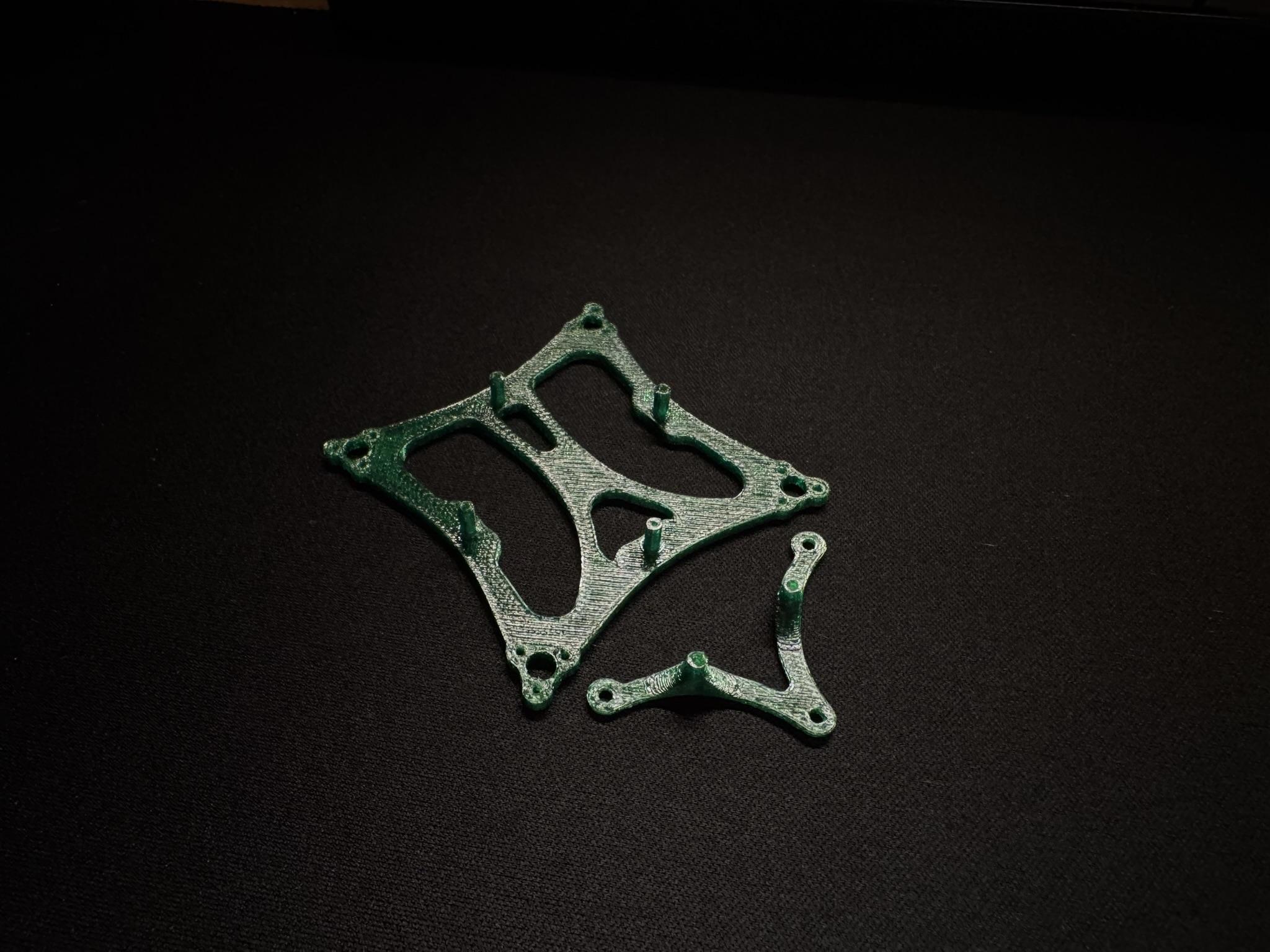
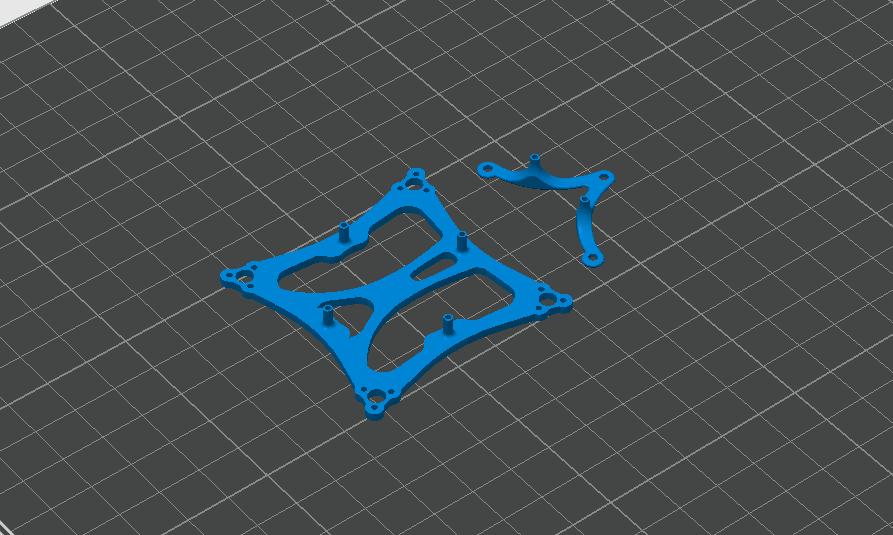
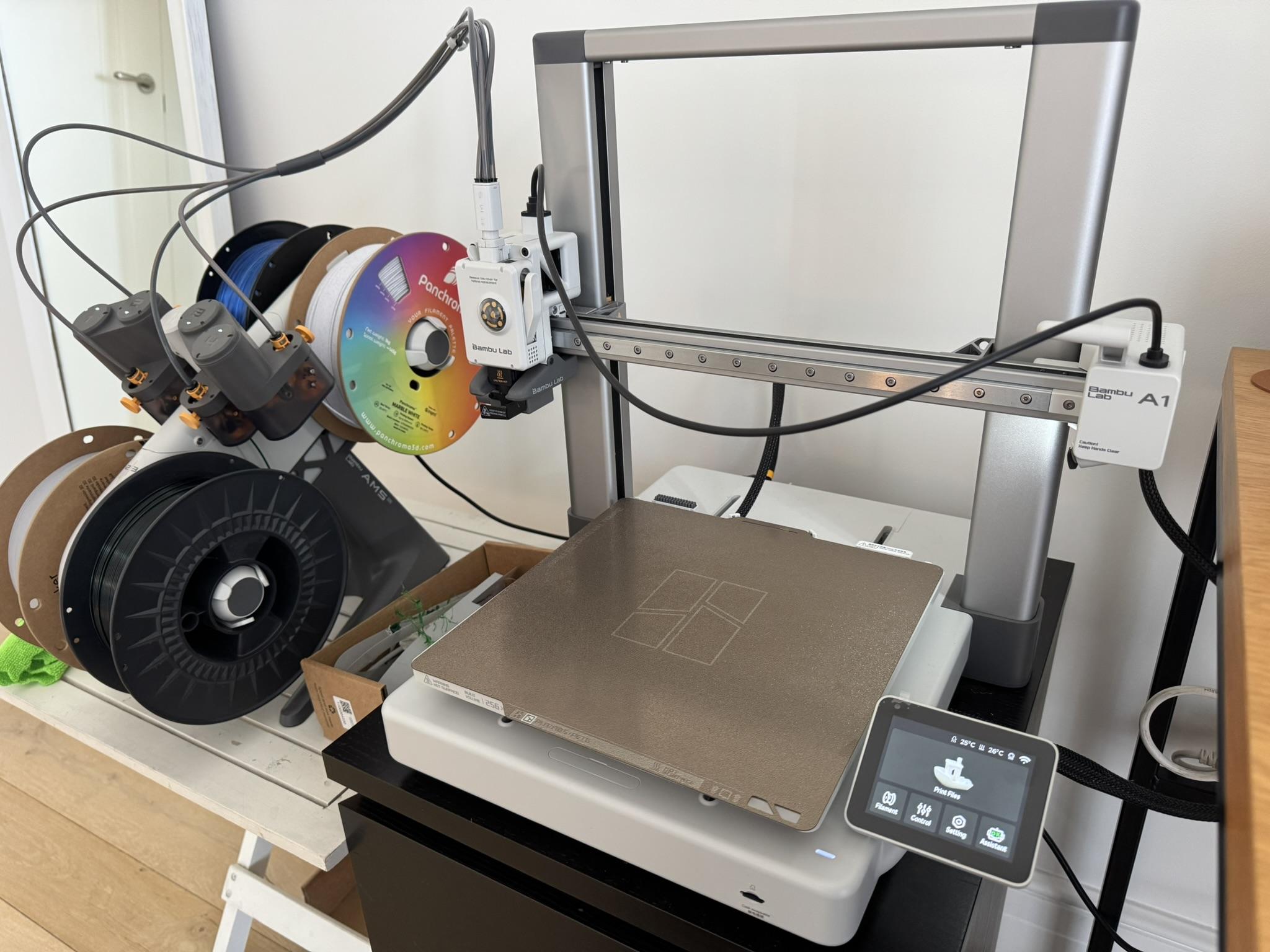
To print the frame, I used my Bambu Lab A1 printer. I used the following settings:
- Layer height – 0.16 mm
- Infill – 100%
- No supports
- No bed adhesion
All of the other settings were the default Bambu Lab 0.16 mm High Quality preset settings.
Electronics
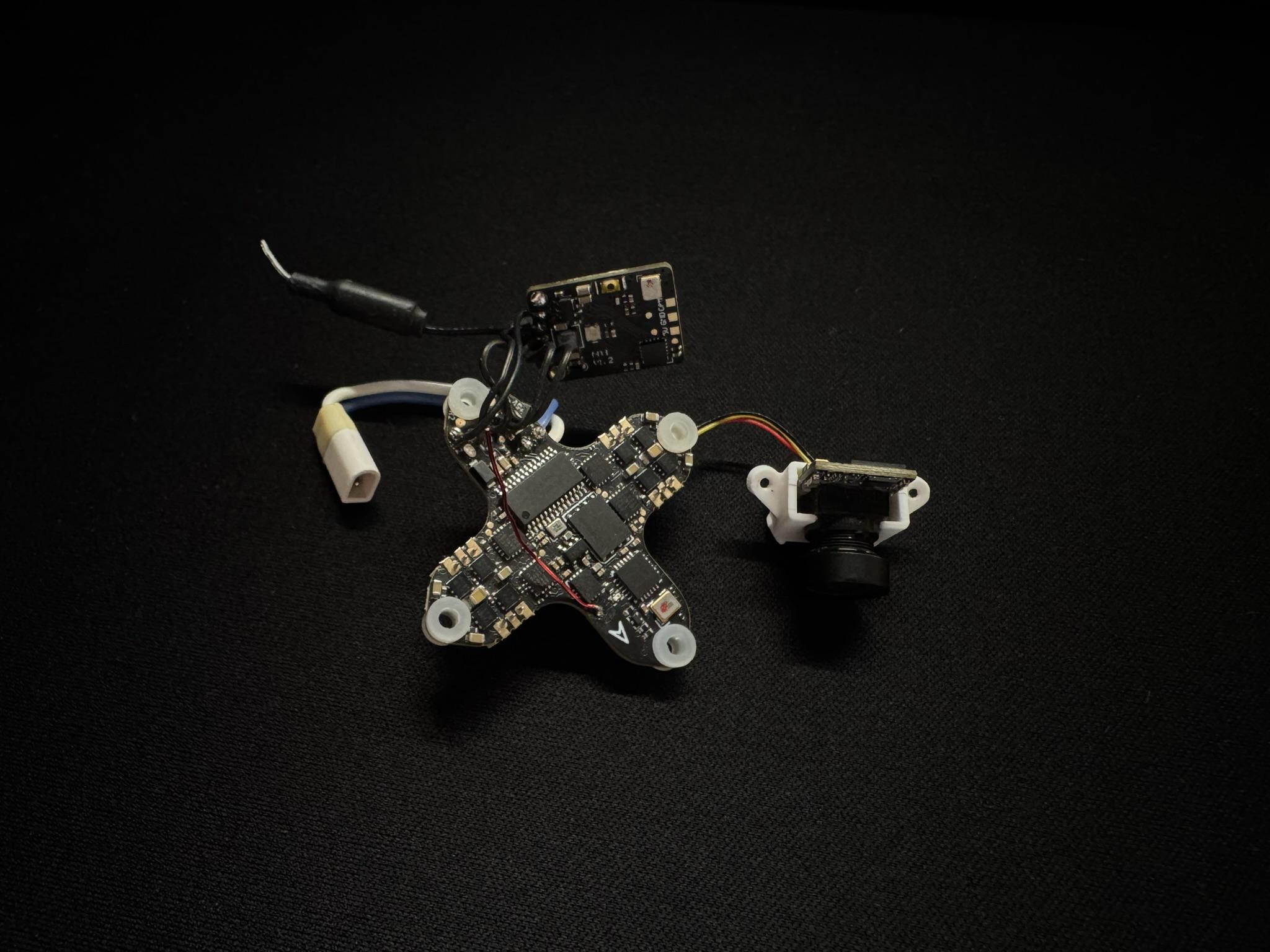
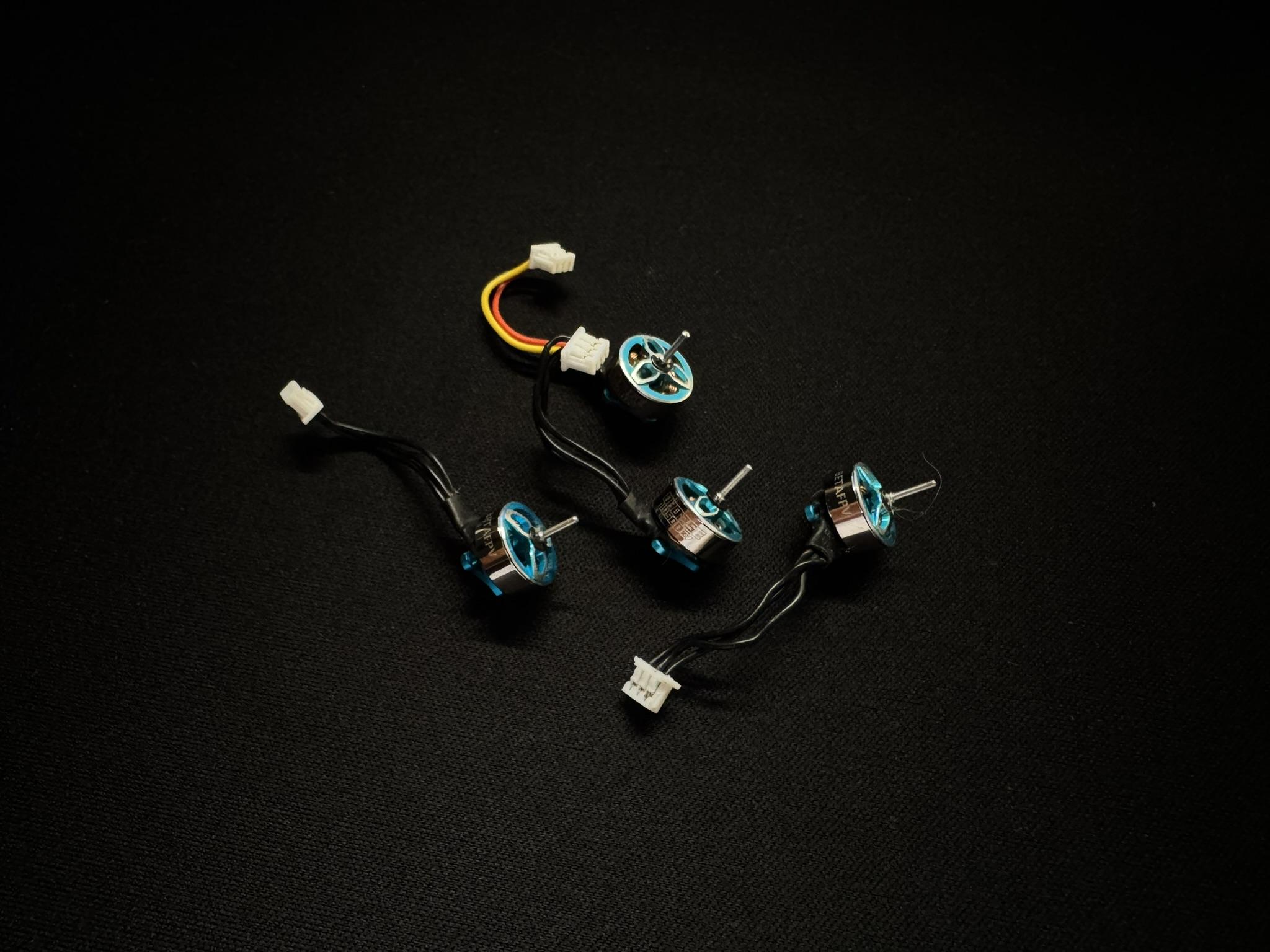
This frame is intended for a 65 mm 1S Tinywhoop, with the FC mounting hole spacing being a 26×26 mm rectangle. Any electronics that fit these specifications will work for this build. Personally, I used some old BETAFPV Meteor 65 Pro parts that I had lying around.
Building
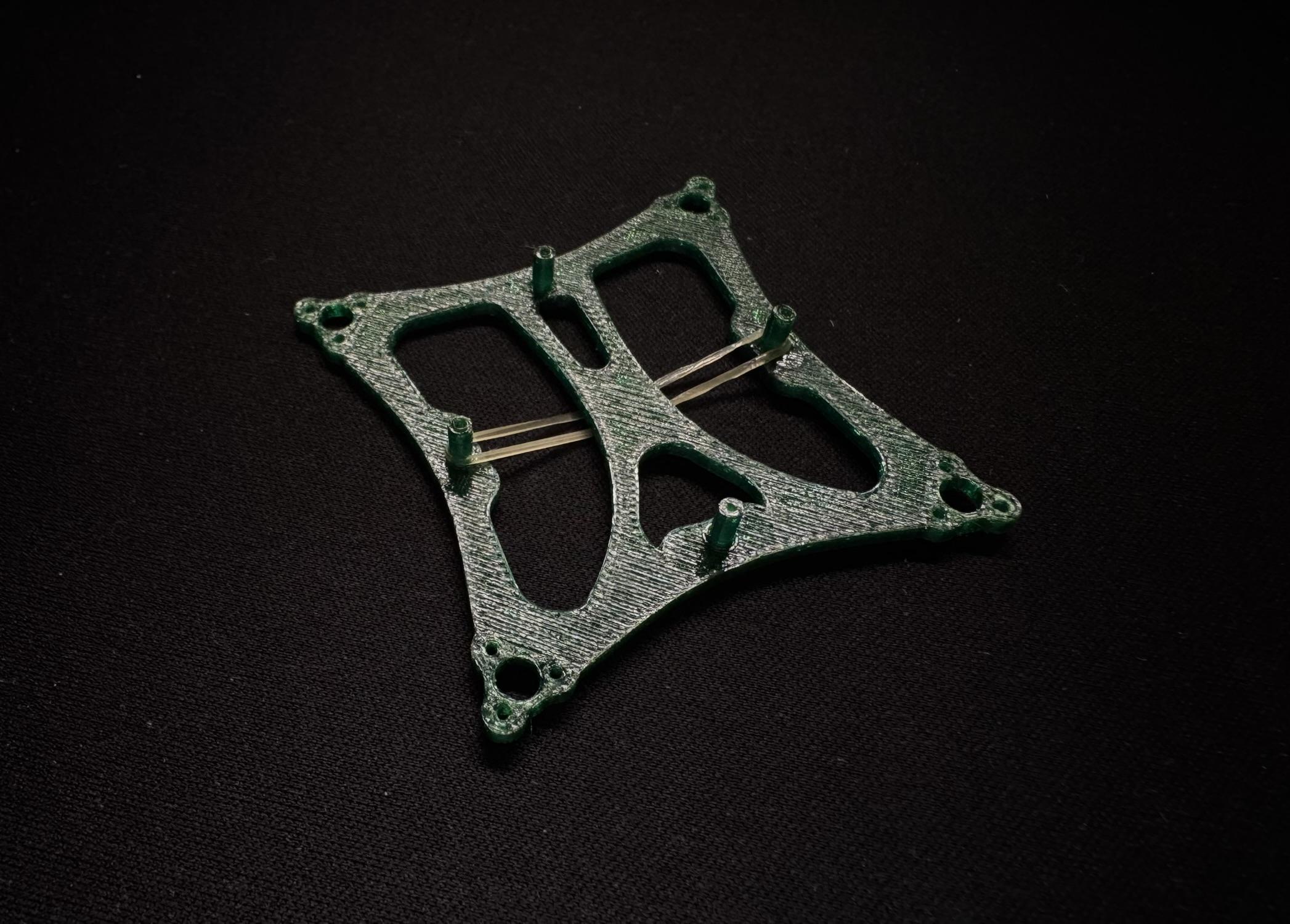
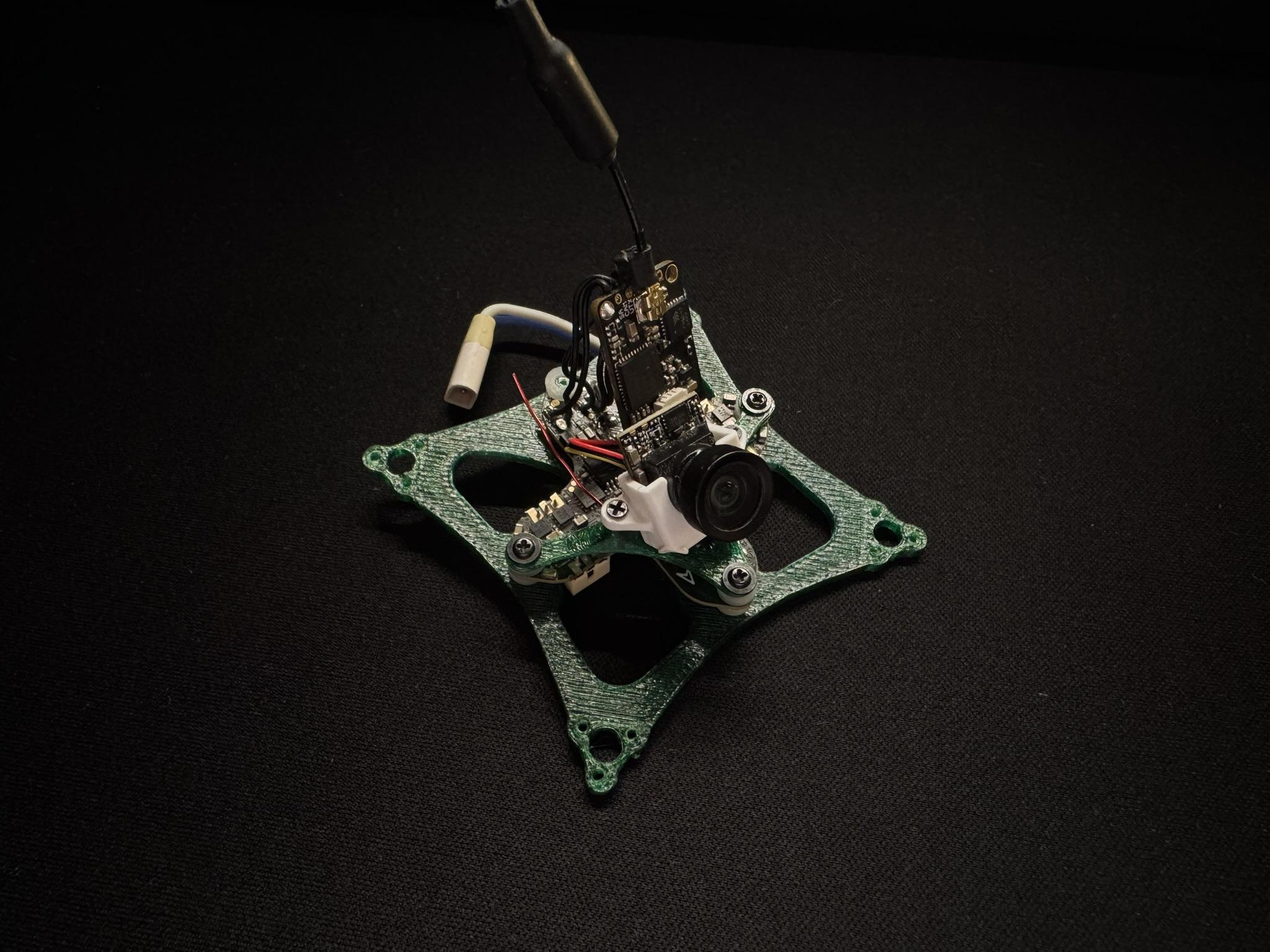
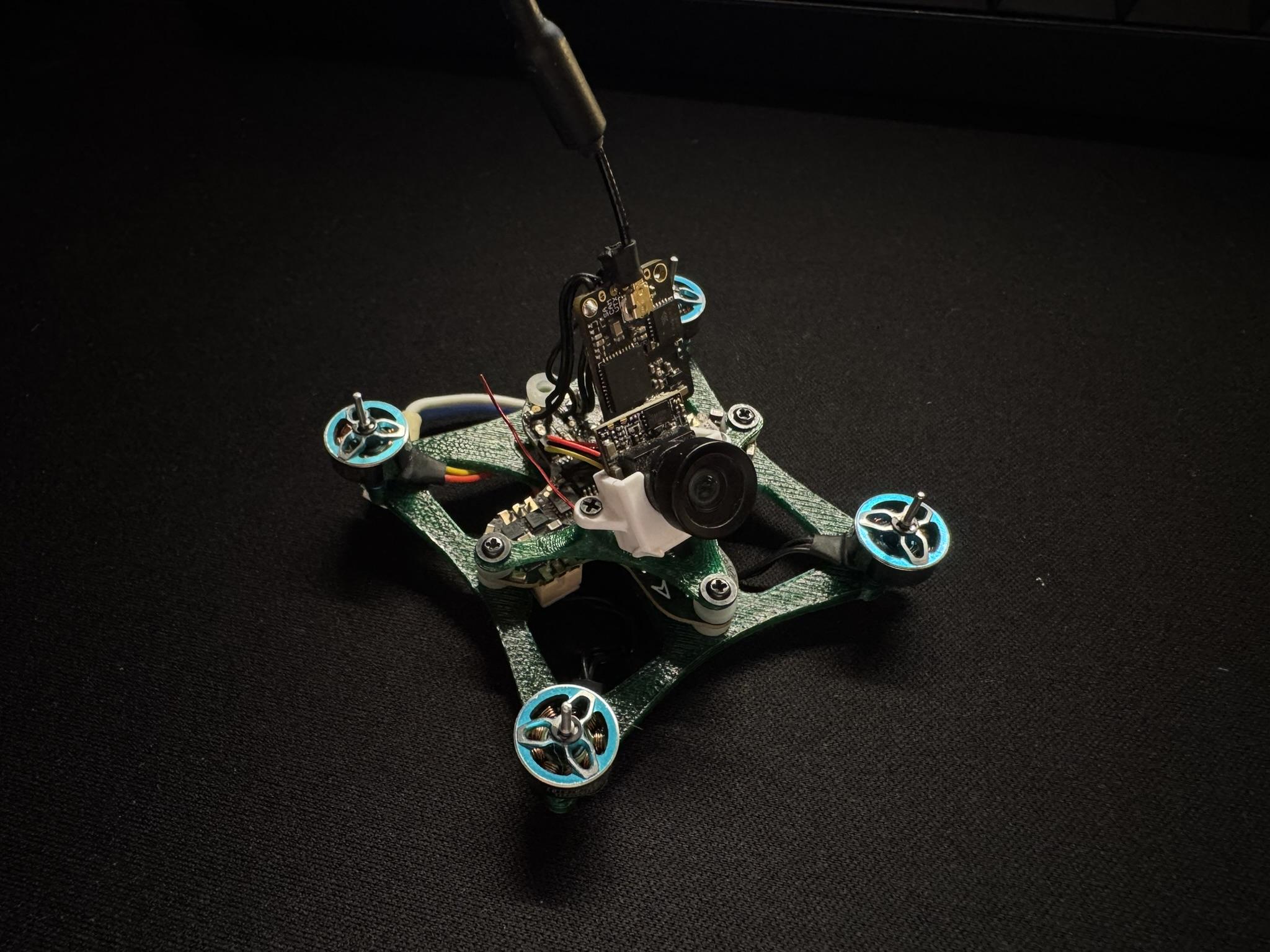
.JPEG)
When all of the parts are ready, the building process can finally begin. First, a small rubber band can be attached to the left and right mounts and guided under the frame; it will serve as the battery holder for the drone. Next, the FC can be mounted onto the frame using rubber spacers and M3 4 mm screws. Before the FC is screwed on, the camera mount part should be placed over the three front holes; the same screws holding the FC will hold the camera mount in place.
Next, the camera can be screwed onto the mounting holes. The white camera adapter came in the box with my camera, but I will attach the STL file in the project library. The mounting hole spacing is 11 mm for those wanting to make their own adapters.
Next, the motors can be attached using the M1.4×3 screws. When everything is plugged in, the last step is to secure the VTX (if you have an external one) to the back of the camera with some thick double-sided tape.
Before any test flights, make sure that all of the wires are well hidden from the propellers’ reach and that the props are mounted in the correct positions.
Enjoy Your Tinywhoop!